Java Servlet
Definition
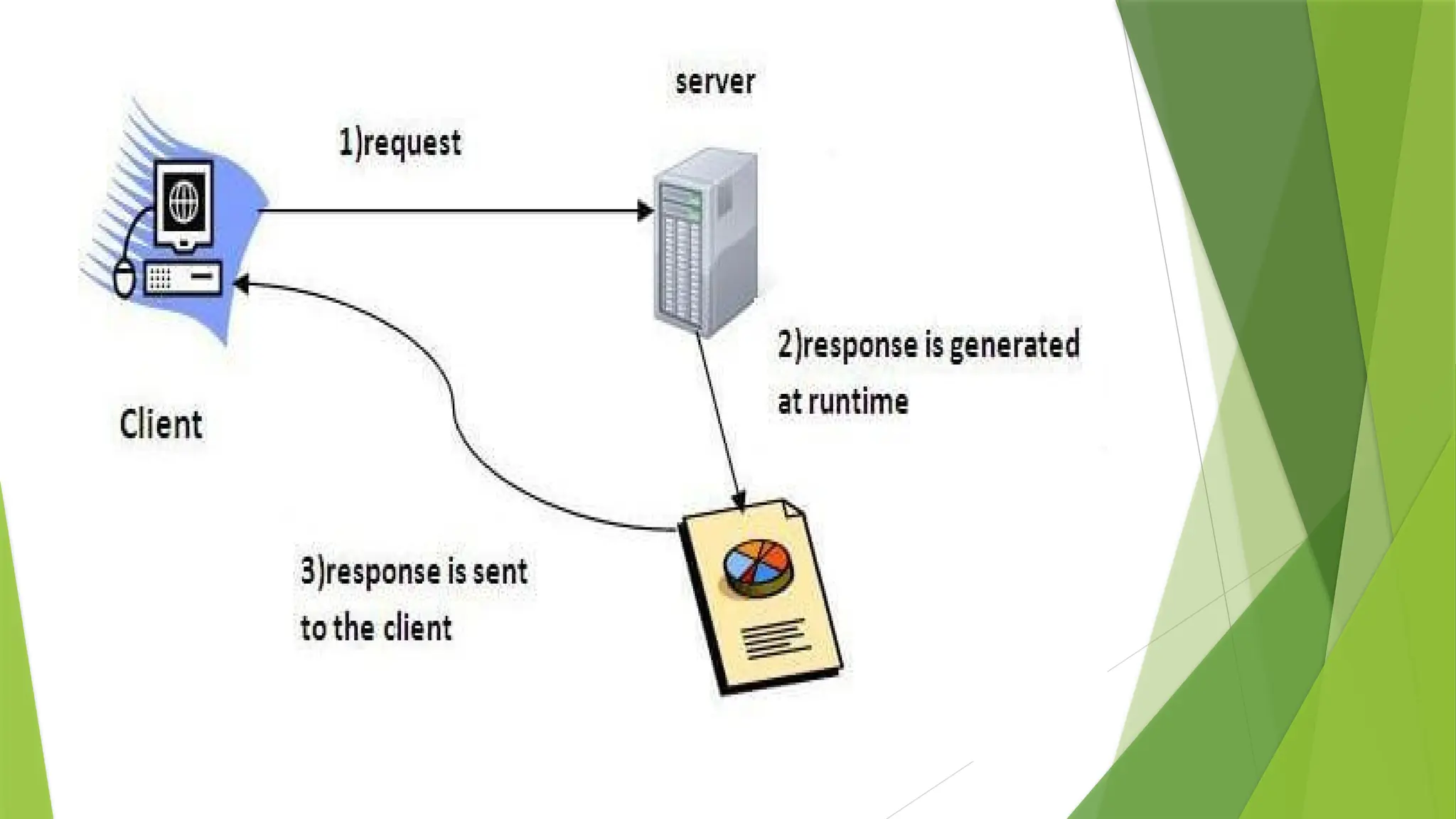
 Servlet technology is used to create a web application
(resides at server side and generates a dynamic web
page).
 Before Servlet, CGI (Common Gateway Interface)
scripting language was common as a server-side
programming language.
 Servlet is an interface that must be implemented for
creating any Servlet.
 Servlet is a class that extends the capabilities of the
servers and responds to the incoming requests. It can
respond to any requests.
CGI (Common Gateway Interface)
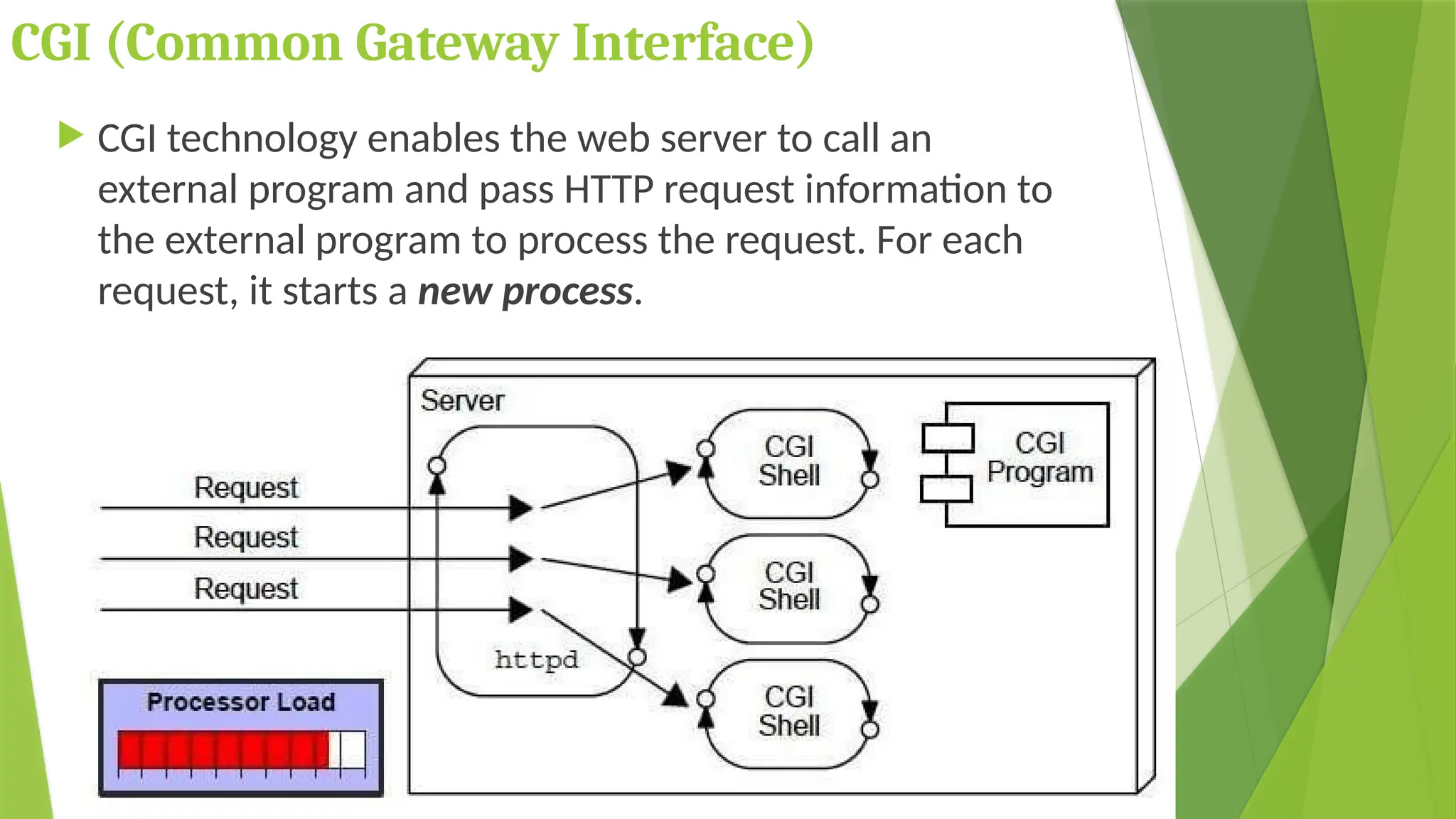
 CGI technology enables the web server to call an
external program and pass HTTP request information to
the external program to process the request. For each
request, it starts a new process.
Disadvantages of CGI
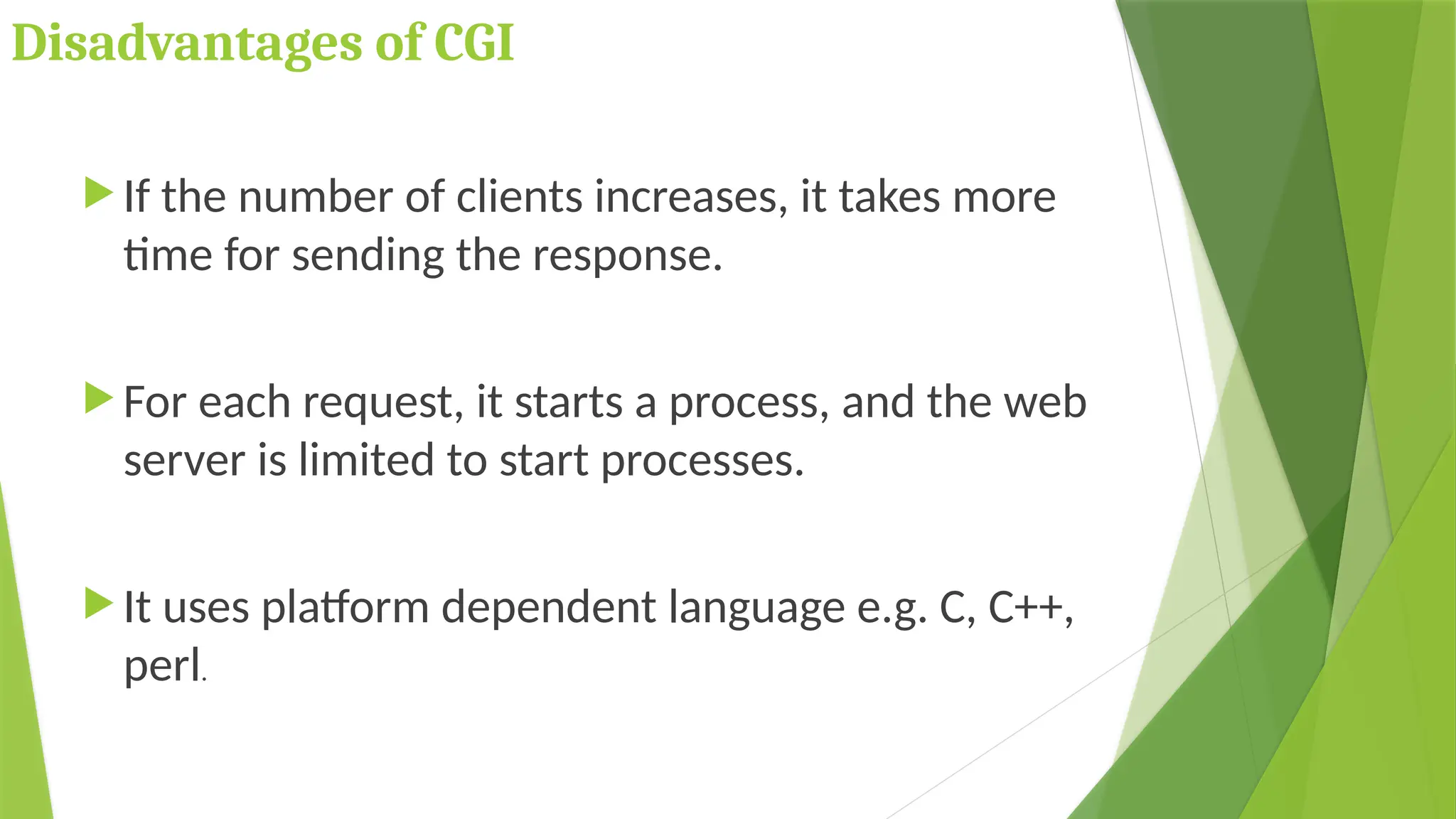
 If the number of clients increases, it takes more
time for sending the response.
 For each request, it starts a process, and the web
server is limited to start processes.
 It uses platform dependent language e.g. C, C++,
perl.
Advantages of Servlet
The web container creates threads for handling the multiple
requests to the Servlet. Threads have many benefits over the
Processes such as they share a common memory area,
lightweight, cost of communication between the threads are
low.
 Better performance: because it creates a thread for
each request, not process.
 Portability: because it uses Java language.
 Robust: JVM manages Servlets, so we don't need to
worry about the memory leak, garbage collection, etc.
 Secure: because it uses java language.
Static vs Dynamic website
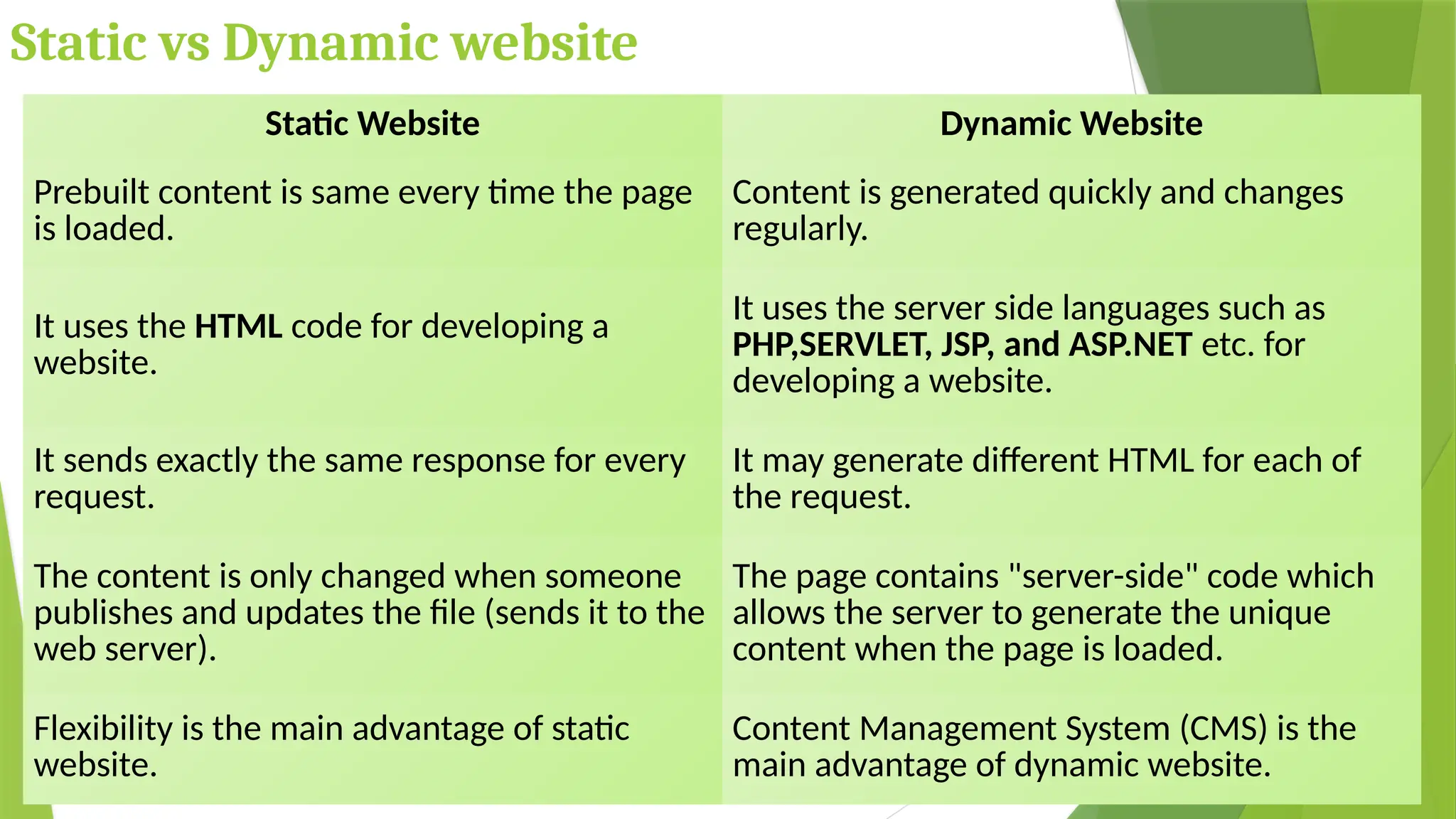
Static Website Dynamic Website
Prebuilt content is same every time the page
is loaded.
Content is generated quickly and changes
regularly.
It uses the HTML code for developing a
website.
It uses the server side languages such as
PHP,SERVLET, JSP, and ASP.NET etc. for
developing a website.
It sends exactly the same response for every
request.
It may generate different HTML for each of
the request.
The content is only changed when someone
publishes and updates the file (sends it to the
web server).
The page contains "server-side" code which
allows the server to generate the unique
content when the page is loaded.
Flexibility is the main advantage of static
website.
Content Management System (CMS) is the
main advantage of dynamic website.
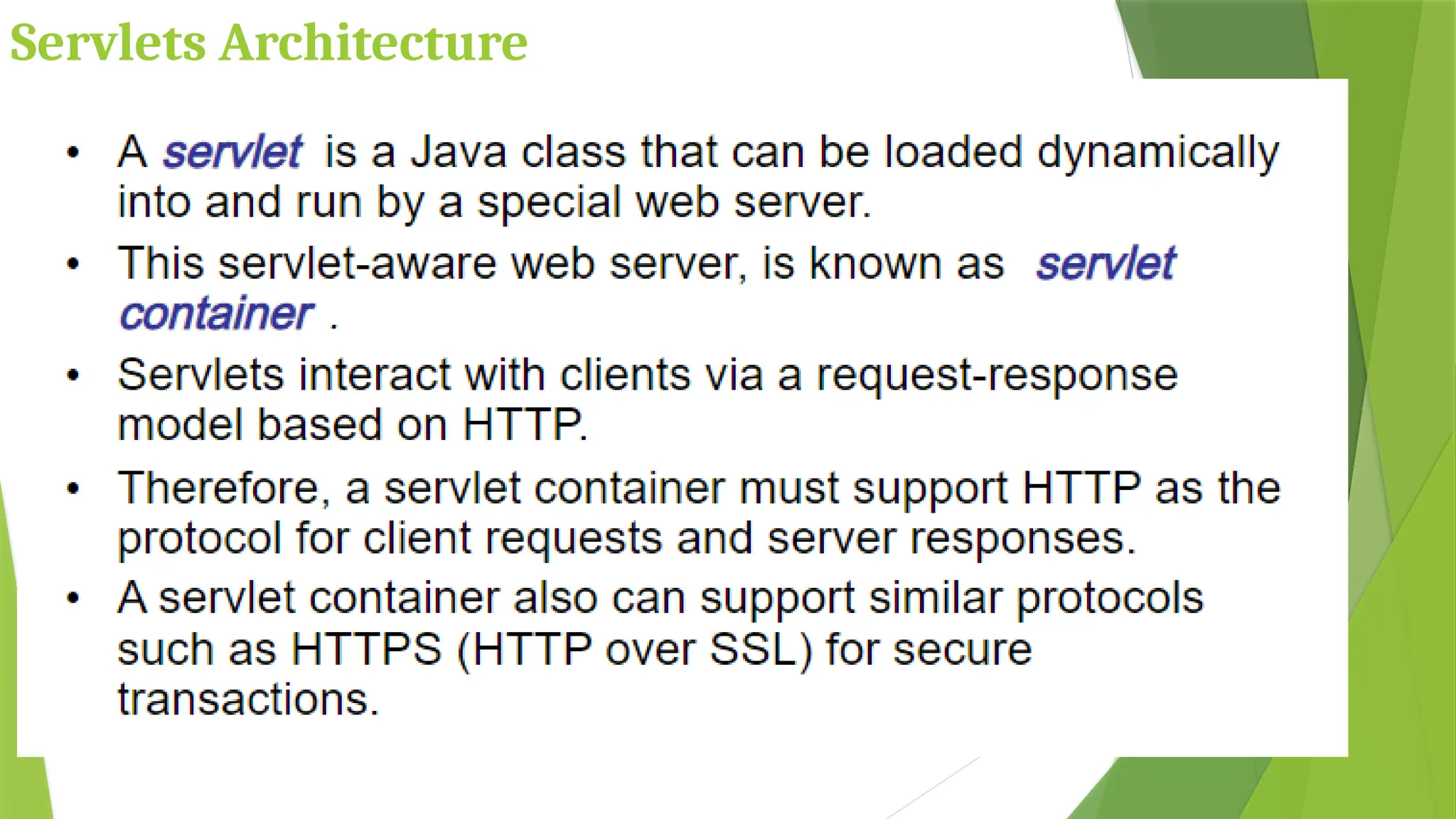
Servlets Architecture
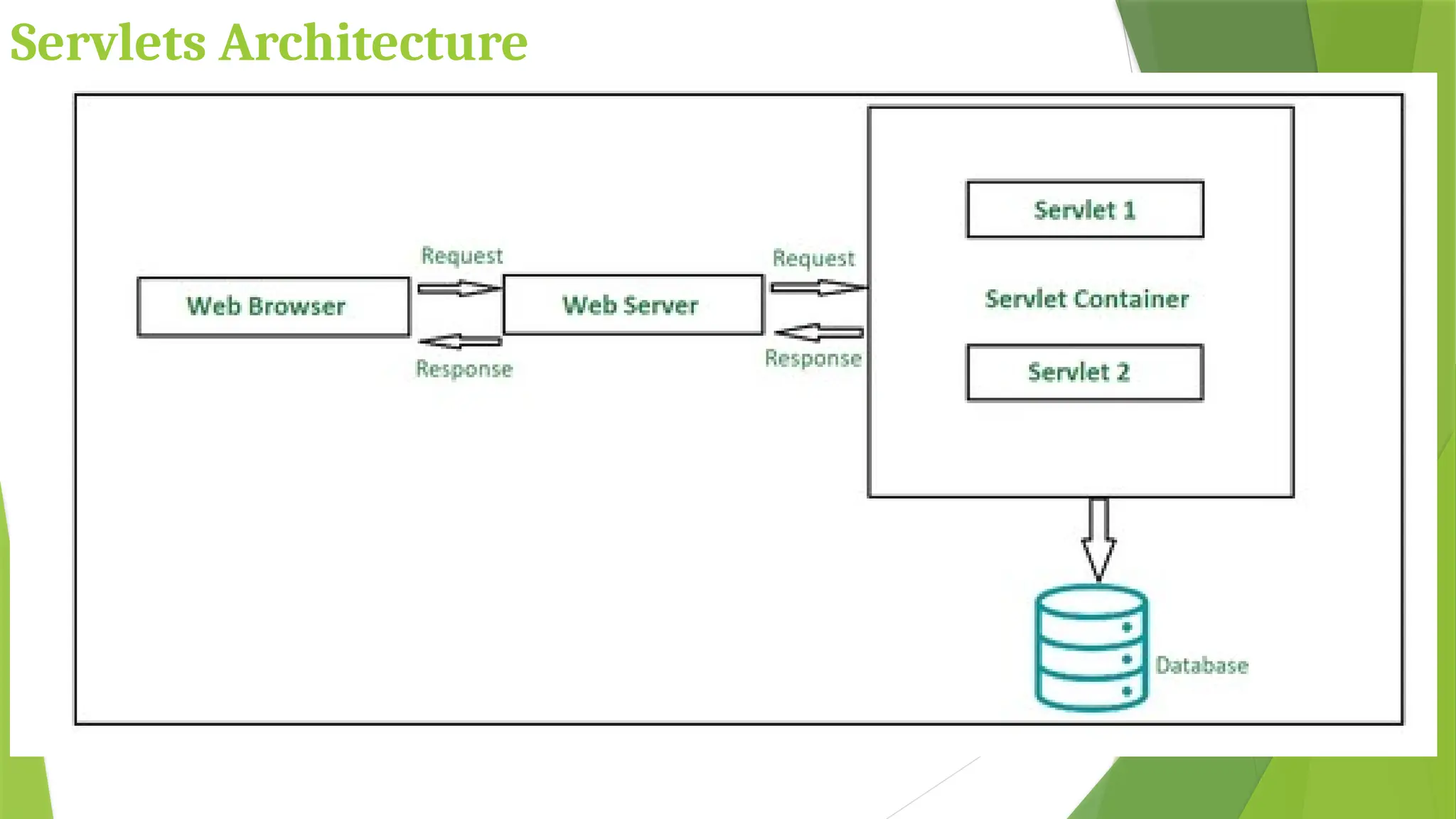
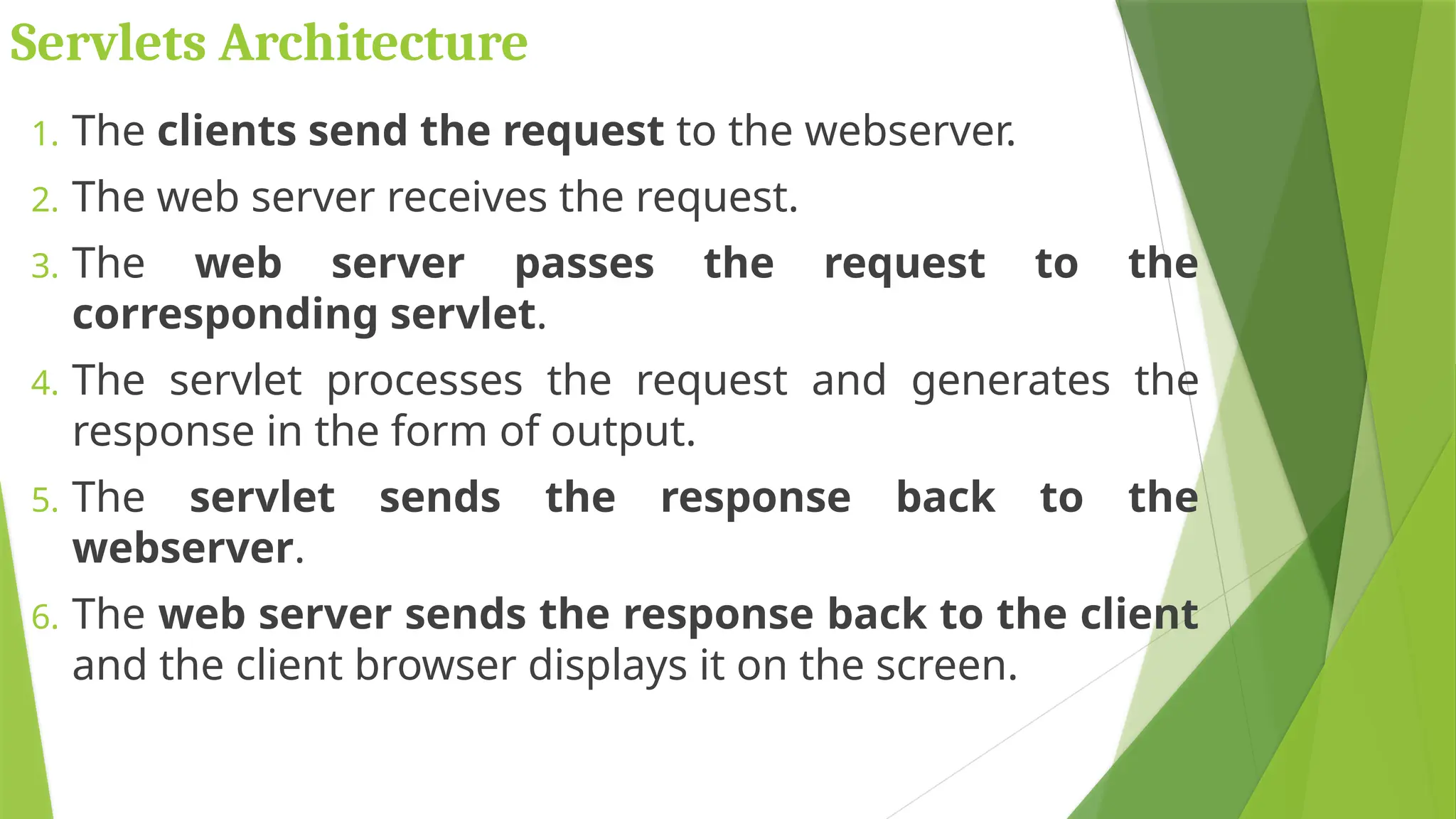
1. The clients send the request to the webserver.
2. The web server receives the request.
3. The web server passes the request to the
corresponding servlet.
4. The servlet processes the request and generates the
response in the form of output.
5. The servlet sends the response back to the
webserver.
6. The web server sends the response back to the client
and the client browser displays it on the screen.
Servlets Architecture
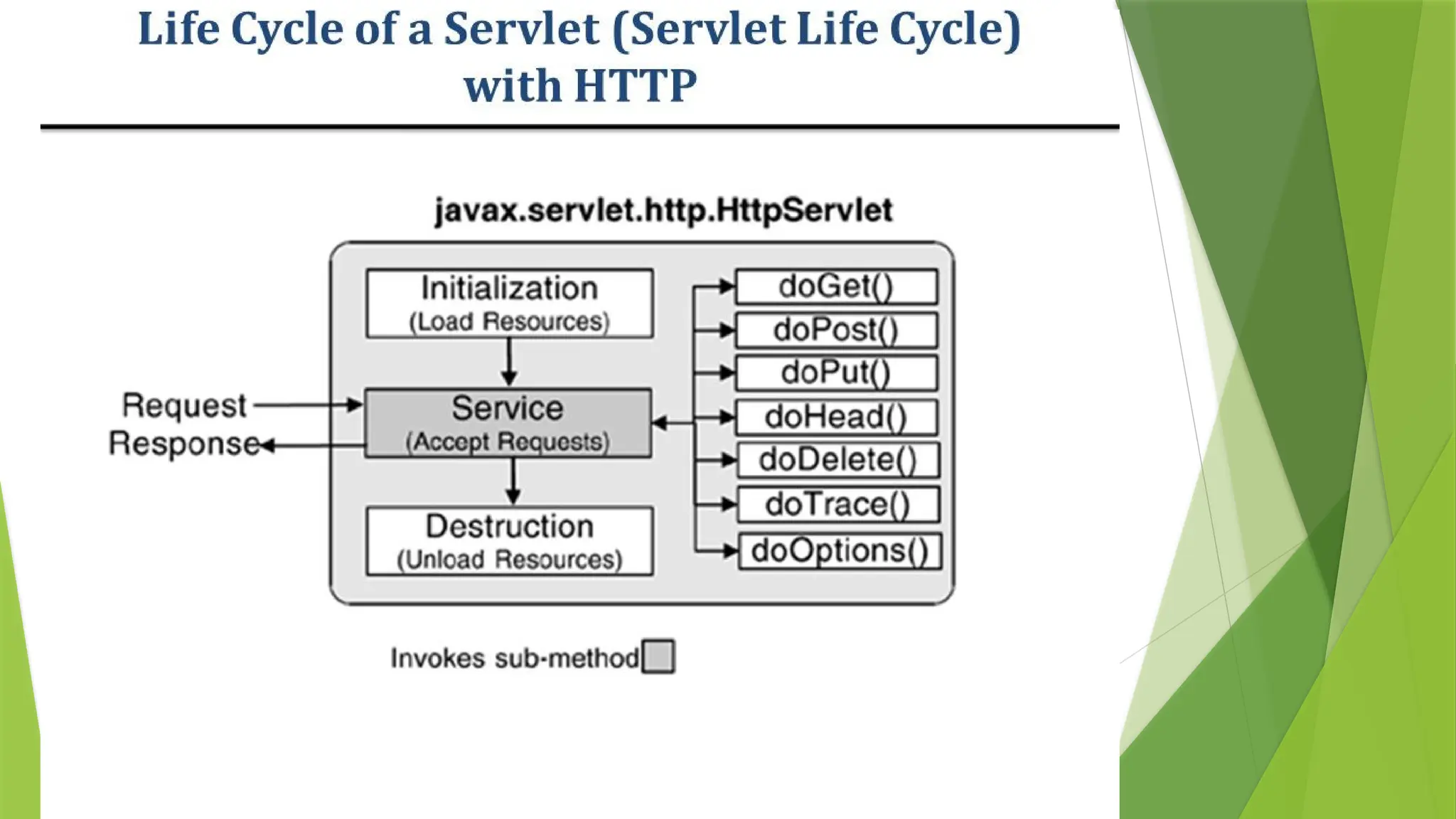
Servlets – Life Cycle
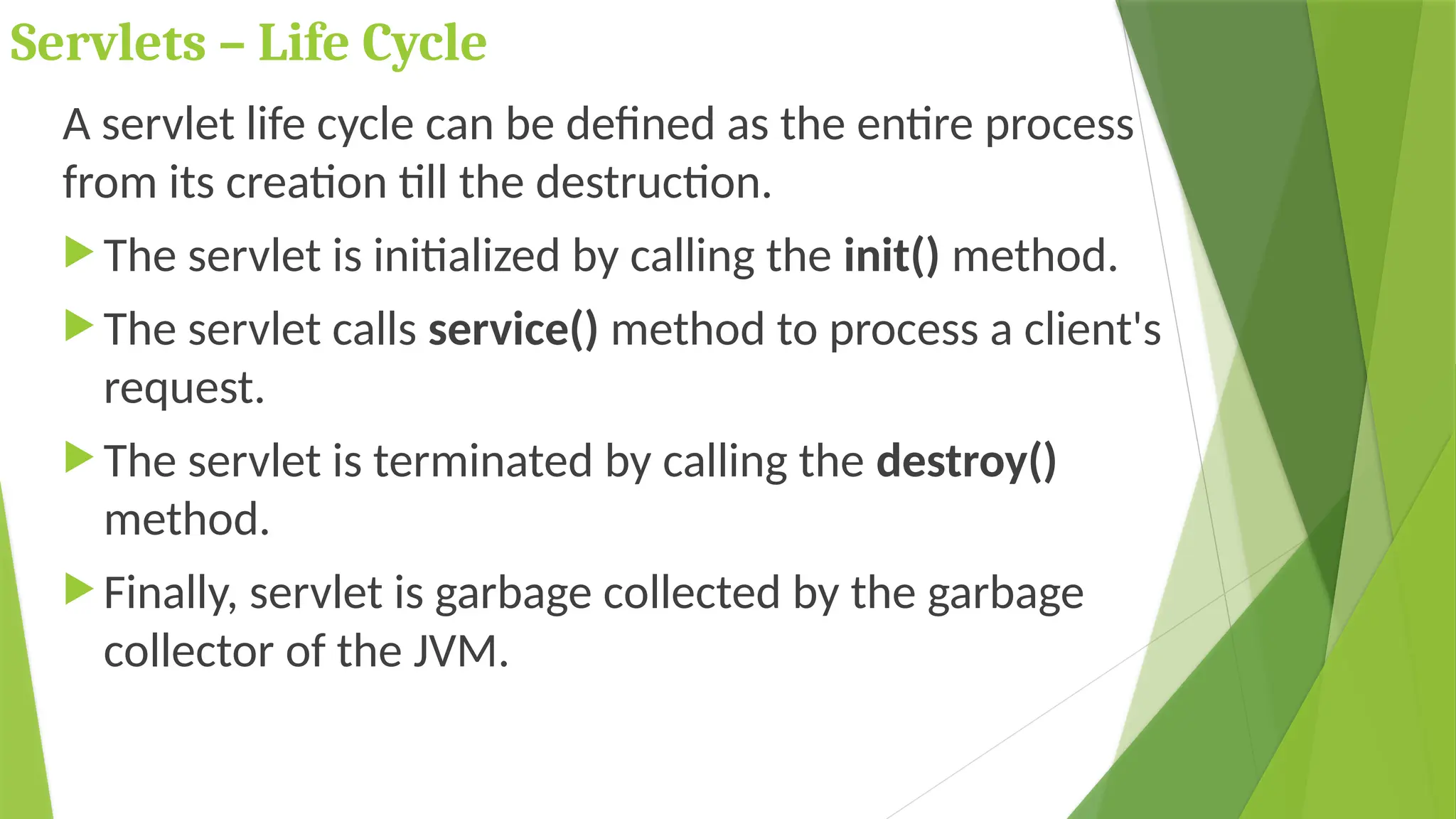
A servlet life cycle can be defined as the entire process
from its creation till the destruction.
 The servlet is initialized by calling the init() method.
 The servlet calls service() method to process a client's
request.
 The servlet is terminated by calling the destroy()
method.
 Finally, servlet is garbage collected by the garbage
collector of the JVM.
Servlets – Life Cycle
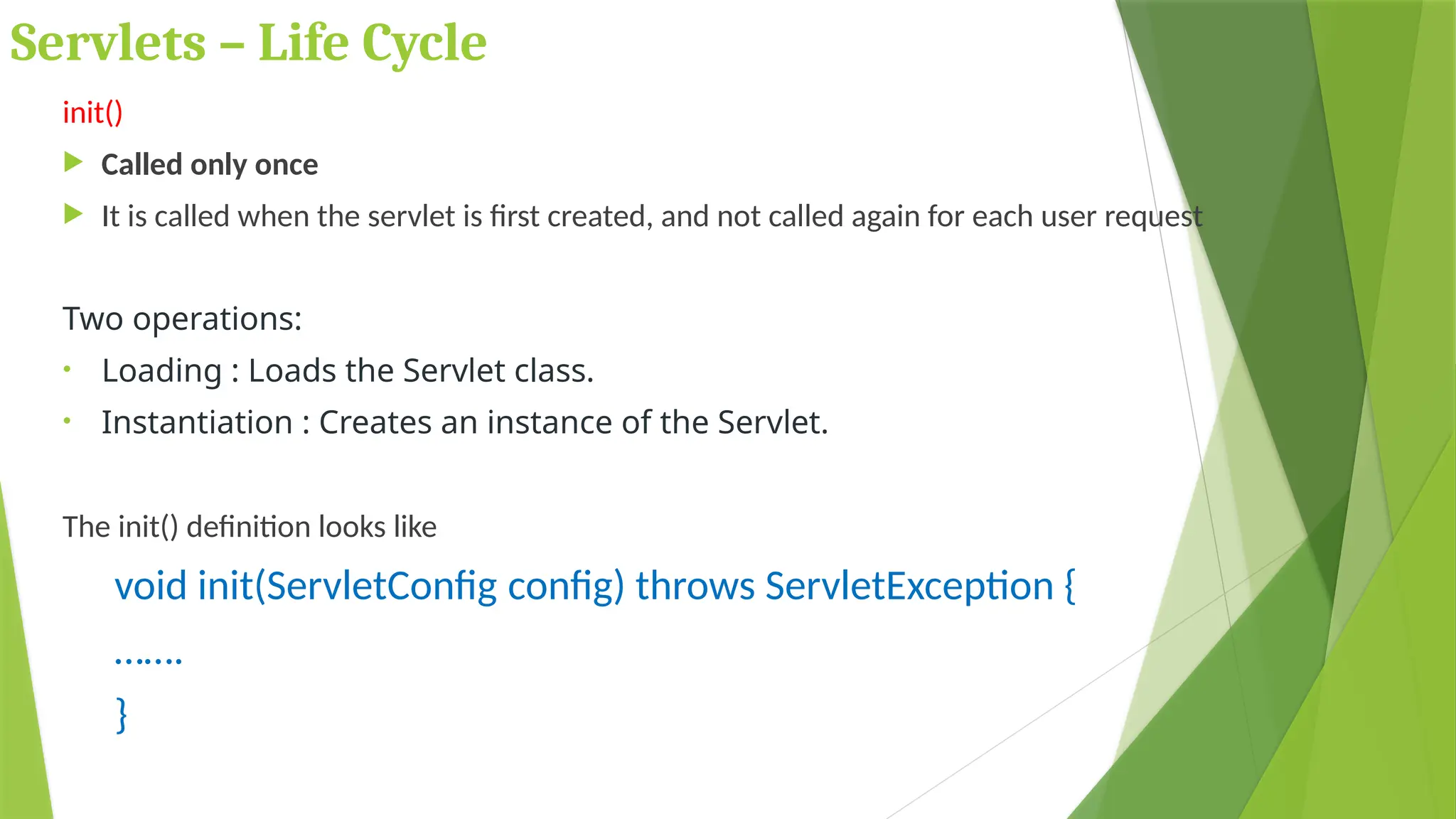
init()
 Called only once
 It is called when the servlet is first created, and not called again for each user request
Two operations:
• Loading : Loads the Servlet class.
• Instantiation : Creates an instance of the Servlet.
The init() definition looks like
void init(ServletConfig config) throws ServletException {
…….
}
Servlets – Life Cycle
Service()
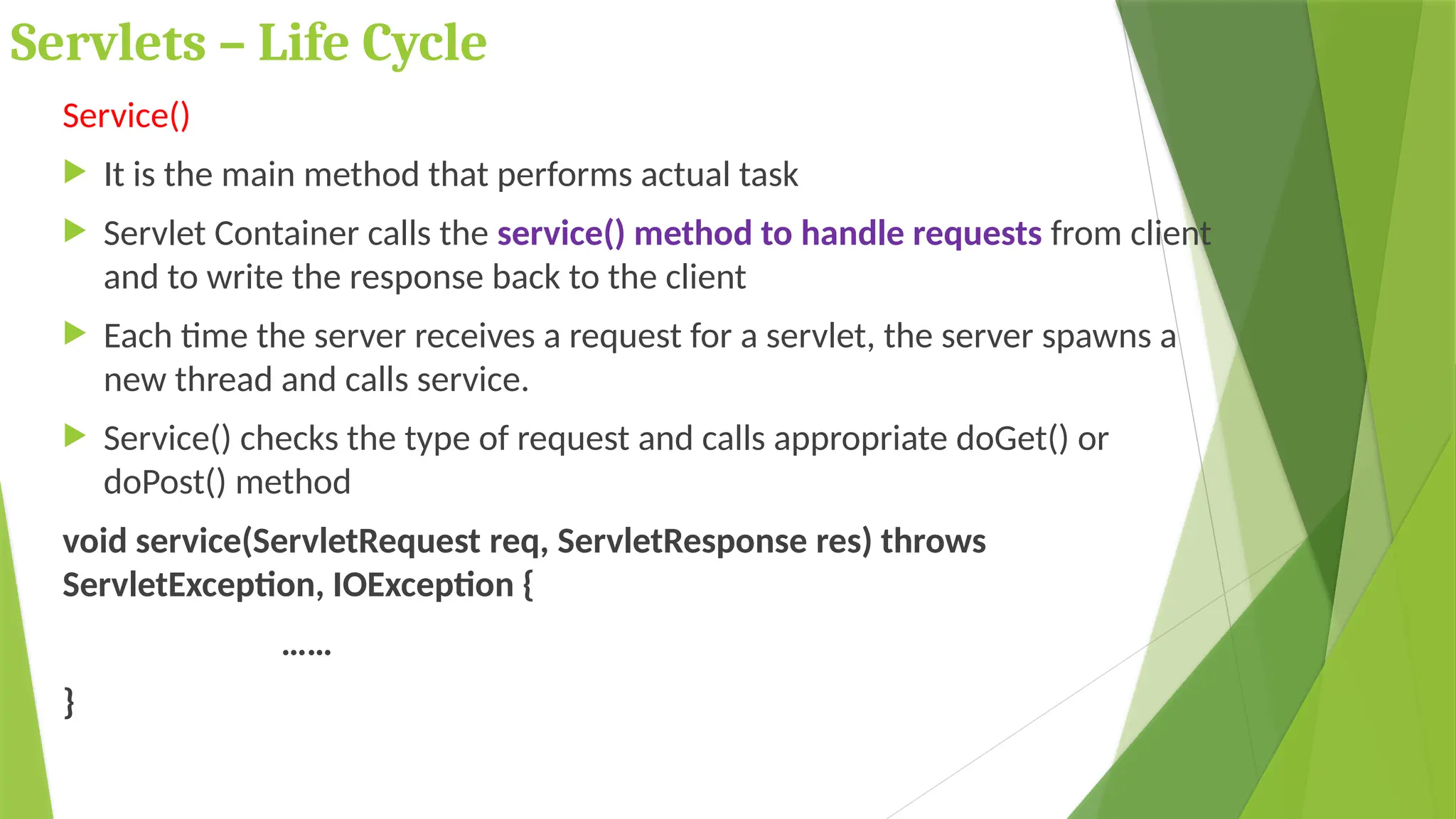
 It is the main method that performs actual task
 Servlet Container calls the service() method to handle requests from client
and to write the response back to the client
 Each time the server receives a request for a servlet, the server spawns a
new thread and calls service.
 Service() checks the type of request and calls appropriate doGet() or
doPost() method
void service(ServletRequest req, ServletResponse res) throws
ServletException, IOException {
……
}
Servlets – Life Cycle
Service()
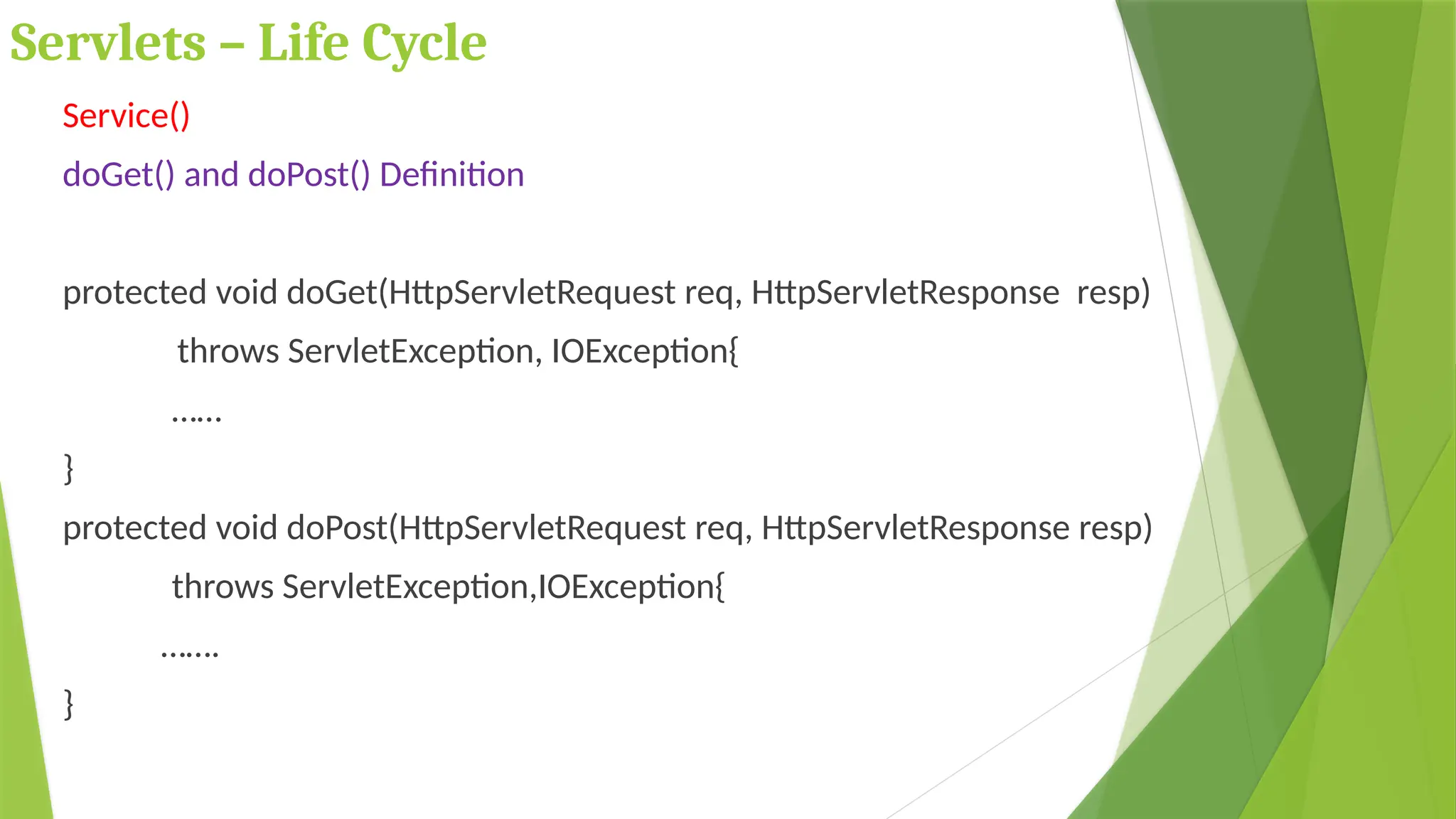
doGet() and doPost() Definition
protected void doGet(HttpServletRequest req, HttpServletResponse resp)
throws ServletException, IOException{
……
}
protected void doPost(HttpServletRequest req, HttpServletResponse resp)
throws ServletException,IOException{
…….
}
Servlets – Life Cycle
destroy()
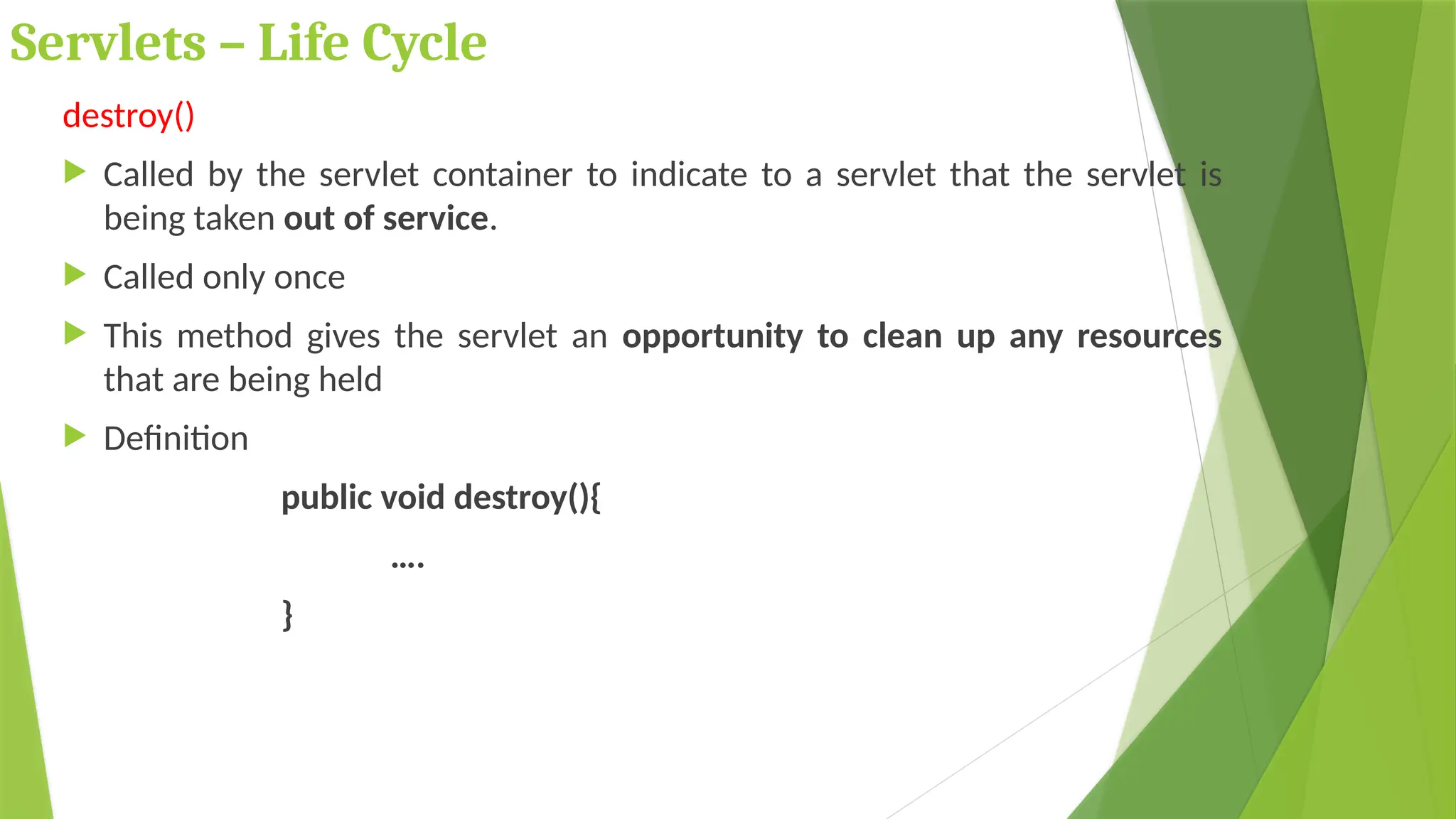
 Called by the servlet container to indicate to a servlet that the servlet is
being taken out of service.
 Called only once
 This method gives the servlet an opportunity to clean up any resources
that are being held
 Definition
public void destroy(){
….
}
Servlet Container
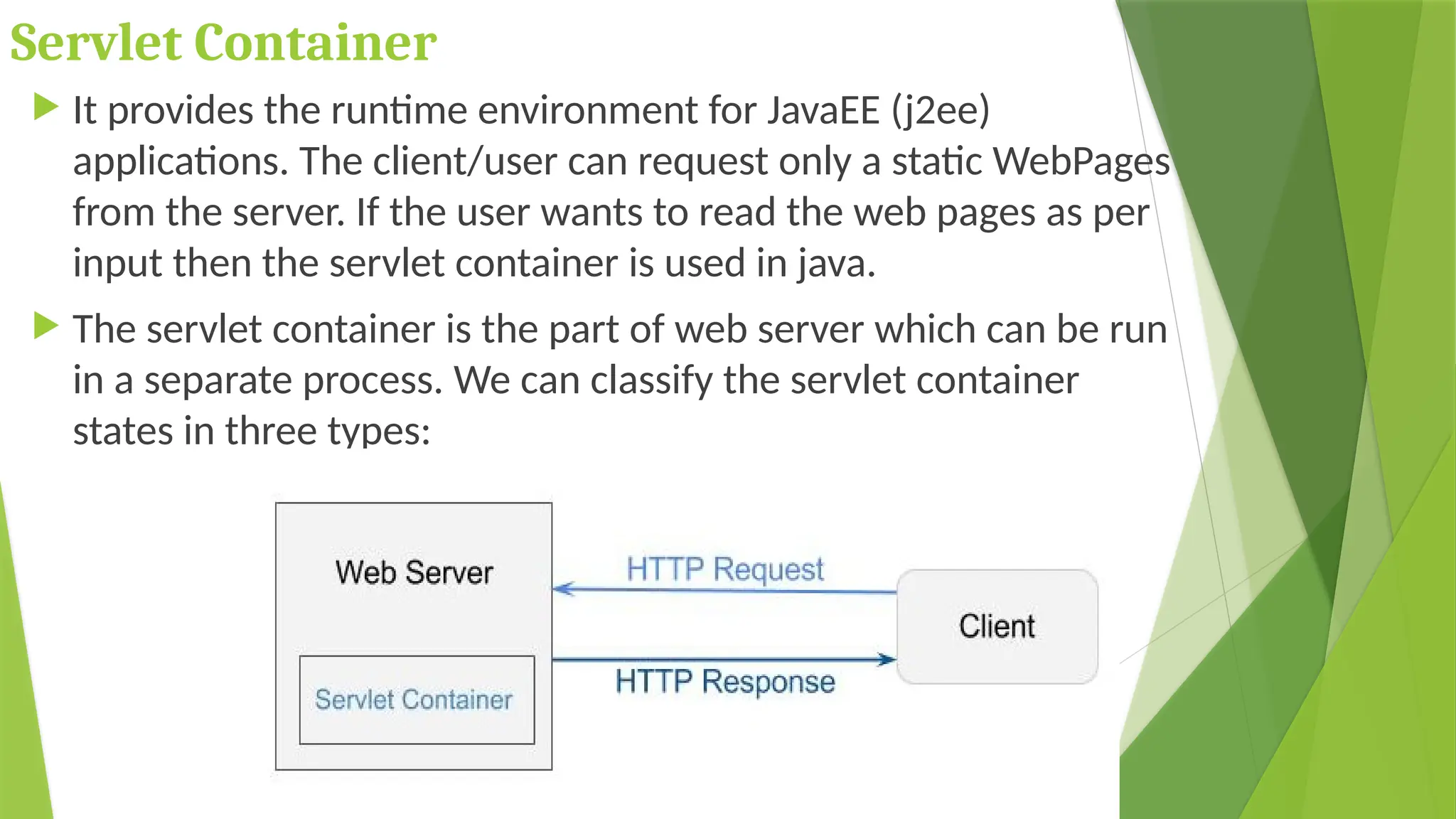
 It provides the runtime environment for JavaEE (j2ee)
applications. The client/user can request only a static WebPages
from the server. If the user wants to read the web pages as per
input then the servlet container is used in java.
 The servlet container is the part of web server which can be run
in a separate process. We can classify the servlet container
states in three types:
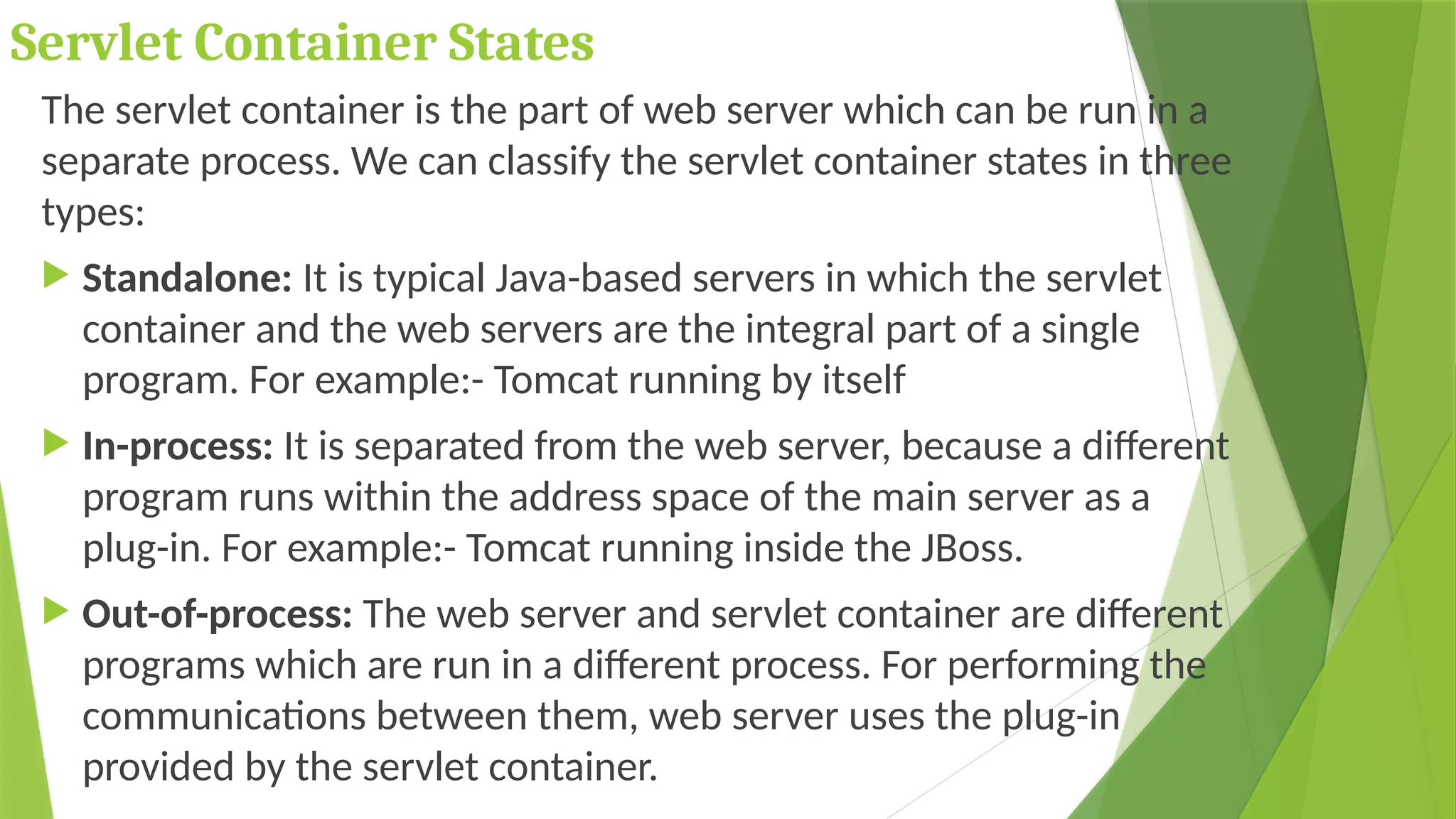
Servlet Container States
The servlet container is the part of web server which can be run in a
separate process. We can classify the servlet container states in three
types:
 Standalone: It is typical Java-based servers in which the servlet
container and the web servers are the integral part of a single
program. For example:- Tomcat running by itself
 In-process: It is separated from the web server, because a different
program runs within the address space of the main server as a
plug-in. For example:- Tomcat running inside the JBoss.
 Out-of-process: The web server and servlet container are different
programs which are run in a different process. For performing the
communications between them, web server uses the plug-in
provided by the servlet container.
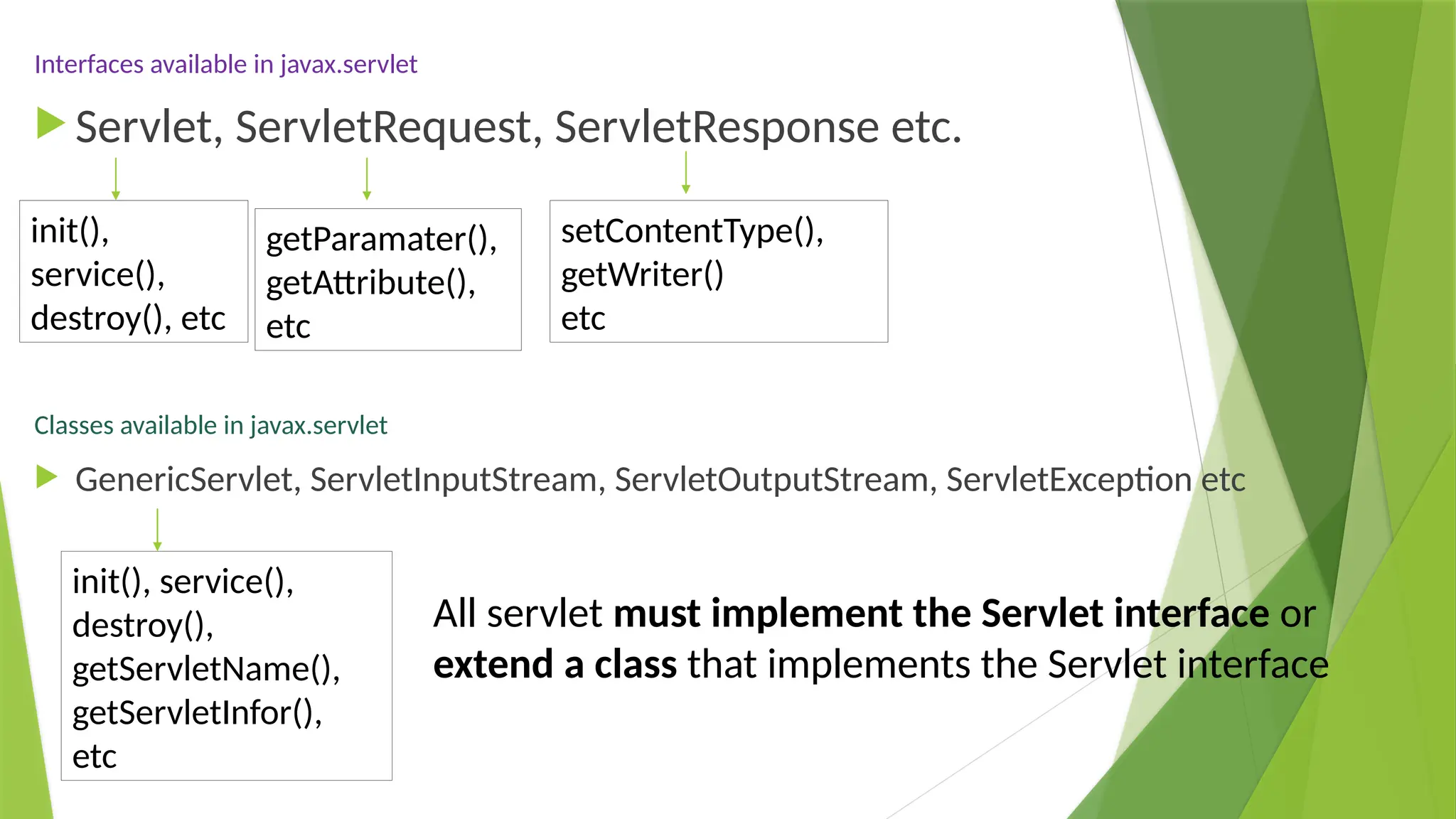
Interfaces available in javax.servlet
 Servlet, ServletRequest, ServletResponse etc.
Classes available in javax.servlet
 GenericServlet, ServletInputStream, ServletOutputStream, ServletException etc
All servlet must implement the Servlet interface or
extend a class that implements the Servlet interface
init(),
service(),
destroy(), etc
getParamater(),
getAttribute(),
etc
setContentType(),
getWriter()
etc
init(), service(),
destroy(),
getServletName(),
getServletInfor(),
etc
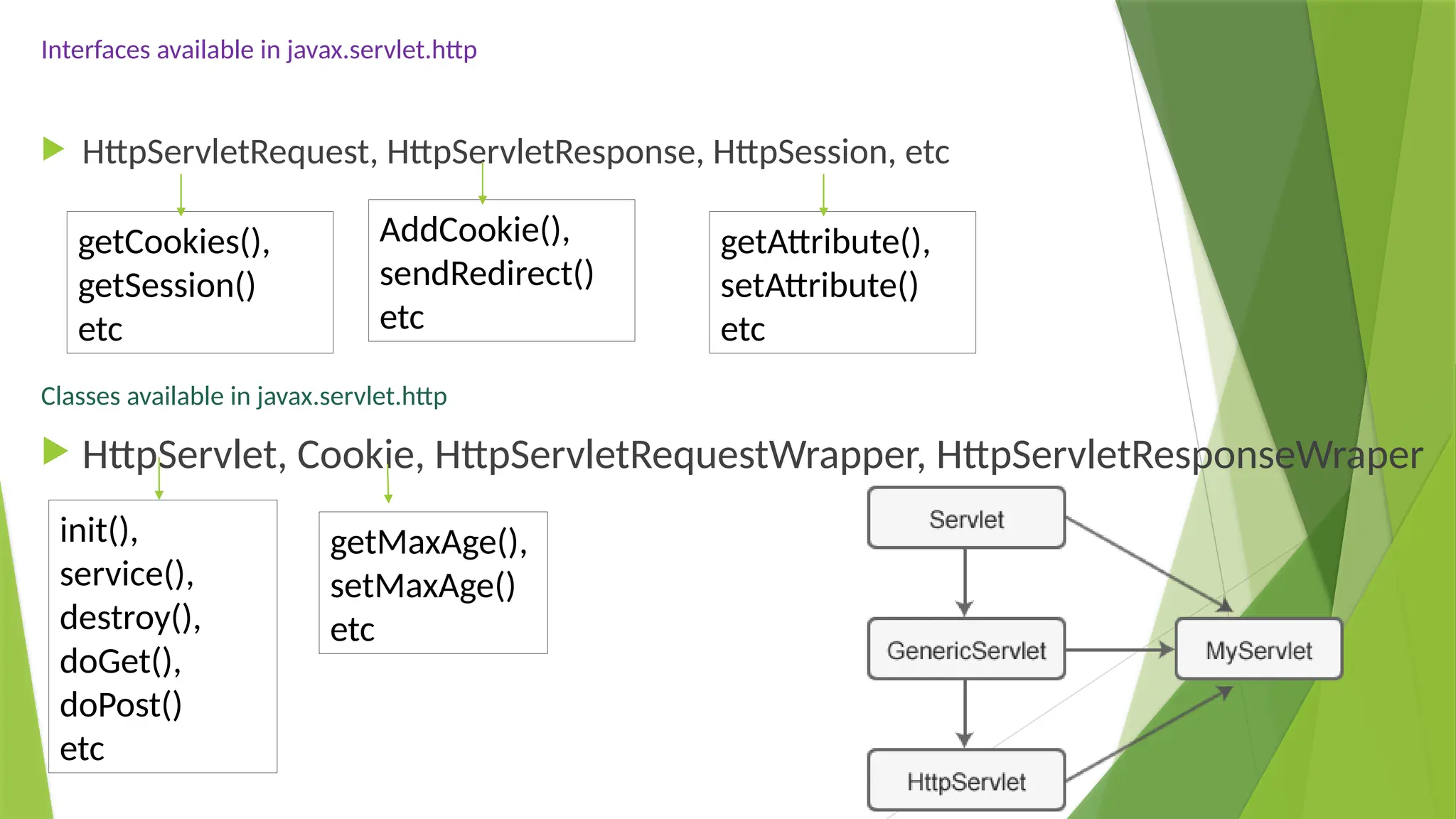
Interfaces available in javax.servlet.http
 HttpServletRequest, HttpServletResponse, HttpSession, etc
Classes available in javax.servlet.http
 HttpServlet, Cookie, HttpServletRequestWrapper, HttpServletResponseWraper
getCookies(),
getSession()
etc
AddCookie(),
sendRedirect()
etc
getAttribute(),
setAttribute()
etc
init(),
service(),
destroy(),
doGet(),
doPost()
etc
getMaxAge(),
setMaxAge()
etc
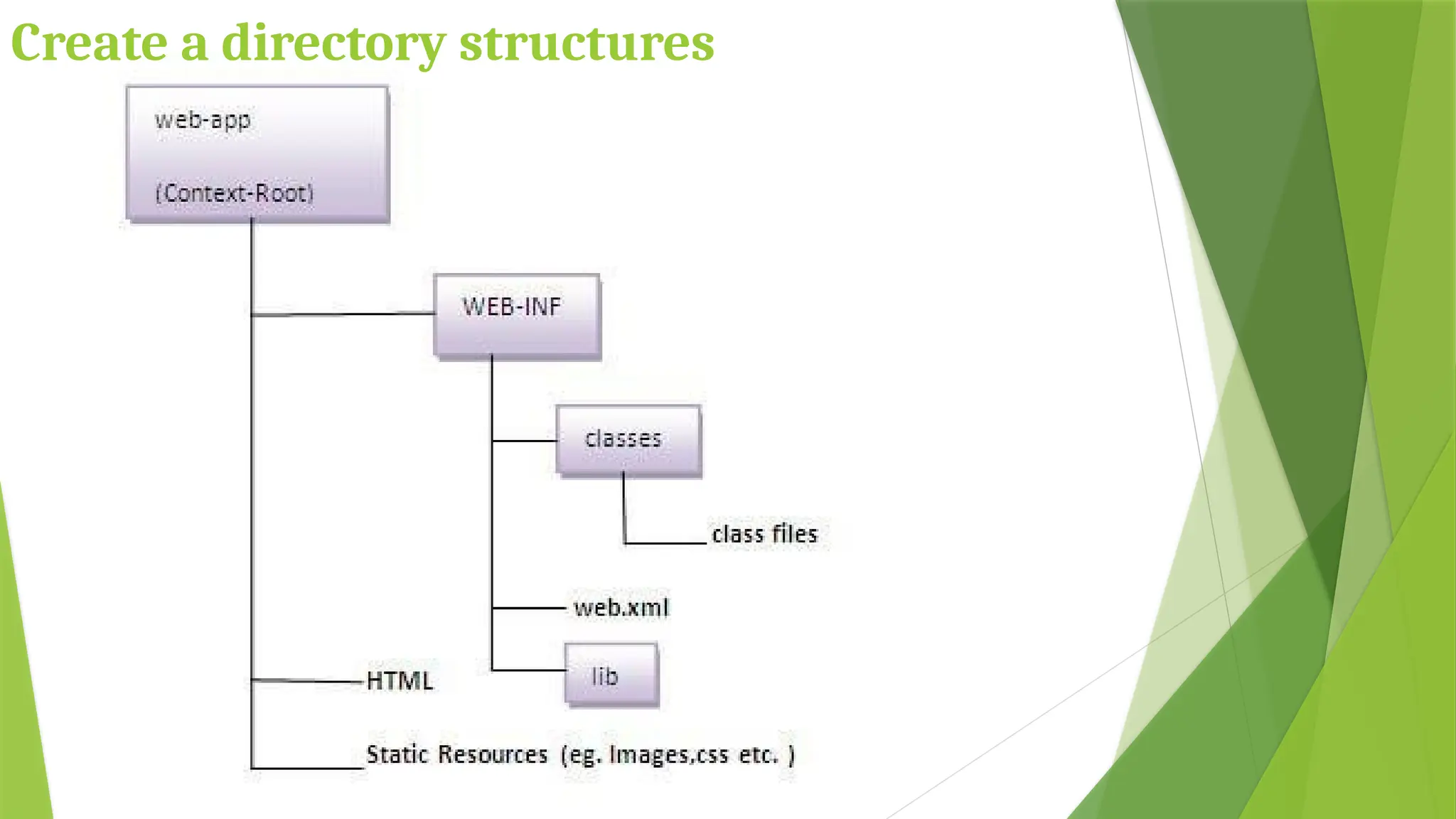
Create a directory structures
Create a servlet
The servlet example can be created by three ways:
By implementing Servlet interface,
By inheriting GenericServlet class, (or)
By inheriting HttpServlet class
The mostly used approach is by extending HttpServlet
because it provides http request specific method such
as doGet(), doPost(), doHead() etc.
Create the deployment descriptor (web.xml
file)
The deployment descriptor is an xml file, from
which Web Container gets the information about
the servlet to be invoked.
The web container uses the Parser to get the
information from the web.xml file. There are
many xml parsers such as SAX, DOM and Pull.
There are many elements in the web.xml file. Here
is given some necessary elements to run the
simple servlet program.
Web.xml
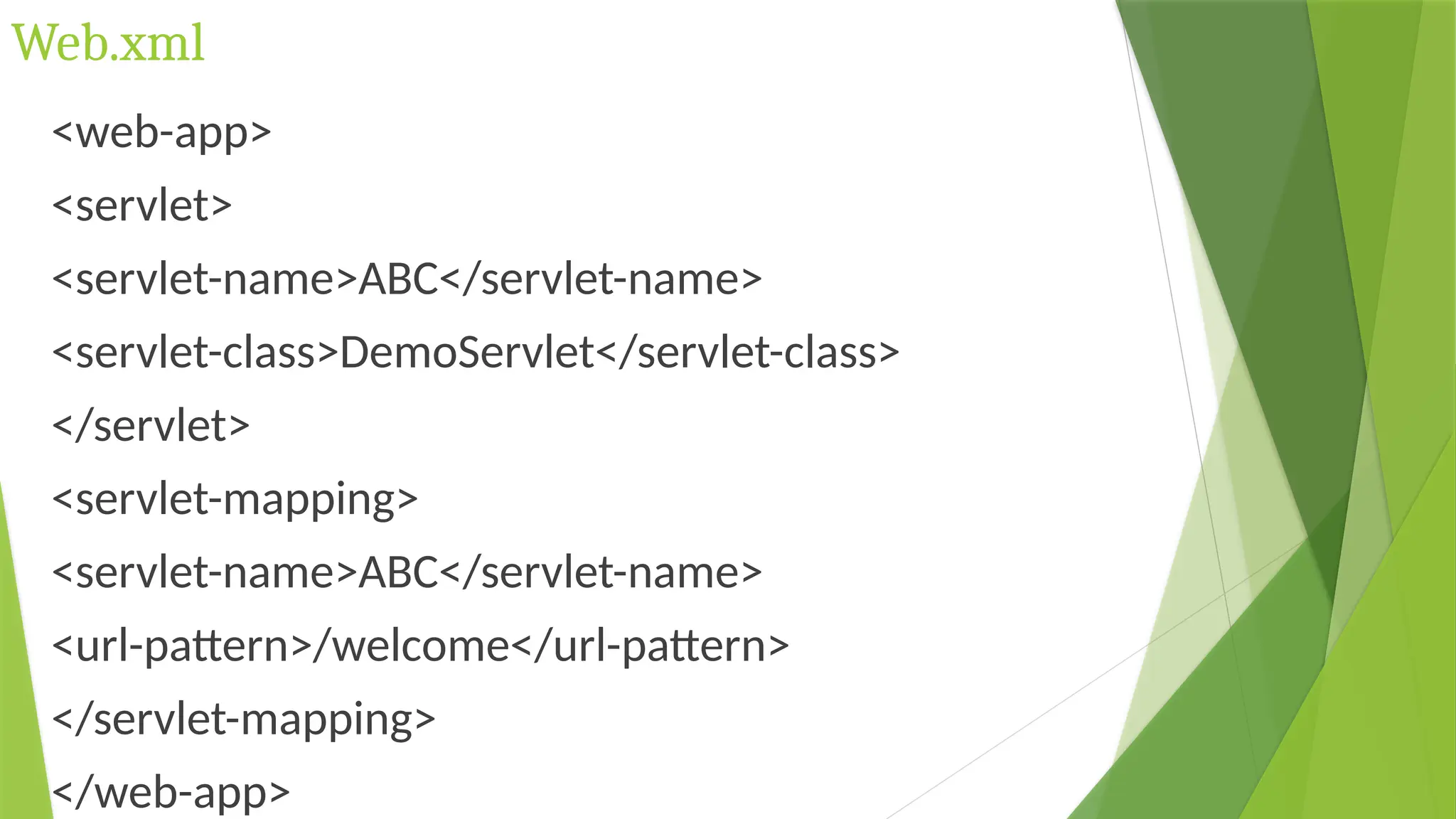
<web-app>
<servlet>
<servlet-name>ABC</servlet-name>
<servlet-class>DemoServlet</servlet-class>
</servlet>
<servlet-mapping>
<servlet-name>ABC</servlet-name>
<url-pattern>/welcome</url-pattern>
</servlet-mapping>
</web-app>
Web.xml Description
<web-app> represents the whole application.
<servlet> is sub element of <web-app> and represents
the servlet.
<servlet-name> is sub element of <servlet> represents
the name of the servlet.
<servlet-class> is sub element of <servlet> represents
the class of the servlet.
<servlet-mapping> is sub element of <web-app>. It is
used to map the servlet.
<url-pattern> is sub element of <servlet-mapping>. This
pattern is used at client side to invoke the servlet.
Servlet API
Servlet Interface
 Servlet interface provides common behavior to all the
servlets. Servlet interface defines methods that all
servlets must implement.
 Servlet interface needs to be implemented for creating
any servlet (either directly or indirectly).
 It provides 3 life cycle methods that are used
to initialize the servlet,
to service the requests, and
to destroy the servlet and
2 non-life cycle methods.
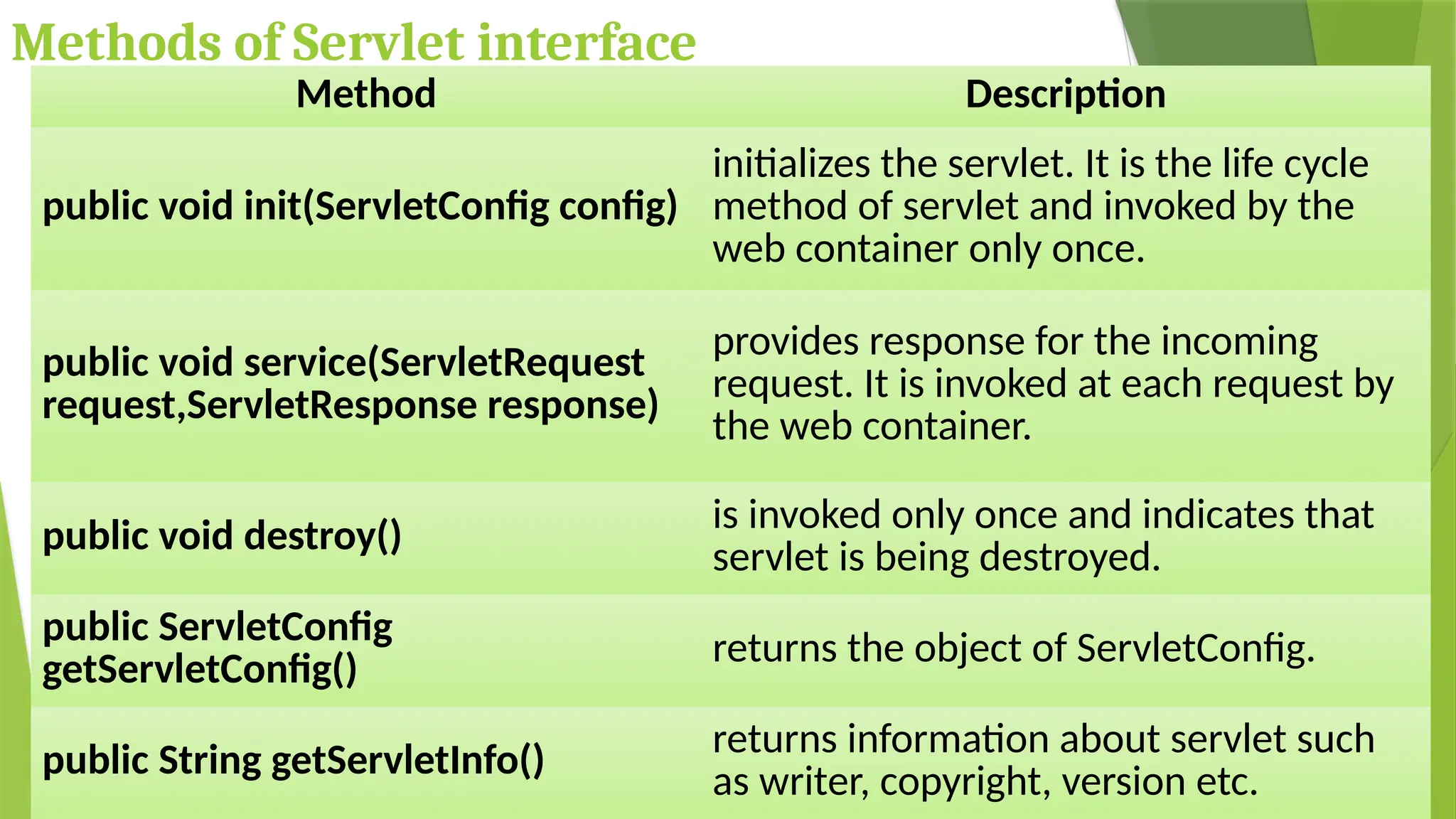
Methods of Servlet interface
Method Description
public void init(ServletConfig config)
initializes the servlet. It is the life cycle
method of servlet and invoked by the
web container only once.
public void service(ServletRequest
request,ServletResponse response)
provides response for the incoming
request. It is invoked at each request by
the web container.
public void destroy()
is invoked only once and indicates that
servlet is being destroyed.
public ServletConfig
getServletConfig() returns the object of ServletConfig.
public String getServletInfo()
returns information about servlet such
as writer, copyright, version etc.
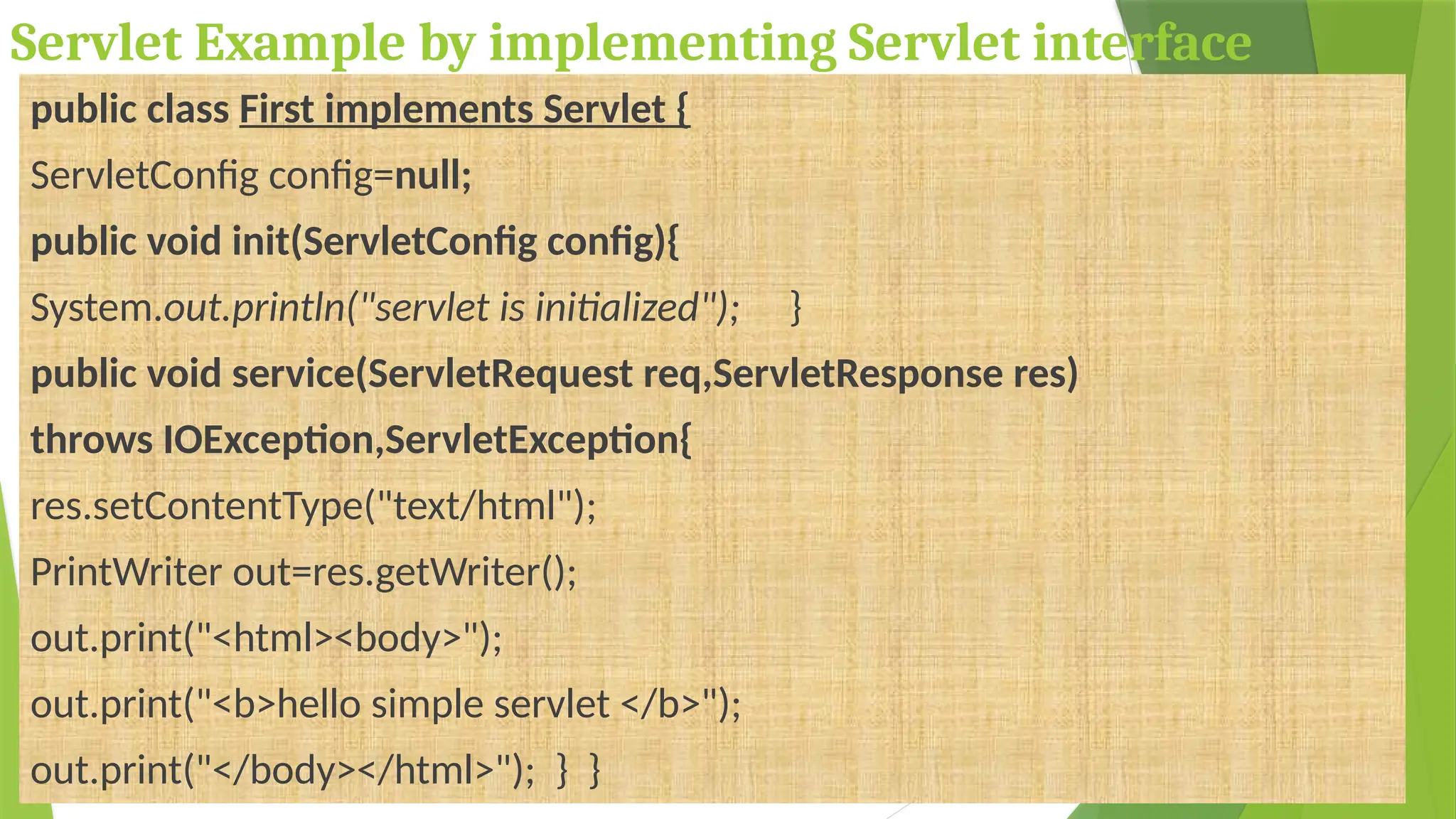
Servlet Example by implementing Servlet interface
public class First implements Servlet {
ServletConfig config=null;
public void init(ServletConfig config){
System.out.println("servlet is initialized"); }
public void service(ServletRequest req,ServletResponse res)
throws IOException,ServletException{
res.setContentType("text/html");
PrintWriter out=res.getWriter();
out.print("<html><body>");
out.print("<b>hello simple servlet </b>");
out.print("</body></html>"); } }
GenericServlet class
GenericServlet class implements Servlet,
ServletConfig and Serializable interfaces. It provides
the implementation of all the methods of these
interfaces except the service method.
GenericServlet class can handle any type of request
so it is protocol-independent.
You may create a generic servlet by inheriting the
GenericServlet class and providing the
implementation of the service method.
Methods of GenericServlet class
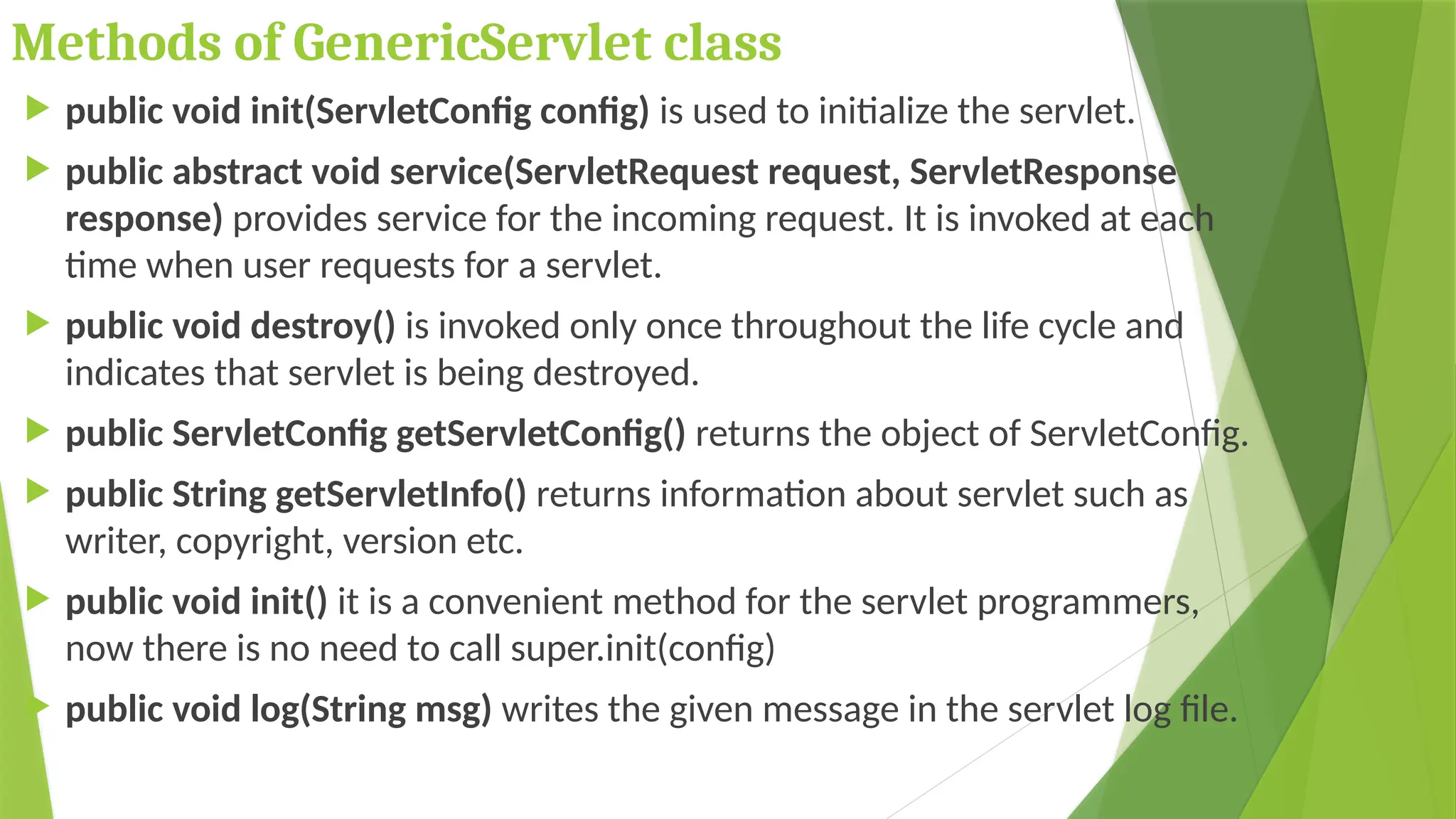
 public void init(ServletConfig config) is used to initialize the servlet.
 public abstract void service(ServletRequest request, ServletResponse
response) provides service for the incoming request. It is invoked at each
time when user requests for a servlet.
 public void destroy() is invoked only once throughout the life cycle and
indicates that servlet is being destroyed.
 public ServletConfig getServletConfig() returns the object of ServletConfig.
 public String getServletInfo() returns information about servlet such as
writer, copyright, version etc.
 public void init() it is a convenient method for the servlet programmers,
now there is no need to call super.init(config)
 public void log(String msg) writes the given message in the servlet log file.
Servlet by inheriting the GenericServlet class
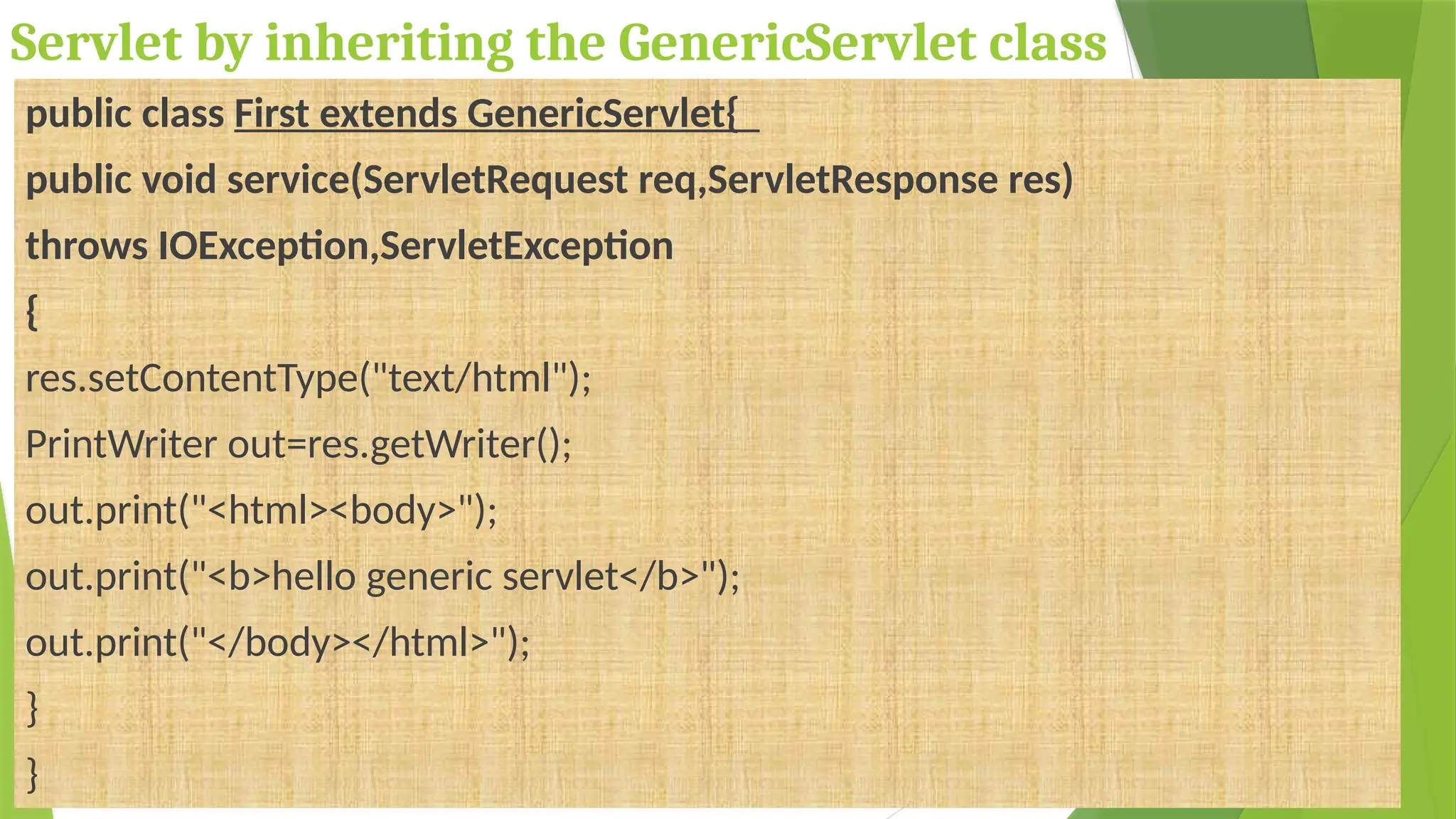
public class First extends GenericServlet{
public void service(ServletRequest req,ServletResponse res)
throws IOException,ServletException
{
res.setContentType("text/html");
PrintWriter out=res.getWriter();
out.print("<html><body>");
out.print("<b>hello generic servlet</b>");
out.print("</body></html>");
}
}
HttpServlet class
The HttpServlet class extends the GenericServlet
class and implements Serializable interface.
It provides http specific methods such as doGet,
doPost, doHead, doTrace etc.
Methods of HttpServlet class
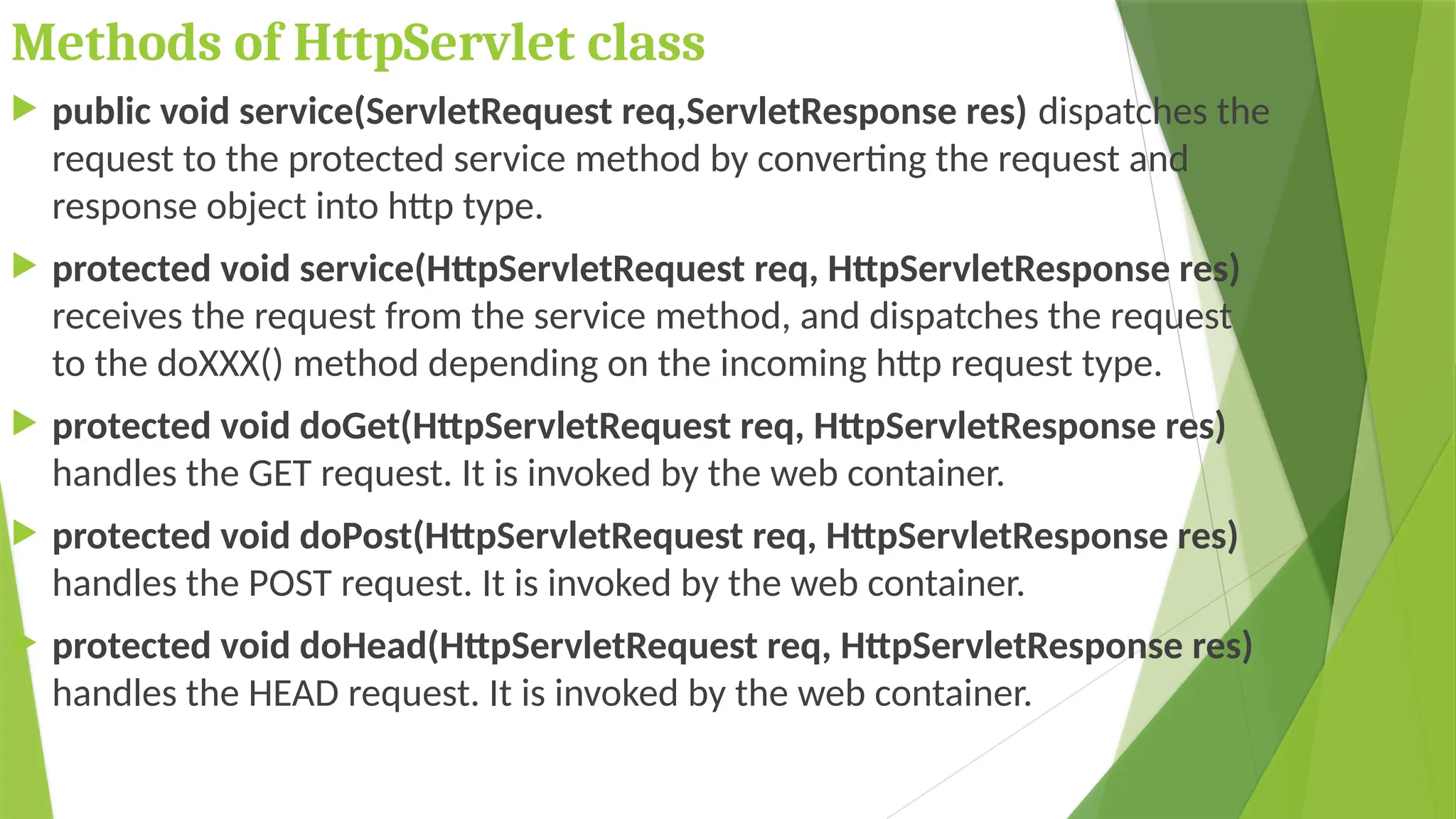
 public void service(ServletRequest req,ServletResponse res) dispatches the
request to the protected service method by converting the request and
response object into http type.
 protected void service(HttpServletRequest req, HttpServletResponse res)
receives the request from the service method, and dispatches the request
to the doXXX() method depending on the incoming http request type.
 protected void doGet(HttpServletRequest req, HttpServletResponse res)
handles the GET request. It is invoked by the web container.
 protected void doPost(HttpServletRequest req, HttpServletResponse res)
handles the POST request. It is invoked by the web container.
 protected void doHead(HttpServletRequest req, HttpServletResponse res)
handles the HEAD request. It is invoked by the web container.
Methods of HttpServlet class
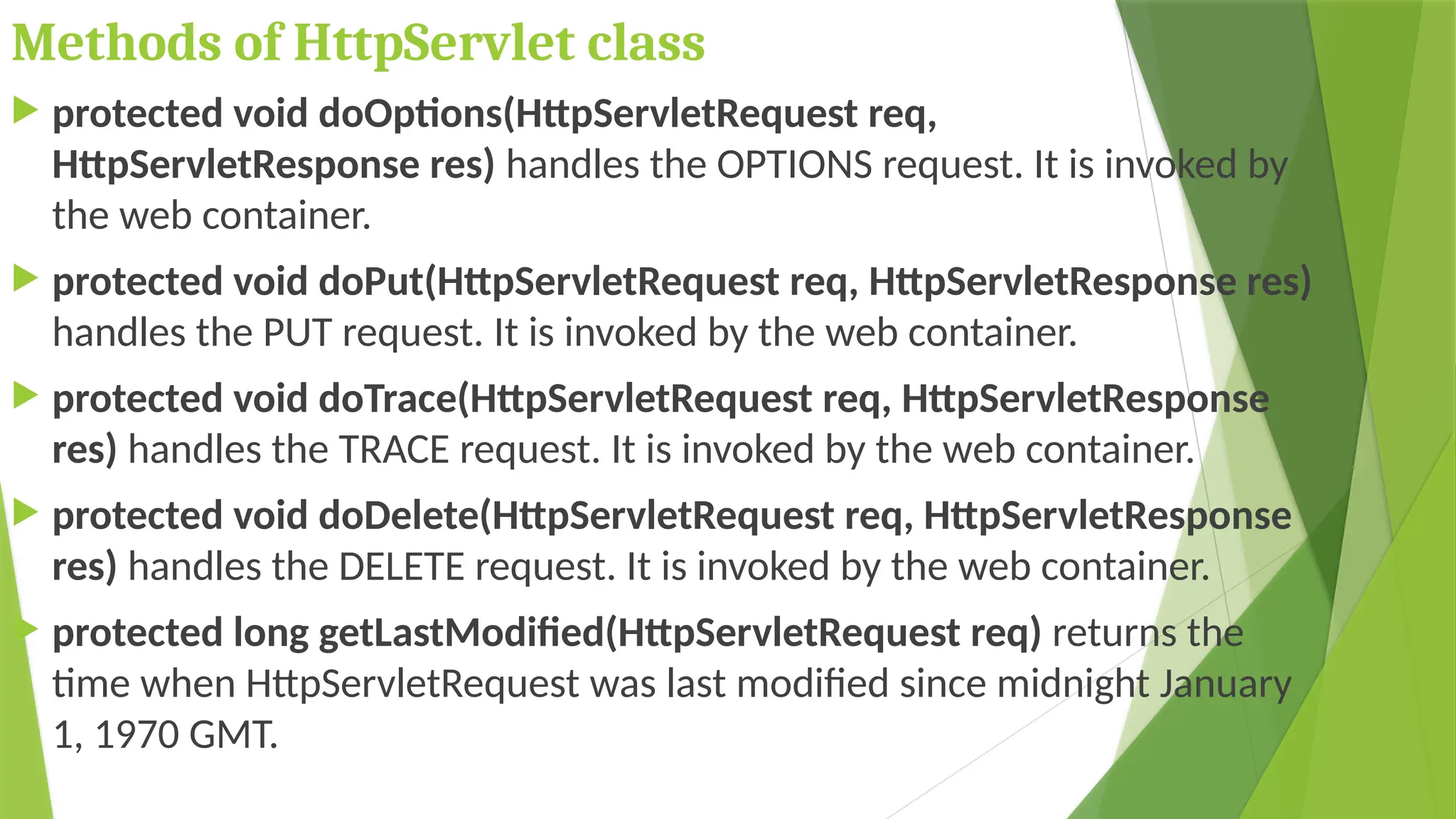
 protected void doOptions(HttpServletRequest req,
HttpServletResponse res) handles the OPTIONS request. It is invoked by
the web container.
 protected void doPut(HttpServletRequest req, HttpServletResponse res)
handles the PUT request. It is invoked by the web container.
 protected void doTrace(HttpServletRequest req, HttpServletResponse
res) handles the TRACE request. It is invoked by the web container.
 protected void doDelete(HttpServletRequest req, HttpServletResponse
res) handles the DELETE request. It is invoked by the web container.
 protected long getLastModified(HttpServletRequest req) returns the
time when HttpServletRequest was last modified since midnight January
1, 1970 GMT.
Servlet by inheriting the HttpServlet class
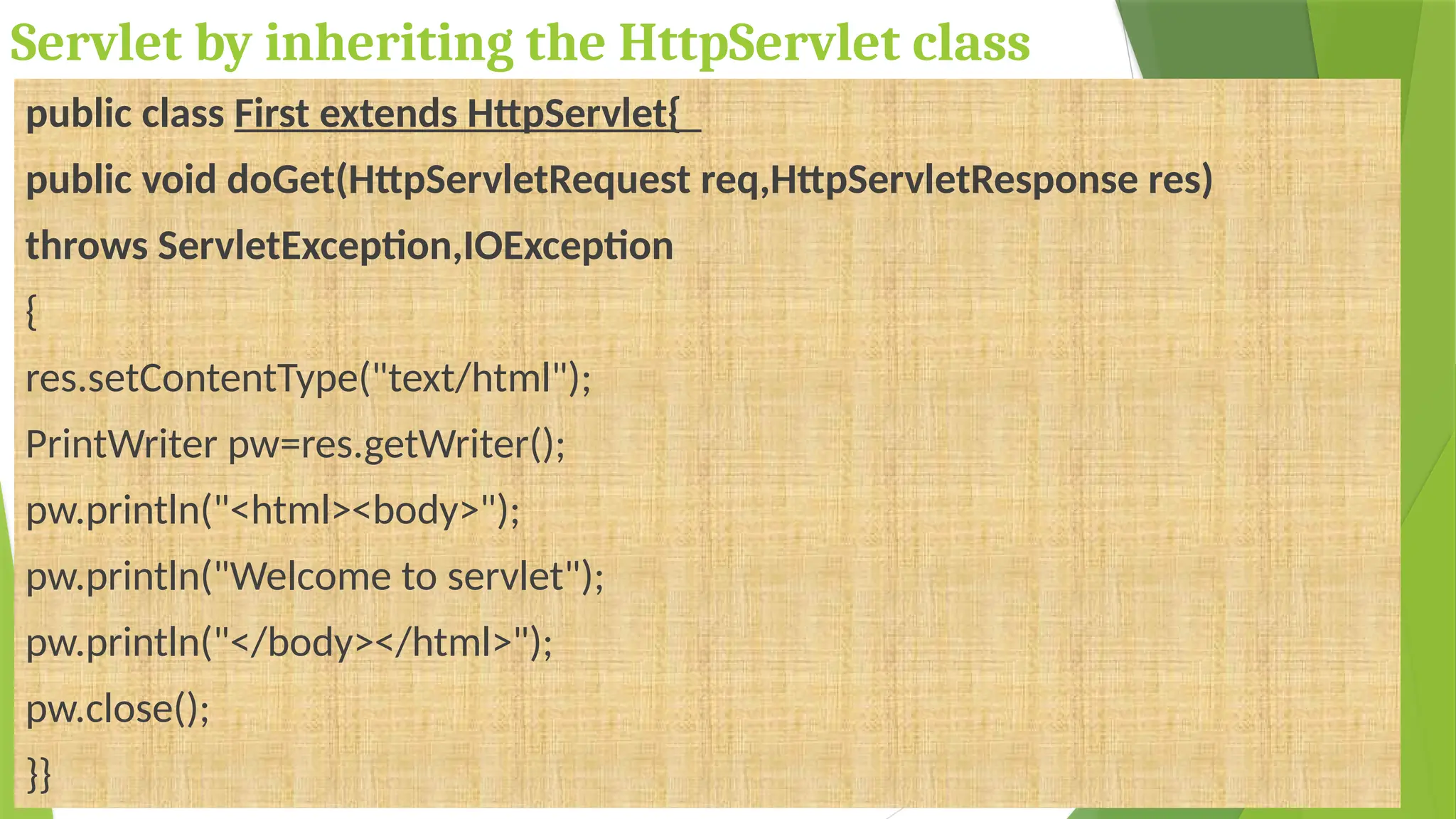
public class First extends HttpServlet{
public void doGet(HttpServletRequest req,HttpServletResponse res)
throws ServletException,IOException
{
res.setContentType("text/html");
PrintWriter pw=res.getWriter();
pw.println("<html><body>");
pw.println("Welcome to servlet");
pw.println("</body></html>");
pw.close();
}}
Working of Servlet
How Servlet works?
 The server checks if the servlet is requested for the first time.
 If yes, web container does the following tasks:
loads the servlet class.
instantiates the servlet class.
calls the init method passing the ServletConfig object
 else
calls the service method passing request and response
objects
The web container calls the destroy method when it needs to
remove the servlet such as at time of stopping server or
undeploying the project.
How web container handles the servlet request?
The web container is responsible to handle the request.
 maps the request with the servlet in the web.xml file.
 creates request and response objects for this request
 calls the service method on the thread
 The public service method internally calls the protected service method
 The protected service method calls the doGet method depending on the
type of request.
 The doGet method generates the response and it is passed to the client.
 After sending the response, the web container deletes the request and
response objects. The thread is contained in the thread pool or deleted
depends on the server implementation.
What is written inside the public service
method?
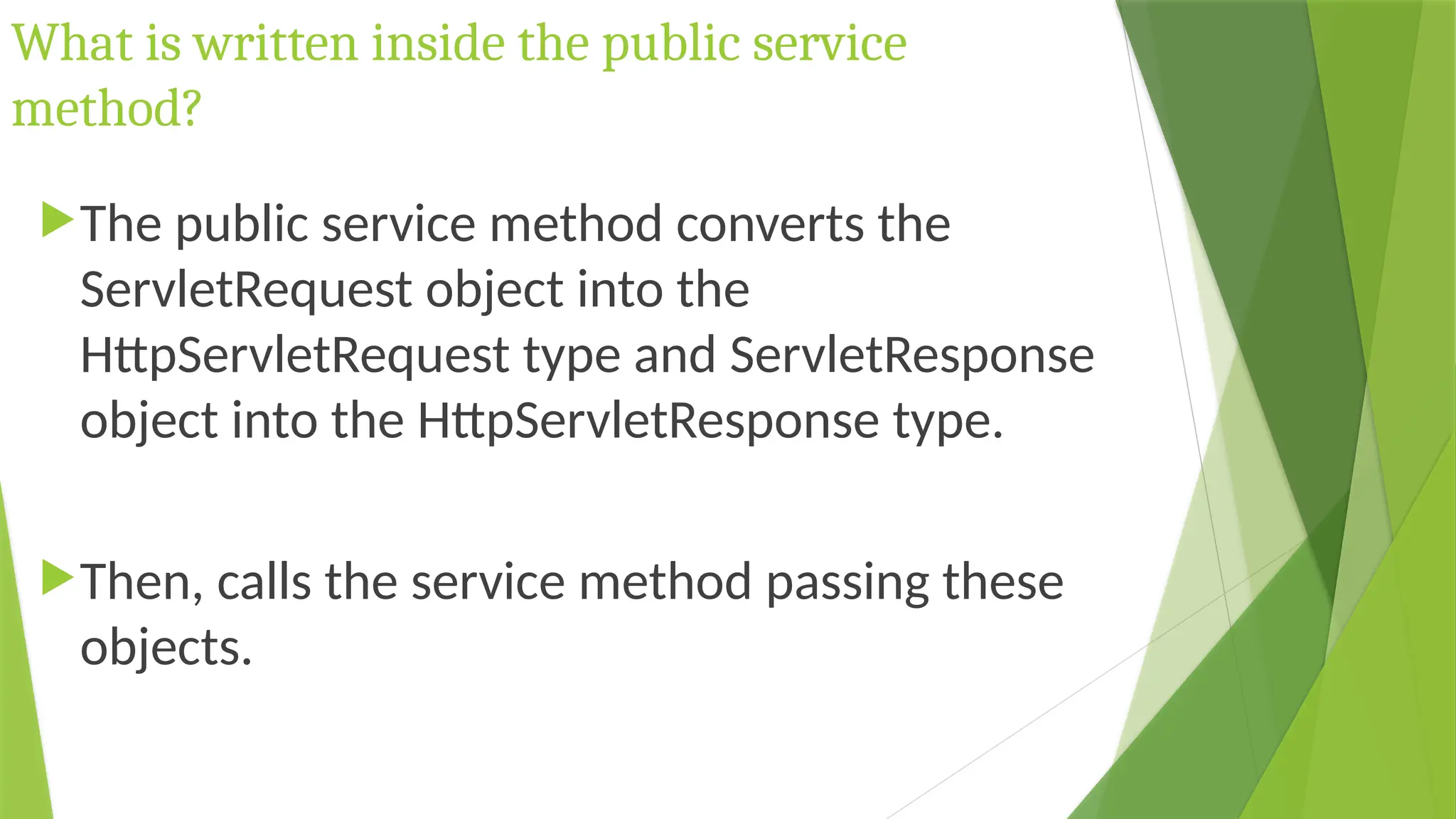
The public service method converts the
ServletRequest object into the
HttpServletRequest type and ServletResponse
object into the HttpServletResponse type.
Then, calls the service method passing these
objects.
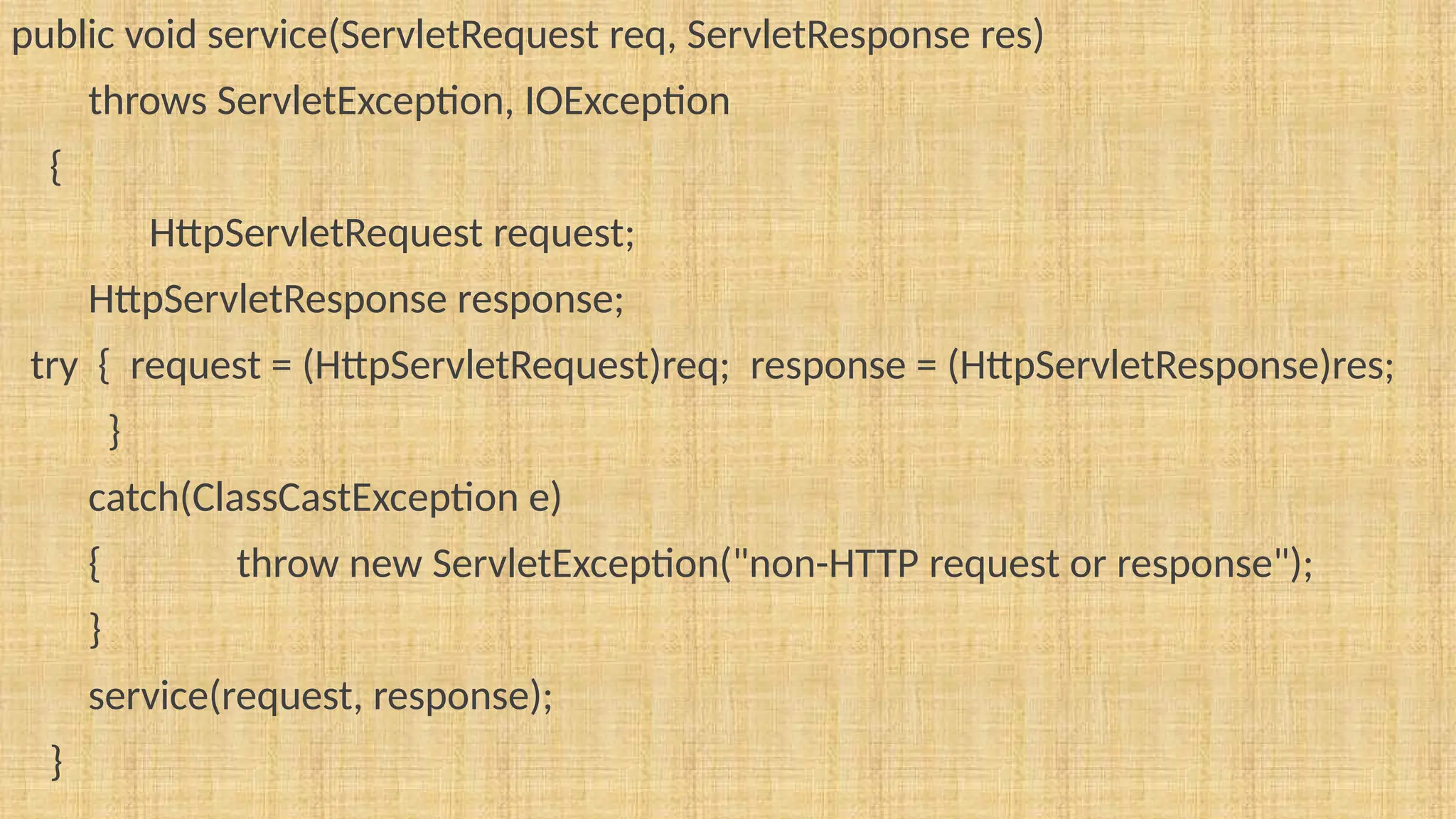
public void service(ServletRequest req, ServletResponse res)
throws ServletException, IOException
{
HttpServletRequest request;
HttpServletResponse response;
try { request = (HttpServletRequest)req; response = (HttpServletResponse)res;
}
catch(ClassCastException e)
{ throw new ServletException("non-HTTP request or response");
}
service(request, response);
}
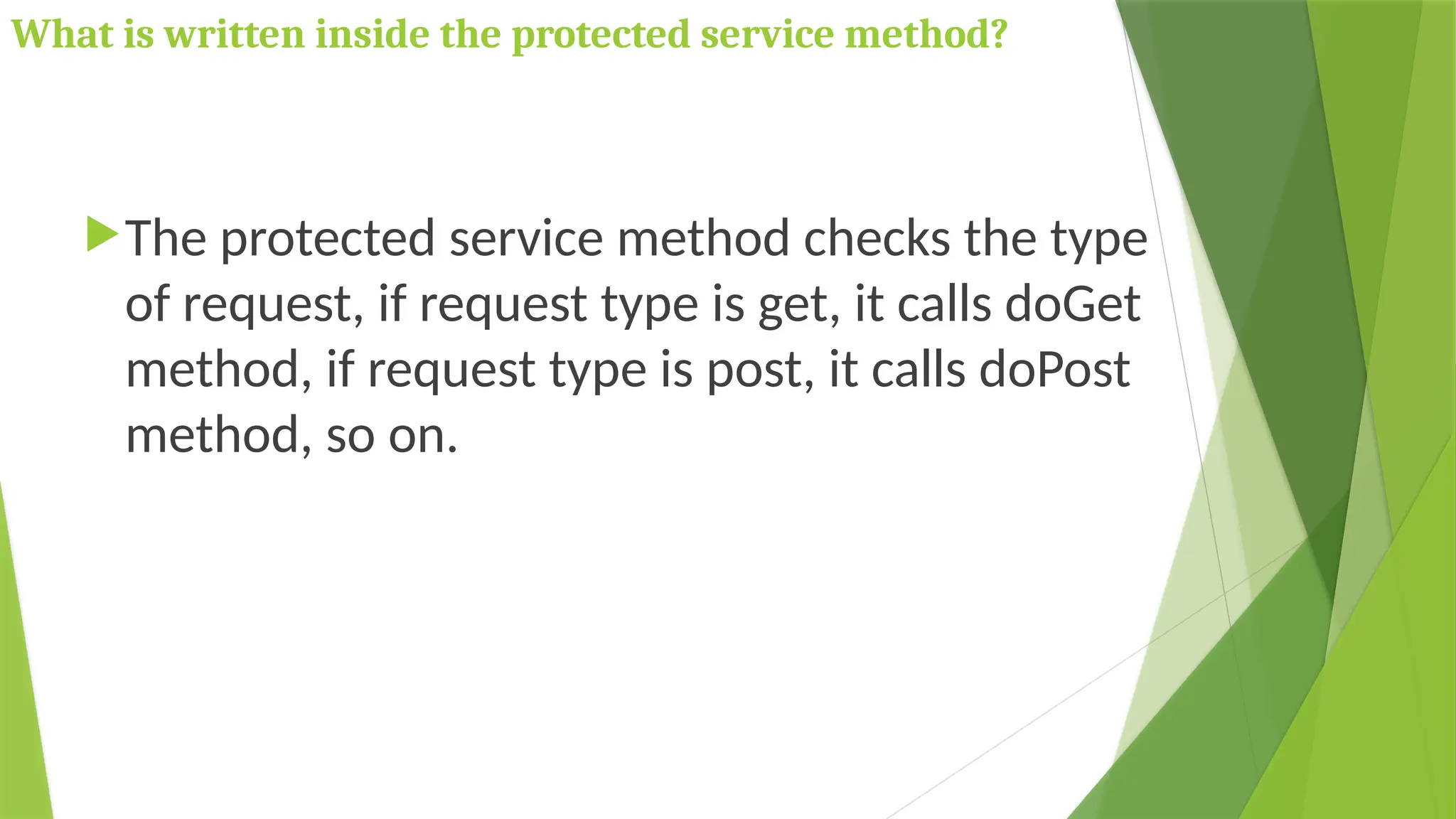
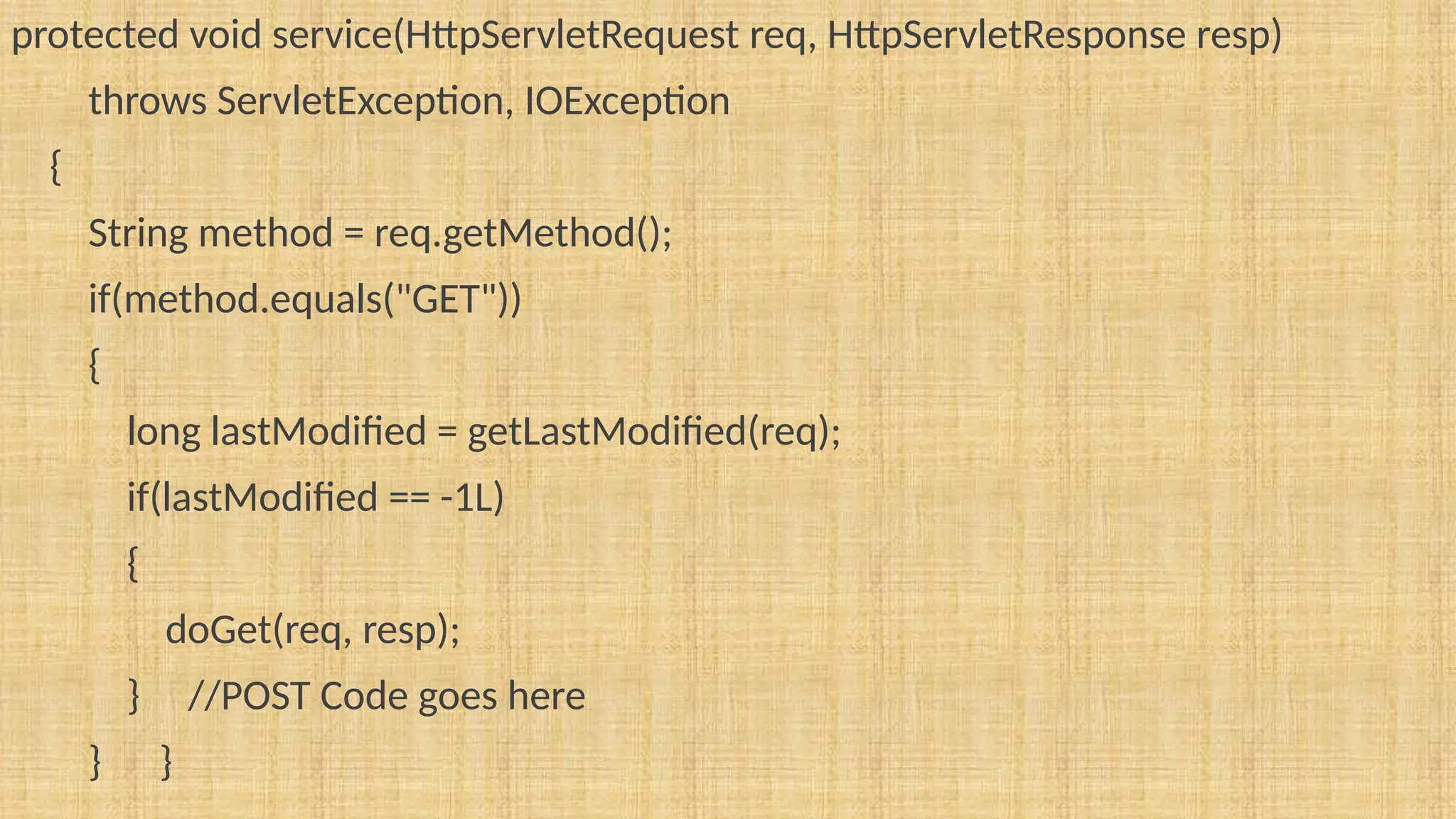
What is written inside the protected service method?
The protected service method checks the type
of request, if request type is get, it calls doGet
method, if request type is post, it calls doPost
method, so on.
protected void service(HttpServletRequest req, HttpServletResponse resp)
throws ServletException, IOException
{
String method = req.getMethod();
if(method.equals("GET"))
{
long lastModified = getLastModified(req);
if(lastModified == -1L)
{
doGet(req, resp);
} //POST Code goes here
} }
Invoking Servlet From HTML
using GenericServlet
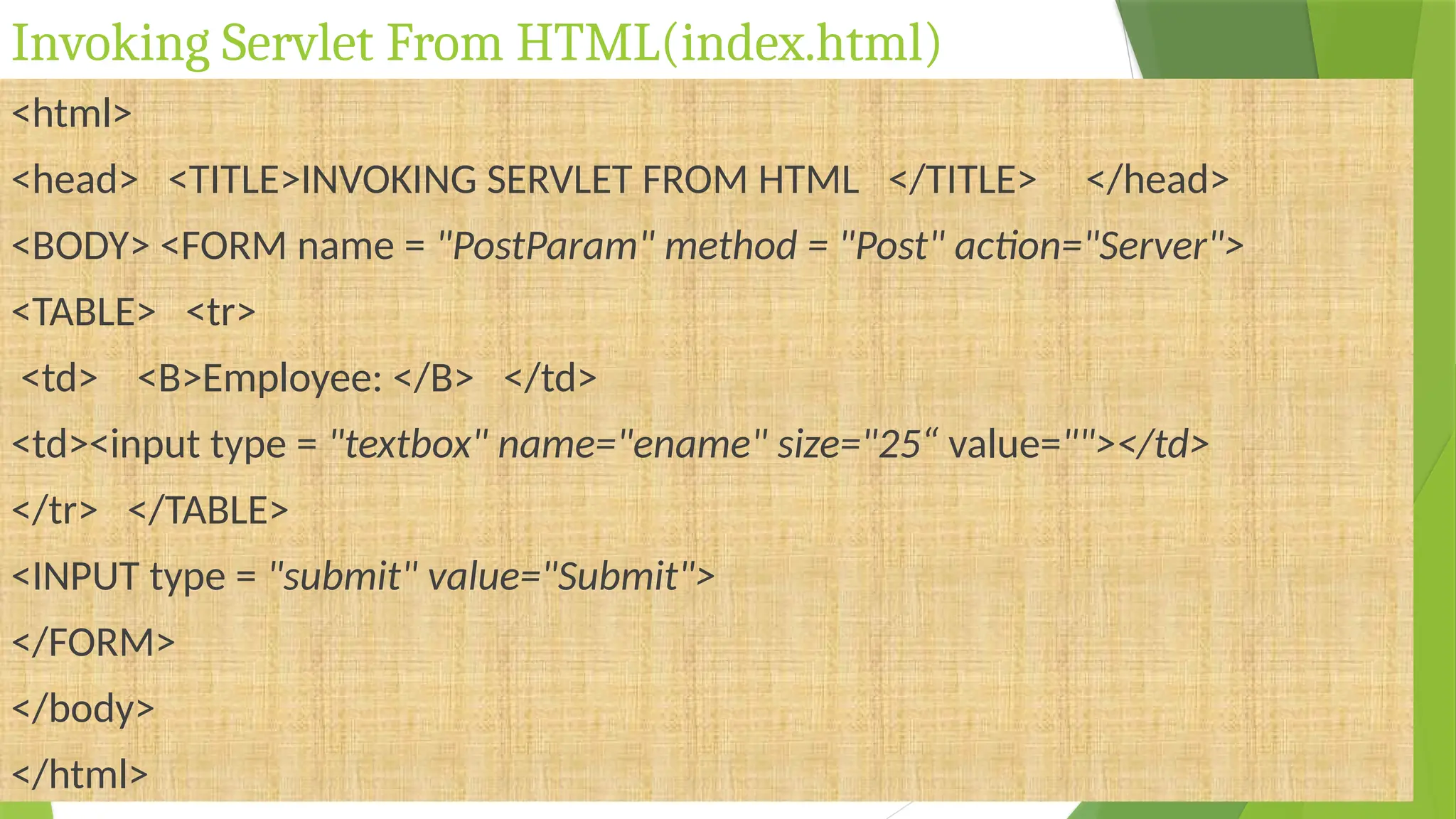
Invoking Servlet From HTML(index.html)
<html>
<head> <TITLE>INVOKING SERVLET FROM HTML </TITLE> </head>
<BODY> <FORM name = "PostParam" method = "Post" action="Server">
<TABLE> <tr>
<td> <B>Employee: </B> </td>
<td><input type = "textbox" name="ename" size="25“ value=""></td>
</tr> </TABLE>
<INPUT type = "submit" value="Submit">
</FORM>
</body>
</html>
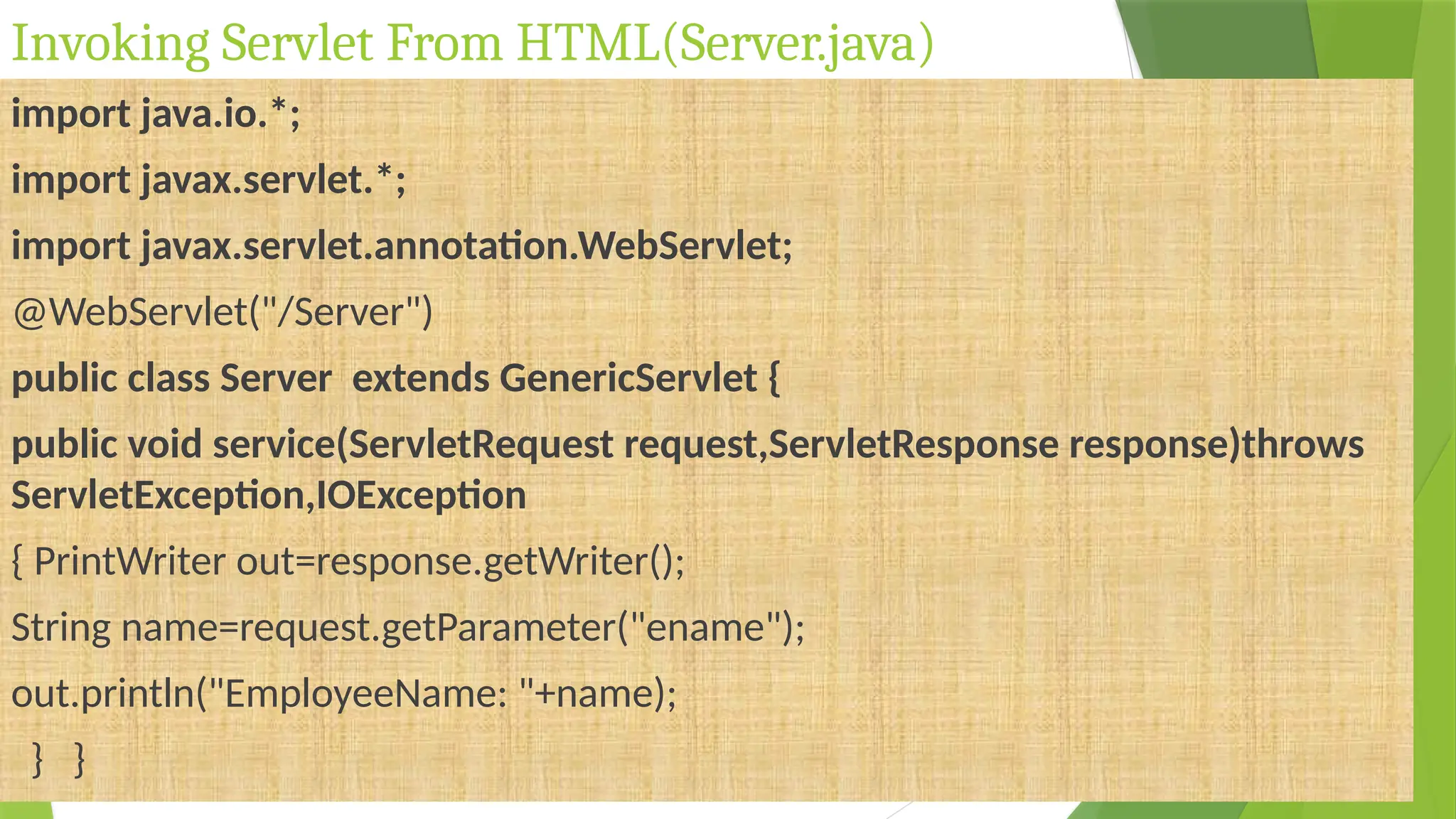
Invoking Servlet From HTML(Server.java)
import java.io.*;
import javax.servlet.*;
import javax.servlet.annotation.WebServlet;
@WebServlet("/Server")
public class Server extends GenericServlet {
public void service(ServletRequest request,ServletResponse response)throws
ServletException,IOException
{ PrintWriter out=response.getWriter();
String name=request.getParameter("ename");
out.println("EmployeeName: "+name);
} }
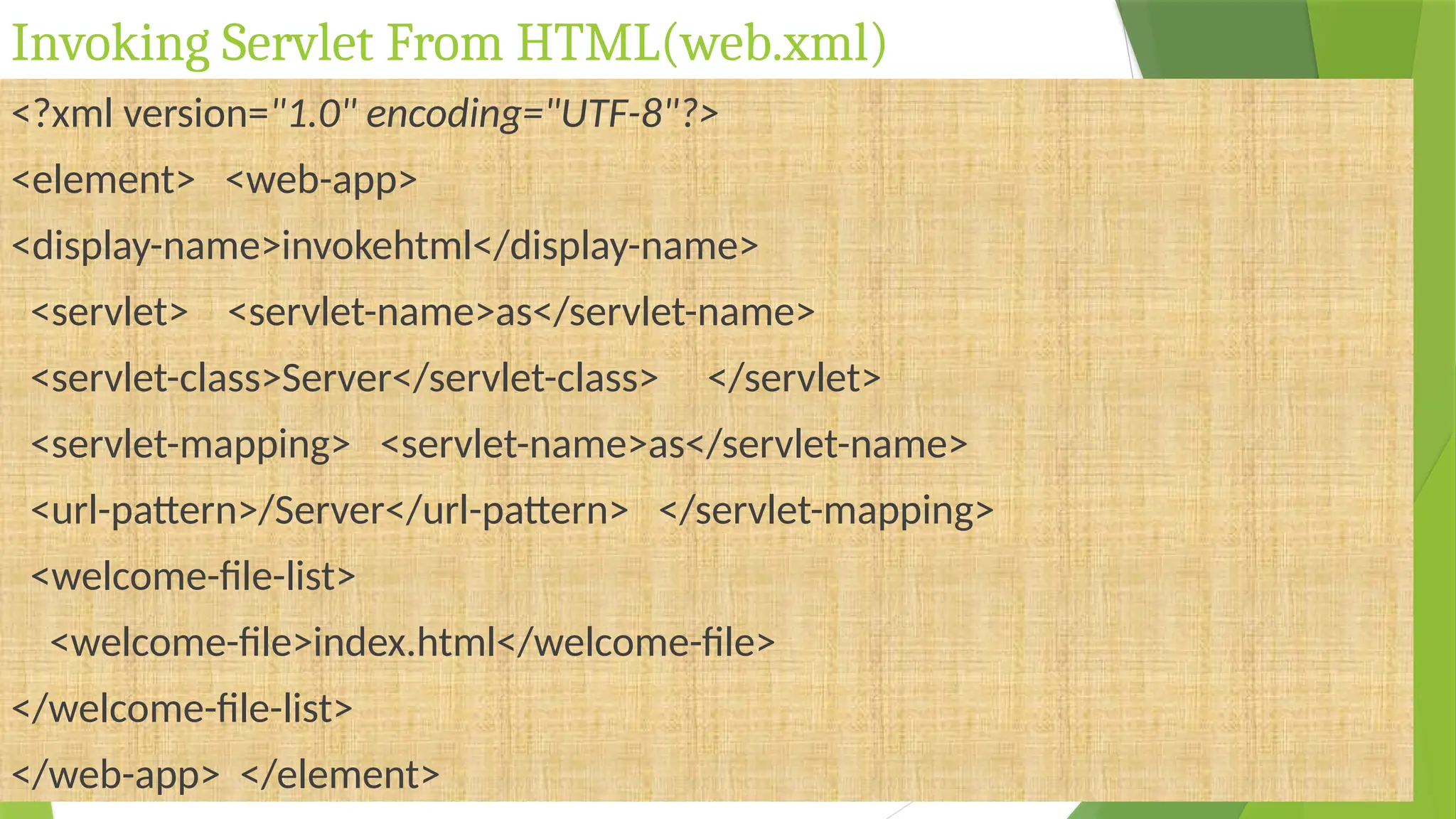
Invoking Servlet From HTML(web.xml)
<?xml version="1.0" encoding="UTF-8"?>
<element> <web-app>
<display-name>invokehtml</display-name>
<servlet> <servlet-name>as</servlet-name>
<servlet-class>Server</servlet-class> </servlet>
<servlet-mapping> <servlet-name>as</servlet-name>
<url-pattern>/Server</url-pattern> </servlet-mapping>
<welcome-file-list>
<welcome-file>index.html</welcome-file>
</welcome-file-list>
</web-app> </element>
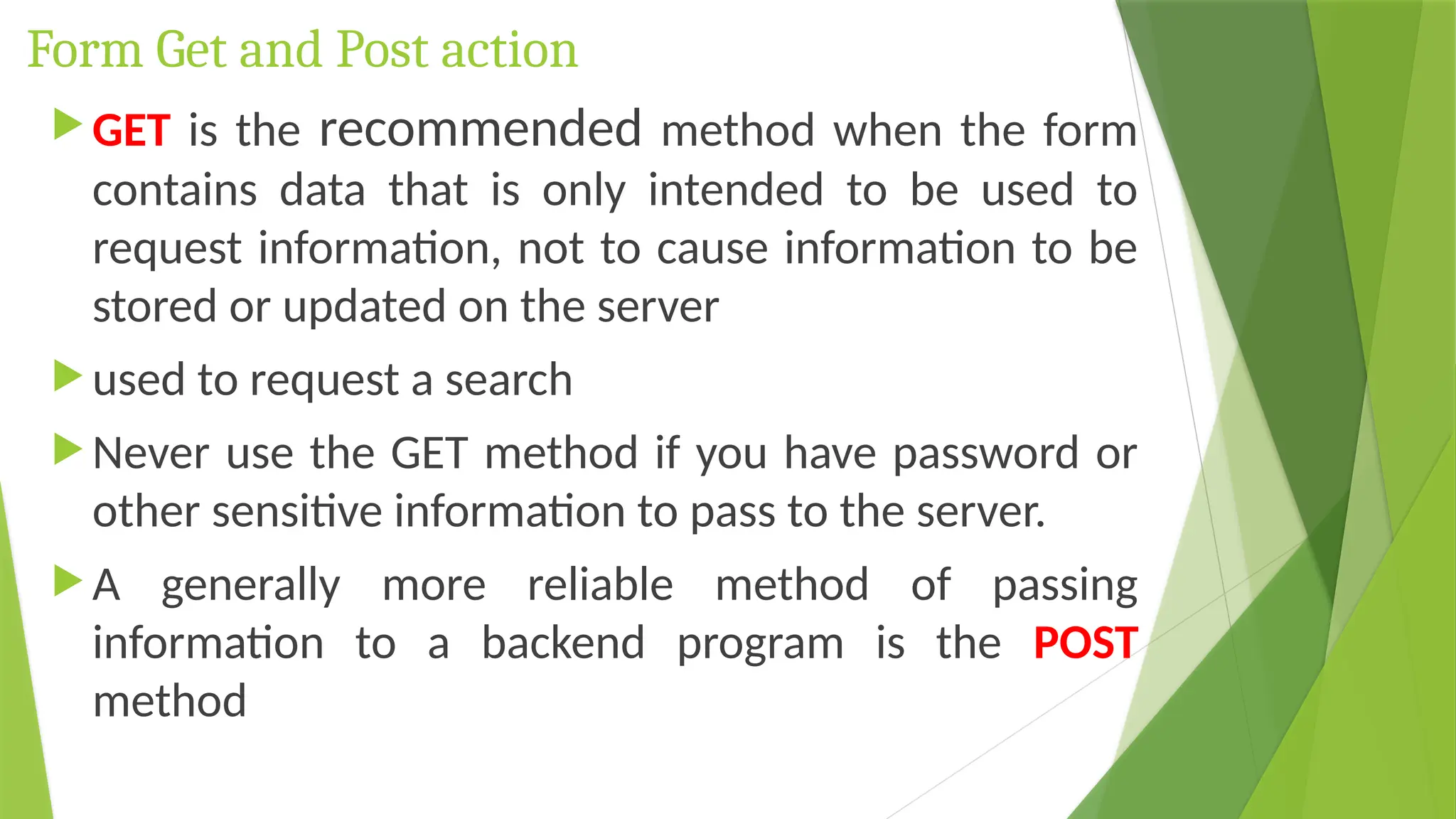
Form Get and Post action
 GET is the recommended method when the form
contains data that is only intended to be used to
request information, not to cause information to be
stored or updated on the server
 used to request a search
 Never use the GET method if you have password or
other sensitive information to pass to the server.
 A generally more reliable method of passing
information to a backend program is the POST
method
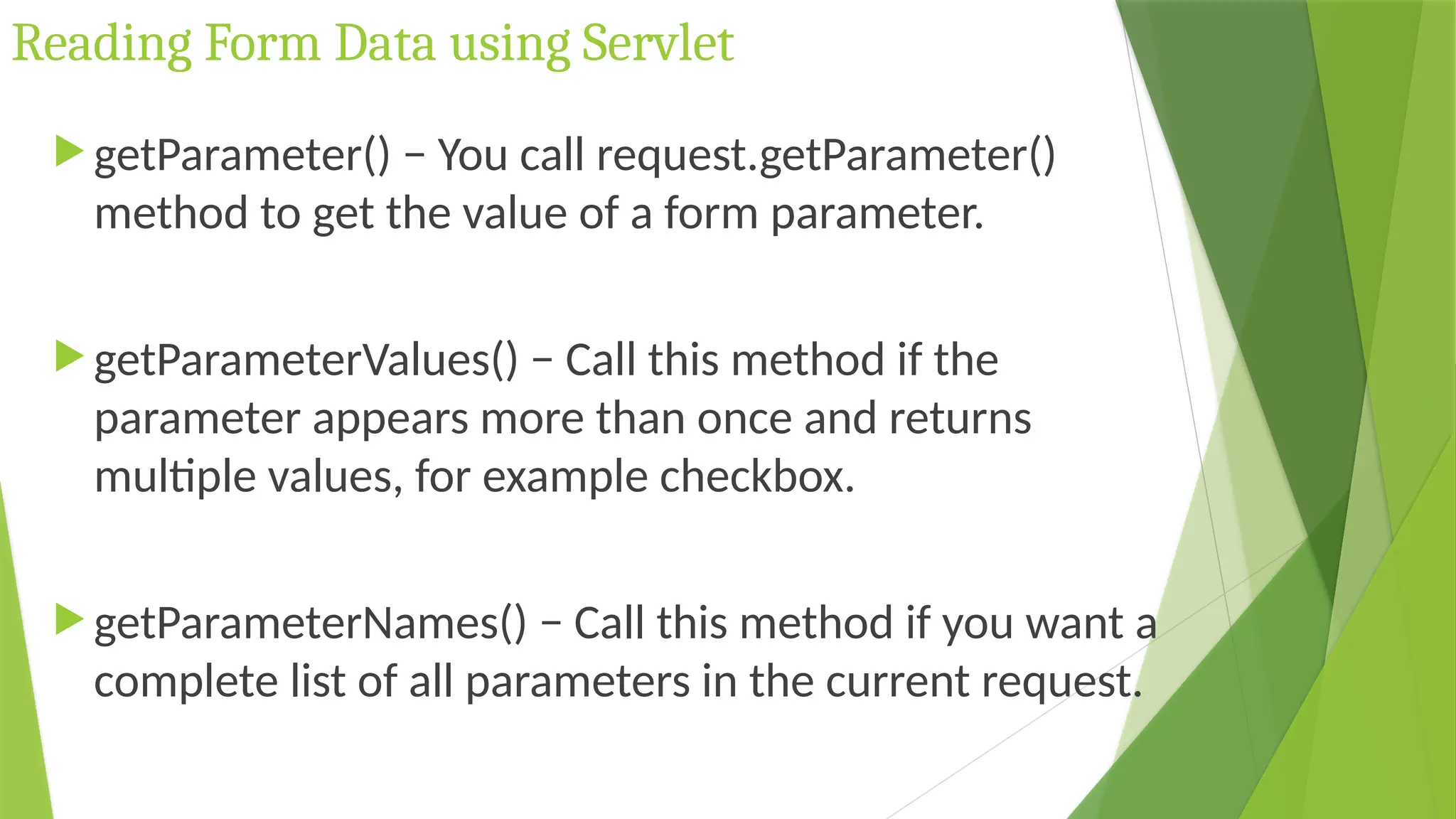
Reading Form Data using Servlet
 getParameter() − You call request.getParameter()
method to get the value of a form parameter.
 getParameterValues() − Call this method if the
parameter appears more than once and returns
multiple values, for example checkbox.
 getParameterNames() − Call this method if you want a
complete list of all parameters in the current request.
Invoking Servlet From HTML
using HttpServlet
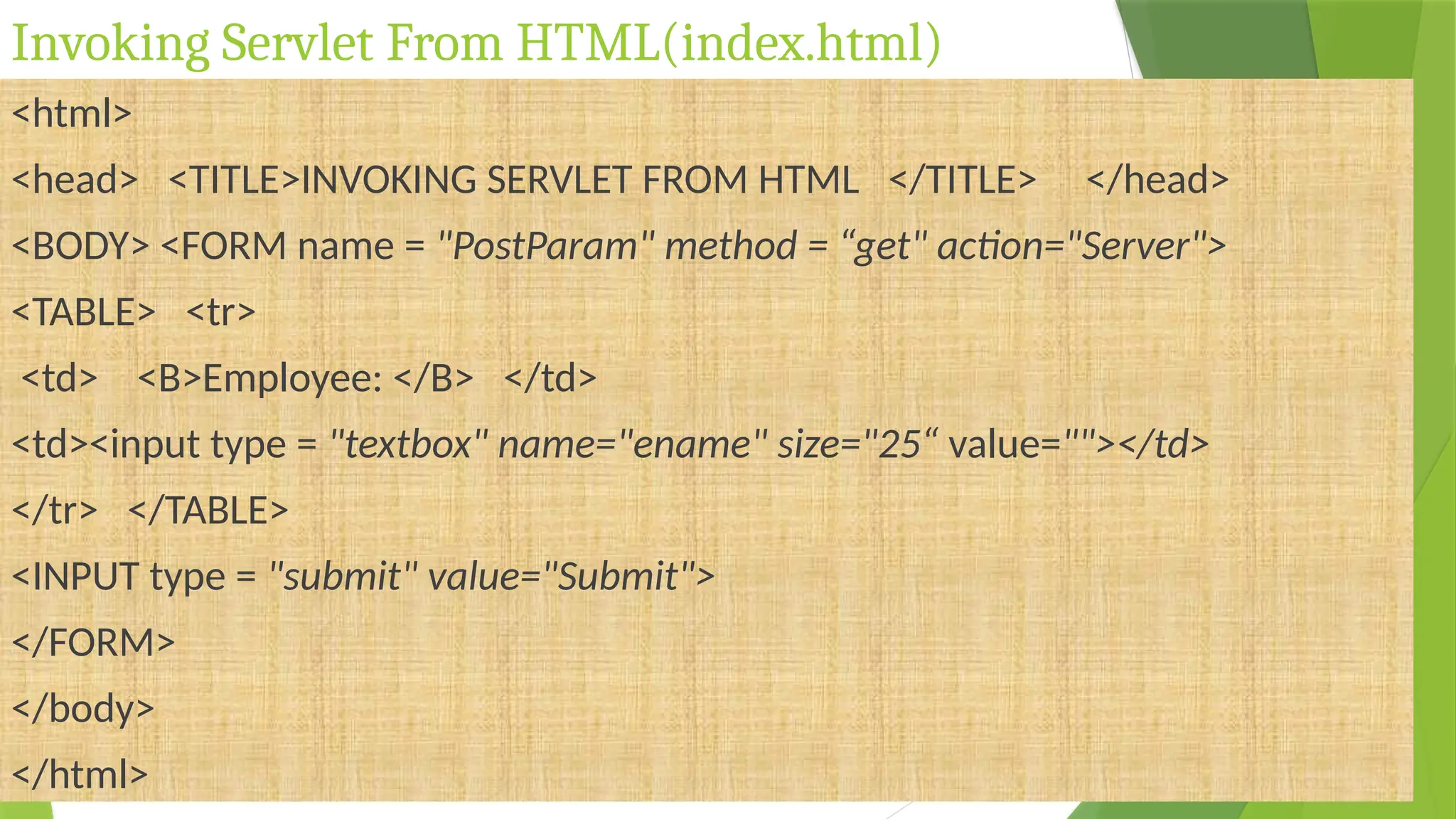
Invoking Servlet From HTML(index.html)
<html>
<head> <TITLE>INVOKING SERVLET FROM HTML </TITLE> </head>
<BODY> <FORM name = "PostParam" method = “get" action="Server">
<TABLE> <tr>
<td> <B>Employee: </B> </td>
<td><input type = "textbox" name="ename" size="25“ value=""></td>
</tr> </TABLE>
<INPUT type = "submit" value="Submit">
</FORM>
</body>
</html>
Invoking Servlet From HTML (Server.java)
import java.io.*;
import javax.servlet.*;
import javax.servlet.http.*;
import javax.servlet.annotation.WebServlet;
@WebServlet("/Server")
public class Server extends HttpServlet {
public void doGet(HttpServletRequest request,HttpServletResponse
response)throws ServletException,IOException
{ PrintWriter out=response.getWriter();
String name=request.getParameter("ename");
out.println("EmployeeName: "+name); } }
Invoking Servlet From HTML(web.xml)
<?xml version="1.0" encoding="UTF-8"?>
<element> <web-app>
<display-name>invokehtml</display-name>
<servlet> <servlet-name>as</servlet-name>
<servlet-class>Server</servlet-class> </servlet>
<servlet-mapping> <servlet-name>as</servlet-name>
<url-pattern>/Server</url-pattern> </servlet-mapping>
<welcome-file-list>
<welcome-file>index.html</welcome-file>
</welcome-file-list>
</web-app> </element>
Session
Tracking/Handling
in Servlets
Introduction
 Session simply means a particular interval of time.
 Session Tracking is a way to maintain state (data) of
an user. It is also known as session management in
servlet.
 Http protocol is a stateless so we need to maintain
state using session tracking techniques. Each time
user requests to the server, server treats the request
as the new request. So we need to maintain the state
of an user to recognize to particular user.
Introduction
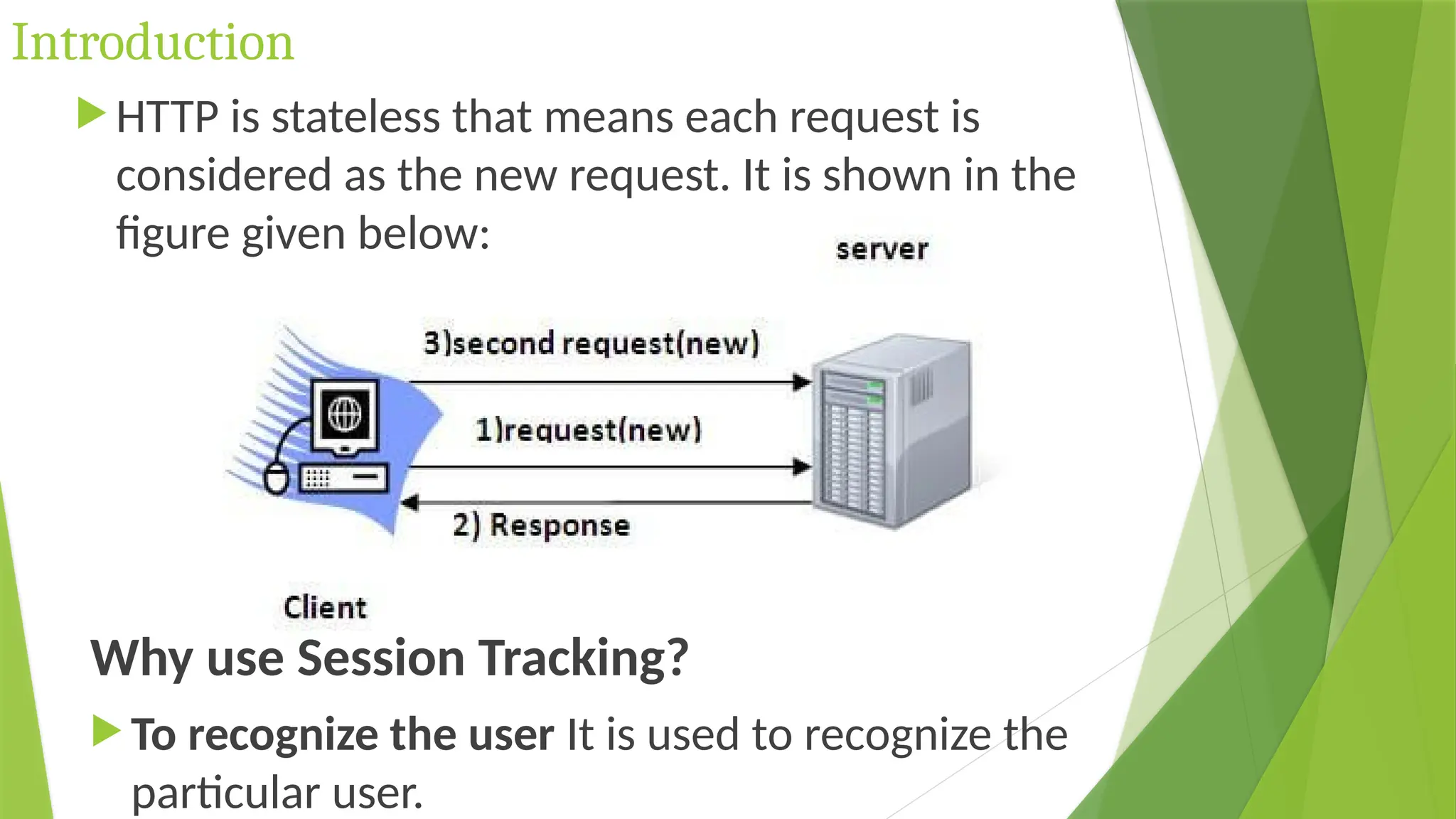
 HTTP is stateless that means each request is
considered as the new request. It is shown in the
figure given below:
Why use Session Tracking?
 To recognize the user It is used to recognize the
particular user.
Session Tracking Techniques
There are four techniques used in Session
tracking:
Cookies
Hidden Form Field
URL Rewriting
HttpSession
Cookies in Servlet
A cookie is a small piece of information that is
persisted between the multiple client requests.
A cookie has a name, a single value, and
optional attributes such as a comment, path and
domain qualifiers, a maximum age, and a
version number.
How Cookie works
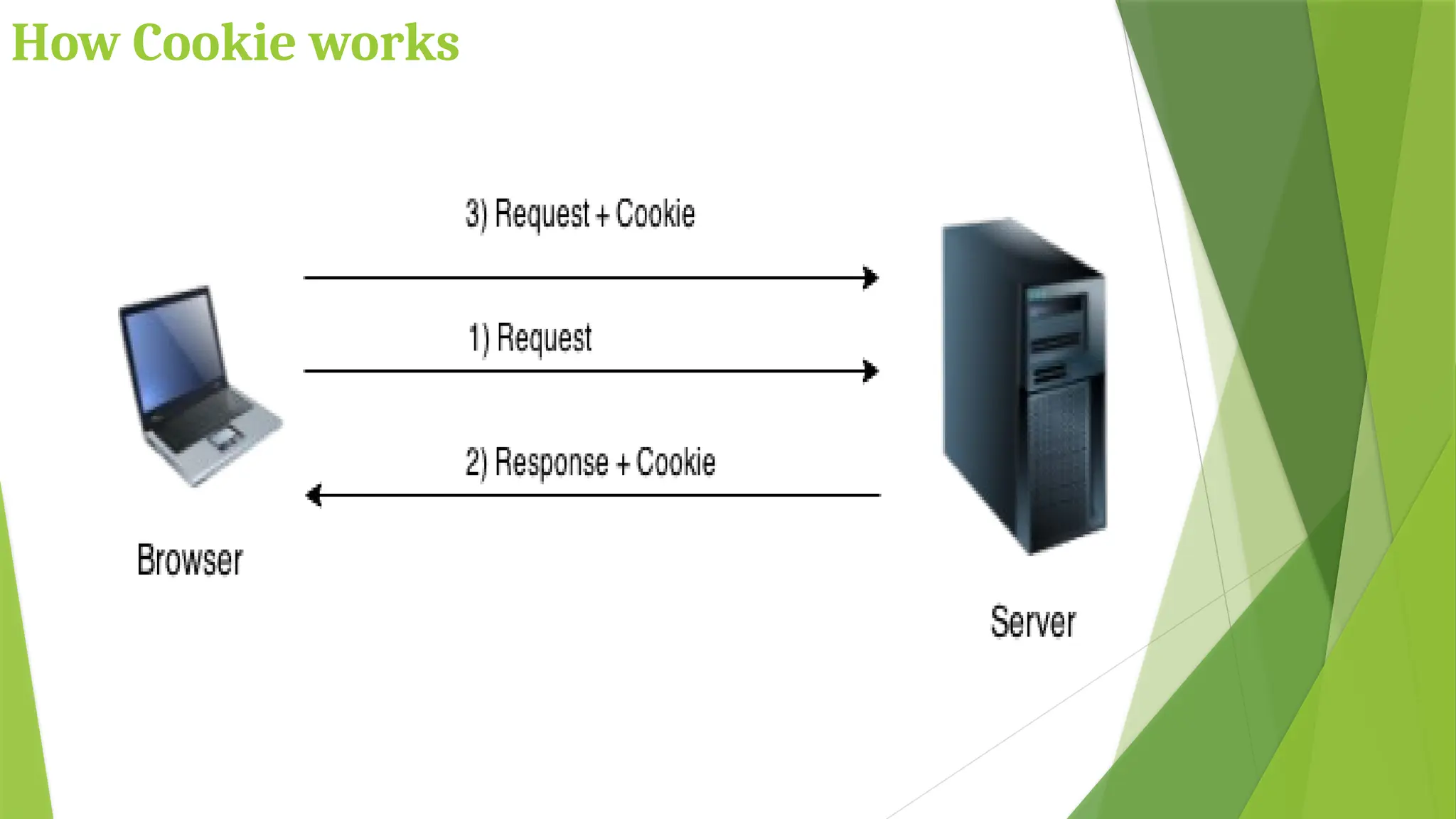
 By default, each request is considered as a new request.
 In cookies technique, we add cookie with response from
the servlet.
 So cookie is stored in the cache of the browser.
 After that if request is sent by the user, cookie is added
with request by default.
 Thus, we recognize the user as the old user.
How Cookie works
Types of Cookie
There are 2 types of cookies in servlets.
Non-persistent cookie
It is valid for single session only. It is removed
each time when user closes the browser.
Persistent cookie
It is valid for multiple session . It is not removed
each time when user closes the browser. It is
removed only if user logout or signout.
Advantage/Disadvantage of Cookies
Advantage
Simplest technique of maintaining the state.
Cookies are maintained at client side.
Disadvantage
It will not work if cookie is disabled from the
browser.
Only textual information can be set in Cookie object.
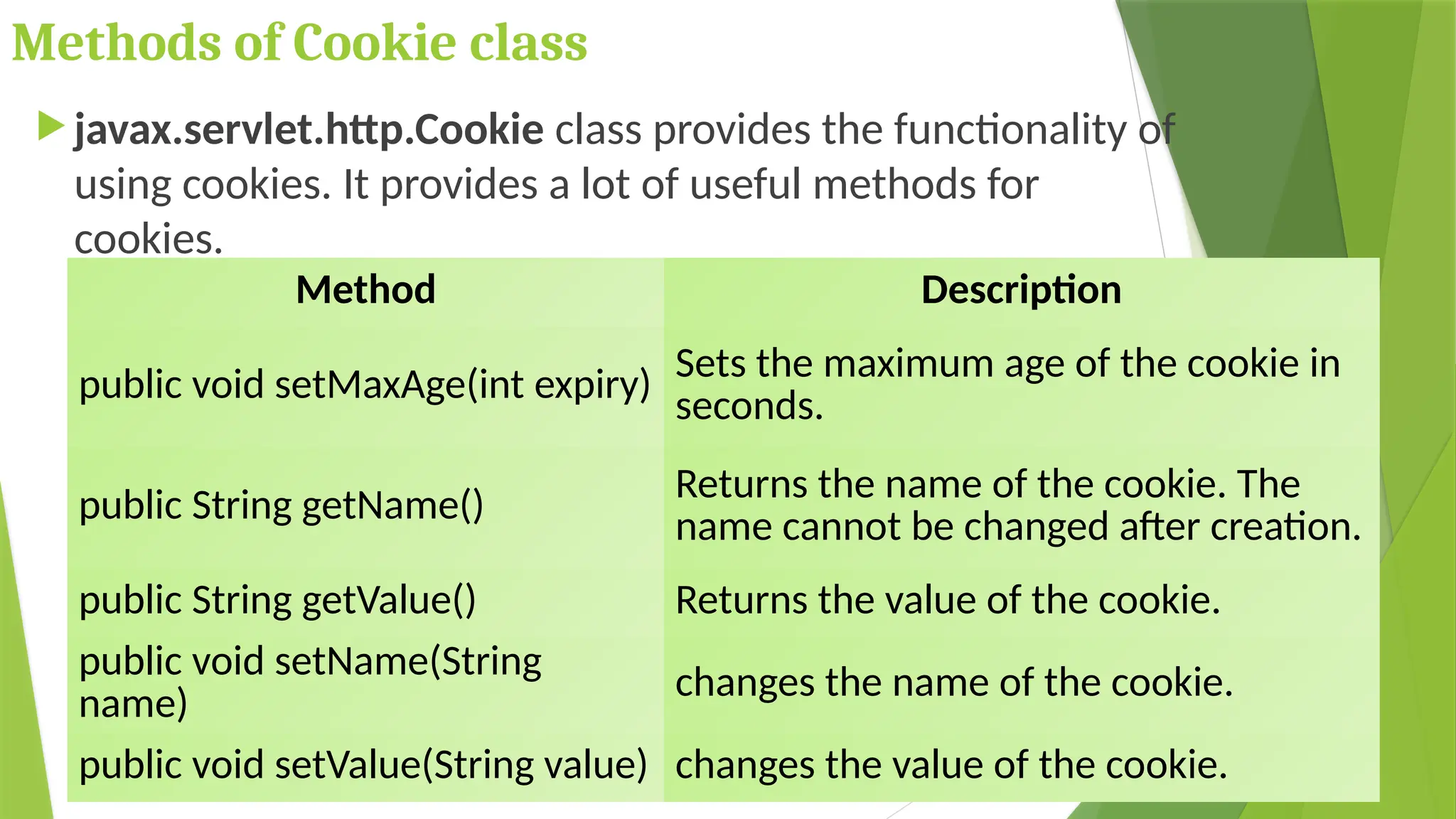
Methods of Cookie class
 javax.servlet.http.Cookie class provides the functionality of
using cookies. It provides a lot of useful methods for
cookies.
Method Description
public void setMaxAge(int expiry) Sets the maximum age of the cookie in
seconds.
public String getName() Returns the name of the cookie. The
name cannot be changed after creation.
public String getValue() Returns the value of the cookie.
public void setName(String
name)
changes the name of the cookie.
public void setValue(String value) changes the value of the cookie.
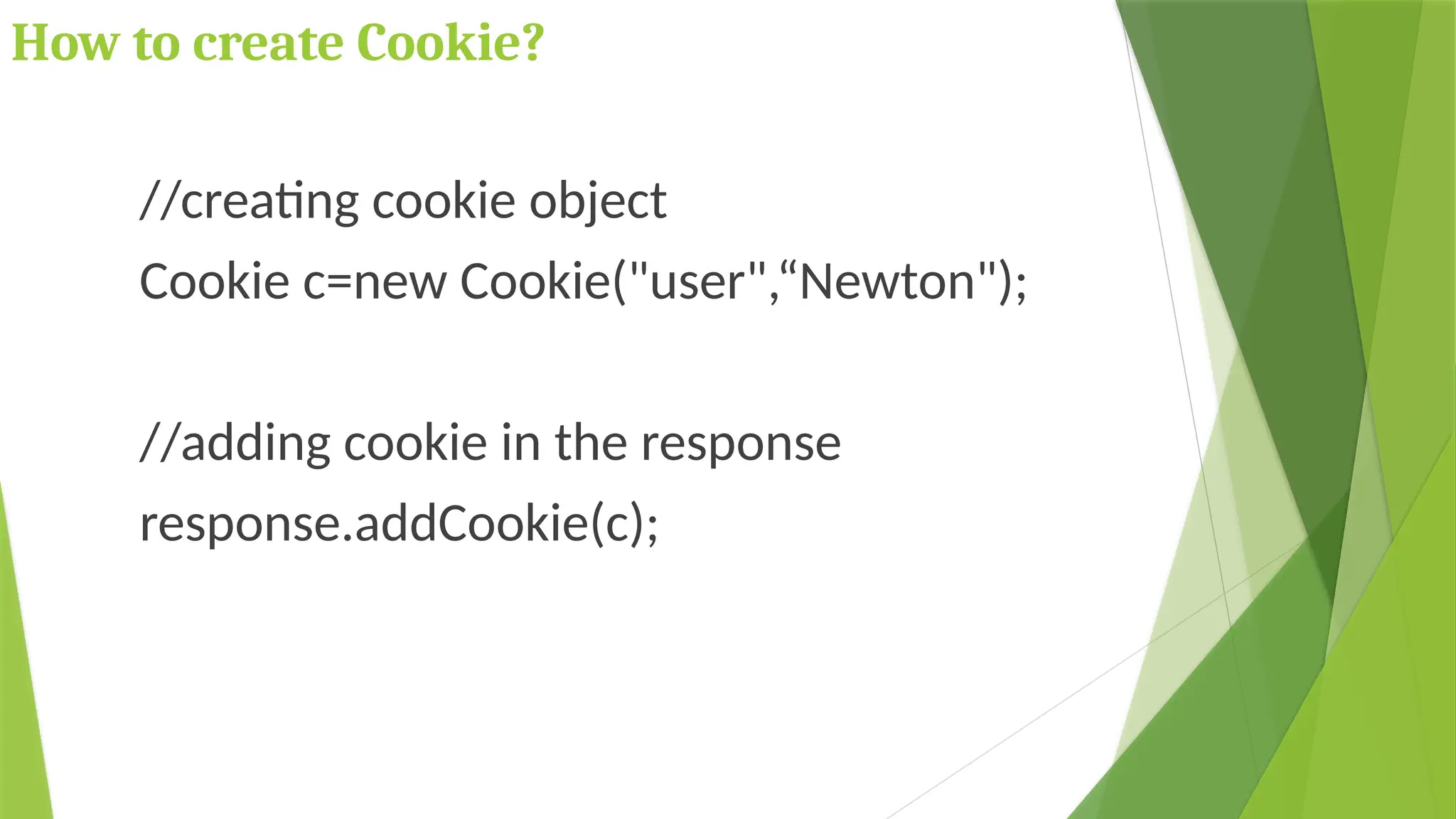
How to create Cookie?
//creating cookie object
Cookie c=new Cookie("user",“Newton");
//adding cookie in the response
response.addCookie(c);
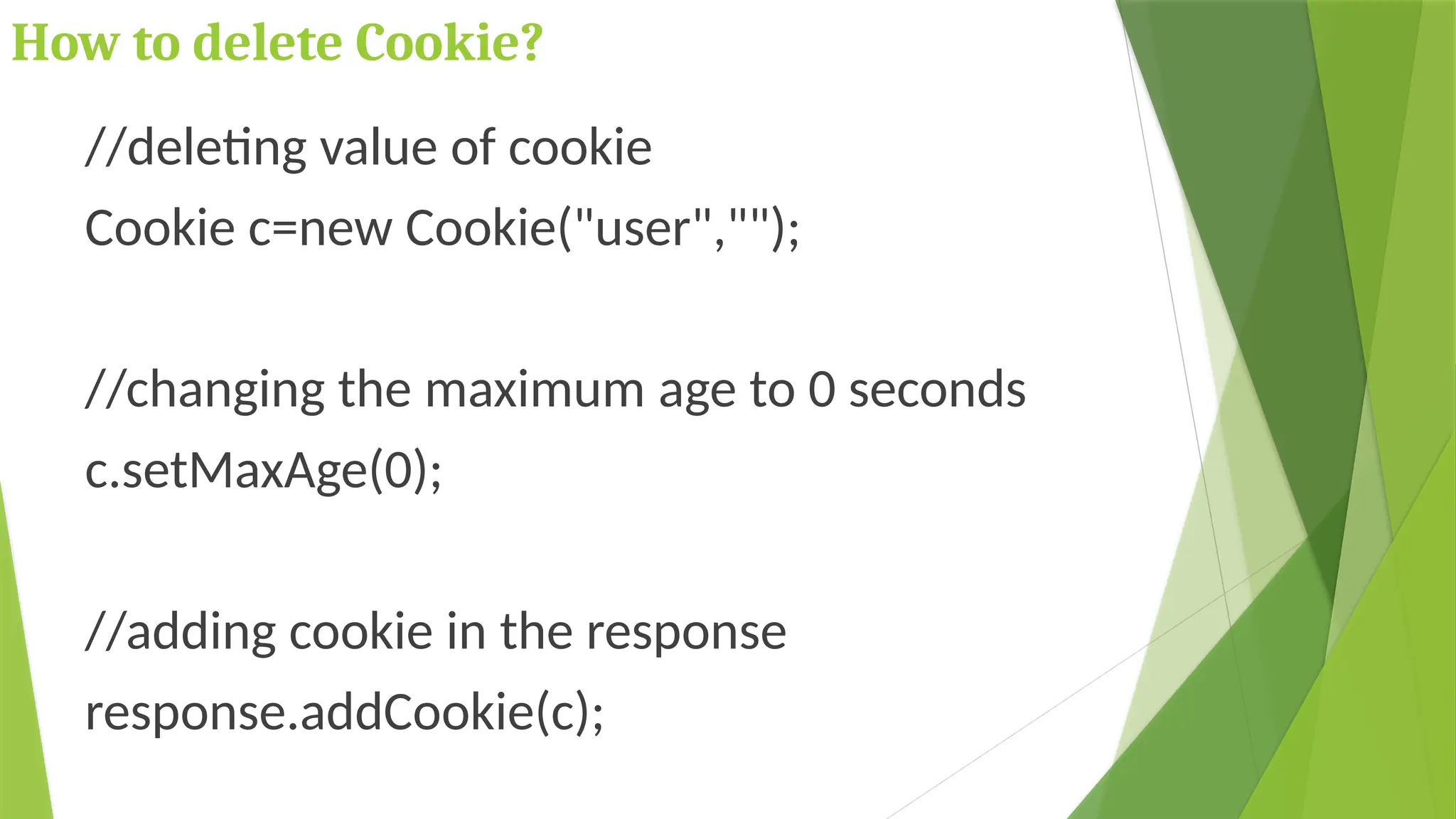
How to delete Cookie?
//deleting value of cookie
Cookie c=new Cookie("user","");
//changing the maximum age to 0 seconds
c.setMaxAge(0);
//adding cookie in the response
response.addCookie(c);
How to get Cookies?
Cookie c[]=request.getCookies();
for(int i=0;i<c.length;i++)
{
out.print("<br>"+c[i].getName()+" "+c[i].getValue());
}
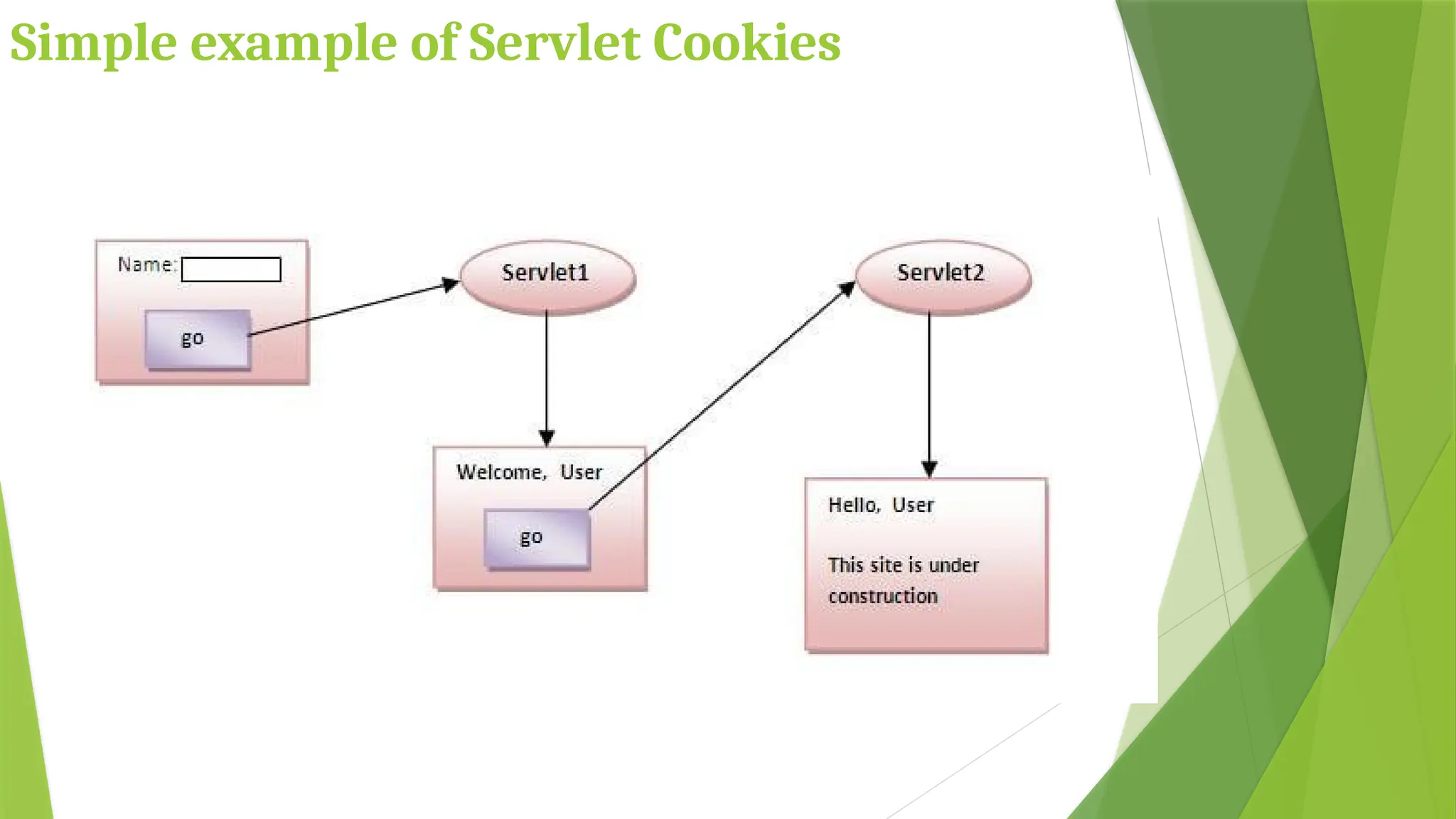
Simple example of Servlet Cookies
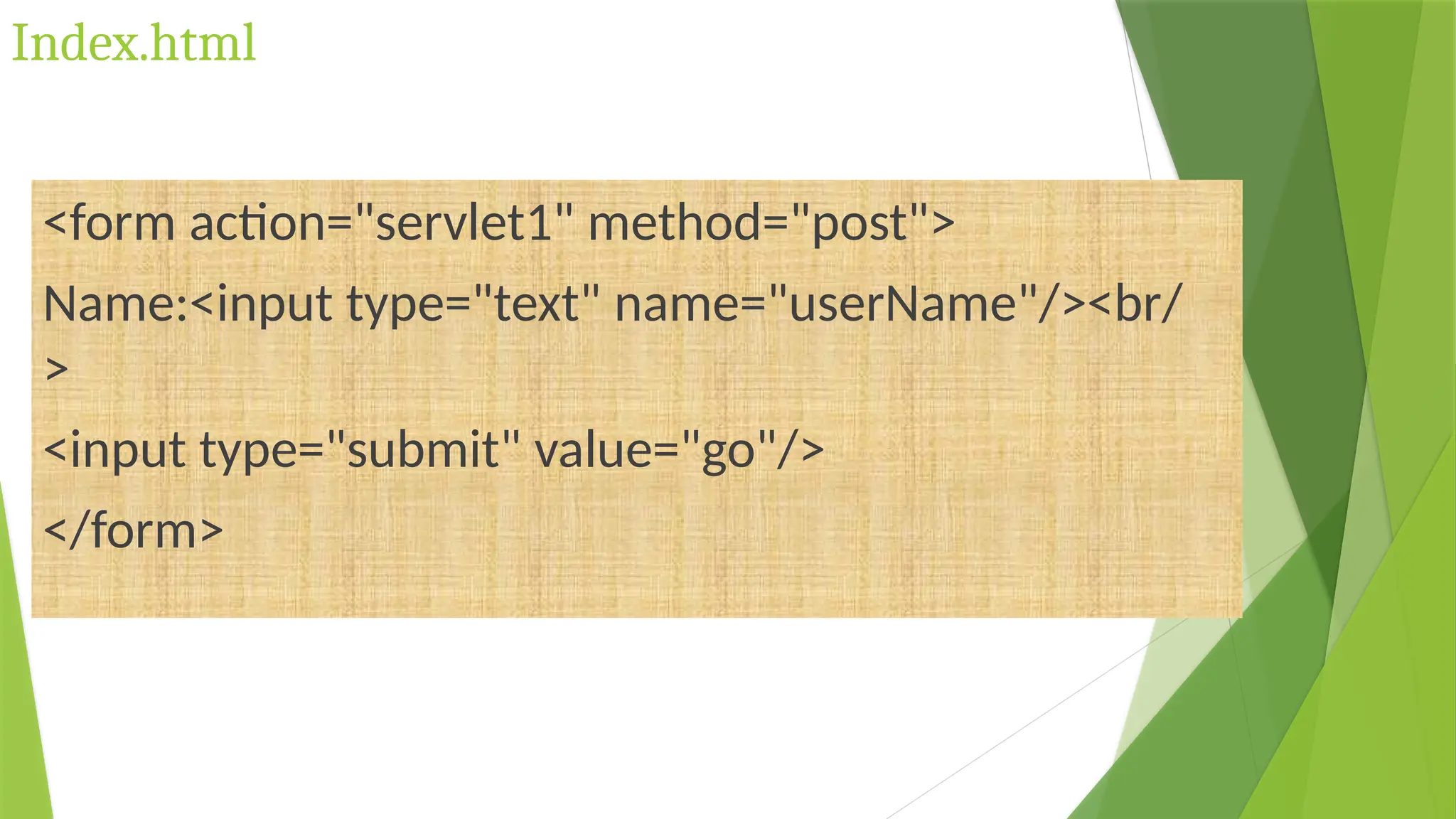
Index.html
<form action="servlet1" method="post">
Name:<input type="text" name="userName"/><br/
>
<input type="submit" value="go"/>
</form>
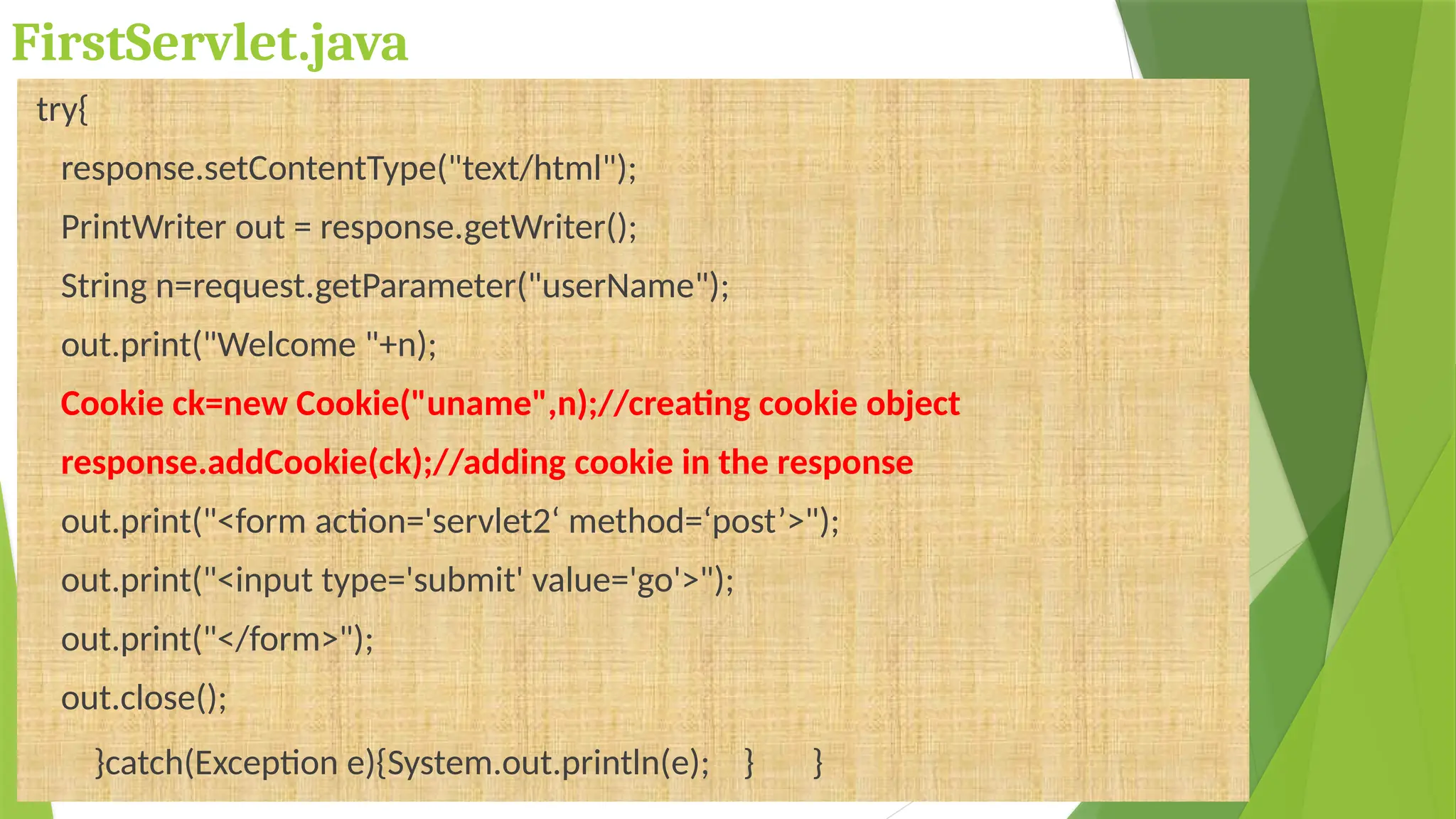
FirstServlet.java
try{
response.setContentType("text/html");
PrintWriter out = response.getWriter();
String n=request.getParameter("userName");
out.print("Welcome "+n);
Cookie ck=new Cookie("uname",n);//creating cookie object
response.addCookie(ck);//adding cookie in the response
out.print("<form action='servlet2‘ method=‘post’>");
out.print("<input type='submit' value='go'>");
out.print("</form>");
out.close();
}catch(Exception e){System.out.println(e); } }
SecondServlet.java
try{
response.setContentType("text/html");
PrintWriter out = response.getWriter();
Cookie ck[]=request.getCookies();
out.print("Hello "+ck[0].getValue());
out.close();
}catch(Exception e){
System.out.println(e); } }
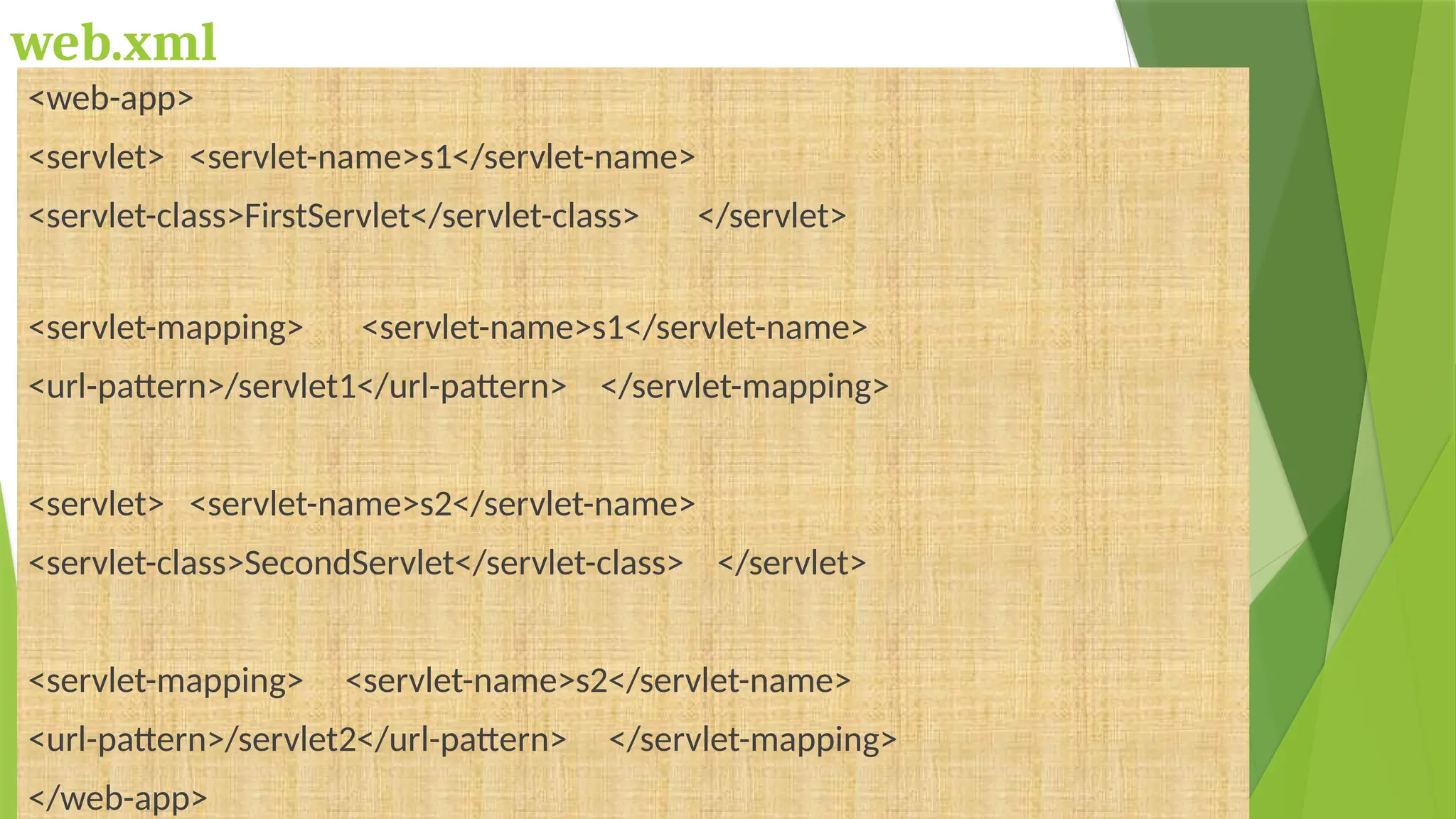
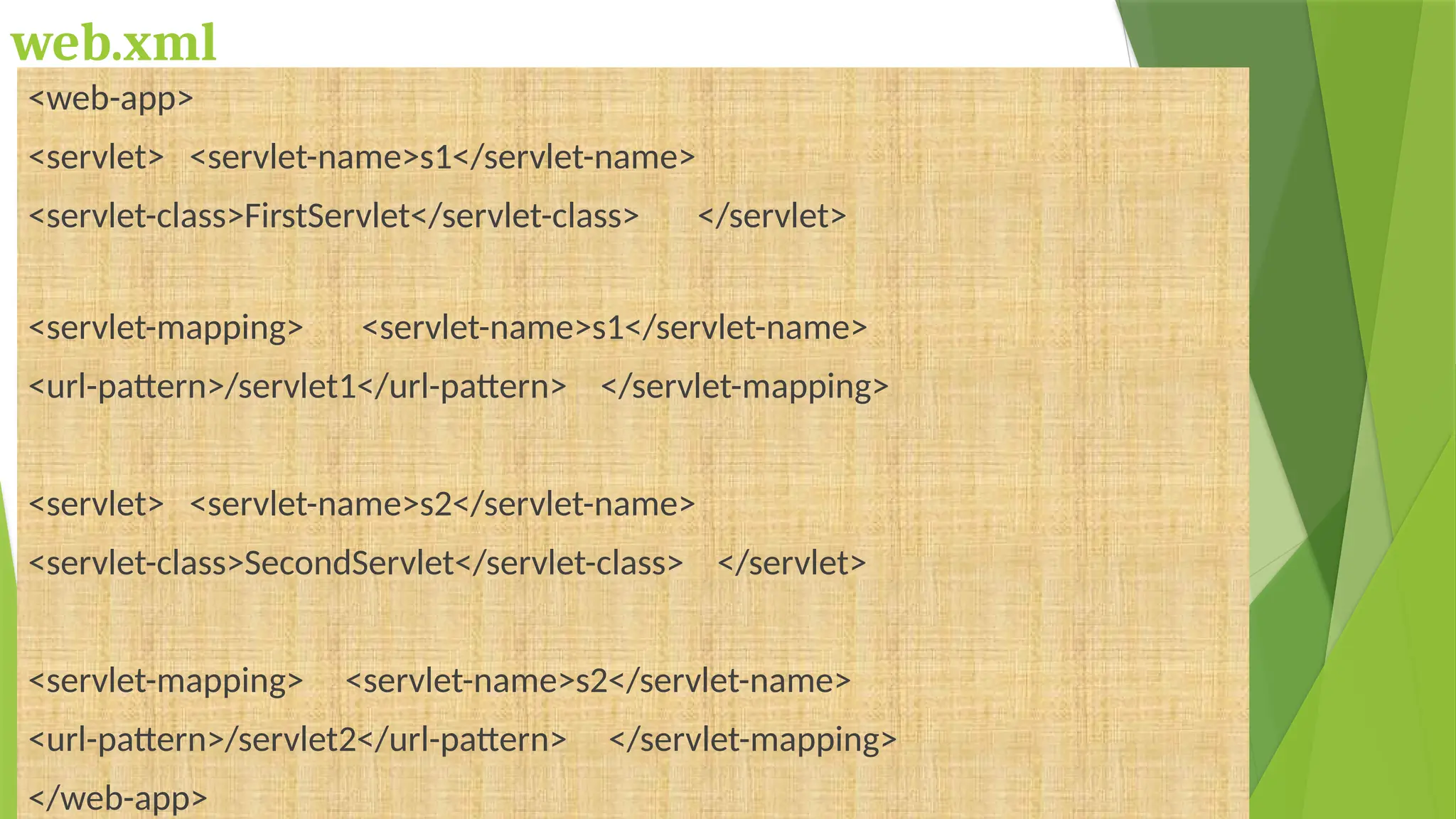
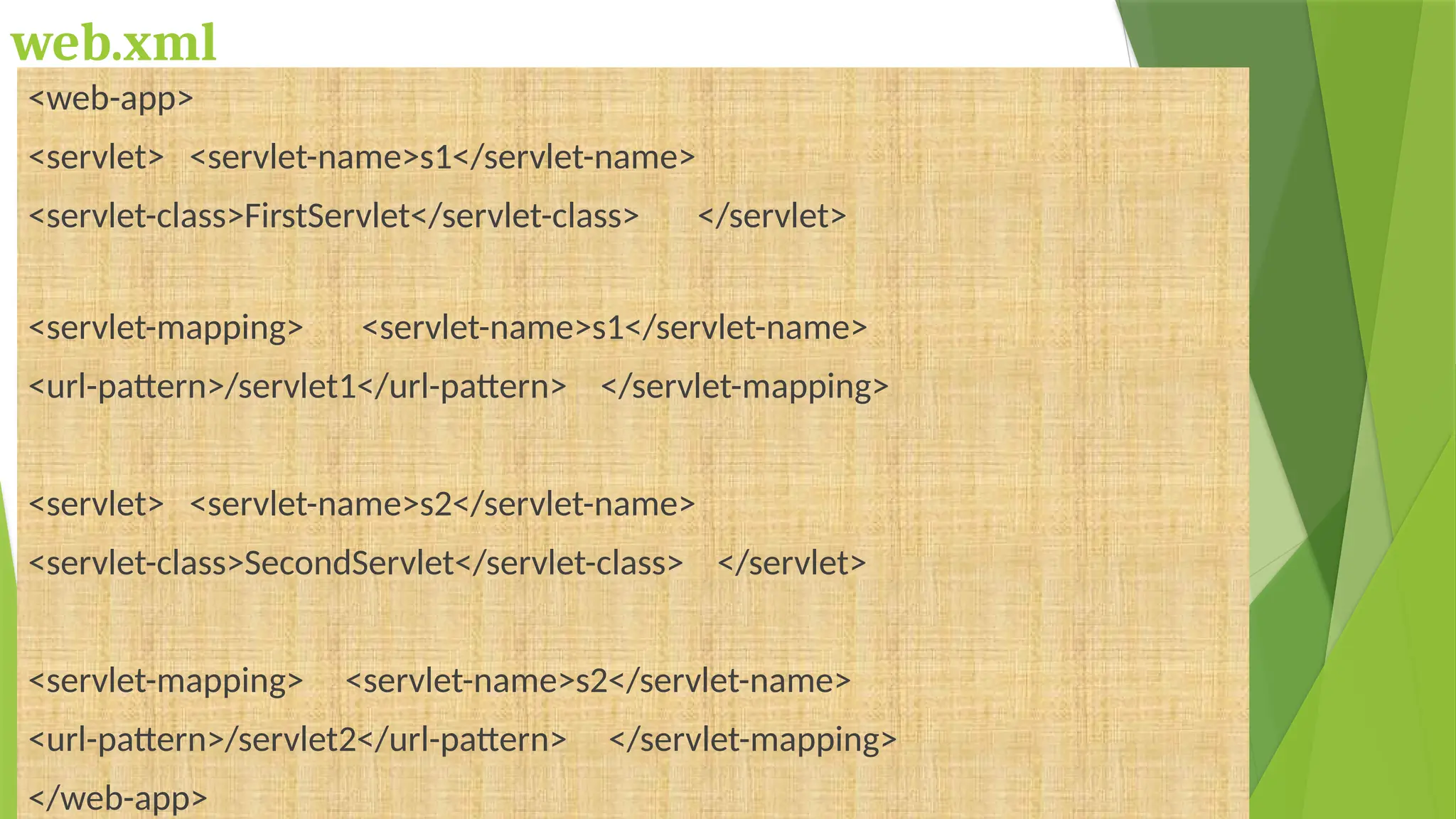
web.xml
<web-app>
<servlet> <servlet-name>s1</servlet-name>
<servlet-class>FirstServlet</servlet-class> </servlet>
<servlet-mapping> <servlet-name>s1</servlet-name>
<url-pattern>/servlet1</url-pattern> </servlet-mapping>
<servlet> <servlet-name>s2</servlet-name>
<servlet-class>SecondServlet</servlet-class> </servlet>
<servlet-mapping> <servlet-name>s2</servlet-name>
<url-pattern>/servlet2</url-pattern> </servlet-mapping>
</web-app>
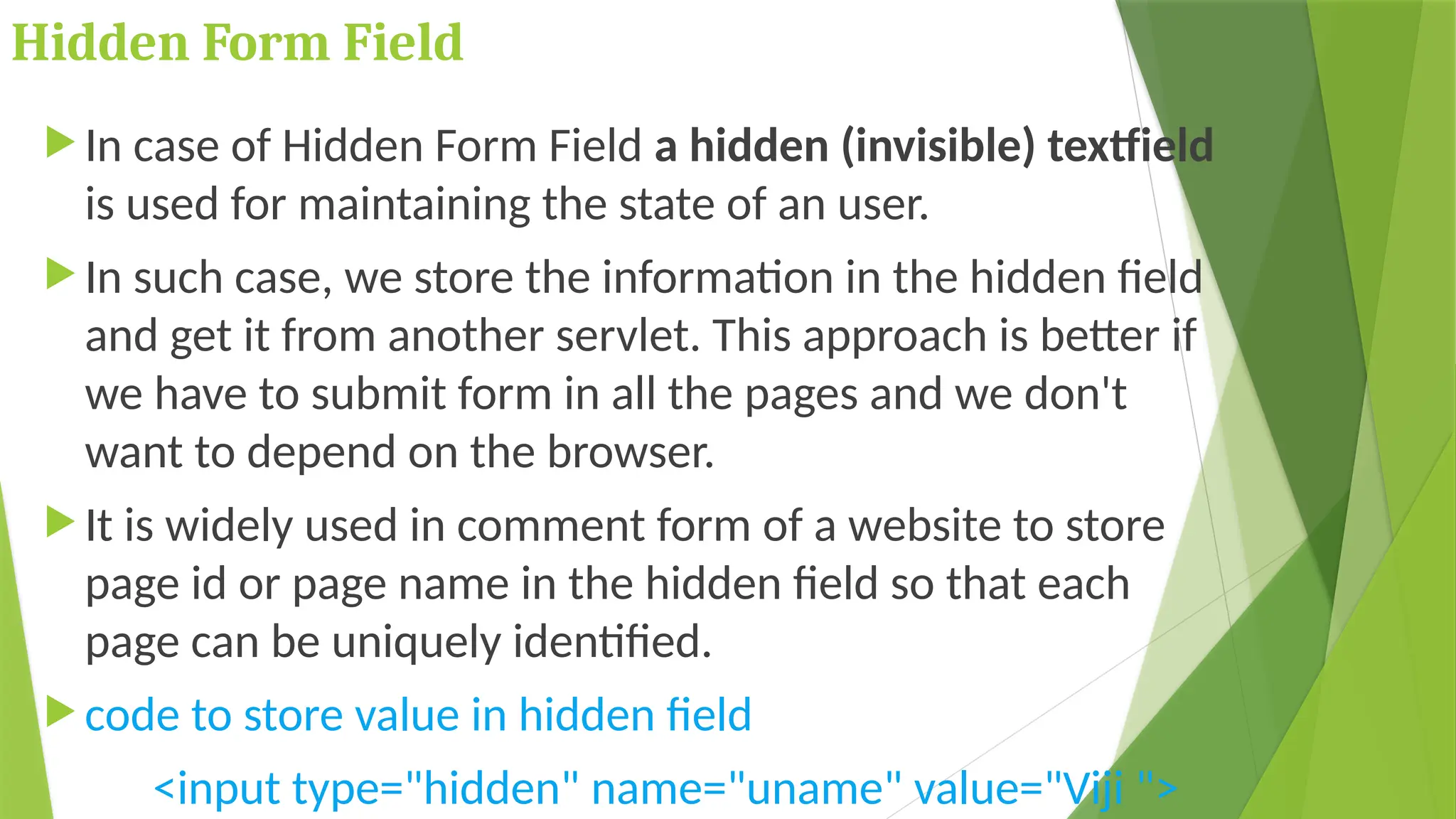
Hidden Form Field
 In case of Hidden Form Field a hidden (invisible) textfield
is used for maintaining the state of an user.
 In such case, we store the information in the hidden field
and get it from another servlet. This approach is better if
we have to submit form in all the pages and we don't
want to depend on the browser.
 It is widely used in comment form of a website to store
page id or page name in the hidden field so that each
page can be uniquely identified.
 code to store value in hidden field
<input type="hidden" name="uname" value="Viji ">
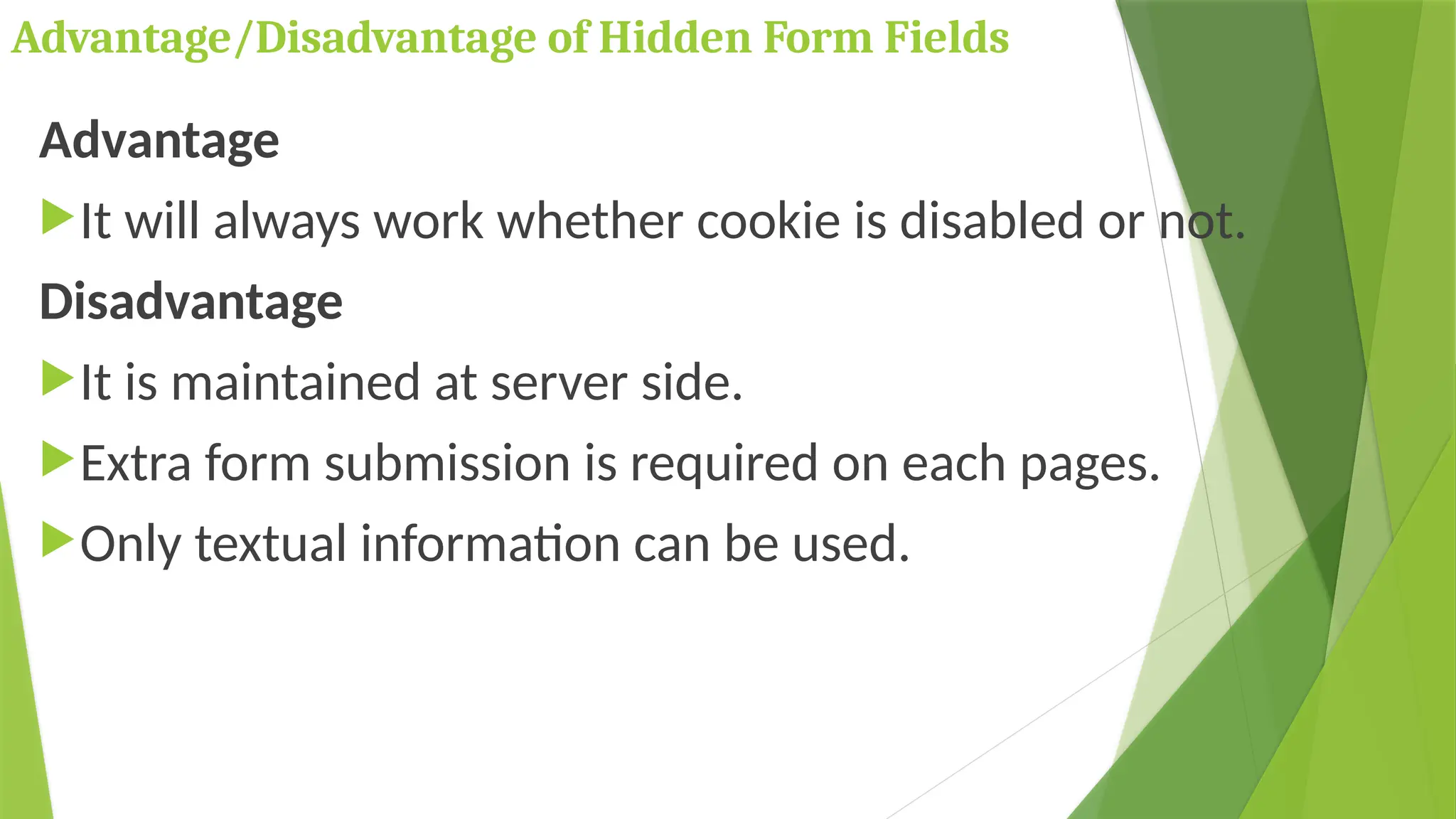
Advantage/Disadvantage of Hidden Form Fields
Advantage
It will always work whether cookie is disabled or not.
Disadvantage
It is maintained at server side.
Extra form submission is required on each pages.
Only textual information can be used.
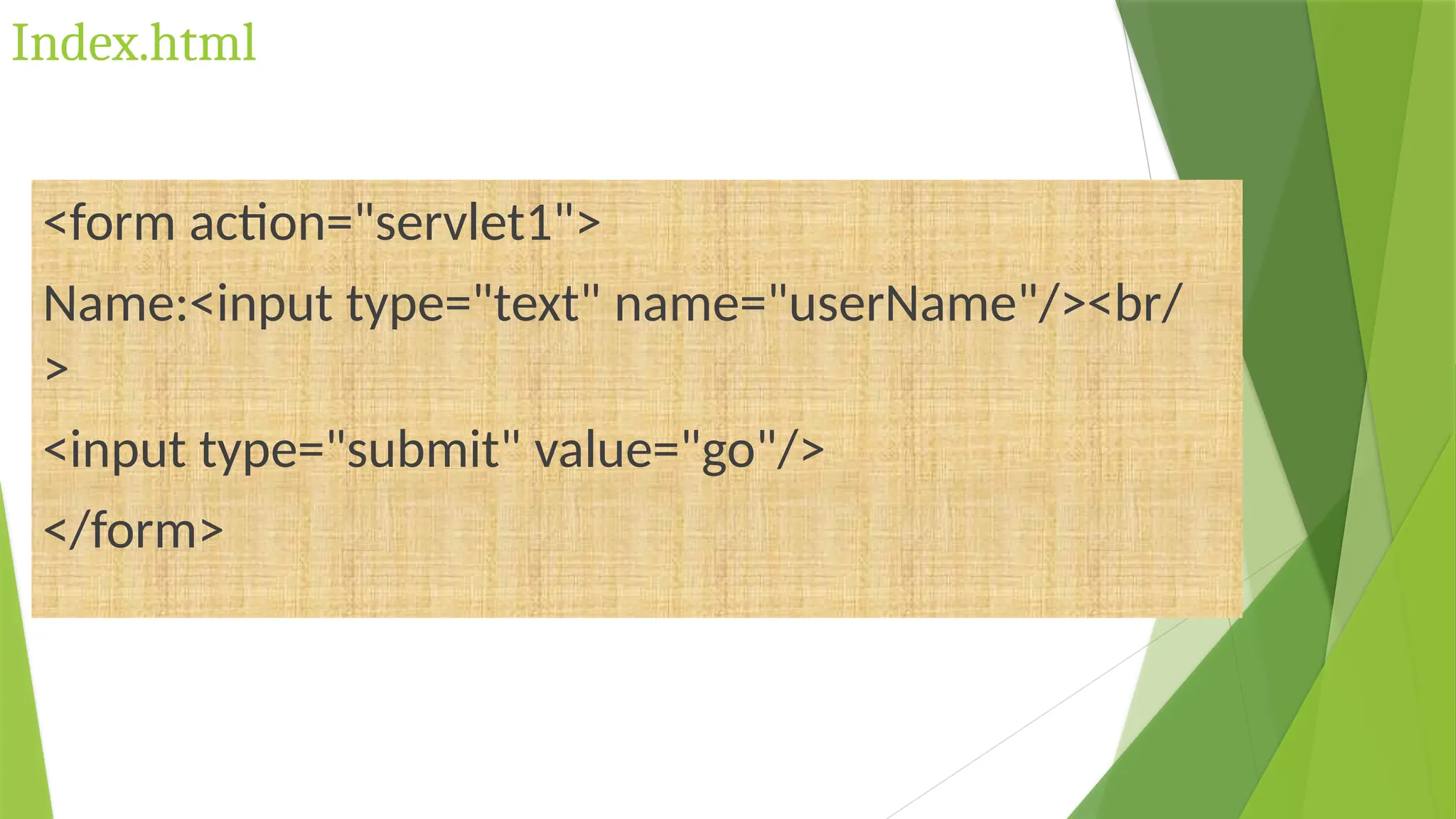
Index.html
<form action="servlet1">
Name:<input type="text" name="userName"/><br/
>
<input type="submit" value="go"/>
</form>
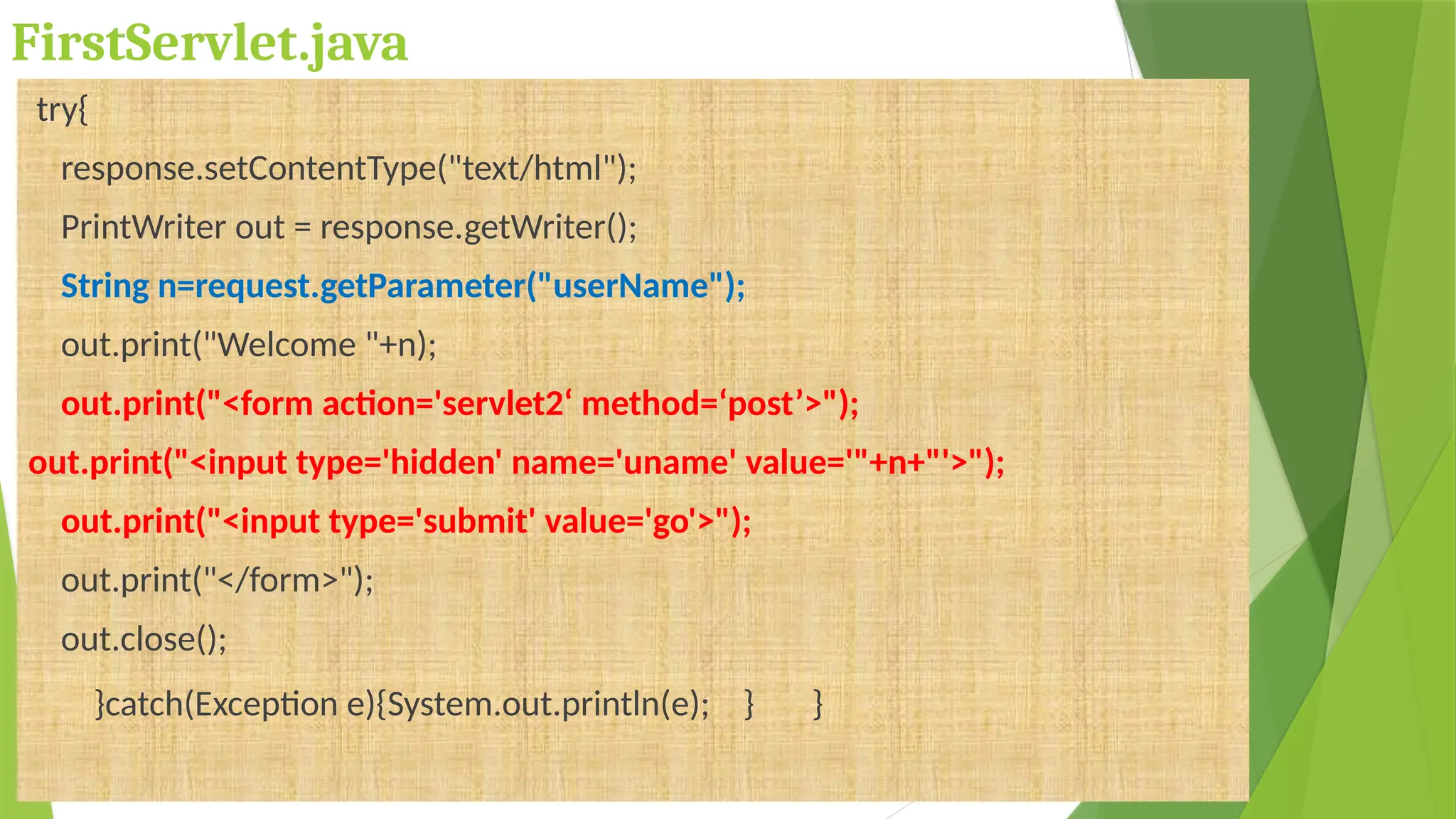
FirstServlet.java
try{
response.setContentType("text/html");
PrintWriter out = response.getWriter();
String n=request.getParameter("userName");
out.print("Welcome "+n);
out.print("<form action='servlet2‘ method=‘post’>");
out.print("<input type='hidden' name='uname' value='"+n+"'>");
out.print("<input type='submit' value='go'>");
out.print("</form>");
out.close();
}catch(Exception e){System.out.println(e); } }
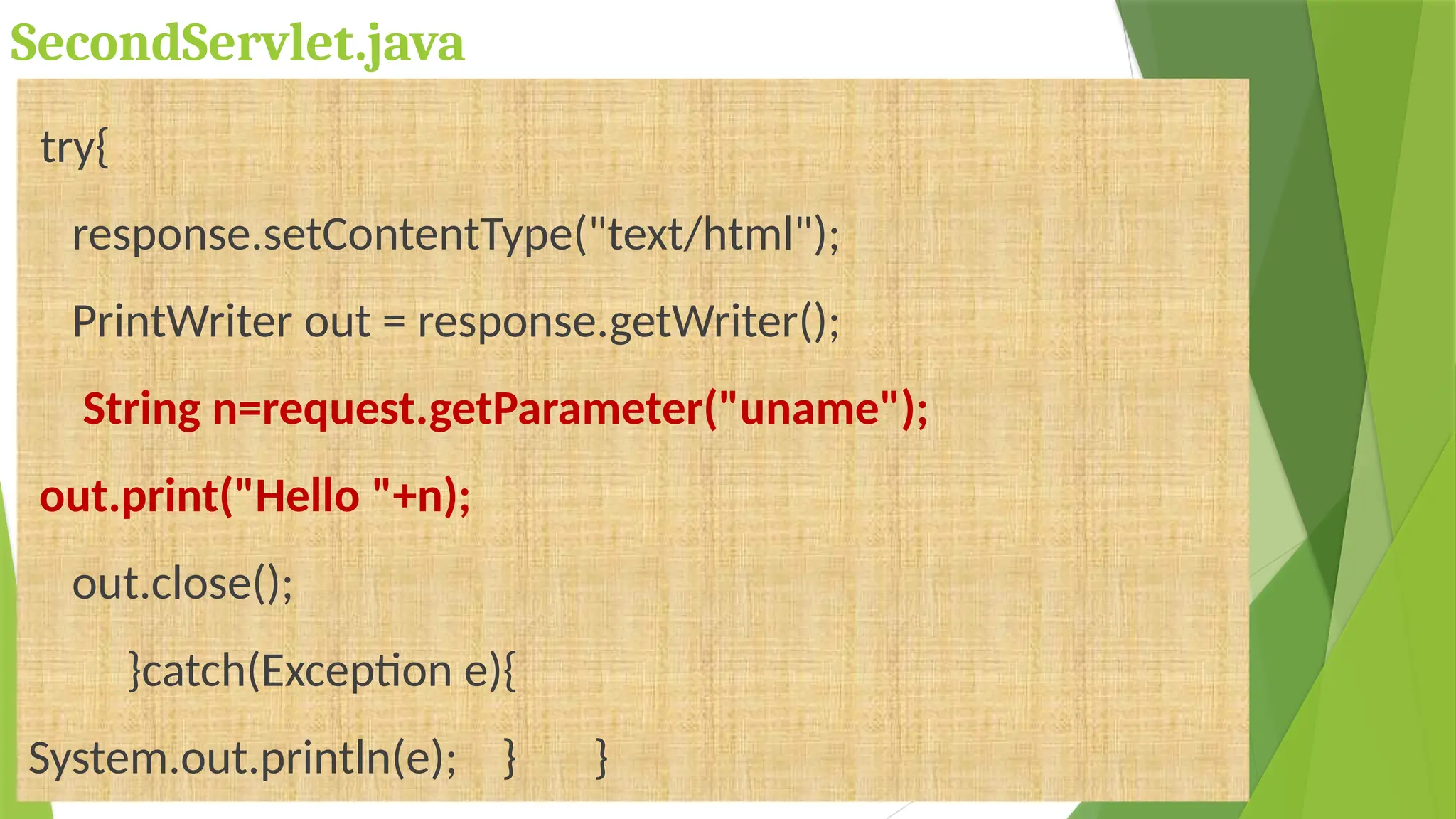
SecondServlet.java
try{
response.setContentType("text/html");
PrintWriter out = response.getWriter();
String n=request.getParameter("uname");
out.print("Hello "+n);
out.close();
}catch(Exception e){
System.out.println(e); } }
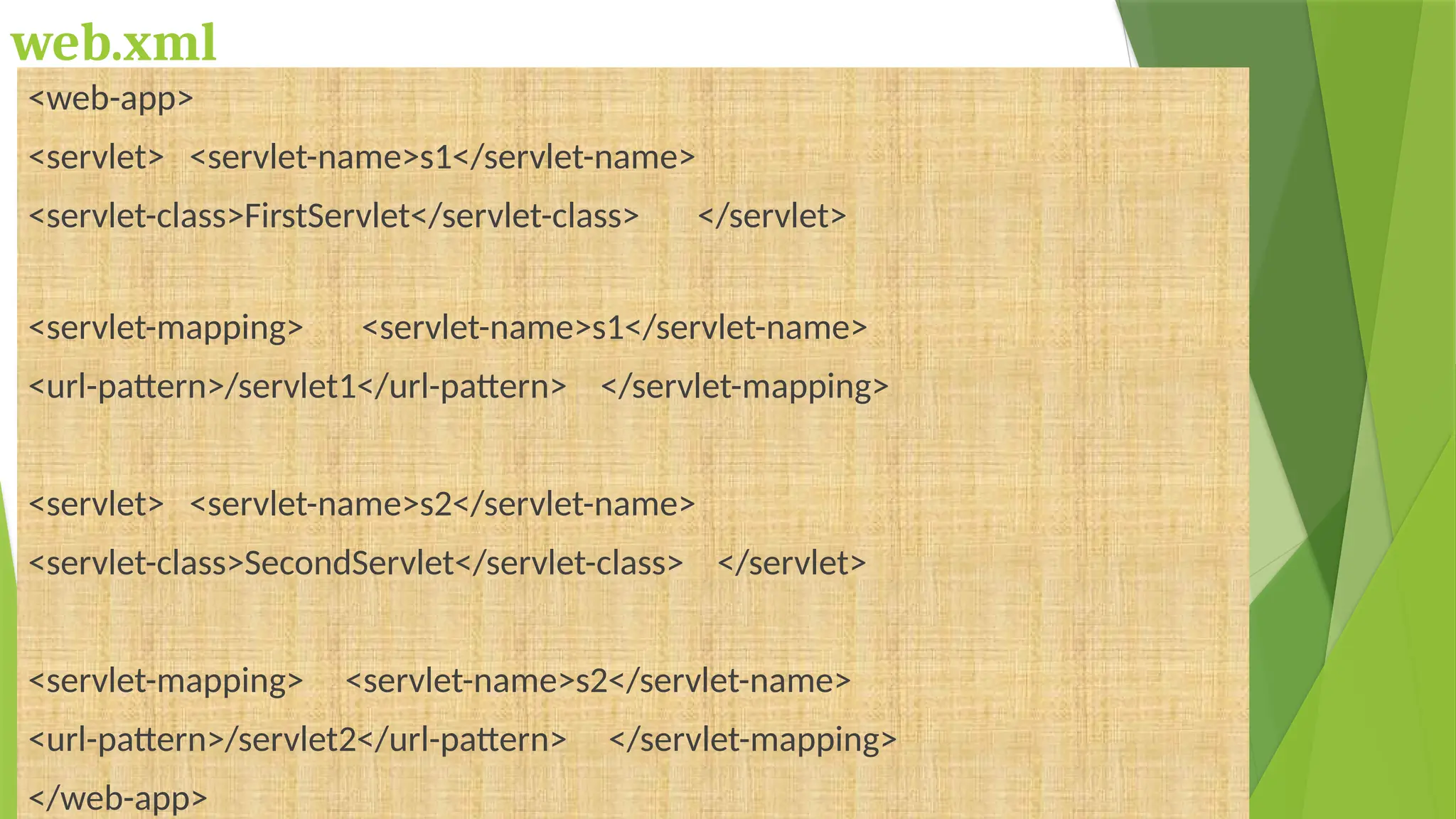
web.xml
<web-app>
<servlet> <servlet-name>s1</servlet-name>
<servlet-class>FirstServlet</servlet-class> </servlet>
<servlet-mapping> <servlet-name>s1</servlet-name>
<url-pattern>/servlet1</url-pattern> </servlet-mapping>
<servlet> <servlet-name>s2</servlet-name>
<servlet-class>SecondServlet</servlet-class> </servlet>
<servlet-mapping> <servlet-name>s2</servlet-name>
<url-pattern>/servlet2</url-pattern> </servlet-mapping>
</web-app>
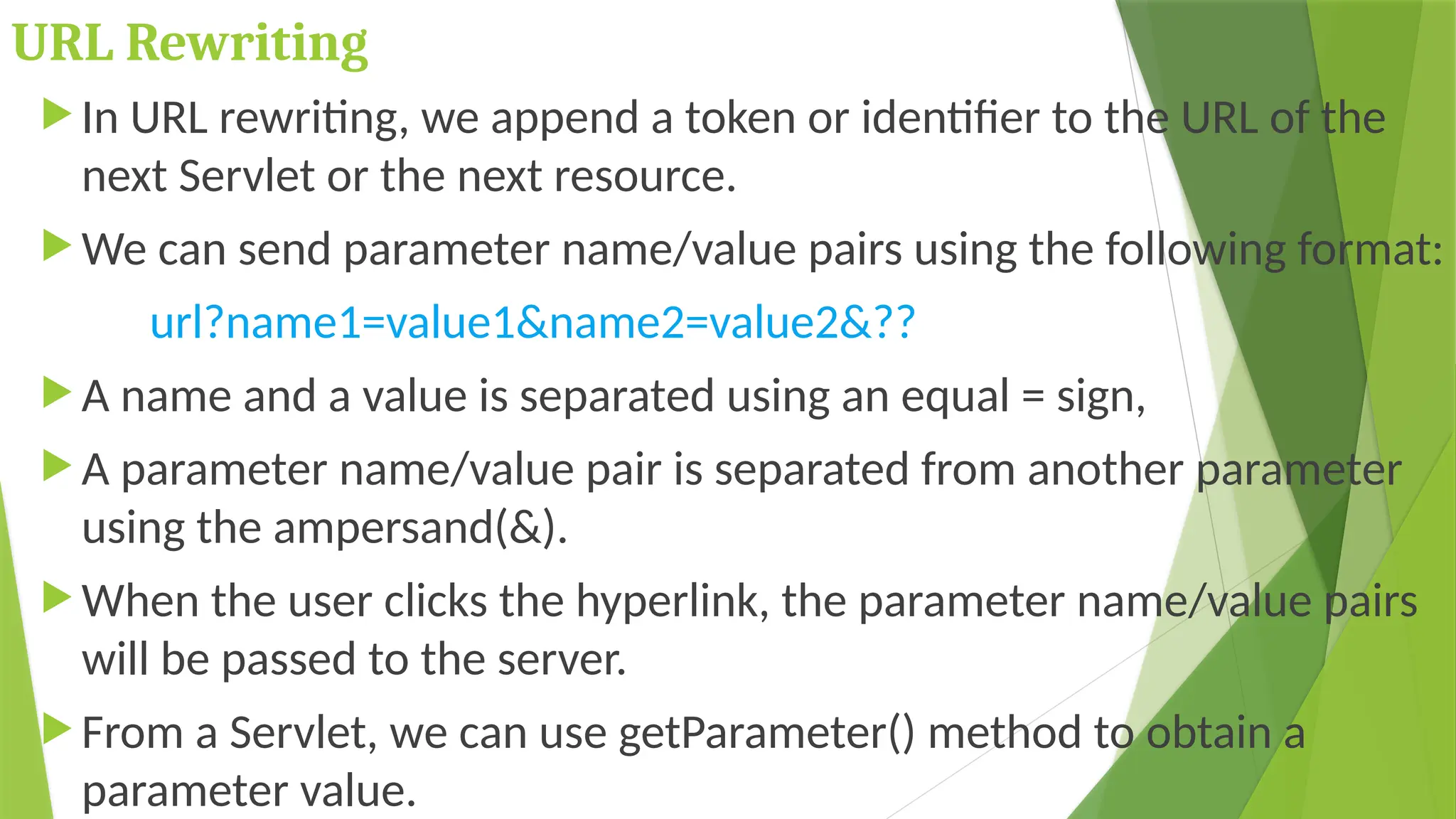
URL Rewriting
 In URL rewriting, we append a token or identifier to the URL of the
next Servlet or the next resource.
 We can send parameter name/value pairs using the following format:
url?name1=value1&name2=value2&??
 A name and a value is separated using an equal = sign,
 A parameter name/value pair is separated from another parameter
using the ampersand(&).
 When the user clicks the hyperlink, the parameter name/value pairs
will be passed to the server.
 From a Servlet, we can use getParameter() method to obtain a
parameter value.
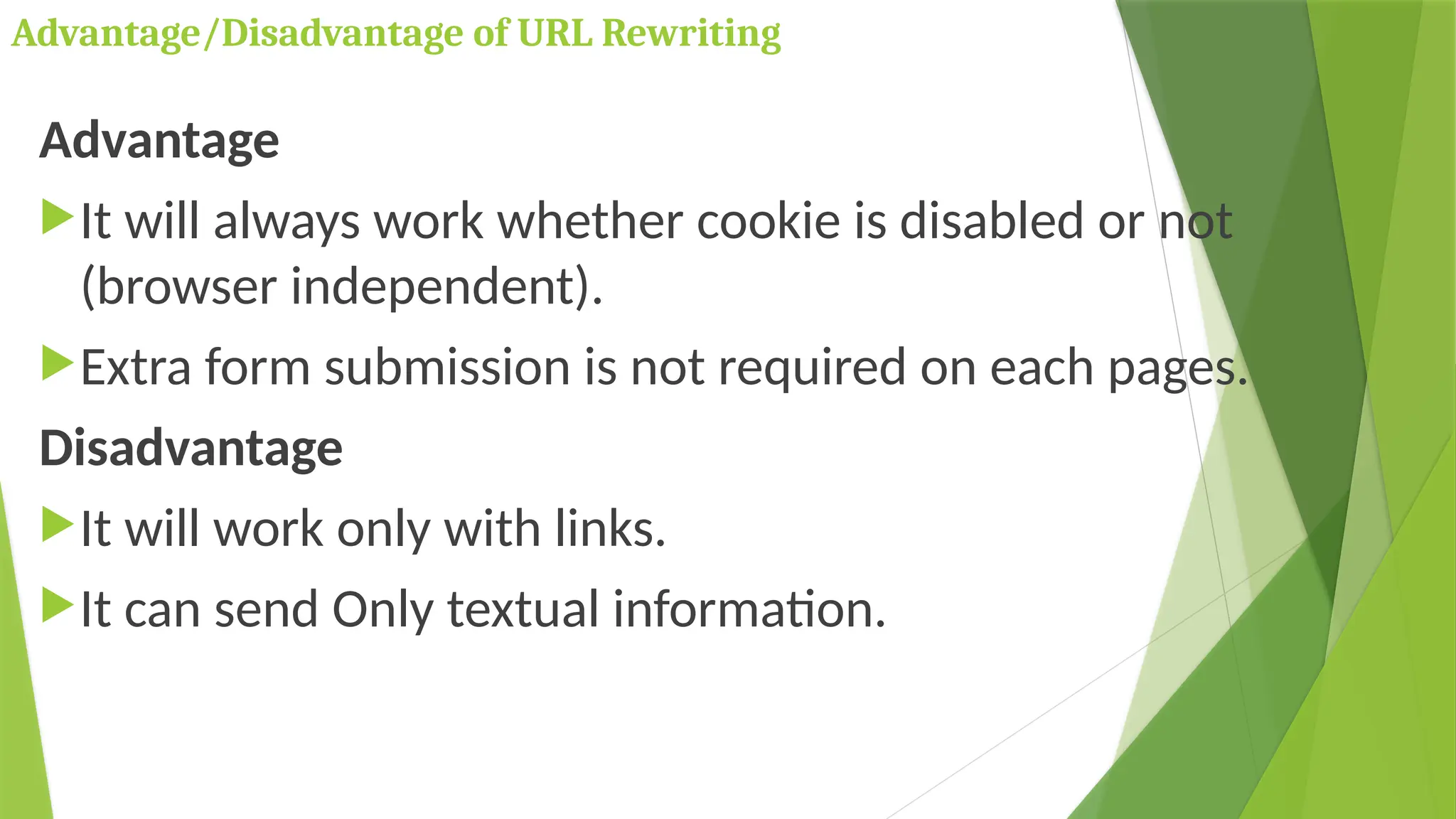
Advantage/Disadvantage of URL Rewriting
Advantage
It will always work whether cookie is disabled or not
(browser independent).
Extra form submission is not required on each pages.
Disadvantage
It will work only with links.
It can send Only textual information.
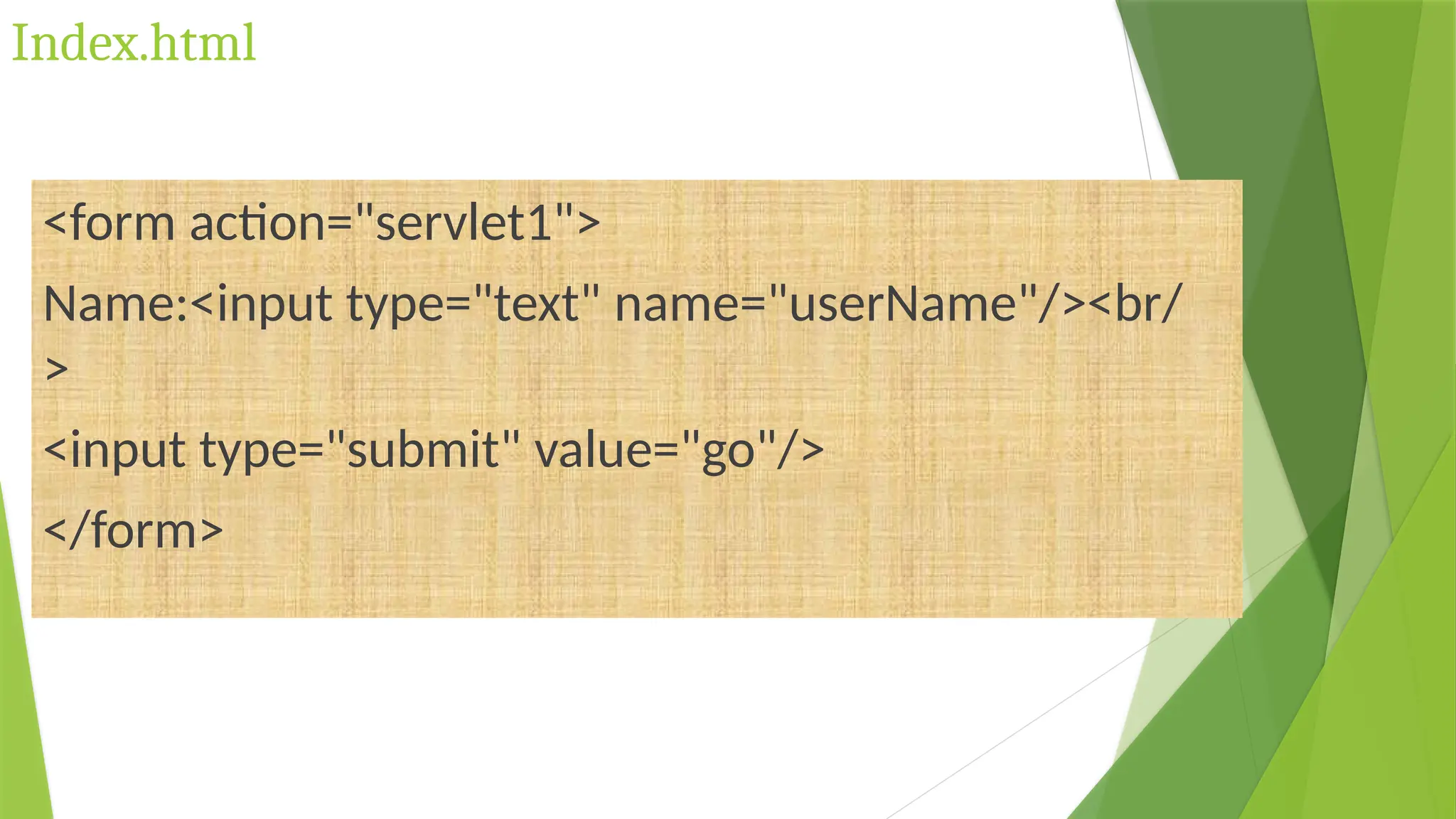
Index.html
<form action="servlet1">
Name:<input type="text" name="userName"/><br/
>
<input type="submit" value="go"/>
</form>
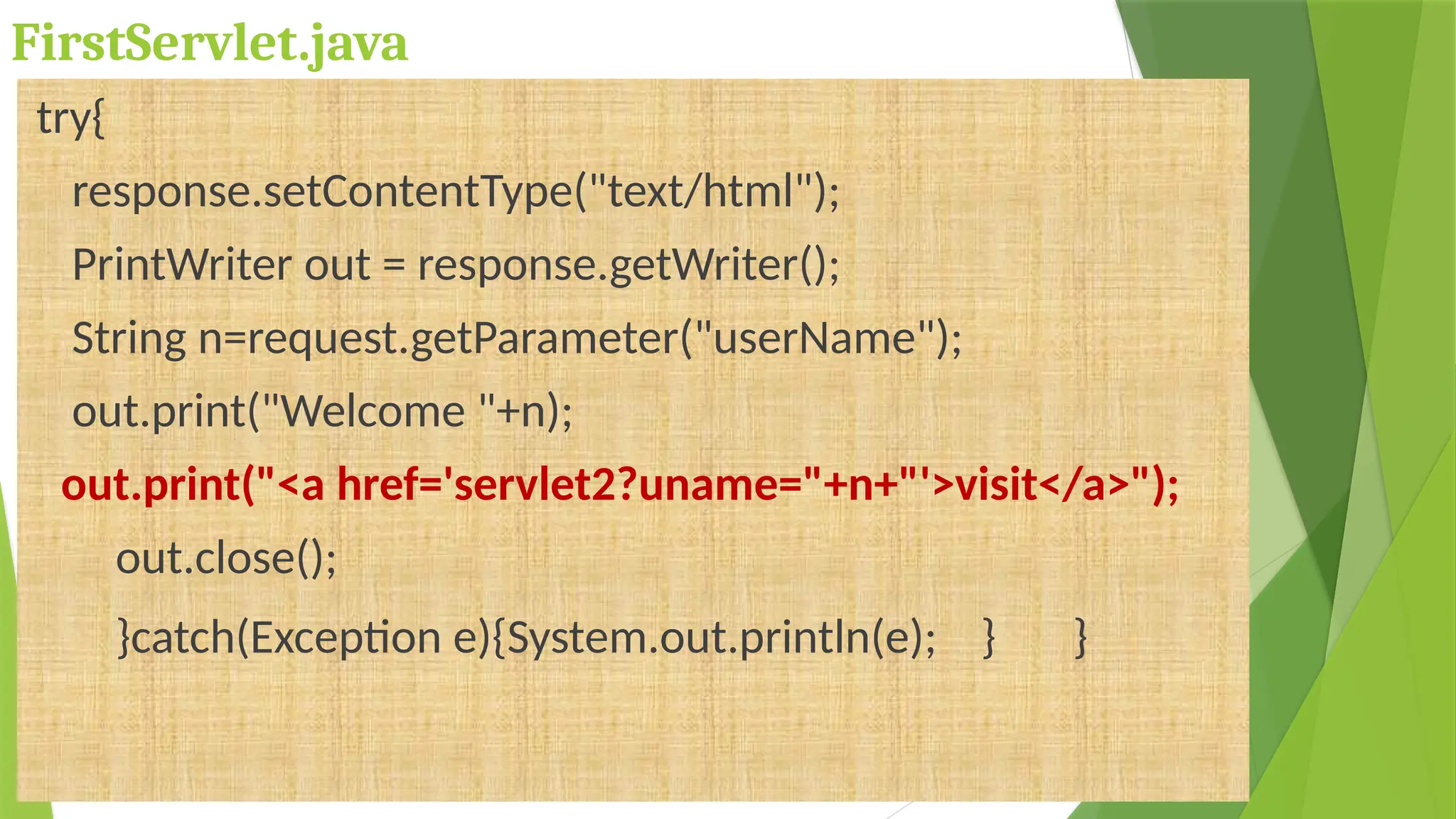
FirstServlet.java
try{
response.setContentType("text/html");
PrintWriter out = response.getWriter();
String n=request.getParameter("userName");
out.print("Welcome "+n);
out.print("<a href='servlet2?uname="+n+"'>visit</a>");
out.close();
}catch(Exception e){System.out.println(e); } }
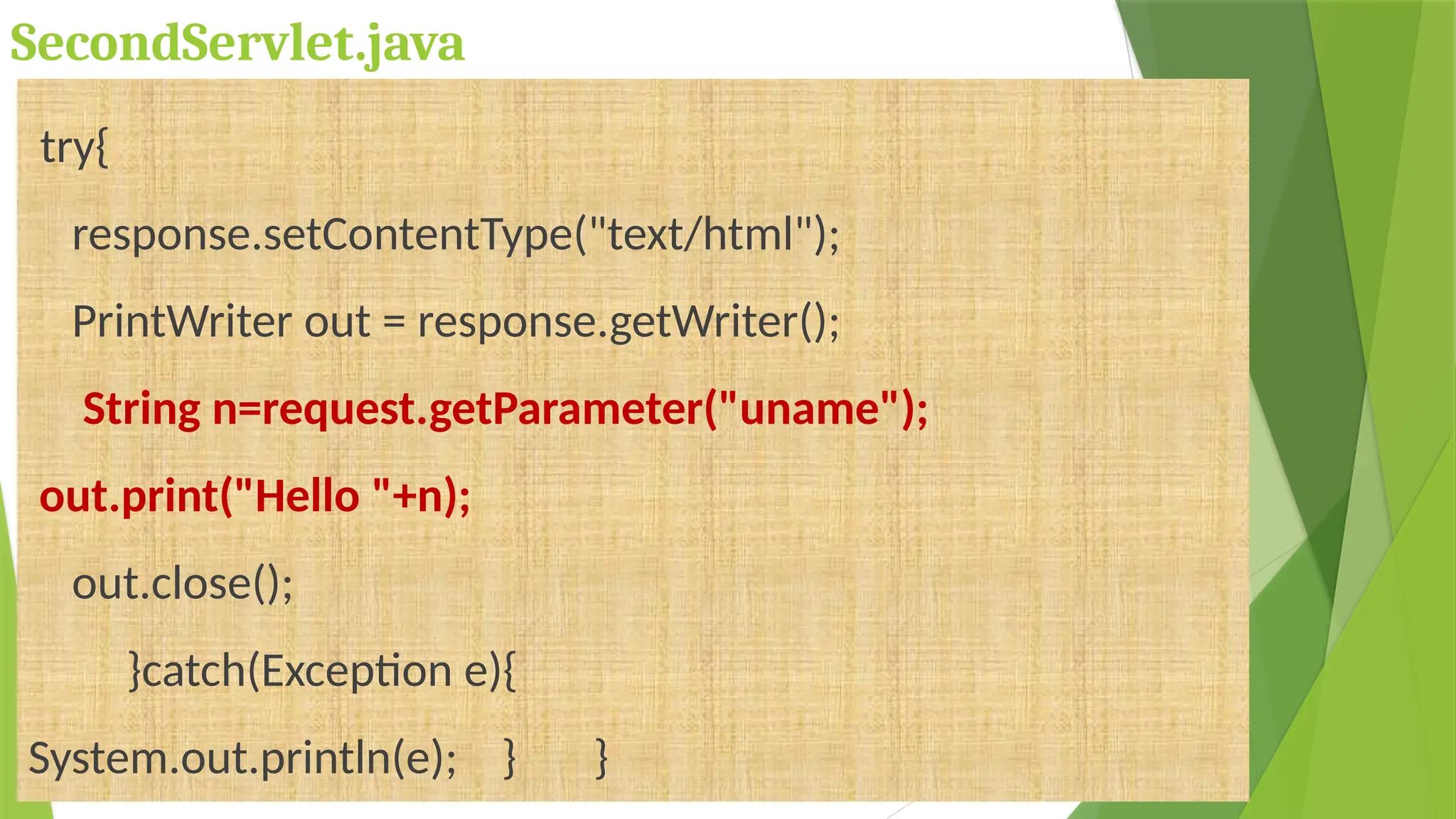
SecondServlet.java
try{
response.setContentType("text/html");
PrintWriter out = response.getWriter();
String n=request.getParameter("uname");
out.print("Hello "+n);
out.close();
}catch(Exception e){
System.out.println(e); } }
web.xml
<web-app>
<servlet> <servlet-name>s1</servlet-name>
<servlet-class>FirstServlet</servlet-class> </servlet>
<servlet-mapping> <servlet-name>s1</servlet-name>
<url-pattern>/servlet1</url-pattern> </servlet-mapping>
<servlet> <servlet-name>s2</servlet-name>
<servlet-class>SecondServlet</servlet-class> </servlet>
<servlet-mapping> <servlet-name>s2</servlet-name>
<url-pattern>/servlet2</url-pattern> </servlet-mapping>
</web-app>
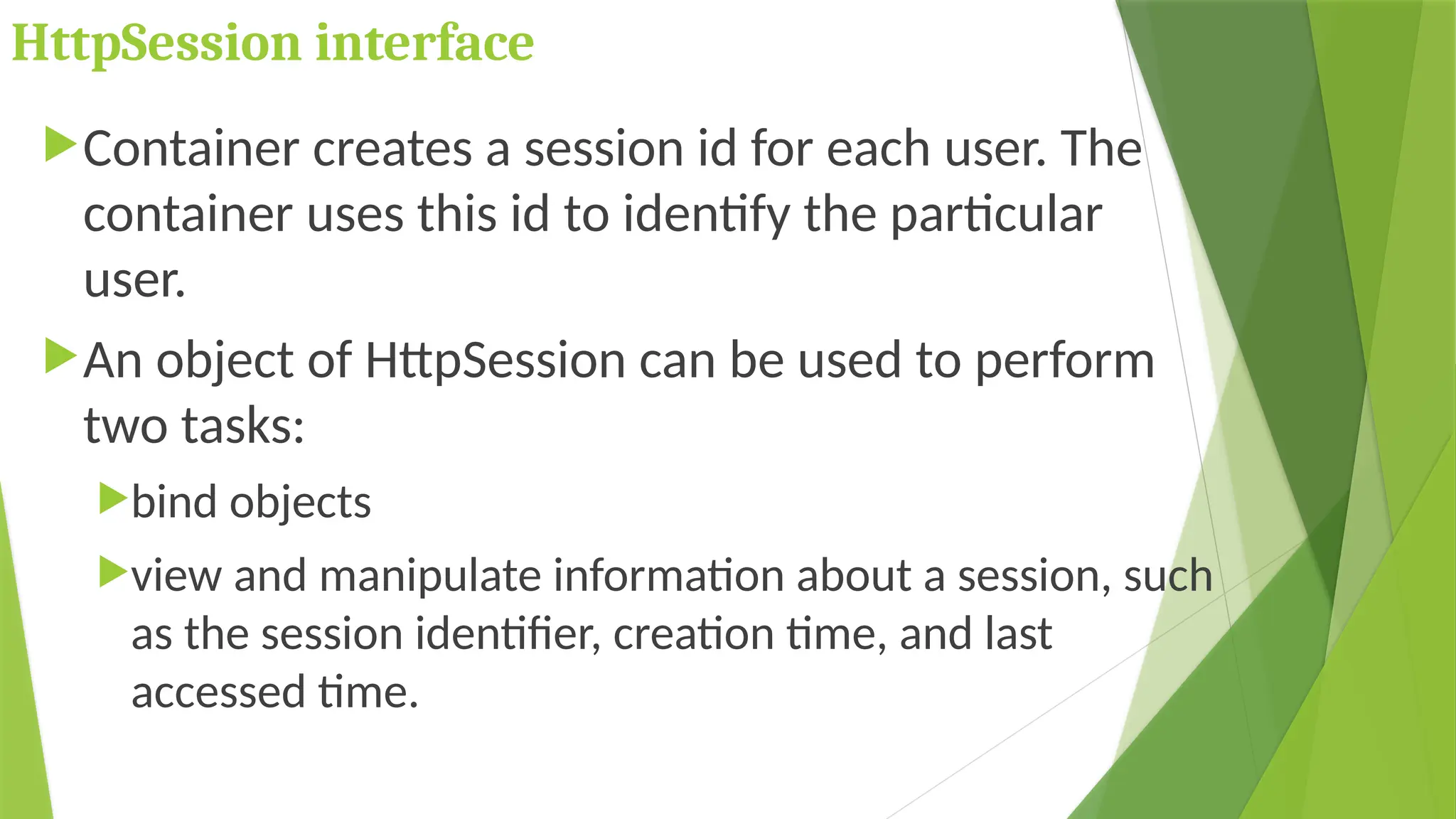
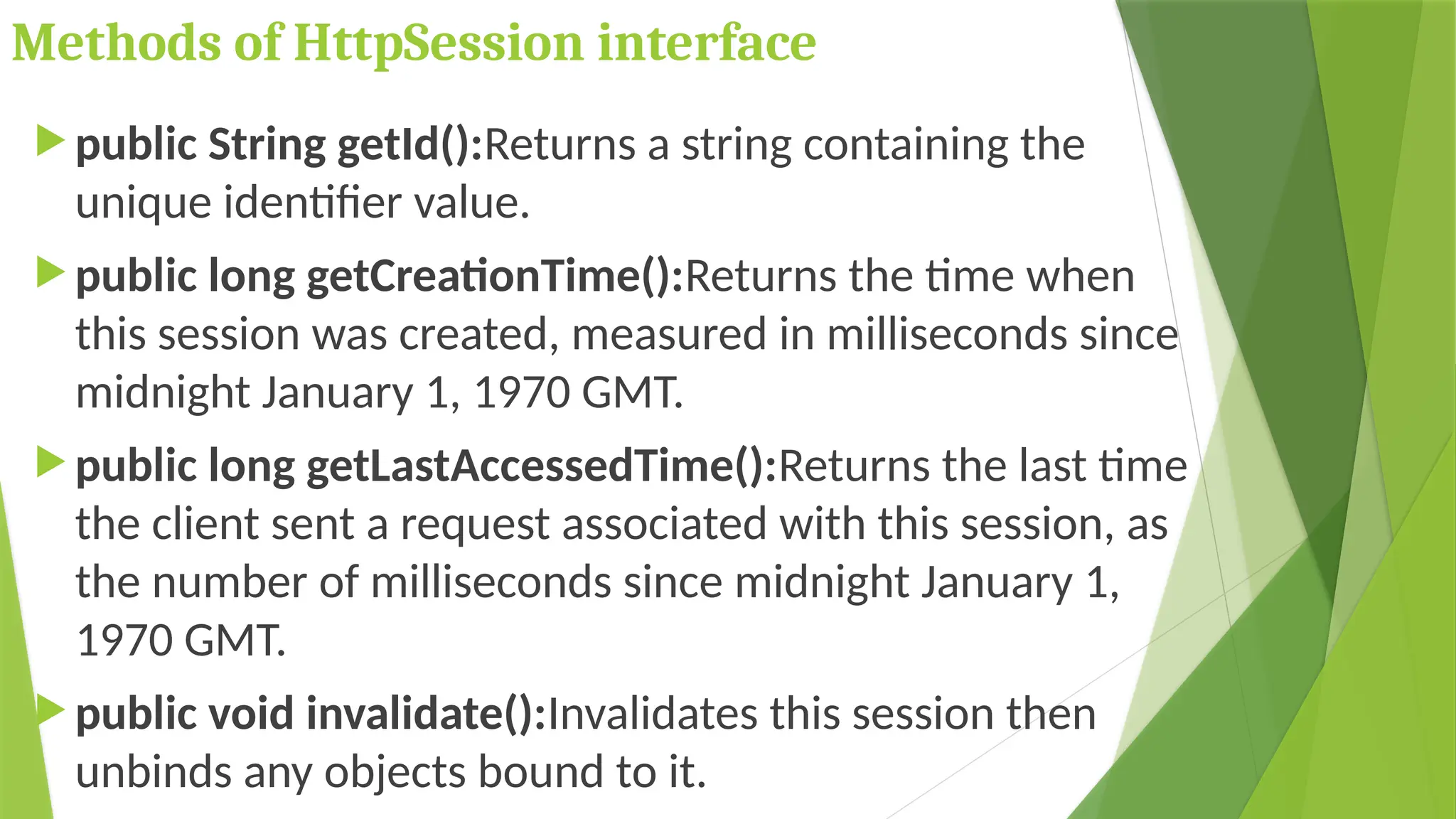
HttpSession interface
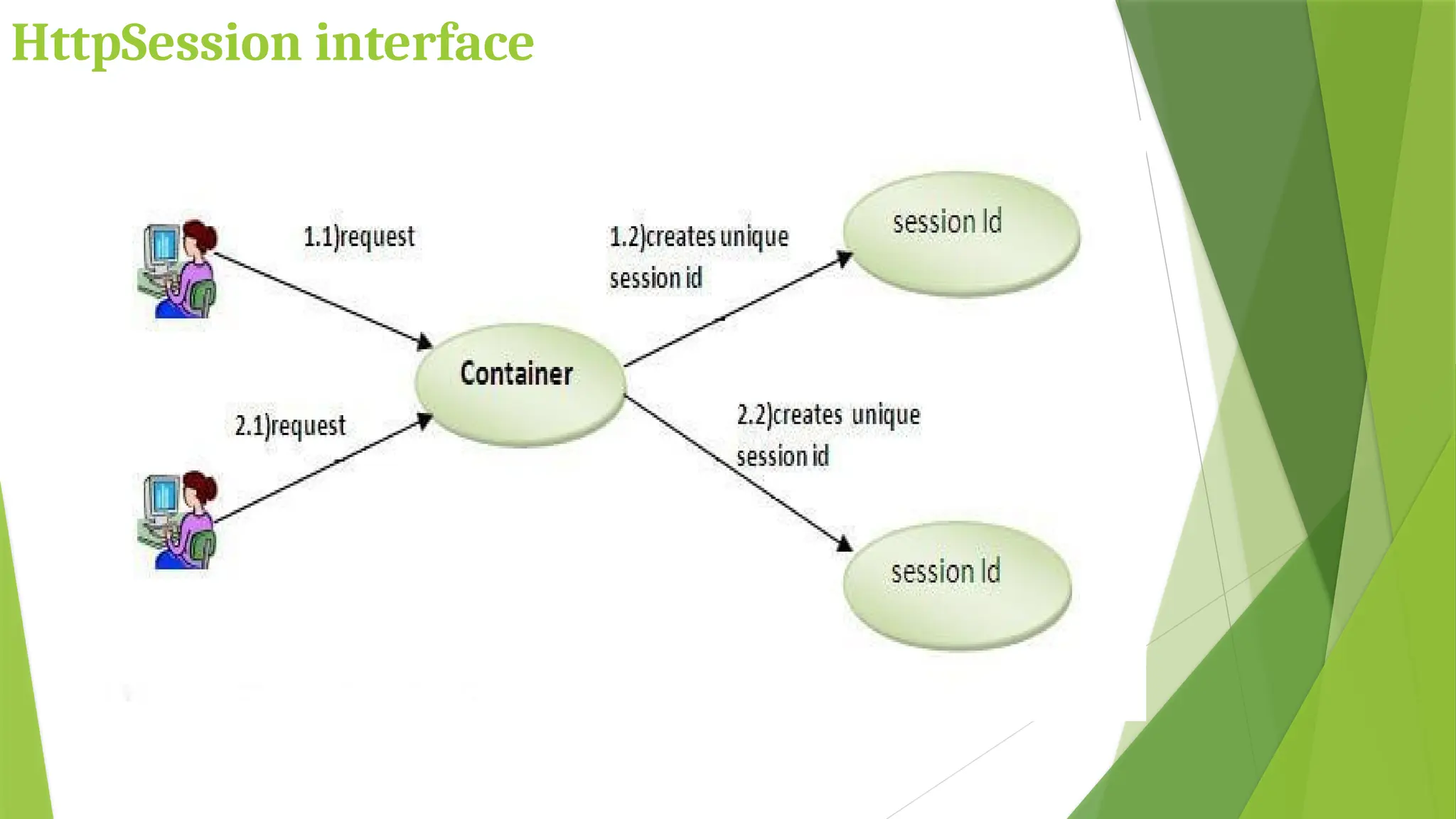
Container creates a session id for each user. The
container uses this id to identify the particular
user.
An object of HttpSession can be used to perform
two tasks:
bind objects
view and manipulate information about a session, such
as the session identifier, creation time, and last
accessed time.
HttpSession interface
How to get the HttpSession object ?
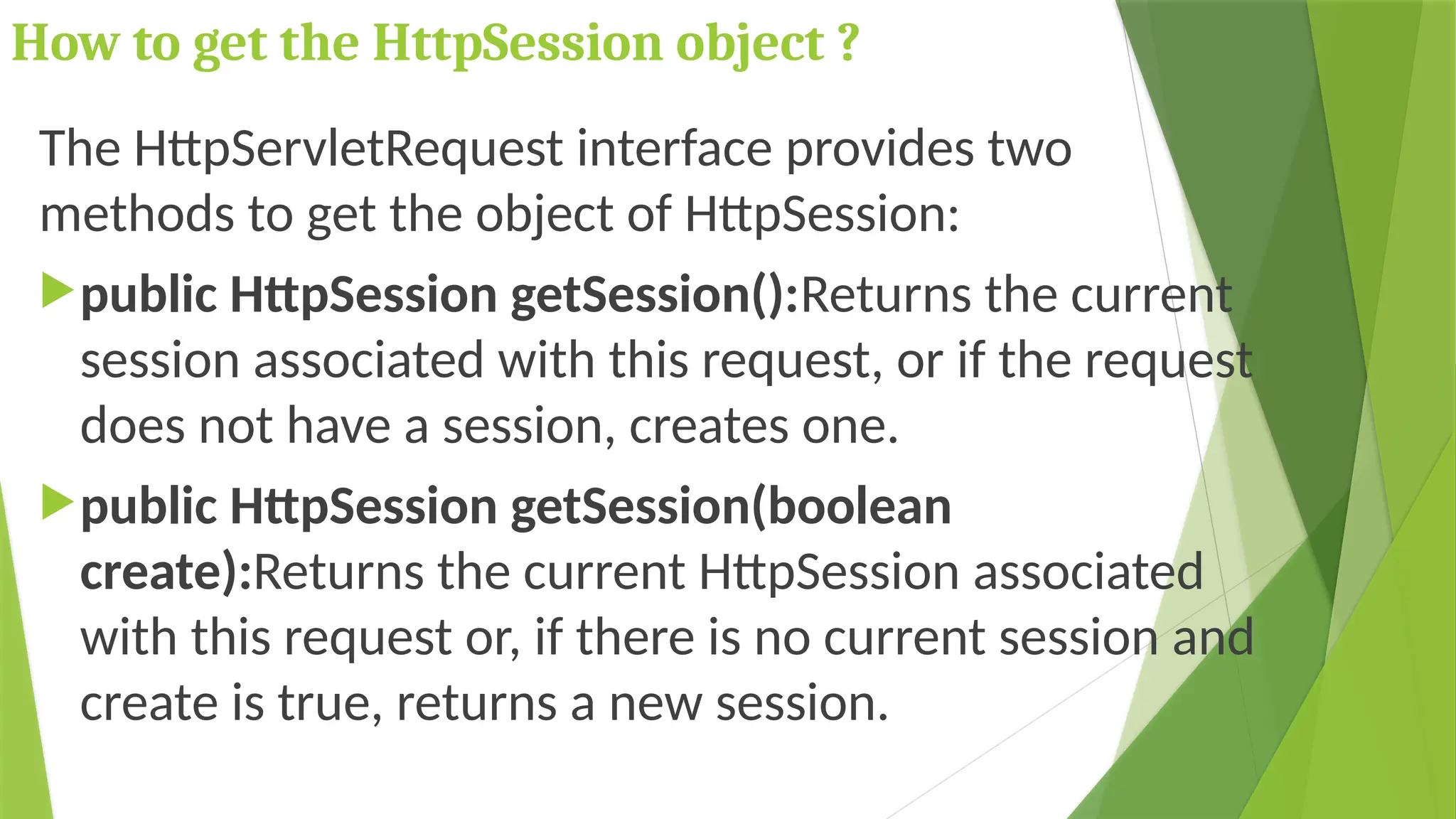
The HttpServletRequest interface provides two
methods to get the object of HttpSession:
public HttpSession getSession():Returns the current
session associated with this request, or if the request
does not have a session, creates one.
public HttpSession getSession(boolean
create):Returns the current HttpSession associated
with this request or, if there is no current session and
create is true, returns a new session.
Methods of HttpSession interface
 public String getId():Returns a string containing the
unique identifier value.
 public long getCreationTime():Returns the time when
this session was created, measured in milliseconds since
midnight January 1, 1970 GMT.
 public long getLastAccessedTime():Returns the last time
the client sent a request associated with this session, as
the number of milliseconds since midnight January 1,
1970 GMT.
 public void invalidate():Invalidates this session then
unbinds any objects bound to it.
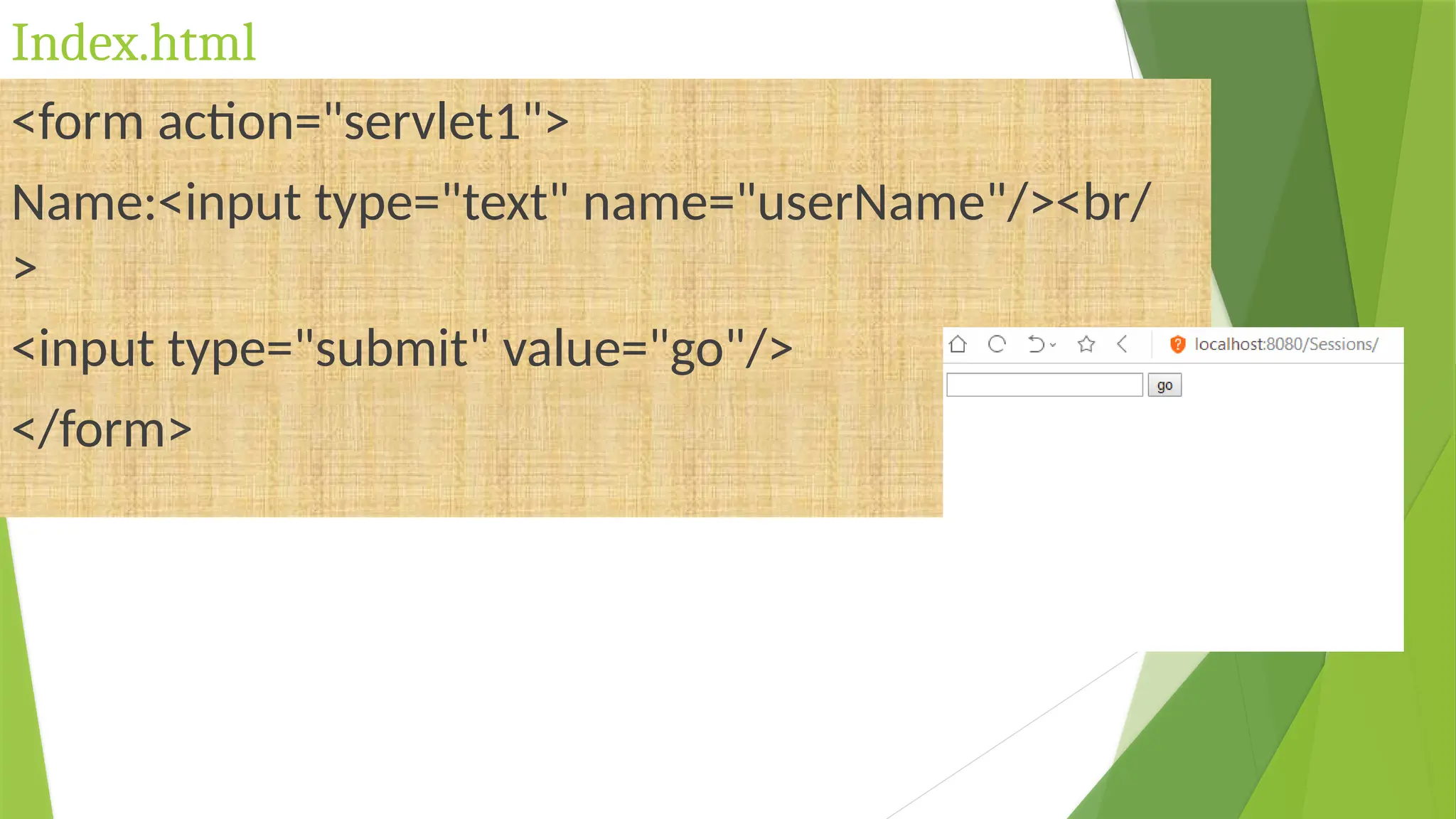
Index.html
<form action="servlet1">
Name:<input type="text" name="userName"/><br/
>
<input type="submit" value="go"/>
</form>
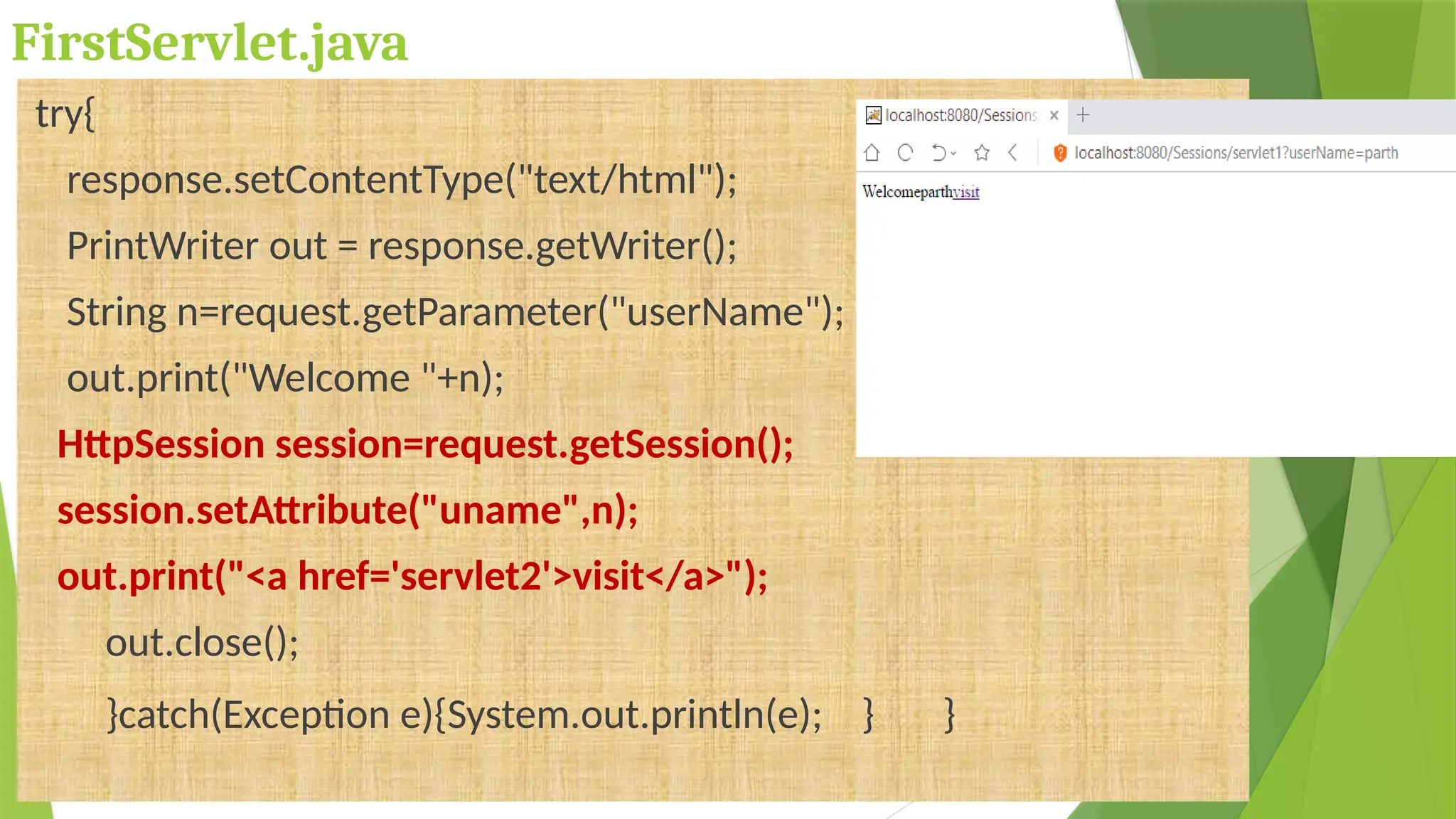
FirstServlet.java
try{
response.setContentType("text/html");
PrintWriter out = response.getWriter();
String n=request.getParameter("userName");
out.print("Welcome "+n);
HttpSession session=request.getSession();
session.setAttribute("uname",n);
out.print("<a href='servlet2'>visit</a>");
out.close();
}catch(Exception e){System.out.println(e); } }
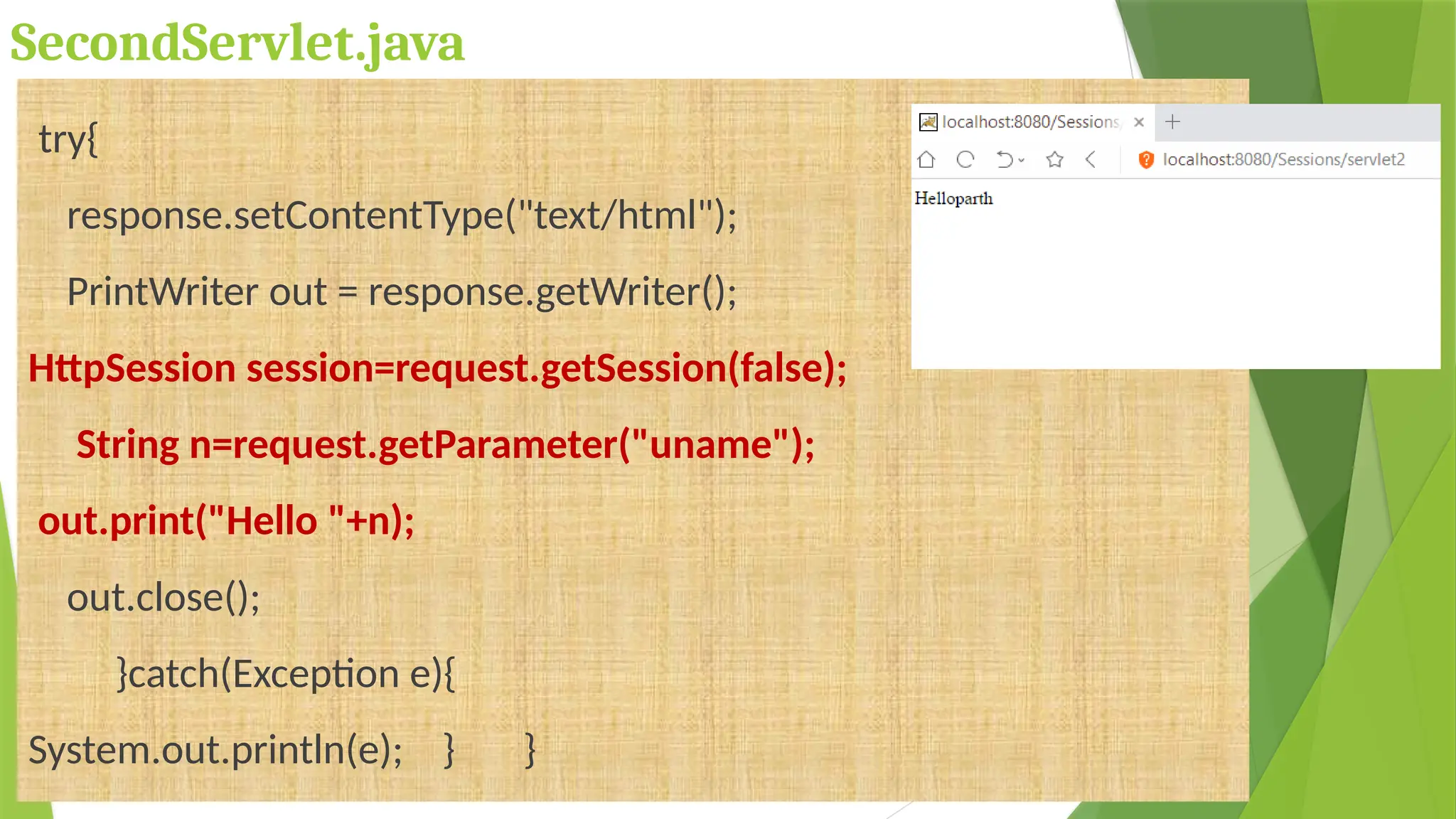
SecondServlet.java
try{
response.setContentType("text/html");
PrintWriter out = response.getWriter();
HttpSession session=request.getSession(false);
String n=request.getParameter("uname");
out.print("Hello "+n);
out.close();
}catch(Exception e){
System.out.println(e); } }
web.xml
<web-app>
<servlet> <servlet-name>s1</servlet-name>
<servlet-class>FirstServlet</servlet-class> </servlet>
<servlet-mapping> <servlet-name>s1</servlet-name>
<url-pattern>/servlet1</url-pattern> </servlet-mapping>
<servlet> <servlet-name>s2</servlet-name>
<servlet-class>SecondServlet</servlet-class> </servlet>
<servlet-mapping> <servlet-name>s2</servlet-name>
<url-pattern>/servlet2</url-pattern> </servlet-mapping>
</web-app>
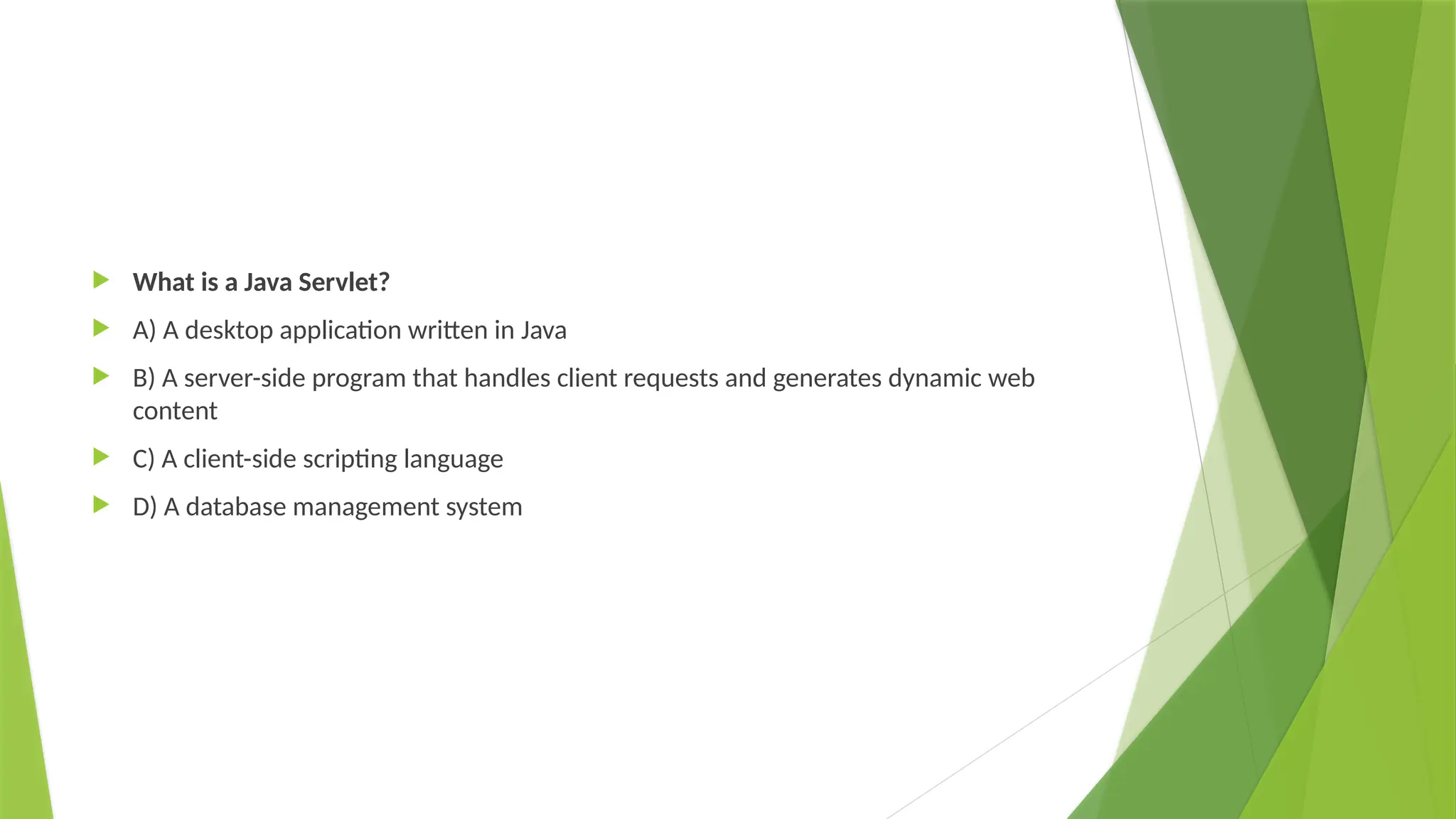
 What is a Java Servlet?
 A) A desktop application written in Java
 B) A server-side program that handles client requests and generates dynamic web
content
 C) A client-side scripting language
 D) A database management system
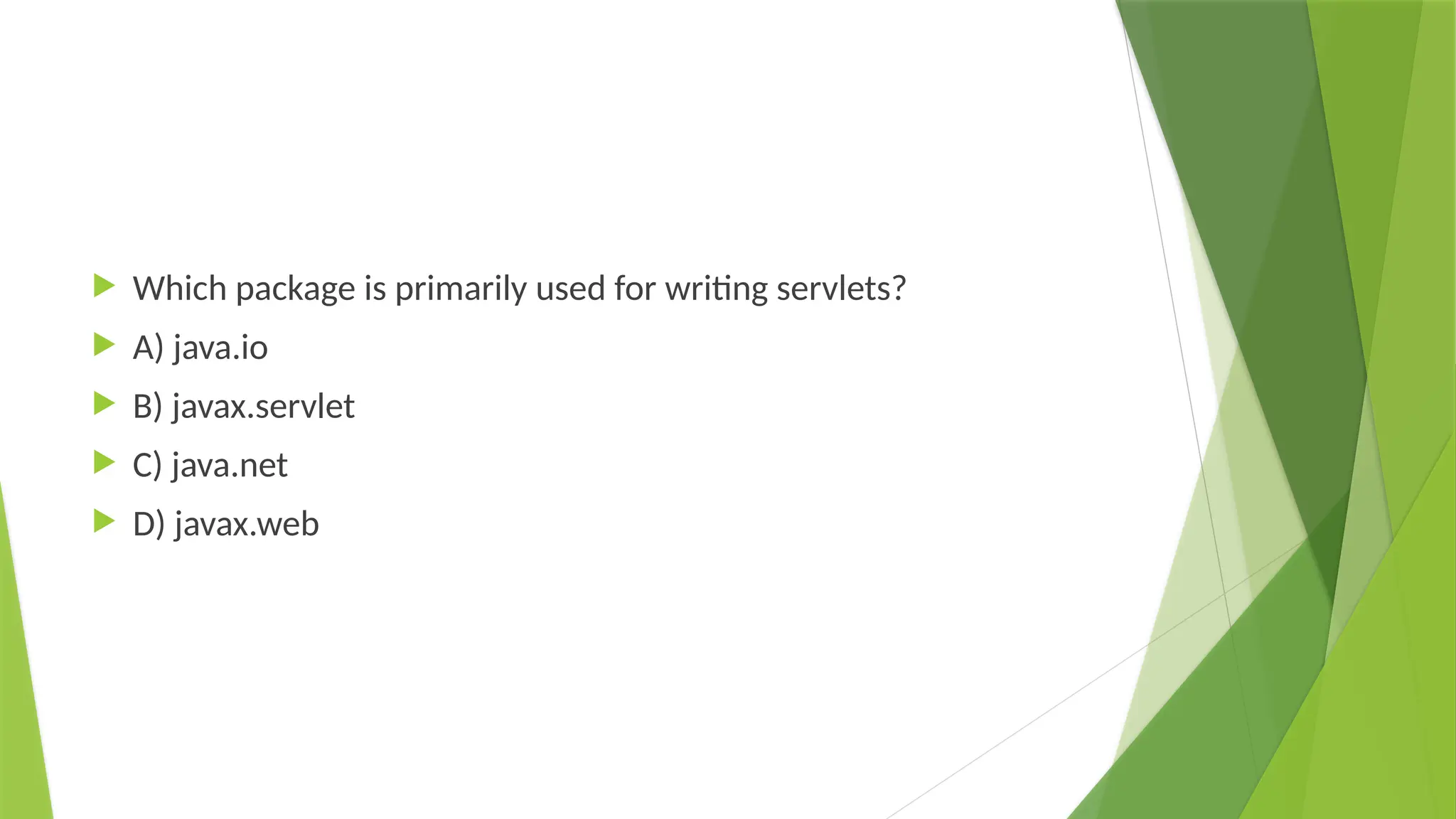
 Which package is primarily used for writing servlets?
 A) java.io
 B) javax.servlet
 C) java.net
 D) javax.web
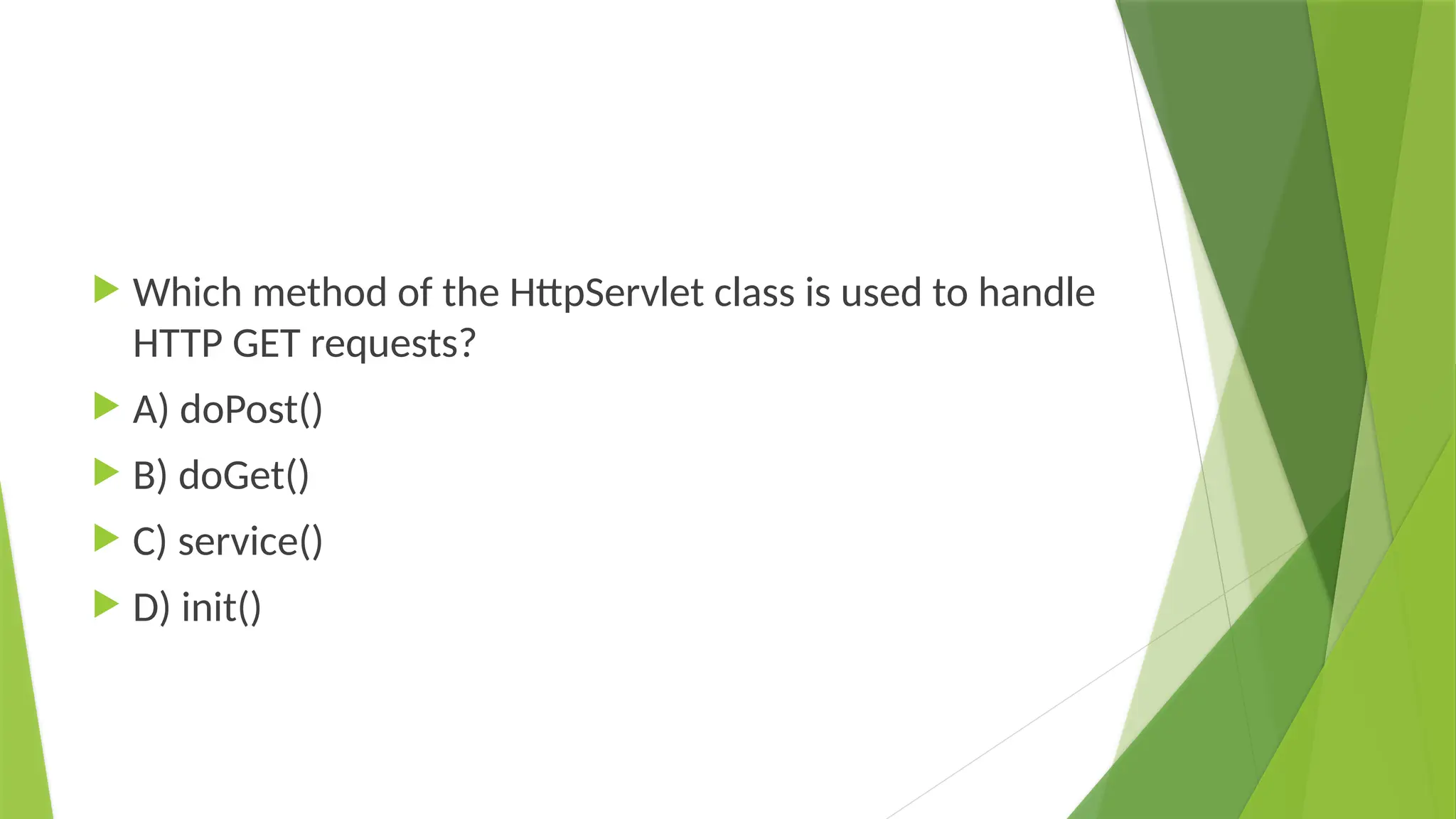
 Which method of the HttpServlet class is used to handle
HTTP GET requests?
 A) doPost()
 B) doGet()
 C) service()
 D) init()
What is the purpose of the web.xml file in a Java web application?
•A) To define database connections
•B) To configure the servlet and its mapping to a URL
•C) To store HTML templates
•D) To initialize the Java Virtual Machine (JVM)
Which of the following is NOT a lifecycle method of a servlet?
•A) init()
•B) service()
•C) destroy()
•D) execute()
 Write appropriate Javascript code to remove an element(current element) from a
DOM.
 Define function in java script - Give example

SERVLET in web technolgy engineering.pptx

  • 1.
  • 2.
    Definition  Servlet technologyis used to create a web application (resides at server side and generates a dynamic web page).  Before Servlet, CGI (Common Gateway Interface) scripting language was common as a server-side programming language.  Servlet is an interface that must be implemented for creating any Servlet.  Servlet is a class that extends the capabilities of the servers and responds to the incoming requests. It can respond to any requests.
  • 4.
    CGI (Common GatewayInterface)  CGI technology enables the web server to call an external program and pass HTTP request information to the external program to process the request. For each request, it starts a new process.
  • 5.
    Disadvantages of CGI If the number of clients increases, it takes more time for sending the response.  For each request, it starts a process, and the web server is limited to start processes.  It uses platform dependent language e.g. C, C++, perl.
  • 6.
    Advantages of Servlet Theweb container creates threads for handling the multiple requests to the Servlet. Threads have many benefits over the Processes such as they share a common memory area, lightweight, cost of communication between the threads are low.  Better performance: because it creates a thread for each request, not process.  Portability: because it uses Java language.  Robust: JVM manages Servlets, so we don't need to worry about the memory leak, garbage collection, etc.  Secure: because it uses java language.
  • 7.
    Static vs Dynamicwebsite Static Website Dynamic Website Prebuilt content is same every time the page is loaded. Content is generated quickly and changes regularly. It uses the HTML code for developing a website. It uses the server side languages such as PHP,SERVLET, JSP, and ASP.NET etc. for developing a website. It sends exactly the same response for every request. It may generate different HTML for each of the request. The content is only changed when someone publishes and updates the file (sends it to the web server). The page contains "server-side" code which allows the server to generate the unique content when the page is loaded. Flexibility is the main advantage of static website. Content Management System (CMS) is the main advantage of dynamic website.
  • 8.
  • 9.
    1. The clientssend the request to the webserver. 2. The web server receives the request. 3. The web server passes the request to the corresponding servlet. 4. The servlet processes the request and generates the response in the form of output. 5. The servlet sends the response back to the webserver. 6. The web server sends the response back to the client and the client browser displays it on the screen. Servlets Architecture
  • 10.
  • 12.
    Servlets – LifeCycle A servlet life cycle can be defined as the entire process from its creation till the destruction.  The servlet is initialized by calling the init() method.  The servlet calls service() method to process a client's request.  The servlet is terminated by calling the destroy() method.  Finally, servlet is garbage collected by the garbage collector of the JVM.
  • 13.
    Servlets – LifeCycle init()  Called only once  It is called when the servlet is first created, and not called again for each user request Two operations: • Loading : Loads the Servlet class. • Instantiation : Creates an instance of the Servlet. The init() definition looks like void init(ServletConfig config) throws ServletException { ……. }
  • 14.
    Servlets – LifeCycle Service()  It is the main method that performs actual task  Servlet Container calls the service() method to handle requests from client and to write the response back to the client  Each time the server receives a request for a servlet, the server spawns a new thread and calls service.  Service() checks the type of request and calls appropriate doGet() or doPost() method void service(ServletRequest req, ServletResponse res) throws ServletException, IOException { …… }
  • 15.
    Servlets – LifeCycle Service() doGet() and doPost() Definition protected void doGet(HttpServletRequest req, HttpServletResponse resp) throws ServletException, IOException{ …… } protected void doPost(HttpServletRequest req, HttpServletResponse resp) throws ServletException,IOException{ ……. }
  • 16.
    Servlets – LifeCycle destroy()  Called by the servlet container to indicate to a servlet that the servlet is being taken out of service.  Called only once  This method gives the servlet an opportunity to clean up any resources that are being held  Definition public void destroy(){ …. }
  • 17.
    Servlet Container  Itprovides the runtime environment for JavaEE (j2ee) applications. The client/user can request only a static WebPages from the server. If the user wants to read the web pages as per input then the servlet container is used in java.  The servlet container is the part of web server which can be run in a separate process. We can classify the servlet container states in three types:
  • 18.
    Servlet Container States Theservlet container is the part of web server which can be run in a separate process. We can classify the servlet container states in three types:  Standalone: It is typical Java-based servers in which the servlet container and the web servers are the integral part of a single program. For example:- Tomcat running by itself  In-process: It is separated from the web server, because a different program runs within the address space of the main server as a plug-in. For example:- Tomcat running inside the JBoss.  Out-of-process: The web server and servlet container are different programs which are run in a different process. For performing the communications between them, web server uses the plug-in provided by the servlet container.
  • 19.
    Interfaces available injavax.servlet  Servlet, ServletRequest, ServletResponse etc. Classes available in javax.servlet  GenericServlet, ServletInputStream, ServletOutputStream, ServletException etc All servlet must implement the Servlet interface or extend a class that implements the Servlet interface init(), service(), destroy(), etc getParamater(), getAttribute(), etc setContentType(), getWriter() etc init(), service(), destroy(), getServletName(), getServletInfor(), etc
  • 20.
    Interfaces available injavax.servlet.http  HttpServletRequest, HttpServletResponse, HttpSession, etc Classes available in javax.servlet.http  HttpServlet, Cookie, HttpServletRequestWrapper, HttpServletResponseWraper getCookies(), getSession() etc AddCookie(), sendRedirect() etc getAttribute(), setAttribute() etc init(), service(), destroy(), doGet(), doPost() etc getMaxAge(), setMaxAge() etc
  • 21.
  • 22.
    Create a servlet Theservlet example can be created by three ways: By implementing Servlet interface, By inheriting GenericServlet class, (or) By inheriting HttpServlet class The mostly used approach is by extending HttpServlet because it provides http request specific method such as doGet(), doPost(), doHead() etc.
  • 23.
    Create the deploymentdescriptor (web.xml file) The deployment descriptor is an xml file, from which Web Container gets the information about the servlet to be invoked. The web container uses the Parser to get the information from the web.xml file. There are many xml parsers such as SAX, DOM and Pull. There are many elements in the web.xml file. Here is given some necessary elements to run the simple servlet program.
  • 24.
  • 25.
    Web.xml Description <web-app> representsthe whole application. <servlet> is sub element of <web-app> and represents the servlet. <servlet-name> is sub element of <servlet> represents the name of the servlet. <servlet-class> is sub element of <servlet> represents the class of the servlet. <servlet-mapping> is sub element of <web-app>. It is used to map the servlet. <url-pattern> is sub element of <servlet-mapping>. This pattern is used at client side to invoke the servlet.
  • 26.
  • 27.
    Servlet Interface  Servletinterface provides common behavior to all the servlets. Servlet interface defines methods that all servlets must implement.  Servlet interface needs to be implemented for creating any servlet (either directly or indirectly).  It provides 3 life cycle methods that are used to initialize the servlet, to service the requests, and to destroy the servlet and 2 non-life cycle methods.
  • 28.
    Methods of Servletinterface Method Description public void init(ServletConfig config) initializes the servlet. It is the life cycle method of servlet and invoked by the web container only once. public void service(ServletRequest request,ServletResponse response) provides response for the incoming request. It is invoked at each request by the web container. public void destroy() is invoked only once and indicates that servlet is being destroyed. public ServletConfig getServletConfig() returns the object of ServletConfig. public String getServletInfo() returns information about servlet such as writer, copyright, version etc.
  • 29.
    Servlet Example byimplementing Servlet interface public class First implements Servlet { ServletConfig config=null; public void init(ServletConfig config){ System.out.println("servlet is initialized"); } public void service(ServletRequest req,ServletResponse res) throws IOException,ServletException{ res.setContentType("text/html"); PrintWriter out=res.getWriter(); out.print("<html><body>"); out.print("<b>hello simple servlet </b>"); out.print("</body></html>"); } }
  • 30.
    GenericServlet class GenericServlet classimplements Servlet, ServletConfig and Serializable interfaces. It provides the implementation of all the methods of these interfaces except the service method. GenericServlet class can handle any type of request so it is protocol-independent. You may create a generic servlet by inheriting the GenericServlet class and providing the implementation of the service method.
  • 31.
    Methods of GenericServletclass  public void init(ServletConfig config) is used to initialize the servlet.  public abstract void service(ServletRequest request, ServletResponse response) provides service for the incoming request. It is invoked at each time when user requests for a servlet.  public void destroy() is invoked only once throughout the life cycle and indicates that servlet is being destroyed.  public ServletConfig getServletConfig() returns the object of ServletConfig.  public String getServletInfo() returns information about servlet such as writer, copyright, version etc.  public void init() it is a convenient method for the servlet programmers, now there is no need to call super.init(config)  public void log(String msg) writes the given message in the servlet log file.
  • 32.
    Servlet by inheritingthe GenericServlet class public class First extends GenericServlet{ public void service(ServletRequest req,ServletResponse res) throws IOException,ServletException { res.setContentType("text/html"); PrintWriter out=res.getWriter(); out.print("<html><body>"); out.print("<b>hello generic servlet</b>"); out.print("</body></html>"); } }
  • 33.
    HttpServlet class The HttpServletclass extends the GenericServlet class and implements Serializable interface. It provides http specific methods such as doGet, doPost, doHead, doTrace etc.
  • 34.
    Methods of HttpServletclass  public void service(ServletRequest req,ServletResponse res) dispatches the request to the protected service method by converting the request and response object into http type.  protected void service(HttpServletRequest req, HttpServletResponse res) receives the request from the service method, and dispatches the request to the doXXX() method depending on the incoming http request type.  protected void doGet(HttpServletRequest req, HttpServletResponse res) handles the GET request. It is invoked by the web container.  protected void doPost(HttpServletRequest req, HttpServletResponse res) handles the POST request. It is invoked by the web container.  protected void doHead(HttpServletRequest req, HttpServletResponse res) handles the HEAD request. It is invoked by the web container.
  • 35.
    Methods of HttpServletclass  protected void doOptions(HttpServletRequest req, HttpServletResponse res) handles the OPTIONS request. It is invoked by the web container.  protected void doPut(HttpServletRequest req, HttpServletResponse res) handles the PUT request. It is invoked by the web container.  protected void doTrace(HttpServletRequest req, HttpServletResponse res) handles the TRACE request. It is invoked by the web container.  protected void doDelete(HttpServletRequest req, HttpServletResponse res) handles the DELETE request. It is invoked by the web container.  protected long getLastModified(HttpServletRequest req) returns the time when HttpServletRequest was last modified since midnight January 1, 1970 GMT.
  • 36.
    Servlet by inheritingthe HttpServlet class public class First extends HttpServlet{ public void doGet(HttpServletRequest req,HttpServletResponse res) throws ServletException,IOException { res.setContentType("text/html"); PrintWriter pw=res.getWriter(); pw.println("<html><body>"); pw.println("Welcome to servlet"); pw.println("</body></html>"); pw.close(); }}
  • 37.
  • 38.
    How Servlet works? The server checks if the servlet is requested for the first time.  If yes, web container does the following tasks: loads the servlet class. instantiates the servlet class. calls the init method passing the ServletConfig object  else calls the service method passing request and response objects The web container calls the destroy method when it needs to remove the servlet such as at time of stopping server or undeploying the project.
  • 39.
    How web containerhandles the servlet request? The web container is responsible to handle the request.  maps the request with the servlet in the web.xml file.  creates request and response objects for this request  calls the service method on the thread  The public service method internally calls the protected service method  The protected service method calls the doGet method depending on the type of request.  The doGet method generates the response and it is passed to the client.  After sending the response, the web container deletes the request and response objects. The thread is contained in the thread pool or deleted depends on the server implementation.
  • 40.
    What is writteninside the public service method? The public service method converts the ServletRequest object into the HttpServletRequest type and ServletResponse object into the HttpServletResponse type. Then, calls the service method passing these objects.
  • 41.
    public void service(ServletRequestreq, ServletResponse res) throws ServletException, IOException { HttpServletRequest request; HttpServletResponse response; try { request = (HttpServletRequest)req; response = (HttpServletResponse)res; } catch(ClassCastException e) { throw new ServletException("non-HTTP request or response"); } service(request, response); }
  • 42.
    What is writteninside the protected service method? The protected service method checks the type of request, if request type is get, it calls doGet method, if request type is post, it calls doPost method, so on.
  • 43.
    protected void service(HttpServletRequestreq, HttpServletResponse resp) throws ServletException, IOException { String method = req.getMethod(); if(method.equals("GET")) { long lastModified = getLastModified(req); if(lastModified == -1L) { doGet(req, resp); } //POST Code goes here } }
  • 44.
    Invoking Servlet FromHTML using GenericServlet
  • 45.
    Invoking Servlet FromHTML(index.html) <html> <head> <TITLE>INVOKING SERVLET FROM HTML </TITLE> </head> <BODY> <FORM name = "PostParam" method = "Post" action="Server"> <TABLE> <tr> <td> <B>Employee: </B> </td> <td><input type = "textbox" name="ename" size="25“ value=""></td> </tr> </TABLE> <INPUT type = "submit" value="Submit"> </FORM> </body> </html>
  • 46.
    Invoking Servlet FromHTML(Server.java) import java.io.*; import javax.servlet.*; import javax.servlet.annotation.WebServlet; @WebServlet("/Server") public class Server extends GenericServlet { public void service(ServletRequest request,ServletResponse response)throws ServletException,IOException { PrintWriter out=response.getWriter(); String name=request.getParameter("ename"); out.println("EmployeeName: "+name); } }
  • 47.
    Invoking Servlet FromHTML(web.xml) <?xml version="1.0" encoding="UTF-8"?> <element> <web-app> <display-name>invokehtml</display-name> <servlet> <servlet-name>as</servlet-name> <servlet-class>Server</servlet-class> </servlet> <servlet-mapping> <servlet-name>as</servlet-name> <url-pattern>/Server</url-pattern> </servlet-mapping> <welcome-file-list> <welcome-file>index.html</welcome-file> </welcome-file-list> </web-app> </element>
  • 48.
    Form Get andPost action  GET is the recommended method when the form contains data that is only intended to be used to request information, not to cause information to be stored or updated on the server  used to request a search  Never use the GET method if you have password or other sensitive information to pass to the server.  A generally more reliable method of passing information to a backend program is the POST method
  • 49.
    Reading Form Datausing Servlet  getParameter() − You call request.getParameter() method to get the value of a form parameter.  getParameterValues() − Call this method if the parameter appears more than once and returns multiple values, for example checkbox.  getParameterNames() − Call this method if you want a complete list of all parameters in the current request.
  • 50.
    Invoking Servlet FromHTML using HttpServlet
  • 51.
    Invoking Servlet FromHTML(index.html) <html> <head> <TITLE>INVOKING SERVLET FROM HTML </TITLE> </head> <BODY> <FORM name = "PostParam" method = “get" action="Server"> <TABLE> <tr> <td> <B>Employee: </B> </td> <td><input type = "textbox" name="ename" size="25“ value=""></td> </tr> </TABLE> <INPUT type = "submit" value="Submit"> </FORM> </body> </html>
  • 52.
    Invoking Servlet FromHTML (Server.java) import java.io.*; import javax.servlet.*; import javax.servlet.http.*; import javax.servlet.annotation.WebServlet; @WebServlet("/Server") public class Server extends HttpServlet { public void doGet(HttpServletRequest request,HttpServletResponse response)throws ServletException,IOException { PrintWriter out=response.getWriter(); String name=request.getParameter("ename"); out.println("EmployeeName: "+name); } }
  • 53.
    Invoking Servlet FromHTML(web.xml) <?xml version="1.0" encoding="UTF-8"?> <element> <web-app> <display-name>invokehtml</display-name> <servlet> <servlet-name>as</servlet-name> <servlet-class>Server</servlet-class> </servlet> <servlet-mapping> <servlet-name>as</servlet-name> <url-pattern>/Server</url-pattern> </servlet-mapping> <welcome-file-list> <welcome-file>index.html</welcome-file> </welcome-file-list> </web-app> </element>
  • 54.
  • 55.
    Introduction  Session simplymeans a particular interval of time.  Session Tracking is a way to maintain state (data) of an user. It is also known as session management in servlet.  Http protocol is a stateless so we need to maintain state using session tracking techniques. Each time user requests to the server, server treats the request as the new request. So we need to maintain the state of an user to recognize to particular user.
  • 56.
    Introduction  HTTP isstateless that means each request is considered as the new request. It is shown in the figure given below: Why use Session Tracking?  To recognize the user It is used to recognize the particular user.
  • 57.
    Session Tracking Techniques Thereare four techniques used in Session tracking: Cookies Hidden Form Field URL Rewriting HttpSession
  • 58.
    Cookies in Servlet Acookie is a small piece of information that is persisted between the multiple client requests. A cookie has a name, a single value, and optional attributes such as a comment, path and domain qualifiers, a maximum age, and a version number.
  • 59.
    How Cookie works By default, each request is considered as a new request.  In cookies technique, we add cookie with response from the servlet.  So cookie is stored in the cache of the browser.  After that if request is sent by the user, cookie is added with request by default.  Thus, we recognize the user as the old user.
  • 60.
  • 61.
    Types of Cookie Thereare 2 types of cookies in servlets. Non-persistent cookie It is valid for single session only. It is removed each time when user closes the browser. Persistent cookie It is valid for multiple session . It is not removed each time when user closes the browser. It is removed only if user logout or signout.
  • 62.
    Advantage/Disadvantage of Cookies Advantage Simplesttechnique of maintaining the state. Cookies are maintained at client side. Disadvantage It will not work if cookie is disabled from the browser. Only textual information can be set in Cookie object.
  • 63.
    Methods of Cookieclass  javax.servlet.http.Cookie class provides the functionality of using cookies. It provides a lot of useful methods for cookies. Method Description public void setMaxAge(int expiry) Sets the maximum age of the cookie in seconds. public String getName() Returns the name of the cookie. The name cannot be changed after creation. public String getValue() Returns the value of the cookie. public void setName(String name) changes the name of the cookie. public void setValue(String value) changes the value of the cookie.
  • 64.
    How to createCookie? //creating cookie object Cookie c=new Cookie("user",“Newton"); //adding cookie in the response response.addCookie(c);
  • 65.
    How to deleteCookie? //deleting value of cookie Cookie c=new Cookie("user",""); //changing the maximum age to 0 seconds c.setMaxAge(0); //adding cookie in the response response.addCookie(c);
  • 66.
    How to getCookies? Cookie c[]=request.getCookies(); for(int i=0;i<c.length;i++) { out.print("<br>"+c[i].getName()+" "+c[i].getValue()); }
  • 67.
    Simple example ofServlet Cookies
  • 68.
    Index.html <form action="servlet1" method="post"> Name:<inputtype="text" name="userName"/><br/ > <input type="submit" value="go"/> </form>
  • 69.
    FirstServlet.java try{ response.setContentType("text/html"); PrintWriter out =response.getWriter(); String n=request.getParameter("userName"); out.print("Welcome "+n); Cookie ck=new Cookie("uname",n);//creating cookie object response.addCookie(ck);//adding cookie in the response out.print("<form action='servlet2‘ method=‘post’>"); out.print("<input type='submit' value='go'>"); out.print("</form>"); out.close(); }catch(Exception e){System.out.println(e); } }
  • 70.
    SecondServlet.java try{ response.setContentType("text/html"); PrintWriter out =response.getWriter(); Cookie ck[]=request.getCookies(); out.print("Hello "+ck[0].getValue()); out.close(); }catch(Exception e){ System.out.println(e); } }
  • 71.
    web.xml <web-app> <servlet> <servlet-name>s1</servlet-name> <servlet-class>FirstServlet</servlet-class> </servlet> <servlet-mapping><servlet-name>s1</servlet-name> <url-pattern>/servlet1</url-pattern> </servlet-mapping> <servlet> <servlet-name>s2</servlet-name> <servlet-class>SecondServlet</servlet-class> </servlet> <servlet-mapping> <servlet-name>s2</servlet-name> <url-pattern>/servlet2</url-pattern> </servlet-mapping> </web-app>
  • 72.
    Hidden Form Field In case of Hidden Form Field a hidden (invisible) textfield is used for maintaining the state of an user.  In such case, we store the information in the hidden field and get it from another servlet. This approach is better if we have to submit form in all the pages and we don't want to depend on the browser.  It is widely used in comment form of a website to store page id or page name in the hidden field so that each page can be uniquely identified.  code to store value in hidden field <input type="hidden" name="uname" value="Viji ">
  • 73.
    Advantage/Disadvantage of HiddenForm Fields Advantage It will always work whether cookie is disabled or not. Disadvantage It is maintained at server side. Extra form submission is required on each pages. Only textual information can be used.
  • 74.
    Index.html <form action="servlet1"> Name:<input type="text"name="userName"/><br/ > <input type="submit" value="go"/> </form>
  • 75.
    FirstServlet.java try{ response.setContentType("text/html"); PrintWriter out =response.getWriter(); String n=request.getParameter("userName"); out.print("Welcome "+n); out.print("<form action='servlet2‘ method=‘post’>"); out.print("<input type='hidden' name='uname' value='"+n+"'>"); out.print("<input type='submit' value='go'>"); out.print("</form>"); out.close(); }catch(Exception e){System.out.println(e); } }
  • 76.
    SecondServlet.java try{ response.setContentType("text/html"); PrintWriter out =response.getWriter(); String n=request.getParameter("uname"); out.print("Hello "+n); out.close(); }catch(Exception e){ System.out.println(e); } }
  • 77.
    web.xml <web-app> <servlet> <servlet-name>s1</servlet-name> <servlet-class>FirstServlet</servlet-class> </servlet> <servlet-mapping><servlet-name>s1</servlet-name> <url-pattern>/servlet1</url-pattern> </servlet-mapping> <servlet> <servlet-name>s2</servlet-name> <servlet-class>SecondServlet</servlet-class> </servlet> <servlet-mapping> <servlet-name>s2</servlet-name> <url-pattern>/servlet2</url-pattern> </servlet-mapping> </web-app>
  • 78.
    URL Rewriting  InURL rewriting, we append a token or identifier to the URL of the next Servlet or the next resource.  We can send parameter name/value pairs using the following format: url?name1=value1&name2=value2&??  A name and a value is separated using an equal = sign,  A parameter name/value pair is separated from another parameter using the ampersand(&).  When the user clicks the hyperlink, the parameter name/value pairs will be passed to the server.  From a Servlet, we can use getParameter() method to obtain a parameter value.
  • 79.
    Advantage/Disadvantage of URLRewriting Advantage It will always work whether cookie is disabled or not (browser independent). Extra form submission is not required on each pages. Disadvantage It will work only with links. It can send Only textual information.
  • 80.
    Index.html <form action="servlet1"> Name:<input type="text"name="userName"/><br/ > <input type="submit" value="go"/> </form>
  • 81.
    FirstServlet.java try{ response.setContentType("text/html"); PrintWriter out =response.getWriter(); String n=request.getParameter("userName"); out.print("Welcome "+n); out.print("<a href='servlet2?uname="+n+"'>visit</a>"); out.close(); }catch(Exception e){System.out.println(e); } }
  • 82.
    SecondServlet.java try{ response.setContentType("text/html"); PrintWriter out =response.getWriter(); String n=request.getParameter("uname"); out.print("Hello "+n); out.close(); }catch(Exception e){ System.out.println(e); } }
  • 83.
    web.xml <web-app> <servlet> <servlet-name>s1</servlet-name> <servlet-class>FirstServlet</servlet-class> </servlet> <servlet-mapping><servlet-name>s1</servlet-name> <url-pattern>/servlet1</url-pattern> </servlet-mapping> <servlet> <servlet-name>s2</servlet-name> <servlet-class>SecondServlet</servlet-class> </servlet> <servlet-mapping> <servlet-name>s2</servlet-name> <url-pattern>/servlet2</url-pattern> </servlet-mapping> </web-app>
  • 84.
    HttpSession interface Container createsa session id for each user. The container uses this id to identify the particular user. An object of HttpSession can be used to perform two tasks: bind objects view and manipulate information about a session, such as the session identifier, creation time, and last accessed time.
  • 85.
  • 86.
    How to getthe HttpSession object ? The HttpServletRequest interface provides two methods to get the object of HttpSession: public HttpSession getSession():Returns the current session associated with this request, or if the request does not have a session, creates one. public HttpSession getSession(boolean create):Returns the current HttpSession associated with this request or, if there is no current session and create is true, returns a new session.
  • 87.
    Methods of HttpSessioninterface  public String getId():Returns a string containing the unique identifier value.  public long getCreationTime():Returns the time when this session was created, measured in milliseconds since midnight January 1, 1970 GMT.  public long getLastAccessedTime():Returns the last time the client sent a request associated with this session, as the number of milliseconds since midnight January 1, 1970 GMT.  public void invalidate():Invalidates this session then unbinds any objects bound to it.
  • 88.
    Index.html <form action="servlet1"> Name:<input type="text"name="userName"/><br/ > <input type="submit" value="go"/> </form>
  • 89.
    FirstServlet.java try{ response.setContentType("text/html"); PrintWriter out =response.getWriter(); String n=request.getParameter("userName"); out.print("Welcome "+n); HttpSession session=request.getSession(); session.setAttribute("uname",n); out.print("<a href='servlet2'>visit</a>"); out.close(); }catch(Exception e){System.out.println(e); } }
  • 90.
    SecondServlet.java try{ response.setContentType("text/html"); PrintWriter out =response.getWriter(); HttpSession session=request.getSession(false); String n=request.getParameter("uname"); out.print("Hello "+n); out.close(); }catch(Exception e){ System.out.println(e); } }
  • 91.
    web.xml <web-app> <servlet> <servlet-name>s1</servlet-name> <servlet-class>FirstServlet</servlet-class> </servlet> <servlet-mapping><servlet-name>s1</servlet-name> <url-pattern>/servlet1</url-pattern> </servlet-mapping> <servlet> <servlet-name>s2</servlet-name> <servlet-class>SecondServlet</servlet-class> </servlet> <servlet-mapping> <servlet-name>s2</servlet-name> <url-pattern>/servlet2</url-pattern> </servlet-mapping> </web-app>
  • 92.
     What isa Java Servlet?  A) A desktop application written in Java  B) A server-side program that handles client requests and generates dynamic web content  C) A client-side scripting language  D) A database management system
  • 93.
     Which packageis primarily used for writing servlets?  A) java.io  B) javax.servlet  C) java.net  D) javax.web
  • 94.
     Which methodof the HttpServlet class is used to handle HTTP GET requests?  A) doPost()  B) doGet()  C) service()  D) init()
  • 95.
    What is thepurpose of the web.xml file in a Java web application? •A) To define database connections •B) To configure the servlet and its mapping to a URL •C) To store HTML templates •D) To initialize the Java Virtual Machine (JVM) Which of the following is NOT a lifecycle method of a servlet? •A) init() •B) service() •C) destroy() •D) execute()
  • 96.
     Write appropriateJavascript code to remove an element(current element) from a DOM.  Define function in java script - Give example