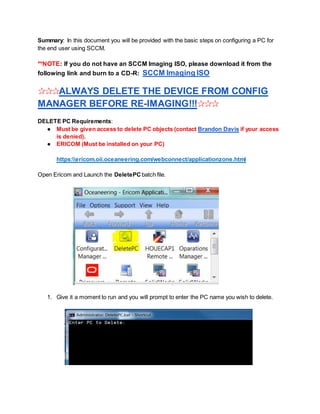
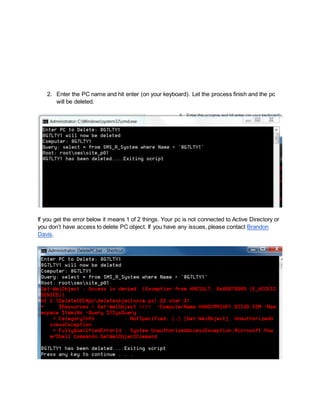
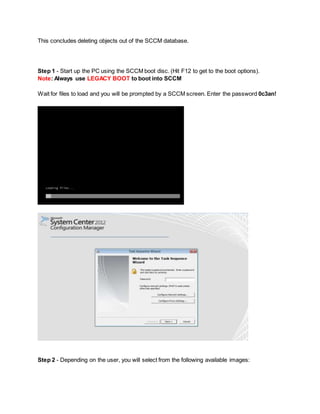
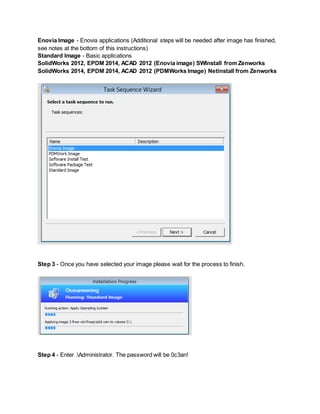
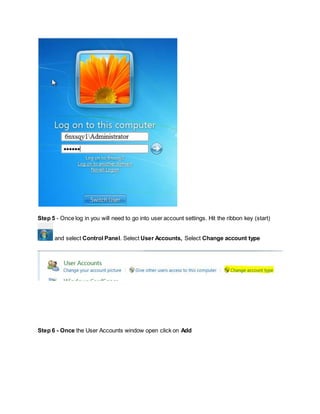
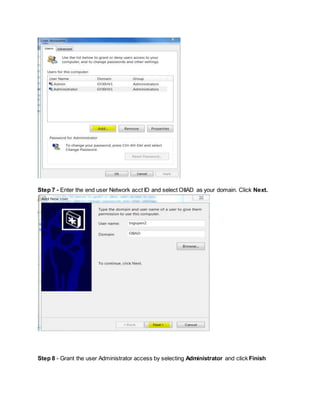
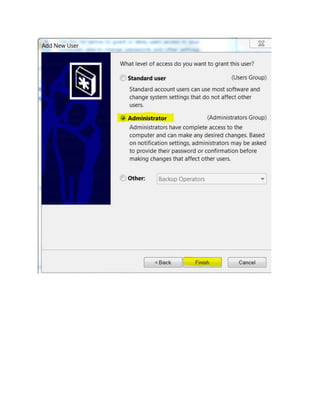
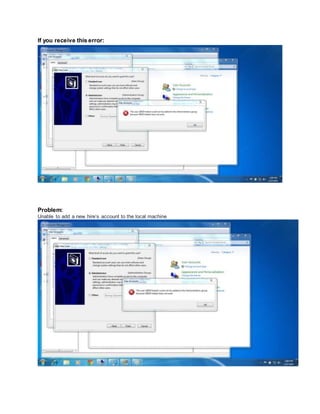
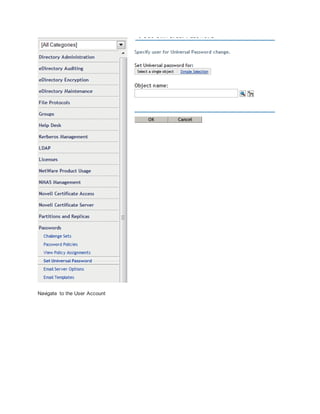
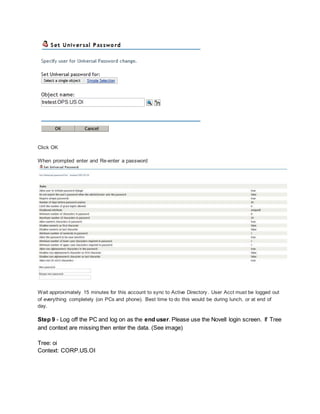
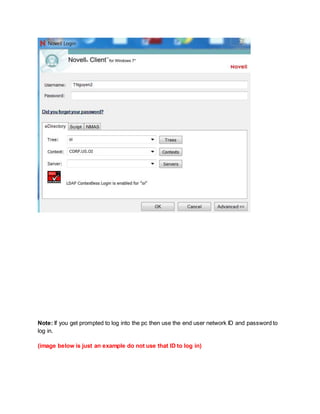
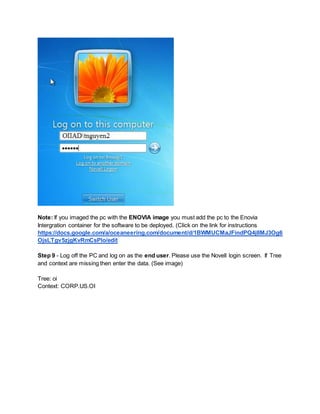
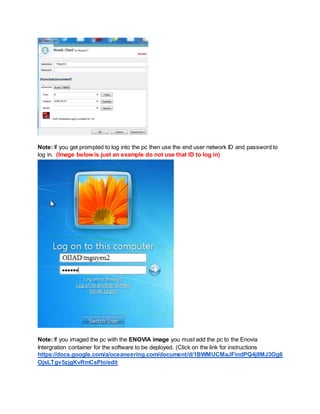
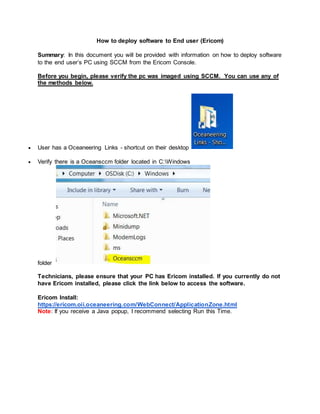
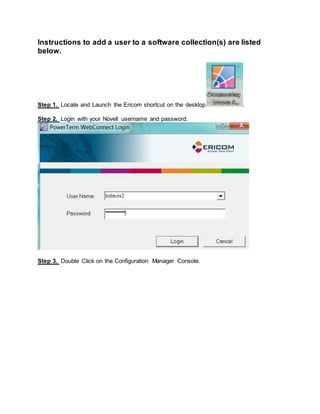
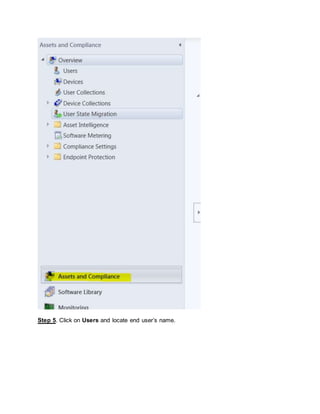
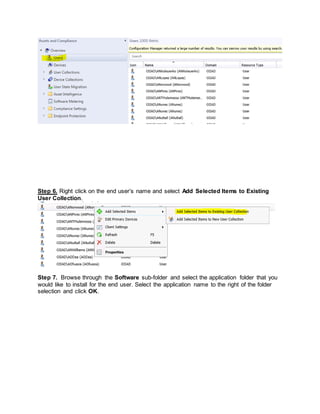
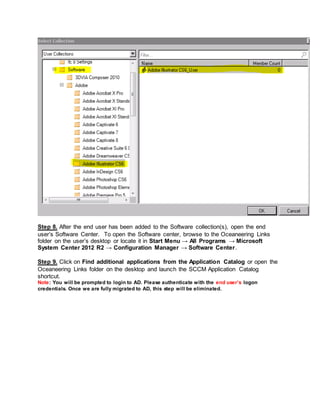
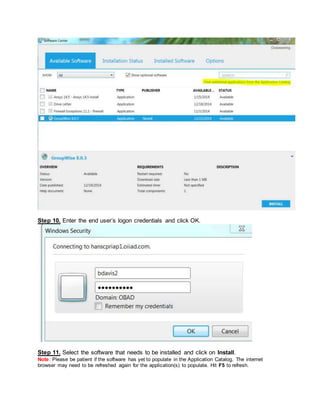
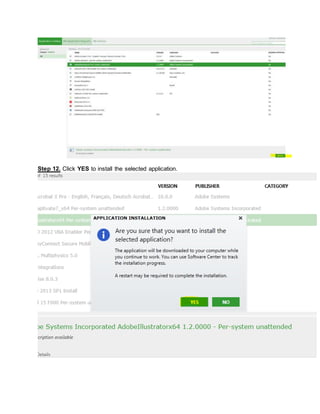
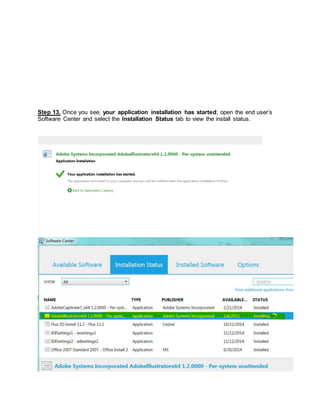
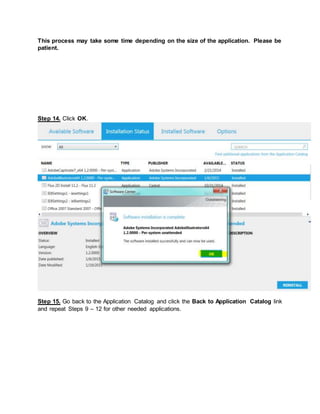
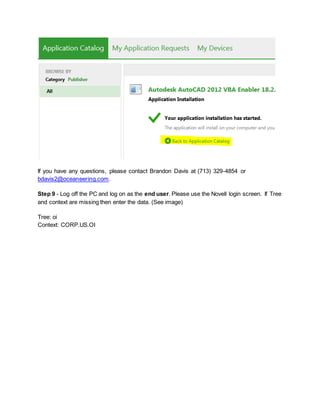
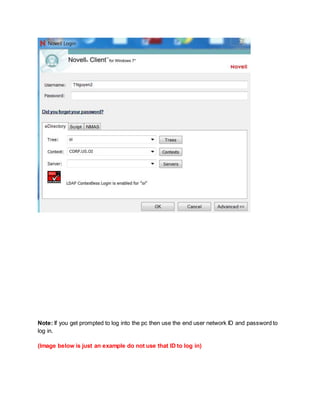
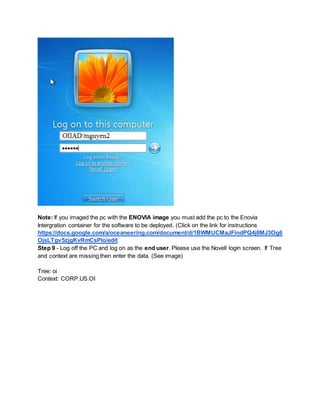
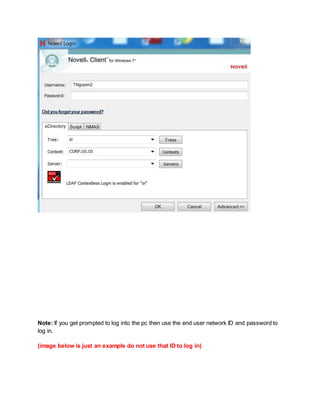
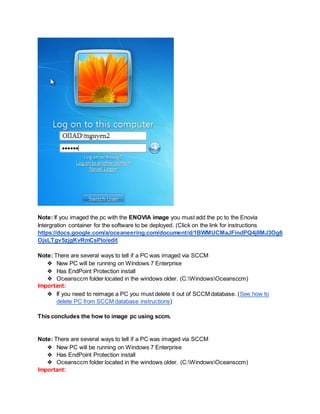
The document provides instructions for configuring a PC for an end user using SCCM. It describes downloading the SCCM imaging ISO, booting from it, selecting an image, completing the Windows setup, adding the user to the local Administrators group, and verifying the installation. Additional steps are outlined for deploying software to the PC using the Ericom console and SCCM once imaging is complete. The summary concludes by noting several ways to identify if a PC was imaged with SCCM and the importance of deleting the PC from the SCCM database before reimaging.