
Scalable
                              Architectures 101
                                             ConFoo
                                         Mar 10, 2011


    Mike Willbanks
       Blog: http://blog.digitalstruct.com
    Twitter: mwillbanks
         IRC: lubs on freenode


Who am I?

     ●   Software Development Manager
     ●   Organizer of MNPHP / MNMySQL
     ●   Zend Certified Engineer (PHP/ZF)


Scalability?


          Your application is growing, your systems are slowing 
                        and growth is inevitable... 
      ●   Where do we go from here?
          ●   Load Balancing           ● Job Servers
          ●   Web Servers              ● DNS Servers


                                       ● CDN Servers
          ●   Database Servers
          ●   Cache Servers            ●   Front­End Performance


The Beginning

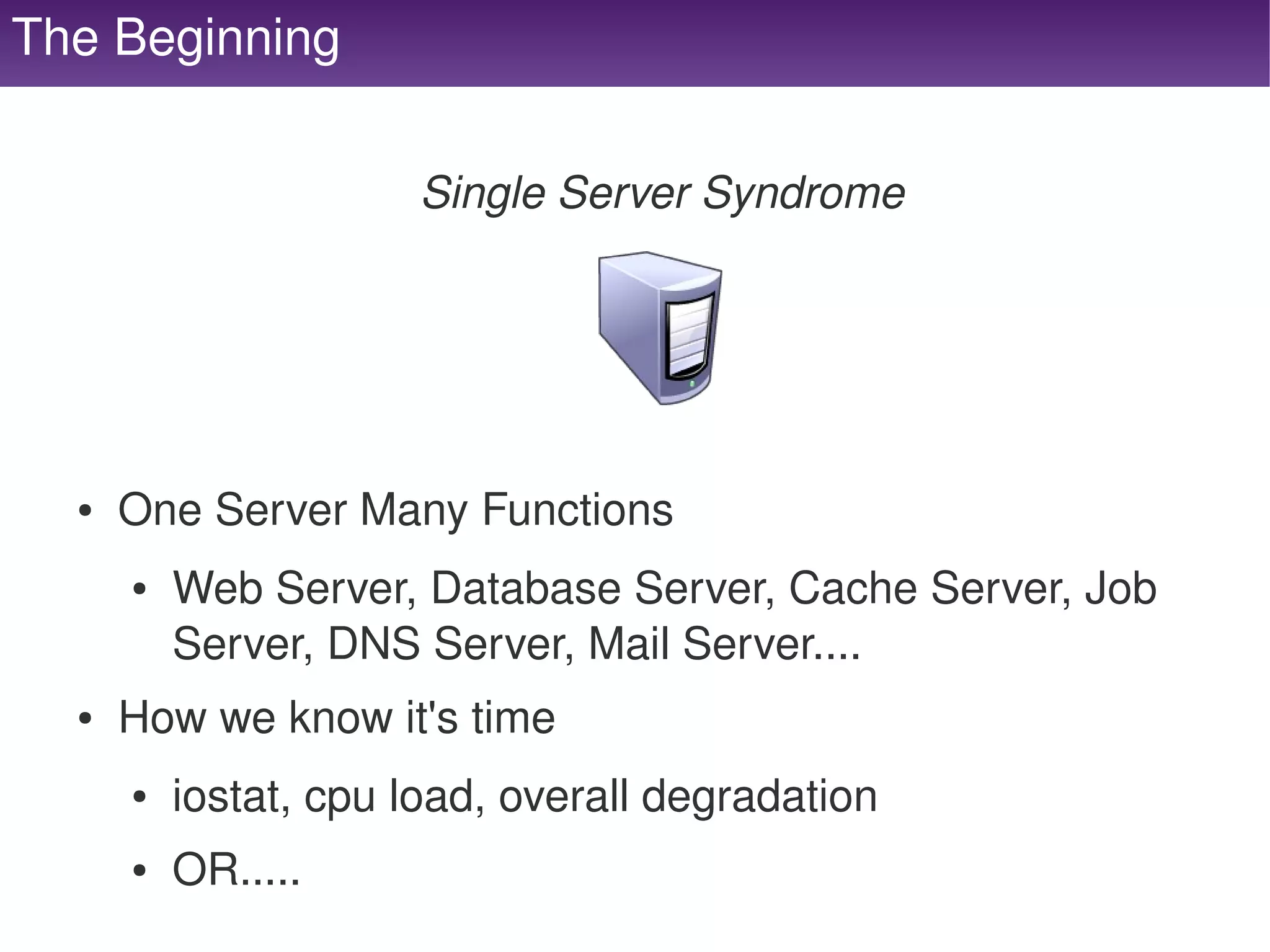
                          Single Server Syndrome


      ●   One Server Many Functions
          ●   Web Server, Database Server, Cache Server, Job 
              Server, DNS Server, Mail Server....
      ●   How we know it's time
          ●   iostat, cpu load, overall degradation
   
          ●   OR.....                  
     
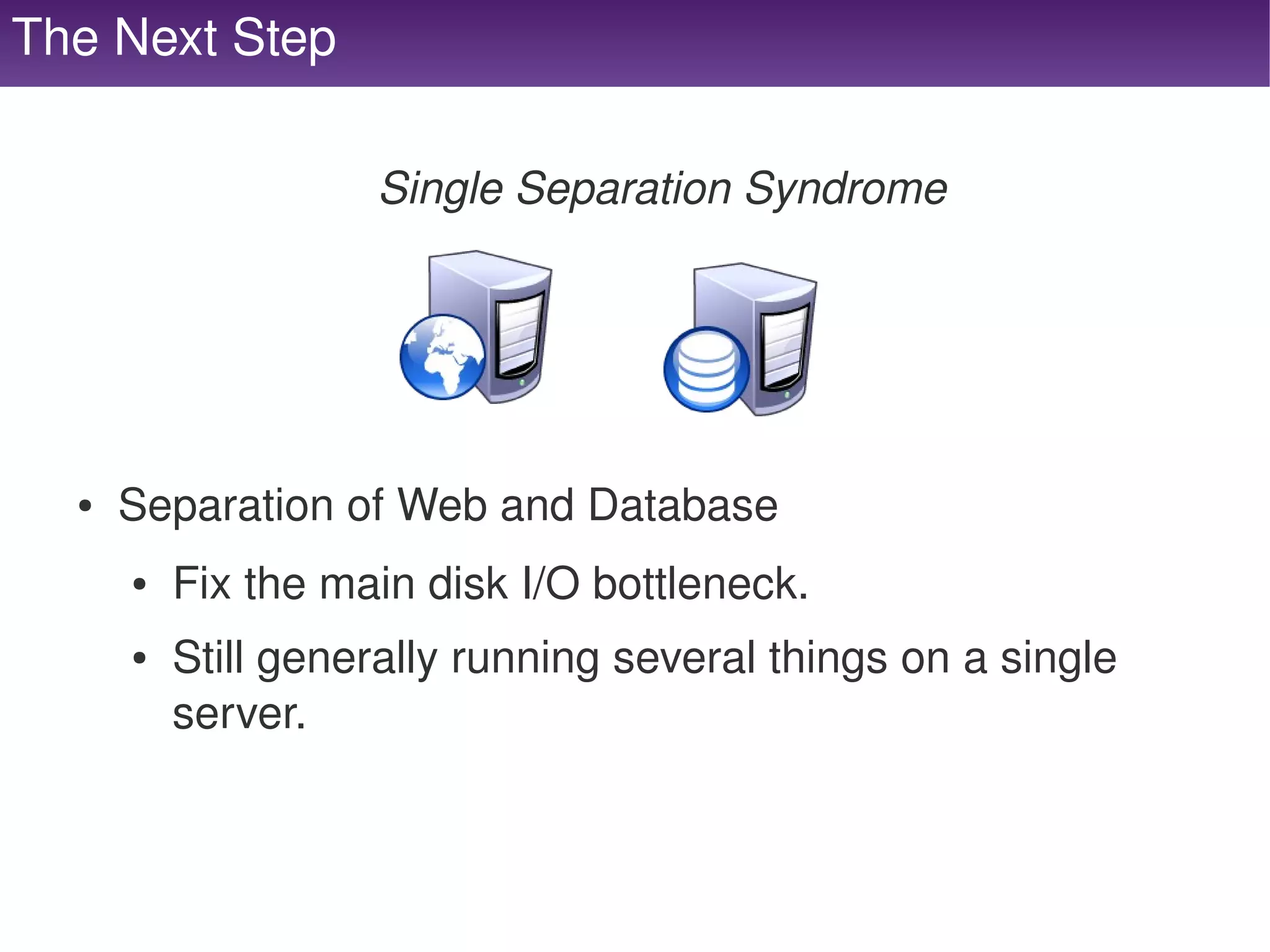
The Next Step

                        Single Separation Syndrome


      ●   Separation of Web and Database
          ●   Fix the main disk I/O bottleneck.
          ●   Still generally running several things on a single 
              server.


Uh, oh :(


     Load Balancing


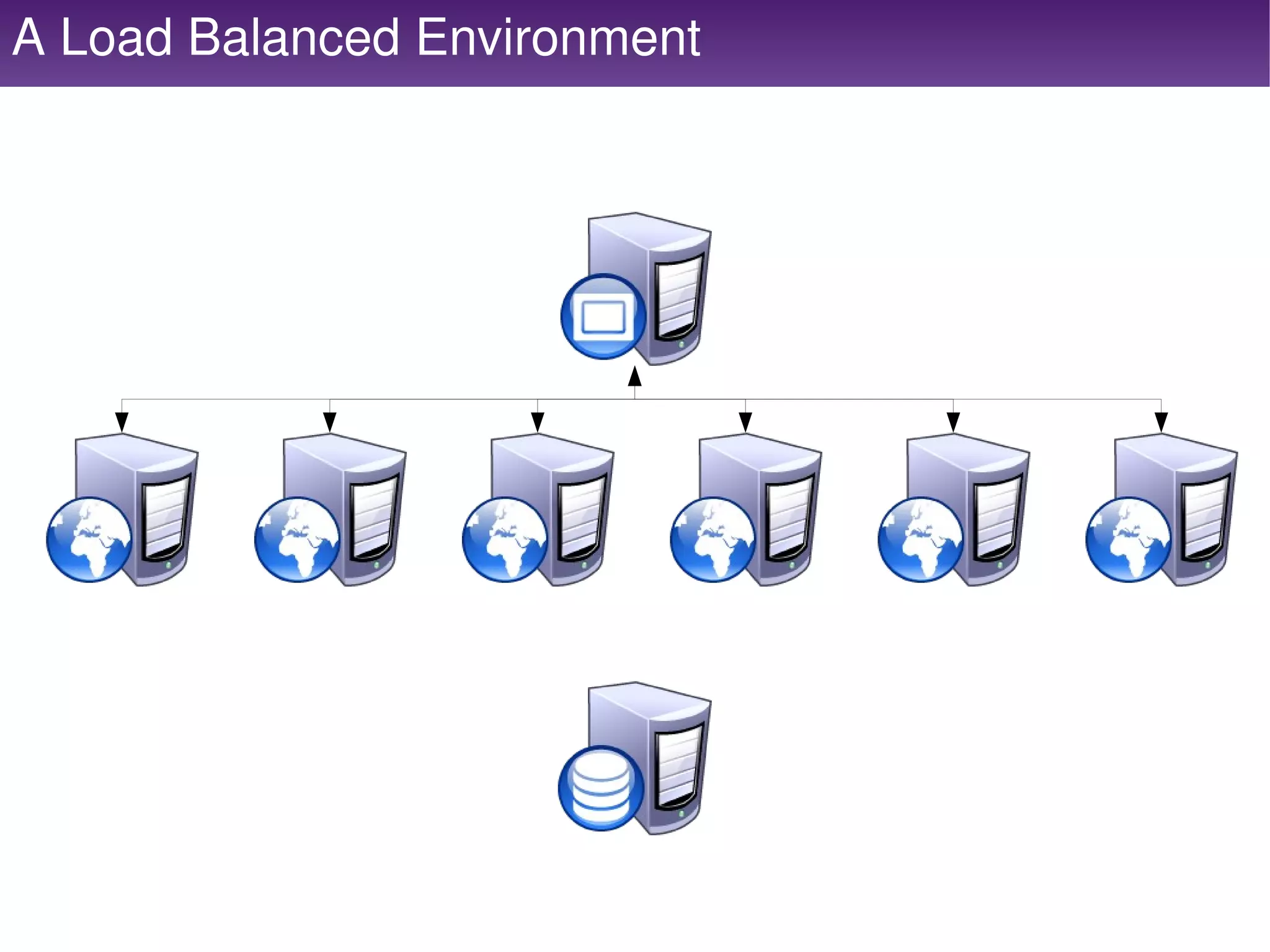
A Load Balanced Environment


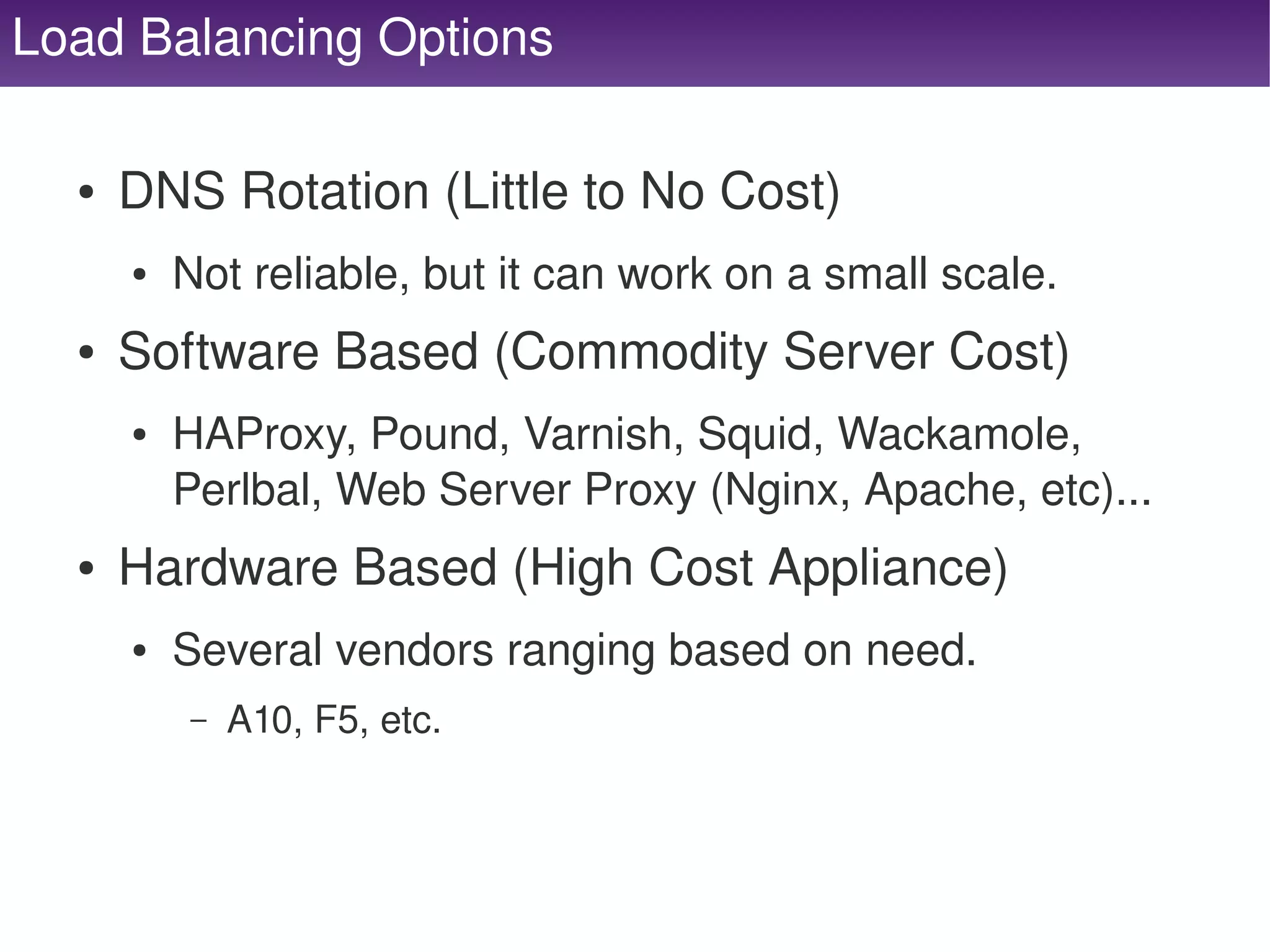
Load Balancing Options

      ●   DNS Rotation (Little to No Cost)
          ●   Not reliable, but it can work on a small scale.
      ●   Software Based (Commodity Server Cost)
          ●   HAProxy, Pound, Varnish, Squid, Wackamole, 
              Perlbal, Web Server Proxy (Nginx, Apache, etc)...
      ●   Hardware Based (High Cost Appliance)
          ●   Several vendors ranging based on need.
              –   A10, F5, etc.


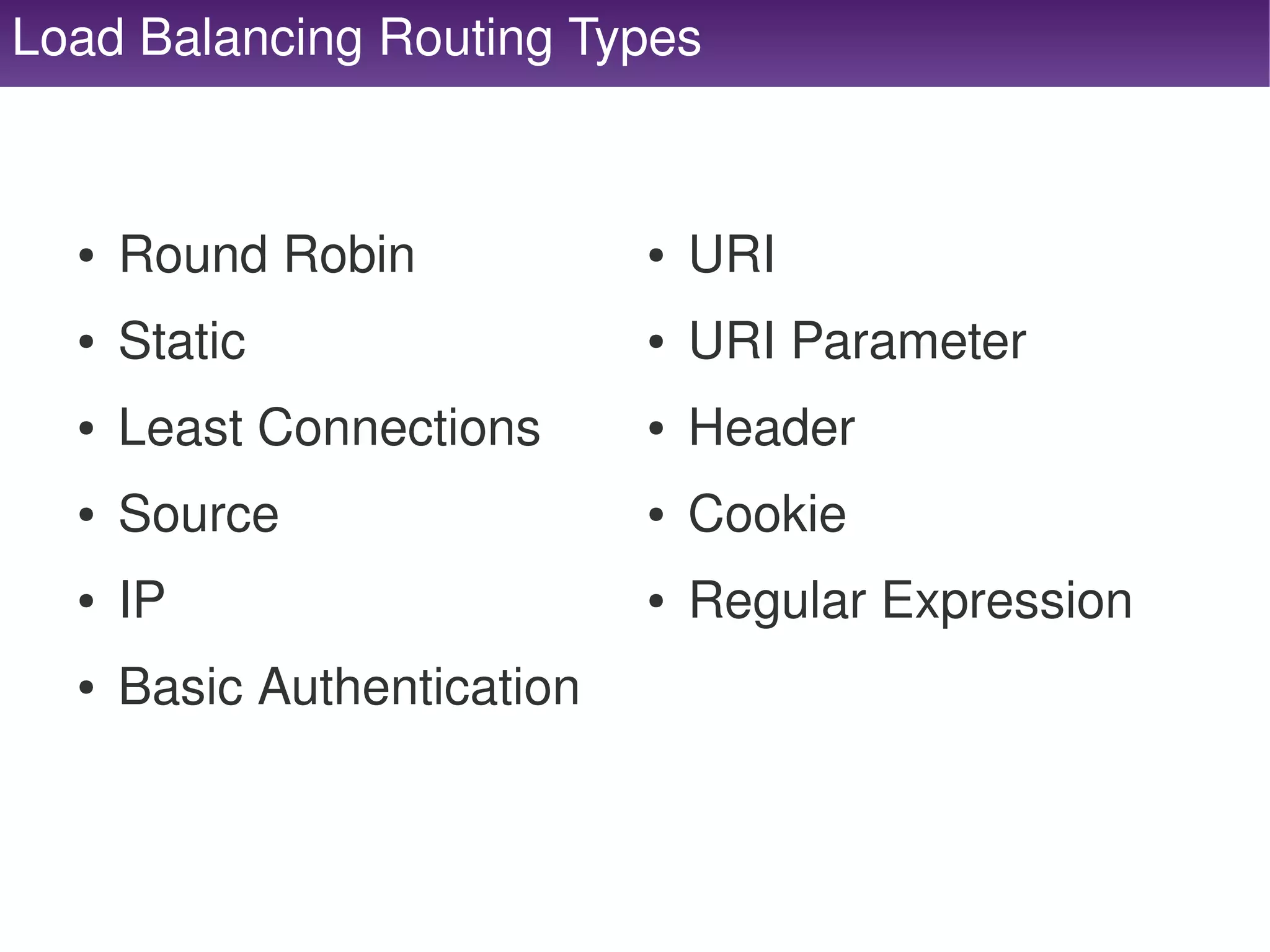
Load Balancing Routing Types


      ●   Round Robin                ●   URI
      ●   Static                     ●   URI Parameter
      ●   Least Connections          ●   Header
      ●   Source                     ●   Cookie
      ●   IP                         ●   Regular Expression
      ●   Basic Authentication


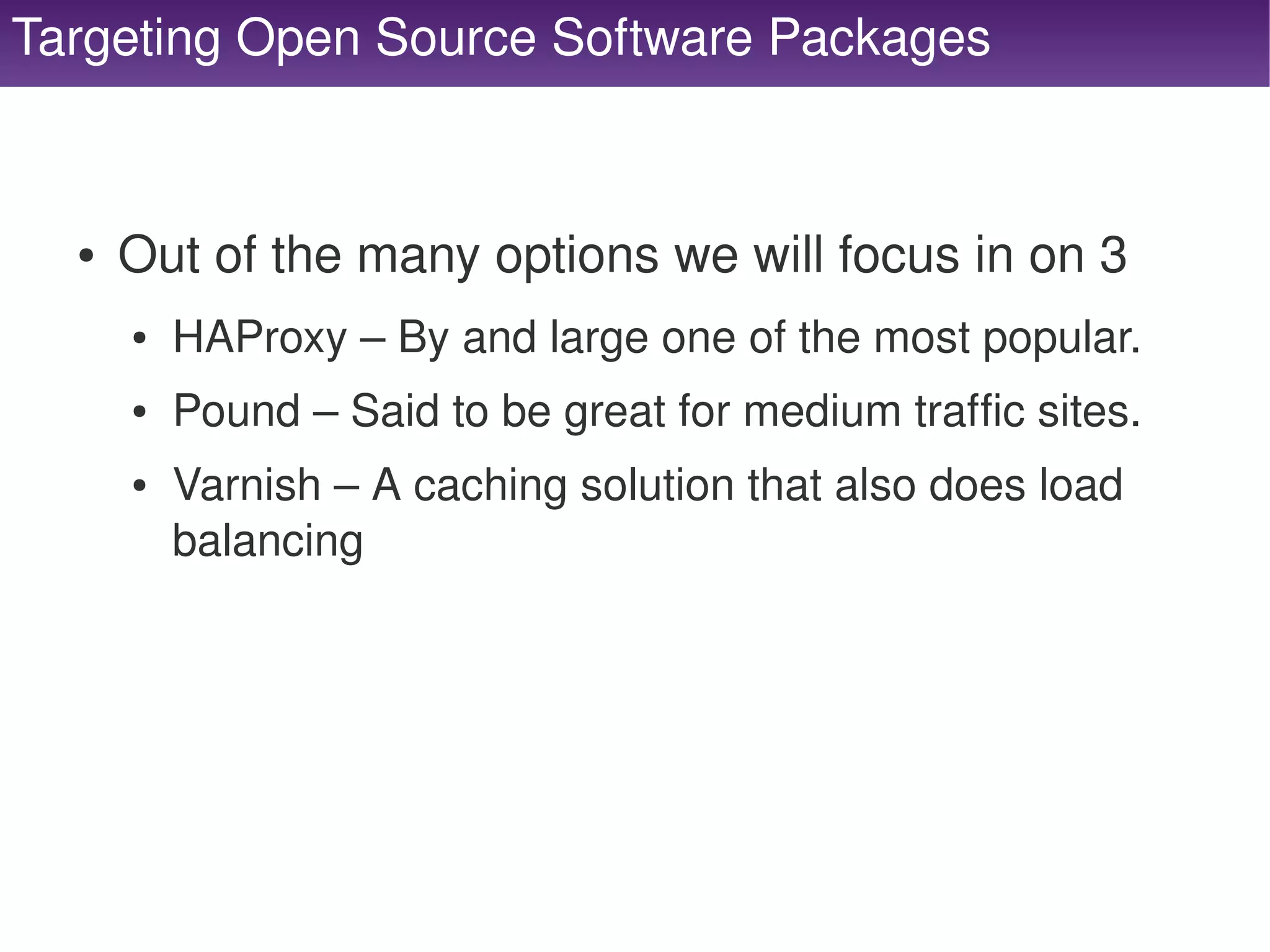
Targeting Open Source Software Packages


      ●   Out of the many options we will focus in on 3
          ●   HAProxy – By and large one of the most popular.
          ●   Pound – Said to be great for medium traffic sites.
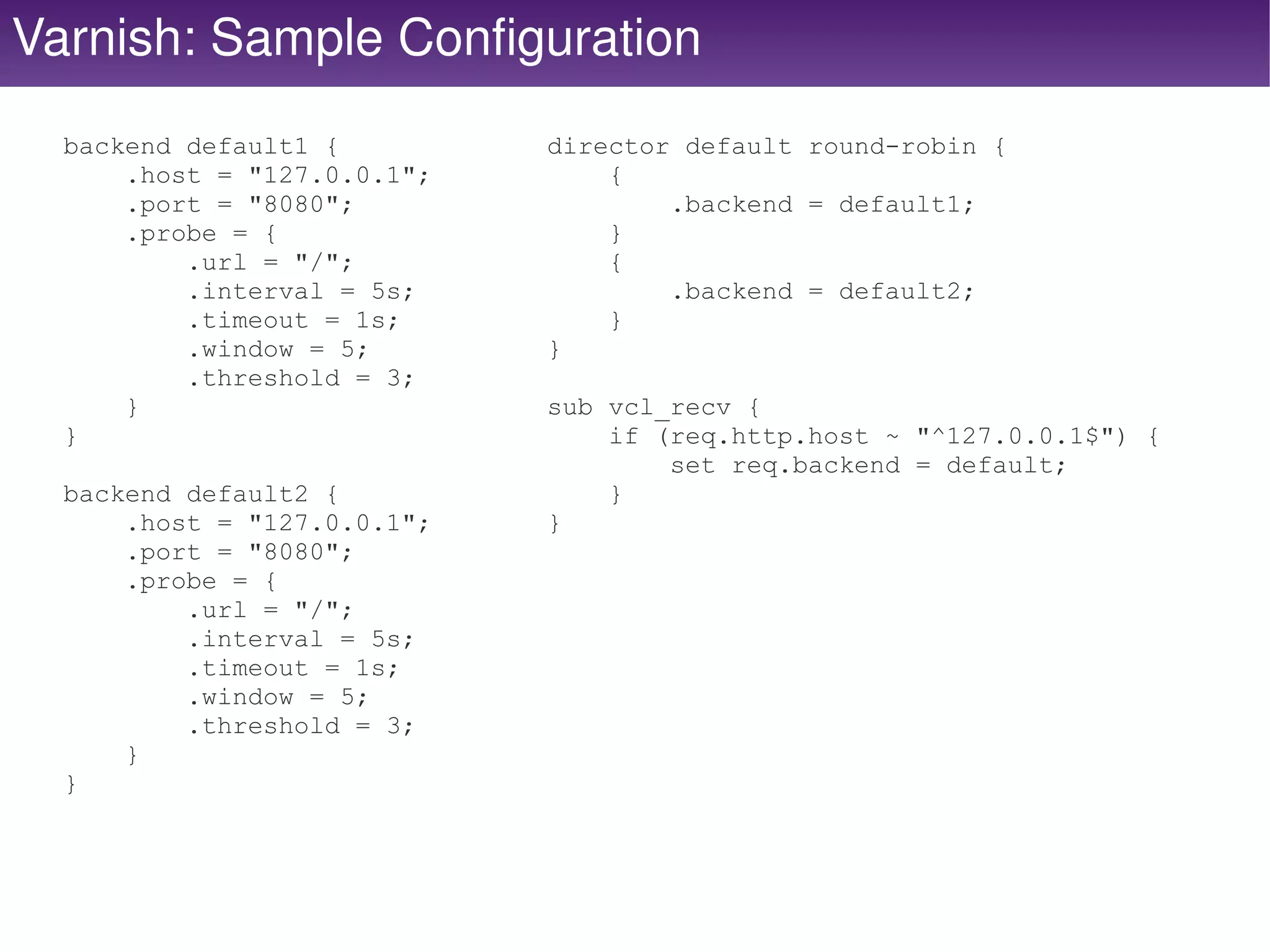
          ●   Varnish – A caching solution that also does load 
              balancing


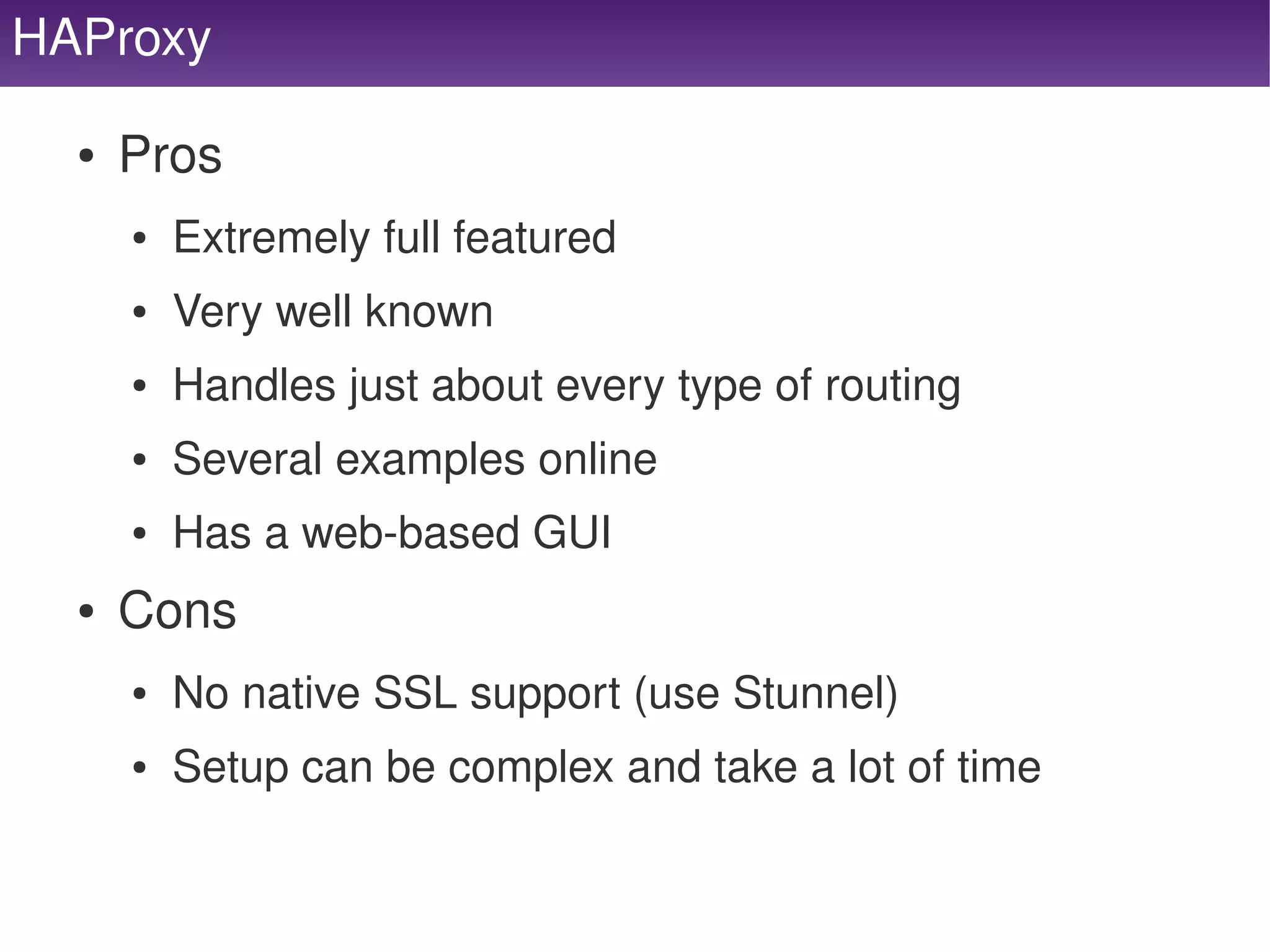
HAProxy

     ●   Pros
         ●   Extremely full featured
         ●   Very well known
         ●   Handles just about every type of routing
         ●   Several examples online
         ●   Has a web­based GUI
     ●   Cons
         ●   No native SSL support (use Stunnel)
         ●   Setup can be complex and take a lot of time

                                        
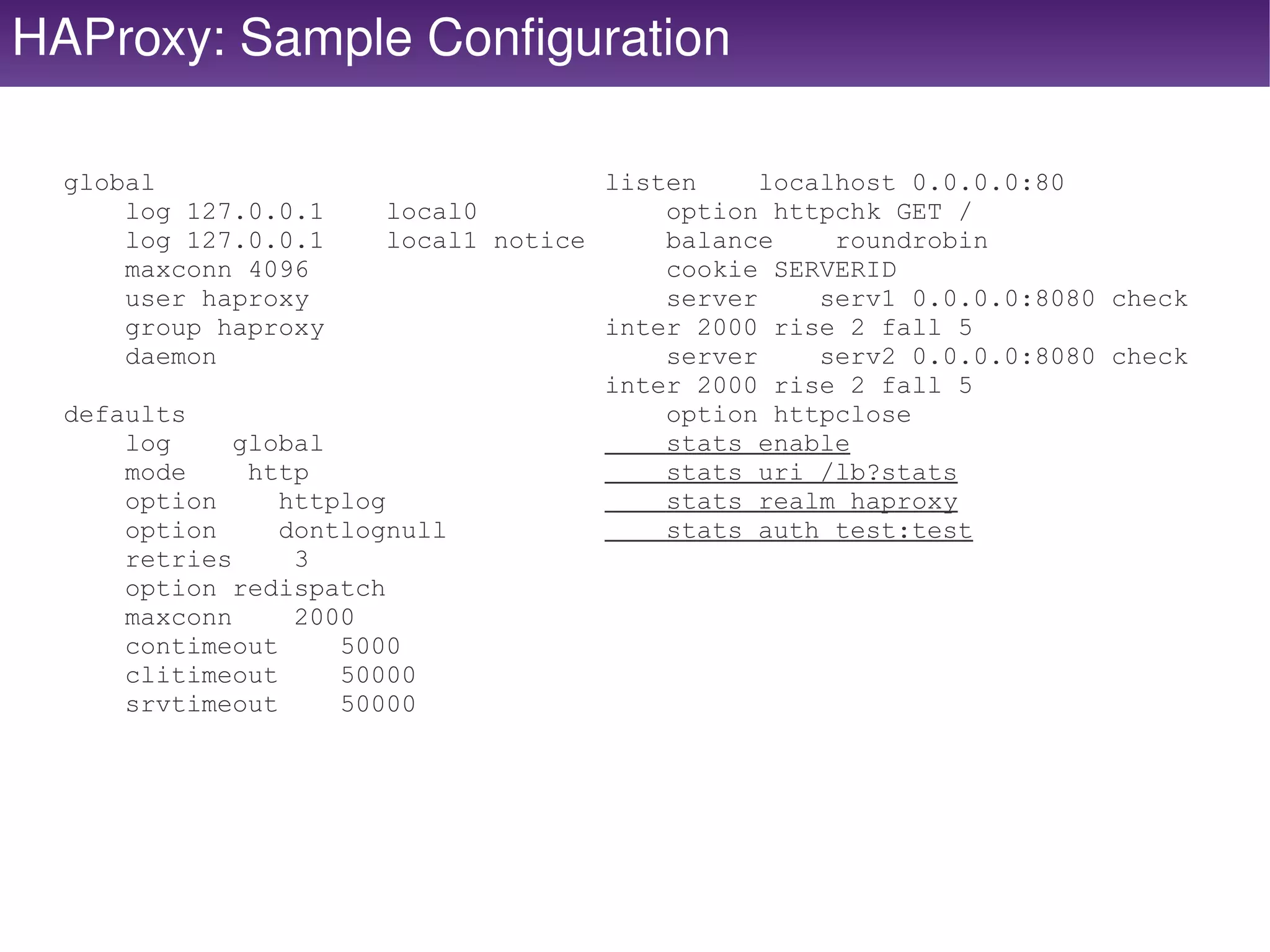
HAProxy: Sample Configuration

  global                               listen     localhost 0.0.0.0:80
      log 127.0.0.1      local0            option httpchk GET /
      log 127.0.0.1      local1 notice     balance     roundrobin
      maxconn 4096                         cookie SERVERID
      user haproxy                         server     serv1 0.0.0.0:8080 check
      group haproxy                    inter 2000 rise 2 fall 5
      daemon                               server     serv2 0.0.0.0:8080 check
                                       inter 2000 rise 2 fall 5
  defaults                                 option httpclose
      log     global                       stats enable
      mode     http                        stats uri /lb?stats
      option     httplog                   stats realm haproxy
      option     dontlognull               stats auth test:test
      retries     3
      option redispatch
      maxconn     2000
      contimeout     5000
      clitimeout     50000
      srvtimeout     50000


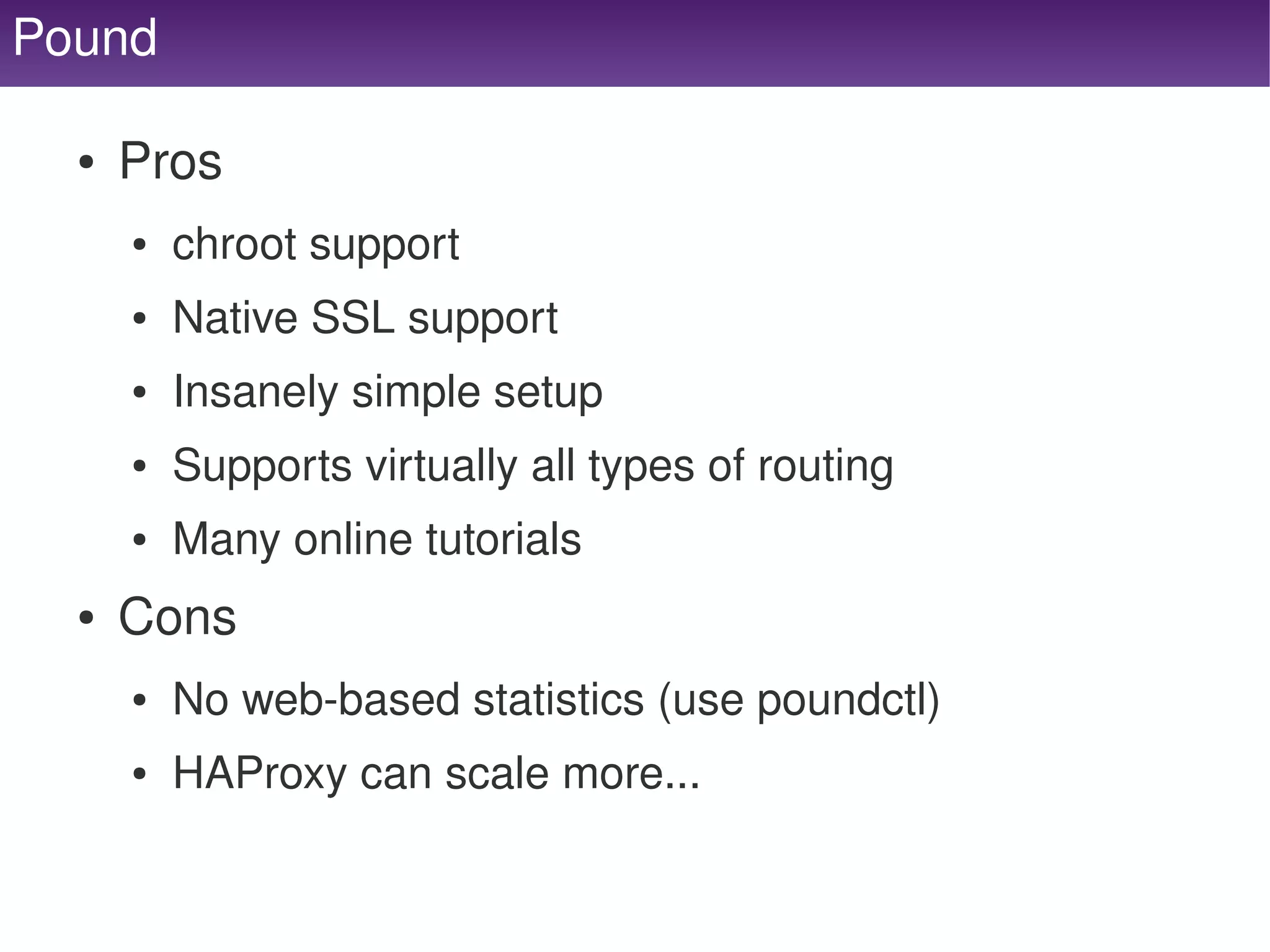
Pound

     ●   Pros
         ●   chroot support
         ●   Native SSL support
         ●   Insanely simple setup
         ●   Supports virtually all types of routing
         ●   Many online tutorials
     ●   Cons
         ●   No web­based statistics (use poundctl)
         ●   HAProxy can scale more...

                                      
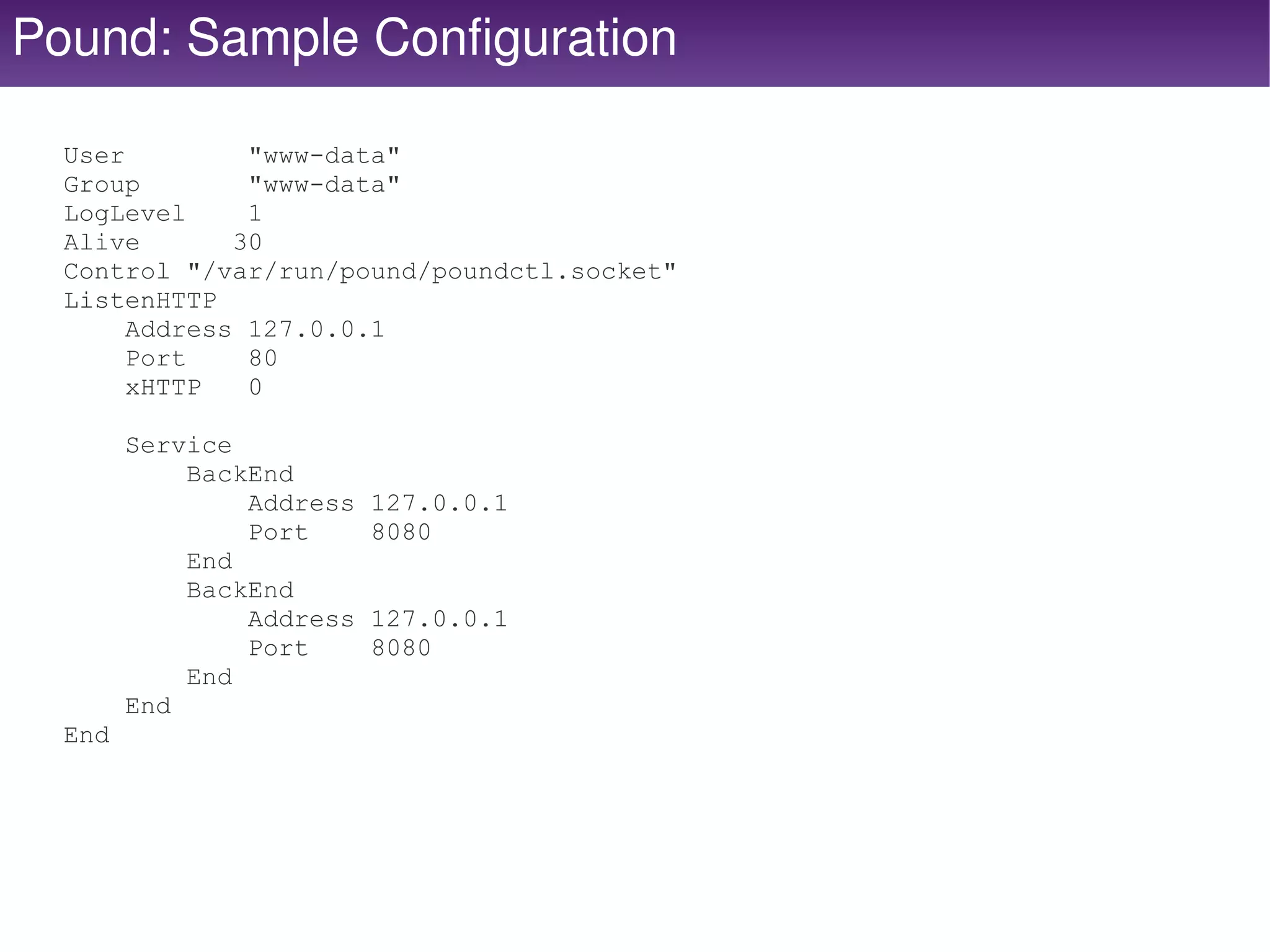
Pound: Sample Configuration

  User         "www-data"
  Group        "www-data"
  LogLevel     1
  Alive       30
  Control "/var/run/pound/poundctl.socket"
  ListenHTTP
       Address 127.0.0.1
       Port    80
       xHTTP   0

        Service
            BackEnd
                Address   127.0.0.1
                Port      8080
            End
            BackEnd
                Address   127.0.0.1
                Port      8080
            End
        End
  End


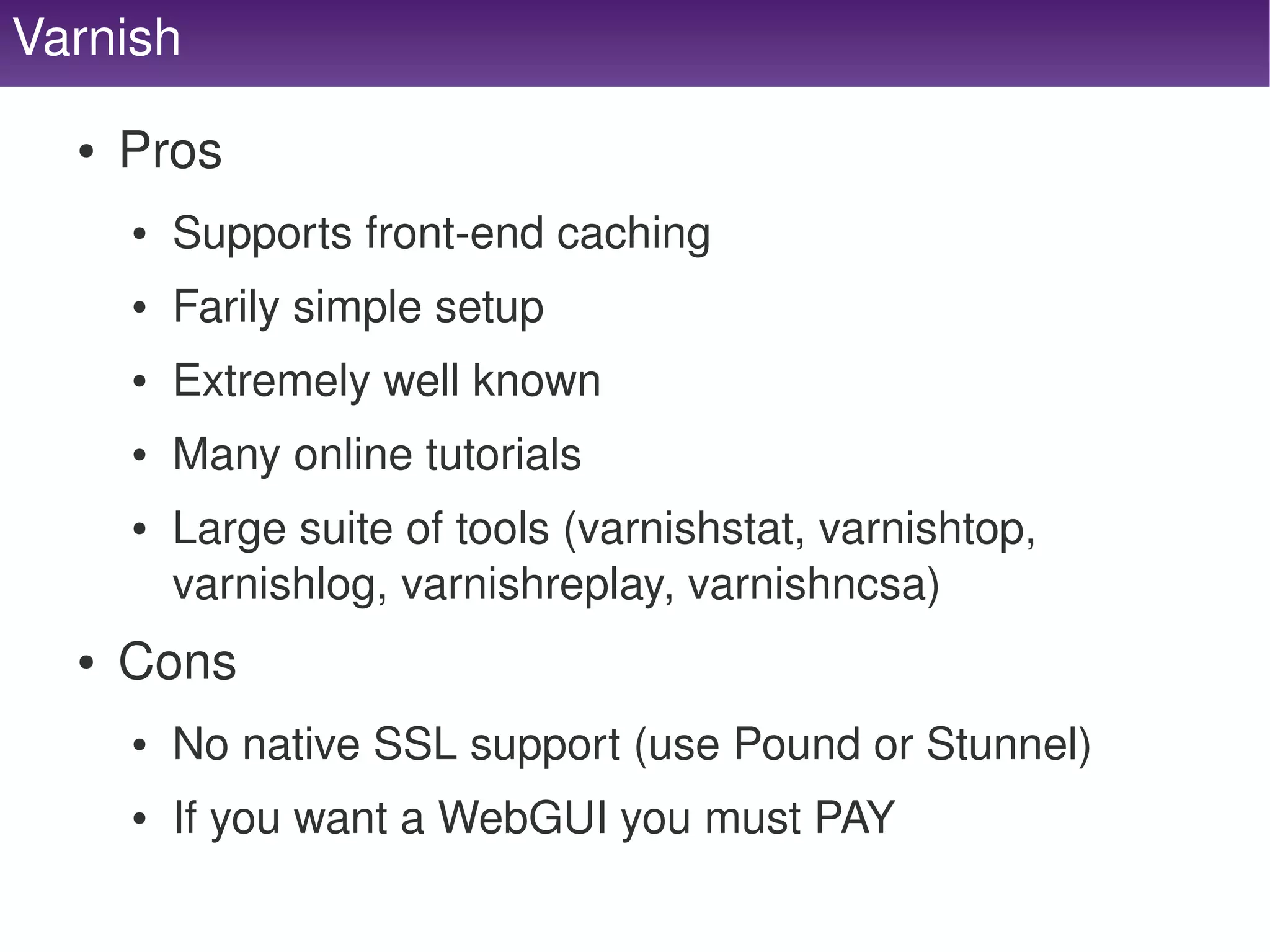
Varnish

      ●   Pros
          ●   Supports front­end caching
          ●   Farily simple setup
          ●   Extremely well known
          ●   Many online tutorials
          ●   Large suite of tools (varnishstat, varnishtop, 
              varnishlog, varnishreplay, varnishncsa)
      ●   Cons
          ●   No native SSL support (use Pound or Stunnel)
          ●   If you want a WebGUI you must PAY
                                       
Varnish: Sample Configuration
  backend default1 {         director default round-robin {
      .host = "127.0.0.1";       {
      .port = "8080";                .backend = default1;
      .probe = {                 }
          .url = "/";            {
          .interval = 5s;            .backend = default2;
          .timeout = 1s;         }
          .window = 5;       }
          .threshold = 3;
      }                      sub vcl_recv {
  }                              if (req.http.host ~ "^127.0.0.1$") {
                                     set req.backend = default;
  backend default2 {             }
      .host = "127.0.0.1";   }
      .port = "8080";
      .probe = {
          .url = "/";
          .interval = 5s;
          .timeout = 1s;
          .window = 5;
          .threshold = 3;
      }
  }


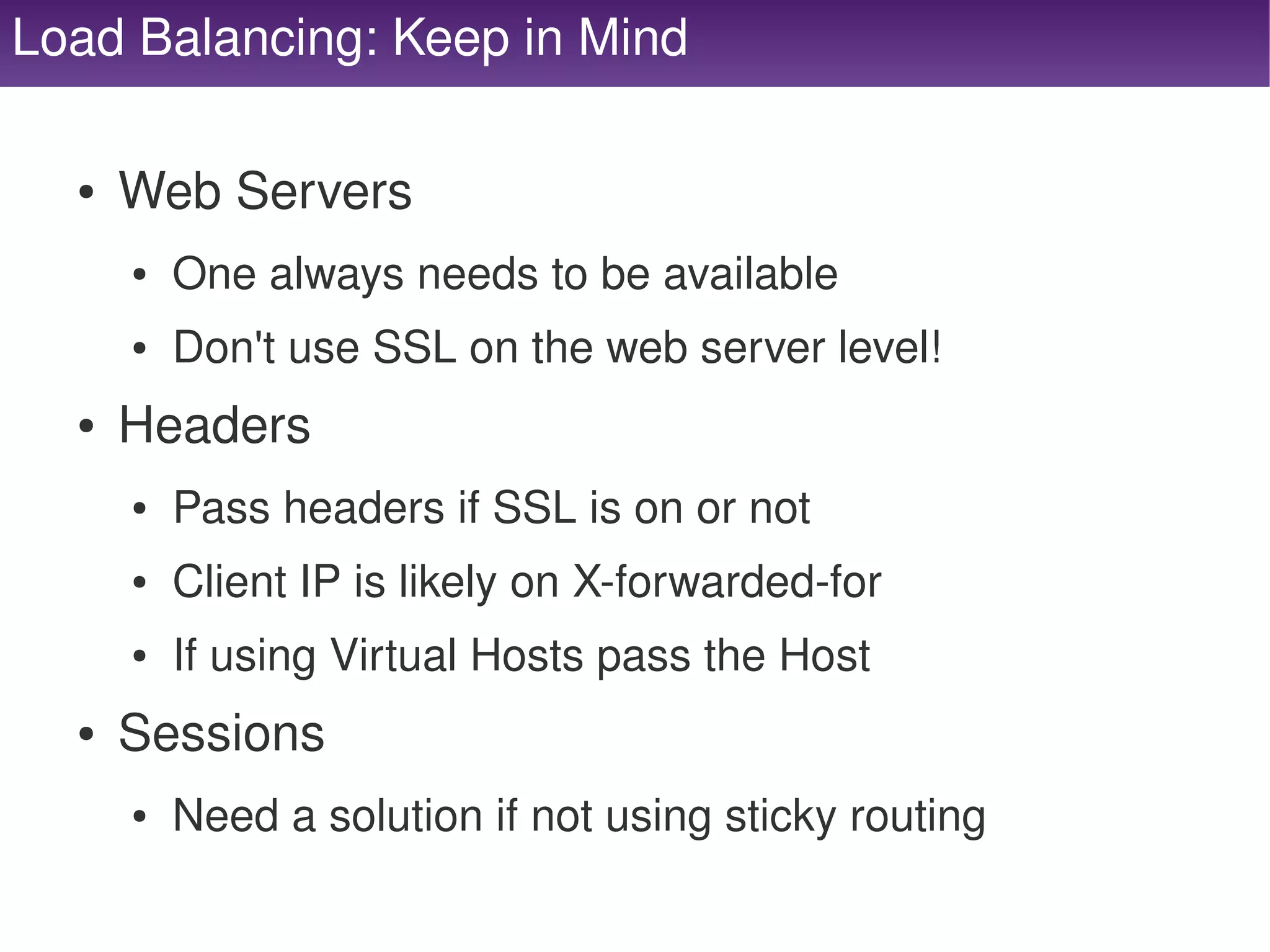
Load Balancing: Keep in Mind

      ●   Web Servers
          ●   One always needs to be available
          ●   Don't use SSL on the web server level!
      ●   Headers
          ●   Pass headers if SSL is on or not
          ●   Client IP is likely on X­forwarded­for
          ●   If using Virtual Hosts pass the Host
      ●   Sessions
          ●   Need a solution if not using sticky routing
                                       
     Web Servers


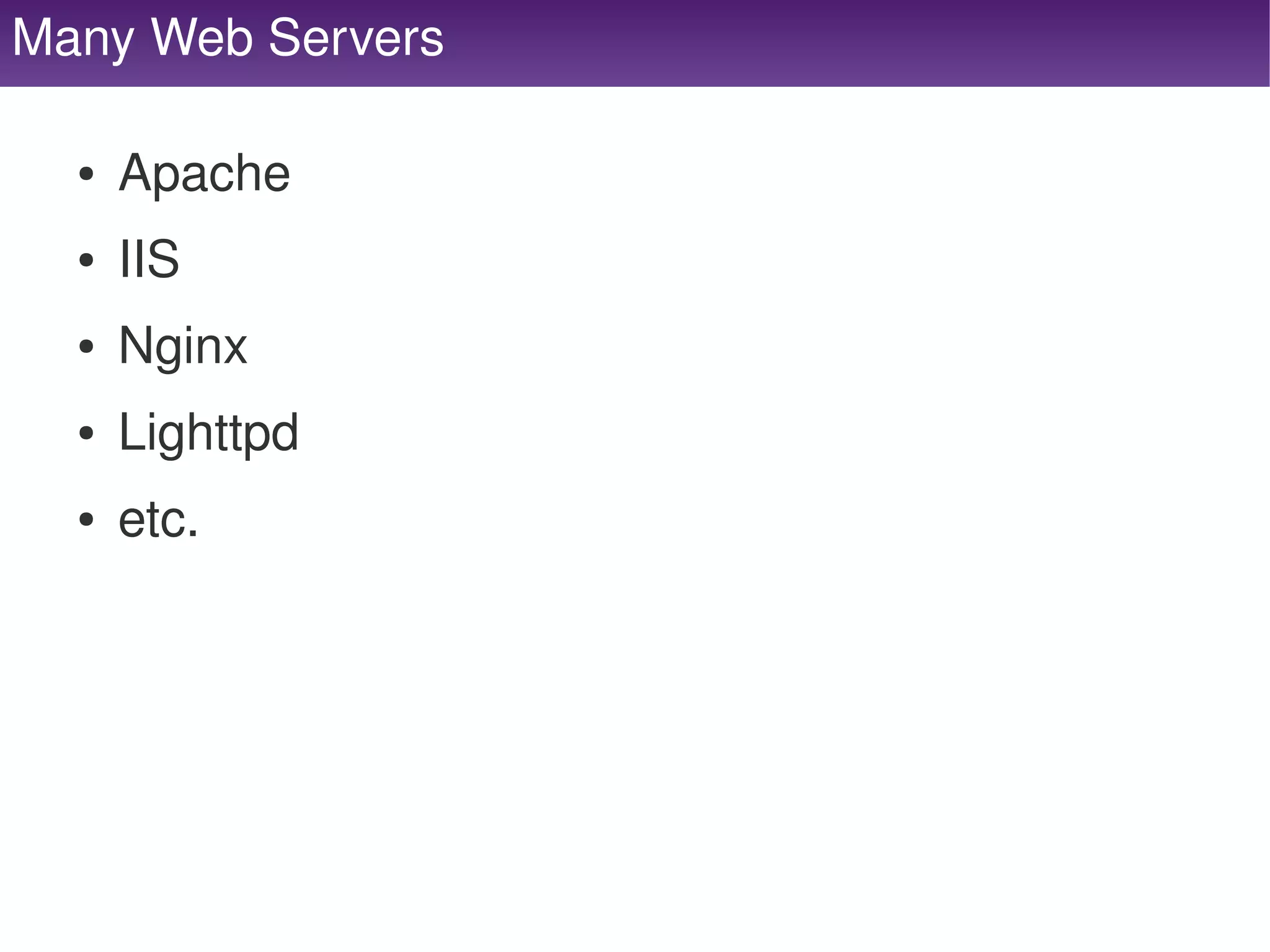
Many Web Servers

     ●   Apache
     ●   IIS
     ●   Nginx
     ●   Lighttpd
     ●   etc.


Web Server Configuration

      ●   Sever name should be the same on all servers
          ●   Make a server alias so you can reach individual 
              servers w/o load balancing
      ●   Each configuration SHOULD or MUST be the 
          same.
      ●   Client IP generally is in X­forwarded­for.
      ●   SSL will not be in $_SERVER['HTTPS'] and 
          HTTP_ header instead.


Web Servers: Keep in Mind

      ●   Files
          ●   All web servers need our files.
          ●   Static content could be tagged in version control.
          ●   Static content may need a file server / CDN / etc.
          ●   User Generated content on NFS mount or served 
              from the cloud or a CDN.
      ●   Sessions
          ●   All web servers need access to our sessions.
          ●   Remember disk is slow and the database will be a 
              bottleneck.  How about distributed caching?
                                      
Web Servers: Other Information

      ●   Running PHP on your web server may be a 
          resource hog, you may want to offload static 
          content requests to varnish, nginx, lighttpd or 
          some other lightweight web server.
          ●   Running a proxy to your main web servers works 
              great for hardworking processes.  While serving 
              static content from the lightweight server.


Database
     Servers


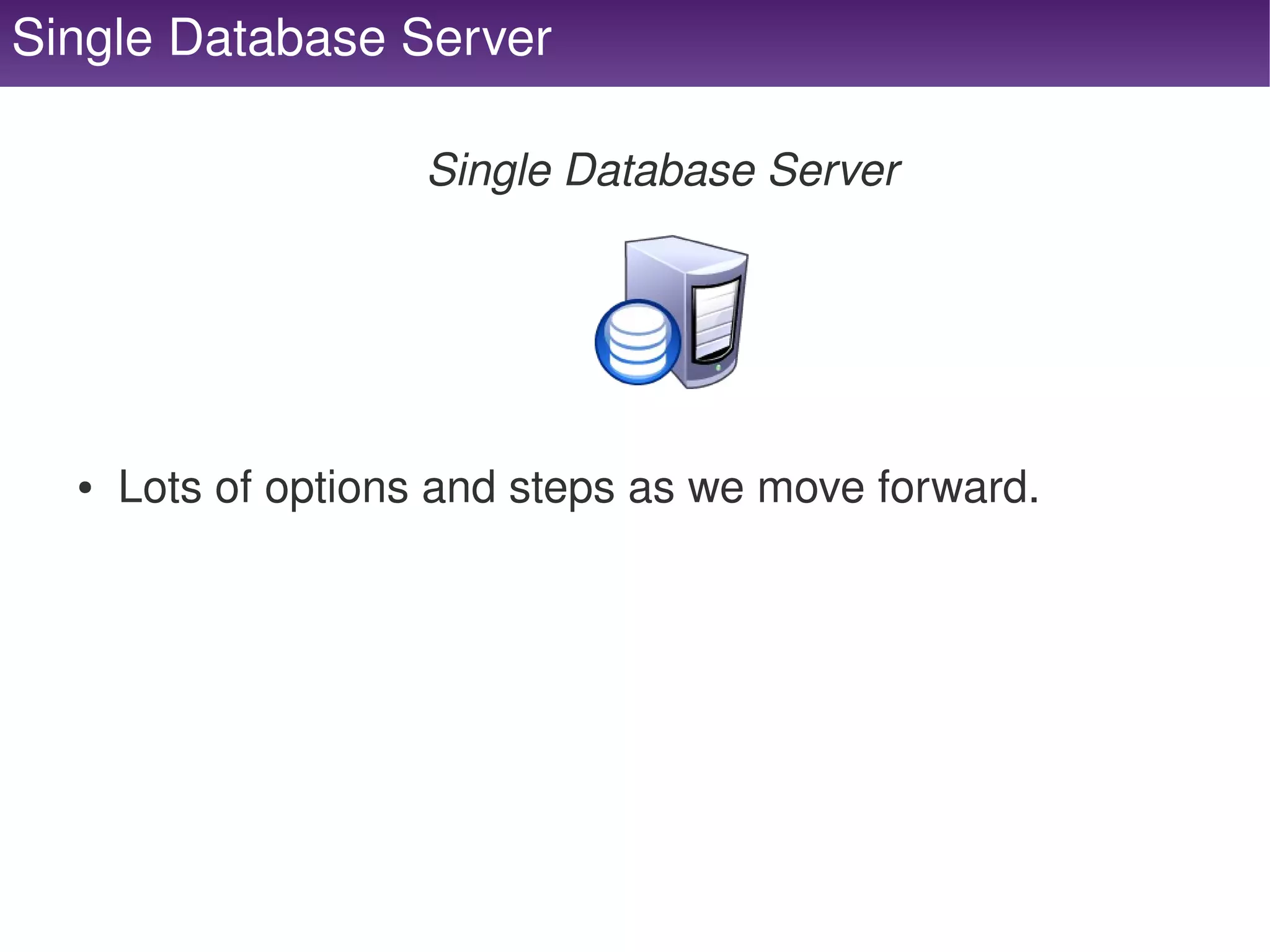
Single Database Server

                         Single Database Server


      ●   Lots of options and steps as we move forward.


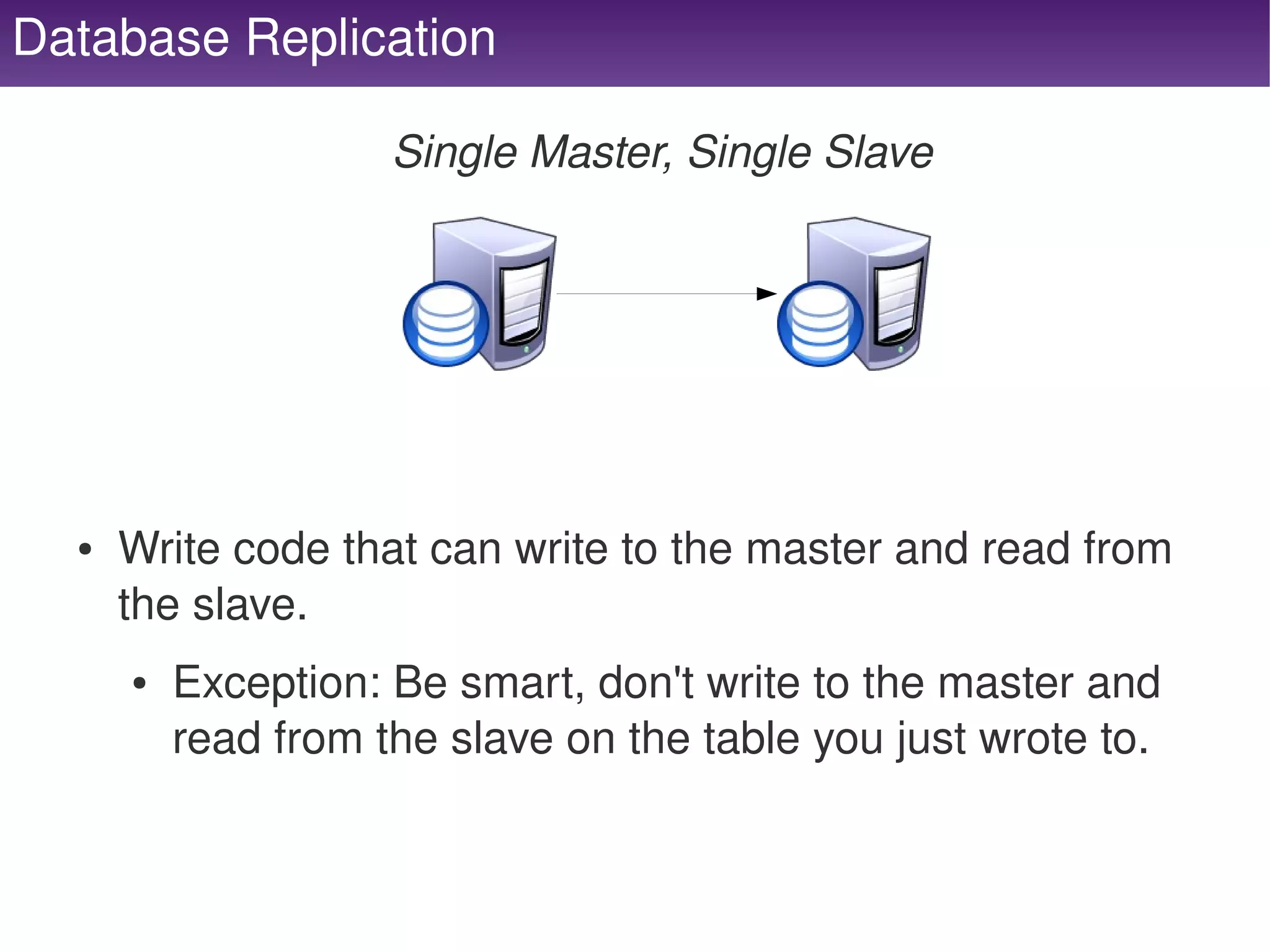
Database Replication

                         Single Master, Single Slave


      ●   Write code that can write to the master and read from 
          the slave.
          ●   Exception: Be smart, don't write to the master and 
              read from the slave on the table you just wrote to.


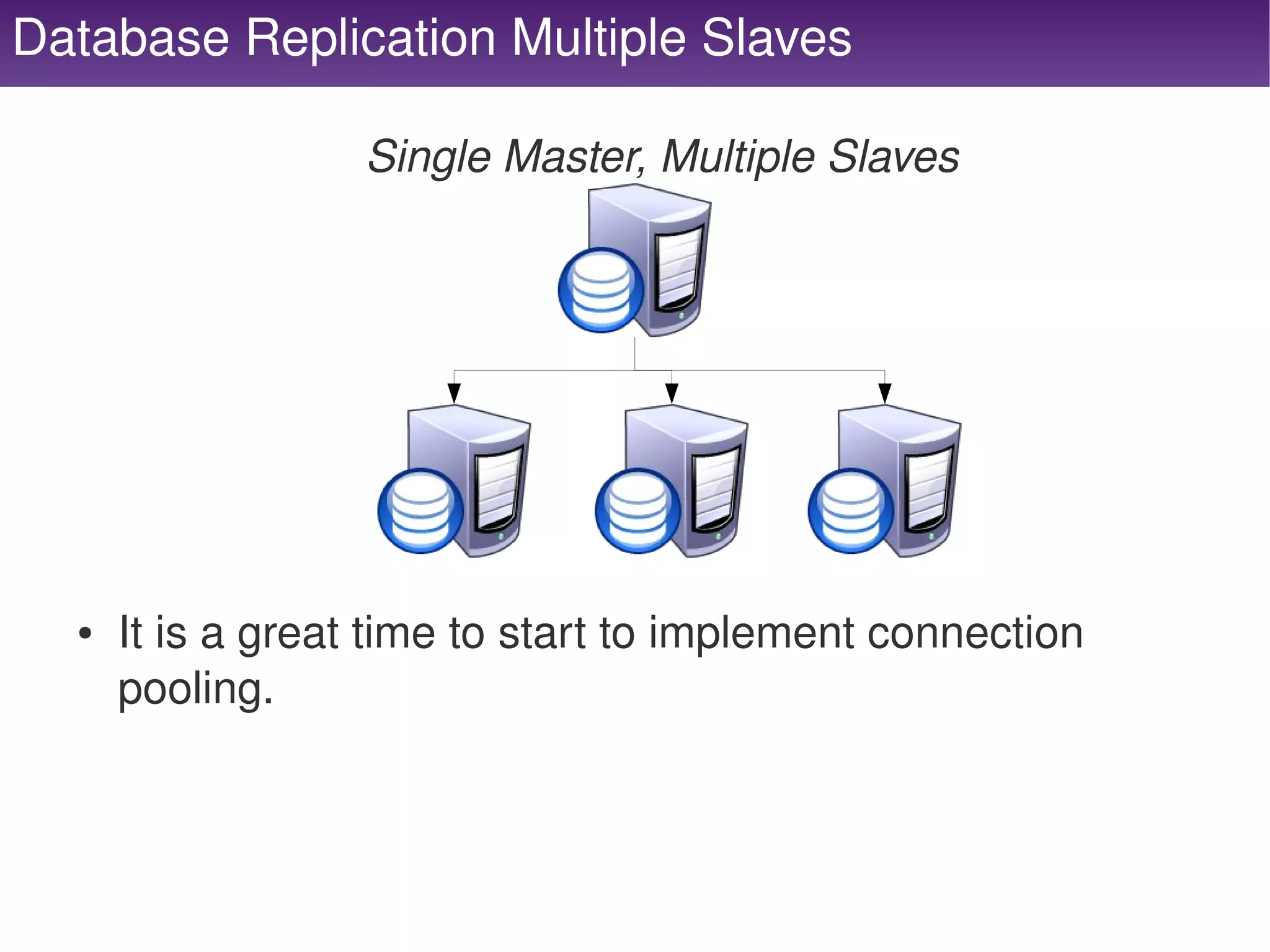
Database Replication Multiple Slaves

                       Single Master, Multiple Slaves


      ●   It is a great time to start to implement connection 
          pooling.


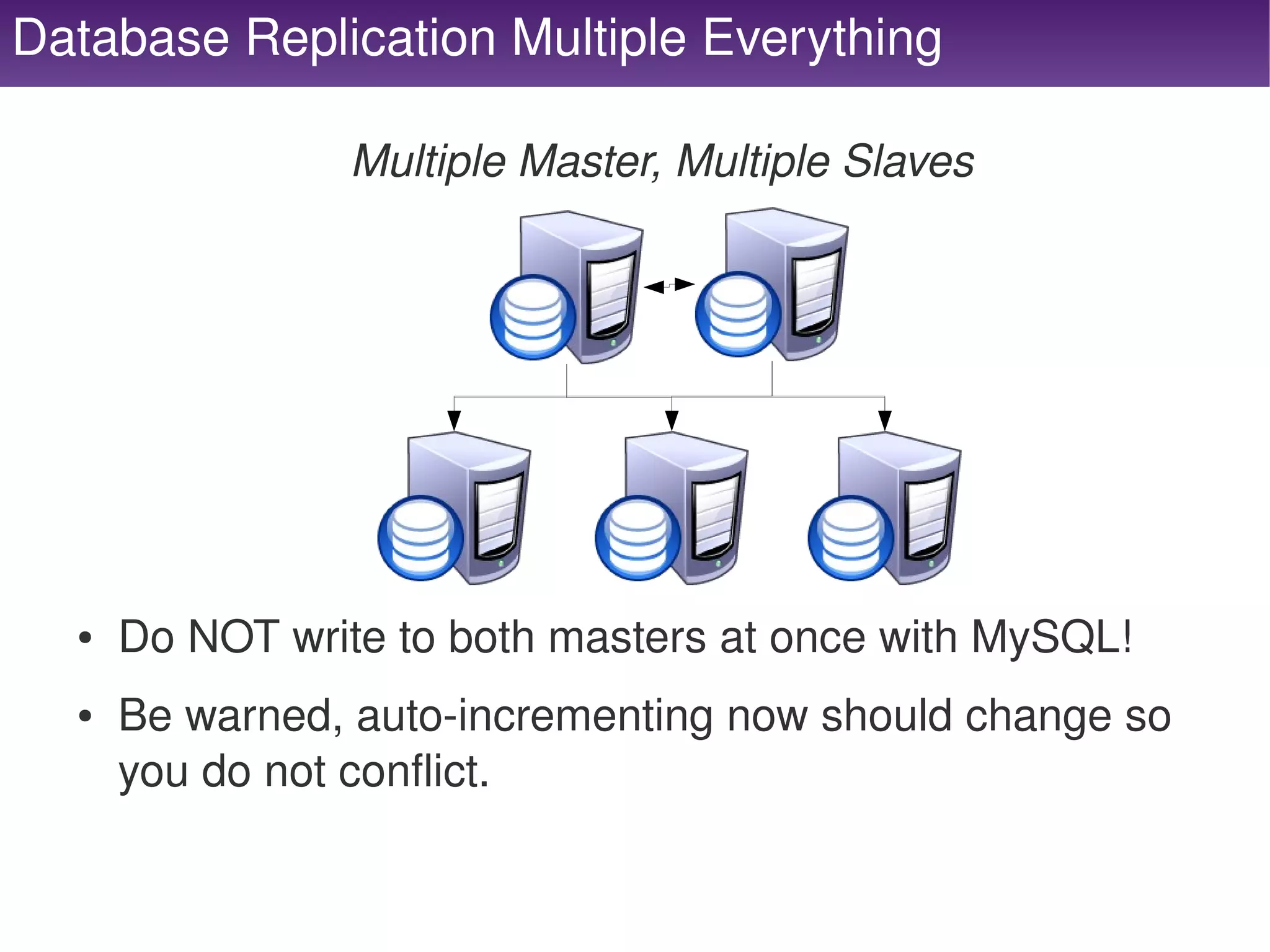
Database Replication Multiple Everything

                    Multiple Master, Multiple Slaves


      ●   Do NOT write to both masters at once with MySQL!
      ●   Be warned, auto­incrementing now should change so 
          you do not conflict.

                                   
Database Table Partitioning

                             Segmenting your Data
      ●   Vertical Partitioning
          ●   Move less accessed columns, large data columns 
              and columns not likely in the where to other tables.
      ●   Horizontal Partitioning
          ●   Done by moving rows into different tables.
              –   Based on Range, Date, User or Interlaced
              –   May require duplicate lookup tables for different 
                  indexes.


Database Servers: Keep in Mind
      ●   Replication
          ●   There may be a lag!
          ●   All reports / read queries should go here
          ●   Don't read here directly after a write
              –   Transactions / Lag / etc.
      ●   Sessions
          ●   Never store sessions in the DB
              –   Large binlogs, garbage collection causes slow queries, 
                  queue may fill up and cause a crash or max connections.


Cache
    Servers
     (not full page)


Cache Servers: What Type?

              “Caching is imperative in scaling and performance”
          ●   Single Server
               –   Shared Memory: APC / Xcache / etc
               –   File Based: Files / Sqlite / etc
               –   Not highly scalable, great for configuration files.
          ●   Distributed
               –   Memcached, Redis, etc.
               –   Setup consistent hashing.
      ●   Do not cache what cannot be re­created.


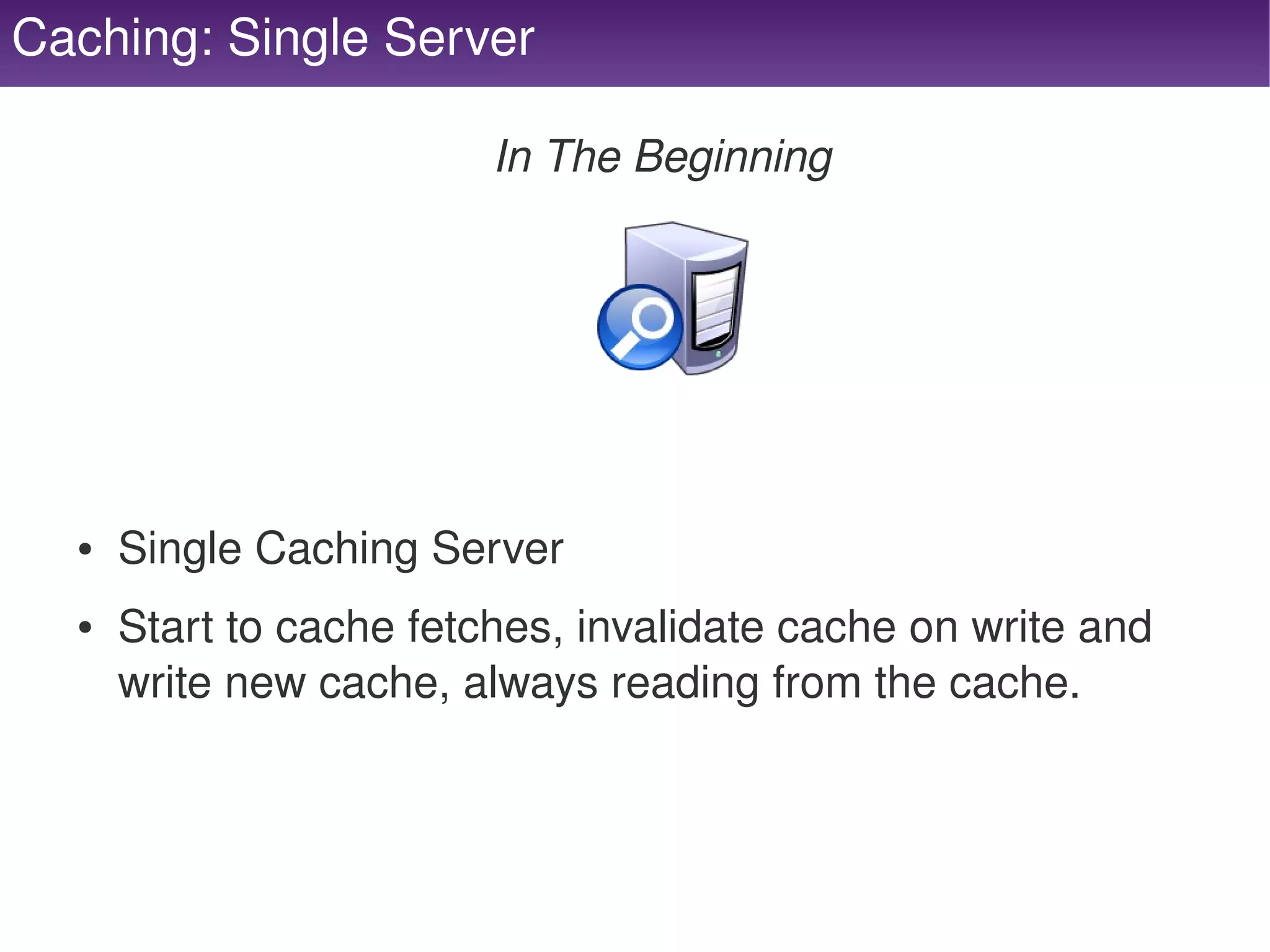
Caching: Single Server

                             In The Beginning


      ●   Single Caching Server
      ●   Start to cache fetches, invalidate cache on write and 
          write new cache, always reading from the cache.


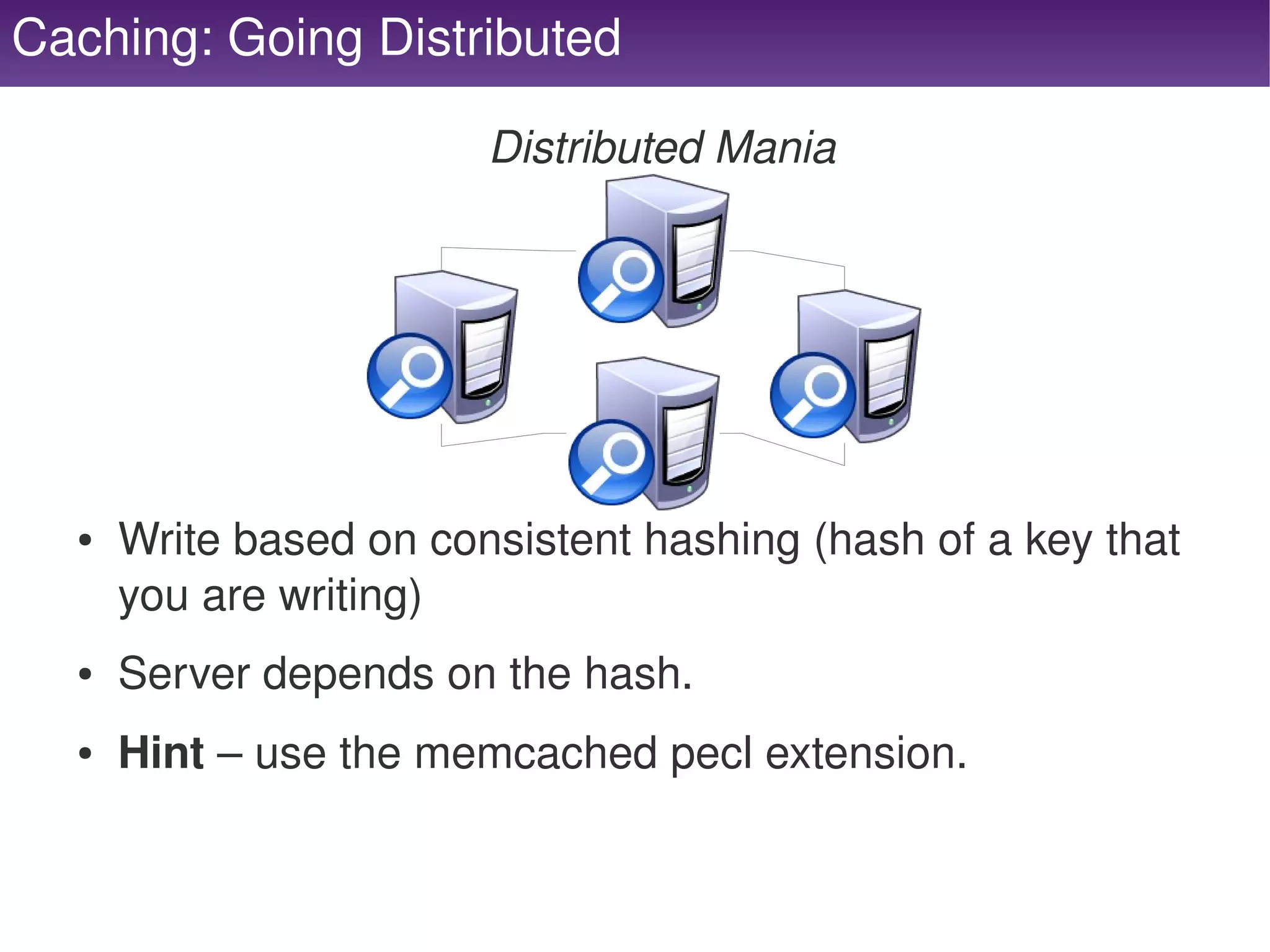
Caching: Going Distributed

                            Distributed Mania


      ●   Write based on consistent hashing (hash of a key that 
          you are writing) 
      ●   Server depends on the hash.
      ●   Hint – use the memcached pecl extension.

                                    
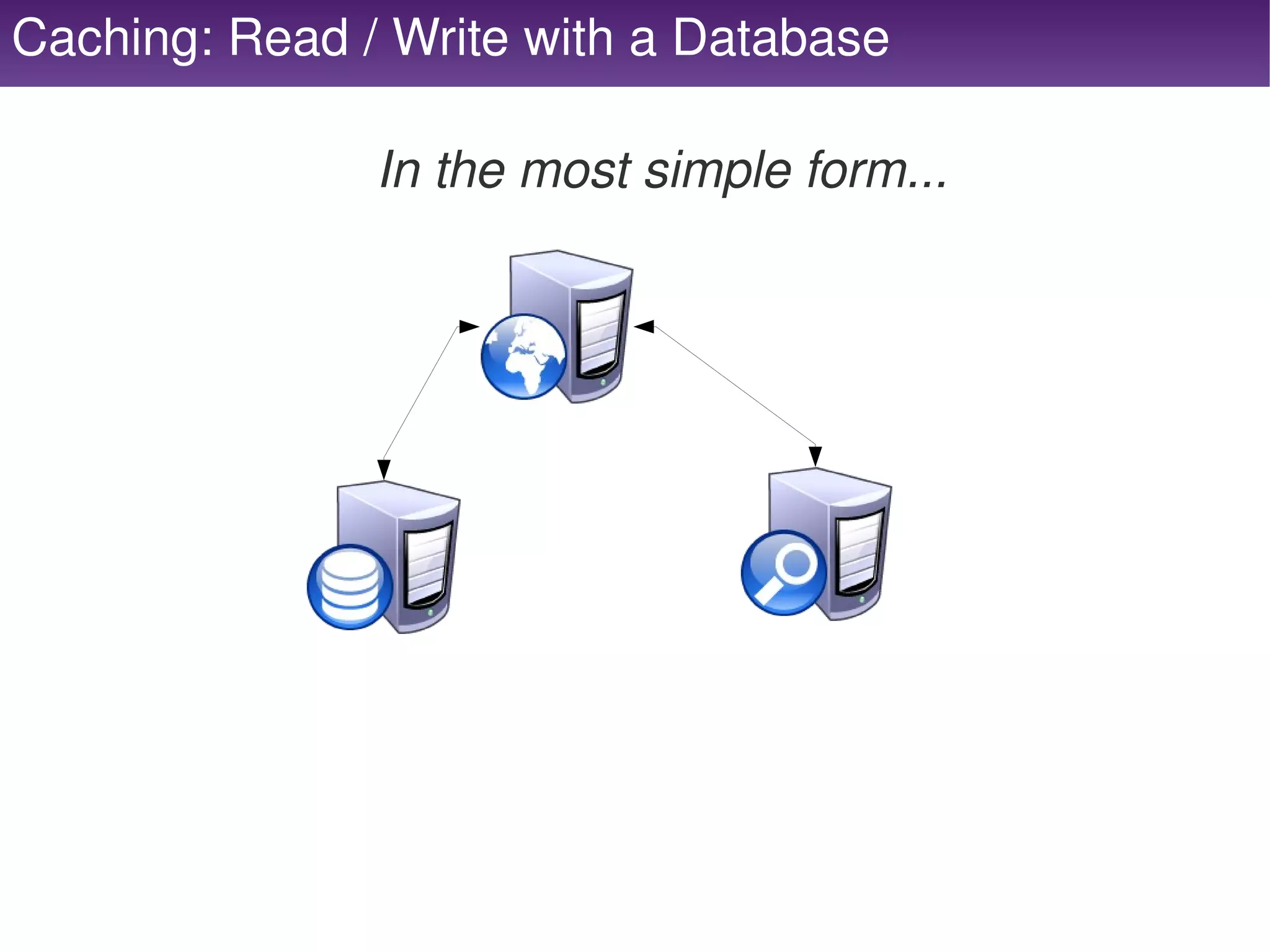
Caching: Read / Write with a Database

               In the most simple form...


Caching: Keep in Mind
      ●   Replicated or not...
      ●   Elasticity
          ●   Consistent hashing – cannot add or remove w/o losing data
      ●   Sessions
          ●   Store me here... please please please!
      ●   Memory Caches
          ●   Durability ­ If it fails, it's gone!
          ●   Ensure dedicated memory!
          ●   If you run out of memory, does it remove an old and add the 
              new or not allow anything to come in?


Job
      Servers
    (message queues)


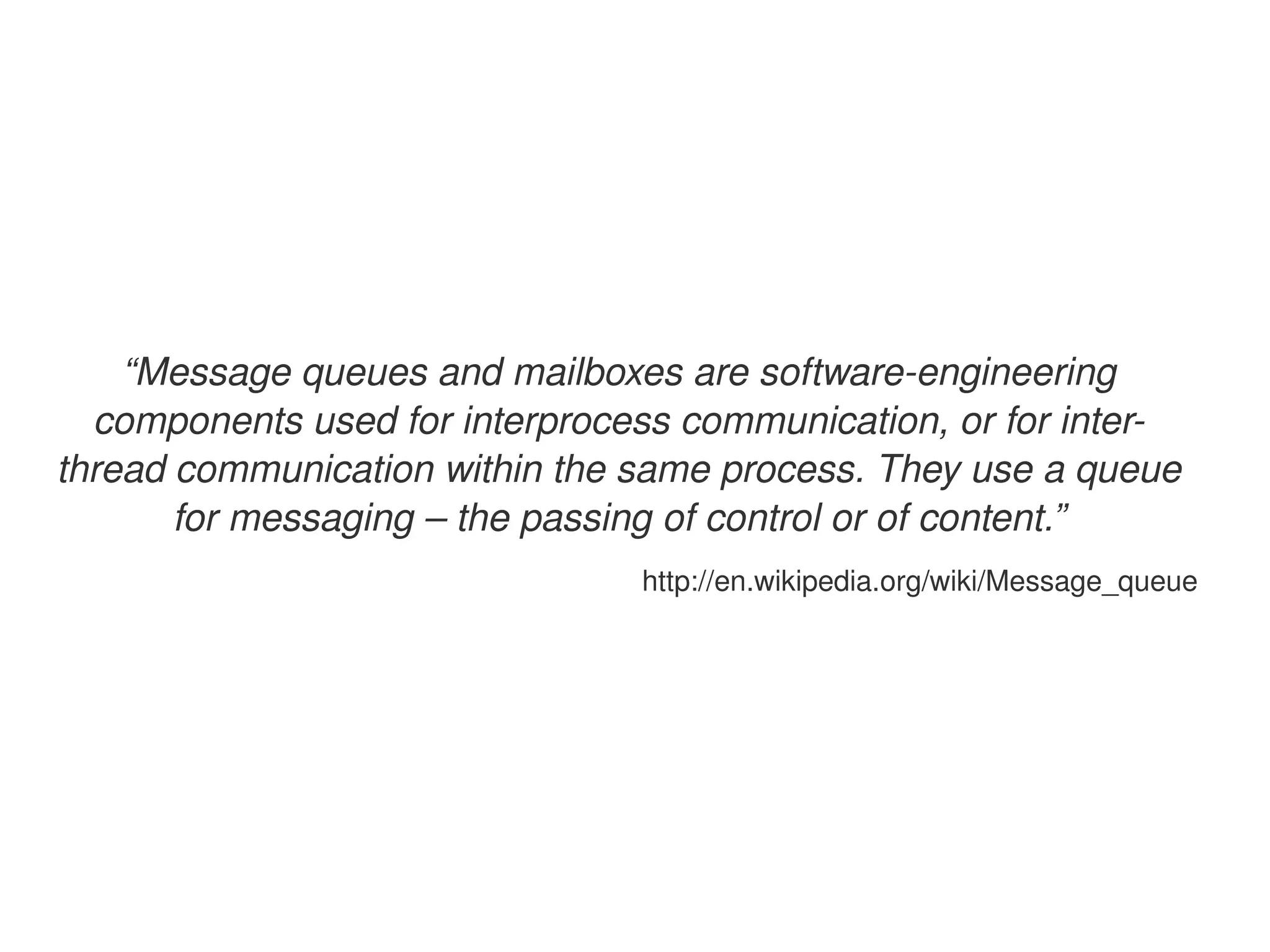
“Message queues and mailboxes are software­engineering 
  components used for interprocess communication, or for inter­
thread communication within the same process. They use a queue 
       for messaging – the passing of control or of content.”
                                   http://en.wikipedia.org/wiki/Message_queue


Messages: They're Everywhere


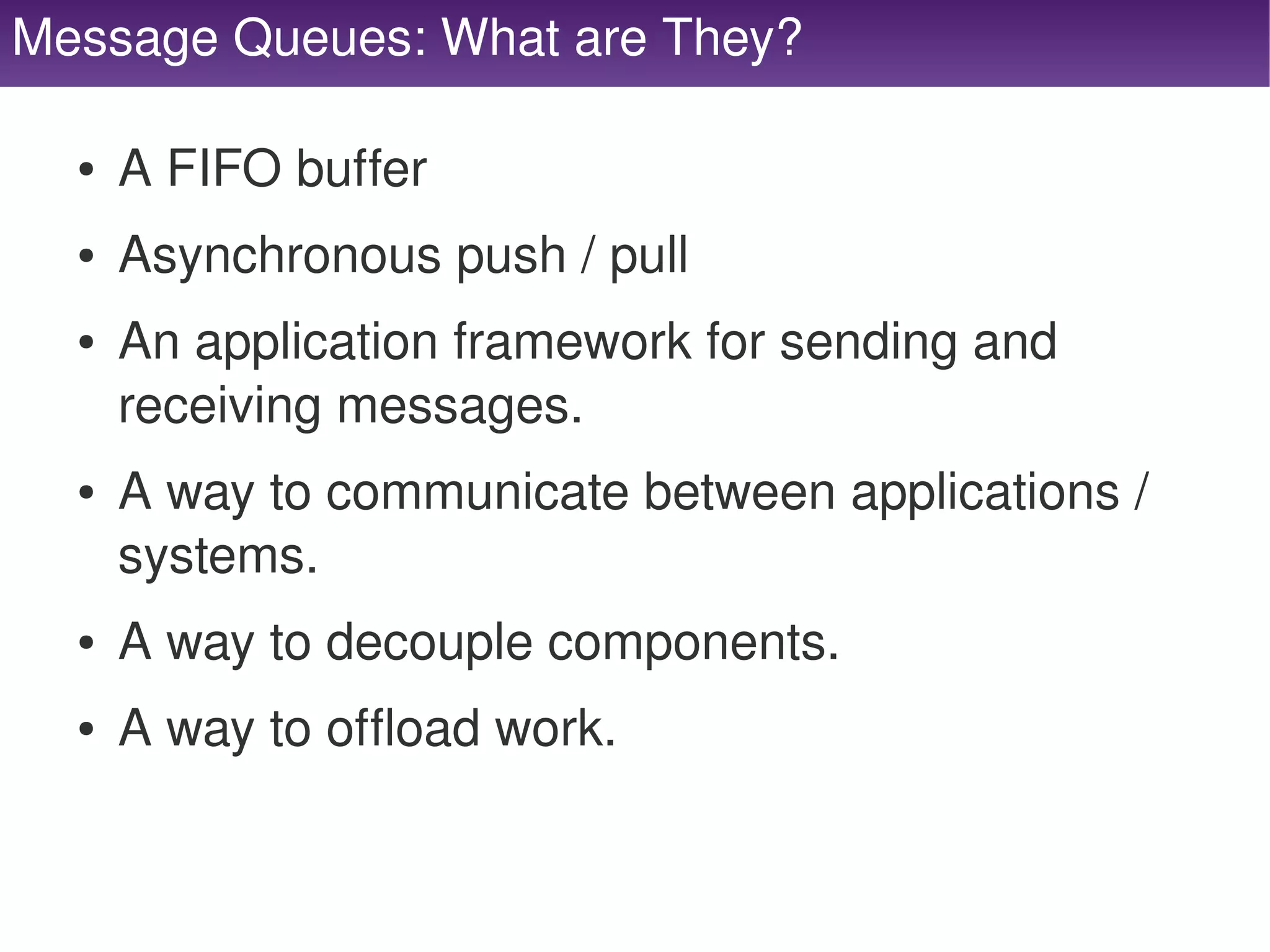
Message Queues: What are They?

     ●   A FIFO buffer
     ●   Asynchronous push / pull
     ●   An application framework for sending and 
         receiving messages.
     ●   A way to communicate between applications / 
         systems.
     ●   A way to decouple components.
     ●   A way to offload work.

                                   
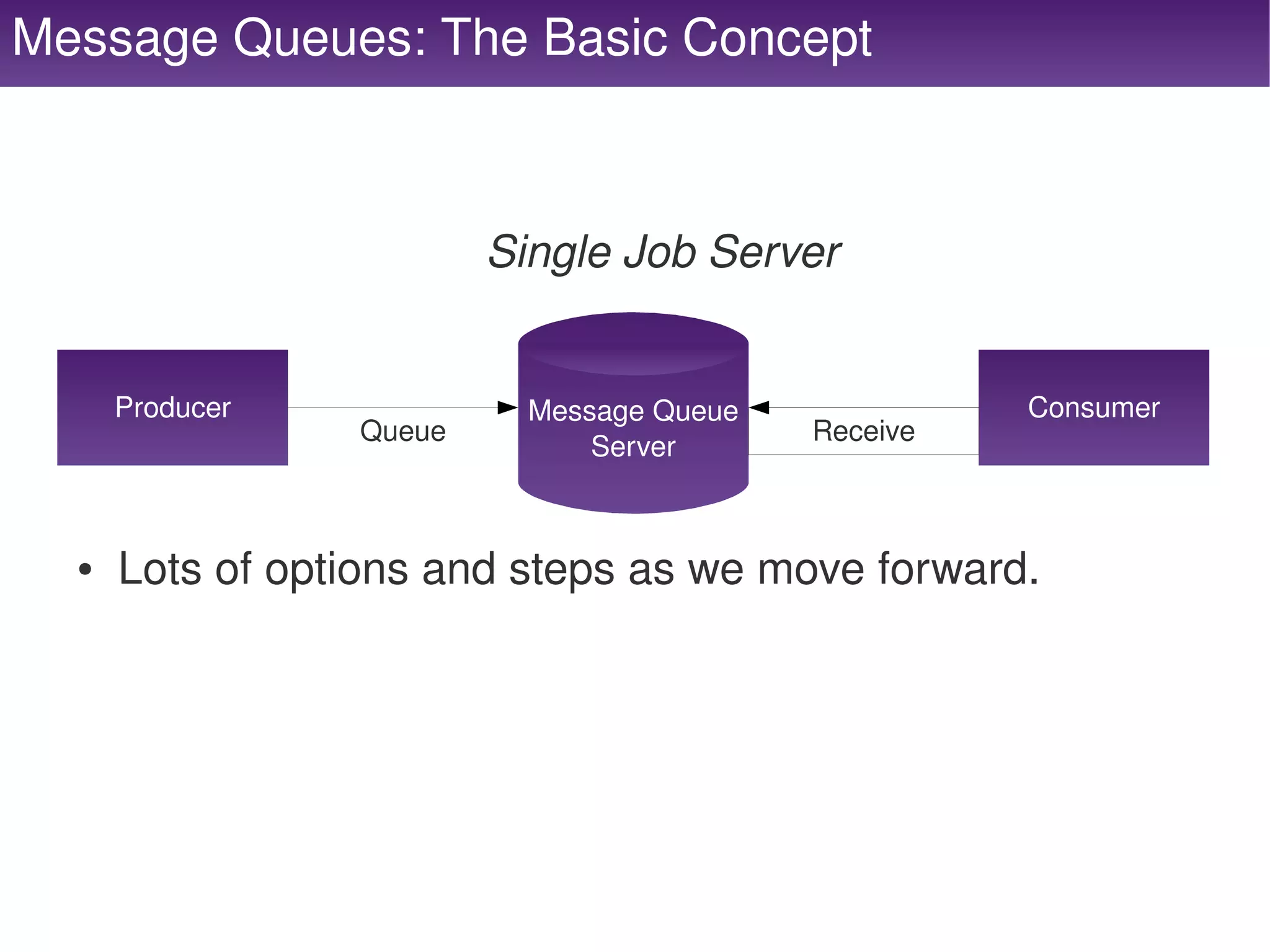
Message Queues: The Basic Concept


                            Single Job Server


         Producer             Message Queue             Consumer
                    Queue                     Receive
                                  Server


     ●   Lots of options and steps as we move forward.


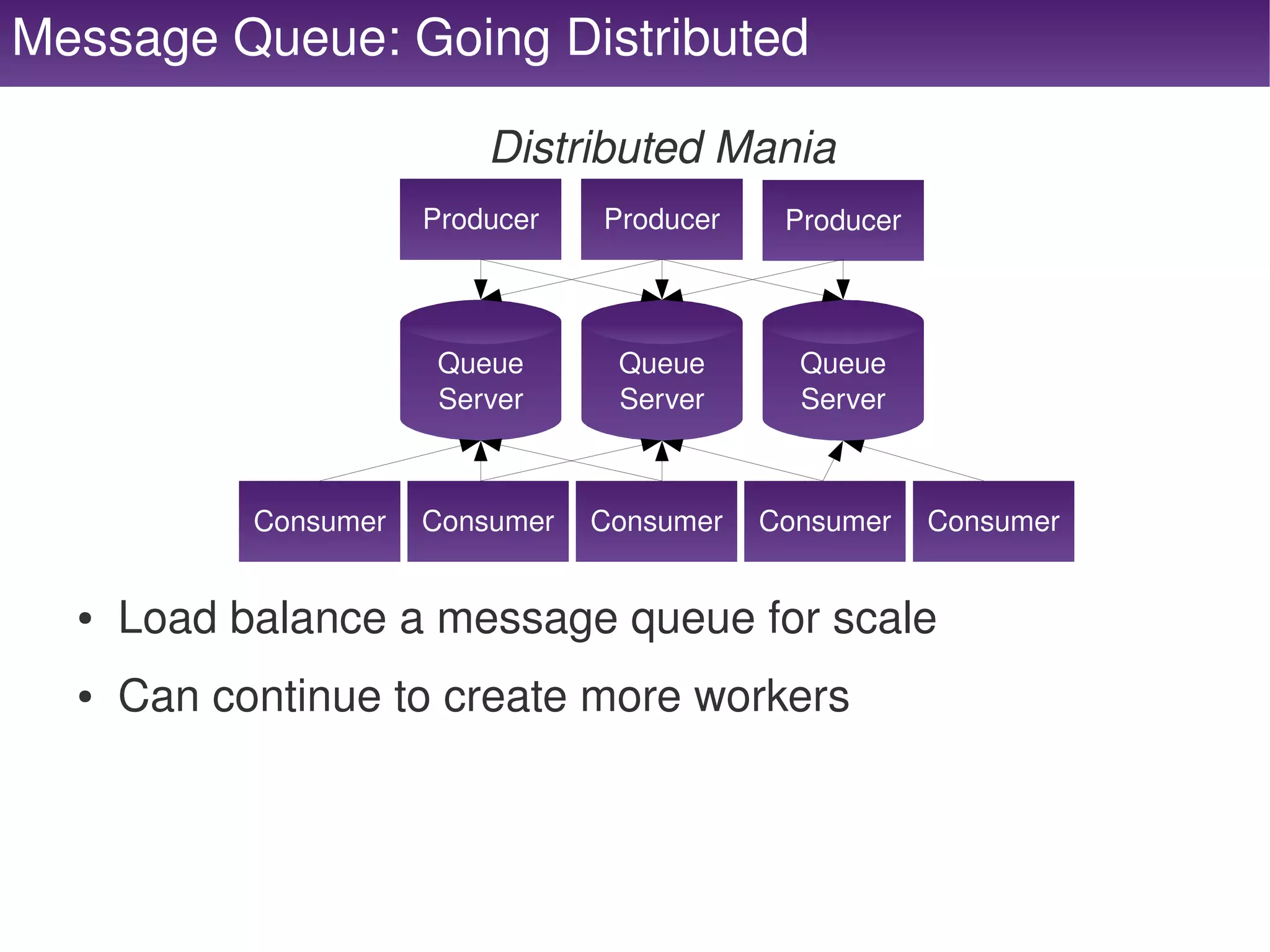
Message Queue: Going Distributed

                               Distributed Mania
                           Producer   Producer    Producer


                            Queue      Queue       Queue
                            Server     Server      Server


                Consumer   Consumer   Consumer   Consumer    Consumer


      ●   Load balance a message queue for scale
      ●   Can continue to create more workers


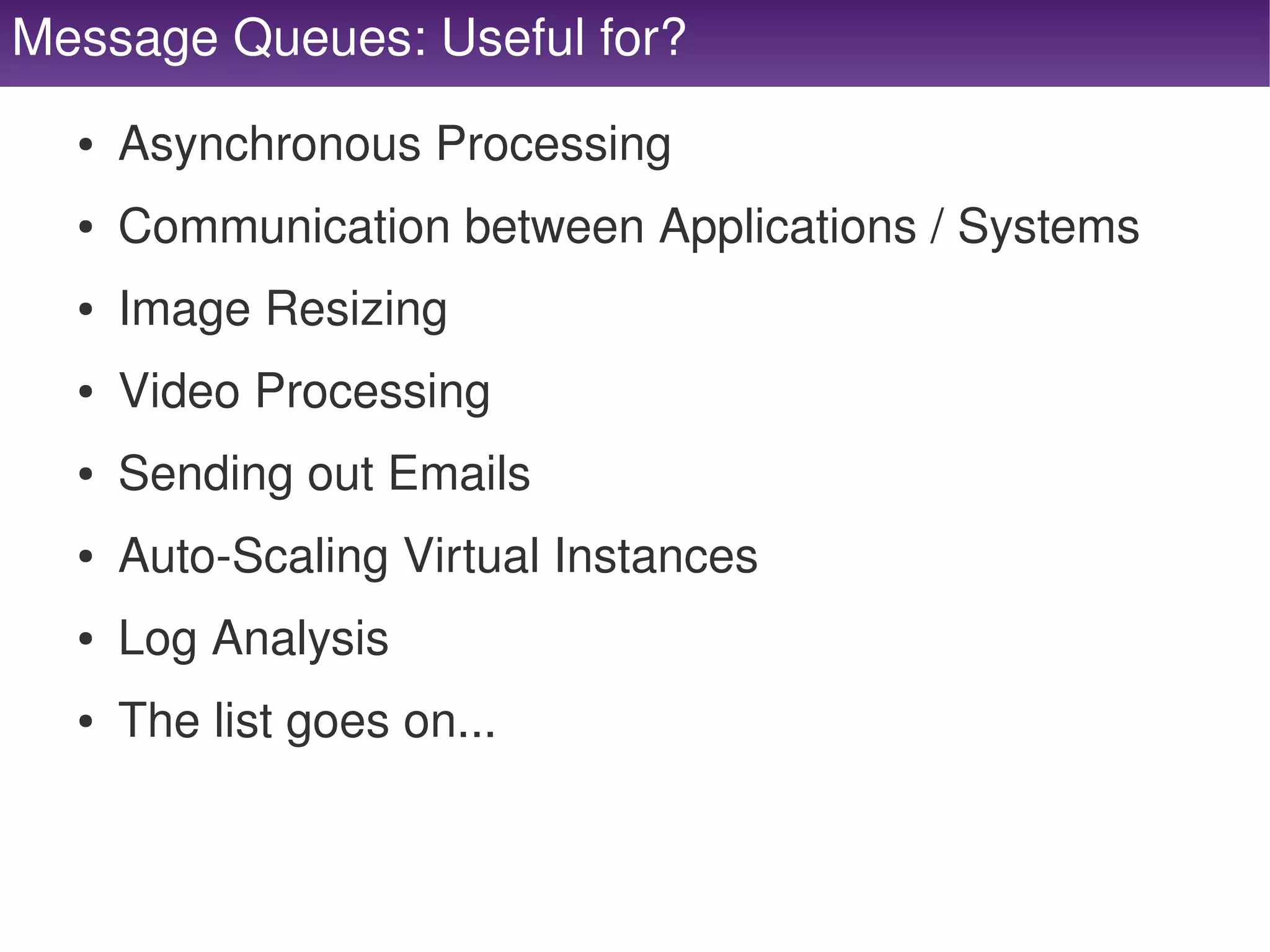
Message Queues: Useful for?
      ●   Asynchronous Processing
      ●   Communication between Applications / Systems
      ●   Image Resizing
      ●   Video Processing
      ●   Sending out Emails
      ●   Auto­Scaling Virtual Instances
      ●   Log Analysis
      ●   The list goes on...


Message Queues: Keep in Mind

      ●   Replication or not?
      ●   You need to keep your workers running
          ●   Supervisord or monit or some other monitoring...
      ●   Don't offload things just to offload
          ●   If it needs to be real­time and not near real­time this 
              is not a  good place for things – however, your boss 
              does not need to know :)


     DNS Servers


DNS Servers: Are you running your own?

      ●   Just about every domain registrar runs DNS
          ●   If you don't need to, do not run your own.
      ●   Anycast DNS
          ●   Anycast is a network addressing and routing 
              scheme whereby data is routed to the "nearest" or 
              "best" destination as viewed by the routing topology.
          ●   It's sexy, it's sweet and it is FAST!


DNS Servers: Identifying a Good Service

      ●   Wildcard support
      ●   Failover / Distributed
      ●   CNAME support
      ●   TXT support
      ●   Name Server support


     CDN Servers


CDN: What is a CDN?

     ●   A content delivery network or content distribution network 
         (CDN) is a system of computers containing copies of data, 
         placed at various points in a network so as to maximize 
         bandwidth for access to the data from clients throughout 
         the network. A client accesses a copy of the data near to 
         the client, as opposed to all clients accessing the same 
         central server, so as to avoid bottlenecks near that server.
     ●   Content types include web objects, downloadable objects 
         (media files, software, documents), applications, real time 
         media streams, and other components of internet delivery 
         (DNS, routes, and database queries).

     http://en.wikipedia.org/wiki/Content_delivery_network


CDN: Why Use One?

     ●   Extremely fast at serving files
     ●   Increased serving capacity
     ●   Distributed nodes
     ●   Frees up your server for the difficult stuff


CDN: The Types

     ●   Origin Pull
         ●   Utilizes your own web server and pulls the content 
             and stores it in their nodes.
     ●   PoP Pull
         ●   You upload the content to something like S3 and it 
             has a CDN on the top of it like CloudFront.


CDN: What Should I Use?
      ●   Depends on your need...
      ●   Origin Pull is great if you want to maintain all of 
          the content in your web server.
      ●   PoP Push is great for storing things like user 
          generated content.


     Mail Servers


Mail Servers: A Quick Note
      ●   Google Apps – just offload it!
      ●   If you do not need to run a mail server don't.
          ●   SpamAssassin and ClamAV are resource hogs
          ●   If you need it, put it on it's own server.


Front­End
    Performance


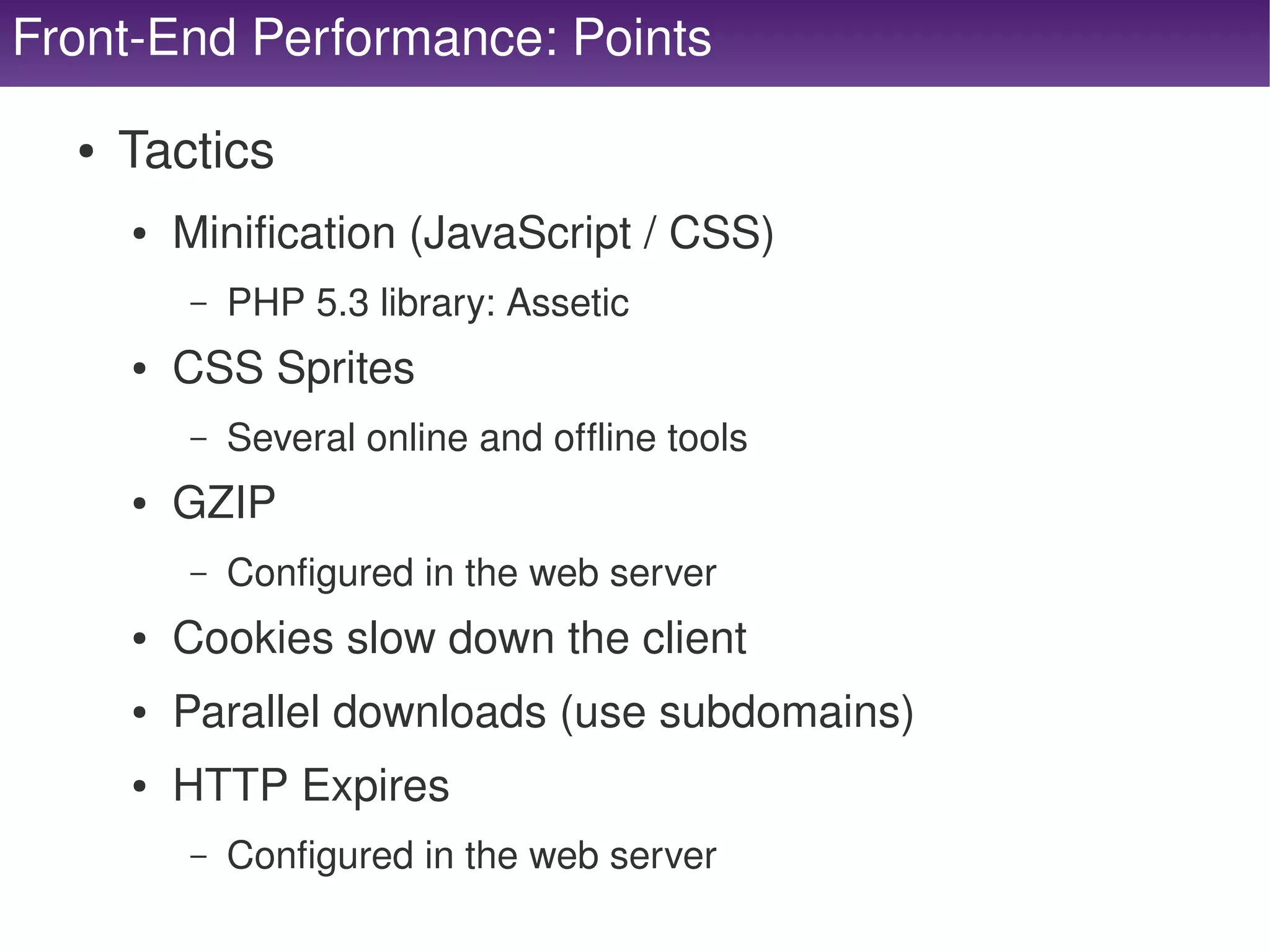
Front­End Performance: Points

      ●   Tactics
          ●   Minification (JavaScript / CSS)
              –   PHP 5.3 library: Assetic 
          ●   CSS Sprites
              –   Several online and offline tools
          ●   GZIP
              –   Configured in the web server
          ●   Cookies slow down the client
          ●   Parallel downloads (use subdomains)
          ●   HTTP Expires
              –   Configured in the web server
                                           
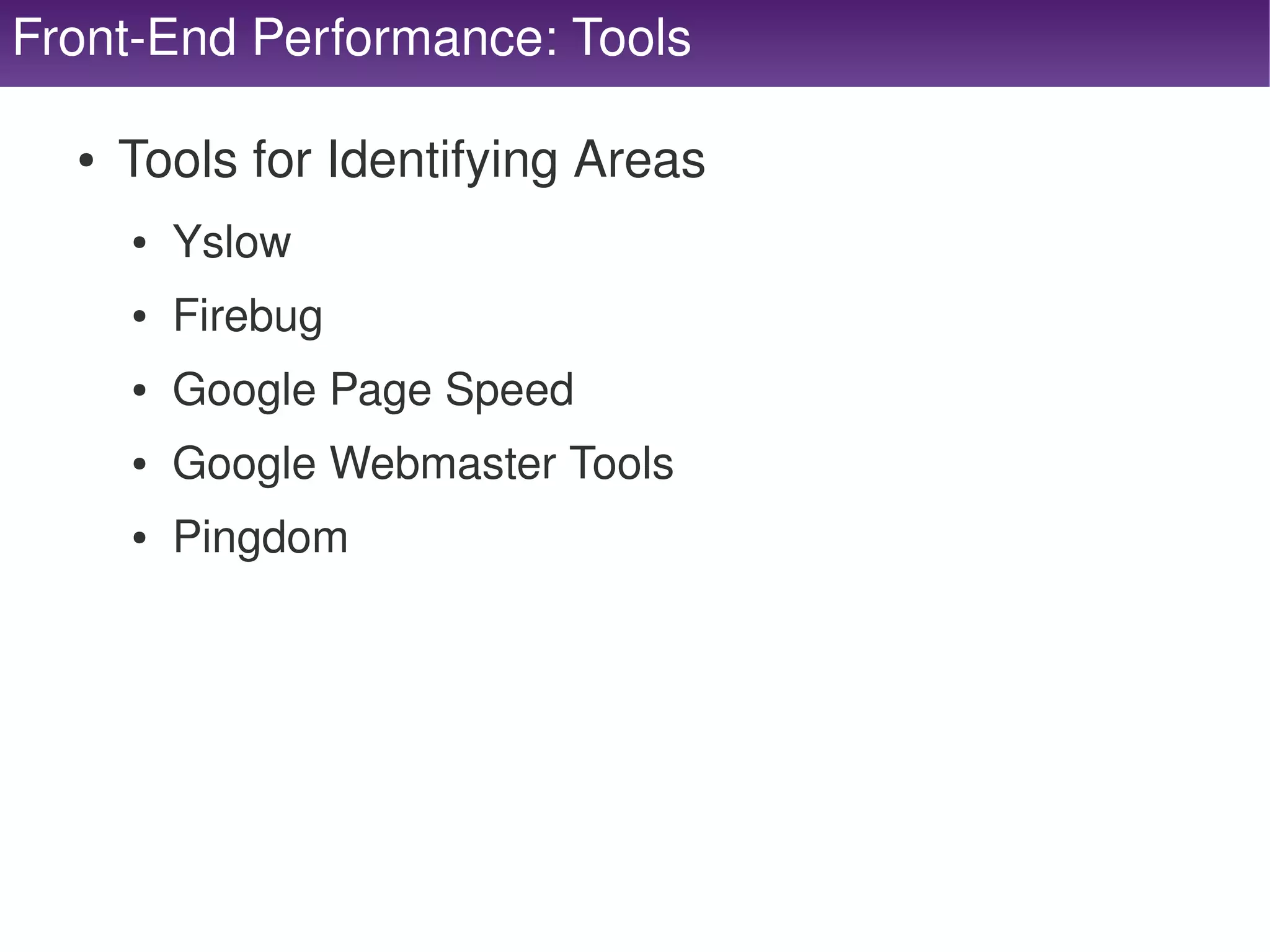
Front­End Performance: Tools

      ●   Tools for Identifying Areas
          ●   Yslow
          ●   Firebug
          ●   Google Page Speed
          ●   Google Webmaster Tools
          ●   Pingdom


Questions?

    Mike Willbanks
         Blog : http://blog.digitalstruct.com
     Twitter : mwillbanks
          IRC : lubs on freenode
    Joind.in : http://joind.in/2838


Scalable Architecture 101

  • 1.
    Scalable Architectures 101 ConFoo Mar 10, 2011 Mike Willbanks    Blog: http://blog.digitalstruct.com Twitter: mwillbanks      IRC: lubs on freenode    
  • 2.
    Who am I? ● Software Development Manager ● Organizer of MNPHP / MNMySQL ● Zend Certified Engineer (PHP/ZF)    
  • 3.
    Scalability? Your application is growing, your systems are slowing  and growth is inevitable...  ● Where do we go from here? ● Load Balancing ● Job Servers ● Web Servers ● DNS Servers ● CDN Servers ● Database Servers ● Cache Servers ● Front­End Performance    
  • 4.
    The Beginning Single Server Syndrome ● One Server Many Functions ● Web Server, Database Server, Cache Server, Job  Server, DNS Server, Mail Server.... ● How we know it's time ● iostat, cpu load, overall degradation   ● OR.....  
  • 5.
       
  • 6.
    The Next Step Single Separation Syndrome ● Separation of Web and Database ● Fix the main disk I/O bottleneck. ● Still generally running several things on a single  server.    
  • 7.
  • 8.
  • 9.
  • 10.
    Load Balancing Options ● DNS Rotation (Little to No Cost) ● Not reliable, but it can work on a small scale. ● Software Based (Commodity Server Cost) ● HAProxy, Pound, Varnish, Squid, Wackamole,  Perlbal, Web Server Proxy (Nginx, Apache, etc)... ● Hardware Based (High Cost Appliance) ● Several vendors ranging based on need. – A10, F5, etc.    
  • 11.
    Load Balancing Routing Types ● Round Robin ● URI ● Static ● URI Parameter ● Least Connections ● Header ● Source ● Cookie ● IP ● Regular Expression ● Basic Authentication    
  • 12.
    Targeting Open Source Software Packages ● Out of the many options we will focus in on 3 ● HAProxy – By and large one of the most popular. ● Pound – Said to be great for medium traffic sites. ● Varnish – A caching solution that also does load  balancing    
  • 13.
    HAProxy ● Pros ● Extremely full featured ● Very well known ● Handles just about every type of routing ● Several examples online ● Has a web­based GUI ● Cons ● No native SSL support (use Stunnel) ● Setup can be complex and take a lot of time    
  • 14.
    HAProxy: Sample Configuration global listen localhost 0.0.0.0:80 log 127.0.0.1 local0 option httpchk GET / log 127.0.0.1 local1 notice balance roundrobin maxconn 4096 cookie SERVERID user haproxy server serv1 0.0.0.0:8080 check group haproxy inter 2000 rise 2 fall 5 daemon server serv2 0.0.0.0:8080 check inter 2000 rise 2 fall 5 defaults option httpclose log global stats enable mode http stats uri /lb?stats option httplog stats realm haproxy option dontlognull stats auth test:test retries 3 option redispatch maxconn 2000 contimeout 5000 clitimeout 50000 srvtimeout 50000    
  • 15.
    Pound ● Pros ● chroot support ● Native SSL support ● Insanely simple setup ● Supports virtually all types of routing ● Many online tutorials ● Cons ● No web­based statistics (use poundctl) ● HAProxy can scale more...    
  • 16.
    Pound: Sample Configuration User "www-data" Group "www-data" LogLevel 1 Alive 30 Control "/var/run/pound/poundctl.socket" ListenHTTP Address 127.0.0.1 Port 80 xHTTP 0 Service BackEnd Address 127.0.0.1 Port 8080 End BackEnd Address 127.0.0.1 Port 8080 End End End    
  • 17.
    Varnish ● Pros ● Supports front­end caching ● Farily simple setup ● Extremely well known ● Many online tutorials ● Large suite of tools (varnishstat, varnishtop,  varnishlog, varnishreplay, varnishncsa) ● Cons ● No native SSL support (use Pound or Stunnel) ● If you want a WebGUI you must PAY    
  • 18.
    Varnish: Sample Configuration backenddefault1 { director default round-robin { .host = "127.0.0.1"; { .port = "8080"; .backend = default1; .probe = { } .url = "/"; { .interval = 5s; .backend = default2; .timeout = 1s; } .window = 5; } .threshold = 3; } sub vcl_recv { } if (req.http.host ~ "^127.0.0.1$") { set req.backend = default; backend default2 { } .host = "127.0.0.1"; } .port = "8080"; .probe = { .url = "/"; .interval = 5s; .timeout = 1s; .window = 5; .threshold = 3; } }    
  • 19.
    Load Balancing: Keep in Mind ● Web Servers ● One always needs to be available ● Don't use SSL on the web server level! ● Headers ● Pass headers if SSL is on or not ● Client IP is likely on X­forwarded­for ● If using Virtual Hosts pass the Host ● Sessions ● Need a solution if not using sticky routing    
  • 20.
  • 21.
    Many Web Servers ● Apache ● IIS ● Nginx ● Lighttpd ● etc.    
  • 22.
    Web Server Configuration ● Sever name should be the same on all servers ● Make a server alias so you can reach individual  servers w/o load balancing ● Each configuration SHOULD or MUST be the  same. ● Client IP generally is in X­forwarded­for. ● SSL will not be in $_SERVER['HTTPS'] and  HTTP_ header instead.    
  • 23.
    Web Servers: Keep in Mind ● Files ● All web servers need our files. ● Static content could be tagged in version control. ● Static content may need a file server / CDN / etc. ● User Generated content on NFS mount or served  from the cloud or a CDN. ● Sessions ● All web servers need access to our sessions. ● Remember disk is slow and the database will be a  bottleneck.  How about distributed caching?    
  • 24.
    Web Servers: Other Information ● Running PHP on your web server may be a  resource hog, you may want to offload static  content requests to varnish, nginx, lighttpd or  some other lightweight web server. ● Running a proxy to your main web servers works  great for hardworking processes.  While serving  static content from the lightweight server.    
  • 25.
    Database Servers    
  • 26.
    Single Database Server Single Database Server ● Lots of options and steps as we move forward.    
  • 27.
    Database Replication Single Master, Single Slave ● Write code that can write to the master and read from  the slave. ● Exception: Be smart, don't write to the master and  read from the slave on the table you just wrote to.    
  • 28.
    Database Replication Multiple Slaves Single Master, Multiple Slaves ● It is a great time to start to implement connection  pooling.    
  • 29.
    Database Replication Multiple Everything Multiple Master, Multiple Slaves ● Do NOT write to both masters at once with MySQL! ● Be warned, auto­incrementing now should change so  you do not conflict.    
  • 30.
    Database Table Partitioning Segmenting your Data ● Vertical Partitioning ● Move less accessed columns, large data columns  and columns not likely in the where to other tables. ● Horizontal Partitioning ● Done by moving rows into different tables. – Based on Range, Date, User or Interlaced – May require duplicate lookup tables for different  indexes.    
  • 31.
    Database Servers: Keep in Mind ● Replication ● There may be a lag! ● All reports / read queries should go here ● Don't read here directly after a write – Transactions / Lag / etc. ● Sessions ● Never store sessions in the DB – Large binlogs, garbage collection causes slow queries,  queue may fill up and cause a crash or max connections.    
  • 32.
    Cache Servers (not full page)    
  • 33.
    Cache Servers: What Type? “Caching is imperative in scaling and performance” ● Single Server – Shared Memory: APC / Xcache / etc – File Based: Files / Sqlite / etc – Not highly scalable, great for configuration files. ● Distributed – Memcached, Redis, etc. – Setup consistent hashing. ● Do not cache what cannot be re­created.    
  • 34.
    Caching: Single Server In The Beginning ● Single Caching Server ● Start to cache fetches, invalidate cache on write and  write new cache, always reading from the cache.    
  • 35.
    Caching: Going Distributed Distributed Mania ● Write based on consistent hashing (hash of a key that  you are writing)  ● Server depends on the hash. ● Hint – use the memcached pecl extension.    
  • 36.
    Caching: Read / Write with a Database In the most simple form...    
  • 37.
    Caching: Keep in Mind ● Replicated or not... ● Elasticity ● Consistent hashing – cannot add or remove w/o losing data ● Sessions ● Store me here... please please please! ● Memory Caches ● Durability ­ If it fails, it's gone! ● Ensure dedicated memory! ● If you run out of memory, does it remove an old and add the  new or not allow anything to come in?    
  • 38.
    Job Servers (message queues)    
  • 39.
  • 40.
  • 41.
    Message Queues: What are They? ● A FIFO buffer ● Asynchronous push / pull ● An application framework for sending and  receiving messages. ● A way to communicate between applications /  systems. ● A way to decouple components. ● A way to offload work.    
  • 42.
    Message Queues: The Basic Concept Single Job Server Producer Message Queue Consumer Queue Receive Server ● Lots of options and steps as we move forward.    
  • 43.
    Message Queue: Going Distributed Distributed Mania Producer Producer Producer Queue Queue Queue Server Server Server Consumer Consumer Consumer Consumer Consumer ● Load balance a message queue for scale ● Can continue to create more workers    
  • 44.
    Message Queues: Useful for? ● Asynchronous Processing ● Communication between Applications / Systems ● Image Resizing ● Video Processing ● Sending out Emails ● Auto­Scaling Virtual Instances ● Log Analysis ● The list goes on...    
  • 45.
    Message Queues: Keep in Mind ● Replication or not? ● You need to keep your workers running ● Supervisord or monit or some other monitoring... ● Don't offload things just to offload ● If it needs to be real­time and not near real­time this  is not a  good place for things – however, your boss  does not need to know :)    
  • 46.
  • 47.
    DNS Servers: Are you running your own? ● Just about every domain registrar runs DNS ● If you don't need to, do not run your own. ● Anycast DNS ● Anycast is a network addressing and routing  scheme whereby data is routed to the "nearest" or  "best" destination as viewed by the routing topology. ● It's sexy, it's sweet and it is FAST!    
  • 48.
    DNS Servers: Identifying a Good Service ● Wildcard support ● Failover / Distributed ● CNAME support ● TXT support ● Name Server support    
  • 49.
  • 50.
    CDN: What is a CDN? ● A content delivery network or content distribution network  (CDN) is a system of computers containing copies of data,  placed at various points in a network so as to maximize  bandwidth for access to the data from clients throughout  the network. A client accesses a copy of the data near to  the client, as opposed to all clients accessing the same  central server, so as to avoid bottlenecks near that server. ● Content types include web objects, downloadable objects  (media files, software, documents), applications, real time  media streams, and other components of internet delivery  (DNS, routes, and database queries). http://en.wikipedia.org/wiki/Content_delivery_network    
  • 51.
    CDN: Why Use One? ● Extremely fast at serving files ● Increased serving capacity ● Distributed nodes ● Frees up your server for the difficult stuff    
  • 52.
    CDN: The Types ● Origin Pull ● Utilizes your own web server and pulls the content  and stores it in their nodes. ● PoP Pull ● You upload the content to something like S3 and it  has a CDN on the top of it like CloudFront.    
  • 53.
    CDN: What Should I Use? ● Depends on your need... ● Origin Pull is great if you want to maintain all of  the content in your web server. ● PoP Push is great for storing things like user  generated content.    
  • 54.
  • 55.
    Mail Servers: A Quick Note ● Google Apps – just offload it! ● If you do not need to run a mail server don't. ● SpamAssassin and ClamAV are resource hogs ● If you need it, put it on it's own server.    
  • 56.
    Front­End Performance    
  • 57.
    Front­End Performance: Points ● Tactics ● Minification (JavaScript / CSS) – PHP 5.3 library: Assetic  ● CSS Sprites – Several online and offline tools ● GZIP – Configured in the web server ● Cookies slow down the client ● Parallel downloads (use subdomains) ● HTTP Expires – Configured in the web server    
  • 58.
    Front­End Performance: Tools ● Tools for Identifying Areas ● Yslow ● Firebug ● Google Page Speed ● Google Webmaster Tools ● Pingdom    
  • 59.
    Questions? Mike Willbanks Blog : http://blog.digitalstruct.com Twitter : mwillbanks IRC : lubs on freenode Joind.in : http://joind.in/2838