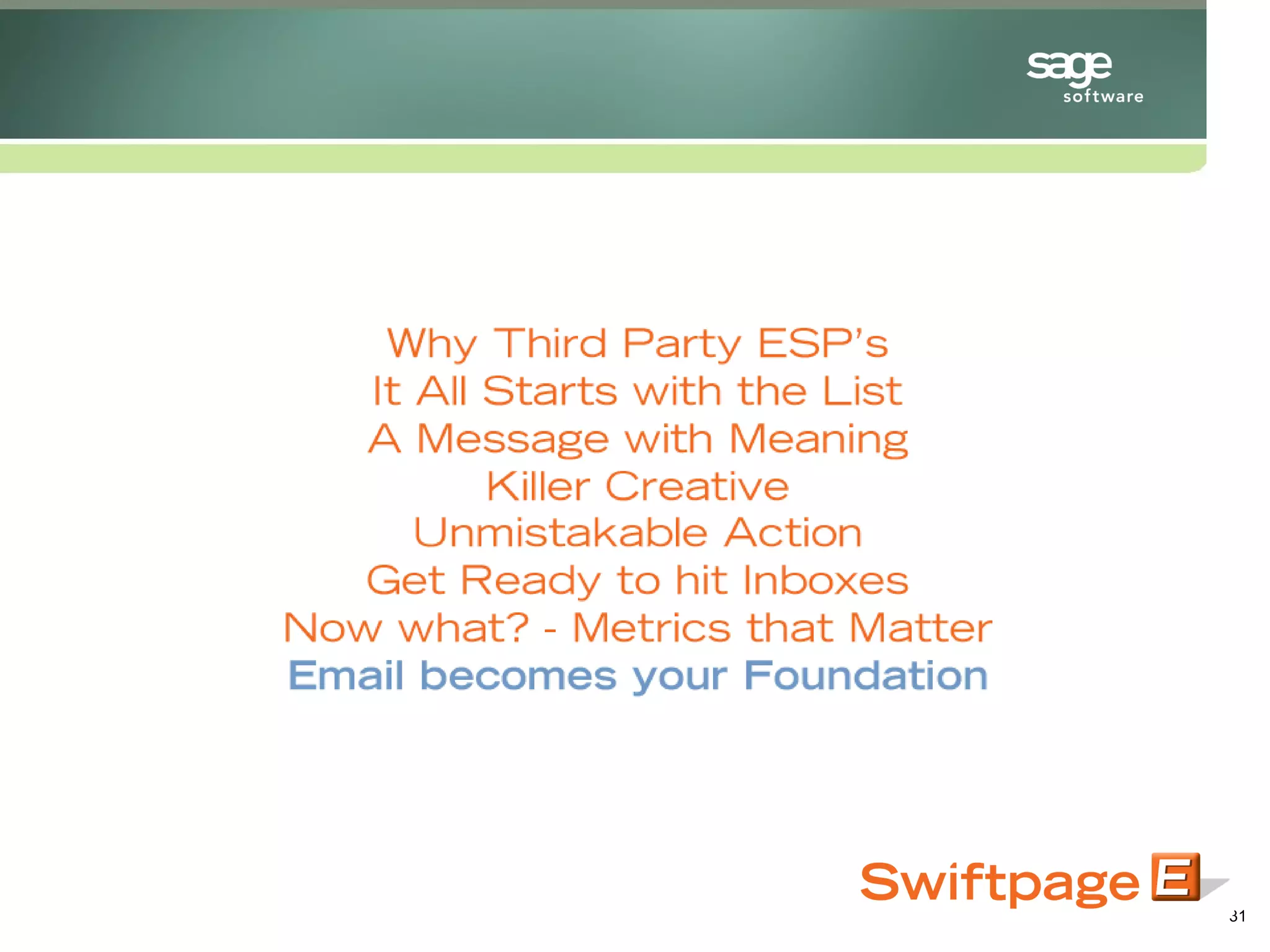

Dynamic Email Marketing for SalesLogix Dan Ogdon, Director of Marketing - Swiftpage April 2008 For  SalesLogix  from http://customerfx.com
Blacklist of your sending IP address Why Third Party ESP’s for SalesLogix?
Send limit restrictions: 50 – 100 emails through your systems Why Third Party ESP’s?
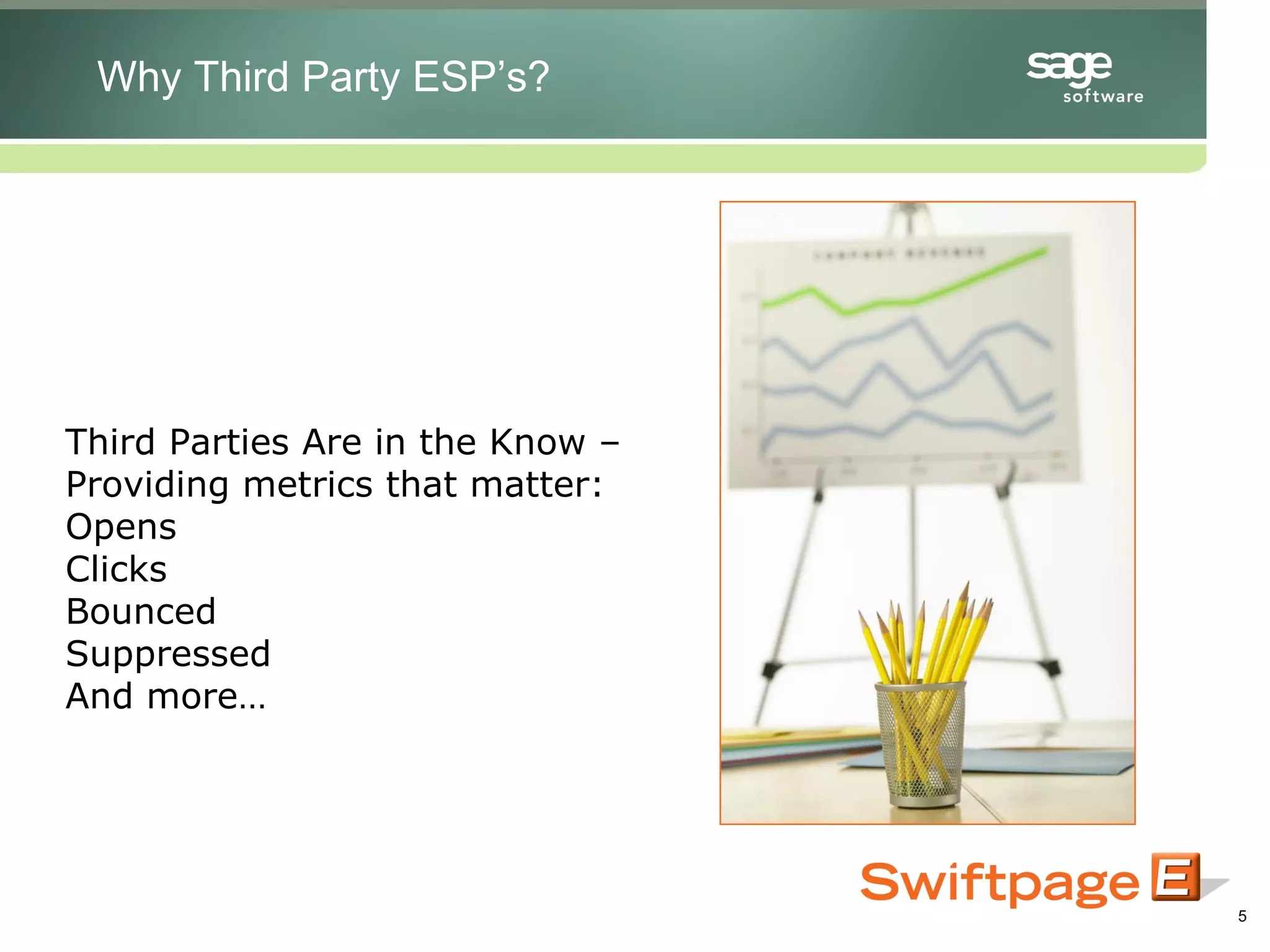
Third Parties Are in the Know – Providing metrics that matter: Opens Clicks Bounced Suppressed And more… Why Third Party ESP’s?
Set objectives, goals and expectations: What do I want out of this campaign? Ie: 30% open rate, 5% click rate, 75% attendance It All Starts with the List in SalesLogix
Define your targets – Segment your list appropriately Know who you’re sending to It All Starts with the List
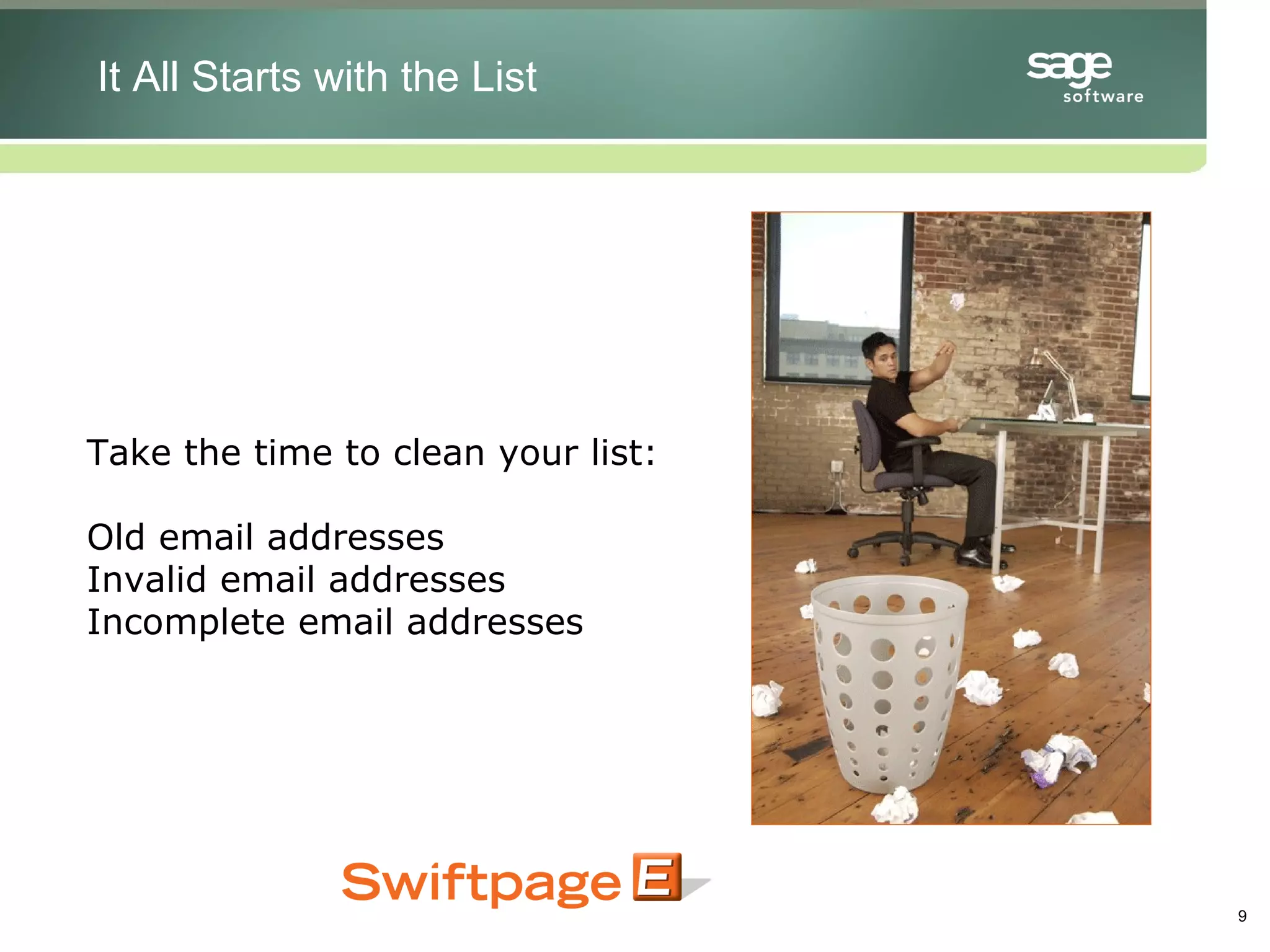
Take the time to clean your list: Old email addresses Invalid email addresses Incomplete email addresses It All Starts with the List
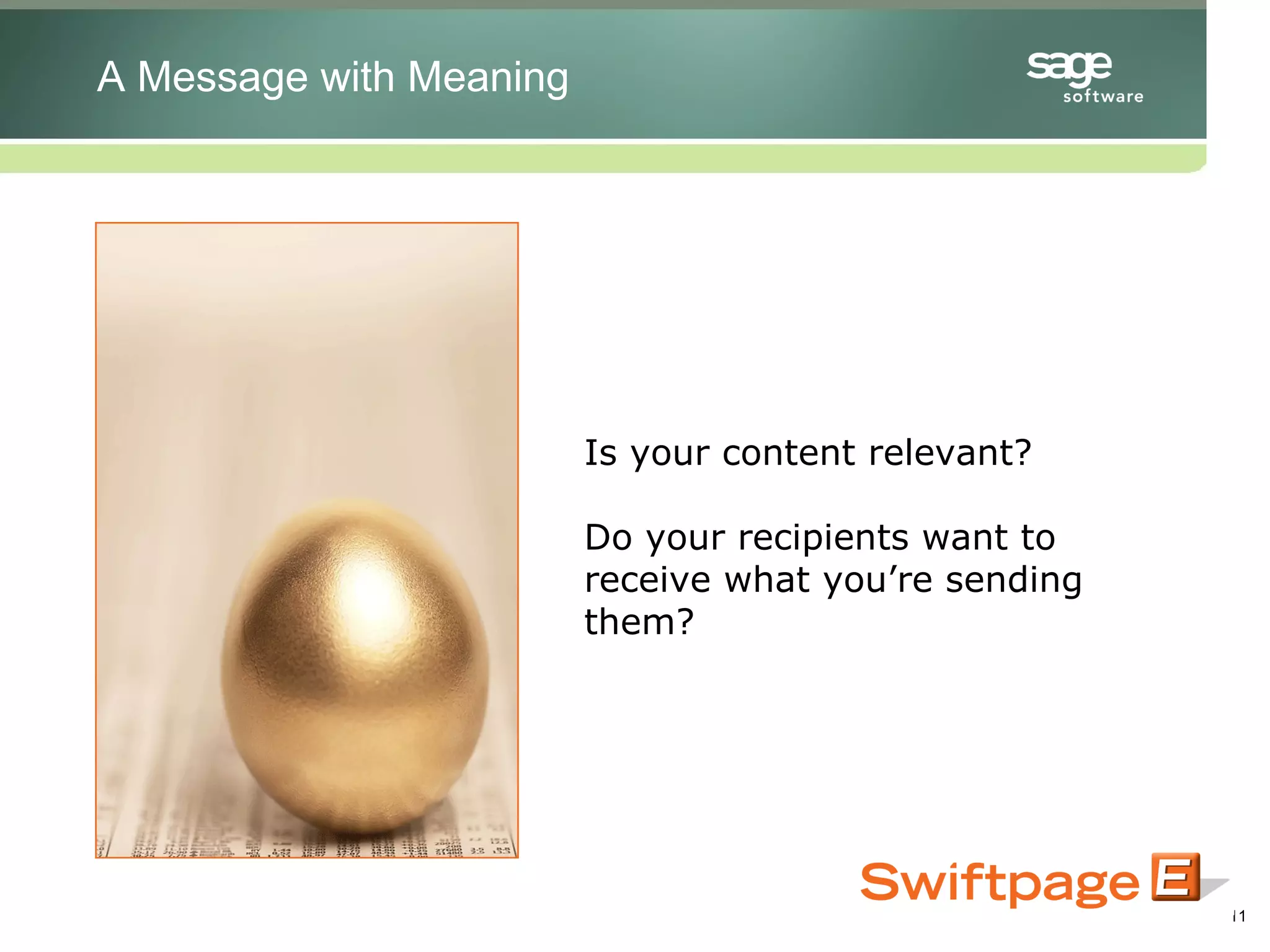
Is your content relevant? Do your recipients want to receive what you’re sending them? A Message with Meaning
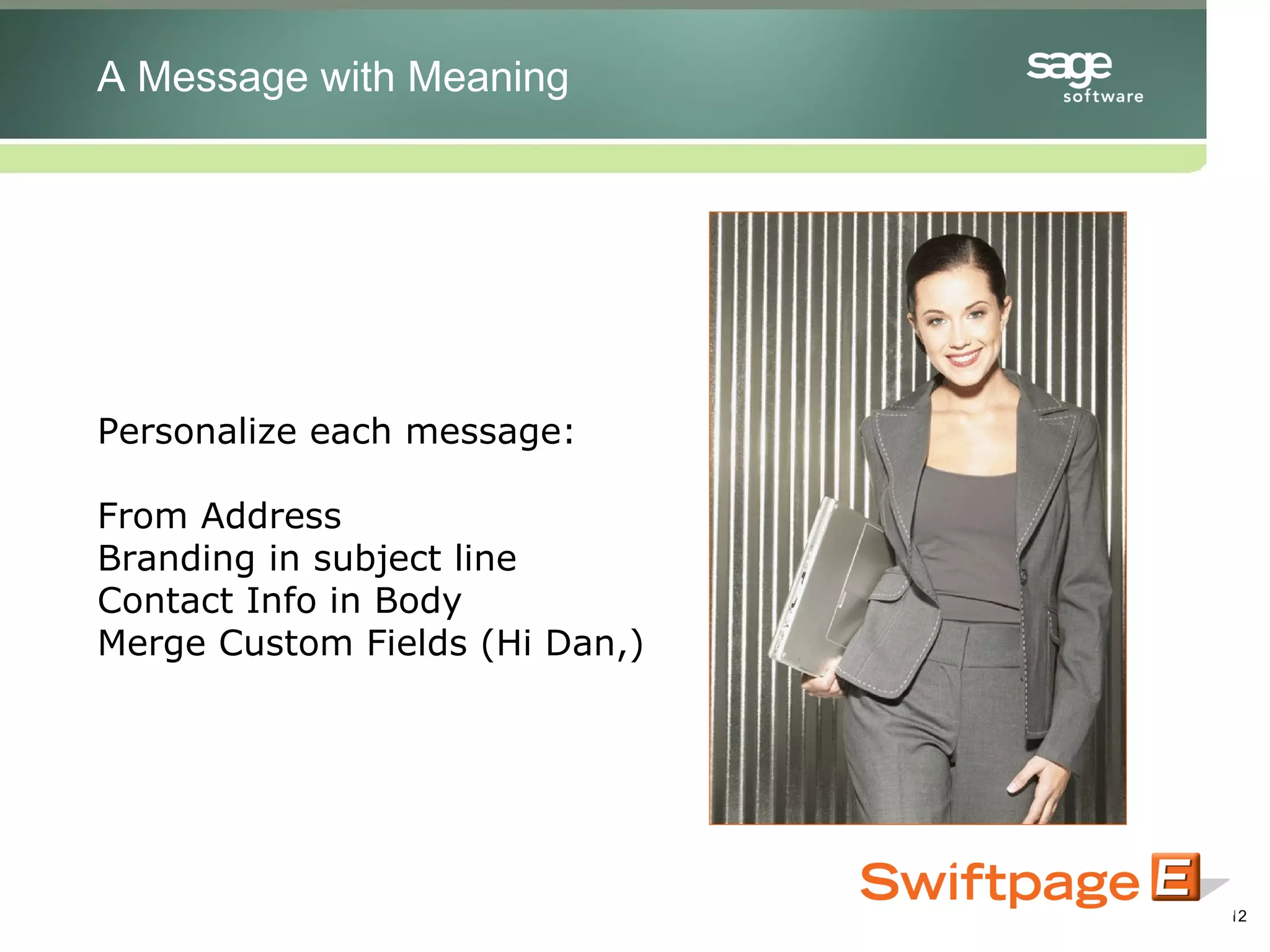
Personalize each message: From Address Branding in subject line Contact Info in Body Merge Custom Fields (Hi Dan,) A Message with Meaning
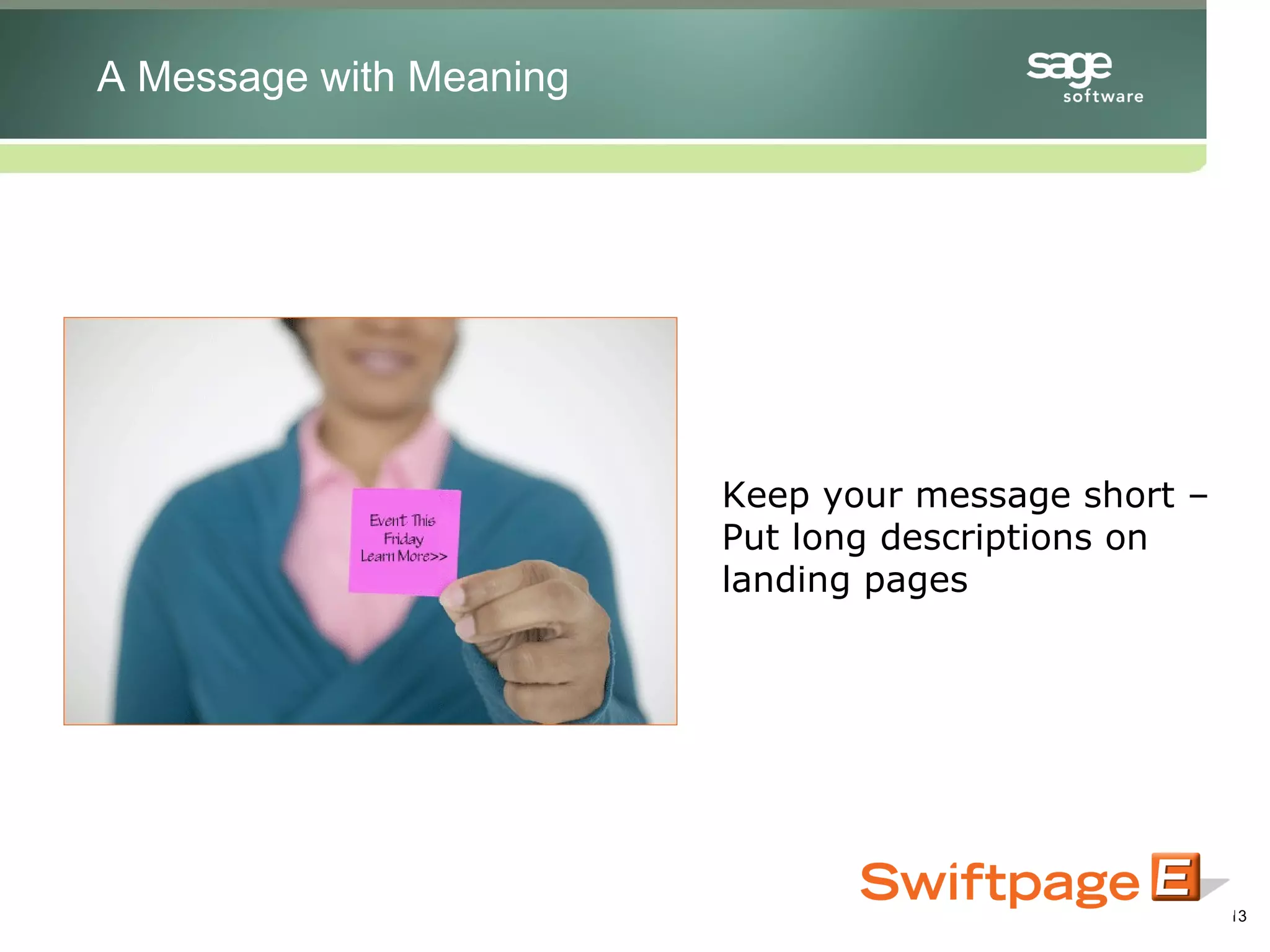
Keep your message short – Put long descriptions on landing pages A Message with Meaning
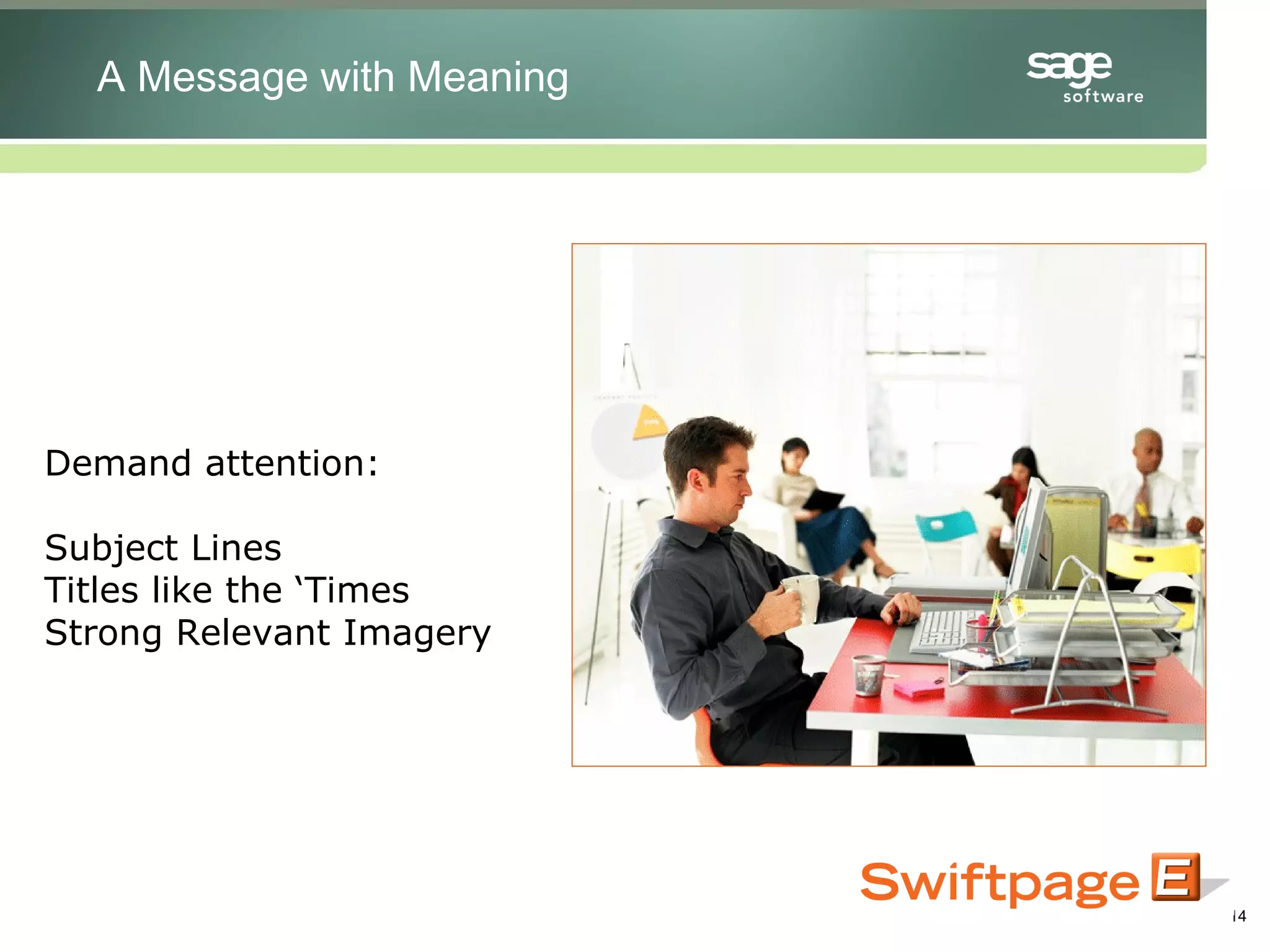
Demand attention: Subject Lines Titles like the ‘Times Strong Relevant Imagery A Message with Meaning
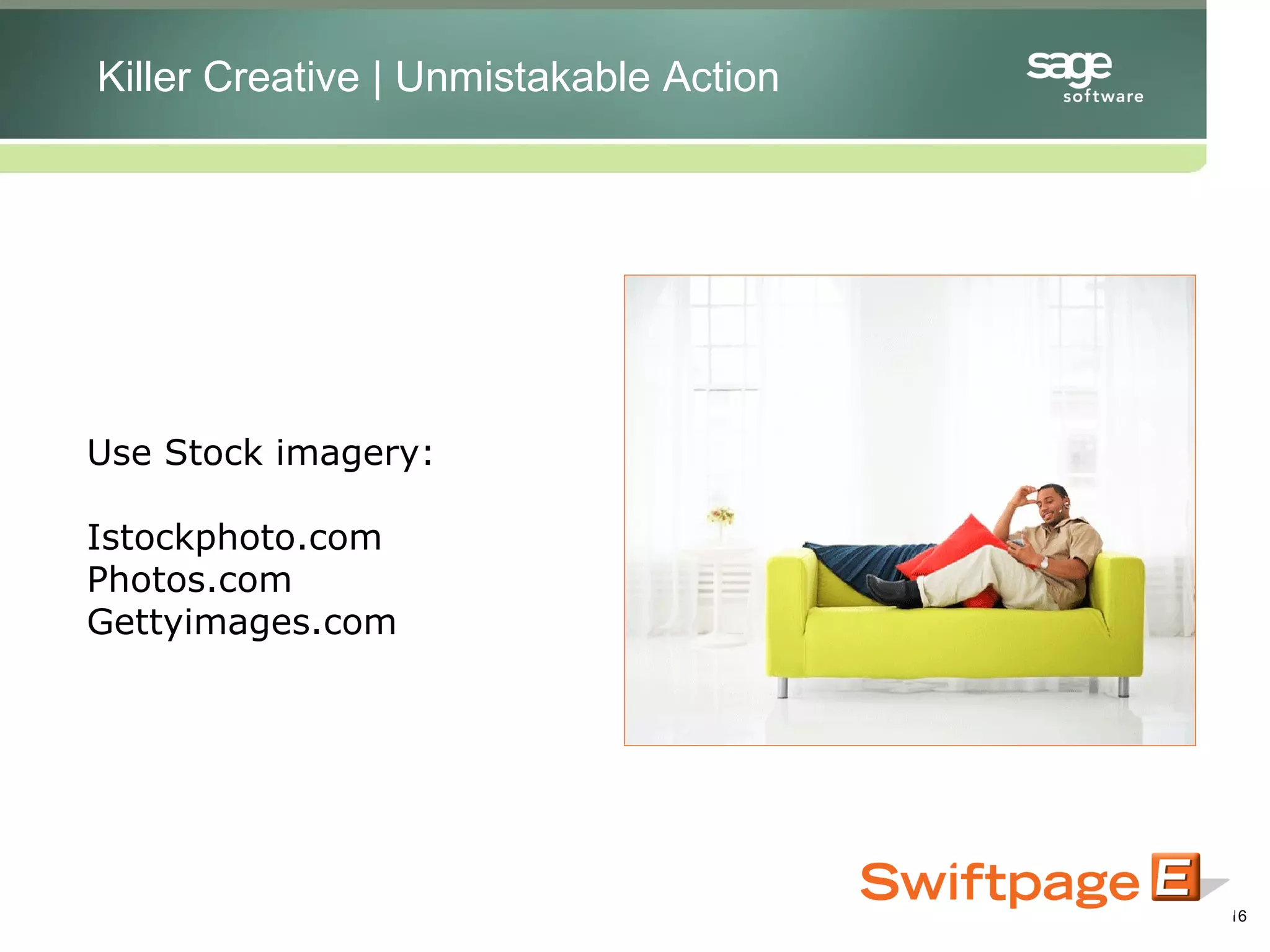
Use Stock imagery: Istockphoto.com Photos.com Gettyimages.com Killer Creative | Unmistakable Action
Make A Bold Statement Killer Creative Killer Creative | Unmistakable Action
Call to Action Above and Below the Fold – but test: Placement Text Link Button Link Color Scheme Be forward and shameless Killer Creative Killer Creative | Unmistakable Action
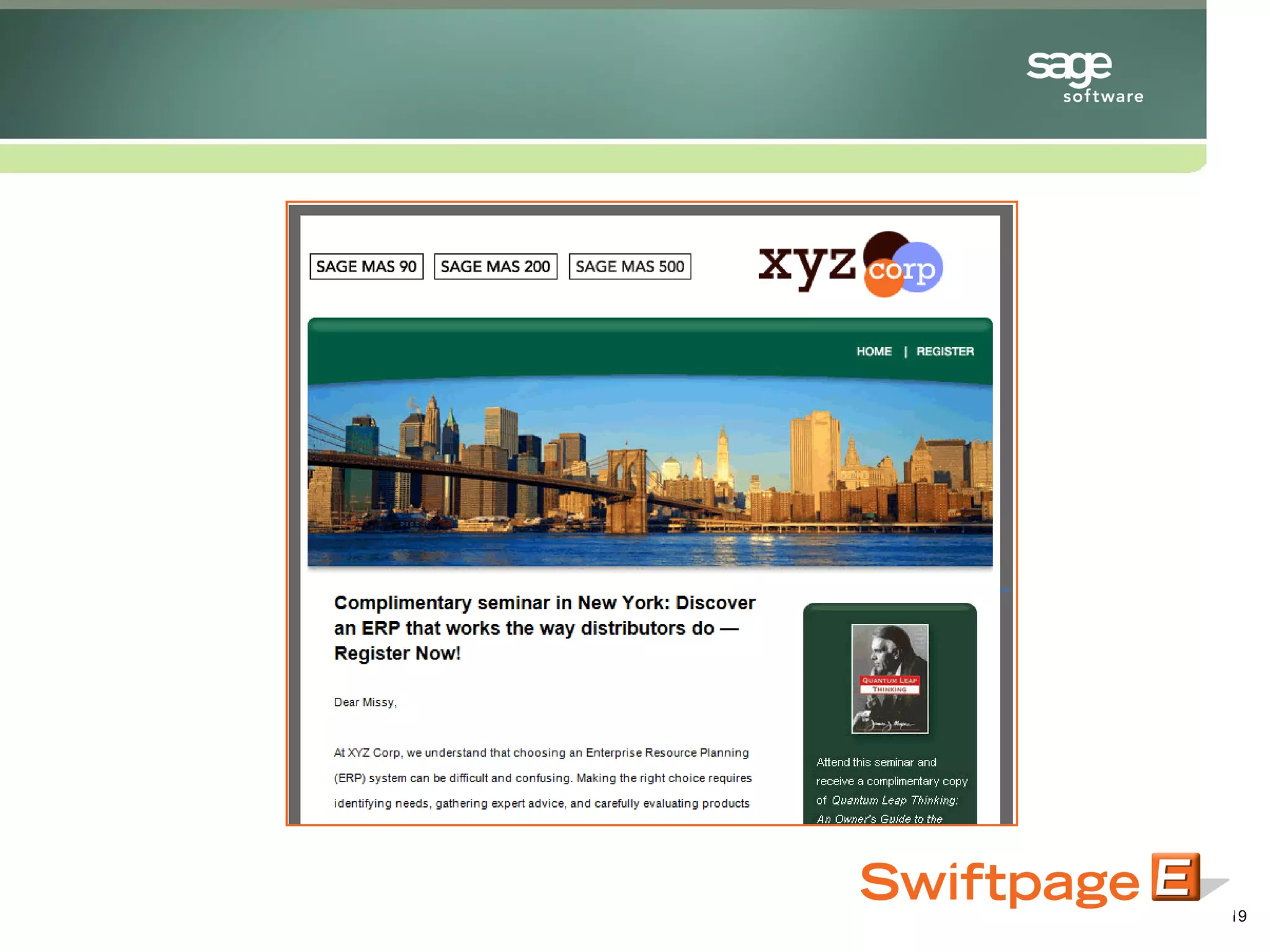
Landing page should carry the same theme: Imagery Colors Language Tone - Familiarity Killer Creative Killer Creative | Unmistakable Action
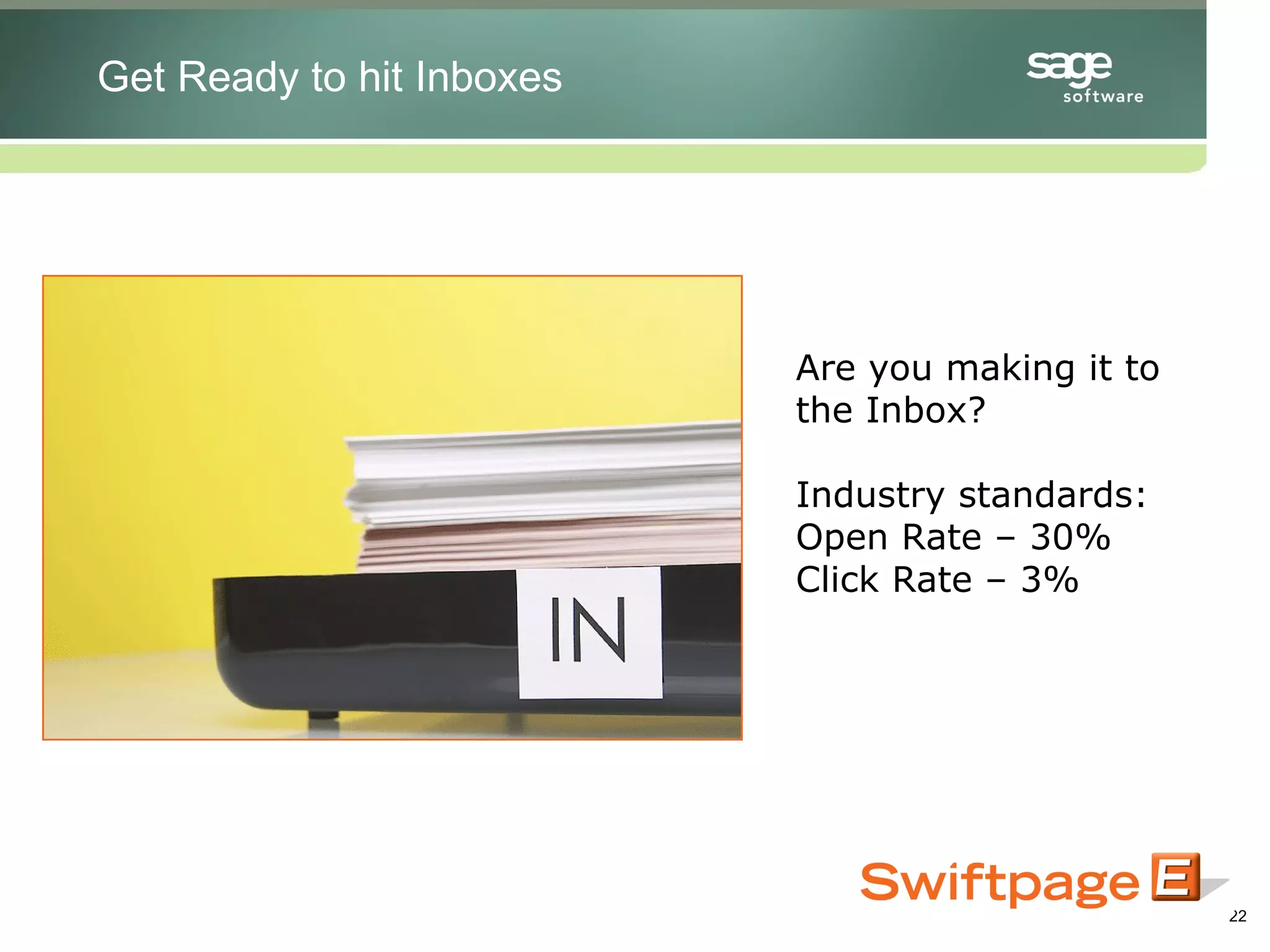
Are you making it to the Inbox? Industry standards: Open Rate – 30% Click Rate – 3% Get Ready to hit Inboxes
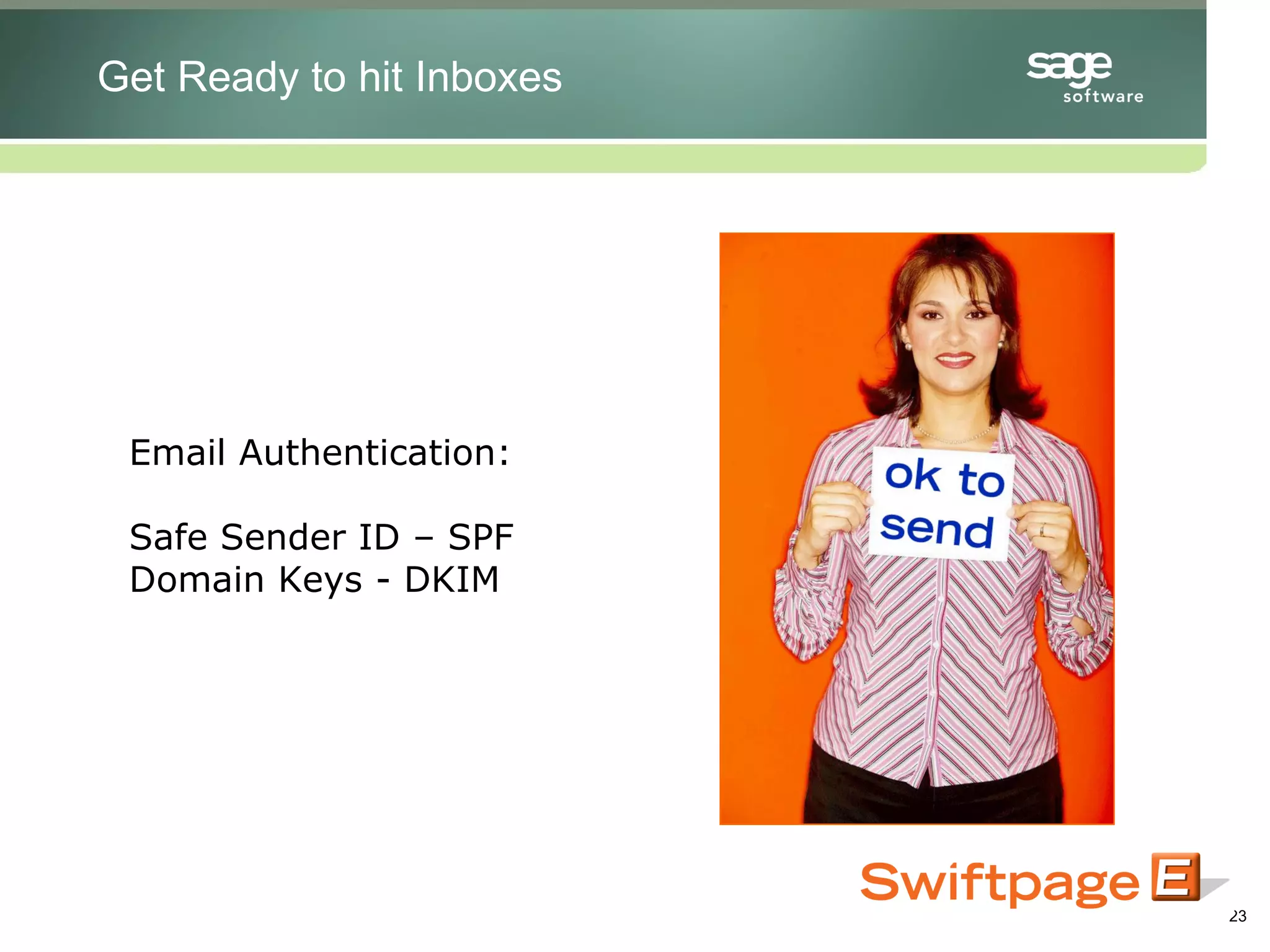
Email Authentication: Safe Sender ID – SPF Domain Keys - DKIM Get Ready to hit Inboxes
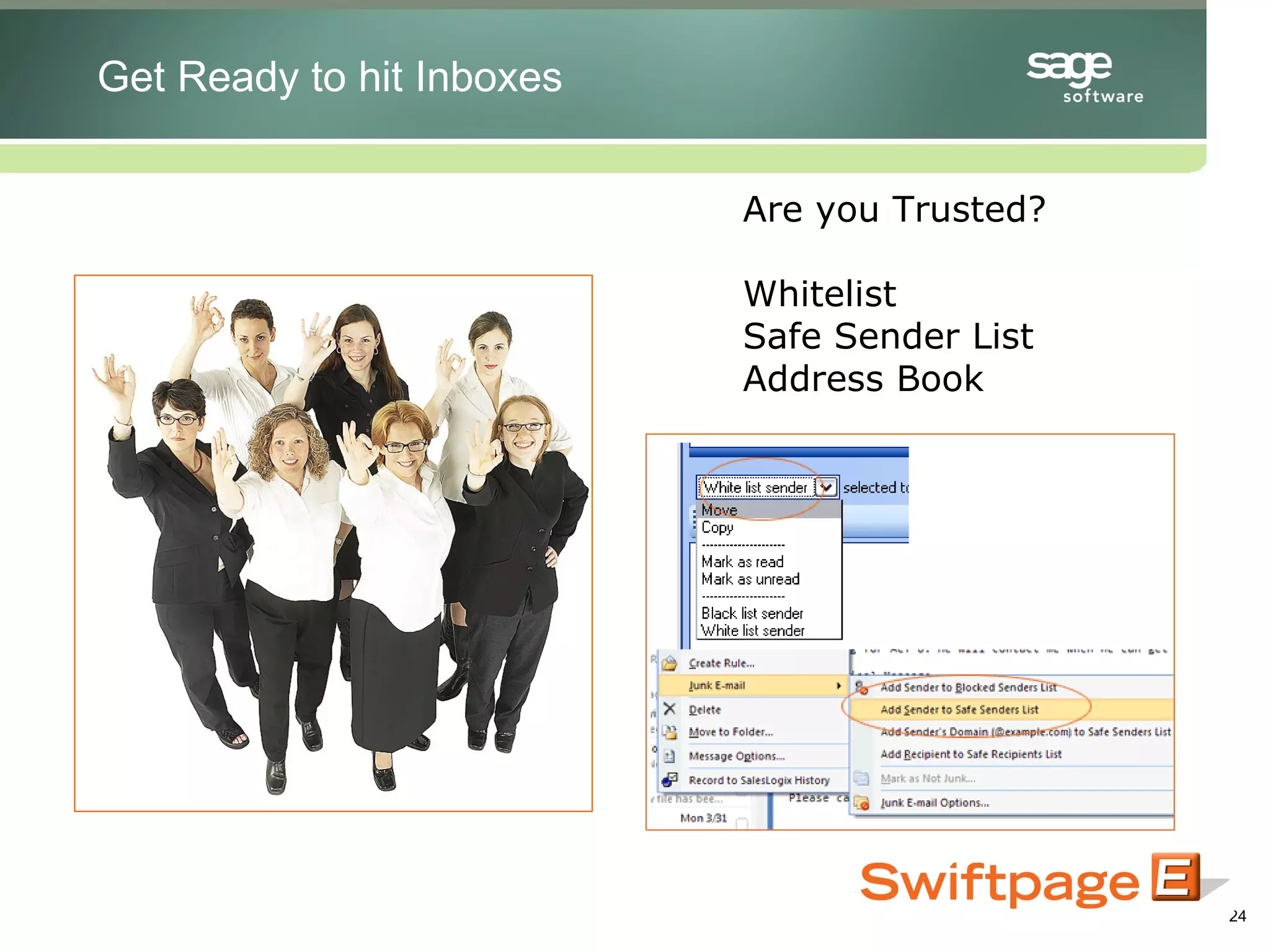
Are you Trusted? Whitelist Safe Sender List Address Book Get Ready to hit Inboxes
Will spam filters junk your email?  Free tools to find out: Swiftpage.com/spamcheck Spamcop.com Spamcheck.sitesell.com Get Ready to hit Inboxes
Umm……now what? Now what?  Metrics that Matter
What you should look for: Open Rate (Delivered/opens) Click Rate (Opens/Clicks) Delivered Vs. Sent Bounced Opted Out Now what?  Metrics that Matter
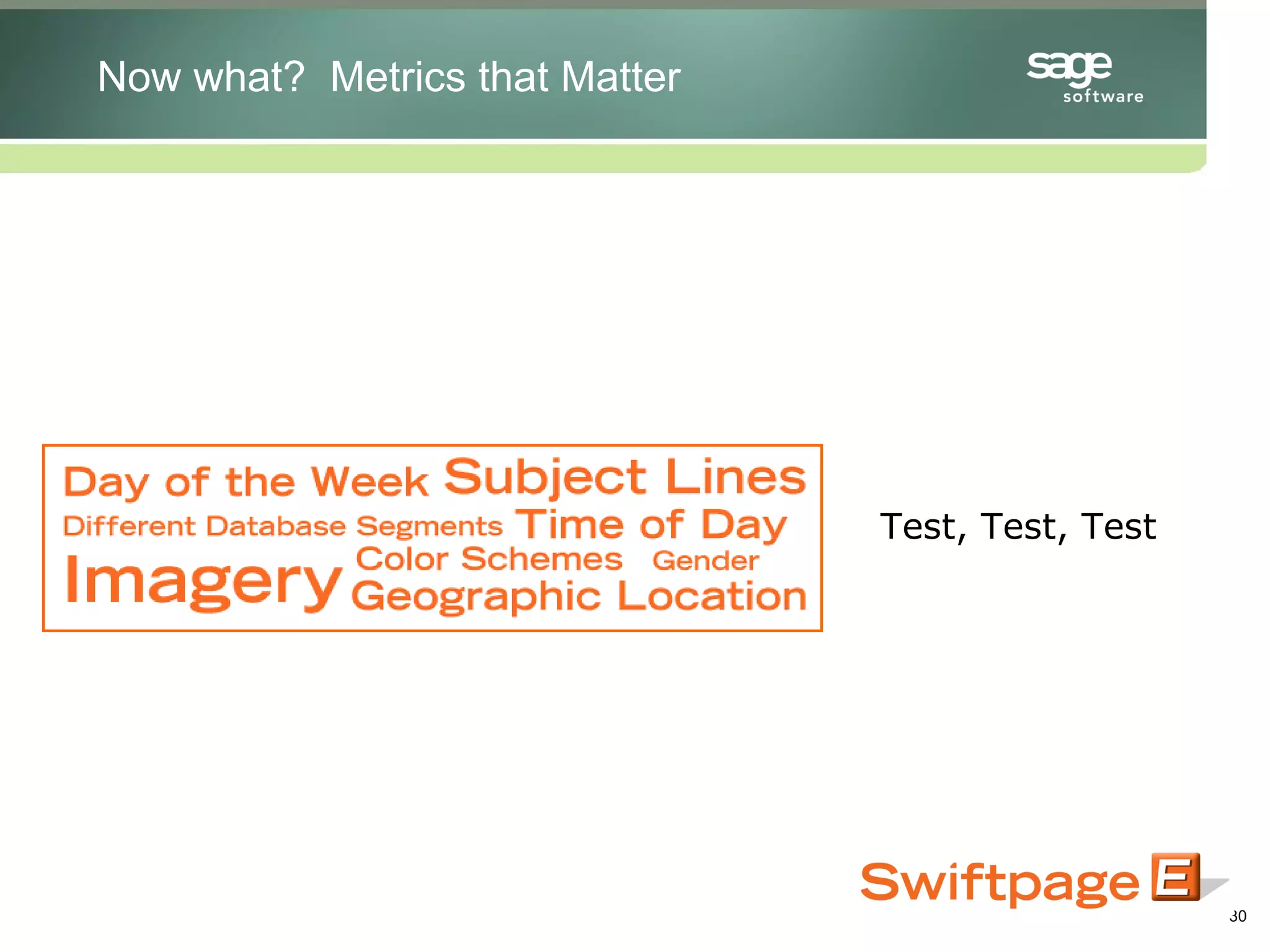
Small changes can make improvements: Subject lines CTA placement Content Relevancy Email Length Now what?  Metrics that Matter
Test, Test, Test Now what?  Metrics that Matter
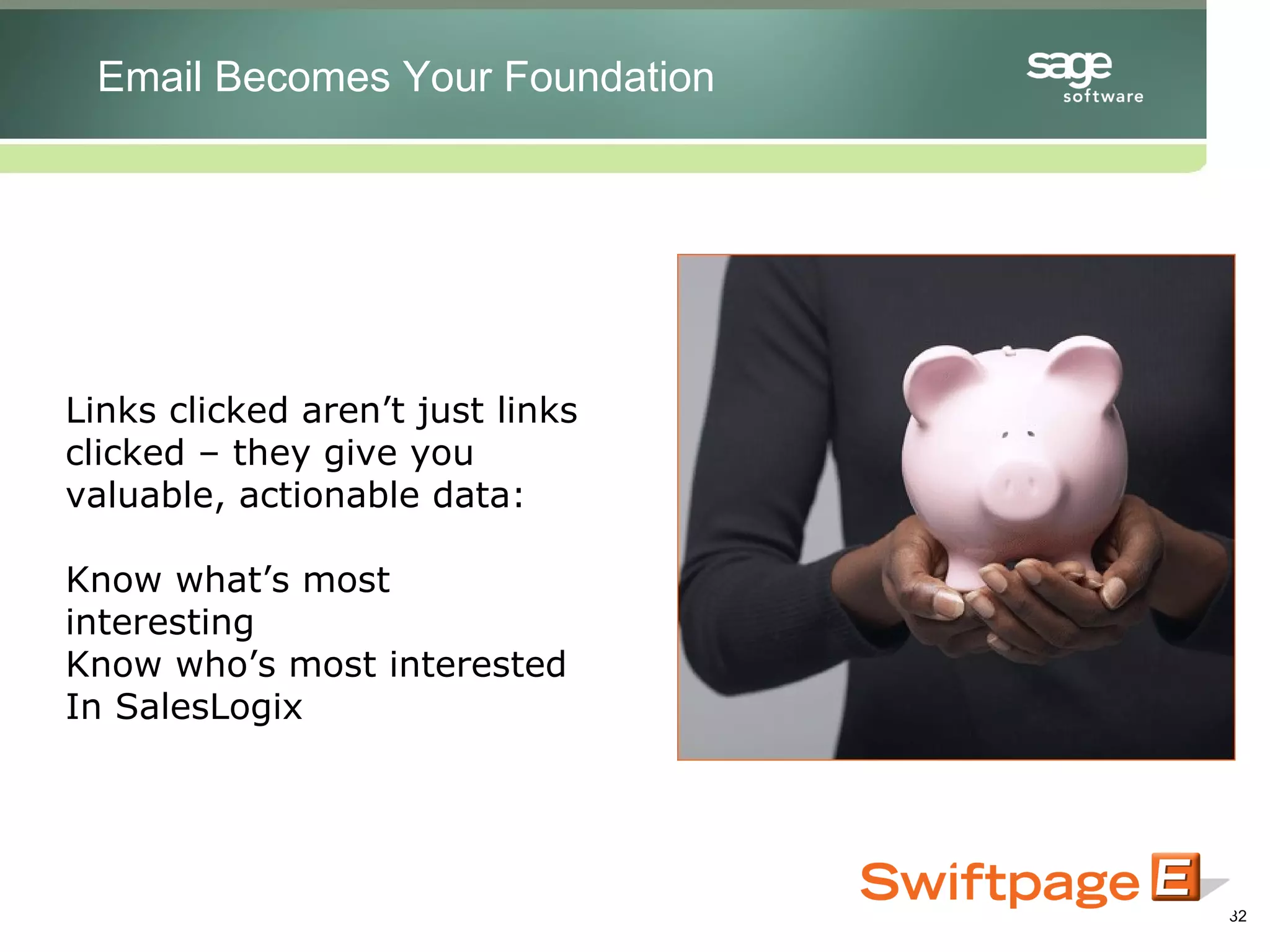
Links clicked aren’t just links clicked – they give you valuable, actionable data: Know what’s most interesting Know who’s most interested In SalesLogix Email Becomes Your Foundation
Intelligently update your SalesLogix database Email Becomes Your Foundation
Email Becomes Your Foundation
Questions? Contact Information: Brianna Tinjum 651.646.7777 x 202 SalesLogix

SalesLogix Dynamic Email Marketing

  • 1.
    Dynamic Email Marketingfor SalesLogix Dan Ogdon, Director of Marketing - Swiftpage April 2008 For SalesLogix from http://customerfx.com
  • 3.
    Blacklist of yoursending IP address Why Third Party ESP’s for SalesLogix?
  • 4.
    Send limit restrictions:50 – 100 emails through your systems Why Third Party ESP’s?
  • 5.
    Third Parties Arein the Know – Providing metrics that matter: Opens Clicks Bounced Suppressed And more… Why Third Party ESP’s?
  • 7.
    Set objectives, goalsand expectations: What do I want out of this campaign? Ie: 30% open rate, 5% click rate, 75% attendance It All Starts with the List in SalesLogix
  • 8.
    Define your targets– Segment your list appropriately Know who you’re sending to It All Starts with the List
  • 9.
    Take the timeto clean your list: Old email addresses Invalid email addresses Incomplete email addresses It All Starts with the List
  • 11.
    Is your contentrelevant? Do your recipients want to receive what you’re sending them? A Message with Meaning
  • 12.
    Personalize each message:From Address Branding in subject line Contact Info in Body Merge Custom Fields (Hi Dan,) A Message with Meaning
  • 13.
    Keep your messageshort – Put long descriptions on landing pages A Message with Meaning
  • 14.
    Demand attention: SubjectLines Titles like the ‘Times Strong Relevant Imagery A Message with Meaning
  • 16.
    Use Stock imagery:Istockphoto.com Photos.com Gettyimages.com Killer Creative | Unmistakable Action
  • 17.
    Make A BoldStatement Killer Creative Killer Creative | Unmistakable Action
  • 18.
    Call to ActionAbove and Below the Fold – but test: Placement Text Link Button Link Color Scheme Be forward and shameless Killer Creative Killer Creative | Unmistakable Action
  • 20.
    Landing page shouldcarry the same theme: Imagery Colors Language Tone - Familiarity Killer Creative Killer Creative | Unmistakable Action
  • 22.
    Are you makingit to the Inbox? Industry standards: Open Rate – 30% Click Rate – 3% Get Ready to hit Inboxes
  • 23.
    Email Authentication: SafeSender ID – SPF Domain Keys - DKIM Get Ready to hit Inboxes
  • 24.
    Are you Trusted?Whitelist Safe Sender List Address Book Get Ready to hit Inboxes
  • 25.
    Will spam filtersjunk your email? Free tools to find out: Swiftpage.com/spamcheck Spamcop.com Spamcheck.sitesell.com Get Ready to hit Inboxes
  • 27.
    Umm……now what? Nowwhat? Metrics that Matter
  • 28.
    What you shouldlook for: Open Rate (Delivered/opens) Click Rate (Opens/Clicks) Delivered Vs. Sent Bounced Opted Out Now what? Metrics that Matter
  • 29.
    Small changes canmake improvements: Subject lines CTA placement Content Relevancy Email Length Now what? Metrics that Matter
  • 30.
    Test, Test, TestNow what? Metrics that Matter
  • 32.
    Links clicked aren’tjust links clicked – they give you valuable, actionable data: Know what’s most interesting Know who’s most interested In SalesLogix Email Becomes Your Foundation
  • 33.
    Intelligently update yourSalesLogix database Email Becomes Your Foundation
  • 34.
  • 35.
    Questions? Contact Information:Brianna Tinjum 651.646.7777 x 202 SalesLogix