Download to read offline

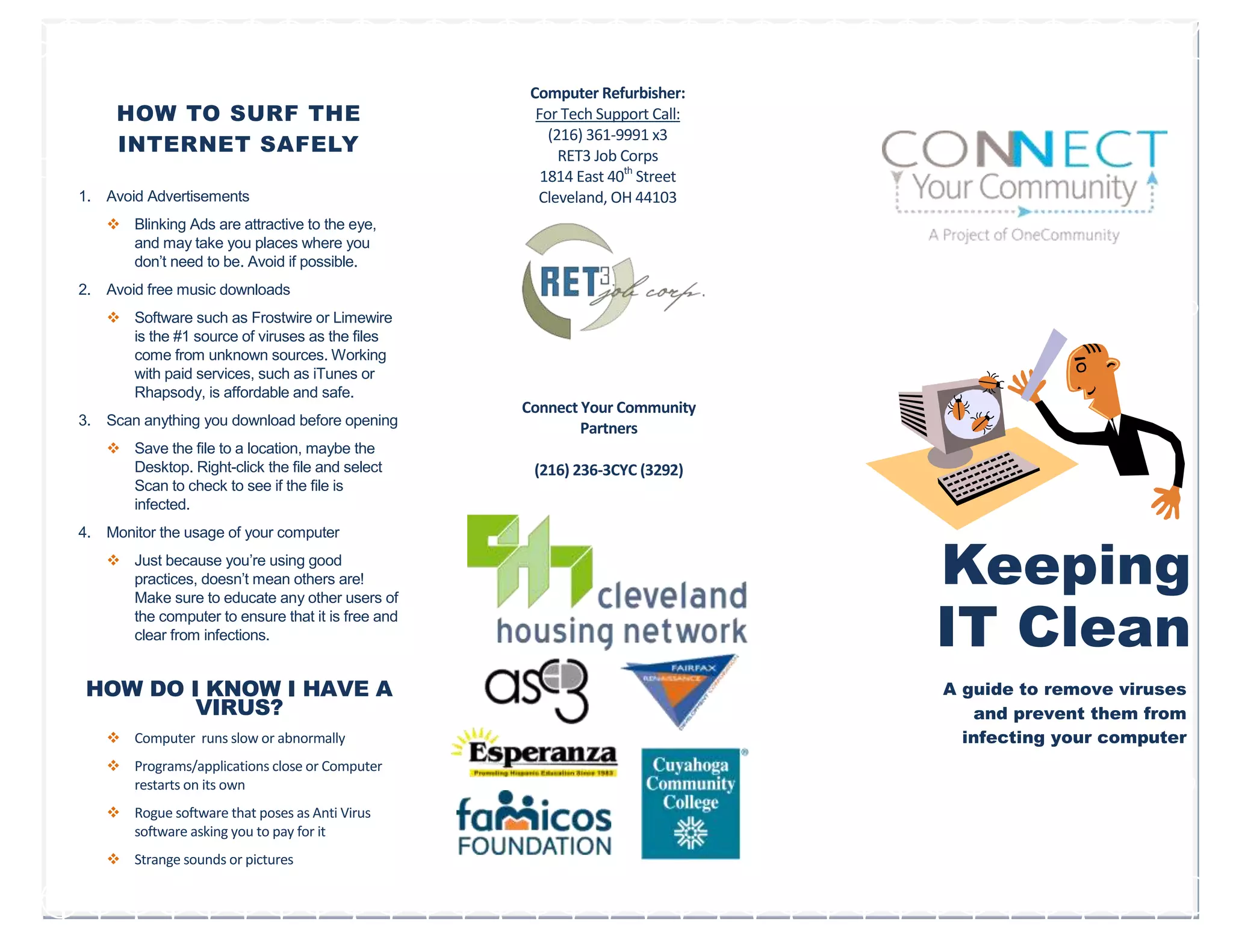
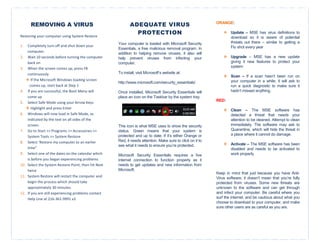

This document provides tips for safely surfing the internet and removing viruses from a computer. It recommends avoiding advertisements and free music downloads to avoid viruses. Any files downloaded should be scanned for viruses before opening. The computer's other users should also be monitored and educated on safe internet practices. Signs of a virus infection include the computer running slowly, programs crashing or restarting unexpectedly. To remove a virus, the computer should be started in safe mode and system restore used to roll back to a point before the infection. Microsoft Security Essentials provides free virus protection and its status icon should be checked regularly to ensure the computer remains protected.


