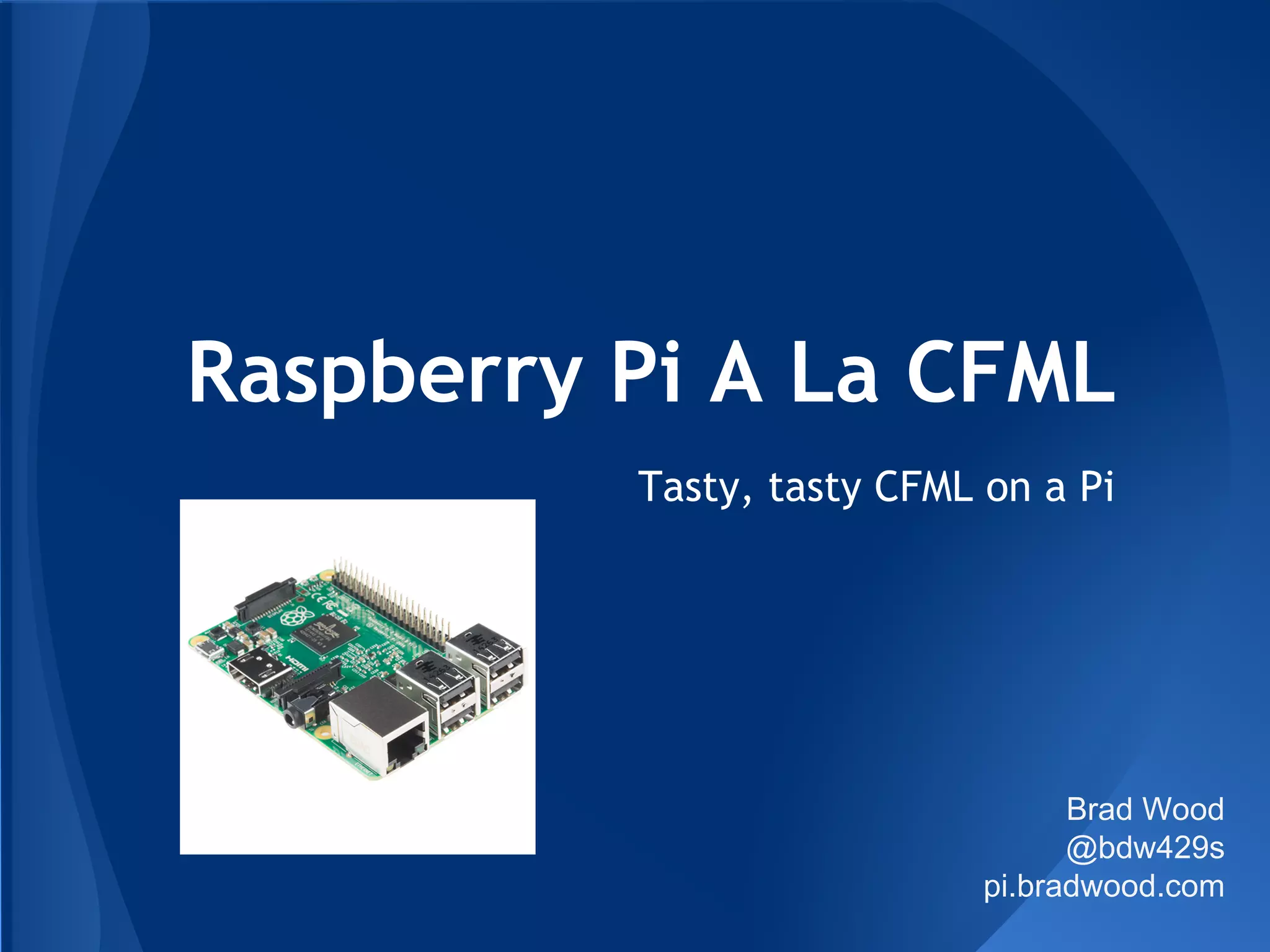
Raspberry Pi A La CFML
Tasty, tasty CFML on a Pi
Brad Wood
@bdw429s
pi.bradwood.com
● ColdFusion Architect (12 years)
● Geek
● Android Lover
● Blogger (codersrevolution.com)
● ColdBox Platform Evangelist
● Musician
● Shade-Tree Mechanic
● Husband (12 years)
● Dad (3 beautiful girls)
The Weird Dude With The Mic
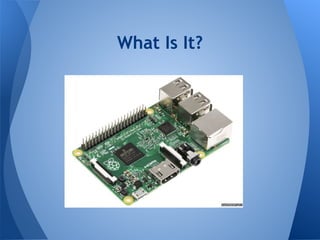
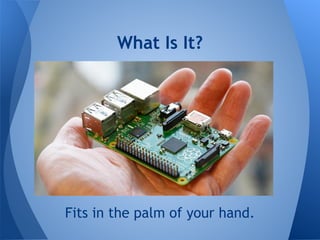
What Is It?
What Is It?
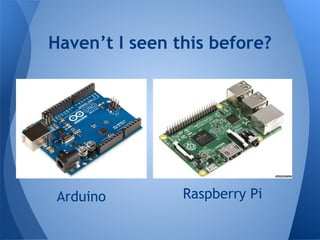
Arduino
Haven’t I seen this before?
Raspberry Pi
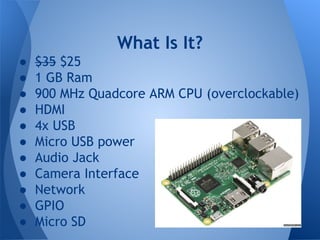
● $35 $25
● 1 GB Ram
● 900 MHz Quadcore ARM CPU (overclockable)
● HDMI
● 4x USB
● Micro USB power
● Audio Jack
● Camera Interface
● Network
● GPIO
● Micro SD
What Is It?
Fits in the palm of your hand.
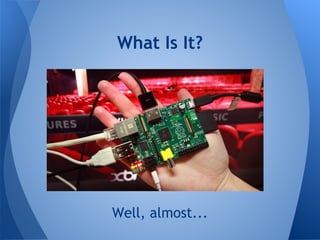
What Is It?
Well, almost...
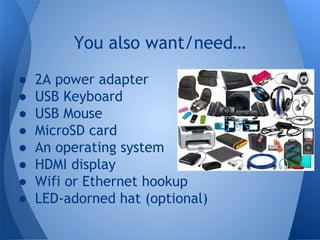
What Is It?
● 2A power adapter
● USB Keyboard
● USB Mouse
● MicroSD card
● An operating system
● HDMI display
● Wifi or Ethernet hookup
● LED-adorned hat (optional)
You also want/need…
It Does Cool Stuff!
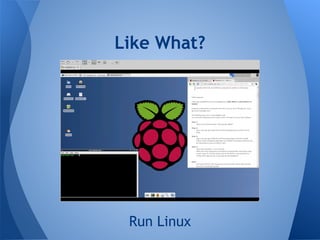
Like What?
Run Linux
Like What?
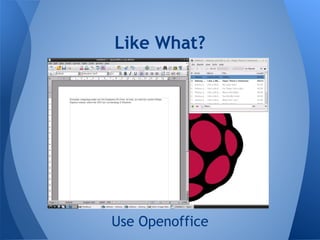
Use Openoffice
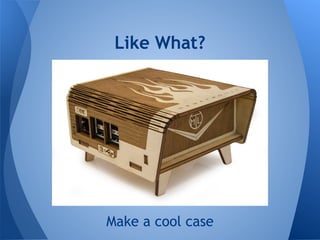
Make a cool case
Like What?
Play Minecraft
Like What?
Program in Python (Scratch)
Like What?
Media Center
Like What?
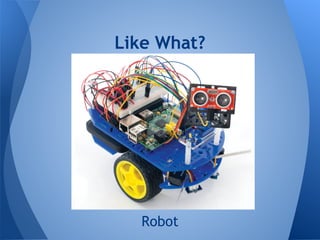
Robot
Like What?
Make a 4-RPI Cluster
Like What?
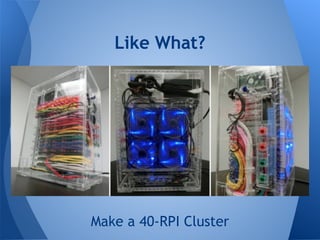
Make a 40-RPI Cluster
Like What?
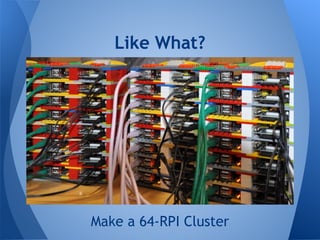
Make a 64-RPI Cluster
Like What?
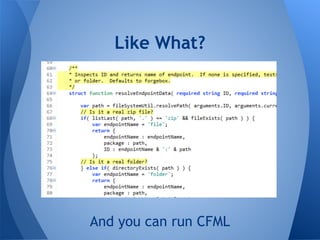
And you can run CFML
Like What?
● NOOBS
● Raspbian Linux (Debian)
○ Gnome Desktop (Pi Store)
○ Bash (apt-get)
● Oracle Java 1.8 (ARM)
● SSH
Environment
● PuTTY
● IP Address?? (Router, Nmap)
● CommandBox 2.0.0 beta
○ REPL
○ ForgeBox
○ Embedded Server
Tools
/etc/apt/sources.list.d/box.list
$> apt-get install commandbox
/usr/bin/box
$> box version
Install CommandBox
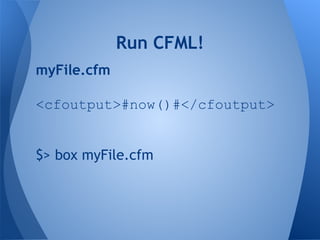
myFile.cfm
<cfoutput>#now()#</cfoutput>
$> box myFile.cfm
Run CFML!
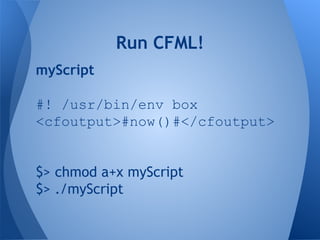
myScript
#! /usr/bin/env box
<cfoutput>#now()#</cfoutput>
$> chmod a+x myScript
$> ./myScript
Run CFML!
$> box
CommandBox> install contentbox
CommandBox> start --rewritesEnabled
In-memory H2 DB
Install ContentBox
Install ContentBox
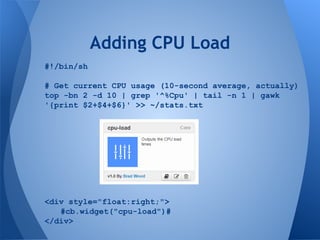
#!/bin/sh
# Get current CPU usage (10-second average, actually)
top -bn 2 -d 10 | grep '^%Cpu' | tail -n 1 | gawk
'{print $2+$4+$6}' >> ~/stats.txt
<div style="float:right;">
#cb.widget("cpu-load")#
</div>
Adding CPU Load
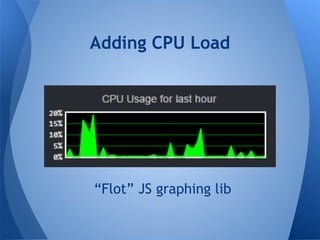
Adding CPU Load
“Flot” JS graphing lib
#!/bin/sh
# Get current system memory max and usage, in that order
mem_system=`free -m | grep Mem: | gawk '{print $2,$3}'`
# Start by getting the pid of the largest java process
java_pid=`top -b -n 1|awk '{if ($1~/[0-9]+/) {if ($5~/m/)
{$5=int($5*1024*1024)};print}}'|sort -k5rn,5 | grep java
| head -n1 | gawk '{print $1}'`
# Get the actual heap usage
mem_heap=`jstat -gc $java_pid | tail -n 1 | gawk '{print
($1+$2+$5+$7+$9)/1000,($3+$4+$6+$8+$10)/1000}'`
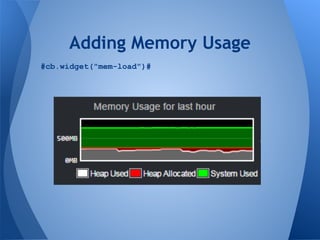
Adding Memory Usage
#cb.widget("mem-load")#
Adding Memory Usage
Rate Limiter installed
Posted to Reddit!
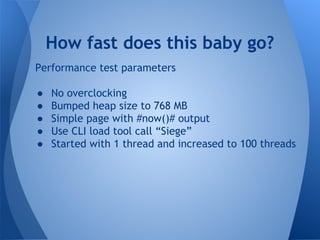
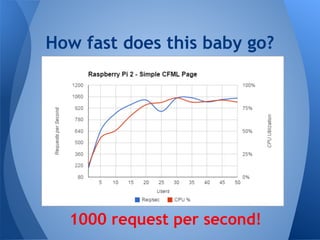
Performance test parameters
● No overclocking
● Bumped heap size to 768 MB
● Simple page with #now()# output
● Use CLI load tool call “Siege”
● Started with 1 thread and increased to 100 threads
How fast does this baby go?
#!/bin/bash
url="http://192.168.1.xxx/bench/"
reqs=5000
NUMS="1 5 10 15 20 25 30 35 40 45 50 55 60 65 70 75 80 85 90 95 100"
for NUM in $NUMS
do
RPS=`siege -r $((reqs/NUM)) -c $NUM "$url" 2>&1 | grep "Transaction
rate:" | awk '{print $3}'`
echo -e "$NUMt$RPS"
done
How fast does this baby go?
1000 request per second!
What’s Next?
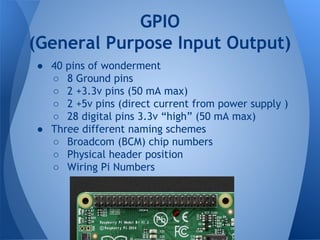
GPIO
(General Purpose Input Output)
● 40 pins of wonderment
○ 8 Ground pins
○ 2 +3.3v pins (50 mA max)
○ 2 +5v pins (direct current from power supply )
○ 28 digital pins 3.3v “high” (50 mA max)
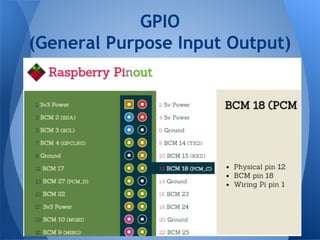
● Three different naming schemes
○ Broadcom (BCM) chip numbers
○ Physical header position
○ Wiring Pi Numbers
GPIO
(General Purpose Input Output)
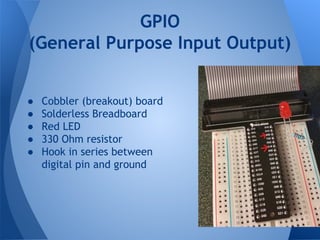
GPIO
(General Purpose Input Output)
● Cobbler (breakout) board
● Solderless Breadboard
● Red LED
● 330 Ohm resistor
● Hook in series between
digital pin and ground
Pi4J
● Java-based library for interacting with GPIO pins
● Wraps “native” JNI calls to C library
● Easy to use from CFML!
Yum!!
Pi4J
$> curl -s get.pi4j.com | sudo bash
$> cp /opt/pi4j/lib/pi4j-core.jar ~/.CommandBox/lib/
$> cp /opt/pi4j/lib/pi4j-device.jar ~/.CommandBox/lib/
$> cp /opt/pi4j/lib/pi4j-service.jar ~/.CommandBox/lib/
$> cp /opt/pi4j/lib/pi4j-gpio-extension.jar ~/.CommandBox/lib/
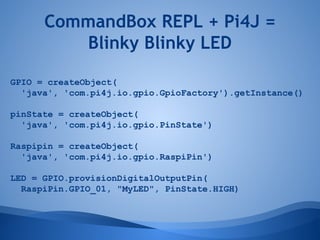
CommandBox REPL + Pi4J =
Blinky Blinky LED
GPIO = createObject(
'java', 'com.pi4j.io.gpio.GpioFactory').getInstance()
pinState = createObject(
'java', 'com.pi4j.io.gpio.PinState')
Raspipin = createObject(
'java', 'com.pi4j.io.gpio.RaspiPin')
LED = GPIO.provisionDigitalOutputPin(
RaspiPin.GPIO_01, "MyLED", PinState.HIGH)
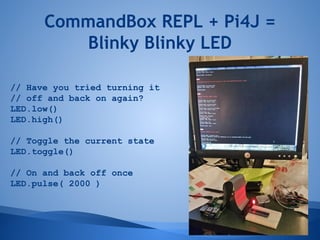
CommandBox REPL + Pi4J =
Blinky Blinky LED
// Have you tried turning it
// off and back on again?
LED.low()
LED.high()
// Toggle the current state
LED.toggle()
// On and back off once
LED.pulse( 2000 )
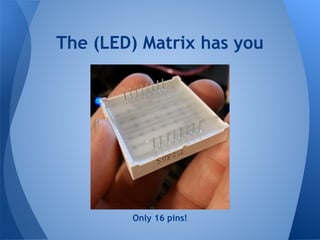
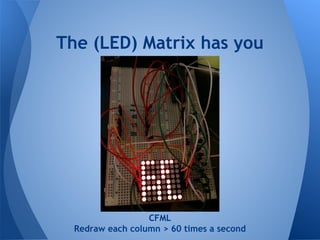
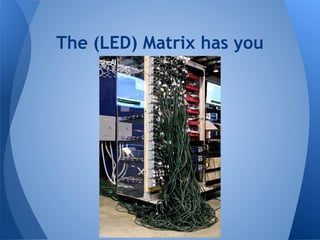
The (LED) Matrix has you
64 LEDs (8x8)
The (LED) Matrix has you
Only 16 pins!
The (LED) Matrix has you
--Multiplexing--
Only one column can be lit at a time.
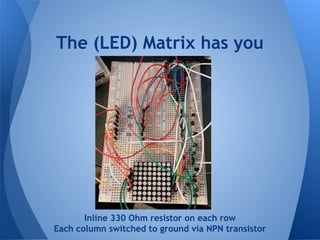
The (LED) Matrix has you
Inline 330 Ohm resistor on each row
Each column switched to ground via NPN transistor
The (LED) Matrix has you
CFML
Redraw each column > 60 times a second
The (LED) Matrix has you
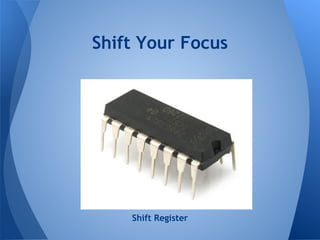
Shift Your Focus
Shift Register
Shift Your Focus
SIPO -- Serial In, Parallel Out
Shift Your Focus
1 0 1 0 1
0
1
0
Bit banging
Allows transfer of large amount of data
over a few wires in “chunks”
Shift Your Focus
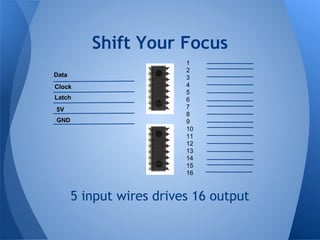
5 input wires drives 16 output
Data
Clock
Latch
1
2
3
4
5
6
7
8
9
10
11
12
13
14
15
16
5V
GND
Shift Your Focus
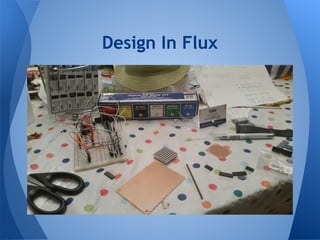
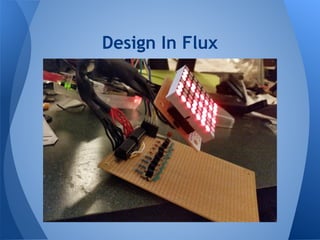
Design In Flux
Design In Flux
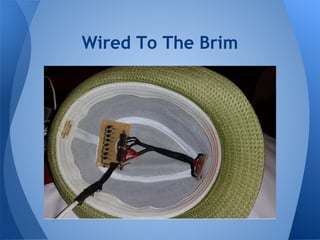
Wired To The Brim
Wired To The Brim
“Smiley” animation
delay 10000
frame
00111100
01000010
10100101
10000001
10100101
10011001
01000010
00111100
The Code
https://github.com/bdw429s/CFML-Pi-Hat/
Is that bacon I smell?
What’s Next?
● Interactive projects (control from web)
● Clustered Pis (CFML, Couchbase, etc)
● Home Automation
● CFGPIO library
● What will you build?

Raspberry pi a la cfml