1
November 13, 2017
Raising UX bar with Offline-
First Design
Kyrylo Reznykov
2
Agenda
● Why Do We Need Offline-First Design?
● Browser APIs Essential For Reliable Web
Apps.
● The Most Common UI/UX Patterns.
● Offline Storage With Replication to a Server.
● Challenges when you build Offline-First Apps.
3
Why Do We Need Offline-First Design?
4
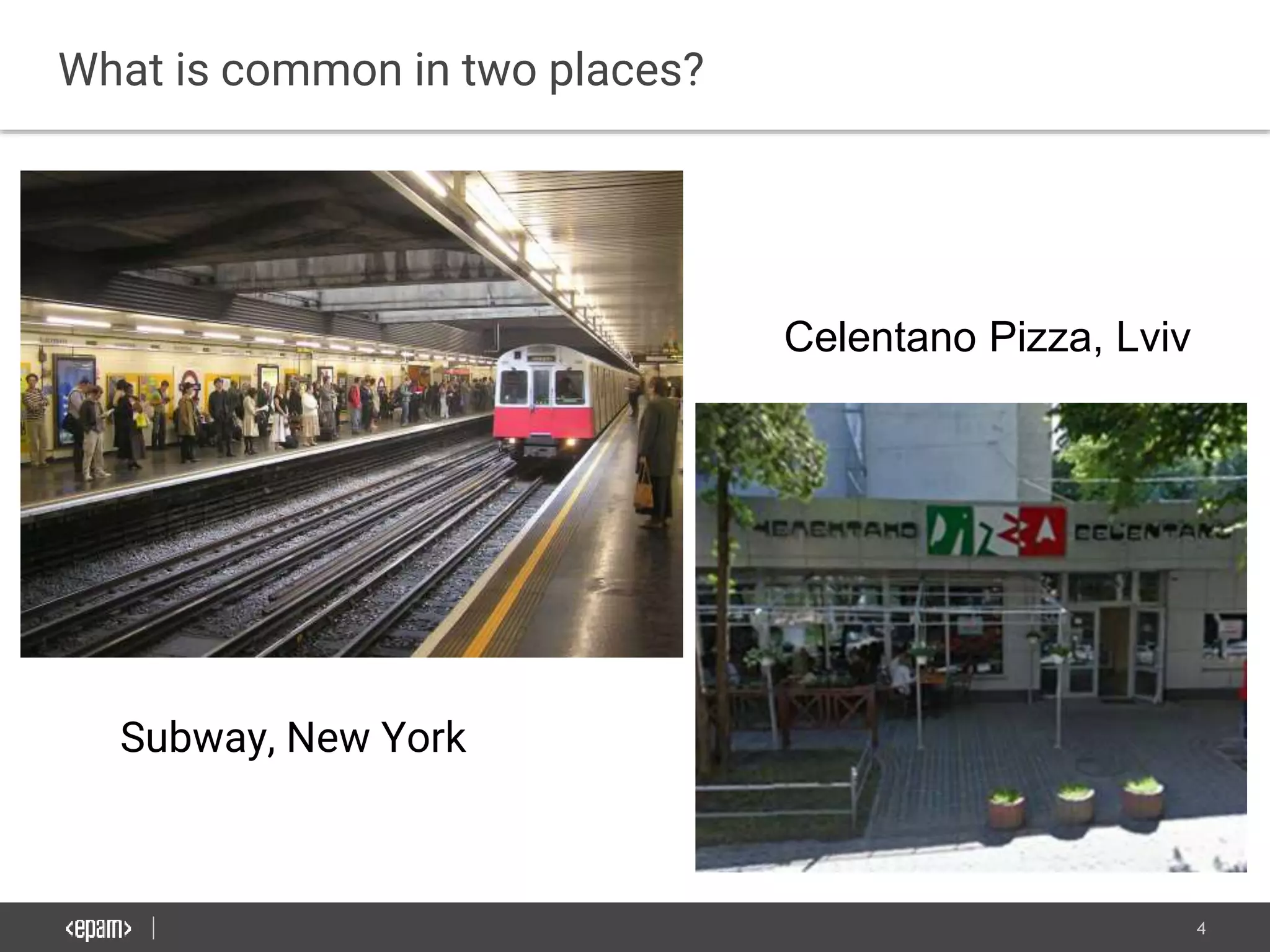
What is common in two places?
Subway, New York
Celentano Pizza, Lviv
5
Both places don’t have network coverage
6
The are a lot of situations without connection
7
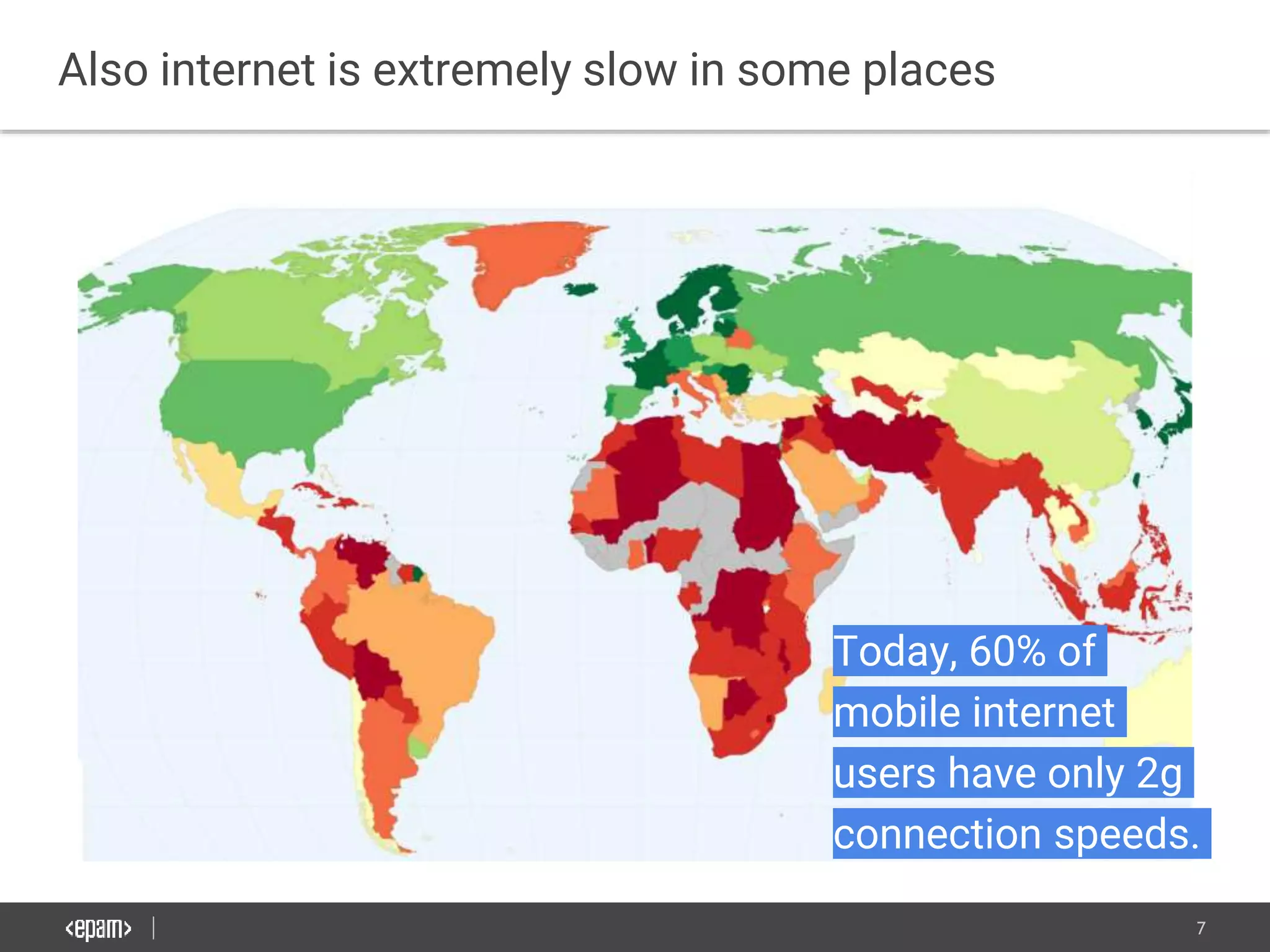
Also internet is extremely slow in some places
Today, 60% of
mobile internet
users have only 2g
connection speeds.
8
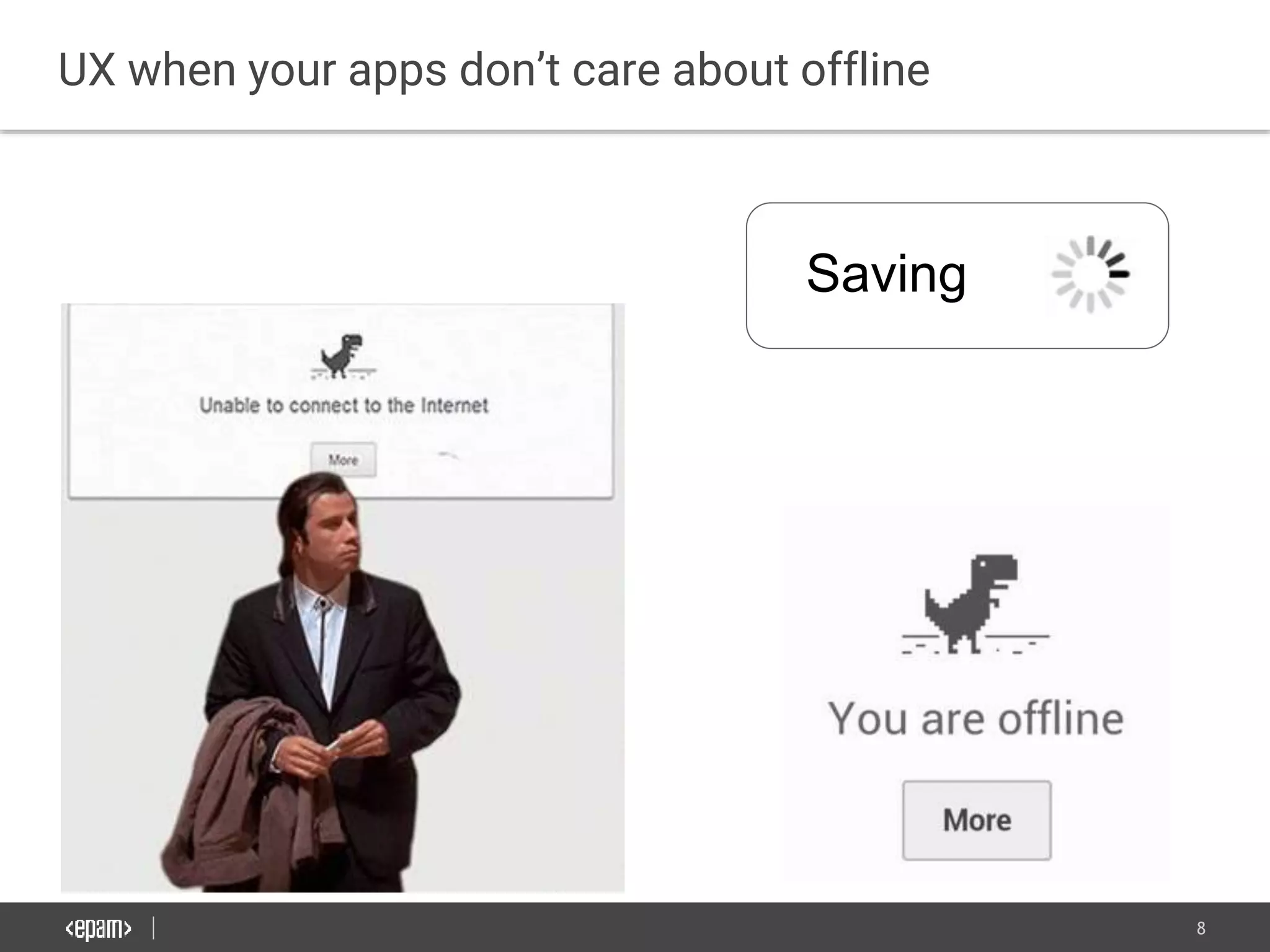
UX when your apps don’t care about offline
Saving
9
Users see web as unstable platform
10
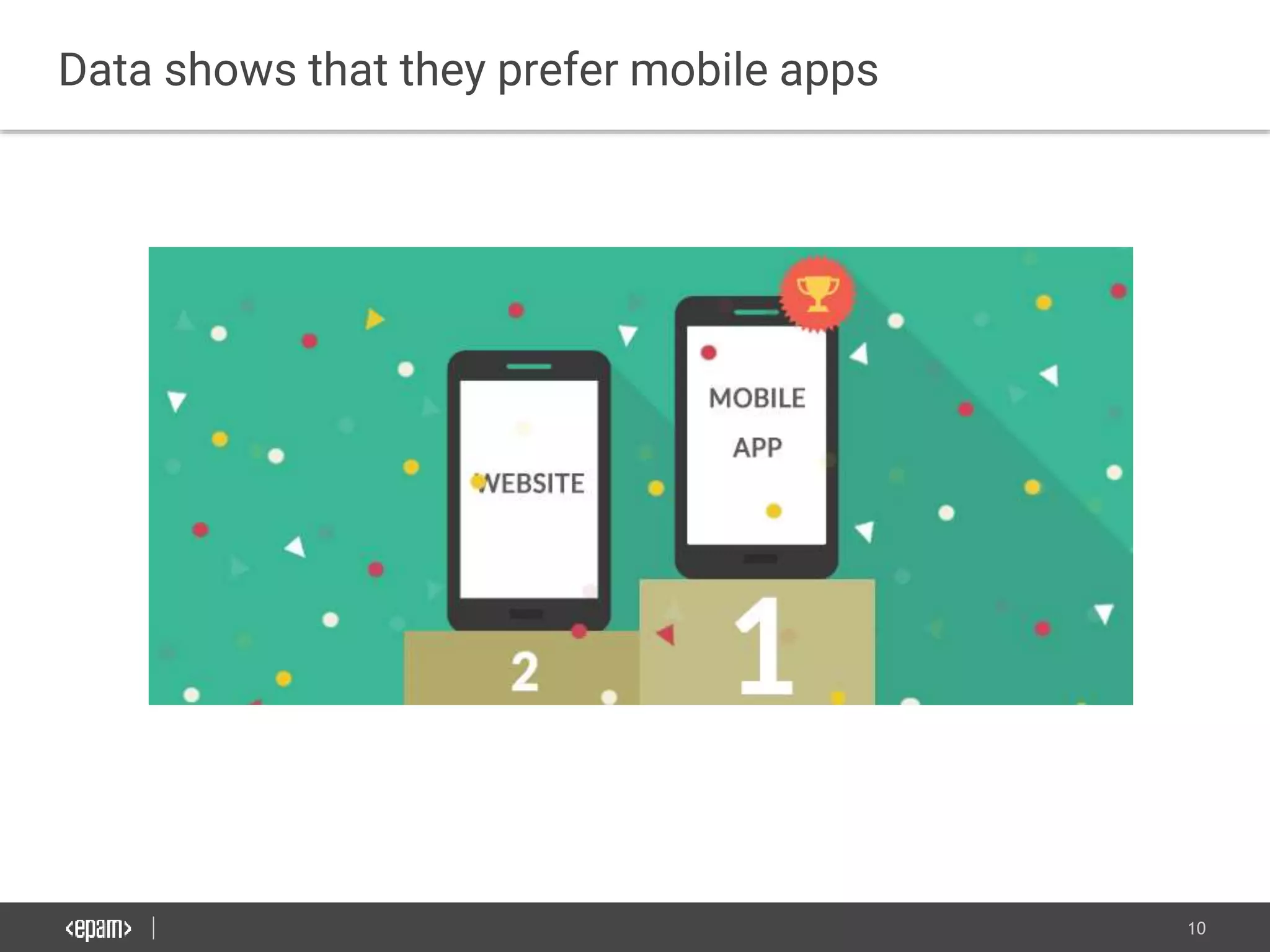
Data shows that they prefer mobile apps
11
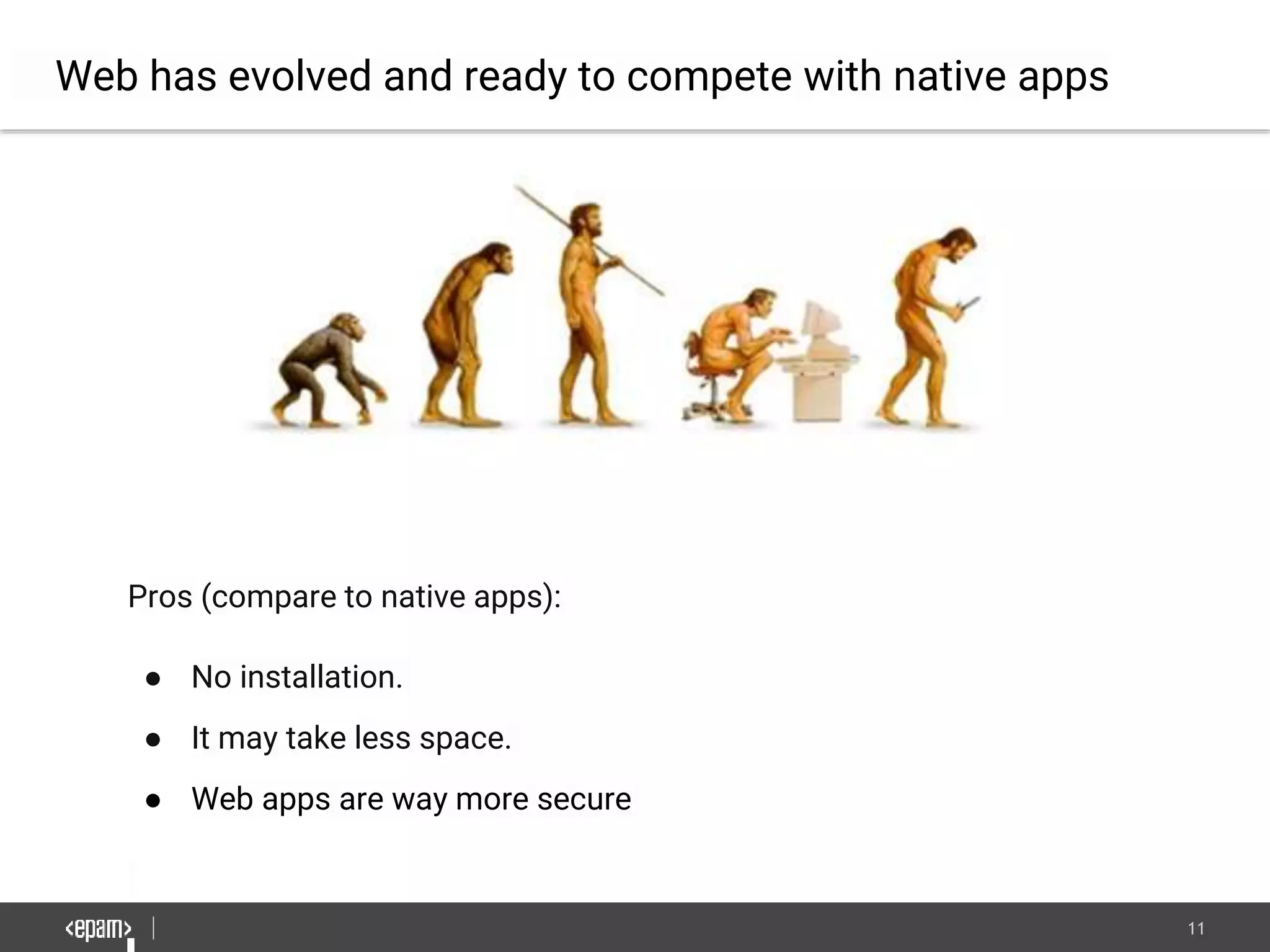
Web has evolved and ready to compete with native apps
Pros (compare to native apps):
● No installation.
● It may take less space.
● Web apps are way more secure
12
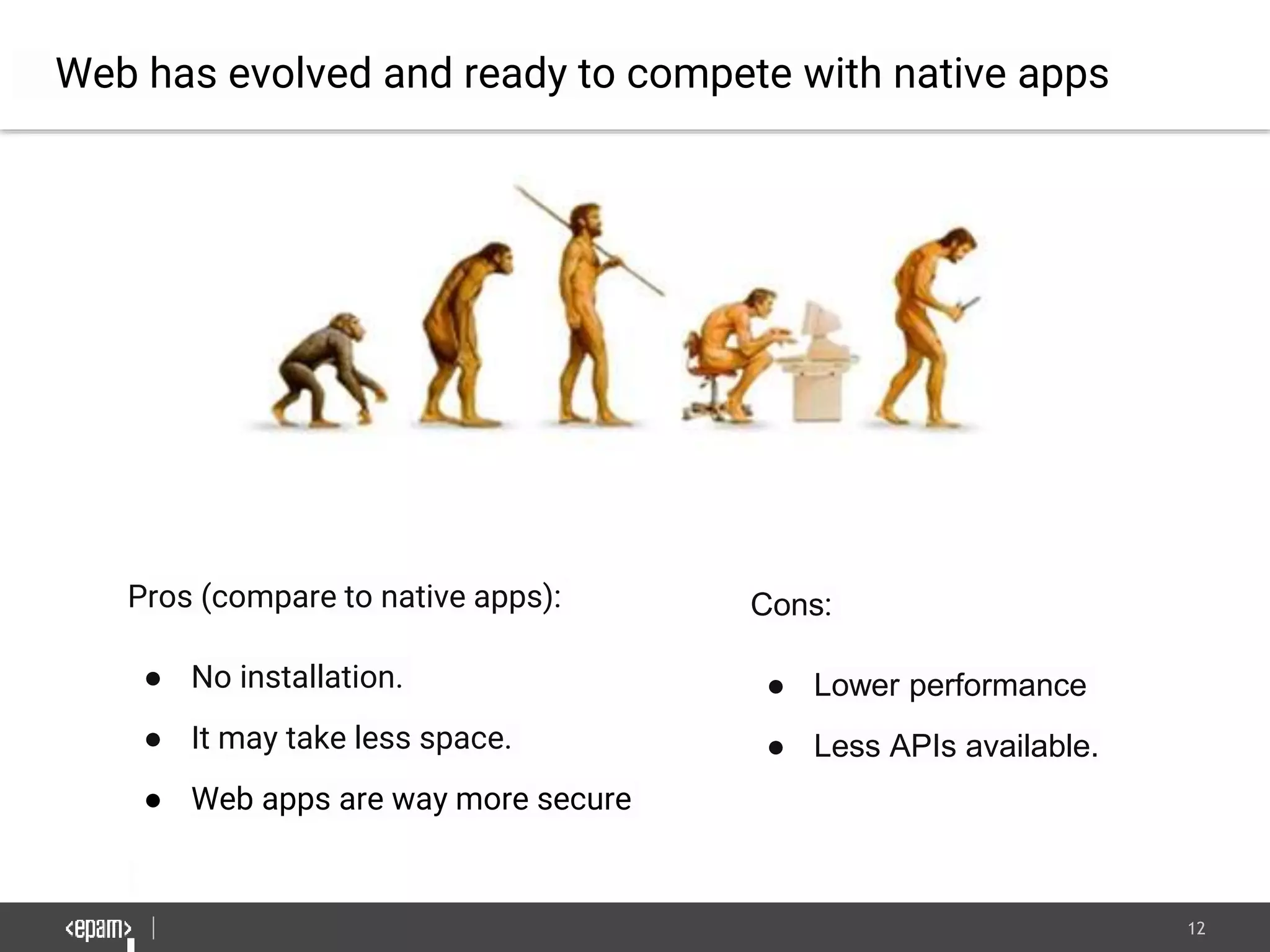
Web has evolved and ready to compete with native apps
Pros (compare to native apps):
● No installation.
● It may take less space.
● Web apps are way more secure
Cons:
● Lower performance
● Less APIs available.
13
Browser APIs Essential For Reliable
Web Apps.
14
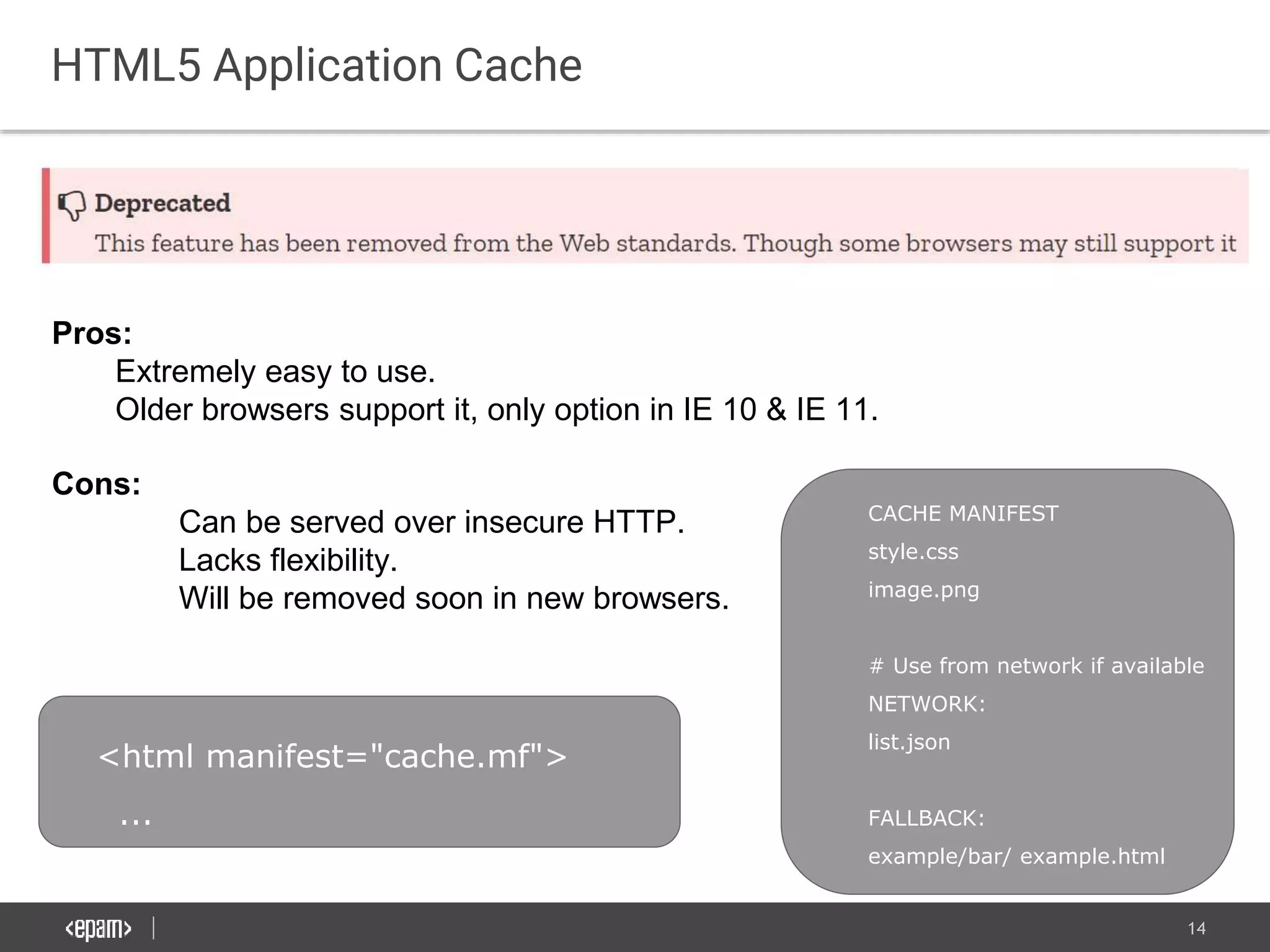
HTML5 Application Cache
Pros:
Extremely easy to use.
Older browsers support it, only option in IE 10 & IE 11.
Cons:
Can be served over insecure HTTP.
Lacks flexibility.
Will be removed soon in new browsers.
<html manifest="cache.mf">
...
CACHE MANIFEST
style.css
image.png
# Use from network if available
NETWORK:
list.json
FALLBACK:
example/bar/ example.html
15
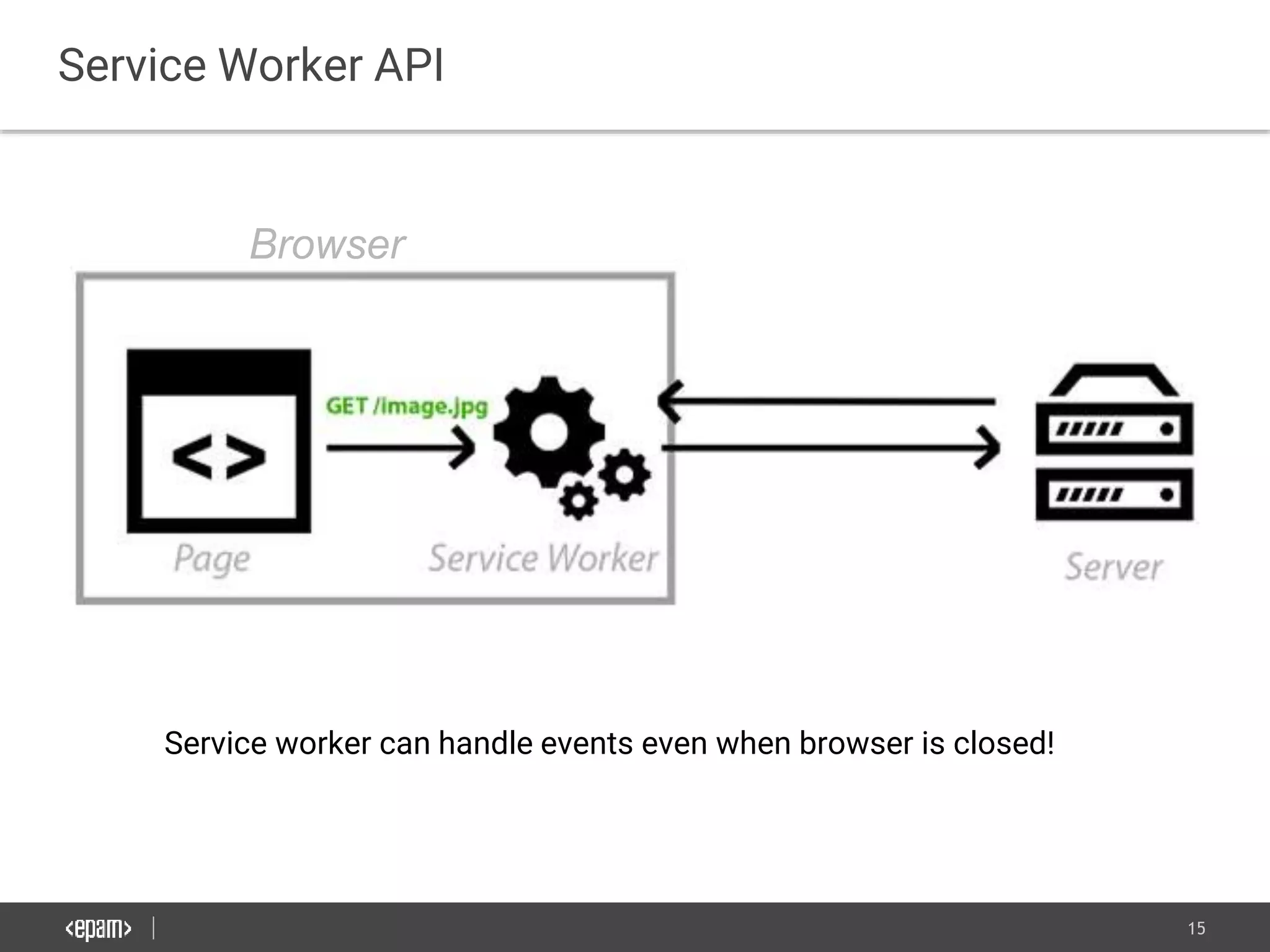
Service Worker API
Service worker can handle events even when browser is closed!
Browser
16
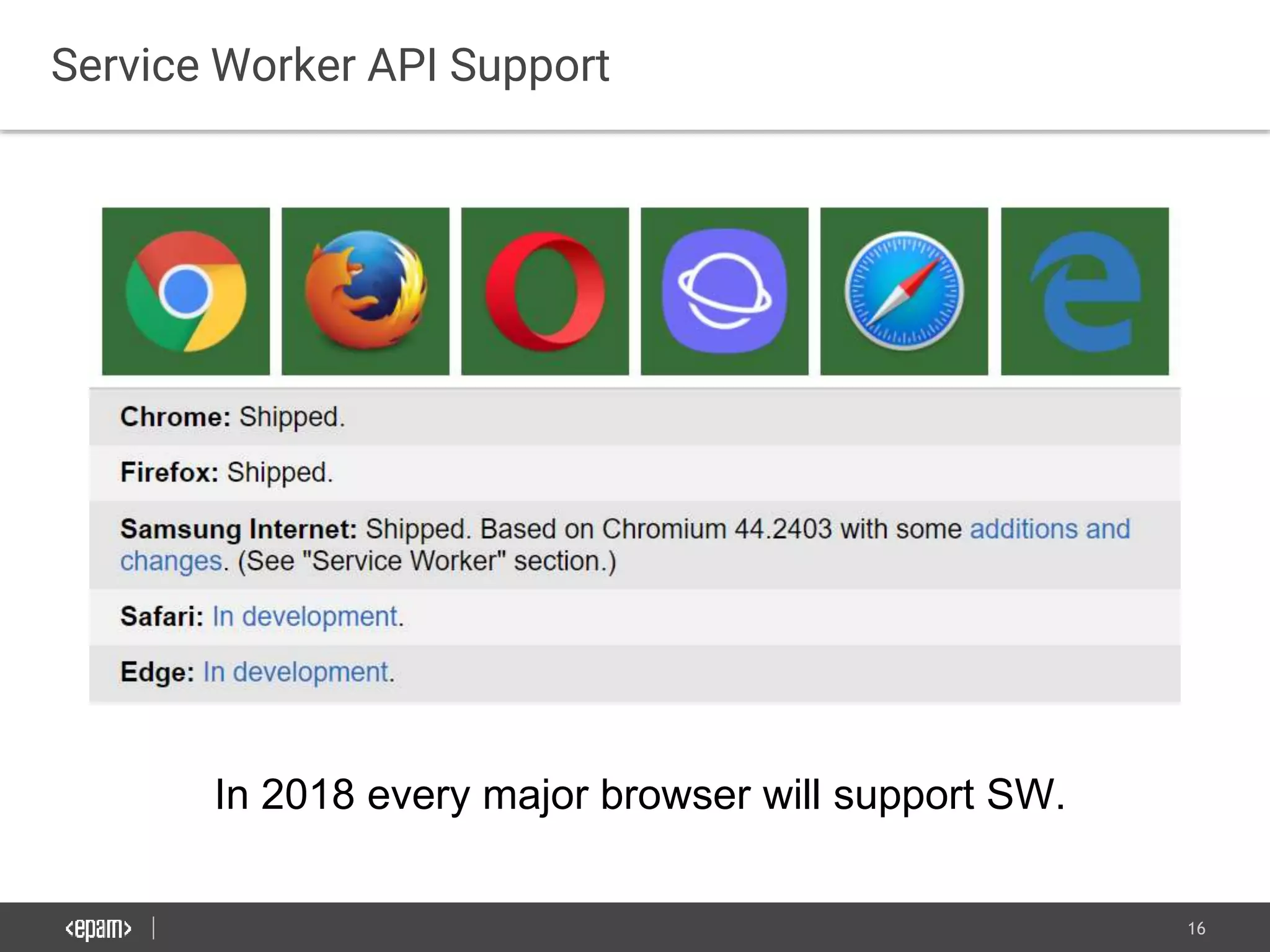
Service Worker API Support
In 2018 every major browser will support SW.
17
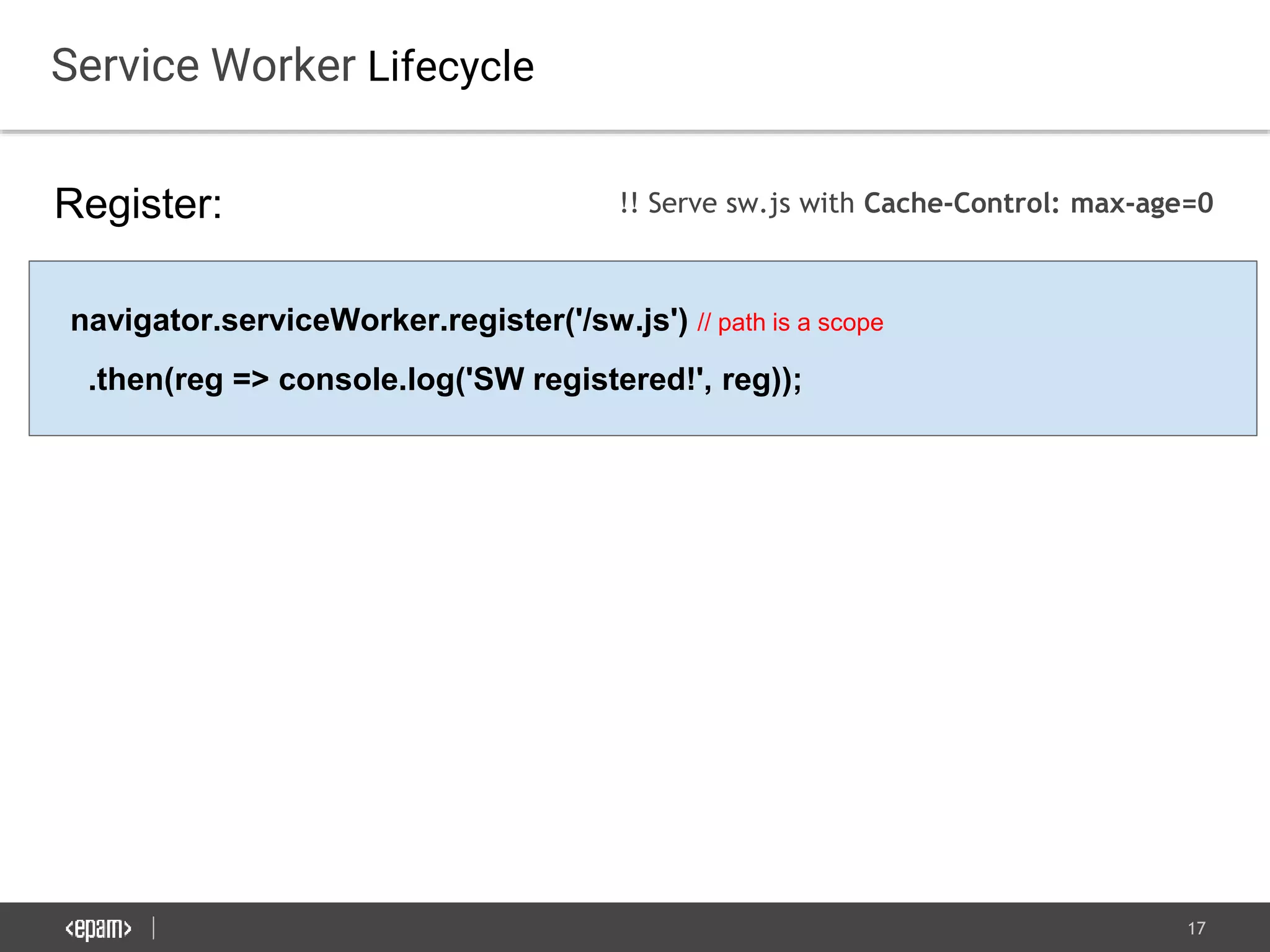
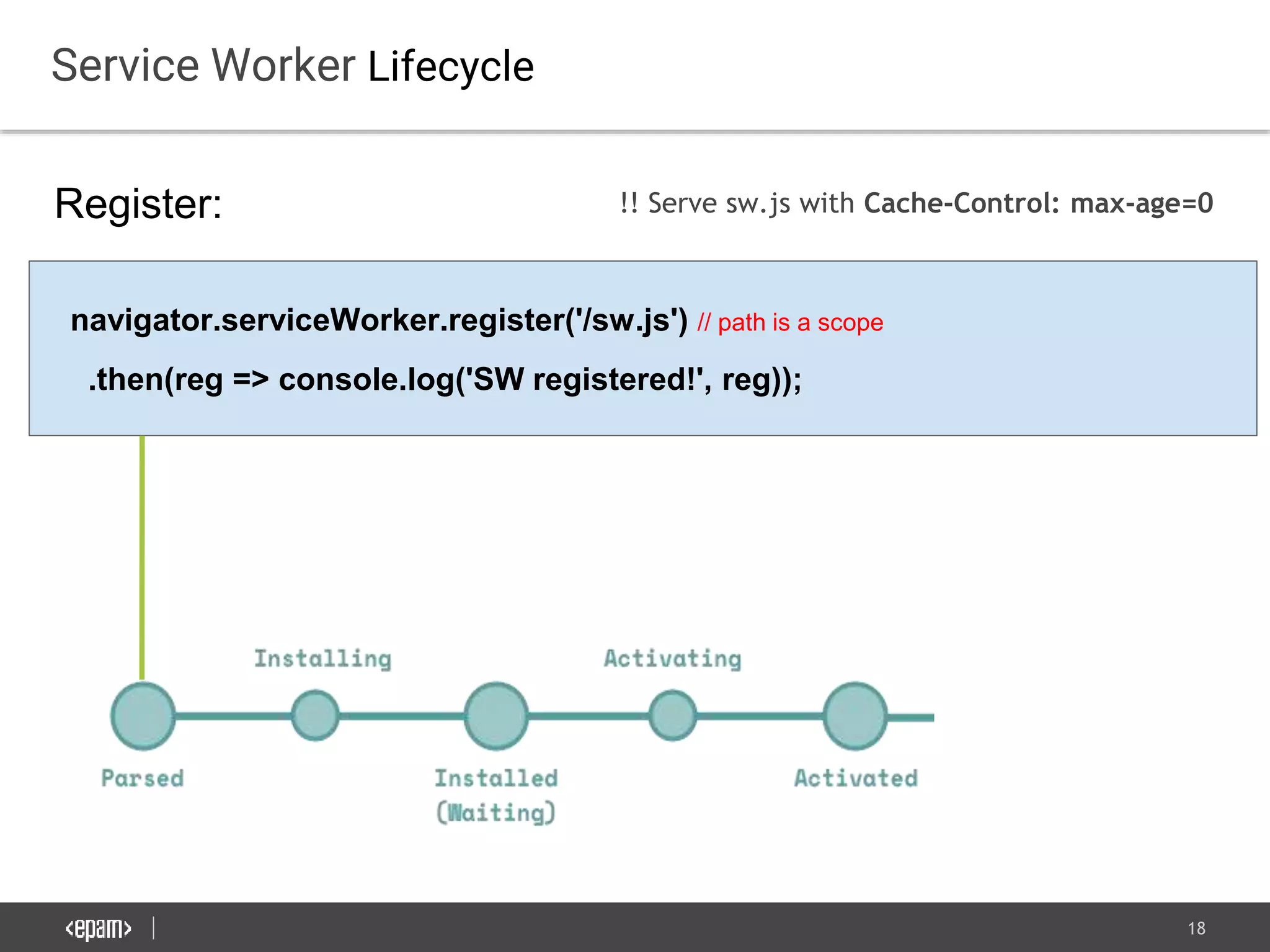
Service Worker Lifecycle
Register:
navigator.serviceWorker.register('/sw.js') // path is a scope
.then(reg => console.log('SW registered!', reg));
!! Serve sw.js with Cache-Control: max-age=0
18
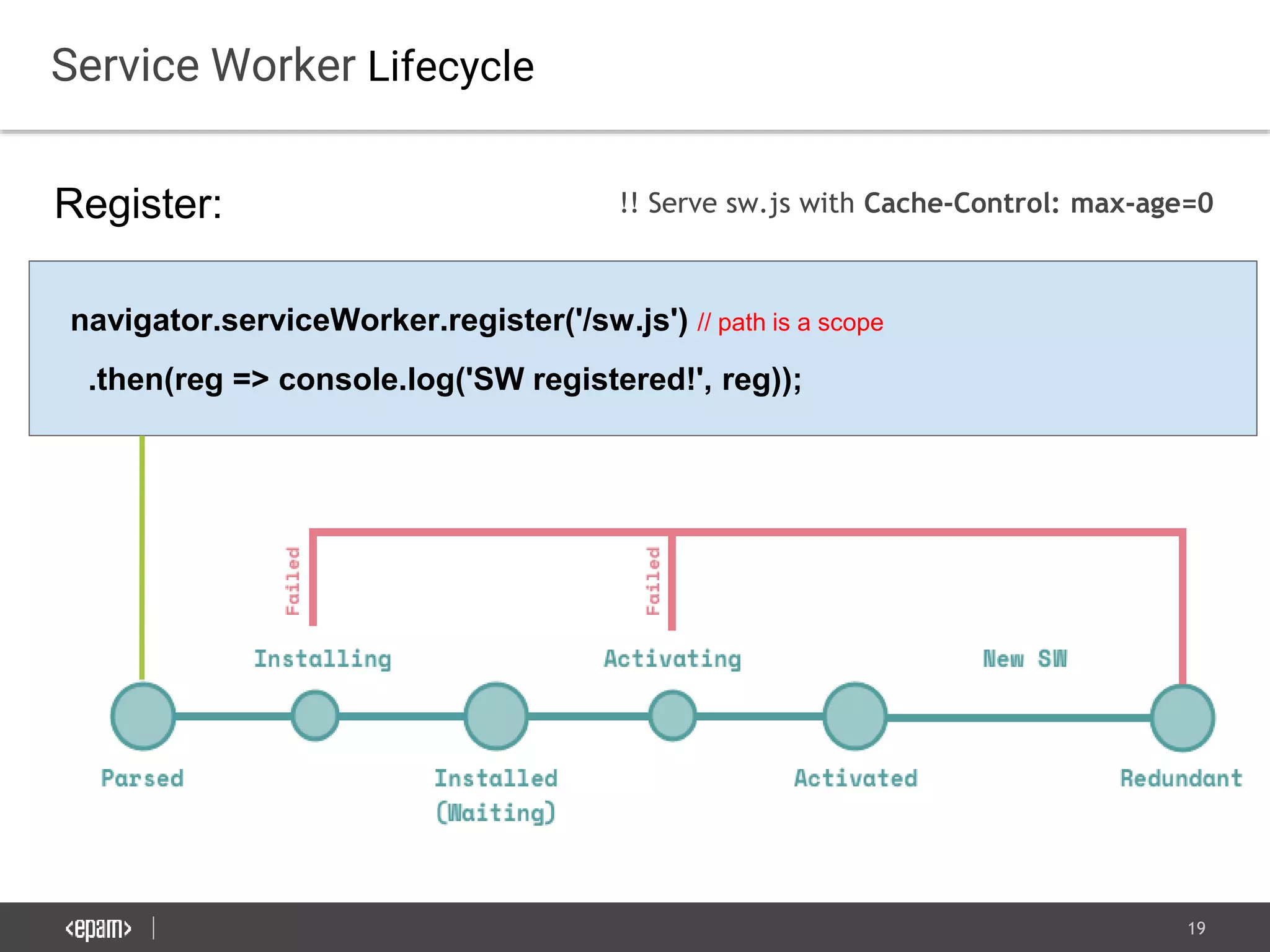
Service Worker Lifecycle
Register:
navigator.serviceWorker.register('/sw.js') // path is a scope
.then(reg => console.log('SW registered!', reg));
!! Serve sw.js with Cache-Control: max-age=0
19
Service Worker Lifecycle
Register:
navigator.serviceWorker.register('/sw.js') // path is a scope
.then(reg => console.log('SW registered!', reg));
!! Serve sw.js with Cache-Control: max-age=0
20
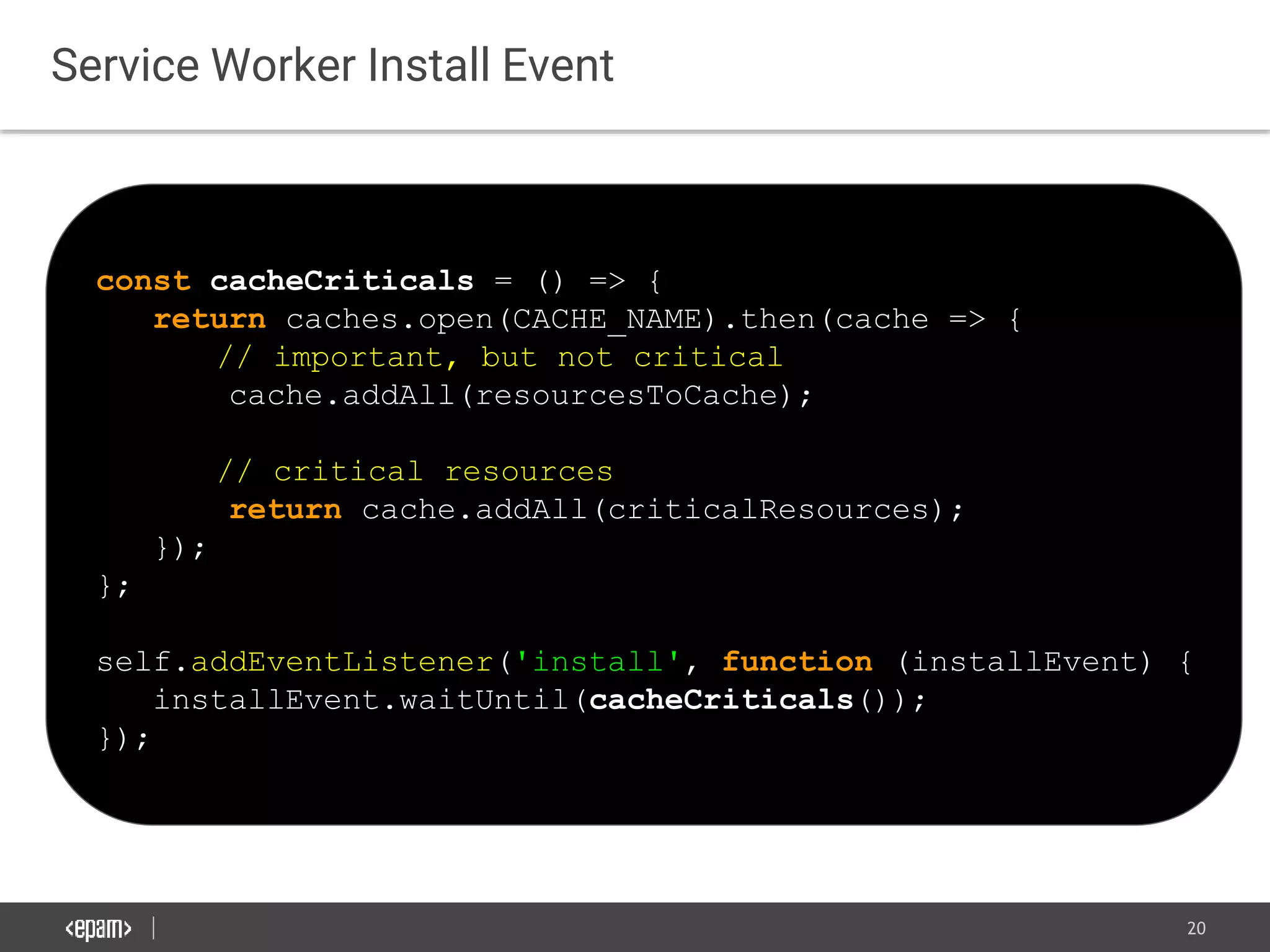
Service Worker Install Event
const cacheCriticals = () => {
return caches.open(CACHE_NAME).then(cache => {
// important, but not critical
cache.addAll(resourcesToCache);
// critical resources
return cache.addAll(criticalResources);
});
};
self.addEventListener('install', function (installEvent) {
installEvent.waitUntil(cacheCriticals());
});
21
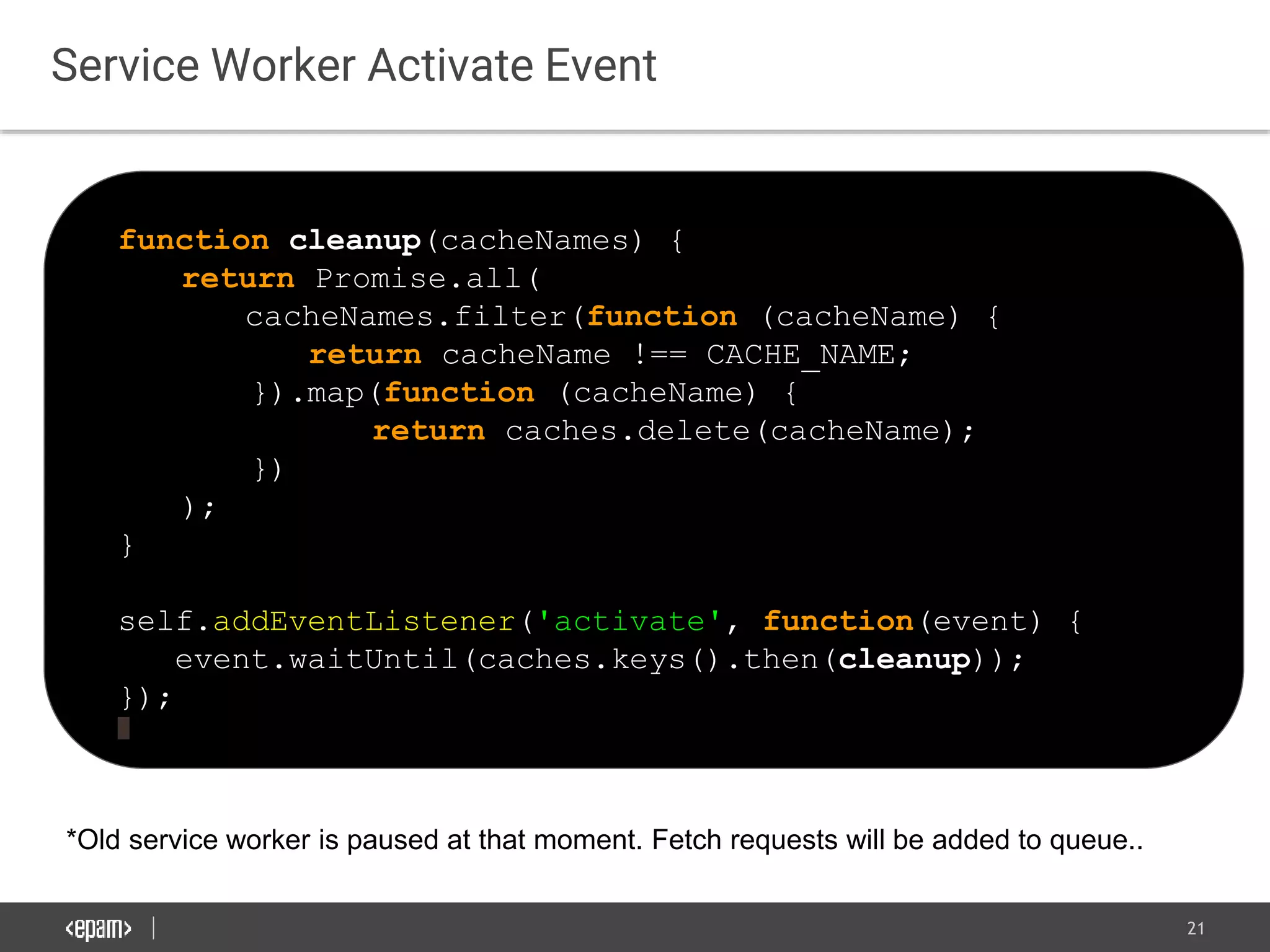
Service Worker Activate Event
function cleanup(cacheNames) {
return Promise.all(
cacheNames.filter(function (cacheName) {
return cacheName !== CACHE_NAME;
}).map(function (cacheName) {
return caches.delete(cacheName);
})
);
}
self.addEventListener('activate', function(event) {
event.waitUntil(caches.keys().then(cleanup));
});
*Old service worker is paused at that moment. Fetch requests will be added to queue..
22
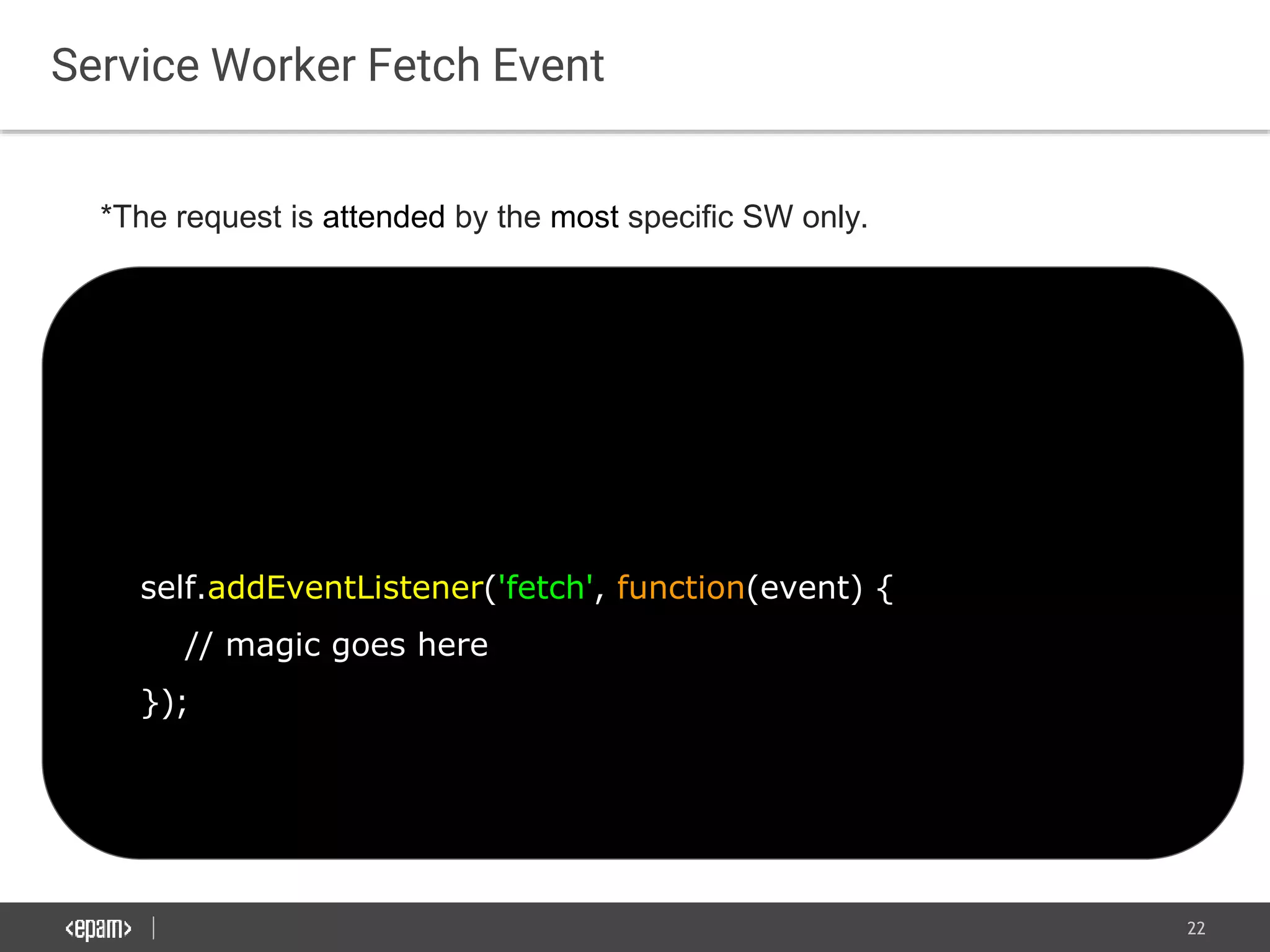
Service Worker Fetch Event
self.addEventListener('fetch', function(event) {
// magic goes here
});
*The request is attended by the most specific SW only.
23
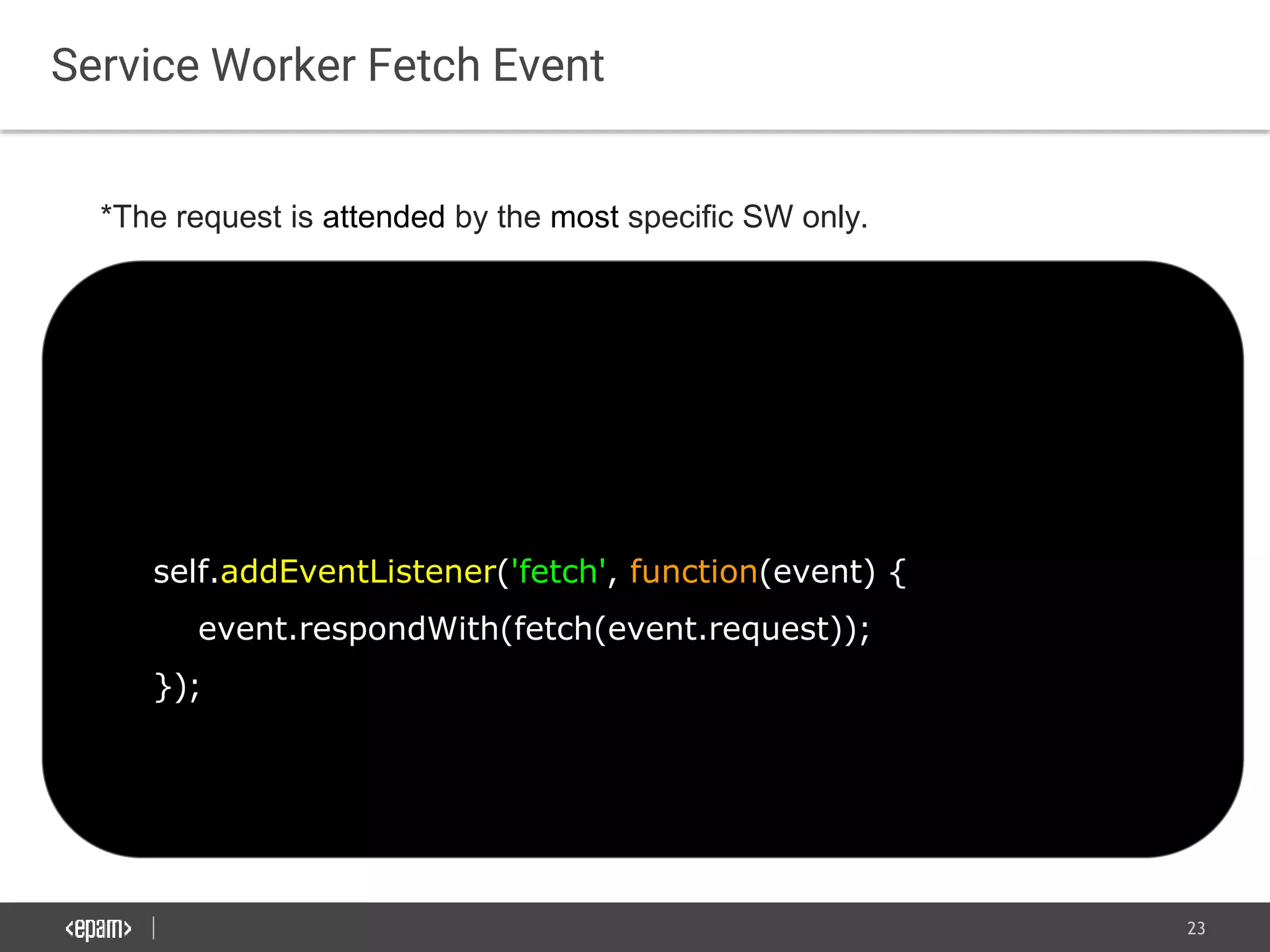
Service Worker Fetch Event
self.addEventListener('fetch', function(event) {
event.respondWith(fetch(event.request));
});
*The request is attended by the most specific SW only.
24
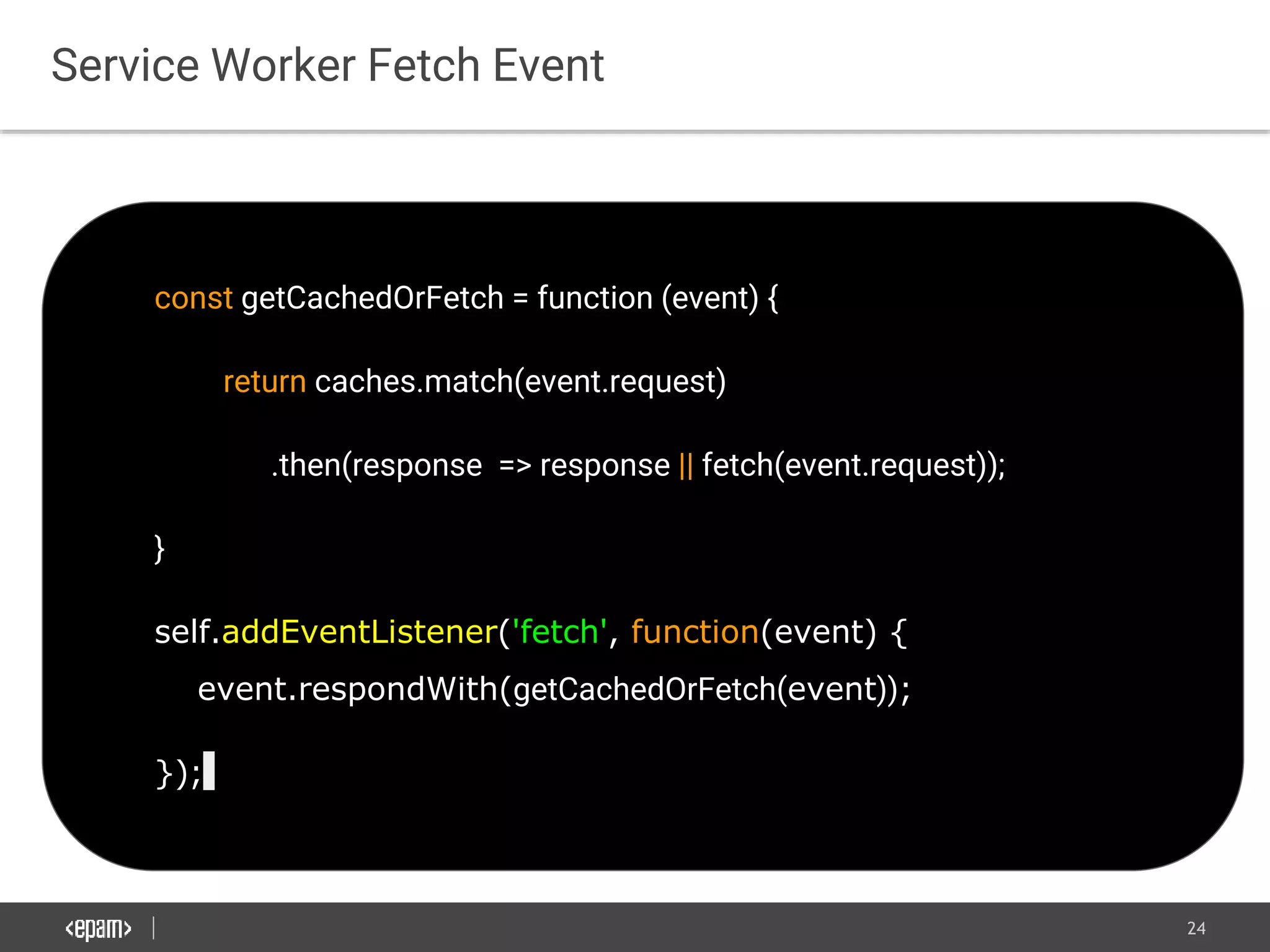
const getCachedOrFetch = function (event) {
return caches.match(event.request)
.then(response => response || fetch(event.request));
}
self.addEventListener('fetch', function(event) {
event.respondWith(getCachedOrFetch(event));
});
Service Worker Fetch Event
25
Don’t write boilerplate use
Workbox
26
Workbox
Offline Caching:
● Cache only
● Cache first, falling back to network
● Cache, with network update
● Network only
● Network first, falling back to cache
Offline Analytics:
Workbox can collect user analytics while offline.
27
Workbox
You can integrate it with:
28
Workbox
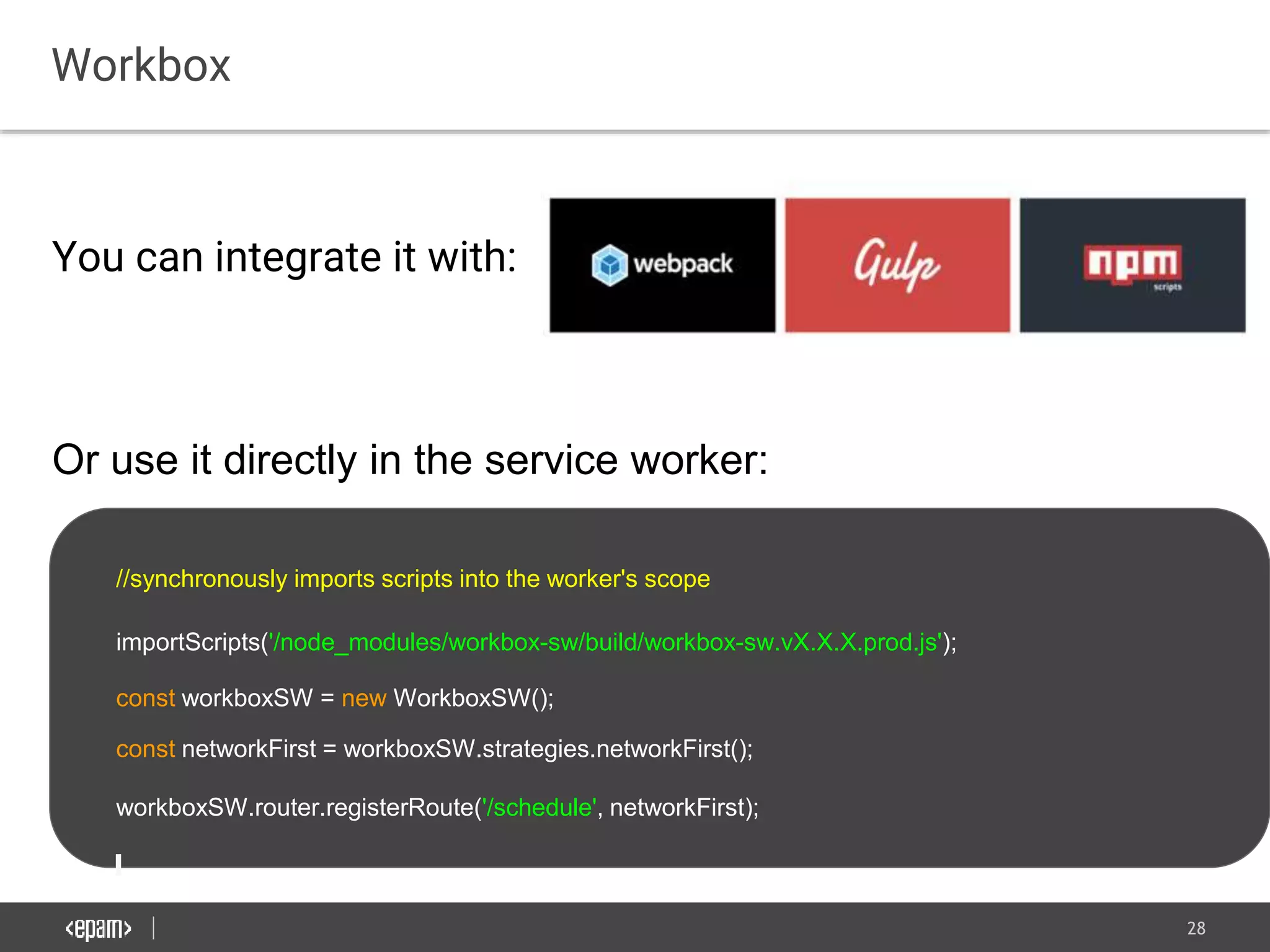
You can integrate it with:
Or use it directly in the service worker:
//synchronously imports scripts into the worker's scope
importScripts('/node_modules/workbox-sw/build/workbox-sw.vX.X.X.prod.js');
const workboxSW = new WorkboxSW();
const networkFirst = workboxSW.strategies.networkFirst();
workboxSW.router.registerRoute('/schedule', networkFirst);
29
BackgroundSync DEMO
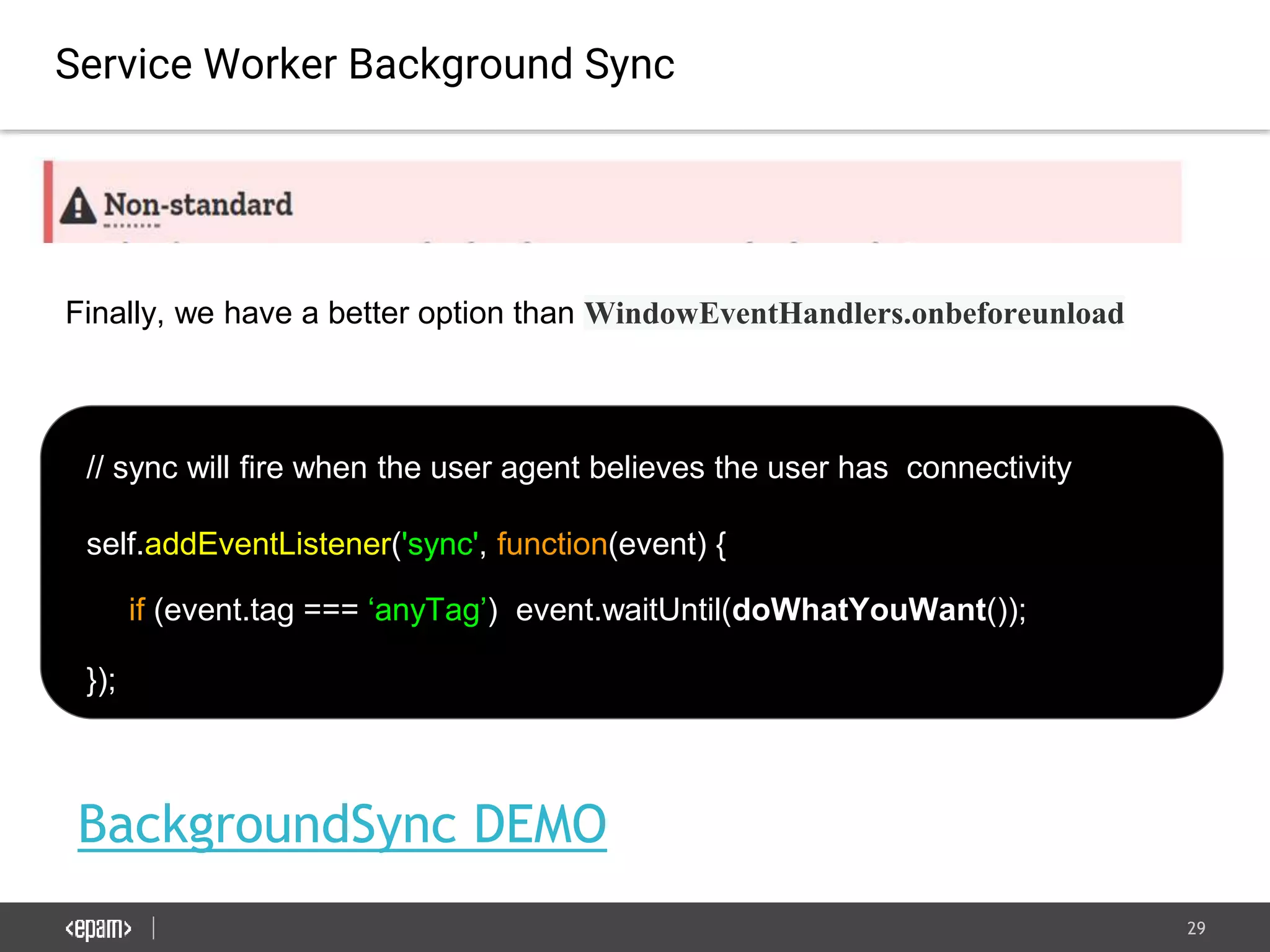
Service Worker Background Sync
// sync will fire when the user agent believes the user has connectivity
self.addEventListener('sync', function(event) {
if (event.tag === ‘anyTag’) event.waitUntil(doWhatYouWant());
});
Finally, we have a better option than WindowEventHandlers.onbeforeunload
30
Browser Storage APIs
Cache API (part of Service Worker). - use it for URL addressable resources.
31
Browser Storage APIs
Cache API (part of Service Worker). - use it for URL addressable resources.
IndexedDB - use it for all other data. (Also, exist polyfills with fallback to Web
SQL).
32
Browser Storage APIs
Cache API (part of Service Worker). - use it for URL addressable resources.
IndexedDB - use it for all other data. (Also, exist polyfills with fallback to Web
SQL).
LocalStorage - Has no Web Worker. But it is persistent storage by default!
33
Browser Storage APIs
Cache API (part of Service Worker). - use it for URL addressable resources.
IndexedDB - use it for all other data. (Also, exist polyfills with fallback to Web
SQL).
LocalStorage - Has no Web Worker. But it is persistent storage by default!
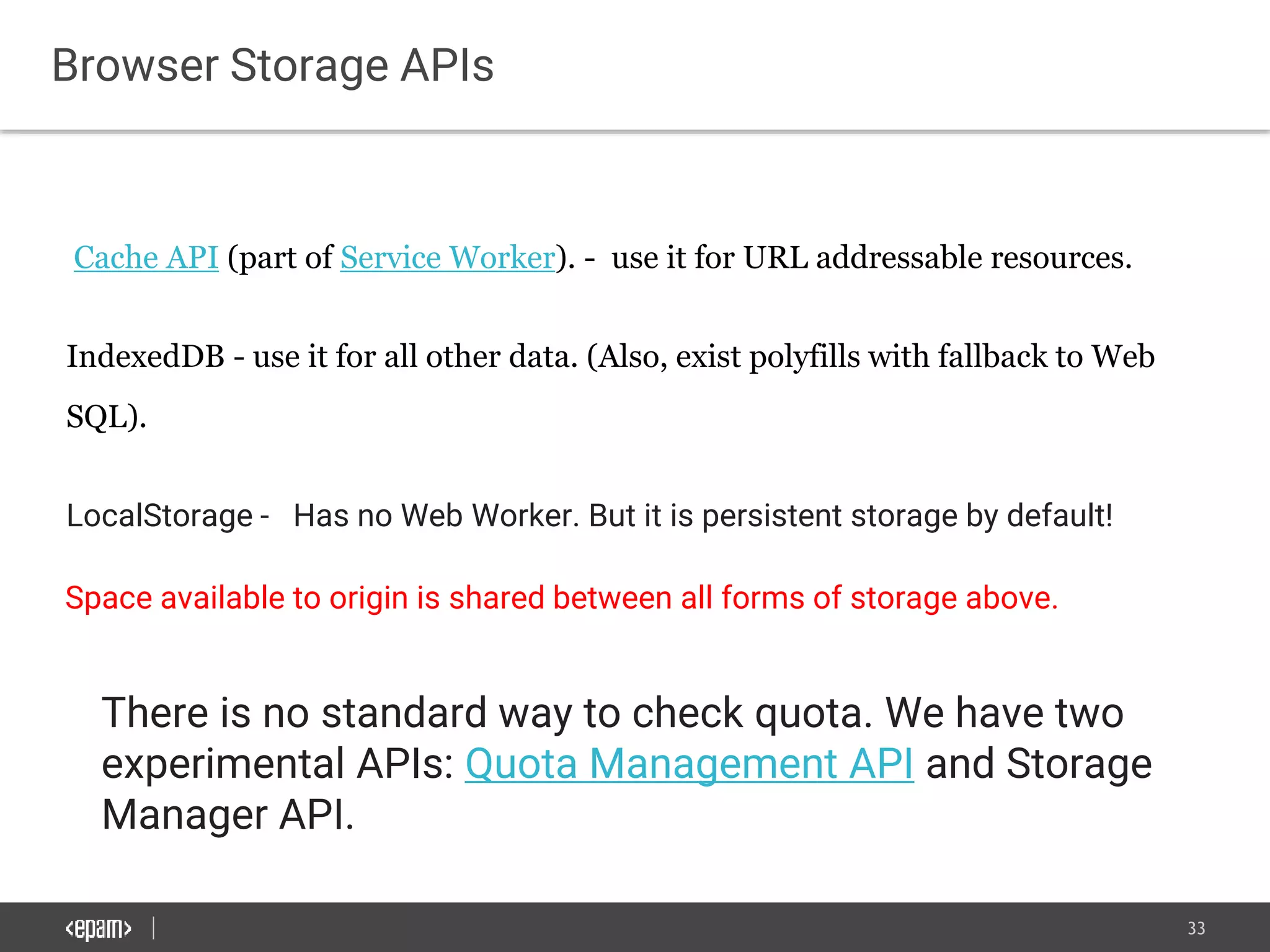
Space available to origin is shared between all forms of storage above.
There is no standard way to check quota. We have two
experimental APIs: Quota Management API and Storage
Manager API.
34
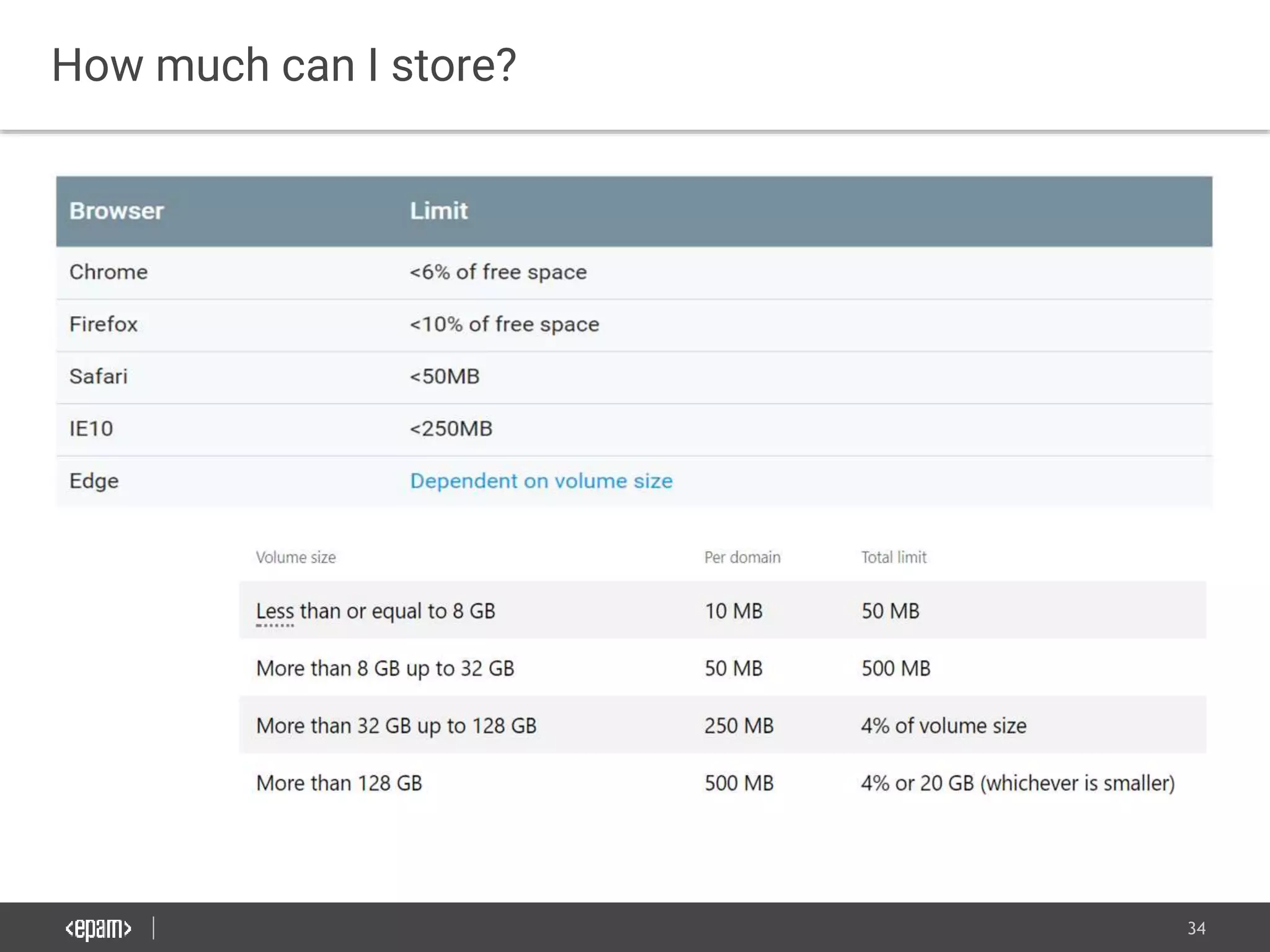
How much can I store?
35
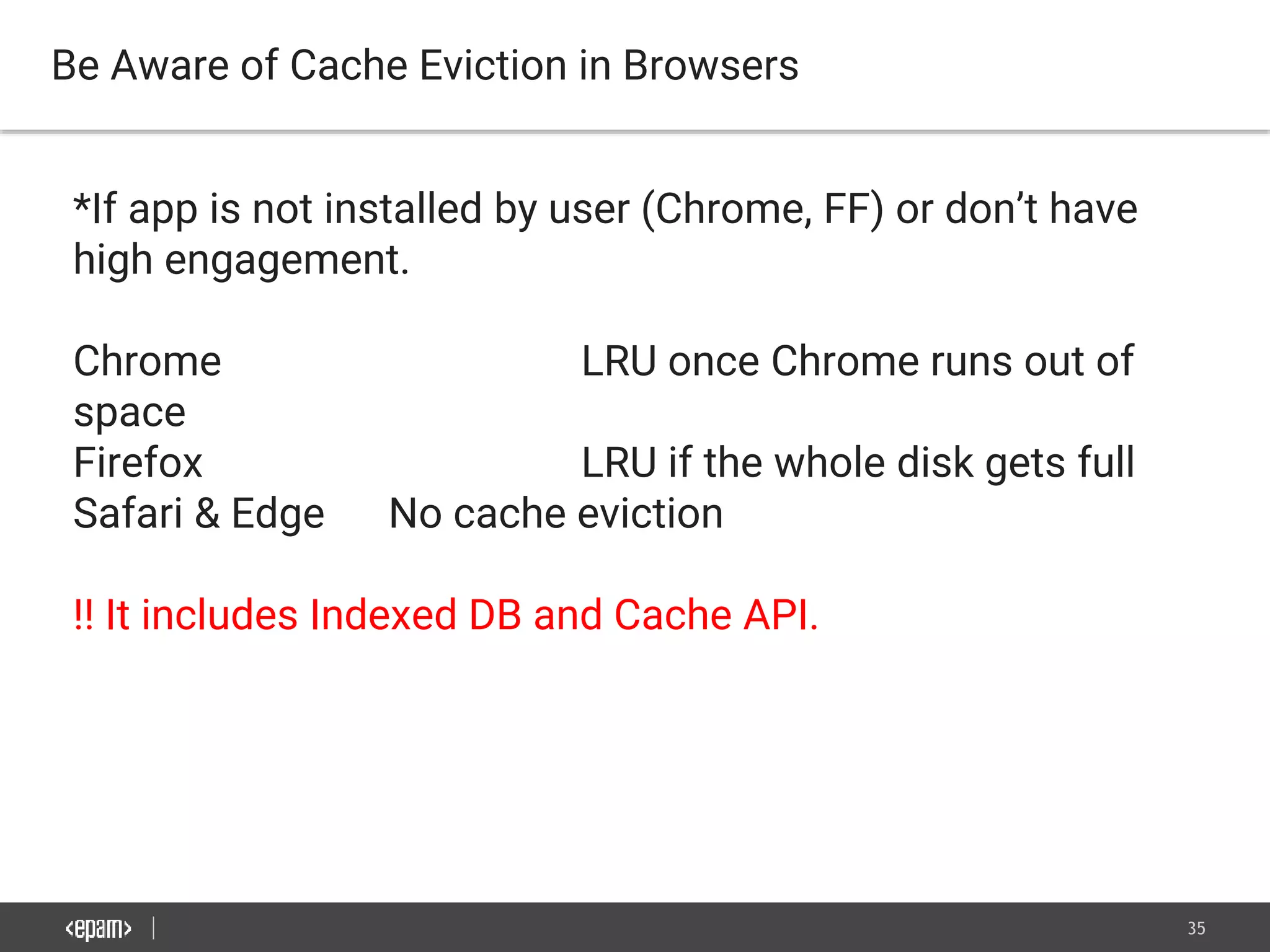
Be Aware of Cache Eviction in Browsers
*If app is not installed by user (Chrome, FF) or don’t have
high engagement.
Chrome LRU once Chrome runs out of
space
Firefox LRU if the whole disk gets full
Safari & Edge No cache eviction
!! It includes Indexed DB and Cache API.
36
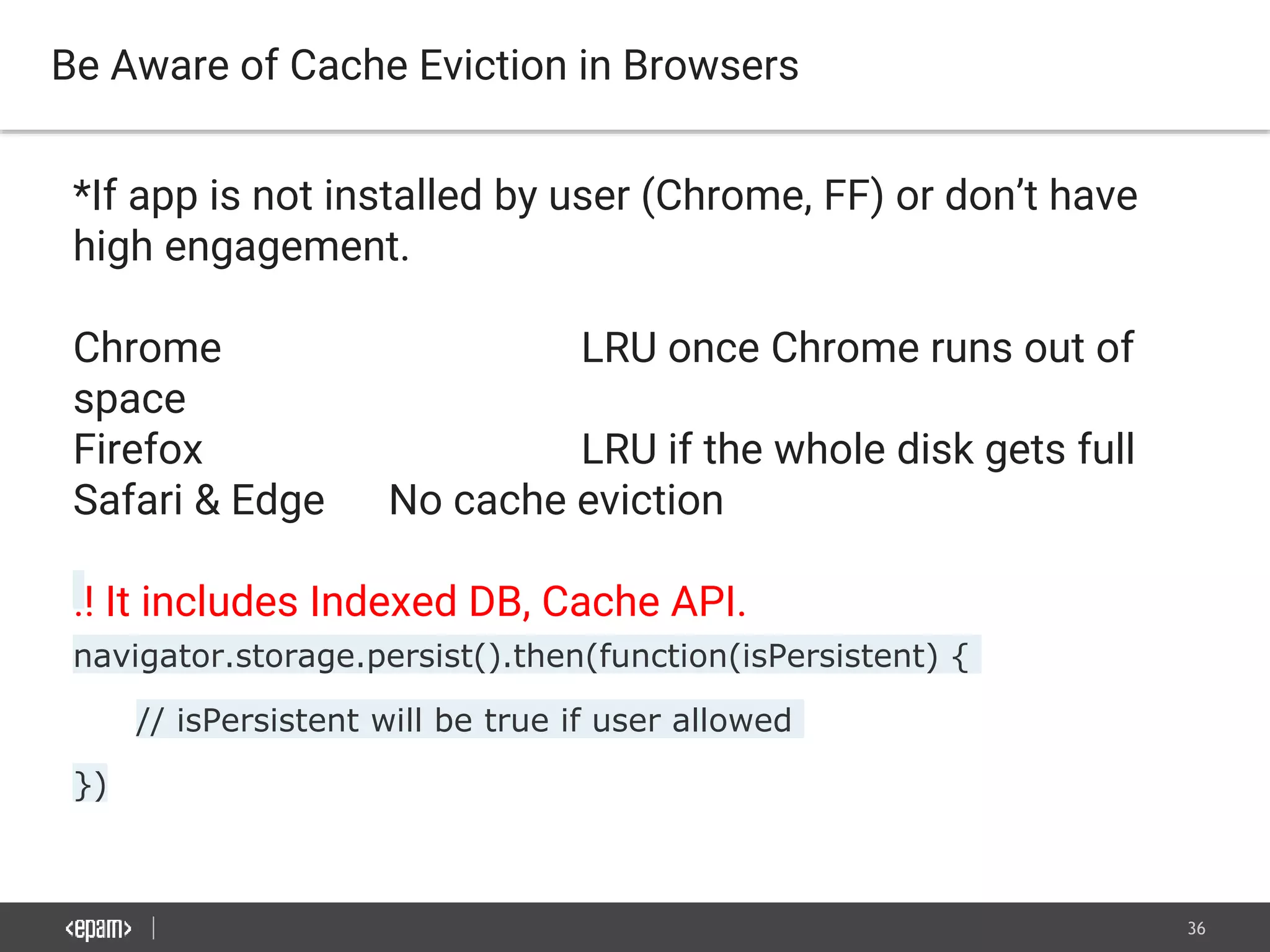
Be Aware of Cache Eviction in Browsers
*If app is not installed by user (Chrome, FF) or don’t have
high engagement.
Chrome LRU once Chrome runs out of
space
Firefox LRU if the whole disk gets full
Safari & Edge No cache eviction
!! It includes Indexed DB, Cache API.
navigator.storage.persist().then(function(isPersistent) {
// isPersistent will be true if user allowed
})
37
UI/UX patterns
38
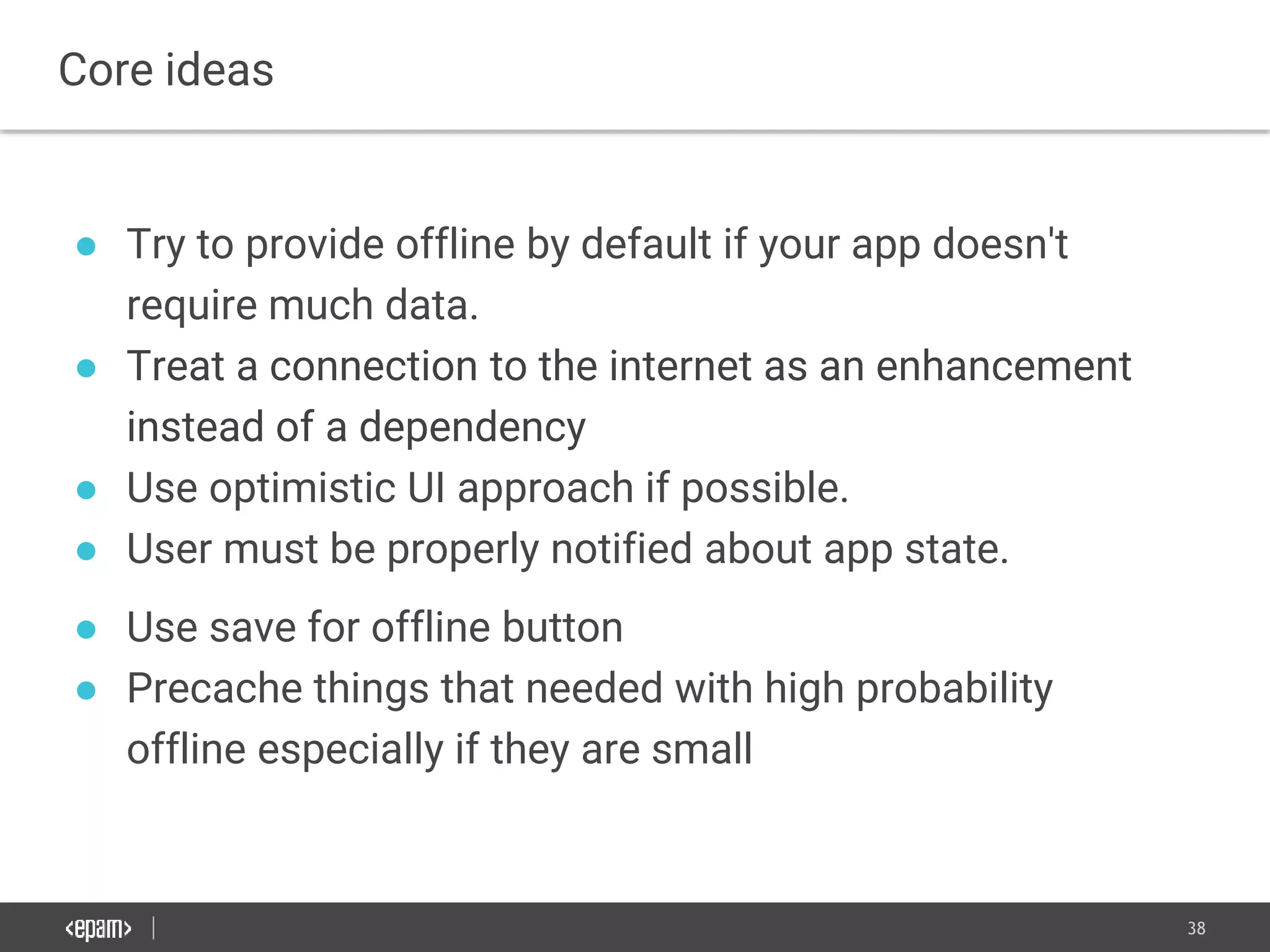
● Try to provide offline by default if your app doesn't
require much data.
● Treat a connection to the internet as an enhancement
instead of a dependency
● Use optimistic UI approach if possible.
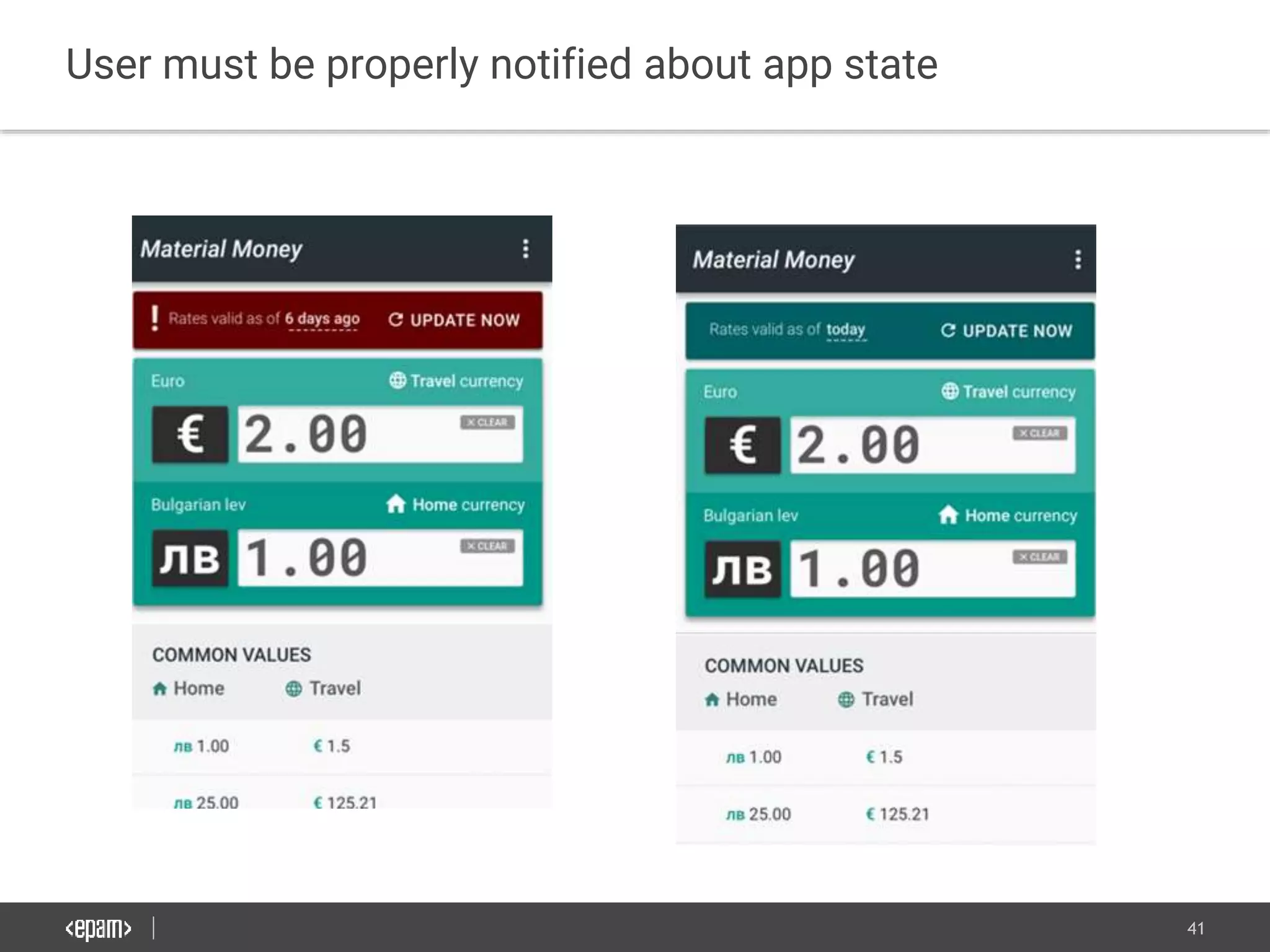
● User must be properly notified about app state.
● Use save for offline button
● Precache things that needed with high probability
offline especially if they are small
Core ideas
39
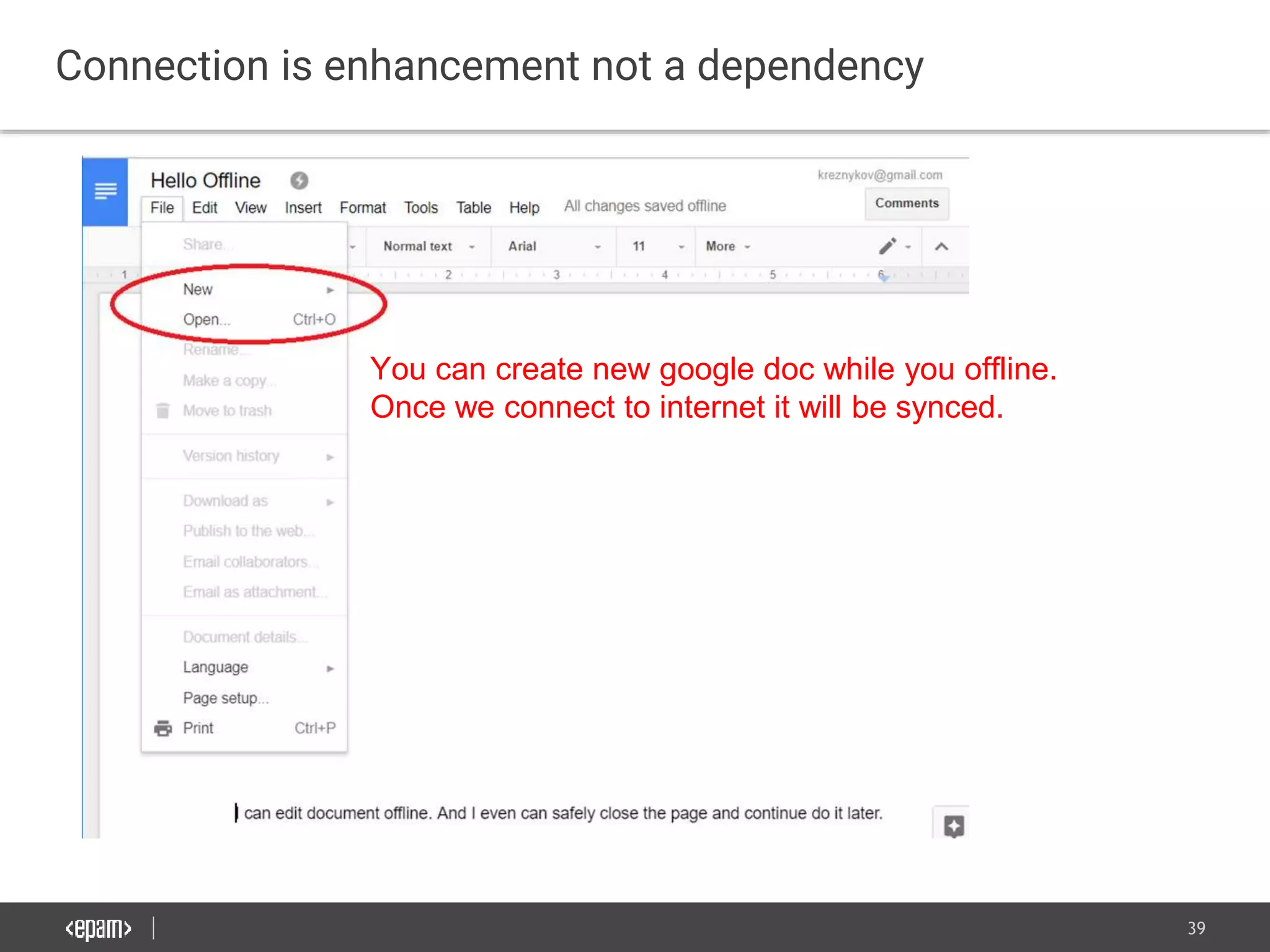
Connection is enhancement not a dependency
You can create new google doc while you offline.
Once we connect to internet it will be synced.
40
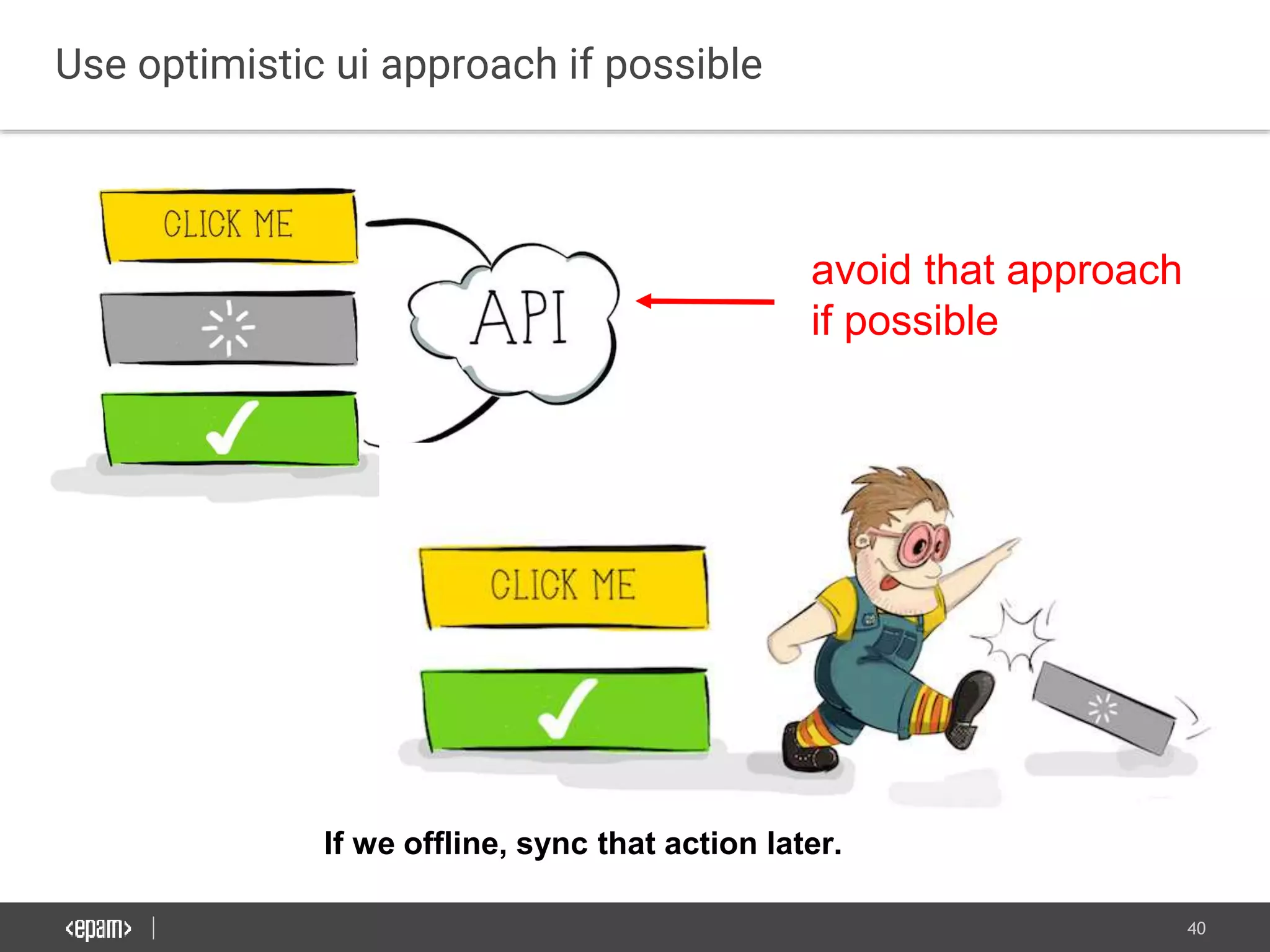
Use optimistic ui approach if possible
avoid that approach
if possible
If we offline, sync that action later.
41
User must be properly notified about app state
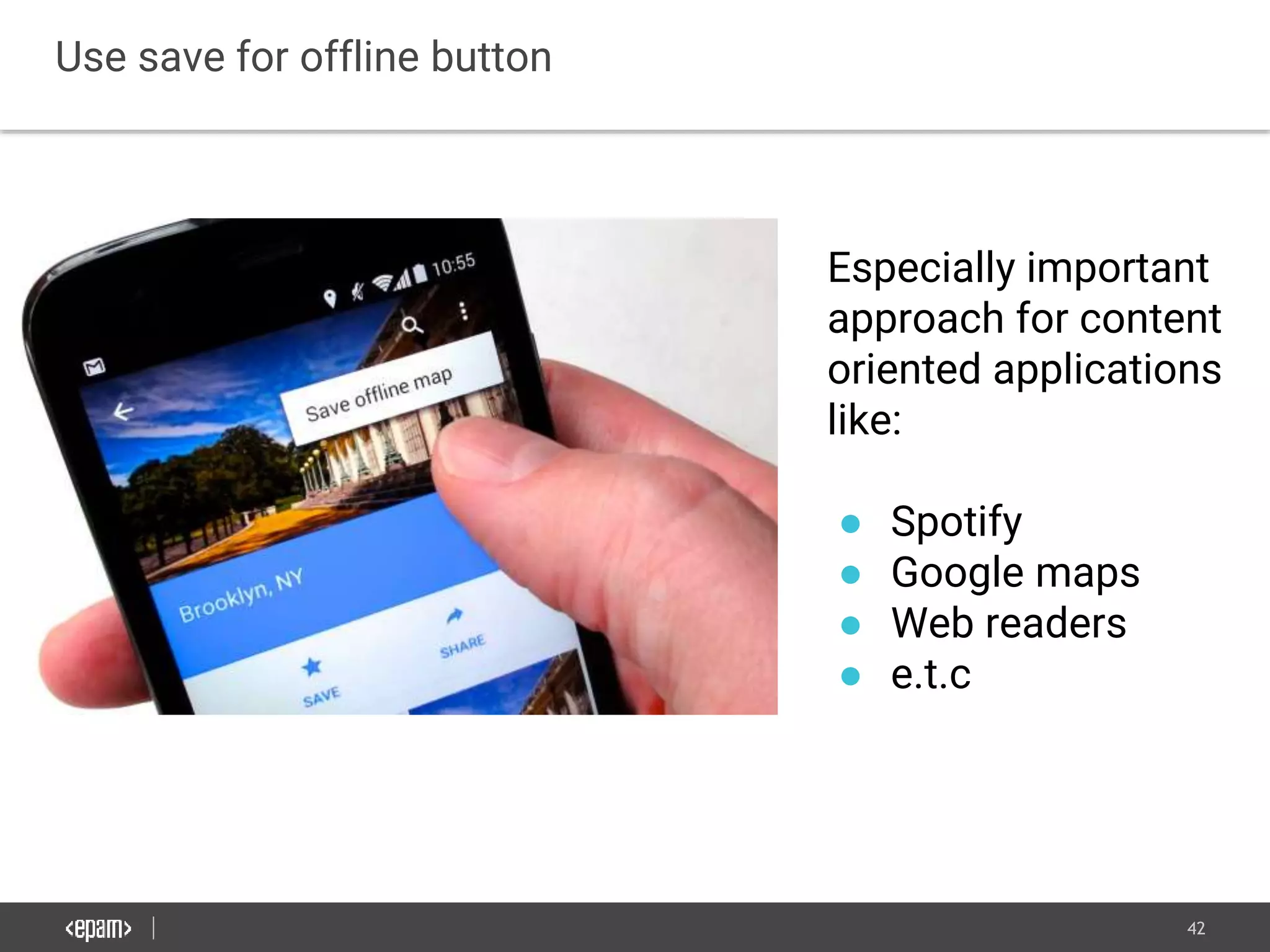
42
Use save for offline button
Especially important
approach for content
oriented applications
like:
● Spotify
● Google maps
● Web readers
● e.t.c
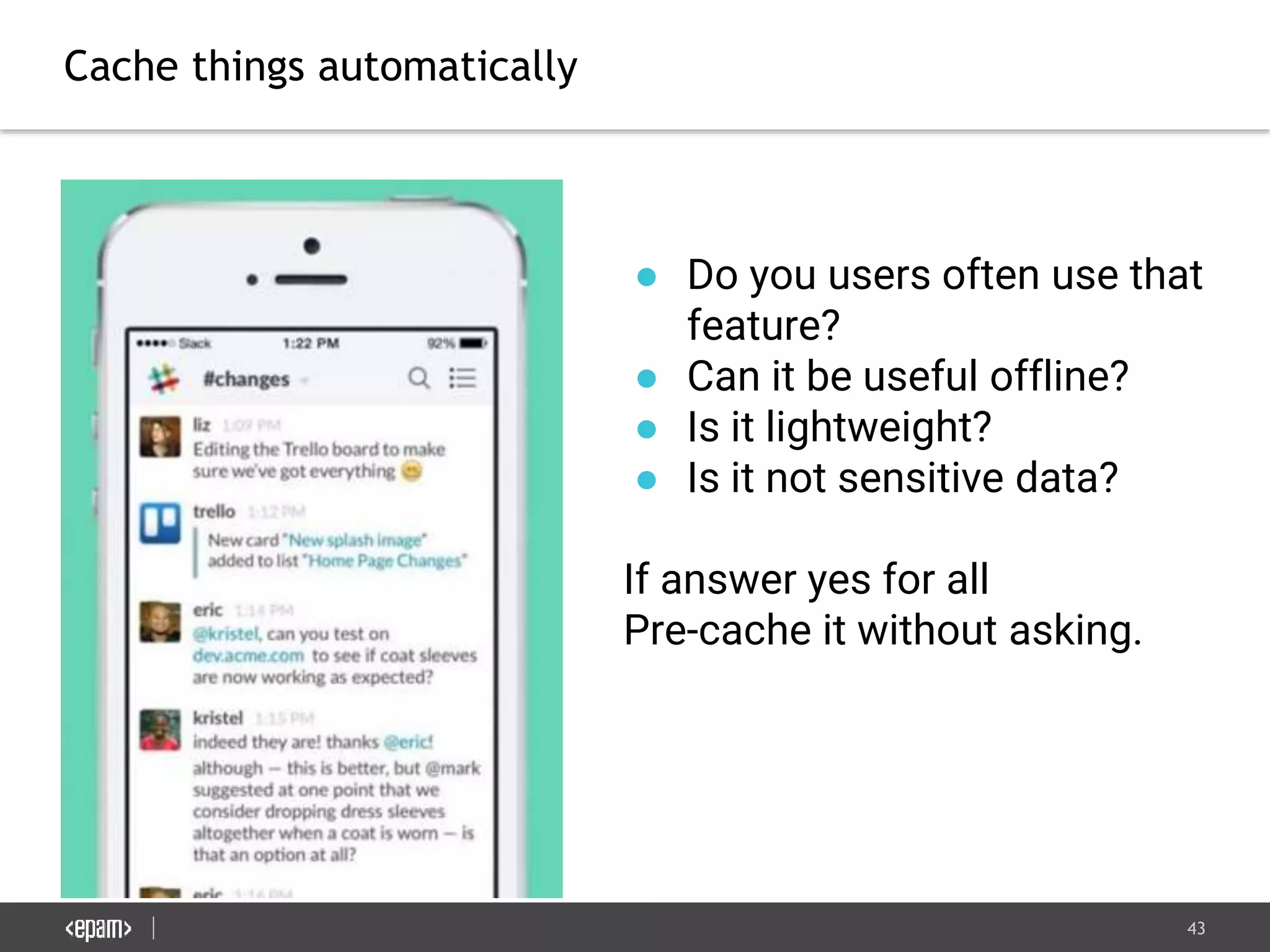
43
Cache things automatically
● Do you users often use that
feature?
● Can it be useful offline?
● Is it lightweight?
● Is it not sensitive data?
If answer yes for all
Pre-cache it without asking.
44
Offline Storage Replication
45
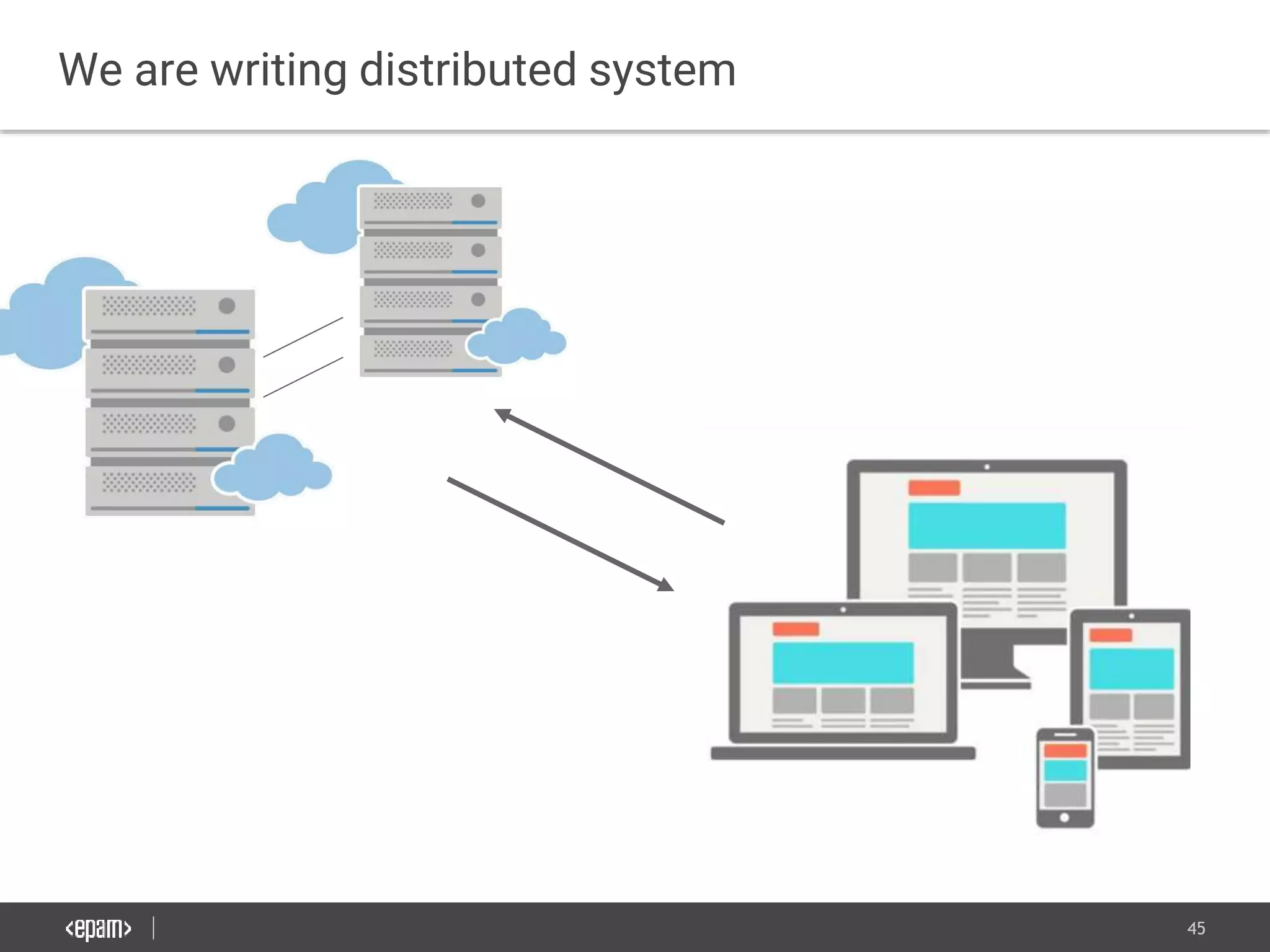
We are writing distributed system
46
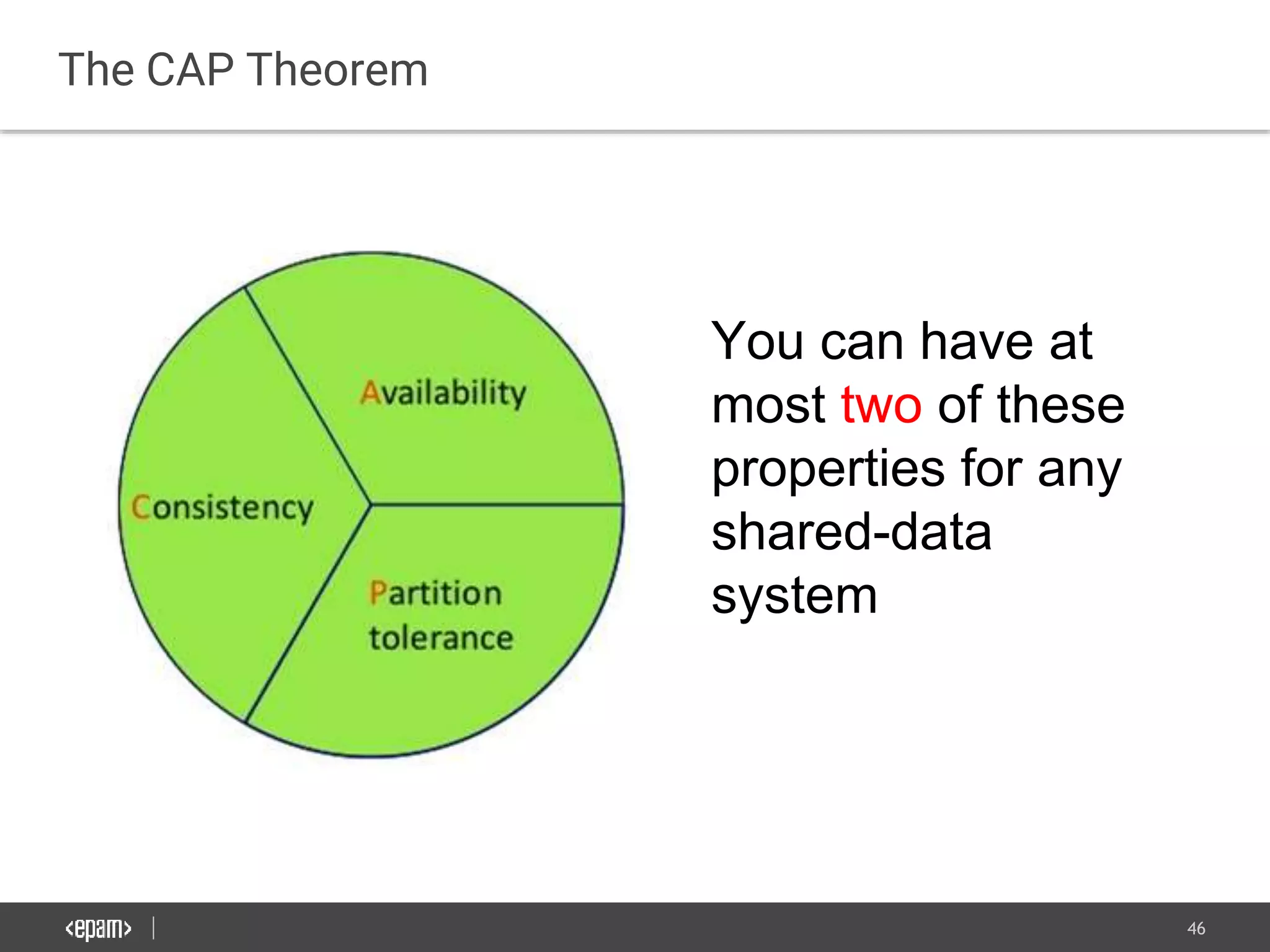
The CAP Theorem
You can have at
most two of these
properties for any
shared-data
system
47
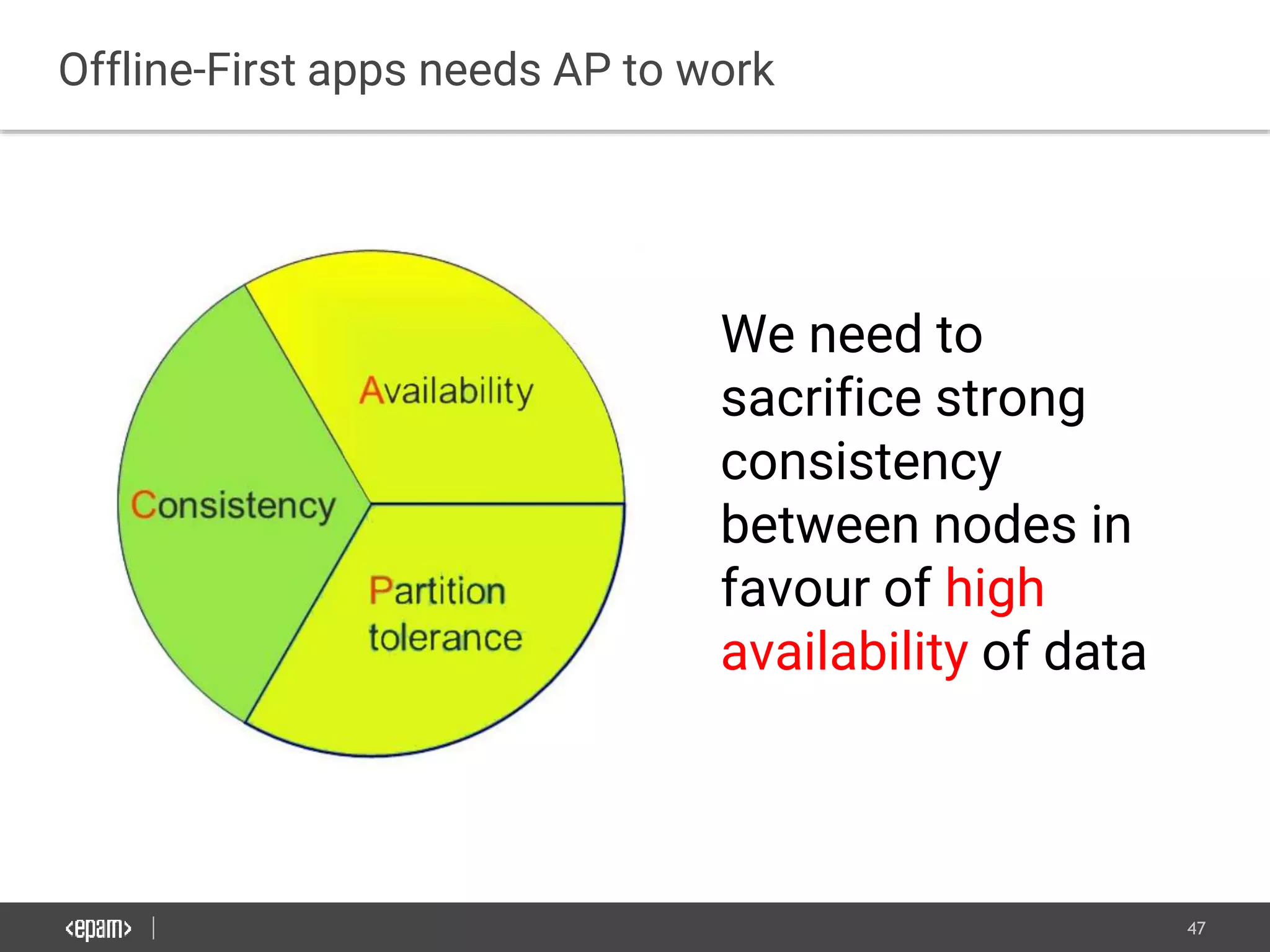
Offline-First apps needs AP to work
We need to
sacrifice strong
consistency
between nodes in
favour of high
availability of data
48
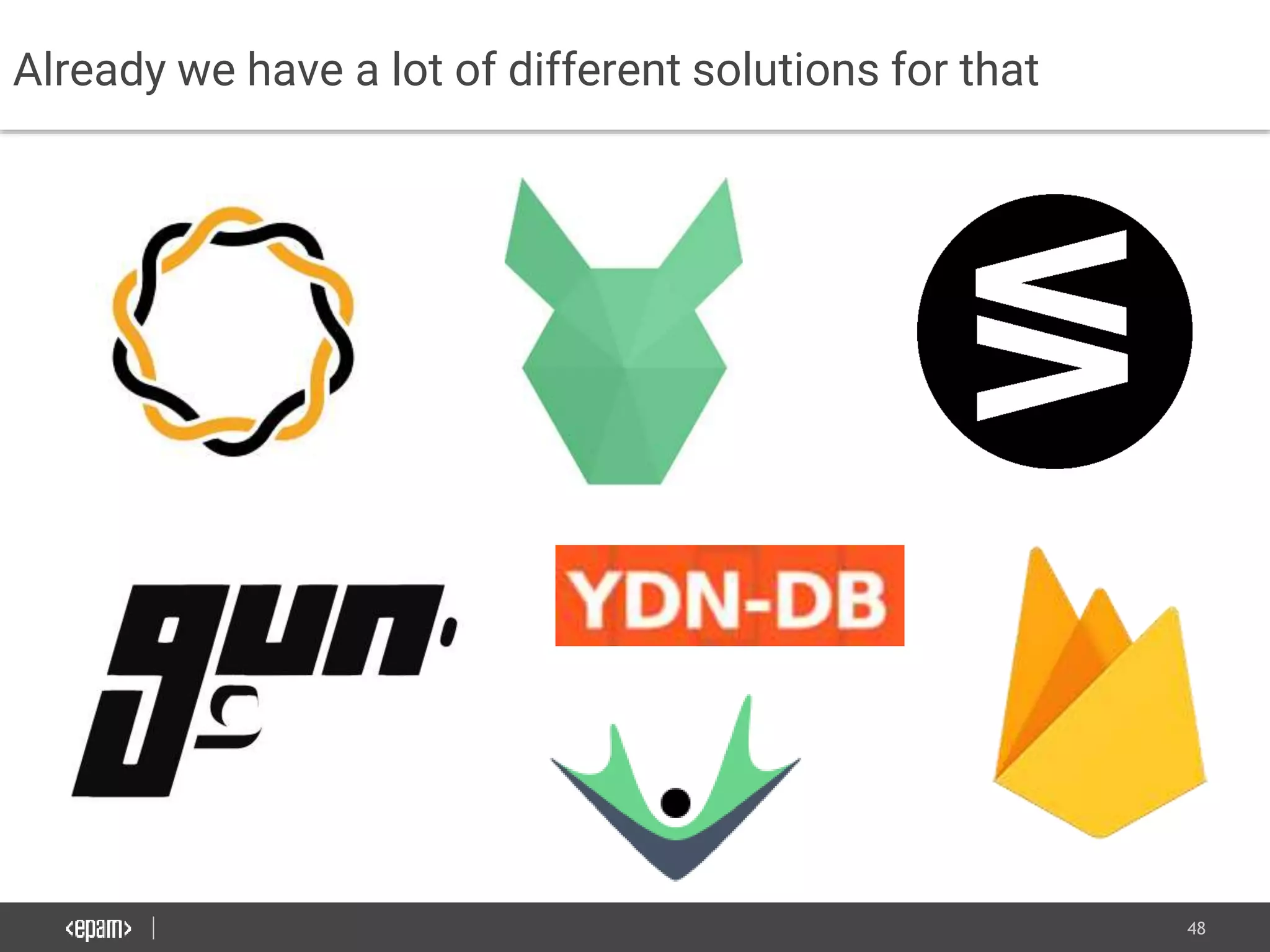
Already we have a lot of different solutions for that
49
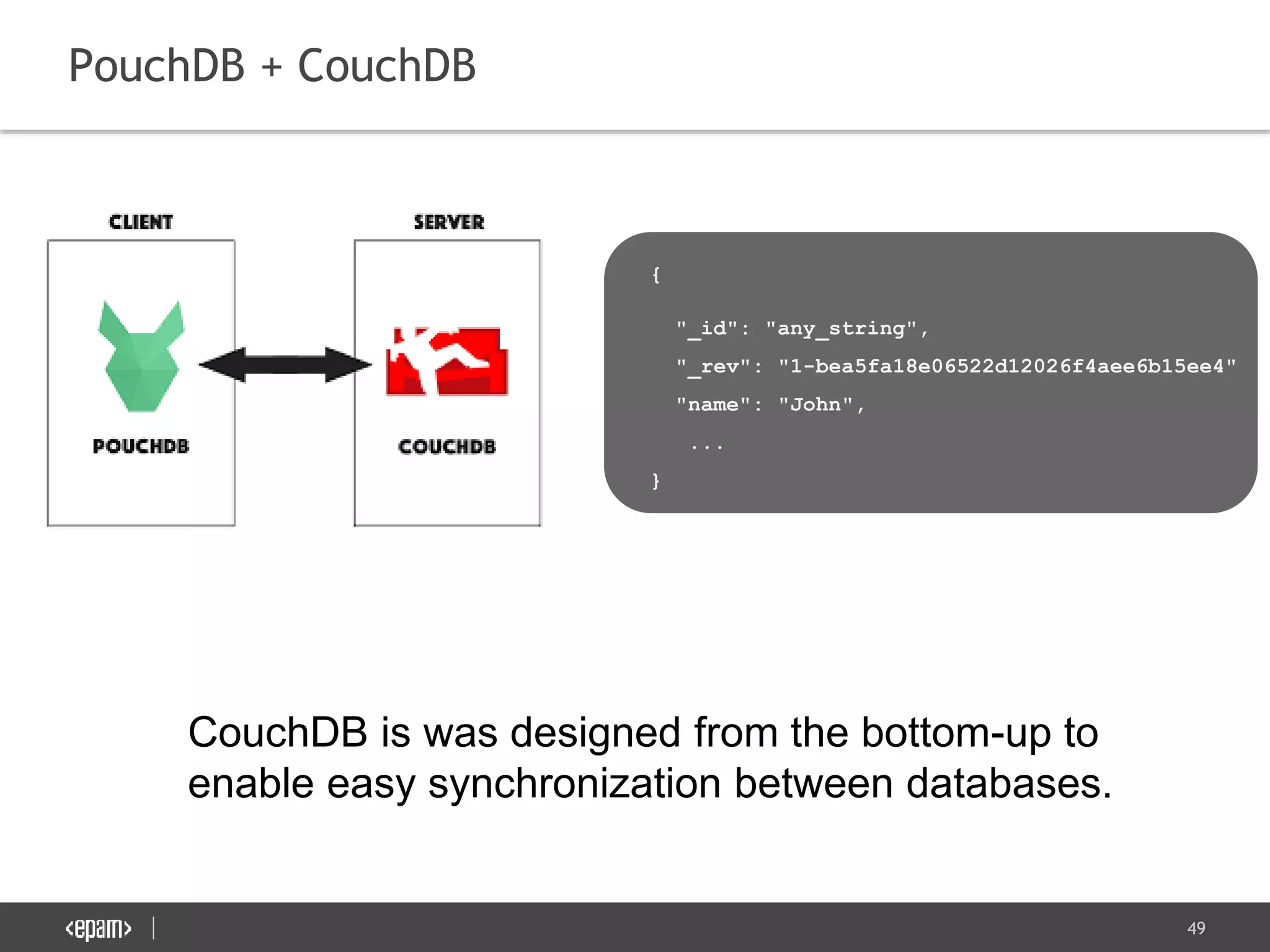
PouchDB + CouchDB
CouchDB is was designed from the bottom-up to
enable easy synchronization between databases.
{
"_id": "any_string",
"_rev": "1-bea5fa18e06522d12026f4aee6b15ee4"
"name": "John",
...
}
50
PouchDB + CouchDB
Pros:
● Production ready. Well tested
● Nice documentation.
● Wide browser support.
Cons
● You are tight to a specific DB which supports its sync
protocol on backend.
● Poor automatic conflict resolution*
● Not good for real time apps.
*The winner is the version with the longest revision history
And in case of a tie, the winner is the revision with the lexicographically highest
revision ID; e.g. "12-F4B2..." beats "12-42AA..."
51
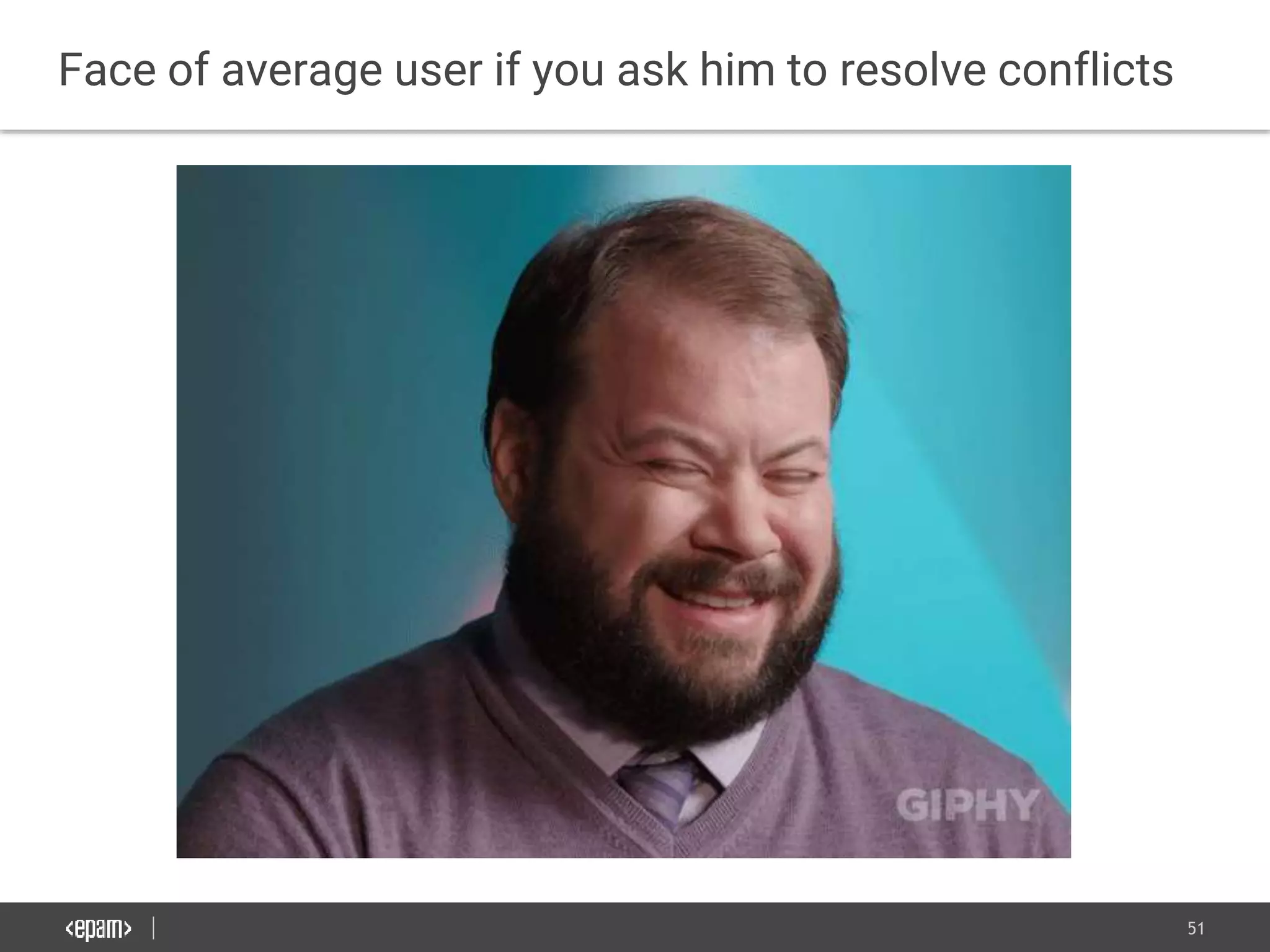
Face of average user if you ask him to resolve conflicts
52
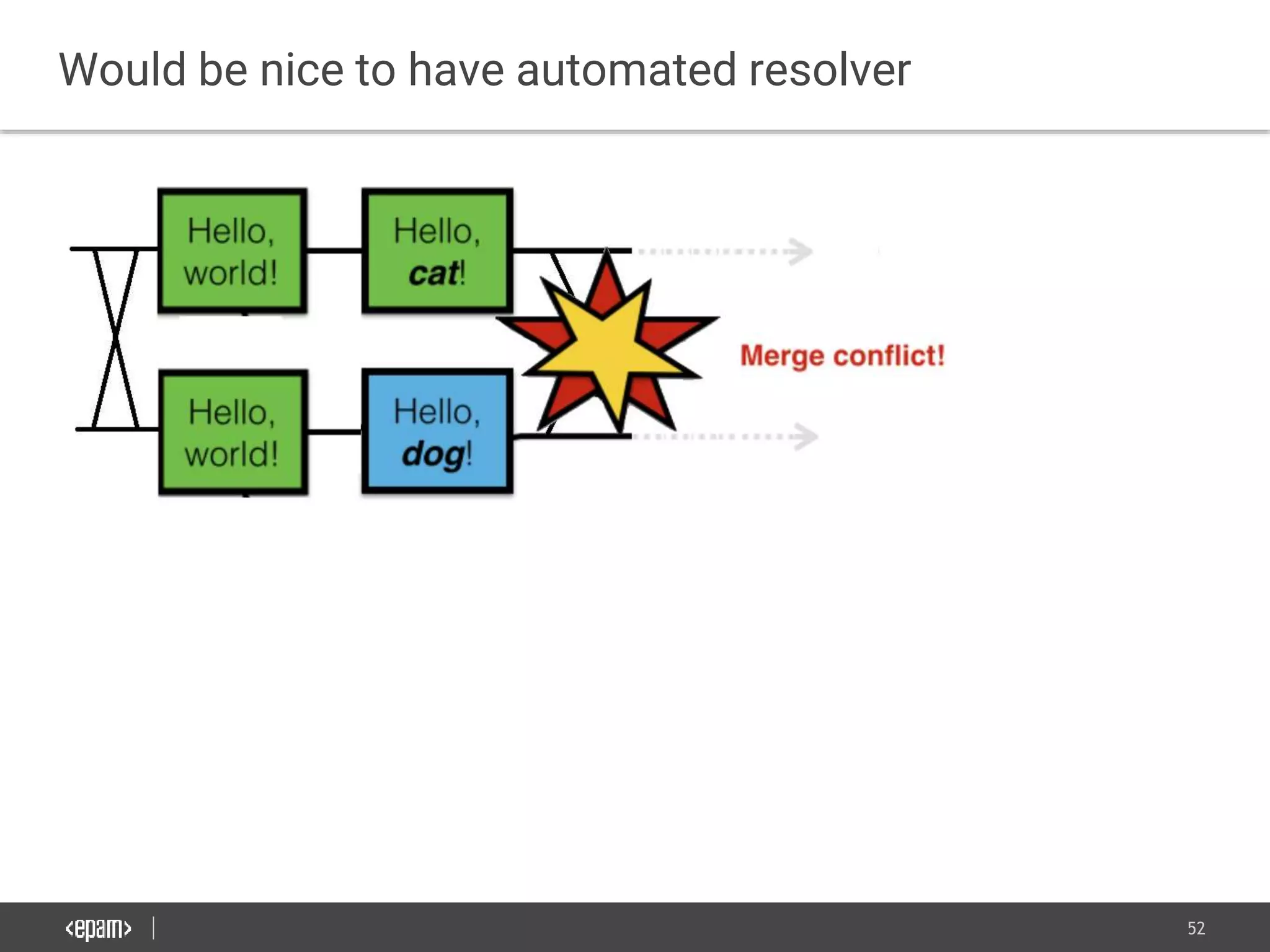
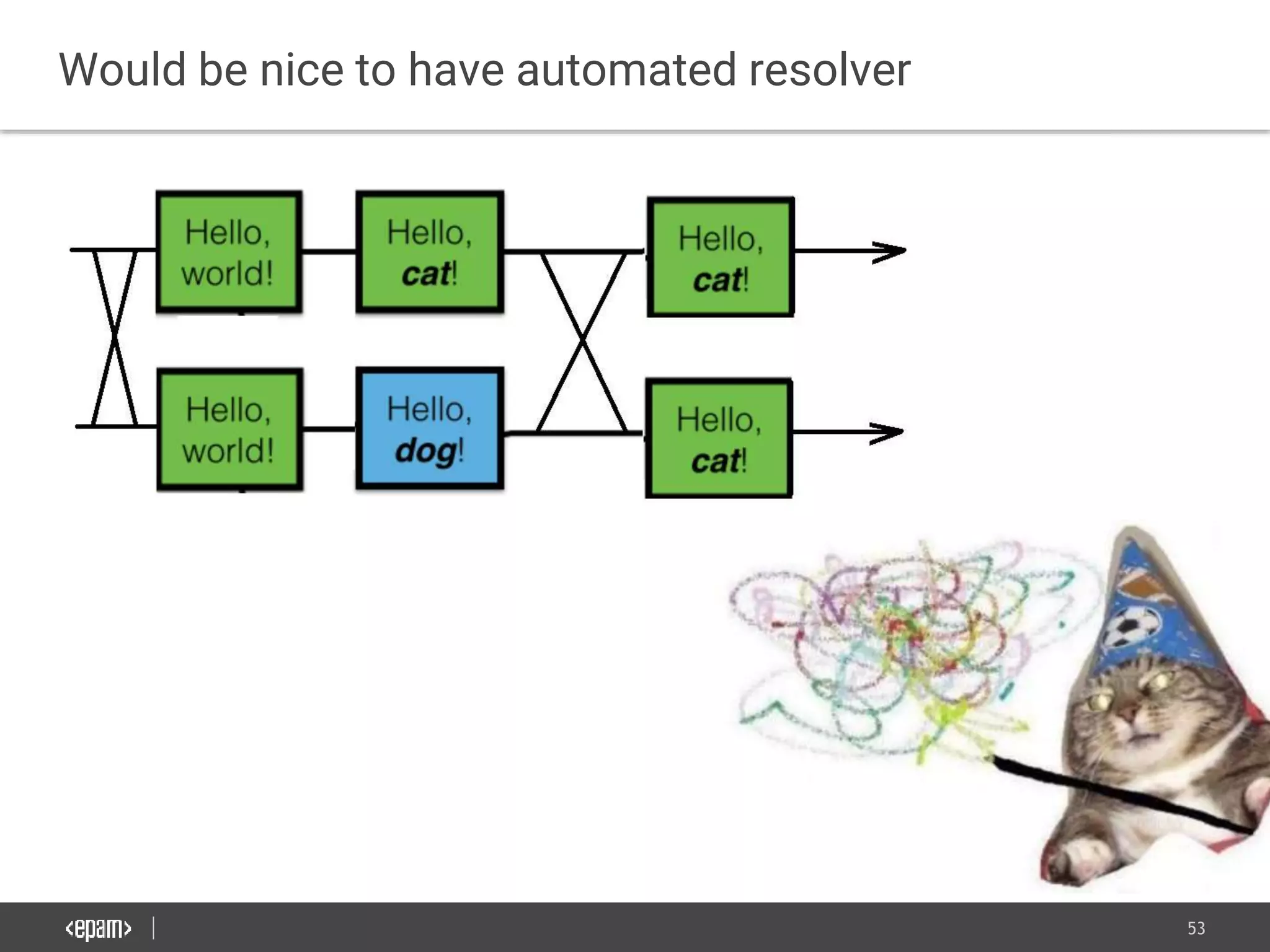
Would be nice to have automated resolver
53
Would be nice to have automated resolver
54
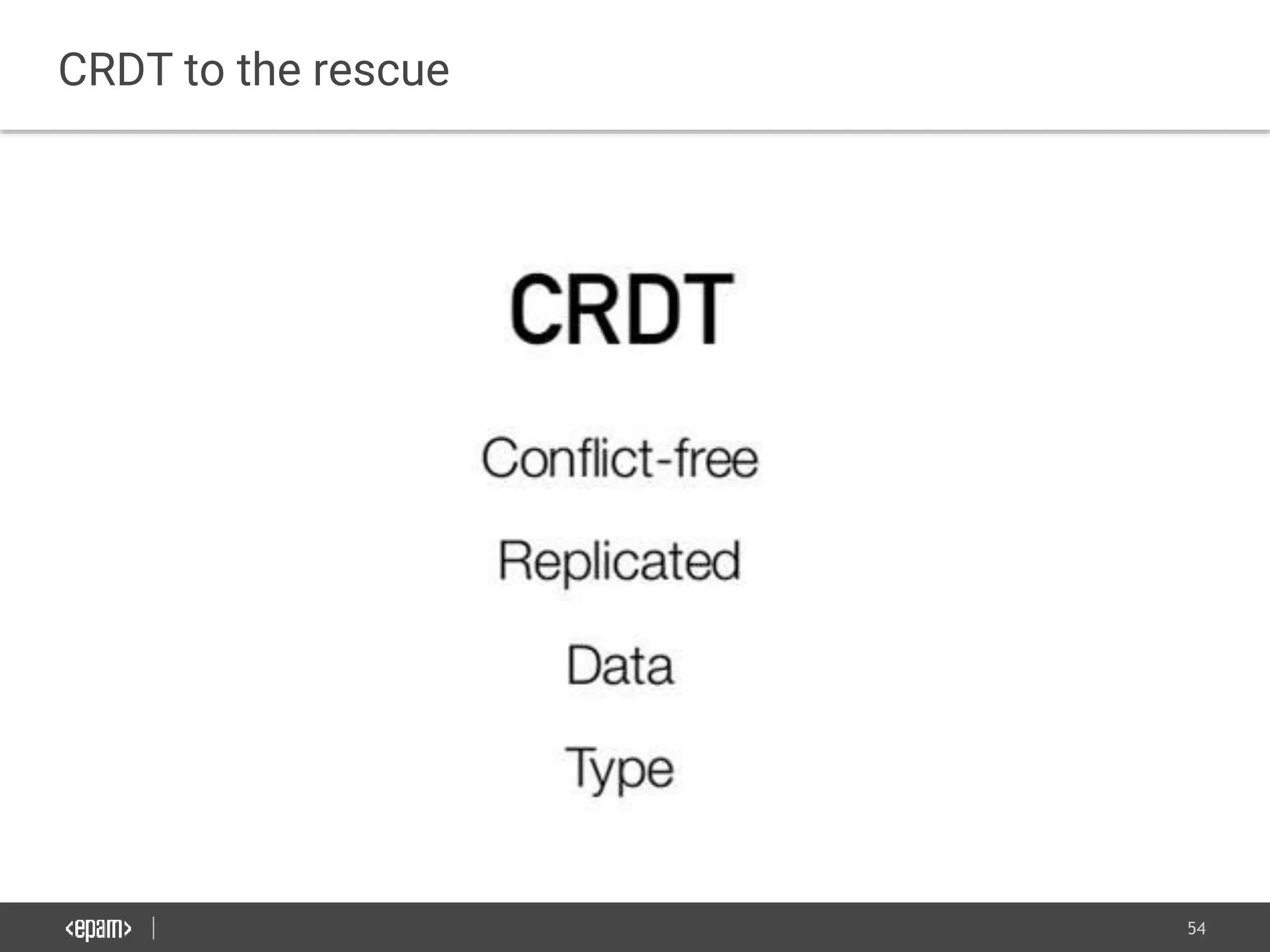
CRDT to the rescue
55
Bob
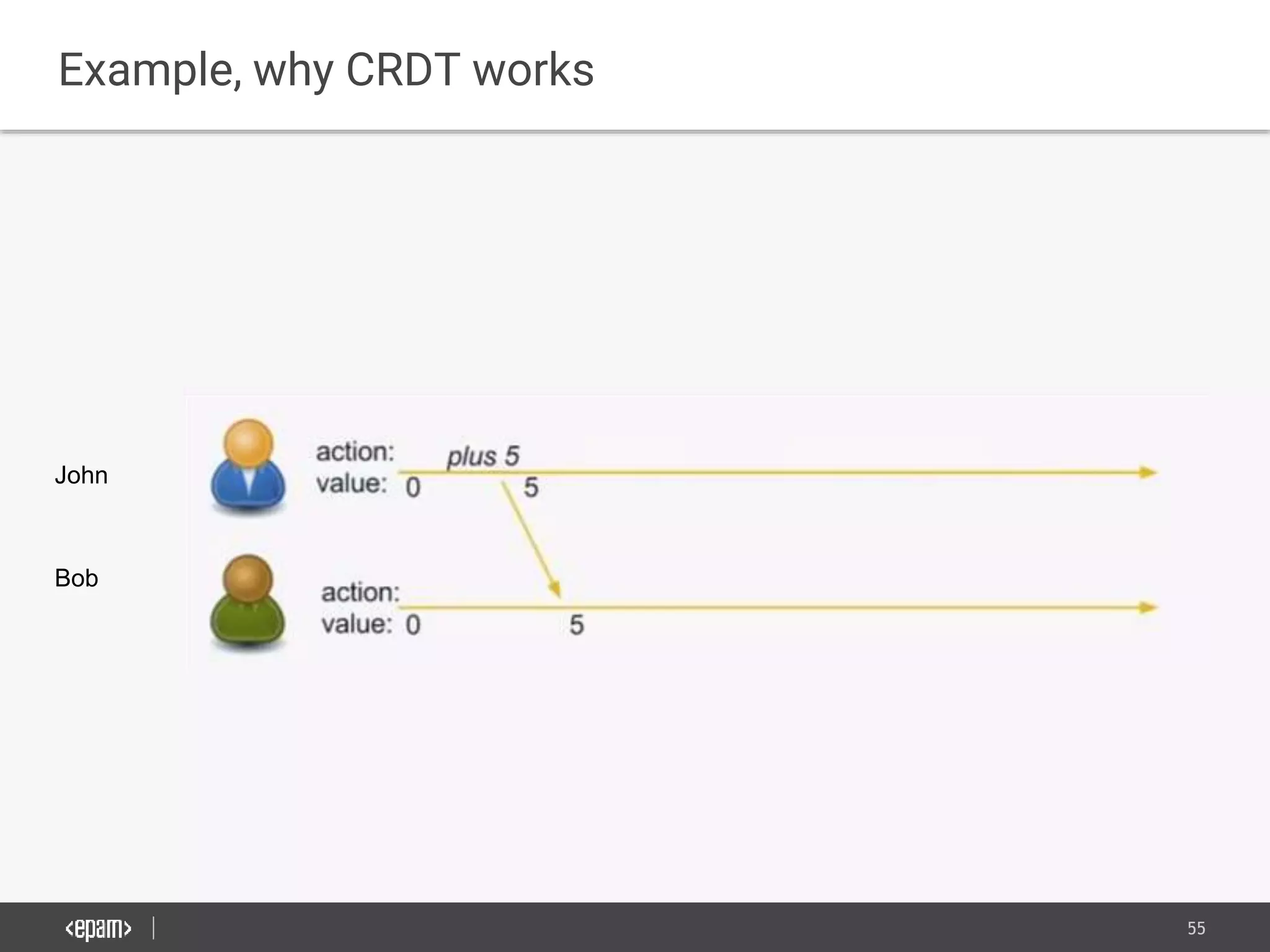
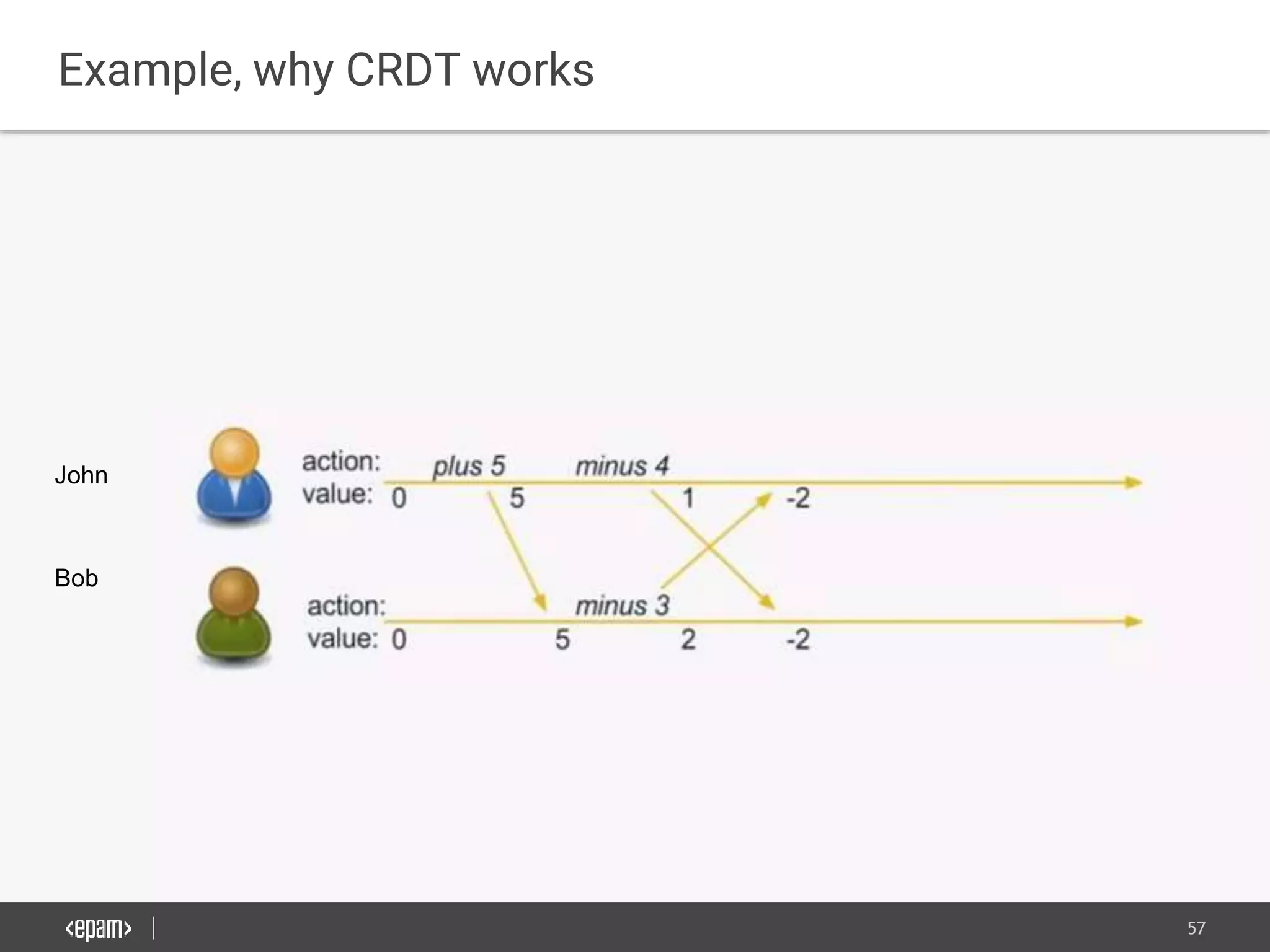
Example, why CRDT works
John
56
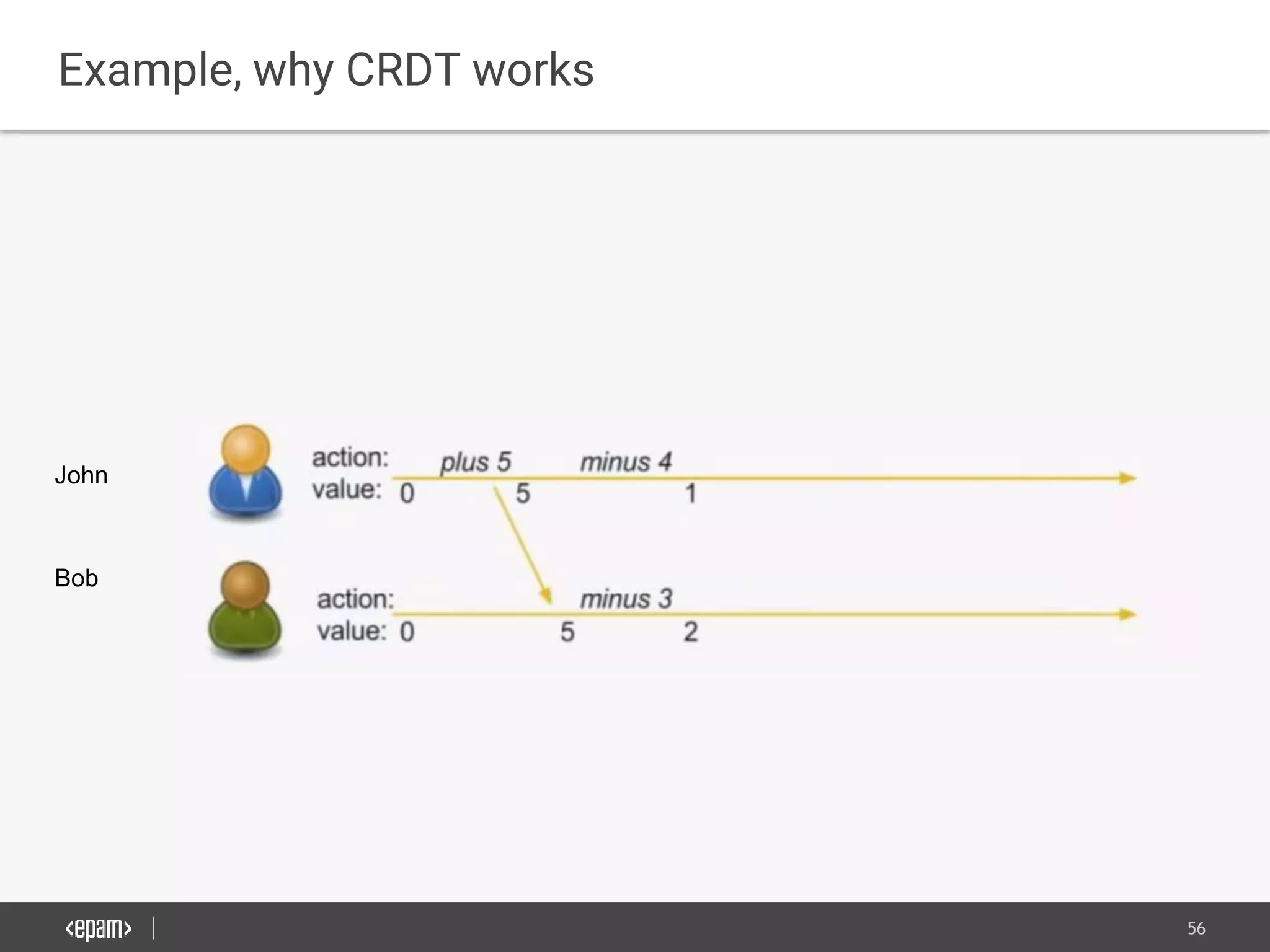
Example, why CRDT works
Bob
John
57
Example, why CRDT works
Bob
John
58
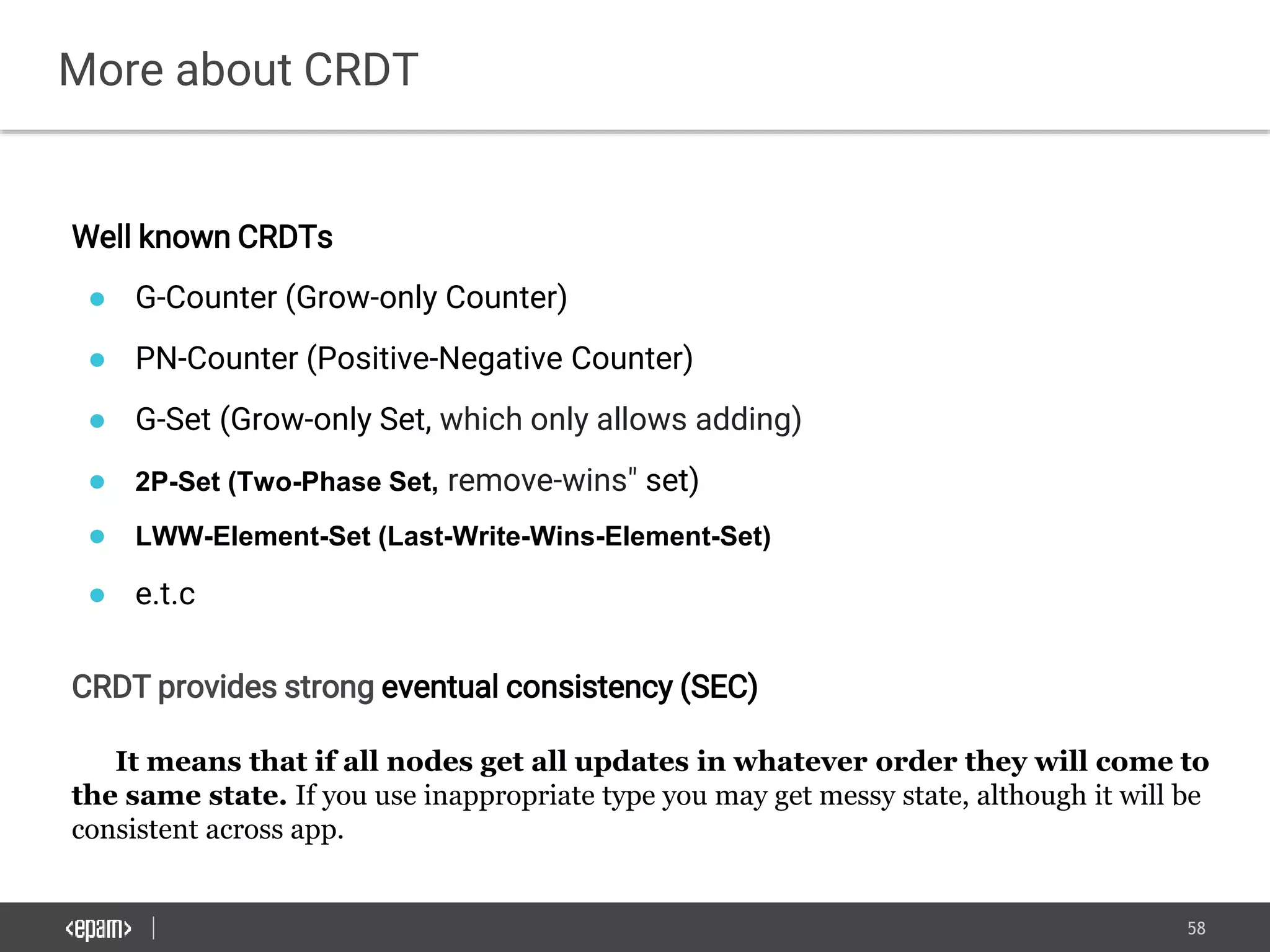
More about CRDT
Well known CRDTs
● G-Counter (Grow-only Counter)
● PN-Counter (Positive-Negative Counter)
● G-Set (Grow-only Set, which only allows adding)
● 2P-Set (Two-Phase Set, remove-wins" set)
● LWW-Element-Set (Last-Write-Wins-Element-Set)
● e.t.c
CRDT provides strong eventual consistency (SEC)
It means that if all nodes get all updates in whatever order they will come to
the same state. If you use inappropriate type you may get messy state, although it will be
consistent across app.
59
CRDT is not a silver bullet
Cannot model every data type..
60
Swarm.js
Pros
● Real time replication
● Automatic conflict resolution
● Need little data to transfer (CmRDT)
Cons
● It is kind of research project
● Almost no documentation
● Vague future
61
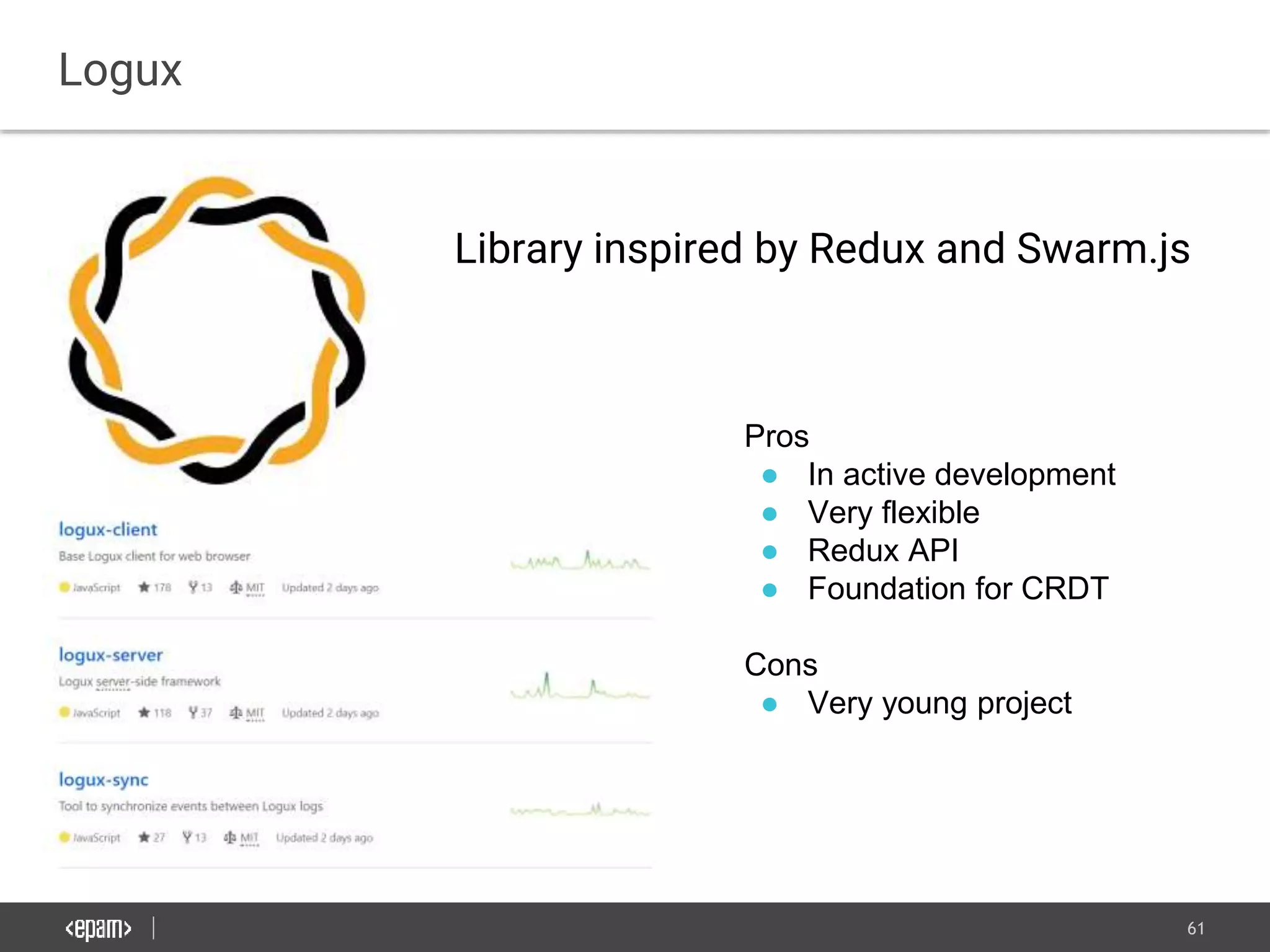
Logux
Pros
● In active development
● Very flexible
● Redux API
● Foundation for CRDT
Cons
● Very young project
Library inspired by Redux and Swarm.js
62
Gun.js
Pros
● In active development
● With real time in mind
● Looks like best open source solution
● Integrates with different Backend DBs
Cons
● Not mature enough
63
Challenges when you build Offline-
First Apps.
64
- Some useful API still not standardized
- Find security/convenience ballance.
- Handling multiple users on one machine.
- Educate through UI users about what is working offline
- Wise Caching. (Do not force user to download whole
site on first visit.)
- Mobile traffic costs a lot in some places.
- Data synchronization tools is quite immature.
- New auto testing challenges (Panic Server)
Challenges when you build Offline-First Apps
65
PWA expansion around the world
66
More to read
- Repository with with information related to offline-first apps
- Problems of AppCache
- About Service Workers
- Is Service Worker Ready
- Read more about Workbox
- Good Article About Optimistic UI
- Complete Gun.js tutorial
- Read blog of Swarm.js developer
- More About Logux: YouTube Video
- CRDT original paperwork
- Security thoughts about offline apps
- Unit-testing-service-worker
- Background Sync
- My Offline-First App (Slightly Unfinished)
67
Thank you for your attention

Raising ux bar with offline first design

  • 1.
    1 November 13, 2017 RaisingUX bar with Offline- First Design Kyrylo Reznykov
  • 2.
    2 Agenda ● Why DoWe Need Offline-First Design? ● Browser APIs Essential For Reliable Web Apps. ● The Most Common UI/UX Patterns. ● Offline Storage With Replication to a Server. ● Challenges when you build Offline-First Apps.
  • 3.
    3 Why Do WeNeed Offline-First Design?
  • 4.
    4 What is commonin two places? Subway, New York Celentano Pizza, Lviv
  • 5.
    5 Both places don’thave network coverage
  • 6.
    6 The are alot of situations without connection
  • 7.
    7 Also internet isextremely slow in some places Today, 60% of mobile internet users have only 2g connection speeds.
  • 8.
    8 UX when yourapps don’t care about offline Saving
  • 9.
    9 Users see webas unstable platform
  • 10.
    10 Data shows thatthey prefer mobile apps
  • 11.
    11 Web has evolvedand ready to compete with native apps Pros (compare to native apps): ● No installation. ● It may take less space. ● Web apps are way more secure
  • 12.
    12 Web has evolvedand ready to compete with native apps Pros (compare to native apps): ● No installation. ● It may take less space. ● Web apps are way more secure Cons: ● Lower performance ● Less APIs available.
  • 13.
    13 Browser APIs EssentialFor Reliable Web Apps.
  • 14.
    14 HTML5 Application Cache Pros: Extremelyeasy to use. Older browsers support it, only option in IE 10 & IE 11. Cons: Can be served over insecure HTTP. Lacks flexibility. Will be removed soon in new browsers. <html manifest="cache.mf"> ... CACHE MANIFEST style.css image.png # Use from network if available NETWORK: list.json FALLBACK: example/bar/ example.html
  • 15.
    15 Service Worker API Serviceworker can handle events even when browser is closed! Browser
  • 16.
    16 Service Worker APISupport In 2018 every major browser will support SW.
  • 17.
    17 Service Worker Lifecycle Register: navigator.serviceWorker.register('/sw.js')// path is a scope .then(reg => console.log('SW registered!', reg)); !! Serve sw.js with Cache-Control: max-age=0
  • 18.
    18 Service Worker Lifecycle Register: navigator.serviceWorker.register('/sw.js')// path is a scope .then(reg => console.log('SW registered!', reg)); !! Serve sw.js with Cache-Control: max-age=0
  • 19.
    19 Service Worker Lifecycle Register: navigator.serviceWorker.register('/sw.js')// path is a scope .then(reg => console.log('SW registered!', reg)); !! Serve sw.js with Cache-Control: max-age=0
  • 20.
    20 Service Worker InstallEvent const cacheCriticals = () => { return caches.open(CACHE_NAME).then(cache => { // important, but not critical cache.addAll(resourcesToCache); // critical resources return cache.addAll(criticalResources); }); }; self.addEventListener('install', function (installEvent) { installEvent.waitUntil(cacheCriticals()); });
  • 21.
    21 Service Worker ActivateEvent function cleanup(cacheNames) { return Promise.all( cacheNames.filter(function (cacheName) { return cacheName !== CACHE_NAME; }).map(function (cacheName) { return caches.delete(cacheName); }) ); } self.addEventListener('activate', function(event) { event.waitUntil(caches.keys().then(cleanup)); }); *Old service worker is paused at that moment. Fetch requests will be added to queue..
  • 22.
    22 Service Worker FetchEvent self.addEventListener('fetch', function(event) { // magic goes here }); *The request is attended by the most specific SW only.
  • 23.
    23 Service Worker FetchEvent self.addEventListener('fetch', function(event) { event.respondWith(fetch(event.request)); }); *The request is attended by the most specific SW only.
  • 24.
    24 const getCachedOrFetch =function (event) { return caches.match(event.request) .then(response => response || fetch(event.request)); } self.addEventListener('fetch', function(event) { event.respondWith(getCachedOrFetch(event)); }); Service Worker Fetch Event
  • 25.
  • 26.
    26 Workbox Offline Caching: ● Cacheonly ● Cache first, falling back to network ● Cache, with network update ● Network only ● Network first, falling back to cache Offline Analytics: Workbox can collect user analytics while offline.
  • 27.
  • 28.
    28 Workbox You can integrateit with: Or use it directly in the service worker: //synchronously imports scripts into the worker's scope importScripts('/node_modules/workbox-sw/build/workbox-sw.vX.X.X.prod.js'); const workboxSW = new WorkboxSW(); const networkFirst = workboxSW.strategies.networkFirst(); workboxSW.router.registerRoute('/schedule', networkFirst);
  • 29.
    29 BackgroundSync DEMO Service WorkerBackground Sync // sync will fire when the user agent believes the user has connectivity self.addEventListener('sync', function(event) { if (event.tag === ‘anyTag’) event.waitUntil(doWhatYouWant()); }); Finally, we have a better option than WindowEventHandlers.onbeforeunload
  • 30.
    30 Browser Storage APIs CacheAPI (part of Service Worker). - use it for URL addressable resources.
  • 31.
    31 Browser Storage APIs CacheAPI (part of Service Worker). - use it for URL addressable resources. IndexedDB - use it for all other data. (Also, exist polyfills with fallback to Web SQL).
  • 32.
    32 Browser Storage APIs CacheAPI (part of Service Worker). - use it for URL addressable resources. IndexedDB - use it for all other data. (Also, exist polyfills with fallback to Web SQL). LocalStorage - Has no Web Worker. But it is persistent storage by default!
  • 33.
    33 Browser Storage APIs CacheAPI (part of Service Worker). - use it for URL addressable resources. IndexedDB - use it for all other data. (Also, exist polyfills with fallback to Web SQL). LocalStorage - Has no Web Worker. But it is persistent storage by default! Space available to origin is shared between all forms of storage above. There is no standard way to check quota. We have two experimental APIs: Quota Management API and Storage Manager API.
  • 34.
  • 35.
    35 Be Aware ofCache Eviction in Browsers *If app is not installed by user (Chrome, FF) or don’t have high engagement. Chrome LRU once Chrome runs out of space Firefox LRU if the whole disk gets full Safari & Edge No cache eviction !! It includes Indexed DB and Cache API.
  • 36.
    36 Be Aware ofCache Eviction in Browsers *If app is not installed by user (Chrome, FF) or don’t have high engagement. Chrome LRU once Chrome runs out of space Firefox LRU if the whole disk gets full Safari & Edge No cache eviction !! It includes Indexed DB, Cache API. navigator.storage.persist().then(function(isPersistent) { // isPersistent will be true if user allowed })
  • 37.
  • 38.
    38 ● Try toprovide offline by default if your app doesn't require much data. ● Treat a connection to the internet as an enhancement instead of a dependency ● Use optimistic UI approach if possible. ● User must be properly notified about app state. ● Use save for offline button ● Precache things that needed with high probability offline especially if they are small Core ideas
  • 39.
    39 Connection is enhancementnot a dependency You can create new google doc while you offline. Once we connect to internet it will be synced.
  • 40.
    40 Use optimistic uiapproach if possible avoid that approach if possible If we offline, sync that action later.
  • 41.
    41 User must beproperly notified about app state
  • 42.
    42 Use save foroffline button Especially important approach for content oriented applications like: ● Spotify ● Google maps ● Web readers ● e.t.c
  • 43.
    43 Cache things automatically ●Do you users often use that feature? ● Can it be useful offline? ● Is it lightweight? ● Is it not sensitive data? If answer yes for all Pre-cache it without asking.
  • 44.
  • 45.
    45 We are writingdistributed system
  • 46.
    46 The CAP Theorem Youcan have at most two of these properties for any shared-data system
  • 47.
    47 Offline-First apps needsAP to work We need to sacrifice strong consistency between nodes in favour of high availability of data
  • 48.
    48 Already we havea lot of different solutions for that
  • 49.
    49 PouchDB + CouchDB CouchDBis was designed from the bottom-up to enable easy synchronization between databases. { "_id": "any_string", "_rev": "1-bea5fa18e06522d12026f4aee6b15ee4" "name": "John", ... }
  • 50.
    50 PouchDB + CouchDB Pros: ●Production ready. Well tested ● Nice documentation. ● Wide browser support. Cons ● You are tight to a specific DB which supports its sync protocol on backend. ● Poor automatic conflict resolution* ● Not good for real time apps. *The winner is the version with the longest revision history And in case of a tie, the winner is the revision with the lexicographically highest revision ID; e.g. "12-F4B2..." beats "12-42AA..."
  • 51.
    51 Face of averageuser if you ask him to resolve conflicts
  • 52.
    52 Would be niceto have automated resolver
  • 53.
    53 Would be niceto have automated resolver
  • 54.
  • 55.
  • 56.
    56 Example, why CRDTworks Bob John
  • 57.
    57 Example, why CRDTworks Bob John
  • 58.
    58 More about CRDT Wellknown CRDTs ● G-Counter (Grow-only Counter) ● PN-Counter (Positive-Negative Counter) ● G-Set (Grow-only Set, which only allows adding) ● 2P-Set (Two-Phase Set, remove-wins" set) ● LWW-Element-Set (Last-Write-Wins-Element-Set) ● e.t.c CRDT provides strong eventual consistency (SEC) It means that if all nodes get all updates in whatever order they will come to the same state. If you use inappropriate type you may get messy state, although it will be consistent across app.
  • 59.
    59 CRDT is nota silver bullet Cannot model every data type..
  • 60.
    60 Swarm.js Pros ● Real timereplication ● Automatic conflict resolution ● Need little data to transfer (CmRDT) Cons ● It is kind of research project ● Almost no documentation ● Vague future
  • 61.
    61 Logux Pros ● In activedevelopment ● Very flexible ● Redux API ● Foundation for CRDT Cons ● Very young project Library inspired by Redux and Swarm.js
  • 62.
    62 Gun.js Pros ● In activedevelopment ● With real time in mind ● Looks like best open source solution ● Integrates with different Backend DBs Cons ● Not mature enough
  • 63.
    63 Challenges when youbuild Offline- First Apps.
  • 64.
    64 - Some usefulAPI still not standardized - Find security/convenience ballance. - Handling multiple users on one machine. - Educate through UI users about what is working offline - Wise Caching. (Do not force user to download whole site on first visit.) - Mobile traffic costs a lot in some places. - Data synchronization tools is quite immature. - New auto testing challenges (Panic Server) Challenges when you build Offline-First Apps
  • 65.
  • 66.
    66 More to read -Repository with with information related to offline-first apps - Problems of AppCache - About Service Workers - Is Service Worker Ready - Read more about Workbox - Good Article About Optimistic UI - Complete Gun.js tutorial - Read blog of Swarm.js developer - More About Logux: YouTube Video - CRDT original paperwork - Security thoughts about offline apps - Unit-testing-service-worker - Background Sync - My Offline-First App (Slightly Unfinished)
  • 67.
    67 Thank you foryour attention