Getting Started with
RadControls for Windows8
@telerik
Presenter
 Dhananjay Kumar
 Customer Advocate, Telerik
 Microsoft MVP
 Mindcracker MVP
 @debug_mode
 http://debugmode.net
 http://telerikhelper.net
 Dhananjay.kumar@telerik.com
Agenda
Introducing RadControls for Windows 8
Controls Demo
Deep Dive into RadDataGrid
Resource Sharing and Q/A
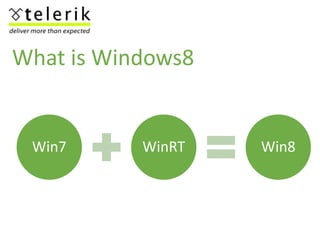
Win7 WinRT Win8
What is Windows8
Windows 8
Development Options
AppforWindowsStore C#/XAML
C++/XAML
HTML/JAVASCRIPT
RadControls
Apps made with RadControls
http://www.telerik.com/products/windows-8/showcases.aspx
Why RadControls ?
 Create Application faster
 Shorten Development time
 To quickly take Application to market
 To get better ranking of the Application
 To make Application more immersive
 To better monetize the Application
HTML Controls
AutoCompleteBox DropDownList NumericBox BulletGraph
Gauge Pagination Chart Grid
Slider ComboBox HubTile TimePicker
DatePicker
RadControls for HTML
Let us write some codes
XAML Controls
AutoCompleteBox DropDownList NumericBox BulletGraph
Gauge Pagination Chart Grid
Slider ComboBox HubTile TimePicker
DatePicker
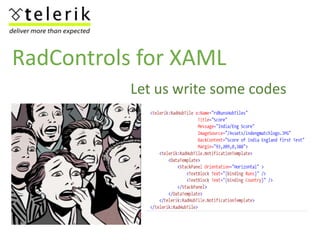
RadControls for XAML
Let us write some codes
Thanks
Download RadControl for Windows 8 Store Application at
http://www.telerik.com/products/windows-metro/overview.aspx
@telerik
@debug_mode

Rad controlforwindows25thapril

Editor's Notes

  • #6 Switch for the demo in between
  • #7 Switch for the demo in between
  • #8 Switch for the demo in between
  • #9 Switch for the demo in between
  • #10 Switch for the demo in between
  • #11 Switch for the demo in between
  • #12 Switch for the demo in between
  • #13 Switch for the demo in between
  • #14 Switch for the demo in between
  • #15 Switch for the demo in between