


What Is Visual Studio Code?
Visual Studio Code Installation
Python Extension In VS Code
www.edureka.co/python
Python Interactive And Environments
First Python Program In VS code
Linting, Debugging Support
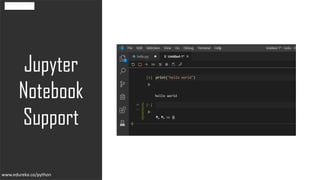
Jupyter Notebook Support
www.edureka.co/python
The visual studio code is a lightweight yet
powerful source code editor that runs on your
desktop. It is available for Windows, macOS,
and Linux.
It also comes with built-in support
for node.js, JavaScript, and typescript with a
wide range of external support for other
languages like python, C,C++, etc.
www.edureka.co/python
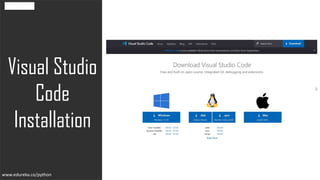
Visual Studio
Code
Installation
www.edureka.co/python
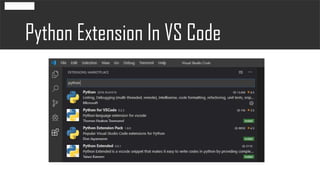
Python Extension In VS Code
www.edureka.co/python
To install scrapy, simply run the following command in
the command prompt or in the terminal, or simply you
can add the package from the project interpreter too.
www.edureka.co/python
Copyright © 2017, edureka and/or its affiliates. All rights reserved.
www.edureka.co
First Python
Program In
VS Code
www.edureka.co/python
Linting,
Debugging
Support
www.edureka.co/python
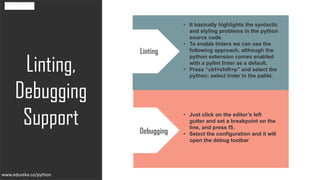
• It basically highlights the syntactic
and styling problems in the python
source code.
• To enable linters we can use the
following approach, although the
python extension comes enabled
with a pylint linter as a default.
• Press “ctrl+shift+p” and select the
python: select linter in the pallet.
Linting
• Just click on the editor’s left
gutter and set a breakpoint on the
line, and press f5.
• Select the configuration and it will
open the debug toolbar
Debugging
www.edureka.co/python
Jupyter
Notebook
Support
www.edureka.co/python
Python Interactive And Environments
www.edureka.co/python
Python Interactive And Environments
www.edureka.co/python

Python Visual Studio | Edureka