
Using puppet on Linux,
       Windows
     and Mac OSX
Hein Couwet
2improveIT
hein@2improveit.eu
@heincouwet
Lessons learned from
installing a development
  stack on the 3 major
   operating systems :
  Linux, Mac OSX and
        Windows.
Context
installing a development
     stack @iDalko

• automated
• asap : < 15 minutes
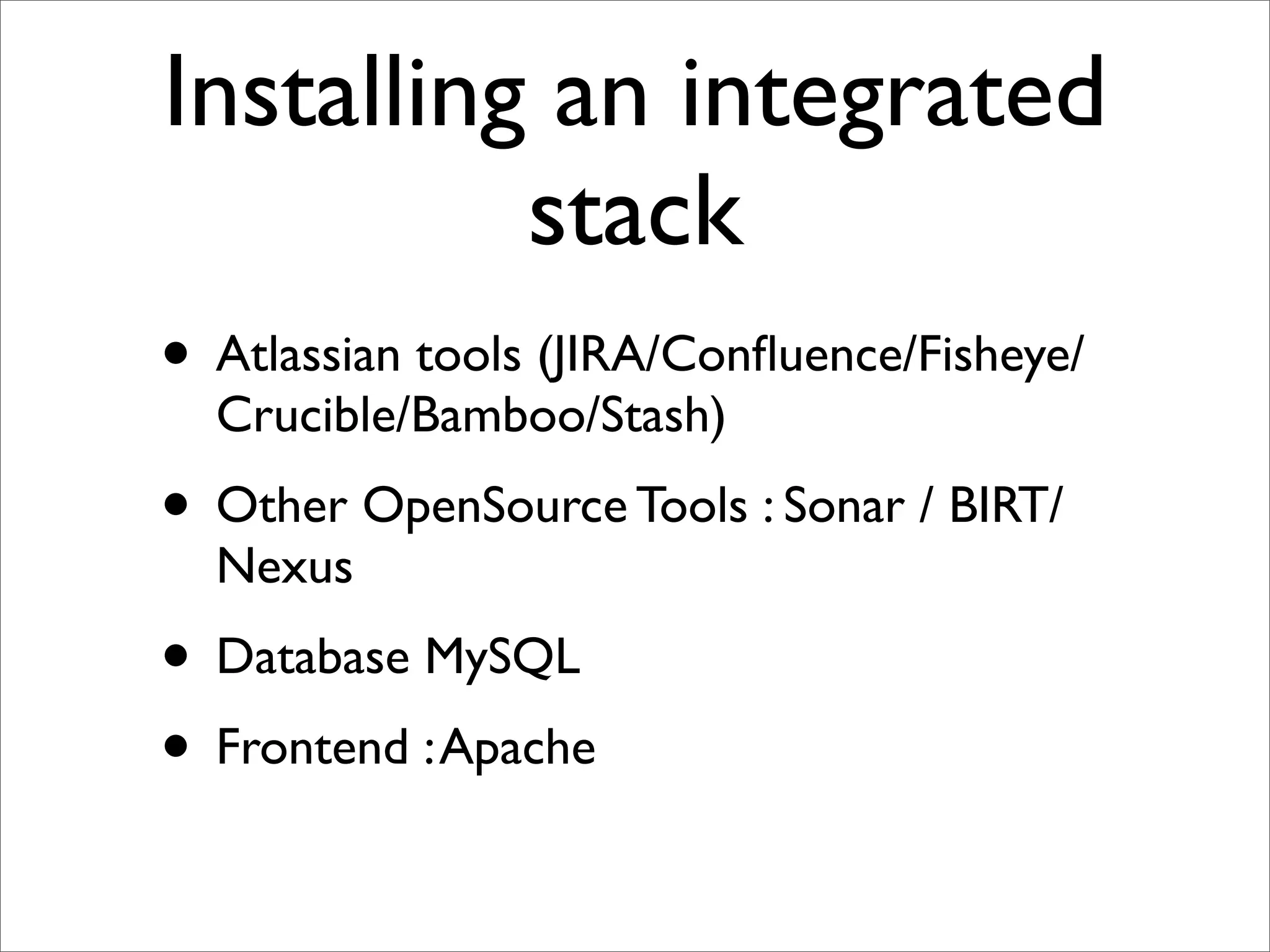
Installing an integrated
          stack
• Atlassian tools (JIRA/Confluence/Fisheye/
  Crucible/Bamboo/Stash)
• Other OpenSource Tools : Sonar / BIRT/
  Nexus
• Database MySQL
• Frontend : Apache
Choice between

• Puppet
• Chef
• scripting : ant / bash / ...
Why Puppet

• Declarative syntax
• No ‘programming’ skills ...
• so the customer can understand without
  learning a new language
Example : Nexus
Episode I : Ubuntu
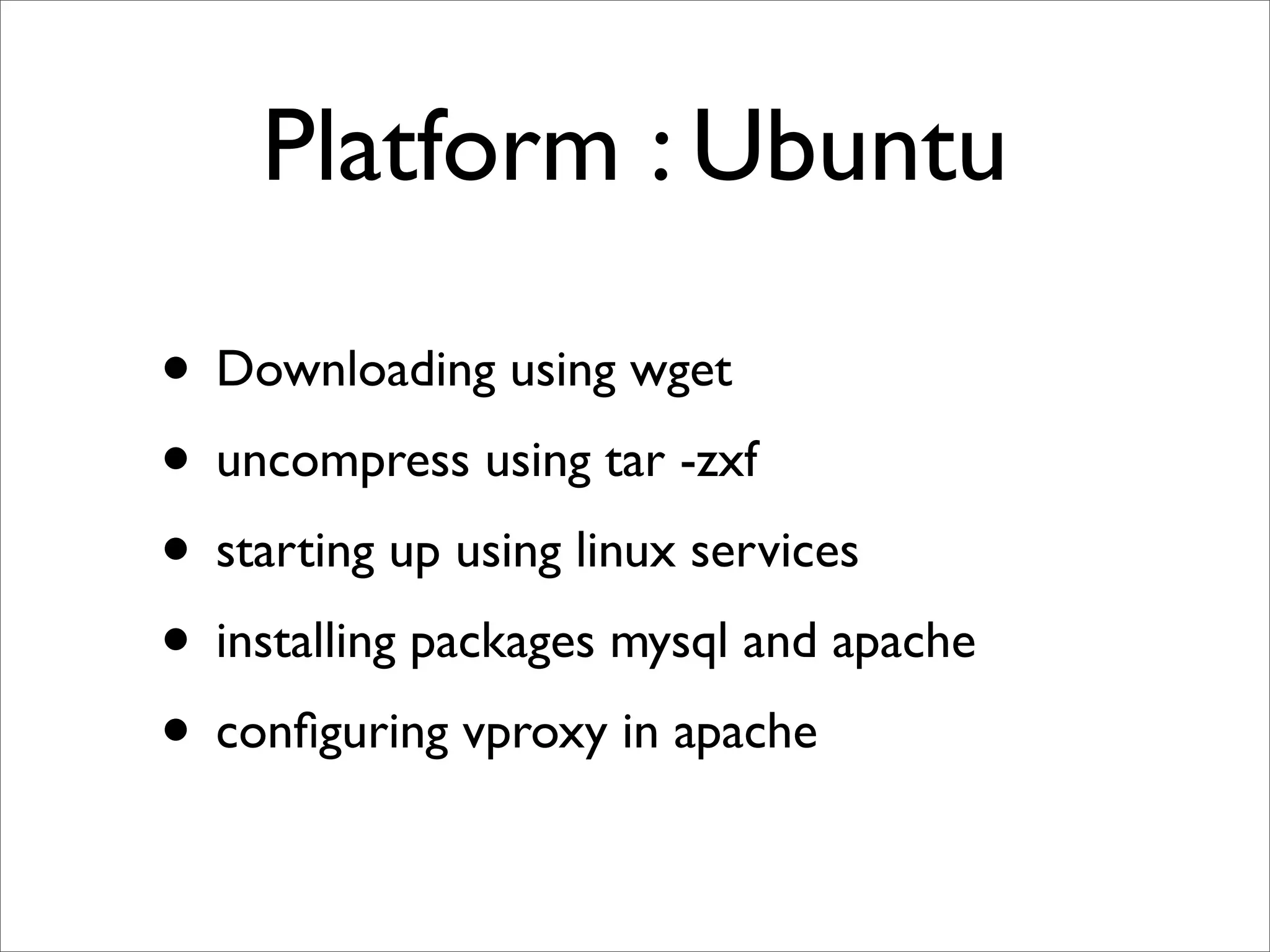
Platform : Ubuntu

• Downloading using wget
• uncompress using tar -zxf
• starting up using linux services
• installing packages mysql and apache
• configuring vproxy in apache
Download
	

   define download($url,$location,$filename) {


   exec { "download-$filename":


   cwd => "$location",


   command => "/usr/bin/wget $url",


   creates => "$location/$filename",


   logoutput => "on_failure",


   timeout => 0,


   require => File["$location"],


   }
	

   }
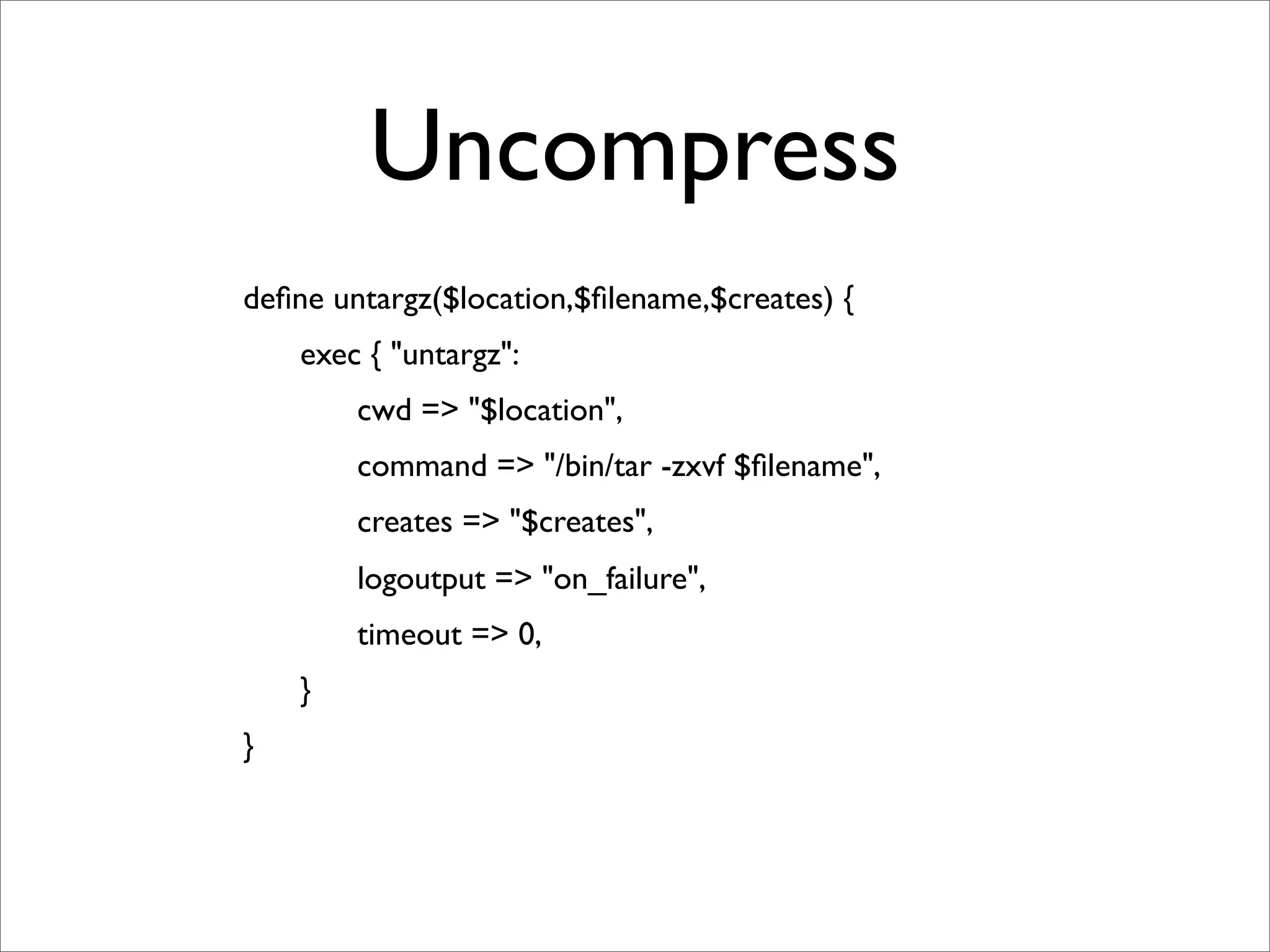
Uncompress
	

   define untargz($location,$filename,$creates) {


   exec { "untargz":


   cwd => "$location",


   command => "/bin/tar -zxvf $filename",


   creates => "$creates",


   logoutput => "on_failure",


   timeout => 0,


   }
	

   }
Starting up linux
                services
file { "/etc/init.d/nexus":


   ensure => link,


   target => "${nexus_install}/bin/nexus",
	

   }
service { "nexus":


   ensure => running,


   require => File["/etc/init.d/nexus"],
	

   }
Installing packages
                  Apache
	

   package { "apache2-mpm-prefork":


    ensure =>installed
	

   }


   service { "apache2":


    enable => true,


    ensure => running,


    require => Package["apache2-mpm-prefork"],
	

   }
Lessons learned ...
•       instead of using
    a { “xxx”:
                   ...
    }
    b { “yyy” :
                   ....
                   require => A[“xxx”]
    }
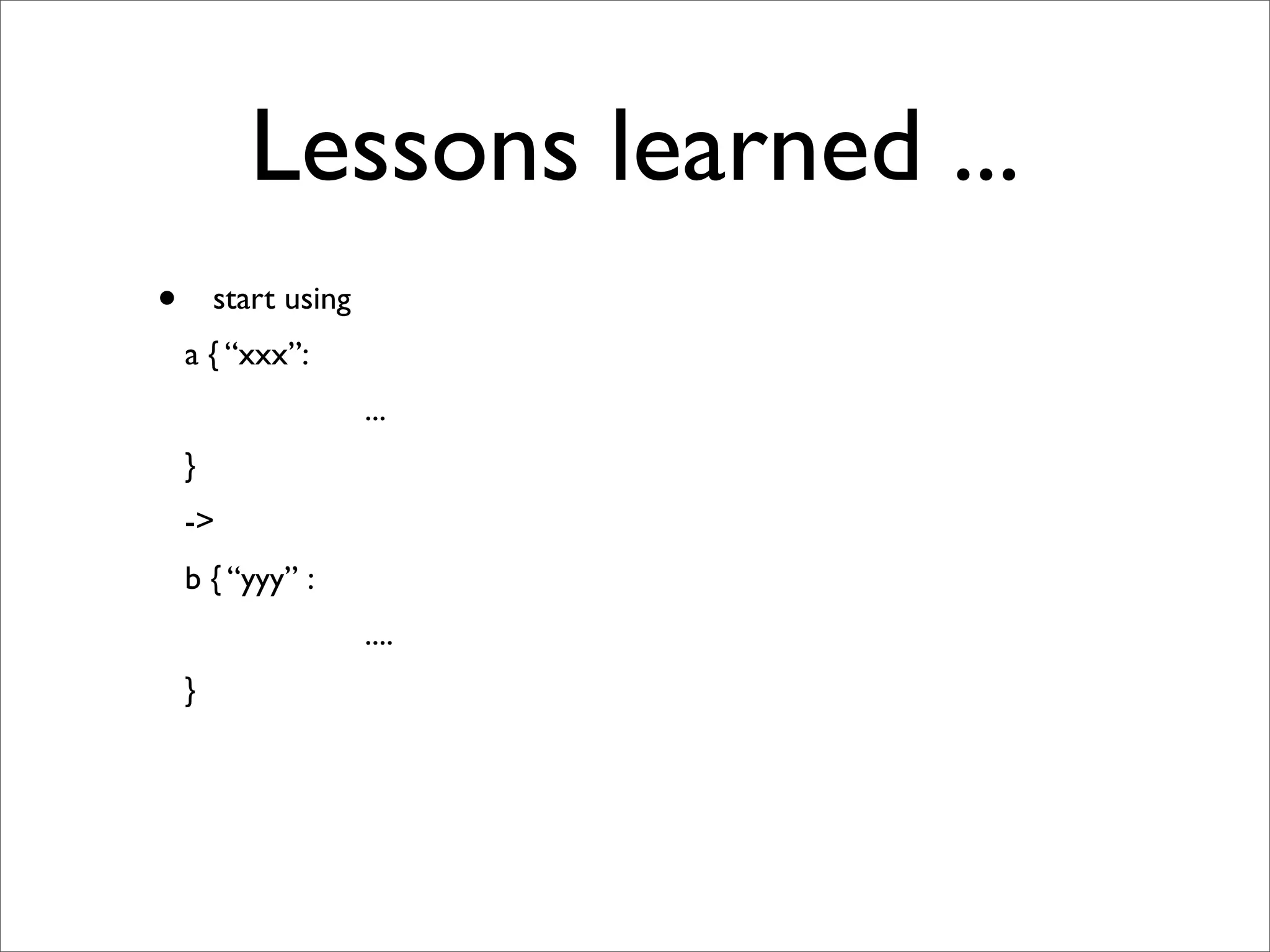
Lessons learned ...
•       start using
    a { “xxx”:
                      ...
    }
    ->
    b { “yyy” :
                      ....
    }
Episode II : CentOS
Challenge 1


• Another customer has a CentOS server
  instead of Ubuntu ...
• can we also use puppet ?
Problem 1


• other naming of apache packages
 • apache2 <-> httpd
Solution
              case	
  	
  $operatingsystem	
  {


  "CentOS":	
  	
  {


  $packages	
  =	
  [	
  "httpd"	
  ]


  package	
  {	
  $packages:


  ensure	
  =>	
  installed,


  }


  service	
  {	
  "httpd":


  ensure	
  =>	
  running,


  require	
  =>	
  Package["httpd"],


  }


  }	


  "Debian":	
  {


  $packages	
  =	
  [	
  "apache2-­‐mpm-­‐prefork"	
  ]


  package	
  {	
  $packages:


  ensure	
  =>	
  installed,


  }


  service	
  {	
  "apache2":


  ensure	
  =>	
  running,


  require	
  =>	
  Package["apache2-­‐mpm-­‐prefork"]


  }


  }
Opportunity 1


• start using hiera
Episode III : OSX
Why ?

• Just for local testing on my development
  machine
• ➟ limited scope, no longer apache,
  service ...
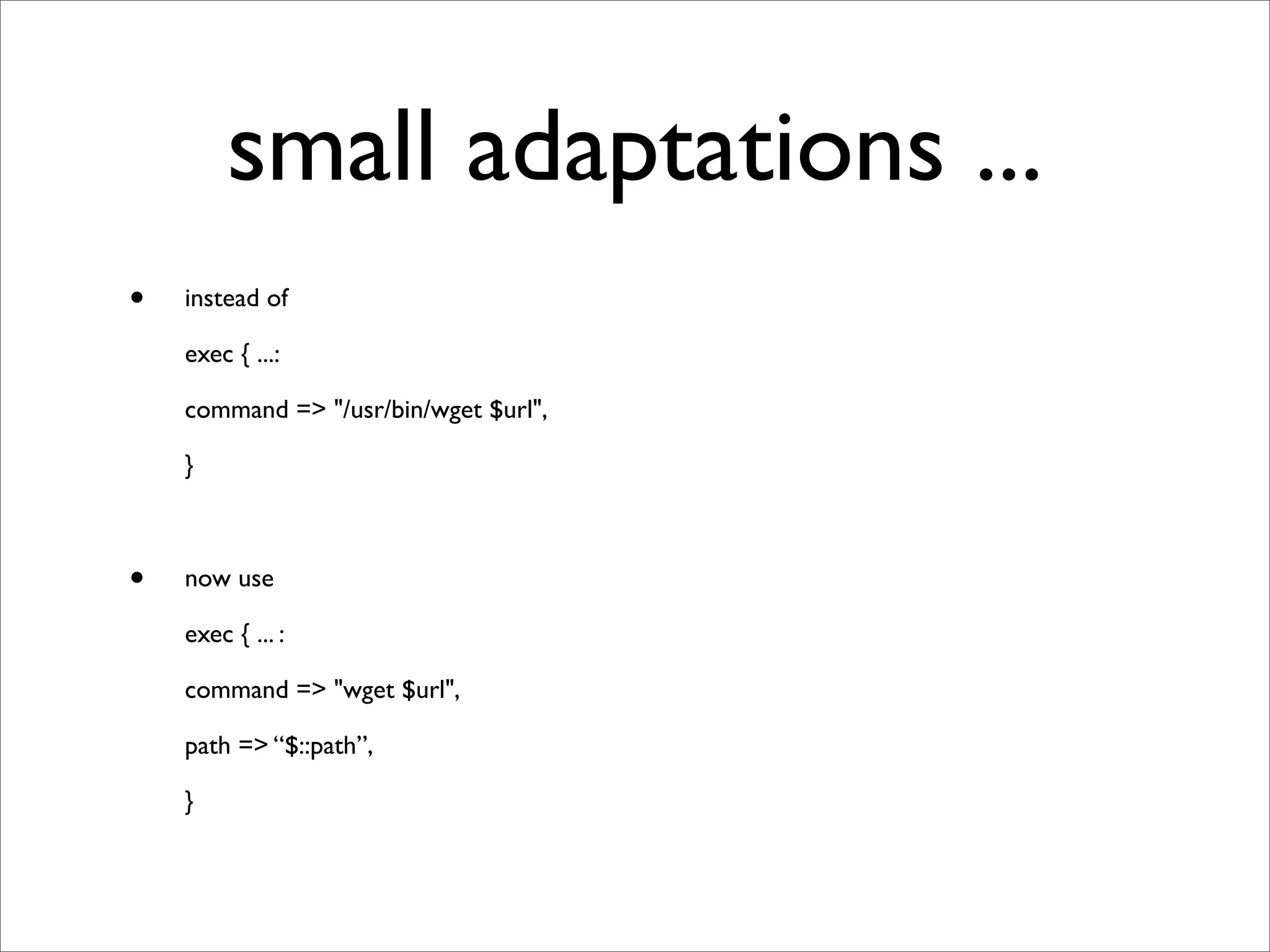
small adaptations ...
•   instead of

    exec { ...:

    command => "/usr/bin/wget $url",

    }


•   now use

    exec { ... :

    command => "wget $url",

    path => “$::path”,

    }
Episode IV : Windows
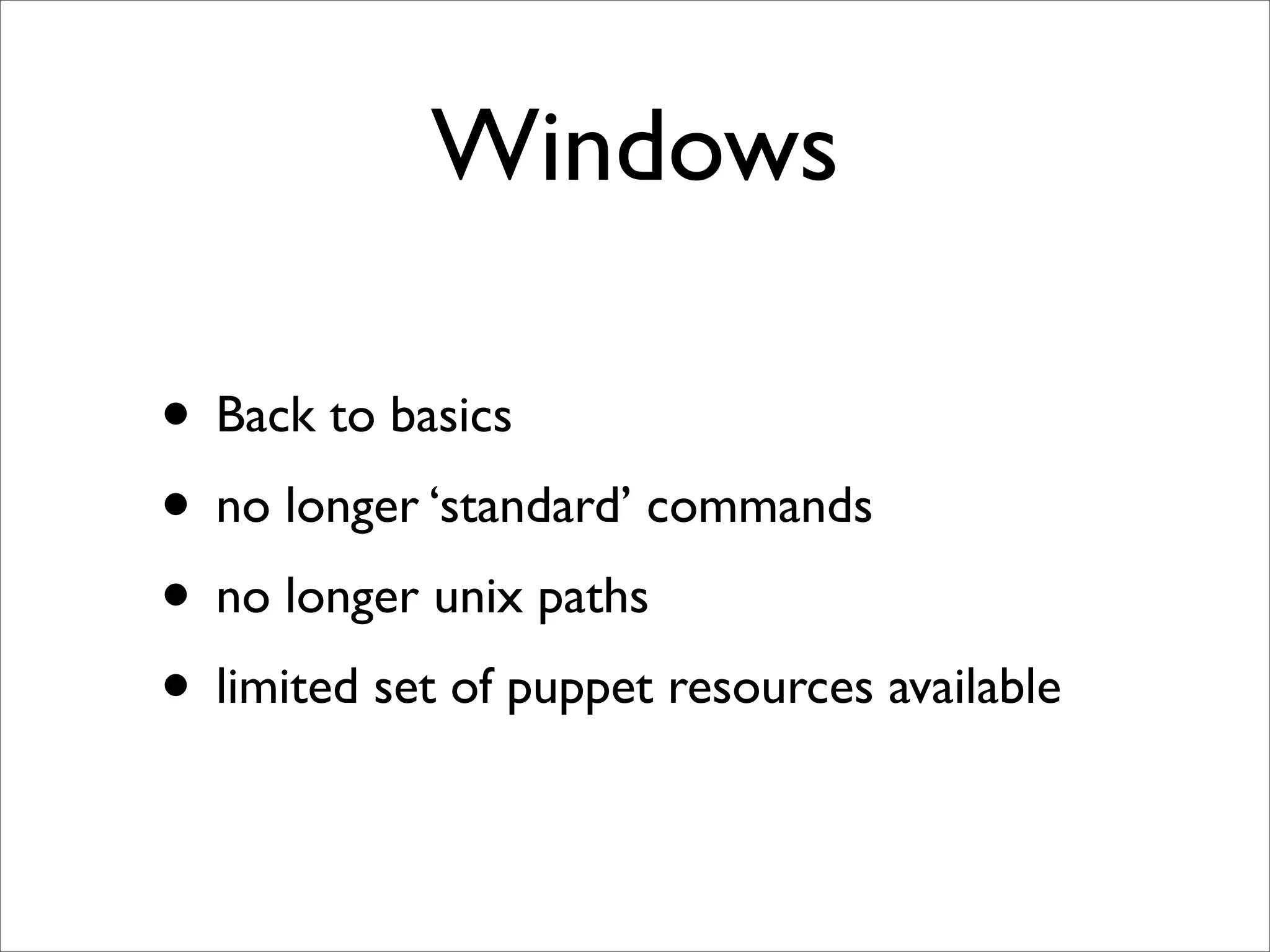
Windows

• Back to basics
• no longer ‘standard’ commands
• no longer unix paths
• limited set of puppet resources available
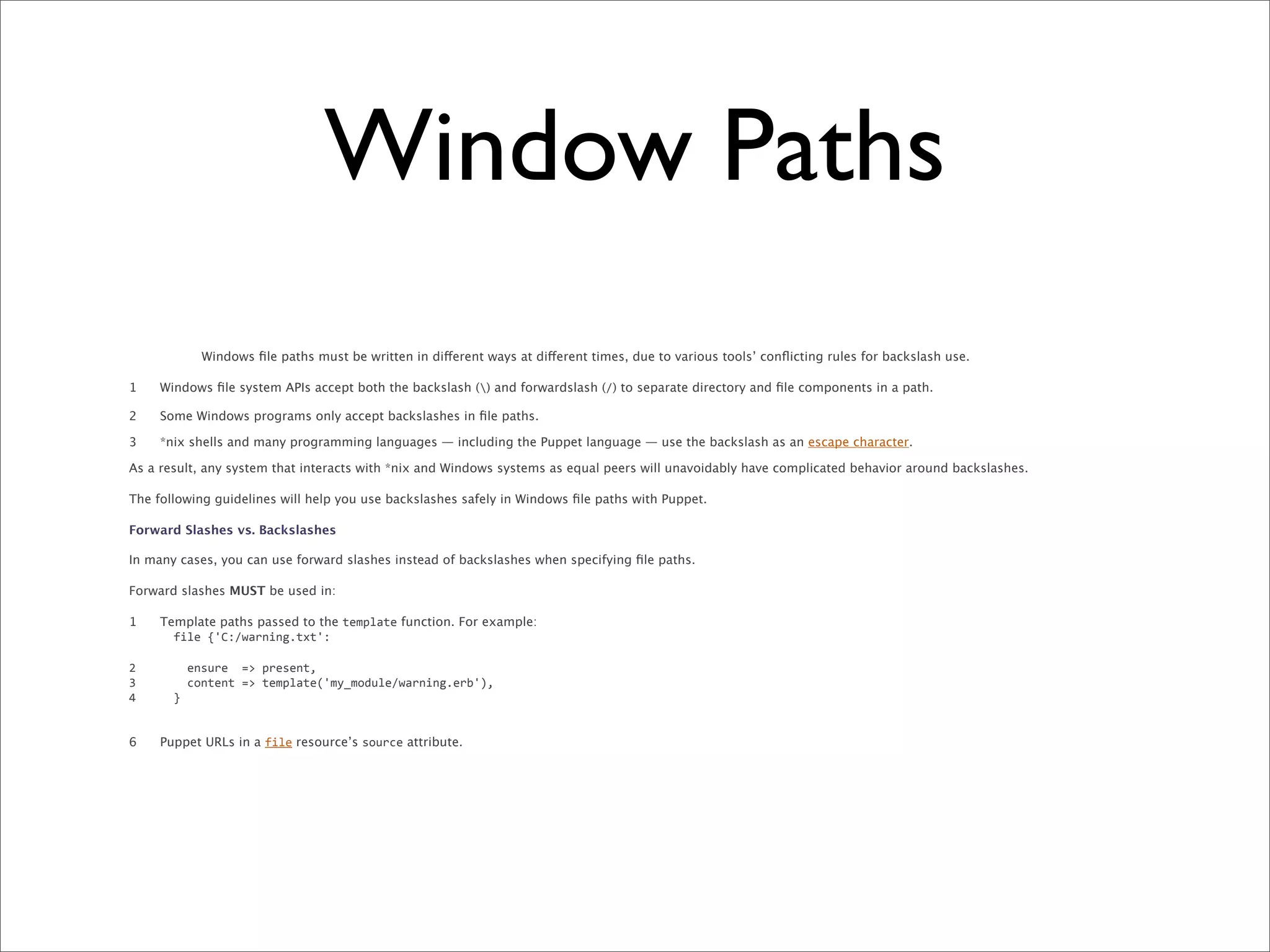
Window Paths
             Windows file paths must be written in different ways at different times, due to various tools’ conflicting rules for backslash use.

1    Windows file system APIs accept both the backslash () and forwardslash (/) to separate directory and file components in a path.

2    Some Windows programs only accept backslashes in file paths.

3    *nix shells and many programming languages — including the Puppet language — use the backslash as an escape character.

As a result, any system that interacts with *nix and Windows systems as equal peers will unavoidably have complicated behavior around backslashes.

The following guidelines will help you use backslashes safely in Windows file paths with Puppet.

Forward Slashes vs. Backslashes

In many cases, you can use forward slashes instead of backslashes when specifying file paths.

Forward slashes MUST be used in:

1    Template paths passed to the template function. For example:
     	
  	
  file	
  {'C:/warning.txt':

2    	


  ensure	
  	
  =>	
  present,
3    	


  content	
  =>	
  template('my_module/warning.erb'),
4    	
  	
  }


6    Puppet URLs in a file resource’s source attribute.
Window Paths
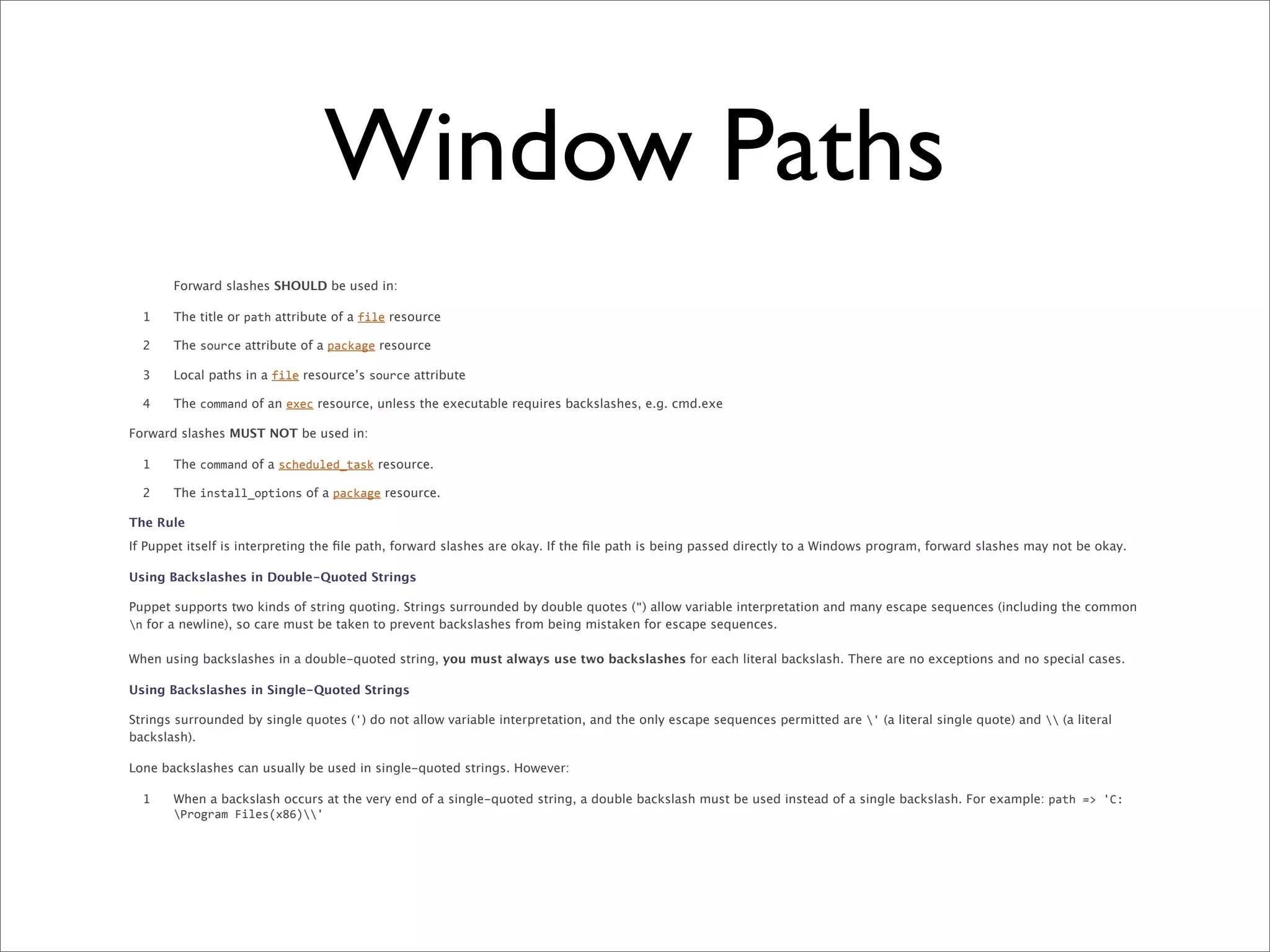
       Forward slashes SHOULD be used in:

  1    The title or path attribute of a file resource

  2    The source attribute of a package resource

  3    Local paths in a file resource’s source attribute

  4    The command of an exec resource, unless the executable requires backslashes, e.g. cmd.exe

Forward slashes MUST NOT be used in:

  1    The command of a scheduled_task resource.

  2    The install_options of a package resource.

The Rule
If Puppet itself is interpreting the file path, forward slashes are okay. If the file path is being passed directly to a Windows program, forward slashes may not be okay.

Using Backslashes in Double-Quoted Strings

Puppet supports two kinds of string quoting. Strings surrounded by double quotes (") allow variable interpretation and many escape sequences (including the common
n for a newline), so care must be taken to prevent backslashes from being mistaken for escape sequences.

When using backslashes in a double-quoted string, you must always use two backslashes for each literal backslash. There are no exceptions and no special cases.

Using Backslashes in Single-Quoted Strings

Strings surrounded by single quotes (') do not allow variable interpretation, and the only escape sequences permitted are ' (a literal single quote) and  (a literal
backslash).

Lone backslashes can usually be used in single-quoted strings. However:

  1    When a backslash occurs at the very end of a single-quoted string, a double backslash must be used instead of a single backslash. For example: path	
  =>	
  'C:
       Program	
  Files(x86)'
Window Paths
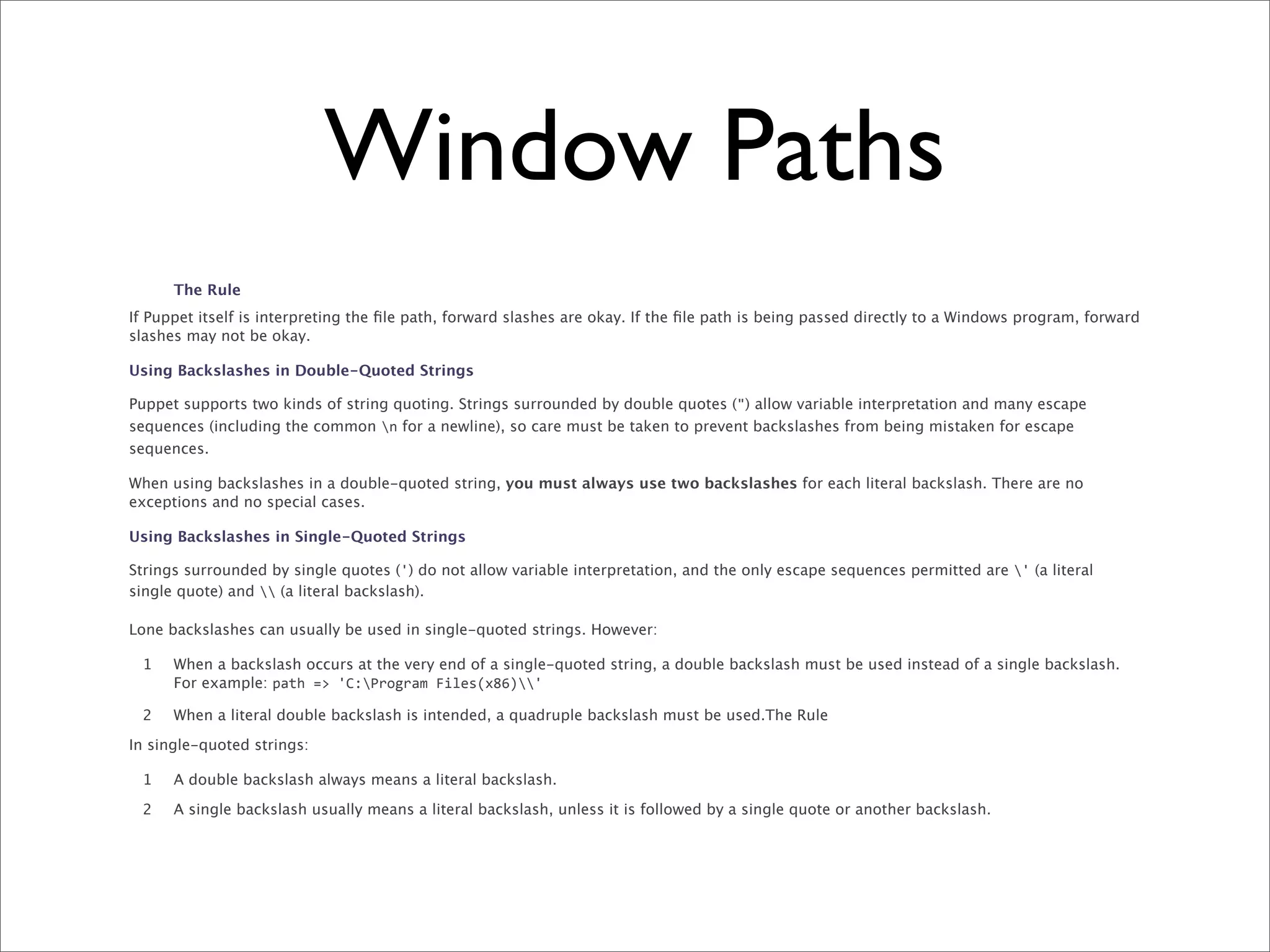
      The Rule
If Puppet itself is interpreting the file path, forward slashes are okay. If the file path is being passed directly to a Windows program, forward
slashes may not be okay.

Using Backslashes in Double-Quoted Strings

Puppet supports two kinds of string quoting. Strings surrounded by double quotes (") allow variable interpretation and many escape
sequences (including the common n for a newline), so care must be taken to prevent backslashes from being mistaken for escape
sequences.

When using backslashes in a double-quoted string, you must always use two backslashes for each literal backslash. There are no
exceptions and no special cases.

Using Backslashes in Single-Quoted Strings

Strings surrounded by single quotes (') do not allow variable interpretation, and the only escape sequences permitted are ' (a literal
single quote) and  (a literal backslash).

Lone backslashes can usually be used in single-quoted strings. However:

 1    When a backslash occurs at the very end of a single-quoted string, a double backslash must be used instead of a single backslash.
      For example: path	
  =>	
  'C:Program	
  Files(x86)'

 2    When a literal double backslash is intended, a quadruple backslash must be used.The Rule

In single-quoted strings:

 1    A double backslash always means a literal backslash.

 2    A single backslash usually means a literal backslash, unless it is followed by a single quote or another backslash.
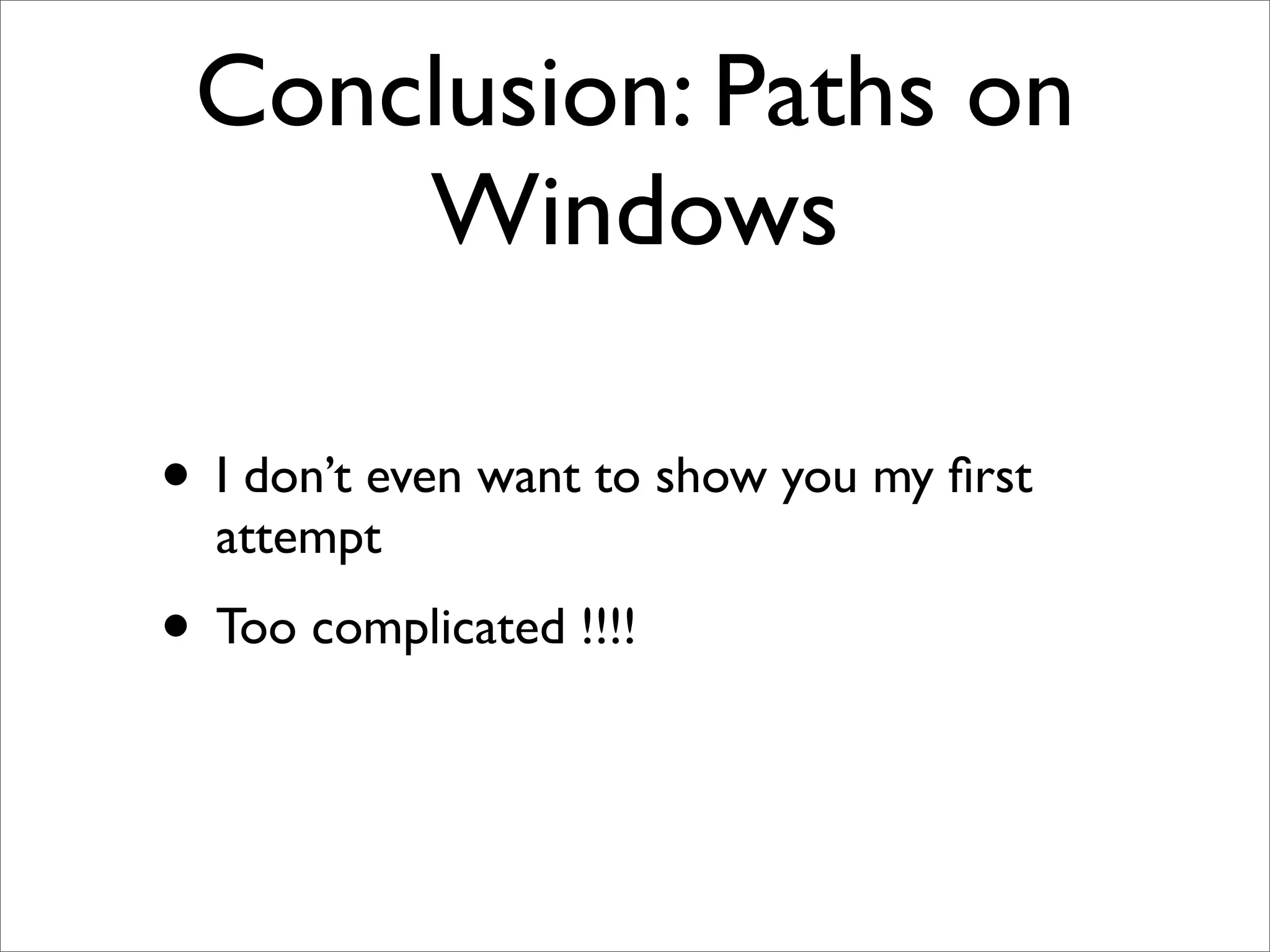
Conclusion: Paths on
     Windows

• I don’t even want to show you my first
  attempt
• Too complicated !!!!
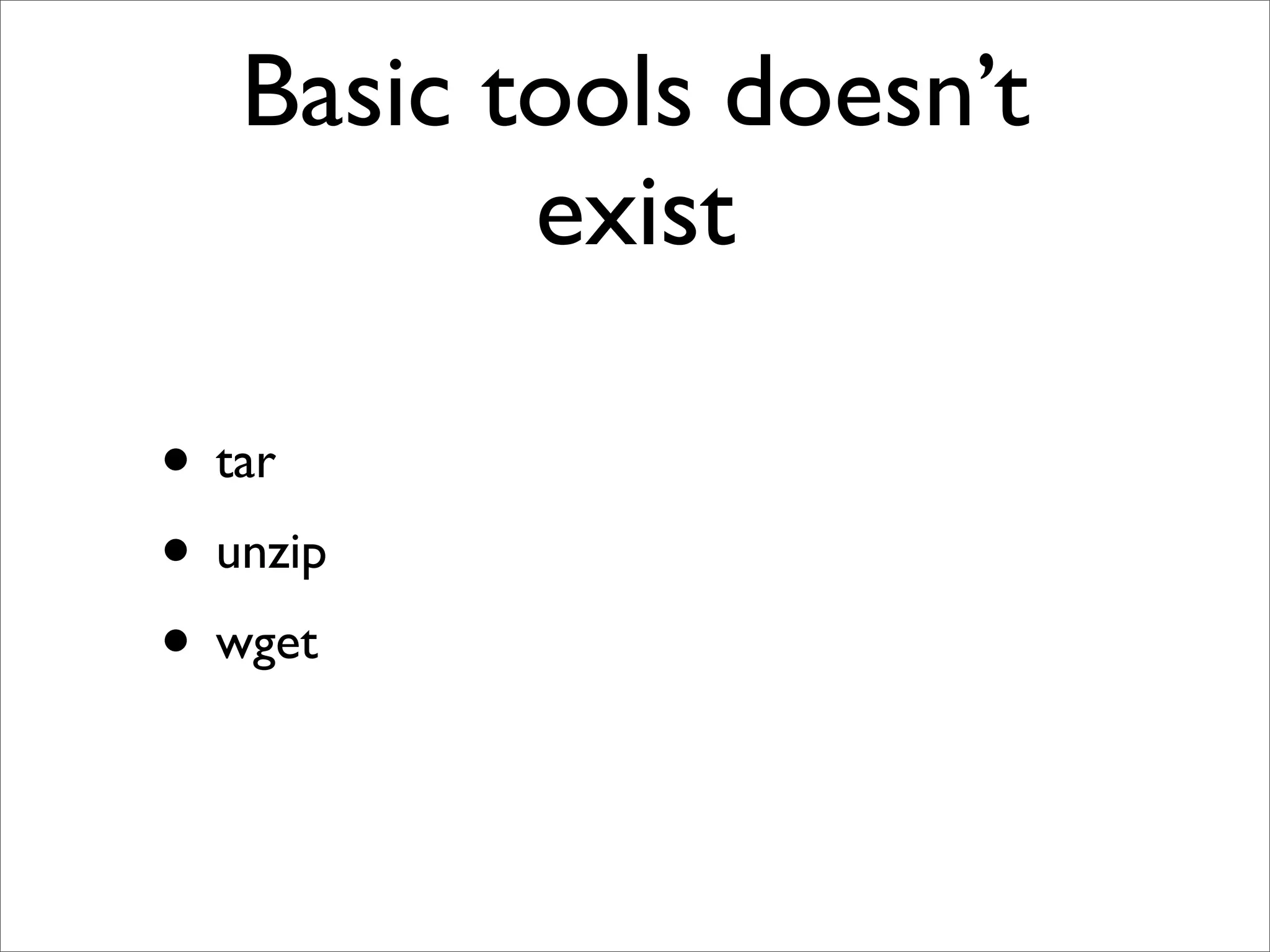
Basic tools doesn’t
          exist

• tar
• unzip
• wget
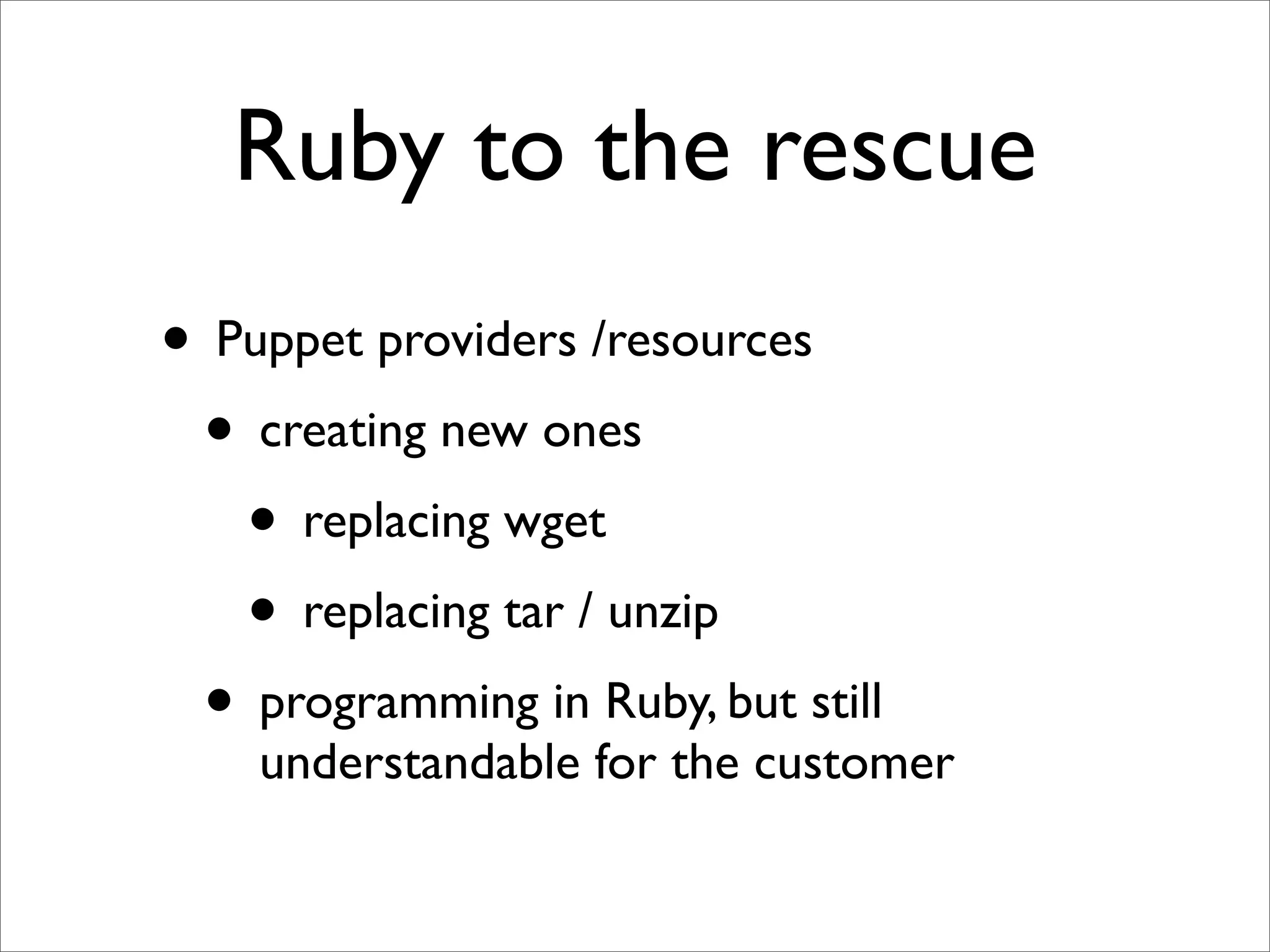
Ruby to the rescue
• Puppet providers /resources
 • creating new ones
   • replacing wget
   • replacing tar / unzip
 • programming in Ruby, but still
    understandable for the customer
puppet/type/install.rb
      Puppet::Type.newtype(:install) do
      ensurable
      newparam (:path) do
          desc "The file name where to install"
      end

       newparam(:uri) do
!     desc "The uri from where to get the file"
           isnamevar
           validate do |value|
               if value =~ /^http:/
                   resource[:provider] = :http
               end
           end
       end

       newparam(:download) do
!     desc "The intermediary file as download"
       end

      newparam(:unzip) do
          desc "Need to unzip"
      end
end
puppet/provider/install/
           http.rb
      require 'fileutils'
require 'net/http'
require 'uri'
require 'zip/zip'

Puppet::Type.type(:install).provide(:http) do
    def create
        path = resource[:path]
        if resource[:download]
            temp_path = resource[:download]
        else
            temp_path = "#{path}.download"
        end
        uri = URI(resource[:uri])
        download( uri, temp_path)
        if resource[:unzip]
            unzip_file(temp_path,path)
        else
            FileUtils.mv temp_path path
        end
!       FileUtils.touch "#{temp_path}.done"
    end

    def exists?
        path = resource[:path]
        if resource[:download]
            temp_path = resource[:download]
        else
            temp_path = "#{path}.download"
        end
!    check_path = "#{temp_path}.done"
!    File.exist? check_path
    end

    def unzip_file (file, destination)
    end

    def download (uri , path)end
    end
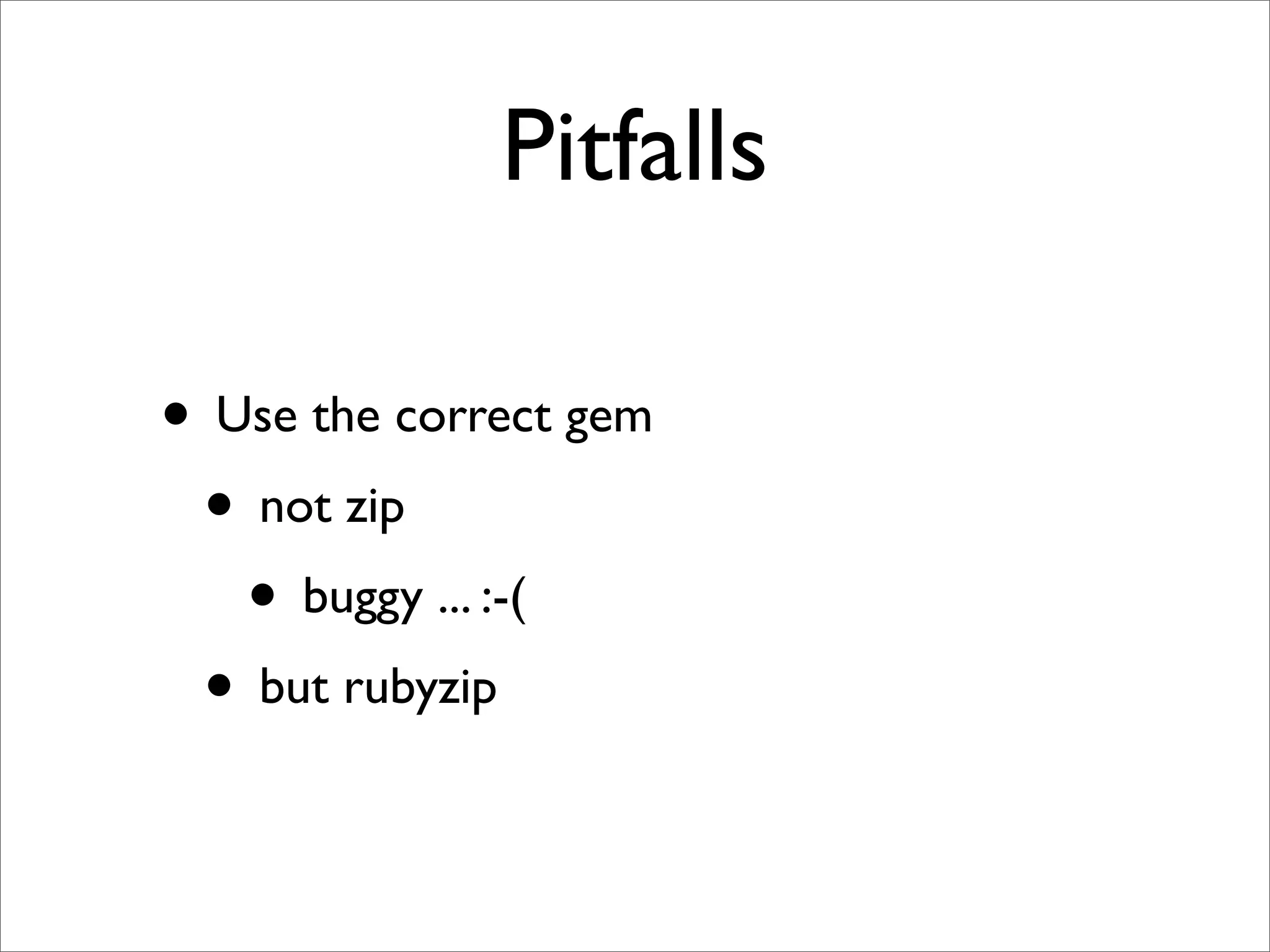
Pitfalls

• Use the correct gem
 • not zip
   • buggy ... :-(
 • but rubyzip
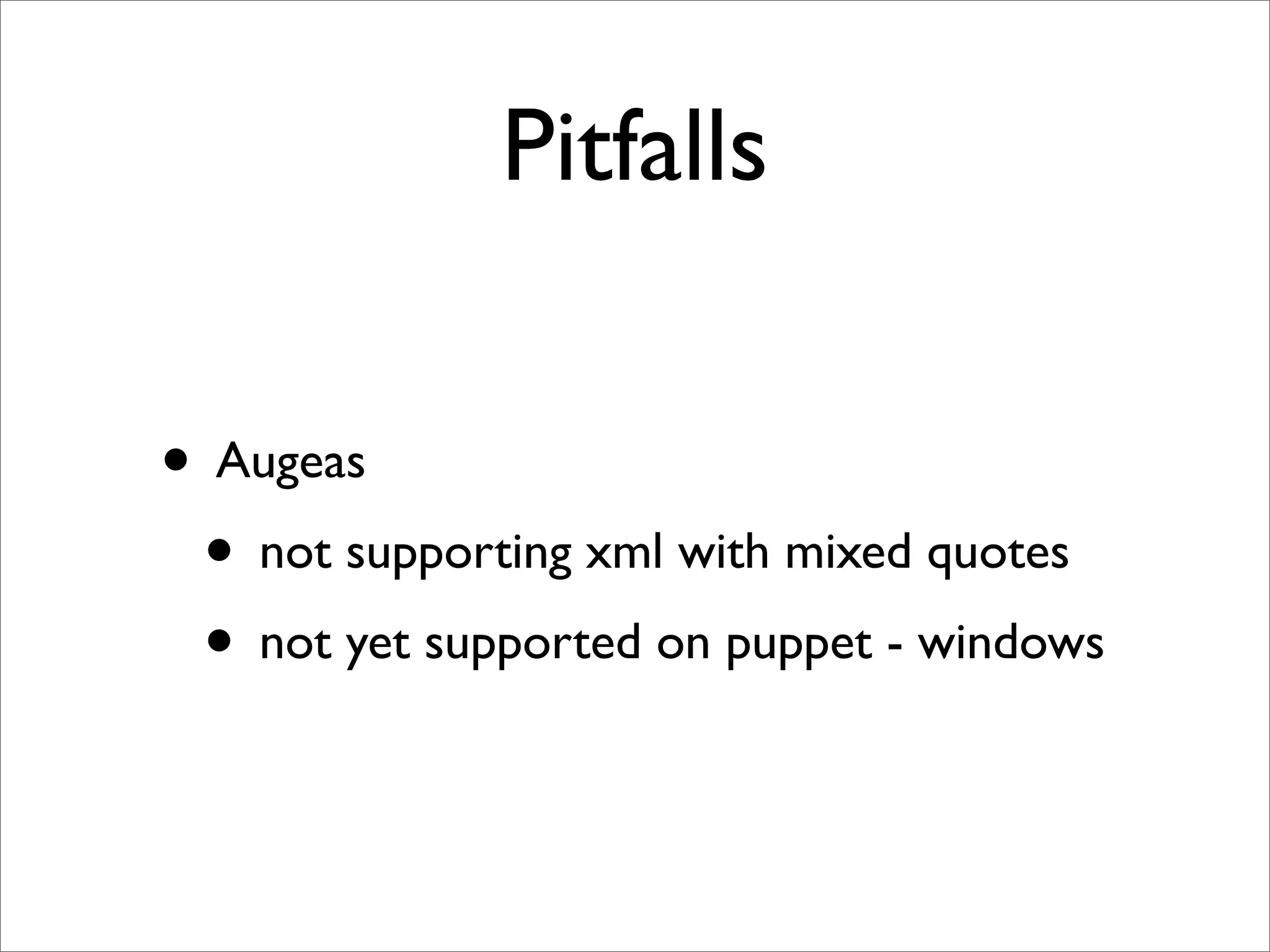
Pitfalls

• Augeas
 • not supporting xml with mixed quotes
 • not yet supported on puppet - windows
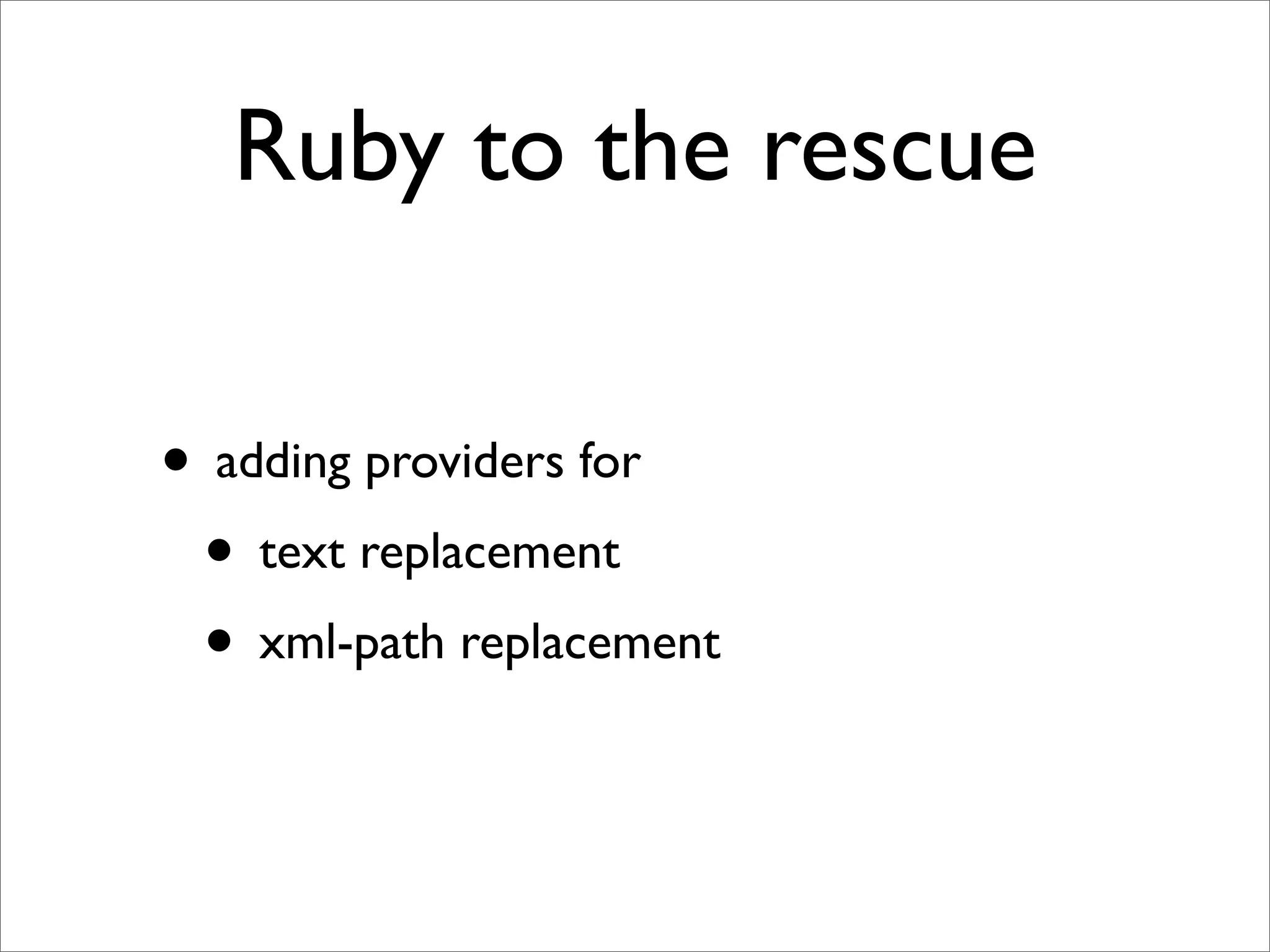
Ruby to the rescue

• adding providers for
 • text replacement
 • xml-path replacement
My Conclusion
• Never use exec
• Core Puppet needs some basic functionality
  support for ALL platforms such as
 • downloading files from the web : wget
 • zip / tar
 • search/replace in file/xml ...
My Puppet
Opportunities for 2013


• hiera
• Testing my puppet scripts
Questions ?

Using Puppet on Linux, Windows, and Mac OSX

  • 1.
    Using puppet onLinux, Windows and Mac OSX Hein Couwet 2improveIT hein@2improveit.eu @heincouwet
  • 2.
    Lessons learned from installinga development stack on the 3 major operating systems : Linux, Mac OSX and Windows.
  • 3.
  • 4.
    installing a development stack @iDalko • automated • asap : < 15 minutes
  • 5.
    Installing an integrated stack • Atlassian tools (JIRA/Confluence/Fisheye/ Crucible/Bamboo/Stash) • Other OpenSource Tools : Sonar / BIRT/ Nexus • Database MySQL • Frontend : Apache
  • 6.
    Choice between • Puppet •Chef • scripting : ant / bash / ...
  • 7.
    Why Puppet • Declarativesyntax • No ‘programming’ skills ... • so the customer can understand without learning a new language
  • 8.
  • 9.
  • 10.
    Platform : Ubuntu •Downloading using wget • uncompress using tar -zxf • starting up using linux services • installing packages mysql and apache • configuring vproxy in apache
  • 11.
    Download define download($url,$location,$filename) { exec { "download-$filename": cwd => "$location", command => "/usr/bin/wget $url", creates => "$location/$filename", logoutput => "on_failure", timeout => 0, require => File["$location"], } }
  • 12.
    Uncompress define untargz($location,$filename,$creates) { exec { "untargz": cwd => "$location", command => "/bin/tar -zxvf $filename", creates => "$creates", logoutput => "on_failure", timeout => 0, } }
  • 13.
    Starting up linux services file { "/etc/init.d/nexus": ensure => link, target => "${nexus_install}/bin/nexus", } service { "nexus": ensure => running, require => File["/etc/init.d/nexus"], }
  • 14.
    Installing packages Apache package { "apache2-mpm-prefork": ensure =>installed } service { "apache2": enable => true, ensure => running, require => Package["apache2-mpm-prefork"], }
  • 15.
    Lessons learned ... • instead of using a { “xxx”: ... } b { “yyy” : .... require => A[“xxx”] }
  • 16.
    Lessons learned ... • start using a { “xxx”: ... } -> b { “yyy” : .... }
  • 17.
  • 18.
    Challenge 1 • Anothercustomer has a CentOS server instead of Ubuntu ... • can we also use puppet ?
  • 19.
    Problem 1 • othernaming of apache packages • apache2 <-> httpd
  • 20.
    Solution case    $operatingsystem  {          "CentOS":    {                $packages  =  [  "httpd"  ]                package  {  $packages:                                    ensure  =>  installed,                }                service  {  "httpd":                                ensure  =>  running,                                require  =>  Package["httpd"],                }            }            "Debian":  {                $packages  =  [  "apache2-­‐mpm-­‐prefork"  ]                package  {  $packages:                                    ensure  =>  installed,                }                  service  {  "apache2":                                ensure  =>  running,                                require  =>  Package["apache2-­‐mpm-­‐prefork"]                }        }
  • 21.
  • 22.
  • 23.
    Why ? • Justfor local testing on my development machine • ➟ limited scope, no longer apache, service ...
  • 24.
    small adaptations ... • instead of exec { ...: command => "/usr/bin/wget $url", } • now use exec { ... : command => "wget $url", path => “$::path”, }
  • 25.
    Episode IV :Windows
  • 26.
    Windows • Back tobasics • no longer ‘standard’ commands • no longer unix paths • limited set of puppet resources available
  • 27.
    Window Paths Windows file paths must be written in different ways at different times, due to various tools’ conflicting rules for backslash use. 1 Windows file system APIs accept both the backslash () and forwardslash (/) to separate directory and file components in a path. 2 Some Windows programs only accept backslashes in file paths. 3 *nix shells and many programming languages — including the Puppet language — use the backslash as an escape character. As a result, any system that interacts with *nix and Windows systems as equal peers will unavoidably have complicated behavior around backslashes. The following guidelines will help you use backslashes safely in Windows file paths with Puppet. Forward Slashes vs. Backslashes In many cases, you can use forward slashes instead of backslashes when specifying file paths. Forward slashes MUST be used in: 1 Template paths passed to the template function. For example:    file  {'C:/warning.txt': 2        ensure    =>  present, 3        content  =>  template('my_module/warning.erb'), 4    } 6 Puppet URLs in a file resource’s source attribute.
  • 28.
    Window Paths Forward slashes SHOULD be used in: 1 The title or path attribute of a file resource 2 The source attribute of a package resource 3 Local paths in a file resource’s source attribute 4 The command of an exec resource, unless the executable requires backslashes, e.g. cmd.exe Forward slashes MUST NOT be used in: 1 The command of a scheduled_task resource. 2 The install_options of a package resource. The Rule If Puppet itself is interpreting the file path, forward slashes are okay. If the file path is being passed directly to a Windows program, forward slashes may not be okay. Using Backslashes in Double-Quoted Strings Puppet supports two kinds of string quoting. Strings surrounded by double quotes (") allow variable interpretation and many escape sequences (including the common n for a newline), so care must be taken to prevent backslashes from being mistaken for escape sequences. When using backslashes in a double-quoted string, you must always use two backslashes for each literal backslash. There are no exceptions and no special cases. Using Backslashes in Single-Quoted Strings Strings surrounded by single quotes (') do not allow variable interpretation, and the only escape sequences permitted are ' (a literal single quote) and (a literal backslash). Lone backslashes can usually be used in single-quoted strings. However: 1 When a backslash occurs at the very end of a single-quoted string, a double backslash must be used instead of a single backslash. For example: path  =>  'C: Program  Files(x86)'
  • 29.
    Window Paths The Rule If Puppet itself is interpreting the file path, forward slashes are okay. If the file path is being passed directly to a Windows program, forward slashes may not be okay. Using Backslashes in Double-Quoted Strings Puppet supports two kinds of string quoting. Strings surrounded by double quotes (") allow variable interpretation and many escape sequences (including the common n for a newline), so care must be taken to prevent backslashes from being mistaken for escape sequences. When using backslashes in a double-quoted string, you must always use two backslashes for each literal backslash. There are no exceptions and no special cases. Using Backslashes in Single-Quoted Strings Strings surrounded by single quotes (') do not allow variable interpretation, and the only escape sequences permitted are ' (a literal single quote) and (a literal backslash). Lone backslashes can usually be used in single-quoted strings. However: 1 When a backslash occurs at the very end of a single-quoted string, a double backslash must be used instead of a single backslash. For example: path  =>  'C:Program  Files(x86)' 2 When a literal double backslash is intended, a quadruple backslash must be used.The Rule In single-quoted strings: 1 A double backslash always means a literal backslash. 2 A single backslash usually means a literal backslash, unless it is followed by a single quote or another backslash.
  • 30.
    Conclusion: Paths on Windows • I don’t even want to show you my first attempt • Too complicated !!!!
  • 31.
    Basic tools doesn’t exist • tar • unzip • wget
  • 32.
    Ruby to therescue • Puppet providers /resources • creating new ones • replacing wget • replacing tar / unzip • programming in Ruby, but still understandable for the customer
  • 33.
    puppet/type/install.rb Puppet::Type.newtype(:install) do ensurable newparam (:path) do desc "The file name where to install" end newparam(:uri) do ! desc "The uri from where to get the file" isnamevar validate do |value| if value =~ /^http:/ resource[:provider] = :http end end end newparam(:download) do ! desc "The intermediary file as download" end newparam(:unzip) do desc "Need to unzip" end end
  • 34.
    puppet/provider/install/ http.rb require 'fileutils' require 'net/http' require 'uri' require 'zip/zip' Puppet::Type.type(:install).provide(:http) do def create path = resource[:path] if resource[:download] temp_path = resource[:download] else temp_path = "#{path}.download" end uri = URI(resource[:uri]) download( uri, temp_path) if resource[:unzip] unzip_file(temp_path,path) else FileUtils.mv temp_path path end ! FileUtils.touch "#{temp_path}.done" end def exists? path = resource[:path] if resource[:download] temp_path = resource[:download] else temp_path = "#{path}.download" end ! check_path = "#{temp_path}.done" ! File.exist? check_path end def unzip_file (file, destination) end def download (uri , path)end end
  • 35.
    Pitfalls • Use thecorrect gem • not zip • buggy ... :-( • but rubyzip
  • 36.
    Pitfalls • Augeas •not supporting xml with mixed quotes • not yet supported on puppet - windows
  • 37.
    Ruby to therescue • adding providers for • text replacement • xml-path replacement
  • 38.
    My Conclusion • Neveruse exec • Core Puppet needs some basic functionality support for ALL platforms such as • downloading files from the web : wget • zip / tar • search/replace in file/xml ...
  • 39.
    My Puppet Opportunities for2013 • hiera • Testing my puppet scripts
  • 40.