Google+
             Lisa Gualtieri, PhD, ScM
Dept. of Public Health and Community Medicine
       Tufts University School of Medicine
      l.gualtieri@tufts.edu / @lisagualtieri
                 February 15, 2012
                                          1
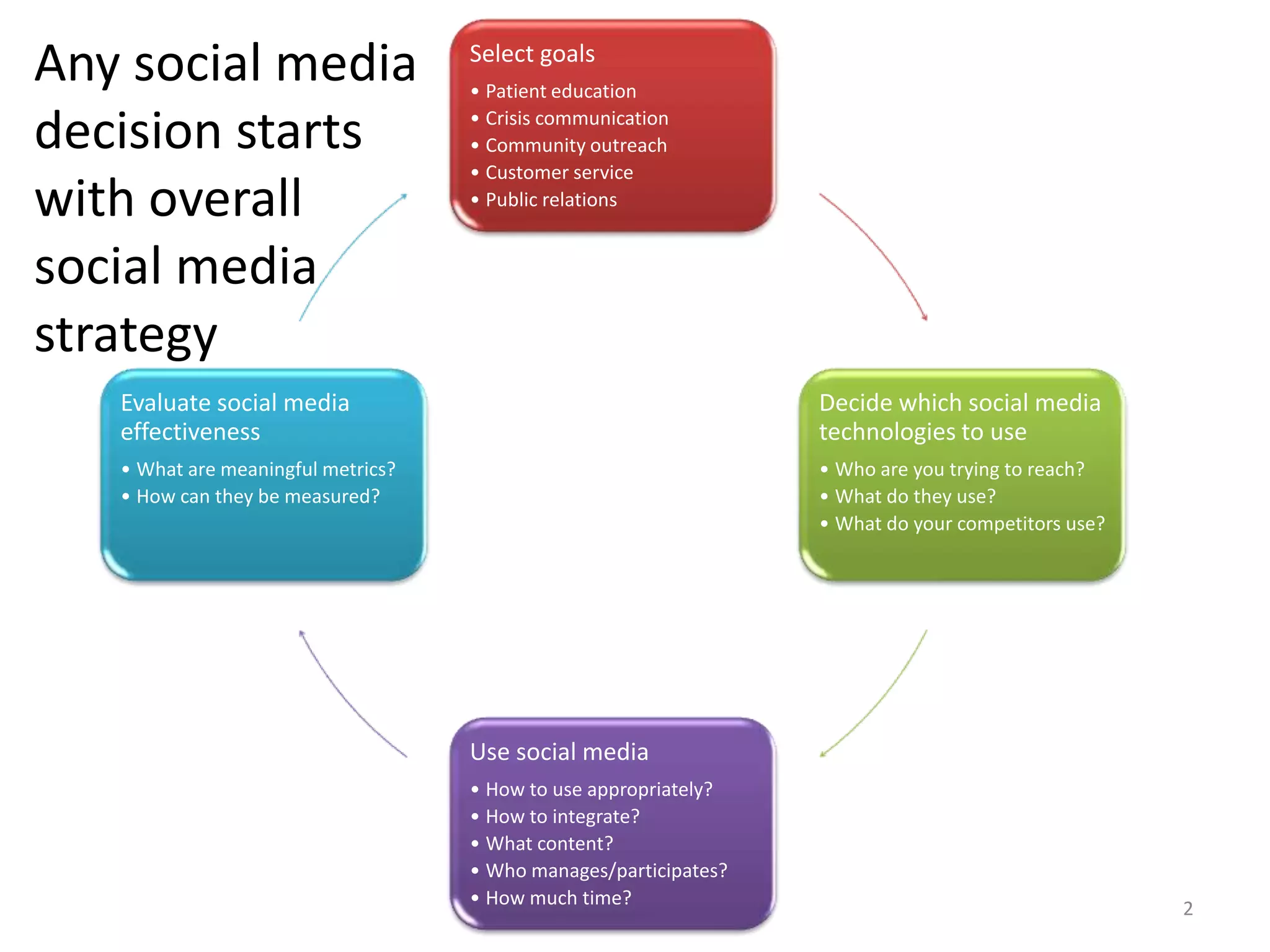
Any social media                    Select goals
                                    • Patient education

decision starts                     • Crisis communication
                                    • Community outreach
                                    • Customer service
with overall                        • Public relations


social media
strategy
   Evaluate social media                                          Decide which social media
   effectiveness                                                  technologies to use
   • What are meaningful metrics?                                 • Who are you trying to reach?
   • How can they be measured?                                    • What do they use?
                                                                  • What do your competitors use?


                                    Use social media
                                    • How to use appropriately?
                                    • How to integrate?
                                    • What content?
                                    • Who manages/participates?
                                    • How much time?
                                                                                                    2
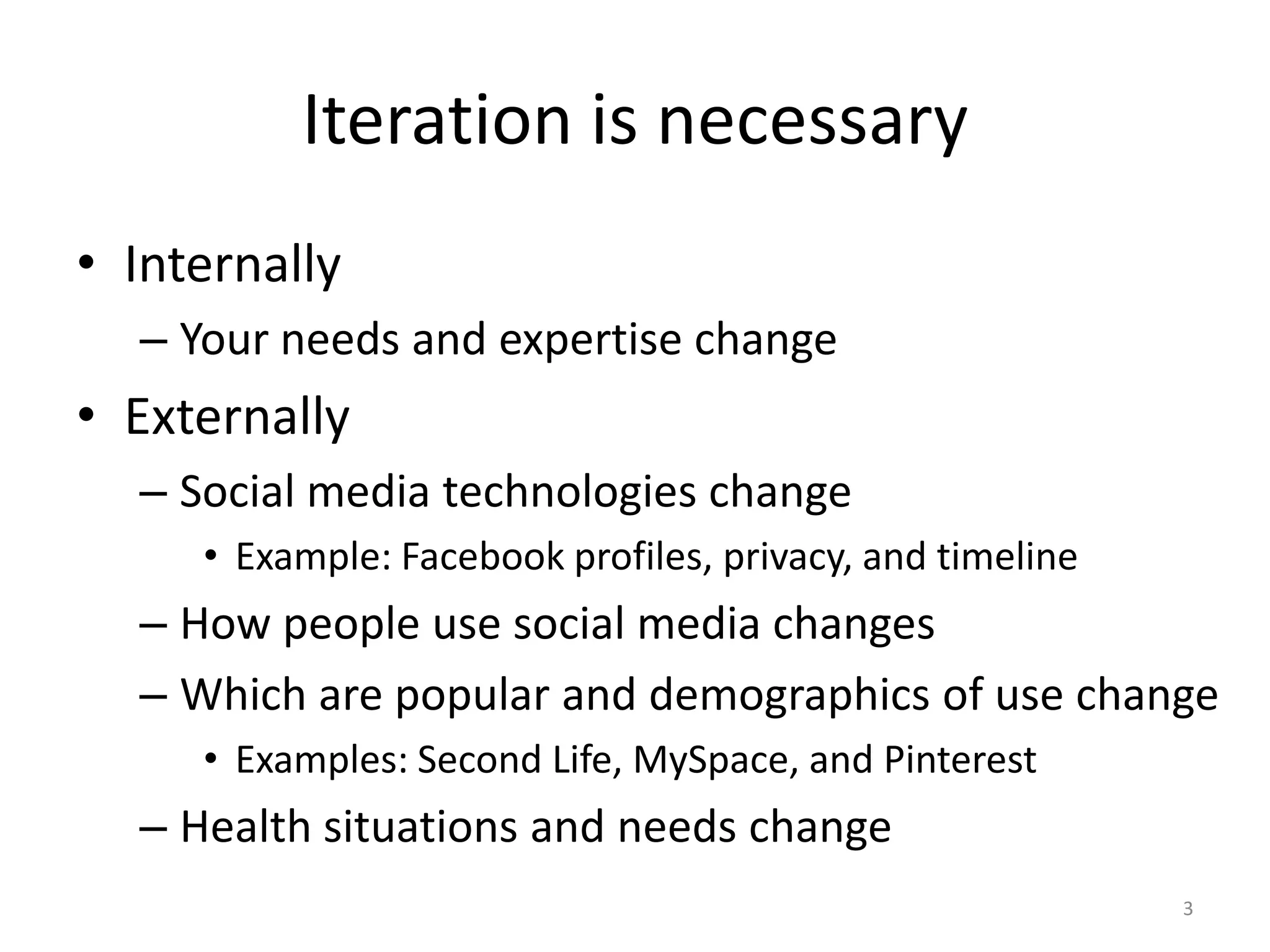
Iteration is necessary
• Internally
  – Your needs and expertise change
• Externally
  – Social media technologies change
     • Example: Facebook profiles, privacy, and timeline
  – How people use social media changes
  – Which are popular and demographics of use change
     • Examples: Second Life, MySpace, and Pinterest
  – Health situations and needs change
                                                           3
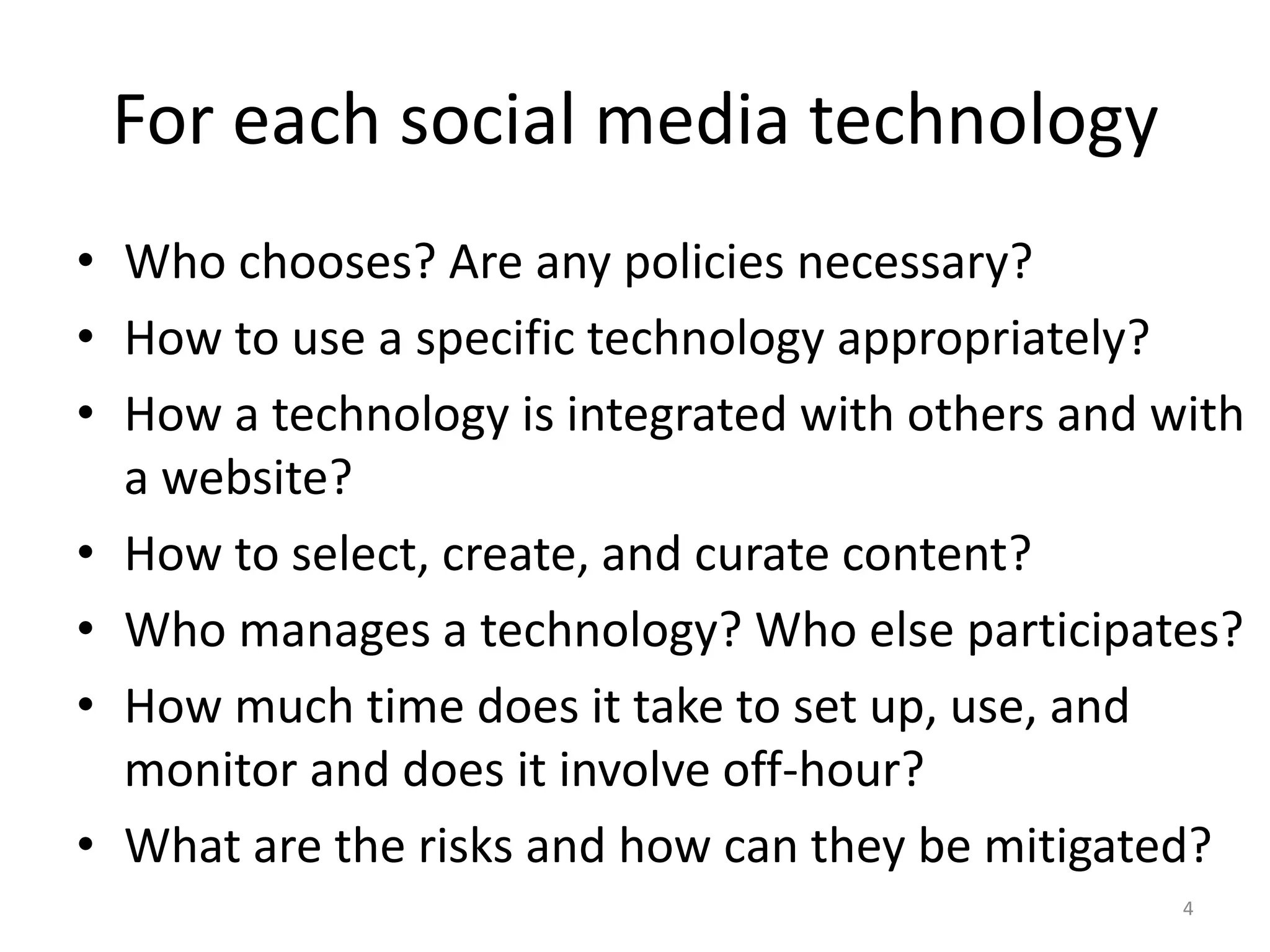
For each social media technology
• Who chooses? Are any policies necessary?
• How to use a specific technology appropriately?
• How a technology is integrated with others and with
  a website?
• How to select, create, and curate content?
• Who manages a technology? Who else participates?
• How much time does it take to set up, use, and
  monitor and does it involve off-hour?
• What are the risks and how can they be mitigated?
                                                  4
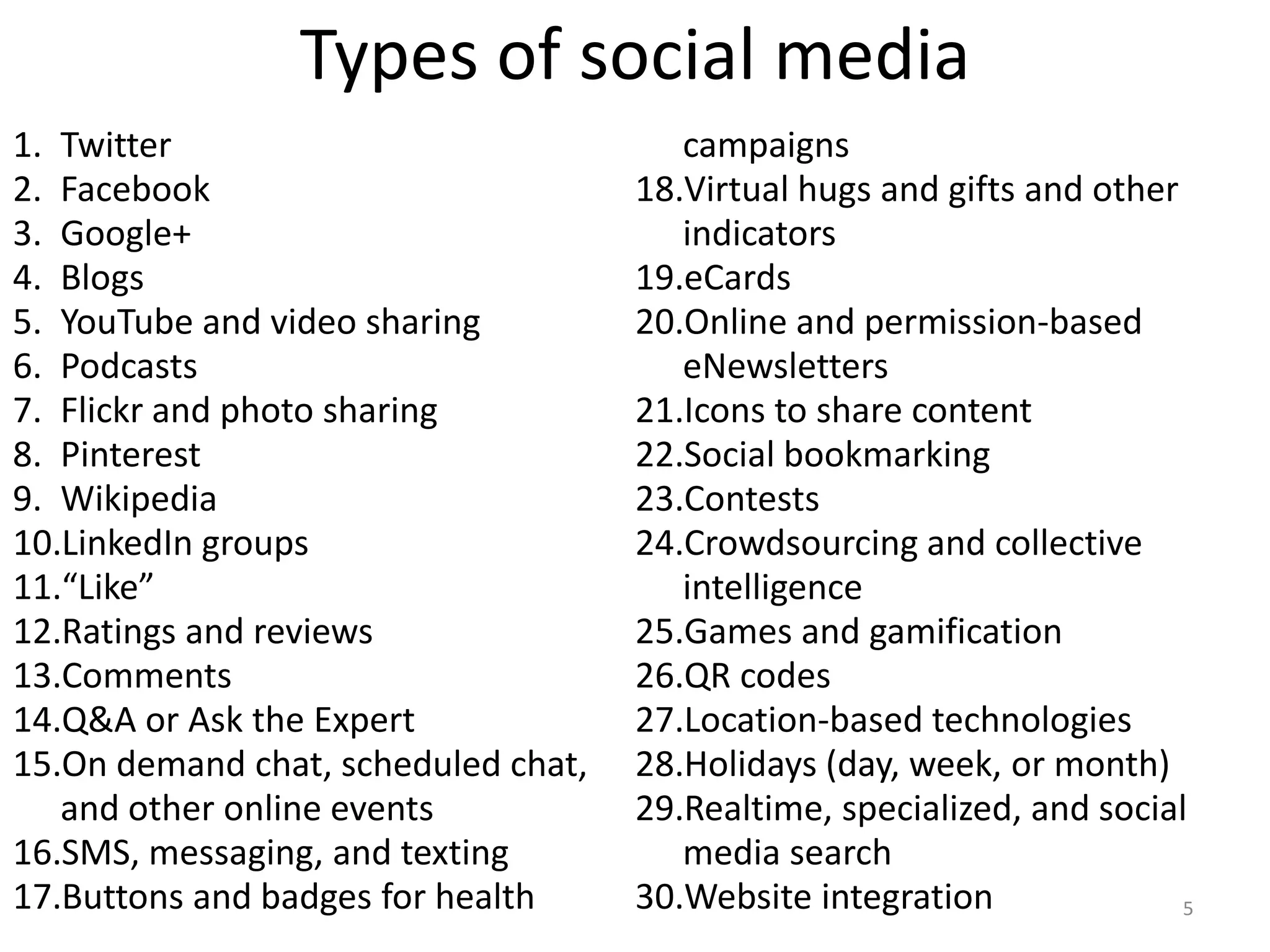
Types of social media
1. Twitter                              campaigns
2. Facebook                          18.Virtual hugs and gifts and other
3. Google+                              indicators
4. Blogs                             19.eCards
5. YouTube and video sharing         20.Online and permission-based
6. Podcasts                             eNewsletters
7. Flickr and photo sharing          21.Icons to share content
8. Pinterest                         22.Social bookmarking
9. Wikipedia                         23.Contests
10.LinkedIn groups                   24.Crowdsourcing and collective
11.“Like”                               intelligence
12.Ratings and reviews               25.Games and gamification
13.Comments                          26.QR codes
14.Q&A or Ask the Expert             27.Location-based technologies
15.On demand chat, scheduled chat,   28.Holidays (day, week, or month)
   and other online events           29.Realtime, specialized, and social
16.SMS, messaging, and texting          media search
17.Buttons and badges for health     30.Website integration              5
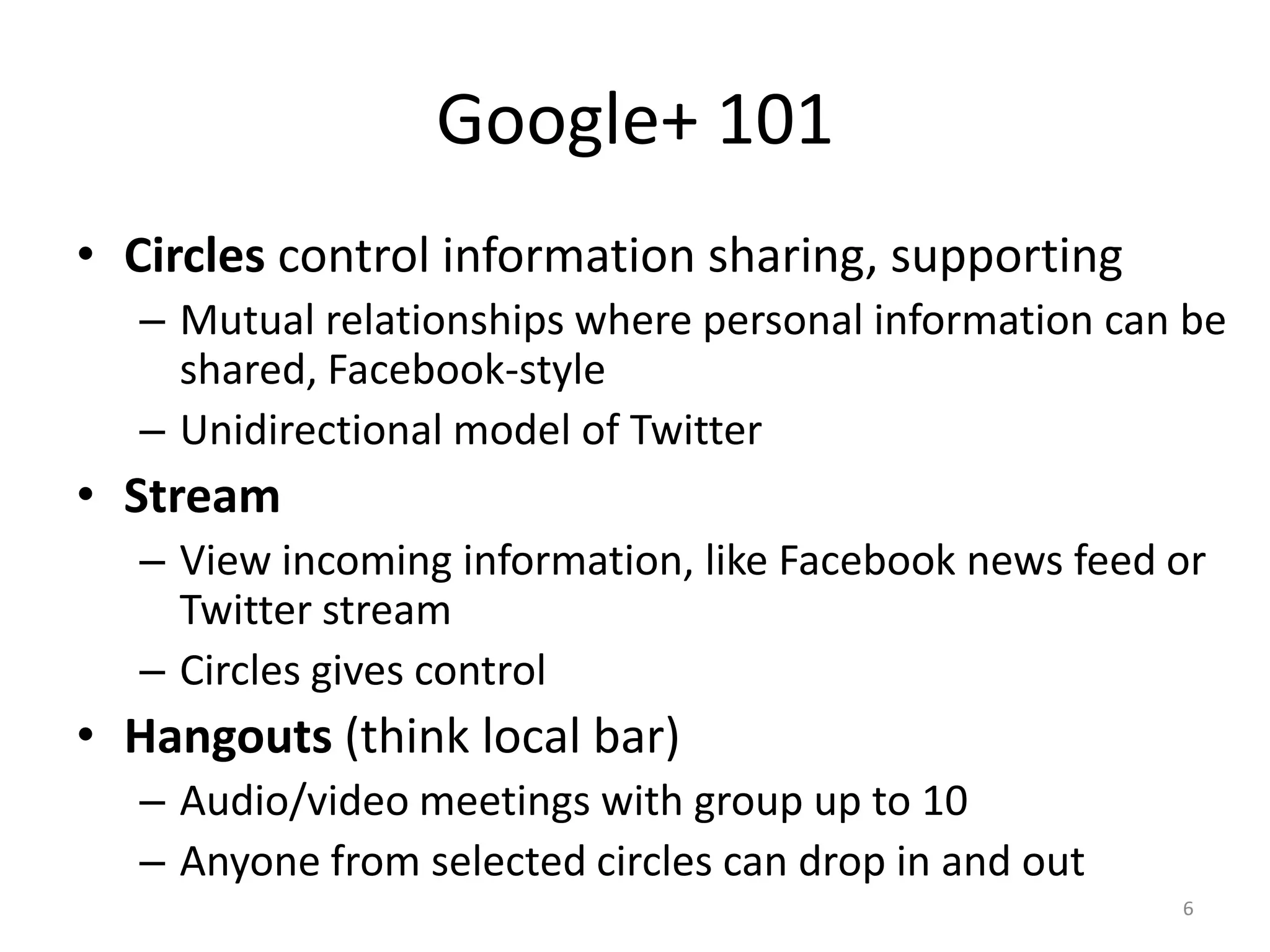
Google+ 101
• Circles control information sharing, supporting
  – Mutual relationships where personal information can be
    shared, Facebook-style
  – Unidirectional model of Twitter
• Stream
  – View incoming information, like Facebook news feed or
    Twitter stream
  – Circles gives control
• Hangouts (think local bar)
  – Audio/video meetings with group up to 10
  – Anyone from selected circles can drop in and out
                                                       6
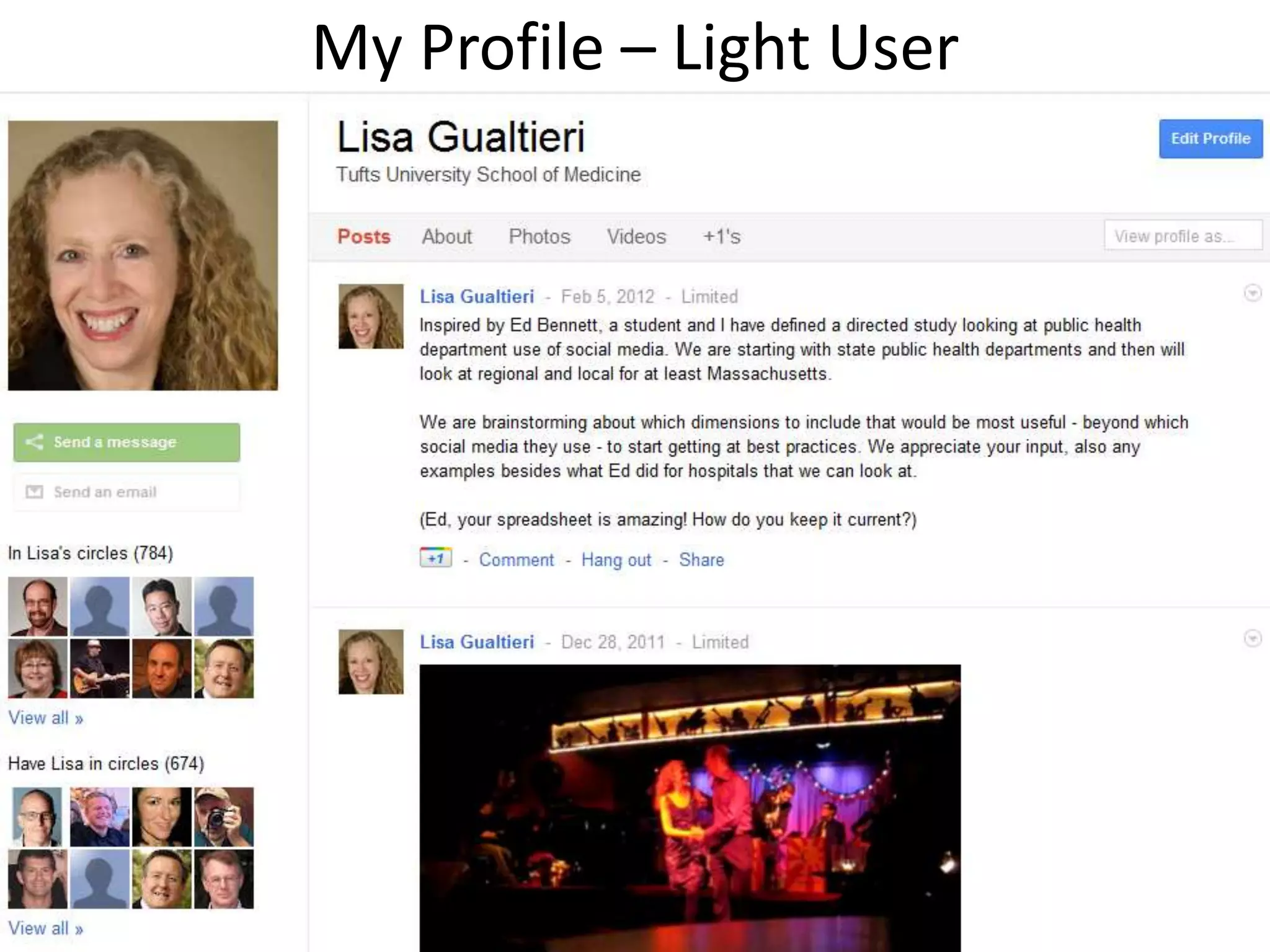
My Profile – Light User


                          7
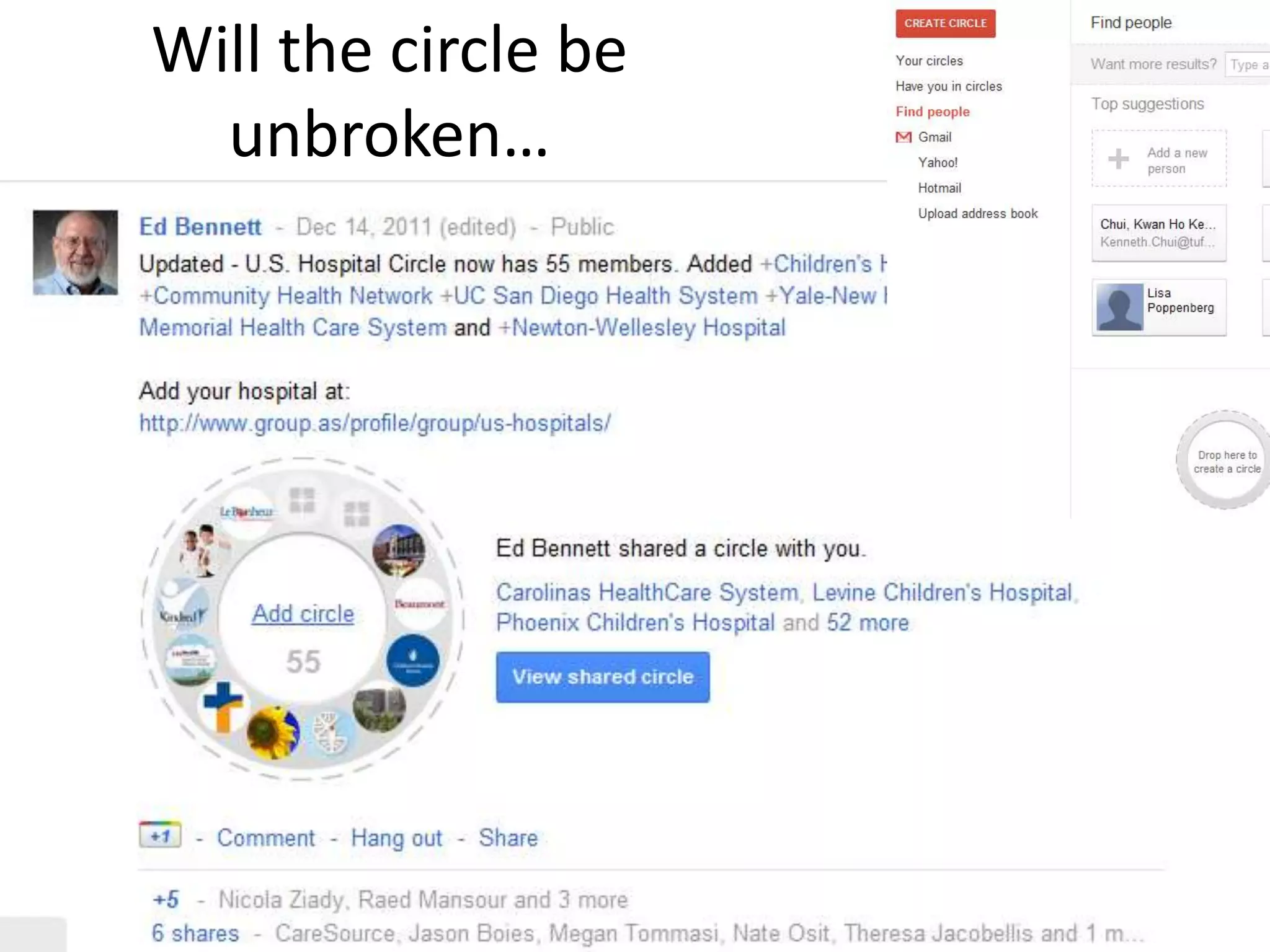
Will the circle be
  unbroken…


                     8
Google+ 102
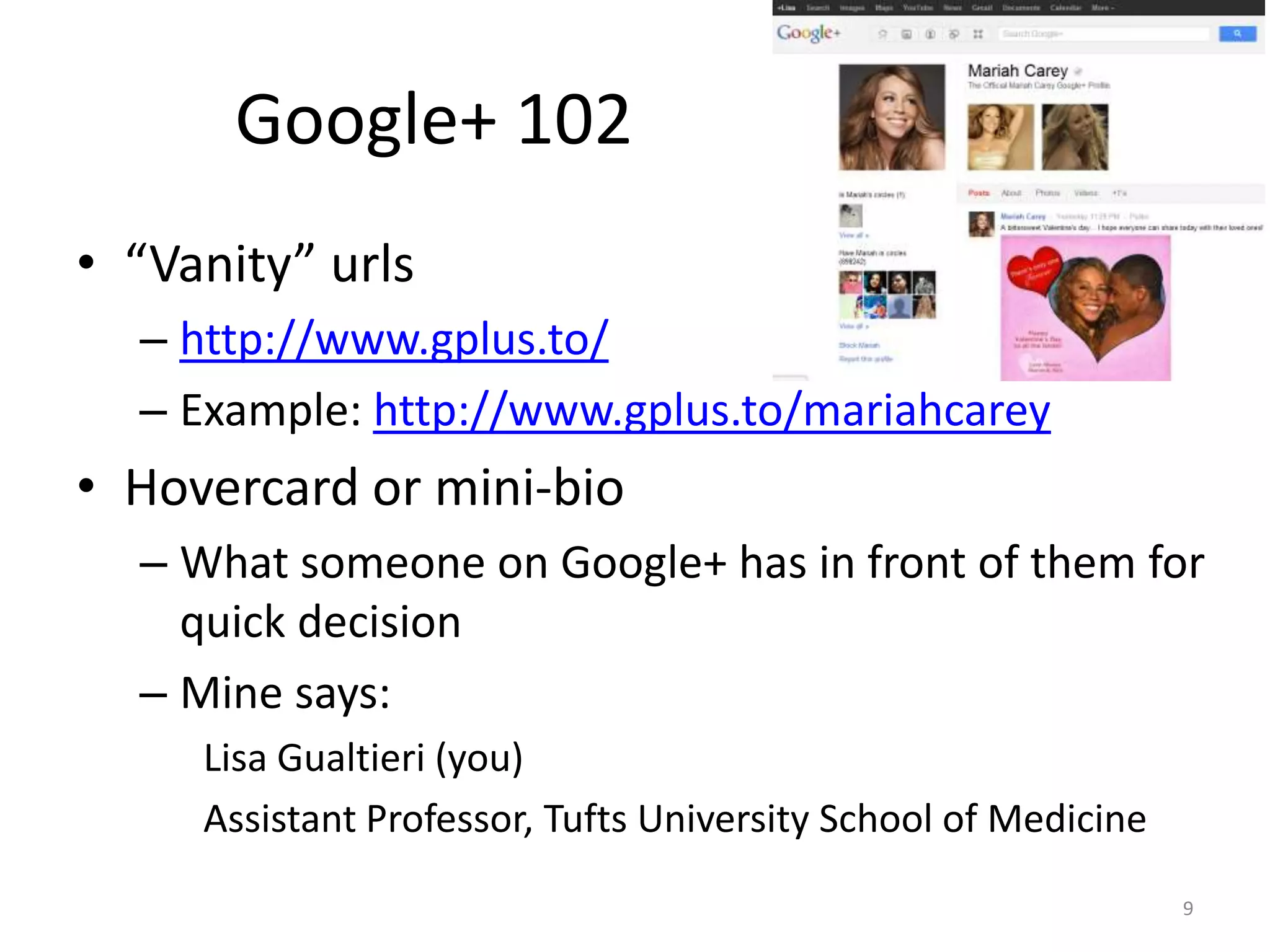
• “Vanity” urls
  – http://www.gplus.to/
  – Example: http://www.gplus.to/mariahcarey
• Hovercard or mini-bio
  – What someone on Google+ has in front of them for
    quick decision
  – Mine says:
     Lisa Gualtieri (you)
     Assistant Professor, Tufts University School of Medicine
                                                                9
Google 102+
• Look at how Google+ page looks to others
• Promote it – an art into itself
• Capitalize on Google+ search, social search, and
  other Google products
• Get in circles, think segmentation
• Use imagery
• Share content, create polls, etc.
• Play with hangouts
• Check which features are added/changed
                                                     10
Case study 1: Anatomy of a Google+ page


                                     11
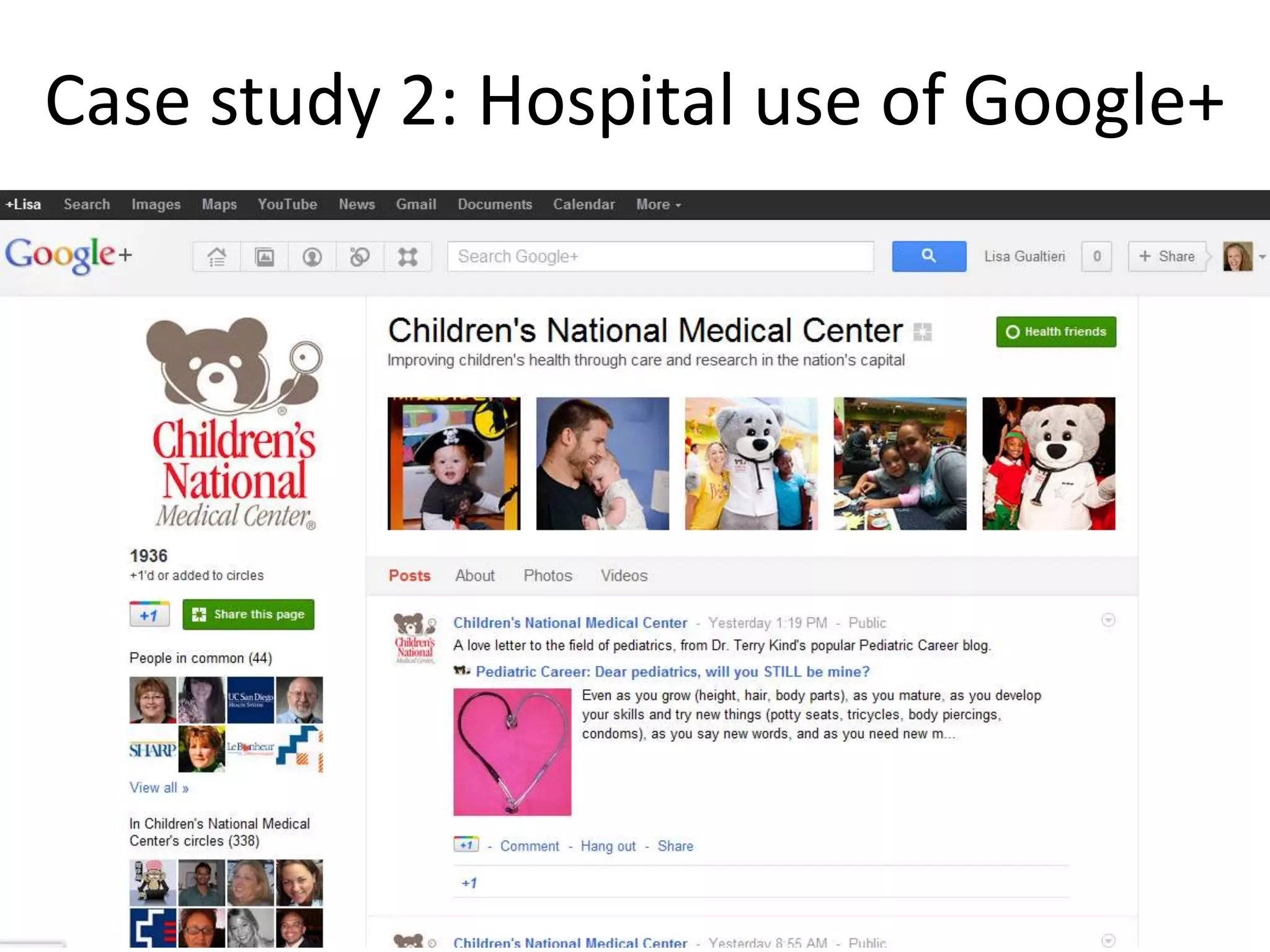
Case study 2: Hospital use of Google+


                                   12
Conclusions
• Cons for adopting Google+
  – It takes time to set up and connect to others
  – It takes time to craft appropriate messaging and not
    just reuse Facebook and Twitter posts
  – It is one more social media to monitor
• Pros for adopting Google+
  – It is pervasive because Google is pervasive especially
    with social search
  – Despite Facebook copying innovative features, it is
    not dying a slow death and seems to have potential13

Pros and cons for adopting Google+

  • 1.
    Google+ Lisa Gualtieri, PhD, ScM Dept. of Public Health and Community Medicine Tufts University School of Medicine l.gualtieri@tufts.edu / @lisagualtieri February 15, 2012 1
  • 2.
    Any social media Select goals • Patient education decision starts • Crisis communication • Community outreach • Customer service with overall • Public relations social media strategy Evaluate social media Decide which social media effectiveness technologies to use • What are meaningful metrics? • Who are you trying to reach? • How can they be measured? • What do they use? • What do your competitors use? Use social media • How to use appropriately? • How to integrate? • What content? • Who manages/participates? • How much time? 2
  • 3.
    Iteration is necessary •Internally – Your needs and expertise change • Externally – Social media technologies change • Example: Facebook profiles, privacy, and timeline – How people use social media changes – Which are popular and demographics of use change • Examples: Second Life, MySpace, and Pinterest – Health situations and needs change 3
  • 4.
    For each socialmedia technology • Who chooses? Are any policies necessary? • How to use a specific technology appropriately? • How a technology is integrated with others and with a website? • How to select, create, and curate content? • Who manages a technology? Who else participates? • How much time does it take to set up, use, and monitor and does it involve off-hour? • What are the risks and how can they be mitigated? 4
  • 5.
    Types of socialmedia 1. Twitter campaigns 2. Facebook 18.Virtual hugs and gifts and other 3. Google+ indicators 4. Blogs 19.eCards 5. YouTube and video sharing 20.Online and permission-based 6. Podcasts eNewsletters 7. Flickr and photo sharing 21.Icons to share content 8. Pinterest 22.Social bookmarking 9. Wikipedia 23.Contests 10.LinkedIn groups 24.Crowdsourcing and collective 11.“Like” intelligence 12.Ratings and reviews 25.Games and gamification 13.Comments 26.QR codes 14.Q&A or Ask the Expert 27.Location-based technologies 15.On demand chat, scheduled chat, 28.Holidays (day, week, or month) and other online events 29.Realtime, specialized, and social 16.SMS, messaging, and texting media search 17.Buttons and badges for health 30.Website integration 5
  • 6.
    Google+ 101 • Circlescontrol information sharing, supporting – Mutual relationships where personal information can be shared, Facebook-style – Unidirectional model of Twitter • Stream – View incoming information, like Facebook news feed or Twitter stream – Circles gives control • Hangouts (think local bar) – Audio/video meetings with group up to 10 – Anyone from selected circles can drop in and out 6
  • 7.
    My Profile –Light User 7
  • 8.
    Will the circlebe unbroken… 8
  • 9.
    Google+ 102 • “Vanity”urls – http://www.gplus.to/ – Example: http://www.gplus.to/mariahcarey • Hovercard or mini-bio – What someone on Google+ has in front of them for quick decision – Mine says: Lisa Gualtieri (you) Assistant Professor, Tufts University School of Medicine 9
  • 10.
    Google 102+ • Lookat how Google+ page looks to others • Promote it – an art into itself • Capitalize on Google+ search, social search, and other Google products • Get in circles, think segmentation • Use imagery • Share content, create polls, etc. • Play with hangouts • Check which features are added/changed 10
  • 11.
    Case study 1:Anatomy of a Google+ page 11
  • 12.
    Case study 2:Hospital use of Google+ 12
  • 13.
    Conclusions • Cons foradopting Google+ – It takes time to set up and connect to others – It takes time to craft appropriate messaging and not just reuse Facebook and Twitter posts – It is one more social media to monitor • Pros for adopting Google+ – It is pervasive because Google is pervasive especially with social search – Despite Facebook copying innovative features, it is not dying a slow death and seems to have potential13

Editor's Notes

  • #3 Appropriatelyfor the nature of the social media technology and the health messaging
  • #11 https://docs.google.com/document/d/1cUjZ_7rlAmKRDVB6GXId73h_eUdXGKdjtSff0svbaz0/preview?pli=1http://www.socialmediaexaminer.com/12-google-marketing-tips-from-the-pros/