ENGL 317: Spring Technical Writing Page 1 of 2
	
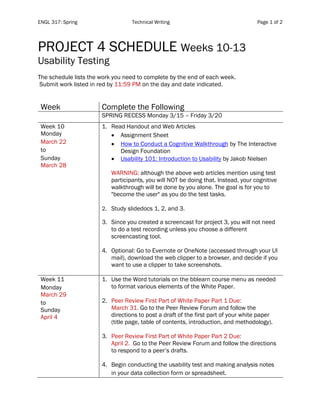
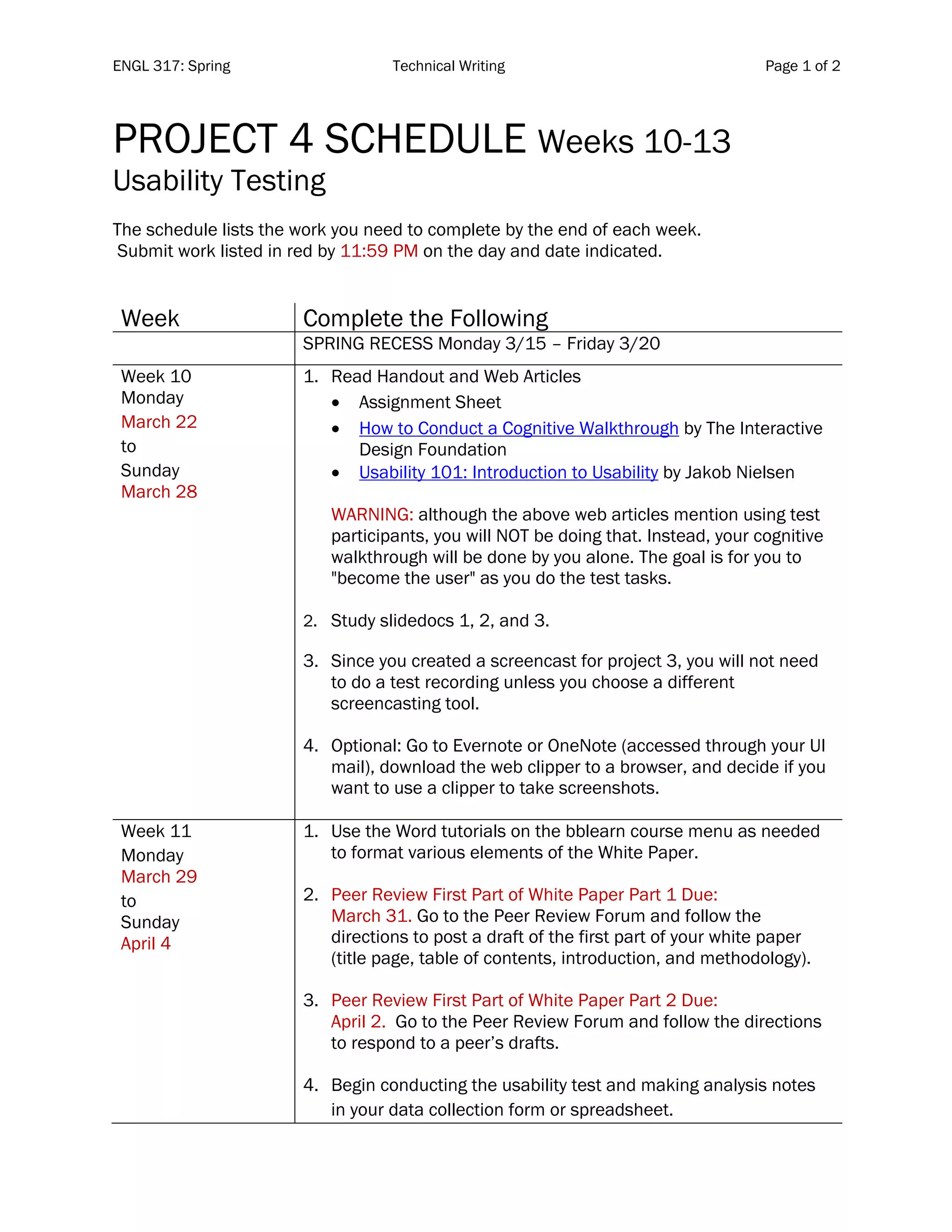
PROJECT 4 SCHEDULE Weeks 10-13
Usability Testing
The schedule lists the work you need to complete by the end of each week.
Submit work listed in red by 11:59 PM on the day and date indicated.
Week Complete the Following
SPRING RECESS Monday 3/15 – Friday 3/20
Week 10
Monday
March 22
to
Sunday
March 28
1. Read Handout and Web Articles
• Assignment Sheet
• How to Conduct a Cognitive Walkthrough by The Interactive
Design Foundation
• Usability 101: Introduction to Usability by Jakob Nielsen
WARNING: although the above web articles mention using test
participants, you will NOT be doing that. Instead, your cognitive
walkthrough will be done by you alone. The goal is for you to
"become the user" as you do the test tasks.
2. Study slidedocs 1, 2, and 3.
3. Since you created a screencast for project 3, you will not need
to do a test recording unless you choose a different
screencasting tool.
4. Optional: Go to Evernote or OneNote (accessed through your UI
mail), download the web clipper to a browser, and decide if you
want to use a clipper to take screenshots.
Week 11
Monday
March 29
to
Sunday
April 4
1. Use the Word tutorials on the bblearn course menu as needed
to format various elements of the White Paper.
2. Peer Review First Part of White Paper Part 1 Due:
March 31. Go to the Peer Review Forum and follow the
directions to post a draft of the first part of your white paper
(title page, table of contents, introduction, and methodology).
3. Peer Review First Part of White Paper Part 2 Due:
April 2. Go to the Peer Review Forum and follow the directions
to respond to a peer’s drafts.
4. Begin conducting the usability test and making analysis notes
in your data collection form or spreadsheet.
ENGL 317: Spring Technical Writing Page 2 of 2
	
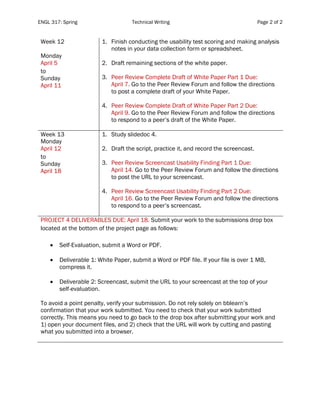
Week 12
Monday
April 5
to
Sunday
April 11
1. Finish conducting the usability test scoring and making analysis
notes in your data collection form or spreadsheet.
2. Draft remaining sections of the white paper.
3. Peer Review Complete Draft of White Paper Part 1 Due:
April 7. Go to the Peer Review Forum and follow the directions
to post a complete draft of your White Paper.
4. Peer Review Complete Draft of White Paper Part 2 Due:
April 9. Go to the Peer Review Forum and follow the directions
to respond to a peer’s draft of the White Paper.
Week 13
Monday
April 12
to
Sunday
April 18
1. Study slidedoc 4.
2. Draft the script, practice it, and record the screencast.
3. Peer Review Screencast Usability Finding Part 1 Due:
April 14. Go to the Peer Review Forum and follow the directions
to post the URL to your screencast.
4. Peer Review Screencast Usability Finding Part 2 Due:
April 16. Go to the Peer Review Forum and follow the directions
to respond to a peer’s screencast.
PROJECT 4 DELIVERABLES DUE: April 18. Submit your work to the submissions drop box
located at the bottom of the project page as follows:
• Self-Evaluation, submit a Word or PDF.
• Deliverable 1: White Paper, submit a Word or PDF file. If your file is over 1 MB,
compress it.
• Deliverable 2: Screencast, submit the URL to your screencast at the top of your
self-evaluation.
To avoid a point penalty, verify your submission. Do not rely solely on bblearn’s
confirmation that your work submitted. You need to check that your work submitted
correctly. This means you need to go back to the drop box after submitting your work and
1) open your document files, and 2) check that the URL will work by cutting and pasting
what you submitted into a browser.

Project4 schedule engl317_spring

  • 1.
    ENGL 317: SpringTechnical Writing Page 1 of 2 PROJECT 4 SCHEDULE Weeks 10-13 Usability Testing The schedule lists the work you need to complete by the end of each week. Submit work listed in red by 11:59 PM on the day and date indicated. Week Complete the Following SPRING RECESS Monday 3/15 – Friday 3/20 Week 10 Monday March 22 to Sunday March 28 1. Read Handout and Web Articles • Assignment Sheet • How to Conduct a Cognitive Walkthrough by The Interactive Design Foundation • Usability 101: Introduction to Usability by Jakob Nielsen WARNING: although the above web articles mention using test participants, you will NOT be doing that. Instead, your cognitive walkthrough will be done by you alone. The goal is for you to "become the user" as you do the test tasks. 2. Study slidedocs 1, 2, and 3. 3. Since you created a screencast for project 3, you will not need to do a test recording unless you choose a different screencasting tool. 4. Optional: Go to Evernote or OneNote (accessed through your UI mail), download the web clipper to a browser, and decide if you want to use a clipper to take screenshots. Week 11 Monday March 29 to Sunday April 4 1. Use the Word tutorials on the bblearn course menu as needed to format various elements of the White Paper. 2. Peer Review First Part of White Paper Part 1 Due: March 31. Go to the Peer Review Forum and follow the directions to post a draft of the first part of your white paper (title page, table of contents, introduction, and methodology). 3. Peer Review First Part of White Paper Part 2 Due: April 2. Go to the Peer Review Forum and follow the directions to respond to a peer’s drafts. 4. Begin conducting the usability test and making analysis notes in your data collection form or spreadsheet.
  • 2.
    ENGL 317: SpringTechnical Writing Page 2 of 2 Week 12 Monday April 5 to Sunday April 11 1. Finish conducting the usability test scoring and making analysis notes in your data collection form or spreadsheet. 2. Draft remaining sections of the white paper. 3. Peer Review Complete Draft of White Paper Part 1 Due: April 7. Go to the Peer Review Forum and follow the directions to post a complete draft of your White Paper. 4. Peer Review Complete Draft of White Paper Part 2 Due: April 9. Go to the Peer Review Forum and follow the directions to respond to a peer’s draft of the White Paper. Week 13 Monday April 12 to Sunday April 18 1. Study slidedoc 4. 2. Draft the script, practice it, and record the screencast. 3. Peer Review Screencast Usability Finding Part 1 Due: April 14. Go to the Peer Review Forum and follow the directions to post the URL to your screencast. 4. Peer Review Screencast Usability Finding Part 2 Due: April 16. Go to the Peer Review Forum and follow the directions to respond to a peer’s screencast. PROJECT 4 DELIVERABLES DUE: April 18. Submit your work to the submissions drop box located at the bottom of the project page as follows: • Self-Evaluation, submit a Word or PDF. • Deliverable 1: White Paper, submit a Word or PDF file. If your file is over 1 MB, compress it. • Deliverable 2: Screencast, submit the URL to your screencast at the top of your self-evaluation. To avoid a point penalty, verify your submission. Do not rely solely on bblearn’s confirmation that your work submitted. You need to check that your work submitted correctly. This means you need to go back to the drop box after submitting your work and 1) open your document files, and 2) check that the URL will work by cutting and pasting what you submitted into a browser.