Download to read offline
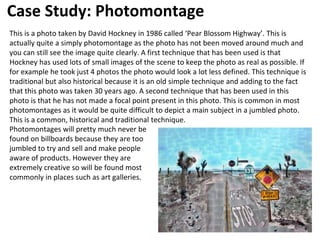
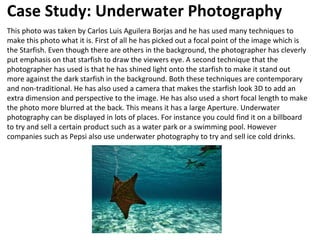
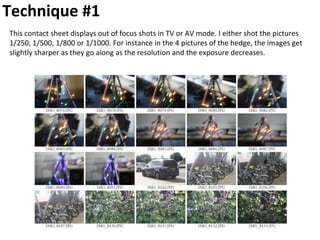
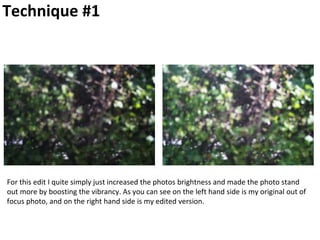
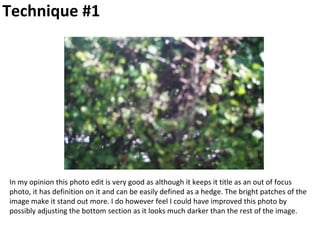
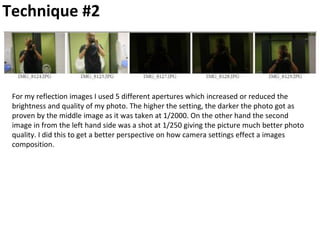
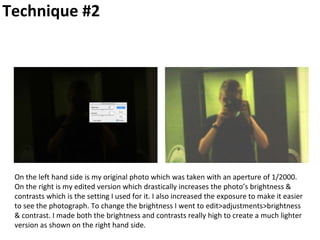
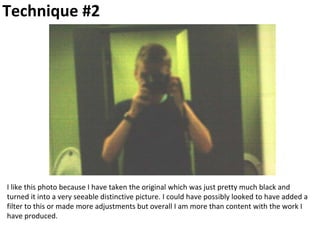
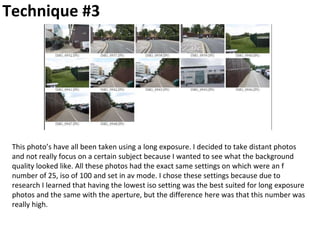
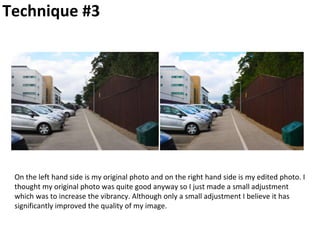
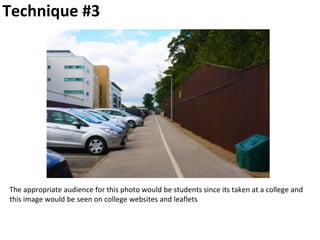
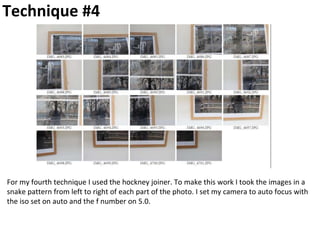
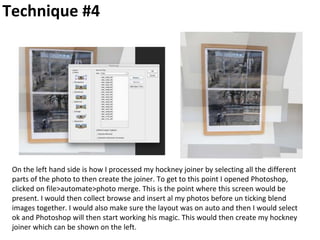
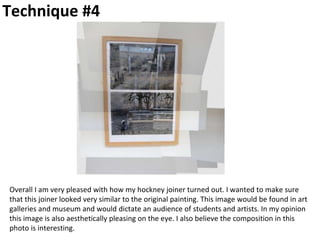
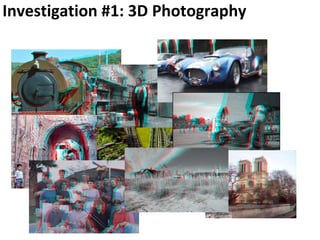
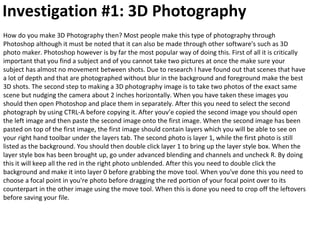
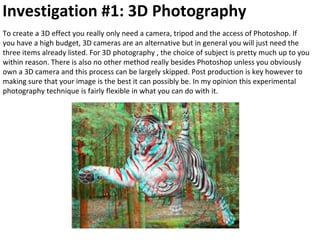
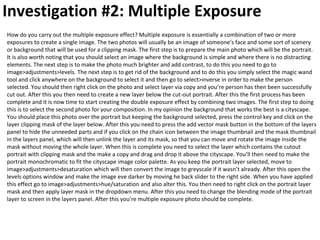
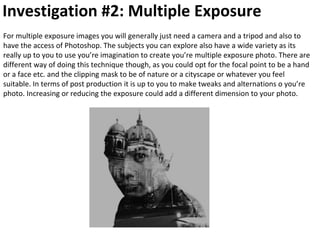

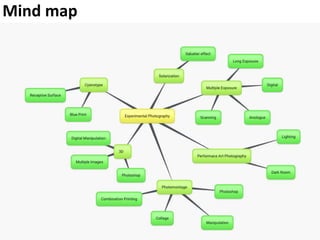
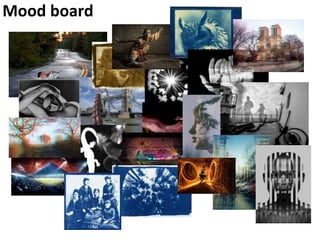
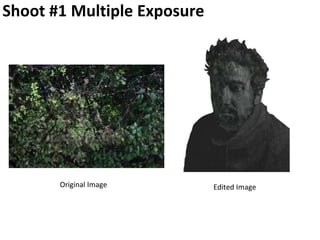
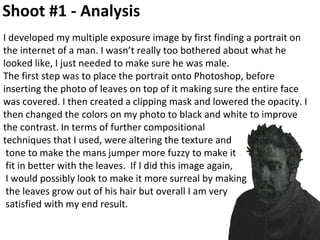
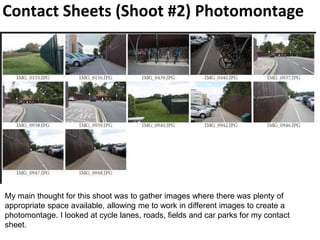
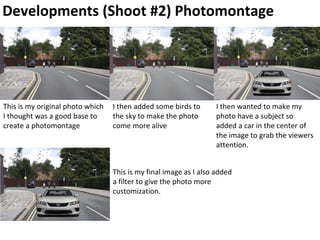
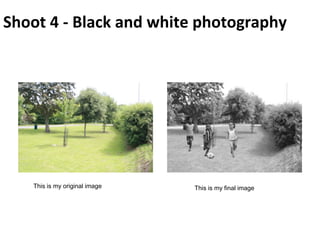
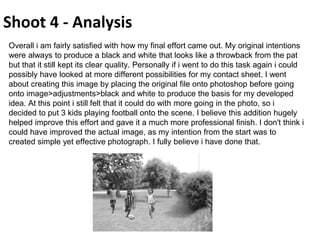
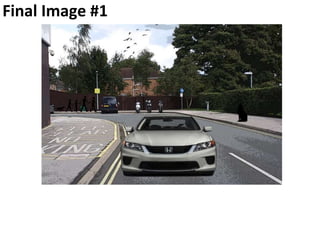
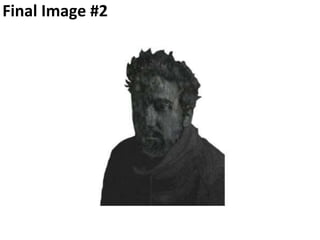
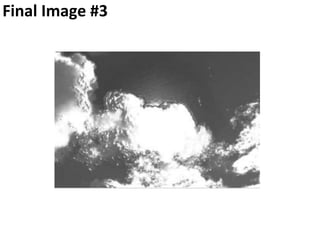
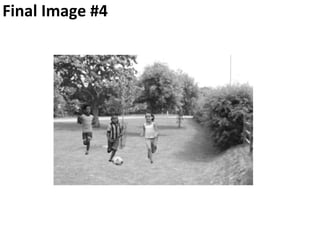

1. Take two photos of the same scene from slightly different angles, about 2 inches apart. 2. Open the photos as layers in Photoshop, with one layer above the other. 3. Disable blending of the red channel in the top layer. 4. Use the move tool to align the focal point between the two layers, creating a 3D effect. 5. Crop the extra areas not included in both photos.


![1. [pro forma] experimental photography case study.pptx](https://cdn.slidesharecdn.com/ss_thumbnails/1-proforma-experimental-photography-case-studypptxmpc-160216181643-thumbnail.jpg?width=640&height=640&fit=bounds)
![[Pro forma] 2 photography141016](https://cdn.slidesharecdn.com/ss_thumbnails/pro-forma2photography141016-170106162151-thumbnail.jpg?width=640&height=640&fit=bounds)


![[Pro forma] 2 photography141016](https://cdn.slidesharecdn.com/ss_thumbnails/pro-forma2photography141016-161210204400-thumbnail.jpg?width=640&height=640&fit=bounds)
![[Pro forma] 2 photography141016](https://cdn.slidesharecdn.com/ss_thumbnails/pro-forma2photography141016-170106134024-thumbnail.jpg?width=640&height=640&fit=bounds)


![[Pro forma] experimental photography](https://cdn.slidesharecdn.com/ss_thumbnails/pro-formaexperimentalphotography-170308104737-thumbnail.jpg?width=640&height=640&fit=bounds)
![[Pro forma] experimental photography](https://cdn.slidesharecdn.com/ss_thumbnails/pro-formaexperimentalphotographyautosaved-170606121709-thumbnail.jpg?width=640&height=640&fit=bounds)


![[Pro forma] experimental photography](https://cdn.slidesharecdn.com/ss_thumbnails/pro-formaexperimentalphotography-170615122957-thumbnail.jpg?width=640&height=640&fit=bounds)


