Download as PDF, PPTX
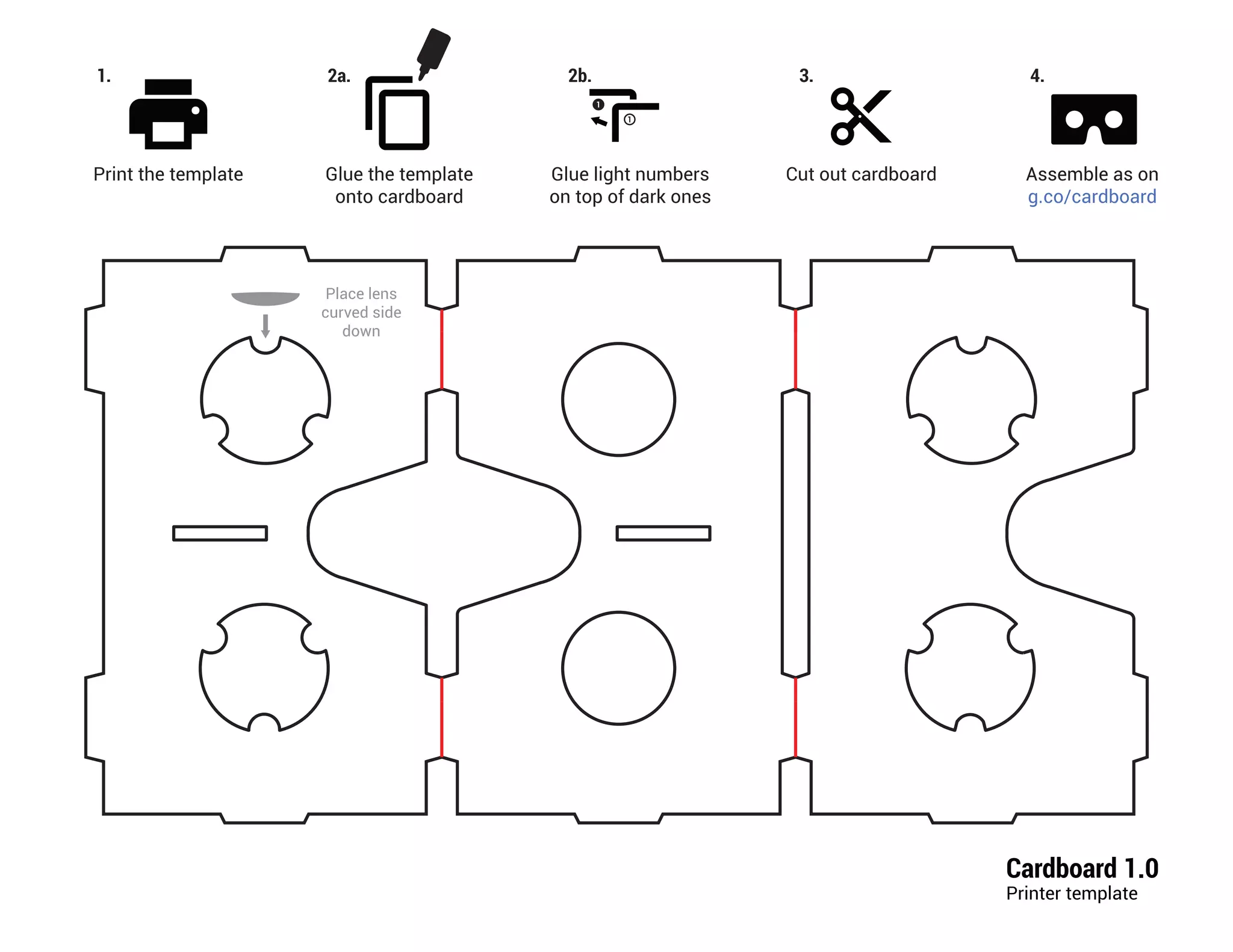
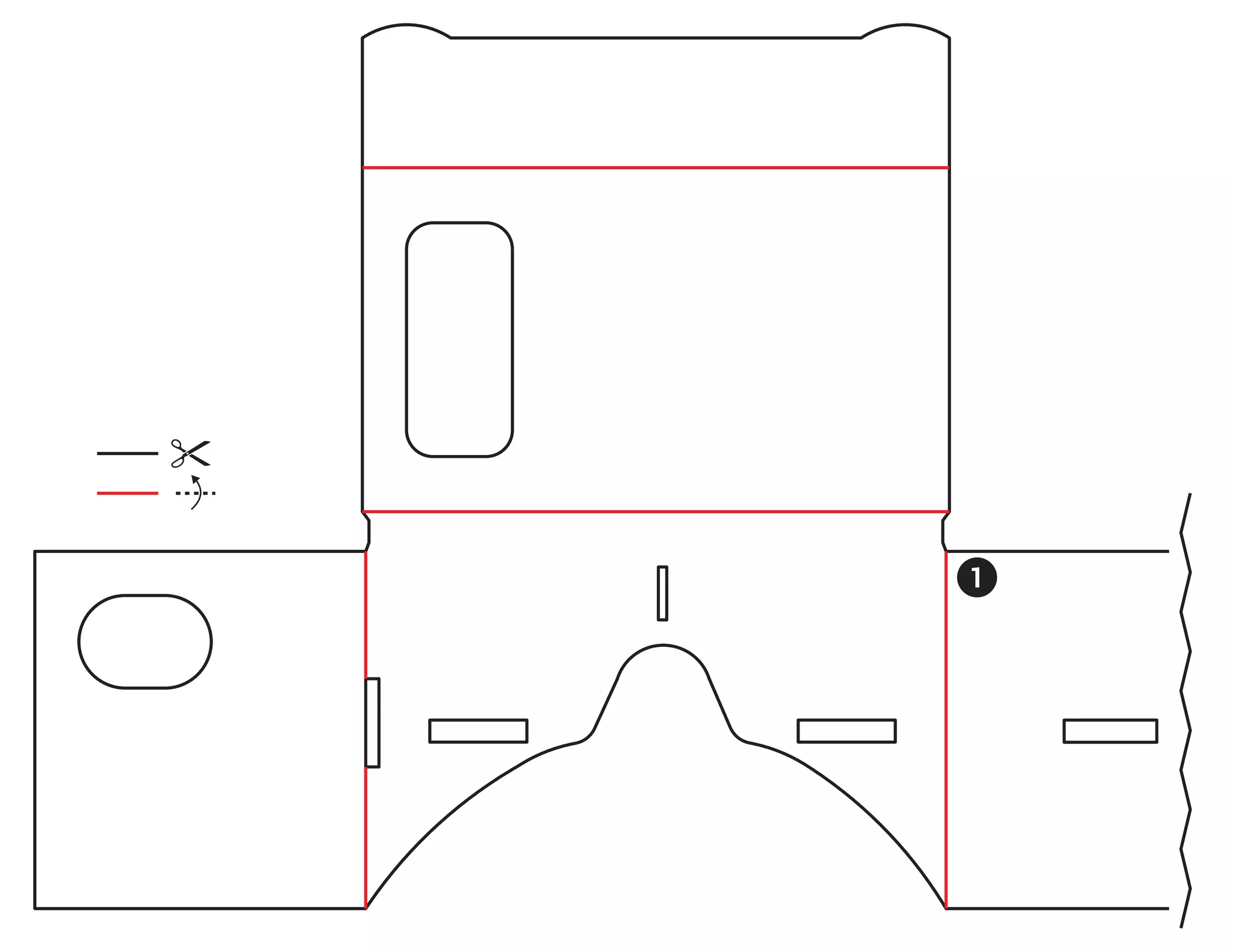


This document provides instructions for assembling a cardboard viewer using a printed template, cardboard, and magnets. The instructions are to print the template, glue it onto cardboard and cut it out, then glue numbered lights on top of each other and attach a magnet to the back.


![Google card board And Expedition [virtual reality]](https://cdn.slidesharecdn.com/ss_thumbnails/googlecardboardvirtualreality-151129053548-lva1-app6891-thumbnail.jpg?width=640&height=640&fit=bounds)


