Copyright: infoDiagram.com 2015
Presentation
room setups
1
Presentation
training
visuals
Part 2
Copyright: infoDiagram.com 2015 2
What you should consider when preparing
your speech?
Copyright: infoDiagram.com 2015 3
What you should consider when preparing
your speech?
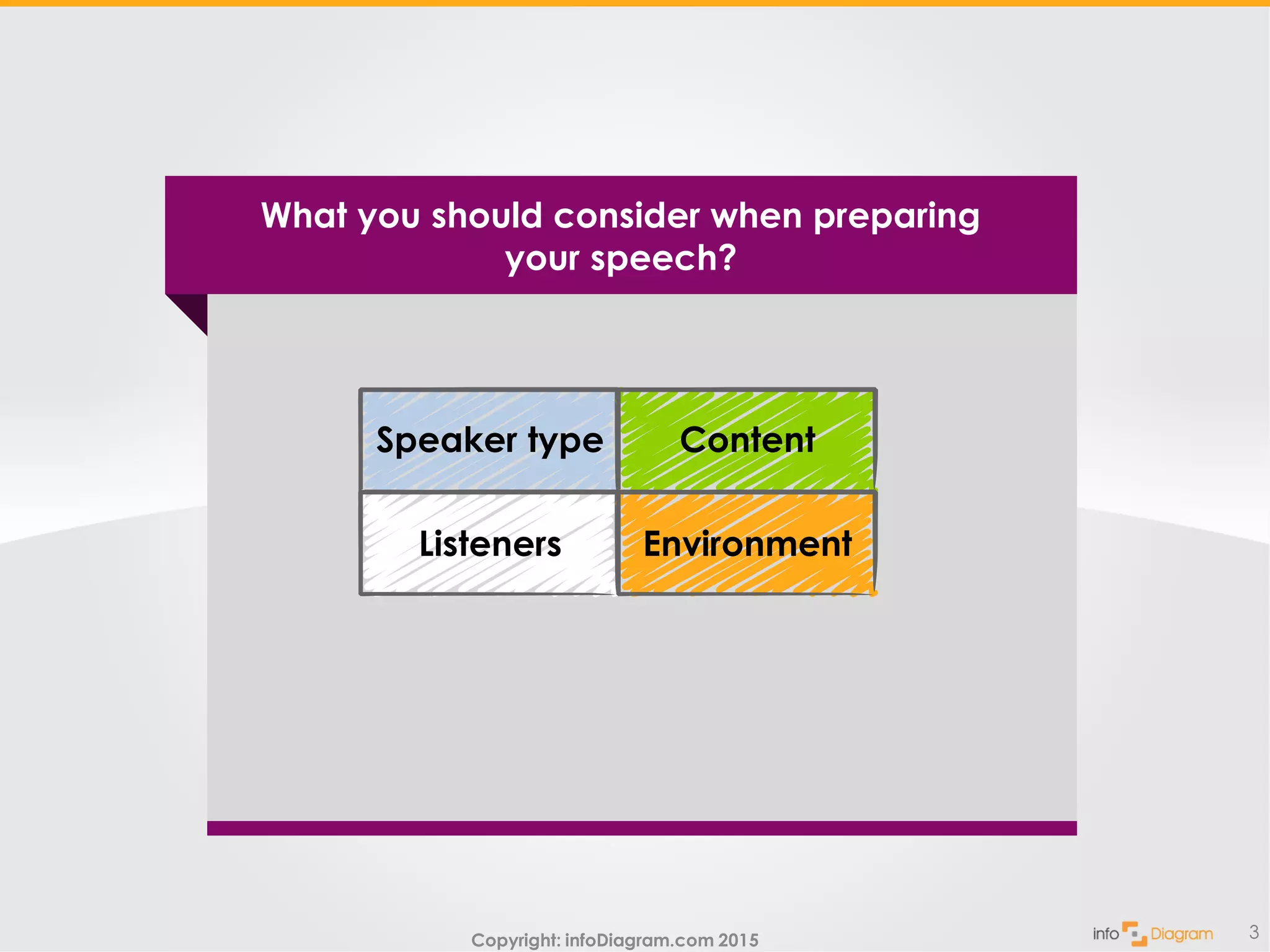
Listeners
Speaker type
Environment
Content
Copyright: infoDiagram.com 2015 4
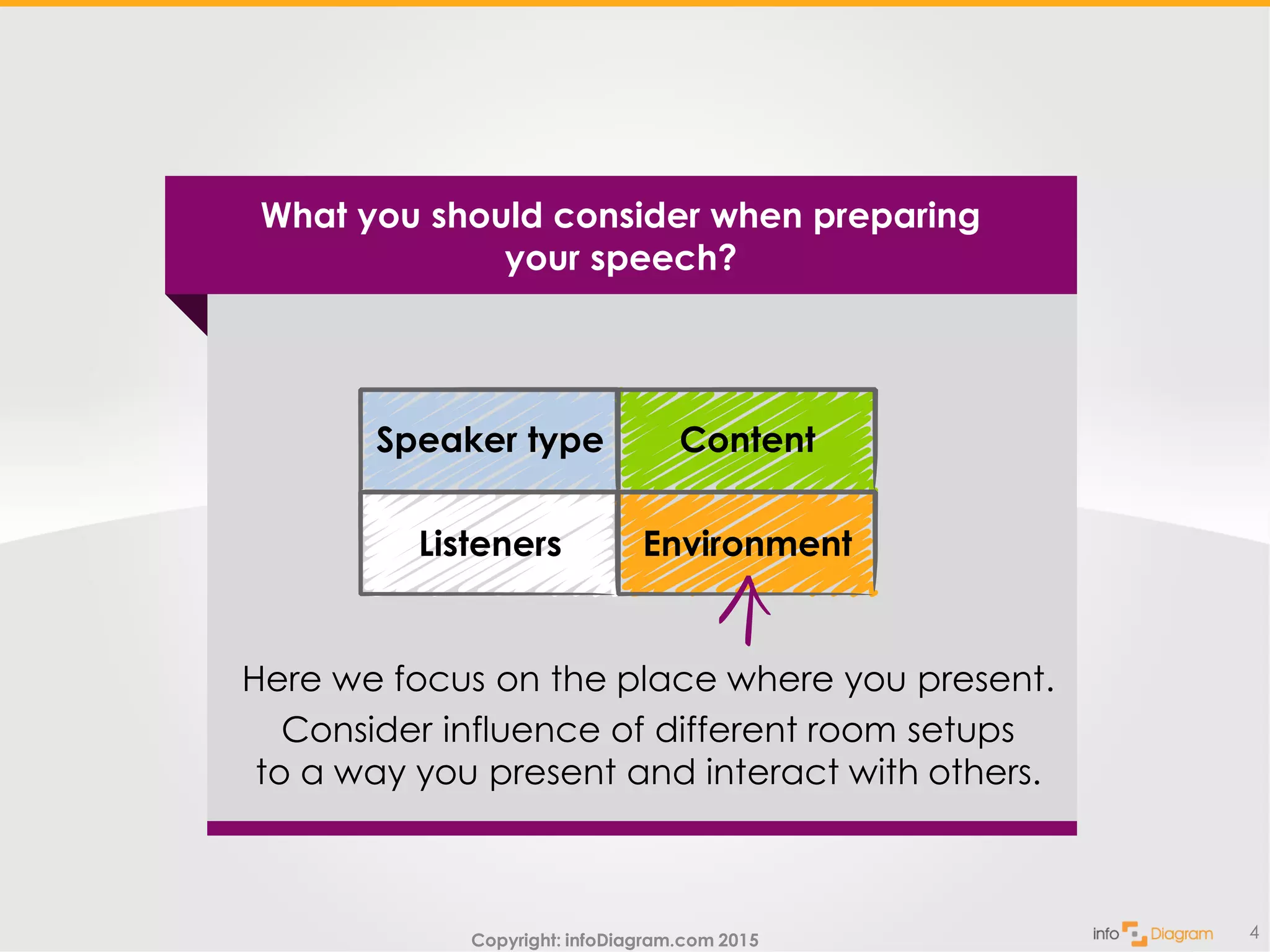
Here we focus on the place where you present.
Consider influence of different room setups
to a way you present and interact with others.
What you should consider when preparing
your speech?
Listeners
Speaker type
Environment
Content
Copyright: infoDiagram.com 2015
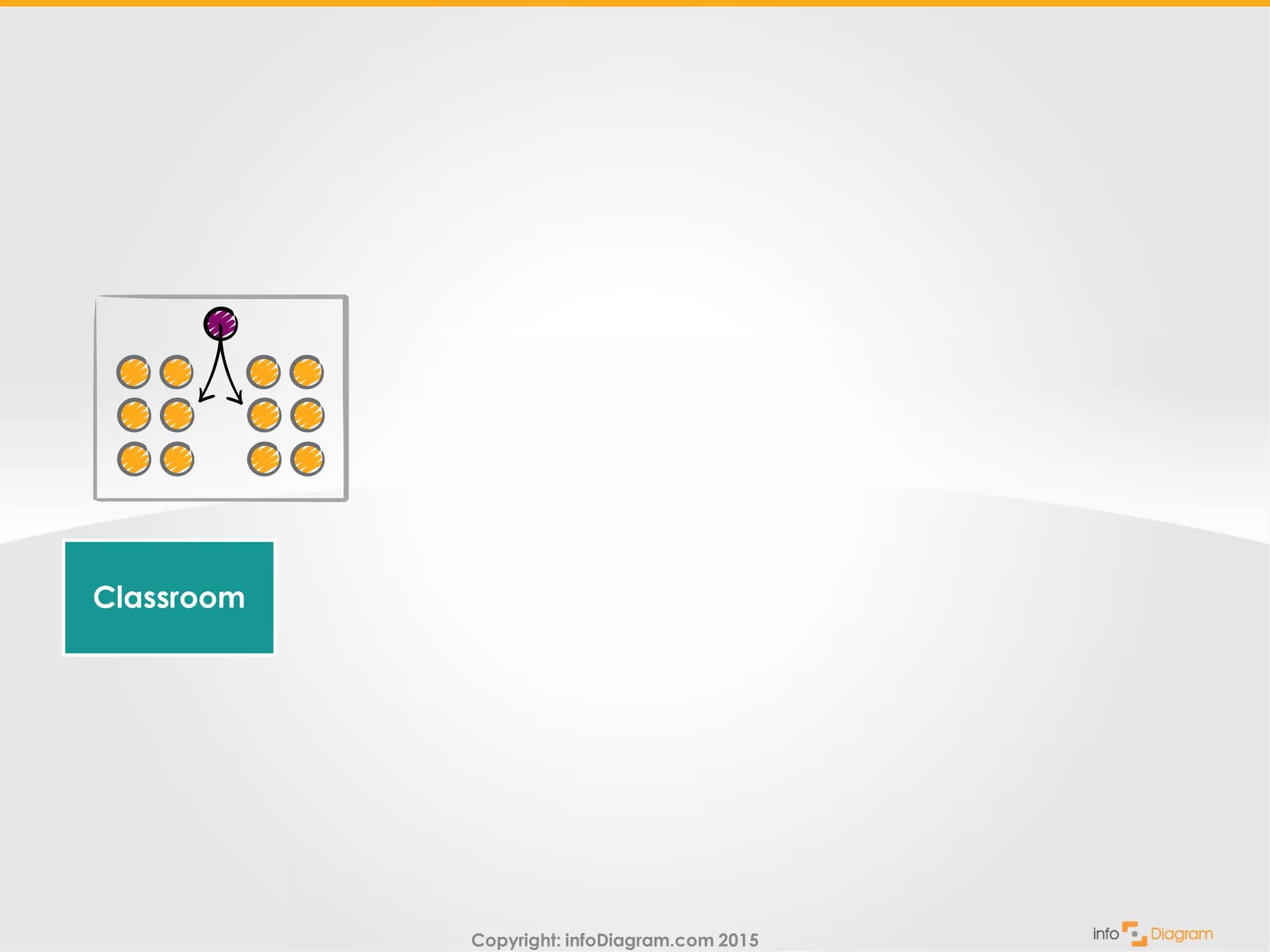
Classroom
Copyright: infoDiagram.com 2015
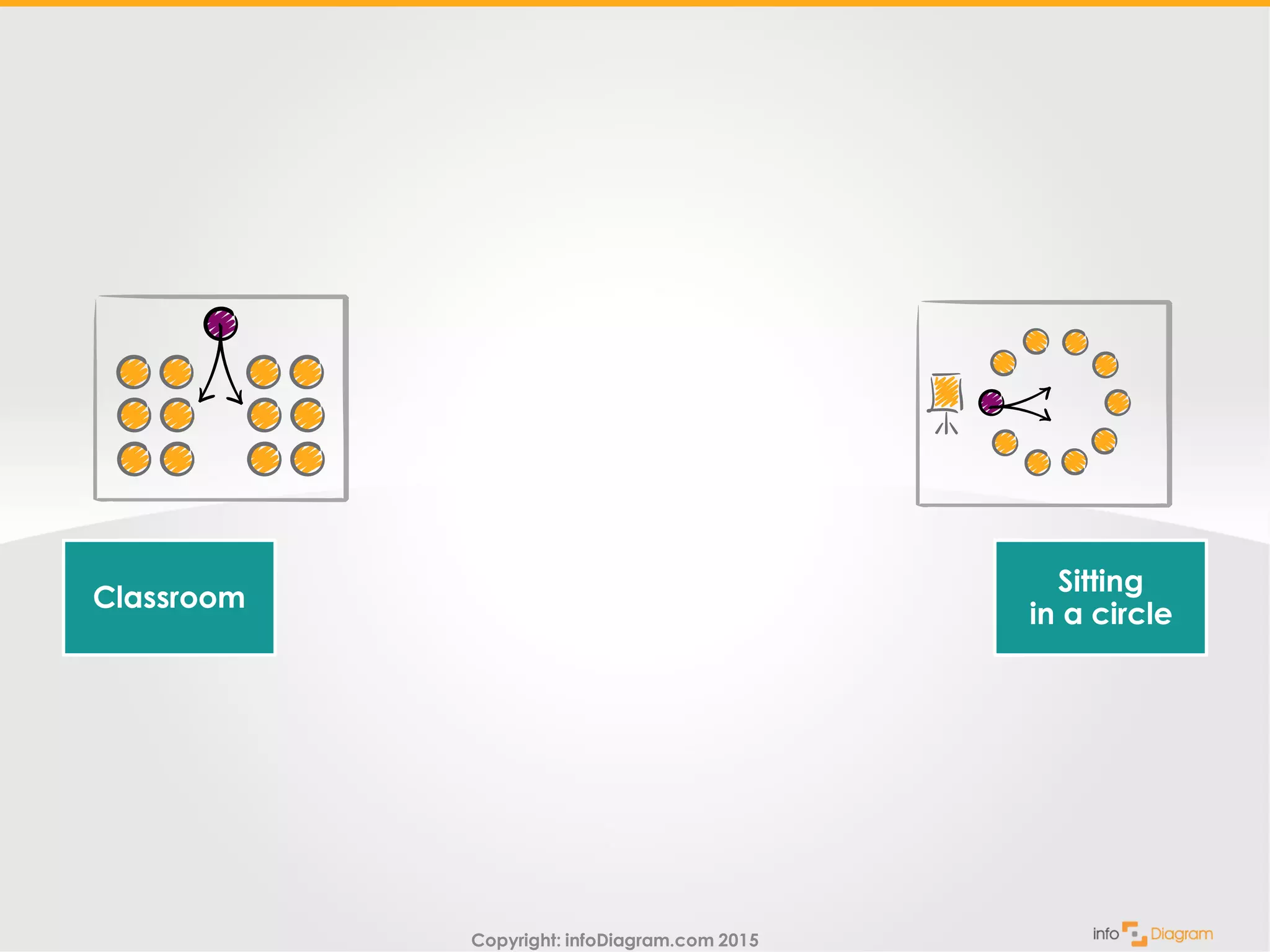
Classroom
Sitting
in a circle
Copyright: infoDiagram.com 2015
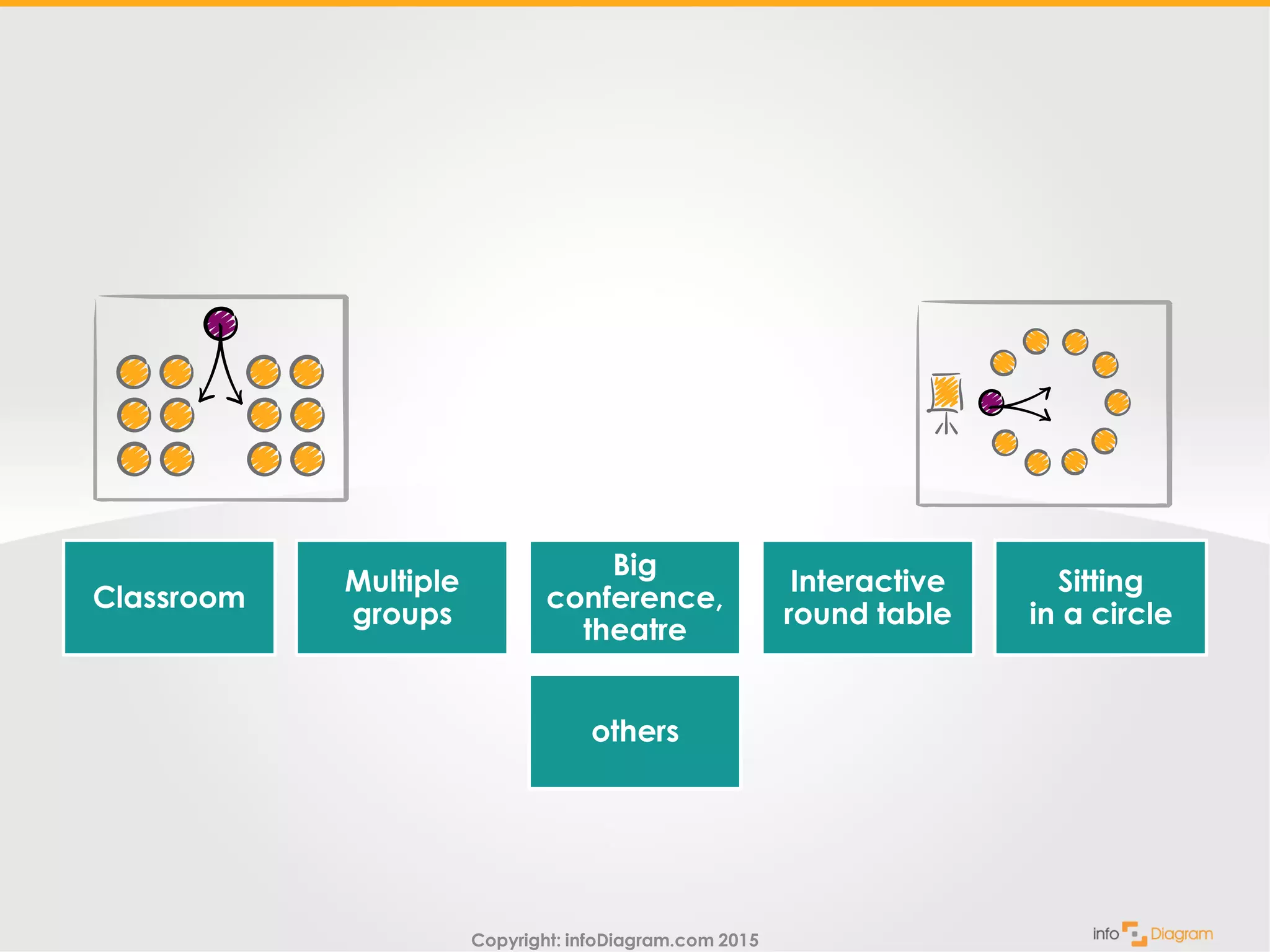
Classroom
Multiple
groups
Big
conference,
theatre
Interactive
round table
Sitting
in a circle
others
Copyright: infoDiagram.com 2015
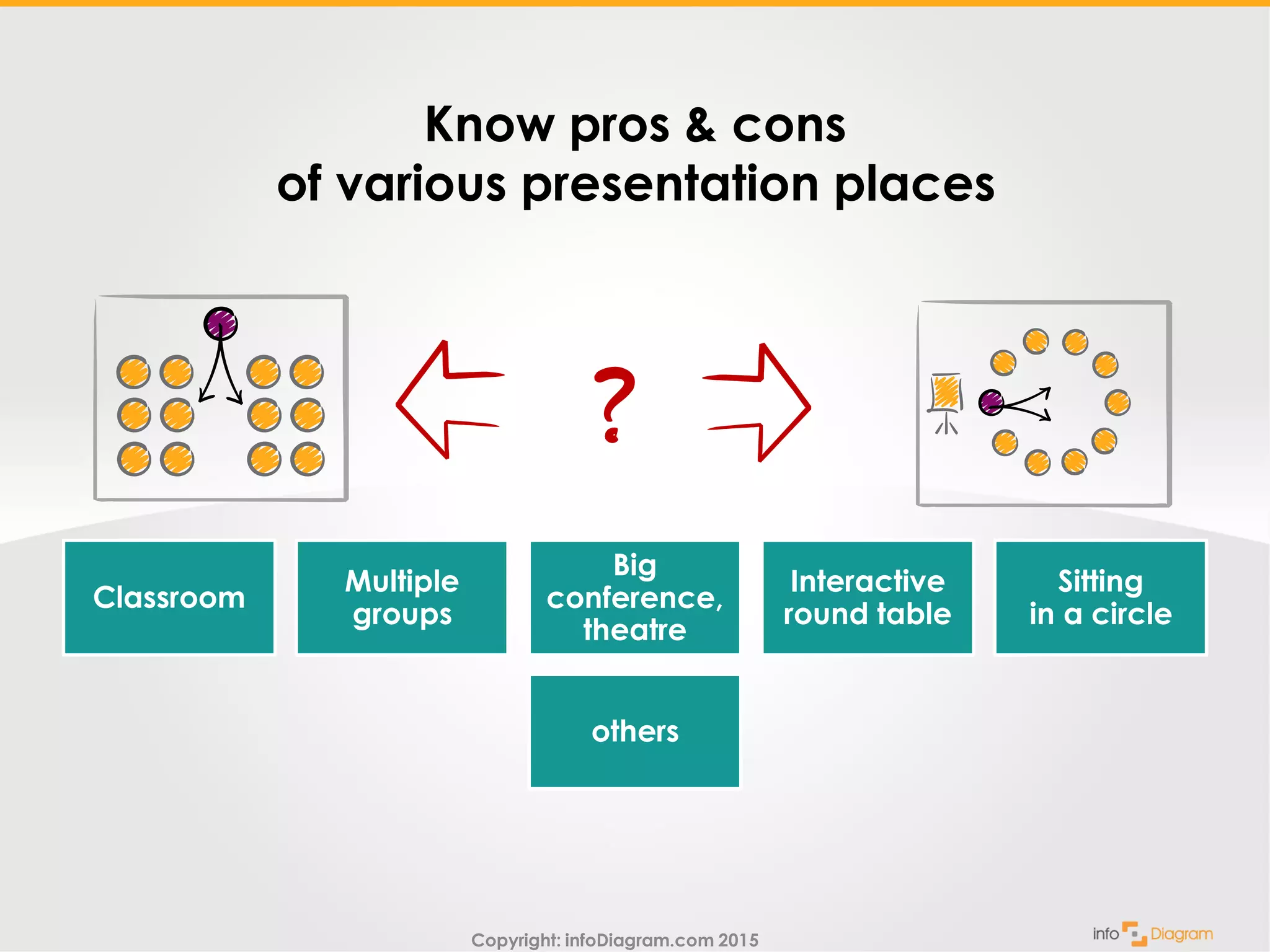
Know pros & cons
of various presentation places
Classroom
Multiple
groups
Big
conference,
theatre
Interactive
round table
Sitting
in a circle
others
Copyright: infoDiagram.com 2015
This is part of training visuals
toolbox.
Your feedback is welcomed.
Leave me a comment,
share Your presentation
challenge.
Copyright: infoDiagram.com 2015
See more
presentation visuals at
infoDiagram.com
This is part of training visuals
toolbox.
Your feedback is welcomed.
Leave me a comment,
share Your presentation
challenge.
Copyright: infoDiagram.com 2015
Read on…
This is part of training visuals
toolbox.
Your feedback is welcomed.
Leave me a comment,
share Your presentation
challenge.
See more
presentation visuals at
infoDiagram.com
Copyright: infoDiagram.com 2015
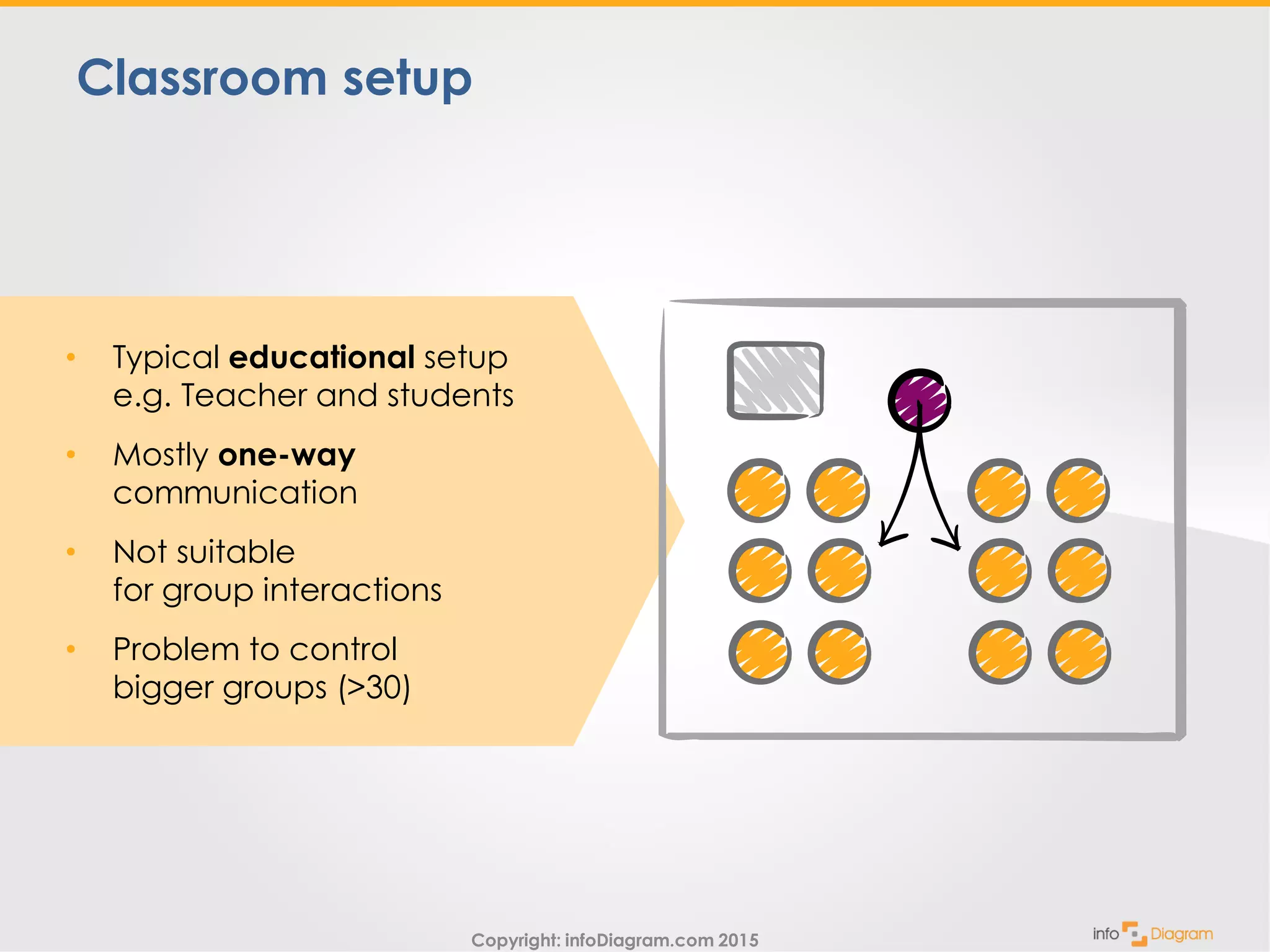
Classroom setup
• Typical educational setup
e.g. Teacher and students
• Mostly one-way
communication
• Not suitable
for group interactions
• Problem to control
bigger groups (>30)
Copyright: infoDiagram.com 2015
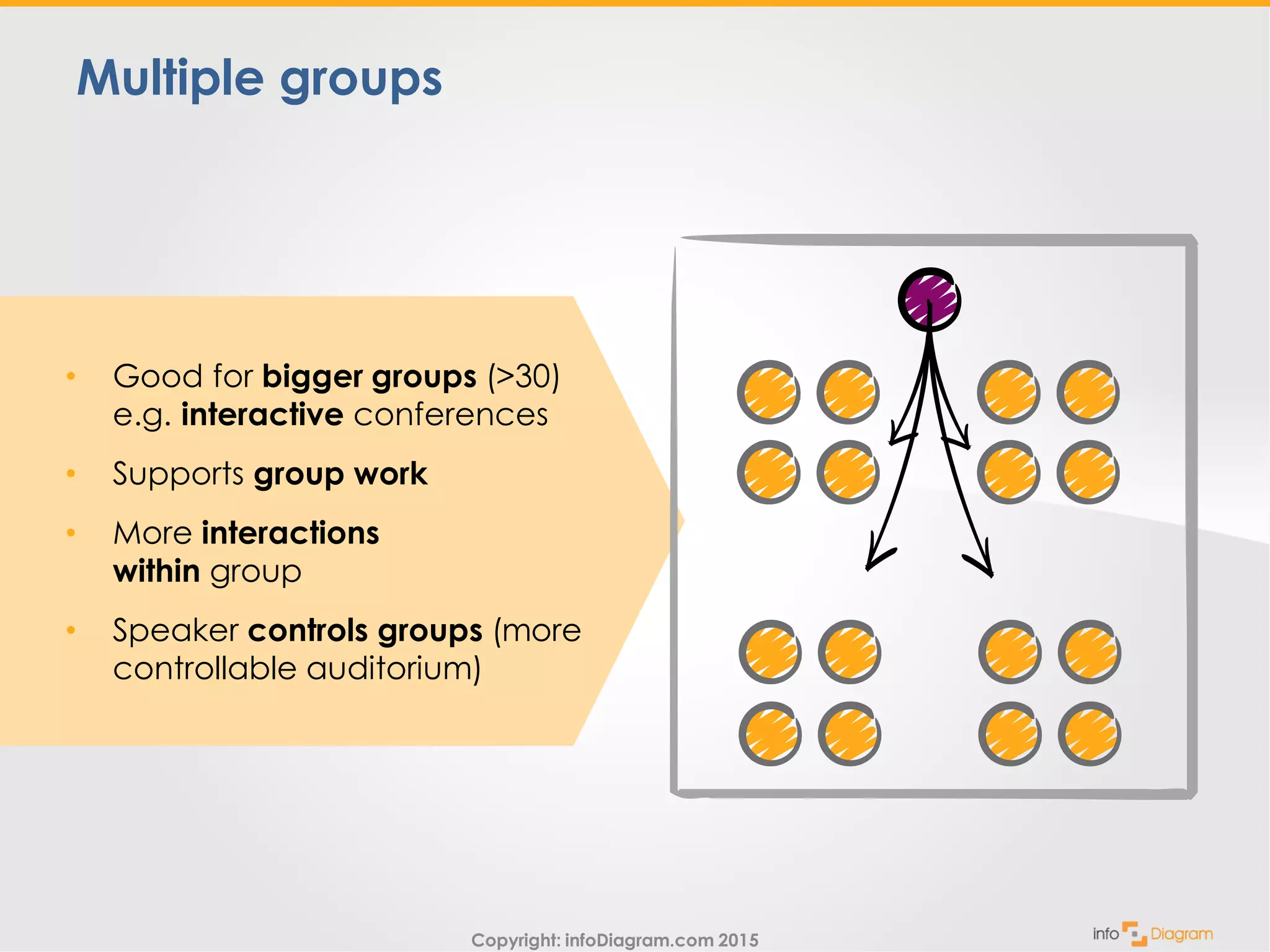
• Good for bigger groups (>30)
e.g. interactive conferences
• Supports group work
• More interactions
within group
• Speaker controls groups (more
controllable auditorium)
Multiple groups
Copyright: infoDiagram.com 2015
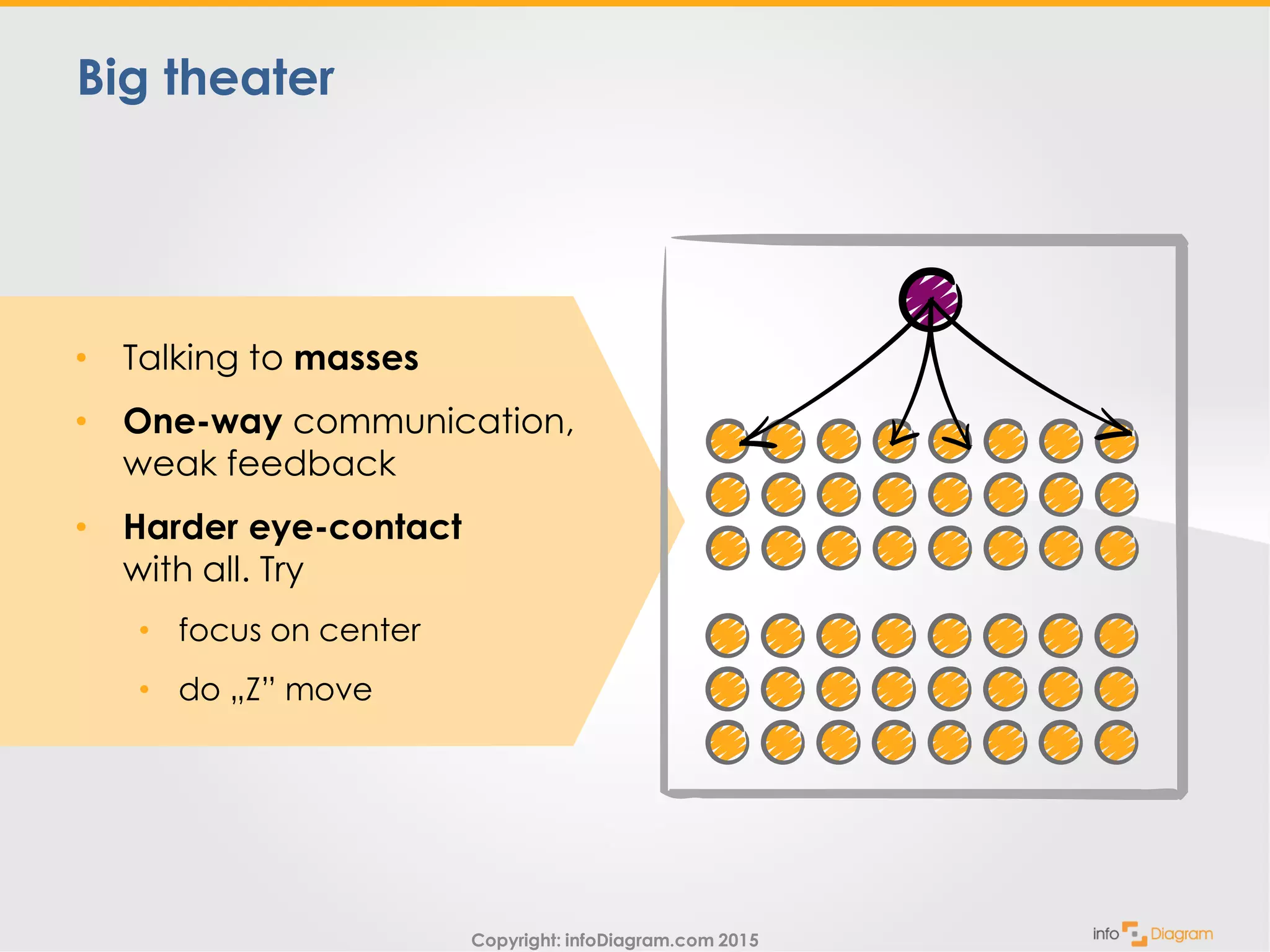
• Talking to masses
• One-way communication,
weak feedback
• Harder eye-contact
with all. Try
• focus on center
• do „Z” move
Big theater
Copyright: infoDiagram.com 2015
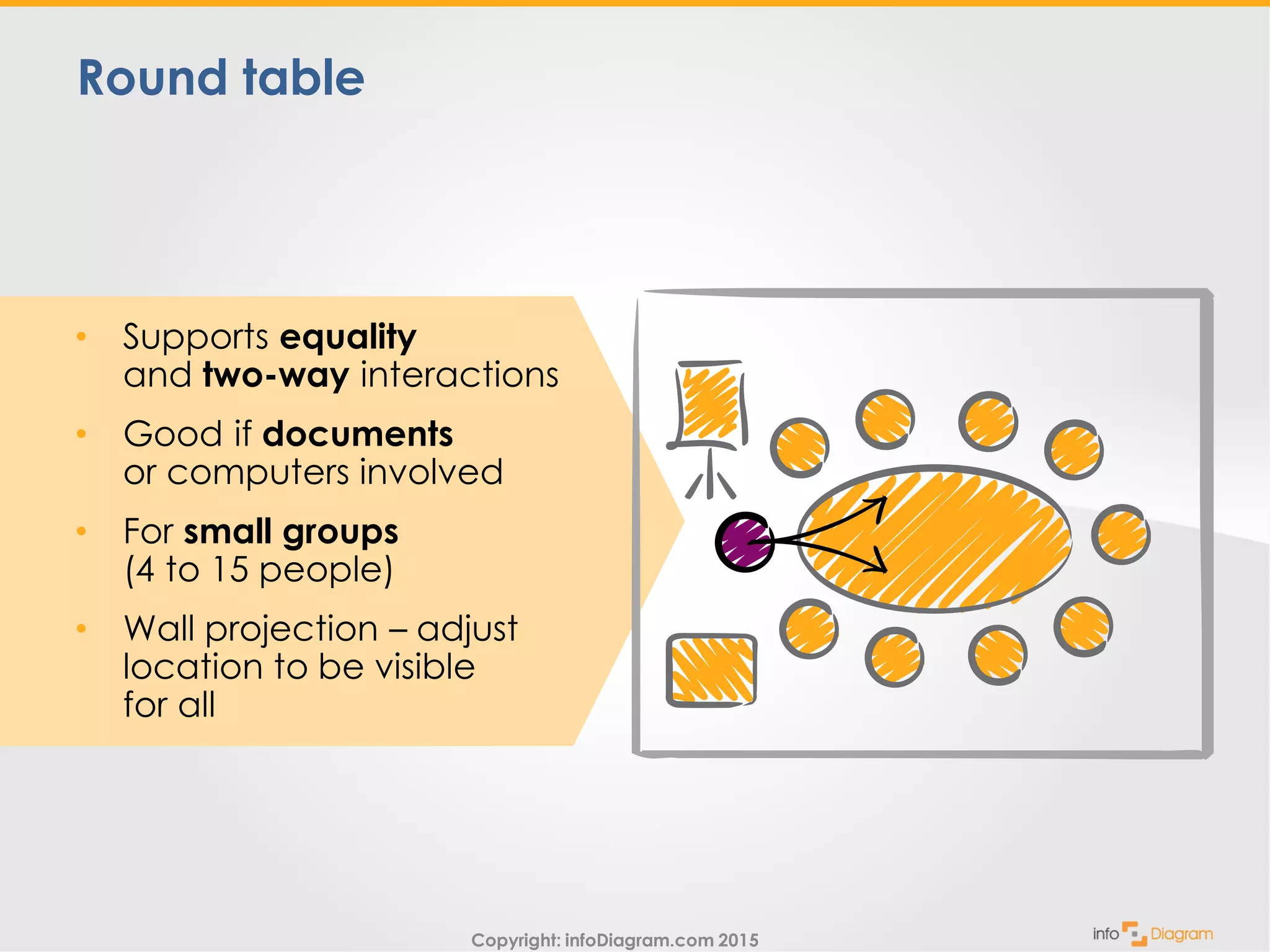
Round table
• Supports equality
and two-way interactions
• Good if documents
or computers involved
• For small groups
(4 to 15 people)
• Wall projection – adjust
location to be visible
for all
Copyright: infoDiagram.com 2015
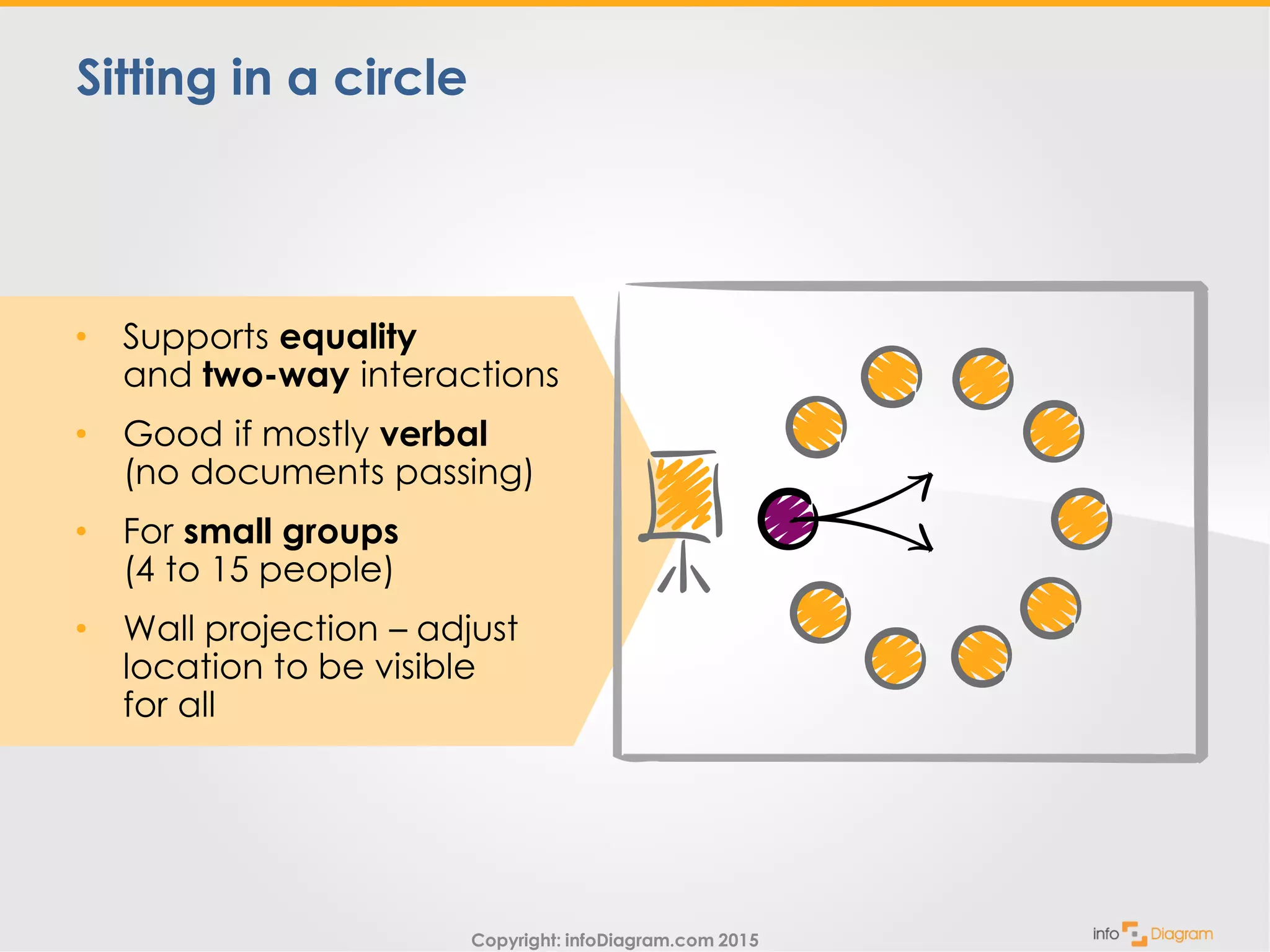
Sitting in a circle
• Supports equality
and two-way interactions
• Good if mostly verbal
(no documents passing)
• For small groups
(4 to 15 people)
• Wall projection – adjust
location to be visible
for all
Copyright: infoDiagram.com 2015
Delivering training
on communication
topics?
Copyright: infoDiagram.com 2015
Enrich it with illustrations
to make the presentation more memorable
Copyright: infoDiagram.com 2015
See more
presentation visuals at
infoDiagram.com
Enrich it with illustrations
to make the presentation more memorable
Copyright: infoDiagram.com 2015
Try free sample
of editable PPT
graphics
Enrich it with illustrations
to make the presentation more memorable
See more
presentation visuals at
infoDiagram.com
Copyright: infoDiagram.com 2015
Follow us on Slideshare for more presentations,
hit FOLLOW on slideshare.net/infodiagramFollow
Suggestions? Cooperation?
Contact us
www.infoDiagram.com
twitter: @infoDiagram
Try free sample
of editable PPT
graphics

Presentation Rooms - Training Toolbox, part 2