Downloaded 313 times
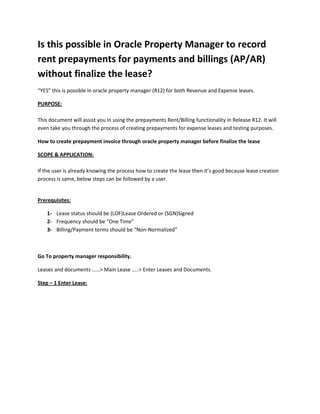
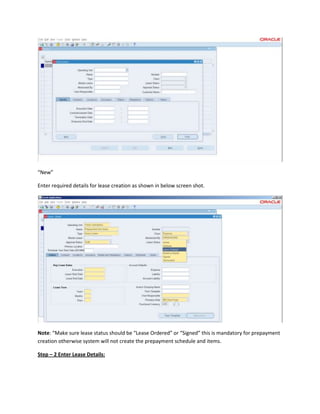

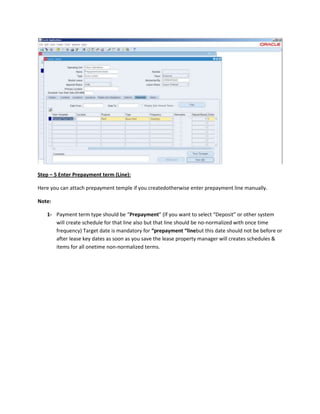
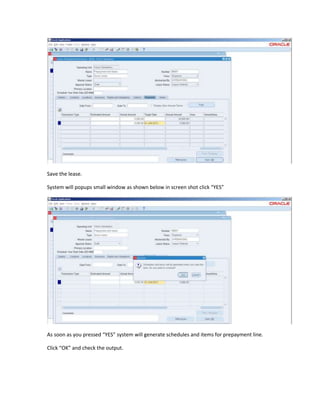
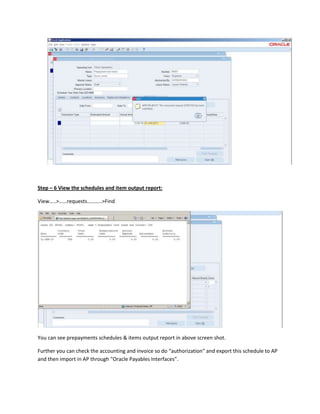

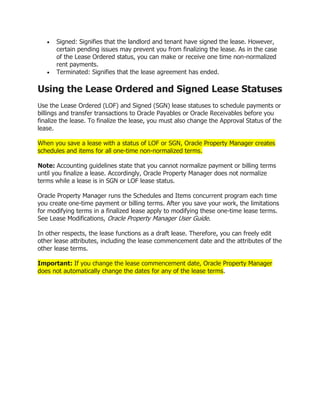

The document provides instructions for creating rent prepayments in Oracle Property Manager before finalizing a lease. Key steps include: 1. The lease status must be "Lease Ordered" or "Signed" and the payment/billing terms must be "Non-Normalized". 2. Create the lease and enter required details. Add a prepayment term with the payment type set to "Prepayment". 3. Saving the lease will generate prepayment schedules and items that can be viewed in an output report and transferred to accounts payable. 4. Once lease details are confirmed, change the lease status to "Active" and approval status to "Final" to generate regular billing/payment schedules.


