PREPARING YOUR WEB
SERVICES FOR ANDROID AND
 THE OTHER WAY AROUND
            SPEAKER:
       AURAS DUMANOVSCHI
OVERVIEW
● Web services: play nice with others

● Response formats

● Optimization

● Tips

● Android: using the web data

● Increasing the speed of your app
WEB SERVICES


?
WHY
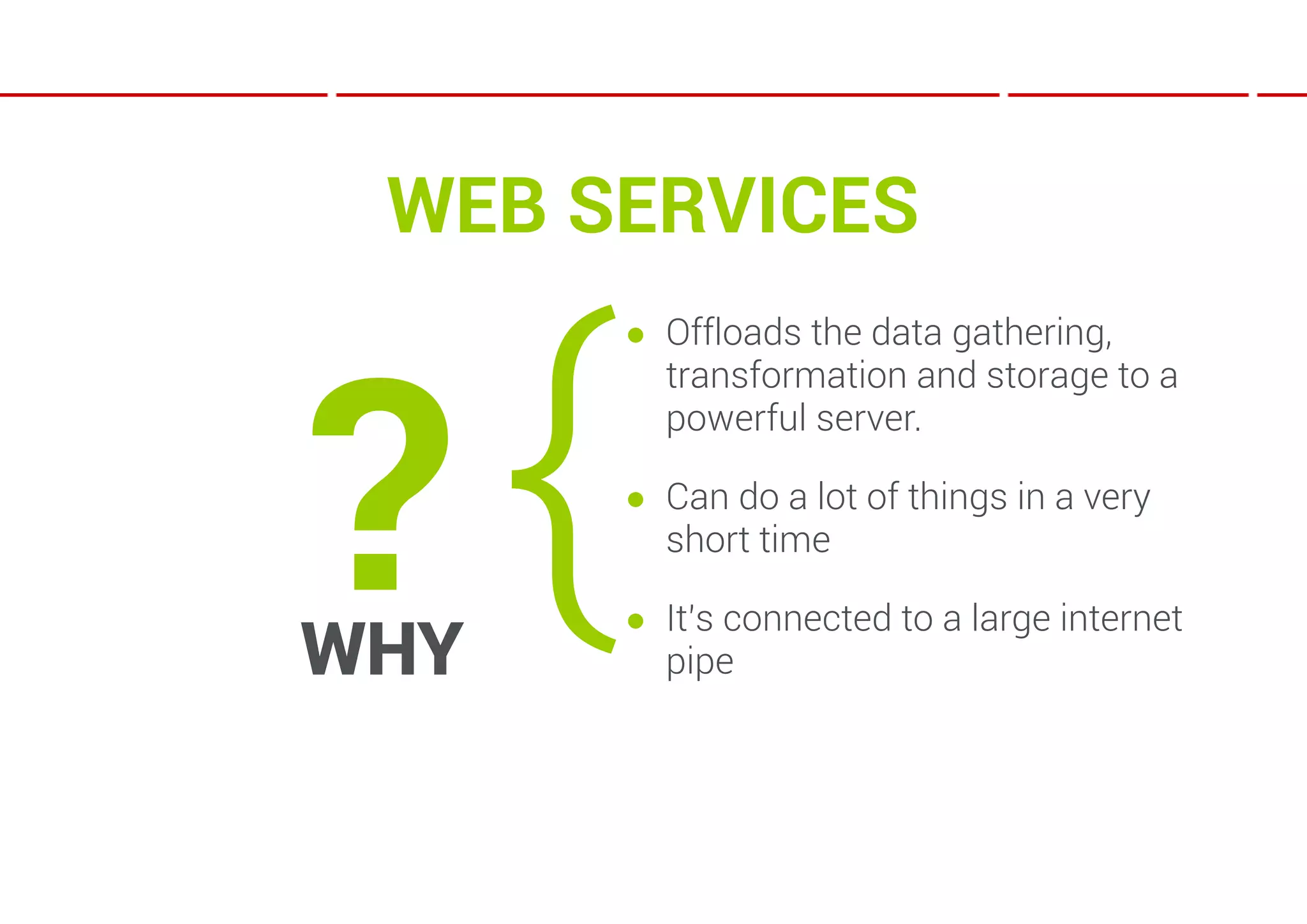
WEB SERVICES


?{
      ● Offloads the data gathering,
        transformation and storage to a
        powerful server.

      ● Can do a lot of things in a very
        short time

      ● It’s connected to a large internet
WHY     pipe
IS THERE A   2ND   CHOICE?

        Yes!
IS THERE A        2ND     CHOICE?

             Yes!
    Where else can you get data from?
IS THERE A        2ND     CHOICE?

             Yes!
    Where else can you get data from?


    Web pages
IS THERE A        2ND     CHOICE?

              Yes!
    Where else can you get data from?


     Web pages
   That means parsing HTML client side.
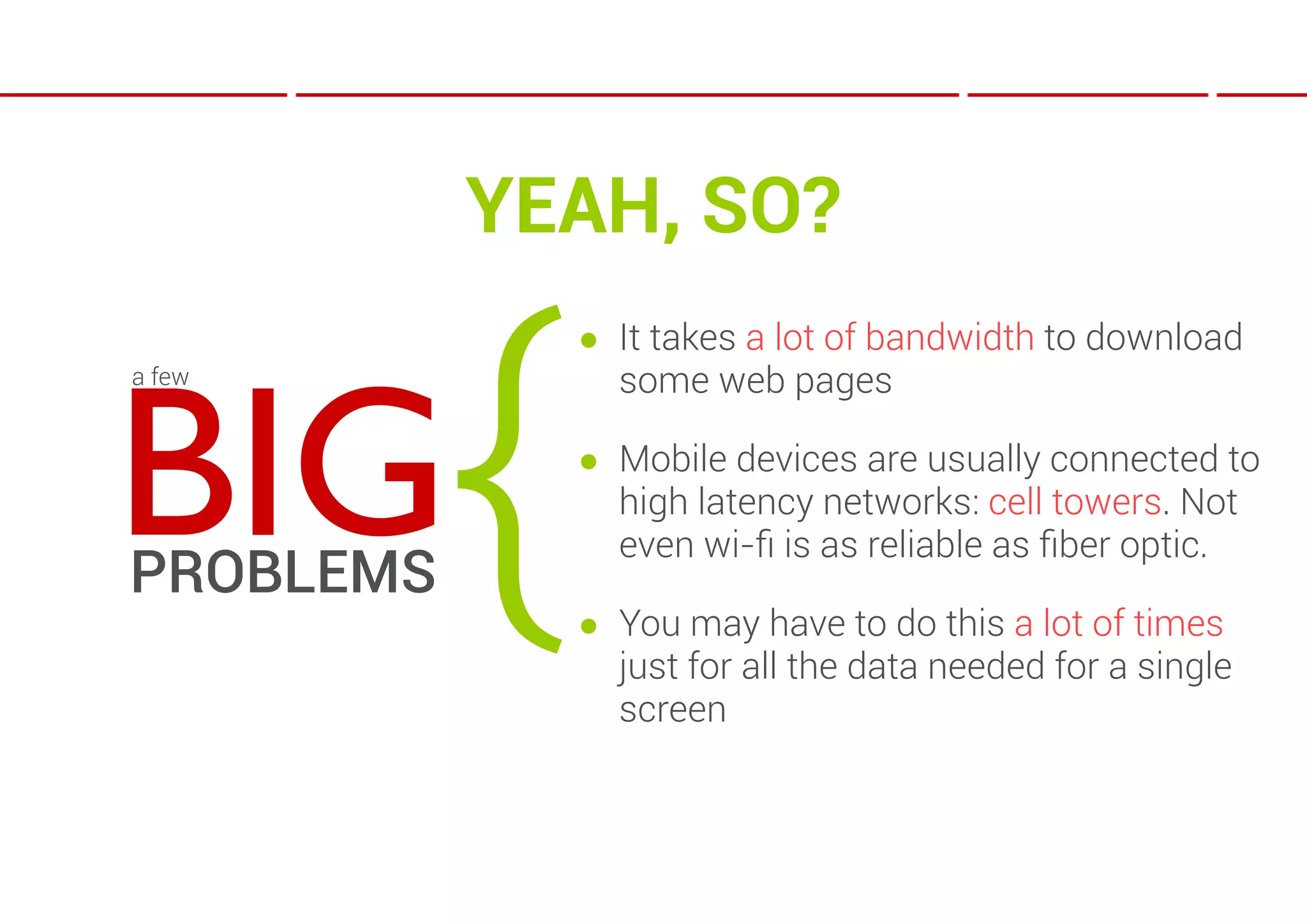
YEAH, SO?


           {
               ● It takes a lot of bandwidth to download


BIG
a few            some web pages

               ● Mobile devices are usually connected to
                 high latency networks: cell towers. Not
                 even wi-fi is as reliable as fiber optic.
PROBLEMS
               ● You may have to do this a lot of times
                 just for all the data needed for a single
                 screen
OK…

You can do all that on a web server in less than the
time* for a request from a 3G Galaxy Nexus to
reach the web server.


*that’s if you don’t have the data stored in a DB and
you have to fetch it from one or more sources.
SO, WEB SERVICES…

● Just like Q & A
SO, WEB SERVICES…

● Just like Q & A
                    {   Q: THE REQUEST
SO, WEB SERVICES…

● Just like Q & A
                    {   Q: THE REQUEST

                        A: THE RESPONSE
SO, WEB SERVICES…

● Just like Q & A
                    {   Q: THE REQUEST

                        A: THE RESPONSE


● Types: REST & SOAP;
SOAP
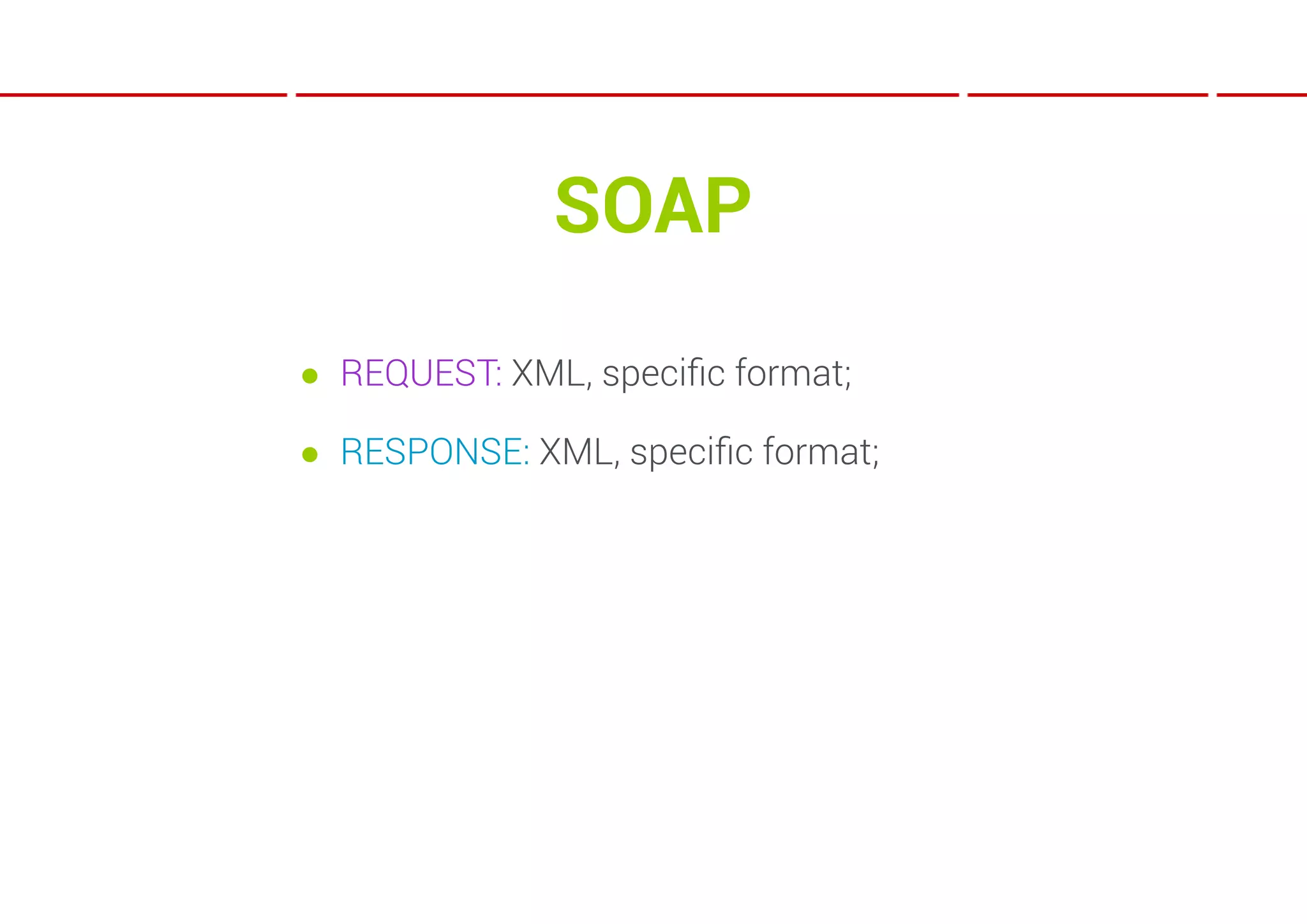
● REQUEST: XML, specific format;

● RESPONSE: XML, specific format;
REST

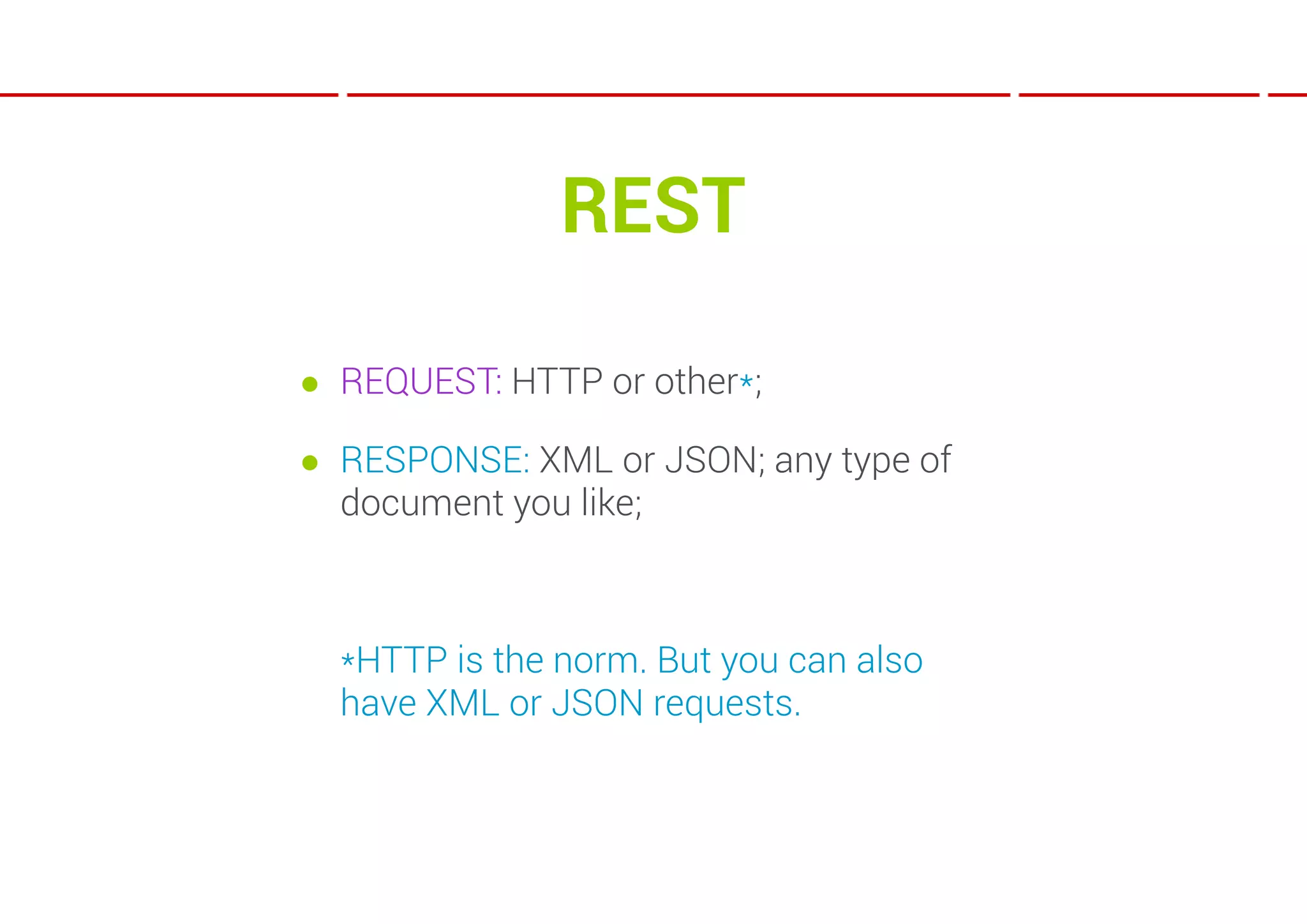
● REQUEST: HTTP or other*;

● RESPONSE: XML or JSON; any type of
  document you like;


  *HTTP is the norm. But you can also
  have XML or JSON requests.
XML VS JSON

● XML: human readable and compatible
  with most platforms;

● JSON: compact and quick to parse;
NO DATA ON YOUR SERVER?

 ● Scrape it;

 ● Cache it and/or store it;

 ● Serve the data later from the local cache;
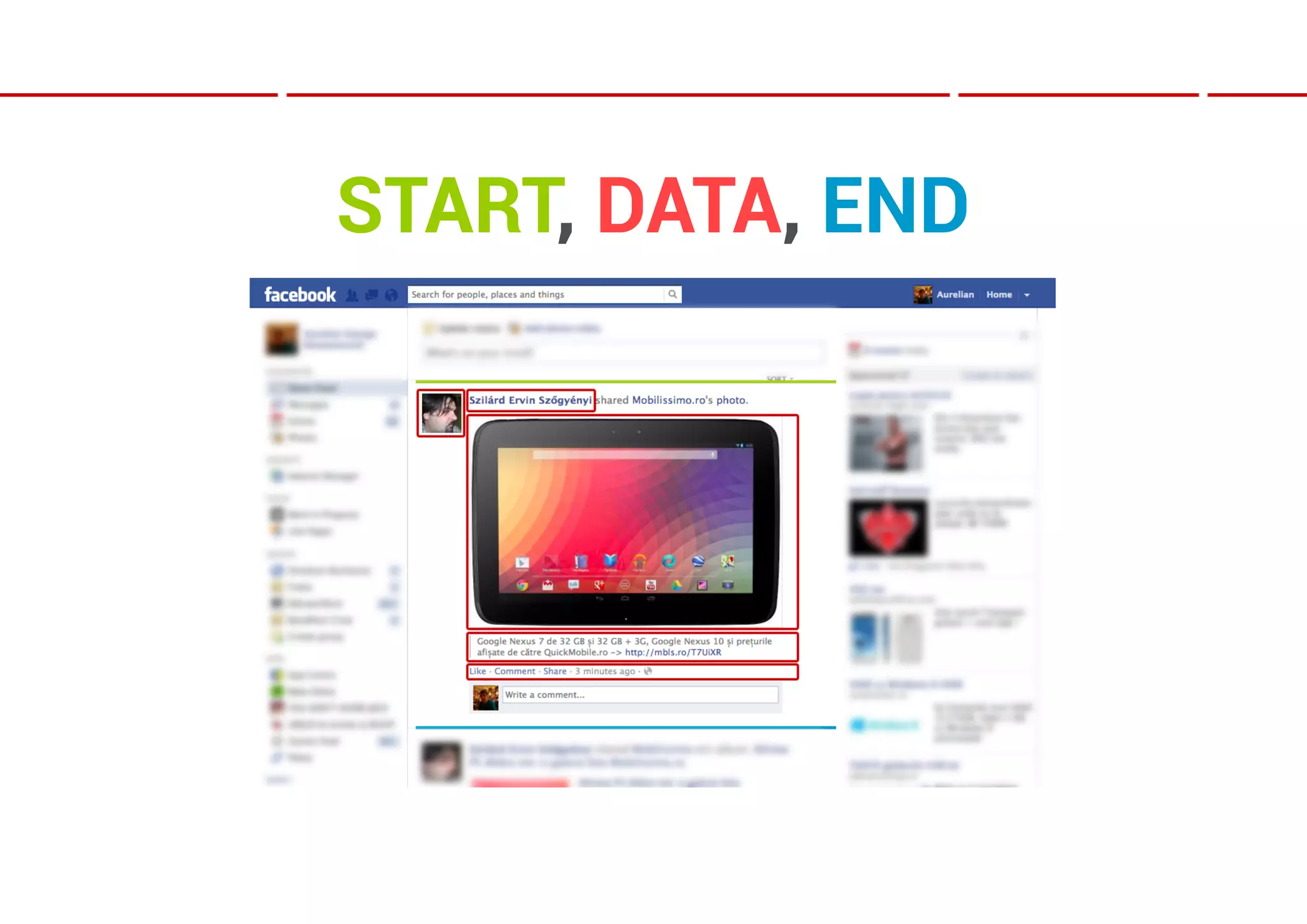
SIMPLE PLAN OF A PARSER
   ● Start point;

   ● Data gathering points;

   ● End point ;

   ● Regular expressions;
START, DATA, END
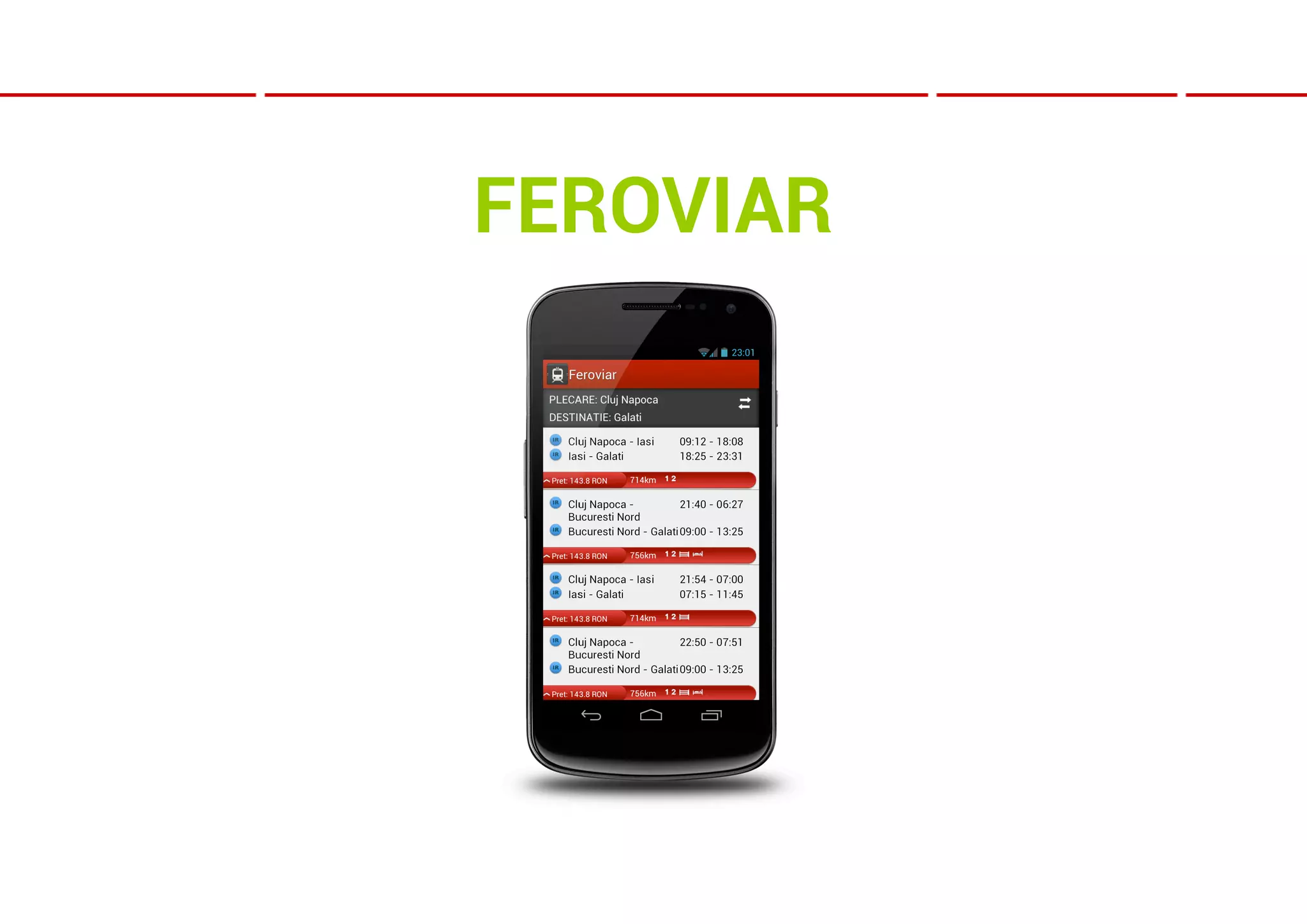
FEROVIAR
STRUCTURING DATA
● Try and return only one type of object per
  API call

● For every object type use the same
  schema everywhere.

● In some cases you can return less data
  per object, but where you have more data
  return it in the same format
STRUCTURING DATA
● If your objects have many-to-many
  relationships with other objects remove
  redundancies

I.e : use person_id to identify a person and
at the end of the response return all the
unique persons in the current call
STRUCTURING DATA


   Use pagination!
BUT IF YOU CAN’T…

● Add an API call that tells you if the data
  has been changed (timestamp, hash,
  integer, etc)

● At least make sure you compress the
  response
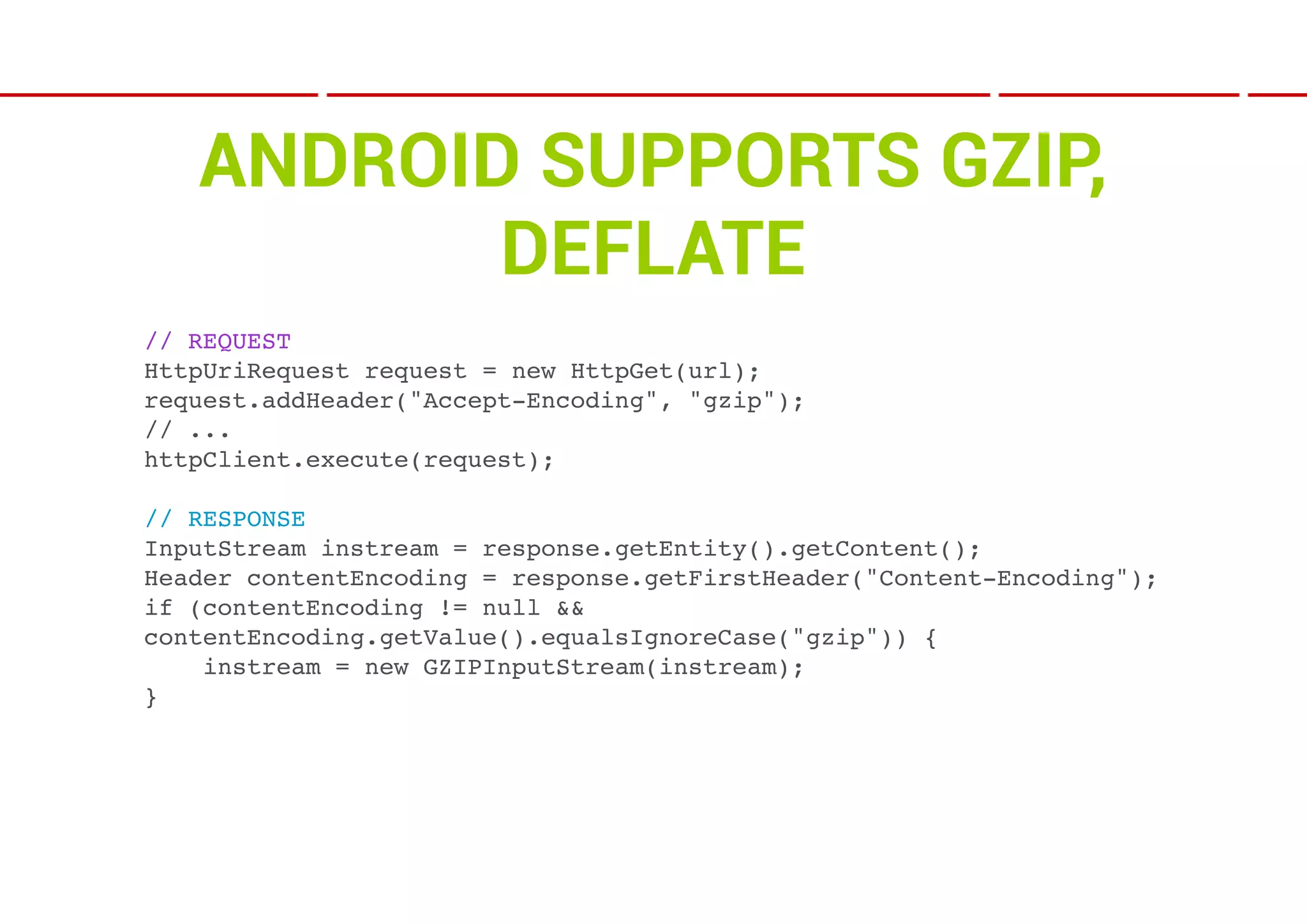
ANDROID SUPPORTS GZIP,
          DEFLATE
// REQUEST
HttpUriRequest request = new HttpGet(url);
request.addHeader("Accept-Encoding", "gzip");
// ...
httpClient.execute(request);

// RESPONSE
InputStream instream = response.getEntity().getContent();
Header contentEncoding = response.getFirstHeader("Content-Encoding");
if (contentEncoding != null &&
contentEncoding.getValue().equalsIgnoreCase("gzip")) {
    instream = new GZIPInputStream(instream);
}
TIPS

● Build an API call that returns images in the request
  shape & size;

● Less bandwidth required, less memory used and
  less CPU time spent on rendering (no more
  stretching/shrinking, positioning and cropping);
TIPS

● Never trust the client;

● Do your security and policy checks server side
  also;

● Secure every call with a signature: call
  parameters, private key, timestamp or unique
  call id per session ➔ hashed;
ANDROID SIDE OF THINGS

 ● Parsing JSON: JSONObject or Jackson

 ● Objects vs Streaming
ANDROID SIDE OF THINGS

 ● Generate objects from the data only if you need
   them right then;

 ● In some cases (loading screens) you may need
   to load a lot of data for later use;

 ● Throw lots of data straight to a SQLite DB using
   TRANSACTIONS
WHY TRANSACTIONS?

● Not just a concept borrowed from traditional
  *SQL databases

● Uses less I/O. A whole lot less I/O.

● Like 100x faster than saving each data line by
  line
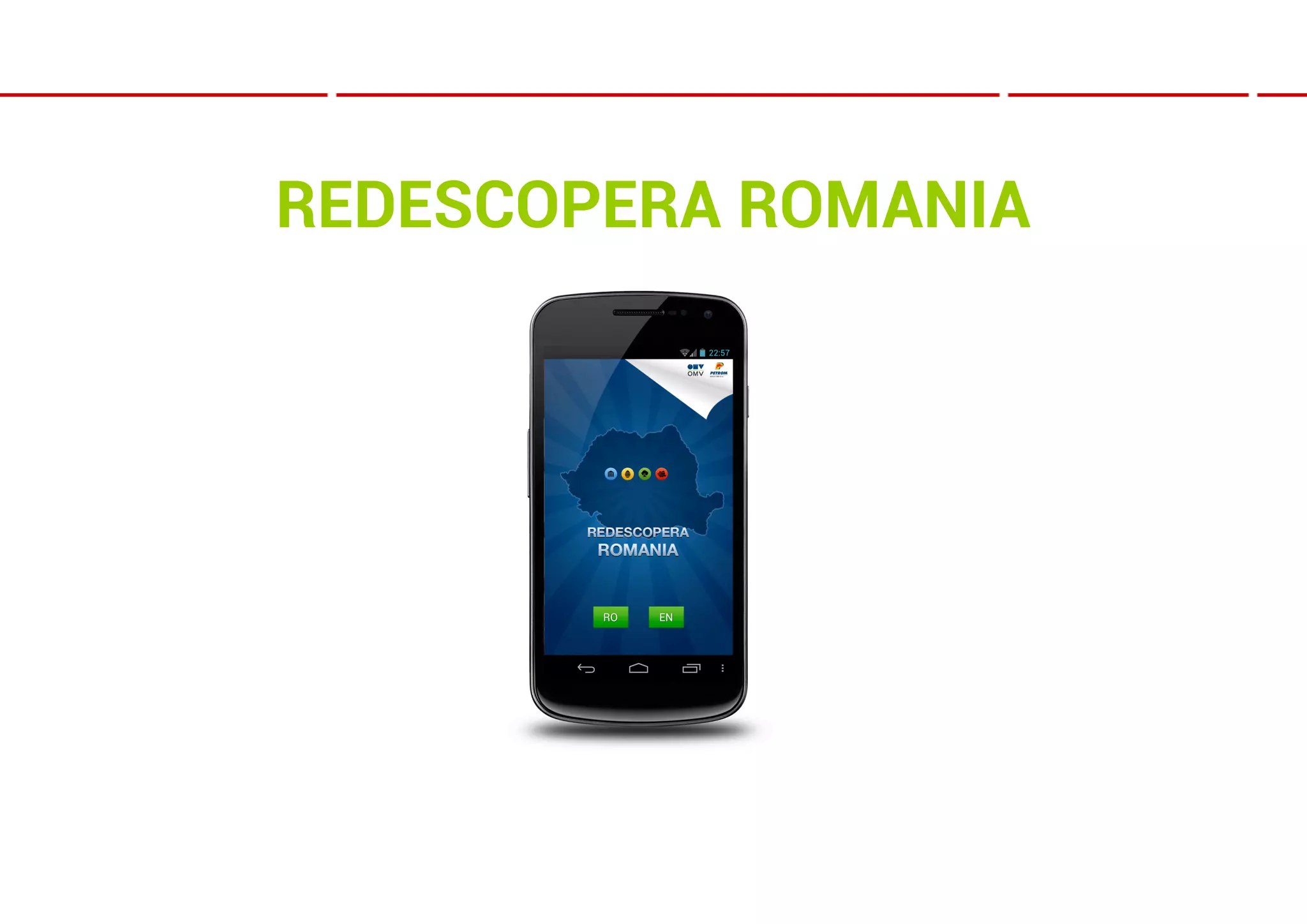
REDESCOPERA ROMANIA
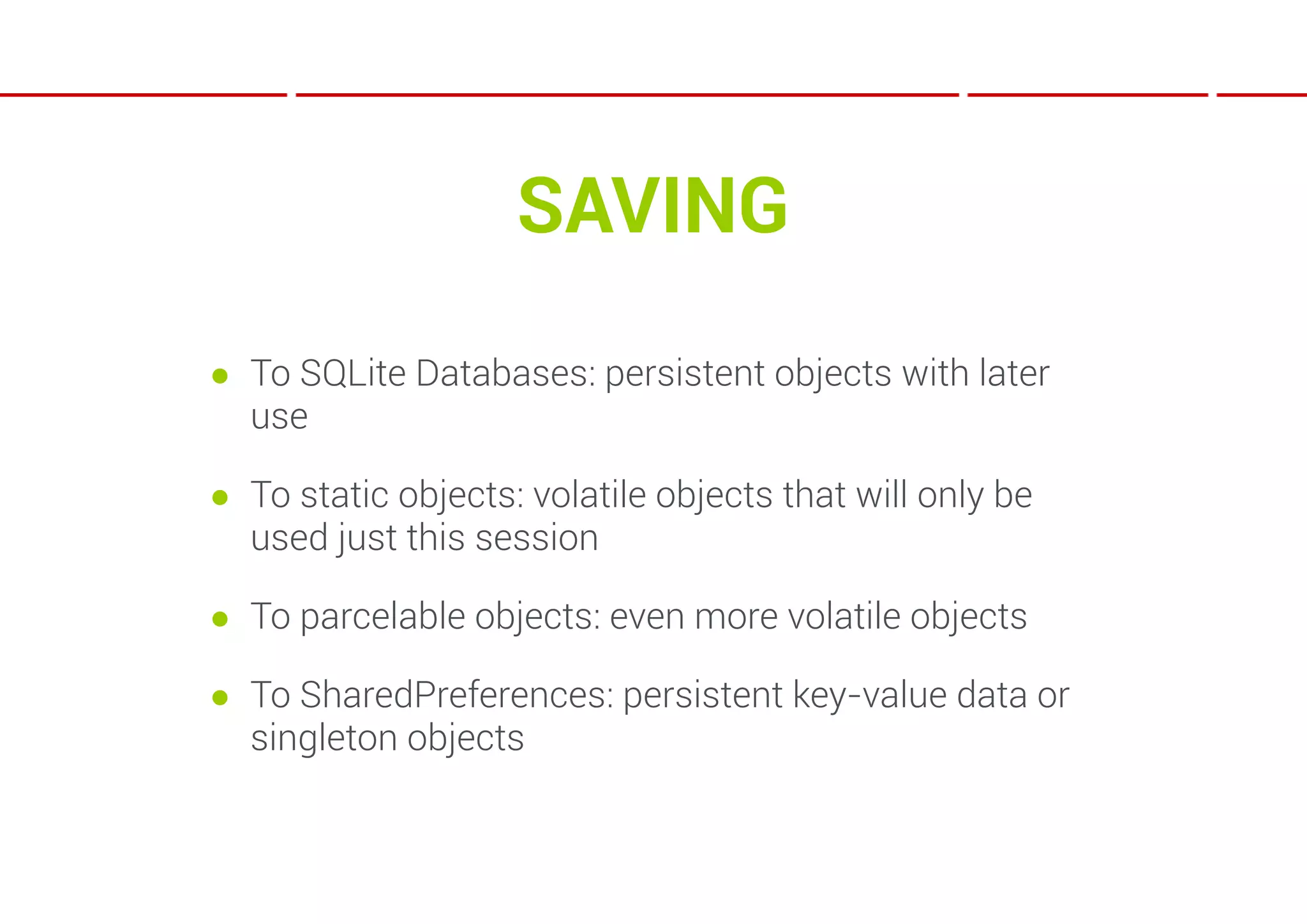
SAVING
● To SQLite Databases: persistent objects with later
  use

● To static objects: volatile objects that will only be
  used just this session

● To parcelable objects: even more volatile objects

● To SharedPreferences: persistent key-value data or
  singleton objects
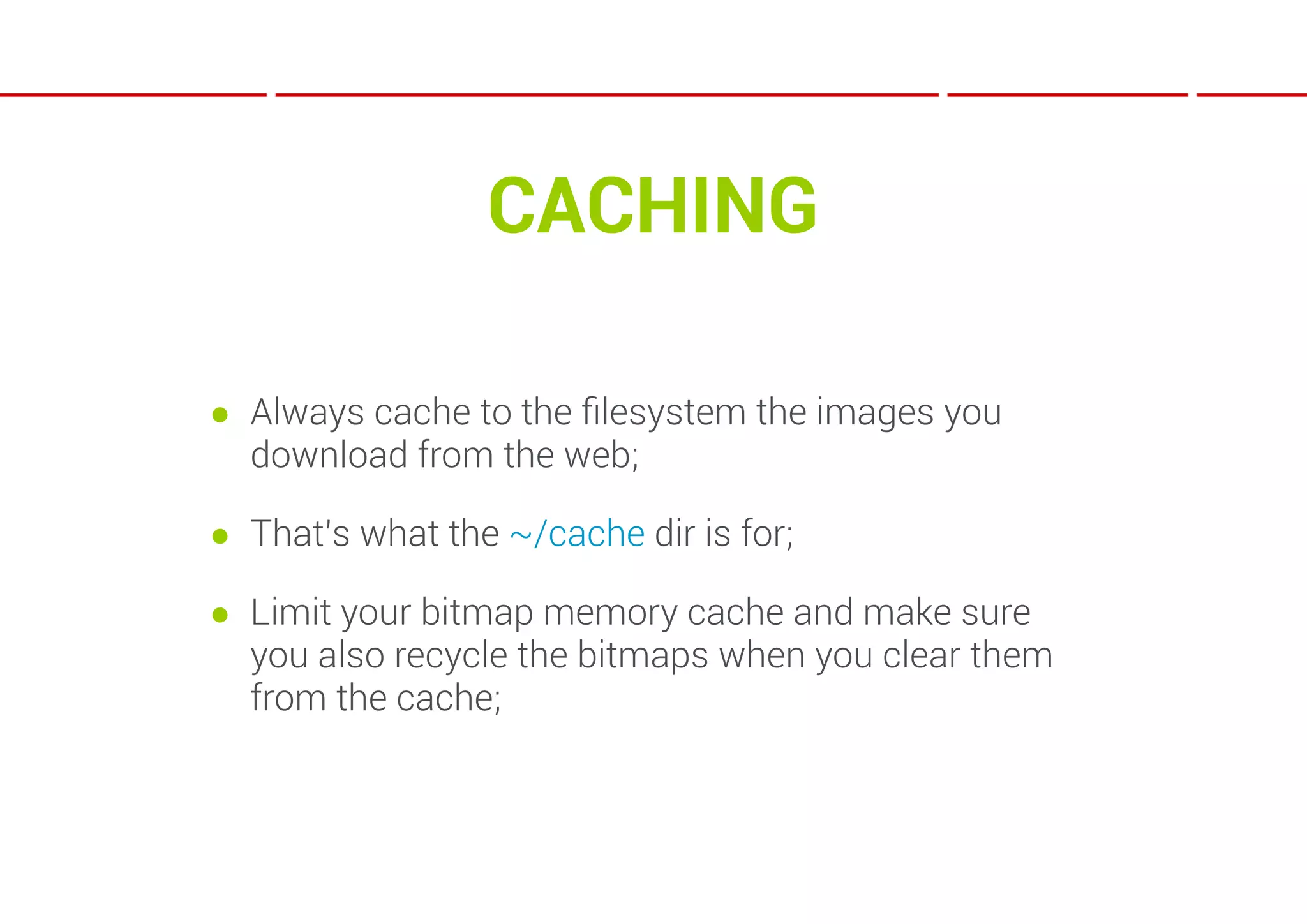
CACHING

● Always cache to the filesystem the images you
  download from the web;

● That’s what the ~/cache dir is for;

● Limit your bitmap memory cache and make sure
  you also recycle the bitmaps when you clear them
  from the cache;
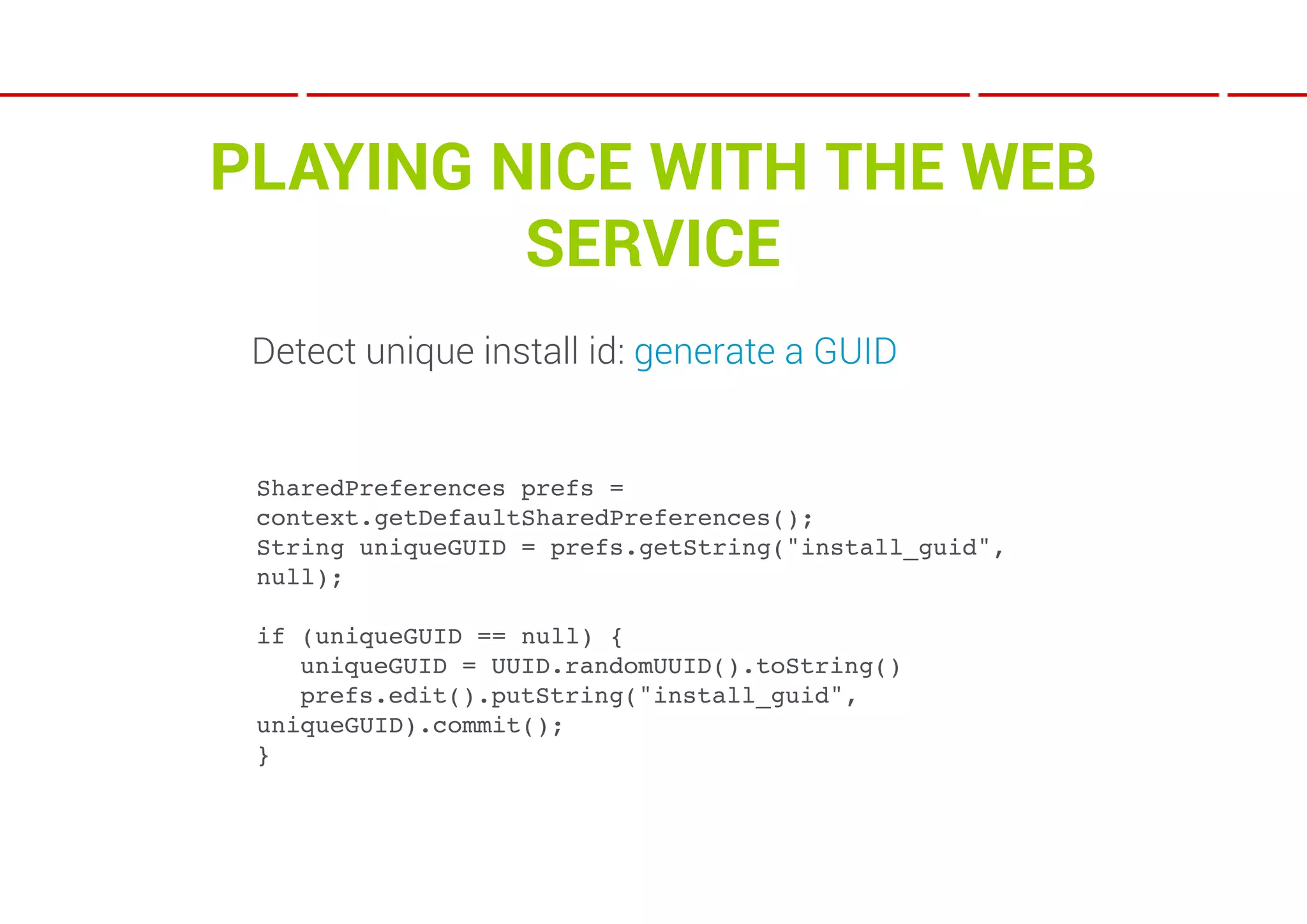
PLAYING NICE WITH THE WEB
         SERVICE
 Detect unique install id: generate a GUID


 SharedPreferences prefs =
 context.getDefaultSharedPreferences();
 String uniqueGUID = prefs.getString("install_guid",
 null);

 if (uniqueGUID == null) {
 ! uniqueGUID = UUID.randomUUID().toString()
 ! prefs.edit().putString("install_guid",
 uniqueGUID).commit();
 }
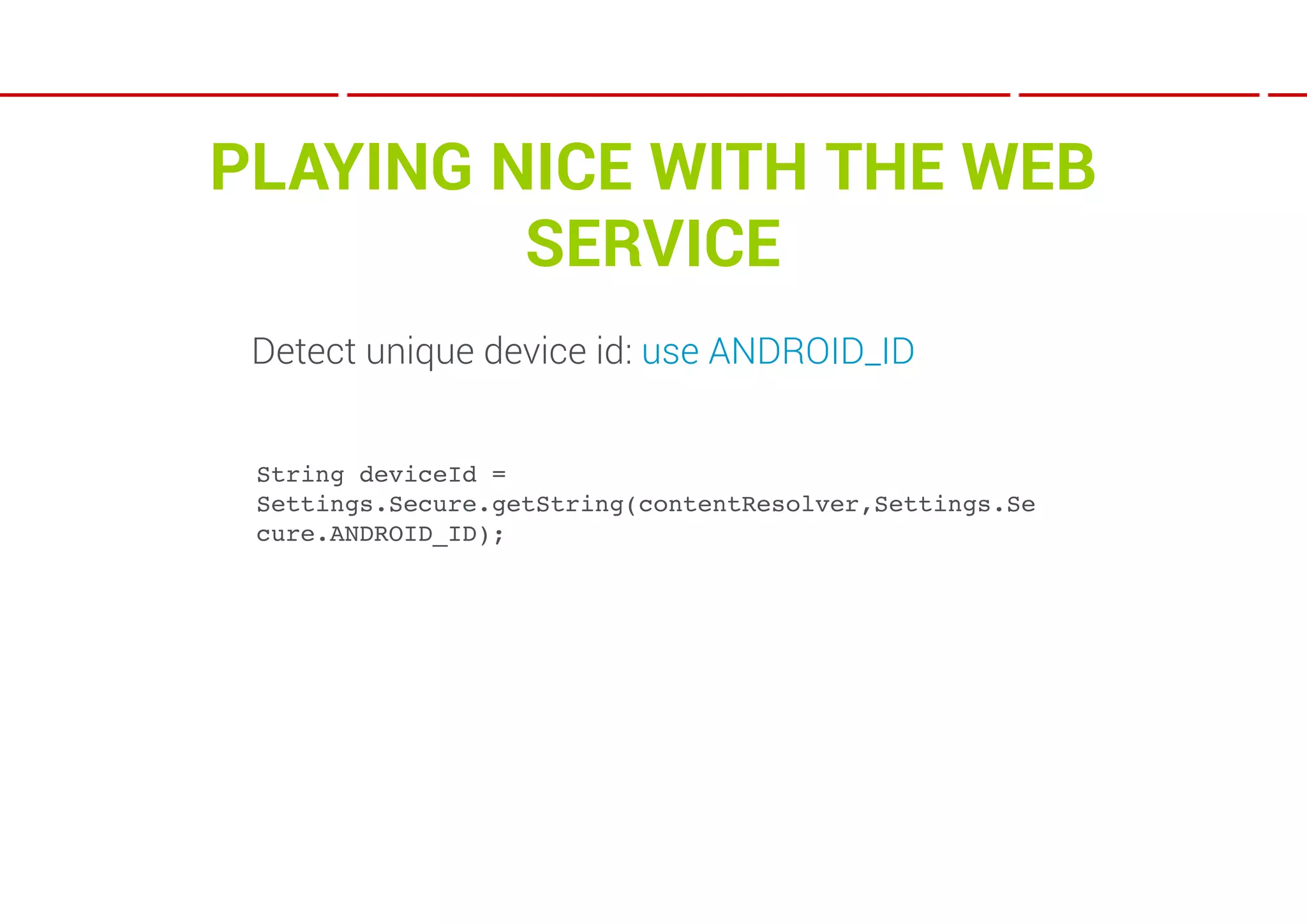
PLAYING NICE WITH THE WEB
         SERVICE
 Detect unique device id: use ANDROID_ID


 String deviceId =
 Settings.Secure.getString(contentResolver,Settings.Se
 cure.ANDROID_ID);
PLAYING NICE WITH THE WEB
         SERVICE
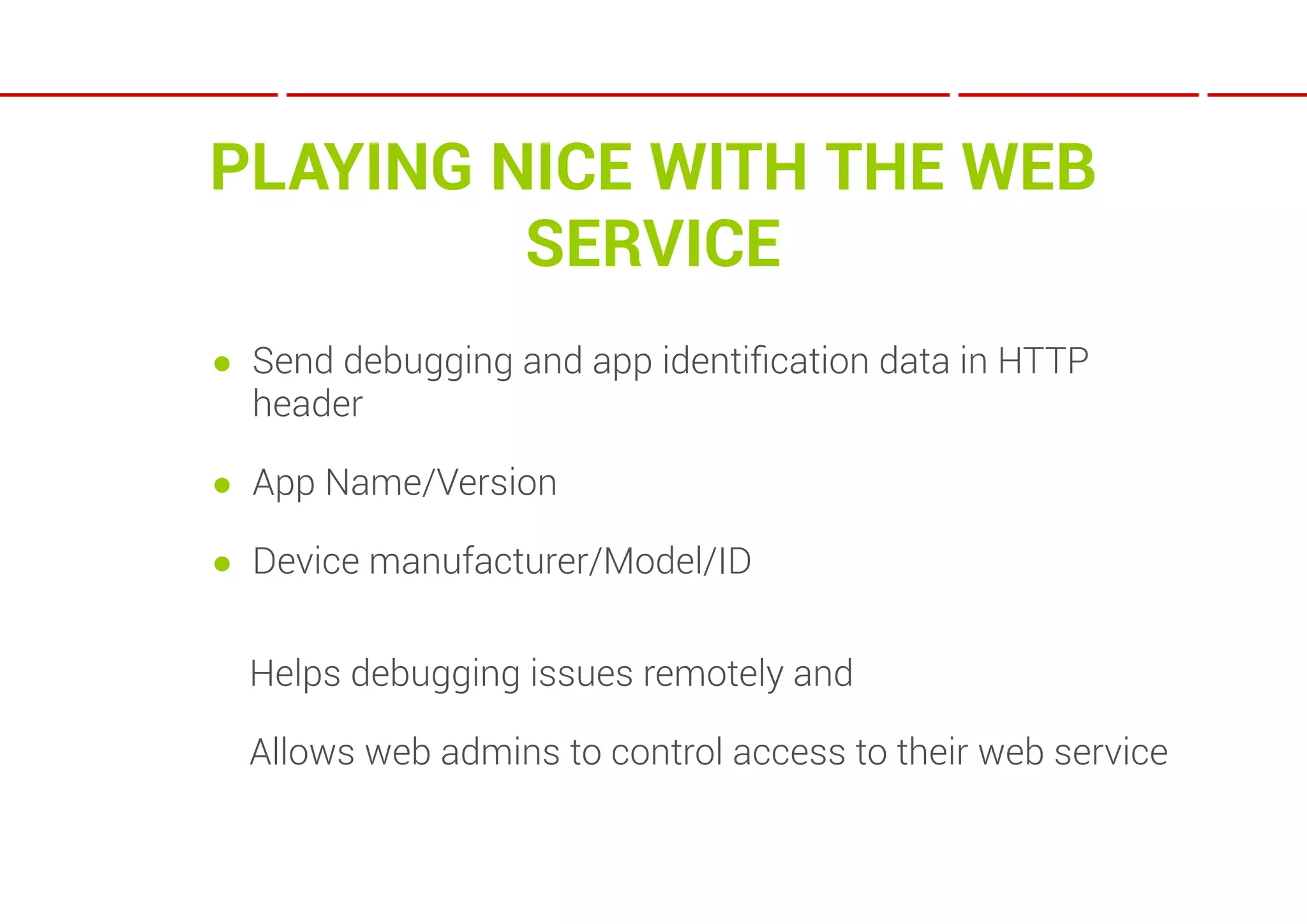
● Send debugging and app identification data in HTTP
  header

● App Name/Version

● Device manufacturer/Model/ID


  Helps debugging issues remotely and

  Allows web admins to control access to their web service
THANKS

email: auras@wip.ro

twitter: @auras

This presentation is available at:

http://wip.ro/droidcon/auras.pdf

Preparing your web services for Android and your Android app for web services @Droidcon Bucharest 2012

  • 1.
    PREPARING YOUR WEB SERVICESFOR ANDROID AND THE OTHER WAY AROUND SPEAKER: AURAS DUMANOVSCHI
  • 2.
    OVERVIEW ● Web services:play nice with others ● Response formats ● Optimization ● Tips ● Android: using the web data ● Increasing the speed of your app
  • 3.
  • 4.
    WEB SERVICES ?{ ● Offloads the data gathering, transformation and storage to a powerful server. ● Can do a lot of things in a very short time ● It’s connected to a large internet WHY pipe
  • 5.
    IS THERE A 2ND CHOICE?
  • 6.
    IS THERE A 2ND CHOICE? Yes!
  • 7.
    IS THERE A 2ND CHOICE? Yes! Where else can you get data from?
  • 8.
    IS THERE A 2ND CHOICE? Yes! Where else can you get data from? Web pages
  • 9.
    IS THERE A 2ND CHOICE? Yes! Where else can you get data from? Web pages That means parsing HTML client side.
  • 10.
    YEAH, SO? { ● It takes a lot of bandwidth to download BIG a few some web pages ● Mobile devices are usually connected to high latency networks: cell towers. Not even wi-fi is as reliable as fiber optic. PROBLEMS ● You may have to do this a lot of times just for all the data needed for a single screen
  • 11.
    OK… You can doall that on a web server in less than the time* for a request from a 3G Galaxy Nexus to reach the web server. *that’s if you don’t have the data stored in a DB and you have to fetch it from one or more sources.
  • 12.
    SO, WEB SERVICES… ●Just like Q & A
  • 13.
    SO, WEB SERVICES… ●Just like Q & A { Q: THE REQUEST
  • 14.
    SO, WEB SERVICES… ●Just like Q & A { Q: THE REQUEST A: THE RESPONSE
  • 15.
    SO, WEB SERVICES… ●Just like Q & A { Q: THE REQUEST A: THE RESPONSE ● Types: REST & SOAP;
  • 16.
    SOAP ● REQUEST: XML,specific format; ● RESPONSE: XML, specific format;
  • 17.
    REST ● REQUEST: HTTPor other*; ● RESPONSE: XML or JSON; any type of document you like; *HTTP is the norm. But you can also have XML or JSON requests.
  • 18.
    XML VS JSON ●XML: human readable and compatible with most platforms; ● JSON: compact and quick to parse;
  • 19.
    NO DATA ONYOUR SERVER? ● Scrape it; ● Cache it and/or store it; ● Serve the data later from the local cache;
  • 20.
    SIMPLE PLAN OFA PARSER ● Start point; ● Data gathering points; ● End point ; ● Regular expressions;
  • 21.
  • 22.
  • 23.
    STRUCTURING DATA ● Tryand return only one type of object per API call ● For every object type use the same schema everywhere. ● In some cases you can return less data per object, but where you have more data return it in the same format
  • 24.
    STRUCTURING DATA ● Ifyour objects have many-to-many relationships with other objects remove redundancies I.e : use person_id to identify a person and at the end of the response return all the unique persons in the current call
  • 25.
    STRUCTURING DATA Use pagination!
  • 26.
    BUT IF YOUCAN’T… ● Add an API call that tells you if the data has been changed (timestamp, hash, integer, etc) ● At least make sure you compress the response
  • 27.
    ANDROID SUPPORTS GZIP, DEFLATE // REQUEST HttpUriRequest request = new HttpGet(url); request.addHeader("Accept-Encoding", "gzip"); // ... httpClient.execute(request); // RESPONSE InputStream instream = response.getEntity().getContent(); Header contentEncoding = response.getFirstHeader("Content-Encoding"); if (contentEncoding != null && contentEncoding.getValue().equalsIgnoreCase("gzip")) { instream = new GZIPInputStream(instream); }
  • 28.
    TIPS ● Build anAPI call that returns images in the request shape & size; ● Less bandwidth required, less memory used and less CPU time spent on rendering (no more stretching/shrinking, positioning and cropping);
  • 29.
    TIPS ● Never trustthe client; ● Do your security and policy checks server side also; ● Secure every call with a signature: call parameters, private key, timestamp or unique call id per session ➔ hashed;
  • 30.
    ANDROID SIDE OFTHINGS ● Parsing JSON: JSONObject or Jackson ● Objects vs Streaming
  • 31.
    ANDROID SIDE OFTHINGS ● Generate objects from the data only if you need them right then; ● In some cases (loading screens) you may need to load a lot of data for later use; ● Throw lots of data straight to a SQLite DB using TRANSACTIONS
  • 32.
    WHY TRANSACTIONS? ● Notjust a concept borrowed from traditional *SQL databases ● Uses less I/O. A whole lot less I/O. ● Like 100x faster than saving each data line by line
  • 33.
  • 34.
    SAVING ● To SQLiteDatabases: persistent objects with later use ● To static objects: volatile objects that will only be used just this session ● To parcelable objects: even more volatile objects ● To SharedPreferences: persistent key-value data or singleton objects
  • 35.
    CACHING ● Always cacheto the filesystem the images you download from the web; ● That’s what the ~/cache dir is for; ● Limit your bitmap memory cache and make sure you also recycle the bitmaps when you clear them from the cache;
  • 36.
    PLAYING NICE WITHTHE WEB SERVICE Detect unique install id: generate a GUID SharedPreferences prefs = context.getDefaultSharedPreferences(); String uniqueGUID = prefs.getString("install_guid", null); if (uniqueGUID == null) { ! uniqueGUID = UUID.randomUUID().toString() ! prefs.edit().putString("install_guid", uniqueGUID).commit(); }
  • 37.
    PLAYING NICE WITHTHE WEB SERVICE Detect unique device id: use ANDROID_ID String deviceId = Settings.Secure.getString(contentResolver,Settings.Se cure.ANDROID_ID);
  • 38.
    PLAYING NICE WITHTHE WEB SERVICE ● Send debugging and app identification data in HTTP header ● App Name/Version ● Device manufacturer/Model/ID Helps debugging issues remotely and Allows web admins to control access to their web service
  • 39.
    THANKS email: auras@wip.ro twitter: @auras Thispresentation is available at: http://wip.ro/droidcon/auras.pdf