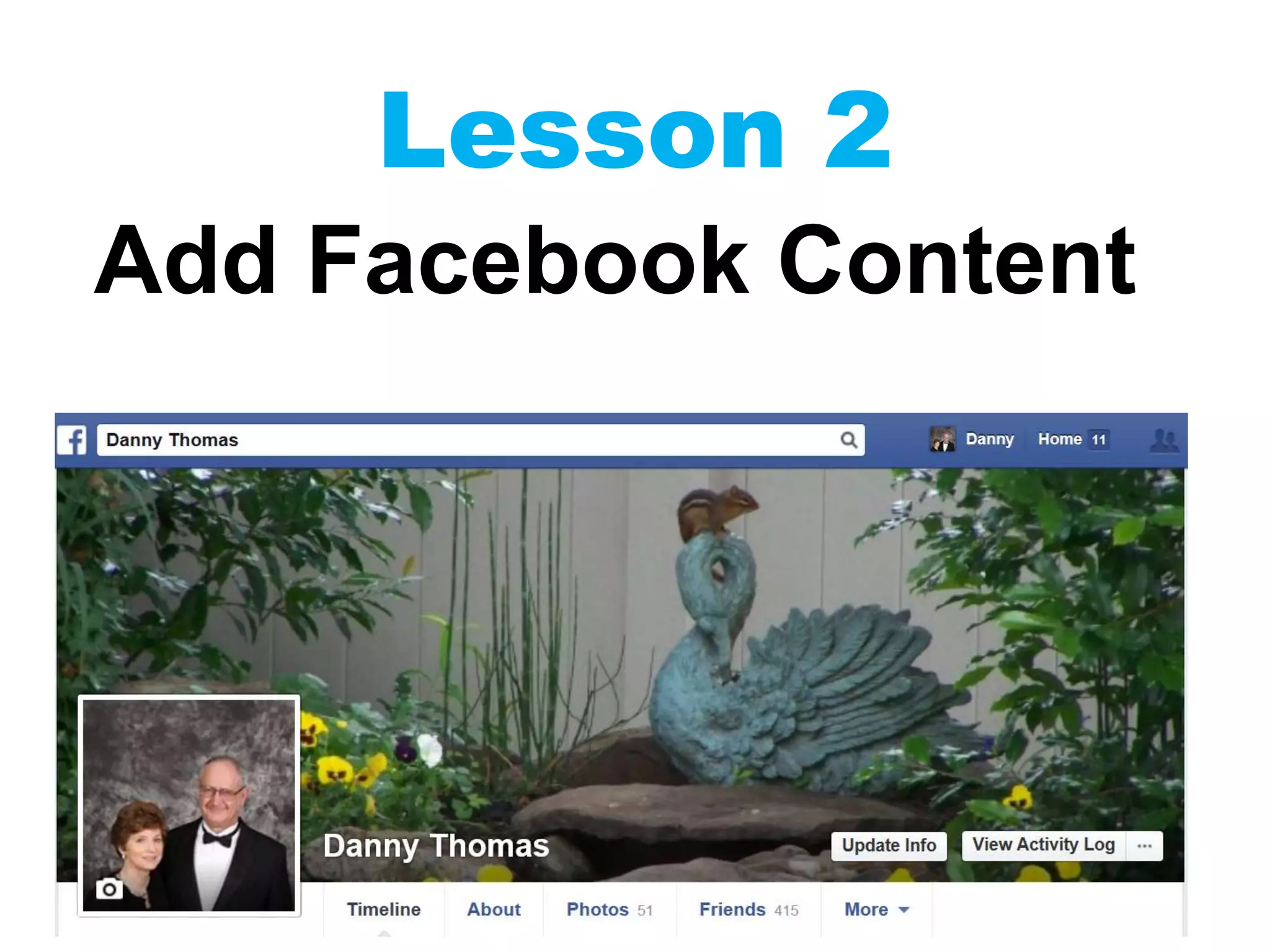
Lesson 2
Add Facebook Content
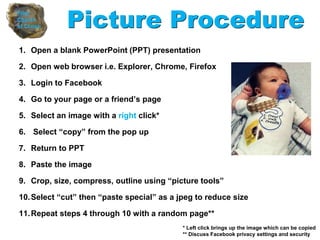
1. Open a blank PowerPoint (PPT) presentation
2. Open web browser i.e. Explorer, Chrome, Firefox
3. Login to Facebook
4. Go to your page or a friend’s page
5. Select an image with a right click*
6. Select “copy” from the pop up
7. Return to PPT
8. Paste the image
9. Crop, size, compress, outline using “picture tools”
10.Select “cut” then “paste special” as a jpeg to reduce size
11.Repeat steps 4 through 10 with a random page**
Picture Procedure
* Left click brings up the image which can be copied
** Discuss Facebook privacy settings and security
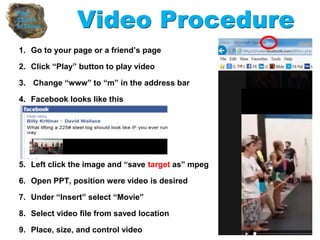
1. Go to your page or a friend’s page
2. Click “Play” button to play video
3. Change “www” to “m” in the address bar
4. Facebook looks like this
5. Left click the image and “save target as” mpeg
6. Open PPT, position were video is desired
7. Under “Insert” select “Movie”
8. Select video file from saved location
9. Place, size, and control video
Video Procedure
An Example
Resources
• How to download a movie from Facebook
• https://www.youtube.com/watch?v=5FIhkFldTFc

Ppt class lesson 2

  • 1.
  • 2.
    1. Open ablank PowerPoint (PPT) presentation 2. Open web browser i.e. Explorer, Chrome, Firefox 3. Login to Facebook 4. Go to your page or a friend’s page 5. Select an image with a right click* 6. Select “copy” from the pop up 7. Return to PPT 8. Paste the image 9. Crop, size, compress, outline using “picture tools” 10.Select “cut” then “paste special” as a jpeg to reduce size 11.Repeat steps 4 through 10 with a random page** Picture Procedure * Left click brings up the image which can be copied ** Discuss Facebook privacy settings and security
  • 3.
    1. Go toyour page or a friend’s page 2. Click “Play” button to play video 3. Change “www” to “m” in the address bar 4. Facebook looks like this 5. Left click the image and “save target as” mpeg 6. Open PPT, position were video is desired 7. Under “Insert” select “Movie” 8. Select video file from saved location 9. Place, size, and control video Video Procedure
  • 4.
  • 5.
    Resources • How todownload a movie from Facebook • https://www.youtube.com/watch?v=5FIhkFldTFc