Oral Presentations
The Good, the Bad,
and the Tongue-tied
Oral Presentations
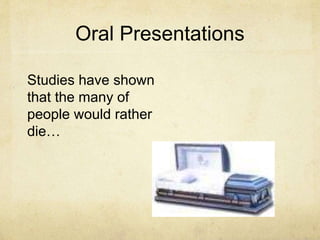
Studies have shown
that the many of
people would rather
die…
Oral Presentations
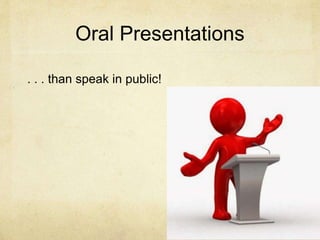
. . . than speak in public!
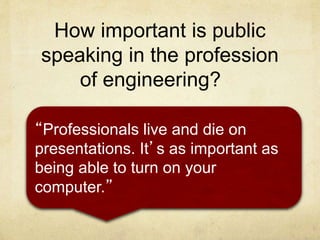
How important is public
speaking in the profession
of engineering?
“Professionals live and die on
presentations. It’s as important as
being able to turn on your
computer.”
The Preamble
The previous slides did two things:
1. Introduced the topic (presentations)
2. Underlined the importance of the
topic to the audience – POWER
STATEMENT.
This helps get the audience’s attention
and can be effective “ice breaker”
techniques.
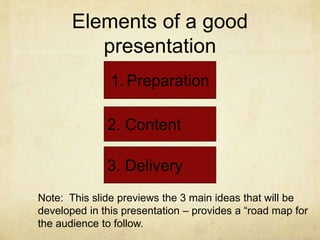
Elements of a good
presentation
3. Delivery
1. Preparation
2. Content
Note: This slide previews the 3 main ideas that will be
developed in this presentation – provides a “road map for
the audience to follow.
1. PREPARATION
Check room and equipment
AV
Windows
Seats
Plug ins
Know what you will have to work with; avoid surprises
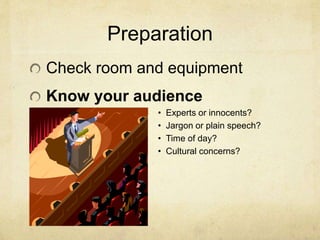
Preparation
Check room and equipment
Know your audience
• Experts or innocents?
• Jargon or plain speech?
• Time of day?
• Cultural concerns?
Preparation
Check room and equipment
Know your audience
Rehearse your talk
Time yourself
Plan pacing
Plan emphasis
Record yourself
Preparation
Check room and equipment
Know your audience
Rehearse your talk
Look and Act like a TEAM
Smooth hand-offs (practice)
Consistent dress and tone
2. CONTENT
KNOW your purpose! Know your content!
ORGANIZE your content logically
Introduce your team and state your purpose
Speaker 1: [specific content sections]
Speaker 2: [specific content sections]
Speaker 3: [specific content sections]
Ask for questions; answer them thoughtfully
Suggest additional resources, if relevant
Conclude with a polite “thank you”
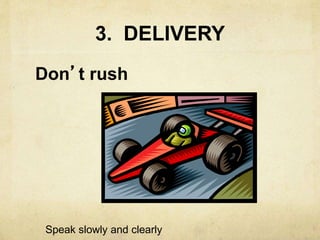
3. DELIVERY
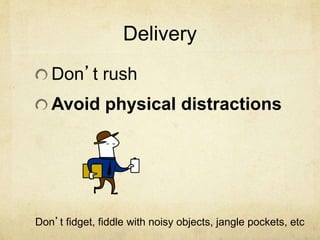
Don’t rush
Speak slowly and clearly
Delivery
Don’t rush
Avoid physical distractions
Don’t fidget, fiddle with noisy objects, jangle pockets, etc
Delivery
Don’t rush
Avoid physical distractions
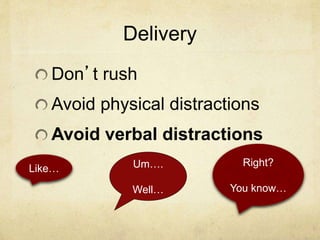
Avoid verbal distractions
Um….
Well…
Right?
You know…
Like…
Delivery
Don’t rush
Avoid physical distractions
Avoid verbal distractions
Don’t read from notes!
Speak naturally as you
would to a colleague
Vary tone and emphasis
so you sound like you
are speaking naturally.
Delivery
Don’t rush
Avoid physical distractions
Avoid verbal distractions
Don’t read from notes
Make eye contact.
Visuals
Make sure visual effects such as slides are
• Clearly visible
• Print color contrasts background
• Consistent and readable font type
• Minimal use of text
• Simply designed
• Avoid overly complicated or gratuitous graphics
• Use animation sparingly if at all
• Keep text to a minimum
• Relevant and explicitly referred to in your presentation
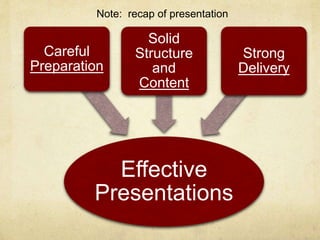
Effective
Presentations
Careful
Preparation
Solid
Structure
and
Content
Strong
Delivery
Note: recap of presentation
Presentation Tips (key take-aways)
Arrive on time; be professional
Know what your audience wants and needs. Review
assignment criteria to determine the key informational
items you are expected to communicate and how much
time you will be allotted to present it.
Present as a TEAM. Rehearse your transitions and
handoffs. LOOK and ACT like an effective team.
RESEARSE! Know the information you will present.
DON’T READ!
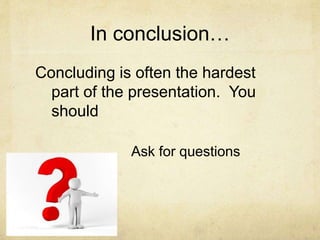
In conclusion…
Concluding is often the hardest
part of the presentation. You
should
Ask for questions
Wrapping Up…
Offer additional resources
Wrapping Up…
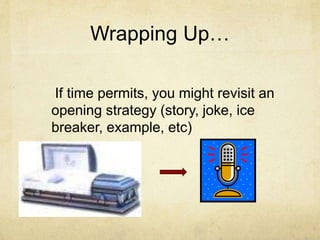
If time permits, you might revisit an
opening strategy (story, joke, ice
breaker, example, etc)
Wrapping up…
Be sure to thank your audience.
This is a great way to close your
presentation as it lets the audience
know you are done.
Avoid ending your presentation
awkwardly…. with a “well, I guess
we’re done….” This shows lack of
preparation.
Questions?
Thank you!
I look forward to seeing many
engaging and educational
presentations.

PowerPoint-Presentation-on-PRESENTATIONS.ppt

  • 1.
    Oral Presentations The Good,the Bad, and the Tongue-tied
  • 2.
    Oral Presentations Studies haveshown that the many of people would rather die…
  • 3.
    Oral Presentations . .. than speak in public!
  • 4.
    How important ispublic speaking in the profession of engineering? “Professionals live and die on presentations. It’s as important as being able to turn on your computer.”
  • 5.
    The Preamble The previousslides did two things: 1. Introduced the topic (presentations) 2. Underlined the importance of the topic to the audience – POWER STATEMENT. This helps get the audience’s attention and can be effective “ice breaker” techniques.
  • 6.
    Elements of agood presentation 3. Delivery 1. Preparation 2. Content Note: This slide previews the 3 main ideas that will be developed in this presentation – provides a “road map for the audience to follow.
  • 7.
    1. PREPARATION Check roomand equipment AV Windows Seats Plug ins Know what you will have to work with; avoid surprises
  • 8.
    Preparation Check room andequipment Know your audience • Experts or innocents? • Jargon or plain speech? • Time of day? • Cultural concerns?
  • 9.
    Preparation Check room andequipment Know your audience Rehearse your talk Time yourself Plan pacing Plan emphasis Record yourself
  • 10.
    Preparation Check room andequipment Know your audience Rehearse your talk Look and Act like a TEAM Smooth hand-offs (practice) Consistent dress and tone
  • 11.
    2. CONTENT KNOW yourpurpose! Know your content! ORGANIZE your content logically Introduce your team and state your purpose Speaker 1: [specific content sections] Speaker 2: [specific content sections] Speaker 3: [specific content sections] Ask for questions; answer them thoughtfully Suggest additional resources, if relevant Conclude with a polite “thank you”
  • 12.
  • 13.
    Delivery Don’t rush Avoid physicaldistractions Don’t fidget, fiddle with noisy objects, jangle pockets, etc
  • 14.
    Delivery Don’t rush Avoid physicaldistractions Avoid verbal distractions Um…. Well… Right? You know… Like…
  • 15.
    Delivery Don’t rush Avoid physicaldistractions Avoid verbal distractions Don’t read from notes! Speak naturally as you would to a colleague Vary tone and emphasis so you sound like you are speaking naturally.
  • 16.
    Delivery Don’t rush Avoid physicaldistractions Avoid verbal distractions Don’t read from notes Make eye contact.
  • 17.
    Visuals Make sure visualeffects such as slides are • Clearly visible • Print color contrasts background • Consistent and readable font type • Minimal use of text • Simply designed • Avoid overly complicated or gratuitous graphics • Use animation sparingly if at all • Keep text to a minimum • Relevant and explicitly referred to in your presentation
  • 18.
  • 19.
    Presentation Tips (keytake-aways) Arrive on time; be professional Know what your audience wants and needs. Review assignment criteria to determine the key informational items you are expected to communicate and how much time you will be allotted to present it. Present as a TEAM. Rehearse your transitions and handoffs. LOOK and ACT like an effective team. RESEARSE! Know the information you will present. DON’T READ!
  • 20.
    In conclusion… Concluding isoften the hardest part of the presentation. You should Ask for questions
  • 21.
  • 22.
    Wrapping Up… If timepermits, you might revisit an opening strategy (story, joke, ice breaker, example, etc)
  • 23.
    Wrapping up… Be sureto thank your audience. This is a great way to close your presentation as it lets the audience know you are done. Avoid ending your presentation awkwardly…. with a “well, I guess we’re done….” This shows lack of preparation.
  • 24.
  • 25.
    Thank you! I lookforward to seeing many engaging and educational presentations.