Download to read offline



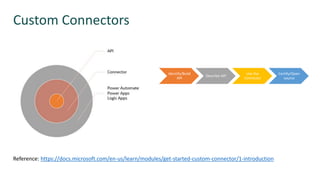
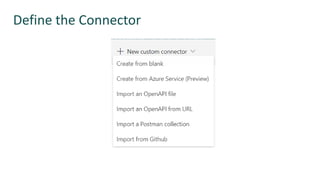
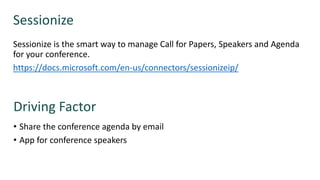
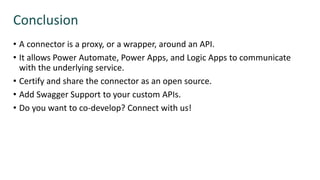


This document discusses custom connectors in the Power Platform. It provides an overview of custom connectors, how to identify and build an API, describe the API, and use the connector. It also covers certifying and open sourcing connectors. The document includes a demo of creating a custom connector and consuming Azure APIs through a custom connector. It demonstrates using the Sessionize custom connector with Power Apps and Power Automate.


![5G Explained! A High Level Overview [Introduction]](https://cdn.slidesharecdn.com/ss_thumbnails/5gexplainedahighleveloverview-260119165306-cc137a3e-thumbnail.jpg?width=640&height=640&fit=bounds)


