A Presentation by: Ravi Bhadauria
ADMEC Multimedia Institute
Url: www.admecindia.co.in
Mobiles: +91-9811-8181-22, +91-9911-7823-50
- Pro Tips -
Create the Perfect Design Portfolio
Whether physical or online, your portfolio is
your career calling card. Today you will
know, how to get it right and win your
dream job.
I've divided the tips into physical and online
portfolios.
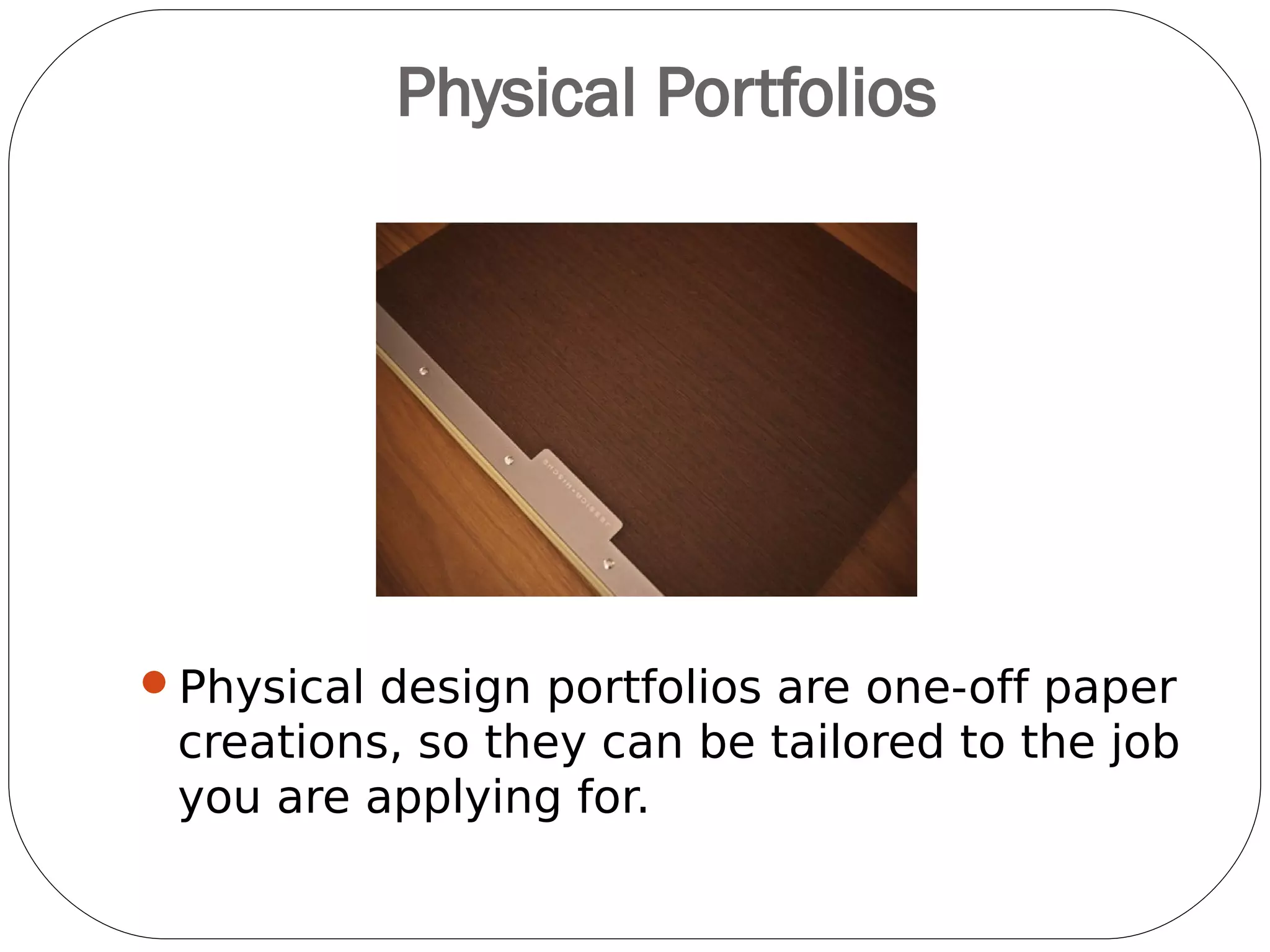
Physical Portfolios
Physical design portfolios are one-off paper
creations, so they can be tailored to the job
you are applying for.
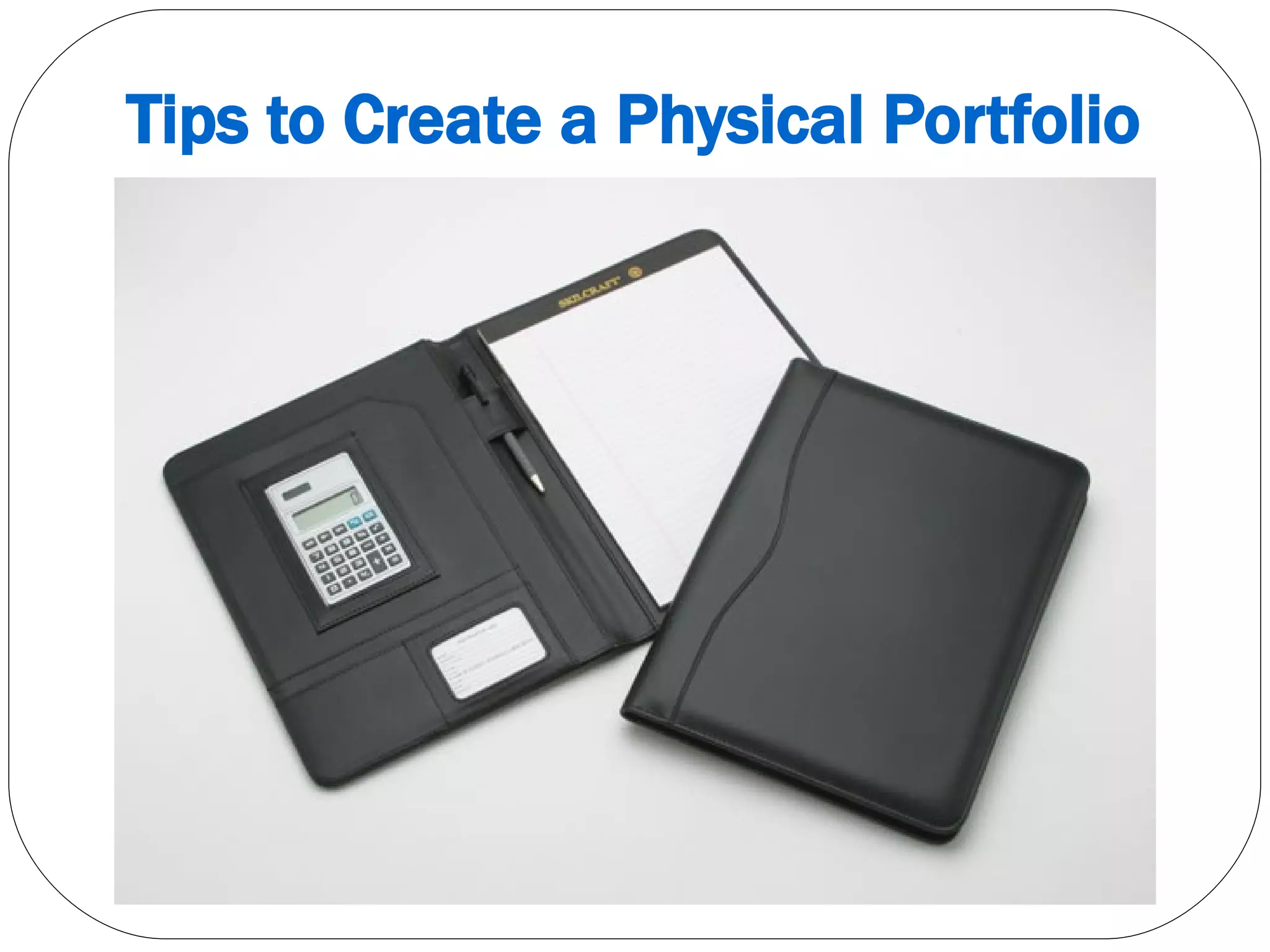
Tips to Create a Physical Portfolio
01. Include a breadth of work
You should aim to fill at least 20 pages of a
physical folio, and at least 30 examples for
an online space which are appropriate also.
02. Provide Context to Your
Work
Illustrators and
designers aren't just
employed for their style
but also for the clarity
with which they
interpret a creative
brief. So if you include
examples of your
artwork without
providing context, it's
impossible to judge.
03. Non-client Work is
Acceptable
Self-initiated
projects are
certainly
acceptable in
full-time
applications, and
recommended
for freelance
work in all the
specializations.
04. Include Case Studies
Don't think of your design
portfolio simply as a
collection of your art and
design work.
Recommendations and
real-life case studies go a
long way in showing how
professionally capable you
are.
05. Maintain A Balance
You need to look at your design
portfolio and resume through
another eyes.
Experienced employers, project
managers and agents know how
to match up a CV to a design
portfolio and gauge your
character strengths and
weaknesses and all.
So think critically about what your design
portfolio says about you. Is it too serious? Too
flippant? Strike a balance that you believe
shows off your qualities.
06. Demonstrate All-round
Experience
Are you only good at illustration
or layout? Of course you're not:
you're also a solid
communicator who understands
budgets and deadlines, as well
as the importance of meetings
and updates.
Make sure your design portfolio
clearly showcases that you
posses these.
07. Sell Yourself
Think about what other
creative talents you might
have as well. For instance, if
you're a handy photographer,
video-grapher, painter, artist,
clay modeler, video editor,
illustration artist, singing,
dancing, or coding, why not
include examples of your
shots or web designs?
They're all more strings to
your creative bow.
08. Index Your Design
Portfolio
What do you do when you
find a particularly interesting
website, magazine spread or
book chapter?
Those viewing your design
portfolio - by whatever
medium - will do the same,
so make it easy by including page numbers
and clear project titles for each portfolio
example.
Online Portfolios
An online design portfolio is your creative
shop window. It's always on - 24 hours a day,
7 days a week, 365 days a year - and it's
always working to showcase who you are and
what you can do.
But is this silent sales machine working hard
enough?
Have you set it up correctly?
Are you showing off your BEST stuff?
Tips to Create - Online Portfolio
01. Choose Your Platform
How do you physically set up an online
design portfolio? The good news is that you
have a number of options.
If you're technically-minded
– personalized domain name
– invest in some hosting
– set up a WordPress website
If you really don't have time
– pay somebody to do all of the above
– consider using a done-for-you web
platform
Some Popular Platforms
WordPress.com
Spacesquare.com
Weebly.com
Behance.com
Pinterest.com
Carbonmade.com
Coroflot.com
●
Dribbble.com
●
Portfoliobox.com
●
Bigblackbag.com
●
Dunked.com
●
Allyou.net
●
Crevado.com
●
Wix.com
02. Be Selective
As with a physical
design portfolio,
don't make the
mistake of trying to
show off too much
of your work.
Potential clients
don't need to see
EVERYTHING.
Instead, be more
selective. Focus on
your best stuff and
the work you've
done for high-profile
clients.
03. Curate Work Carefully
Online folios need the same rhythm
as printed ones: you need to tell a story,
and order your projects so that they feel
fluid and complement each other. If it
means that an old project has to be
removed to fit the new story, so be it.
04. Keep Adding New Work
"You could have the fanciest site in the
world, but if it was last updated five years
ago it looks a bit lazy."
Regular updates are crucial - and not just
those showing finished work. Let people
know what you're working on, or what
you've done over the past few weeks,
05. Photograph Printed Work
One of the biggest challenges is figuring out
how to display printed material on screen.
While digital versions of your work will help,
photography is definitely the best way to show
these off. It's all about the context, and
showing your designs as they were intended to
be seen.
If you do photograph your work, invest time
and resources into making the images as good
as possible. Just as spelling mistakes do,
images with no contrast, bad focus and so on
take attention away from your work.
06. Label Your Portfolio
Examples
It's often a good idea to clearly label the
work in your online portfolio. This will allow
clients to reference individual designs or
artwork when they speak to you.
07. Give an insight into how
you worked
Rather than just showing the finished
design, artwork, logo or illustration, give an
insight into how you did it. Give a short
description of the brief and how you
interpreted it to fulfill the wishes of the
client.
Avoid long intros
Olly Gibbs' portfolio site at
www.ollygibbs.com gives clear explanations
of his work
08. Consider Making It A PDF
To give potential clients a different way to
browse through your work, consider offering
your work as a down-loadable PDF.
09. Encourage Action
Make sure that your online portfolio is easy
to navigate and that there are clear goals
for each page.
Think about whether your current portfolio
answers the main questions that your
clients will be asking. Questions such as:
– Who is this person?
Where are they?
What have they done before?
Are there examples of their work that I can view?
Who else have they worked for?
How do I get in contact with them?
10. Publish Testimonials
If shopping on Flipkart has taught us
anything it's that people love to know what
other people think. Getting testimonials from
satisfied clients is a great way to show some
'proof' that you can deliver on what your
portfolio promises.
11. Promote Your Portfolio
There's no point in having a great portfolio
site if no one is visiting. Be active on
Facebook, Twitter and Google+; deploy
portfolio pieces to Behance, Flickr, Dribbble
and deviantART. Film yourself working and
put the video on YouTube. Aggregate artwork
into a slideshow and share it on Slideshare.
Put together a PDF brochure and upload it to
Scribd. The more places you share your
content, the more you'll drive people towards
you and your portfolio website.
12. Add and Update Your
Blogs
A regularly updated blog keeps people
coming back.
It may seem a pain to have to find
something new to post every day, but in
the long run you'll thank yourself. You'll
have 100 new drawings, for a start.
Google loves a well-structured, regularly
updated website that's stuffed with great
content - and the easiest way to provide
fresh content is to keep your blog updated.
More Useful Tips
Never send an email containing your portfolio
Portfolio is different form backup folder
Keep the portfolio minimal
Keep your photo too
Have an intro page
Keep the number of projects in your portfolio
to between 10-30
Optimize your images properly
Get hosting and domain booked for you
before someone grabs it
Some More Useful Resources
http://www.pixeden.com
http://www.behance.com
http://www.pinterest.com
http://www.flickr.com
http://www.admecindia.co.in
ADMEC Multimedia Institute
www.admecindia.co.in
9811-8181-22, 9911-7823-50

Portfolio Pro Tips

  • 1.
    A Presentation by:Ravi Bhadauria ADMEC Multimedia Institute Url: www.admecindia.co.in Mobiles: +91-9811-8181-22, +91-9911-7823-50 - Pro Tips - Create the Perfect Design Portfolio
  • 2.
    Whether physical oronline, your portfolio is your career calling card. Today you will know, how to get it right and win your dream job. I've divided the tips into physical and online portfolios.
  • 3.
    Physical Portfolios Physical designportfolios are one-off paper creations, so they can be tailored to the job you are applying for.
  • 4.
    Tips to Createa Physical Portfolio
  • 5.
    01. Include abreadth of work You should aim to fill at least 20 pages of a physical folio, and at least 30 examples for an online space which are appropriate also.
  • 6.
    02. Provide Contextto Your Work Illustrators and designers aren't just employed for their style but also for the clarity with which they interpret a creative brief. So if you include examples of your artwork without providing context, it's impossible to judge.
  • 7.
    03. Non-client Workis Acceptable Self-initiated projects are certainly acceptable in full-time applications, and recommended for freelance work in all the specializations.
  • 8.
    04. Include CaseStudies Don't think of your design portfolio simply as a collection of your art and design work. Recommendations and real-life case studies go a long way in showing how professionally capable you are.
  • 9.
    05. Maintain ABalance You need to look at your design portfolio and resume through another eyes. Experienced employers, project managers and agents know how to match up a CV to a design portfolio and gauge your character strengths and weaknesses and all. So think critically about what your design portfolio says about you. Is it too serious? Too flippant? Strike a balance that you believe shows off your qualities.
  • 10.
    06. Demonstrate All-round Experience Areyou only good at illustration or layout? Of course you're not: you're also a solid communicator who understands budgets and deadlines, as well as the importance of meetings and updates. Make sure your design portfolio clearly showcases that you posses these.
  • 11.
    07. Sell Yourself Thinkabout what other creative talents you might have as well. For instance, if you're a handy photographer, video-grapher, painter, artist, clay modeler, video editor, illustration artist, singing, dancing, or coding, why not include examples of your shots or web designs? They're all more strings to your creative bow.
  • 12.
    08. Index YourDesign Portfolio What do you do when you find a particularly interesting website, magazine spread or book chapter? Those viewing your design portfolio - by whatever medium - will do the same, so make it easy by including page numbers and clear project titles for each portfolio example.
  • 13.
  • 14.
    An online designportfolio is your creative shop window. It's always on - 24 hours a day, 7 days a week, 365 days a year - and it's always working to showcase who you are and what you can do.
  • 15.
    But is thissilent sales machine working hard enough? Have you set it up correctly? Are you showing off your BEST stuff?
  • 16.
    Tips to Create- Online Portfolio
  • 17.
    01. Choose YourPlatform How do you physically set up an online design portfolio? The good news is that you have a number of options. If you're technically-minded – personalized domain name – invest in some hosting – set up a WordPress website If you really don't have time – pay somebody to do all of the above – consider using a done-for-you web platform
  • 18.
  • 19.
    02. Be Selective Aswith a physical design portfolio, don't make the mistake of trying to show off too much of your work. Potential clients don't need to see EVERYTHING. Instead, be more selective. Focus on your best stuff and the work you've done for high-profile clients.
  • 20.
    03. Curate WorkCarefully Online folios need the same rhythm as printed ones: you need to tell a story, and order your projects so that they feel fluid and complement each other. If it means that an old project has to be removed to fit the new story, so be it.
  • 21.
    04. Keep AddingNew Work "You could have the fanciest site in the world, but if it was last updated five years ago it looks a bit lazy." Regular updates are crucial - and not just those showing finished work. Let people know what you're working on, or what you've done over the past few weeks,
  • 22.
    05. Photograph PrintedWork One of the biggest challenges is figuring out how to display printed material on screen. While digital versions of your work will help, photography is definitely the best way to show these off. It's all about the context, and showing your designs as they were intended to be seen. If you do photograph your work, invest time and resources into making the images as good as possible. Just as spelling mistakes do, images with no contrast, bad focus and so on take attention away from your work.
  • 23.
    06. Label YourPortfolio Examples It's often a good idea to clearly label the work in your online portfolio. This will allow clients to reference individual designs or artwork when they speak to you.
  • 24.
    07. Give aninsight into how you worked Rather than just showing the finished design, artwork, logo or illustration, give an insight into how you did it. Give a short description of the brief and how you interpreted it to fulfill the wishes of the client. Avoid long intros Olly Gibbs' portfolio site at www.ollygibbs.com gives clear explanations of his work
  • 25.
    08. Consider MakingIt A PDF To give potential clients a different way to browse through your work, consider offering your work as a down-loadable PDF.
  • 26.
    09. Encourage Action Makesure that your online portfolio is easy to navigate and that there are clear goals for each page. Think about whether your current portfolio answers the main questions that your clients will be asking. Questions such as: – Who is this person? Where are they? What have they done before? Are there examples of their work that I can view? Who else have they worked for? How do I get in contact with them?
  • 27.
    10. Publish Testimonials Ifshopping on Flipkart has taught us anything it's that people love to know what other people think. Getting testimonials from satisfied clients is a great way to show some 'proof' that you can deliver on what your portfolio promises.
  • 28.
    11. Promote YourPortfolio There's no point in having a great portfolio site if no one is visiting. Be active on Facebook, Twitter and Google+; deploy portfolio pieces to Behance, Flickr, Dribbble and deviantART. Film yourself working and put the video on YouTube. Aggregate artwork into a slideshow and share it on Slideshare. Put together a PDF brochure and upload it to Scribd. The more places you share your content, the more you'll drive people towards you and your portfolio website.
  • 29.
    12. Add andUpdate Your Blogs A regularly updated blog keeps people coming back. It may seem a pain to have to find something new to post every day, but in the long run you'll thank yourself. You'll have 100 new drawings, for a start. Google loves a well-structured, regularly updated website that's stuffed with great content - and the easiest way to provide fresh content is to keep your blog updated.
  • 30.
    More Useful Tips Neversend an email containing your portfolio Portfolio is different form backup folder Keep the portfolio minimal Keep your photo too Have an intro page Keep the number of projects in your portfolio to between 10-30 Optimize your images properly Get hosting and domain booked for you before someone grabs it
  • 31.
    Some More UsefulResources http://www.pixeden.com http://www.behance.com http://www.pinterest.com http://www.flickr.com http://www.admecindia.co.in
  • 32.