Essential elements every
developer’s portfolio site
should include
--
In the dog-eat-dog field of web development, personal branding
gives one edge over others in standing out and thus attracting the
right opportunities. This is best approached by building a
professional portfolio website to show off your expertise and
campaign for potential clients. The following article will give an
overview of the major elements any developer’s portfolio website
should contain, including some handy hints on choosing a
platform and tools, as well as mentioning best practices in how to
get your site search engine-friendly and friendly for users.
Essential Elements Every Developer’s Portfolio Site Should
Include
An effective portfolio website is much more than simply projects
on display; it is telling your professional story. It is a compelling
way and at the same time visually engaging to do so. Here are the
critical elements every developer’s portfolio site should have:
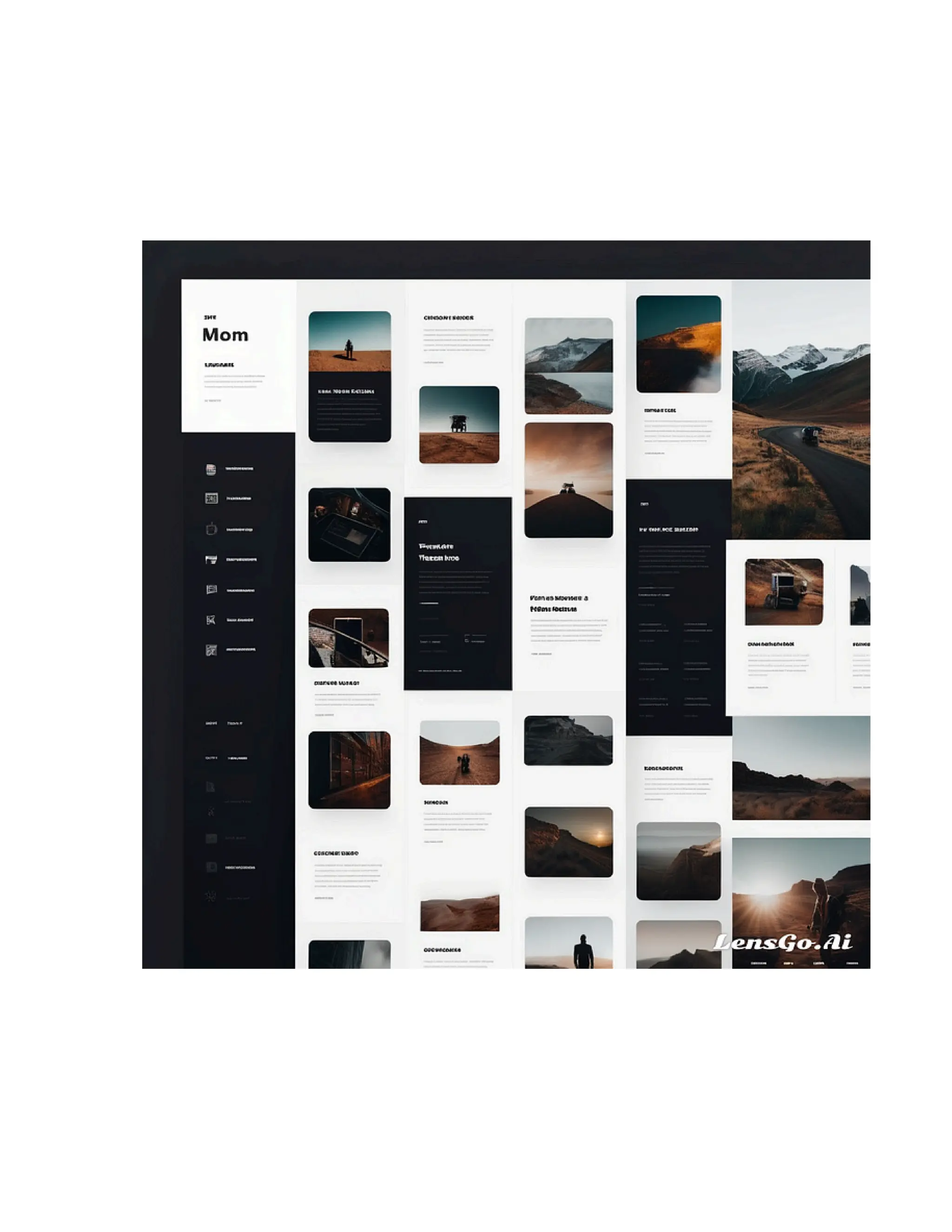
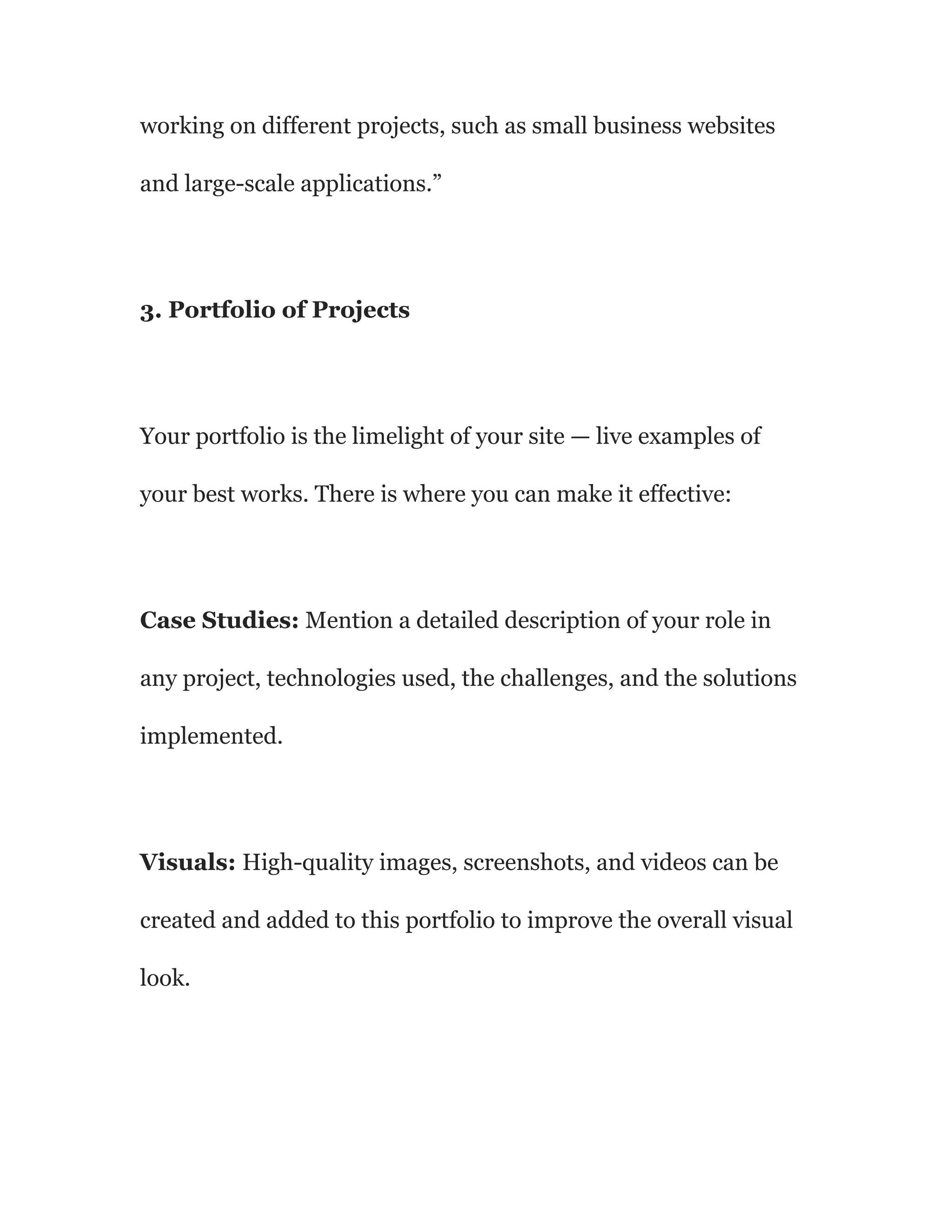
1. Visually Appealing Layout
First of all, your portfolio design is the very first thing that any
person visiting your website will notice. All it takes to create a
difference is some eye-catching layout, cleanliness,
professionalism, and easy navigation. Here’s how you can do it:
Consistency: A consistent color structure, typography, and
layout create a unified visual aspect across the website.
Whitespace: Make good use of whitespace to avoid cluttering
up your site and give your visitors a chance to focus on what’s
important.
Visual Hierarchy: Headings, subheadings, and font sizes of
different measures ensure a clear visual hierarchy of the steps
visitors are to go through on the site.
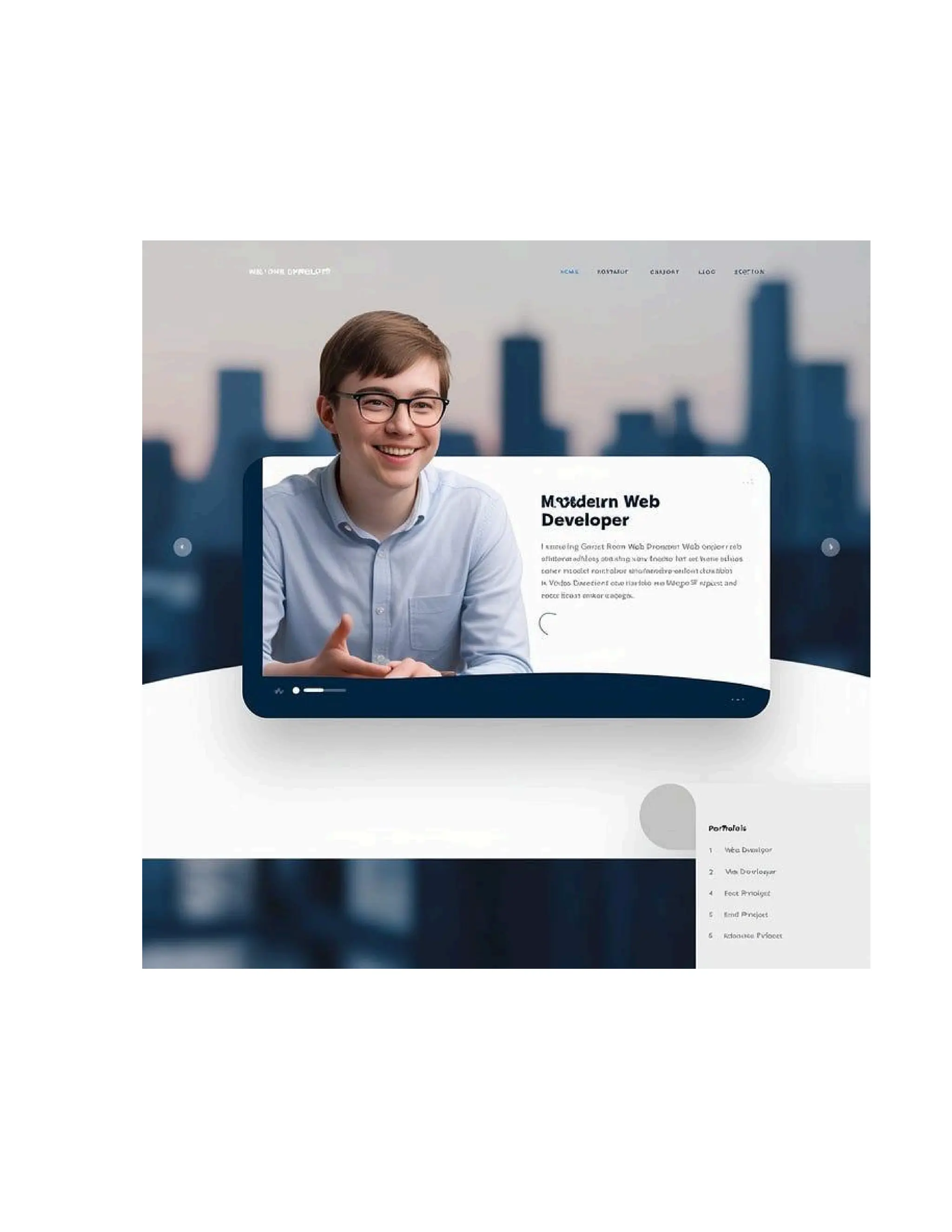
Example: “Hello, I’m Amaka, a full-stack web developer
specializing in building scalable and user-friendly web
applications. Check out my work and learn how I can help bring
your ideas to life.”
ENHANCE YOUR BRAND WITH MY CURATED LIST —
CLICK HERE!
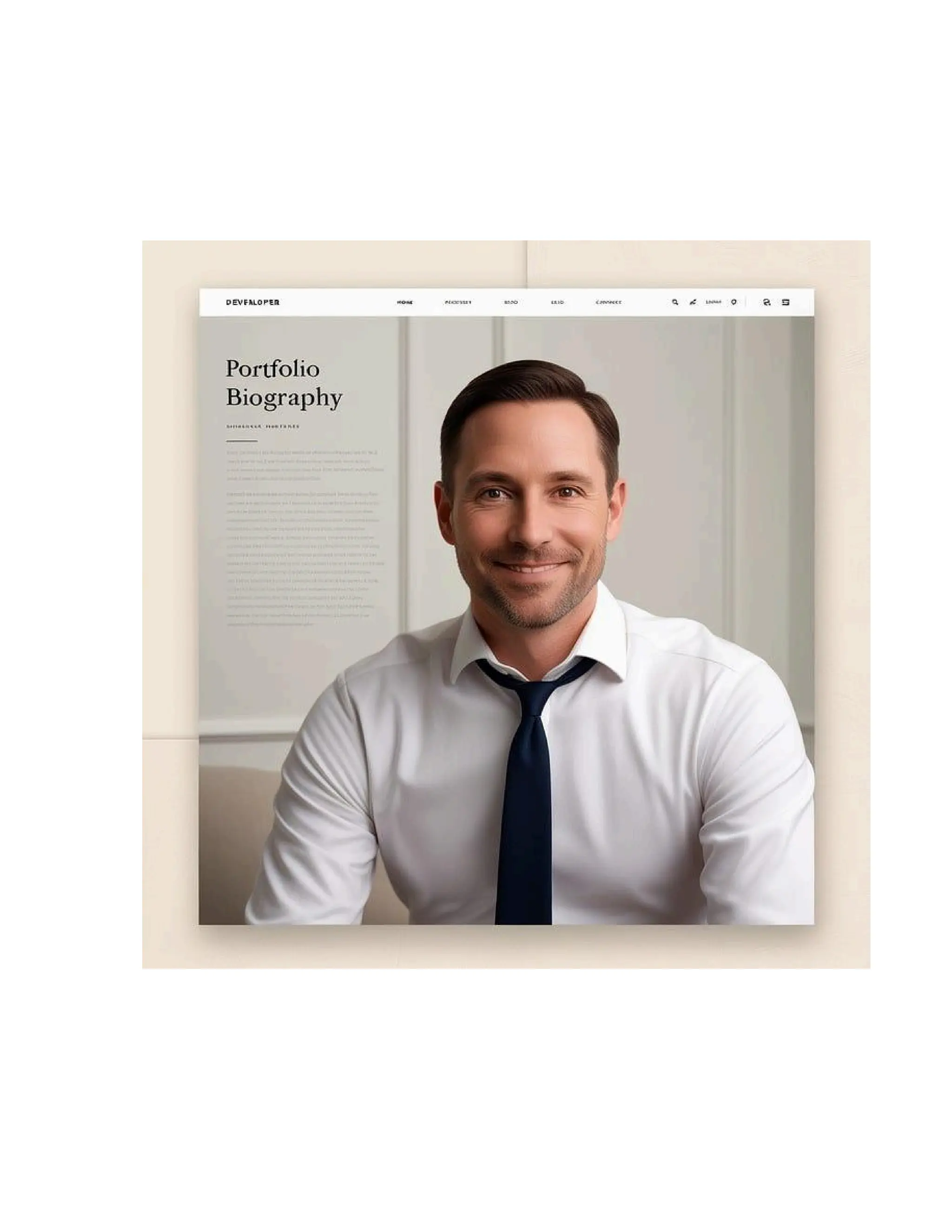
2. Professional Biography
An about page is the place for your personal story, to express
who you are as a person, and the setting your work is carried out
in. Your bio should contain:
Background: Give your background, including your
educational and professional background.
Skills and Expertise: List all your skills, domains of expertise,
technologies.
Values and Motivations: Describe what motivates you and what
you feel passionate about in your work.
Example: “My journey in web development began in my high
school days, when I developed my first website. Since then, I
developed a passion for creating intuitive and engaging digital
experiences. With over five years of experience, I have been
working on different projects, such as small business websites
and large-scale applications.”
3. Portfolio of Projects
Your portfolio is the limelight of your site — live examples of
your best works. There is where you can make it effective:
Case Studies: Mention a detailed description of your role in
any project, technologies used, the challenges, and the solutions
implemented.
Visuals: High-quality images, screenshots, and videos can be
created and added to this portfolio to improve the overall visual
look.
Variety in Projects: Exhibit an array of projects, showcasing
versatility and skill variety.
Example: “One of my latest projects was to develop an
e-commerce platform for a local business. I did the frontend in
React and the backend in Node.js to provide an effective and
responsive user experience. This site increased online sales for
this client by 40 percent within the first three months.”
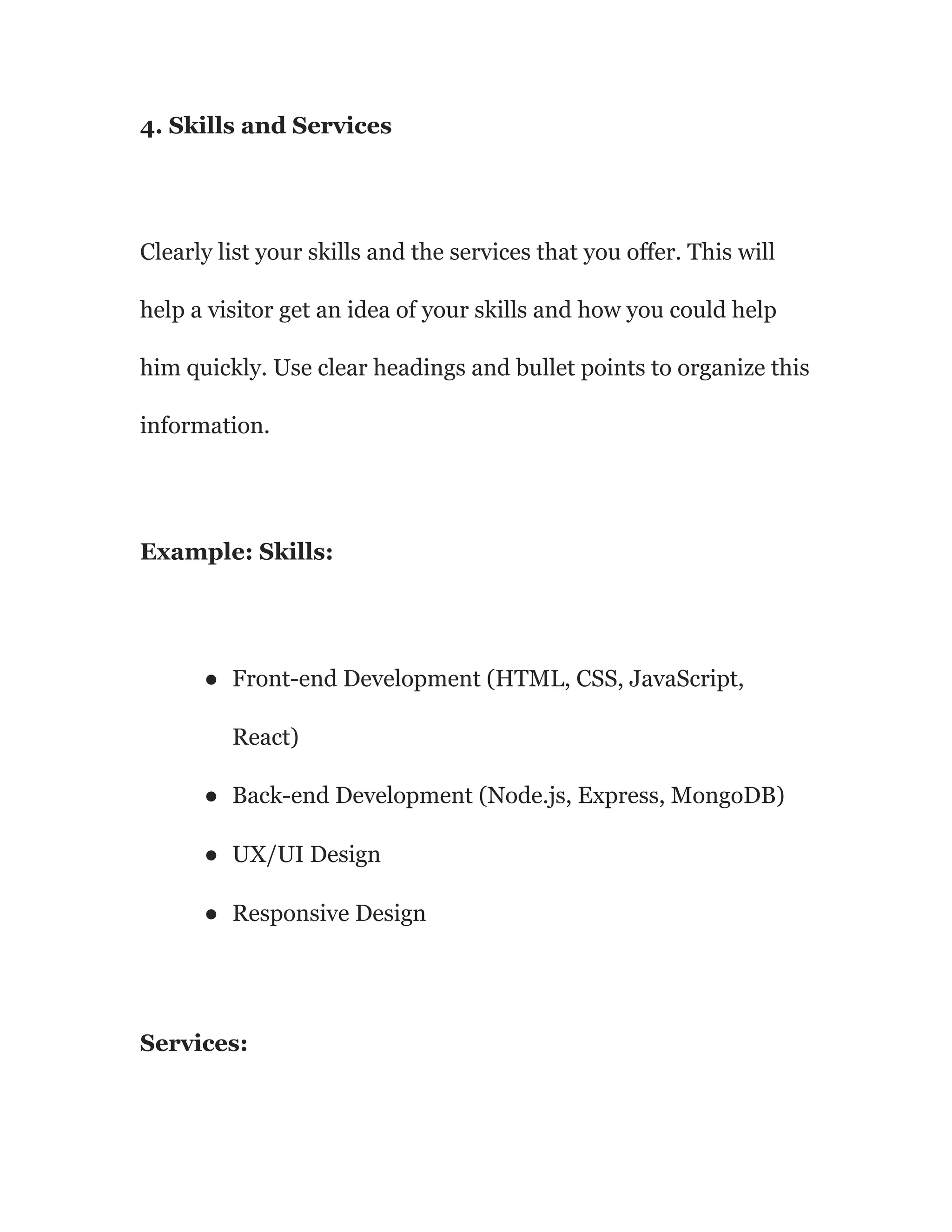
4. Skills and Services
Clearly list your skills and the services that you offer. This will
help a visitor get an idea of your skills and how you could help
him quickly. Use clear headings and bullet points to organize this
information.
Example: Skills:
● Front-end Development (HTML, CSS, JavaScript,
React)
● Back-end Development (Node.js, Express, MongoDB)
● UX/UI Design
● Responsive Design
Services:
● Custom Web Development
● Website Redesign
● E-commerce Solutions
● Web Application Development
5. Testimonials
This really helps with your credibility: a few testimonials of
satisfied clients or workmates. Add in some succinct, impactful
quotes demonstrating professionalism, skills, and work ethic.
Example: “Amaka’s attention to detail and commitment to
delivering the best solution surpassed our expectations. Our new
website is not only visually appealing but also easy to use —
simply functional.”— Client A
6. Blog
A blog is a very good means of demonstrating your competence
and getting closer to your readers. Share the latest news related
to your business, write step-by-step guides on how to do things,
or simply give your readers a peek at how you work on your
projects. Periodic refreshed content benefits search ranking as
well.
Example: “In my newest post, I explore the advantages of using
GraphQL over REST for API Development. I cover the
advantages against the possible drawbacks and provide examples
of real-world applications.”
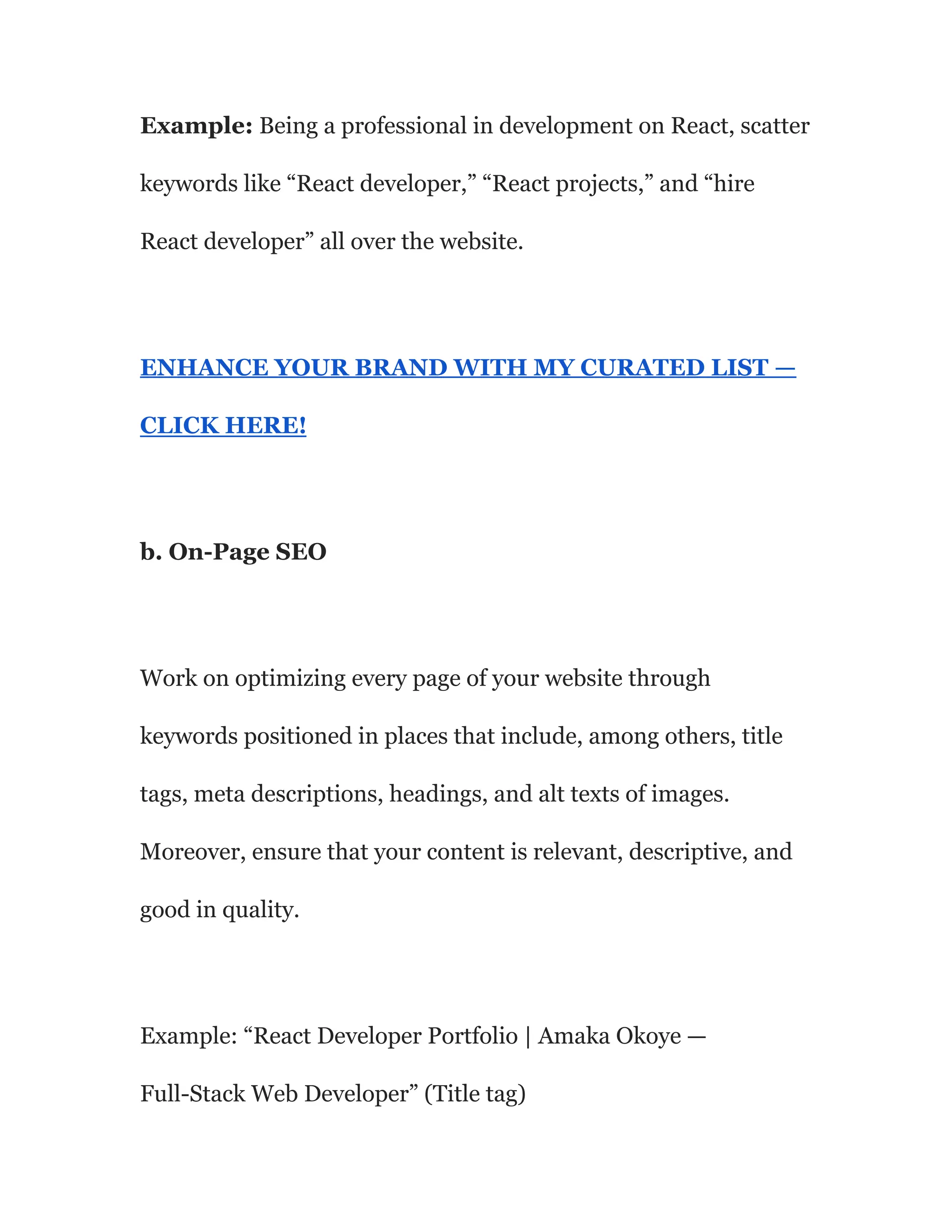
7. Contact Information
Make it easy for your visitors to contact you. For instance, avails
your email address and contact form in addition to links to social
media profiles. Make sure the information is easy to get from any
page on your site.
Example: “Interested in working together? Find me at
amaka@example.com or connect with me on LinkedIn and
Twitter.”
8. Multimedia Content
Add some multimedia features in the form of videos or
interactivity to highlight your achievements and make the site
more interactive.
Include a video walkthrough for some of the complex projects
you have undertaken and mention challenges and solutions you
have put in place.
Choosing the Right Platform and Tools for Building Your
Portfolio
The right platform and tools for your portfolio are important in
bringing about a professional, working website. Some of the
popular options that have to be taken into consideration include:
1. WordPress
It is a versatile, very extensive, and widely used platform with a
huge availability of themes and plugins. It’s a perfect solution for
developers who need full control over the customization and
functionality of their site.
Pros:
● Highly customizable
● Extensive plugin library
● Large community and support
Cons:
● Can be complex for beginners
● Requires regular updates and maintenance
2. Wix
Wix is a drag-and-drop, user-friendly website builder. Probably
one of the best options to receive a professional result without
any kind of coding knowledge. This will work fine for developers
who prefer simple setup.
Pros:
● Easy to use
● No coding required
● Integrated hosting
Cons:
● Limited customization options compared to WordPress
● May be less suitable for complex sites
3. Squarespace
Squarespace has beautifully designed templates and a clear user
interface. This would be an excellent tool if you were a developer
looking to have a pretty site without too much hassle on your
side.
Pros:
● High-quality templates
● Easy to use
● Integrated hosting
Cons:
● Less flexible customization
● Higher cost compared to some other options
ENHANCE YOUR BRAND WITH MY CURATED LIST —
CLICK HERE!
4. GitHub Pages
GitHub Pages is a free GitHub hosting service, best for
developers who would like to share their coding projects directly
from their GitHub repositories.
Pros:
● Free hosting
● Perfect for showcasing code
● Integrated with GitHub
Cons:
● Requires knowledge of Git and GitHub
● Limited to static sites
5. Webflow
Webflow ties visual design tools with the power of code, making
for a flexible platform with developers in mind who wish to
create a truly custom design — all while writing little to no code.
Pros:
● Visual design interface
● Highly customizable
● Integrated hosting
Cons:
● Steeper learning curve
● Higher cost
Optimizing Your Website for SEO and Enhancing User
Experience (UX)
A professional-looking website is only half the battle. The other
half is when your target market goes searching for you, and
actually finds you — this requires a search engine optimized and
user experience enhanced website.
1. SEO Best Practices
a. Keyword Research
Find keywords that any potential employer or client would use
when looking for a developer like you and integrate them into
your resume. Tools such as Google Keyword Planner, Ahrefs,
SEMrush will help you discover them.
Example: Being a professional in development on React, scatter
keywords like “React developer,” “React projects,” and “hire
React developer” all over the website.
ENHANCE YOUR BRAND WITH MY CURATED LIST —
CLICK HERE!
b. On-Page SEO
Work on optimizing every page of your website through
keywords positioned in places that include, among others, title
tags, meta descriptions, headings, and alt texts of images.
Moreover, ensure that your content is relevant, descriptive, and
good in quality.
Example: “React Developer Portfolio | Amaka Okoye —
Full-Stack Web Developer” (Title tag)
c. Technical SEO
Make sure to technically optimize your website by speeding it up,
making it mobile-friendly, and using HTTPS. Use tools like
Google PageSpeed Insights and GTmetrix to help you analyze
and enhance your website’s performance.
I.e., it even means compressing images and using lazy loading to
portfolio sections, which are heavy on images, as a way of
improving load times.
d. Backlink Building
Gain natural backlinks by creating high-quality content that
others would like to link to, guest posting at relevant blogs, and
participating in industry forums and communities. Back to
building a professional website for personal branding for a
comprehensive guide.
Example: Guest post on a popular web development blog,
sharing some of the insights you learned from a recent project;
include a link back to your portfolio site.
2. Enhancing User Experience (UX)
a. Intuitive Navigation
Keep the navigation structure simple and intuitive. All menu
items are clearly named, and it will take only a few clicks to reach
relevant information.
Example: A sticky header at the top of the website that stays in
place as one scrolls, so sections of your site are easily accessible.
b. Responsive Design
Make sure that your site looks nice and works well on all devices,
from desktops to tablets to smartphones. Responsive design
ensures your site adapts perfectly to different screen sizes.
Example: Testing across devices and display screen sizes will
help use the website and be sure that it gives similar user
experiences on all.
c. Engaging Visuals
Add high-quality images, videos, and graphics to enhance the
appeal of your site. But again, there should be a balance between
aesthetics and functionality so as not to burden users.
Example: Include screenshots and video demos in the portfolio
section. That will give them an idea of how your work is actually
going to look and function.
d. Fast Loading Times
A slow site is going to piss users off and scare them away.
Improve the performance of your site by keeping the file size to a
minimum, applying efficient coding, and caching.
Example: Enable browser caching to reduce loading times,
mainly for multimedia content.
e. Clear Calls to Action (CTAs)
Direct them to take a specific action, such as contacting you, or
viewing your portfolio, or even reading your blog. Clear CTAs will
set up the occurrence of this.
Example: “Ready to collaborate? Contact me today and let’s
discuss your project needs!”
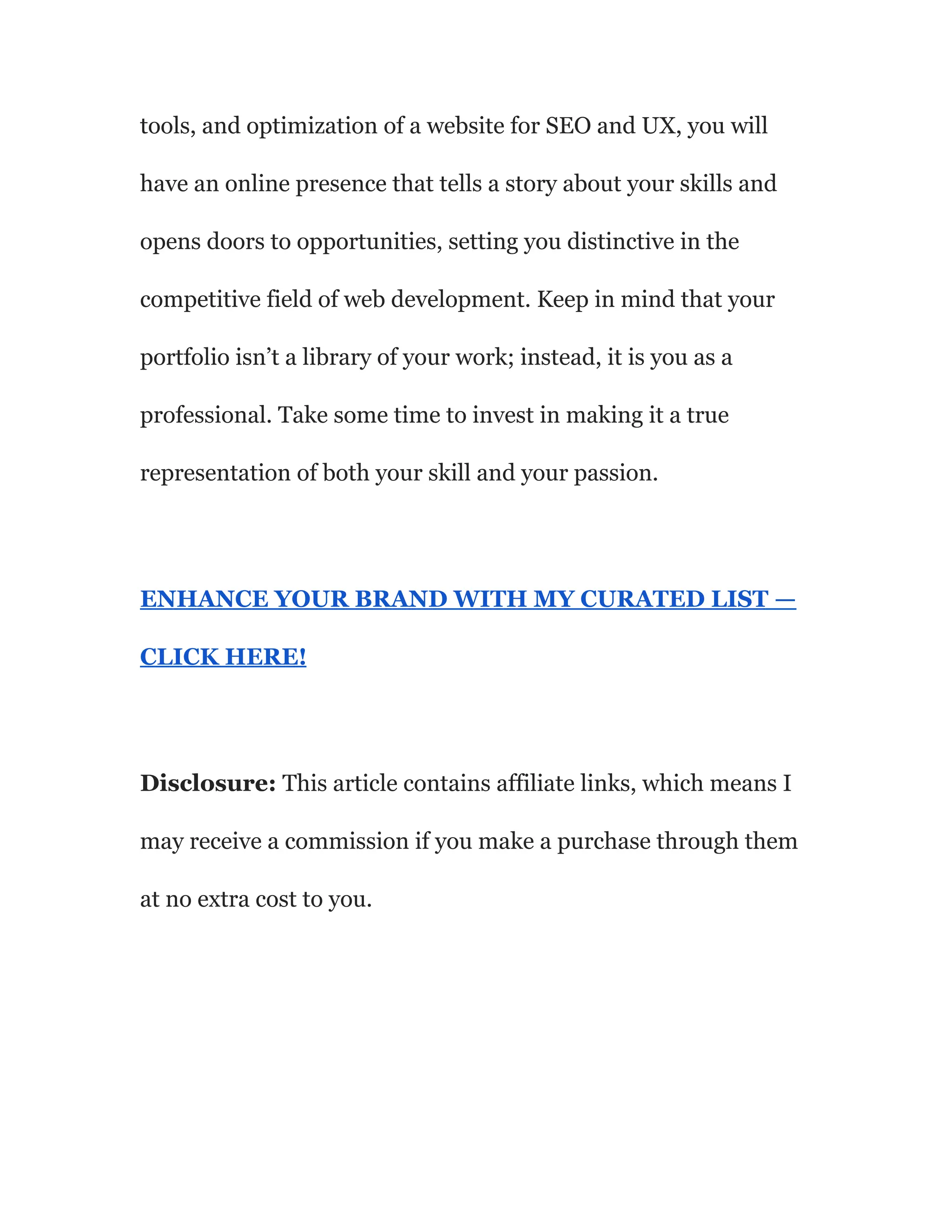
A professional portfolio website is the first step toward
establishing your brand as a developer. With the base parts of the
site discussed in this article, choosing the right platform and
tools, and optimization of a website for SEO and UX, you will
have an online presence that tells a story about your skills and
opens doors to opportunities, setting you distinctive in the
competitive field of web development. Keep in mind that your
portfolio isn’t a library of your work; instead, it is you as a
professional. Take some time to invest in making it a true
representation of both your skill and your passion.
ENHANCE YOUR BRAND WITH MY CURATED LIST —
CLICK HERE!
Disclosure: This article contains affiliate links, which means I
may receive a commission if you make a purchase through them
at no extra cost to you.

Essential elements every developer’s portfolio site should include.pdf

  • 1.
    Essential elements every developer’sportfolio site should include -- In the dog-eat-dog field of web development, personal branding gives one edge over others in standing out and thus attracting the right opportunities. This is best approached by building a professional portfolio website to show off your expertise and campaign for potential clients. The following article will give an overview of the major elements any developer’s portfolio website
  • 2.
    should contain, includingsome handy hints on choosing a platform and tools, as well as mentioning best practices in how to get your site search engine-friendly and friendly for users.
  • 4.
    Essential Elements EveryDeveloper’s Portfolio Site Should Include An effective portfolio website is much more than simply projects on display; it is telling your professional story. It is a compelling way and at the same time visually engaging to do so. Here are the critical elements every developer’s portfolio site should have: 1. Visually Appealing Layout First of all, your portfolio design is the very first thing that any person visiting your website will notice. All it takes to create a difference is some eye-catching layout, cleanliness, professionalism, and easy navigation. Here’s how you can do it: Consistency: A consistent color structure, typography, and layout create a unified visual aspect across the website.
  • 5.
    Whitespace: Make gooduse of whitespace to avoid cluttering up your site and give your visitors a chance to focus on what’s important. Visual Hierarchy: Headings, subheadings, and font sizes of different measures ensure a clear visual hierarchy of the steps visitors are to go through on the site. Example: “Hello, I’m Amaka, a full-stack web developer specializing in building scalable and user-friendly web applications. Check out my work and learn how I can help bring your ideas to life.” ENHANCE YOUR BRAND WITH MY CURATED LIST — CLICK HERE!
  • 6.
  • 7.
    An about pageis the place for your personal story, to express who you are as a person, and the setting your work is carried out in. Your bio should contain: Background: Give your background, including your educational and professional background. Skills and Expertise: List all your skills, domains of expertise, technologies. Values and Motivations: Describe what motivates you and what you feel passionate about in your work. Example: “My journey in web development began in my high school days, when I developed my first website. Since then, I developed a passion for creating intuitive and engaging digital experiences. With over five years of experience, I have been
  • 8.
    working on differentprojects, such as small business websites and large-scale applications.” 3. Portfolio of Projects Your portfolio is the limelight of your site — live examples of your best works. There is where you can make it effective: Case Studies: Mention a detailed description of your role in any project, technologies used, the challenges, and the solutions implemented. Visuals: High-quality images, screenshots, and videos can be created and added to this portfolio to improve the overall visual look.
  • 9.
    Variety in Projects:Exhibit an array of projects, showcasing versatility and skill variety. Example: “One of my latest projects was to develop an e-commerce platform for a local business. I did the frontend in React and the backend in Node.js to provide an effective and responsive user experience. This site increased online sales for this client by 40 percent within the first three months.”
  • 11.
    4. Skills andServices Clearly list your skills and the services that you offer. This will help a visitor get an idea of your skills and how you could help him quickly. Use clear headings and bullet points to organize this information. Example: Skills: ● Front-end Development (HTML, CSS, JavaScript, React) ● Back-end Development (Node.js, Express, MongoDB) ● UX/UI Design ● Responsive Design Services:
  • 12.
    ● Custom WebDevelopment ● Website Redesign ● E-commerce Solutions ● Web Application Development 5. Testimonials This really helps with your credibility: a few testimonials of satisfied clients or workmates. Add in some succinct, impactful quotes demonstrating professionalism, skills, and work ethic. Example: “Amaka’s attention to detail and commitment to delivering the best solution surpassed our expectations. Our new website is not only visually appealing but also easy to use — simply functional.”— Client A 6. Blog
  • 13.
    A blog isa very good means of demonstrating your competence and getting closer to your readers. Share the latest news related to your business, write step-by-step guides on how to do things, or simply give your readers a peek at how you work on your projects. Periodic refreshed content benefits search ranking as well. Example: “In my newest post, I explore the advantages of using GraphQL over REST for API Development. I cover the advantages against the possible drawbacks and provide examples of real-world applications.” 7. Contact Information Make it easy for your visitors to contact you. For instance, avails your email address and contact form in addition to links to social
  • 14.
    media profiles. Makesure the information is easy to get from any page on your site. Example: “Interested in working together? Find me at amaka@example.com or connect with me on LinkedIn and Twitter.” 8. Multimedia Content Add some multimedia features in the form of videos or interactivity to highlight your achievements and make the site more interactive. Include a video walkthrough for some of the complex projects you have undertaken and mention challenges and solutions you have put in place.
  • 16.
    Choosing the RightPlatform and Tools for Building Your Portfolio The right platform and tools for your portfolio are important in bringing about a professional, working website. Some of the popular options that have to be taken into consideration include: 1. WordPress It is a versatile, very extensive, and widely used platform with a huge availability of themes and plugins. It’s a perfect solution for developers who need full control over the customization and functionality of their site. Pros: ● Highly customizable
  • 17.
    ● Extensive pluginlibrary ● Large community and support Cons: ● Can be complex for beginners ● Requires regular updates and maintenance 2. Wix Wix is a drag-and-drop, user-friendly website builder. Probably one of the best options to receive a professional result without any kind of coding knowledge. This will work fine for developers who prefer simple setup. Pros:
  • 18.
    ● Easy touse ● No coding required ● Integrated hosting Cons: ● Limited customization options compared to WordPress ● May be less suitable for complex sites 3. Squarespace Squarespace has beautifully designed templates and a clear user interface. This would be an excellent tool if you were a developer looking to have a pretty site without too much hassle on your side.
  • 19.
    Pros: ● High-quality templates ●Easy to use ● Integrated hosting Cons: ● Less flexible customization ● Higher cost compared to some other options ENHANCE YOUR BRAND WITH MY CURATED LIST — CLICK HERE! 4. GitHub Pages
  • 20.
    GitHub Pages isa free GitHub hosting service, best for developers who would like to share their coding projects directly from their GitHub repositories. Pros: ● Free hosting ● Perfect for showcasing code ● Integrated with GitHub Cons: ● Requires knowledge of Git and GitHub ● Limited to static sites 5. Webflow
  • 21.
    Webflow ties visualdesign tools with the power of code, making for a flexible platform with developers in mind who wish to create a truly custom design — all while writing little to no code. Pros: ● Visual design interface ● Highly customizable ● Integrated hosting Cons: ● Steeper learning curve ● Higher cost
  • 23.
    Optimizing Your Websitefor SEO and Enhancing User Experience (UX) A professional-looking website is only half the battle. The other half is when your target market goes searching for you, and actually finds you — this requires a search engine optimized and user experience enhanced website. 1. SEO Best Practices a. Keyword Research Find keywords that any potential employer or client would use when looking for a developer like you and integrate them into your resume. Tools such as Google Keyword Planner, Ahrefs, SEMrush will help you discover them.
  • 24.
    Example: Being aprofessional in development on React, scatter keywords like “React developer,” “React projects,” and “hire React developer” all over the website. ENHANCE YOUR BRAND WITH MY CURATED LIST — CLICK HERE! b. On-Page SEO Work on optimizing every page of your website through keywords positioned in places that include, among others, title tags, meta descriptions, headings, and alt texts of images. Moreover, ensure that your content is relevant, descriptive, and good in quality. Example: “React Developer Portfolio | Amaka Okoye — Full-Stack Web Developer” (Title tag)
  • 25.
    c. Technical SEO Makesure to technically optimize your website by speeding it up, making it mobile-friendly, and using HTTPS. Use tools like Google PageSpeed Insights and GTmetrix to help you analyze and enhance your website’s performance. I.e., it even means compressing images and using lazy loading to portfolio sections, which are heavy on images, as a way of improving load times. d. Backlink Building Gain natural backlinks by creating high-quality content that others would like to link to, guest posting at relevant blogs, and participating in industry forums and communities. Back to building a professional website for personal branding for a comprehensive guide.
  • 26.
    Example: Guest poston a popular web development blog, sharing some of the insights you learned from a recent project; include a link back to your portfolio site.
  • 28.
    2. Enhancing UserExperience (UX) a. Intuitive Navigation Keep the navigation structure simple and intuitive. All menu items are clearly named, and it will take only a few clicks to reach relevant information. Example: A sticky header at the top of the website that stays in place as one scrolls, so sections of your site are easily accessible. b. Responsive Design Make sure that your site looks nice and works well on all devices, from desktops to tablets to smartphones. Responsive design ensures your site adapts perfectly to different screen sizes.
  • 29.
    Example: Testing acrossdevices and display screen sizes will help use the website and be sure that it gives similar user experiences on all. c. Engaging Visuals Add high-quality images, videos, and graphics to enhance the appeal of your site. But again, there should be a balance between aesthetics and functionality so as not to burden users. Example: Include screenshots and video demos in the portfolio section. That will give them an idea of how your work is actually going to look and function. d. Fast Loading Times
  • 30.
    A slow siteis going to piss users off and scare them away. Improve the performance of your site by keeping the file size to a minimum, applying efficient coding, and caching. Example: Enable browser caching to reduce loading times, mainly for multimedia content. e. Clear Calls to Action (CTAs) Direct them to take a specific action, such as contacting you, or viewing your portfolio, or even reading your blog. Clear CTAs will set up the occurrence of this. Example: “Ready to collaborate? Contact me today and let’s discuss your project needs!”
  • 31.
    A professional portfoliowebsite is the first step toward establishing your brand as a developer. With the base parts of the site discussed in this article, choosing the right platform and
  • 32.
    tools, and optimizationof a website for SEO and UX, you will have an online presence that tells a story about your skills and opens doors to opportunities, setting you distinctive in the competitive field of web development. Keep in mind that your portfolio isn’t a library of your work; instead, it is you as a professional. Take some time to invest in making it a true representation of both your skill and your passion. ENHANCE YOUR BRAND WITH MY CURATED LIST — CLICK HERE! Disclosure: This article contains affiliate links, which means I may receive a commission if you make a purchase through them at no extra cost to you.