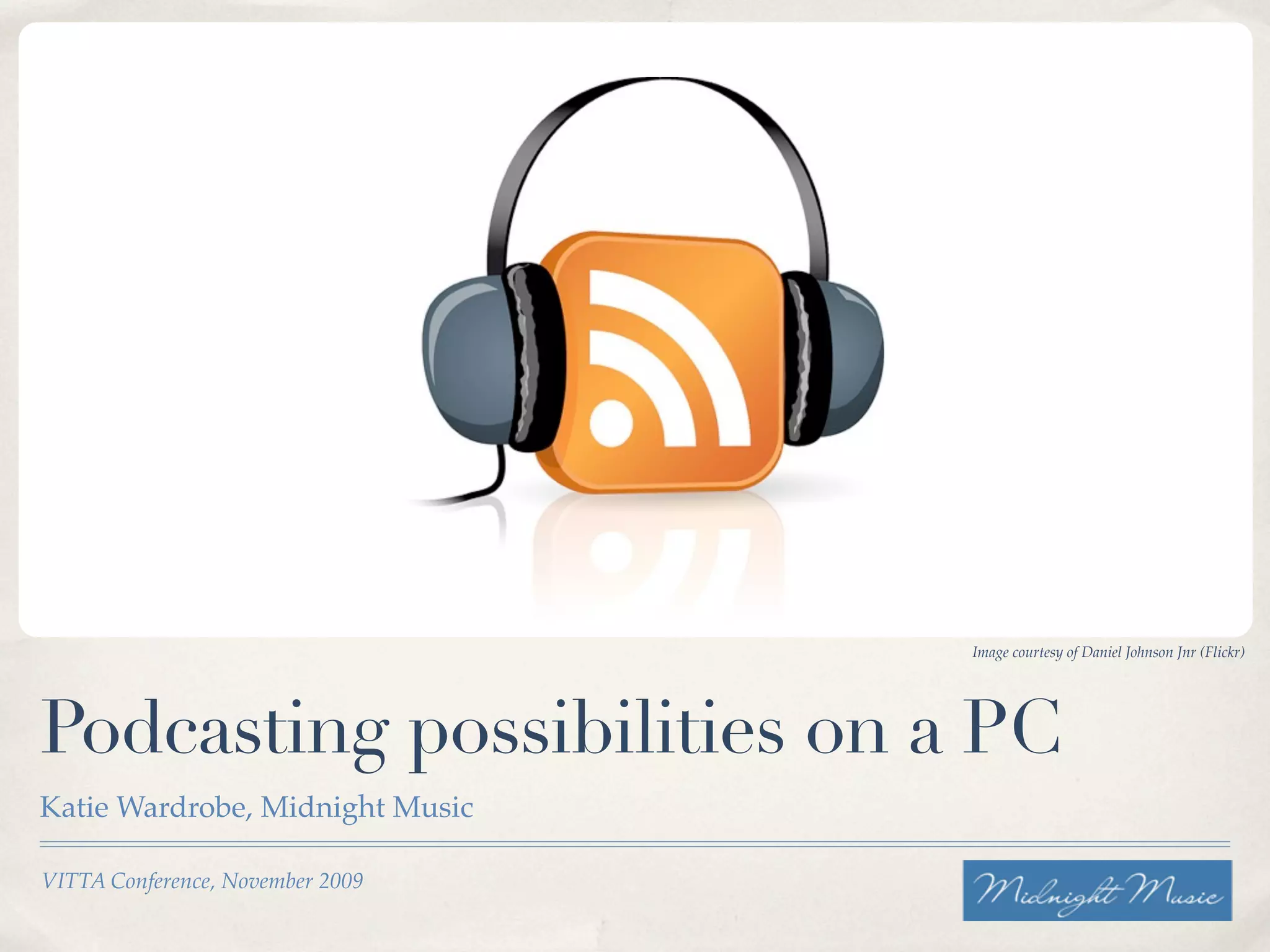
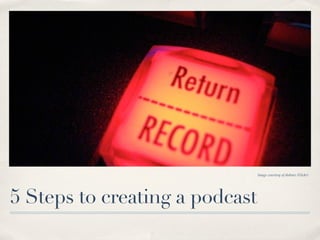
Image courtesy of Daniel Johnson Jnr (Flickr)


Podcasting possibilities on a PC
Katie Wardrobe, Midnight Music

VITTA Conference, November 2009
Session overview
Session overview


✤   Part 1: Intro: what is podcasting?
Session overview


✤   Part 1: Intro: what is podcasting?

✤   Part 2: Hands-on create your own podcast
Session overview


✤   Part 1: Intro: what is podcasting?

✤   Part 2: Hands-on create your own podcast

✤   Part 3: How to publish and share your podcast
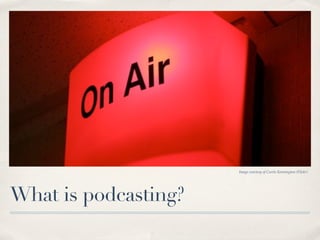
Image courtesy of Curtis Kennington (Flickr)


What is podcasting?
What is podcasting?


✤   Contraction of the terms iPod + broadcasting

✤   Radio on demand

✤   Can include videos (often instructional)

✤   You don’t need to own an iPod to listen to, or create podcasts
3 types of podcasts
3 types of podcasts


✤   Audio only
3 types of podcasts


✤   Audio only

✤   Enhanced = audio + images and/or URLs
3 types of podcasts


✤   Audio only

✤   Enhanced = audio + images and/or URLs

✤   Video: sometimes known as vodcasts (video podcasts)
Examples of
podcasts
Visit the iTunes store or other
online podcast directories

✤   Podkids Australia
✤   Willoweb
✤   Ed Tech Crew
✤   Teacher 2.0
✤   Quick & Dirty Tips Network
✤   Musictechtips

                    Image courtesy of Natahn Gibbs (Flickr)
Why podcast in
the classroom?
✤   Share information free from the
    constraints of time and place

✤   Students can share their work
    with a wider audience

✤   Listeners can hear podcast
    when it suits them

✤   Creating podcasts caters for
    differentiated learning styles
    (writing, researching, talking,
    acting, interviewing)
                     Image courtesy of The Paradigm Shift (Flickr)
Image courtesy of Woodley Wonder Works (Flickr)


Ideas for podcasting in education
Consume podcasts

✤   learn a language

✤   listen to radio shows

✤   learn how to cook

✤   read a book

✤   source of free PD
Create podcasts

✤   Student-created podcasts

    ✤   use in place of almost any assignment

    ✤   just another way to show what they’ve learnt

✤   Teacher-created podcasts

    ✤   use to disseminate information to students

    ✤   record lessons, set assignments, create examples
Podcasting & copyright

✤   Sharing work over the internet = you must consider copyright

✤   Music, loops, images & video

✤   Lost of copyright-free material available on the web

✤   See www.creativecommons.org
Image courtesy of HVargas (Flickr)


Tools required
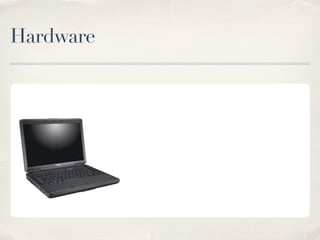
Hardware
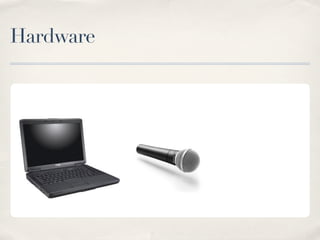
Hardware
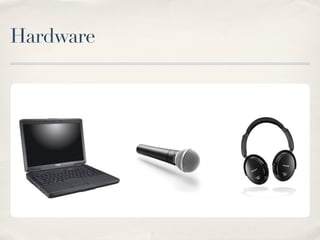
Hardware
Hardware
Software
Software

✤   Any program that records & edits audio
Software

✤   Any program that records & edits audio
✤   Optional extras: video and/or images; included loops & effects
Software

✤   Any program that records & edits audio
✤   Optional extras: video and/or images; included loops & effects
✤   Software options:
         ✤   Audacity
         ✤   ACID Xpress
         ✤   Mixcraft 4.0
         ✤   TrakAx
         ✤   Movie-making apps (Windows Movie Maker)
         ✤   Screencasting apps (Jing, Camtasia)
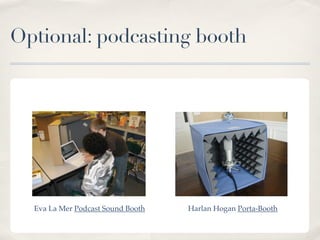
Optional: podcasting booth


  Eva La Mer Podcast Sound Booth   Harlan Hogan Porta-Booth
Image courtesy of diebmx (Flickr)


5 Steps to creating a podcast
1. Plan
Research & write script
Gather music/images/video
2. Record
Practice script & record
Don’t worry too much about mistakes!
3. Edit
Edit the dialogue

Add in music (and images/video)
4. Convert
Convert your recording to mp3 (audio) or
mp4 (video)
5. Post & share
Upload your podcast to a website.

Create RSS feed (podcasting host sites to
this for you).

Promote your podcast on directory sites
(ie. iTunes Store).
Publish.....


✤   Sign up to a podcasting host site (ie. Podomatic, My Podcast,
    Podbean)

✤   Follow the steps to upload and tag your podcast

✤   Once uploaded, copy the RSS feed URL
.....Share: submit to iTunes
✤   Go to iTunes Store > Podcasts > Submit a podcast
✤   Paste your RSS URL in the box & then fill in your podcast details
✤   Wait for a few days for your podcast to be approved
✤   You do this only once
✤   Repeat for other directories
Contact


✤   Email: katie@midnightmusic.com.au

✤   Website: www.midnightmusic.com.au (monthly newsletter)

✤   Blog: www.musictechtips.wordpress.com

✤   Twitter: @katiesw1

Podcasting Possibilities On A Pc

  • 1.
    Image courtesy ofDaniel Johnson Jnr (Flickr) Podcasting possibilities on a PC Katie Wardrobe, Midnight Music VITTA Conference, November 2009
  • 2.
  • 3.
    Session overview ✤ Part 1: Intro: what is podcasting?
  • 4.
    Session overview ✤ Part 1: Intro: what is podcasting? ✤ Part 2: Hands-on create your own podcast
  • 5.
    Session overview ✤ Part 1: Intro: what is podcasting? ✤ Part 2: Hands-on create your own podcast ✤ Part 3: How to publish and share your podcast
  • 6.
    Image courtesy ofCurtis Kennington (Flickr) What is podcasting?
  • 7.
    What is podcasting? ✤ Contraction of the terms iPod + broadcasting ✤ Radio on demand ✤ Can include videos (often instructional) ✤ You don’t need to own an iPod to listen to, or create podcasts
  • 8.
    3 types ofpodcasts
  • 9.
    3 types ofpodcasts ✤ Audio only
  • 10.
    3 types ofpodcasts ✤ Audio only ✤ Enhanced = audio + images and/or URLs
  • 11.
    3 types ofpodcasts ✤ Audio only ✤ Enhanced = audio + images and/or URLs ✤ Video: sometimes known as vodcasts (video podcasts)
  • 12.
    Examples of podcasts Visit theiTunes store or other online podcast directories ✤ Podkids Australia ✤ Willoweb ✤ Ed Tech Crew ✤ Teacher 2.0 ✤ Quick & Dirty Tips Network ✤ Musictechtips Image courtesy of Natahn Gibbs (Flickr)
  • 13.
    Why podcast in theclassroom? ✤ Share information free from the constraints of time and place ✤ Students can share their work with a wider audience ✤ Listeners can hear podcast when it suits them ✤ Creating podcasts caters for differentiated learning styles (writing, researching, talking, acting, interviewing) Image courtesy of The Paradigm Shift (Flickr)
  • 14.
    Image courtesy ofWoodley Wonder Works (Flickr) Ideas for podcasting in education
  • 15.
    Consume podcasts ✤ learn a language ✤ listen to radio shows ✤ learn how to cook ✤ read a book ✤ source of free PD
  • 16.
    Create podcasts ✤ Student-created podcasts ✤ use in place of almost any assignment ✤ just another way to show what they’ve learnt ✤ Teacher-created podcasts ✤ use to disseminate information to students ✤ record lessons, set assignments, create examples
  • 17.
    Podcasting & copyright ✤ Sharing work over the internet = you must consider copyright ✤ Music, loops, images & video ✤ Lost of copyright-free material available on the web ✤ See www.creativecommons.org
  • 18.
    Image courtesy ofHVargas (Flickr) Tools required
  • 19.
  • 20.
  • 21.
  • 22.
  • 23.
  • 24.
    Software ✤ Any program that records & edits audio
  • 25.
    Software ✤ Any program that records & edits audio ✤ Optional extras: video and/or images; included loops & effects
  • 26.
    Software ✤ Any program that records & edits audio ✤ Optional extras: video and/or images; included loops & effects ✤ Software options: ✤ Audacity ✤ ACID Xpress ✤ Mixcraft 4.0 ✤ TrakAx ✤ Movie-making apps (Windows Movie Maker) ✤ Screencasting apps (Jing, Camtasia)
  • 27.
    Optional: podcasting booth Eva La Mer Podcast Sound Booth Harlan Hogan Porta-Booth
  • 28.
    Image courtesy ofdiebmx (Flickr) 5 Steps to creating a podcast
  • 29.
    1. Plan Research &write script Gather music/images/video
  • 30.
    2. Record Practice script& record Don’t worry too much about mistakes!
  • 31.
    3. Edit Edit thedialogue Add in music (and images/video)
  • 32.
    4. Convert Convert yourrecording to mp3 (audio) or mp4 (video)
  • 33.
    5. Post &share Upload your podcast to a website. Create RSS feed (podcasting host sites to this for you). Promote your podcast on directory sites (ie. iTunes Store).
  • 34.
    Publish..... ✤ Sign up to a podcasting host site (ie. Podomatic, My Podcast, Podbean) ✤ Follow the steps to upload and tag your podcast ✤ Once uploaded, copy the RSS feed URL
  • 35.
    .....Share: submit toiTunes ✤ Go to iTunes Store > Podcasts > Submit a podcast ✤ Paste your RSS URL in the box & then fill in your podcast details ✤ Wait for a few days for your podcast to be approved ✤ You do this only once ✤ Repeat for other directories
  • 36.
    Contact ✤ Email: katie@midnightmusic.com.au ✤ Website: www.midnightmusic.com.au (monthly newsletter) ✤ Blog: www.musictechtips.wordpress.com ✤ Twitter: @katiesw1