Introduction to Podcasting Carol Walker image source: www.flickr.com/photos/24934185@N00/118364963
www.rsc-ne-scotland.ac.uk Regional Support Centre Scotland North & East
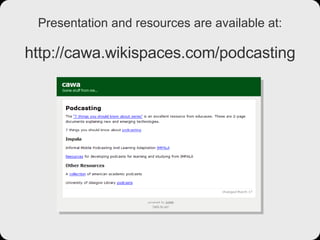
Presentation and resources are available at: http://cawa.wikispaces.com/podcasting
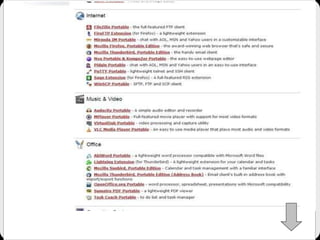
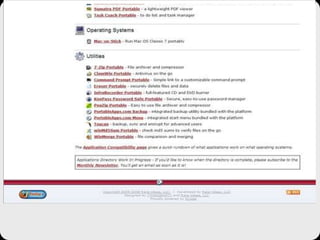
portableapps.com


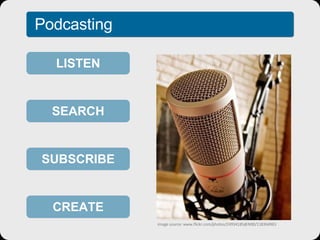
Podcasting LISTEN SEARCH SUBSCRIBE CREATE image source: www.flickr.com/photos/24934185@N00/118364963
BBC News report on podcasting
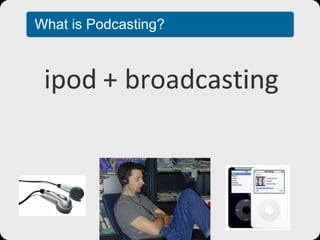
What is Podcasting? ipod broadcasting pod casting  +
What are the benefits? Anytime, anywhere learning Portable Different learning styles Can be played over again Technology investment to create relatively low
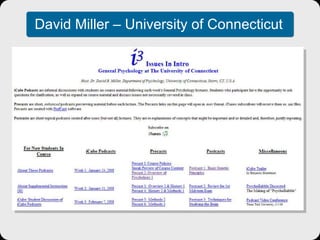
Possible uses… Pre Class - with key questions and news Post Class – summary, key points, top tips David Miller – University of Connecticut Interview subject experts Get the learner to interview peers Study skills Library inductions
David Miller – University of Connecticut
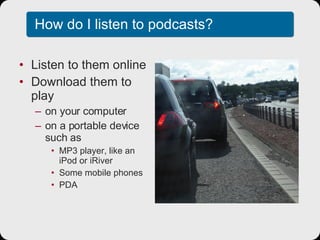
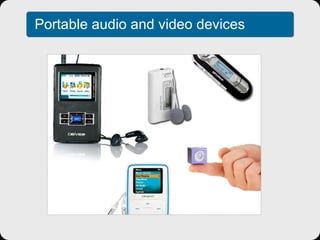
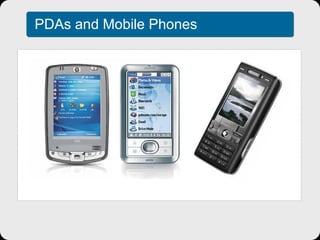
How do I listen to podcasts? Listen to them online Download them to play on your computer on a portable device such as MP3 player, like an iPod or iRiver Some mobile phones PDA
Portable audio and video devices
PDAs and Mobile Phones
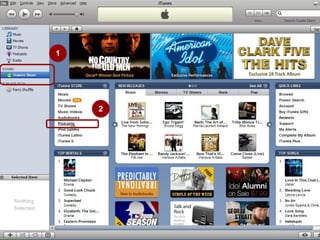
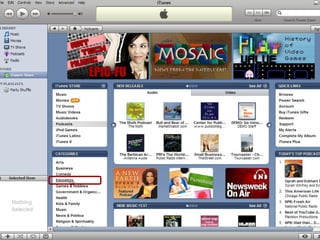
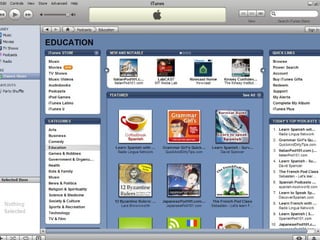
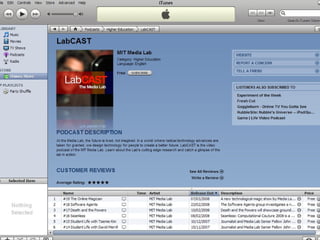
Where do you find podcasts? Lots of different podcast search engines iTunes Podcast  Alley Yahoo  Podcasts Podcast.net
1 2


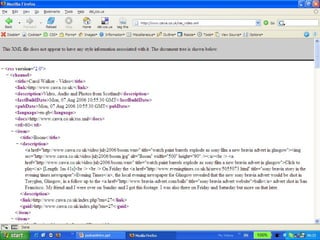
What makes a podcast different from an ordinary digital audio file? Subscription
 
Aggregators Lots of different versions Juice (formerly iPodder) Bloglines – A web-based aggregator iTunes
Creating a Podcast Audacity to record audio Good quality microphone Lots of different options for hosting Use a blog Free edublogs account Free blogger account
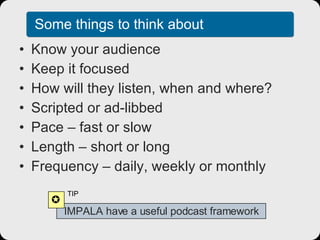
Some things to think about Know your audience Keep it focused How will they listen, when and where? Scripted or ad-libbed Pace – fast or slow Length – short or long Frequency – daily, weekly or monthly IMPALA have a useful podcast framework  TIP
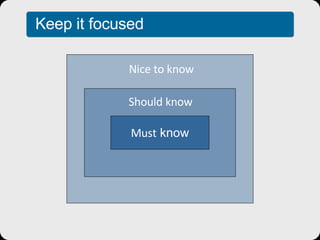
Must  know Should know Nice to know Keep it focused
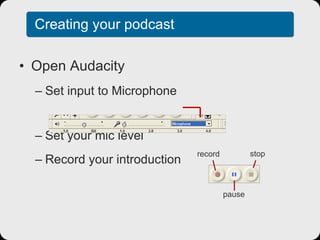
Creating your podcast Open Audacity Set input to Microphone Set your mic level Record your introduction record pause stop
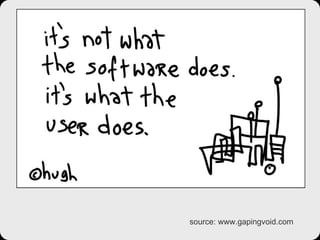
source: www.gapingvoid.com

Introduction to Podcasting

  • 1.
    Introduction to PodcastingCarol Walker image source: www.flickr.com/photos/24934185@N00/118364963
  • 2.
    www.rsc-ne-scotland.ac.uk Regional SupportCentre Scotland North & East
  • 3.
    Presentation and resourcesare available at: http://cawa.wikispaces.com/podcasting
  • 4.
  • 5.
  • 6.
  • 7.
  • 8.
    Podcasting LISTEN SEARCHSUBSCRIBE CREATE image source: www.flickr.com/photos/24934185@N00/118364963
  • 9.
    BBC News reporton podcasting
  • 10.
    What is Podcasting?ipod broadcasting pod casting +
  • 11.
    What are thebenefits? Anytime, anywhere learning Portable Different learning styles Can be played over again Technology investment to create relatively low
  • 12.
    Possible uses… PreClass - with key questions and news Post Class – summary, key points, top tips David Miller – University of Connecticut Interview subject experts Get the learner to interview peers Study skills Library inductions
  • 13.
    David Miller –University of Connecticut
  • 14.
    How do Ilisten to podcasts? Listen to them online Download them to play on your computer on a portable device such as MP3 player, like an iPod or iRiver Some mobile phones PDA
  • 15.
    Portable audio andvideo devices
  • 16.
  • 17.
    Where do youfind podcasts? Lots of different podcast search engines iTunes Podcast Alley Yahoo Podcasts Podcast.net
  • 18.
  • 19.
  • 20.
  • 21.
  • 22.
    What makes apodcast different from an ordinary digital audio file? Subscription
  • 23.
  • 24.
    Aggregators Lots ofdifferent versions Juice (formerly iPodder) Bloglines – A web-based aggregator iTunes
  • 25.
    Creating a PodcastAudacity to record audio Good quality microphone Lots of different options for hosting Use a blog Free edublogs account Free blogger account
  • 26.
    Some things tothink about Know your audience Keep it focused How will they listen, when and where? Scripted or ad-libbed Pace – fast or slow Length – short or long Frequency – daily, weekly or monthly IMPALA have a useful podcast framework  TIP
  • 27.
    Must knowShould know Nice to know Keep it focused
  • 28.
    Creating your podcastOpen Audacity Set input to Microphone Set your mic level Record your introduction record pause stop
  • 29.