Download to read offline
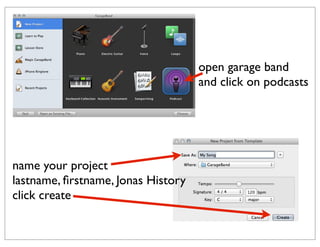
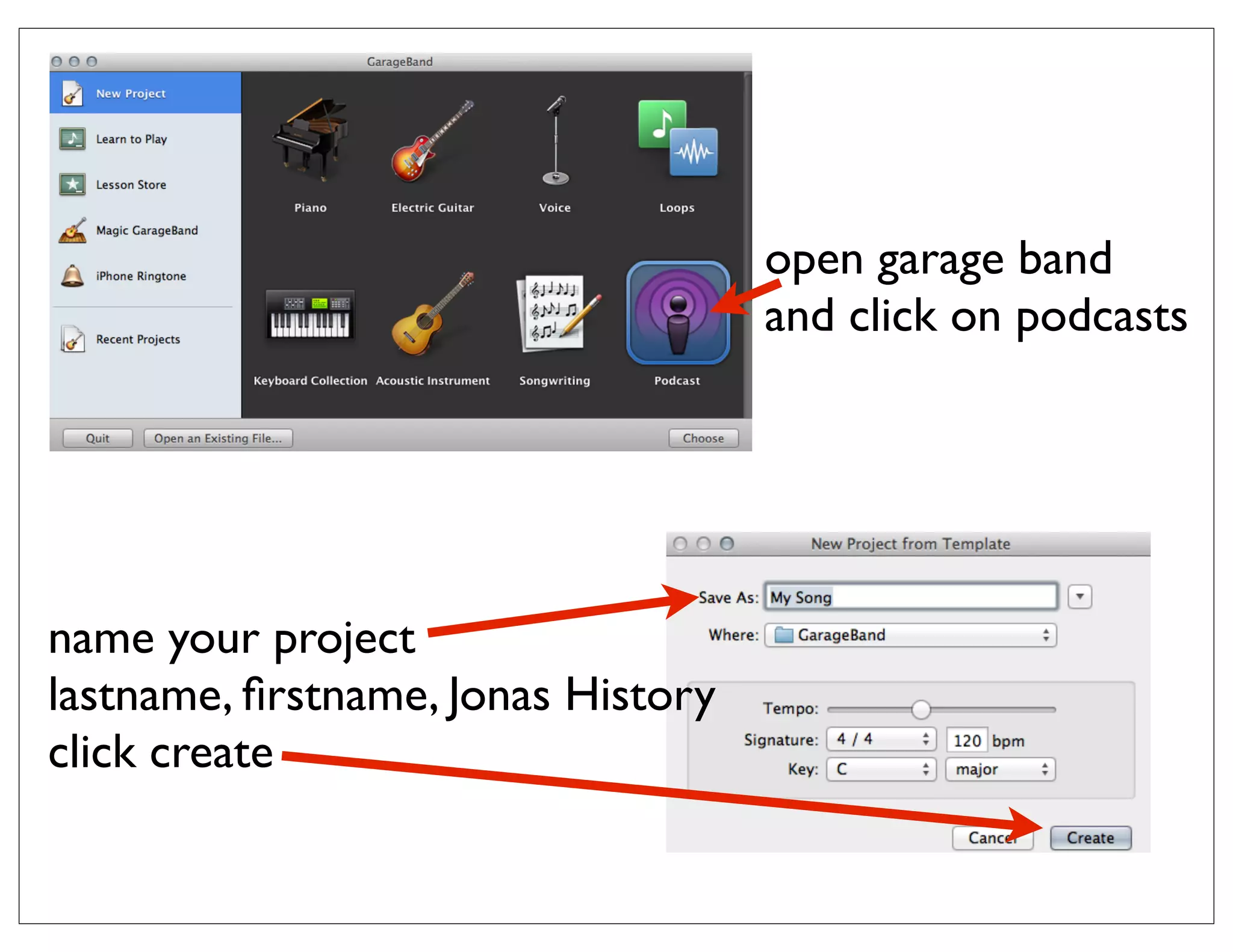
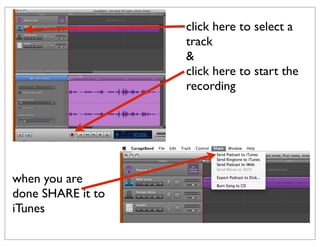
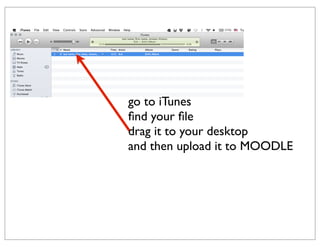
To create a podcast using GarageBand, name a new project with your last name, first name and the topic, record audio by selecting a track and clicking record, then share the finished file to iTunes and drag it to your desktop to upload it to Moodle.


![Post video to sla blog [tutorial]](https://cdn.slidesharecdn.com/ss_thumbnails/postvideotoslablogtutorial-141028095758-conversion-gate01-thumbnail.jpg?width=640&height=640&fit=bounds)


