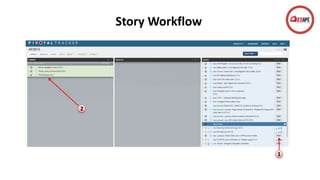
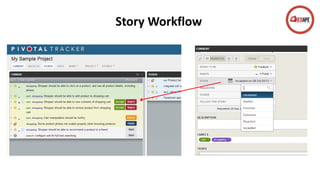
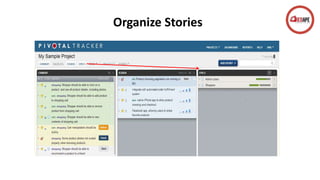
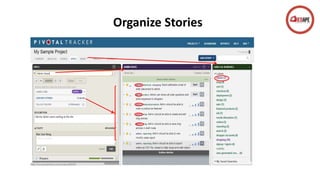
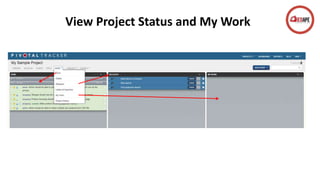
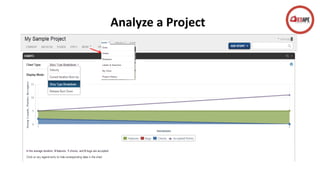
Pivotal Tracker is an easy-to-use cloud tool that improves communication, handles customer feedback, and provides reliable estimates. It offers one view so all team members have up-to-date information for efficient collaboration in real-time via email, RSS, Twitter or Campfire. Pivotal Tracker also enables great agility by using past performance to reliably estimate future iterations and create trustworthy deadlines.



![谷歌留痕技术教程[ 𝙩𝙤𝙥 𝟮𝟯𝟯. 𝙘 𝙤𝙢 ]](https://cdn.slidesharecdn.com/ss_thumbnails/top233-260130173900-2eb784f9-thumbnail.jpg?width=640&height=640&fit=bounds)


