I/O Ports in PIC18
Microcontrollers
Understanding and Programming I/O
Ports in PIC18 MCU
Introduction to I/O Ports
• I/O ports in PIC18 microcontrollers allow
communication with external components like
sensors, LEDs, and motors.
• Each I/O port consists of multiple pins that can
be configured as input or output.
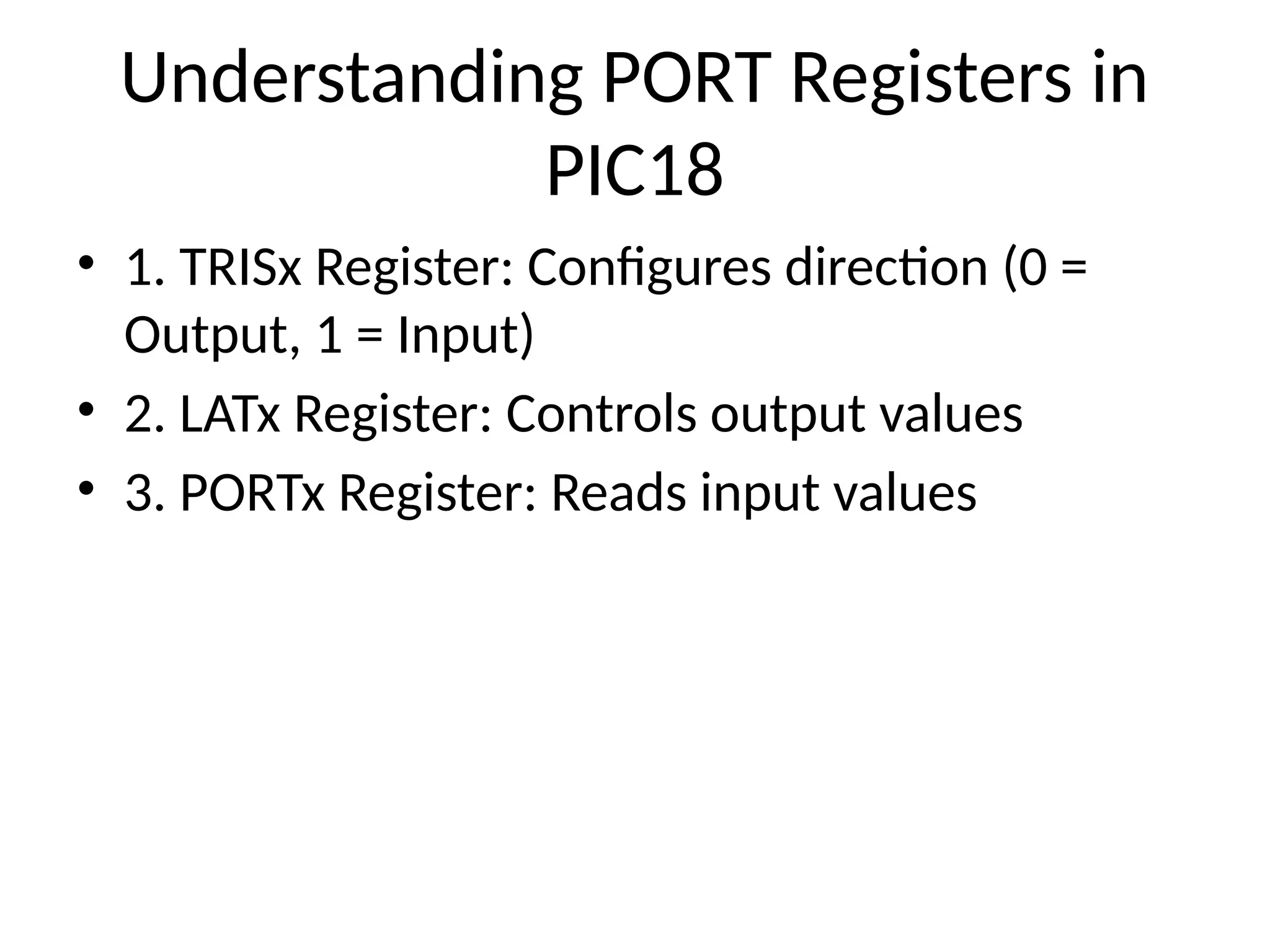
Understanding PORT Registers in
PIC18
• 1. TRISx Register: Configures direction (0 =
Output, 1 = Input)
• 2. LATx Register: Controls output values
• 3. PORTx Register: Reads input values
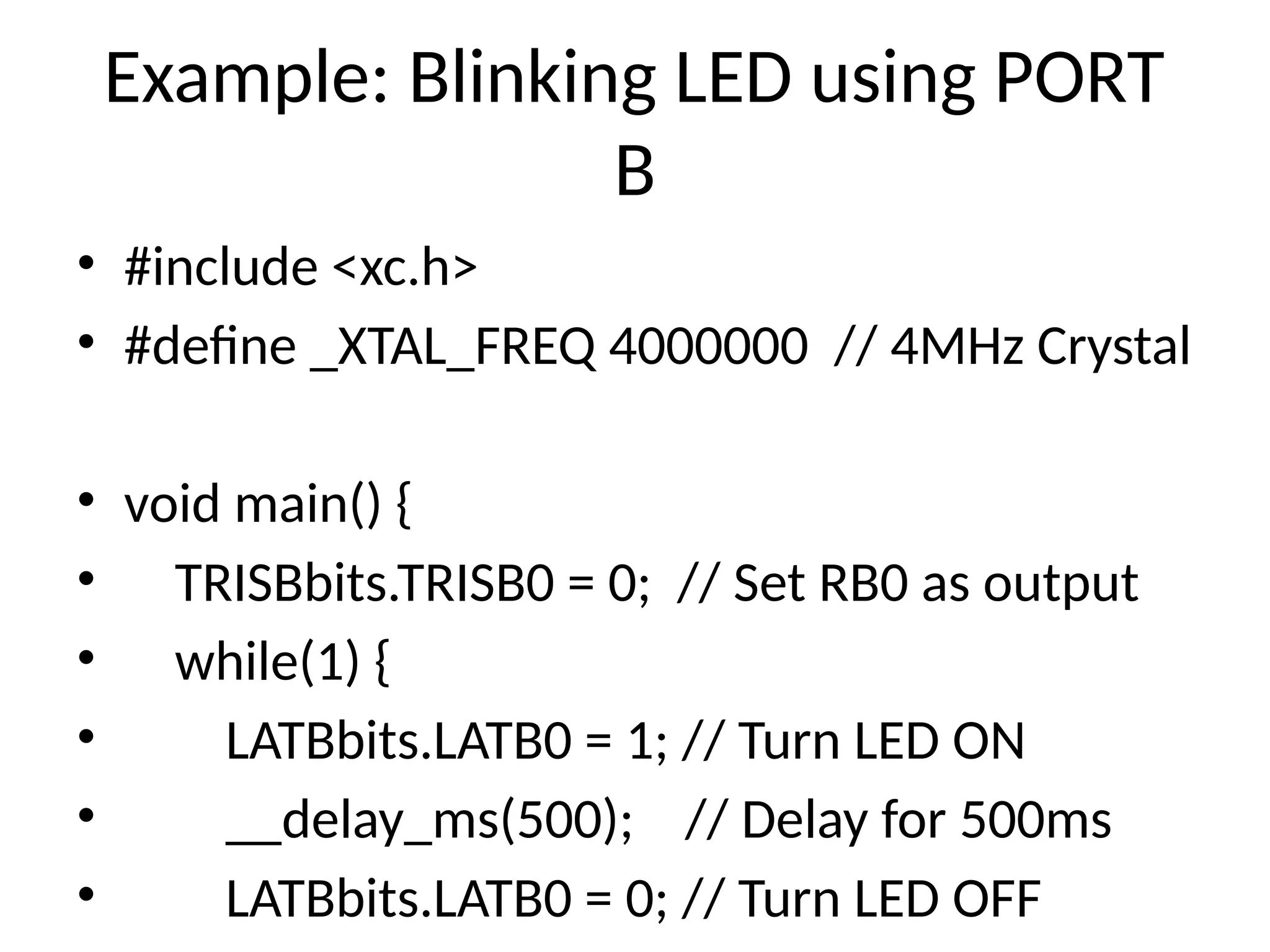
Example: Blinking LED using PORT
B
• #include <xc.h>
• #define _XTAL_FREQ 4000000 // 4MHz Crystal
• void main() {
• TRISBbits.TRISB0 = 0; // Set RB0 as output
• while(1) {
• LATBbits.LATB0 = 1; // Turn LED ON
• __delay_ms(500); // Delay for 500ms
• LATBbits.LATB0 = 0; // Turn LED OFF
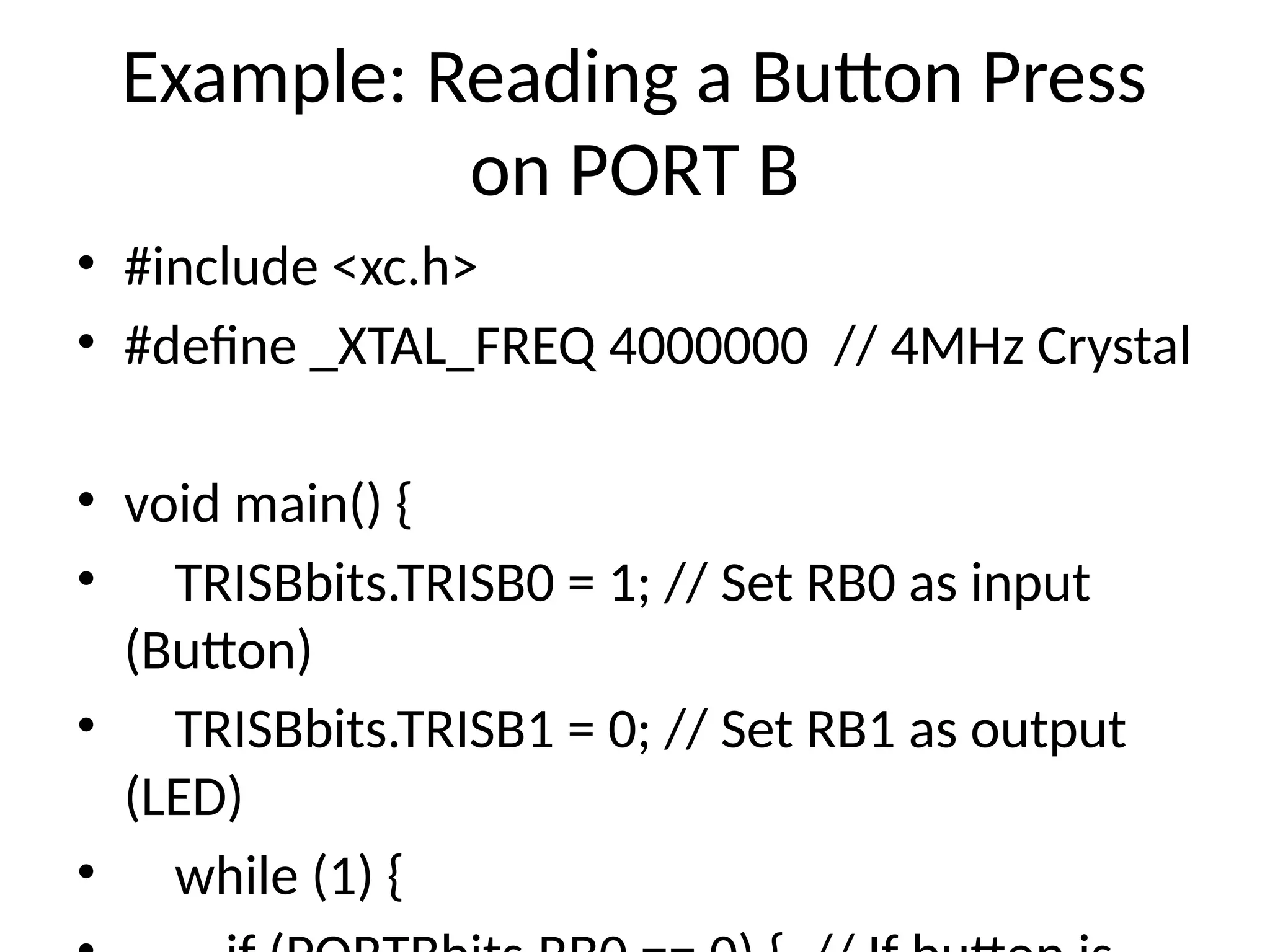
Example: Reading a Button Press
on PORT B
• #include <xc.h>
• #define _XTAL_FREQ 4000000 // 4MHz Crystal
• void main() {
• TRISBbits.TRISB0 = 1; // Set RB0 as input
(Button)
• TRISBbits.TRISB1 = 0; // Set RB1 as output
(LED)
• while (1) {
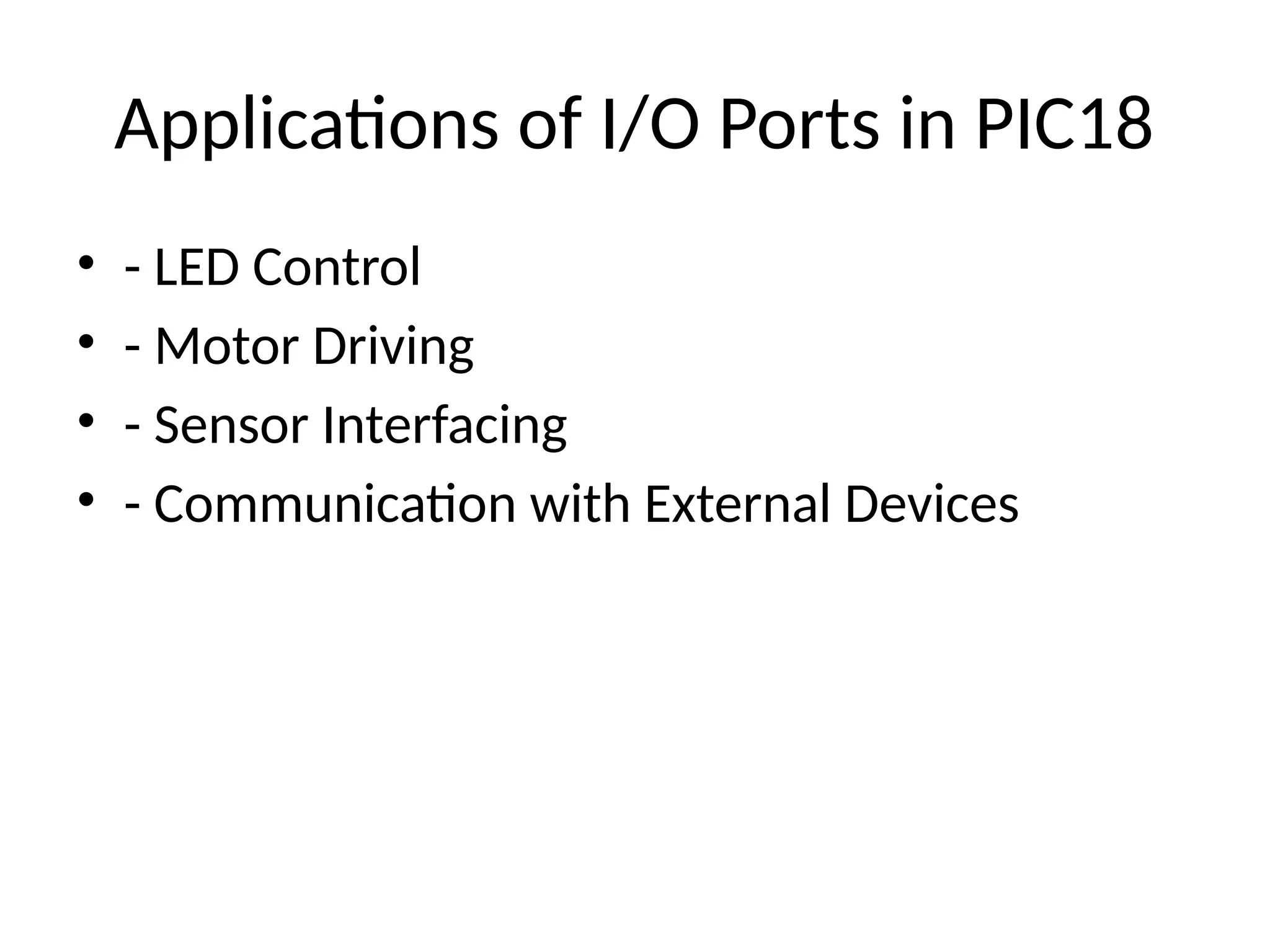
Applications of I/O Ports in PIC18
• - LED Control
• - Motor Driving
• - Sensor Interfacing
• - Communication with External Devices

PIC18 input output ports specifications with code

  • 1.
    I/O Ports inPIC18 Microcontrollers Understanding and Programming I/O Ports in PIC18 MCU
  • 2.
    Introduction to I/OPorts • I/O ports in PIC18 microcontrollers allow communication with external components like sensors, LEDs, and motors. • Each I/O port consists of multiple pins that can be configured as input or output.
  • 3.
    Understanding PORT Registersin PIC18 • 1. TRISx Register: Configures direction (0 = Output, 1 = Input) • 2. LATx Register: Controls output values • 3. PORTx Register: Reads input values
  • 4.
    Example: Blinking LEDusing PORT B • #include <xc.h> • #define _XTAL_FREQ 4000000 // 4MHz Crystal • void main() { • TRISBbits.TRISB0 = 0; // Set RB0 as output • while(1) { • LATBbits.LATB0 = 1; // Turn LED ON • __delay_ms(500); // Delay for 500ms • LATBbits.LATB0 = 0; // Turn LED OFF
  • 5.
    Example: Reading aButton Press on PORT B • #include <xc.h> • #define _XTAL_FREQ 4000000 // 4MHz Crystal • void main() { • TRISBbits.TRISB0 = 1; // Set RB0 as input (Button) • TRISBbits.TRISB1 = 0; // Set RB1 as output (LED) • while (1) {
  • 6.
    Applications of I/OPorts in PIC18 • - LED Control • - Motor Driving • - Sensor Interfacing • - Communication with External Devices