PG
Introduction
to learning
resources
Psychology 2020
© Middlesex University
Getting started …
• Library Search
• Reading lists and Kortext: free e-textbooks
• Referencing help; Cite Them Right
• Library subject guide
• Research support
• Staying up to date - Zetoc
© Middlesex University
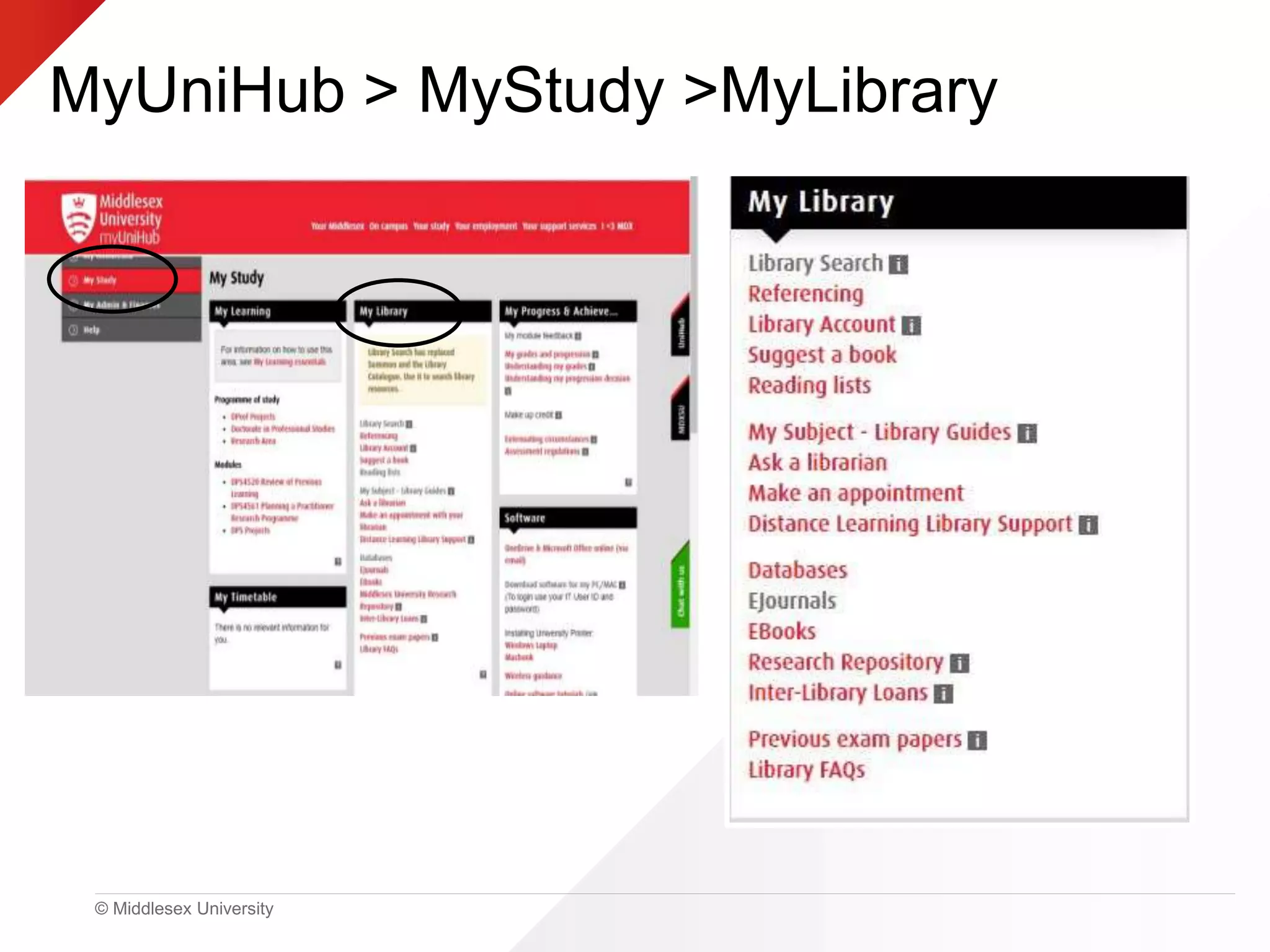
MyUniHub > MyStudy >MyLibrary
© Middlesex University
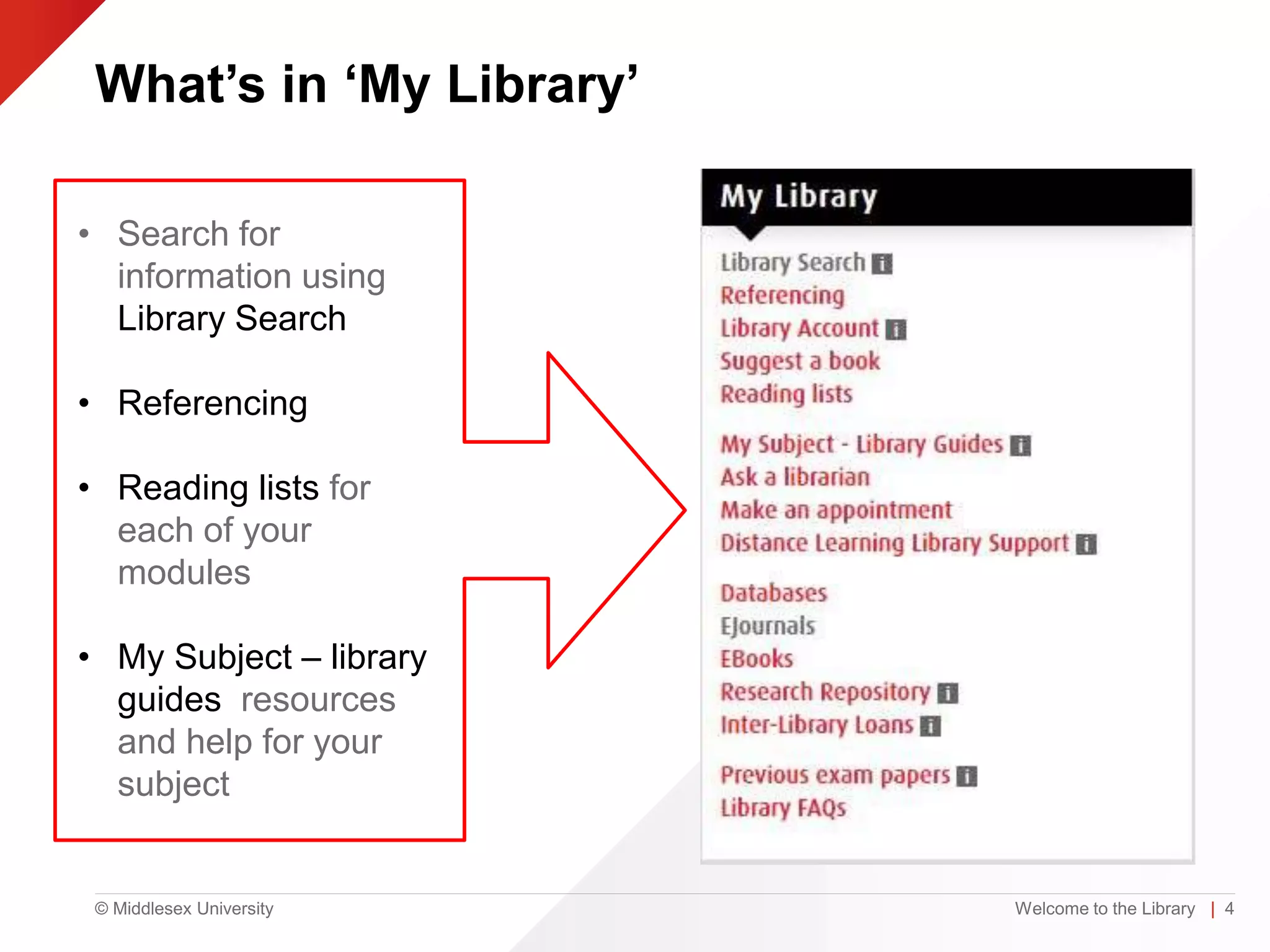
What’s in ‘My Library’
Welcome to the Library | 4
• Search for
information using
Library Search
• Referencing
• Reading lists for
each of your
modules
• My Subject – library
guides resources
and help for your
subject
© Middlesex University
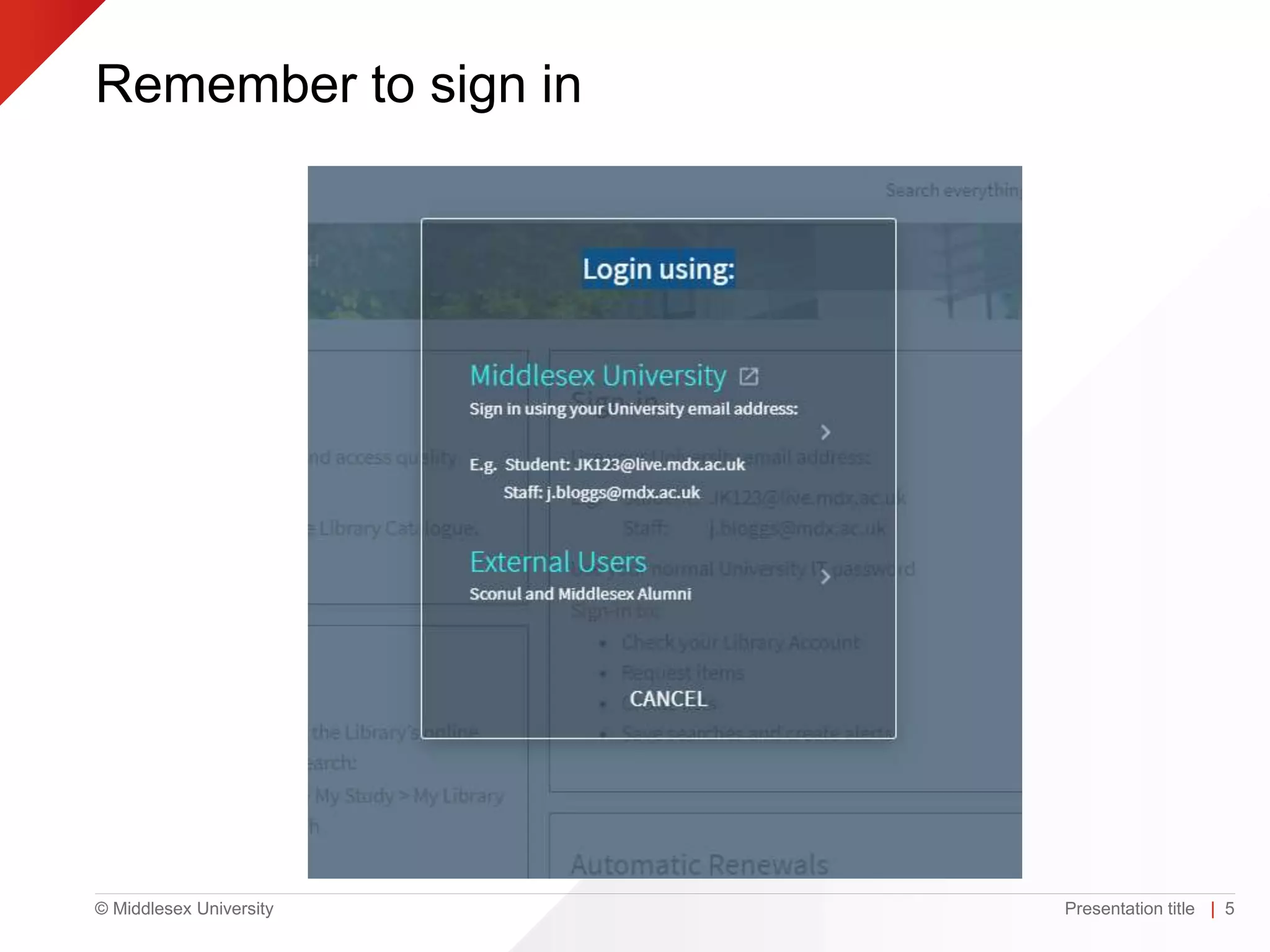
Remember to sign in
Presentation title | 5
© Middlesex University
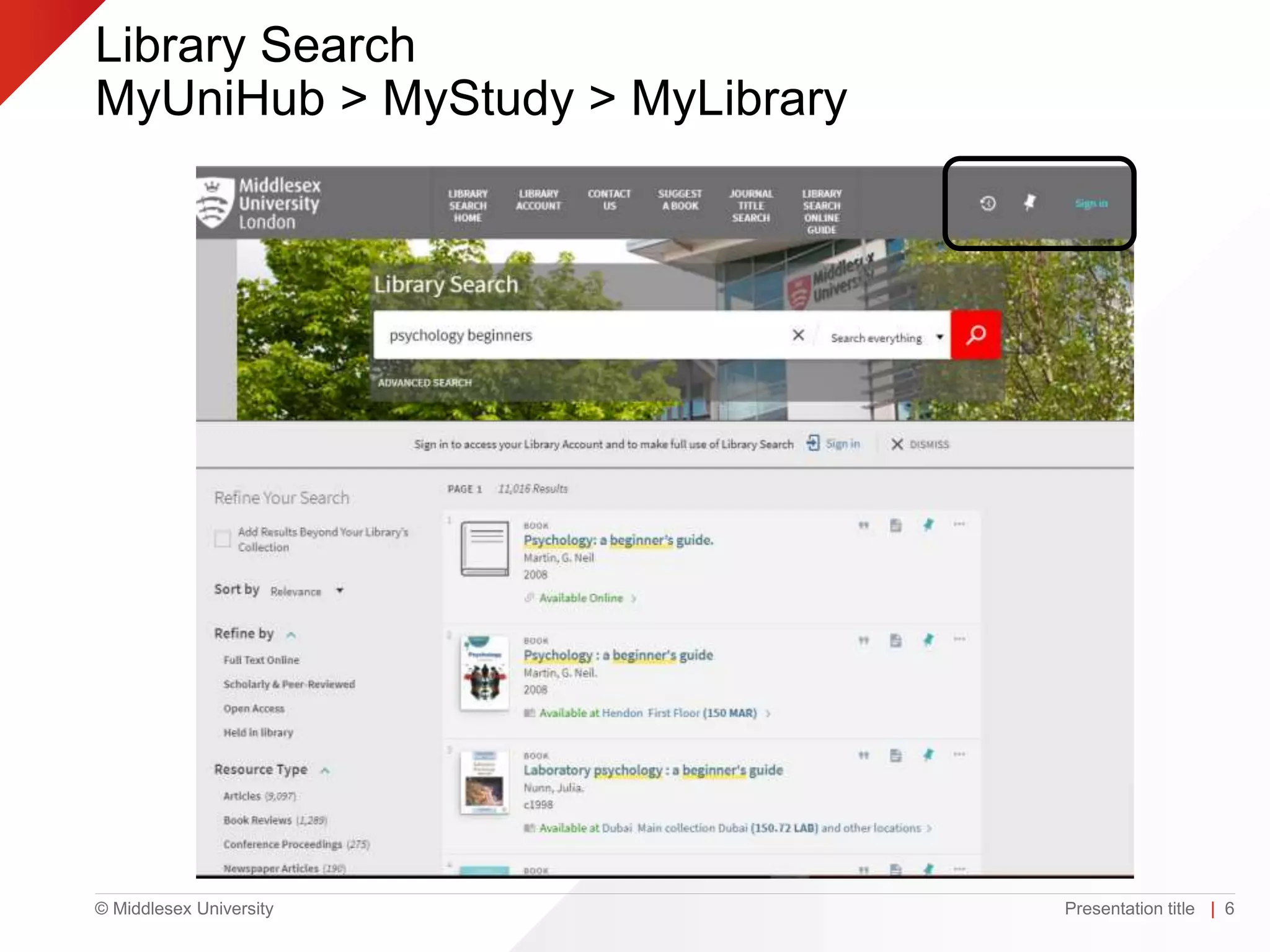
Library Search
MyUniHub > MyStudy > MyLibrary
Presentation title | 6
© Middlesex University
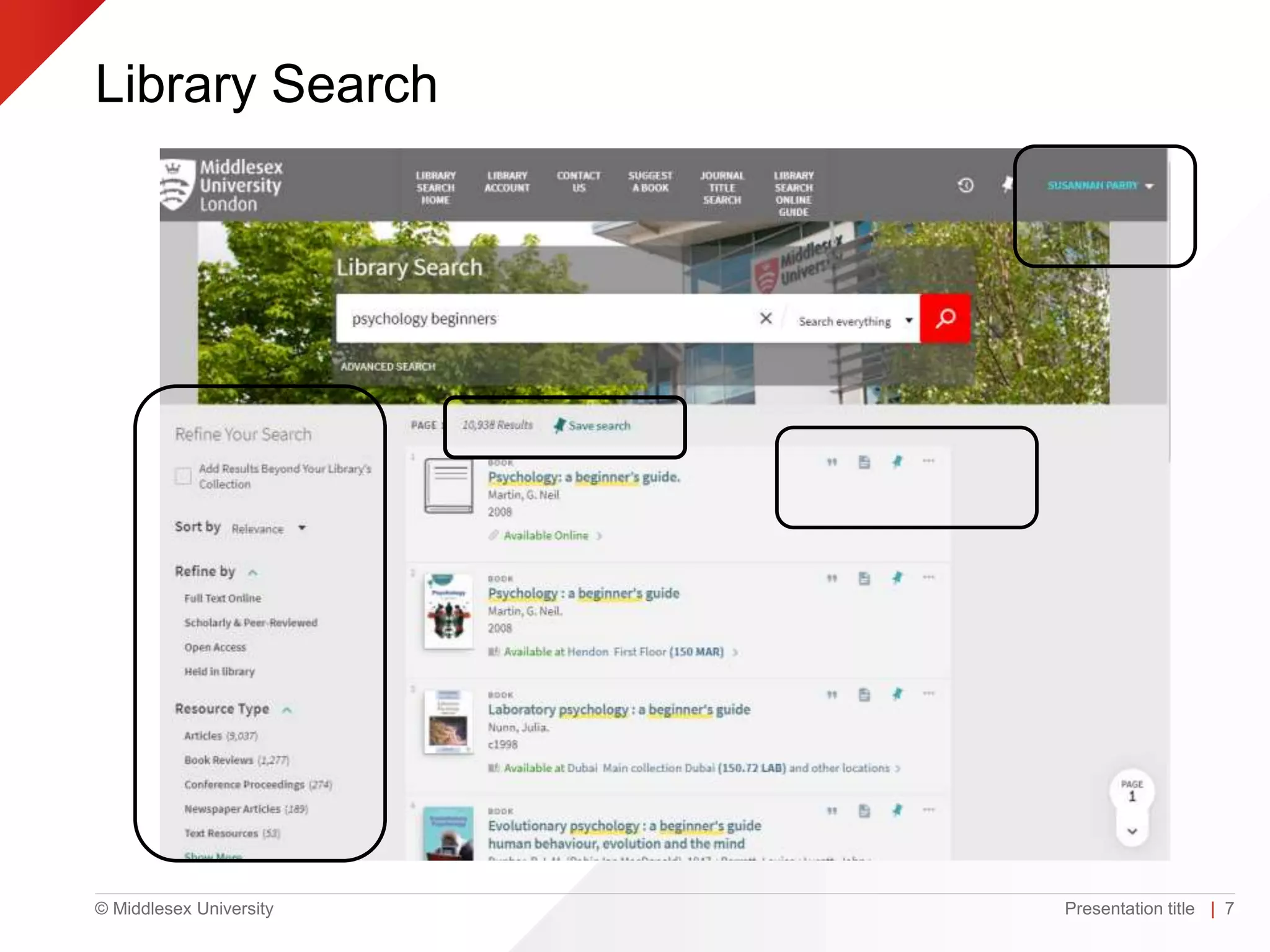
Library Search
Presentation title | 7
© Middlesex University
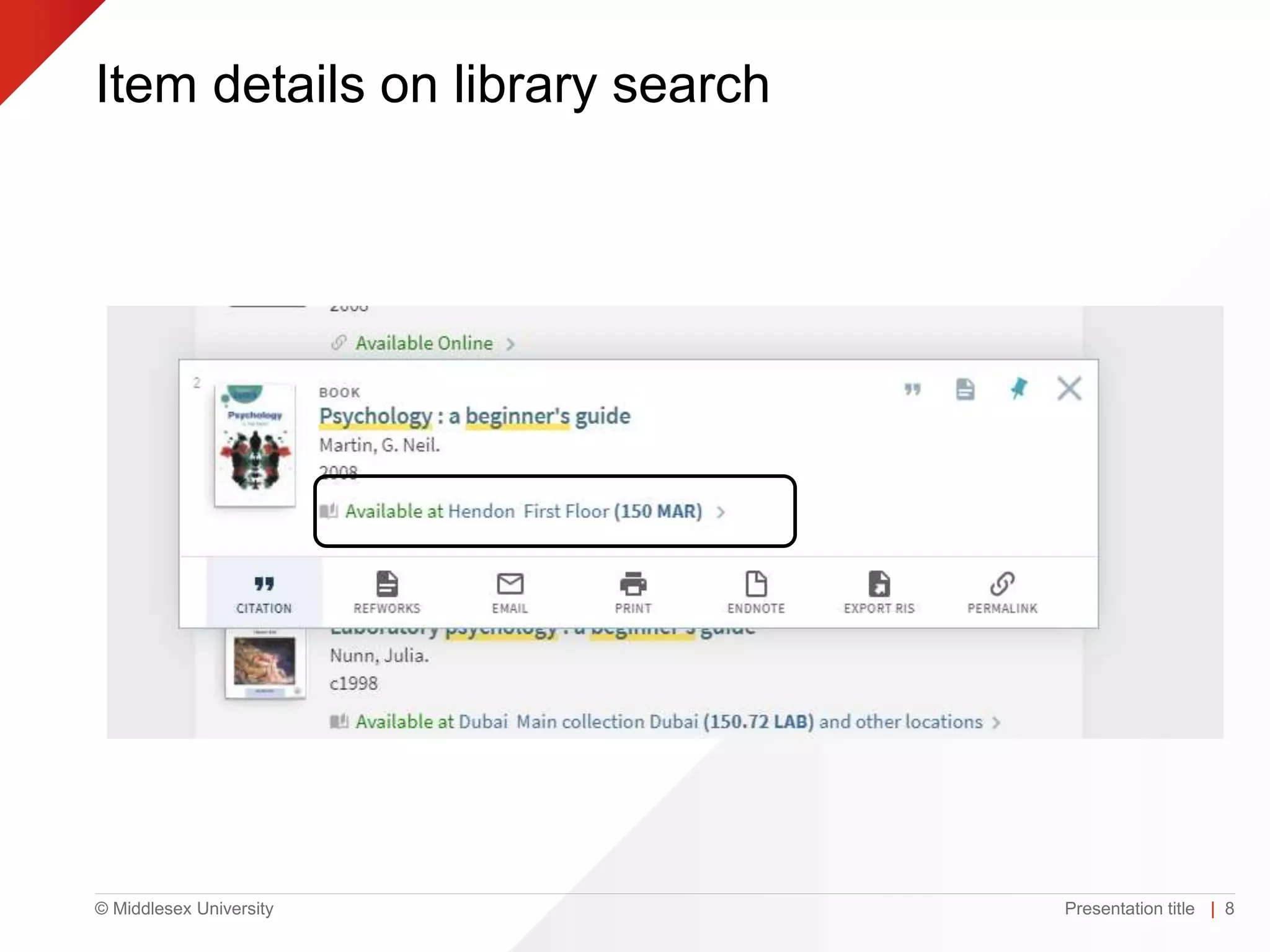
Item details on library search
Presentation title | 8
© Middlesex University
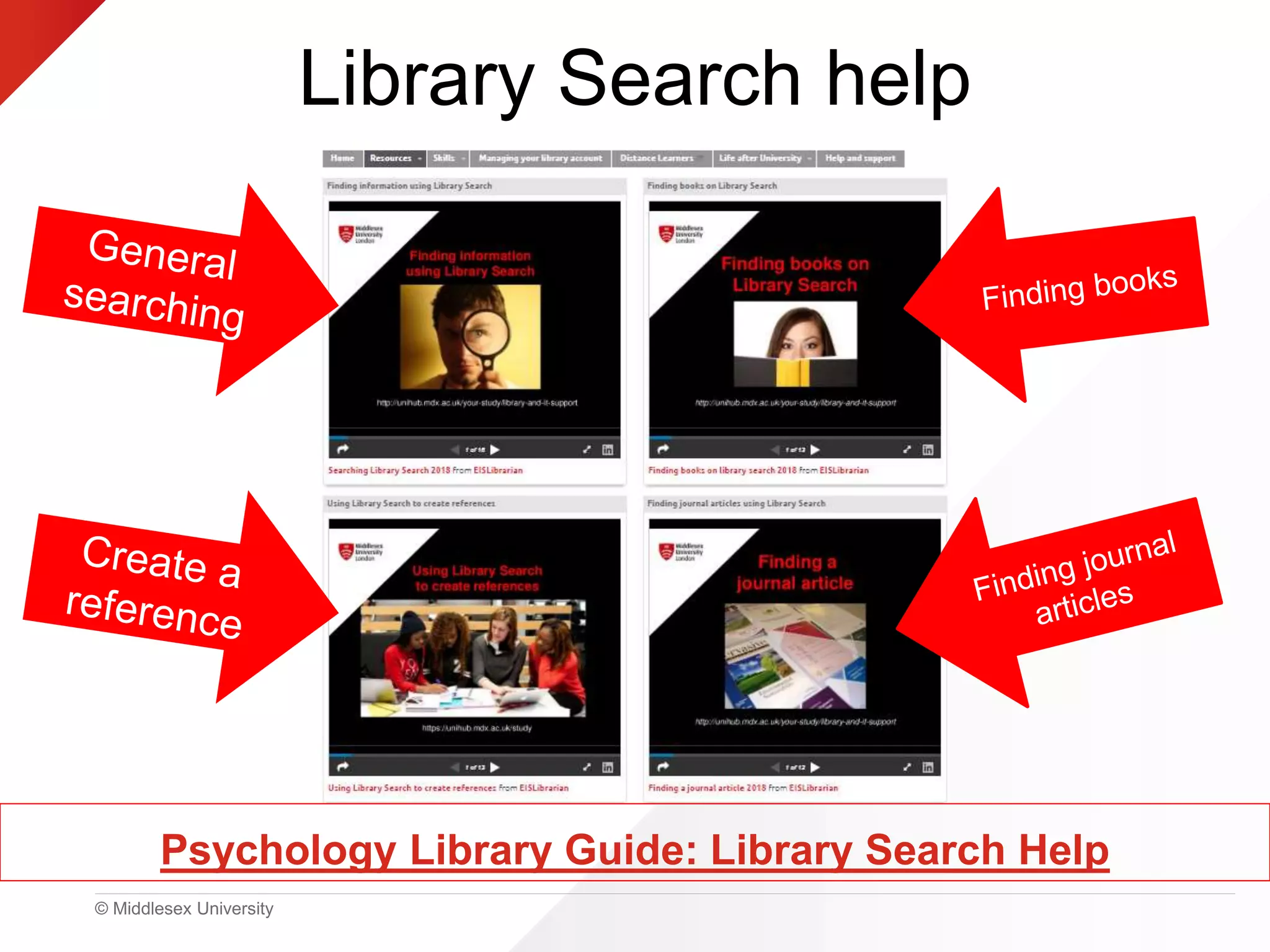
Library Search help
Psychology Library Guide: Library Search Help
© Middlesex University
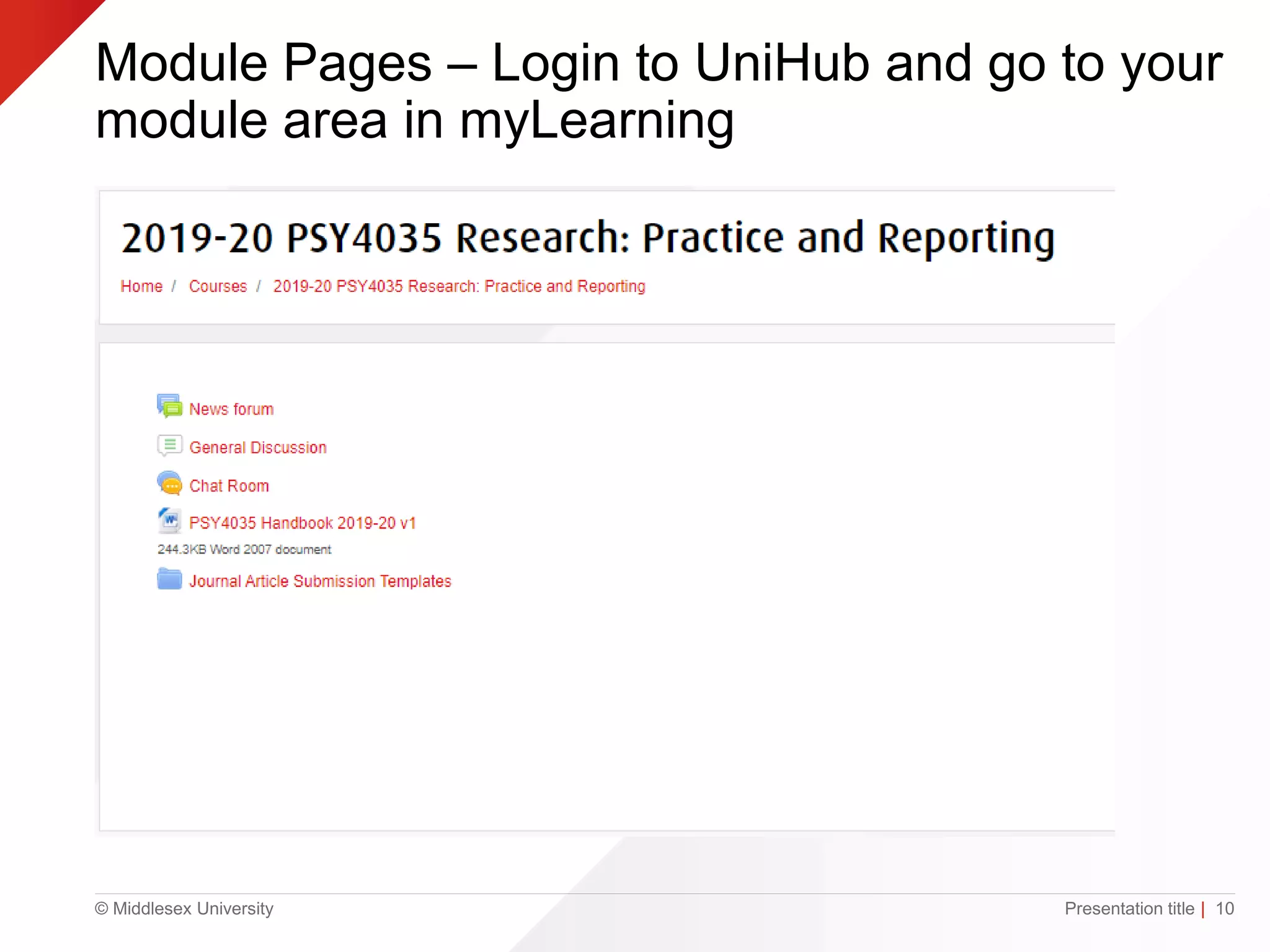
Module Pages – Login to UniHub and go to your
module area in myLearning
Presentation title | 10
© Middlesex University
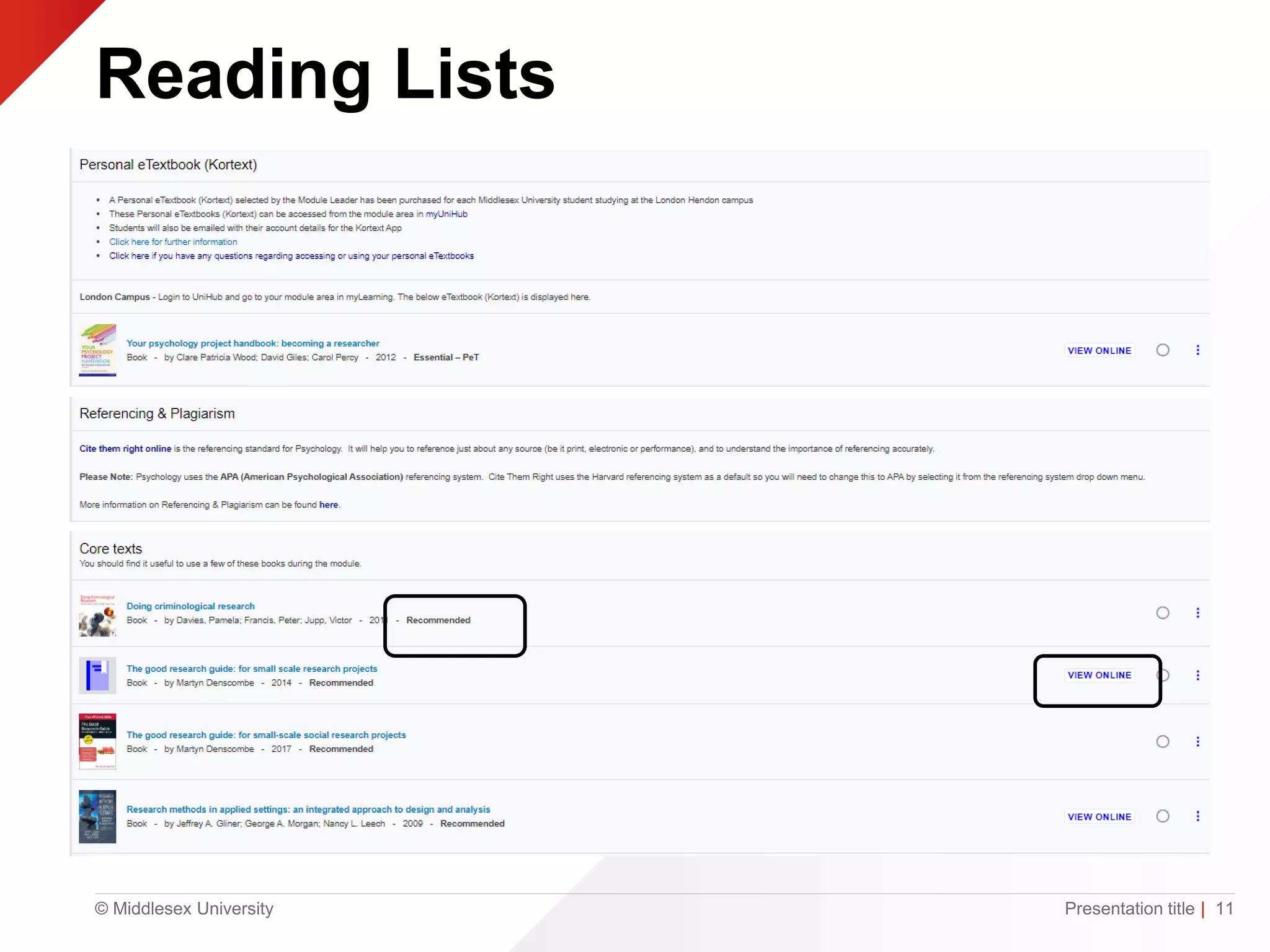
Reading Lists
Presentation title | 11
© Middlesex University
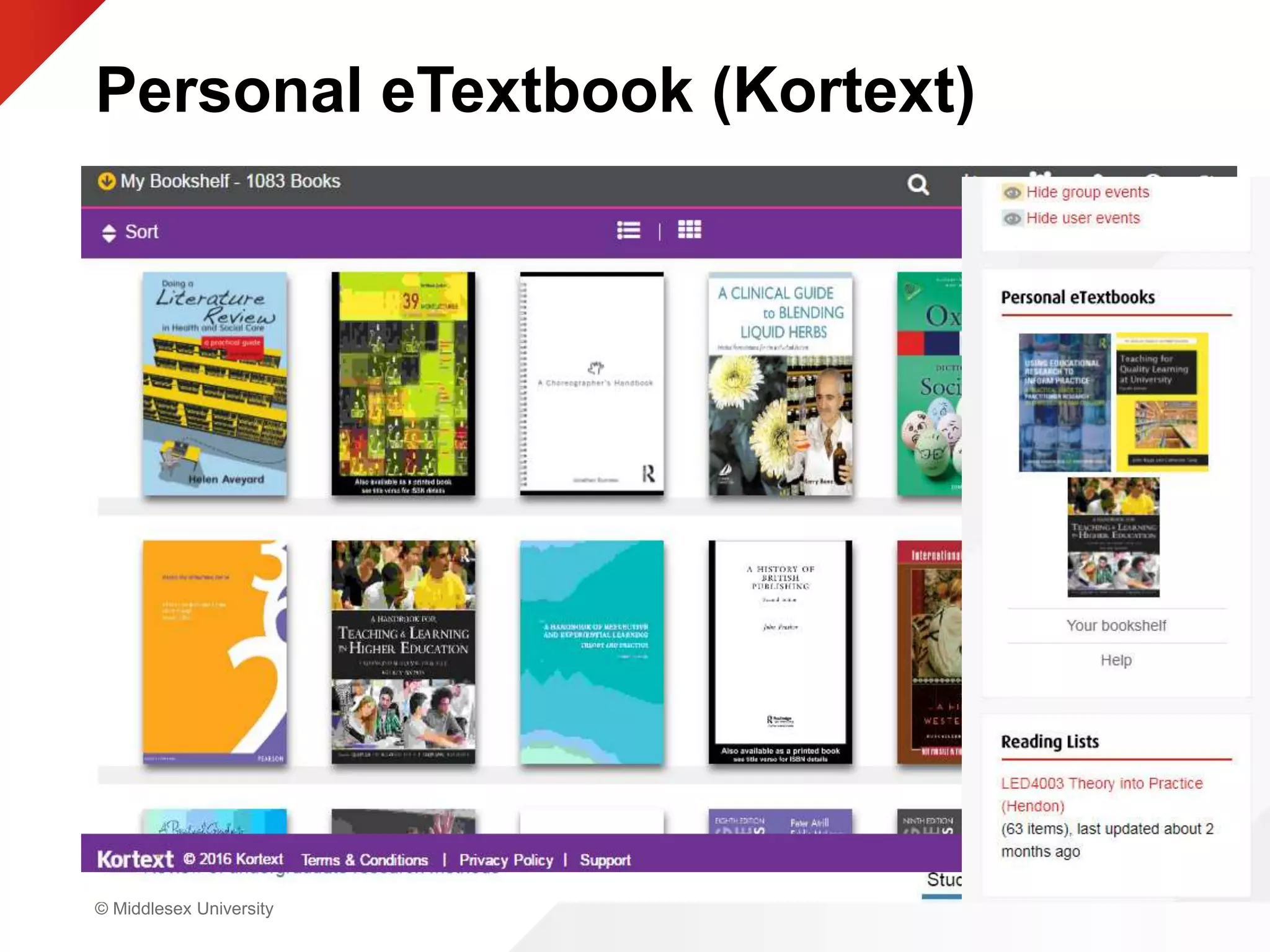
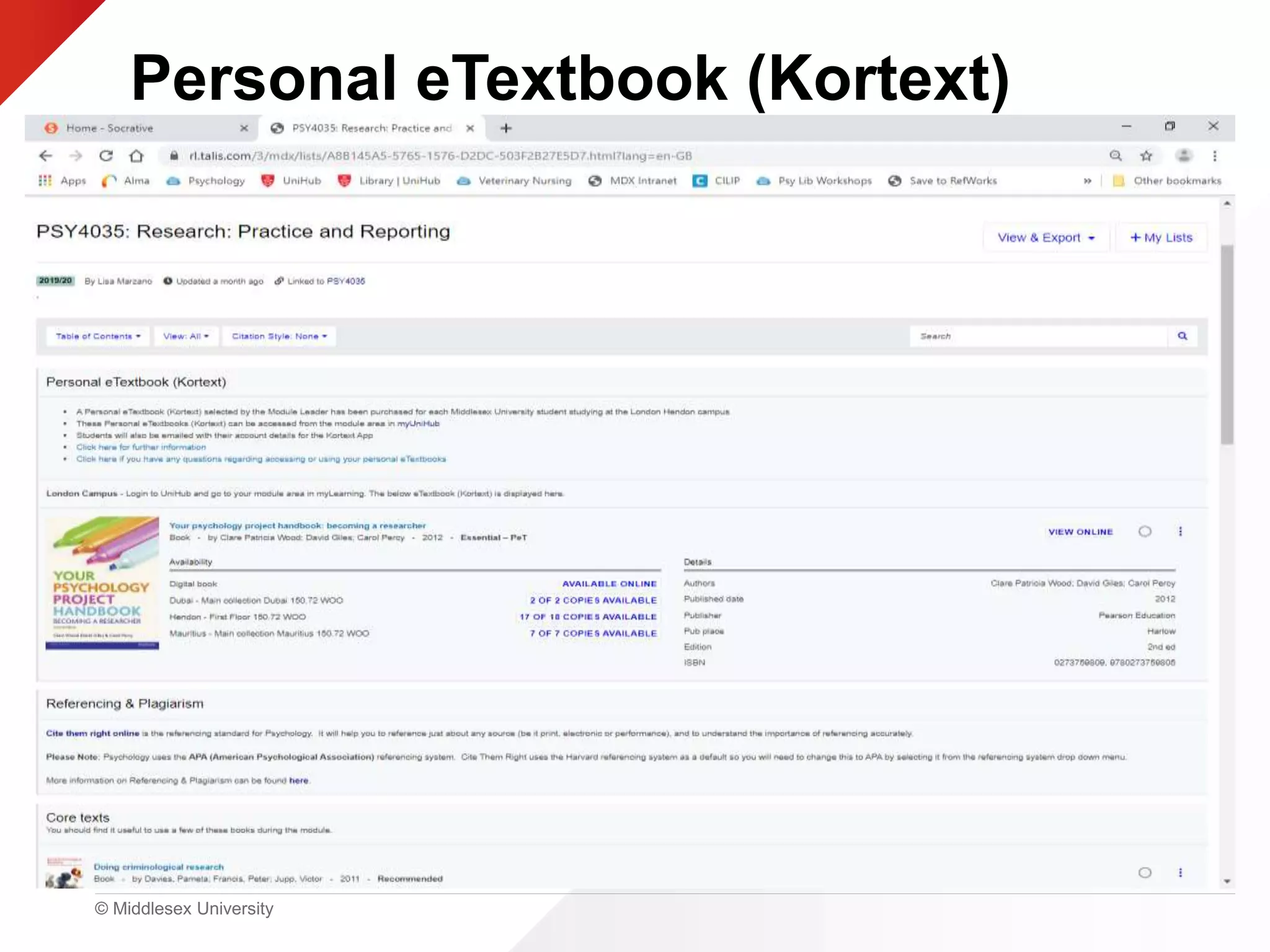
Personal eTextbook (Kortext)
• Access via module area on MyUnihub
• Each module has one
• What are these for?
© Middlesex University
Personal eTextbook (Kortext)
© Middlesex University
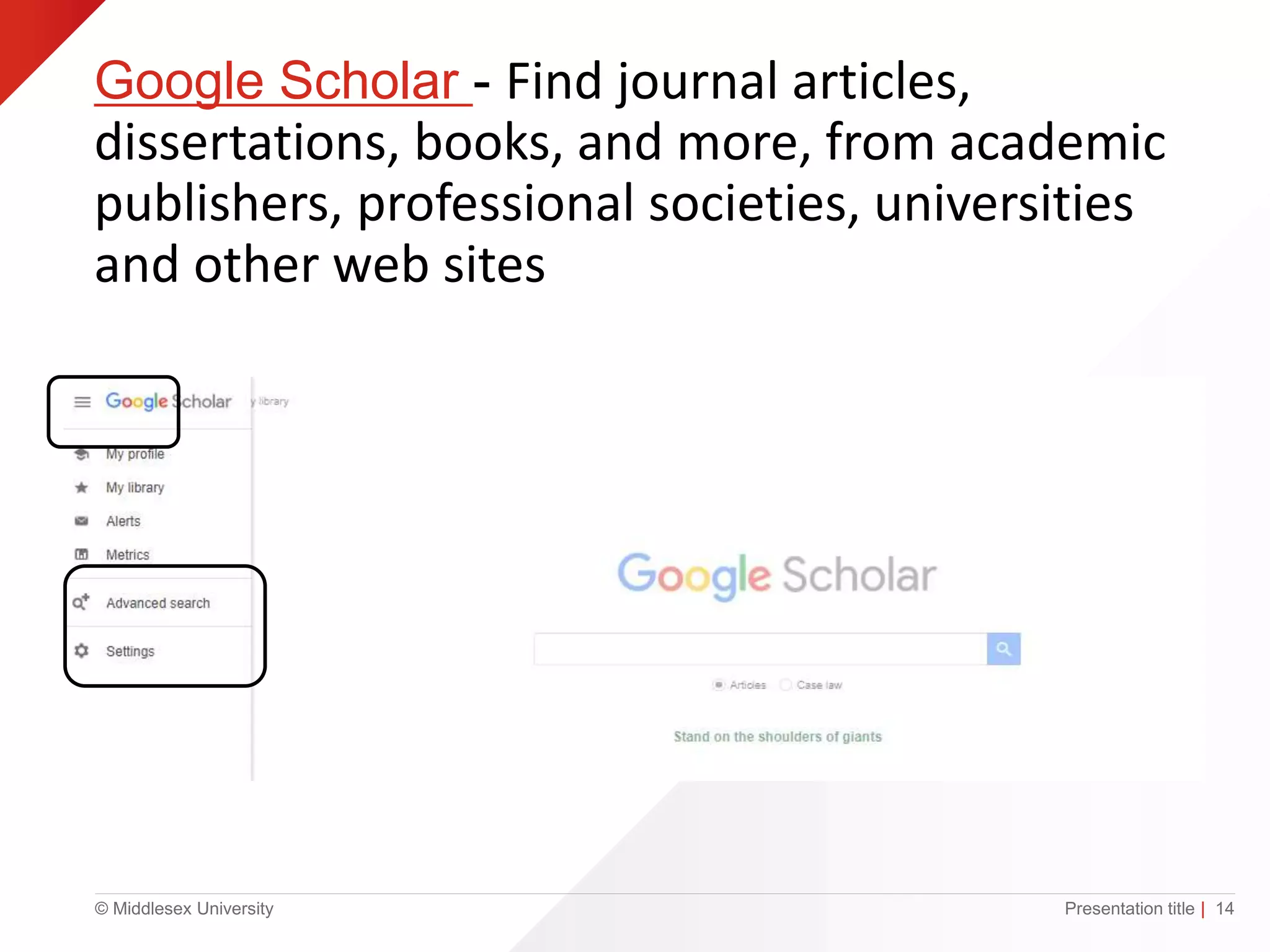
Google Scholar - Find journal articles,
dissertations, books, and more, from academic
publishers, professional societies, universities
and other web sites
Presentation title | 14
© Middlesex University
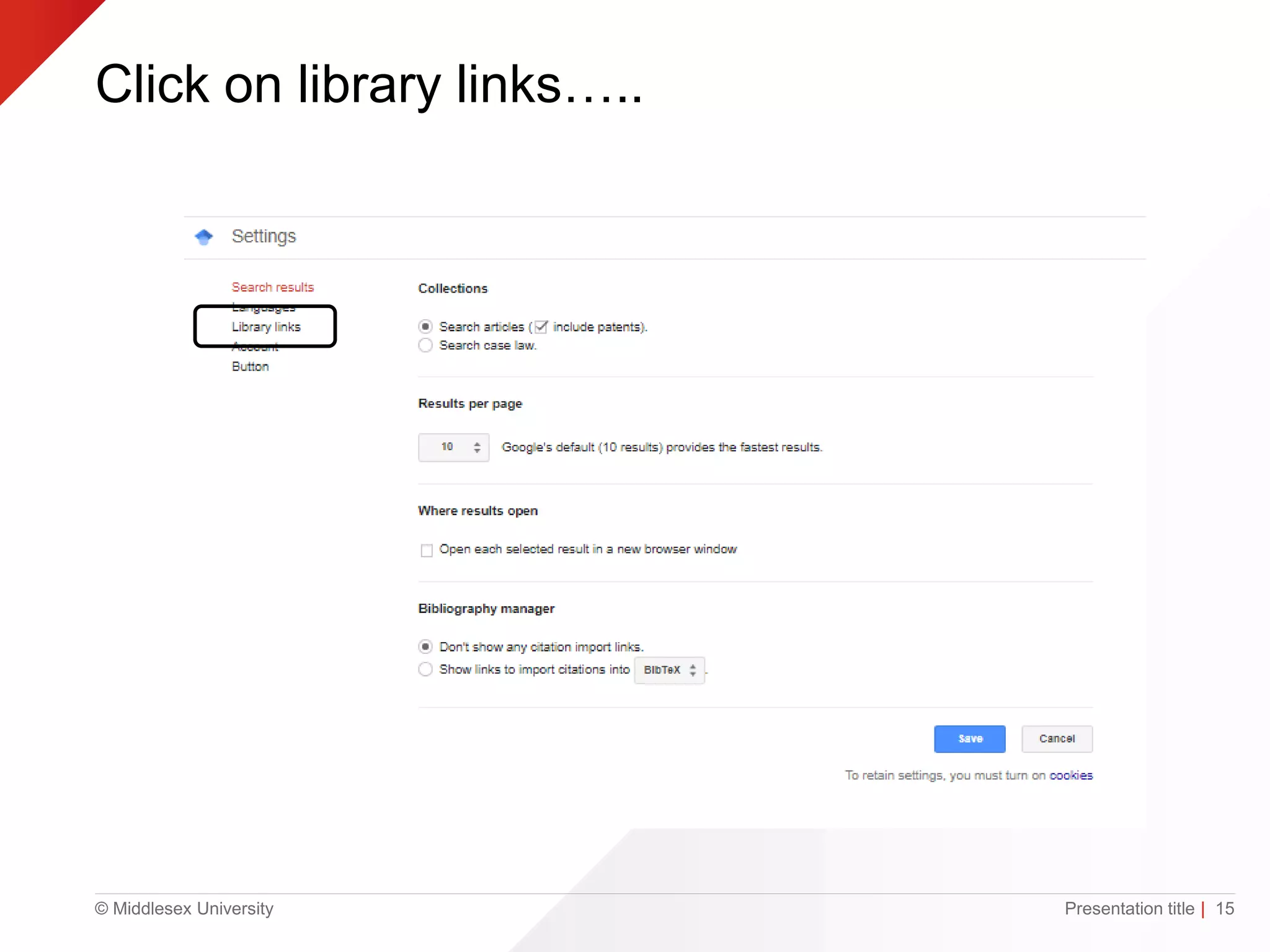
Click on library links…..
Presentation title | 15
© Middlesex University
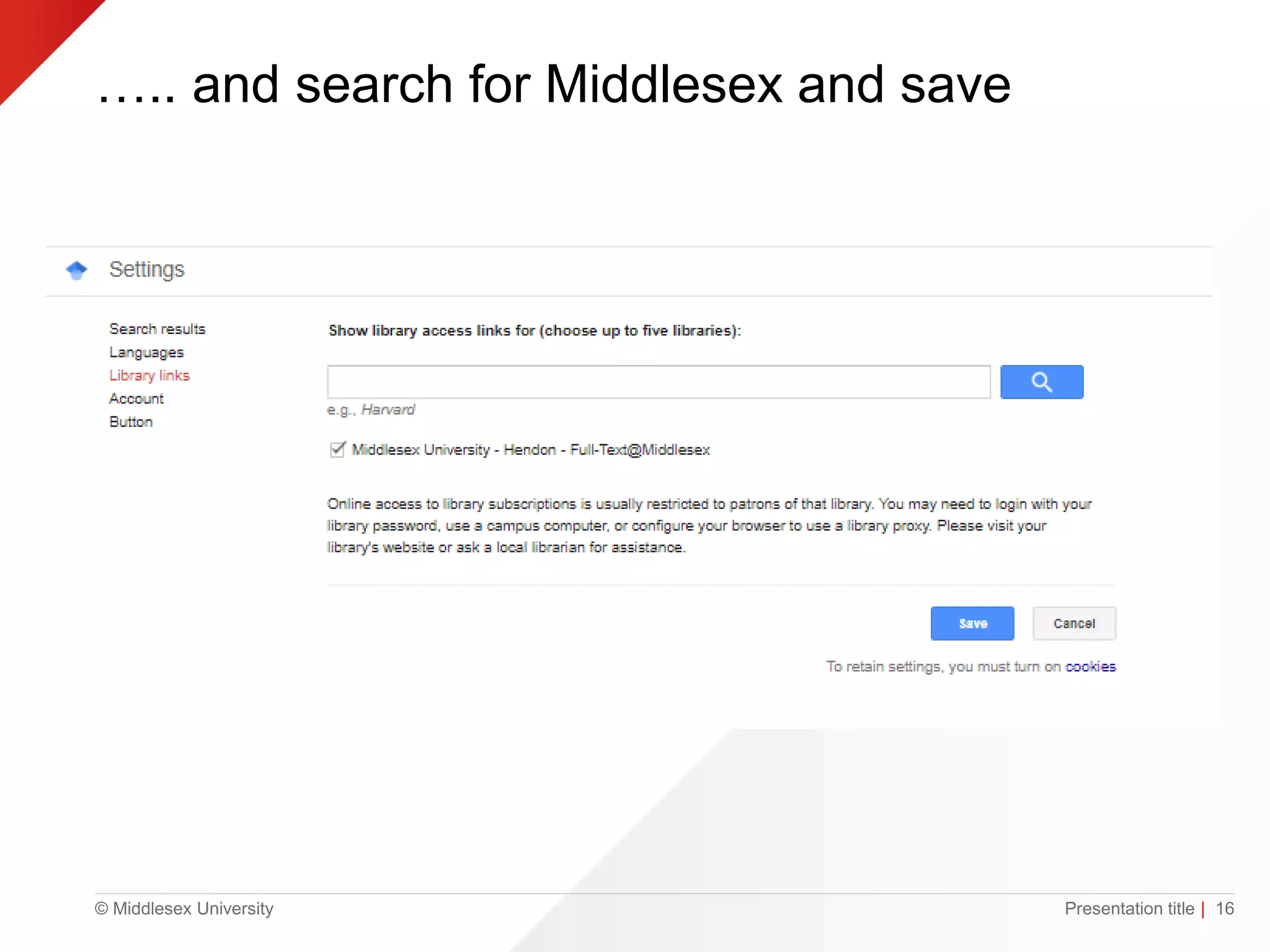
….. and search for Middlesex and save
Presentation title | 16
© Middlesex University
Why reference?
• Demonstrate that you have read widely
• Evidence of your research
• Establish the credibility and authority of your ideas
and arguments
• Reader can locate original material used
• Give credit to the author/creator
• Highlight and back-up relevant points
• Avoid plagiarism
Adapted from: https://www.citethemrightonline.com/Basics/what-is-referencing
© Middlesex University
Referencing
• Create references using Library Search
• Make sure you use the right style APA
• Use Cite Them Right to check
• Be consistent
© Middlesex University
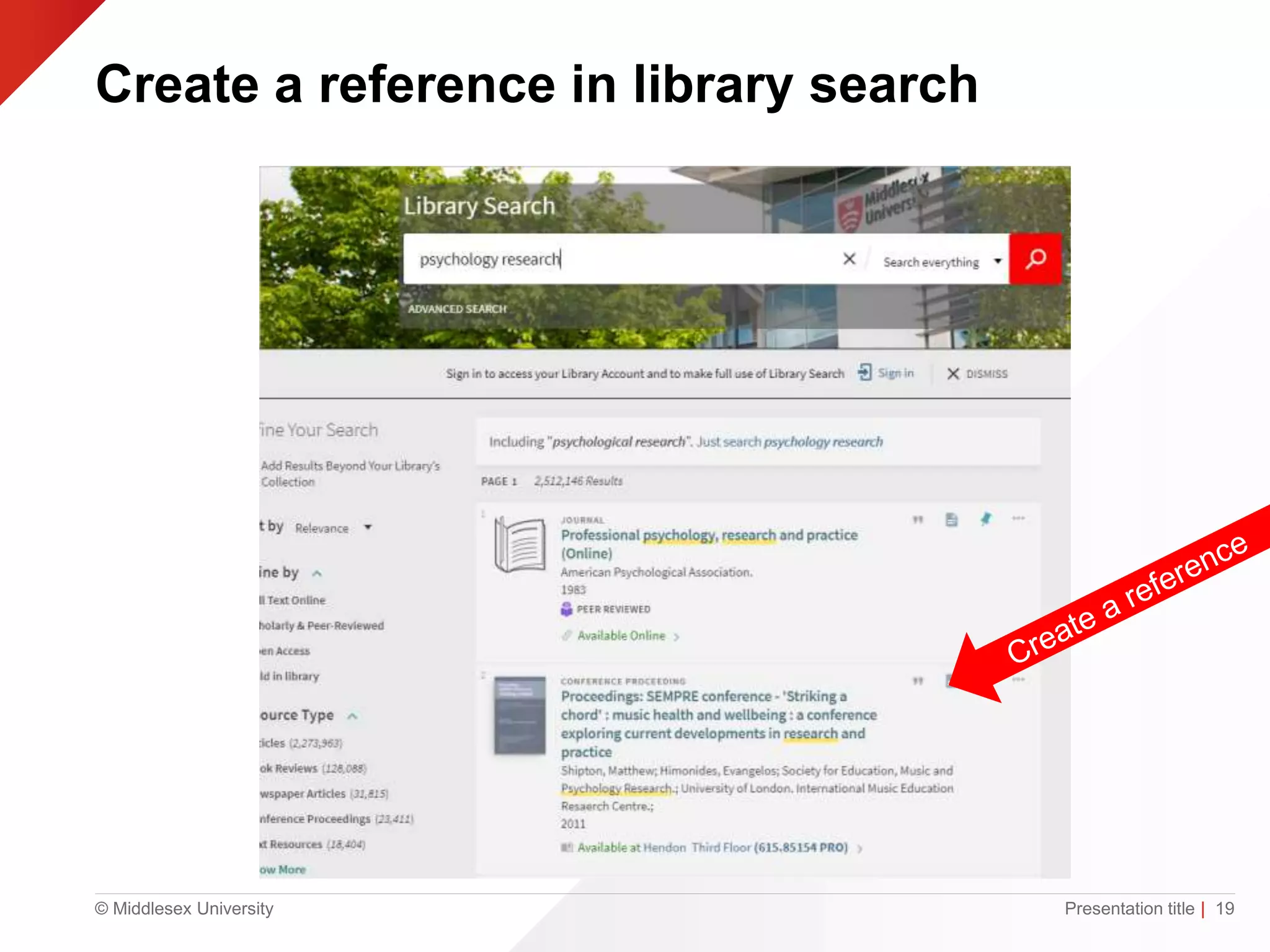
Create a reference in library search
Presentation title | 19
© Middlesex University
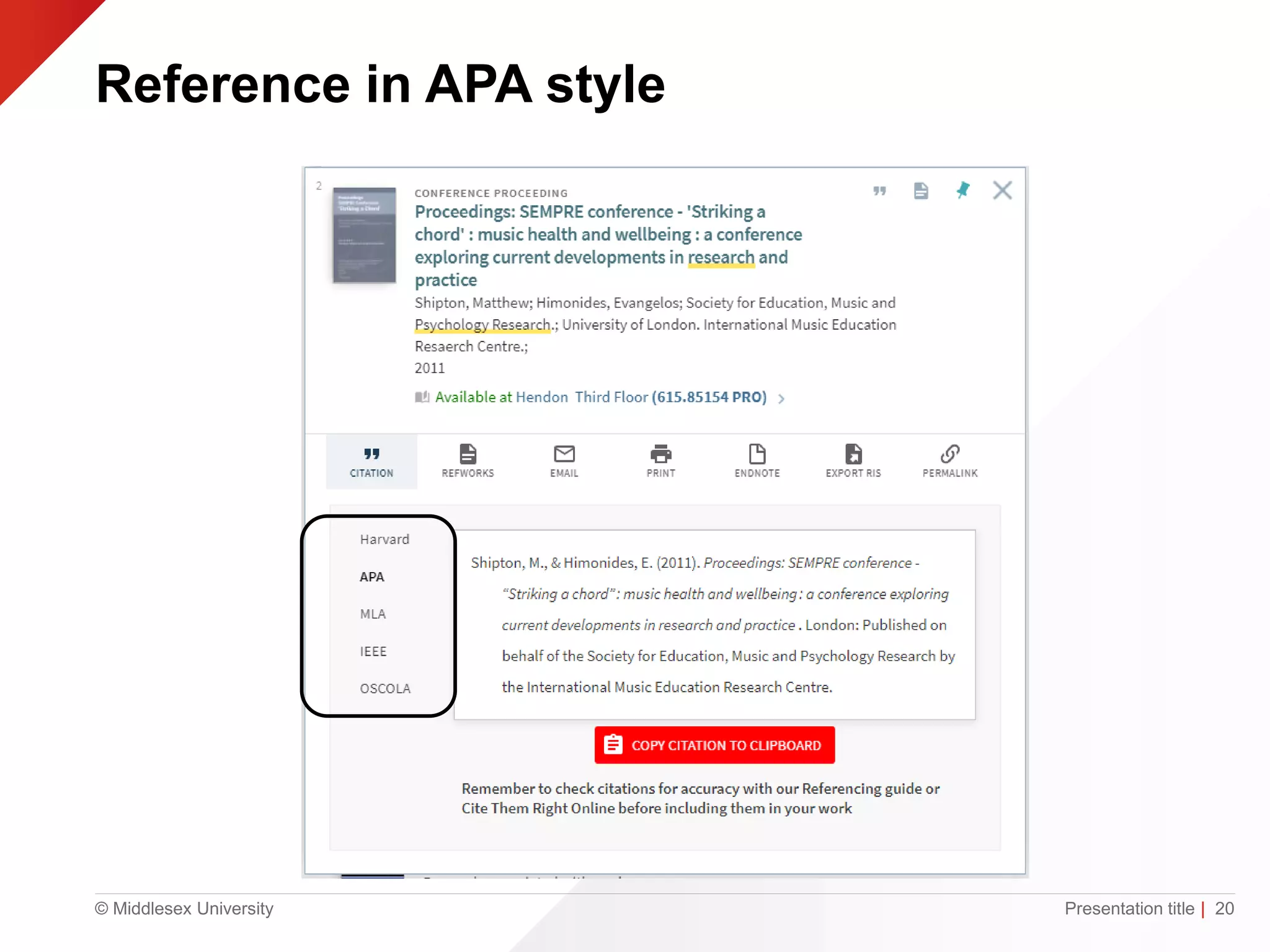
Reference in APA style
Presentation title | 20
© Middlesex University
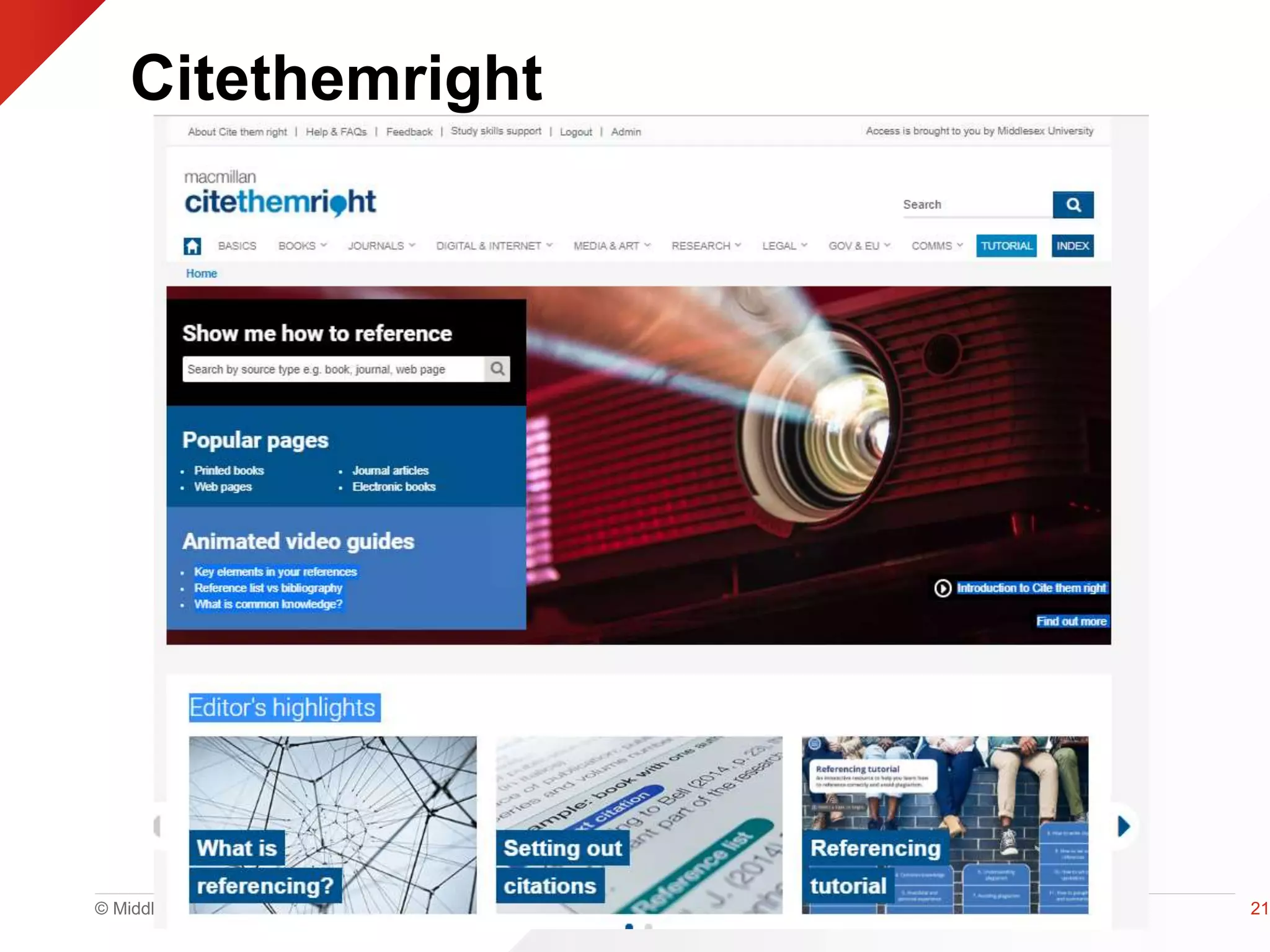
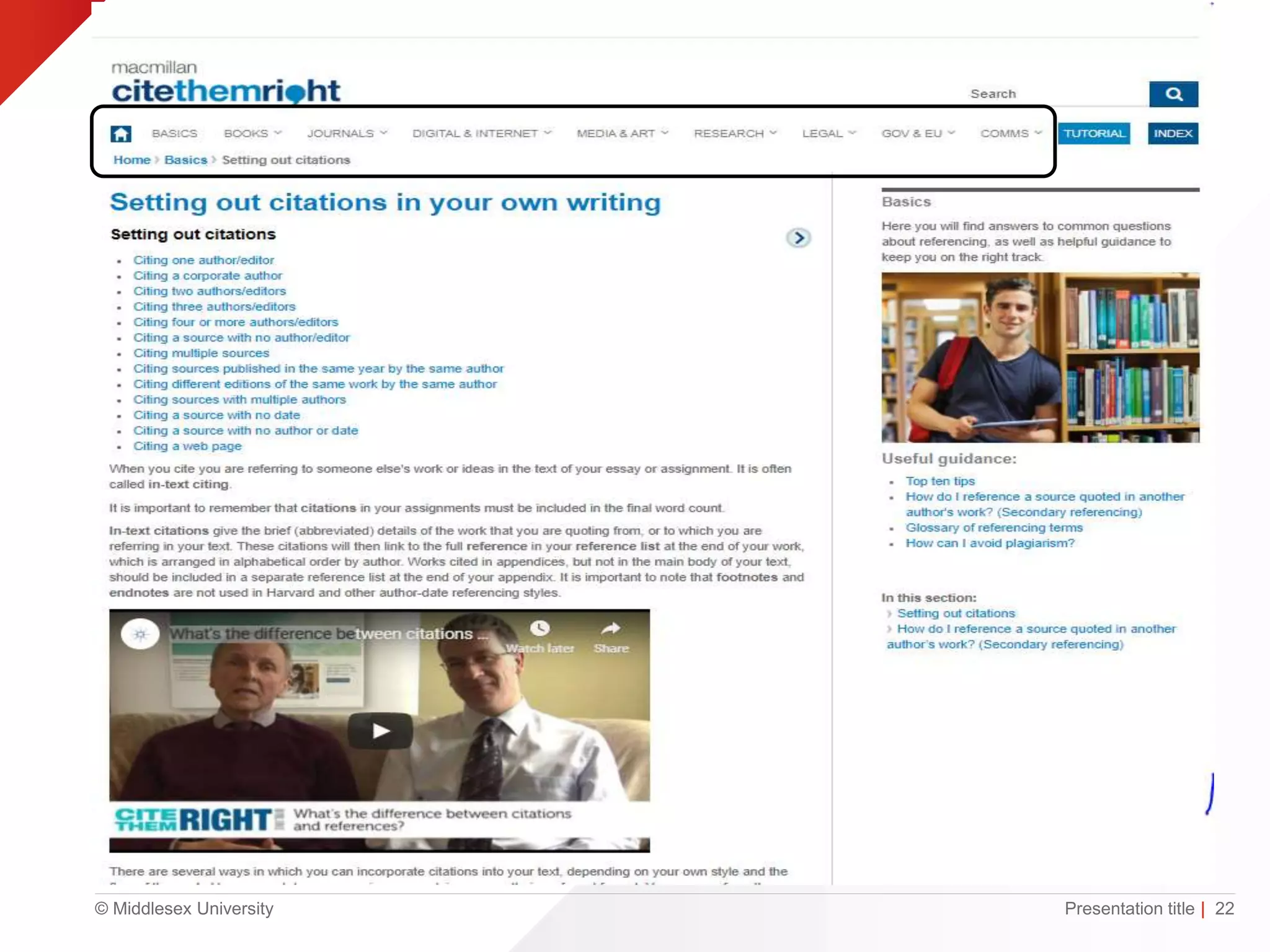
Citethemright
21
© Middlesex University Presentation title | 22
© Middlesex University
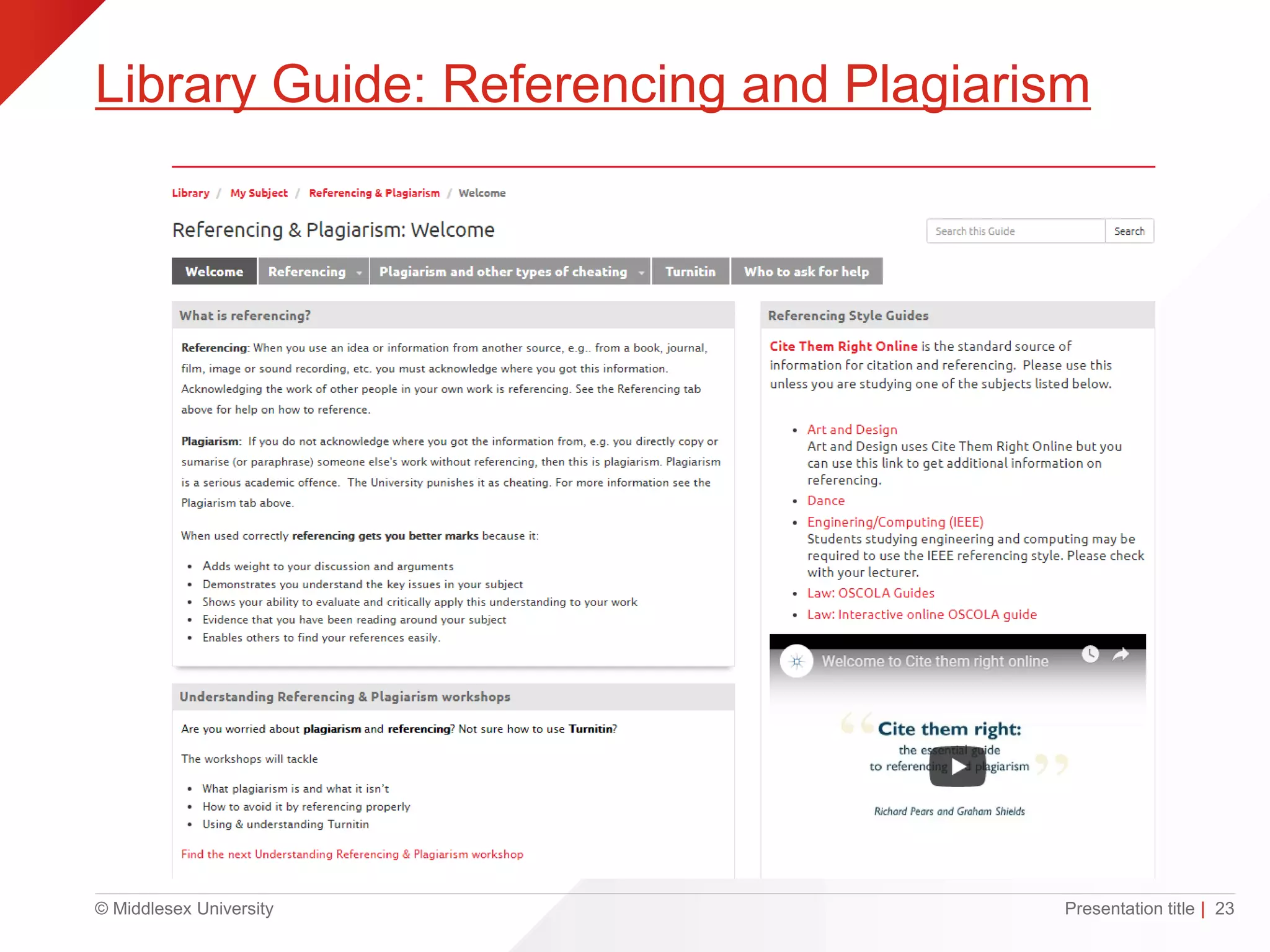
Library Guide: Referencing and Plagiarism
Presentation title | 23
© Middlesex University
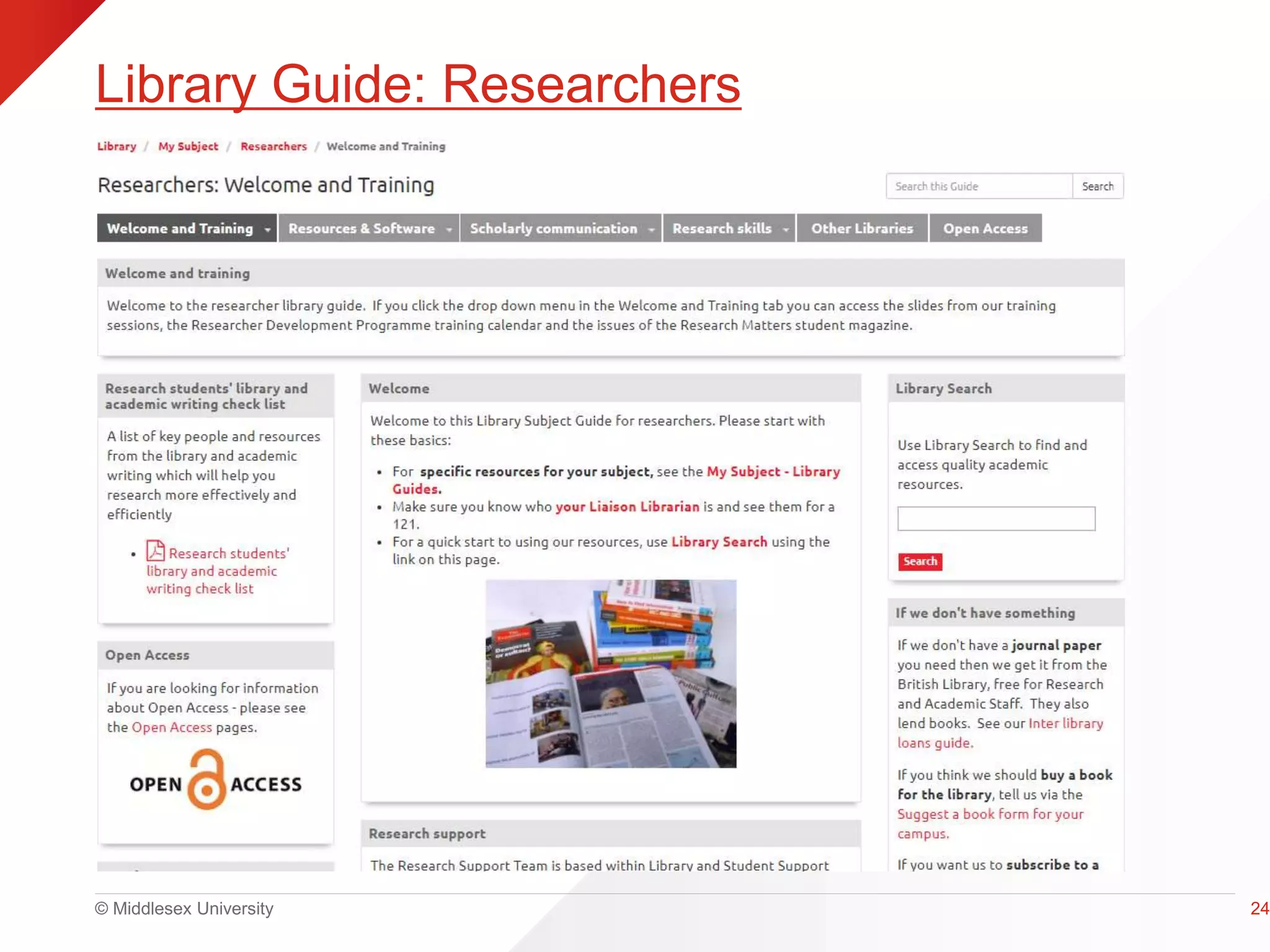
Library Guide: Researchers
24
© Middlesex University
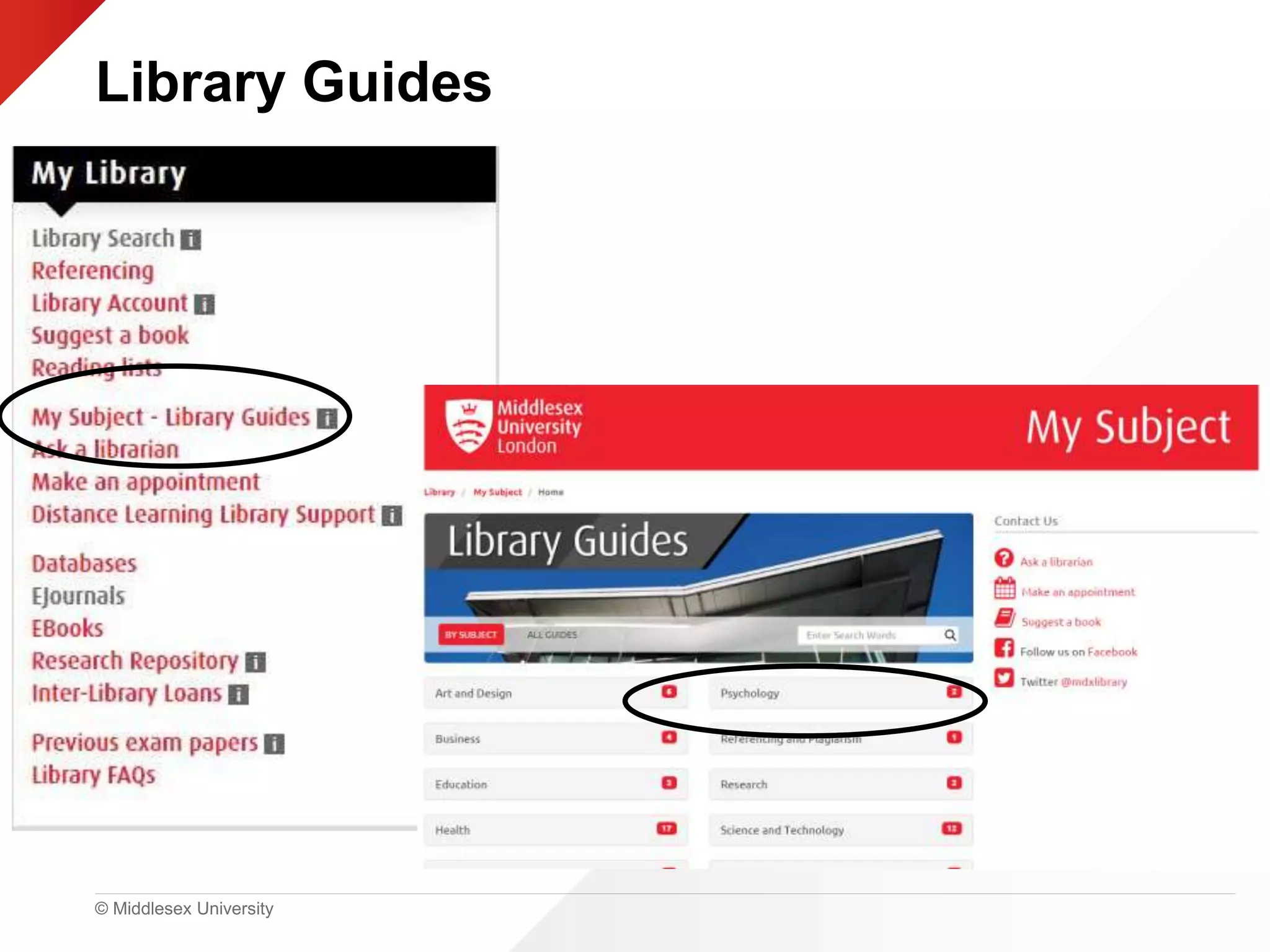
Library Guides
© Middlesex University
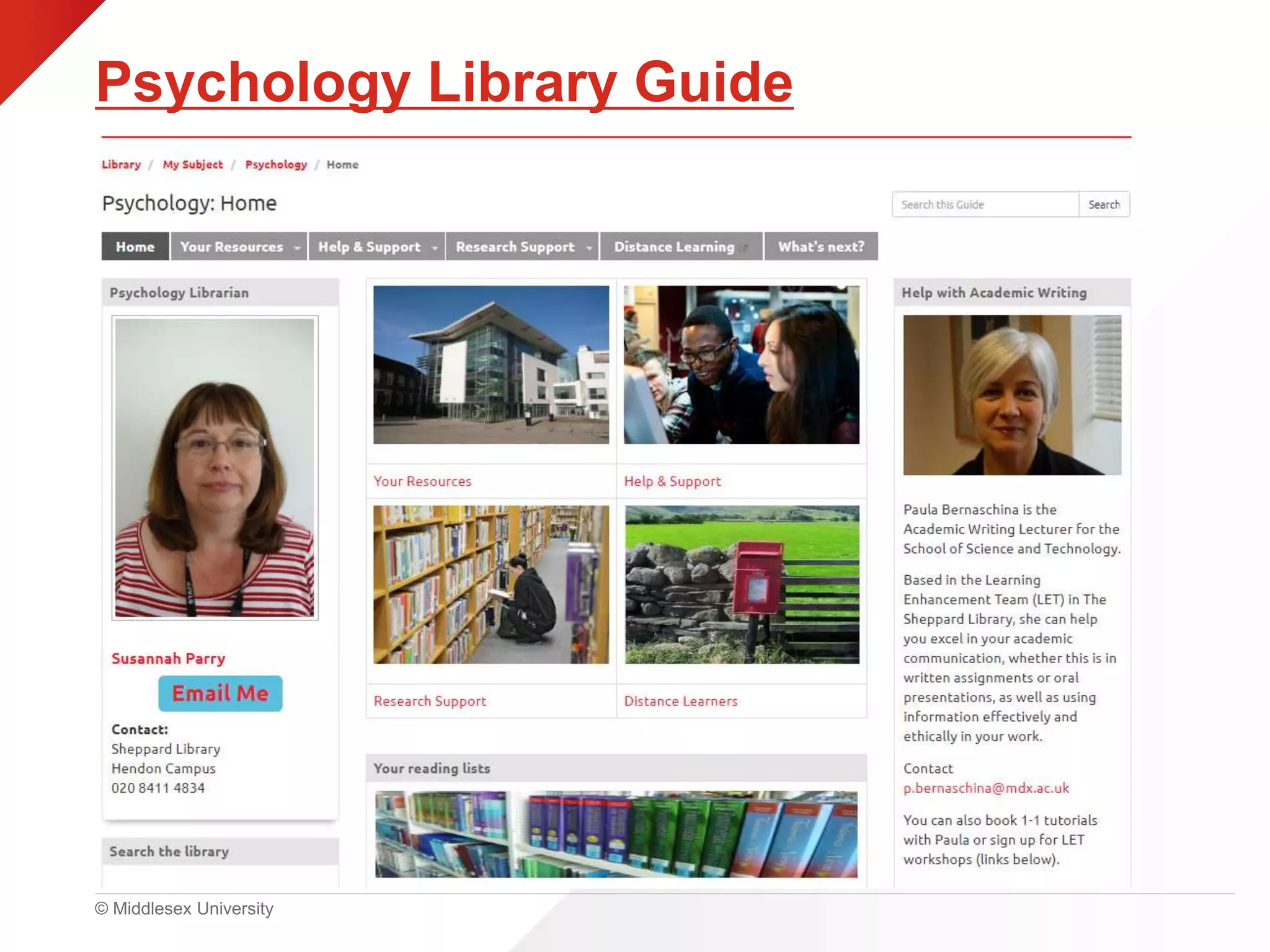
Psychology Library Guide
© Middlesex University
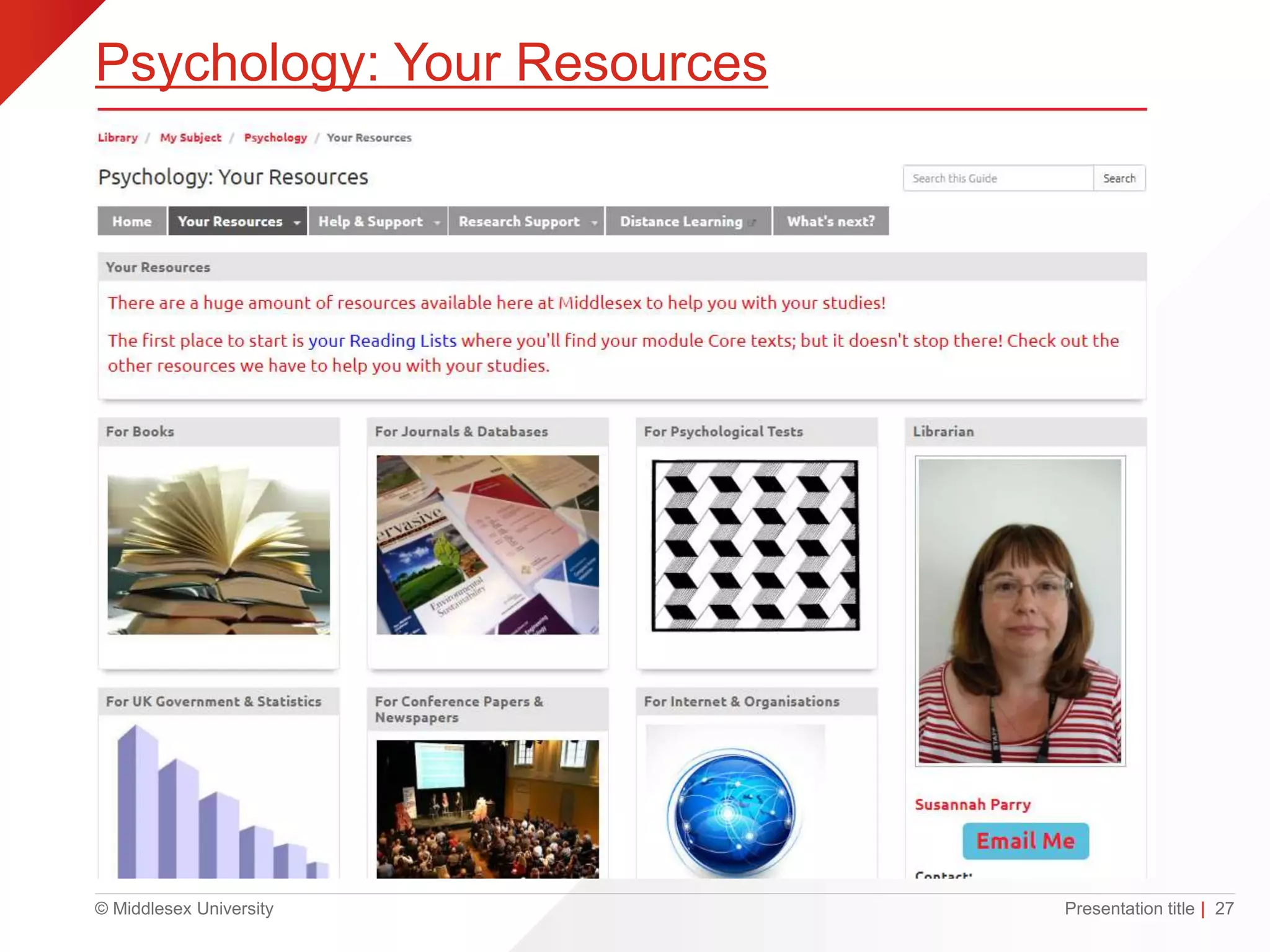
Psychology: Your Resources
Presentation title | 27
© Middlesex University
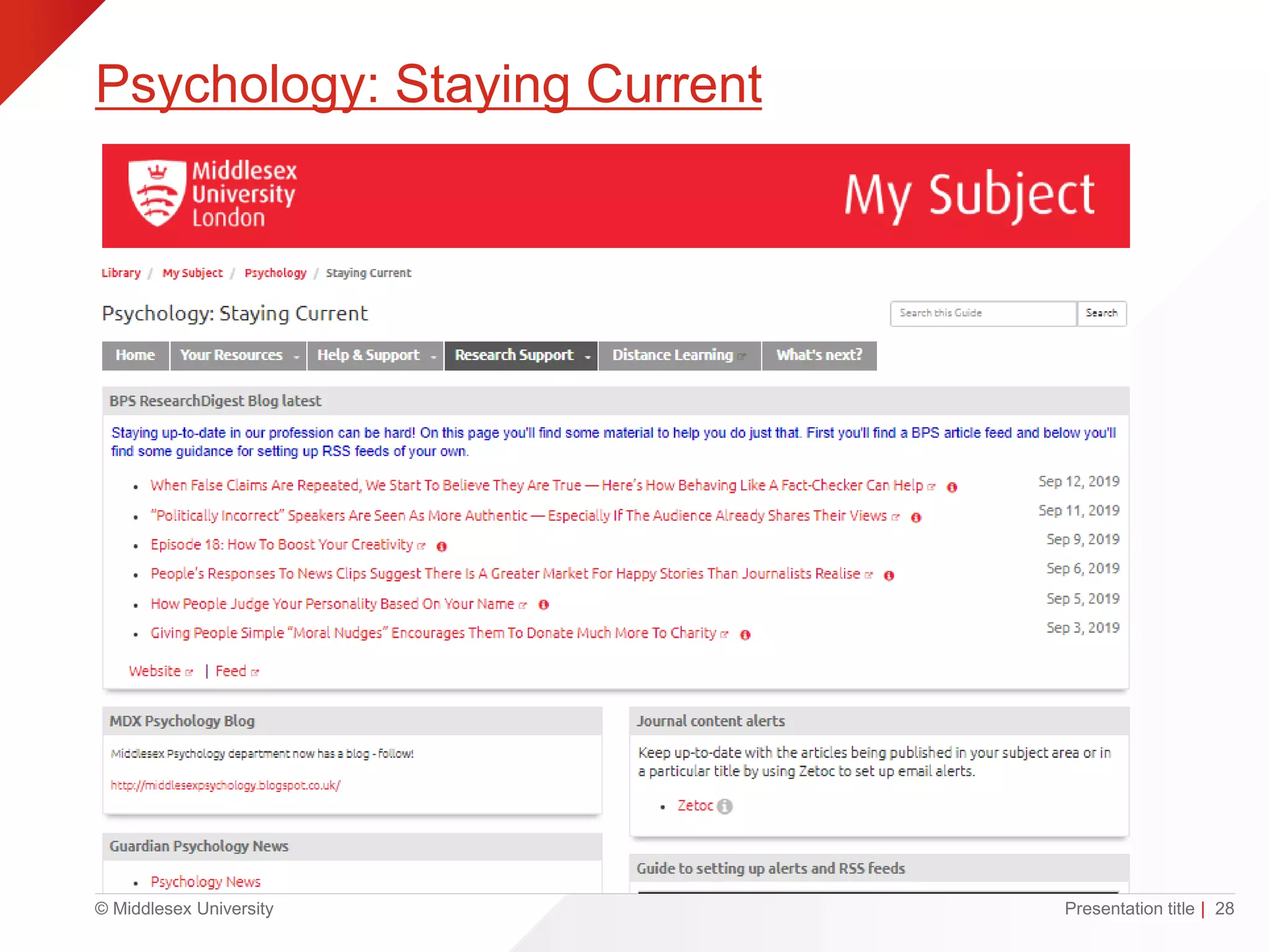
Psychology: Staying Current
Presentation title | 28
© Middlesex University
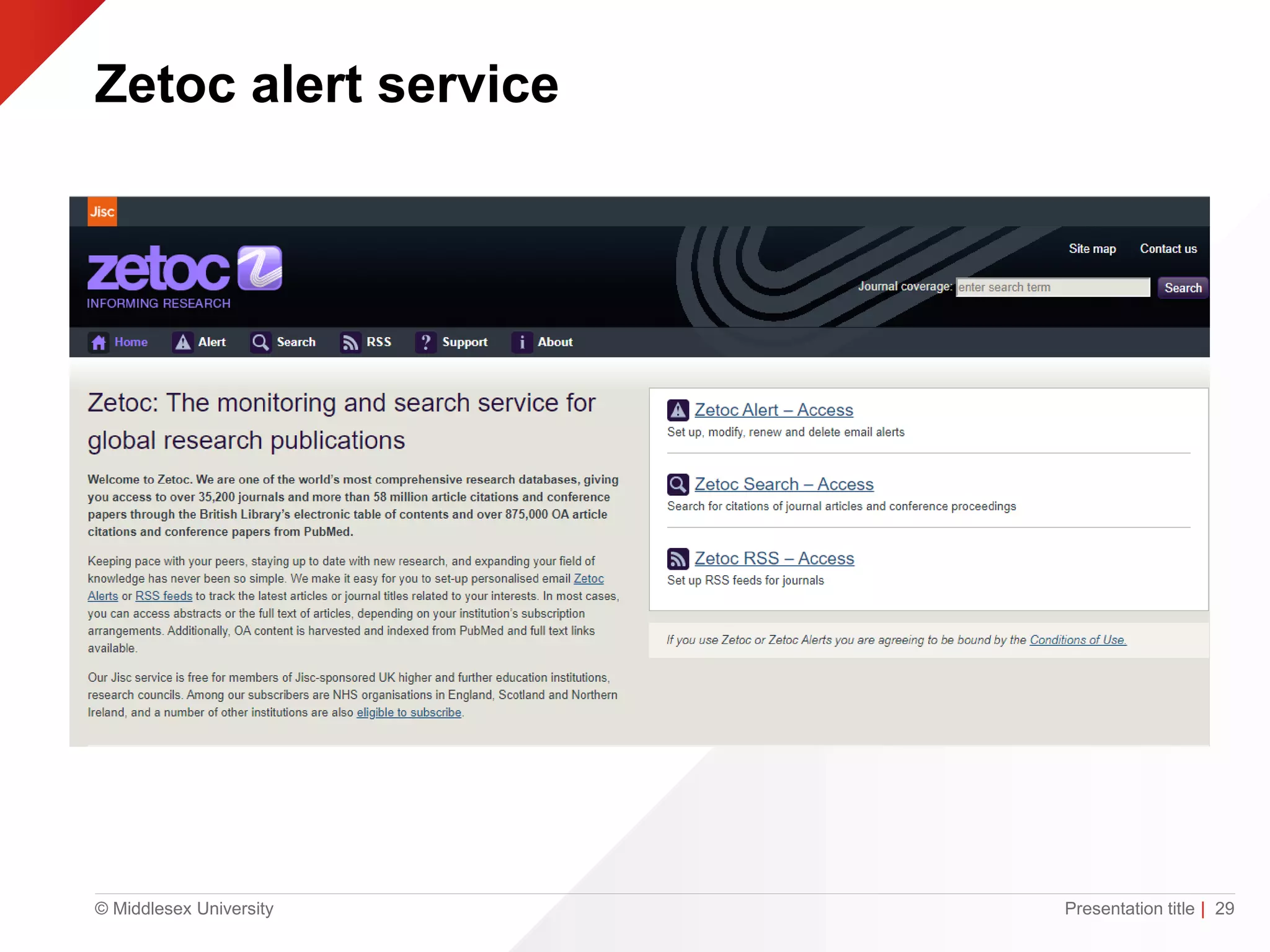
Zetoc alert service
Presentation title | 29
© Middlesex University
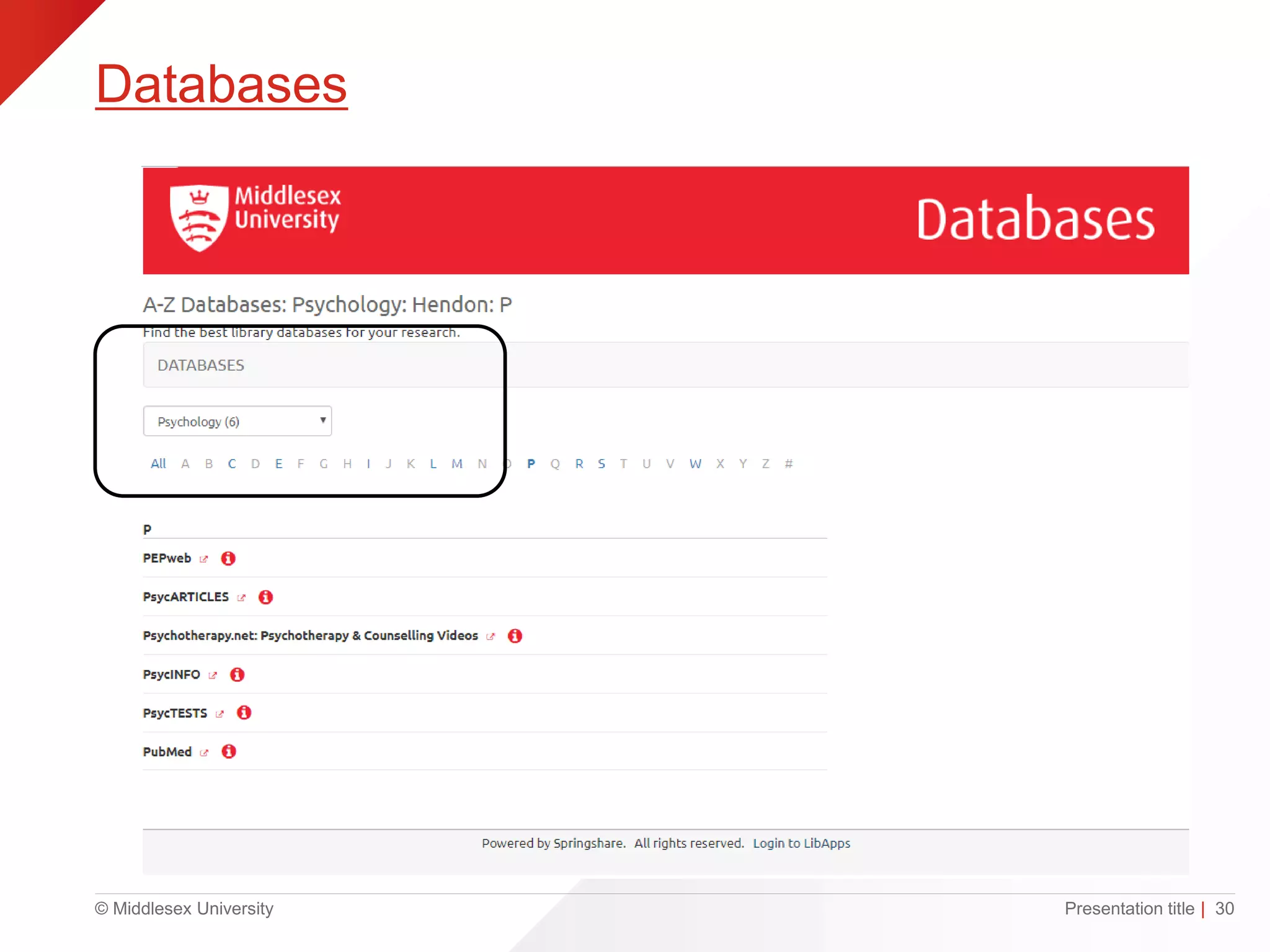
Databases
Presentation title | 30
© Middlesex University
Top Tips
gin
• MyUniHub>MyStudy >
MyLibrary
• Library Search
• Cite them right
• Library Guides
http://www.flickr.com/photos/silversprite/5724570380/
© Middlesex University
Need help?
• Librarians in the StudyHub (1st floor)
Monday – Friday, 9am – 5pm
• Psychology Library Subject Guide
• Susannah Parry – s.parry@mdx.ac.uk
© Middlesex University
Questions?
Presentation title | 33

PG Skills day Introduction to learning resources (PSY4035) - 2020

Editor's Notes

  • #4 Accessing resources Click on MyStudy. You can now access library resources from the MyLibrary box……detail on next page.
  • #7 Clock symbol = search History Pin symbol = go to my favourites Sign in
  • #8 “” = citation Folded page = Refworks Pin = Add this item to favourites Almost 12 thousand results Pin = save search
  • #10 Help available here on using Library search.
  • #12 Reading list link from each module area If you have questions about the list speak to your module leader as they have created the list
  • #13 Have you checked your student email for an email from Kortext? Activate your account Get to keep these books
  • #14 A Personal eTextbook (Kortext) selected by the Module Leader has been purchased for each Middlesex University student studying at the London Hendon campus These Personal eTextbooks (Kortext) can be accessed from the module area in myUniHub Students will also be emailed with their account details for the Kortext App
  • #15 Have you all used Google Scholar? Did you know you can link it to MDX Library Search?
  • #18 Demonstrate that you have read widely on the subject and considered and evaluated the writings of others Show your tutor the evidence of your research and thereby appreciate your contribution to the topic Establish the credibility and authority of your ideas and arguments Enable the reader to locate the original material you used Give credit to the original author/creator Enable the reader to form their own views on the value of your sources and how you have interpreted them Distinguish between your own ideas and opinions and those of others Highlight and back-up relevant points by quoting, paraphrasing or summarising from the original text Achieve a better mark or grade Avoid plagiarism.
  • #27 Psychology resources home: Contact details Journals Databases Books Referencing guidance Other libraries
  • #28 Books Journals Psychological tests Statistics Conference papers
  • #29 British Psychological Society Research digest updates MDX Psychology Blog Zetoc
  • #30 You can set-up personalised email Zetoc Alerts or RSS feeds to track the latest articles or journal titles related to your interests. In most cases, you can access abstracts or the full text of articles, depending on your institution’s subscription arrangements. Additionally, Open Access content is searched and indexed from PubMed and full text links available.
  • #32 These are our 5 top tips: You have one login for (almost) everything: IT User ID (found on your student card) eg. NW123 A default student password will be sent to students as part of the Welcome process (Your Middlesex password). To access our resources (ie. Library Search etc) log into MyUniHub > select MyStudy >scroll down to MyLibrary Use our My Subject Library Guides to find out more about specialist resources and support for your subject area. Remember that you can get help with all aspects of your student life including counselling and mental health, welfare, disability, visas, academic writing, maths & stats and using library resources to find information. If in doubt ask UniHelp (in person, chat/online/email, by phone)