Spooky2
PEMF Coil - How to Connect with
Spooky Central
Our Users & Team
Official Support Website: www.spooky2.com
Official Purchasing Website: www.spooky2-mall.com
Email:echolee@cleanenergy-npt.com
or service@spooky2.com
Warning:
Do not remove or insert any plugs whilst Spooky Central is powered on. Turn off
at the mains switch at the rear of Spooky Central. The switch light should be off
and there should be no fan noise.
This Power Point shows how to correctly connect your PEMF Coil.
Official Support Website: www.spooky2.com
Official Purchasing Website: www.spooky2-mall.com
Email:echolee@cleanenergy-npt.com
or service@spooky2.com
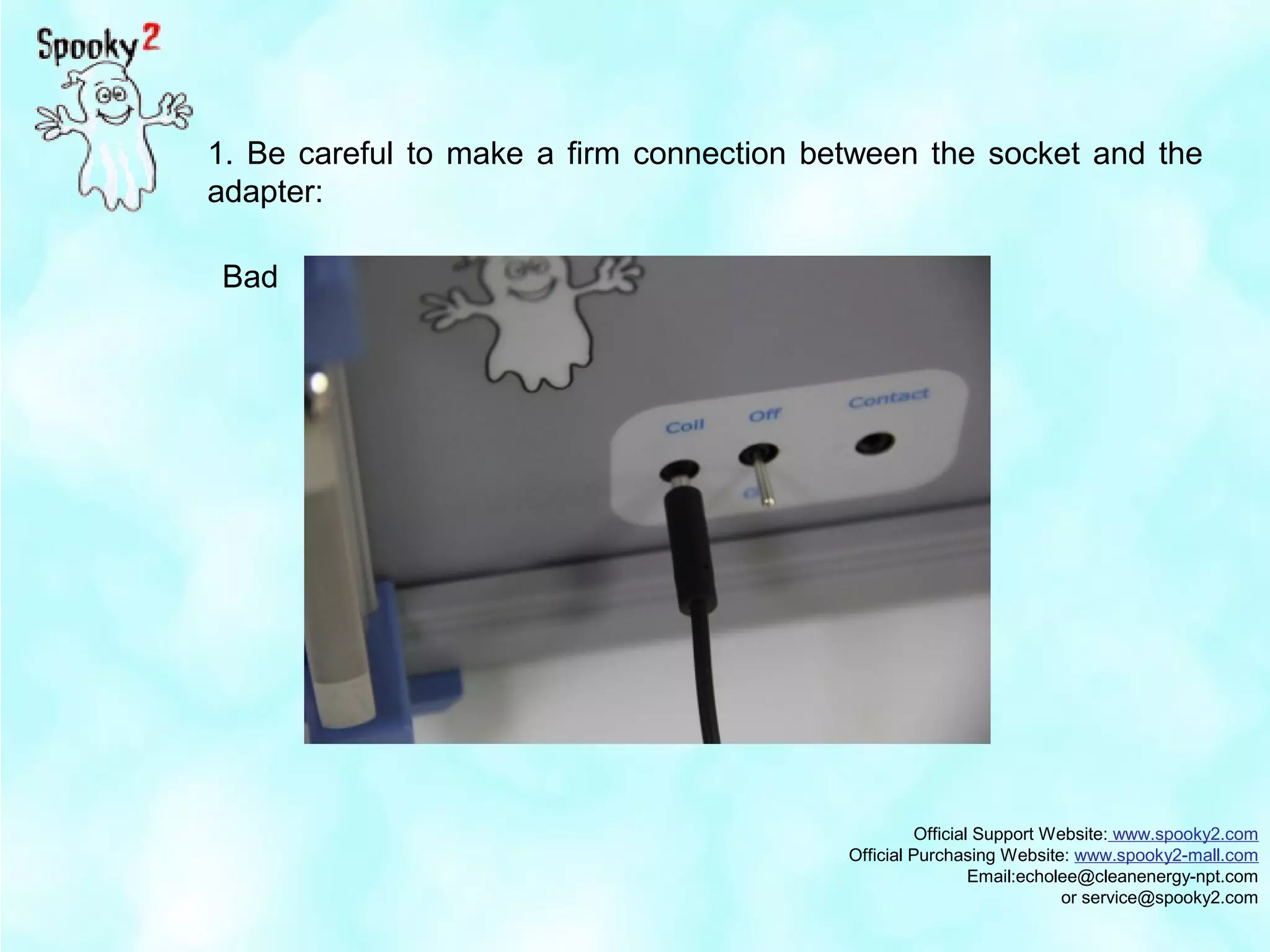
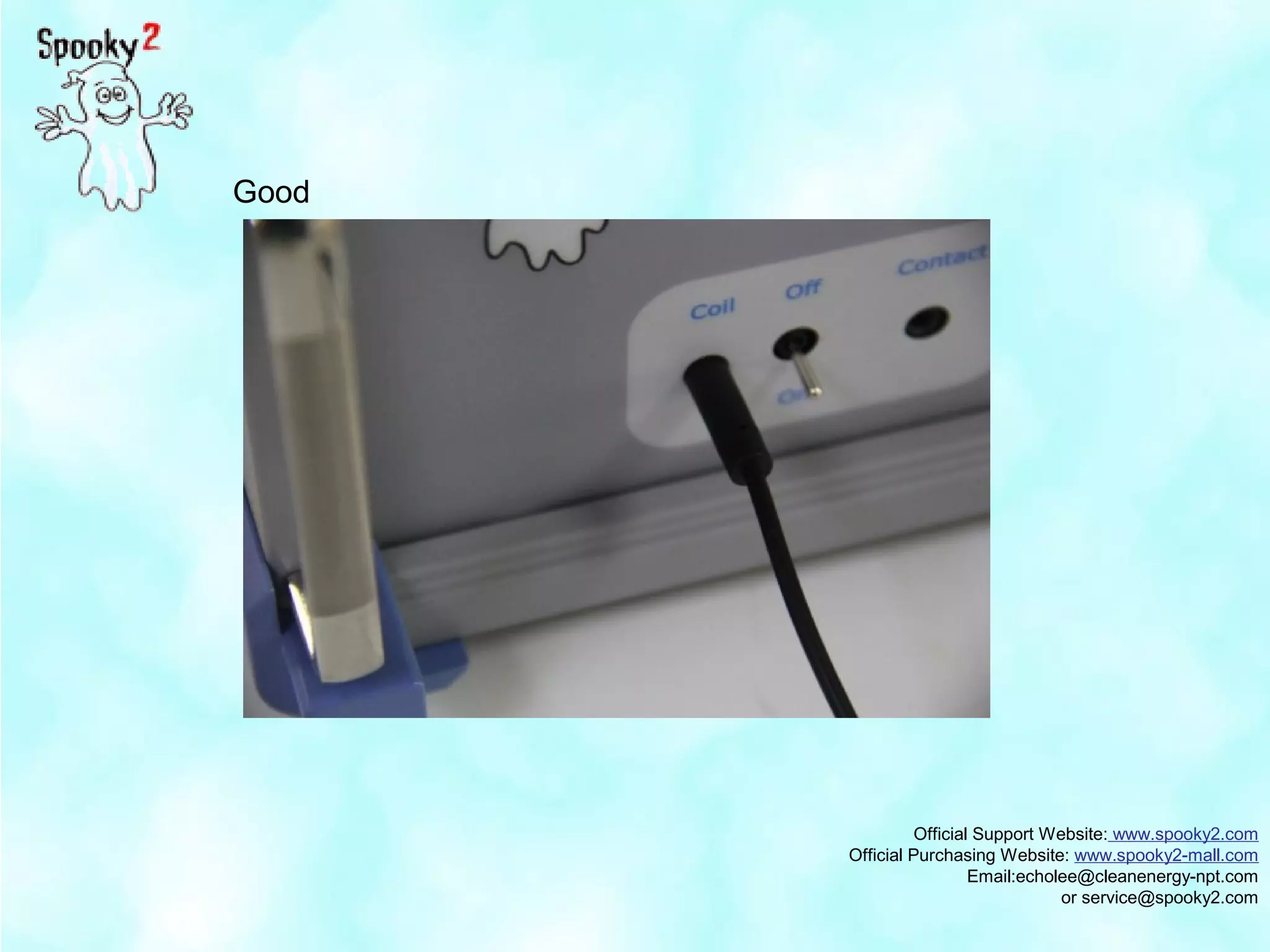
1. Be careful to make a firm connection between the socket and the
adapter:
Bad
Official Support Website: www.spooky2.com
Official Purchasing Website: www.spooky2-mall.com
Email:echolee@cleanenergy-npt.com
or service@spooky2.com
Good
Official Support Website: www.spooky2.com
Official Purchasing Website: www.spooky2-mall.com
Email:echolee@cleanenergy-npt.com
or service@spooky2.com
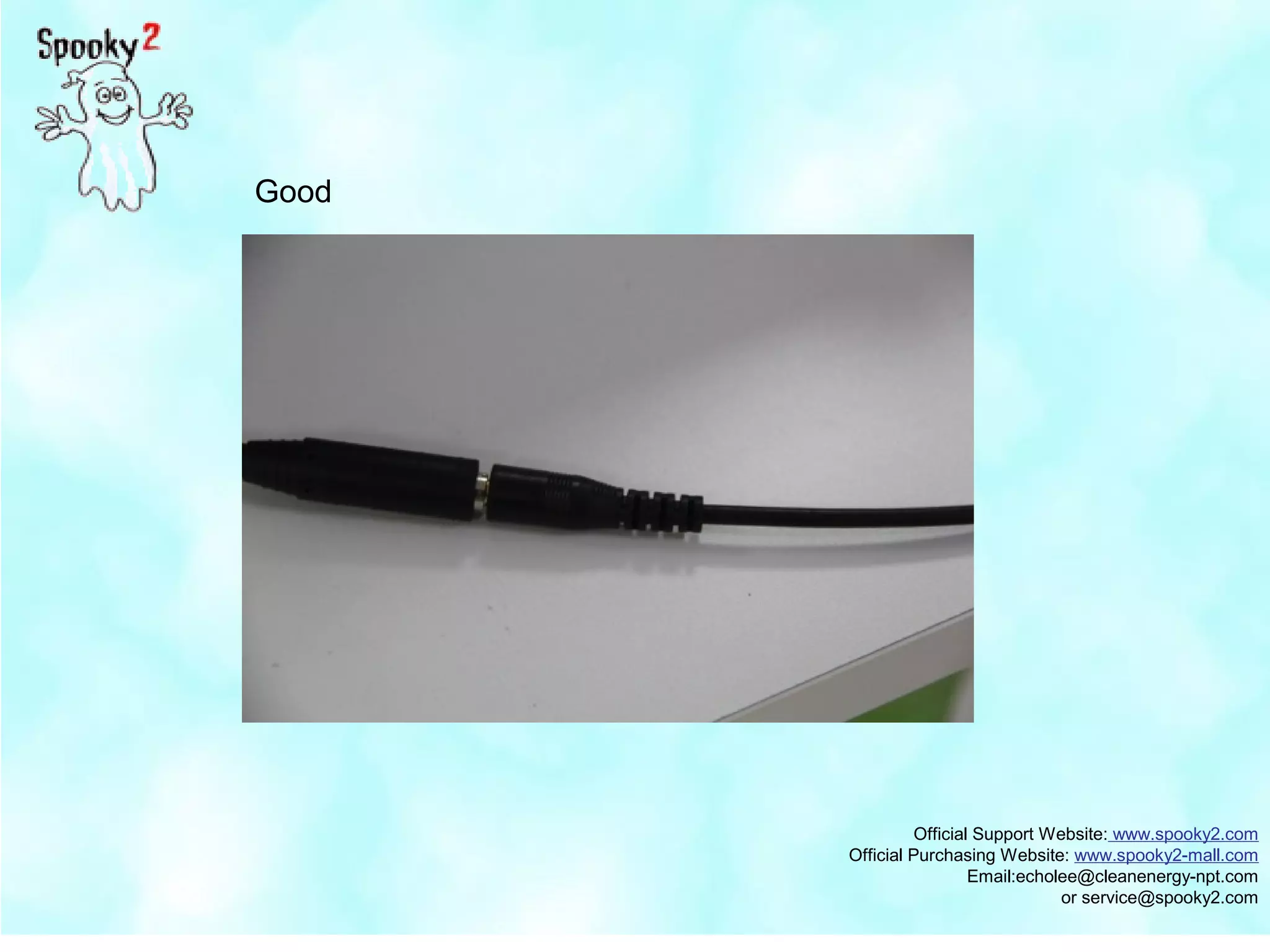
2. The connection between the adapter and the coil must also be tight.
Even a small gap will interfere with the normal function of the coil.
Bad
Official Support Website: www.spooky2.com
Official Purchasing Website: www.spooky2-mall.com
Email:echolee@cleanenergy-npt.com
or service@spooky2.com
Good
Official Support Website: www.spooky2.com
Official Purchasing Website: www.spooky2-mall.com
Email:echolee@cleanenergy-npt.com
or service@spooky2.com
Here is the full view showing the correct connection among the
socket, adapter and the coil.
Official Support Website: www.spooky2.com
Official Purchasing Website: www.spooky2-mall.com
Email:echolee@cleanenergy-npt.com
or service@spooky2.com
Thank you!

PEMF Coil - How to Connect with Spooky Central

  • 1.
    Spooky2 PEMF Coil -How to Connect with Spooky Central Our Users & Team
  • 2.
    Official Support Website:www.spooky2.com Official Purchasing Website: www.spooky2-mall.com Email:echolee@cleanenergy-npt.com or service@spooky2.com Warning: Do not remove or insert any plugs whilst Spooky Central is powered on. Turn off at the mains switch at the rear of Spooky Central. The switch light should be off and there should be no fan noise. This Power Point shows how to correctly connect your PEMF Coil.
  • 3.
    Official Support Website:www.spooky2.com Official Purchasing Website: www.spooky2-mall.com Email:echolee@cleanenergy-npt.com or service@spooky2.com 1. Be careful to make a firm connection between the socket and the adapter: Bad
  • 4.
    Official Support Website:www.spooky2.com Official Purchasing Website: www.spooky2-mall.com Email:echolee@cleanenergy-npt.com or service@spooky2.com Good
  • 5.
    Official Support Website:www.spooky2.com Official Purchasing Website: www.spooky2-mall.com Email:echolee@cleanenergy-npt.com or service@spooky2.com 2. The connection between the adapter and the coil must also be tight. Even a small gap will interfere with the normal function of the coil. Bad
  • 6.
    Official Support Website:www.spooky2.com Official Purchasing Website: www.spooky2-mall.com Email:echolee@cleanenergy-npt.com or service@spooky2.com Good
  • 7.
    Official Support Website:www.spooky2.com Official Purchasing Website: www.spooky2-mall.com Email:echolee@cleanenergy-npt.com or service@spooky2.com Here is the full view showing the correct connection among the socket, adapter and the coil.
  • 8.
    Official Support Website:www.spooky2.com Official Purchasing Website: www.spooky2-mall.com Email:echolee@cleanenergy-npt.com or service@spooky2.com Thank you!