Download as PDF, PPTX


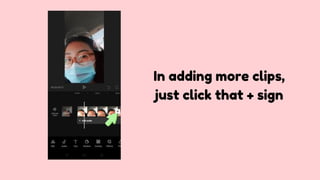
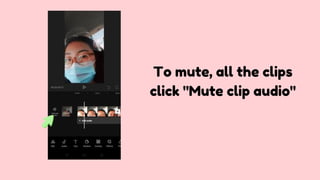
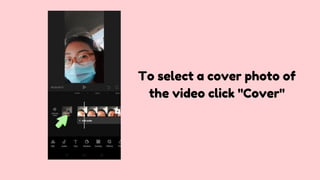
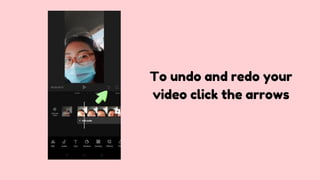

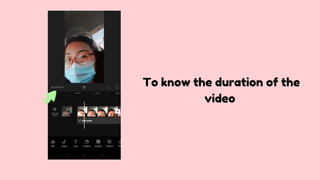
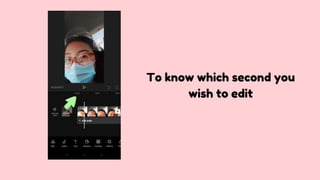
This document provides instructions for editing a video in the Capcut app. It outlines the basic steps which include clicking "New Project" to start, selecting clips to add, clicking "+" to add more clips, muting audio by clicking "Mute clip audio", selecting a cover photo by clicking "Cover", using arrows to undo and redo edits, playing the video to preview it, and checking the duration and specific seconds to edit.


