Enterprise Edition Online Training V.1 AdithiyanChandrasekar
Oracle DBA Course Content
Section 1
- (Describes Core architecture,Creation of database management)
Introduction (Database Architecture)
 Describe course objectives
 Explore the Oracle 10g database architecture
Installing the Oracle Database Software
 Explain core DBA tasks and tools
 Plan an Oracle installation
 Use optimal flexible architecture
 Install software with the Oracle Universal Installer (OUI)
Creating an Oracle Database
 Create a database with the Database Configuration Assistant (DBCA)
 Create a database design template with the DBCA
 Generate databasecreation scripts with the DBCA
Managing the Oracle Instance
 Start and stop the Oracle database and components
 Use Enterprise Manager (EM)
 Access a database with SQL*Plus and iSQL*Plus
 Modify database initialization parameters
 Understand the stages ofdatabase startup
 View the Alert log
 Use the Data Dictionary
Managing Database Storage Structures
 Describe table data storage(in blocks)
 Define the purpose oftablespaces and data files
 Understand and utilize Oracle Managed Files (OMF)
 Create and manage tablespaces
Enterprise Edition Online Training V.1 AdithiyanChandrasekar
 Obtain tablespace information
 Describe the main concepts and functionality ofAutomatic StorageManagement (ASM)
Administering User Security
 Create and manage database useraccounts
 Authenticate users
 Assign default storage areas (tablespaces)
 Grant and revoke privileges
 Create and manage roles
 Create and manage profiles
 Implement standardpassword security features
 Control resource usageby users
Managing Schema Objects
 Define schema objects and data types
 Create and modify tables
 Define constraints
 View the columns and contents ofa table
 Create indexes, views and sequences
 Explain the use of temporary tables
 Use the Data Dictionary
 Manage data through SQL
 Monitor and resolvelocking conflicts
Managing Undo Data
 Explain DML and undo data generation
 Monitor and administer undo
 Describe the difference between undo and redo data
 Configure undo retention
 Guarantee undo retention
 Use the undo advisor
Implementing Oracle Database Security
 Describe DBA responsibilities for security
 Apply the principal ofleast privilege
Enterprise Edition Online Training V.1 AdithiyanChandrasekar
 Enable standard databaseauditing
 Specify audit options
 Review audit information
 Maintain the audit trail
Section 2
- (Describes whole lots about features like backup,network,automated jobs)
Configuring the Oracle Network Environment
 Create additional listeners
 Create Net Service aliases
 Configure connect-time failover
 Control the Oracle Net Listener
 Test Oracle Net connectivity
 Identify when to use shared versus dedicated servers
Backup and Recovery Concepts
 Identify the types offailure that may occurin an Oracle Database
 Describe ways to tune instancerecovery
 Identify the importance ofcheckpoints, redo log files, and archived log files
 Configure ARCHIVELOG mode
Performing Database Backups
 Create consistent database backups
 Back your databaseup without shutting it down
 Create incremental backups
 Automate databasebackups
 Monitor the flash recovery area
Performing Database Recovery
 Recover from loss ofa control file
 Recover from loss ofa redo log file
 Perform completerecovery following the loss ofa data file
Enterprise Edition Online Training V.1 AdithiyanChandrasekar
Performing Flashback
 Describe Flashback database
 Restore the table content to a specific pointin the past with Flashback Table
 Recover from a dropped table
 View the contents ofthe database as ofany single point in time with Flashback Query
 See versions ofa row overtime with Flashback Versions Query
 View the transaction history ofa row with Flashback Transaction Query
Moving Data
 Describe availableways for moving data
 Create and use directory objects
 Use SQL*Loader to load data from a non-Oracle database(or user files)
 Explain the general architecture ofData Pump
 Use Data Pump Export and Import to move data between Oracledatabases
 Use external tables to move data via platform-independent files
Configuring Recovery Manager
 Recovery Manager Features and Components
 Using a Flash Recovery Area with RMAN
 Configuring RMAN
 Control File Autobackups
 Retention Policies and Channel Allocation
 Using Recovery Manager to connect to a target database in default NOCATALOG mode
 Displaying the current RMAN configuration settings
 Altering the backup retention policy for a database
Using Recovery Manager
 RMAN Command Overview
 Parallelization ofBackup Sets
 Compressed Backups
 Image Copy
 Whole Database and Incremental Backups
 LIST and REPORT commands
 Enable ARCHIVELOG mode for the database
 Use Recovery Manager
Enterprise Edition Online Training V.1 AdithiyanChandrasekar
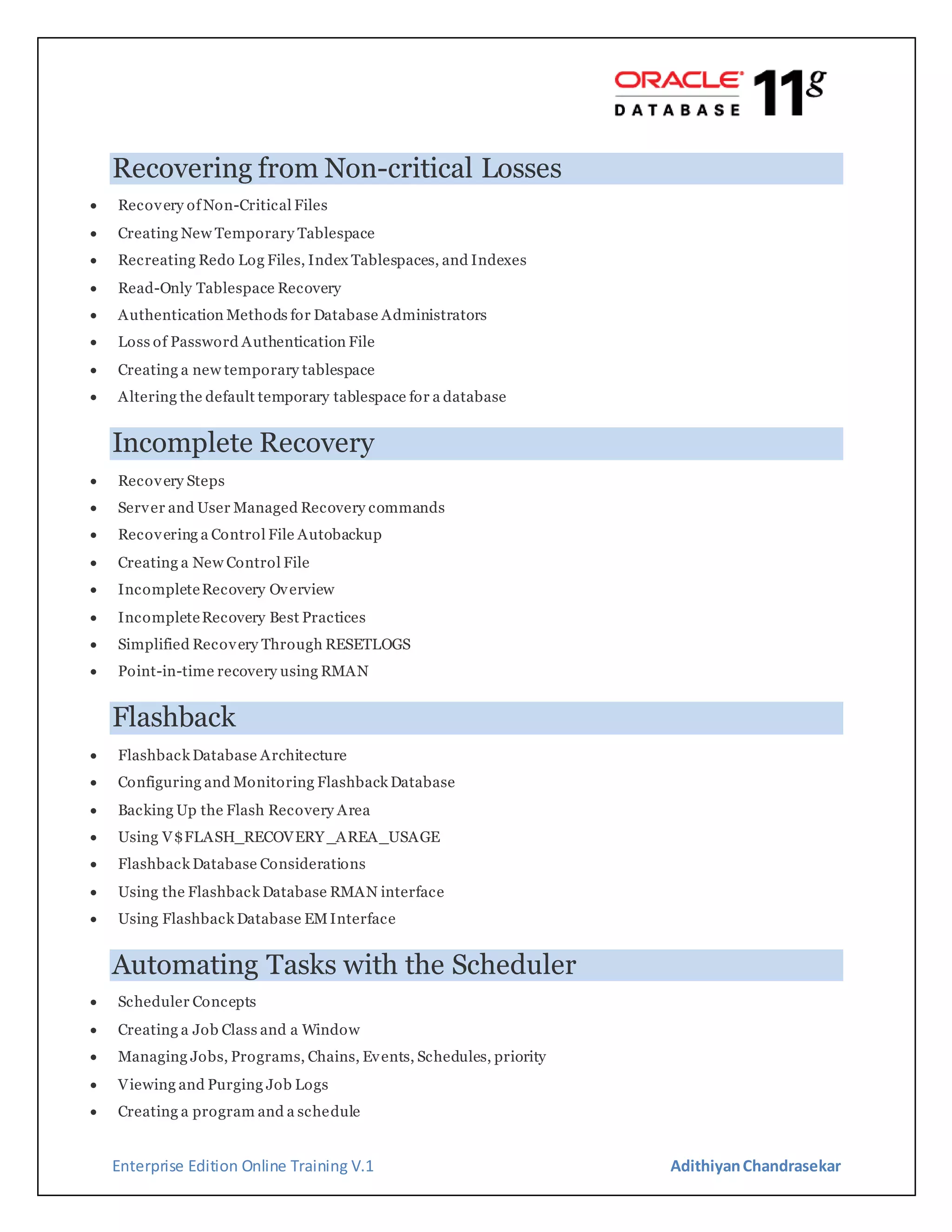
Recovering from Non-critical Losses
 Recovery ofNon-Critical Files
 Creating New Temporary Tablespace
 Recreating Redo Log Files, Index Tablespaces, and Indexes
 Read-Only Tablespace Recovery
 Authentication Methods for Database Administrators
 Loss of Password Authentication File
 Creating a new temporary tablespace
 Altering the default temporary tablespace for a database
Incomplete Recovery
 Recovery Steps
 Server and User Managed Recovery commands
 Recovering a Control File Autobackup
 Creating a New Control File
 IncompleteRecovery Overview
 IncompleteRecovery Best Practices
 Simplified Recovery Through RESETLOGS
 Point-in-time recovery using RMAN
Flashback
 Flashback Database Architecture
 Configuring and Monitoring Flashback Database
 Backing Up the Flash Recovery Area
 Using V$FLASH_RECOVERY _AREA_USAGE
 Flashback Database Considerations
 Using the Flashback Database RMAN interface
 Using Flashback Database EMInterface
Automating Tasks with the Scheduler
 Scheduler Concepts
 Creating a Job Class and a Window
 Managing Jobs, Programs, Chains, Events, Schedules, priority
 Viewing and Purging Job Logs
 Creating a program and a schedule
Enterprise Edition Online Training V.1 AdithiyanChandrasekar
 Creating a job that uses a program and a schedule
 Altering the program and schedule for the job and observing the behavior change ofthe job
 Monitoring job runs

Oracle Database Administration 11g Course Content

  • 1.
    Enterprise Edition OnlineTraining V.1 AdithiyanChandrasekar Oracle DBA Course Content Section 1 - (Describes Core architecture,Creation of database management) Introduction (Database Architecture)  Describe course objectives  Explore the Oracle 10g database architecture Installing the Oracle Database Software  Explain core DBA tasks and tools  Plan an Oracle installation  Use optimal flexible architecture  Install software with the Oracle Universal Installer (OUI) Creating an Oracle Database  Create a database with the Database Configuration Assistant (DBCA)  Create a database design template with the DBCA  Generate databasecreation scripts with the DBCA Managing the Oracle Instance  Start and stop the Oracle database and components  Use Enterprise Manager (EM)  Access a database with SQL*Plus and iSQL*Plus  Modify database initialization parameters  Understand the stages ofdatabase startup  View the Alert log  Use the Data Dictionary Managing Database Storage Structures  Describe table data storage(in blocks)  Define the purpose oftablespaces and data files  Understand and utilize Oracle Managed Files (OMF)  Create and manage tablespaces
  • 2.
    Enterprise Edition OnlineTraining V.1 AdithiyanChandrasekar  Obtain tablespace information  Describe the main concepts and functionality ofAutomatic StorageManagement (ASM) Administering User Security  Create and manage database useraccounts  Authenticate users  Assign default storage areas (tablespaces)  Grant and revoke privileges  Create and manage roles  Create and manage profiles  Implement standardpassword security features  Control resource usageby users Managing Schema Objects  Define schema objects and data types  Create and modify tables  Define constraints  View the columns and contents ofa table  Create indexes, views and sequences  Explain the use of temporary tables  Use the Data Dictionary  Manage data through SQL  Monitor and resolvelocking conflicts Managing Undo Data  Explain DML and undo data generation  Monitor and administer undo  Describe the difference between undo and redo data  Configure undo retention  Guarantee undo retention  Use the undo advisor Implementing Oracle Database Security  Describe DBA responsibilities for security  Apply the principal ofleast privilege
  • 3.
    Enterprise Edition OnlineTraining V.1 AdithiyanChandrasekar  Enable standard databaseauditing  Specify audit options  Review audit information  Maintain the audit trail Section 2 - (Describes whole lots about features like backup,network,automated jobs) Configuring the Oracle Network Environment  Create additional listeners  Create Net Service aliases  Configure connect-time failover  Control the Oracle Net Listener  Test Oracle Net connectivity  Identify when to use shared versus dedicated servers Backup and Recovery Concepts  Identify the types offailure that may occurin an Oracle Database  Describe ways to tune instancerecovery  Identify the importance ofcheckpoints, redo log files, and archived log files  Configure ARCHIVELOG mode Performing Database Backups  Create consistent database backups  Back your databaseup without shutting it down  Create incremental backups  Automate databasebackups  Monitor the flash recovery area Performing Database Recovery  Recover from loss ofa control file  Recover from loss ofa redo log file  Perform completerecovery following the loss ofa data file
  • 4.
    Enterprise Edition OnlineTraining V.1 AdithiyanChandrasekar Performing Flashback  Describe Flashback database  Restore the table content to a specific pointin the past with Flashback Table  Recover from a dropped table  View the contents ofthe database as ofany single point in time with Flashback Query  See versions ofa row overtime with Flashback Versions Query  View the transaction history ofa row with Flashback Transaction Query Moving Data  Describe availableways for moving data  Create and use directory objects  Use SQL*Loader to load data from a non-Oracle database(or user files)  Explain the general architecture ofData Pump  Use Data Pump Export and Import to move data between Oracledatabases  Use external tables to move data via platform-independent files Configuring Recovery Manager  Recovery Manager Features and Components  Using a Flash Recovery Area with RMAN  Configuring RMAN  Control File Autobackups  Retention Policies and Channel Allocation  Using Recovery Manager to connect to a target database in default NOCATALOG mode  Displaying the current RMAN configuration settings  Altering the backup retention policy for a database Using Recovery Manager  RMAN Command Overview  Parallelization ofBackup Sets  Compressed Backups  Image Copy  Whole Database and Incremental Backups  LIST and REPORT commands  Enable ARCHIVELOG mode for the database  Use Recovery Manager
  • 5.
    Enterprise Edition OnlineTraining V.1 AdithiyanChandrasekar Recovering from Non-critical Losses  Recovery ofNon-Critical Files  Creating New Temporary Tablespace  Recreating Redo Log Files, Index Tablespaces, and Indexes  Read-Only Tablespace Recovery  Authentication Methods for Database Administrators  Loss of Password Authentication File  Creating a new temporary tablespace  Altering the default temporary tablespace for a database Incomplete Recovery  Recovery Steps  Server and User Managed Recovery commands  Recovering a Control File Autobackup  Creating a New Control File  IncompleteRecovery Overview  IncompleteRecovery Best Practices  Simplified Recovery Through RESETLOGS  Point-in-time recovery using RMAN Flashback  Flashback Database Architecture  Configuring and Monitoring Flashback Database  Backing Up the Flash Recovery Area  Using V$FLASH_RECOVERY _AREA_USAGE  Flashback Database Considerations  Using the Flashback Database RMAN interface  Using Flashback Database EMInterface Automating Tasks with the Scheduler  Scheduler Concepts  Creating a Job Class and a Window  Managing Jobs, Programs, Chains, Events, Schedules, priority  Viewing and Purging Job Logs  Creating a program and a schedule
  • 6.
    Enterprise Edition OnlineTraining V.1 AdithiyanChandrasekar  Creating a job that uses a program and a schedule  Altering the program and schedule for the job and observing the behavior change ofthe job  Monitoring job runs