Oracle Data Pump Enhancements in Oracle 21c
Satishbabu Gunukula, Oracle ACE
• 20+ Years of Experience in Database Technologies and specialized in
high availability solutions.
• Masters Degree in Computer Applications
• Written articles for major publications
• Oracle Certified Professional Oracle 8i,9i,10g,
• Oracle Certified Expert Oracle 10g RAC
• SAP HANA Certified Associate
• AWS Certified Solutions Architect – Associate
http://www.oracleracexpert.com
Program Agenda
• Overview of Oracle Datapump
• Oracle Data Pump 21c New Features
 CHECKSUM, CHECKSUM_ALGORITHM
 VERIFY_ONLY and VERIFY_CHECKSUM
 INCLUDE and EXCLUDE in the Same Operation
 Index Compression
 Transportable Tablespace Enhancements
 JSON Data Type Support
 Export/Import from Cloud Object Store
• Demo
• Q& A
Overview of Oracle Datapump
• Oracle Data pump helps to move data and metadata from one database to
another database.
• Oracle Data pump has 3 components
– Command-Line clients expdp and impdp
– Package DBMS_DATA PUMP
– Package DBMS_METADAT
• Oracle The Roles DATAPUMP_EXP_FULL_DATABASE and
DATAPUMP_IMP_FULL_DATABASE are required for export/import operations
• Data pump jobs are monitored by using DBA_DATAPUMP_JOBS,
USER_DATAPUMP_JOBS or DBA_DATAPUMP_SESSIONS views
• To monitor Progress of the jobs query V$SESSION_LONGOPS dynamic
performance view
• The UTL_FILE_DIR de-supported in Oracle 18c and later releases
Oracle Data pump new features in 21c
Oracle release 21c has many new features and functionalities in below areas
 CHECKSUM and CHECKSUM_ALGORITHM
 VERIFY_ONLY and VERIFY_CHECKSUM
 INCLUDE and EXCLUDE in the Same Operation
 Index Compression
 Transportable Tablespace Enhancements
 JSON Data Type Support
 Export/Import from Cloud Object Store
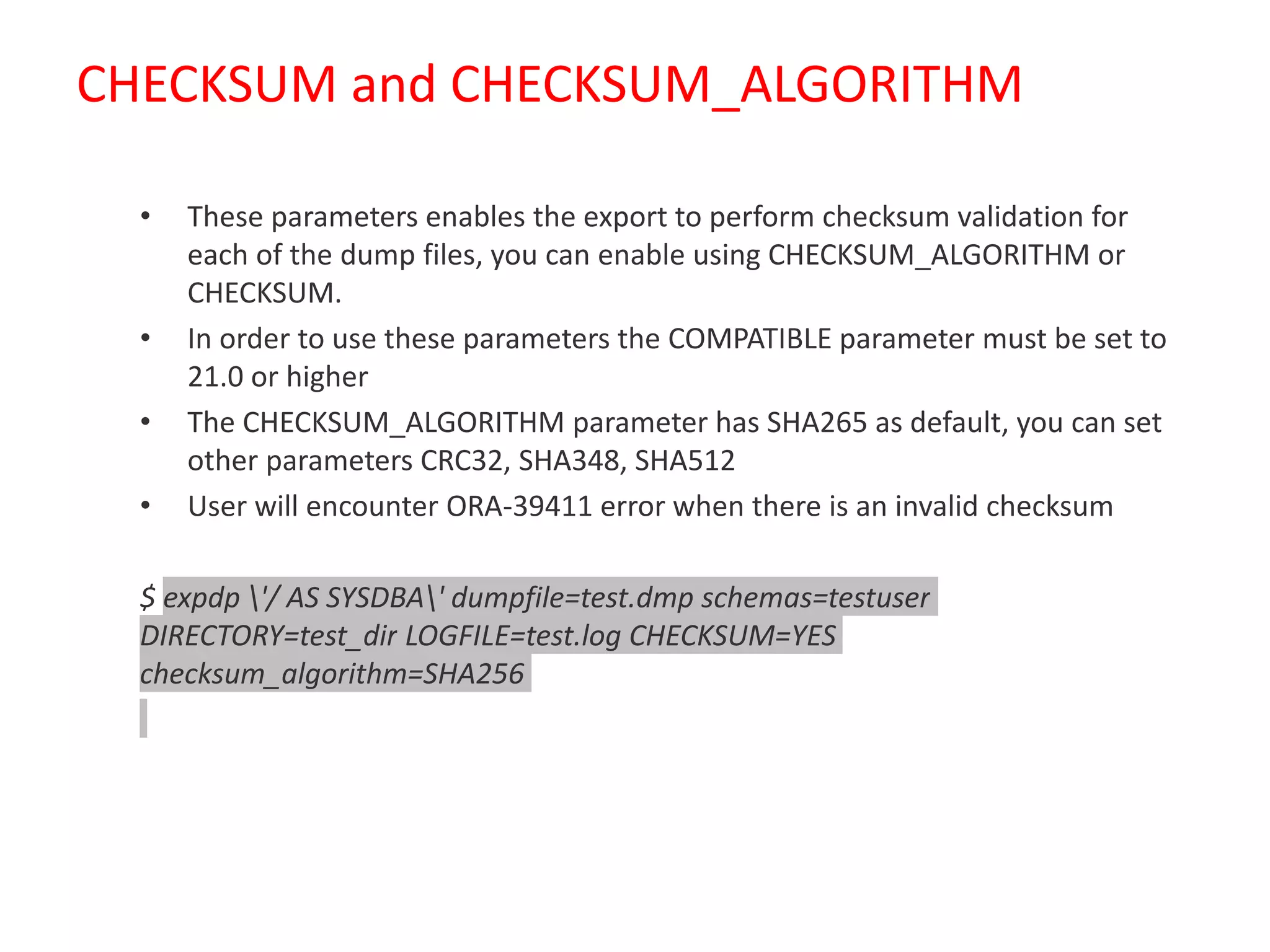
CHECKSUM and CHECKSUM_ALGORITHM
• These parameters enables the export to perform checksum validation for
each of the dump files, you can enable using CHECKSUM_ALGORITHM or
CHECKSUM.
• In order to use these parameters the COMPATIBLE parameter must be set to
21.0 or higher
• The CHECKSUM_ALGORITHM parameter has SHA265 as default, you can set
other parameters CRC32, SHA348, SHA512
• User will encounter ORA-39411 error when there is an invalid checksum
$ expdp '/ AS SYSDBA' dumpfile=test.dmp schemas=testuser
DIRECTORY=test_dir LOGFILE=test.log CHECKSUM=YES
checksum_algorithm=SHA256
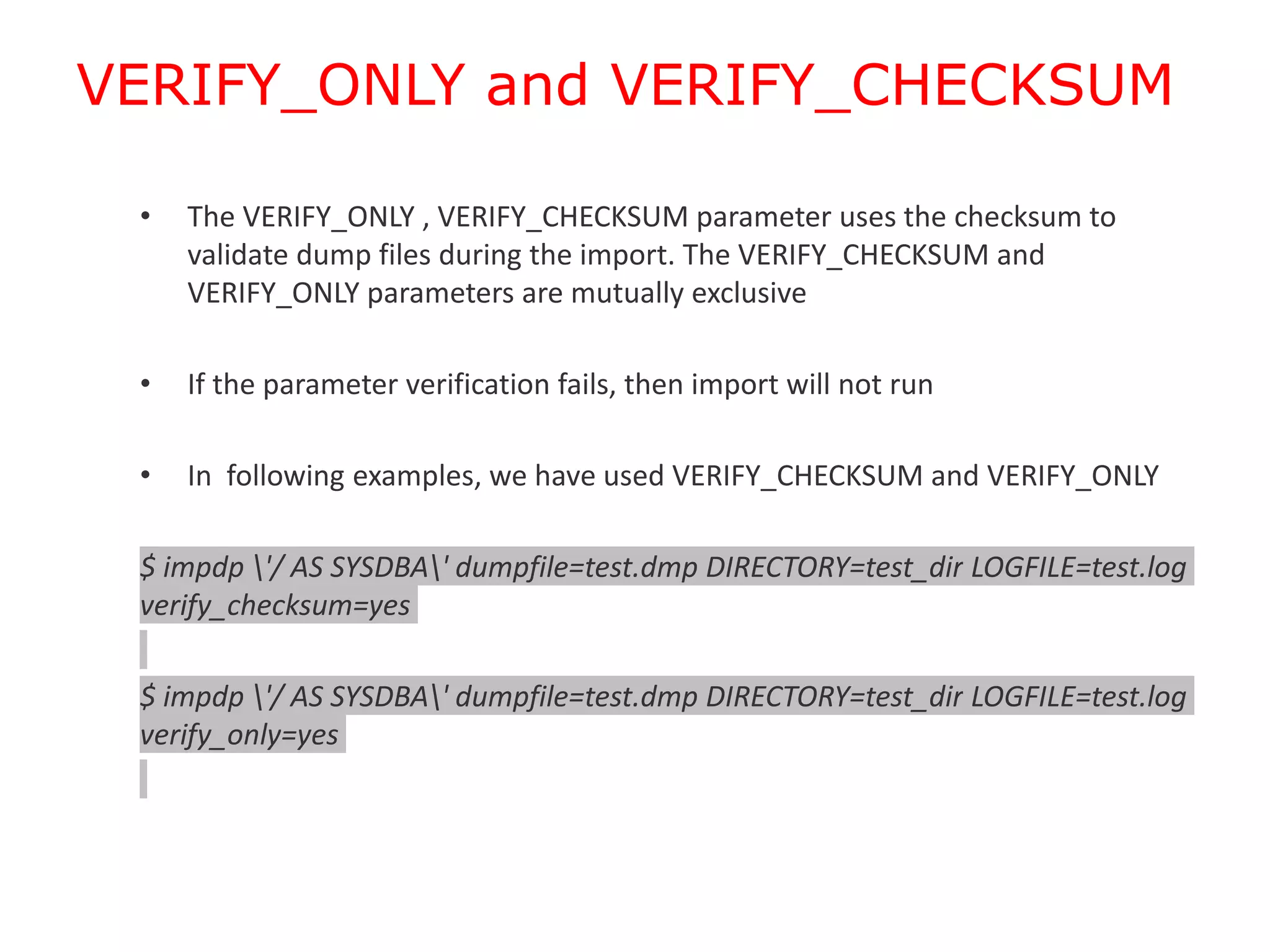
VERIFY_ONLY and VERIFY_CHECKSUM
• The VERIFY_ONLY , VERIFY_CHECKSUM parameter uses the checksum to
validate dump files during the import. The VERIFY_CHECKSUM and
VERIFY_ONLY parameters are mutually exclusive
• If the parameter verification fails, then import will not run
• In following examples, we have used VERIFY_CHECKSUM and VERIFY_ONLY
$ impdp '/ AS SYSDBA' dumpfile=test.dmp DIRECTORY=test_dir LOGFILE=test.log
verify_checksum=yes
$ impdp '/ AS SYSDBA' dumpfile=test.dmp DIRECTORY=test_dir LOGFILE=test.log
verify_only=yes
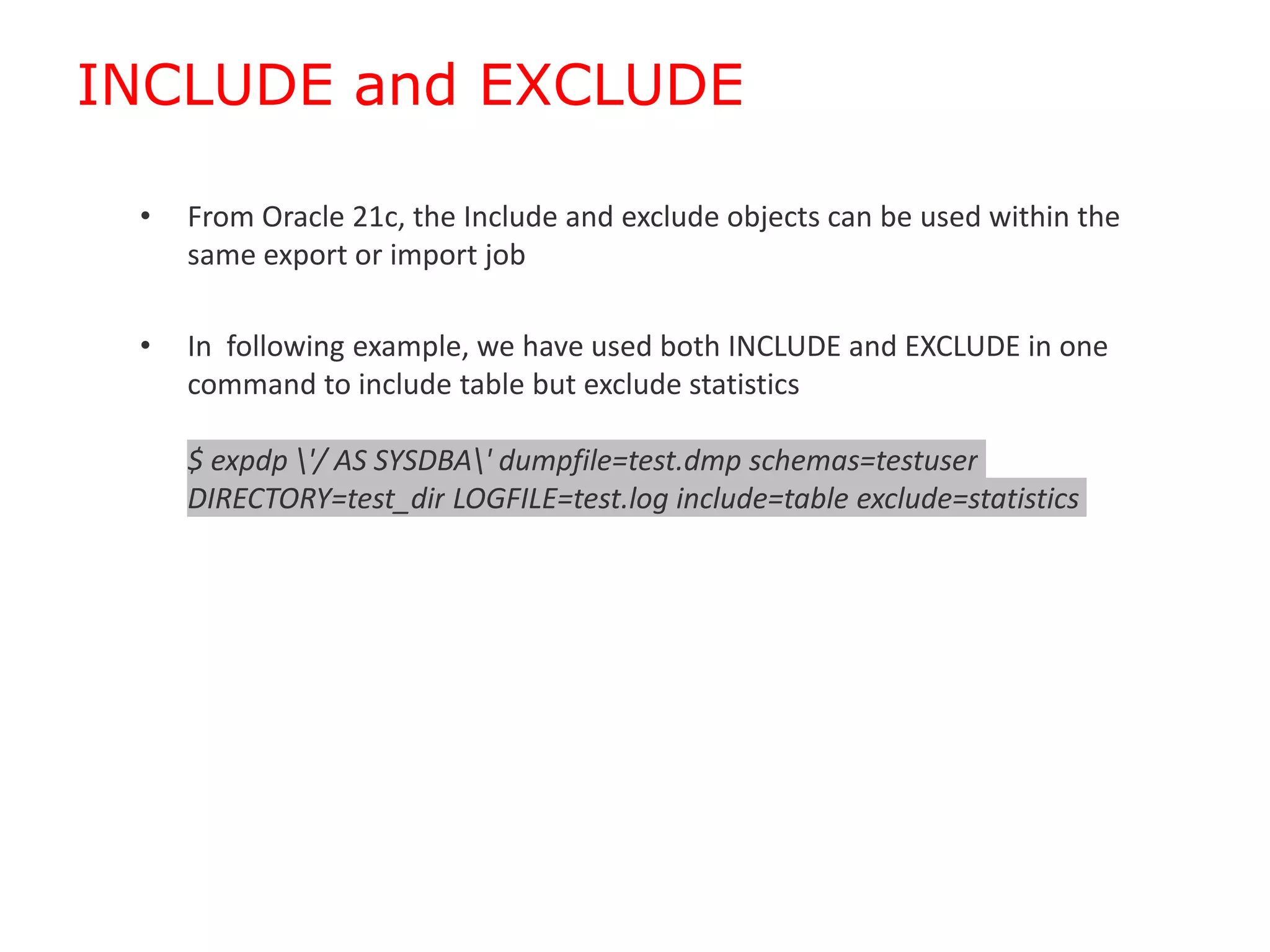
INCLUDE and EXCLUDE
• From Oracle 21c, the Include and exclude objects can be used within the
same export or import job
• In following example, we have used both INCLUDE and EXCLUDE in one
command to include table but exclude statistics
$ expdp '/ AS SYSDBA' dumpfile=test.dmp schemas=testuser
DIRECTORY=test_dir LOGFILE=test.log include=table exclude=statistics
Index Compression
• We can compress indexes while importing using the
INDEX_COMPRESSION_CLAUSE and the TRANSFORM parameter
• In following example, we have used TABLE_COMPRESSION_CLAUSE and
INDEX_COMPRESSION_CLAUSE in the TRANSFORM parameter
$ impdp '/ AS SYSDBA' dumpfile=test.dmp FULL=Y DIRECTORY=test_dir
TRANSFORM=TABLE_COMPRESSION_CLAUSE:"COMPRESS BASIC"
TRANSFORM=INDEX_COMPRESSION_CLAUSE:"COMPRESS ADVANCED LOW"
EXCLUDE=CONSTRAINT
Transportable Tablespace Enhancements
• Before Oracle 21c any failure user cannot be able to resume transportable
tablespace jobs , but now Oracle Data Pump Resumes Transportable
Tablespace Jobs and also Parallelizes Metadata Operations using PARALLEL
parameter
• In following example, we have used TRANSPORT_TABLESPACES with
PARALLEL parameter
$ expdp '/ AS SYSDBA' dumpfile=test.dmp TRANSPORT_TABLESPACES=testusr
DIRECTORY=test_dir TRANSPORT_FULL_CHECK=YES LOGFILE=test.log
REUSE_DUMPFILES=YES PARALLEL=2
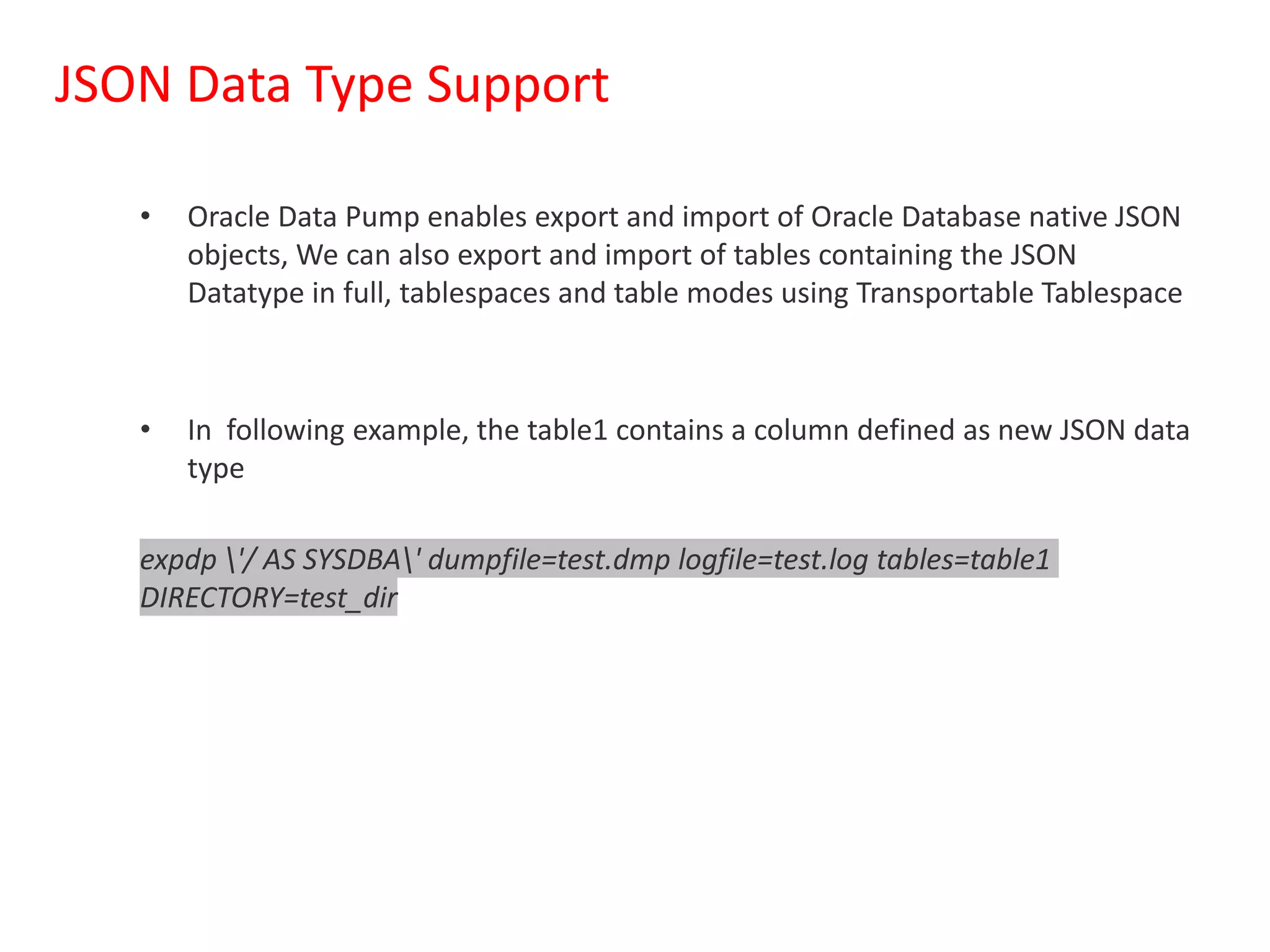
JSON Data Type Support
• Oracle Data Pump enables export and import of Oracle Database native JSON
objects, We can also export and import of tables containing the JSON
Datatype in full, tablespaces and table modes using Transportable Tablespace
• In following example, the table1 contains a column defined as new JSON data
type
expdp '/ AS SYSDBA' dumpfile=test.dmp logfile=test.log tables=table1
DIRECTORY=test_dir
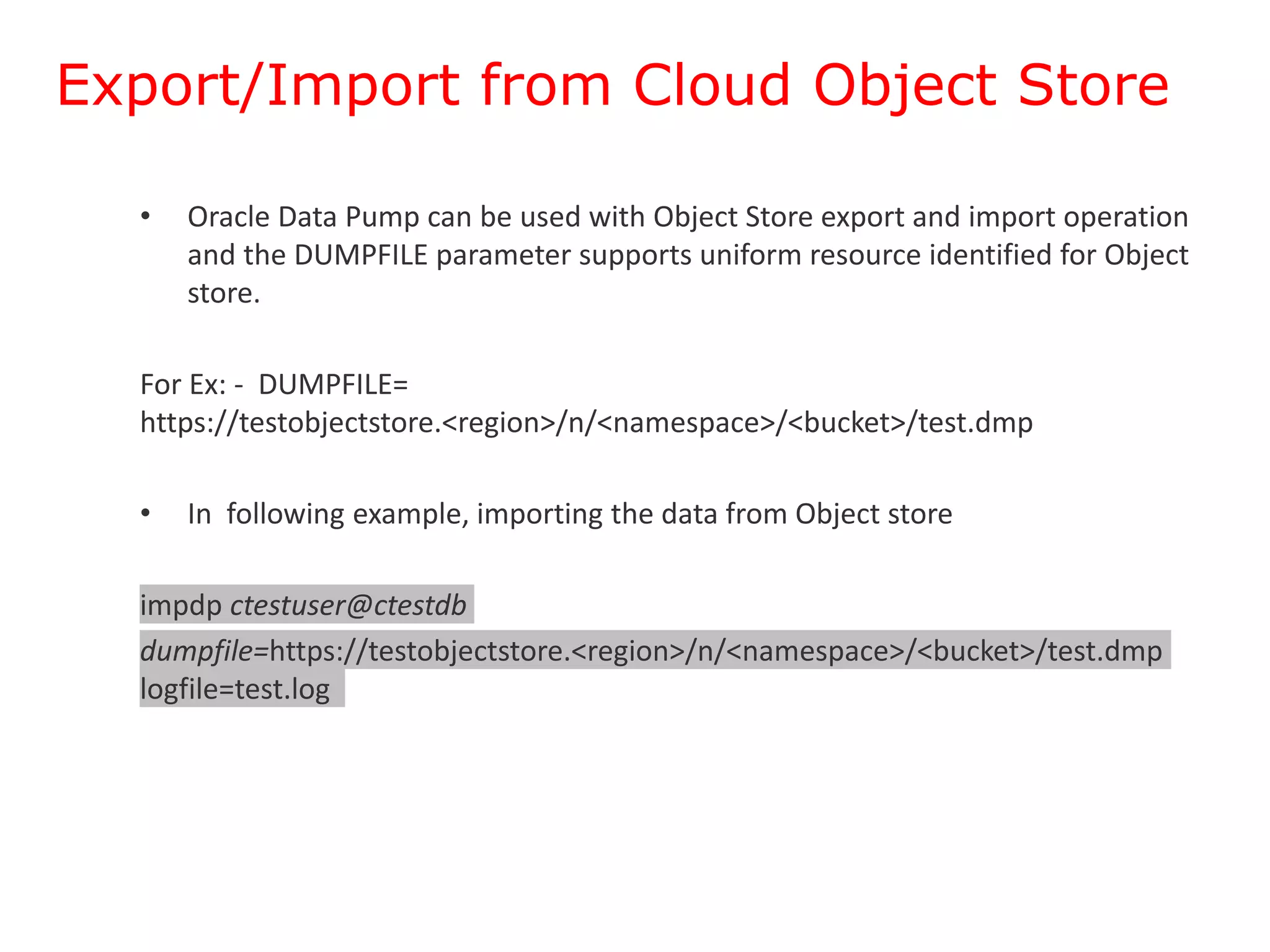
Export/Import from Cloud Object Store
• Oracle Data Pump can be used with Object Store export and import operation
and the DUMPFILE parameter supports uniform resource identified for Object
store.
For Ex: - DUMPFILE=
https://testobjectstore.<region>/n/<namespace>/<bucket>/test.dmp
• In following example, importing the data from Object store
impdp ctestuser@ctestdb
dumpfile=https://testobjectstore.<region>/n/<namespace>/<bucket>/test.dmp
logfile=test.log
Summary
Each Oracle Data pump has many new features to meet business
requirements and use Data pump to its fullest advantage.
Questions & Answers

Oracle Data Pump Enhancements in Oracle 21c.pptx

  • 1.
    Oracle Data PumpEnhancements in Oracle 21c Satishbabu Gunukula, Oracle ACE • 20+ Years of Experience in Database Technologies and specialized in high availability solutions. • Masters Degree in Computer Applications • Written articles for major publications • Oracle Certified Professional Oracle 8i,9i,10g, • Oracle Certified Expert Oracle 10g RAC • SAP HANA Certified Associate • AWS Certified Solutions Architect – Associate http://www.oracleracexpert.com
  • 2.
    Program Agenda • Overviewof Oracle Datapump • Oracle Data Pump 21c New Features  CHECKSUM, CHECKSUM_ALGORITHM  VERIFY_ONLY and VERIFY_CHECKSUM  INCLUDE and EXCLUDE in the Same Operation  Index Compression  Transportable Tablespace Enhancements  JSON Data Type Support  Export/Import from Cloud Object Store • Demo • Q& A
  • 3.
    Overview of OracleDatapump • Oracle Data pump helps to move data and metadata from one database to another database. • Oracle Data pump has 3 components – Command-Line clients expdp and impdp – Package DBMS_DATA PUMP – Package DBMS_METADAT • Oracle The Roles DATAPUMP_EXP_FULL_DATABASE and DATAPUMP_IMP_FULL_DATABASE are required for export/import operations • Data pump jobs are monitored by using DBA_DATAPUMP_JOBS, USER_DATAPUMP_JOBS or DBA_DATAPUMP_SESSIONS views • To monitor Progress of the jobs query V$SESSION_LONGOPS dynamic performance view • The UTL_FILE_DIR de-supported in Oracle 18c and later releases
  • 4.
    Oracle Data pumpnew features in 21c Oracle release 21c has many new features and functionalities in below areas  CHECKSUM and CHECKSUM_ALGORITHM  VERIFY_ONLY and VERIFY_CHECKSUM  INCLUDE and EXCLUDE in the Same Operation  Index Compression  Transportable Tablespace Enhancements  JSON Data Type Support  Export/Import from Cloud Object Store
  • 5.
    CHECKSUM and CHECKSUM_ALGORITHM •These parameters enables the export to perform checksum validation for each of the dump files, you can enable using CHECKSUM_ALGORITHM or CHECKSUM. • In order to use these parameters the COMPATIBLE parameter must be set to 21.0 or higher • The CHECKSUM_ALGORITHM parameter has SHA265 as default, you can set other parameters CRC32, SHA348, SHA512 • User will encounter ORA-39411 error when there is an invalid checksum $ expdp '/ AS SYSDBA' dumpfile=test.dmp schemas=testuser DIRECTORY=test_dir LOGFILE=test.log CHECKSUM=YES checksum_algorithm=SHA256
  • 6.
    VERIFY_ONLY and VERIFY_CHECKSUM •The VERIFY_ONLY , VERIFY_CHECKSUM parameter uses the checksum to validate dump files during the import. The VERIFY_CHECKSUM and VERIFY_ONLY parameters are mutually exclusive • If the parameter verification fails, then import will not run • In following examples, we have used VERIFY_CHECKSUM and VERIFY_ONLY $ impdp '/ AS SYSDBA' dumpfile=test.dmp DIRECTORY=test_dir LOGFILE=test.log verify_checksum=yes $ impdp '/ AS SYSDBA' dumpfile=test.dmp DIRECTORY=test_dir LOGFILE=test.log verify_only=yes
  • 7.
    INCLUDE and EXCLUDE •From Oracle 21c, the Include and exclude objects can be used within the same export or import job • In following example, we have used both INCLUDE and EXCLUDE in one command to include table but exclude statistics $ expdp '/ AS SYSDBA' dumpfile=test.dmp schemas=testuser DIRECTORY=test_dir LOGFILE=test.log include=table exclude=statistics
  • 8.
    Index Compression • Wecan compress indexes while importing using the INDEX_COMPRESSION_CLAUSE and the TRANSFORM parameter • In following example, we have used TABLE_COMPRESSION_CLAUSE and INDEX_COMPRESSION_CLAUSE in the TRANSFORM parameter $ impdp '/ AS SYSDBA' dumpfile=test.dmp FULL=Y DIRECTORY=test_dir TRANSFORM=TABLE_COMPRESSION_CLAUSE:"COMPRESS BASIC" TRANSFORM=INDEX_COMPRESSION_CLAUSE:"COMPRESS ADVANCED LOW" EXCLUDE=CONSTRAINT
  • 9.
    Transportable Tablespace Enhancements •Before Oracle 21c any failure user cannot be able to resume transportable tablespace jobs , but now Oracle Data Pump Resumes Transportable Tablespace Jobs and also Parallelizes Metadata Operations using PARALLEL parameter • In following example, we have used TRANSPORT_TABLESPACES with PARALLEL parameter $ expdp '/ AS SYSDBA' dumpfile=test.dmp TRANSPORT_TABLESPACES=testusr DIRECTORY=test_dir TRANSPORT_FULL_CHECK=YES LOGFILE=test.log REUSE_DUMPFILES=YES PARALLEL=2
  • 10.
    JSON Data TypeSupport • Oracle Data Pump enables export and import of Oracle Database native JSON objects, We can also export and import of tables containing the JSON Datatype in full, tablespaces and table modes using Transportable Tablespace • In following example, the table1 contains a column defined as new JSON data type expdp '/ AS SYSDBA' dumpfile=test.dmp logfile=test.log tables=table1 DIRECTORY=test_dir
  • 11.
    Export/Import from CloudObject Store • Oracle Data Pump can be used with Object Store export and import operation and the DUMPFILE parameter supports uniform resource identified for Object store. For Ex: - DUMPFILE= https://testobjectstore.<region>/n/<namespace>/<bucket>/test.dmp • In following example, importing the data from Object store impdp ctestuser@ctestdb dumpfile=https://testobjectstore.<region>/n/<namespace>/<bucket>/test.dmp logfile=test.log
  • 12.
    Summary Each Oracle Datapump has many new features to meet business requirements and use Data pump to its fullest advantage.
  • 13.

Editor's Notes