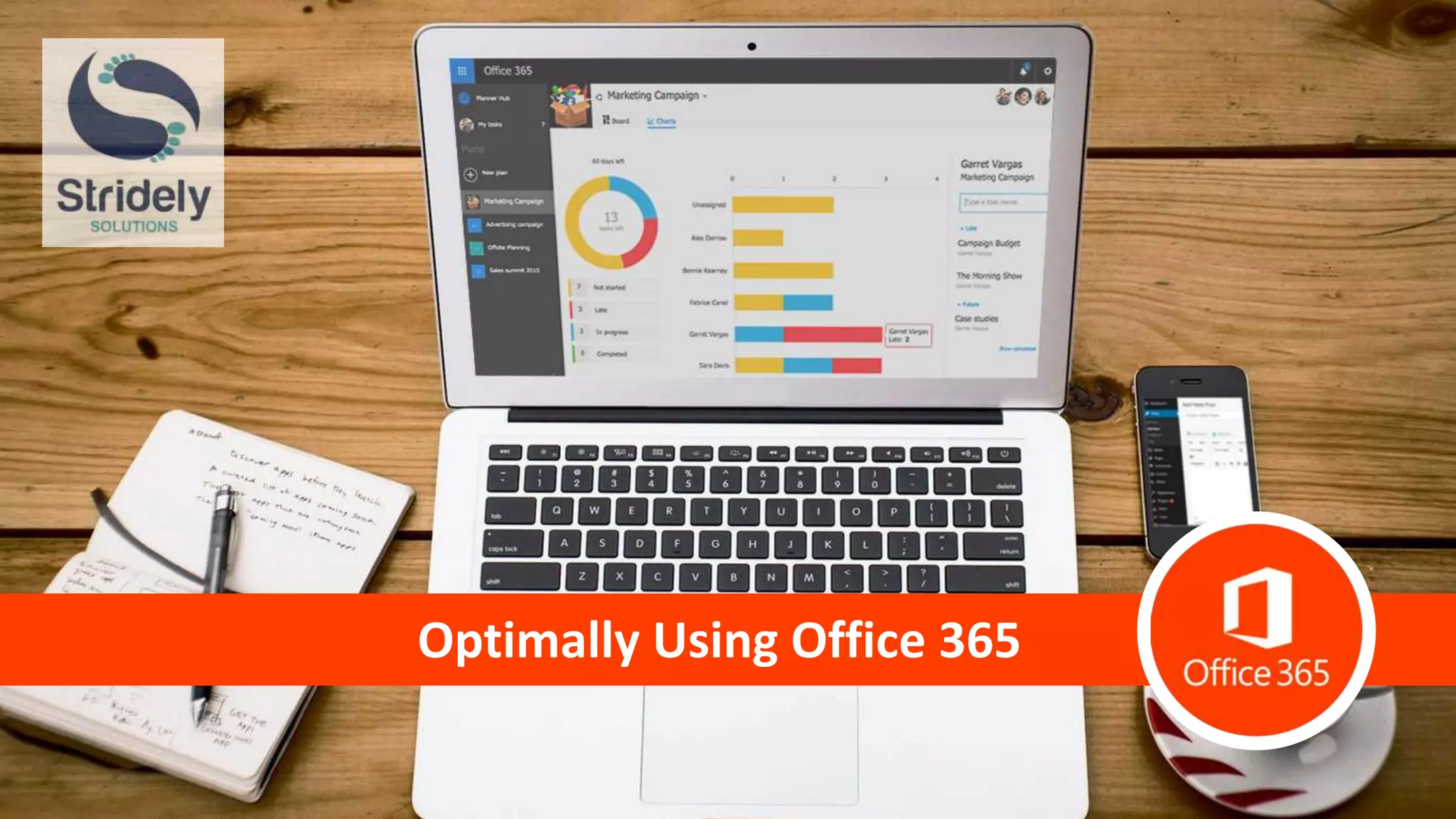
Optimally Using Office 365
Integrating Business Operations
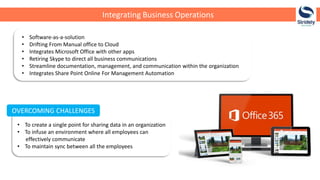
• Software-as-a-solution
• Drifting From Manual office to Cloud
• Integrates Microsoft Office with other apps
• Retiring Skype to direct all business communications
• Streamline documentation, management, and communication within the organization
• Integrates Share Point Online For Management Automation
OVERCOMING CHALLENGES
• To create a single point for sharing data in an organization
• To infuse an environment where all employees can
effectively communicate
• To maintain sync between all the employees
Why
Cloud?
Cuts down
Cost
Embed
productive
tool
Prompt
Delivery
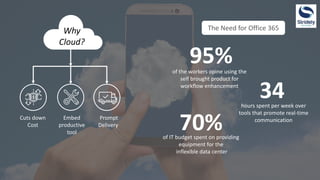
The Need for Office 365
of the workers opine using the
self brought product for
workflow enhancement
95%
hours spent per week over
tools that promote real-time
communication
34
of IT budget spent on providing
equipment for the
inflexible data center
70%
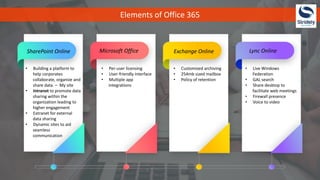
Elements of Office 365
SharePoint Online Microsoft Office Exchange Online Lync Online
• Building a platform to
help corporates
collaborate, organize and
share data. – My site
• Intranet to promote data
sharing within the
organization leading to
higher engagement
• Extranet for external
data sharing
• Dynamic sites to aid
seamless
communication
• Per-user licensing
• User-friendly interface
• Multiple app
integrations
• Customized archiving
• 254mb sized mailbox
• Policy of retention
• Live Windows
Federation
• GAL search
• Share desktop to
facilitate web meetings
• Firewall presence
• Voice to video
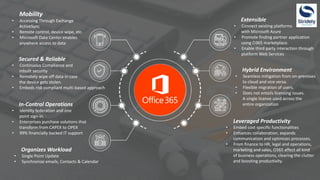
Mobility
• Accessing Through Exchange
ActiveSync
• Remote control, device wipe, etc.
• Microsoft Data Center enables
anywhere access to data
Leveraged Productivity
• Embed cost specific functionalities
• Enhances collaboration, expands
communication and optimizes processes.
• From finance to HR, legal and operations,
marketing and sales, O365 affect all kind
of business operations, clearing the clutter
and boosting productivity.
Secured & Reliable
• Continuous Compliance and
inbuilt security
• Remotely wipe off data in case
the device gets stolen.
• Embeds risk compliant multi-based approach
In-Control Operations
• Identity federation and one
point sign-in.
• Enterprises purchase solutions that
transform from CAPEX to OPEX
• 99% financially backed IT support
Organizes Workload
• Single Point Update
• Synchronize emails, Contacts & Calendar
Extensible
• Connect existing platforms
with Microsoft Azure
• Promote finding partner application
using O365 marketplace.
• Enable third party interaction through
platform Web Services
Hybrid Environment
• Seamless mitigation from on-premises
to cloud and vice versa.
• Flexible migration of users.
• Does not entails licensing issues.
A single license used across the
entire organization
www.stridelysolutions.com info@stridelysolutions.com

Optimally Using Office 365

  • 1.
  • 2.
    Integrating Business Operations •Software-as-a-solution • Drifting From Manual office to Cloud • Integrates Microsoft Office with other apps • Retiring Skype to direct all business communications • Streamline documentation, management, and communication within the organization • Integrates Share Point Online For Management Automation OVERCOMING CHALLENGES • To create a single point for sharing data in an organization • To infuse an environment where all employees can effectively communicate • To maintain sync between all the employees
  • 3.
    Why Cloud? Cuts down Cost Embed productive tool Prompt Delivery The Needfor Office 365 of the workers opine using the self brought product for workflow enhancement 95% hours spent per week over tools that promote real-time communication 34 of IT budget spent on providing equipment for the inflexible data center 70%
  • 4.
    Elements of Office365 SharePoint Online Microsoft Office Exchange Online Lync Online • Building a platform to help corporates collaborate, organize and share data. – My site • Intranet to promote data sharing within the organization leading to higher engagement • Extranet for external data sharing • Dynamic sites to aid seamless communication • Per-user licensing • User-friendly interface • Multiple app integrations • Customized archiving • 254mb sized mailbox • Policy of retention • Live Windows Federation • GAL search • Share desktop to facilitate web meetings • Firewall presence • Voice to video
  • 5.
    Mobility • Accessing ThroughExchange ActiveSync • Remote control, device wipe, etc. • Microsoft Data Center enables anywhere access to data Leveraged Productivity • Embed cost specific functionalities • Enhances collaboration, expands communication and optimizes processes. • From finance to HR, legal and operations, marketing and sales, O365 affect all kind of business operations, clearing the clutter and boosting productivity. Secured & Reliable • Continuous Compliance and inbuilt security • Remotely wipe off data in case the device gets stolen. • Embeds risk compliant multi-based approach In-Control Operations • Identity federation and one point sign-in. • Enterprises purchase solutions that transform from CAPEX to OPEX • 99% financially backed IT support Organizes Workload • Single Point Update • Synchronize emails, Contacts & Calendar Extensible • Connect existing platforms with Microsoft Azure • Promote finding partner application using O365 marketplace. • Enable third party interaction through platform Web Services Hybrid Environment • Seamless mitigation from on-premises to cloud and vice versa. • Flexible migration of users. • Does not entails licensing issues. A single license used across the entire organization
  • 6.