OpenBSD as a full-featured NAS
OpenBSD is not only for Network related projects
Fosdem 2019
Email: vincent.delft@easytransitions-ict.be
Blog: https://www.vincentdelft.be
My company: https://easytransitions-ict.be
Topics for today
●
What are the goals of this project
●
How I’ve implemented it
●
What were/are the problems
●
Lesson’s learned
●
The scripts developed are shared
●
Conclusions
Goals
●
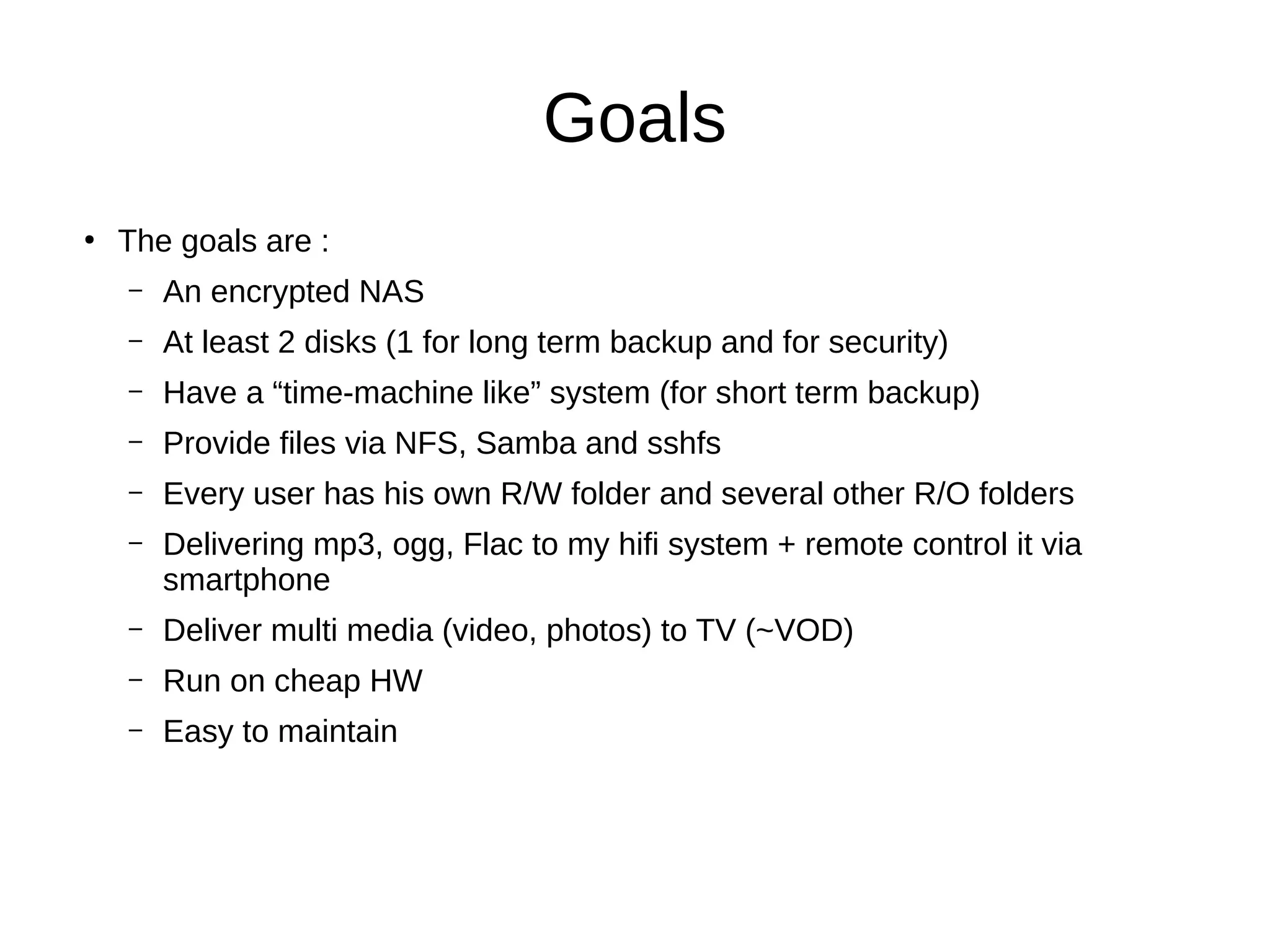
The goals are :
– An encrypted NAS
– At least 2 disks (1 for long term backup and for security)
– Have a “time-machine like” system (for short term backup)
– Provide files via NFS, Samba and sshfs
– Every user has his own R/W folder and several other R/O folders
– Delivering mp3, ogg, Flac to my hifi system + remote control it via
smartphone
– Deliver multi media (video, photos) to TV (~VOD)
– Run on cheap HW
– Easy to maintain
Design
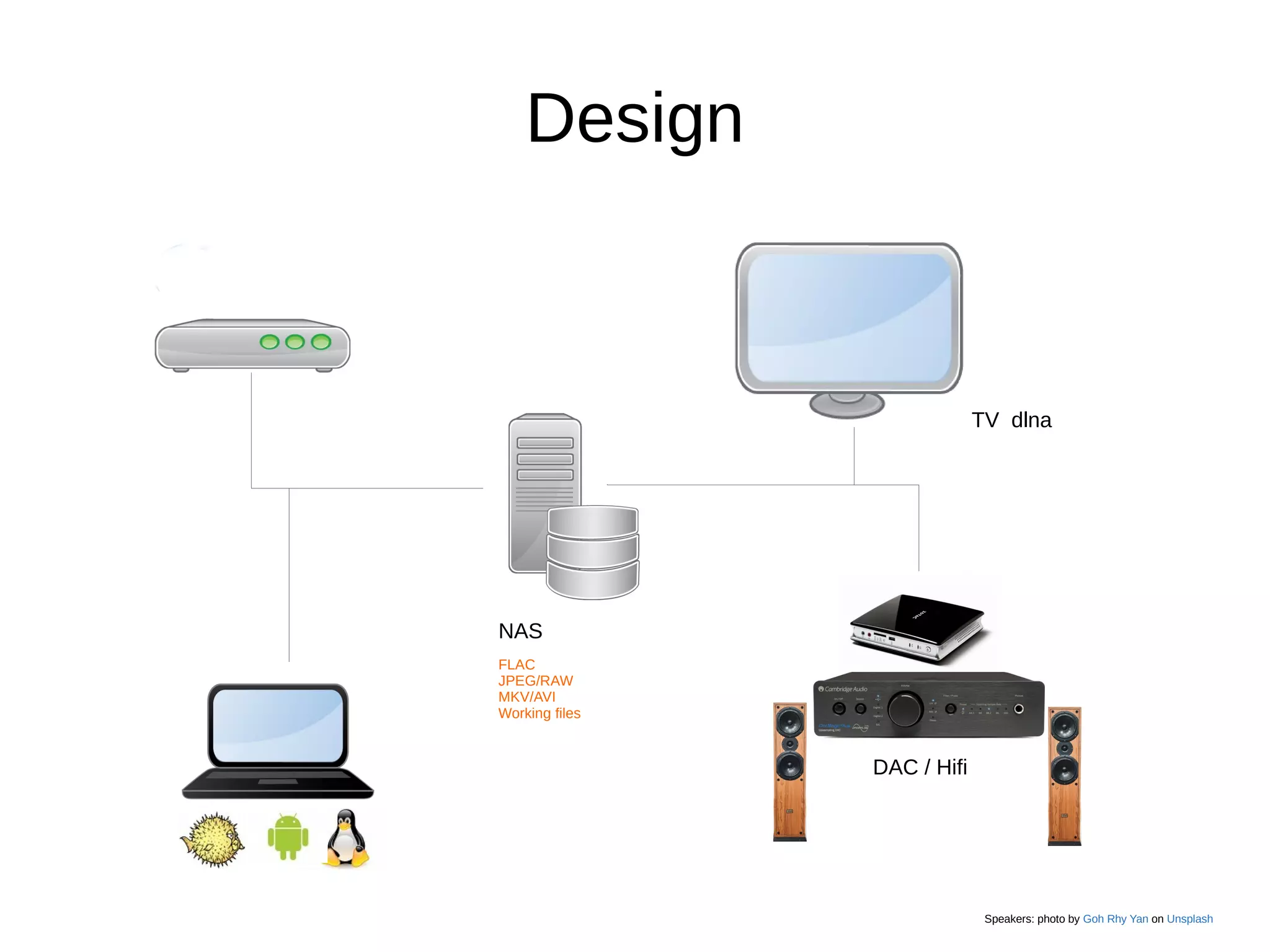
NAS
FLAC
JPEG/RAW
MKV/AVI
Working files
DAC / Hifi
TV dlna
Speakers: photo by Goh Rhy Yan on Unsplash
NAS
●
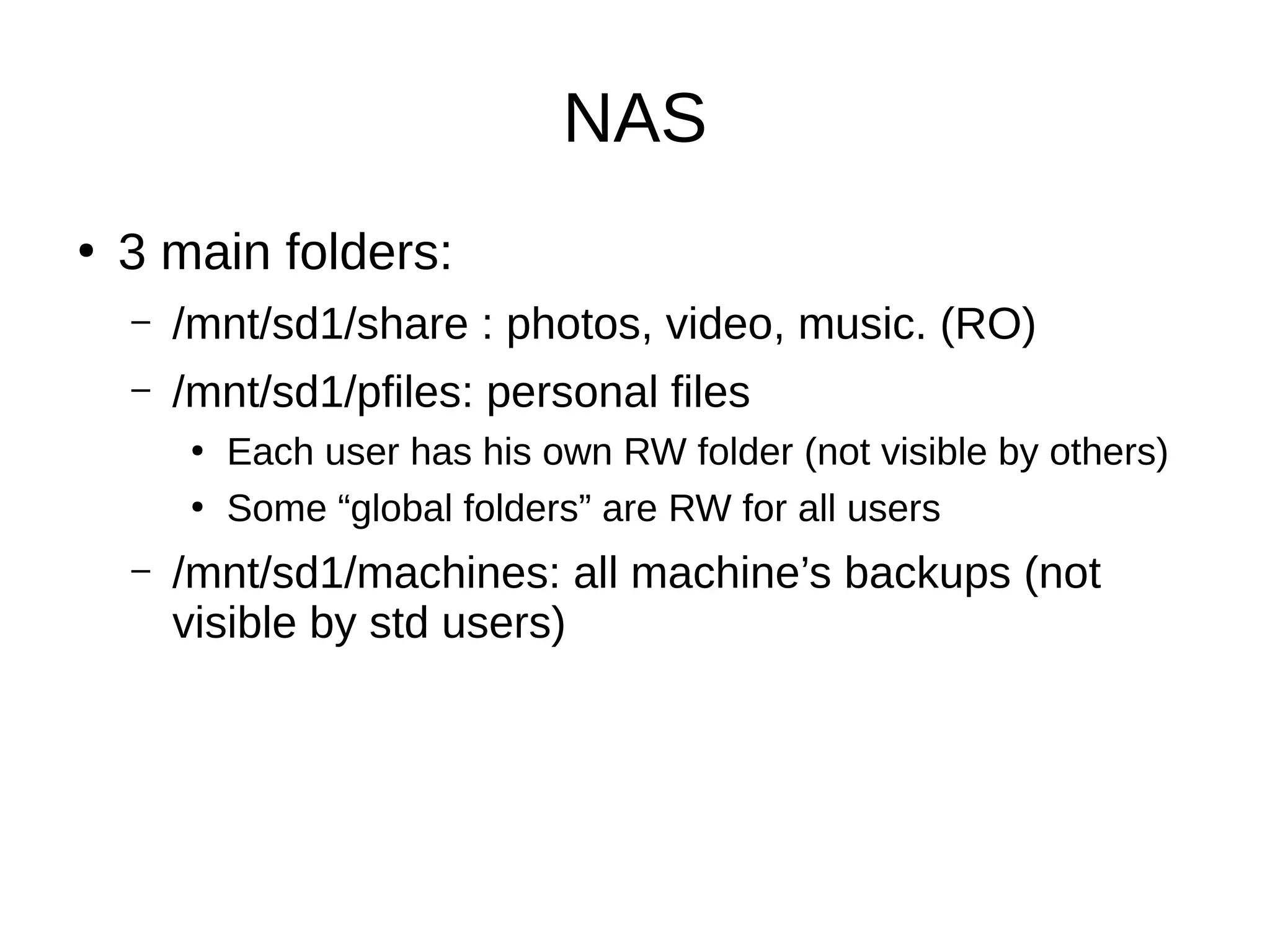
3 main folders:
– /mnt/sd1/share : photos, video, music. (RO)
– /mnt/sd1/pfiles: personal files
●
Each user has his own RW folder (not visible by others)
●
Some “global folders” are RW for all users
– /mnt/sd1/machines: all machine’s backups (not
visible by std users)
Hardware (old)
●
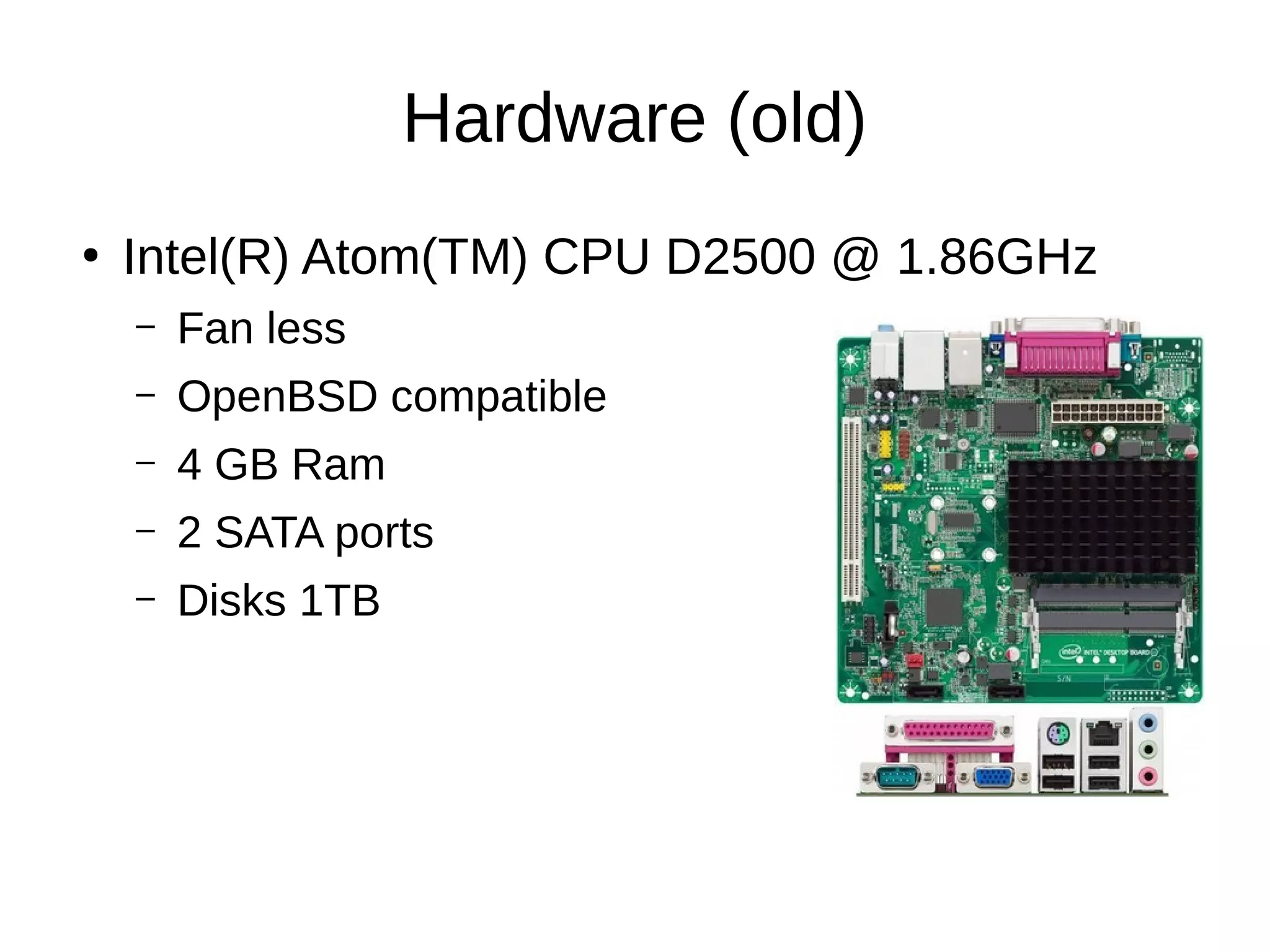
Intel(R) Atom(TM) CPU D2500 @ 1.86GHz
– Fan less
– OpenBSD compatible
– 4 GB Ram
– 2 SATA ports
– Disks 1TB
Hardware
●
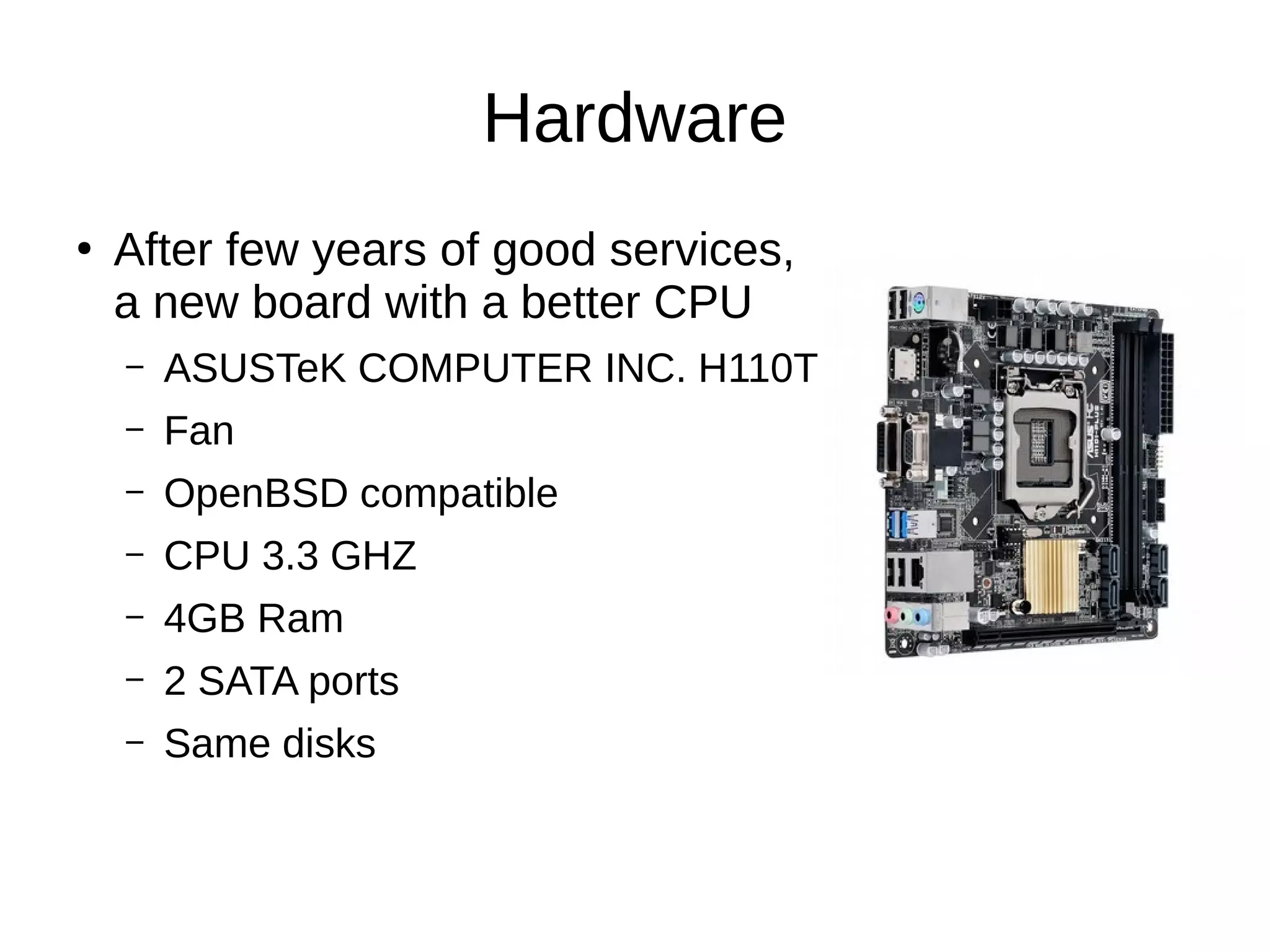
After few years of good services,
a new board with a better CPU
– ASUSTeK COMPUTER INC. H110T
– Fan
– OpenBSD compatible
– CPU 3.3 GHZ
– 4GB Ram
– 2 SATA ports
– Same disks
Lesson’s learned HW
●
Read man pages before buying
Setup OpenBSD
●
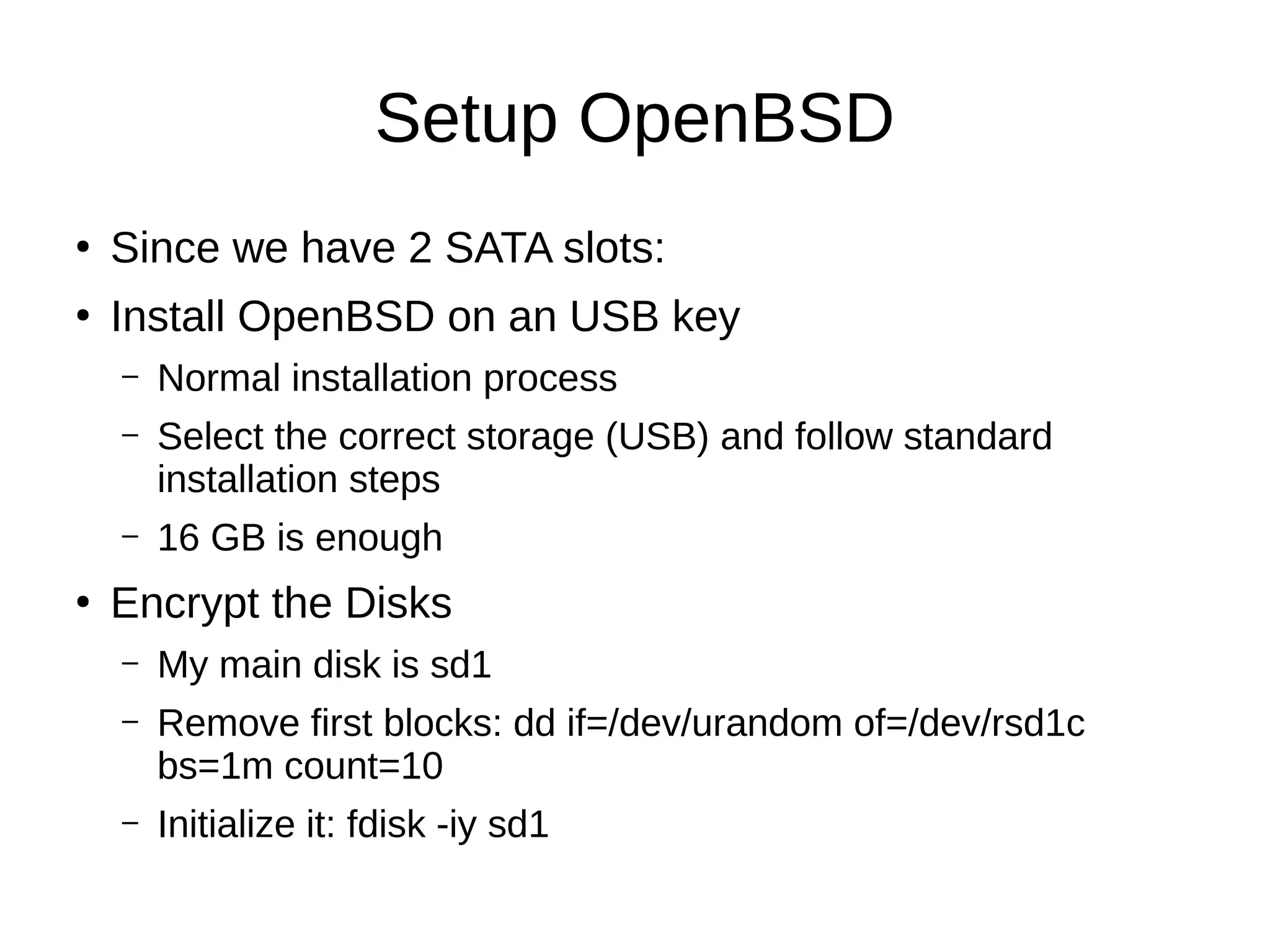
Since we have 2 SATA slots:
●
Install OpenBSD on an USB key
– Normal installation process
– Select the correct storage (USB) and follow standard
installation steps
– 16 GB is enough
●
Encrypt the Disks
– My main disk is sd1
– Remove first blocks: dd if=/dev/urandom of=/dev/rsd1c
bs=1m count=10
– Initialize it: fdisk -iy sd1
●
Partition it:
# disklabel -E sd1
Label editor (enter '?' for help at any prompt)
> a i
offset: [64]
size: [1953520001] *
FS type: [4.2BSD] RAID
> w
> q
●
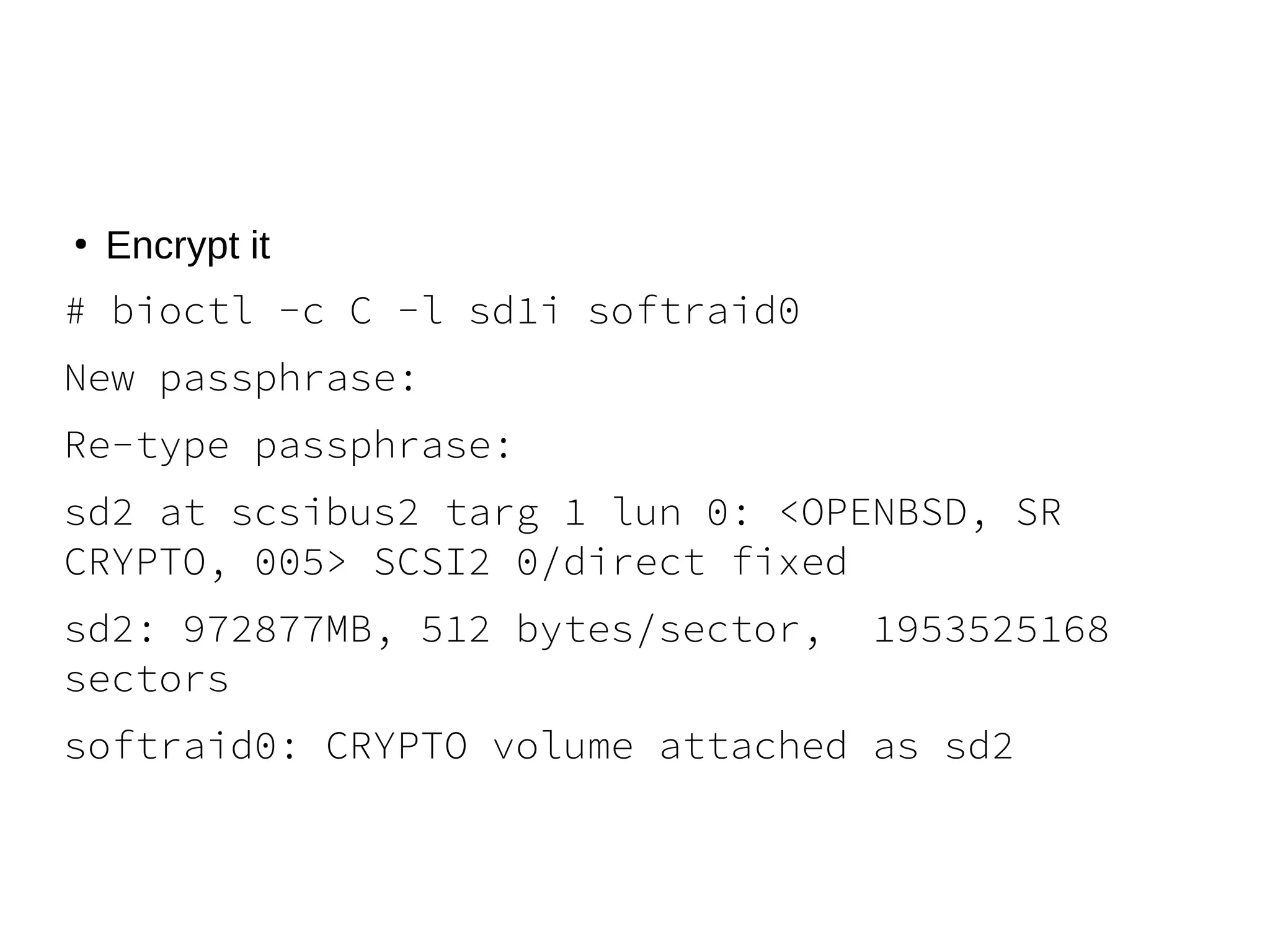
Encrypt it
# bioctl -c C -l sd1i softraid0
New passphrase:
Re-type passphrase:
sd2 at scsibus2 targ 1 lun 0: <OPENBSD, SR
CRYPTO, 005> SCSI2 0/direct fixed
sd2: 972877MB, 512 bytes/sector, 1953525168
sectors
softraid0: CRYPTO volume attached as sd2
●
Partition it and Format it:
# disklable –E sd2
Label editor (enter '?' for help at any prompt)
> a i
offset: [64]
size: [1953519473] *
FS type: [4.2BSD]
> w
> q
# newfs /dev/rsd2i
# mount /dev/sd2i /mnt
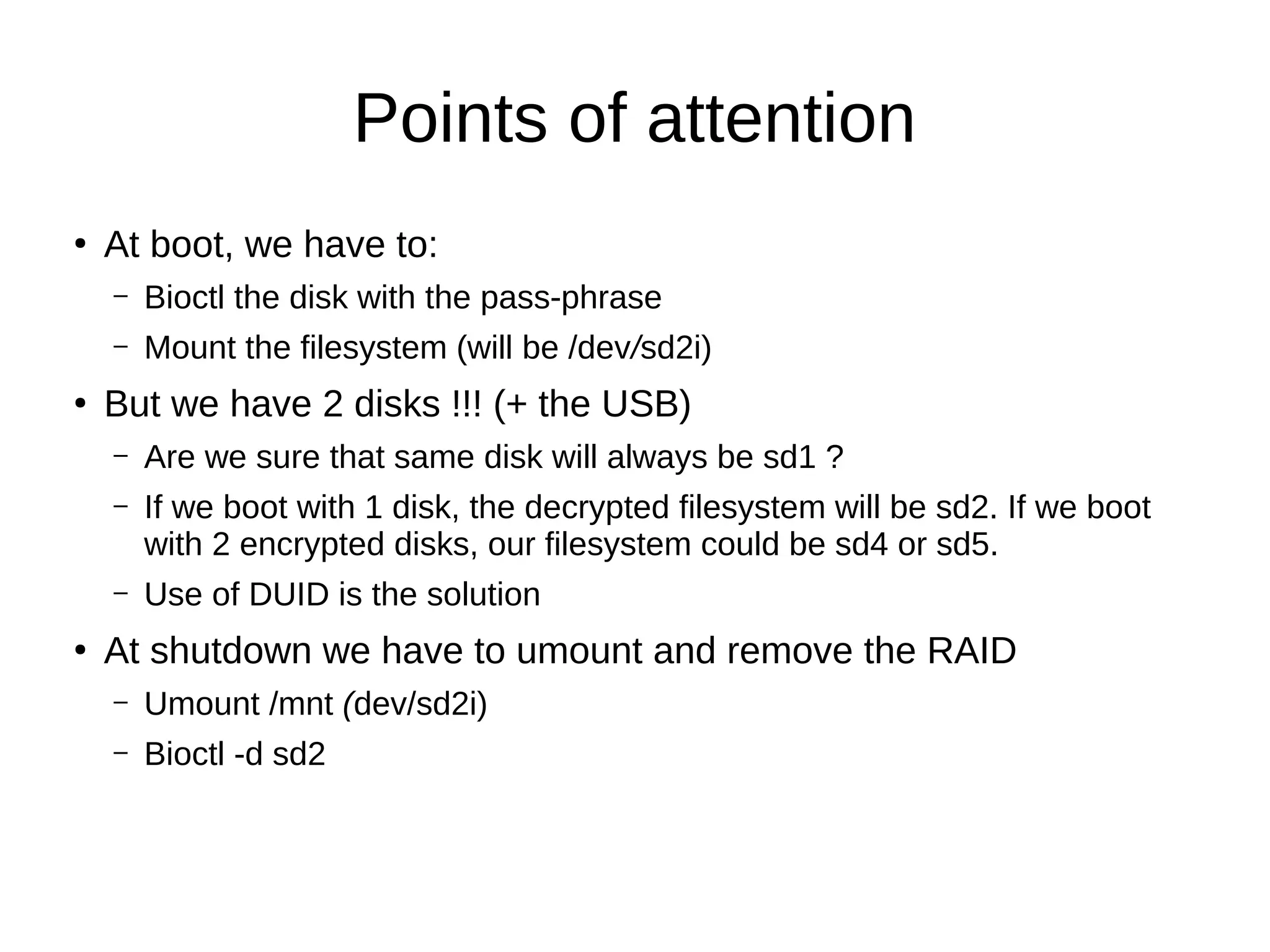
Points of attention
●
At boot, we have to:
– Bioctl the disk with the pass-phrase
– Mount the filesystem (will be /dev/sd2i)
●
But we have 2 disks !!! (+ the USB)
– Are we sure that same disk will always be sd1 ?
– If we boot with 1 disk, the decrypted filesystem will be sd2. If we boot
with 2 encrypted disks, our filesystem could be sd4 or sd5.
– Use of DUID is the solution
●
At shutdown we have to umount and remove the RAID
– Umount /mnt (dev/sd2i)
– Bioctl -d sd2
#disklabel sd1
# /dev/rsd1c:
type: SCSI
disk: SCSI disk
label: WDC WD10EFRX-68P
duid: 8fbf08f1b85e8f65
flags:
bytes/sector: 512
sectors/track: 63
tracks/cylinder: 255
sectors/cylinder: 16065
cylinders: 121601
total sectors: 1953525168
boundstart: 64
boundend: 1953520065
drivedata: 0
16 partitions:
# size offset fstype [fsize bsize cpg]
c: 1953525168 0 unused
i: 1953520001 64 RAID
/etc/rc.local
#mkdir /mnt/sd1
logger "rc.local: bioctl the nas"
bioctl -c C -l 8fbf08f1b85e8f65.i -p /root/xxx softraid0 > /tmp/maindisk
device=$(sed -n -e '/CRYPTO/ s/.* //p' /tmp/maindisk)
logger "rc.local: trying to mount the nas"
mountok=1
mount -o noatime,softdep /dev/${device}i /mnt/sd1
if [ $? -gt 0 ]; then
mountok=0
logger "rc.local: mount failed !!! start fsck -y"
fsck -y /dev/${device}i
logger "rc.local: retry to mount the nas"
mountok=1
mount -o noatime,softdep /dev/${device}i /mnt/sd1
if [ $? -gt 0 ]; then
mountok=0
fi
fi
if [ "$mountok" = "1" ]; then
...
else
Logger “rc.local: failed to start applications
fi
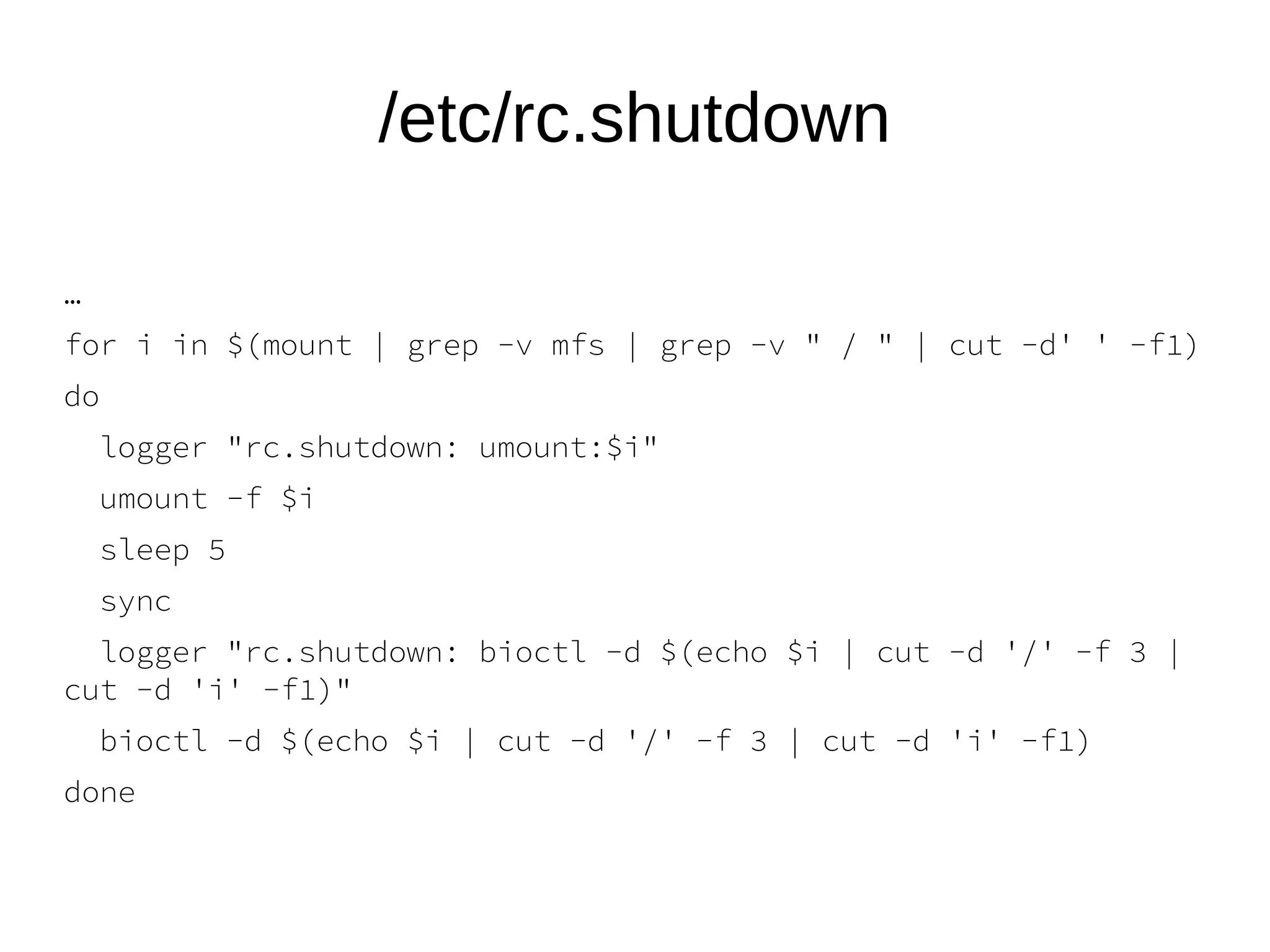
/etc/rc.shutdown
…
for i in $(mount | grep -v mfs | grep -v " / " | cut -d' ' -f1)
do
logger "rc.shutdown: umount:$i"
umount -f $i
sleep 5
sync
logger "rc.shutdown: bioctl -d $(echo $i | cut -d '/' -f 3 |
cut -d 'i' -f1)"
bioctl -d $(echo $i | cut -d '/' -f 3 | cut -d 'i' -f1)
done
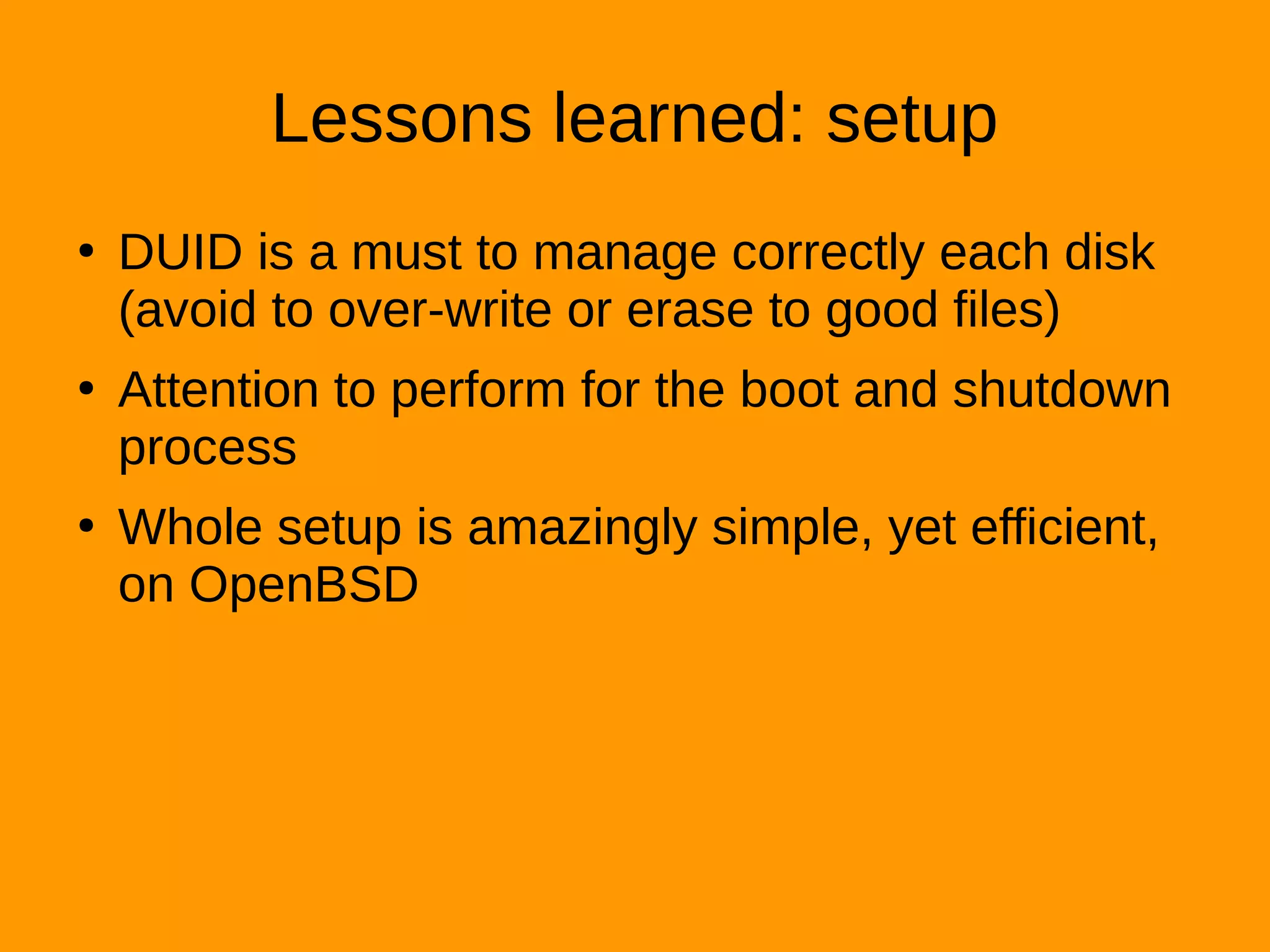
Lessons learned: setup
●
DUID is a must to manage correctly each disk
(avoid to over-write or erase to good files)
●
Attention to perform for the boot and shutdown
process
●
Whole setup is amazingly simple, yet efficient,
on OpenBSD
Time machine
●
https://sourceforge.net/projects/simple-time-machine/
●
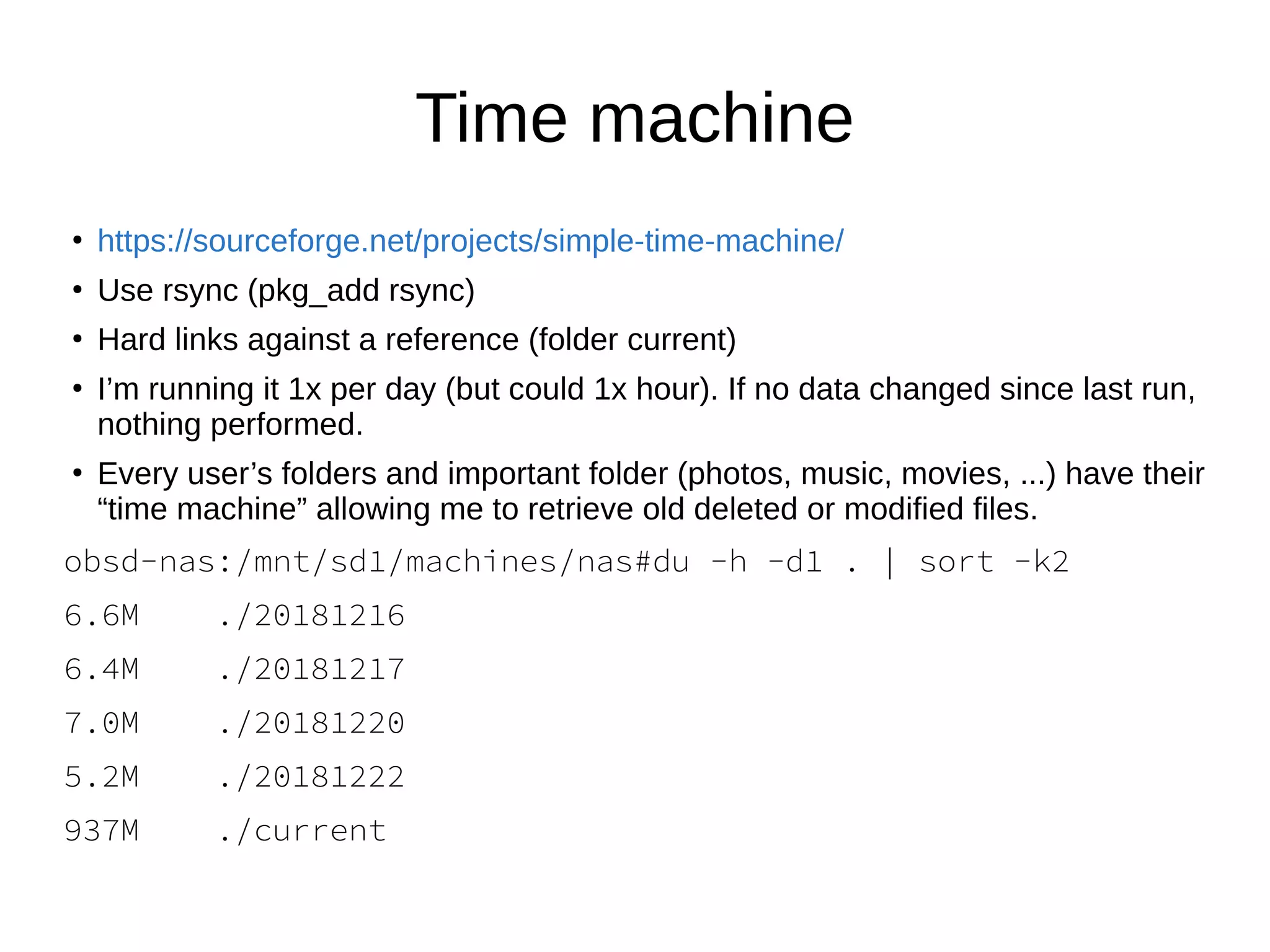
Use rsync (pkg_add rsync)
●
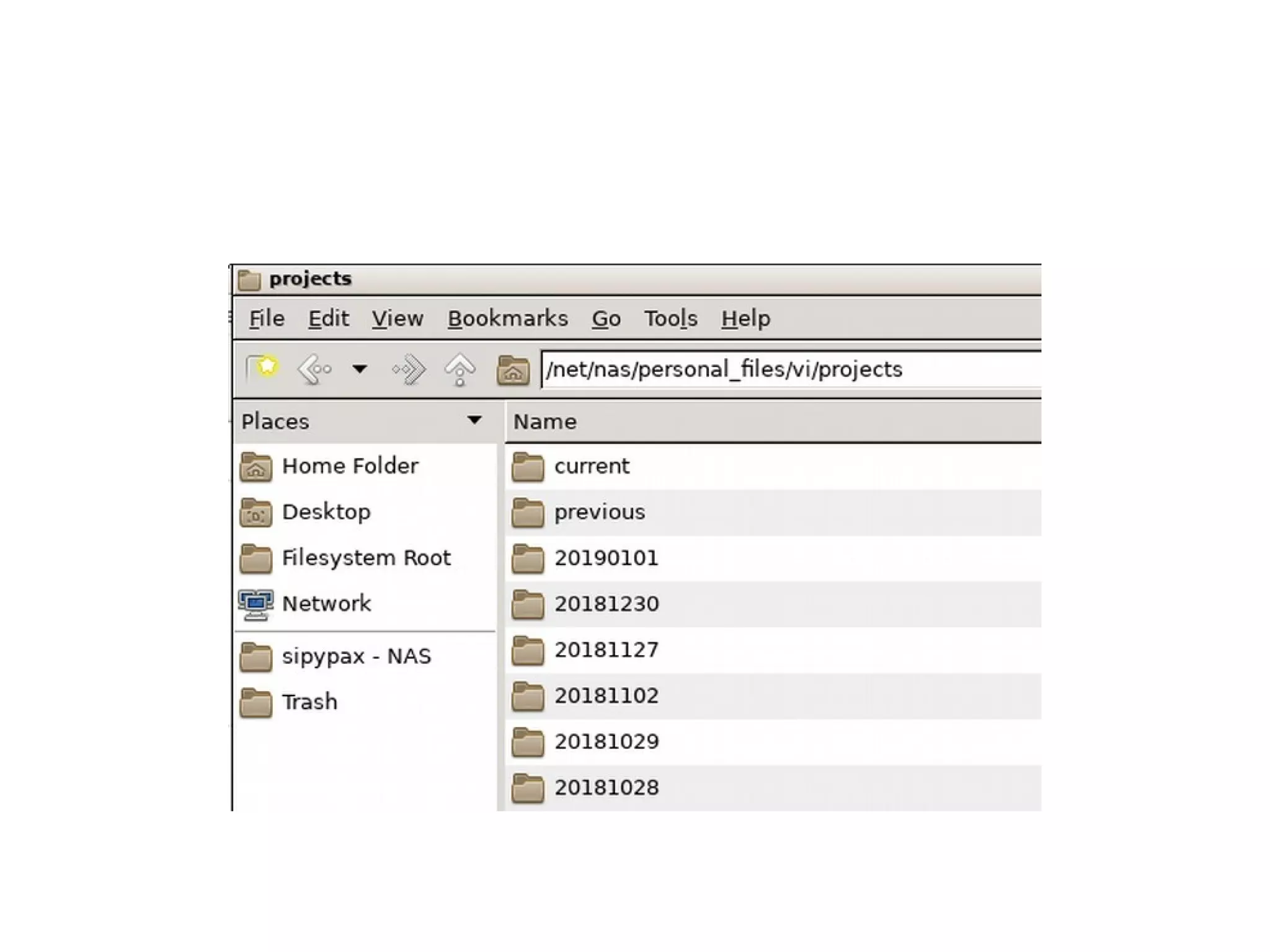
Hard links against a reference (folder current)
●
I’m running it 1x per day (but could 1x hour). If no data changed since last run,
nothing performed.
●
Every user’s folders and important folder (photos, music, movies, ...) have their
“time machine” allowing me to retrieve old deleted or modified files.
obsd-nas:/mnt/sd1/machines/nas#du -h -d1 . | sort -k2
6.6M ./20181216
6.4M ./20181217
7.0M ./20181220
5.2M ./20181222
937M ./current
Time machine
●
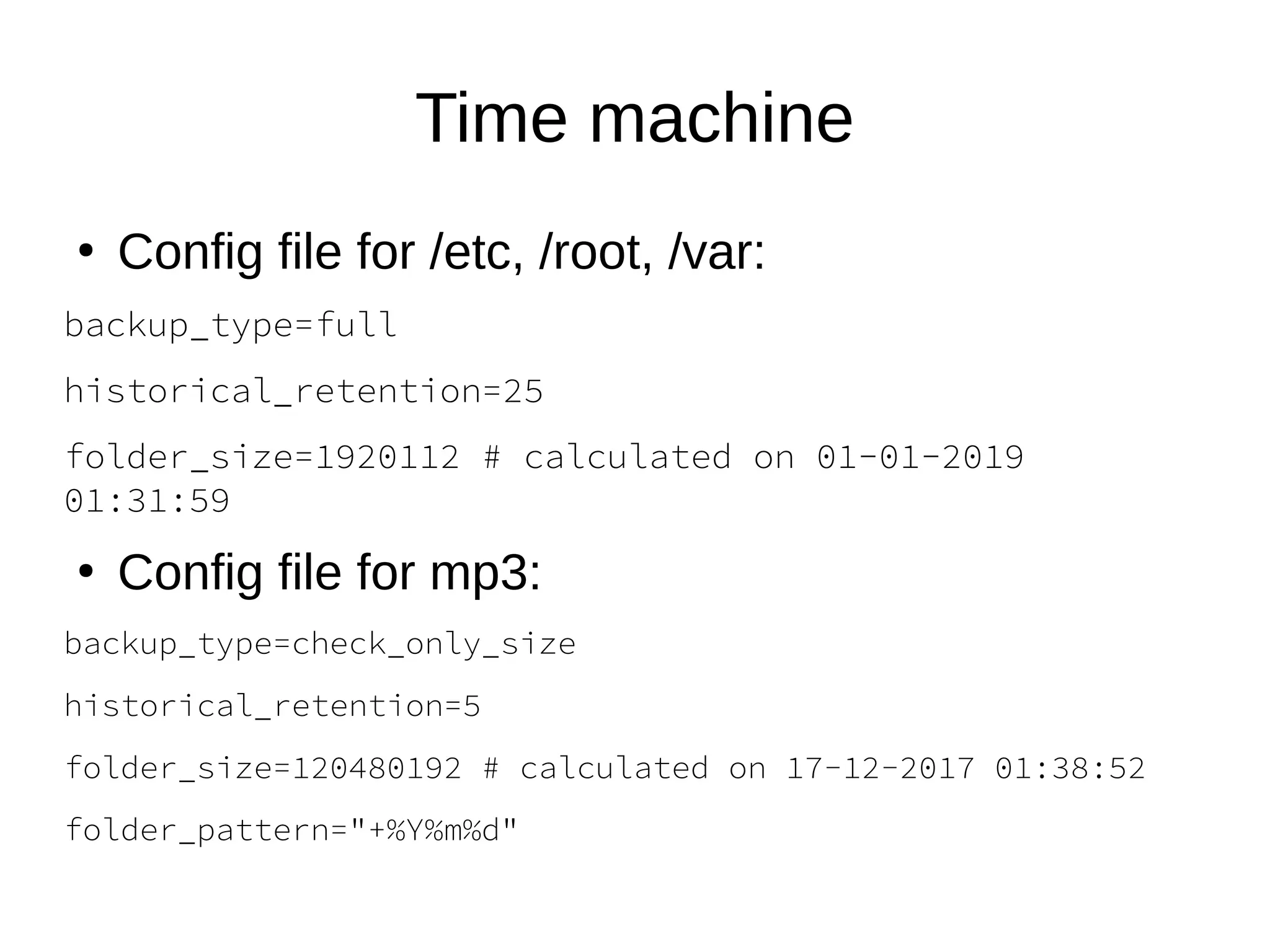
Config file for /etc, /root, /var:
backup_type=full
historical_retention=25
folder_size=1920112 # calculated on 01-01-2019
01:31:59
●
Config file for mp3:
backup_type=check_only_size
historical_retention=5
folder_size=120480192 # calculated on 17-12-2017 01:38:52
folder_pattern="+%Y%m%d"
Lessons learned
●
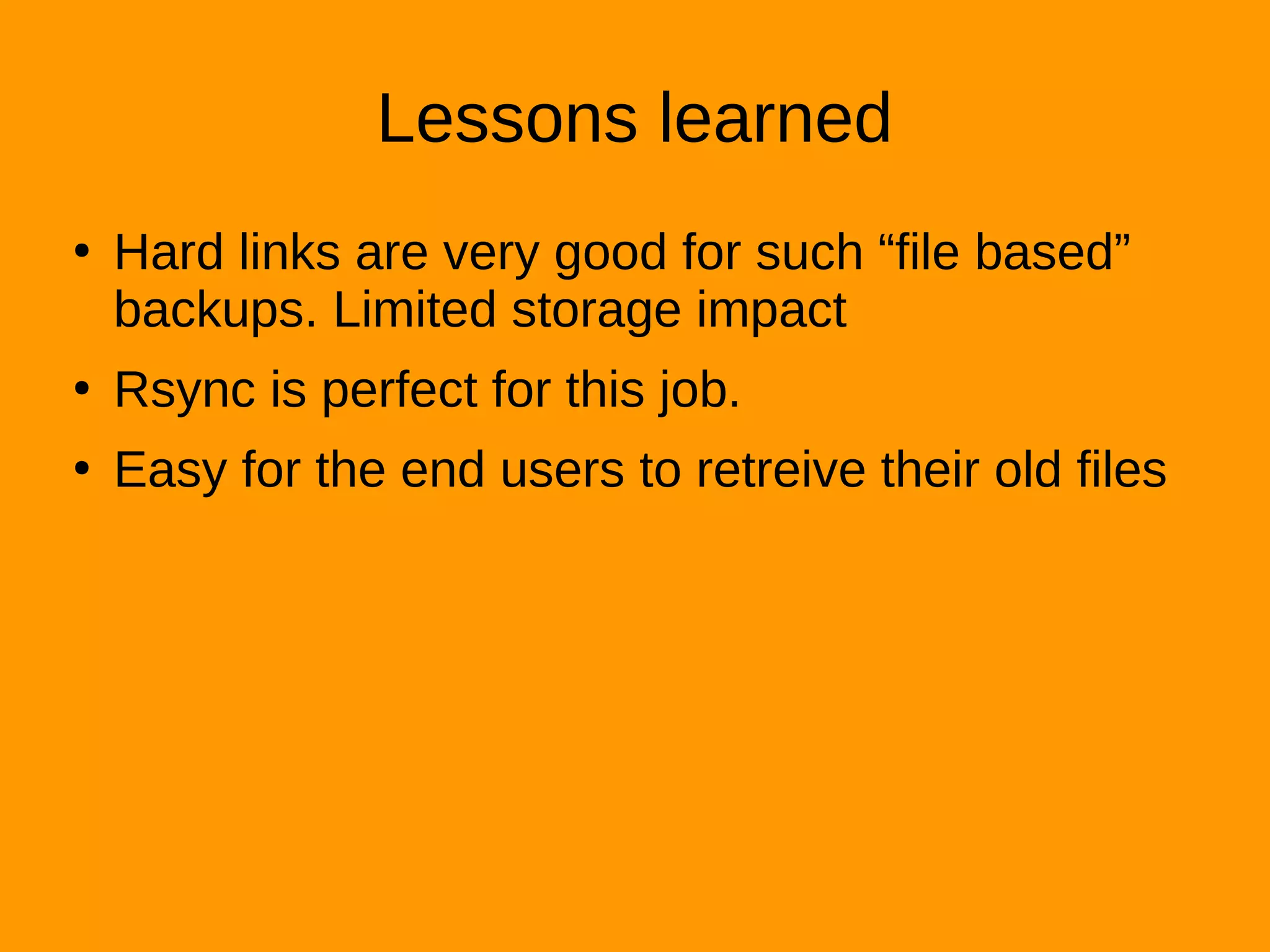
Hard links are very good for such “file based”
backups. Limited storage impact
●
Rsync is perfect for this job.
●
Easy for the end users to retreive their old files
Sharing files
●
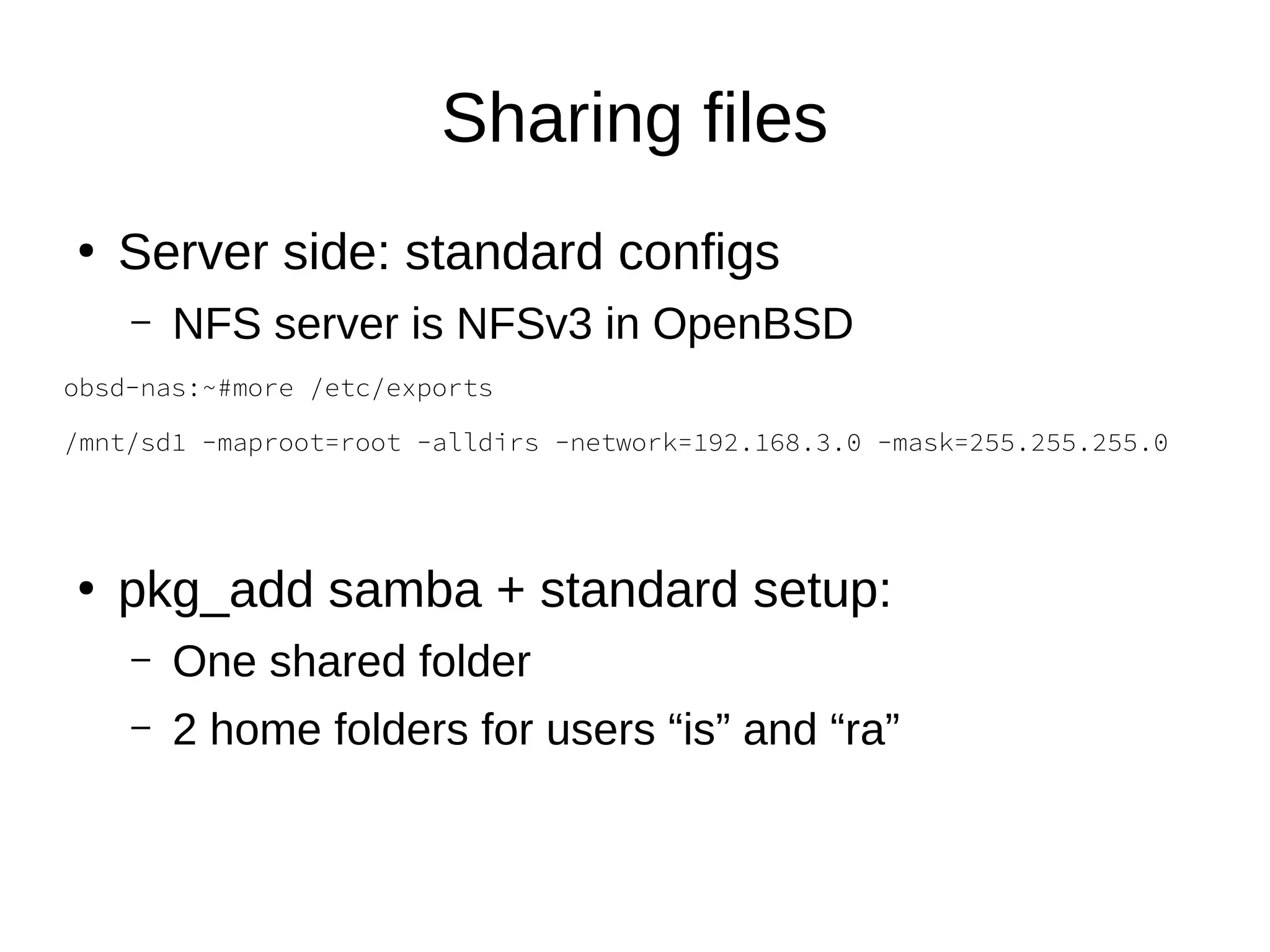
Server side: standard configs
– NFS server is NFSv3 in OpenBSD
obsd-nas:~#more /etc/exports
/mnt/sd1 -maproot=root -alldirs -network=192.168.3.0 -mask=255.255.255.0
●
pkg_add samba + standard setup:
– One shared folder
– 2 home folders for users “is” and “ra”
#more /etc/samba/smb.conf
[global]
workgroup = WORKGROUP
hosts allow = 192.168.3.
guest account = nobody
map to guest = Bad User
log file = /var/log/samba/smbd.%m
log level = 1
max log size = 500
dns proxy = no
#============================ Share Definitions ==============================
[share]
path = /mnt/sd1/share
guest ok = yes
read only = yes
browseable = yes
[is]
path = /mnt/sd1/personal_files/is/current
valid users = is
guest ok = no
read only = no
browseable = yes
[ra]
path = /mnt/sd1/personal_files/ra/current
valid users = ra
guest ok = no
read only = no
browseable = yes
●
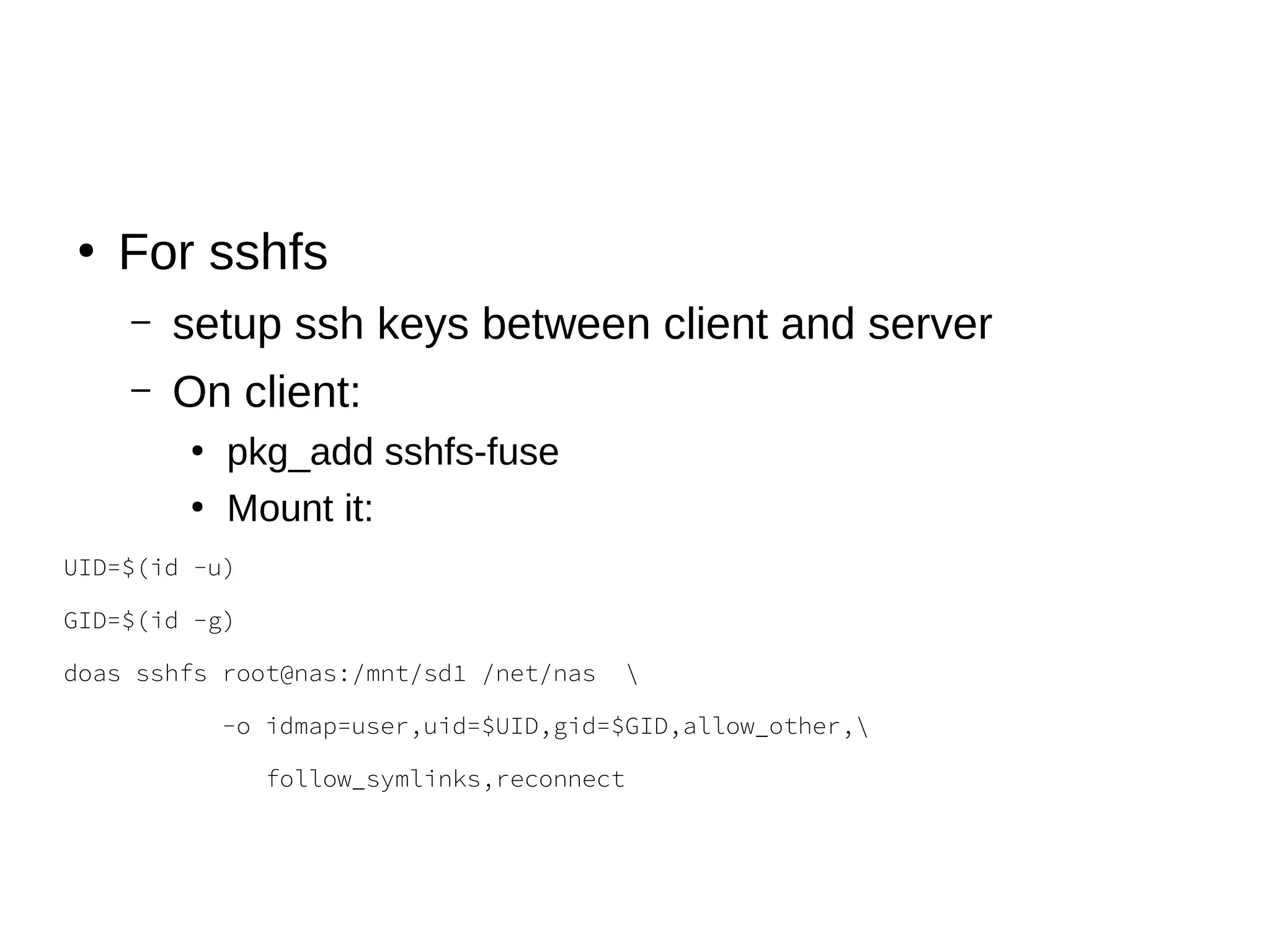
For sshfs
– setup ssh keys between client and server
– On client:
●
pkg_add sshfs-fuse
●
Mount it:
UID=$(id -u)
GID=$(id -g)
doas sshfs root@nas:/mnt/sd1 /net/nas 
-o idmap=user,uid=$UID,gid=$GID,allow_other,
follow_symlinks,reconnect
lesson’s learned: Samba, NFS and
sshfs
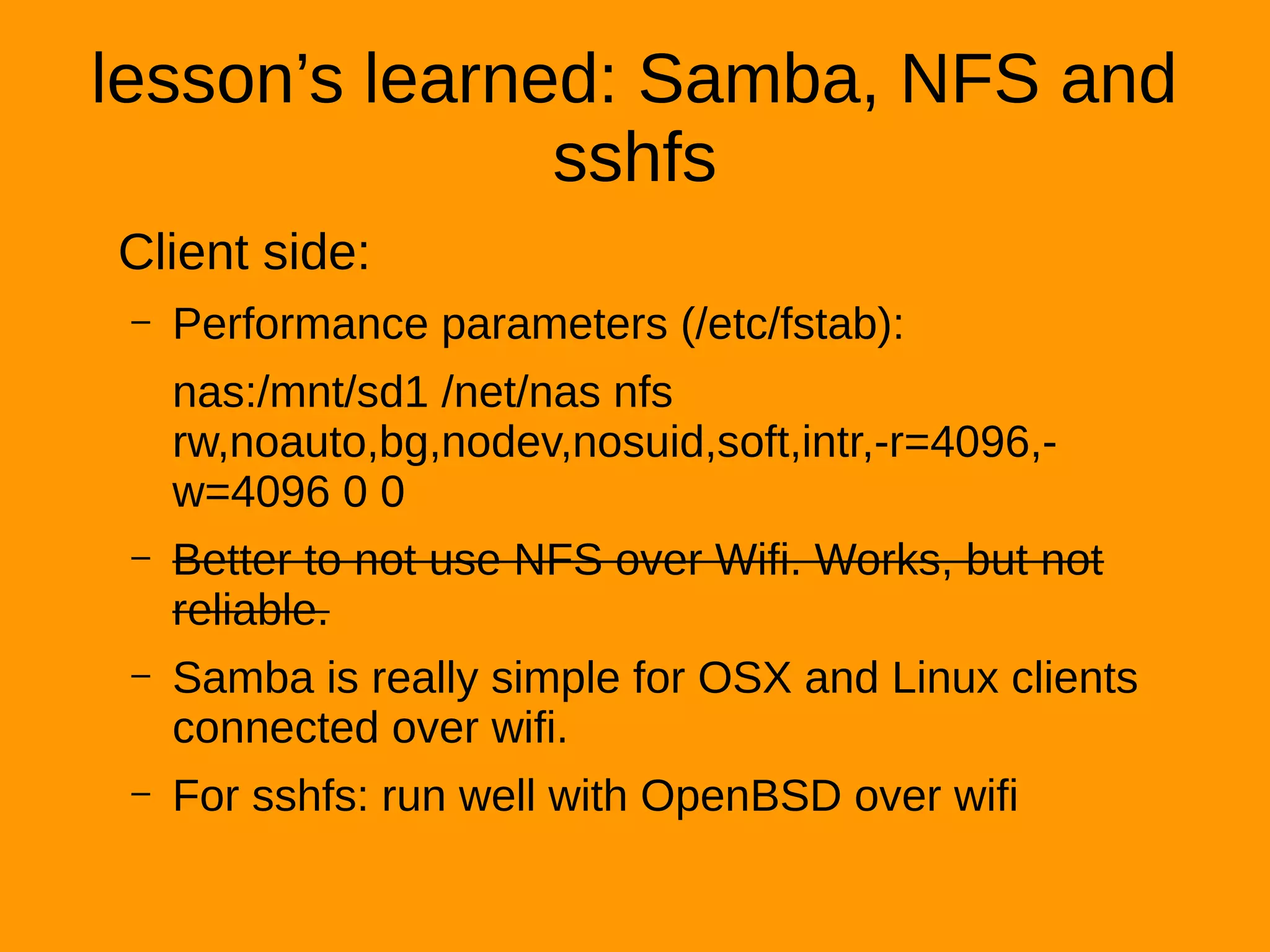
Client side:
– Performance parameters (/etc/fstab):
nas:/mnt/sd1 /net/nas nfs
rw,noauto,bg,nodev,nosuid,soft,intr,-r=4096,-
w=4096 0 0
– Better to not use NFS over Wifi. Works, but not
reliable.
– Samba is really simple for OSX and Linux clients
connected over wifi.
– For sshfs: run well with OpenBSD over wifi
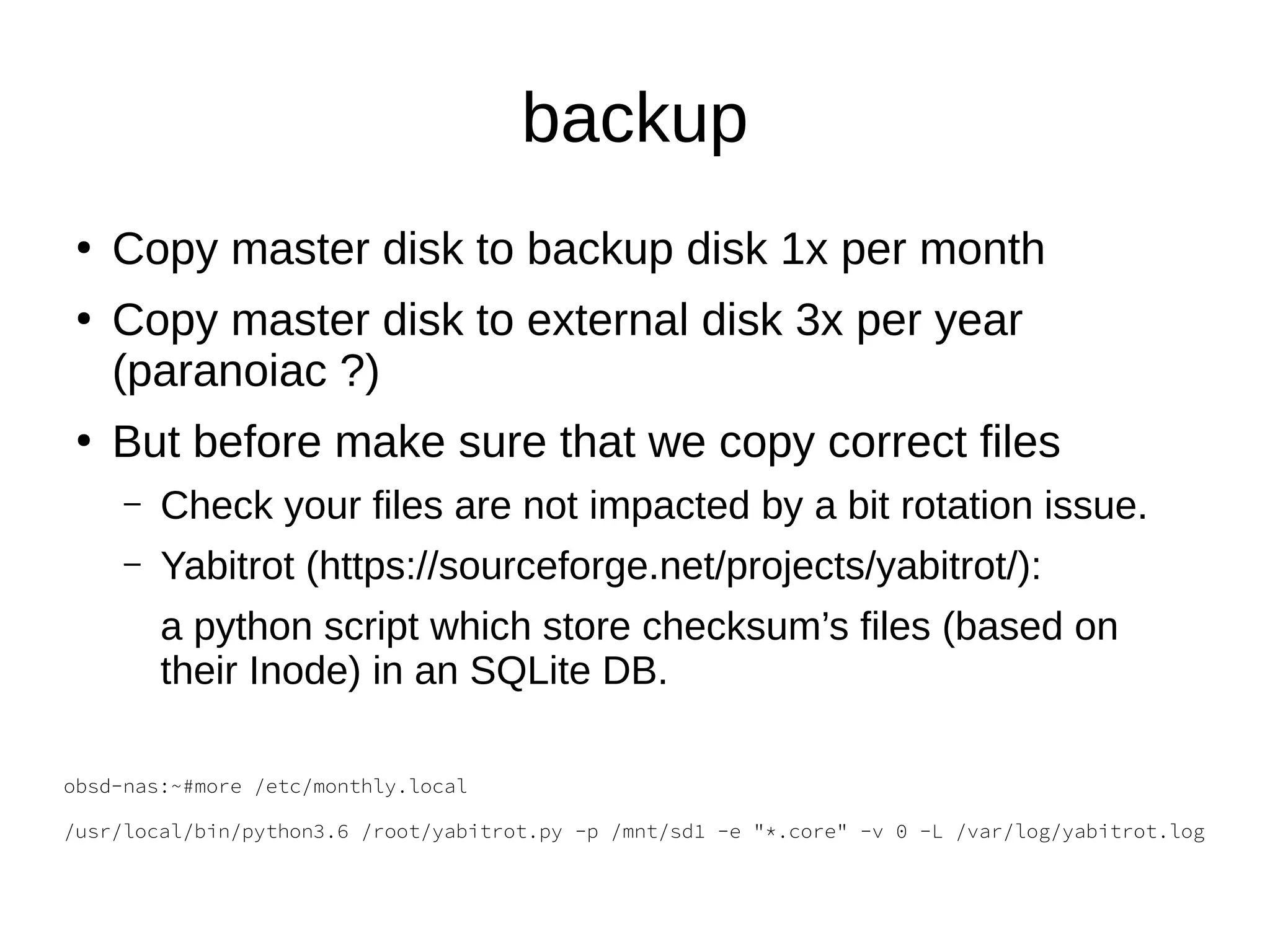
backup
●
Copy master disk to backup disk 1x per month
●
Copy master disk to external disk 3x per year
(paranoiac ?)
●
But before make sure that we copy correct files
– Check your files are not impacted by a bit rotation issue.
– Yabitrot (https://sourceforge.net/projects/yabitrot/):
a python script which store checksum’s files (based on
their Inode) in an SQLite DB.
obsd-nas:~#more /etc/monthly.local
/usr/local/bin/python3.6 /root/yabitrot.py -p /mnt/sd1 -e "*.core" -v 0 -L /var/log/yabitrot.log
●
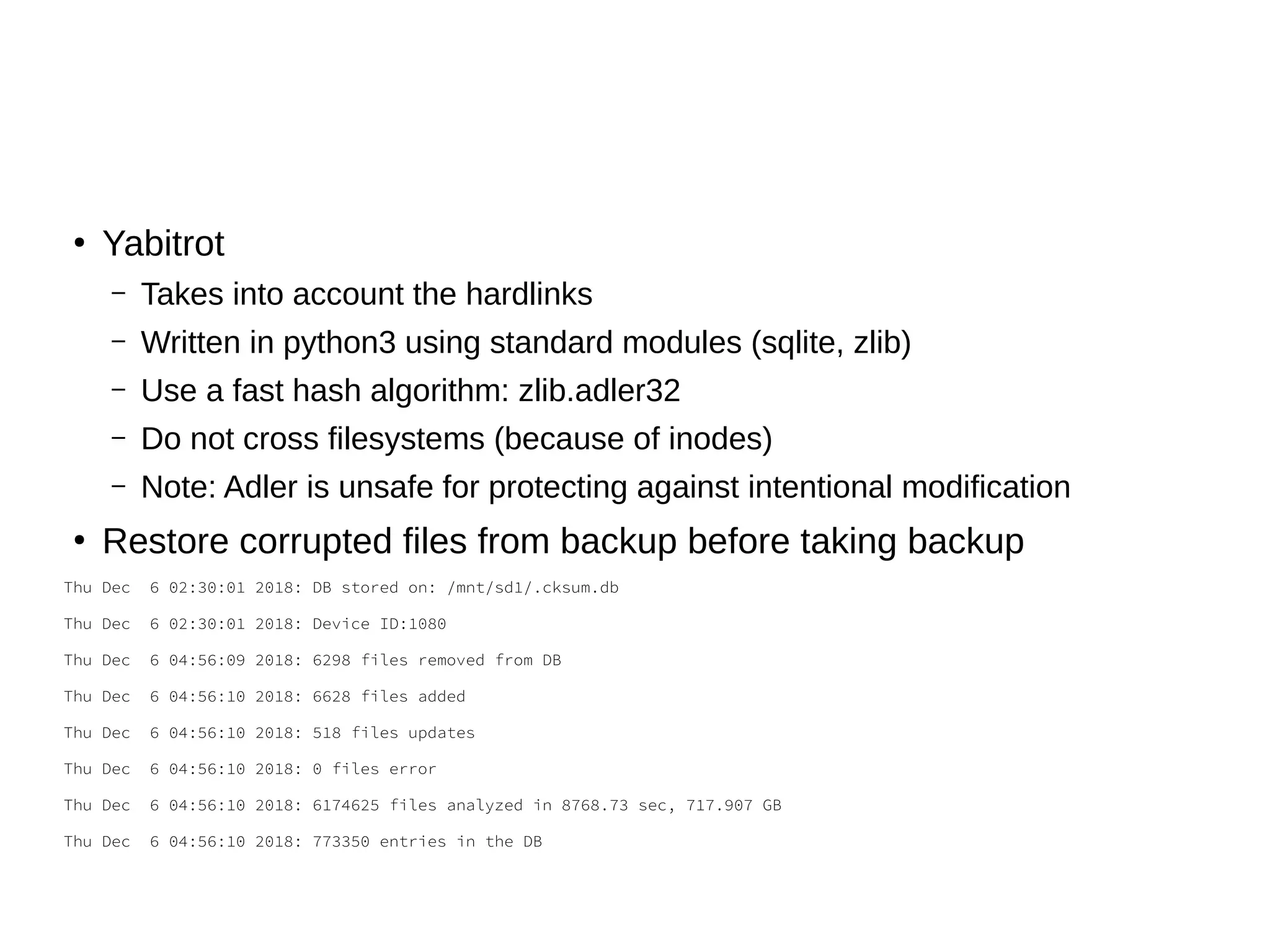
Yabitrot
– Takes into account the hardlinks
– Written in python3 using standard modules (sqlite, zlib)
– Use a fast hash algorithm: zlib.adler32
– Do not cross filesystems (because of inodes)
– Note: Adler is unsafe for protecting against intentional modification
●
Restore corrupted files from backup before taking backup
Thu Dec 6 02:30:01 2018: DB stored on: /mnt/sd1/.cksum.db
Thu Dec 6 02:30:01 2018: Device ID:1080
Thu Dec 6 04:56:09 2018: 6298 files removed from DB
Thu Dec 6 04:56:10 2018: 6628 files added
Thu Dec 6 04:56:10 2018: 518 files updates
Thu Dec 6 04:56:10 2018: 0 files error
Thu Dec 6 04:56:10 2018: 6174625 files analyzed in 8768.73 sec, 717.907 GB
Thu Dec 6 04:56:10 2018: 773350 entries in the DB
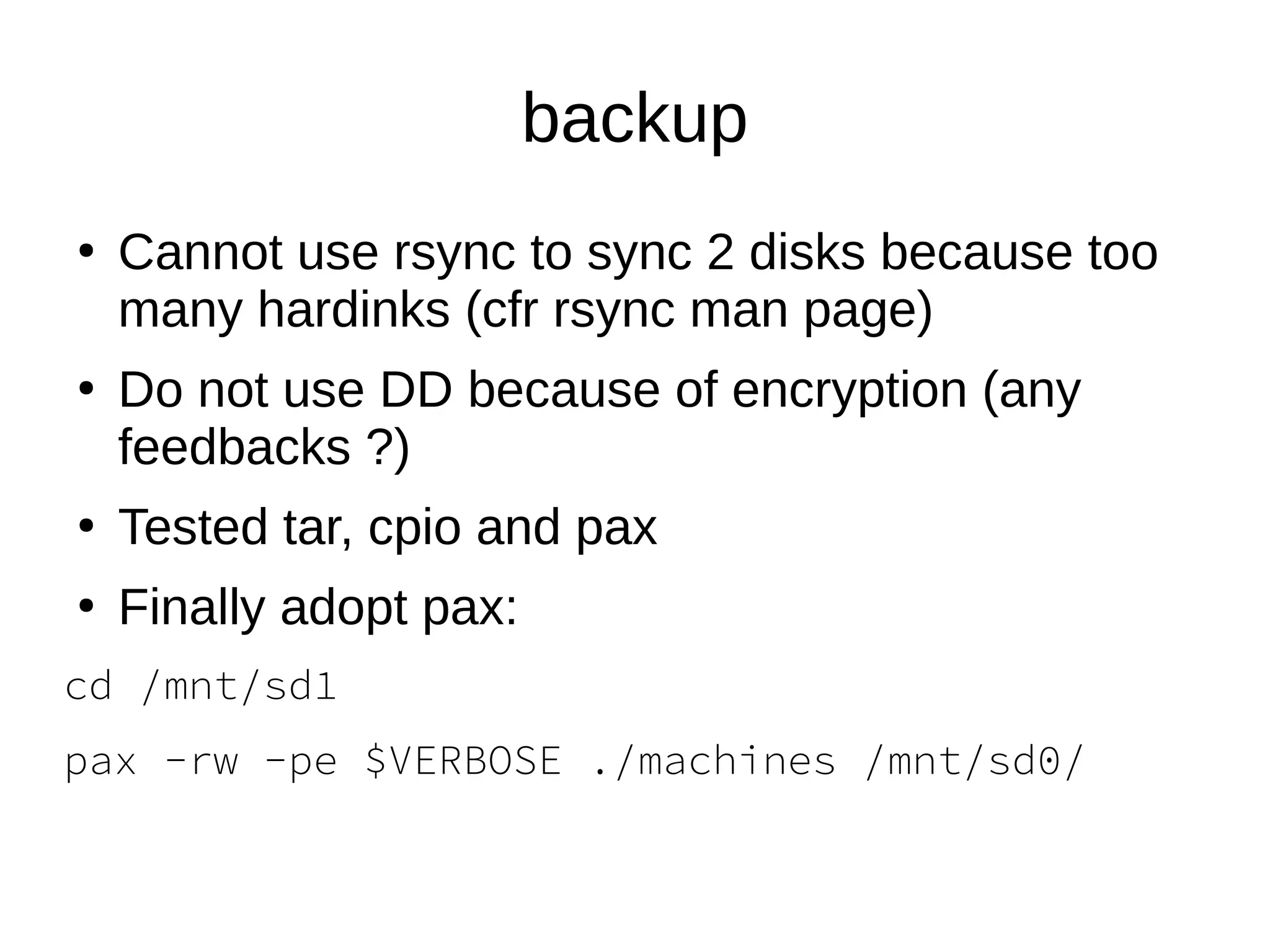
backup
●
Cannot use rsync to sync 2 disks because too
many hardinks (cfr rsync man page)
●
Do not use DD because of encryption (any
feedbacks ?)
●
Tested tar, cpio and pax
●
Finally adopt pax:
cd /mnt/sd1
pax -rw -pe $VERBOSE ./machines /mnt/sd0/
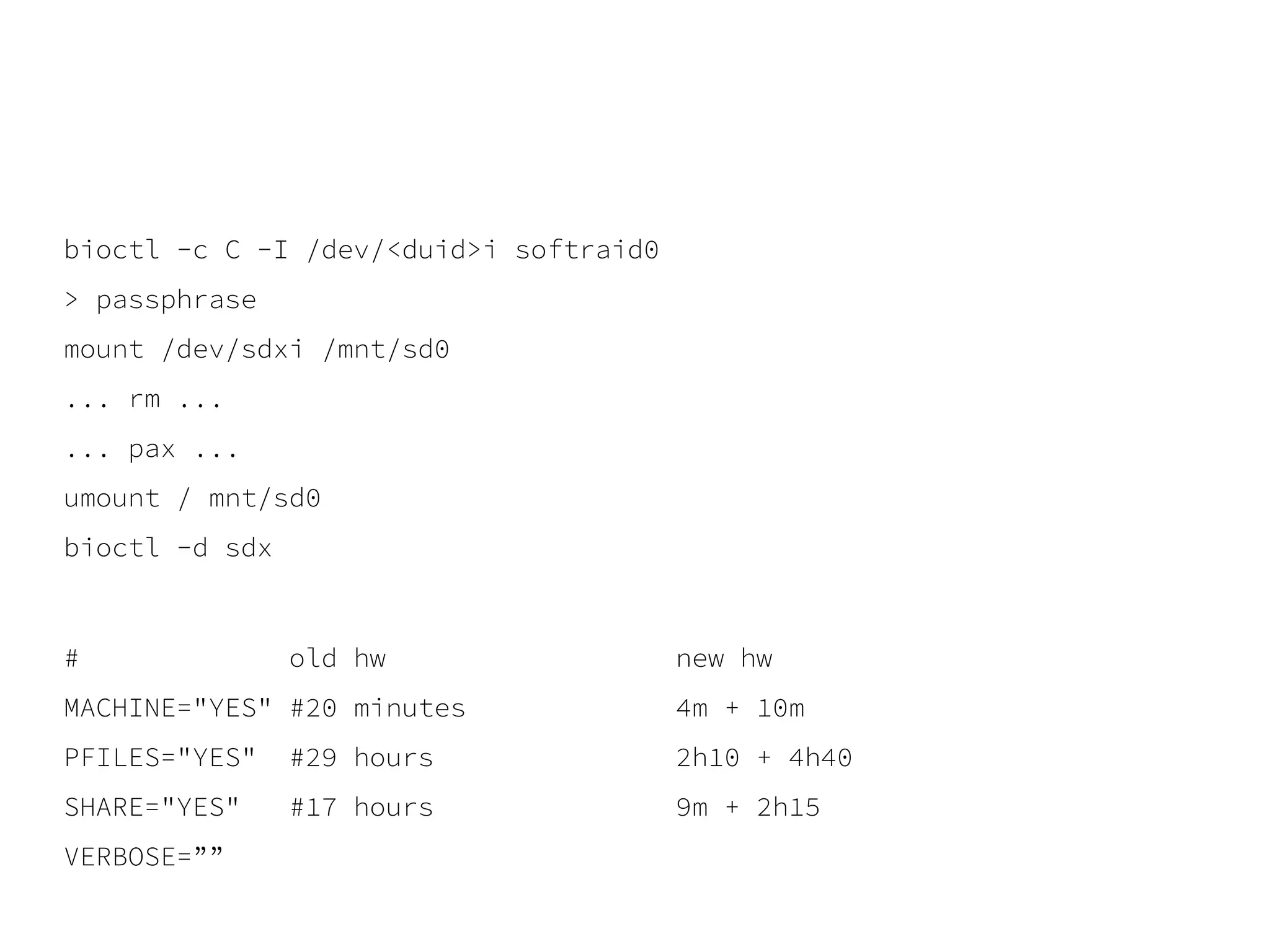
bioctl -c C -I /dev/<duid>i softraid0
> passphrase
mount /dev/sdxi /mnt/sd0
... rm ...
... pax ...
umount / mnt/sd0
bioctl -d sdx
# old hw new hw
MACHINE="YES" #20 minutes 4m + 10m
PFILES="YES" #29 hours 2h10 + 4h40
SHARE="YES" #17 hours 9m + 2h15
VERBOSE=””
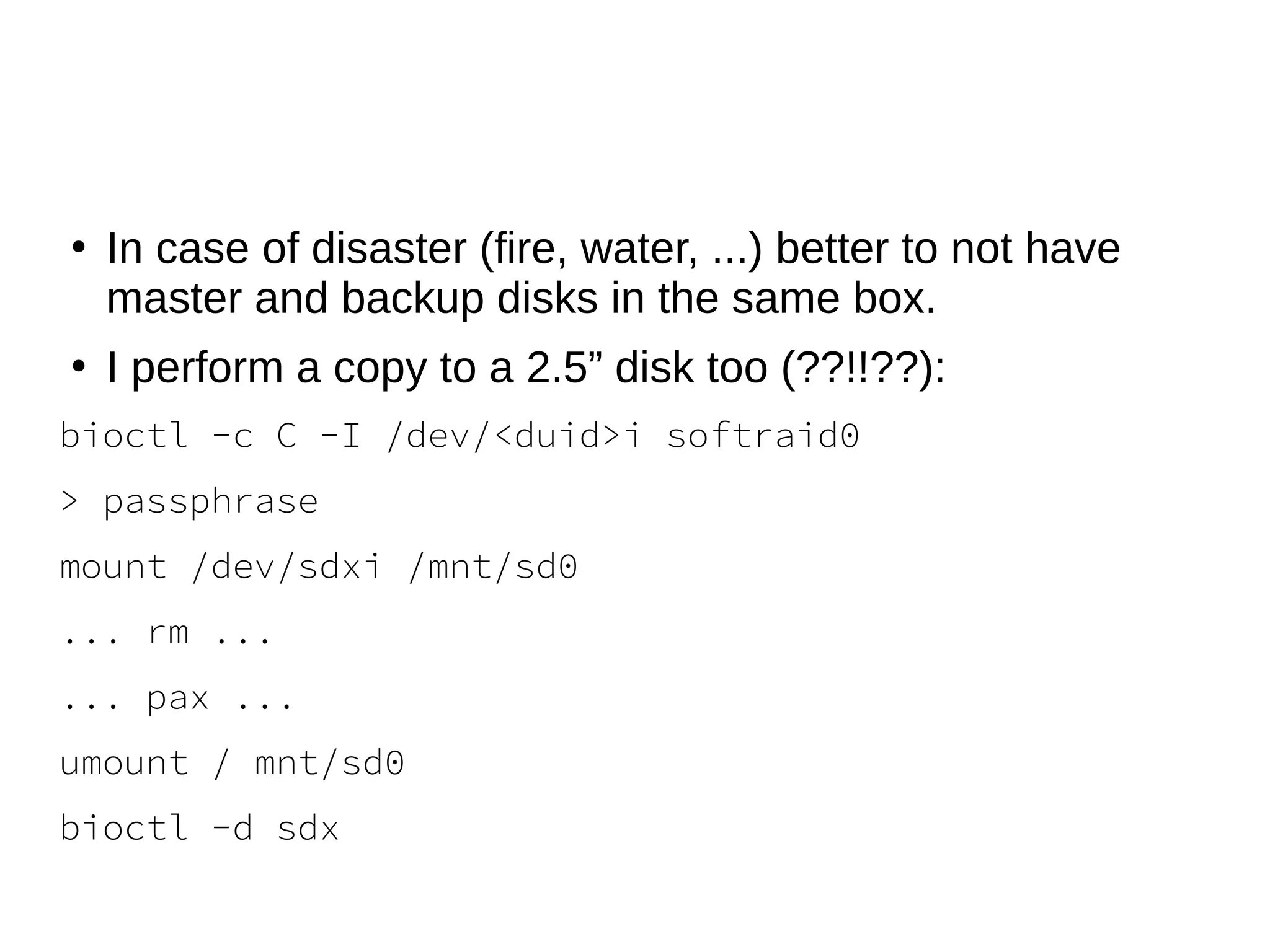
●
In case of disaster (fire, water, ...) better to not have
master and backup disks in the same box.
●
I perform a copy to a 2.5” disk too (??!!??):
bioctl -c C -I /dev/<duid>i softraid0
> passphrase
mount /dev/sdxi /mnt/sd0
... rm ...
... pax ...
umount / mnt/sd0
bioctl -d sdx
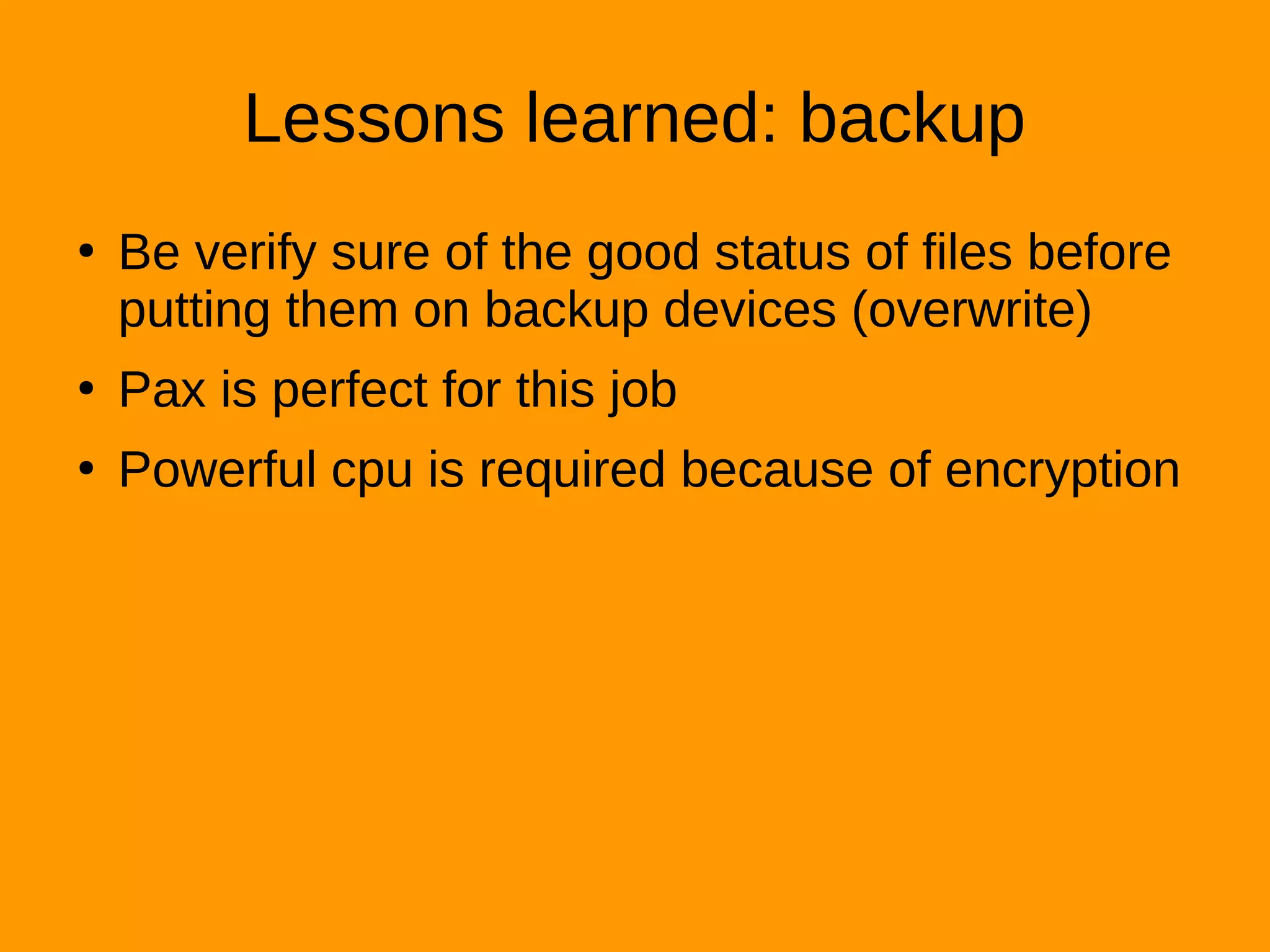
Lessons learned: backup
●
Be verify sure of the good status of files before
putting them on backup devices (overwrite)
●
Pax is perfect for this job
●
Powerful cpu is required because of encryption
Hifi
●
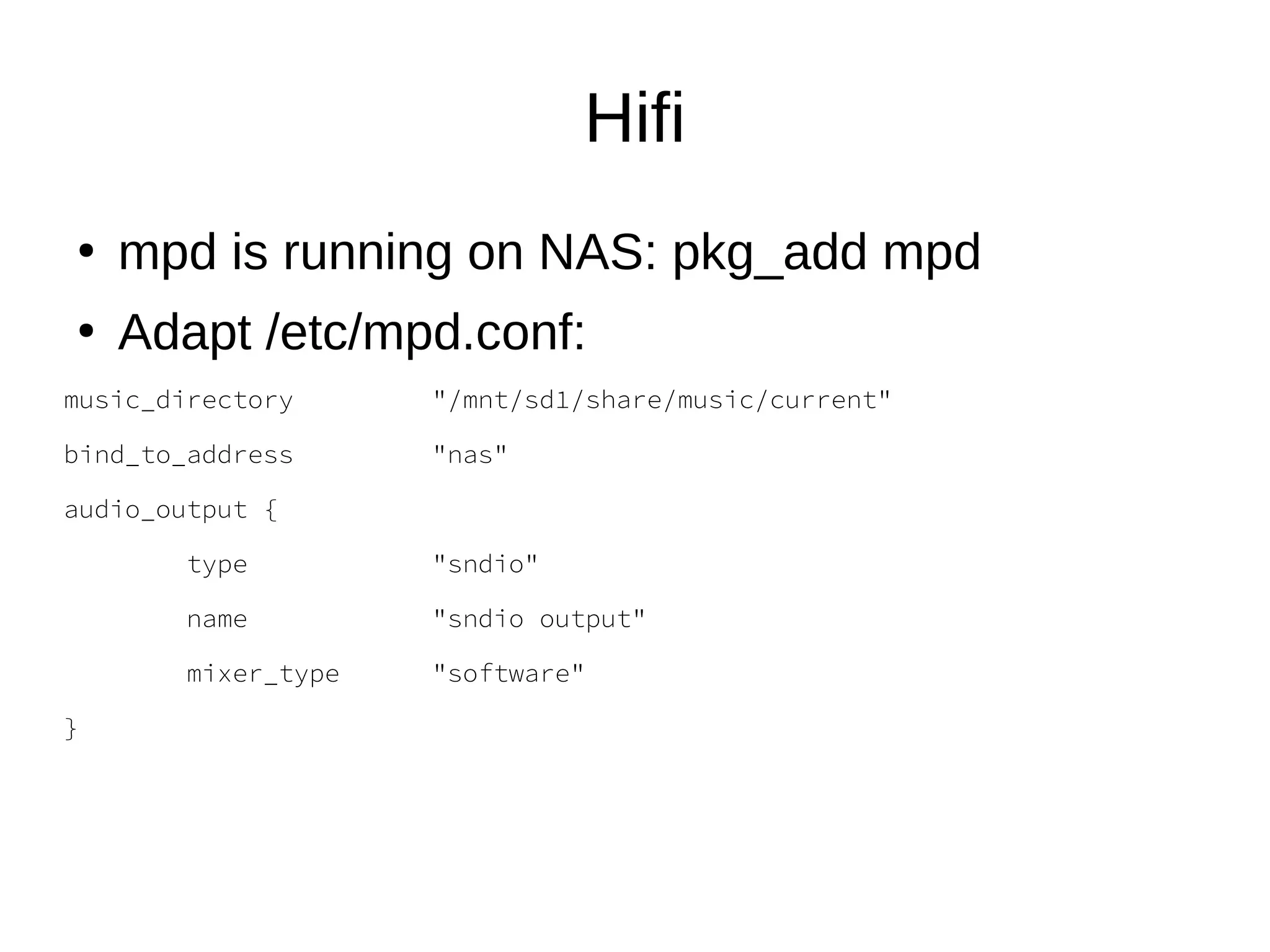
mpd is running on NAS: pkg_add mpd
●
Adapt /etc/mpd.conf:
music_directory "/mnt/sd1/share/music/current"
bind_to_address "nas"
audio_output {
type "sndio"
name "sndio output"
mixer_type "software"
}
Hifi
●
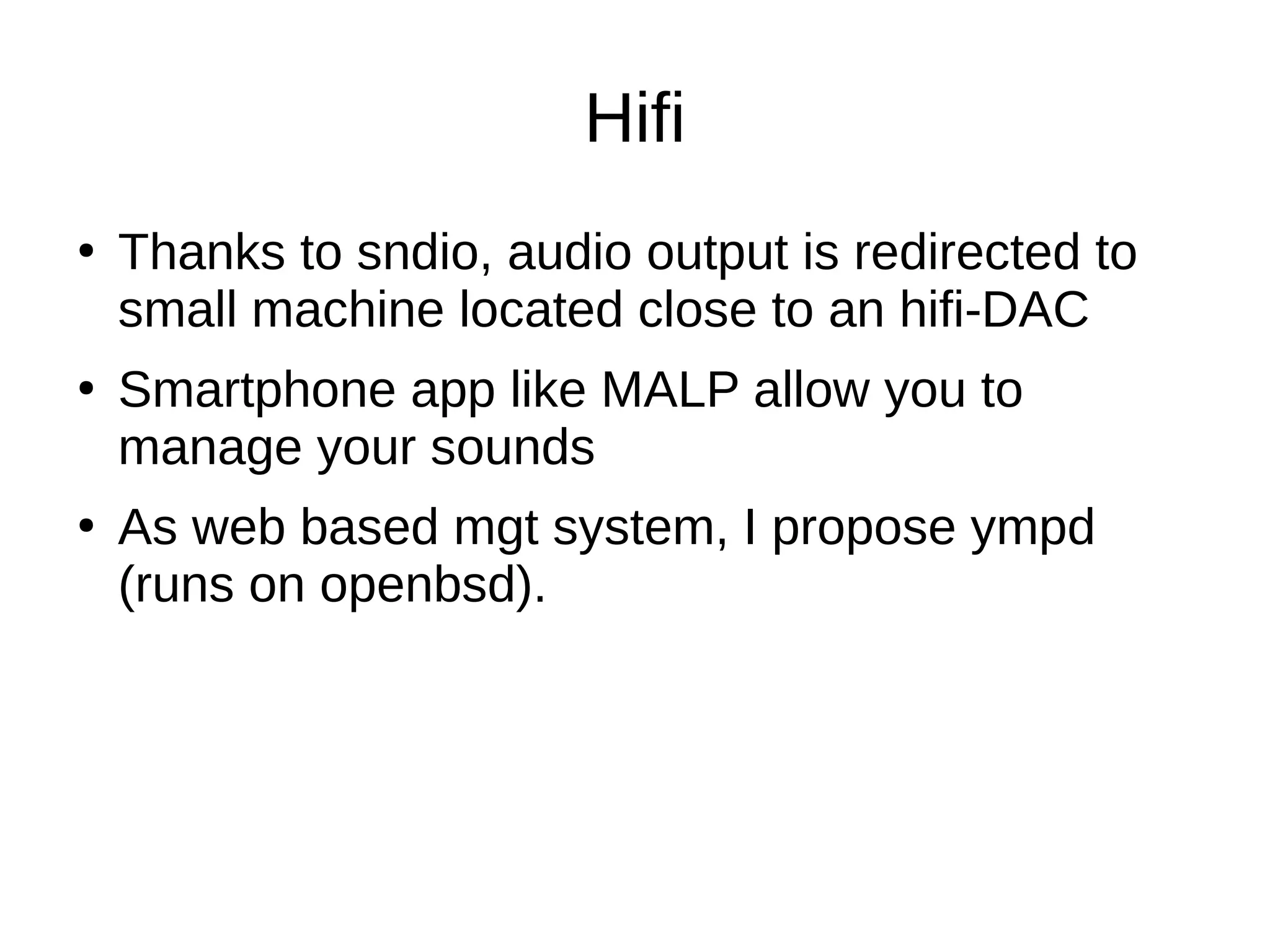
Thanks to sndio, audio output is redirected to
small machine located close to an hifi-DAC
●
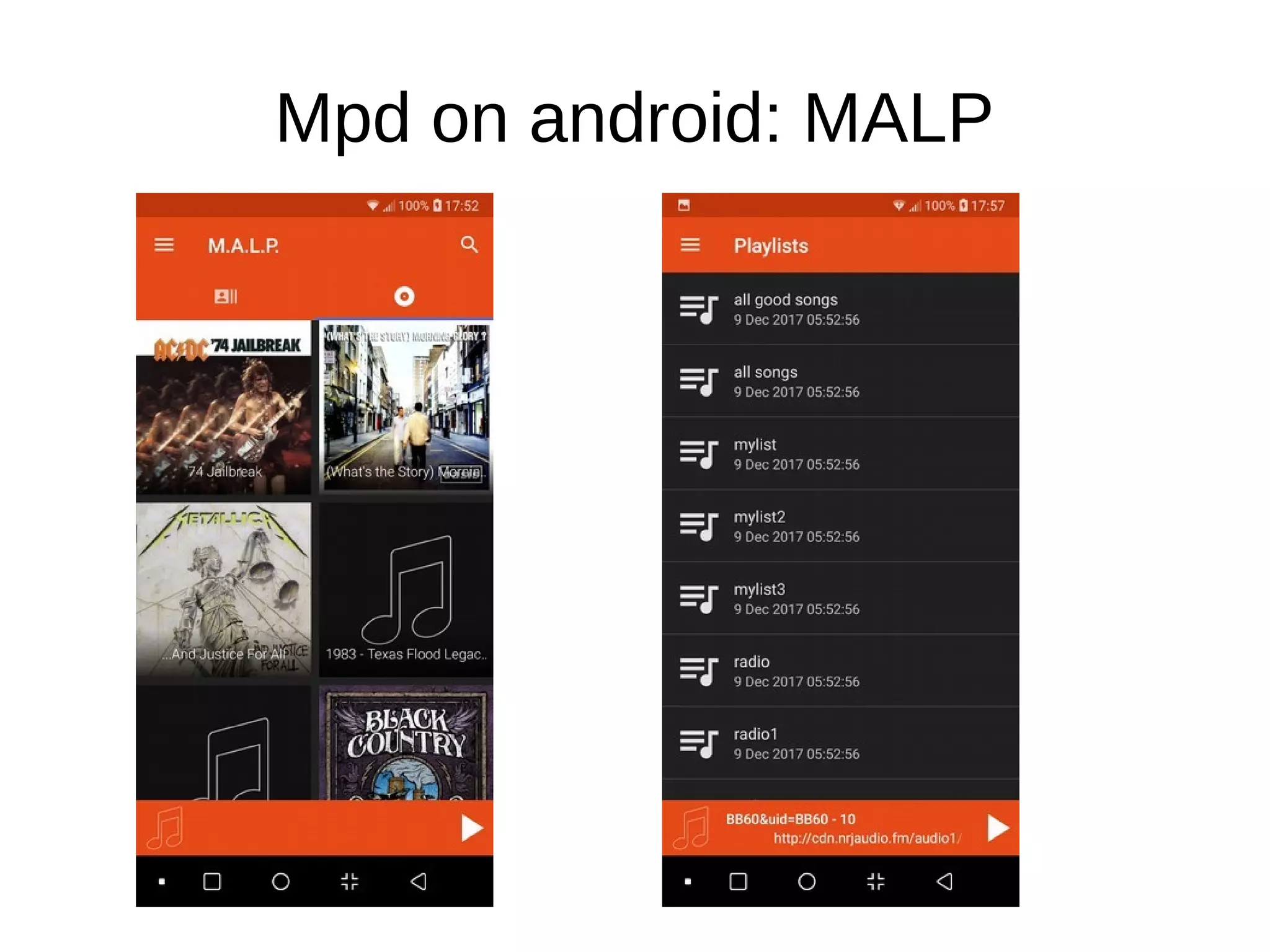
Smartphone app like MALP allow you to
manage your sounds
●
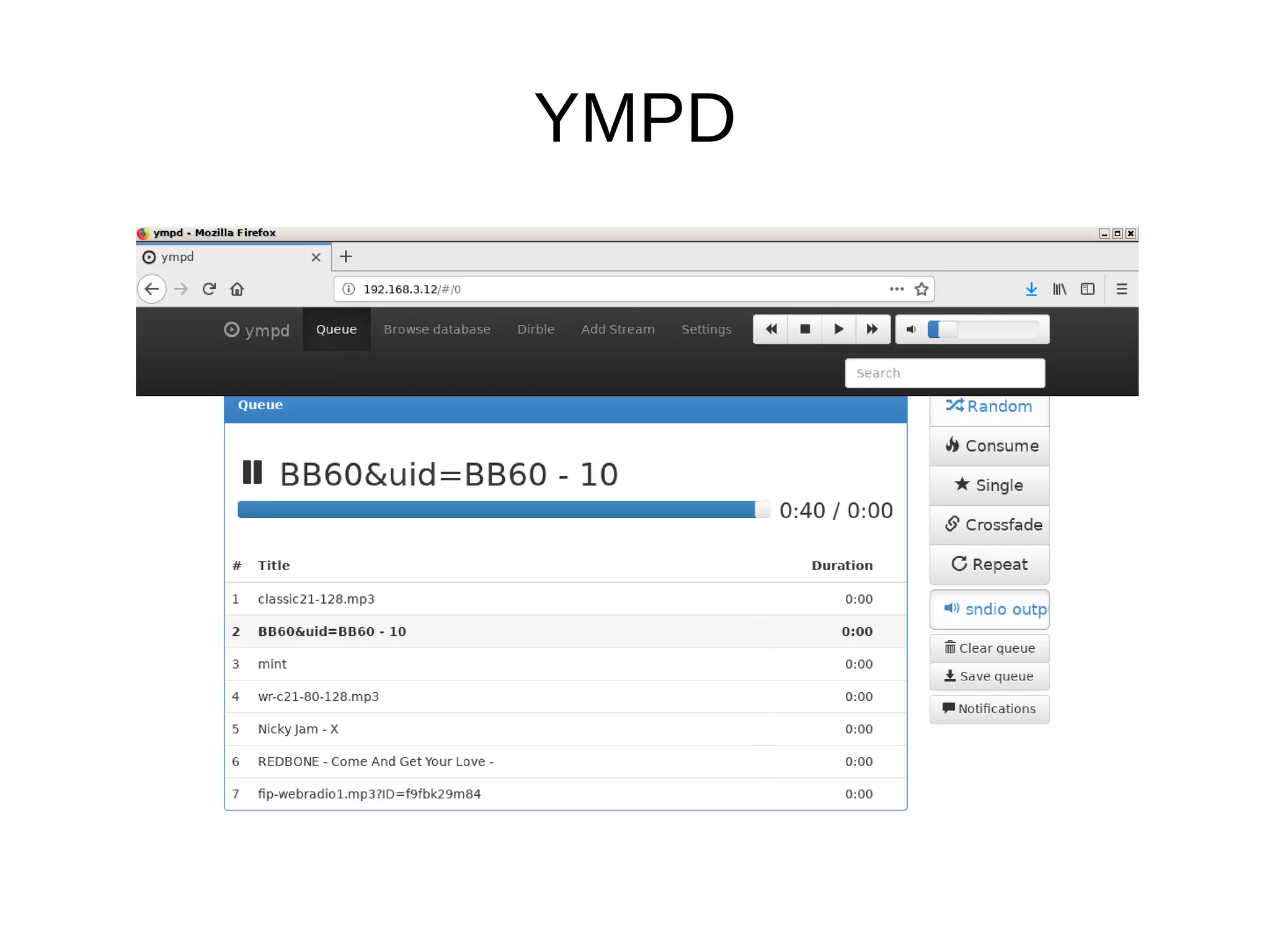
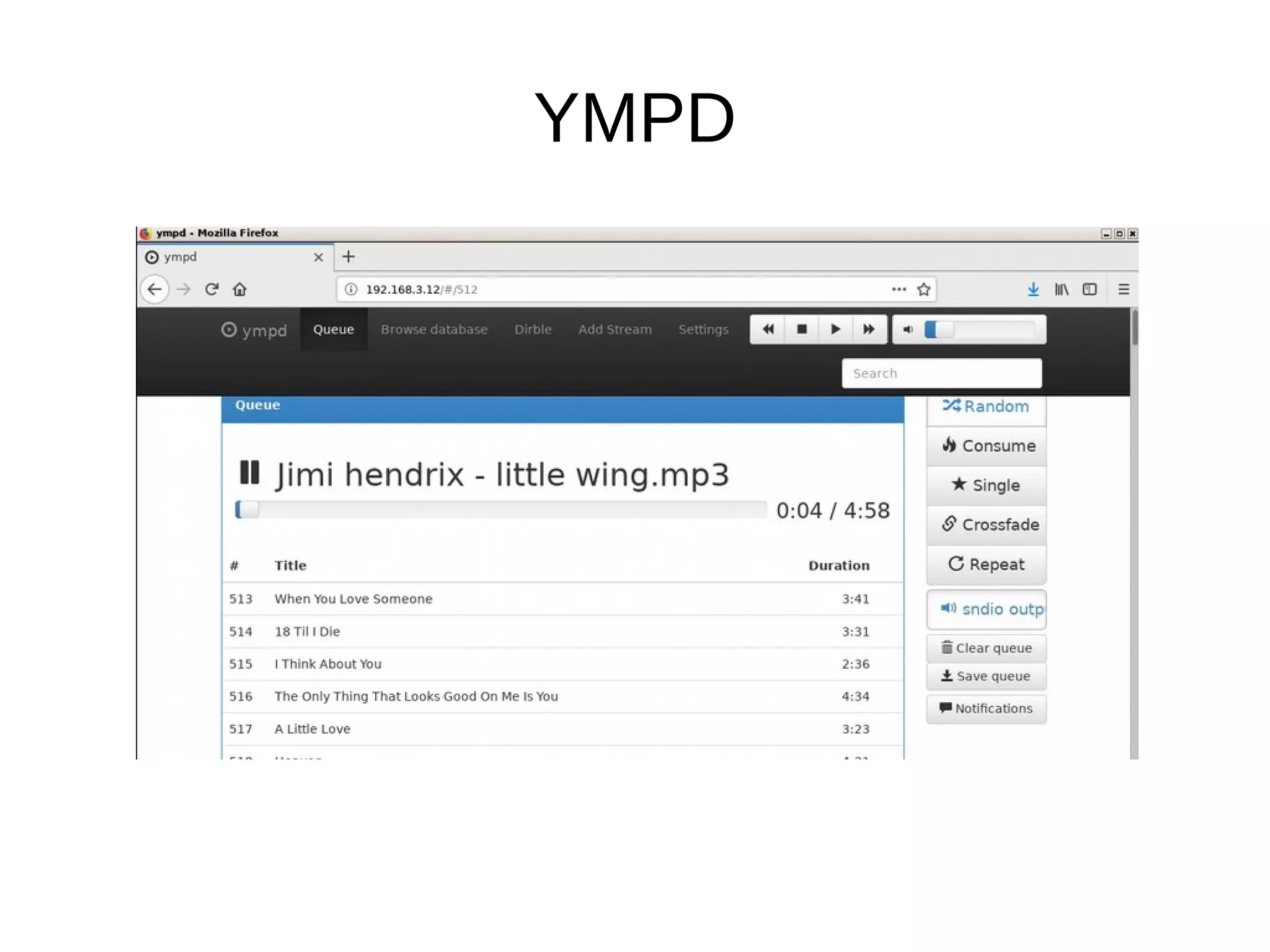
As web based mgt system, I propose ympd
(runs on openbsd).
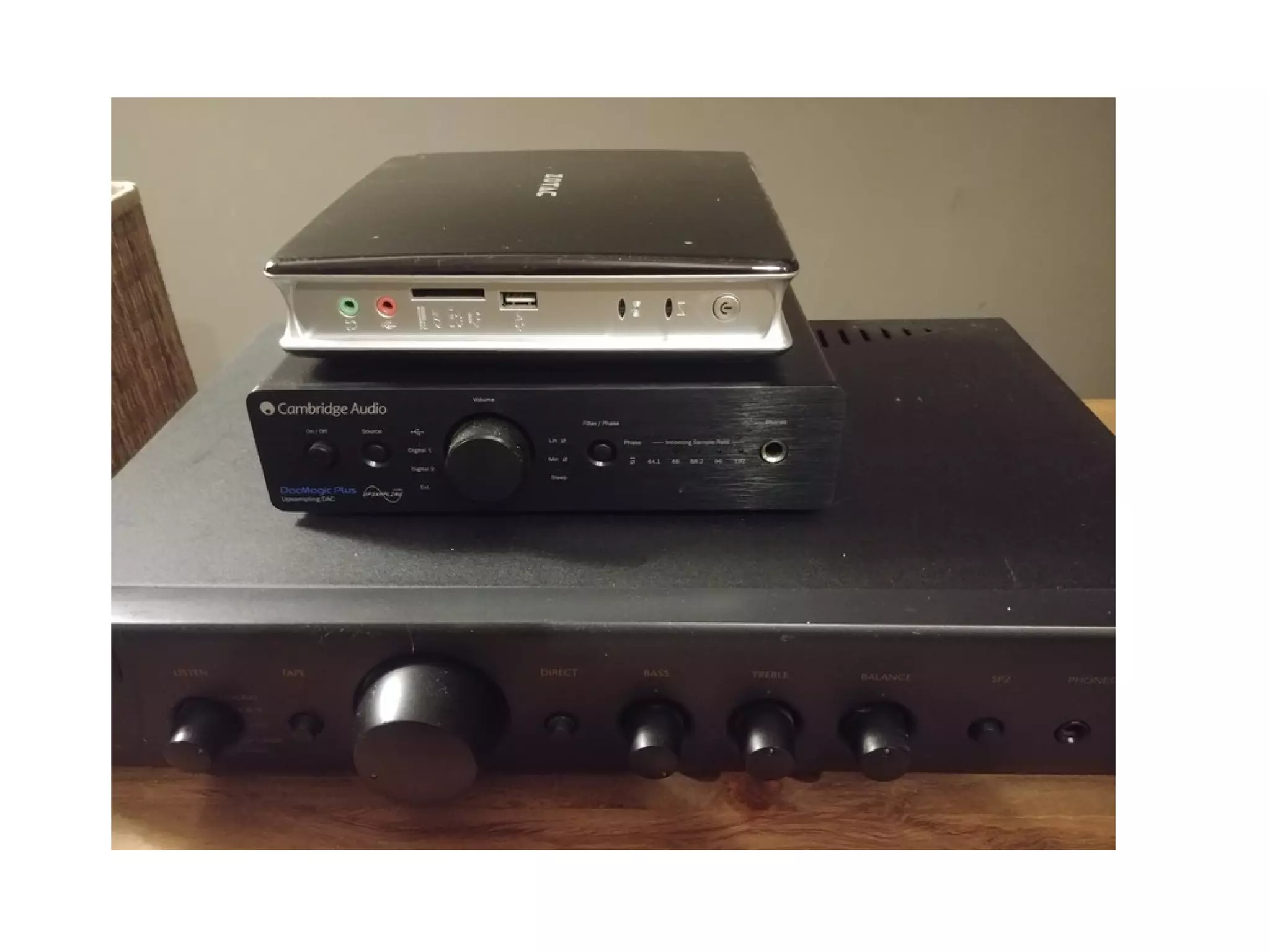
Hifi
●
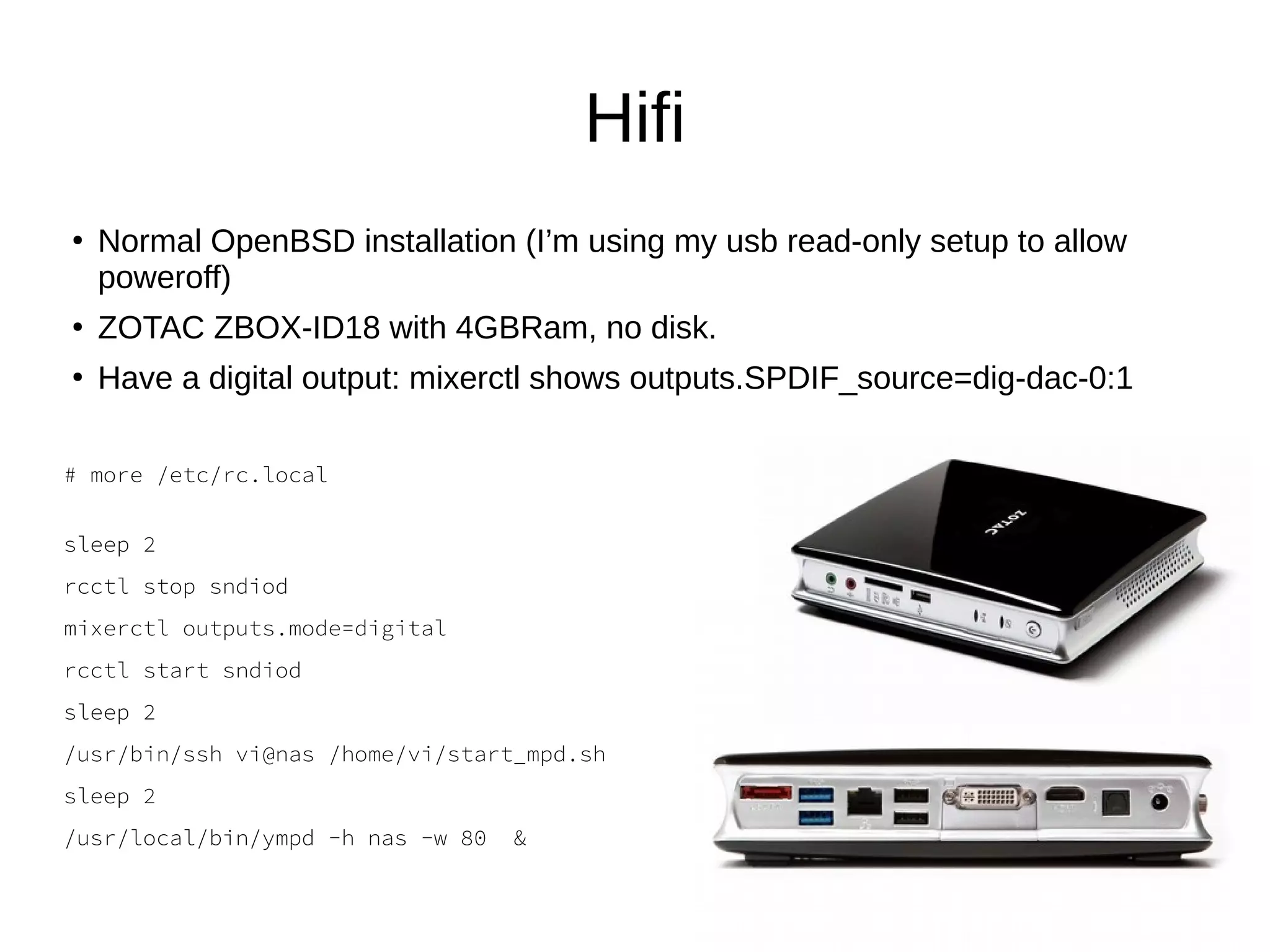
Normal OpenBSD installation (I’m using my usb read-only setup to allow
poweroff)
●
ZOTAC ZBOX-ID18 with 4GBRam, no disk.
●
Have a digital output: mixerctl shows outputs.SPDIF_source=dig-dac-0:1
# more /etc/rc.local
sleep 2
rcctl stop sndiod
mixerctl outputs.mode=digital
rcctl start sndiod
sleep 2
/usr/bin/ssh vi@nas /home/vi/start_mpd.sh
sleep 2
/usr/local/bin/ympd -h nas -w 80 &
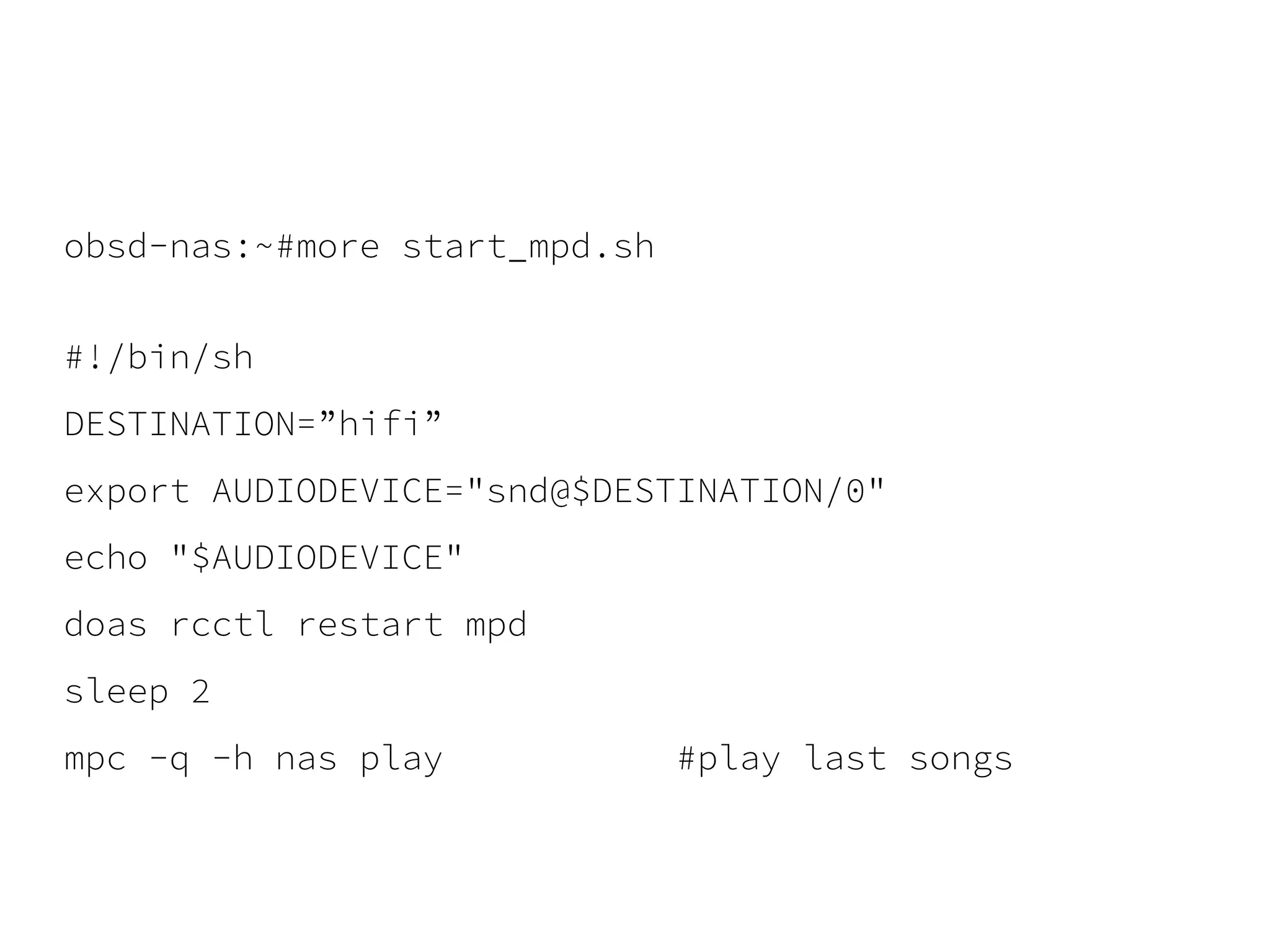
obsd-nas:~#more start_mpd.sh
#!/bin/sh
DESTINATION=”hifi”
export AUDIODEVICE="snd@$DESTINATION/0"
echo "$AUDIODEVICE"
doas rcctl restart mpd
sleep 2
mpc -q -h nas play #play last songs
YMPD
●
https://www.ympd.org/
●
pkg_add ympd (release 1.3.0)
●
MPD Web GUI - written in C, utilizing
Websockets and Bootstrap/JS
●
Put the address of your NAS and the mpd port
(6600) in the settings of ympd
;-)
Mpd on android: MALP
YMPD
YMPD
VOD
●
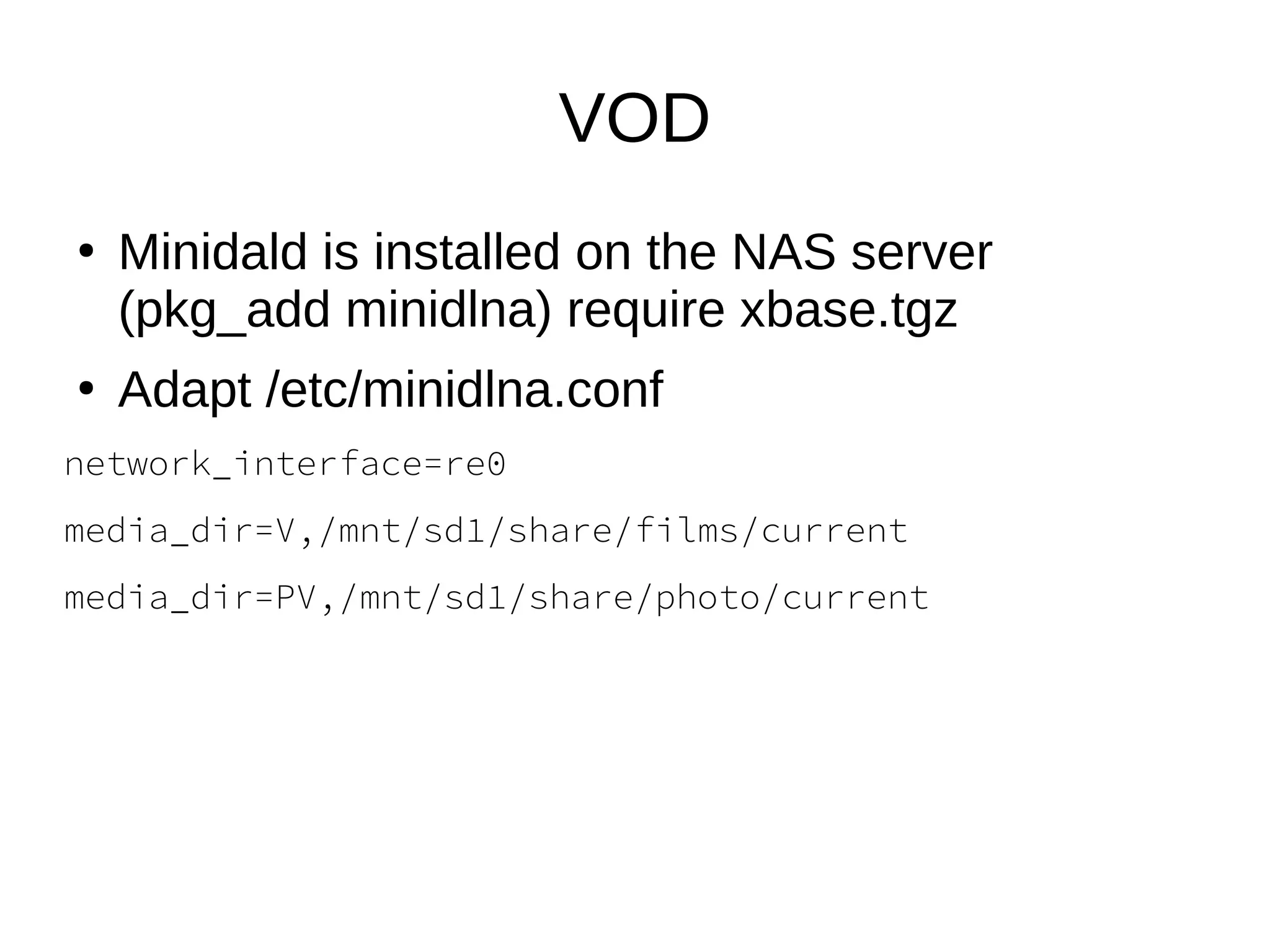
Minidald is installed on the NAS server
(pkg_add minidlna) require xbase.tgz
●
Adapt /etc/minidlna.conf
network_interface=re0
media_dir=V,/mnt/sd1/share/films/current
media_dir=PV,/mnt/sd1/share/photo/current
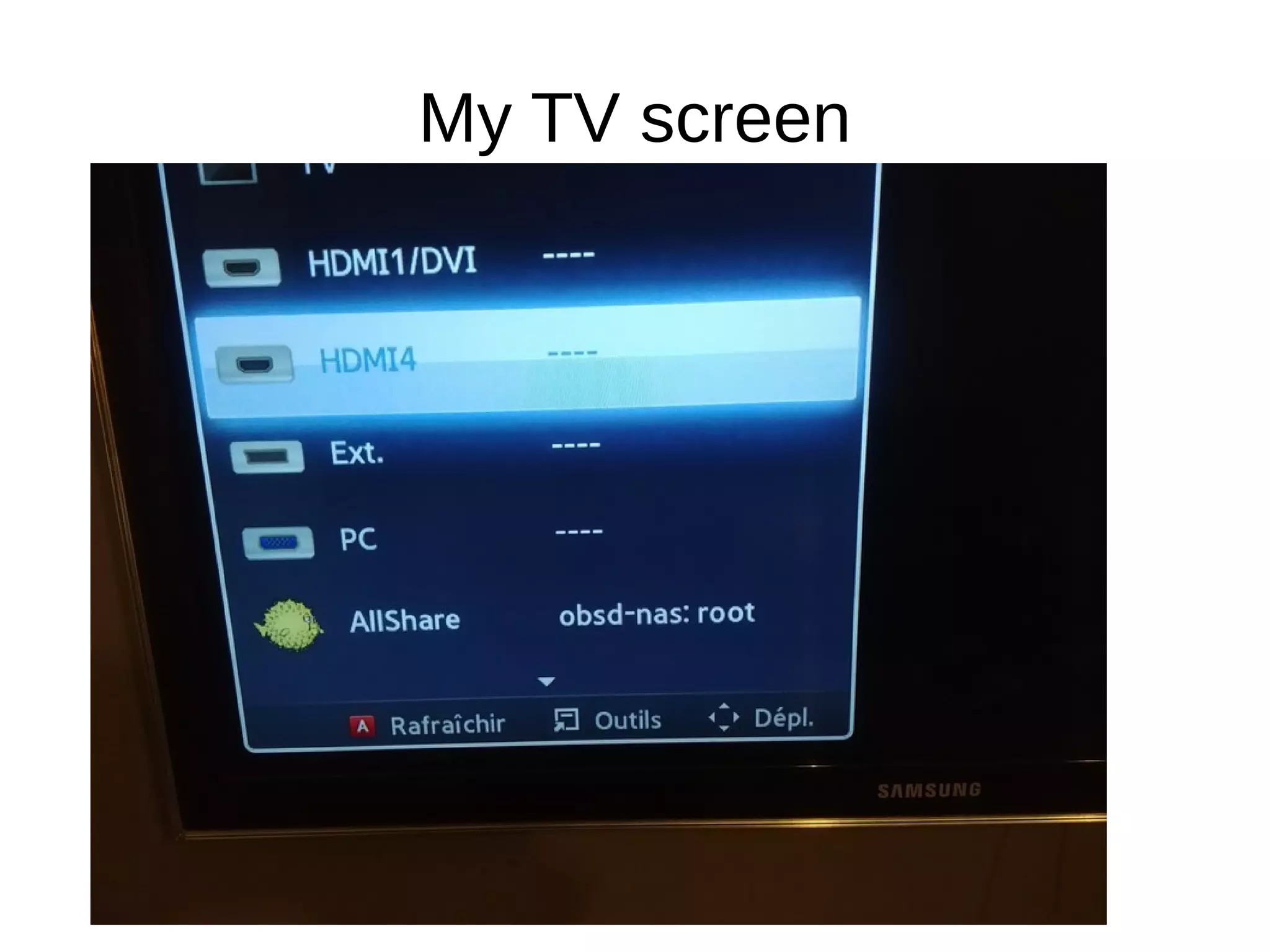
My TV screen
Lessons learned
●
OpenBSD offers all required plumbing for
sharing multimedia files.
●
Sndiod is awesome good.
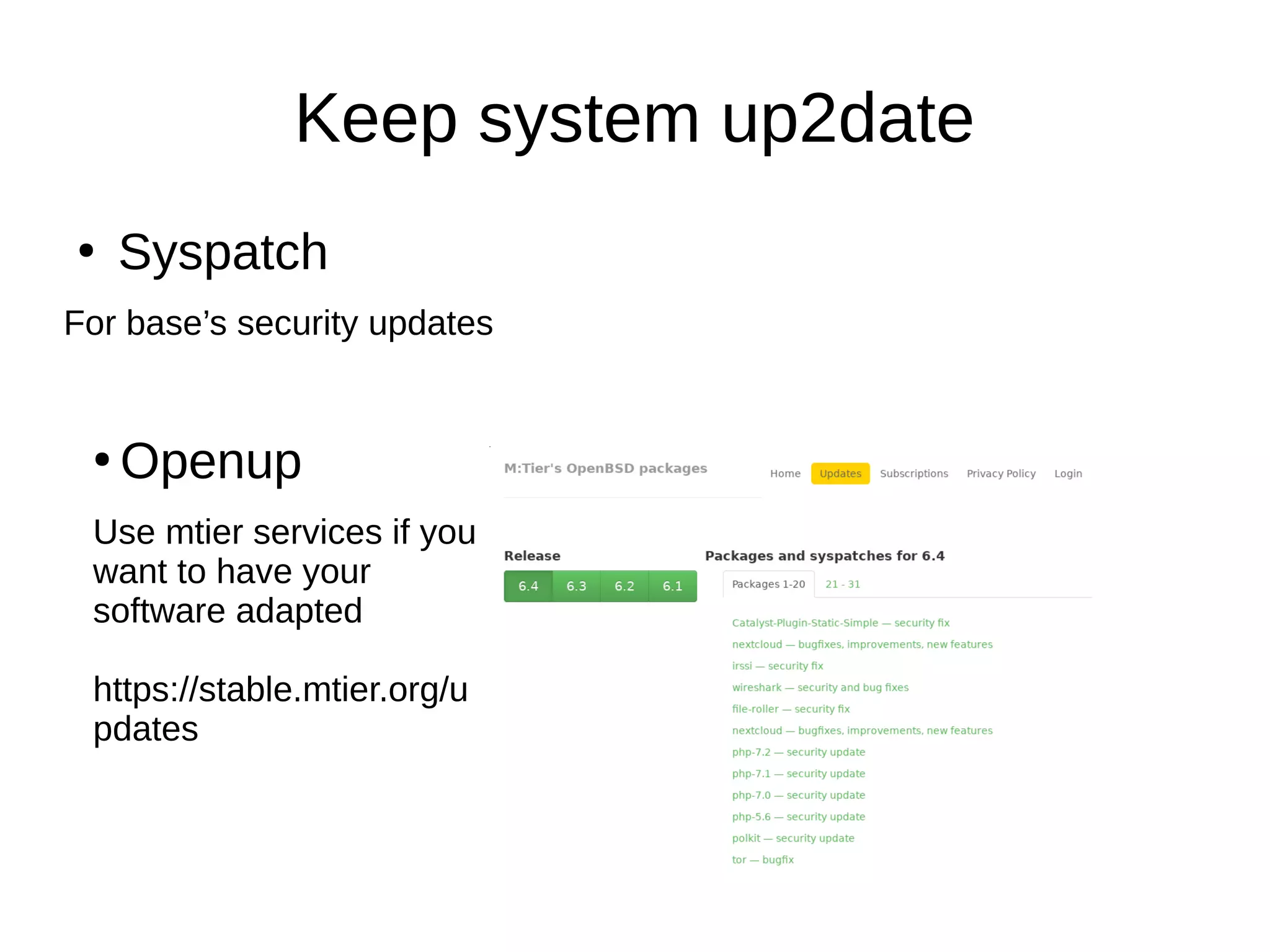
Keep system up2date
●
Syspatch
For base’s security updates
●
Openup
Use mtier services if you
want to have your
software adapted
https://stable.mtier.org/u
pdates
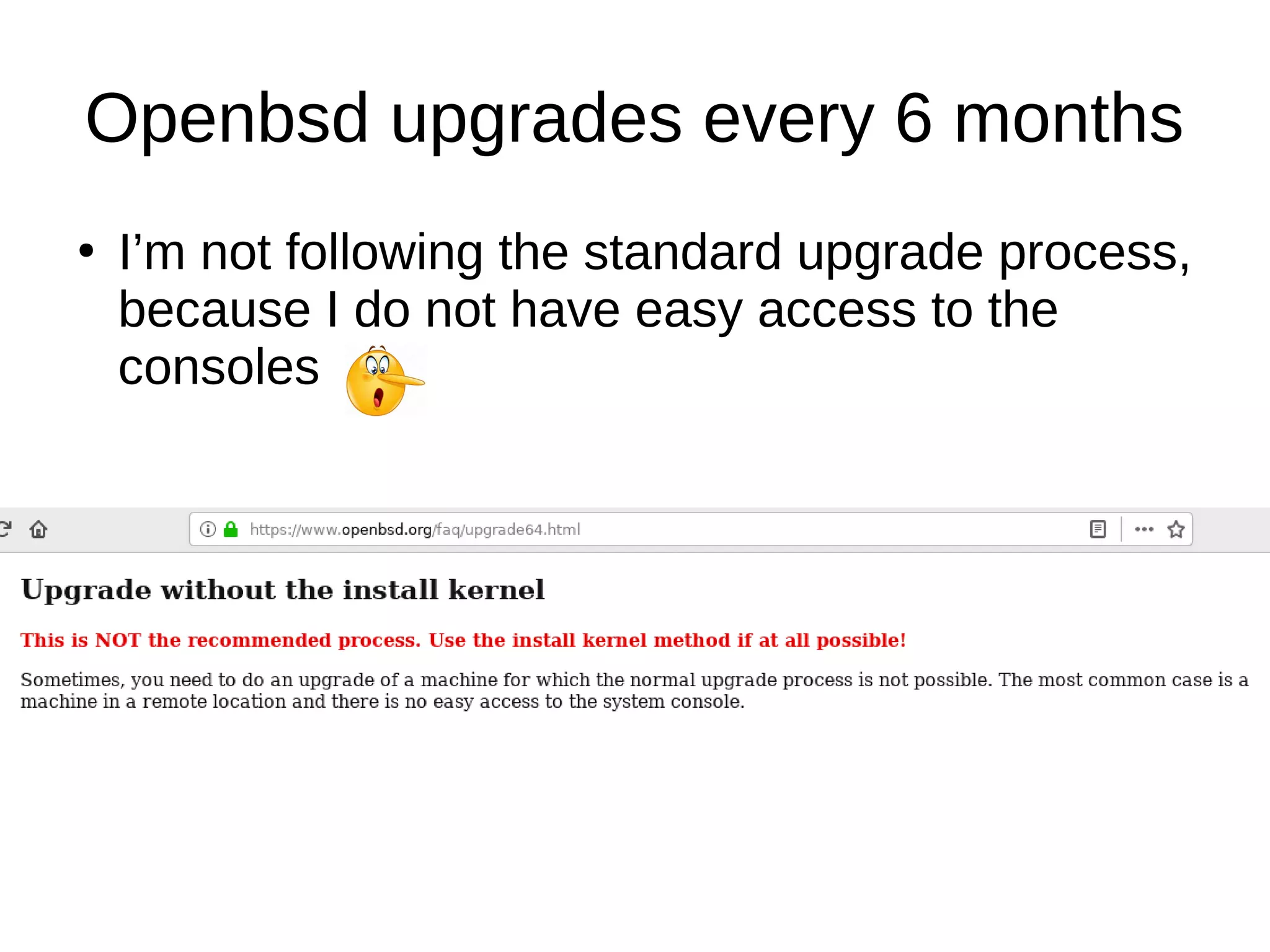
Openbsd upgrades every 6 months
●
I’m not following the standard upgrade process,
because I do not have easy access to the
consoles
Upgrade
VERSION="64" # The version you want to install
SRC="https://cdn.openbsd.org"
set -A SETS xbase xfont xserv xshare man game comp base #base should always be the last
DEST="/tmp/upgrd"
# Download OpenBSD kernel files and sets
MAJ=${VERSION%?}; MIN=${VERSION#${VERSION%?}}; DWNLD="$SRC/pub/OpenBSD/$MAJ.$MIN/amd64/"
[ -d "$DEST" ] || mkdir -p "$DEST"; cd "$DEST"
echo == Temporary folder $DEST ==
[ -f SHA256.sig ] || ftp ${DWNLD}SHA256.sig
for COMPO in bsd.rd bsd bsd.mp;do
echo == Treating $COMPO ==
[ -f $COMPO ] || ftp $DWNLD$COMPO
signify -C -p /etc/signify/openbsd-$VERSION-base.pub -x SHA256.sig $COMPO || exit 1
done
for COMPO in ${SETS[@]}; do
echo == Treating $COMPO$VERSION.tgz ==
[ -f $COMPO$VERSION.tgz ] || ftp $DWNLD$COMPO$VERSION.tgz
signify -C -p /etc/signify/openbsd-$VERSION-base.pub -x SHA256.sig $COMPO$VERSION.tgz || exit 1
done
# install kernel files (cfr FAQ)
ln -f /bsd /obsd && cp bsd.mp /nbsd && mv /nbsd /bsd
cp bsd.rd /
cp bsd /bsd.sp
sha256 -h /var/db/kernel.SHA256 /bsd
# install the selected sets (Cfr FAQ)
[ -f /sbin/oreboot ] || cp /sbin/reboot /sbin/oreboot || exit 1
for _f in ${SETS[@]}; do
echo "tar -C / -xzphf $_f"
tar -C / -xzphf "$_f" || exit 1
done
echo "== DONE =="; echo "After reboot, please follow the remaining tasks list on https://www.openbsd.org/faq/upgrade$VERSION.html#NoInstKern"
echo "When ready, perform: /sbin/oreboot"
Upgrade software
●
pkg_add -uv
Conclusion
An encrypted NAS
At least 2 disks (1 for long term backup and for security)
Have a “time-machine like” system (for short term backup)
Provide files via NFS, Samba and sshfs
Delivering mp3, ogg, Flac to my hifi system + remote control it via
smartphone
Deliver multi media (video, photos) to TV (~VOD)
Easy to maintain
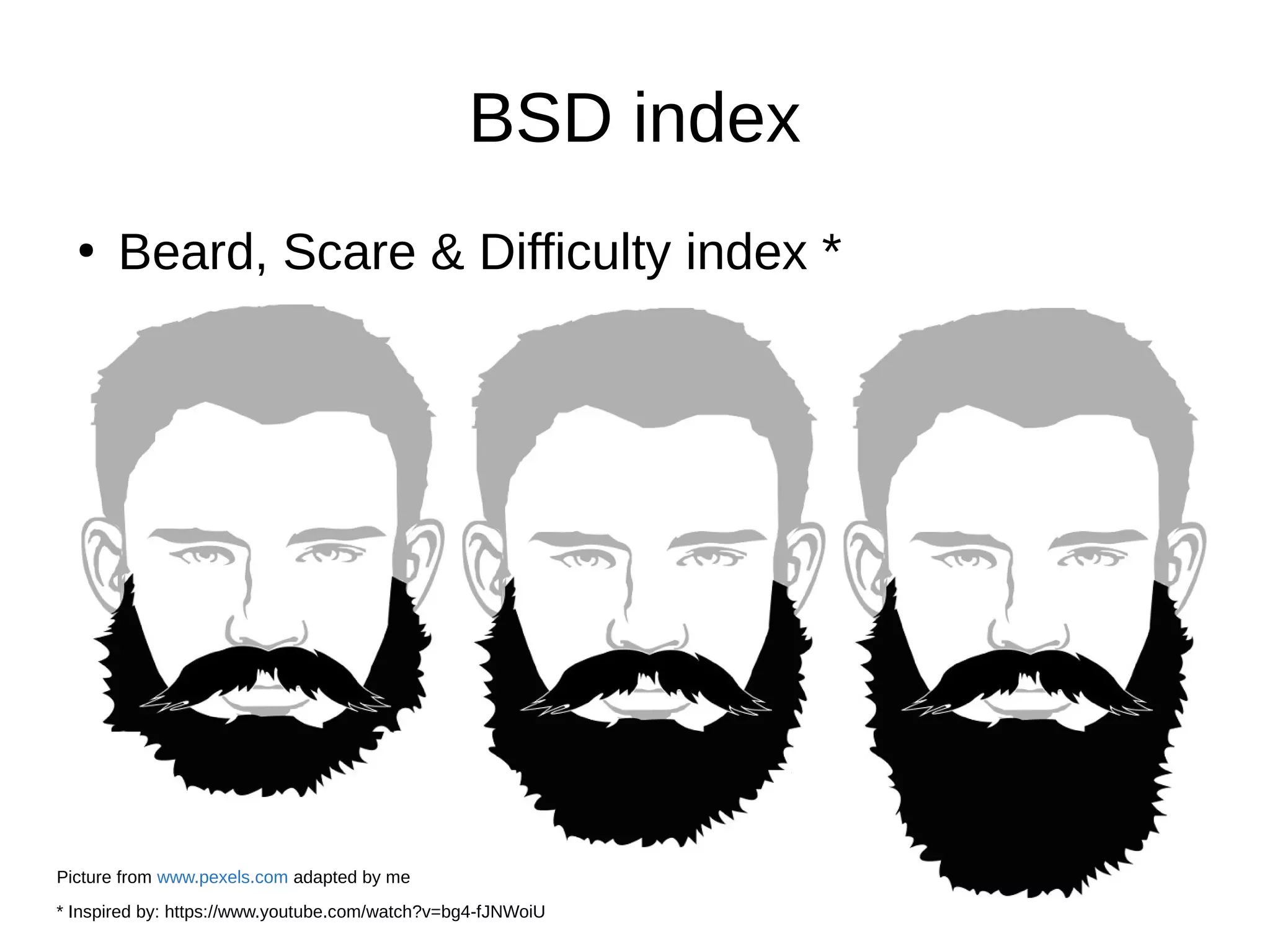
BSD index
●
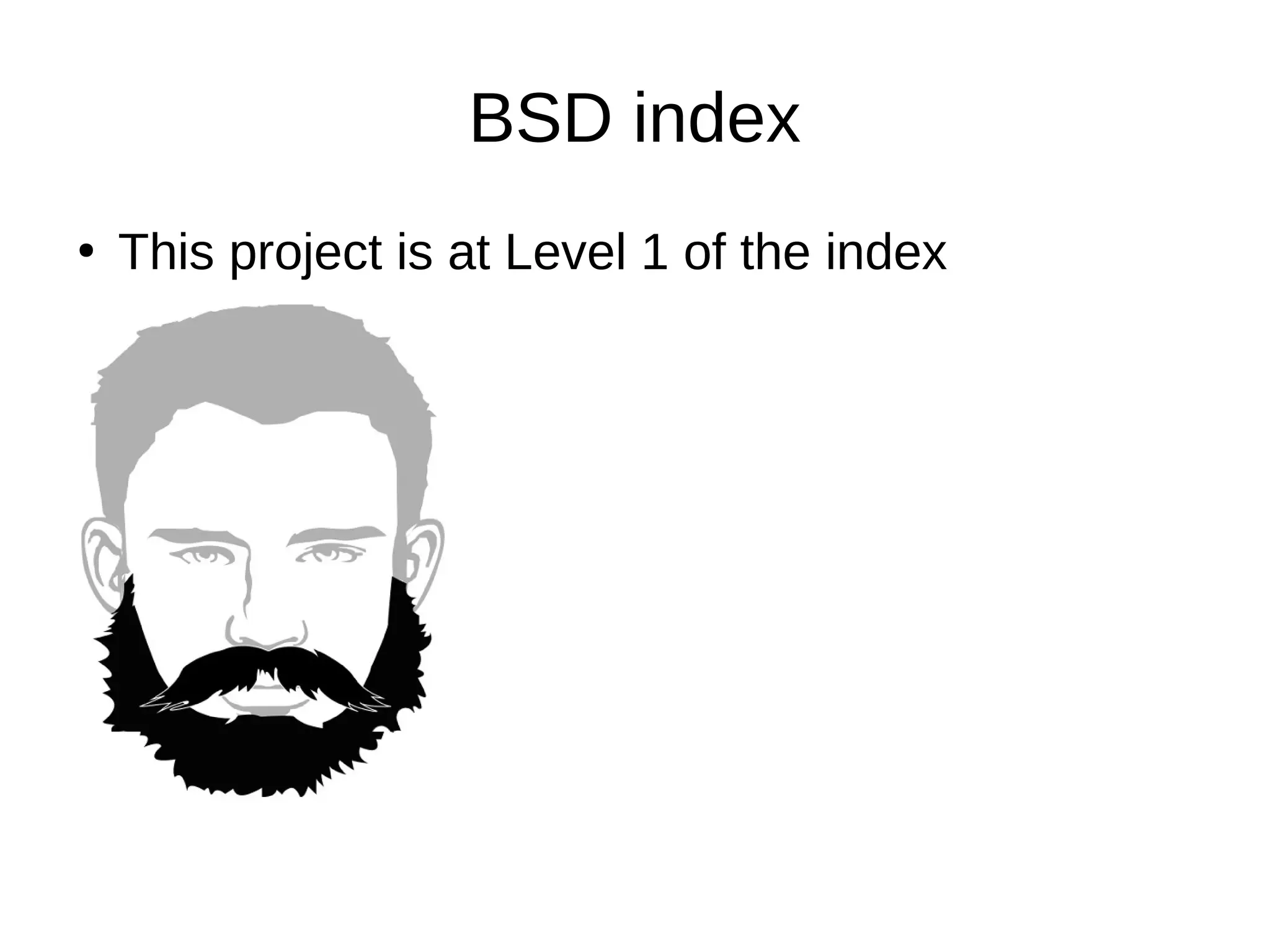
Beard, Scare & Difficulty index *
* Inspired by: https://www.youtube.com/watch?v=bg4-fJNWoiU
Picture from www.pexels.com adapted by me
BSD index
●
This project is at Level 1 of the index
Lessons learned
●
Verify that your Hardware has drivers in
openbsd before buying it (read man pages)
●
Look for required softwares on the OpenBSD
packages repository (http://openports.se)
●
Upgrades are fun to perform because very few
surprises
●
OpenBSD is matching perfectly this use case
●
OpenBSD is really fun to use
For french speaking persons
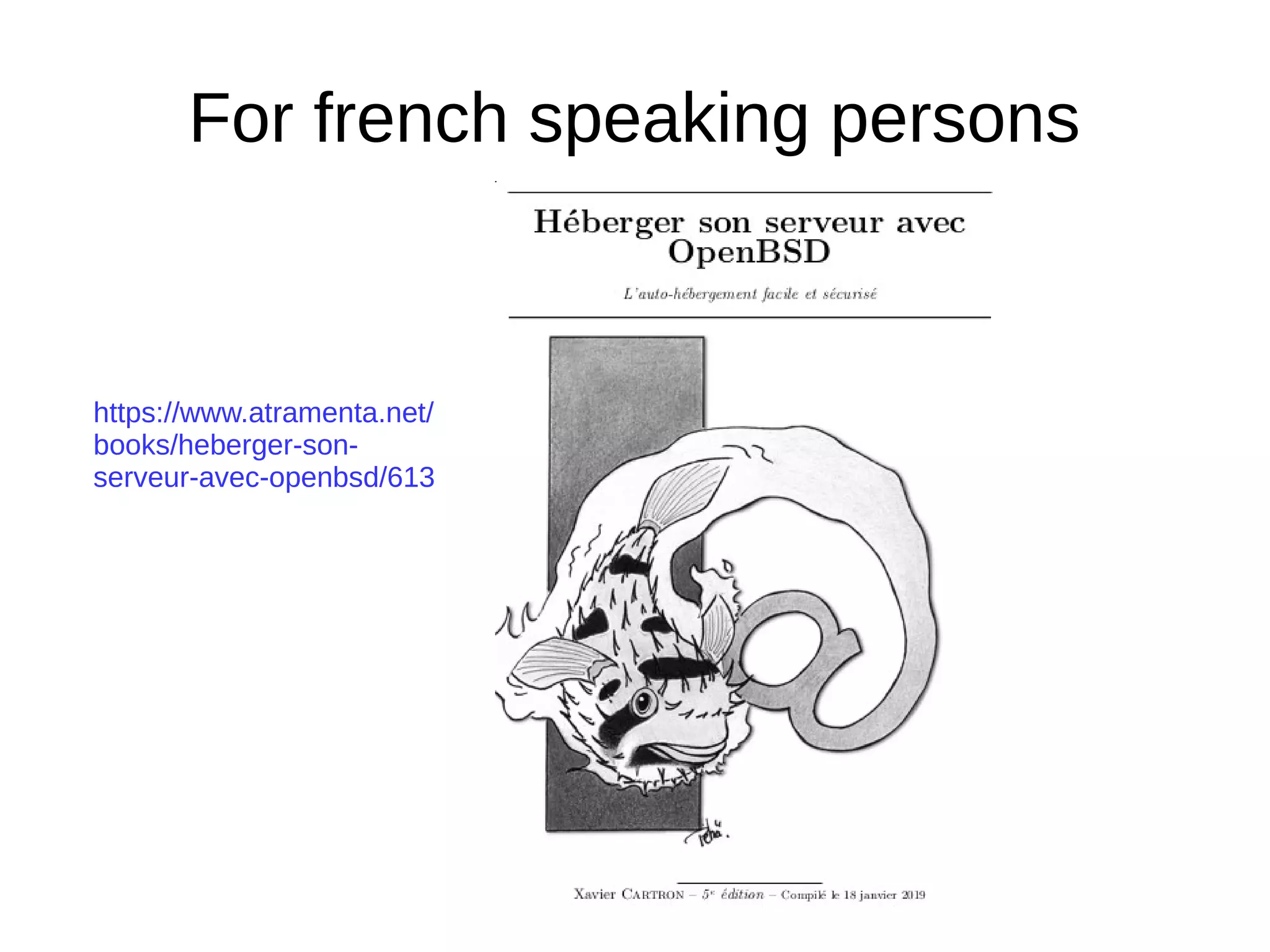
https://www.atramenta.net/
books/heberger-son-
serveur-avec-openbsd/613
Questions ?
Email: vincent.delft@easytransitions-ict.be
Blog: https://www.vincentdelft.be/category/openbsd
Company: https://easytransitions-ict.be

openbsd-as-nas.pdf

  • 1.
    OpenBSD as afull-featured NAS OpenBSD is not only for Network related projects Fosdem 2019 Email: vincent.delft@easytransitions-ict.be Blog: https://www.vincentdelft.be My company: https://easytransitions-ict.be
  • 2.
    Topics for today ● Whatare the goals of this project ● How I’ve implemented it ● What were/are the problems ● Lesson’s learned ● The scripts developed are shared ● Conclusions
  • 3.
    Goals ● The goals are : –An encrypted NAS – At least 2 disks (1 for long term backup and for security) – Have a “time-machine like” system (for short term backup) – Provide files via NFS, Samba and sshfs – Every user has his own R/W folder and several other R/O folders – Delivering mp3, ogg, Flac to my hifi system + remote control it via smartphone – Deliver multi media (video, photos) to TV (~VOD) – Run on cheap HW – Easy to maintain
  • 4.
    Design NAS FLAC JPEG/RAW MKV/AVI Working files DAC /Hifi TV dlna Speakers: photo by Goh Rhy Yan on Unsplash
  • 5.
    NAS ● 3 main folders: –/mnt/sd1/share : photos, video, music. (RO) – /mnt/sd1/pfiles: personal files ● Each user has his own RW folder (not visible by others) ● Some “global folders” are RW for all users – /mnt/sd1/machines: all machine’s backups (not visible by std users)
  • 6.
    Hardware (old) ● Intel(R) Atom(TM)CPU D2500 @ 1.86GHz – Fan less – OpenBSD compatible – 4 GB Ram – 2 SATA ports – Disks 1TB
  • 7.
    Hardware ● After few yearsof good services, a new board with a better CPU – ASUSTeK COMPUTER INC. H110T – Fan – OpenBSD compatible – CPU 3.3 GHZ – 4GB Ram – 2 SATA ports – Same disks
  • 8.
    Lesson’s learned HW ● Readman pages before buying
  • 9.
    Setup OpenBSD ● Since wehave 2 SATA slots: ● Install OpenBSD on an USB key – Normal installation process – Select the correct storage (USB) and follow standard installation steps – 16 GB is enough ● Encrypt the Disks – My main disk is sd1 – Remove first blocks: dd if=/dev/urandom of=/dev/rsd1c bs=1m count=10 – Initialize it: fdisk -iy sd1
  • 10.
    ● Partition it: # disklabel-E sd1 Label editor (enter '?' for help at any prompt) > a i offset: [64] size: [1953520001] * FS type: [4.2BSD] RAID > w > q
  • 11.
    ● Encrypt it # bioctl-c C -l sd1i softraid0 New passphrase: Re-type passphrase: sd2 at scsibus2 targ 1 lun 0: <OPENBSD, SR CRYPTO, 005> SCSI2 0/direct fixed sd2: 972877MB, 512 bytes/sector, 1953525168 sectors softraid0: CRYPTO volume attached as sd2
  • 12.
    ● Partition it andFormat it: # disklable –E sd2 Label editor (enter '?' for help at any prompt) > a i offset: [64] size: [1953519473] * FS type: [4.2BSD] > w > q # newfs /dev/rsd2i # mount /dev/sd2i /mnt
  • 13.
    Points of attention ● Atboot, we have to: – Bioctl the disk with the pass-phrase – Mount the filesystem (will be /dev/sd2i) ● But we have 2 disks !!! (+ the USB) – Are we sure that same disk will always be sd1 ? – If we boot with 1 disk, the decrypted filesystem will be sd2. If we boot with 2 encrypted disks, our filesystem could be sd4 or sd5. – Use of DUID is the solution ● At shutdown we have to umount and remove the RAID – Umount /mnt (dev/sd2i) – Bioctl -d sd2
  • 14.
    #disklabel sd1 # /dev/rsd1c: type:SCSI disk: SCSI disk label: WDC WD10EFRX-68P duid: 8fbf08f1b85e8f65 flags: bytes/sector: 512 sectors/track: 63 tracks/cylinder: 255 sectors/cylinder: 16065 cylinders: 121601 total sectors: 1953525168 boundstart: 64 boundend: 1953520065 drivedata: 0 16 partitions: # size offset fstype [fsize bsize cpg] c: 1953525168 0 unused i: 1953520001 64 RAID
  • 15.
    /etc/rc.local #mkdir /mnt/sd1 logger "rc.local:bioctl the nas" bioctl -c C -l 8fbf08f1b85e8f65.i -p /root/xxx softraid0 > /tmp/maindisk device=$(sed -n -e '/CRYPTO/ s/.* //p' /tmp/maindisk) logger "rc.local: trying to mount the nas" mountok=1 mount -o noatime,softdep /dev/${device}i /mnt/sd1 if [ $? -gt 0 ]; then mountok=0 logger "rc.local: mount failed !!! start fsck -y" fsck -y /dev/${device}i logger "rc.local: retry to mount the nas" mountok=1 mount -o noatime,softdep /dev/${device}i /mnt/sd1 if [ $? -gt 0 ]; then mountok=0 fi fi if [ "$mountok" = "1" ]; then ... else Logger “rc.local: failed to start applications fi
  • 16.
    /etc/rc.shutdown … for i in$(mount | grep -v mfs | grep -v " / " | cut -d' ' -f1) do logger "rc.shutdown: umount:$i" umount -f $i sleep 5 sync logger "rc.shutdown: bioctl -d $(echo $i | cut -d '/' -f 3 | cut -d 'i' -f1)" bioctl -d $(echo $i | cut -d '/' -f 3 | cut -d 'i' -f1) done
  • 17.
    Lessons learned: setup ● DUIDis a must to manage correctly each disk (avoid to over-write or erase to good files) ● Attention to perform for the boot and shutdown process ● Whole setup is amazingly simple, yet efficient, on OpenBSD
  • 18.
    Time machine ● https://sourceforge.net/projects/simple-time-machine/ ● Use rsync(pkg_add rsync) ● Hard links against a reference (folder current) ● I’m running it 1x per day (but could 1x hour). If no data changed since last run, nothing performed. ● Every user’s folders and important folder (photos, music, movies, ...) have their “time machine” allowing me to retrieve old deleted or modified files. obsd-nas:/mnt/sd1/machines/nas#du -h -d1 . | sort -k2 6.6M ./20181216 6.4M ./20181217 7.0M ./20181220 5.2M ./20181222 937M ./current
  • 19.
    Time machine ● Config filefor /etc, /root, /var: backup_type=full historical_retention=25 folder_size=1920112 # calculated on 01-01-2019 01:31:59 ● Config file for mp3: backup_type=check_only_size historical_retention=5 folder_size=120480192 # calculated on 17-12-2017 01:38:52 folder_pattern="+%Y%m%d"
  • 21.
    Lessons learned ● Hard linksare very good for such “file based” backups. Limited storage impact ● Rsync is perfect for this job. ● Easy for the end users to retreive their old files
  • 22.
    Sharing files ● Server side:standard configs – NFS server is NFSv3 in OpenBSD obsd-nas:~#more /etc/exports /mnt/sd1 -maproot=root -alldirs -network=192.168.3.0 -mask=255.255.255.0 ● pkg_add samba + standard setup: – One shared folder – 2 home folders for users “is” and “ra”
  • 23.
    #more /etc/samba/smb.conf [global] workgroup =WORKGROUP hosts allow = 192.168.3. guest account = nobody map to guest = Bad User log file = /var/log/samba/smbd.%m log level = 1 max log size = 500 dns proxy = no #============================ Share Definitions ============================== [share] path = /mnt/sd1/share guest ok = yes read only = yes browseable = yes [is] path = /mnt/sd1/personal_files/is/current valid users = is guest ok = no read only = no browseable = yes [ra] path = /mnt/sd1/personal_files/ra/current valid users = ra guest ok = no read only = no browseable = yes
  • 24.
    ● For sshfs – setupssh keys between client and server – On client: ● pkg_add sshfs-fuse ● Mount it: UID=$(id -u) GID=$(id -g) doas sshfs root@nas:/mnt/sd1 /net/nas -o idmap=user,uid=$UID,gid=$GID,allow_other, follow_symlinks,reconnect
  • 25.
    lesson’s learned: Samba,NFS and sshfs Client side: – Performance parameters (/etc/fstab): nas:/mnt/sd1 /net/nas nfs rw,noauto,bg,nodev,nosuid,soft,intr,-r=4096,- w=4096 0 0 – Better to not use NFS over Wifi. Works, but not reliable. – Samba is really simple for OSX and Linux clients connected over wifi. – For sshfs: run well with OpenBSD over wifi
  • 26.
    backup ● Copy master diskto backup disk 1x per month ● Copy master disk to external disk 3x per year (paranoiac ?) ● But before make sure that we copy correct files – Check your files are not impacted by a bit rotation issue. – Yabitrot (https://sourceforge.net/projects/yabitrot/): a python script which store checksum’s files (based on their Inode) in an SQLite DB. obsd-nas:~#more /etc/monthly.local /usr/local/bin/python3.6 /root/yabitrot.py -p /mnt/sd1 -e "*.core" -v 0 -L /var/log/yabitrot.log
  • 27.
    ● Yabitrot – Takes intoaccount the hardlinks – Written in python3 using standard modules (sqlite, zlib) – Use a fast hash algorithm: zlib.adler32 – Do not cross filesystems (because of inodes) – Note: Adler is unsafe for protecting against intentional modification ● Restore corrupted files from backup before taking backup Thu Dec 6 02:30:01 2018: DB stored on: /mnt/sd1/.cksum.db Thu Dec 6 02:30:01 2018: Device ID:1080 Thu Dec 6 04:56:09 2018: 6298 files removed from DB Thu Dec 6 04:56:10 2018: 6628 files added Thu Dec 6 04:56:10 2018: 518 files updates Thu Dec 6 04:56:10 2018: 0 files error Thu Dec 6 04:56:10 2018: 6174625 files analyzed in 8768.73 sec, 717.907 GB Thu Dec 6 04:56:10 2018: 773350 entries in the DB
  • 28.
    backup ● Cannot use rsyncto sync 2 disks because too many hardinks (cfr rsync man page) ● Do not use DD because of encryption (any feedbacks ?) ● Tested tar, cpio and pax ● Finally adopt pax: cd /mnt/sd1 pax -rw -pe $VERBOSE ./machines /mnt/sd0/
  • 29.
    bioctl -c C-I /dev/<duid>i softraid0 > passphrase mount /dev/sdxi /mnt/sd0 ... rm ... ... pax ... umount / mnt/sd0 bioctl -d sdx # old hw new hw MACHINE="YES" #20 minutes 4m + 10m PFILES="YES" #29 hours 2h10 + 4h40 SHARE="YES" #17 hours 9m + 2h15 VERBOSE=””
  • 30.
    ● In case ofdisaster (fire, water, ...) better to not have master and backup disks in the same box. ● I perform a copy to a 2.5” disk too (??!!??): bioctl -c C -I /dev/<duid>i softraid0 > passphrase mount /dev/sdxi /mnt/sd0 ... rm ... ... pax ... umount / mnt/sd0 bioctl -d sdx
  • 31.
    Lessons learned: backup ● Beverify sure of the good status of files before putting them on backup devices (overwrite) ● Pax is perfect for this job ● Powerful cpu is required because of encryption
  • 32.
    Hifi ● mpd is runningon NAS: pkg_add mpd ● Adapt /etc/mpd.conf: music_directory "/mnt/sd1/share/music/current" bind_to_address "nas" audio_output { type "sndio" name "sndio output" mixer_type "software" }
  • 33.
    Hifi ● Thanks to sndio,audio output is redirected to small machine located close to an hifi-DAC ● Smartphone app like MALP allow you to manage your sounds ● As web based mgt system, I propose ympd (runs on openbsd).
  • 34.
    Hifi ● Normal OpenBSD installation(I’m using my usb read-only setup to allow poweroff) ● ZOTAC ZBOX-ID18 with 4GBRam, no disk. ● Have a digital output: mixerctl shows outputs.SPDIF_source=dig-dac-0:1 # more /etc/rc.local sleep 2 rcctl stop sndiod mixerctl outputs.mode=digital rcctl start sndiod sleep 2 /usr/bin/ssh vi@nas /home/vi/start_mpd.sh sleep 2 /usr/local/bin/ympd -h nas -w 80 &
  • 35.
    obsd-nas:~#more start_mpd.sh #!/bin/sh DESTINATION=”hifi” export AUDIODEVICE="snd@$DESTINATION/0" echo"$AUDIODEVICE" doas rcctl restart mpd sleep 2 mpc -q -h nas play #play last songs
  • 36.
    YMPD ● https://www.ympd.org/ ● pkg_add ympd (release1.3.0) ● MPD Web GUI - written in C, utilizing Websockets and Bootstrap/JS ● Put the address of your NAS and the mpd port (6600) in the settings of ympd ;-)
  • 38.
  • 39.
  • 40.
  • 41.
    VOD ● Minidald is installedon the NAS server (pkg_add minidlna) require xbase.tgz ● Adapt /etc/minidlna.conf network_interface=re0 media_dir=V,/mnt/sd1/share/films/current media_dir=PV,/mnt/sd1/share/photo/current
  • 42.
  • 43.
    Lessons learned ● OpenBSD offersall required plumbing for sharing multimedia files. ● Sndiod is awesome good.
  • 44.
    Keep system up2date ● Syspatch Forbase’s security updates ● Openup Use mtier services if you want to have your software adapted https://stable.mtier.org/u pdates
  • 45.
    Openbsd upgrades every6 months ● I’m not following the standard upgrade process, because I do not have easy access to the consoles
  • 46.
    Upgrade VERSION="64" # Theversion you want to install SRC="https://cdn.openbsd.org" set -A SETS xbase xfont xserv xshare man game comp base #base should always be the last DEST="/tmp/upgrd" # Download OpenBSD kernel files and sets MAJ=${VERSION%?}; MIN=${VERSION#${VERSION%?}}; DWNLD="$SRC/pub/OpenBSD/$MAJ.$MIN/amd64/" [ -d "$DEST" ] || mkdir -p "$DEST"; cd "$DEST" echo == Temporary folder $DEST == [ -f SHA256.sig ] || ftp ${DWNLD}SHA256.sig for COMPO in bsd.rd bsd bsd.mp;do echo == Treating $COMPO == [ -f $COMPO ] || ftp $DWNLD$COMPO signify -C -p /etc/signify/openbsd-$VERSION-base.pub -x SHA256.sig $COMPO || exit 1 done for COMPO in ${SETS[@]}; do echo == Treating $COMPO$VERSION.tgz == [ -f $COMPO$VERSION.tgz ] || ftp $DWNLD$COMPO$VERSION.tgz signify -C -p /etc/signify/openbsd-$VERSION-base.pub -x SHA256.sig $COMPO$VERSION.tgz || exit 1 done # install kernel files (cfr FAQ) ln -f /bsd /obsd && cp bsd.mp /nbsd && mv /nbsd /bsd cp bsd.rd / cp bsd /bsd.sp sha256 -h /var/db/kernel.SHA256 /bsd # install the selected sets (Cfr FAQ) [ -f /sbin/oreboot ] || cp /sbin/reboot /sbin/oreboot || exit 1 for _f in ${SETS[@]}; do echo "tar -C / -xzphf $_f" tar -C / -xzphf "$_f" || exit 1 done echo "== DONE =="; echo "After reboot, please follow the remaining tasks list on https://www.openbsd.org/faq/upgrade$VERSION.html#NoInstKern" echo "When ready, perform: /sbin/oreboot"
  • 47.
  • 48.
    Conclusion An encrypted NAS Atleast 2 disks (1 for long term backup and for security) Have a “time-machine like” system (for short term backup) Provide files via NFS, Samba and sshfs Delivering mp3, ogg, Flac to my hifi system + remote control it via smartphone Deliver multi media (video, photos) to TV (~VOD) Easy to maintain
  • 49.
    BSD index ● Beard, Scare& Difficulty index * * Inspired by: https://www.youtube.com/watch?v=bg4-fJNWoiU Picture from www.pexels.com adapted by me
  • 50.
    BSD index ● This projectis at Level 1 of the index
  • 51.
    Lessons learned ● Verify thatyour Hardware has drivers in openbsd before buying it (read man pages) ● Look for required softwares on the OpenBSD packages repository (http://openports.se) ● Upgrades are fun to perform because very few surprises ● OpenBSD is matching perfectly this use case ● OpenBSD is really fun to use
  • 52.
    For french speakingpersons https://www.atramenta.net/ books/heberger-son- serveur-avec-openbsd/613
  • 53.
    Questions ? Email: vincent.delft@easytransitions-ict.be Blog:https://www.vincentdelft.be/category/openbsd Company: https://easytransitions-ict.be