
OPENALGO V1.0
Developers Meet
Apr 2024 Edition
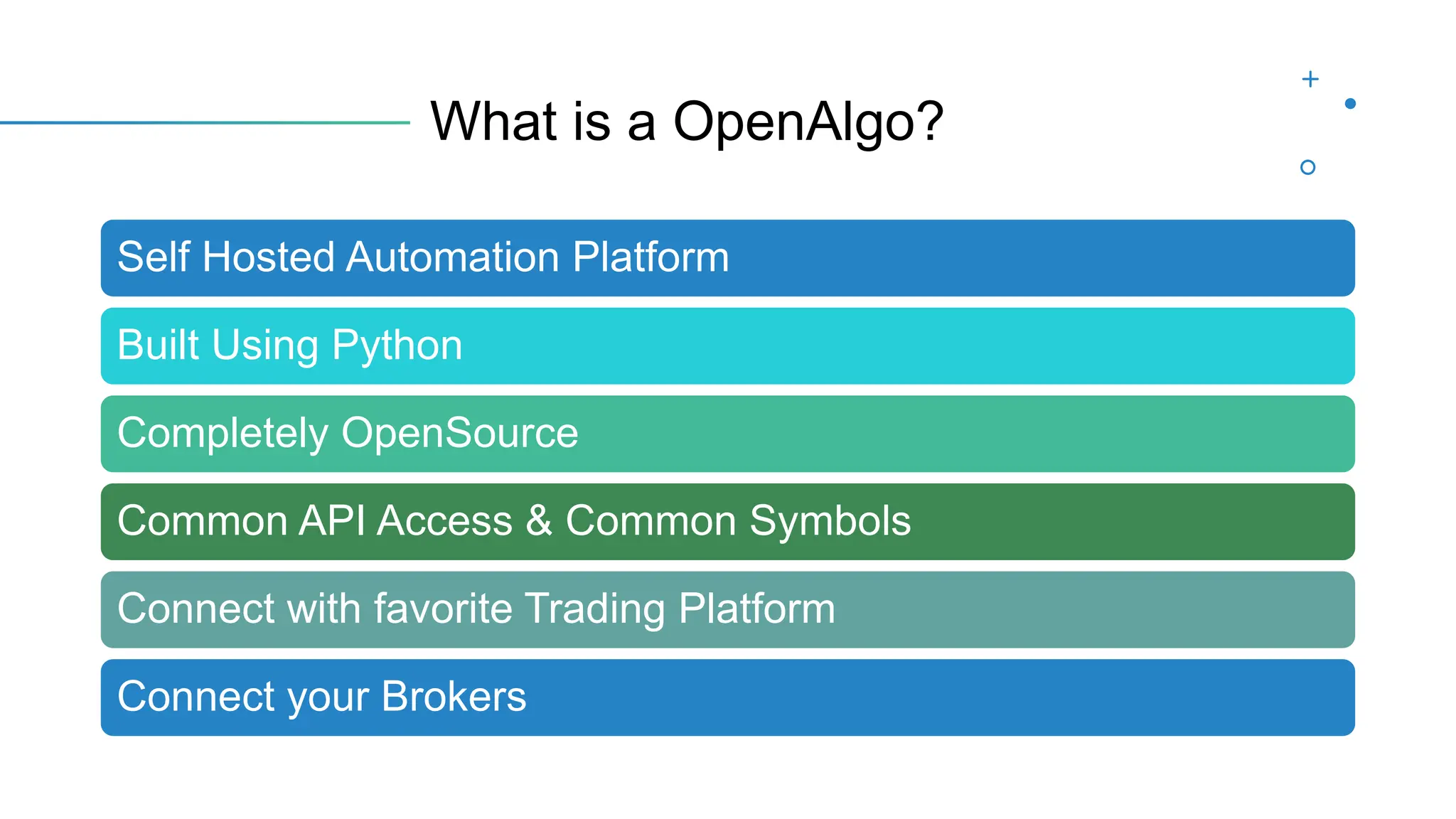
What is a OpenAlgo?
Self Hosted Automation Platform
Built Using Python
Completely OpenSource
Common API Access & Common Symbols
Connect with favorite Trading Platform
Connect your Brokers
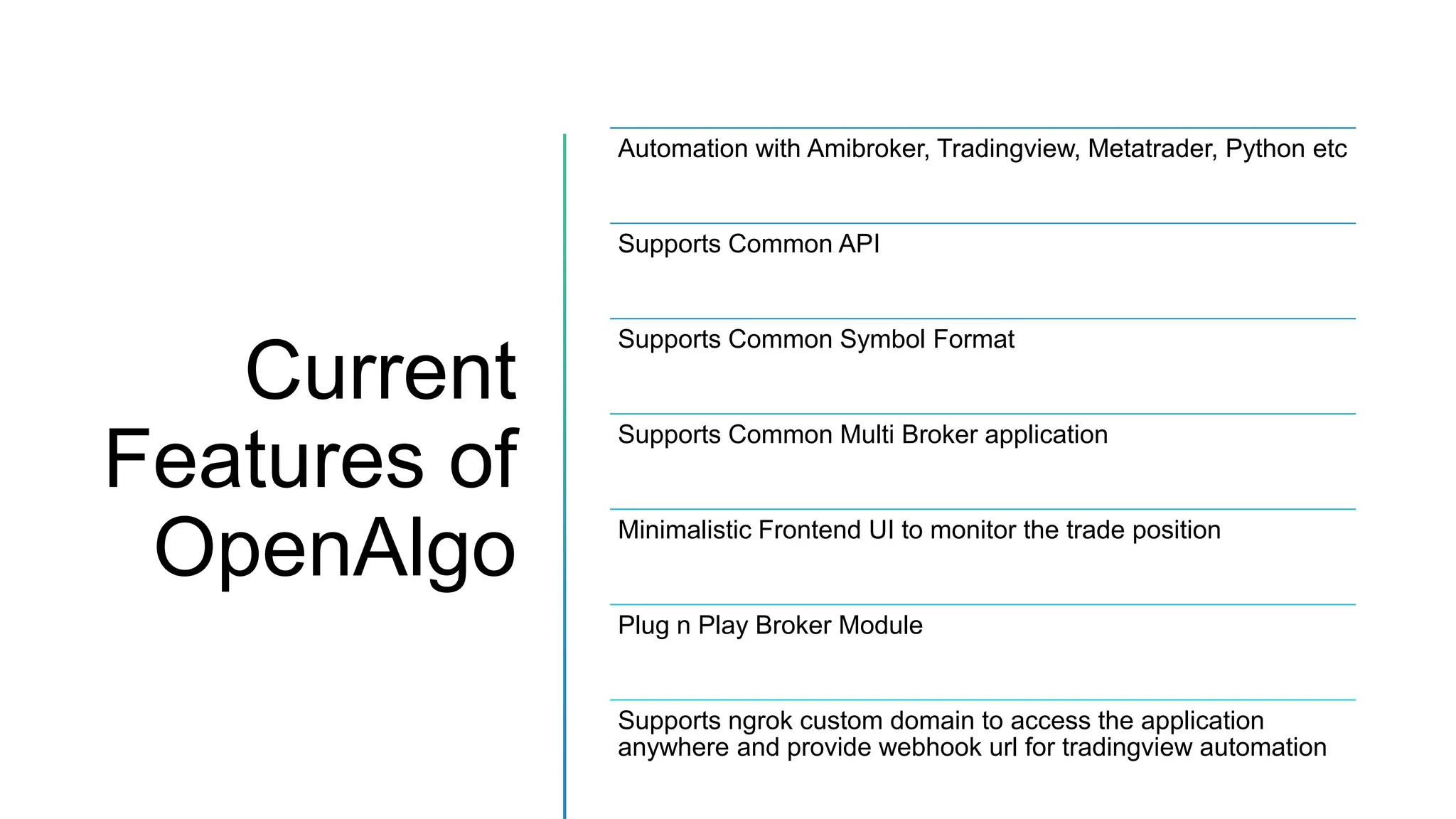
Current
Features of
OpenAlgo
Automation with Amibroker, Tradingview, Metatrader, Python etc
Supports Common API
Supports Common Symbol Format
Supports Common Multi Broker application
Minimalistic Frontend UI to monitor the trade position
Plug n Play Broker Module
Supports ngrok custom domain to access the application
anywhere and provide webhook url for tradingview automation
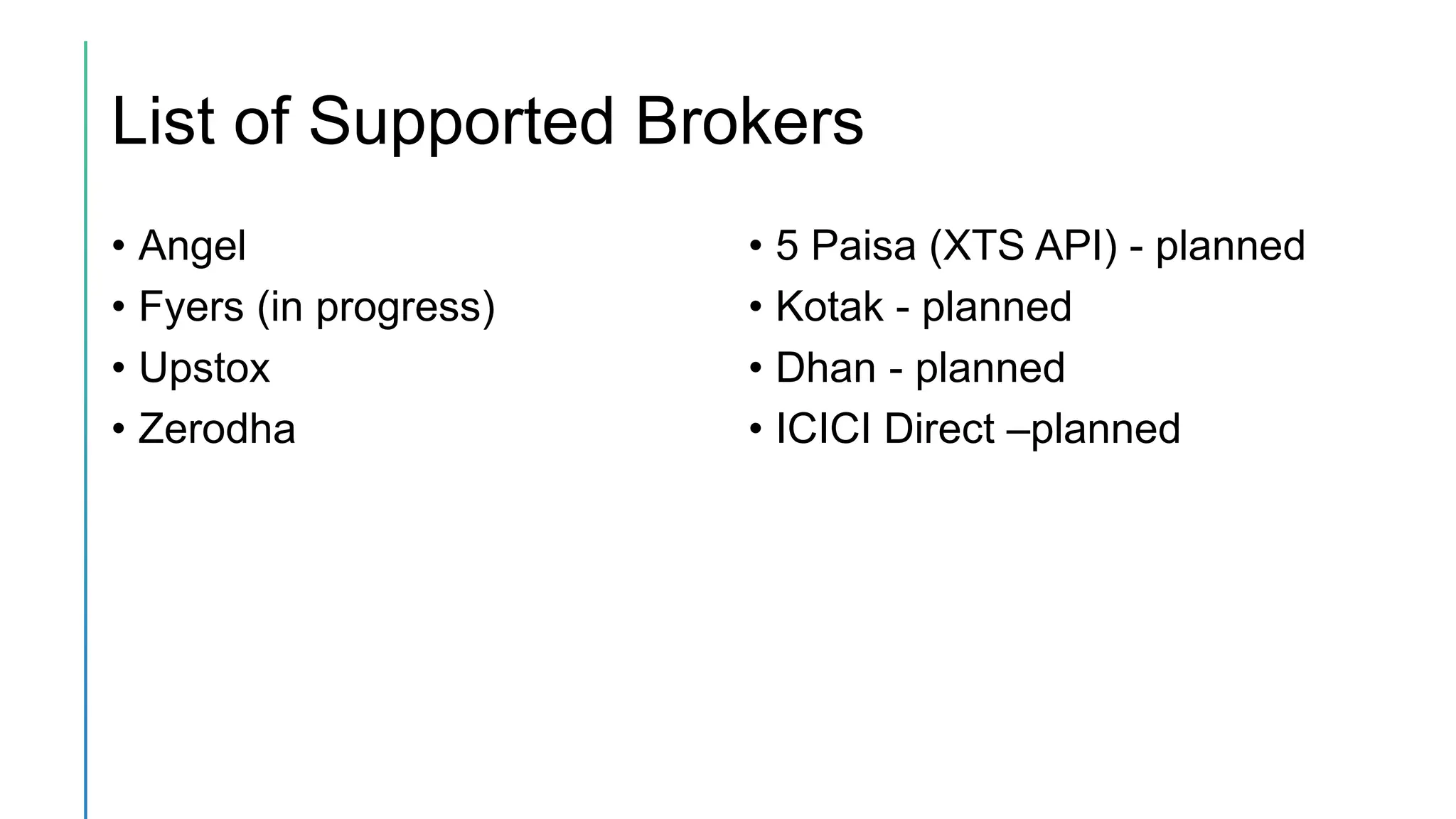
List of Supported Brokers
• Angel
• Fyers (in progress)
• Upstox
• Zerodha
• 5 Paisa (XTS API) - planned
• Kotak - planned
• Dhan - planned
• ICICI Direct –planned
List of Supported Platform
• Amibroker
• TradingView
• Metatrader
• Excel
• Python
• Nodejs
• Java
• C#
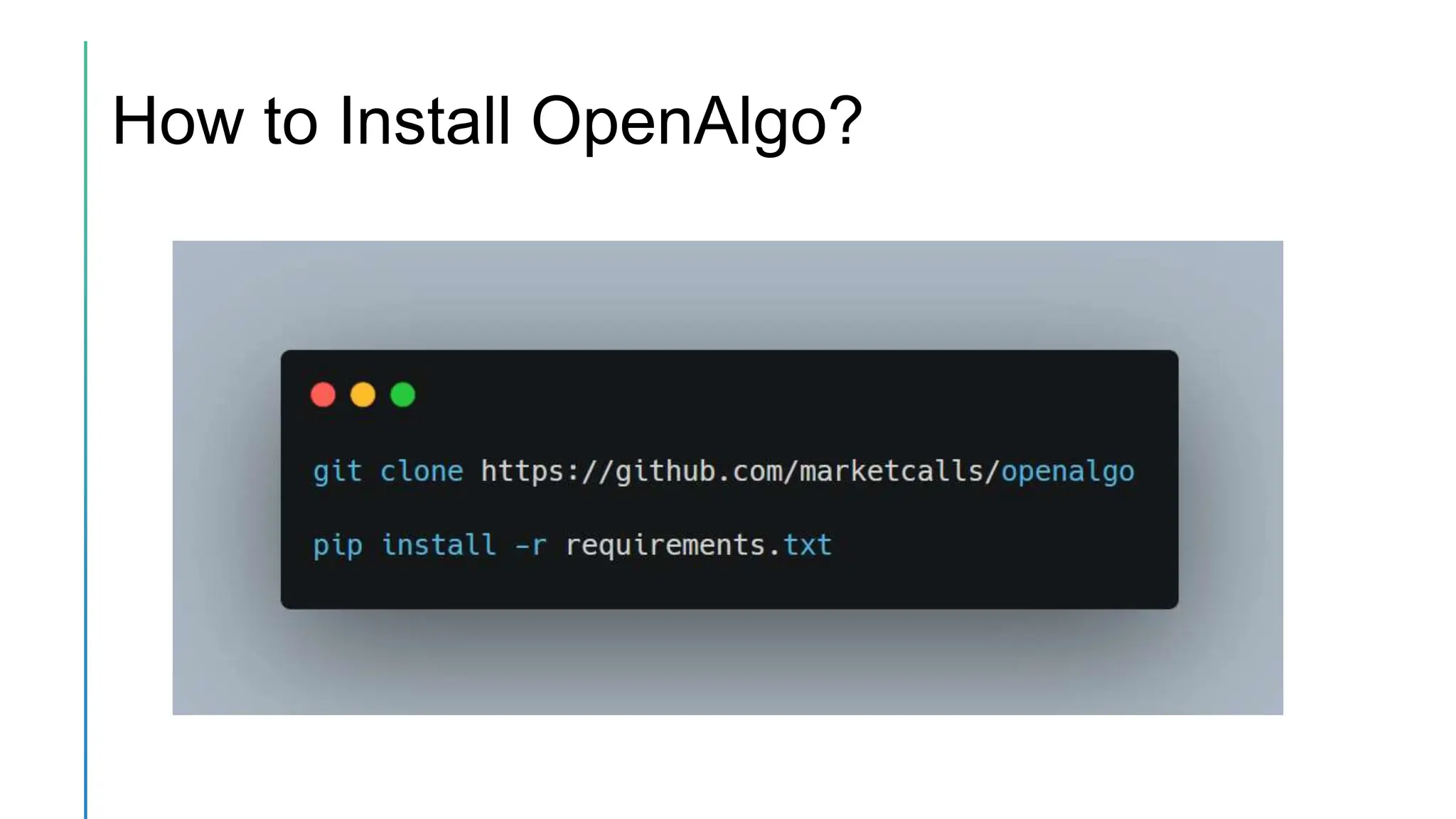
How to Install OpenAlgo?
Open Algo Configuration
• Setup .env files with broker apikey, apisecret, redirection url,
custom domain (optional)
• Start the Algo Server using the command
python app.py
• http://127.0.0.1:5000/setup or https://<host_url>/setup - for first
time admin user creation for main login
Documentation
• OpenAlgo Architecture
• How to Connect with Broker Credentials
• Installation and Setup Procedure
• Common API v1.0 Documentation
• Trading Platform Module
• Access to Community Support
Configure the Callback Route and
Broker.html
• Configure Callback Route – Dynamic route (Blueprints/auth.py)
• Configure the Broker Template – (template/broker.html)
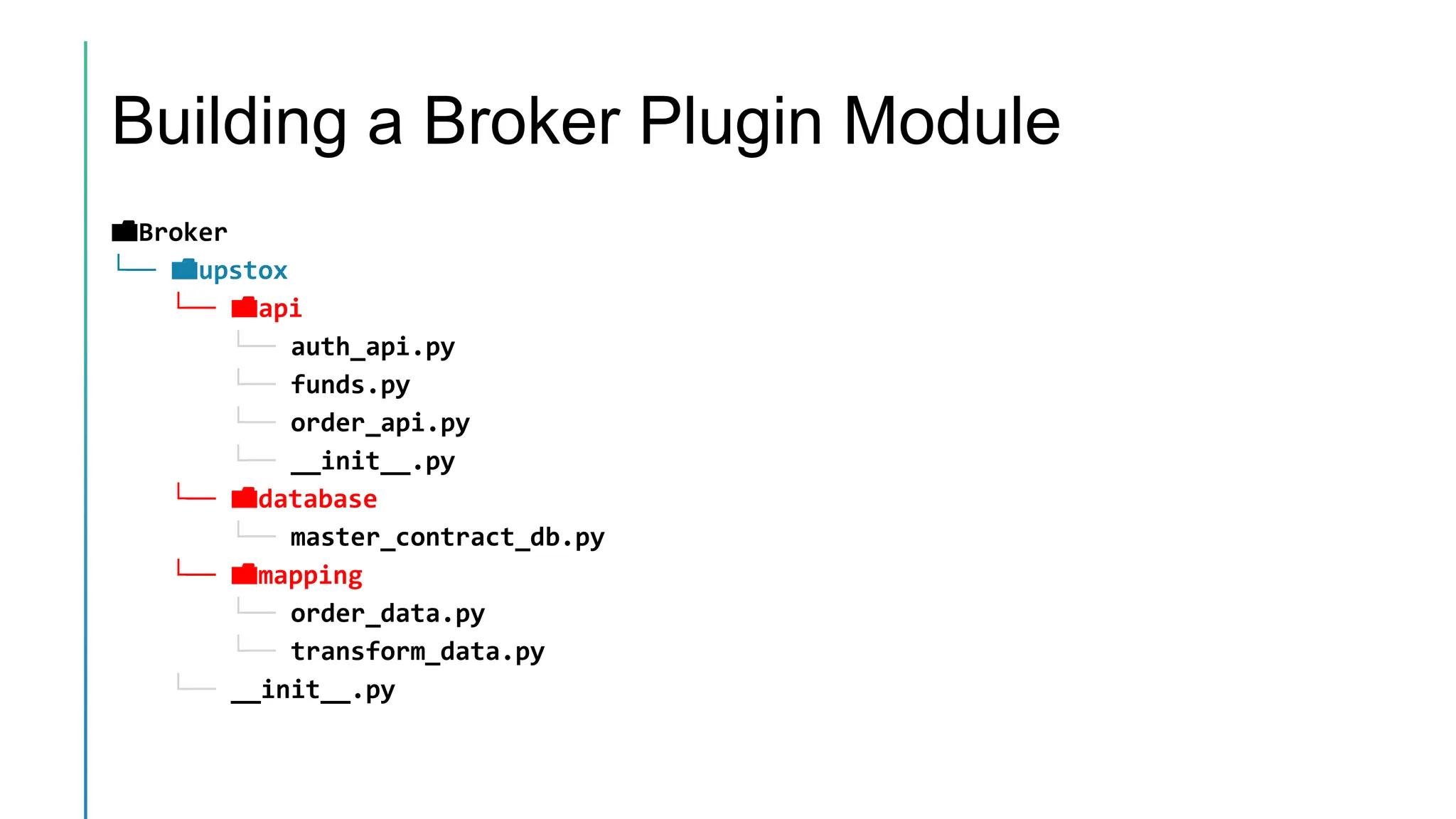
Building a Broker Plugin Module
📁Broker
└── 📁upstox
└── 📁api
└── auth_api.py
└── funds.py
└── order_api.py
└── __init__.py
└── 📁database
└── master_contract_db.py
└── 📁mapping
└── order_data.py
└── transform_data.py
└── __init__.py
Test and Go Live!
Roadmap for v1.25 (Apr – June 2024)
• Order Slicing Feature
• Place Basket Orders
• Place Option Orders (Single Leg/Multi Leg)
• Place Time Based Limit Orders
• Place Mid Pegged Limit Orders (Slippage Management)
• Integrate Realtime Websockets for Streaming Quotes
• Integrate Various Brokers.
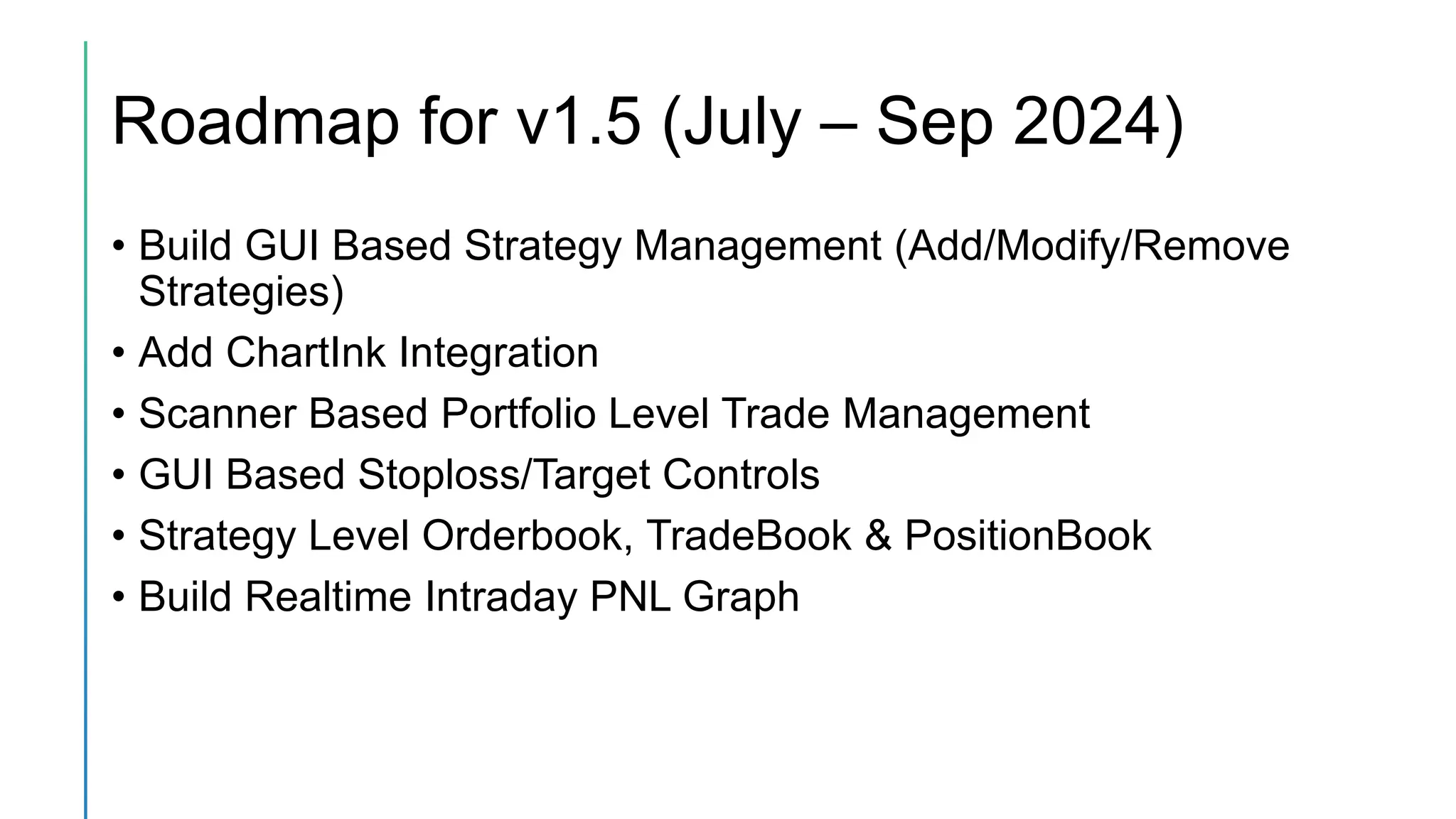
Roadmap for v1.5 (July – Sep 2024)
• Build GUI Based Strategy Management (Add/Modify/Remove
Strategies)
• Add ChartInk Integration
• Scanner Based Portfolio Level Trade Management
• GUI Based Stoploss/Target Controls
• Strategy Level Orderbook, TradeBook & PositionBook
• Build Realtime Intraday PNL Graph
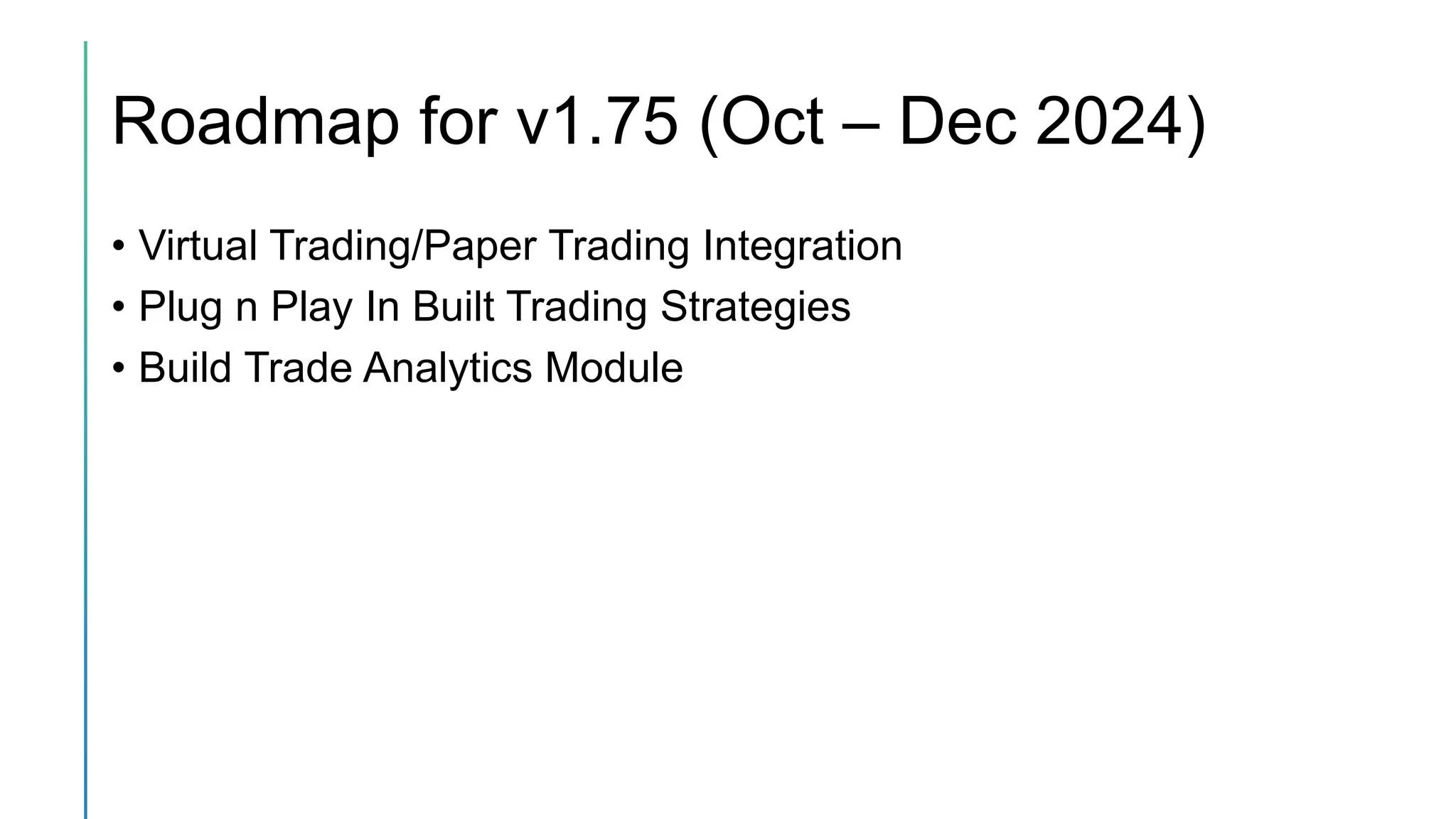
Roadmap for v1.75 (Oct – Dec 2024)
• Virtual Trading/Paper Trading Integration
• Plug n Play In Built Trading Strategies
• Build Trade Analytics Module
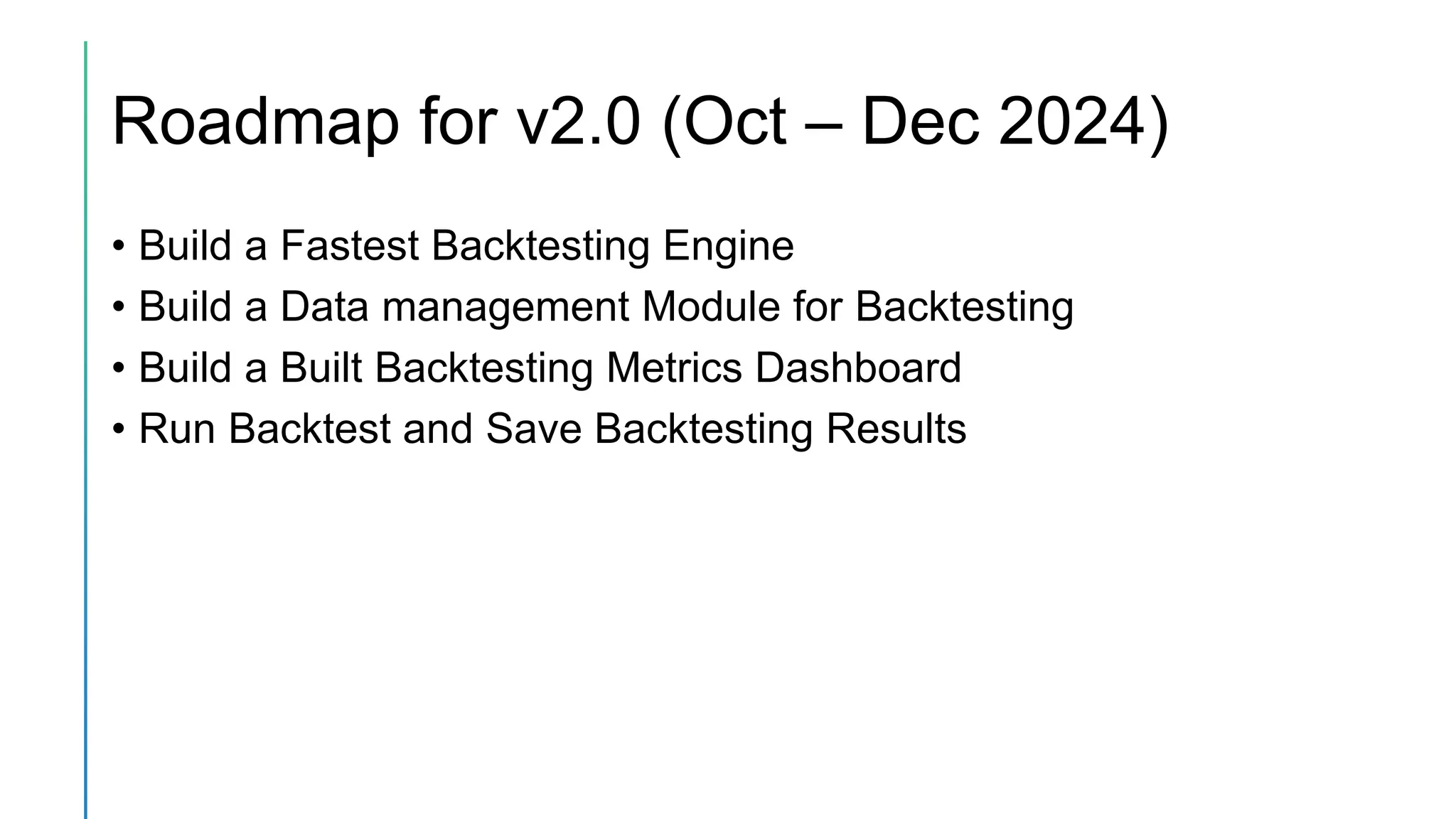
Roadmap for v2.0 (Oct – Dec 2024)
• Build a Fastest Backtesting Engine
• Build a Data management Module for Backtesting
• Build a Built Backtesting Metrics Dashboard
• Run Backtest and Save Backtesting Results
THANKS

OpenAlgo - Algotrading Platform for Everyone

  • 1.
  • 2.
    What is aOpenAlgo? Self Hosted Automation Platform Built Using Python Completely OpenSource Common API Access & Common Symbols Connect with favorite Trading Platform Connect your Brokers
  • 3.
    Current Features of OpenAlgo Automation withAmibroker, Tradingview, Metatrader, Python etc Supports Common API Supports Common Symbol Format Supports Common Multi Broker application Minimalistic Frontend UI to monitor the trade position Plug n Play Broker Module Supports ngrok custom domain to access the application anywhere and provide webhook url for tradingview automation
  • 4.
    List of SupportedBrokers • Angel • Fyers (in progress) • Upstox • Zerodha • 5 Paisa (XTS API) - planned • Kotak - planned • Dhan - planned • ICICI Direct –planned
  • 5.
    List of SupportedPlatform • Amibroker • TradingView • Metatrader • Excel • Python • Nodejs • Java • C#
  • 6.
    How to InstallOpenAlgo?
  • 7.
    Open Algo Configuration •Setup .env files with broker apikey, apisecret, redirection url, custom domain (optional) • Start the Algo Server using the command python app.py • http://127.0.0.1:5000/setup or https://<host_url>/setup - for first time admin user creation for main login
  • 8.
    Documentation • OpenAlgo Architecture •How to Connect with Broker Credentials • Installation and Setup Procedure • Common API v1.0 Documentation • Trading Platform Module • Access to Community Support
  • 9.
    Configure the CallbackRoute and Broker.html • Configure Callback Route – Dynamic route (Blueprints/auth.py) • Configure the Broker Template – (template/broker.html)
  • 10.
    Building a BrokerPlugin Module 📁Broker └── 📁upstox └── 📁api └── auth_api.py └── funds.py └── order_api.py └── __init__.py └── 📁database └── master_contract_db.py └── 📁mapping └── order_data.py └── transform_data.py └── __init__.py
  • 11.
  • 12.
    Roadmap for v1.25(Apr – June 2024) • Order Slicing Feature • Place Basket Orders • Place Option Orders (Single Leg/Multi Leg) • Place Time Based Limit Orders • Place Mid Pegged Limit Orders (Slippage Management) • Integrate Realtime Websockets for Streaming Quotes • Integrate Various Brokers.
  • 13.
    Roadmap for v1.5(July – Sep 2024) • Build GUI Based Strategy Management (Add/Modify/Remove Strategies) • Add ChartInk Integration • Scanner Based Portfolio Level Trade Management • GUI Based Stoploss/Target Controls • Strategy Level Orderbook, TradeBook & PositionBook • Build Realtime Intraday PNL Graph
  • 14.
    Roadmap for v1.75(Oct – Dec 2024) • Virtual Trading/Paper Trading Integration • Plug n Play In Built Trading Strategies • Build Trade Analytics Module
  • 15.
    Roadmap for v2.0(Oct – Dec 2024) • Build a Fastest Backtesting Engine • Build a Data management Module for Backtesting • Build a Built Backtesting Metrics Dashboard • Run Backtest and Save Backtesting Results
  • 16.