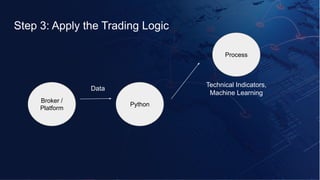
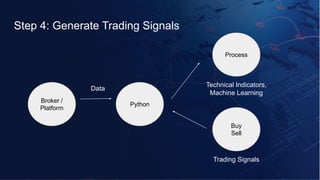
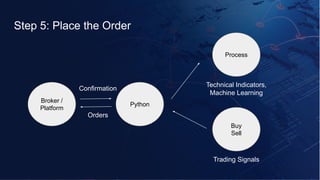
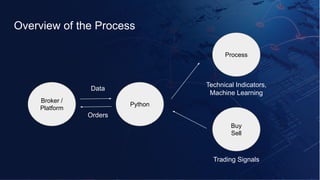
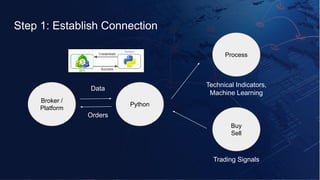
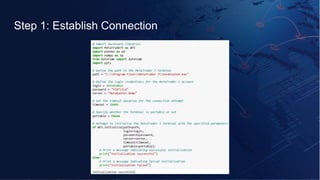
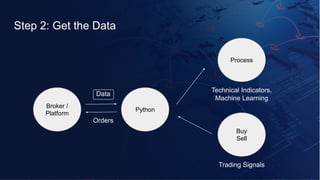
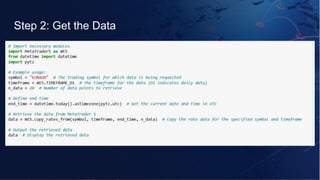
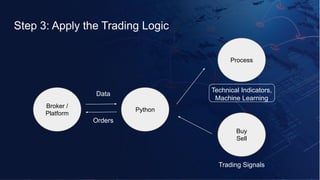
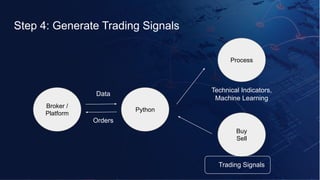
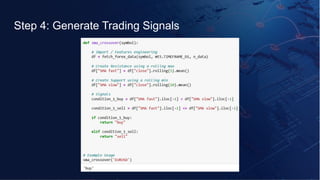
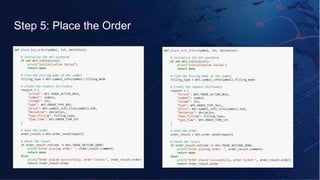
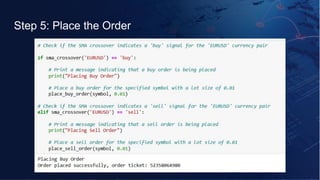

This presentation is from a power-packed webinar on AI-driven trading and automation, bringing together leading experts and a community of over 6000 traders, analysts, developers, and students. Session 2 features a hands-on experience with Akshay Choudhary and Varun Pothula, who demonstrate how to build and deploy real-world trading bots using Python and Pine Script on MetaTrader5 and TradingView. Participants got the chance to interact live with experts, ask questions, and gain practical, actionable skills in automated trading—making this webinar a useful resource for anyone serious about the future of trading technology. About the Author: Varun is a Quantitative Analyst at QuantInsti, holding a Master's in Financial Engineering. He has worked as a trader, global macro analyst, and algo trading strategist. Currently, he plays a key role in the Content & Research Team at QuantInsti, helping learners worldwide in the algorithmic & quantitative trading domain.


