Getting Started with Web
Service API – Part I
Outline
 TachVault Pricing Engine
 Our SaaS platform
 Options valuation with Web GUI
TachVault Pricing Engine
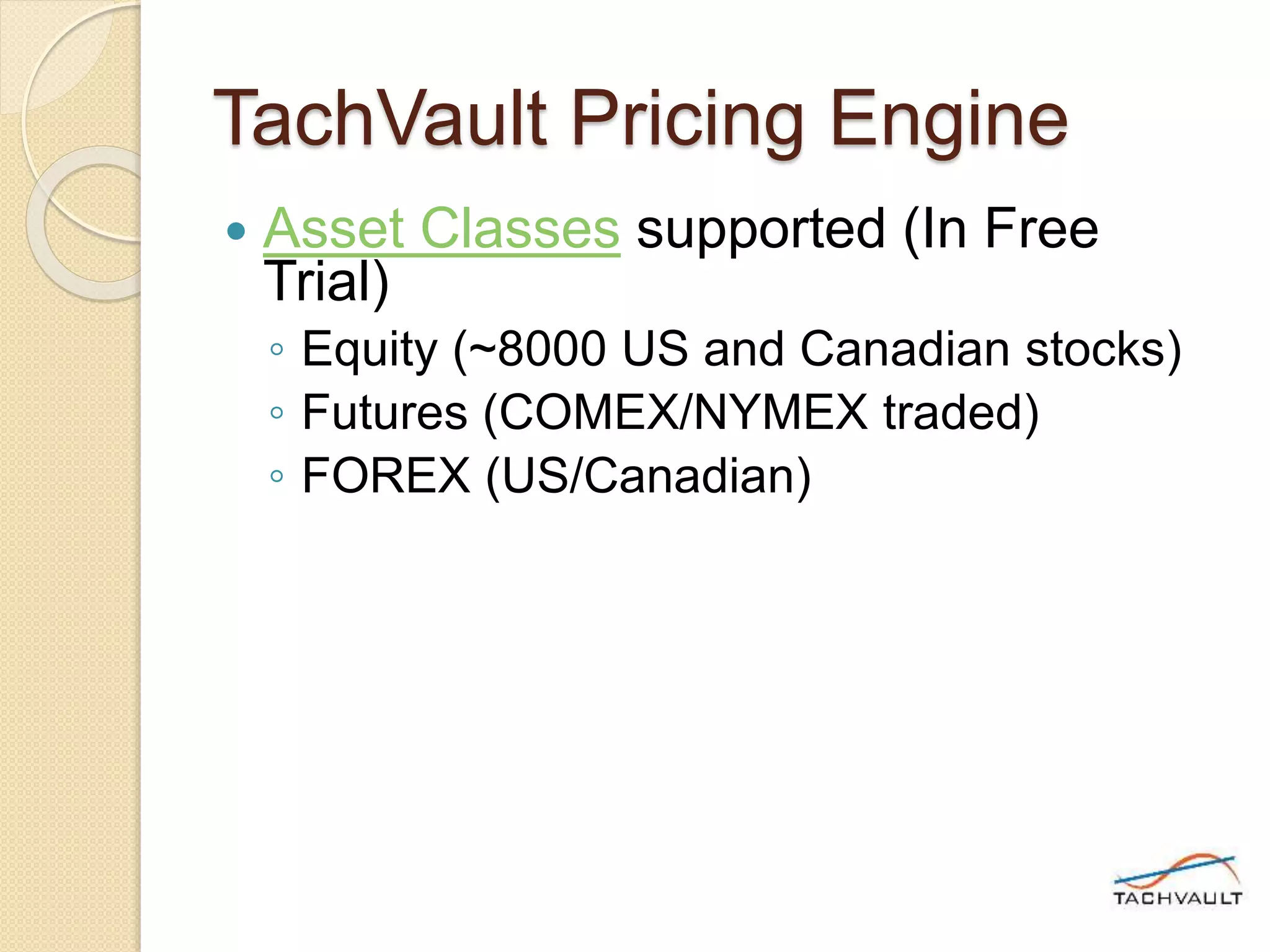
 Asset Classes supported (In Free
Trial)
◦ Equity (~8000 US and Canadian stocks)
◦ Futures (COMEX/NYMEX traded)
◦ FOREX (US/Canadian)
TachVault Pricing Engine
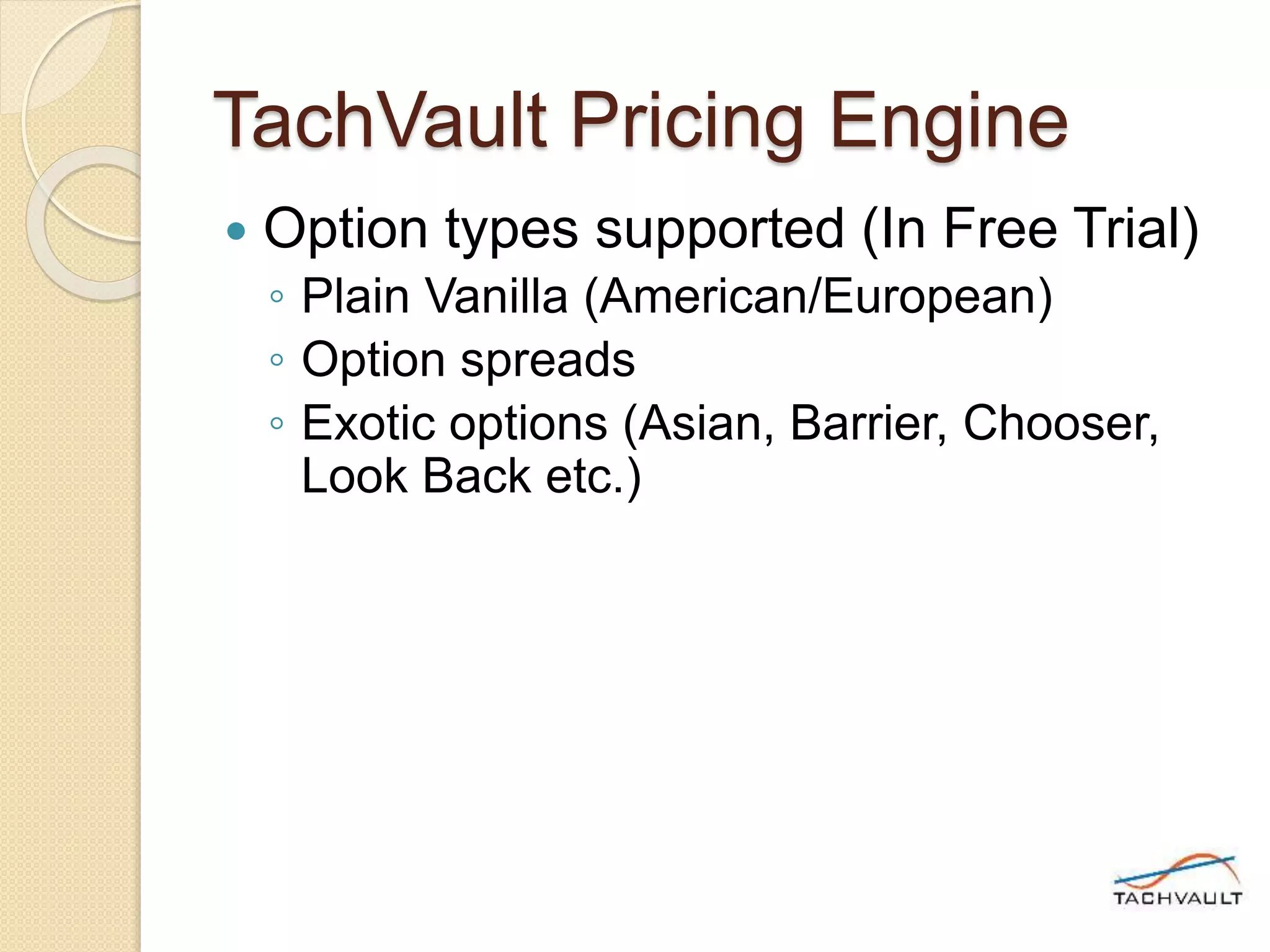
 Option types supported (In Free Trial)
◦ Plain Vanilla (American/European)
◦ Option spreads
◦ Exotic options (Asian, Barrier, Chooser,
Look Back etc.)
TachVault Pricing Engine
 SaaS Web Service model
◦ Much cheaper than in-house development
or licensing
◦ Integration and scalability
 You can easily integrate with any in-house
modeling tools (VBA, R, Python)
 Scalable to support unlimited concurrent
requests and only limited by cloud
infrastructure
◦ Work anywhere.
TachVault Pricing Engine
 Our SaaS platform
◦ Based on RESTful web services
◦ TachVault is responsible for upgrades,
uptime and security
◦ Can be integrated from any tools and third
party software
◦ Follows simple syntax widely used by
most popular SaaS platforms
 Syntax tab documents the SaaS request syntax
Value options with Web GUI
 Target users
◦ Option traders/investors with the need for
portable option valuation application
based on *real-time market data
 * ~15 min delayed market data for equity and
FX in Free Trial
 * Futures options are based on previous day
settlement prices in Free Trial
Value options with Web GUI
 Key features
◦ Can be accessed from any computing device
connected to the Internet
◦ Provided with Catalog of option pricing
request templates
◦ Request templates can be customized,
added to user collections and accessed from
anywhere
 Ex: Call option request for Apple Inc. can be
created from equity vanilla option template
◦ Stores history of requests in local browser
storage
Value options with Web GUI
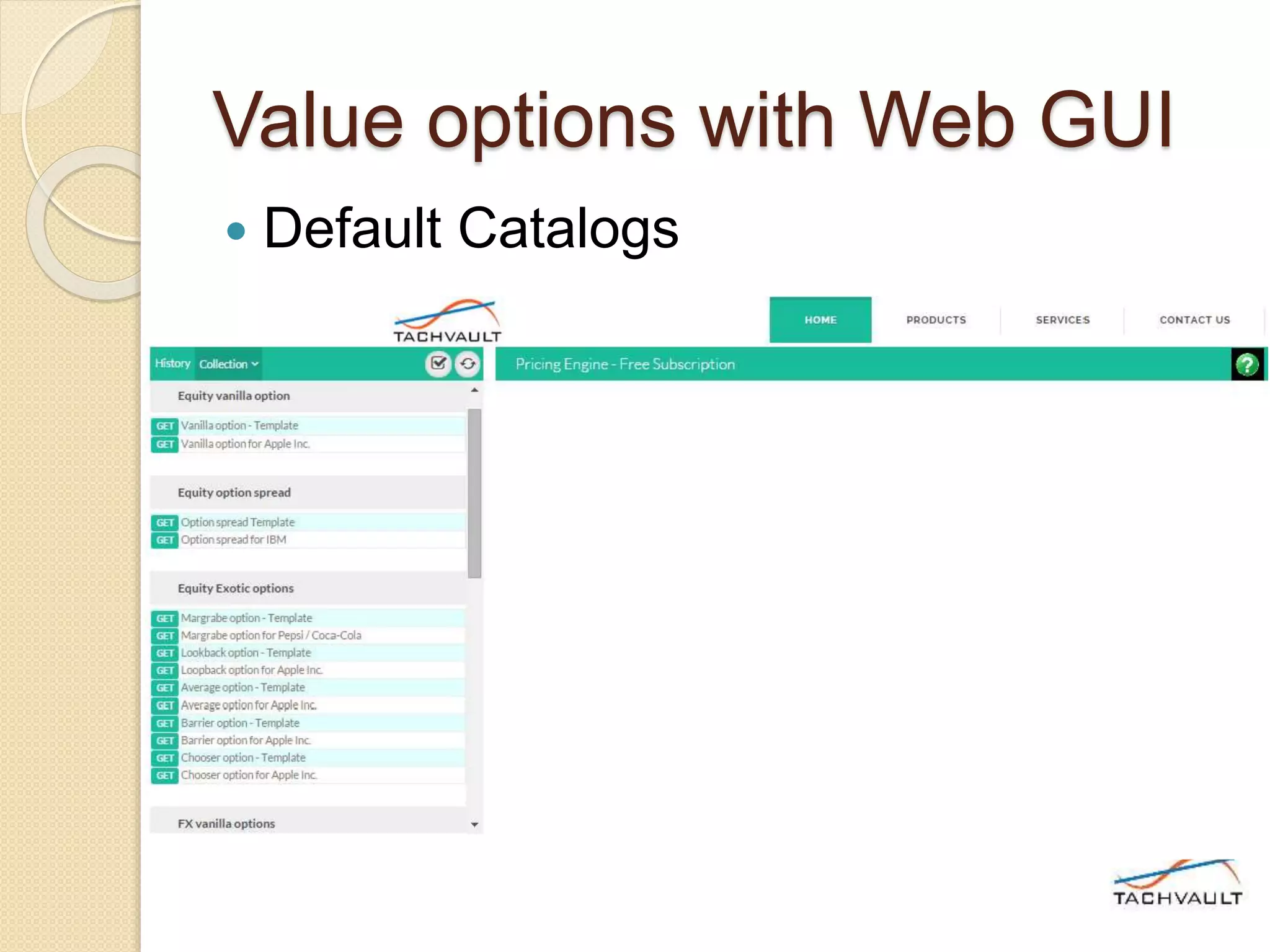
 Default Catalogs
Value options with Web GUI
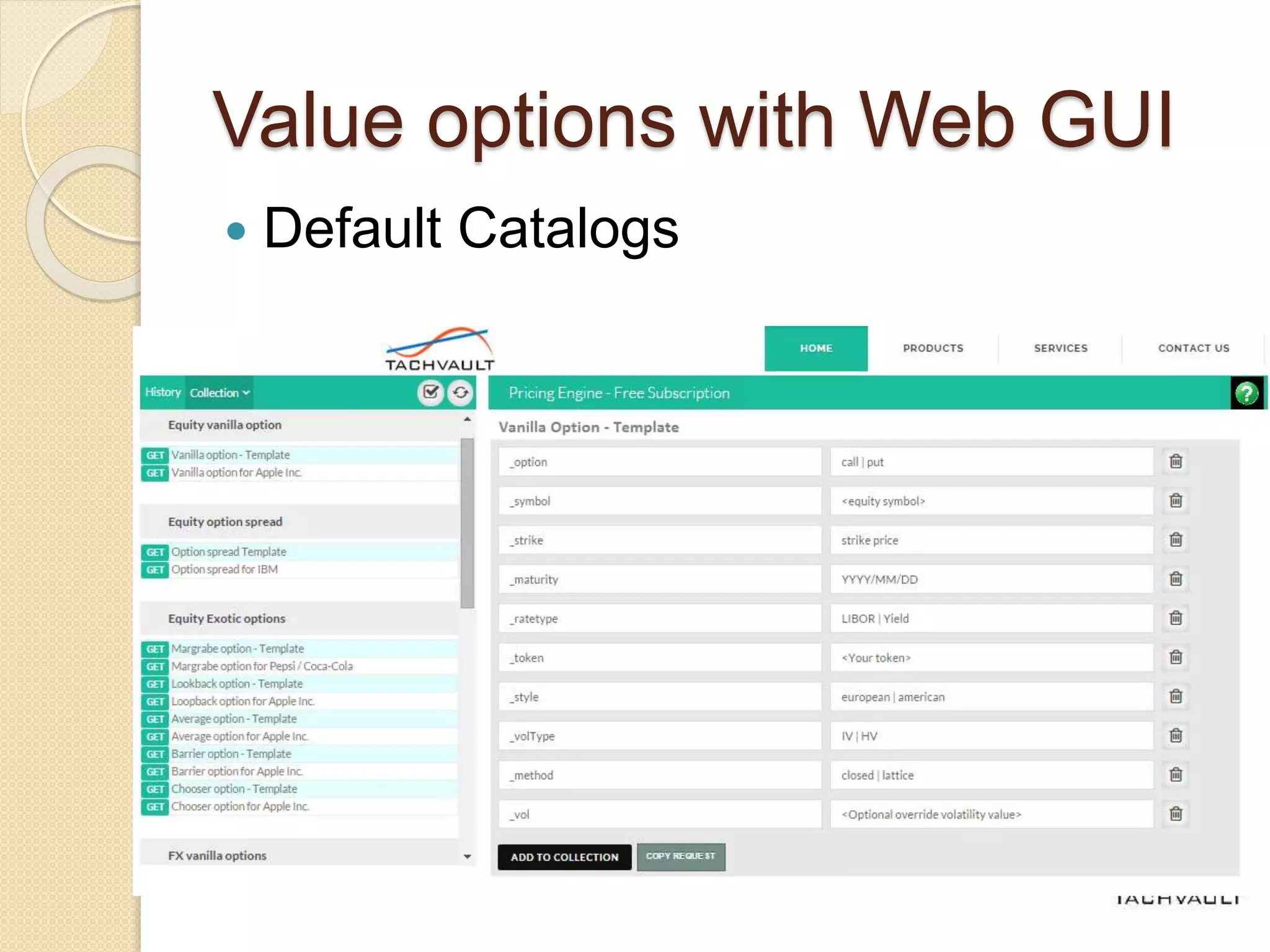
 Default Catalogs
◦ Lists asset classes and option types
supported in Free Trial
◦ Lists option valuation requests for each
asset class/option type supported as
templates
◦ Click on the template request shows
possible lists of parameters and allowed
values
Value options with Web GUI
 Default Catalogs
Value options with Web GUI
 Selected request parameters (not
obvious)
◦ _rateType: Allows a user to specify preferred
“risk-free” rate used in valuation
 LIBOR or fed rate
◦ _volType: Allows a user to select the type of
volatility modeling
 Implied volatility (based on previous days historical
option prices)
 Historical volatility (GARCH)
◦ _vol: Allows user to specify a constant
volatility used in valuation (override value)
Value options with Web GUI
 Selected request parameters (not
obvious)
◦ _method: Allows a user to specify option
valuation method
 Closed analytical, Binomial or Monte-Carlo
◦ _legs: Allows a user specify legs of an option
spread
 Syntax: (leg), (leg), (leg)….
 Ex: Butterfly spread legs
(_position=long,_option=call,_strike=145,_maturity=2015/11/20),(_position=long,_option
=call,_strike=165,_maturity=2015/11/20),(_position=short,_option=call,_strike=ATM,_m
aturity=2015/11/20),(_position=short,_option=call,_strike=ATM,_maturity=2015/11/20)
Value options with Web GUI
 User collections
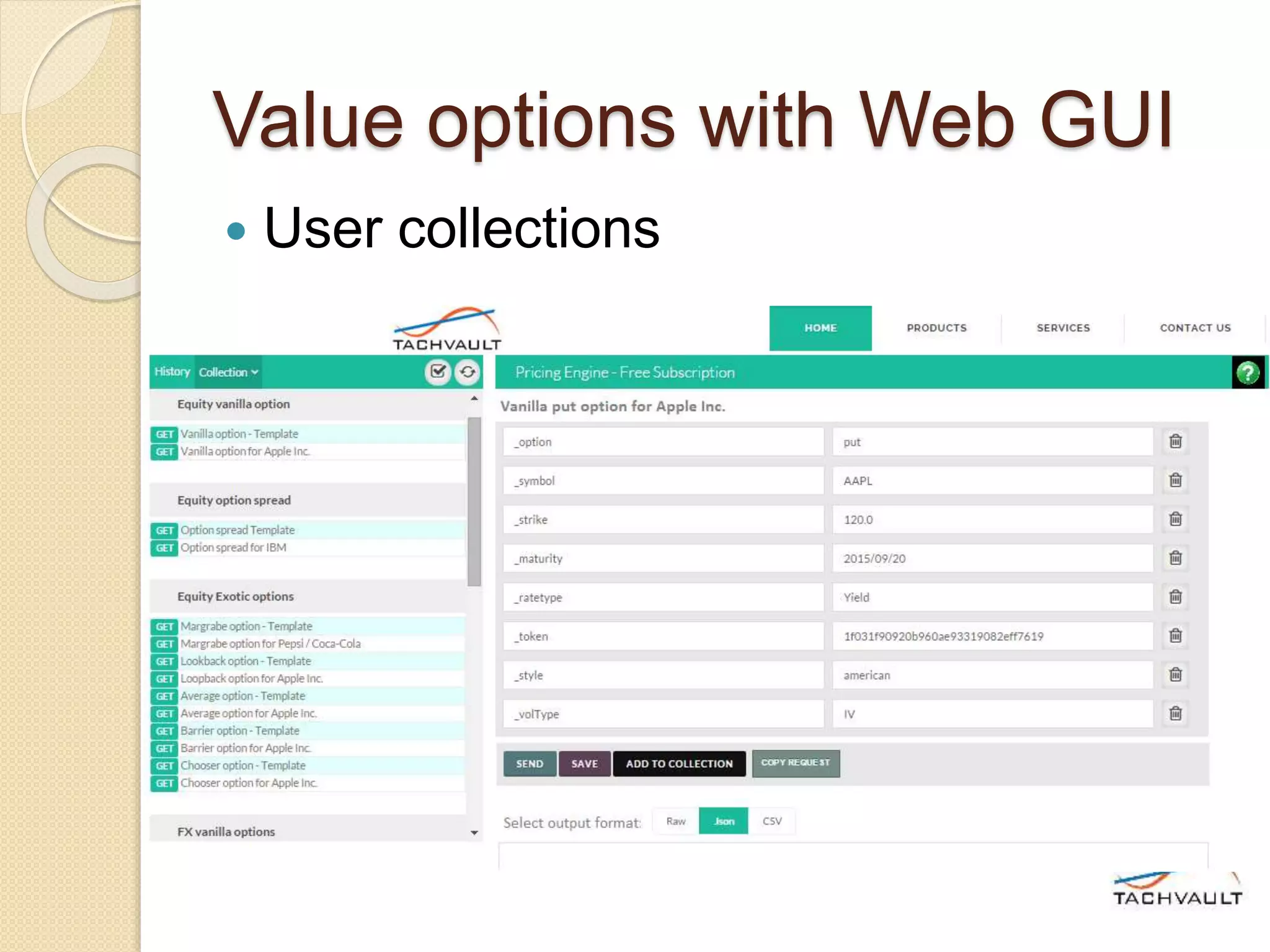
◦ User collections allows users to organize
and store preferred option requests
◦ User collections are stored with user
profile in the TachVault web server. Thus
can be accessed from anywhere
◦ Users can:
 Create a new collection
 Ex: Financial equities, Tech sector equities…
 Add frequently exercised option requests to
chosen collections
Value options with Web GUI
 User collections
Value options with Web GUI
 Option valuation requests
◦ Requests can be added to collections
◦ Requests can be modified and saved
◦ One can execute a request for option
valuation from any computing device on
the Internet
◦ Valuation output:
 Shown in human readable text formatted with
JSON syntax.
Value options with Web GUI
 Option valuation output:
◦ Main elements
 Message:
 outcome:
 request: { }
 response: { }
Value options with Web GUI
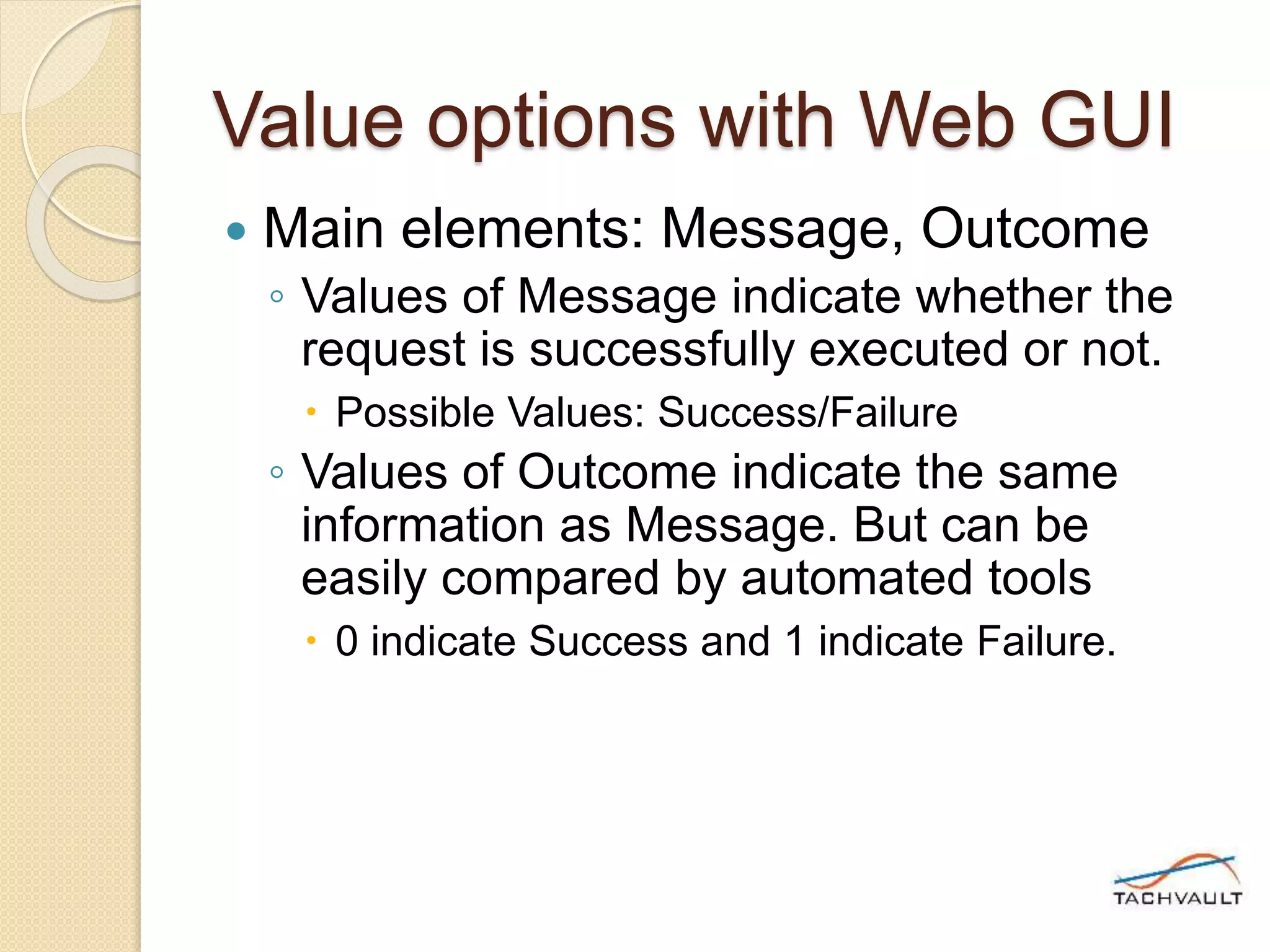
 Main elements: Message, Outcome
◦ Values of Message indicate whether the
request is successfully executed or not.
 Possible Values: Success/Failure
◦ Values of Outcome indicate the same
information as Message. But can be
easily compared by automated tools
 0 indicate Success and 1 indicate Failure.
Value options with Web GUI
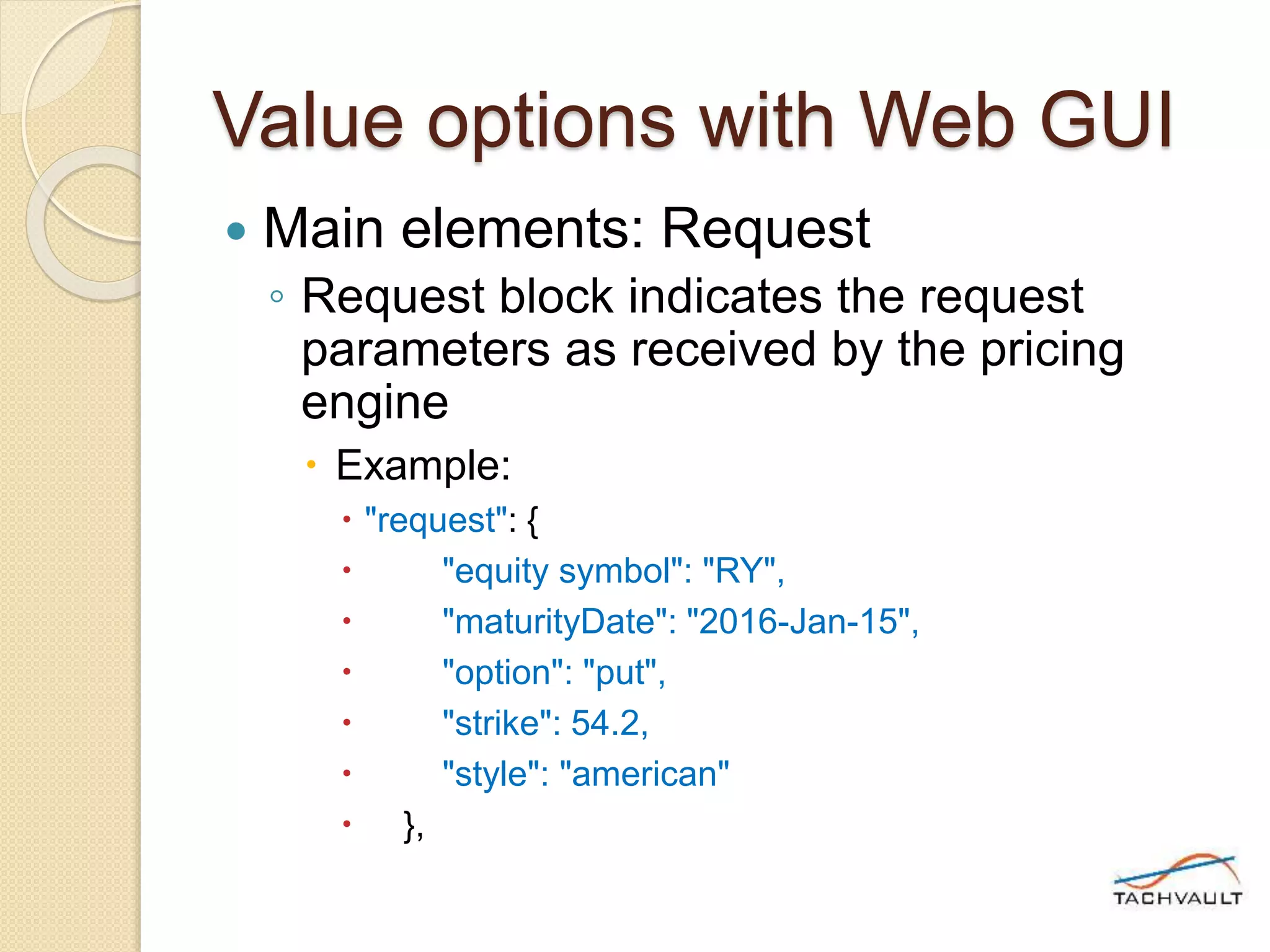
 Main elements: Request
◦ Request block indicates the request
parameters as received by the pricing
engine
 Example:
 "request": {
 "equity symbol": "RY",
 "maturityDate": "2016-Jan-15",
 "option": "put",
 "strike": 54.2,
 "style": "american"
 },
Value options with Web GUI
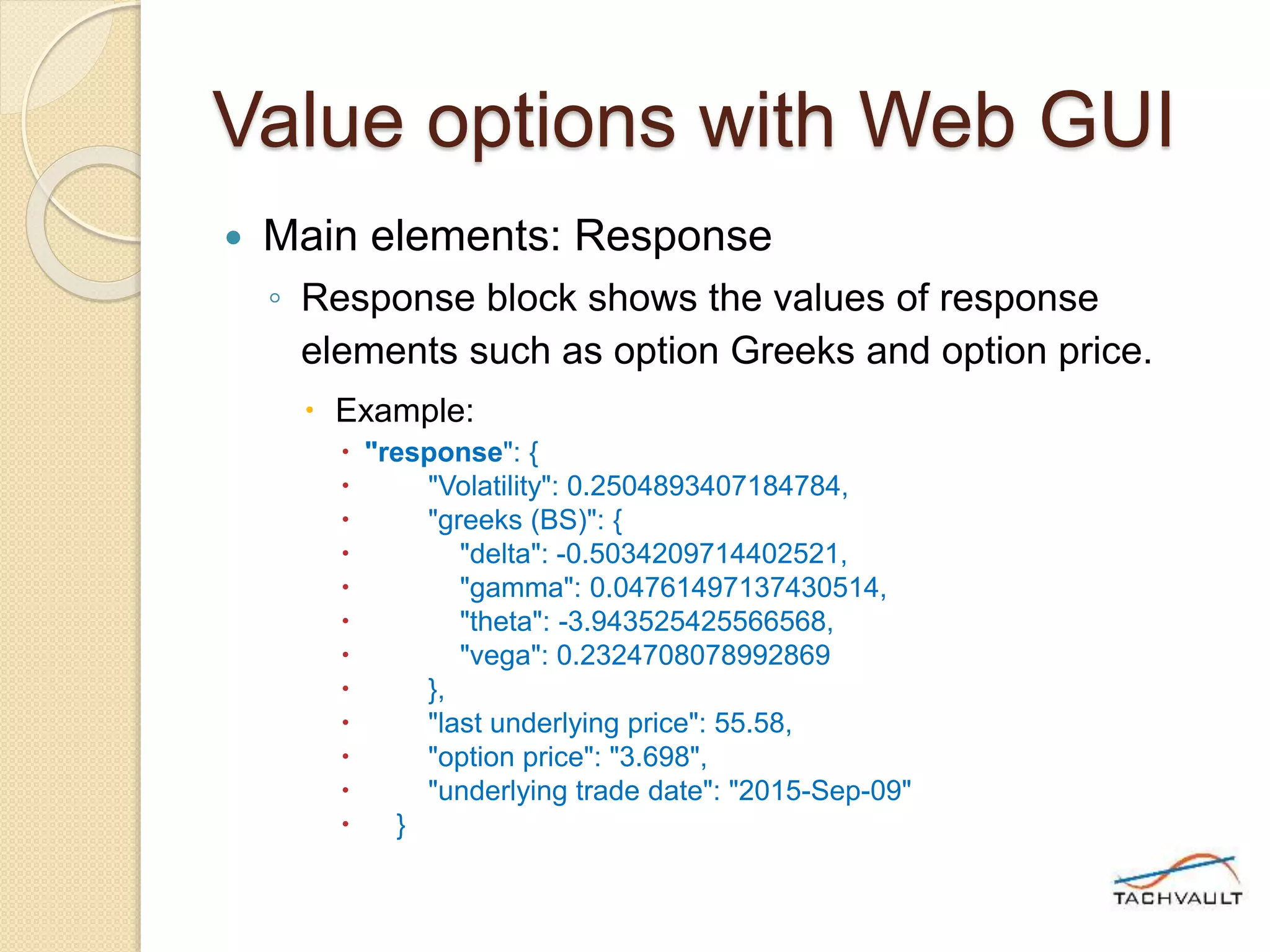
 Main elements: Response
◦ Response block shows the values of response
elements such as option Greeks and option price.
 Example:
 "response": {
 "Volatility": 0.2504893407184784,
 "greeks (BS)": {
 "delta": -0.5034209714402521,
 "gamma": 0.04761497137430514,
 "theta": -3.943525425566568,
 "vega": 0.2324708078992869
 },
 "last underlying price": 55.58,
 "option price": "3.698",
 "underlying trade date": "2015-Sep-09"
 }
Value options with Web GUI
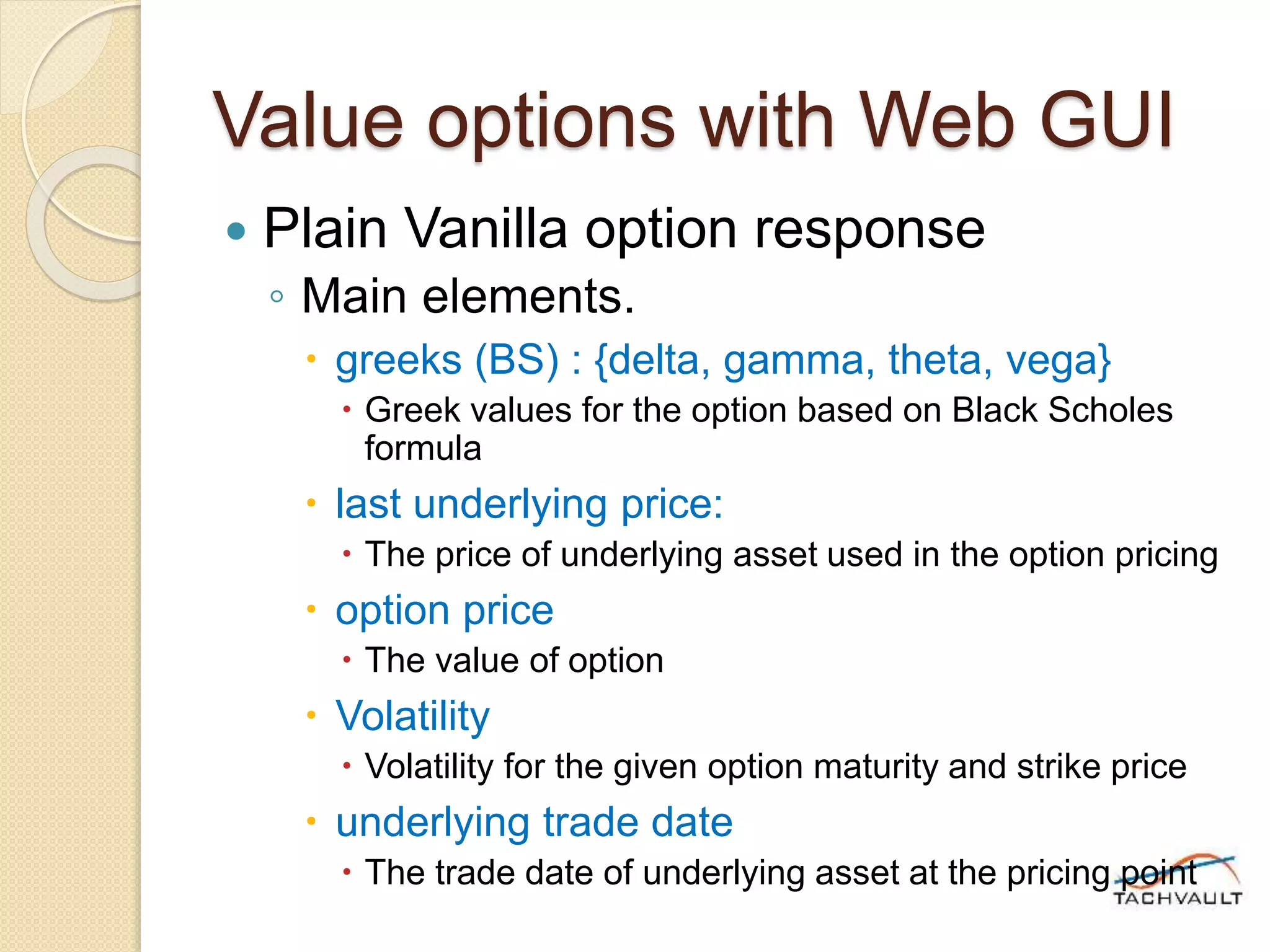
 Plain Vanilla option response
◦ Main elements.
 greeks (BS) : {delta, gamma, theta, vega}
 Greek values for the option based on Black Scholes
formula
 last underlying price:
 The price of underlying asset used in the option pricing
 option price
 The value of option
 Volatility
 Volatility for the given option maturity and strike price
 underlying trade date
 The trade date of underlying asset at the pricing point
Value options with Web GUI
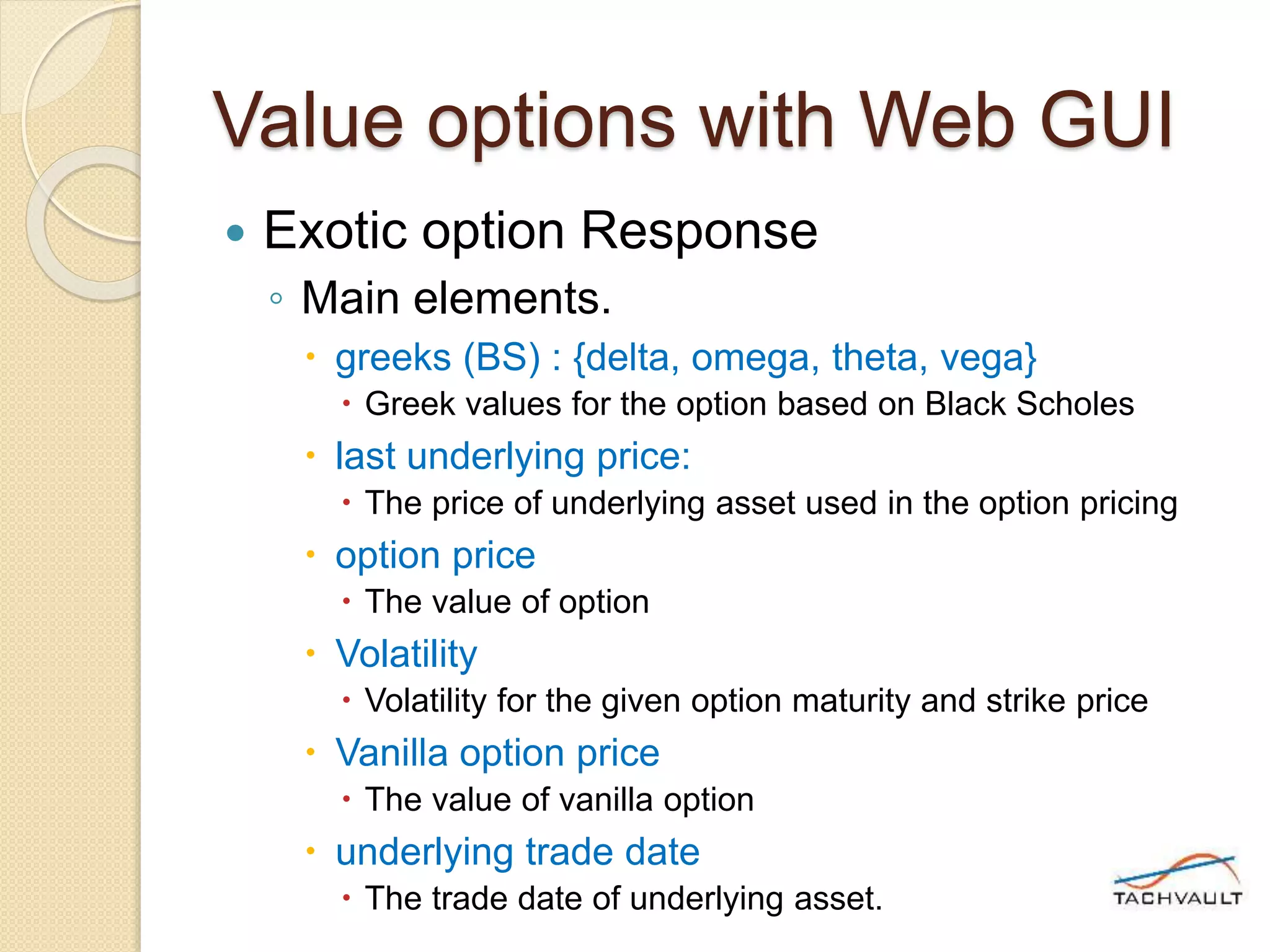
 Exotic option Response
◦ Main elements.
 greeks (BS) : {delta, omega, theta, vega}
 Greek values for the option based on Black Scholes
 last underlying price:
 The price of underlying asset used in the option pricing
 option price
 The value of option
 Volatility
 Volatility for the given option maturity and strike price
 Vanilla option price
 The value of vanilla option
 underlying trade date
 The trade date of underlying asset.
Value options with Web GUI
 Option spread Response
◦ Main elements.
 Legs: [leg, leg, leg]
 Shows the option values of each leg as separate
blocks { }
 greeks (BS) : {delta, omega, theta, vega}
 Greek values for the option based on Black Scholes
 last underlying price:
 The price of underlying asset used in the option pricing
 spread price
 The value of spread
 underlying trade date
 The trade date of underlying asset.
Coming up..
 Part II of Getting Started series will
explain integration of TachVault web
services API with Excel/VBA.
Getting Started with Web
Service API – Part II
Integration of TachVault web
services API with Excel/VBA
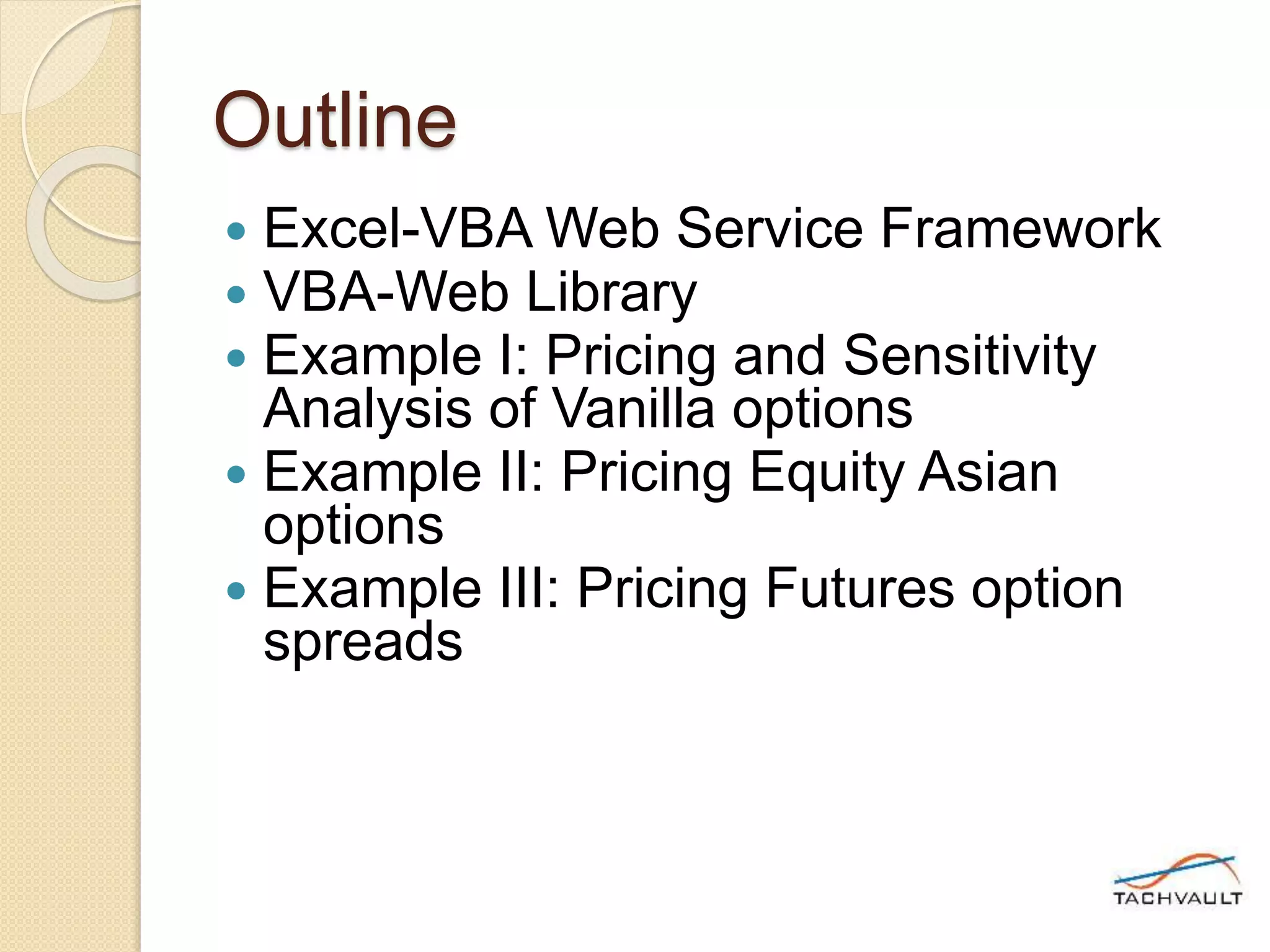
Outline
 Excel-VBA Web Service Framework
 VBA-Web Library
 Example I: Pricing and Sensitivity
Analysis of Vanilla options
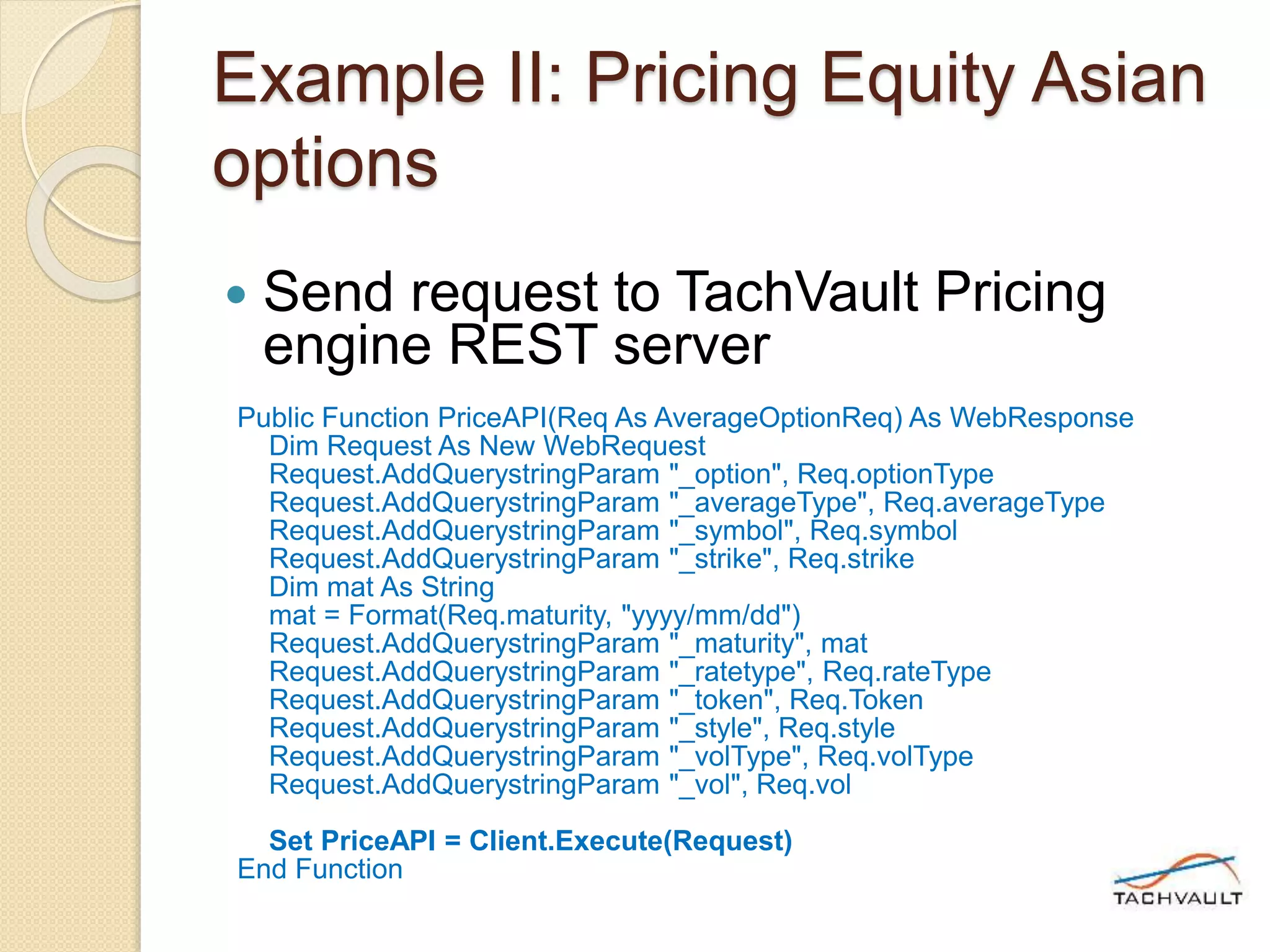
 Example II: Pricing Equity Asian
options
 Example III: Pricing Futures option
spreads
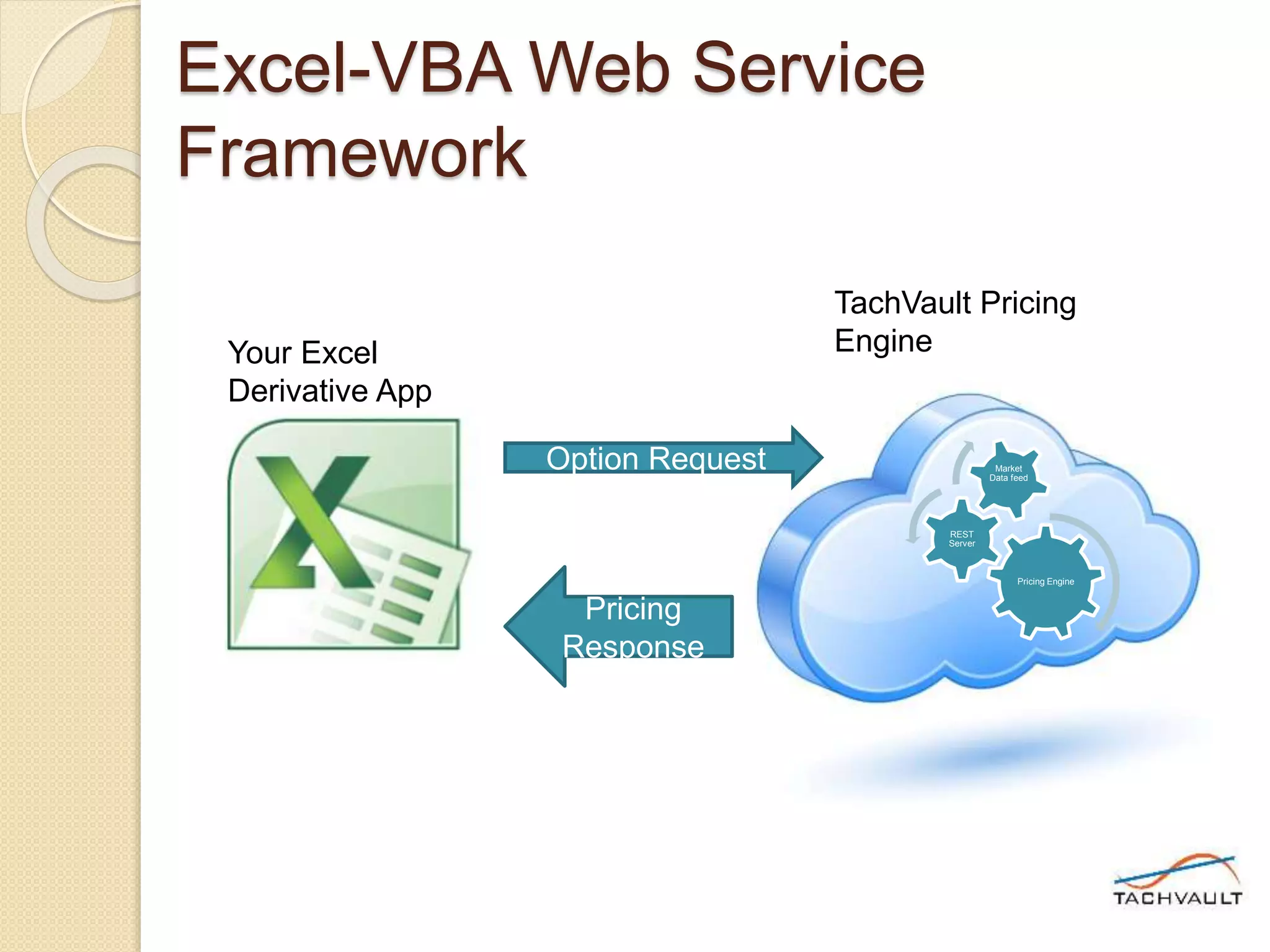
Excel-VBA Web Service
Framework
Pricing Engine
REST
Server
Market
Data feed
Option Request
Pricing
Response
Your Excel
Derivative App
TachVault Pricing
Engine
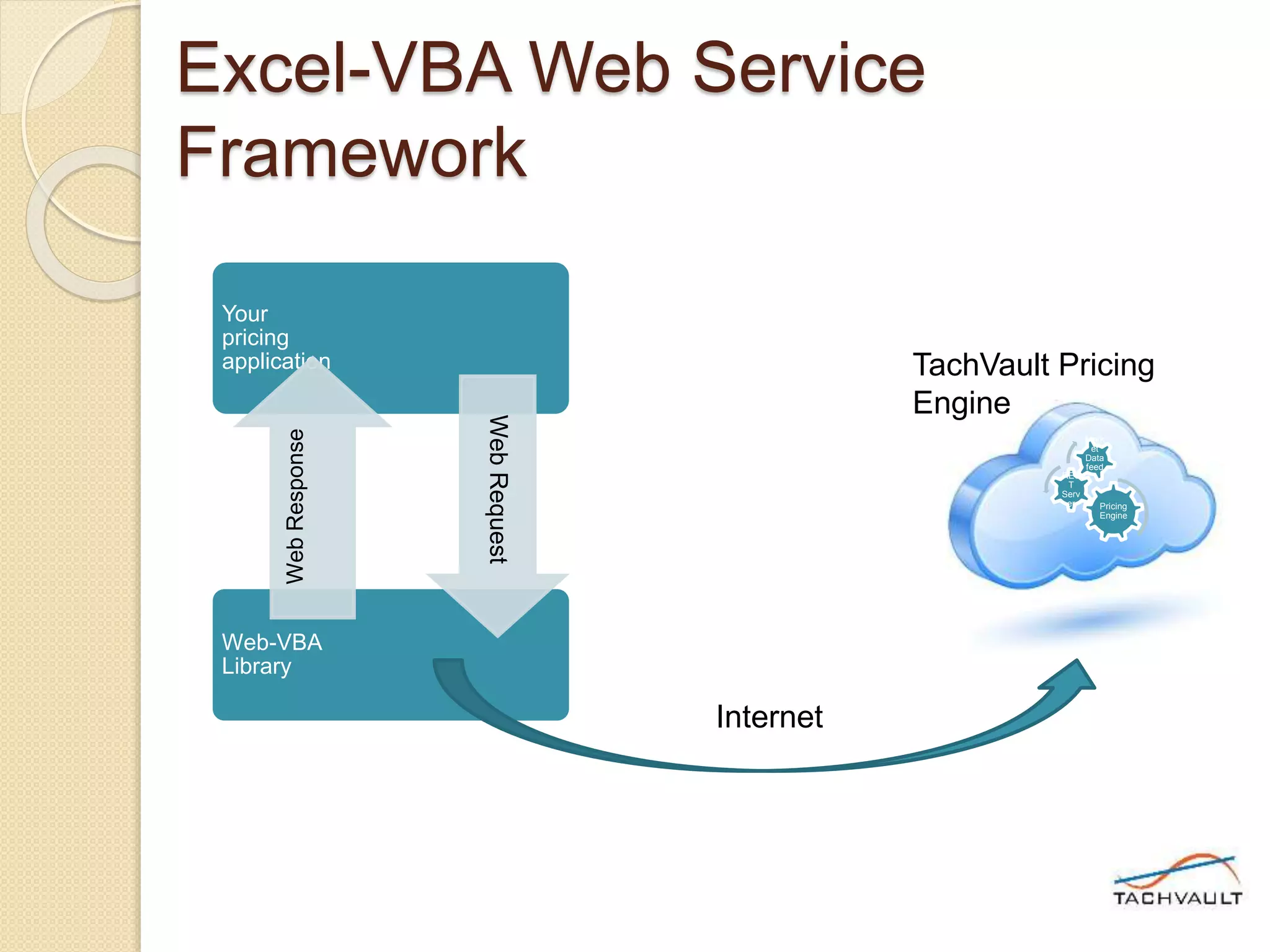
Excel-VBA Web Service
Framework
Pricing
Engine
RES
T
Serv
er
Mark
et
Data
feed
TachVault Pricing
Engine
Your
pricing
application
Web-VBA
Library
WebRequest
WebResponse
Internet
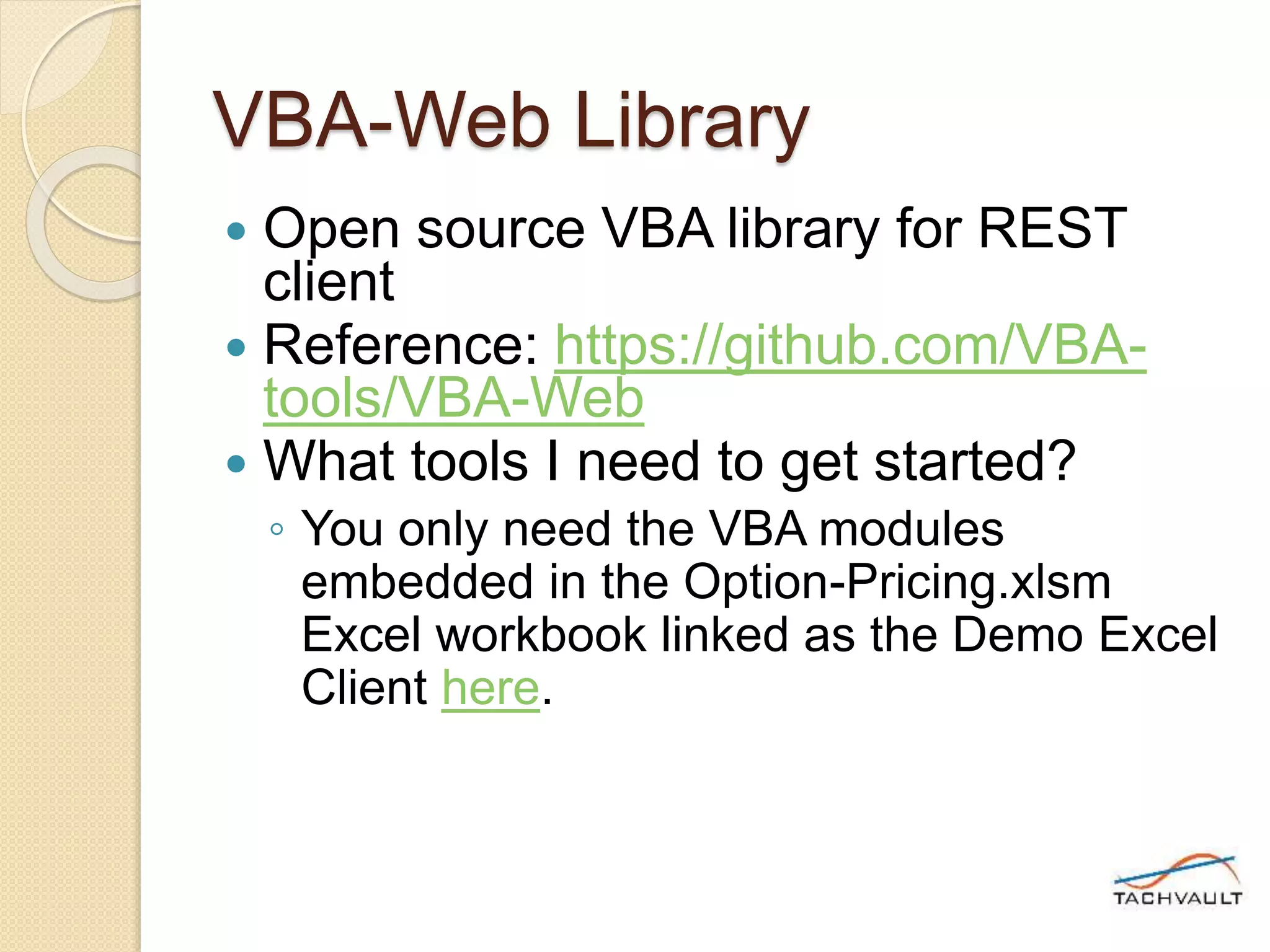
VBA-Web Library
 Open source VBA library for REST
client
 Reference: https://github.com/VBA-
tools/VBA-Web
 What tools I need to get started?
◦ You only need the VBA modules
embedded in the Option-Pricing.xlsm
Excel workbook linked as the Demo Excel
Client here.
Example I: Pricing and
Sensitivity Analysis of Vanilla
options
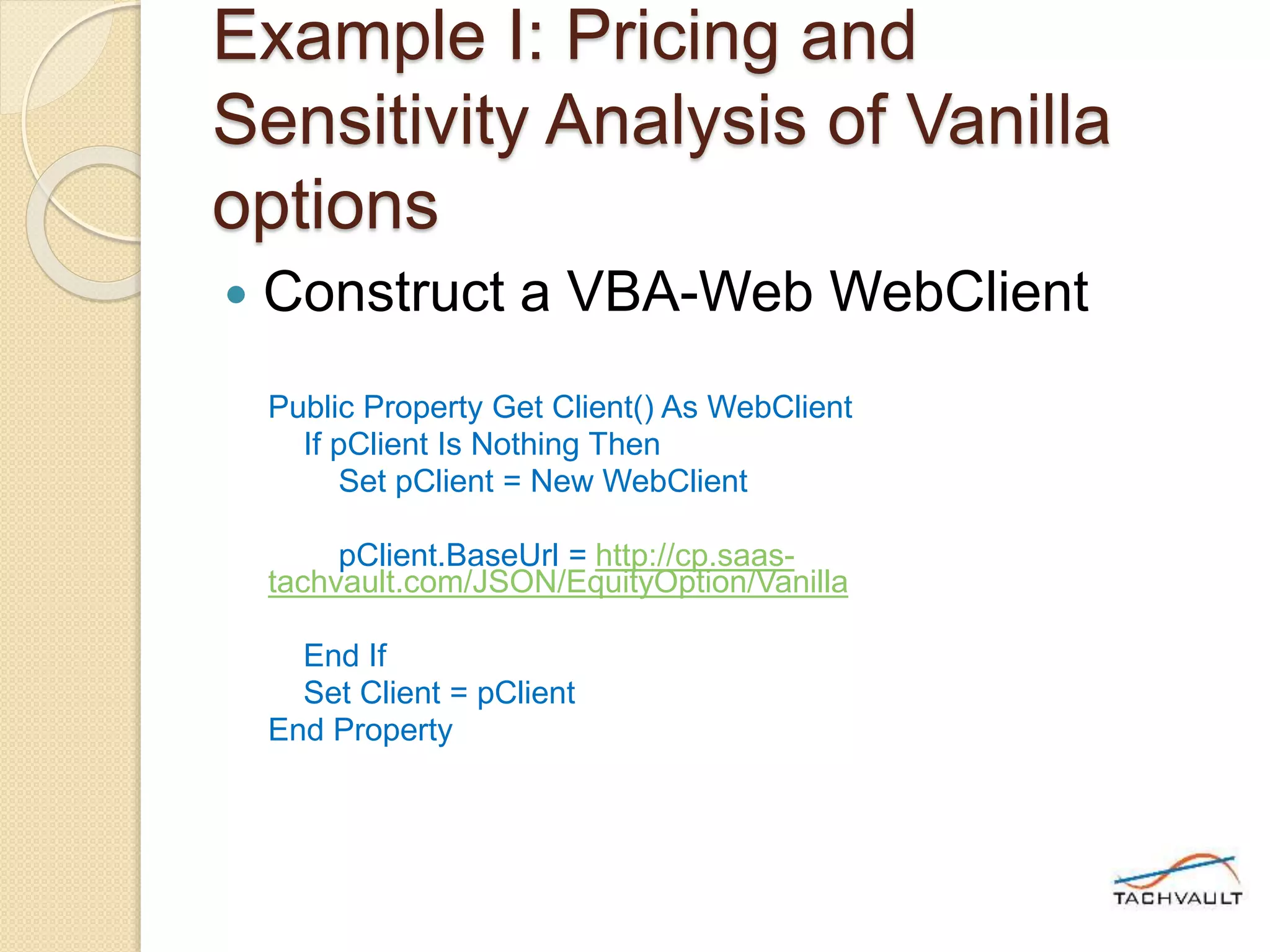
 Construct a VBA-Web WebClient
Public Property Get Client() As WebClient
If pClient Is Nothing Then
Set pClient = New WebClient
pClient.BaseUrl = http://cp.saas-
tachvault.com/JSON/EquityOption/Vanilla
End If
Set Client = pClient
End Property
Example I: Pricing and
Sensitivity Analysis of Vanilla
options
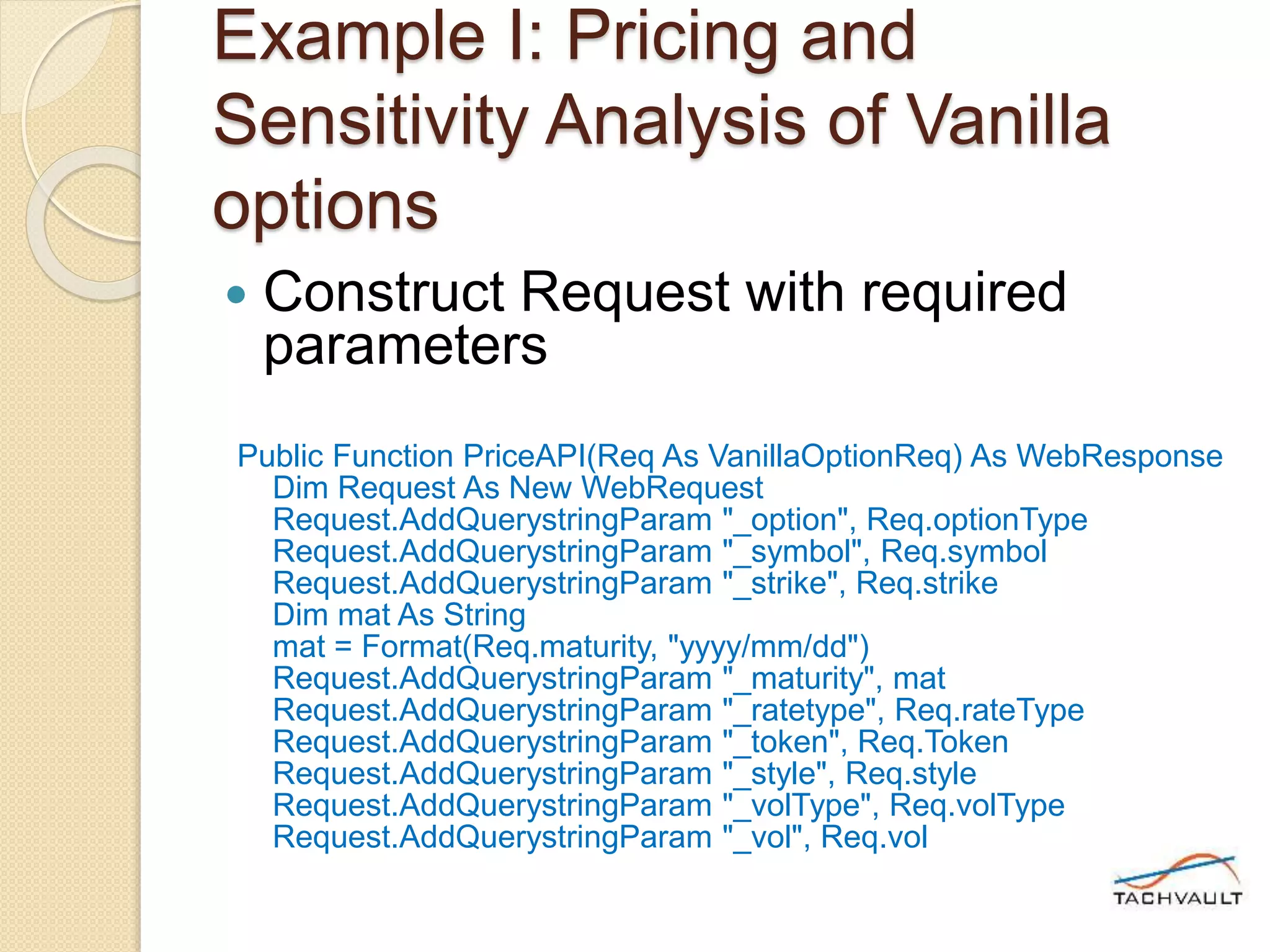
 Construct Request with required
parameters
Public Function PriceAPI(Req As VanillaOptionReq) As WebResponse
Dim Request As New WebRequest
Request.AddQuerystringParam "_option", Req.optionType
Request.AddQuerystringParam "_symbol", Req.symbol
Request.AddQuerystringParam "_strike", Req.strike
Dim mat As String
mat = Format(Req.maturity, "yyyy/mm/dd")
Request.AddQuerystringParam "_maturity", mat
Request.AddQuerystringParam "_ratetype", Req.rateType
Request.AddQuerystringParam "_token", Req.Token
Request.AddQuerystringParam "_style", Req.style
Request.AddQuerystringParam "_volType", Req.volType
Request.AddQuerystringParam "_vol", Req.vol
Example I: Pricing and
Sensitivity Analysis of Vanilla
options
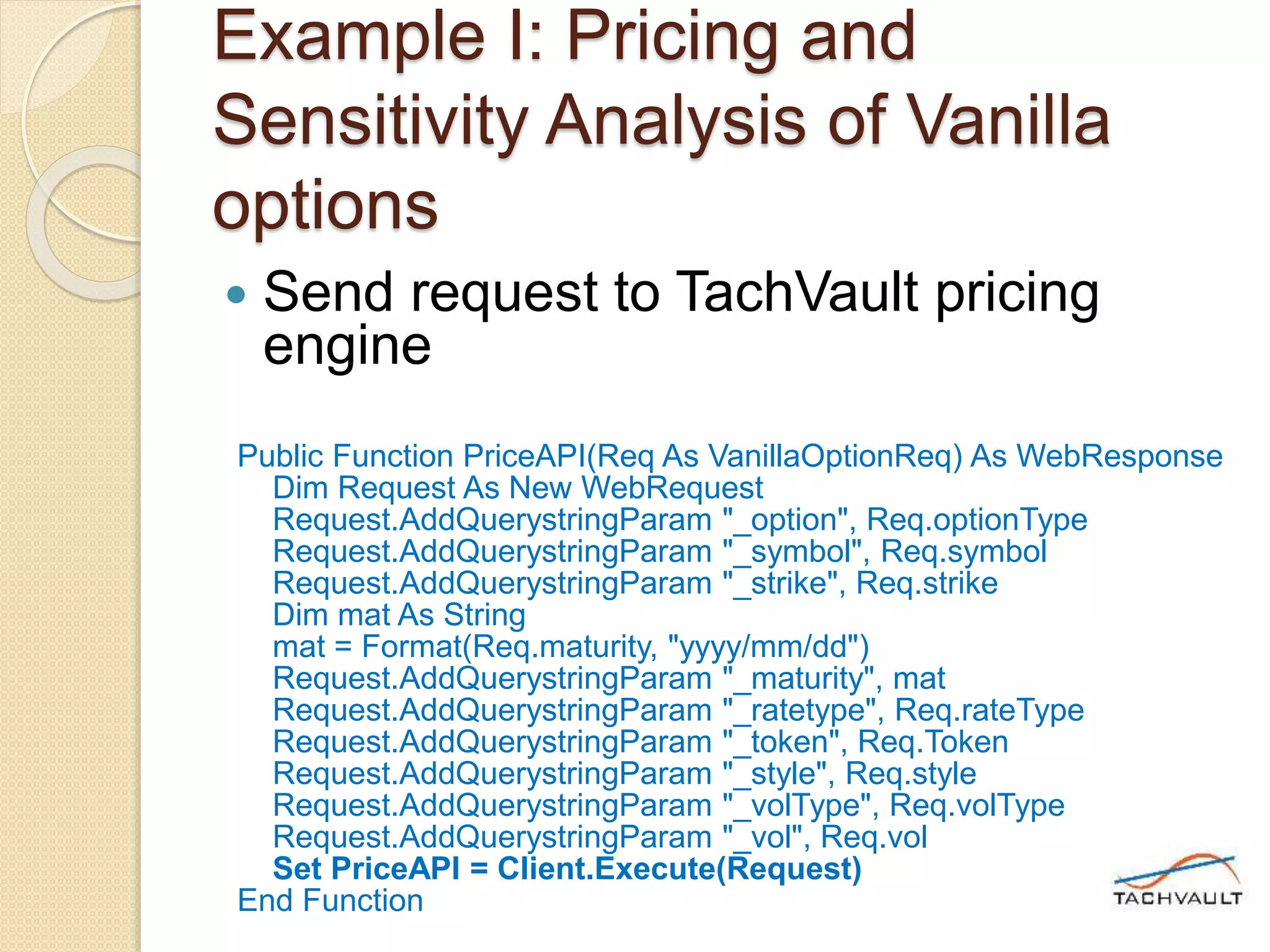
 Send request to TachVault pricing
engine
Public Function PriceAPI(Req As VanillaOptionReq) As WebResponse
Dim Request As New WebRequest
Request.AddQuerystringParam "_option", Req.optionType
Request.AddQuerystringParam "_symbol", Req.symbol
Request.AddQuerystringParam "_strike", Req.strike
Dim mat As String
mat = Format(Req.maturity, "yyyy/mm/dd")
Request.AddQuerystringParam "_maturity", mat
Request.AddQuerystringParam "_ratetype", Req.rateType
Request.AddQuerystringParam "_token", Req.Token
Request.AddQuerystringParam "_style", Req.style
Request.AddQuerystringParam "_volType", Req.volType
Request.AddQuerystringParam "_vol", Req.vol
Set PriceAPI = Client.Execute(Request)
End Function
Example I: Pricing and
Sensitivity Analysis of Vanilla
options
 Process the response (in JSON
format)
Set Response = EquityVanilla.PriceAPI(Req)
If Response.StatusCode = WebStatusCode.Ok Then
Me.[Volatility] = Response.Data("response")("Volatility")
Me.[option_price] = Response.Data("response")("option price")
Me.[Underlying] = Response.Data("response")("last underlying
price")
Me.[OutStrike] = Req.strike
Me.[OutMaturity] = Req.maturity
Me.[Delta] = Response.Data("response")("greeks (BS)")("delta")
Me.[Gamma] = Response.Data("response")("greeks
(BS)")("gamma")
Me.[Theta] = Response.Data("response")("greeks (BS)")("theta")
Me.[Vega] = Response.Data("response")("greeks (BS)")("vega")
Me.[Message] = Response.Data("Message")
Else
Me.[Message] = "Error: " & Response.Data("Message")
Example II: Pricing Equity Asian
options
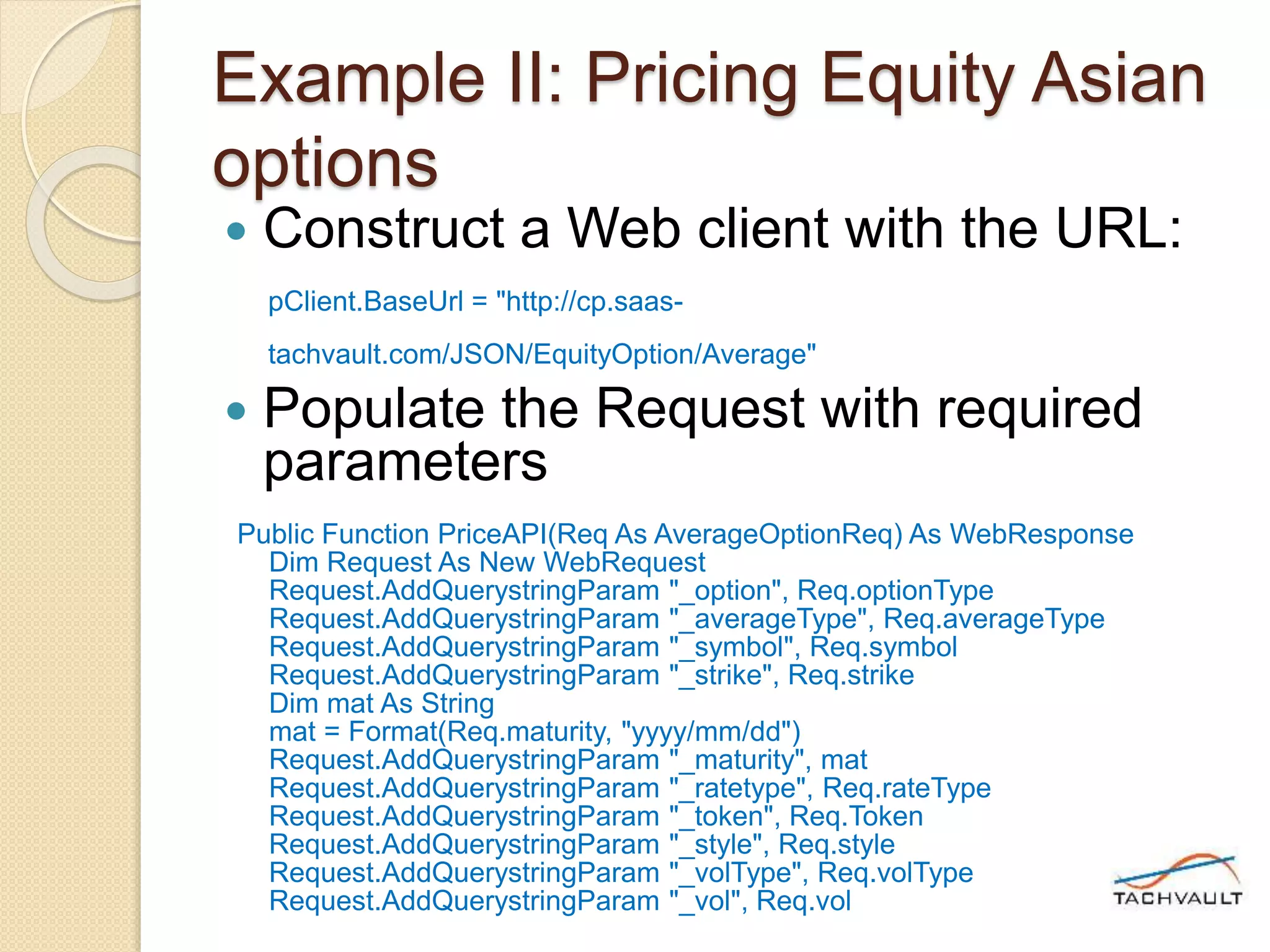
 Construct a Web client with the URL:
pClient.BaseUrl = "http://cp.saas-
tachvault.com/JSON/EquityOption/Average"
 Populate the Request with required
parameters
Public Function PriceAPI(Req As AverageOptionReq) As WebResponse
Dim Request As New WebRequest
Request.AddQuerystringParam "_option", Req.optionType
Request.AddQuerystringParam "_averageType", Req.averageType
Request.AddQuerystringParam "_symbol", Req.symbol
Request.AddQuerystringParam "_strike", Req.strike
Dim mat As String
mat = Format(Req.maturity, "yyyy/mm/dd")
Request.AddQuerystringParam "_maturity", mat
Request.AddQuerystringParam "_ratetype", Req.rateType
Request.AddQuerystringParam "_token", Req.Token
Request.AddQuerystringParam "_style", Req.style
Request.AddQuerystringParam "_volType", Req.volType
Request.AddQuerystringParam "_vol", Req.vol
Example II: Pricing Equity Asian
options
 Send request to TachVault Pricing
engine REST server
Public Function PriceAPI(Req As AverageOptionReq) As WebResponse
Dim Request As New WebRequest
Request.AddQuerystringParam "_option", Req.optionType
Request.AddQuerystringParam "_averageType", Req.averageType
Request.AddQuerystringParam "_symbol", Req.symbol
Request.AddQuerystringParam "_strike", Req.strike
Dim mat As String
mat = Format(Req.maturity, "yyyy/mm/dd")
Request.AddQuerystringParam "_maturity", mat
Request.AddQuerystringParam "_ratetype", Req.rateType
Request.AddQuerystringParam "_token", Req.Token
Request.AddQuerystringParam "_style", Req.style
Request.AddQuerystringParam "_volType", Req.volType
Request.AddQuerystringParam "_vol", Req.vol
Set PriceAPI = Client.Execute(Request)
End Function
Example II: Pricing Equity Asian
options
 Process the Response (in JSON
format)
Set Response = EquityAverage.PriceAPI(Req)
If Response.StatusCode = WebStatusCode.Ok Then
Me.[aVolatility] = Response.Data("response")("Volatility")
Me.[aPrice] = Response.Data("response")("average option price")
Me.[aUnderlying] = Response.Data("response")("last underlying
price")
Me.[aOutStrike] = Req.strike
Me.[aMessage] = Response.Data("Message")
Else
Me.[aMessage] = "Error: " & Response.Data("Message")
End If
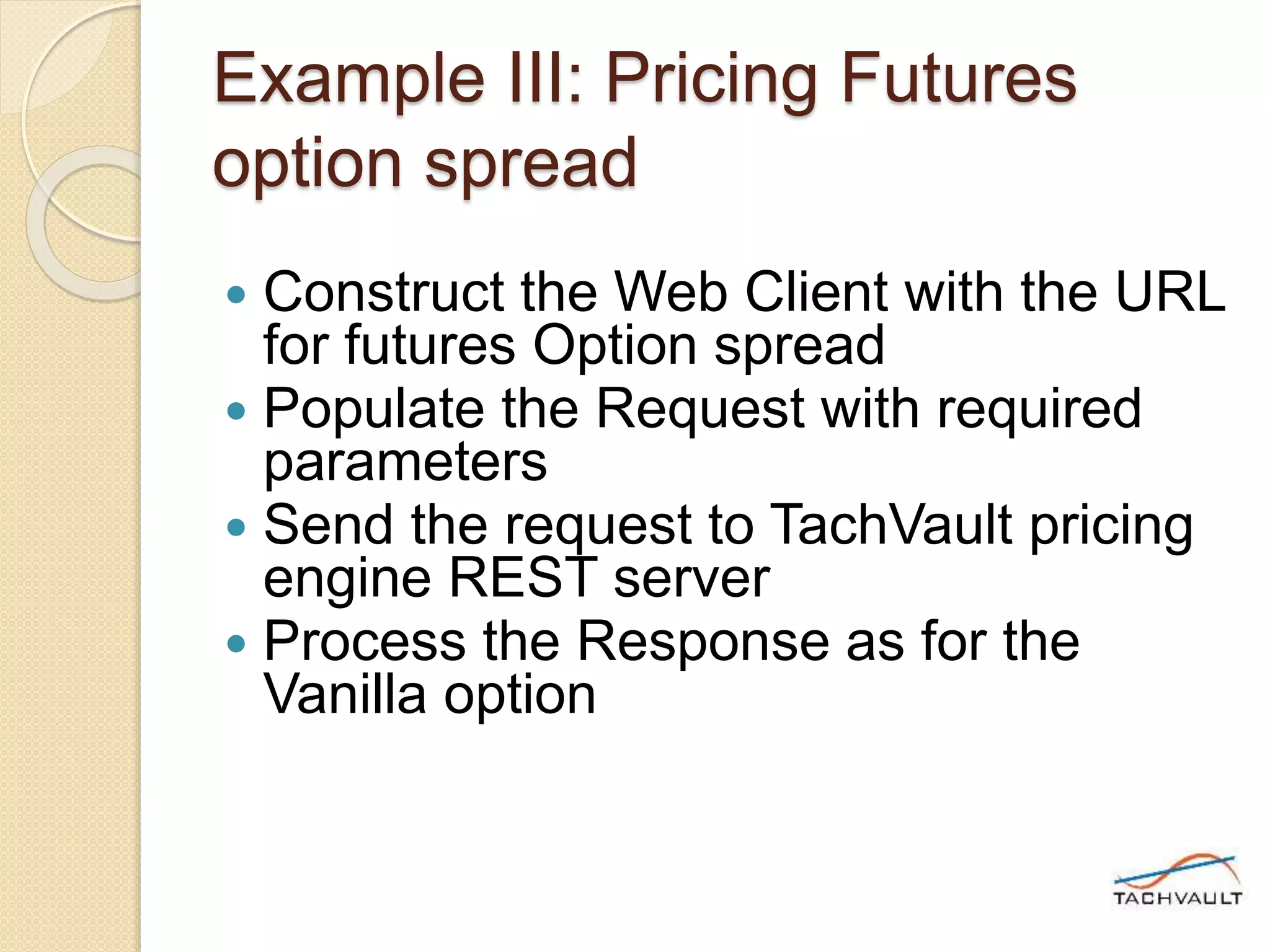
Example III: Pricing Futures
option spread
 Construct the Web Client with the URL
for futures Option spread
 Populate the Request with required
parameters
 Send the request to TachVault pricing
engine REST server
 Process the Response as for the
Vanilla option
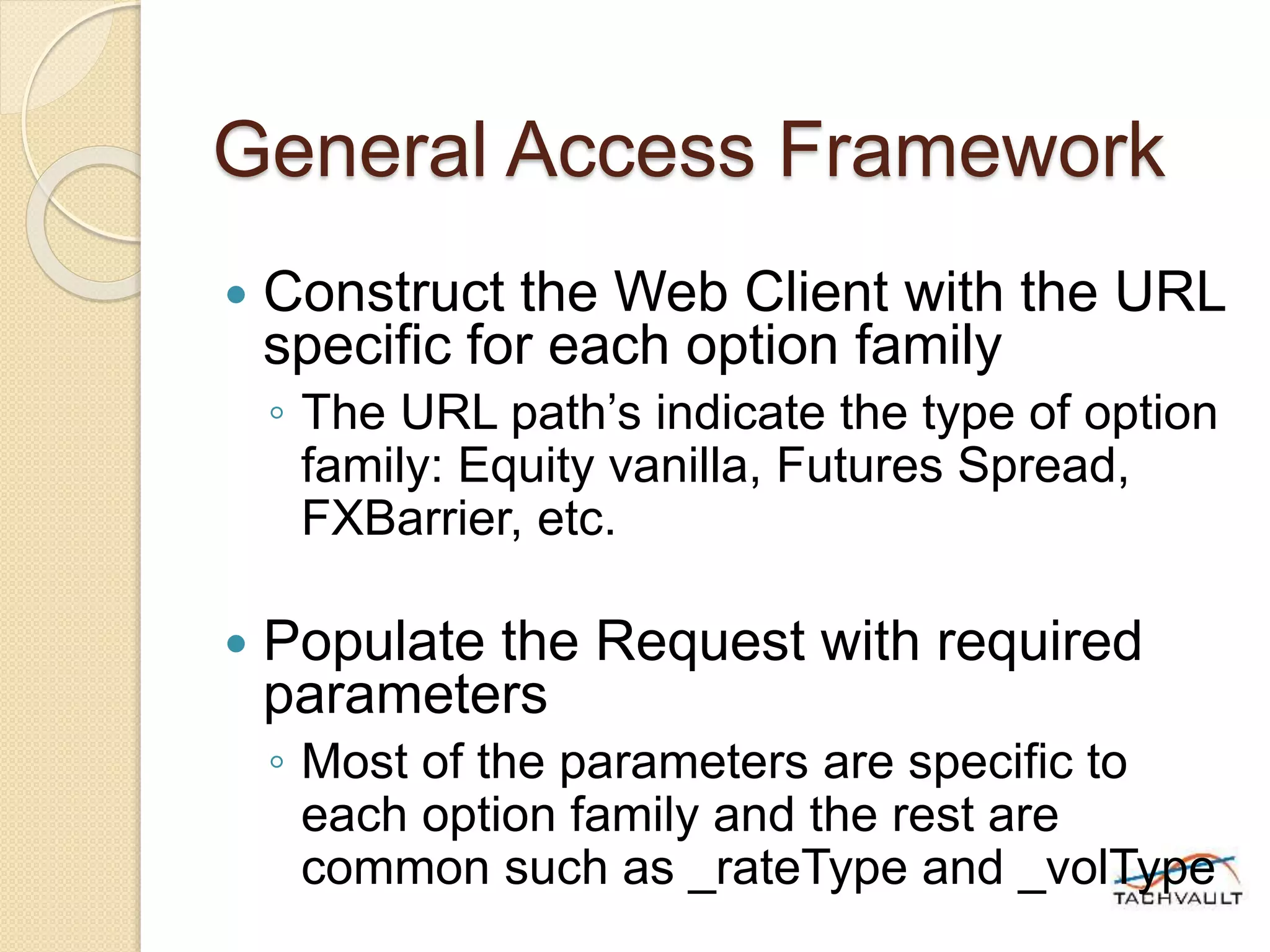
General Access Framework
 Construct the Web Client with the URL
specific for each option family
◦ The URL path’s indicate the type of option
family: Equity vanilla, Futures Spread,
FXBarrier, etc.
 Populate the Request with required
parameters
◦ Most of the parameters are specific to
each option family and the rest are
common such as _rateType and _volType
General Access Framework
 Send the request to TachVault pricing
engine
◦ Most of the parameters are specific to
each option family and the rest are
common such as _rateType and _volType
 Process the JSON Response
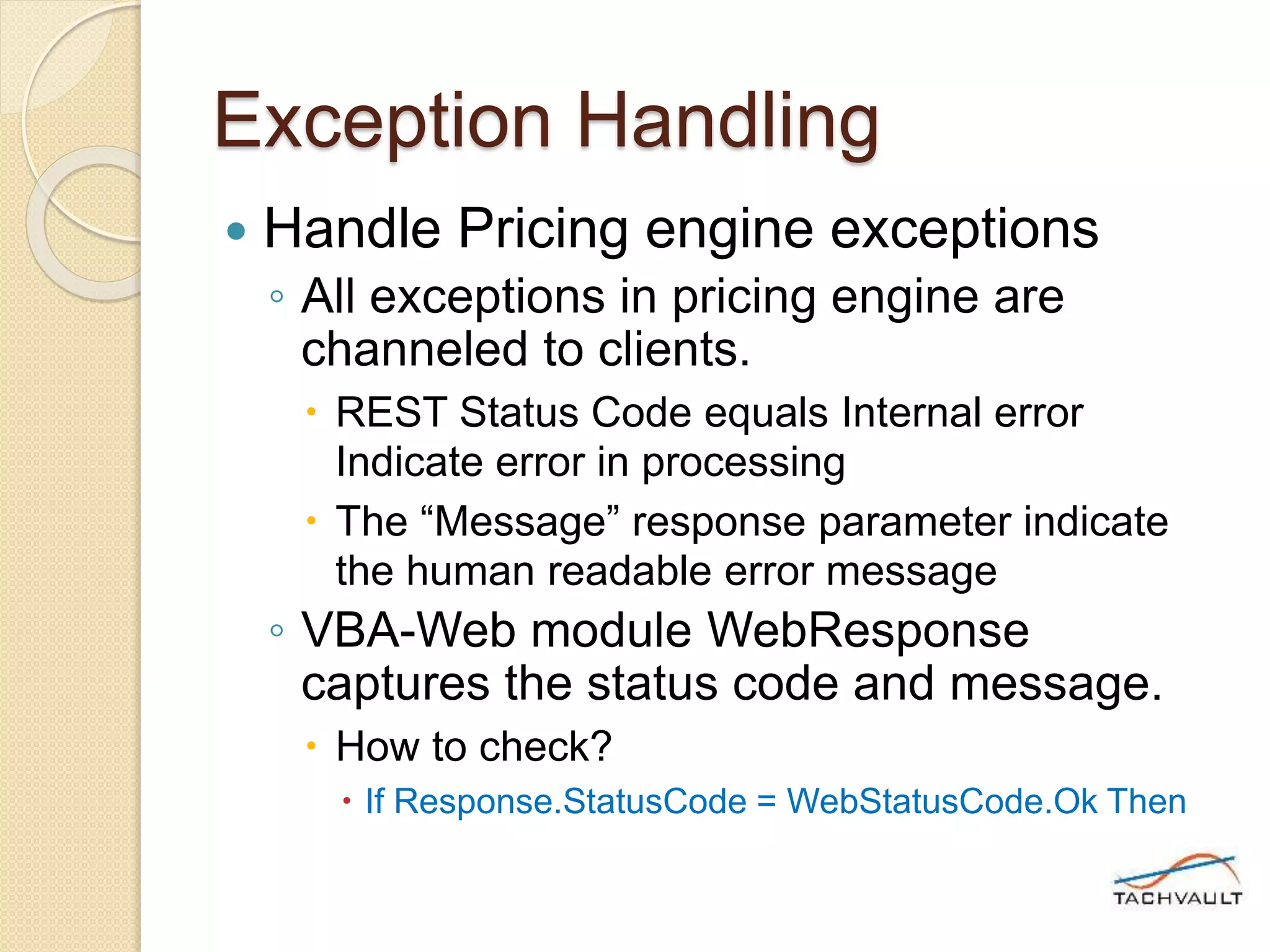
Exception Handling
 Handle Pricing engine exceptions
◦ All exceptions in pricing engine are
channeled to clients.
 REST Status Code equals Internal error
Indicate error in processing
 The “Message” response parameter indicate
the human readable error message
◦ VBA-Web module WebResponse
captures the status code and message.
 How to check?
 If Response.StatusCode = WebStatusCode.Ok Then
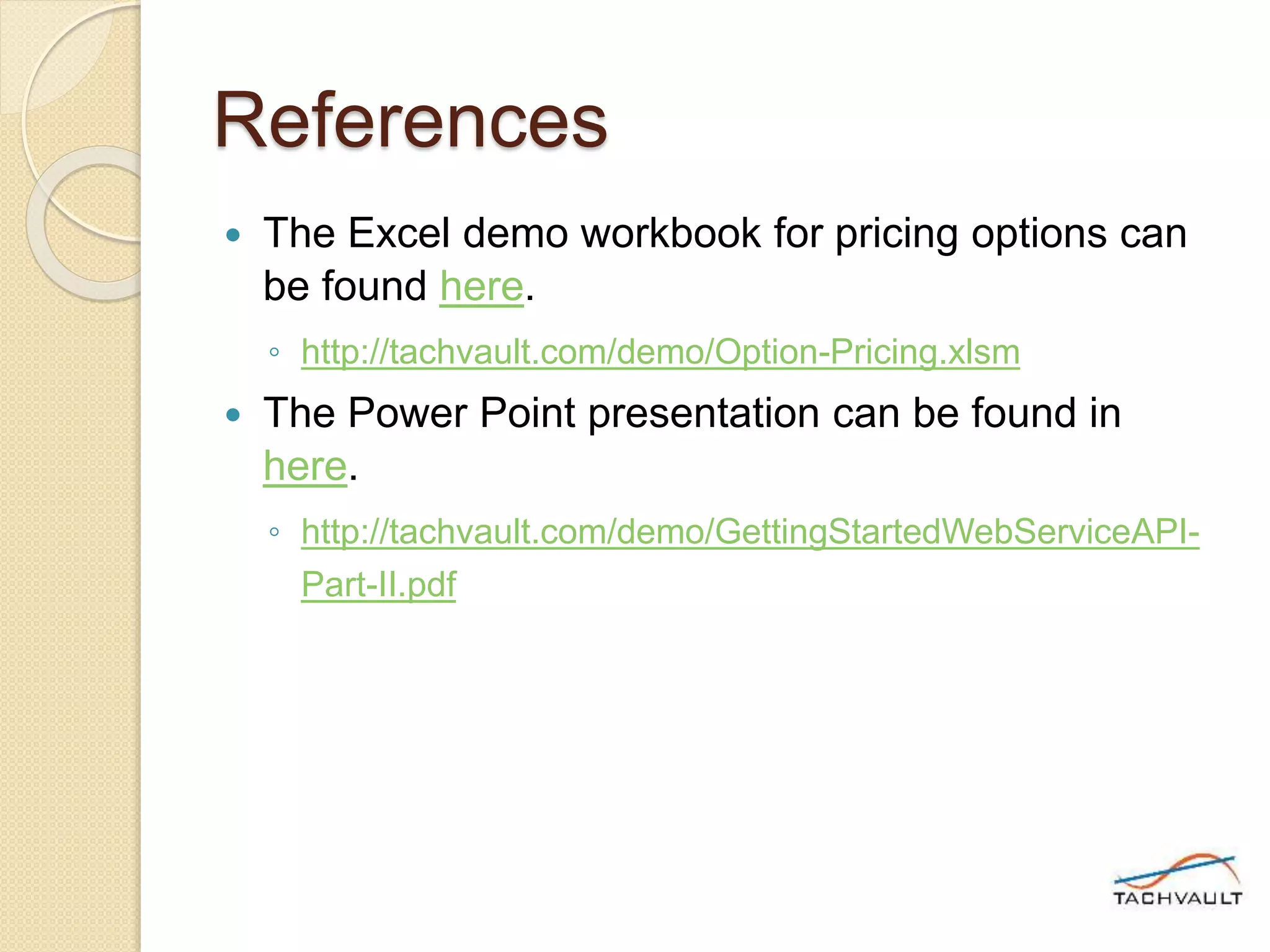
References
 The Excel demo workbook for pricing options can
be found here.
◦ http://tachvault.com/demo/Option-Pricing.xlsm
 The Power Point presentation can be found in
here.
◦ http://tachvault.com/demo/GettingStartedWebServiceAPI-
Part-II.pdf
Coming up..
 Part III of Getting Started series will
explain integration of TachVault web
services API with Python.

Free Trial: How to access Options Pricing?

  • 1.
    Getting Started withWeb Service API – Part I
  • 2.
    Outline  TachVault PricingEngine  Our SaaS platform  Options valuation with Web GUI
  • 3.
    TachVault Pricing Engine Asset Classes supported (In Free Trial) ◦ Equity (~8000 US and Canadian stocks) ◦ Futures (COMEX/NYMEX traded) ◦ FOREX (US/Canadian)
  • 4.
    TachVault Pricing Engine Option types supported (In Free Trial) ◦ Plain Vanilla (American/European) ◦ Option spreads ◦ Exotic options (Asian, Barrier, Chooser, Look Back etc.)
  • 5.
    TachVault Pricing Engine SaaS Web Service model ◦ Much cheaper than in-house development or licensing ◦ Integration and scalability  You can easily integrate with any in-house modeling tools (VBA, R, Python)  Scalable to support unlimited concurrent requests and only limited by cloud infrastructure ◦ Work anywhere.
  • 6.
    TachVault Pricing Engine Our SaaS platform ◦ Based on RESTful web services ◦ TachVault is responsible for upgrades, uptime and security ◦ Can be integrated from any tools and third party software ◦ Follows simple syntax widely used by most popular SaaS platforms  Syntax tab documents the SaaS request syntax
  • 7.
    Value options withWeb GUI  Target users ◦ Option traders/investors with the need for portable option valuation application based on *real-time market data  * ~15 min delayed market data for equity and FX in Free Trial  * Futures options are based on previous day settlement prices in Free Trial
  • 8.
    Value options withWeb GUI  Key features ◦ Can be accessed from any computing device connected to the Internet ◦ Provided with Catalog of option pricing request templates ◦ Request templates can be customized, added to user collections and accessed from anywhere  Ex: Call option request for Apple Inc. can be created from equity vanilla option template ◦ Stores history of requests in local browser storage
  • 9.
    Value options withWeb GUI  Default Catalogs
  • 10.
    Value options withWeb GUI  Default Catalogs ◦ Lists asset classes and option types supported in Free Trial ◦ Lists option valuation requests for each asset class/option type supported as templates ◦ Click on the template request shows possible lists of parameters and allowed values
  • 11.
    Value options withWeb GUI  Default Catalogs
  • 12.
    Value options withWeb GUI  Selected request parameters (not obvious) ◦ _rateType: Allows a user to specify preferred “risk-free” rate used in valuation  LIBOR or fed rate ◦ _volType: Allows a user to select the type of volatility modeling  Implied volatility (based on previous days historical option prices)  Historical volatility (GARCH) ◦ _vol: Allows user to specify a constant volatility used in valuation (override value)
  • 13.
    Value options withWeb GUI  Selected request parameters (not obvious) ◦ _method: Allows a user to specify option valuation method  Closed analytical, Binomial or Monte-Carlo ◦ _legs: Allows a user specify legs of an option spread  Syntax: (leg), (leg), (leg)….  Ex: Butterfly spread legs (_position=long,_option=call,_strike=145,_maturity=2015/11/20),(_position=long,_option =call,_strike=165,_maturity=2015/11/20),(_position=short,_option=call,_strike=ATM,_m aturity=2015/11/20),(_position=short,_option=call,_strike=ATM,_maturity=2015/11/20)
  • 14.
    Value options withWeb GUI  User collections ◦ User collections allows users to organize and store preferred option requests ◦ User collections are stored with user profile in the TachVault web server. Thus can be accessed from anywhere ◦ Users can:  Create a new collection  Ex: Financial equities, Tech sector equities…  Add frequently exercised option requests to chosen collections
  • 15.
    Value options withWeb GUI  User collections
  • 16.
    Value options withWeb GUI  Option valuation requests ◦ Requests can be added to collections ◦ Requests can be modified and saved ◦ One can execute a request for option valuation from any computing device on the Internet ◦ Valuation output:  Shown in human readable text formatted with JSON syntax.
  • 17.
    Value options withWeb GUI  Option valuation output: ◦ Main elements  Message:  outcome:  request: { }  response: { }
  • 18.
    Value options withWeb GUI  Main elements: Message, Outcome ◦ Values of Message indicate whether the request is successfully executed or not.  Possible Values: Success/Failure ◦ Values of Outcome indicate the same information as Message. But can be easily compared by automated tools  0 indicate Success and 1 indicate Failure.
  • 19.
    Value options withWeb GUI  Main elements: Request ◦ Request block indicates the request parameters as received by the pricing engine  Example:  "request": {  "equity symbol": "RY",  "maturityDate": "2016-Jan-15",  "option": "put",  "strike": 54.2,  "style": "american"  },
  • 20.
    Value options withWeb GUI  Main elements: Response ◦ Response block shows the values of response elements such as option Greeks and option price.  Example:  "response": {  "Volatility": 0.2504893407184784,  "greeks (BS)": {  "delta": -0.5034209714402521,  "gamma": 0.04761497137430514,  "theta": -3.943525425566568,  "vega": 0.2324708078992869  },  "last underlying price": 55.58,  "option price": "3.698",  "underlying trade date": "2015-Sep-09"  }
  • 21.
    Value options withWeb GUI  Plain Vanilla option response ◦ Main elements.  greeks (BS) : {delta, gamma, theta, vega}  Greek values for the option based on Black Scholes formula  last underlying price:  The price of underlying asset used in the option pricing  option price  The value of option  Volatility  Volatility for the given option maturity and strike price  underlying trade date  The trade date of underlying asset at the pricing point
  • 22.
    Value options withWeb GUI  Exotic option Response ◦ Main elements.  greeks (BS) : {delta, omega, theta, vega}  Greek values for the option based on Black Scholes  last underlying price:  The price of underlying asset used in the option pricing  option price  The value of option  Volatility  Volatility for the given option maturity and strike price  Vanilla option price  The value of vanilla option  underlying trade date  The trade date of underlying asset.
  • 23.
    Value options withWeb GUI  Option spread Response ◦ Main elements.  Legs: [leg, leg, leg]  Shows the option values of each leg as separate blocks { }  greeks (BS) : {delta, omega, theta, vega}  Greek values for the option based on Black Scholes  last underlying price:  The price of underlying asset used in the option pricing  spread price  The value of spread  underlying trade date  The trade date of underlying asset.
  • 24.
    Coming up..  PartII of Getting Started series will explain integration of TachVault web services API with Excel/VBA.
  • 25.
    Getting Started withWeb Service API – Part II Integration of TachVault web services API with Excel/VBA
  • 26.
    Outline  Excel-VBA WebService Framework  VBA-Web Library  Example I: Pricing and Sensitivity Analysis of Vanilla options  Example II: Pricing Equity Asian options  Example III: Pricing Futures option spreads
  • 27.
    Excel-VBA Web Service Framework PricingEngine REST Server Market Data feed Option Request Pricing Response Your Excel Derivative App TachVault Pricing Engine
  • 28.
    Excel-VBA Web Service Framework Pricing Engine RES T Serv er Mark et Data feed TachVaultPricing Engine Your pricing application Web-VBA Library WebRequest WebResponse Internet
  • 29.
    VBA-Web Library  Opensource VBA library for REST client  Reference: https://github.com/VBA- tools/VBA-Web  What tools I need to get started? ◦ You only need the VBA modules embedded in the Option-Pricing.xlsm Excel workbook linked as the Demo Excel Client here.
  • 30.
    Example I: Pricingand Sensitivity Analysis of Vanilla options  Construct a VBA-Web WebClient Public Property Get Client() As WebClient If pClient Is Nothing Then Set pClient = New WebClient pClient.BaseUrl = http://cp.saas- tachvault.com/JSON/EquityOption/Vanilla End If Set Client = pClient End Property
  • 31.
    Example I: Pricingand Sensitivity Analysis of Vanilla options  Construct Request with required parameters Public Function PriceAPI(Req As VanillaOptionReq) As WebResponse Dim Request As New WebRequest Request.AddQuerystringParam "_option", Req.optionType Request.AddQuerystringParam "_symbol", Req.symbol Request.AddQuerystringParam "_strike", Req.strike Dim mat As String mat = Format(Req.maturity, "yyyy/mm/dd") Request.AddQuerystringParam "_maturity", mat Request.AddQuerystringParam "_ratetype", Req.rateType Request.AddQuerystringParam "_token", Req.Token Request.AddQuerystringParam "_style", Req.style Request.AddQuerystringParam "_volType", Req.volType Request.AddQuerystringParam "_vol", Req.vol
  • 32.
    Example I: Pricingand Sensitivity Analysis of Vanilla options  Send request to TachVault pricing engine Public Function PriceAPI(Req As VanillaOptionReq) As WebResponse Dim Request As New WebRequest Request.AddQuerystringParam "_option", Req.optionType Request.AddQuerystringParam "_symbol", Req.symbol Request.AddQuerystringParam "_strike", Req.strike Dim mat As String mat = Format(Req.maturity, "yyyy/mm/dd") Request.AddQuerystringParam "_maturity", mat Request.AddQuerystringParam "_ratetype", Req.rateType Request.AddQuerystringParam "_token", Req.Token Request.AddQuerystringParam "_style", Req.style Request.AddQuerystringParam "_volType", Req.volType Request.AddQuerystringParam "_vol", Req.vol Set PriceAPI = Client.Execute(Request) End Function
  • 33.
    Example I: Pricingand Sensitivity Analysis of Vanilla options  Process the response (in JSON format) Set Response = EquityVanilla.PriceAPI(Req) If Response.StatusCode = WebStatusCode.Ok Then Me.[Volatility] = Response.Data("response")("Volatility") Me.[option_price] = Response.Data("response")("option price") Me.[Underlying] = Response.Data("response")("last underlying price") Me.[OutStrike] = Req.strike Me.[OutMaturity] = Req.maturity Me.[Delta] = Response.Data("response")("greeks (BS)")("delta") Me.[Gamma] = Response.Data("response")("greeks (BS)")("gamma") Me.[Theta] = Response.Data("response")("greeks (BS)")("theta") Me.[Vega] = Response.Data("response")("greeks (BS)")("vega") Me.[Message] = Response.Data("Message") Else Me.[Message] = "Error: " & Response.Data("Message")
  • 34.
    Example II: PricingEquity Asian options  Construct a Web client with the URL: pClient.BaseUrl = "http://cp.saas- tachvault.com/JSON/EquityOption/Average"  Populate the Request with required parameters Public Function PriceAPI(Req As AverageOptionReq) As WebResponse Dim Request As New WebRequest Request.AddQuerystringParam "_option", Req.optionType Request.AddQuerystringParam "_averageType", Req.averageType Request.AddQuerystringParam "_symbol", Req.symbol Request.AddQuerystringParam "_strike", Req.strike Dim mat As String mat = Format(Req.maturity, "yyyy/mm/dd") Request.AddQuerystringParam "_maturity", mat Request.AddQuerystringParam "_ratetype", Req.rateType Request.AddQuerystringParam "_token", Req.Token Request.AddQuerystringParam "_style", Req.style Request.AddQuerystringParam "_volType", Req.volType Request.AddQuerystringParam "_vol", Req.vol
  • 35.
    Example II: PricingEquity Asian options  Send request to TachVault Pricing engine REST server Public Function PriceAPI(Req As AverageOptionReq) As WebResponse Dim Request As New WebRequest Request.AddQuerystringParam "_option", Req.optionType Request.AddQuerystringParam "_averageType", Req.averageType Request.AddQuerystringParam "_symbol", Req.symbol Request.AddQuerystringParam "_strike", Req.strike Dim mat As String mat = Format(Req.maturity, "yyyy/mm/dd") Request.AddQuerystringParam "_maturity", mat Request.AddQuerystringParam "_ratetype", Req.rateType Request.AddQuerystringParam "_token", Req.Token Request.AddQuerystringParam "_style", Req.style Request.AddQuerystringParam "_volType", Req.volType Request.AddQuerystringParam "_vol", Req.vol Set PriceAPI = Client.Execute(Request) End Function
  • 36.
    Example II: PricingEquity Asian options  Process the Response (in JSON format) Set Response = EquityAverage.PriceAPI(Req) If Response.StatusCode = WebStatusCode.Ok Then Me.[aVolatility] = Response.Data("response")("Volatility") Me.[aPrice] = Response.Data("response")("average option price") Me.[aUnderlying] = Response.Data("response")("last underlying price") Me.[aOutStrike] = Req.strike Me.[aMessage] = Response.Data("Message") Else Me.[aMessage] = "Error: " & Response.Data("Message") End If
  • 37.
    Example III: PricingFutures option spread  Construct the Web Client with the URL for futures Option spread  Populate the Request with required parameters  Send the request to TachVault pricing engine REST server  Process the Response as for the Vanilla option
  • 38.
    General Access Framework Construct the Web Client with the URL specific for each option family ◦ The URL path’s indicate the type of option family: Equity vanilla, Futures Spread, FXBarrier, etc.  Populate the Request with required parameters ◦ Most of the parameters are specific to each option family and the rest are common such as _rateType and _volType
  • 39.
    General Access Framework Send the request to TachVault pricing engine ◦ Most of the parameters are specific to each option family and the rest are common such as _rateType and _volType  Process the JSON Response
  • 40.
    Exception Handling  HandlePricing engine exceptions ◦ All exceptions in pricing engine are channeled to clients.  REST Status Code equals Internal error Indicate error in processing  The “Message” response parameter indicate the human readable error message ◦ VBA-Web module WebResponse captures the status code and message.  How to check?  If Response.StatusCode = WebStatusCode.Ok Then
  • 41.
    References  The Exceldemo workbook for pricing options can be found here. ◦ http://tachvault.com/demo/Option-Pricing.xlsm  The Power Point presentation can be found in here. ◦ http://tachvault.com/demo/GettingStartedWebServiceAPI- Part-II.pdf
  • 42.
    Coming up..  PartIII of Getting Started series will explain integration of TachVault web services API with Python.

Editor's Notes

  • #4 Tip: Add your own speaker notes here.
  • #5 Tip: Add your own speaker notes here.
  • #6 Tip: Add your own speaker notes here.
  • #7 Tip: Add your own speaker notes here.
  • #8 Tip: Add your own speaker notes here.
  • #9 Tip: Add your own speaker notes here.
  • #10 Tip: Add your own speaker notes here.
  • #11 Tip: Add your own speaker notes here.
  • #12 Tip: Add your own speaker notes here.
  • #13 Tip: Add your own speaker notes here.
  • #14 Tip: Add your own speaker notes here.
  • #15 Tip: Add your own speaker notes here.
  • #16 Tip: Add your own speaker notes here.
  • #17 Tip: Add your own speaker notes here.
  • #18 Tip: Add your own speaker notes here.
  • #19 Tip: Add your own speaker notes here.
  • #20 Tip: Add your own speaker notes here.
  • #21 Tip: Add your own speaker notes here.
  • #22 Tip: Add your own speaker notes here.
  • #23 Tip: Add your own speaker notes here.
  • #24 Tip: Add your own speaker notes here.
  • #25 Tip: Add your own speaker notes here.
  • #28 Tip: Add your own speaker notes here.
  • #29 Tip: Add your own speaker notes here.
  • #30 Tip: Add your own speaker notes here.
  • #31 Tip: Add your own speaker notes here.
  • #32 Tip: Add your own speaker notes here.
  • #33 Tip: Add your own speaker notes here.
  • #34 Tip: Add your own speaker notes here.
  • #35 Tip: Add your own speaker notes here.
  • #36 Tip: Add your own speaker notes here.
  • #37 Tip: Add your own speaker notes here.
  • #38 Tip: Add your own speaker notes here.
  • #39 Tip: Add your own speaker notes here.
  • #40 Tip: Add your own speaker notes here.
  • #41 Tip: Add your own speaker notes here.
  • #42 Tip: Add your own speaker notes here.
  • #43 Tip: Add your own speaker notes here.