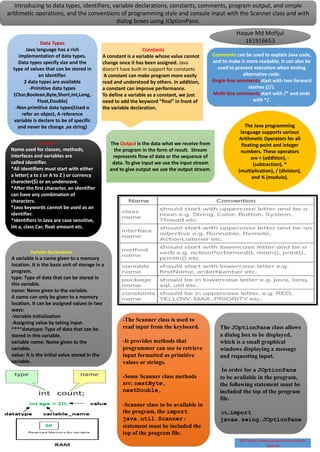
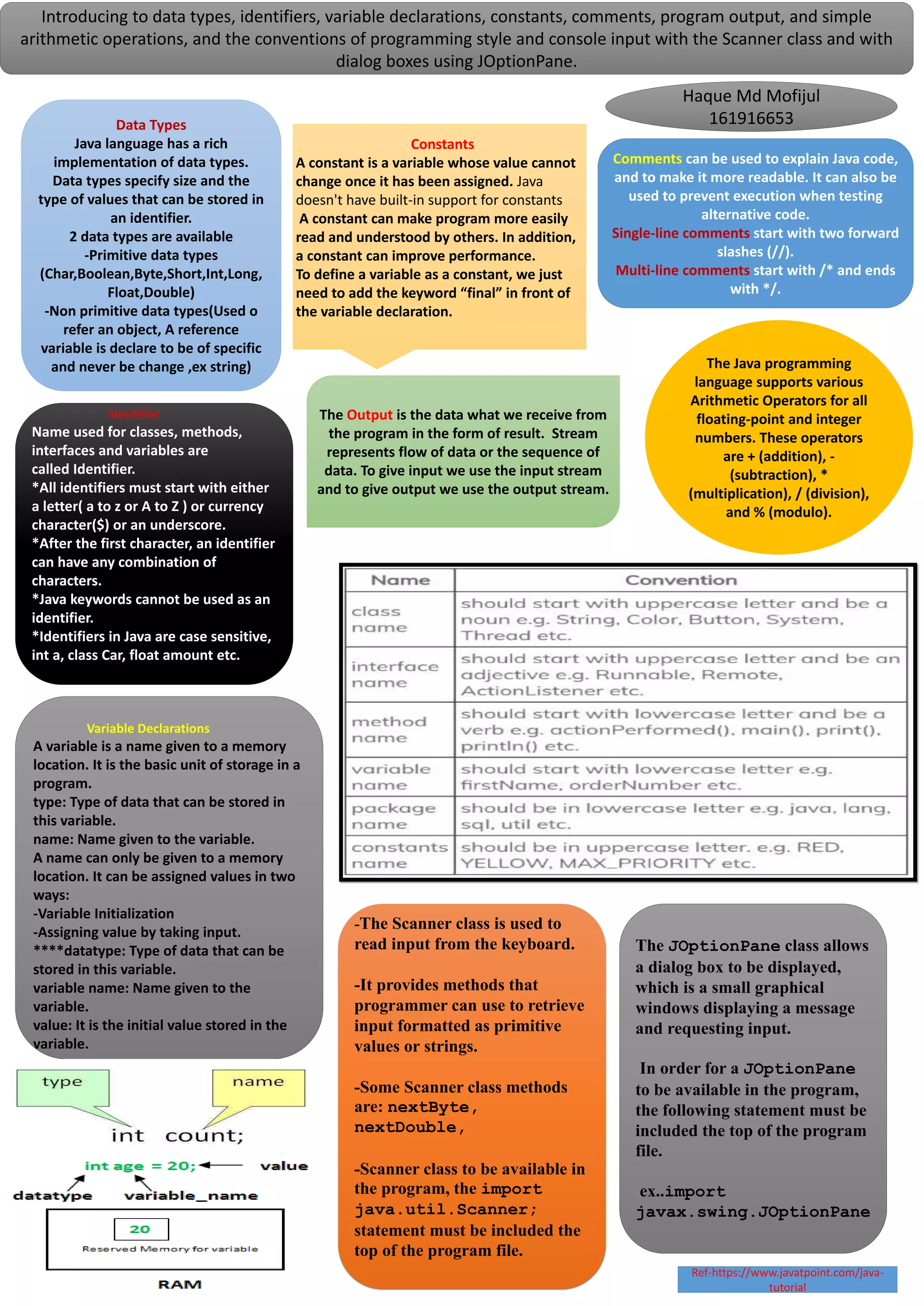
Introducing to data types, identifiers, variable declarations, constants, comments, program output, and simple
arithmetic operations, and the conventions of programming style and console input with the Scanner class and with
dialog boxes using JOptionPane.
Identifier
Name used for classes, methods,
interfaces and variables are
called Identifier.
*All identifiers must start with either
a letter( a to z or A to Z ) or currency
character($) or an underscore.
*After the first character, an identifier
can have any combination of
characters.
*Java keywords cannot be used as an
identifier.
*Identifiers in Java are case sensitive,
int a, class Car, float amount etc.
Data Types
Java language has a rich
implementation of data types.
Data types specify size and the
type of values that can be stored in
an identifier.
2 data types are available
-Primitive data types
(Char,Boolean,Byte,Short,Int,Long,
Float,Double)
-Non primitive data types(Used o
refer an object, A reference
variable is declare to be of specific
and never be change ,ex string)
Variable Declarations
A variable is a name given to a memory
location. It is the basic unit of storage in a
program.
type: Type of data that can be stored in
this variable.
name: Name given to the variable.
A name can only be given to a memory
location. It can be assigned values in two
ways:
-Variable Initialization
-Assigning value by taking input.
****datatype: Type of data that can be
stored in this variable.
variable name: Name given to the
variable.
value: It is the initial value stored in the
variable.
Constants
A constant is a variable whose value cannot
change once it has been assigned. Java
doesn't have built-in support for constants
A constant can make program more easily
read and understood by others. In addition,
a constant can improve performance.
To define a variable as a constant, we just
need to add the keyword “final” in front of
the variable declaration.
Comments can be used to explain Java code,
and to make it more readable. It can also be
used to prevent execution when testing
alternative code.
Single-line comments start with two forward
slashes (//).
Multi-line comments start with /* and ends
with */.
The Java programming
language supports various
Arithmetic Operators for all
floating-point and integer
numbers. These operators
are + (addition), -
(subtraction), *
(multiplication), / (division),
and % (modulo).
The Output is the data what we receive from
the program in the form of result. Stream
represents flow of data or the sequence of
data. To give input we use the input stream
and to give output we use the output stream.
-The Scanner class is used to
read input from the keyboard.
-It provides methods that
programmer can use to retrieve
input formatted as primitive
values or strings.
-Some Scanner class methods
are: nextByte,
nextDouble,
-Scanner class to be available in
the program, the import
java.util.Scanner;
statement must be included the
top of the program file.
The JOptionPane class allows
a dialog box to be displayed,
which is a small graphical
windows displaying a message
and requesting input.
In order for a JOptionPane
to be available in the program,
the following statement must be
included the top of the program
file.
ex..import
javax.swing.JOptionPane
Haque Md Mofijul
161916653
Ref-https://www.javatpoint.com/java-
tutorial

OOP Poster Presentation

  • 1.
    Introducing to datatypes, identifiers, variable declarations, constants, comments, program output, and simple arithmetic operations, and the conventions of programming style and console input with the Scanner class and with dialog boxes using JOptionPane. Identifier Name used for classes, methods, interfaces and variables are called Identifier. *All identifiers must start with either a letter( a to z or A to Z ) or currency character($) or an underscore. *After the first character, an identifier can have any combination of characters. *Java keywords cannot be used as an identifier. *Identifiers in Java are case sensitive, int a, class Car, float amount etc. Data Types Java language has a rich implementation of data types. Data types specify size and the type of values that can be stored in an identifier. 2 data types are available -Primitive data types (Char,Boolean,Byte,Short,Int,Long, Float,Double) -Non primitive data types(Used o refer an object, A reference variable is declare to be of specific and never be change ,ex string) Variable Declarations A variable is a name given to a memory location. It is the basic unit of storage in a program. type: Type of data that can be stored in this variable. name: Name given to the variable. A name can only be given to a memory location. It can be assigned values in two ways: -Variable Initialization -Assigning value by taking input. ****datatype: Type of data that can be stored in this variable. variable name: Name given to the variable. value: It is the initial value stored in the variable. Constants A constant is a variable whose value cannot change once it has been assigned. Java doesn't have built-in support for constants A constant can make program more easily read and understood by others. In addition, a constant can improve performance. To define a variable as a constant, we just need to add the keyword “final” in front of the variable declaration. Comments can be used to explain Java code, and to make it more readable. It can also be used to prevent execution when testing alternative code. Single-line comments start with two forward slashes (//). Multi-line comments start with /* and ends with */. The Java programming language supports various Arithmetic Operators for all floating-point and integer numbers. These operators are + (addition), - (subtraction), * (multiplication), / (division), and % (modulo). The Output is the data what we receive from the program in the form of result. Stream represents flow of data or the sequence of data. To give input we use the input stream and to give output we use the output stream. -The Scanner class is used to read input from the keyboard. -It provides methods that programmer can use to retrieve input formatted as primitive values or strings. -Some Scanner class methods are: nextByte, nextDouble, -Scanner class to be available in the program, the import java.util.Scanner; statement must be included the top of the program file. The JOptionPane class allows a dialog box to be displayed, which is a small graphical windows displaying a message and requesting input. In order for a JOptionPane to be available in the program, the following statement must be included the top of the program file. ex..import javax.swing.JOptionPane Haque Md Mofijul 161916653 Ref-https://www.javatpoint.com/java- tutorial