Online C++ Compiler:
Introduction
Explore the world of web-based tools that allow you to write,
compile, and run C++ code instantly from any browser. Perfect for
beginners, educators, and developers seeking quick testing
solutions without local setup.
+91-9599086977
https://www.tpointtech.com/compiler/cpp
Tpoint Tech
Key Features of Online C++ Compilers
Intuitive Code Editing
Syntax highlighting, auto-complete,
and customizable themes enhance
the coding experience.
Instant Execution & Debugging
Compile and run code with
immediate output and robust
debugging tools for error
diagnostics.
Collaboration & Version Support
Share code snippets, collaborate in
real-time, and ensure compatibility
with C++17, C++20, and more.
C++ Compilers
Popular Online C++ Compilers (2025)
OnlineGDB
A user-friendly platform for
running, debugging, and
sharing C++ code, ideal for
beginners.
Programiz
Offers a unique code visualizer
and a convenient dark mode
for enhanced readability.
OneCompiler
Features robust support for
stdin inputs and the latest C+
+17 standard.
CodeChef
Provides advanced code visualization, memory,
and time usage statistics for competitive
programming.
cpp.sh
A lightweight and simple interface for quick tests
and minimal distractions.
C++ Compilers
Typical Use Cases
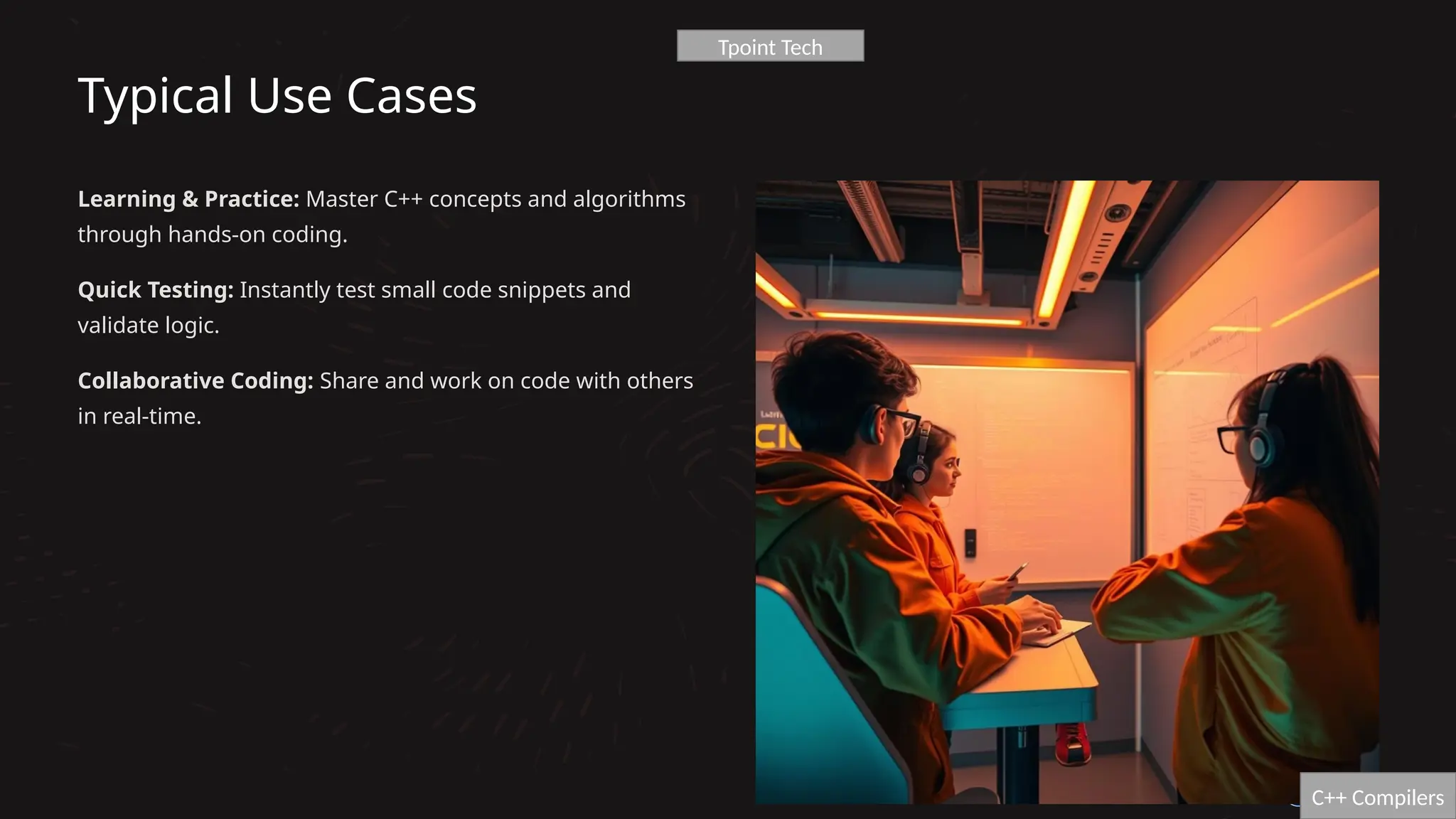
Learning & Practice: Master C++ concepts and algorithms
through hands-on coding.
Quick Testing: Instantly test small code snippets and
validate logic.
Collaborative Coding: Share and work on code with others
in real-time.
C++ Compilers
Tpoint Tech
Advantages of Using Online C++ Compilers
1 Instant Accessibility
No installations or configurations needed, just open your browser and start coding.
2 Cross-Platform Compatibility
Works seamlessly on Windows, Mac, Linux, and mobile devices, ensuring flexibility.
3 Resource Efficiency
Saves local storage and computing resources, keeping your machine clutter-free.
4 Enhanced Collaboration
Ideal for remote learning and team projects, fostering real-time interaction and feedback.
5 Cost-Effective
Many platforms are free to use, offering powerful tools without registration fees.
C++ Compilers
Limitations to Consider
Project Scope
Not suitable for large, complex projects with intricate dependencies.
Internet Dependence
Requires a stable internet connection; offline use is not an option.
System Access
Limited interaction with system libraries or hardware features.
Privacy Concerns
Potential risks for highly sensitive or proprietary code due to cloud storage.
Performance
May be slower than local compilers for computationally intensive tasks.
C++ Compilers
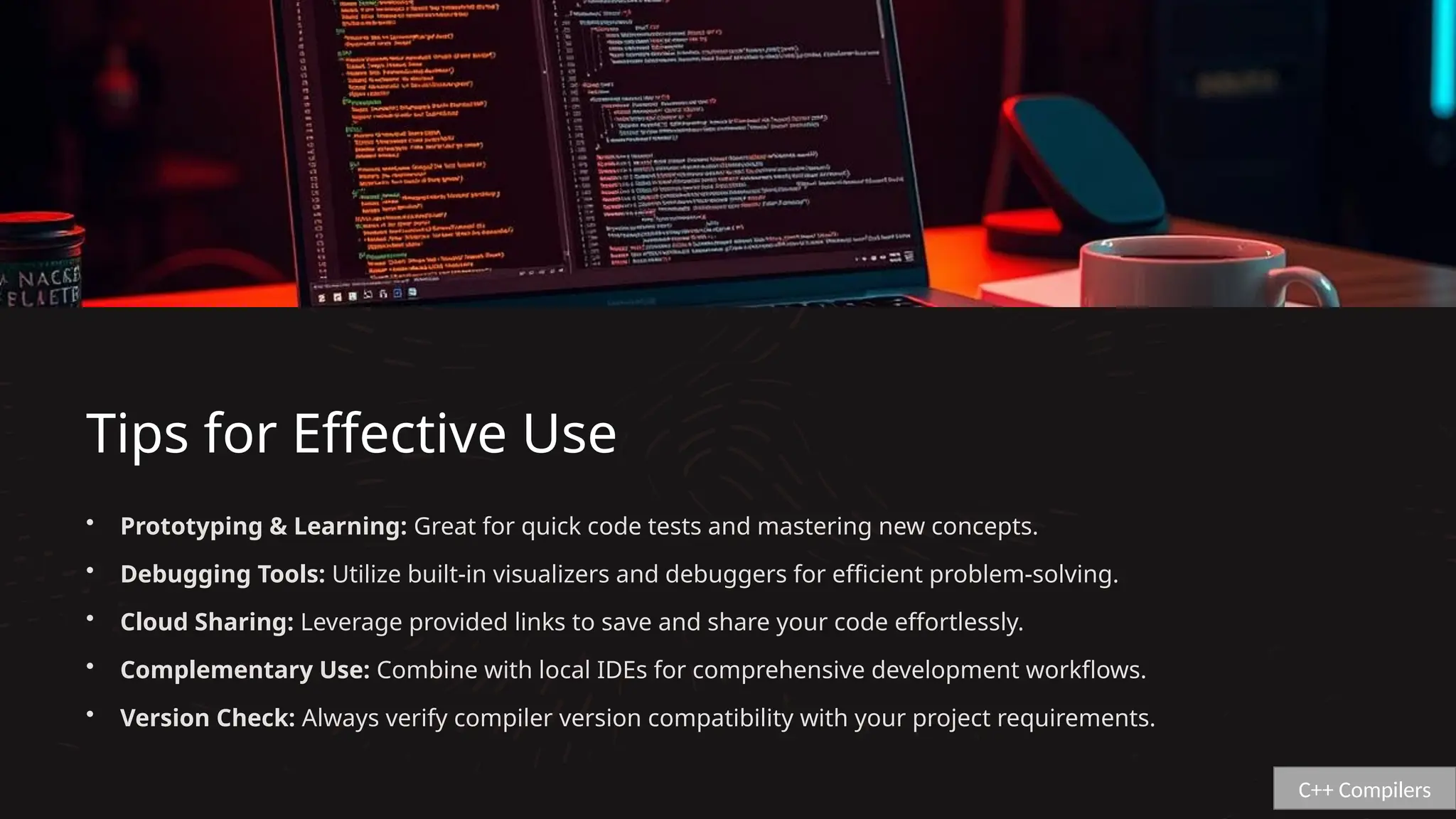
Tips for Effective Use
• Prototyping & Learning: Great for quick code tests and mastering new concepts.
• Debugging Tools: Utilize built-in visualizers and debuggers for efficient problem-solving.
• Cloud Sharing: Leverage provided links to save and share your code effortlessly.
• Complementary Use: Combine with local IDEs for comprehensive development workflows.
• Version Check: Always verify compiler version compatibility with your project requirements.
C++ Compilers
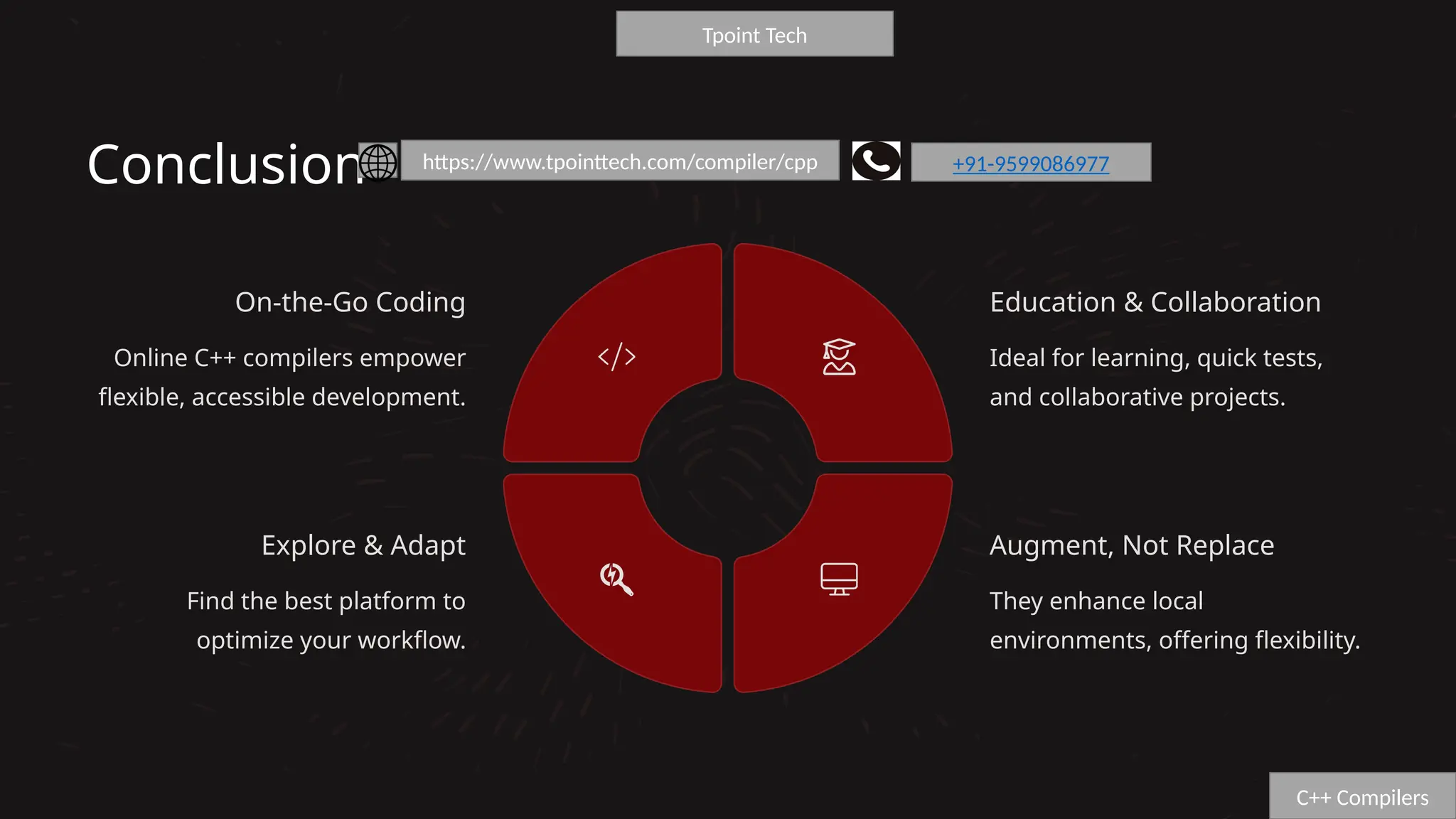
Conclusion
On-the-Go Coding
Online C++ compilers empower
flexible, accessible development.
Education & Collaboration
Ideal for learning, quick tests,
and collaborative projects.
Augment, Not Replace
They enhance local
environments, offering flexibility.
Explore & Adapt
Find the best platform to
optimize your workflow.
C++ Compilers
Tpoint Tech
https://www.tpointtech.com/compiler/cpp +91-9599086977

Online- C -Compiler - Introduction2.pptx

  • 1.
    Online C++ Compiler: Introduction Explorethe world of web-based tools that allow you to write, compile, and run C++ code instantly from any browser. Perfect for beginners, educators, and developers seeking quick testing solutions without local setup. +91-9599086977 https://www.tpointtech.com/compiler/cpp https://www.tpointtech.com/compiler/cpp Tpoint Tech
  • 2.
    Key Features ofOnline C++ Compilers Intuitive Code Editing Syntax highlighting, auto-complete, and customizable themes enhance the coding experience. Instant Execution & Debugging Compile and run code with immediate output and robust debugging tools for error diagnostics. Collaboration & Version Support Share code snippets, collaborate in real-time, and ensure compatibility with C++17, C++20, and more. C++ Compilers
  • 3.
    Popular Online C++Compilers (2025) OnlineGDB A user-friendly platform for running, debugging, and sharing C++ code, ideal for beginners. Programiz Offers a unique code visualizer and a convenient dark mode for enhanced readability. OneCompiler Features robust support for stdin inputs and the latest C+ +17 standard. CodeChef Provides advanced code visualization, memory, and time usage statistics for competitive programming. cpp.sh A lightweight and simple interface for quick tests and minimal distractions. C++ Compilers
  • 4.
    Typical Use Cases Learning& Practice: Master C++ concepts and algorithms through hands-on coding. Quick Testing: Instantly test small code snippets and validate logic. Collaborative Coding: Share and work on code with others in real-time. C++ Compilers Tpoint Tech
  • 5.
    Advantages of UsingOnline C++ Compilers 1 Instant Accessibility No installations or configurations needed, just open your browser and start coding. 2 Cross-Platform Compatibility Works seamlessly on Windows, Mac, Linux, and mobile devices, ensuring flexibility. 3 Resource Efficiency Saves local storage and computing resources, keeping your machine clutter-free. 4 Enhanced Collaboration Ideal for remote learning and team projects, fostering real-time interaction and feedback. 5 Cost-Effective Many platforms are free to use, offering powerful tools without registration fees. C++ Compilers
  • 6.
    Limitations to Consider ProjectScope Not suitable for large, complex projects with intricate dependencies. Internet Dependence Requires a stable internet connection; offline use is not an option. System Access Limited interaction with system libraries or hardware features. Privacy Concerns Potential risks for highly sensitive or proprietary code due to cloud storage. Performance May be slower than local compilers for computationally intensive tasks. C++ Compilers
  • 7.
    Tips for EffectiveUse • Prototyping & Learning: Great for quick code tests and mastering new concepts. • Debugging Tools: Utilize built-in visualizers and debuggers for efficient problem-solving. • Cloud Sharing: Leverage provided links to save and share your code effortlessly. • Complementary Use: Combine with local IDEs for comprehensive development workflows. • Version Check: Always verify compiler version compatibility with your project requirements. C++ Compilers
  • 8.
    Conclusion On-the-Go Coding Online C++compilers empower flexible, accessible development. Education & Collaboration Ideal for learning, quick tests, and collaborative projects. Augment, Not Replace They enhance local environments, offering flexibility. Explore & Adapt Find the best platform to optimize your workflow. C++ Compilers Tpoint Tech https://www.tpointtech.com/compiler/cpp +91-9599086977