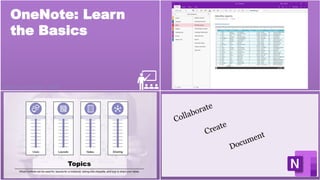
OneNote: Learn
the Basics
Sample for Automattic - 2020
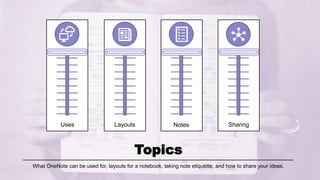
Uses Layouts Notes Sharing
Topics
What OneNote can be used for, layouts for a notebook, taking note etiquette, and how to share your ideas.
Uses – Let’s Get Started
• Type notes or record audio to keep on track
• Sketch or write ideas with a stylus
• Add pictures from your phone or tablet
• Find notes throughout your entire library
• Organize notes in sections and different notebooks
• Synchronize across devices instantly for constant
access
• Share notebooks with others to contribute and
remain connected
Layouts
Templates for Success
• Why
– When to use a template
• Examples
• Creating your own
template(s)
General Styles
• Layouts for yourself
– What’s important
– Action items
• Best fits
• Writing vs drawing
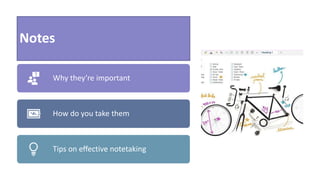
Notes
Why they’re important
How do you take them
Tips on effective notetaking
Sharing: How
When to Share
Things to Remember
Private vs Public
Thank you!
If you have a moment, please click the
button to take a short survey to let me
know your thoughts
^ Click the icon
above to begin

OneNote training sample

  • 1.
    OneNote: Learn the Basics Samplefor Automattic - 2020
  • 2.
    Uses Layouts NotesSharing Topics What OneNote can be used for, layouts for a notebook, taking note etiquette, and how to share your ideas.
  • 3.
    Uses – Let’sGet Started • Type notes or record audio to keep on track • Sketch or write ideas with a stylus • Add pictures from your phone or tablet • Find notes throughout your entire library • Organize notes in sections and different notebooks • Synchronize across devices instantly for constant access • Share notebooks with others to contribute and remain connected
  • 4.
    Layouts Templates for Success •Why – When to use a template • Examples • Creating your own template(s) General Styles • Layouts for yourself – What’s important – Action items • Best fits • Writing vs drawing
  • 5.
    Notes Why they’re important Howdo you take them Tips on effective notetaking
  • 6.
    Sharing: How When toShare Things to Remember Private vs Public
  • 7.
    Thank you! If youhave a moment, please click the button to take a short survey to let me know your thoughts ^ Click the icon above to begin

Editor's Notes

  • #2 This is a basic template for a OneNote tutorial. Details would be then entered into the notes portion for the trainer, as well as additional slides to show important details that would want to be noted for those undertaking the training. The purpose of this PowerPoint is Gwendolyn’s demonstration of creating effective teaching and learning tools within a short period of time that is engaging and attractive to learning i.e., PowerPoint does not have to be boring.  The slides have action timers present so that you do not have to click to initiate actions.
  • #8 Thank you for taking the time to view my PowerPoint presentation! If you have questions on how I created this, or would like some training on using PowerPoint (or OneNote) in general, please do not hesitate to contact me at gwen.amberg@gmail.com