ON E WE E K NAR RATIVE


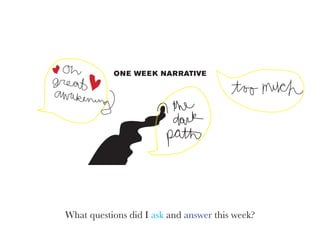
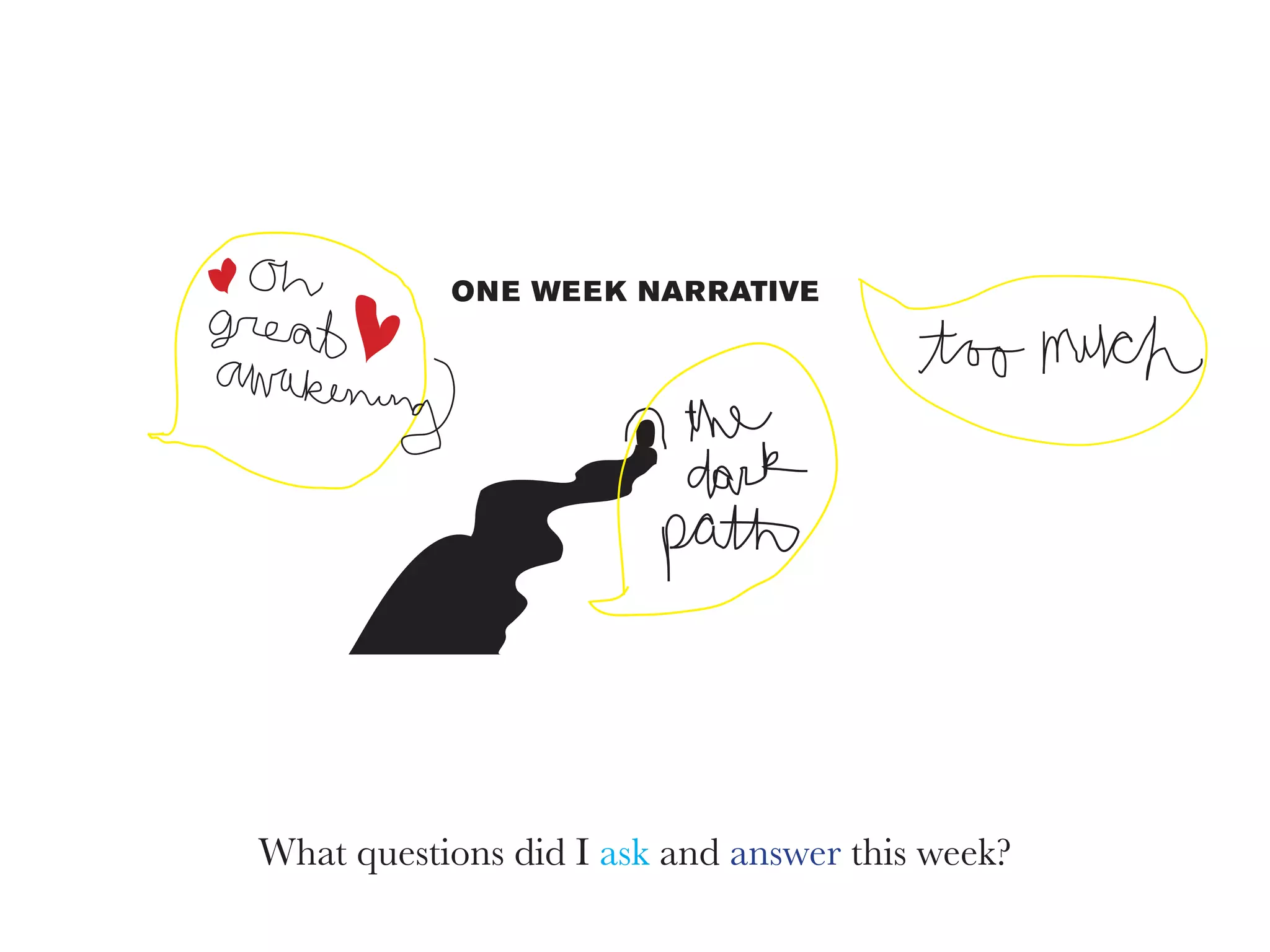
What questions did I ask and answer this week?
=


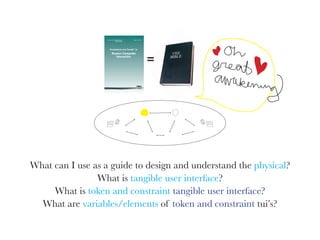
What can I use as a guide to design and understand the physical?
                What is tangible user interface?
     What is token and constraint tangible user interface?
  What are variables/elements of token and constraint tui’s?
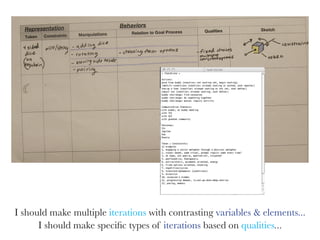
I should make multiple iterations with contrasting variables & elements...
      I should make specific types of iterations based on qualities...
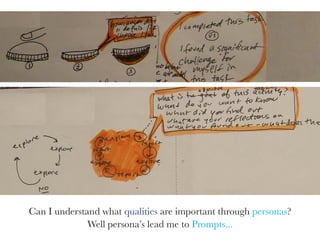
Can I understand what qualities are important through personas?
              Well persona’s lead me to Prompts...
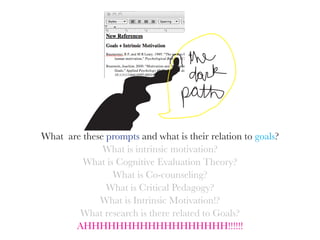
What are these prompts and what is their relation to goals?
              What is intrinsic motivation?
         What is Cognitive Evaluation Theory?
                What is Co-counseling?
               What is Critical Pedagogy?
             What is Intrinsic Motivation!?
        What research is there related to Goals?
       AHHHHHHHHHHHHHHHHHH!!!!!!
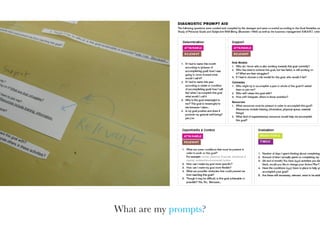
What are my prompts?
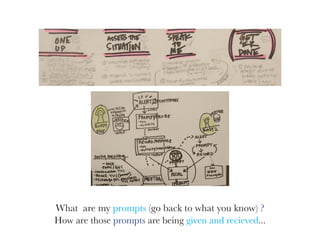
What are my prompts (go back to what you know) ?
How are those prompts are being given and recieved...
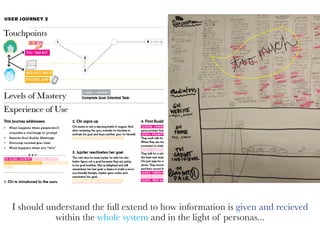
I should understand the full extend to how information is given and recieved
           within the whole system and in the light of personas...
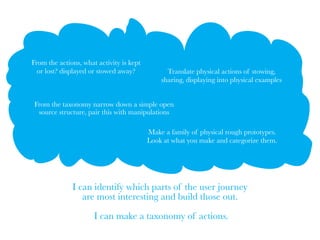
From the actions, what activity is kept
  or lost? displayed or stowed away?            Translate physical actions of stowing,
                                              sharing, displaying into physical examples


 From the taxonomy narrow down a simple open
  source structure, pair this with manipulations

                                          Make a family of physical rough prototypes.
                                          Look at what you make and categorize them.


              I can identify which parts of the user journey
                 are most interesting and build those out.

                      I can make a taxonomy of actions.
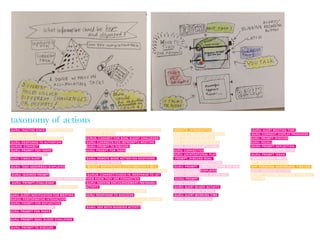
taxonomy of actions
GURU: INACTIVE STATE WEBSITE: BUDDY          WIDGET/APP: CHOOSE GOAL BUDDY CHALLENGE,         WEBSITE: INTRODUCTION                 GURU: ALERT MEETING TIME
ACTIVATES GOAL                              NEGOTIATE, & PLAN                                WEBSITE: SIGN UP, ORDER GURUS         GURU: CONNECT, DISPLAY PROGRESS
WEBSITE: BUDDY ACTIVATES GOAL               GURUS: CONNECT FOR GOAL BUDDY CHALLENGE           APP: SIGNUP, GOAL ENTRY              GURU: PROMPT, DISCUSS
GURU: RESPONDS TO ACTIVATION                 GURU: CONNECTS FOR IMPROMPTU MEETING             APP: LINK ACCOUNT TO GURU            GURU: RECALL
GURUS: CONNECT                              GURU: PROMPT TO DISCUSS                           GURU :ACTIVATED WITH GOAL            GURU: PROMPT, REFLECTION,
GURU: PROMPT FOR TASKS                      GURU: PROMPT FOR TASKS                           GURU: CONNECTION                      GURU: RECORD REFLECTION
GURU: CONFIRM/NEXT                           APP: CHANGE SETTINGS TO REMOTE MODE             GURU: UNINTENTIONAL PLAY              GURU: PROMPT TASKS
GURU: TIMED/ALERT                            GURU: REMOTE MODE ACTIVATION RESPONSE             PROMPT: DISCUSS GOAL                 GURU: RECORD TASKS
GURU: RECORD TASK                            GURU: RECORD TASKS                               GURU: NEXT/CONFIRM BUTTON            APP: DEFINE OWN CODES
GURU: TASK ABSORBED/DISPLAYED                WIDGET: NOTIFICATION/CONFIRMATION E-MAIL         GURU: PROMPT & NEXT/CONFIRM BUTTON   APP: PERSONAL DASHBOARD, TIMELINE
GURU: CHECK OFF TASK .                       WIDGET: SHARED. PERSONAL. & PUBLIC. DASHBOARD   GURUS: RECORD, DISPLAYED              GURU: ASSIGNED ACTIONS
 GURU: IGNORED PROMPT                        GURUS: CONNECT/CHECK-IN, RESPONSE TO LET          GURU: NOTIFY/CHECK IN FOR TASK      WIDGET: CONFIRM CHANGES, SPACE OUT
GURU: RESULT OF UNINTENTIONAL INTERACTION   THEM KNOW THEY ARE CONNECTED                     . GURU: PROMPT                        MEETING
 GURU: PROMPT/CHALLENGE                      GURU: RANDOM ENCOURAGEMENT/MESSAGE/             GURU: RECORD
WIDGET: MANUALLY ENTER OTHER HELPFUL        ACTIVITY                                          GURU: ALERT BUDDY ACTIVITY
ACTIVITIES                                  APP: CONFIRMED COMPLETION OF GOAL                GURU: SETS TIME TO WORK
GURU: ALERT/NOTIFICATION FOR MEETING        GURU: RESPONSE TO SUCCESS                         GURU: ALERT WORKING TIME
GURUS: PERFORMATIVE INTERACTION             WIDGET: SEEING CURATED GOAL BUDDY PACKAGES        GURU: NOTIFY/CHECK IN
GURU: PROMPT FOR REFLECTION                 WIDGET: ESTABLISH DOUBLE DATING
GURU: RECORD REFLECTION                      GURU: SEE BOTH BUDDIES ACTIVITY
GURU: PROMPT FOR TASKS
GURU: RECORD TASK
GURU: PROMPT, GOAL BUDDY CHALLENGE
 GURU: CHOOSE B/W OPTIONS
GURU: PROMPT TO DISCUSS

One weeks narrative: Following one week's progress through questions

  • 1.
    ON E WEE K NAR RATIVE What questions did I ask and answer this week?
  • 2.
    = What can Iuse as a guide to design and understand the physical? What is tangible user interface? What is token and constraint tangible user interface? What are variables/elements of token and constraint tui’s?
  • 3.
    I should makemultiple iterations with contrasting variables & elements... I should make specific types of iterations based on qualities...
  • 4.
    Can I understandwhat qualities are important through personas? Well persona’s lead me to Prompts...
  • 5.
    What are theseprompts and what is their relation to goals? What is intrinsic motivation? What is Cognitive Evaluation Theory? What is Co-counseling? What is Critical Pedagogy? What is Intrinsic Motivation!? What research is there related to Goals? AHHHHHHHHHHHHHHHHHH!!!!!!
  • 6.
    What are myprompts?
  • 7.
    What are myprompts (go back to what you know) ? How are those prompts are being given and recieved...
  • 8.
    I should understandthe full extend to how information is given and recieved within the whole system and in the light of personas...
  • 9.
    From the actions,what activity is kept or lost? displayed or stowed away? Translate physical actions of stowing, sharing, displaying into physical examples From the taxonomy narrow down a simple open source structure, pair this with manipulations Make a family of physical rough prototypes. Look at what you make and categorize them. I can identify which parts of the user journey are most interesting and build those out. I can make a taxonomy of actions.
  • 10.
    taxonomy of actions GURU:INACTIVE STATE WEBSITE: BUDDY WIDGET/APP: CHOOSE GOAL BUDDY CHALLENGE, WEBSITE: INTRODUCTION GURU: ALERT MEETING TIME ACTIVATES GOAL NEGOTIATE, & PLAN WEBSITE: SIGN UP, ORDER GURUS GURU: CONNECT, DISPLAY PROGRESS WEBSITE: BUDDY ACTIVATES GOAL GURUS: CONNECT FOR GOAL BUDDY CHALLENGE APP: SIGNUP, GOAL ENTRY GURU: PROMPT, DISCUSS GURU: RESPONDS TO ACTIVATION GURU: CONNECTS FOR IMPROMPTU MEETING APP: LINK ACCOUNT TO GURU GURU: RECALL GURUS: CONNECT GURU: PROMPT TO DISCUSS GURU :ACTIVATED WITH GOAL GURU: PROMPT, REFLECTION, GURU: PROMPT FOR TASKS GURU: PROMPT FOR TASKS GURU: CONNECTION GURU: RECORD REFLECTION GURU: CONFIRM/NEXT APP: CHANGE SETTINGS TO REMOTE MODE GURU: UNINTENTIONAL PLAY GURU: PROMPT TASKS GURU: TIMED/ALERT GURU: REMOTE MODE ACTIVATION RESPONSE PROMPT: DISCUSS GOAL GURU: RECORD TASKS GURU: RECORD TASK GURU: RECORD TASKS GURU: NEXT/CONFIRM BUTTON APP: DEFINE OWN CODES GURU: TASK ABSORBED/DISPLAYED WIDGET: NOTIFICATION/CONFIRMATION E-MAIL GURU: PROMPT & NEXT/CONFIRM BUTTON APP: PERSONAL DASHBOARD, TIMELINE GURU: CHECK OFF TASK . WIDGET: SHARED. PERSONAL. & PUBLIC. DASHBOARD GURUS: RECORD, DISPLAYED GURU: ASSIGNED ACTIONS GURU: IGNORED PROMPT GURUS: CONNECT/CHECK-IN, RESPONSE TO LET GURU: NOTIFY/CHECK IN FOR TASK WIDGET: CONFIRM CHANGES, SPACE OUT GURU: RESULT OF UNINTENTIONAL INTERACTION THEM KNOW THEY ARE CONNECTED . GURU: PROMPT MEETING GURU: PROMPT/CHALLENGE GURU: RANDOM ENCOURAGEMENT/MESSAGE/ GURU: RECORD WIDGET: MANUALLY ENTER OTHER HELPFUL ACTIVITY GURU: ALERT BUDDY ACTIVITY ACTIVITIES APP: CONFIRMED COMPLETION OF GOAL GURU: SETS TIME TO WORK GURU: ALERT/NOTIFICATION FOR MEETING GURU: RESPONSE TO SUCCESS GURU: ALERT WORKING TIME GURUS: PERFORMATIVE INTERACTION WIDGET: SEEING CURATED GOAL BUDDY PACKAGES GURU: NOTIFY/CHECK IN GURU: PROMPT FOR REFLECTION WIDGET: ESTABLISH DOUBLE DATING GURU: RECORD REFLECTION GURU: SEE BOTH BUDDIES ACTIVITY GURU: PROMPT FOR TASKS GURU: RECORD TASK GURU: PROMPT, GOAL BUDDY CHALLENGE GURU: CHOOSE B/W OPTIONS GURU: PROMPT TO DISCUSS