
AEM WI TH MONGODB 
NOVEMBER 17, 2014 
P R E S E N T E D B Y 
N a t e N e l s o n 
Fruit or Technology?
2 
• Who am I? 
– Nate Nelson, 3|Share ROM Team 
• nate.nelson@3sharecorp.com 
• Who are you? 
– Role with AEM 
– Experience with mongoDB
3 
AEM WI TH MONGODB 
Introduction 
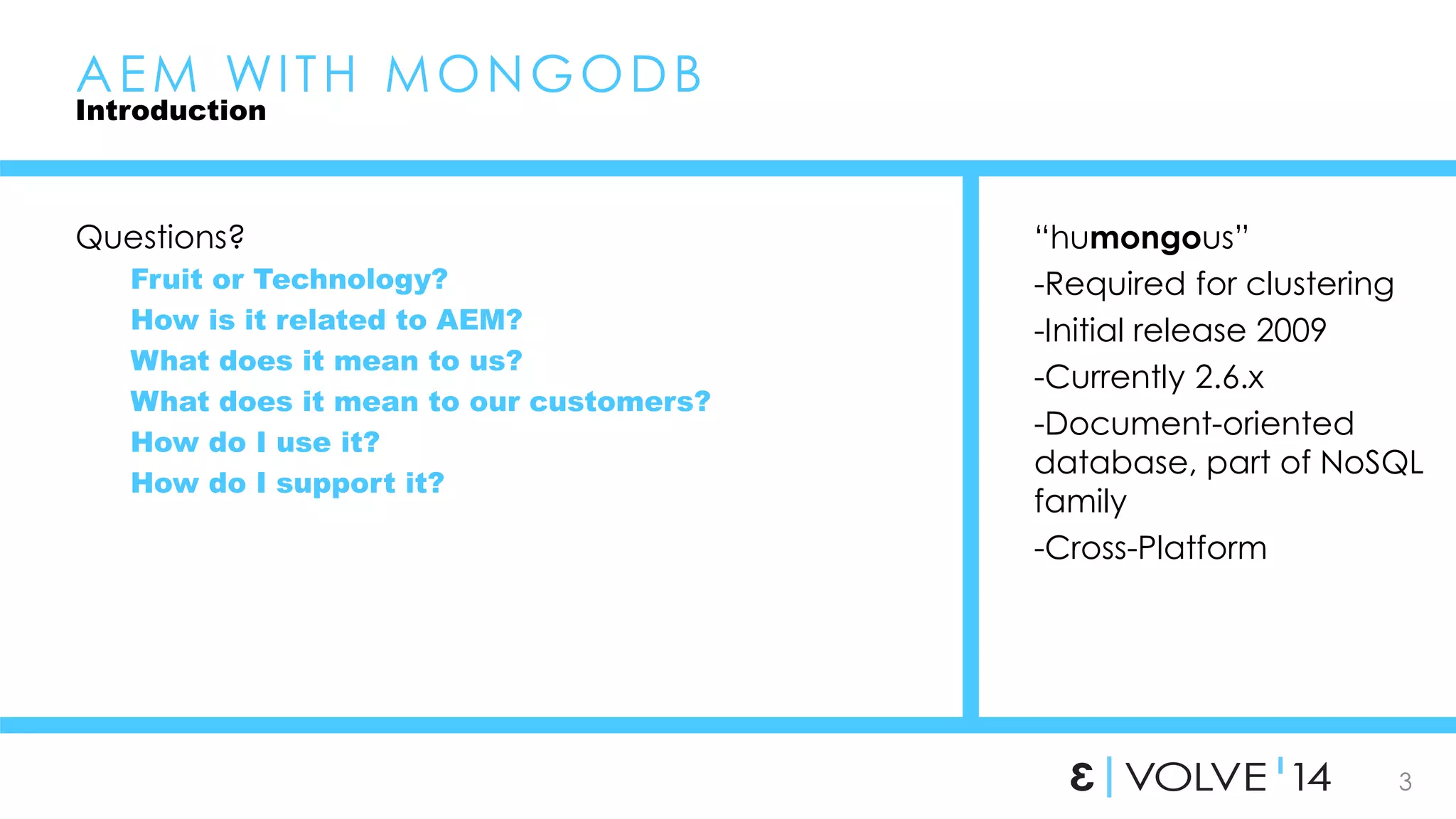
Questions? 
Fruit or Technology? 
How is it related to AEM? 
What does it mean to us? 
What does it mean to our customers? 
How do I use it? 
How do I support it? 
“humongous” 
-Required for clustering 
-Initial release 2009 
-Currently 2.6.x 
-Document-oriented 
database, part of NoSQL 
family 
-Cross-Platform
4 
AEM WI TH MONGODB 
Introduction 
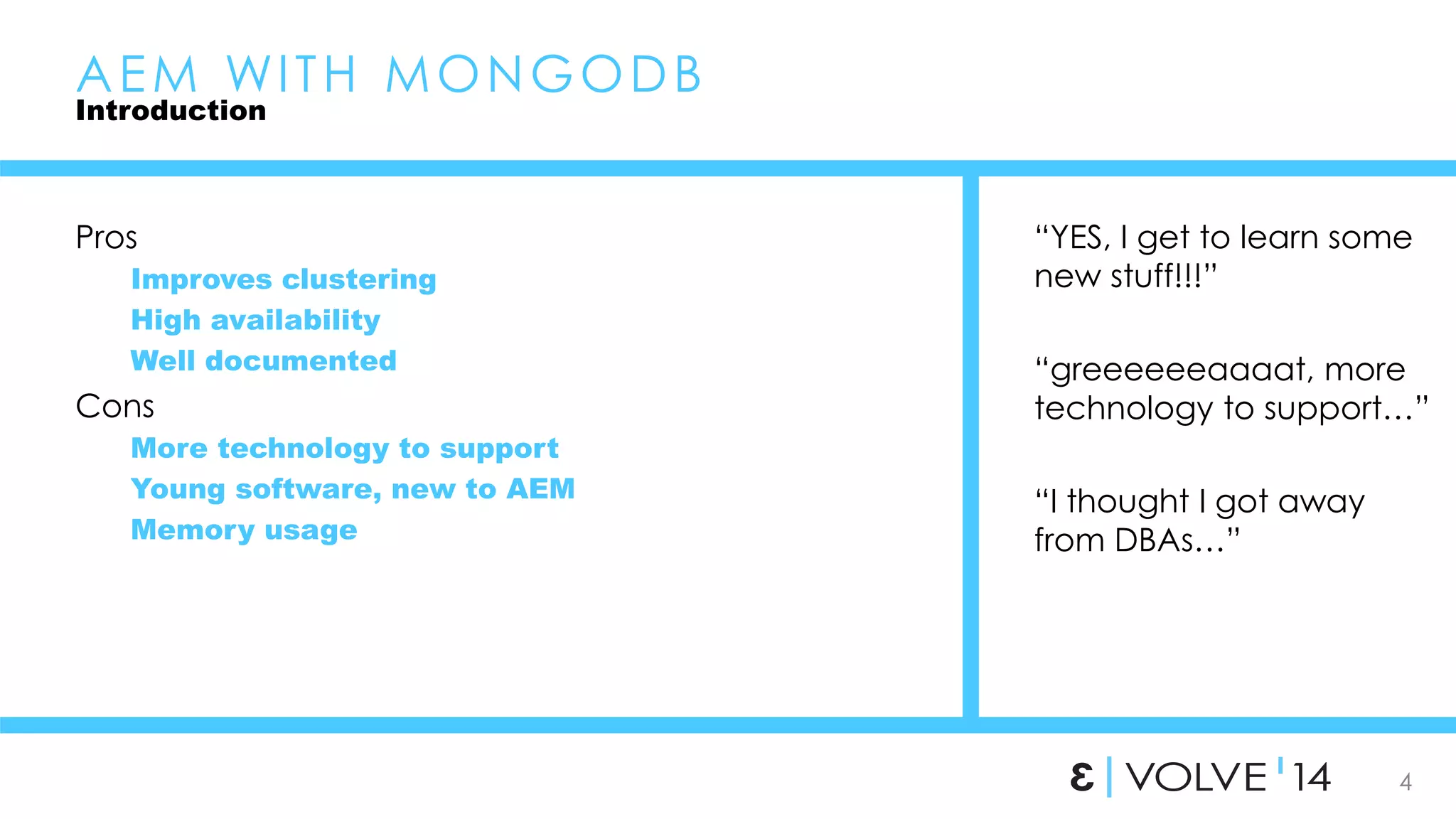
Pros 
Improves clustering 
High availability 
Well documented 
Cons 
More technology to support 
Young software, new to AEM 
Memory usage 
“YES, I get to learn some 
new stuff!!!” 
“greeeeeeaaaat, more 
technology to support…” 
“I thought I got away 
from DBAs…”
5 
AEM WI TH MONGODB 
Introduction 
When to use it? 
Required for author clustering 
Should I use it on stand alone authors? 
Should I use it on publishers? 
When not to use it? 
?
6 
AEM WI TH MONGODB 
Installation 
Installed separately from AEM 
Setup mongodb first 
Local or dev purposes 
• Easy to get up and running 
Production installations 
• Planning is essential 
• This is where mistakes are made 
http://docs.mongodb.org 
/manual/installation/
7 
AEM WI TH MONGODB 
Installation 
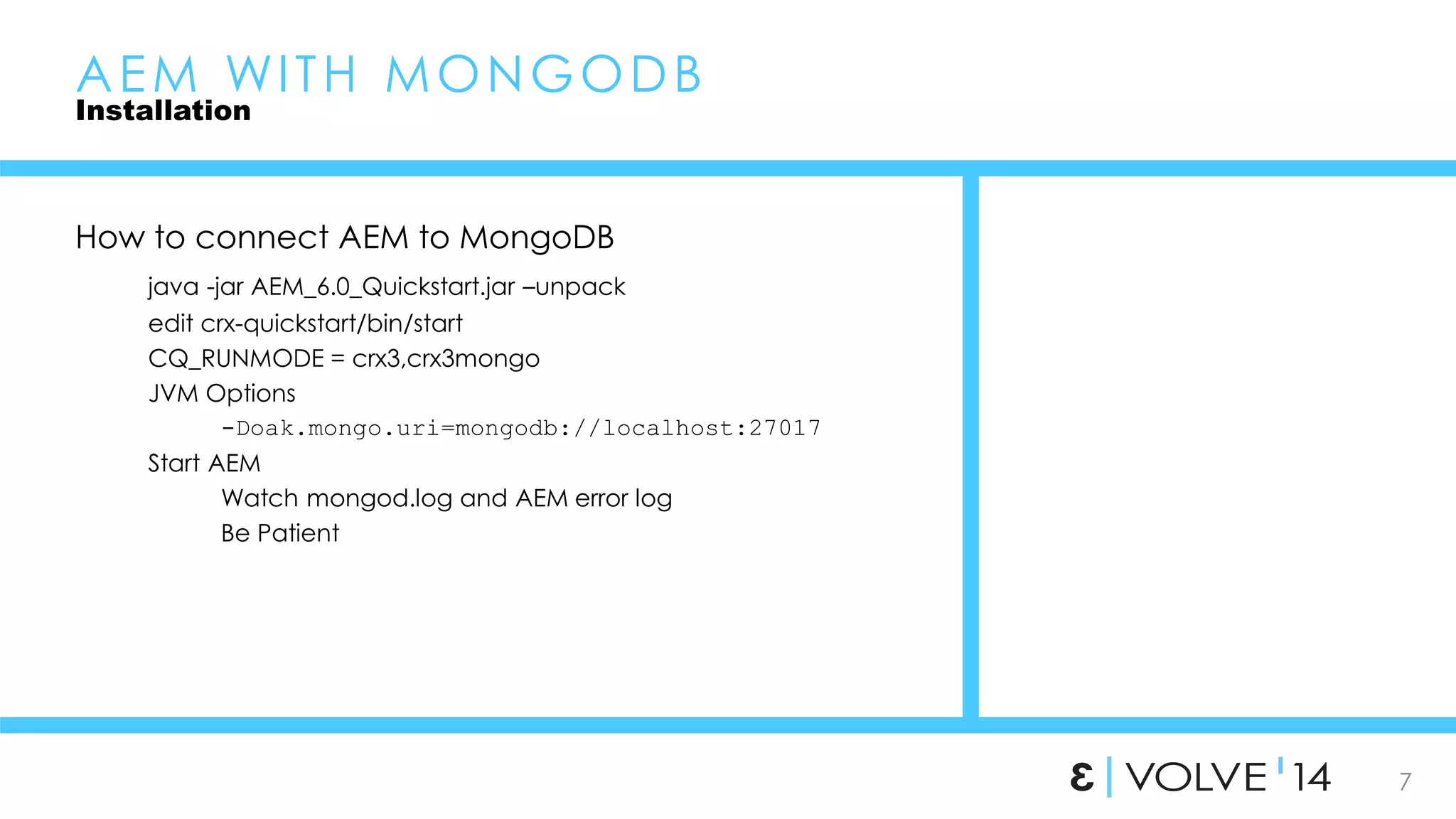
How to connect AEM to MongoDB 
java -jar AEM_6.0_Quickstart.jar –unpack 
edit crx-quickstart/bin/start 
CQ_RUNMODE = crx3,crx3mongo 
JVM Options 
-Doak.mongo.uri=mongodb://localhost:27017 
Start AEM 
Watch mongod.log and AEM error log 
Be Patient
8 
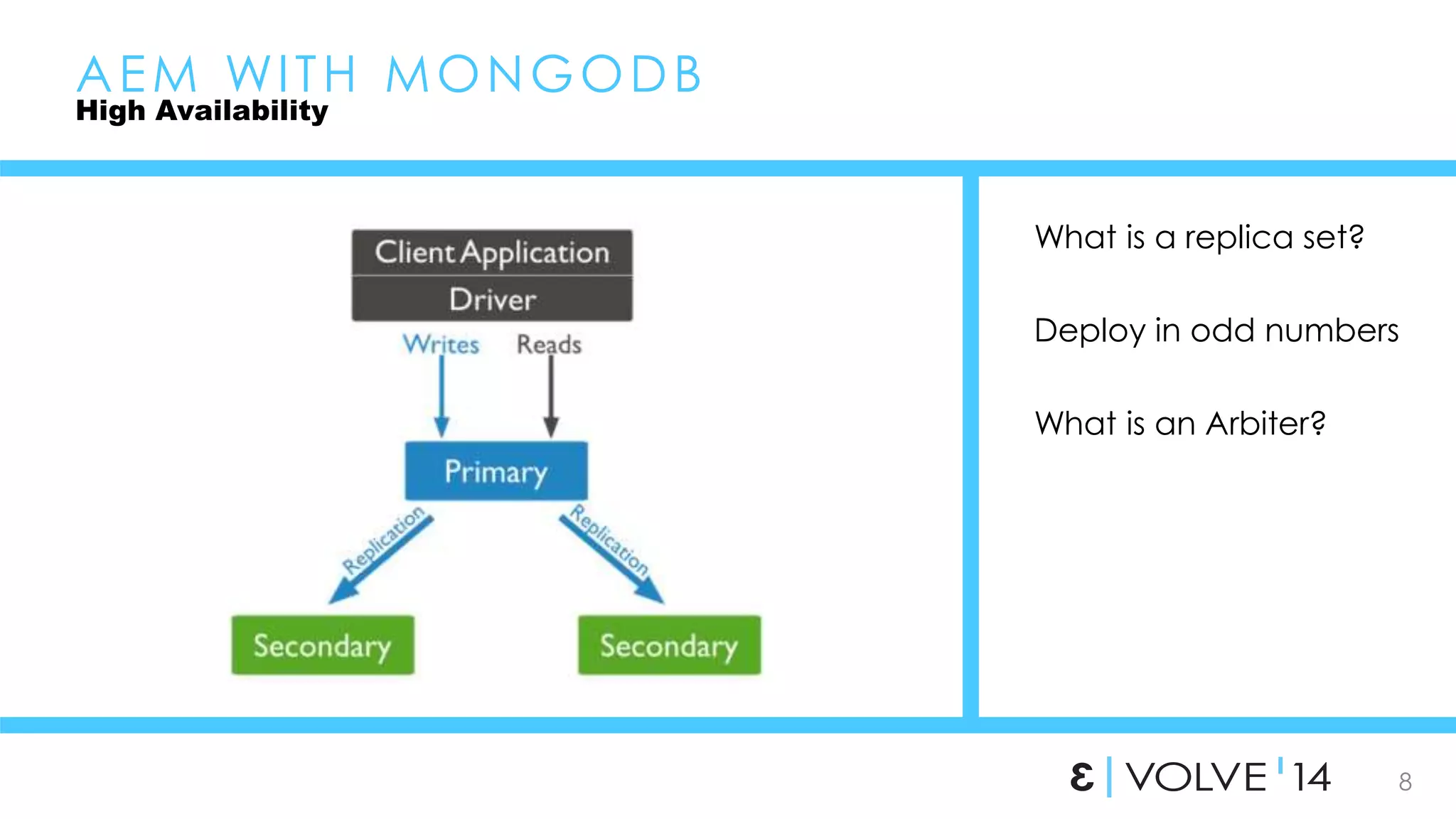
What is a replica set? 
Deploy in odd numbers 
What is an Arbiter? 
AEM WI TH MONGODB 
High Availability
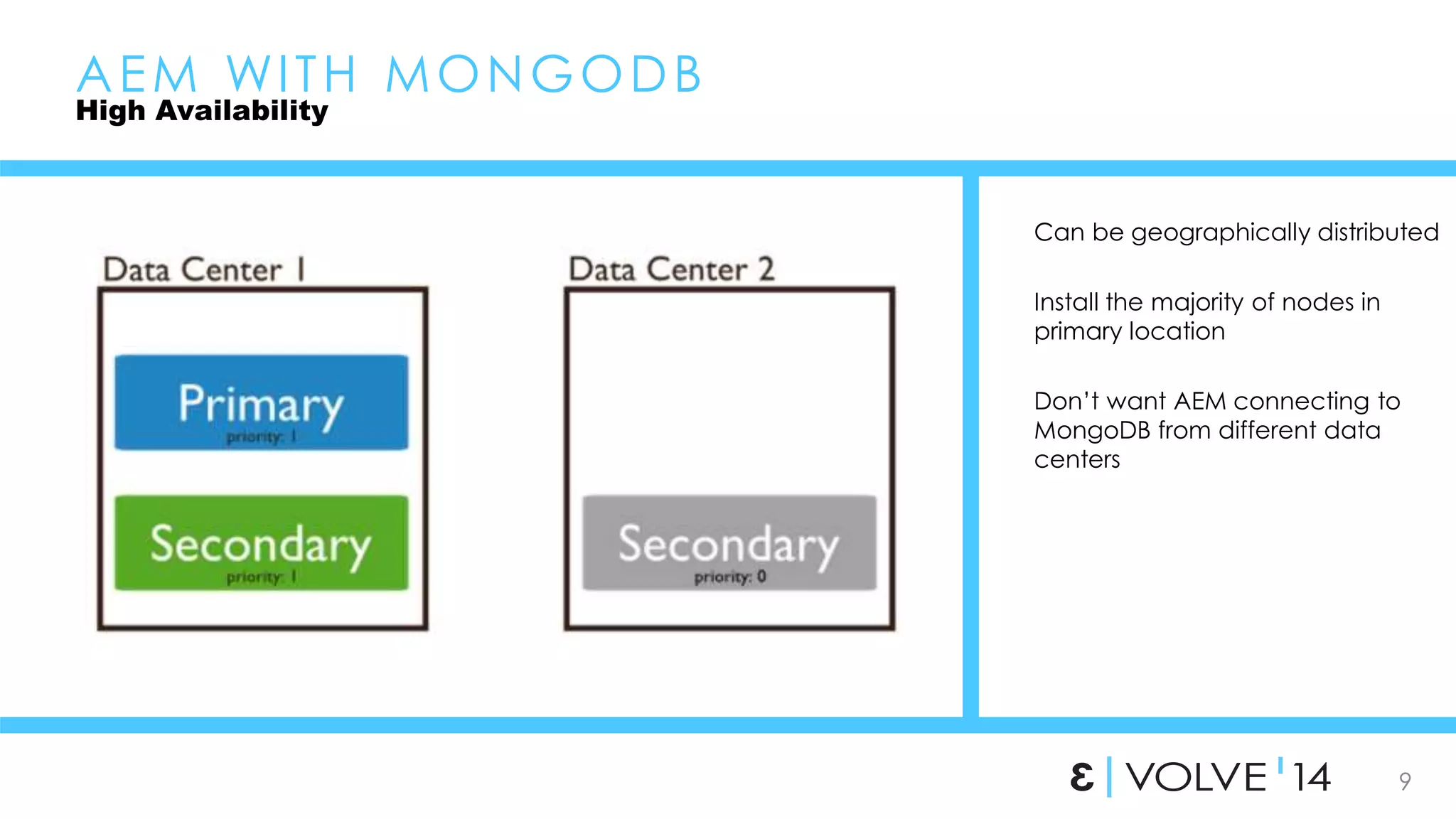
Can be geographically distributed 
9 
Install the majority of nodes in 
primary location 
Don’t want AEM connecting to 
MongoDB from different data 
centers 
AEM WI TH MONGODB 
High Availability
10 
AEM WI TH MONGODB 
High Availability 
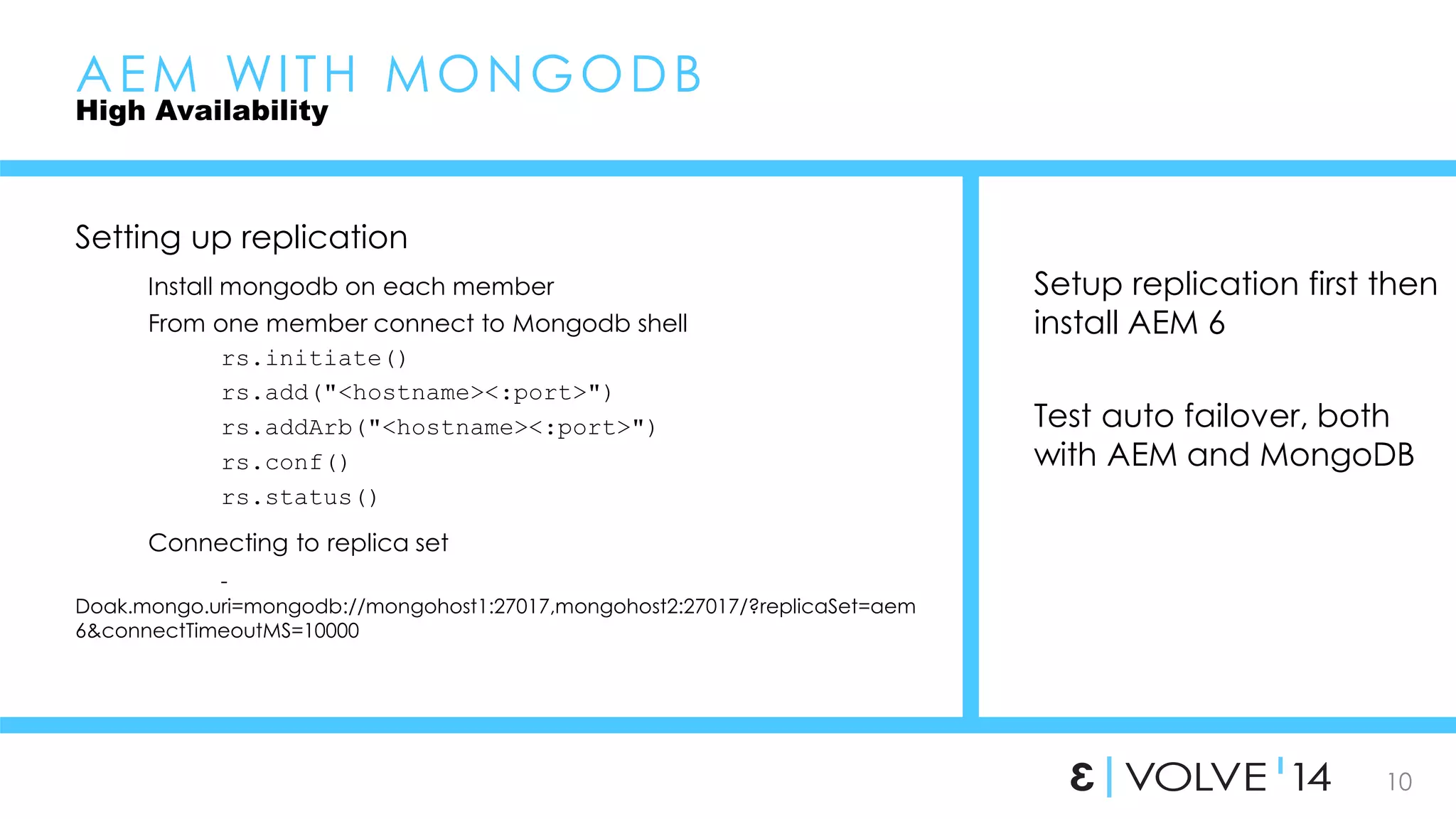
Setting up replication 
Install mongodb on each member 
From one member connect to Mongodb shell 
rs.initiate() 
rs.add("<hostname><:port>") 
rs.addArb("<hostname><:port>") 
rs.conf() 
rs.status() 
Connecting to replica set 
- 
Doak.mongo.uri=mongodb://mongohost1:27017,mongohost2:27017/?replicaSet=aem 
6&connectTimeoutMS=10000 
Setup replication first then 
install AEM 6 
Test auto failover, both 
with AEM and MongoDB
11 
AEM WI TH MONGODB 
Supporting MongoDB 
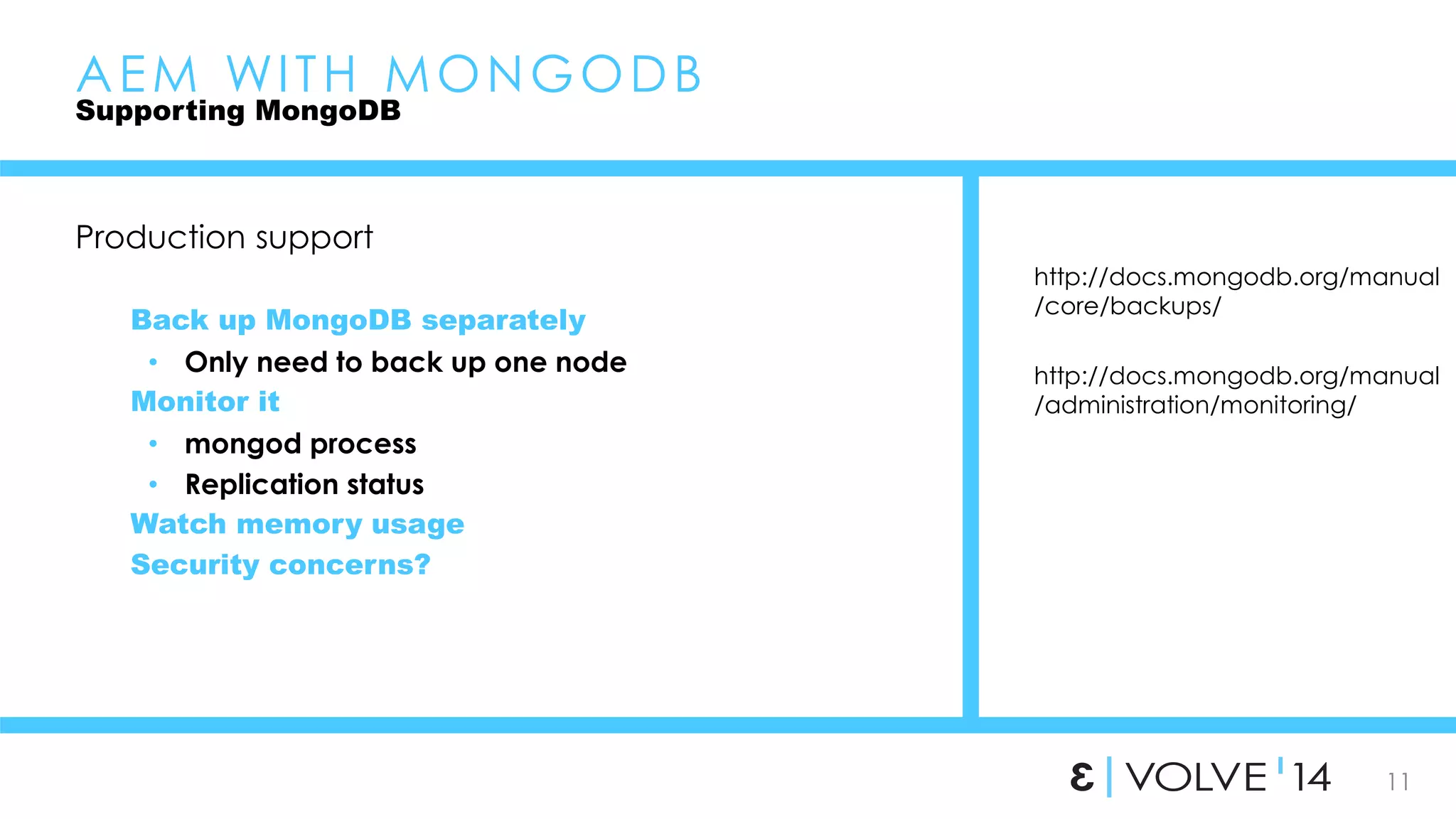
Production support 
Back up MongoDB separately 
• Only need to back up one node 
Monitor it 
• mongod process 
• Replication status 
Watch memory usage 
Security concerns? 
http://docs.mongodb.org/manual 
/core/backups/ 
http://docs.mongodb.org/manual 
/administration/monitoring/
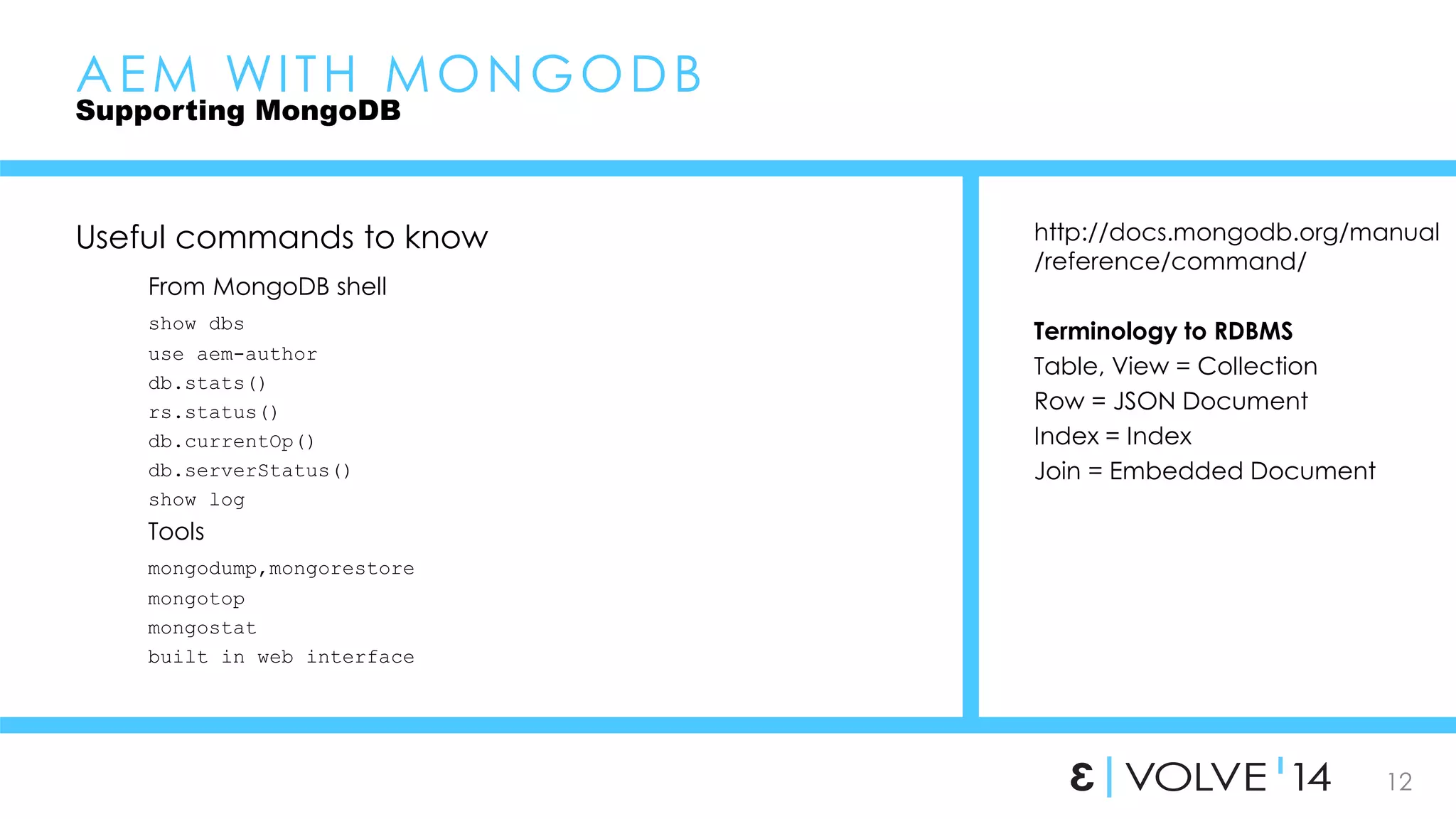
http://docs.mongodb.org/manual 
/reference/command/ 
12 
Terminology to RDBMS 
Table, View = Collection 
Row = JSON Document 
Index = Index 
Join = Embedded Document 
AEM WI TH MONGODB 
Supporting MongoDB 
Useful commands to know 
From MongoDB shell 
show dbs 
use aem-author 
db.stats() 
rs.status() 
db.currentOp() 
db.serverStatus() 
show log 
Tools 
mongodump,mongorestore 
mongotop 
mongostat 
built in web interface
13 
AEM WI TH MONGODB 
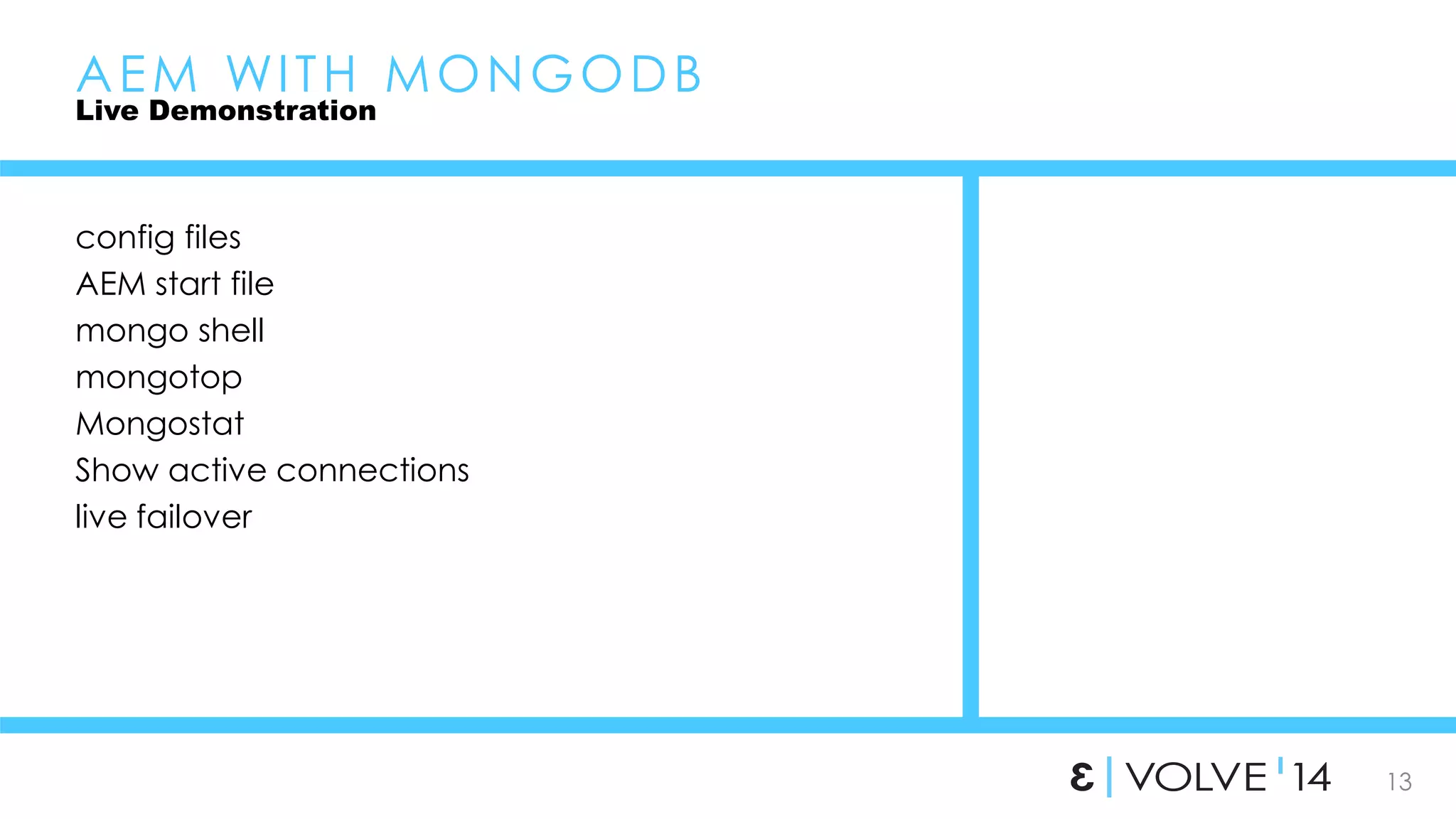
Live Demonstration 
config files 
AEM start file 
mongo shell 
mongotop 
Mongostat 
Show active connections 
live failover
14 
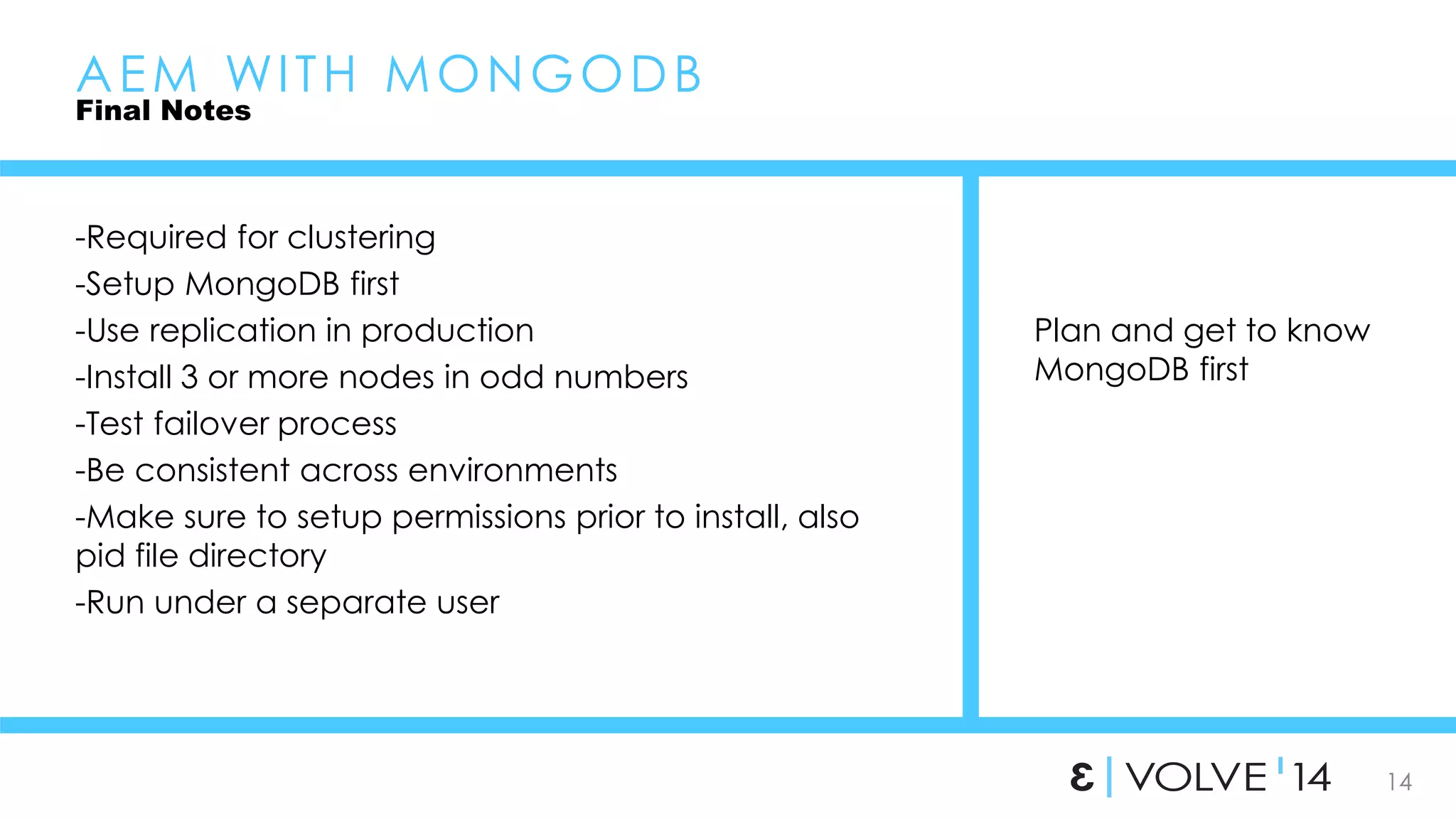
Plan and get to know 
MongoDB first 
AEM WI TH MONGODB 
Final Notes 
-Required for clustering 
-Setup MongoDB first 
-Use replication in production 
-Install 3 or more nodes in odd numbers 
-Test failover process 
-Be consistent across environments 
-Make sure to setup permissions prior to install, also 
pid file directory 
-Run under a separate user
15 
• Thank you 
– Nate Nelson, 3|Share ROM Team 
• nate.nelson@3sharecorp.com 
• 3|Share ROM blog

AEM WITH MONGODB

  • 1.
    AEM WI THMONGODB NOVEMBER 17, 2014 P R E S E N T E D B Y N a t e N e l s o n Fruit or Technology?
  • 2.
    2 • Whoam I? – Nate Nelson, 3|Share ROM Team • nate.nelson@3sharecorp.com • Who are you? – Role with AEM – Experience with mongoDB
  • 3.
    3 AEM WITH MONGODB Introduction Questions? Fruit or Technology? How is it related to AEM? What does it mean to us? What does it mean to our customers? How do I use it? How do I support it? “humongous” -Required for clustering -Initial release 2009 -Currently 2.6.x -Document-oriented database, part of NoSQL family -Cross-Platform
  • 4.
    4 AEM WITH MONGODB Introduction Pros Improves clustering High availability Well documented Cons More technology to support Young software, new to AEM Memory usage “YES, I get to learn some new stuff!!!” “greeeeeeaaaat, more technology to support…” “I thought I got away from DBAs…”
  • 5.
    5 AEM WITH MONGODB Introduction When to use it? Required for author clustering Should I use it on stand alone authors? Should I use it on publishers? When not to use it? ?
  • 6.
    6 AEM WITH MONGODB Installation Installed separately from AEM Setup mongodb first Local or dev purposes • Easy to get up and running Production installations • Planning is essential • This is where mistakes are made http://docs.mongodb.org /manual/installation/
  • 7.
    7 AEM WITH MONGODB Installation How to connect AEM to MongoDB java -jar AEM_6.0_Quickstart.jar –unpack edit crx-quickstart/bin/start CQ_RUNMODE = crx3,crx3mongo JVM Options -Doak.mongo.uri=mongodb://localhost:27017 Start AEM Watch mongod.log and AEM error log Be Patient
  • 8.
    8 What isa replica set? Deploy in odd numbers What is an Arbiter? AEM WI TH MONGODB High Availability
  • 9.
    Can be geographicallydistributed 9 Install the majority of nodes in primary location Don’t want AEM connecting to MongoDB from different data centers AEM WI TH MONGODB High Availability
  • 10.
    10 AEM WITH MONGODB High Availability Setting up replication Install mongodb on each member From one member connect to Mongodb shell rs.initiate() rs.add("<hostname><:port>") rs.addArb("<hostname><:port>") rs.conf() rs.status() Connecting to replica set - Doak.mongo.uri=mongodb://mongohost1:27017,mongohost2:27017/?replicaSet=aem 6&connectTimeoutMS=10000 Setup replication first then install AEM 6 Test auto failover, both with AEM and MongoDB
  • 11.
    11 AEM WITH MONGODB Supporting MongoDB Production support Back up MongoDB separately • Only need to back up one node Monitor it • mongod process • Replication status Watch memory usage Security concerns? http://docs.mongodb.org/manual /core/backups/ http://docs.mongodb.org/manual /administration/monitoring/
  • 12.
    http://docs.mongodb.org/manual /reference/command/ 12 Terminology to RDBMS Table, View = Collection Row = JSON Document Index = Index Join = Embedded Document AEM WI TH MONGODB Supporting MongoDB Useful commands to know From MongoDB shell show dbs use aem-author db.stats() rs.status() db.currentOp() db.serverStatus() show log Tools mongodump,mongorestore mongotop mongostat built in web interface
  • 13.
    13 AEM WITH MONGODB Live Demonstration config files AEM start file mongo shell mongotop Mongostat Show active connections live failover
  • 14.
    14 Plan andget to know MongoDB first AEM WI TH MONGODB Final Notes -Required for clustering -Setup MongoDB first -Use replication in production -Install 3 or more nodes in odd numbers -Test failover process -Be consistent across environments -Make sure to setup permissions prior to install, also pid file directory -Run under a separate user
  • 15.
    15 • Thankyou – Nate Nelson, 3|Share ROM Team • nate.nelson@3sharecorp.com • 3|Share ROM blog

Editor's Notes

  • #16  ----- Meeting Notes (11/18/14 11:13) ----- mention 3|Share blog