Securely Configuring 
and Mining CloudTrail 
Aaron C. Newman 
Founder, CloudCheckr 
Aaron.Newman@CloudCheckr.com
What is CloudTrail? 
• An AWS Service that records each time the AWS API is called 
• Currently supports 20+ AWS services 
• http://docs.aws.amazon.com/awscloudtrail/latest/userguide/dochistory.html 
• Conveniently everything in AWS goes through the API 
• Even actions in the Management Console go through the API 
• CloudTrail writes files into an S3 bucket 
• Near real-time (every five minutes) 
• Files are in JSON format 
Get started at http://aws.amazon.com/cloudtrail/
What CloudTrail Isn’t? 
• Logs at the AWS layer only 
• Doesn’t replace logging at the database, operating 
system, or network level 
• It is logging - not monitoring 
• Doesn’t tell you what the event means, when 
something is wrong, only records who did what. 
• Logs events, not results 
• Doesn't tell you what changed in the environment as a 
result of the event 
• Doesn’t log S3/CloudFront file accesses 
• Use S3/CloudFront access log files for this
Why do I need CloudTrail? 
• Monitoring user activity 
• Monitoring administrator activity 
• Monitoring for misuse and attacks 
• Regulatory and Policy Compliance 
• Change management & Continuous monitoring 
Security at Scale: Logging in AWS 
http://media.amazonwebservices.com/AWS_Security_at_Scale_Logging_in_AWS.pdf
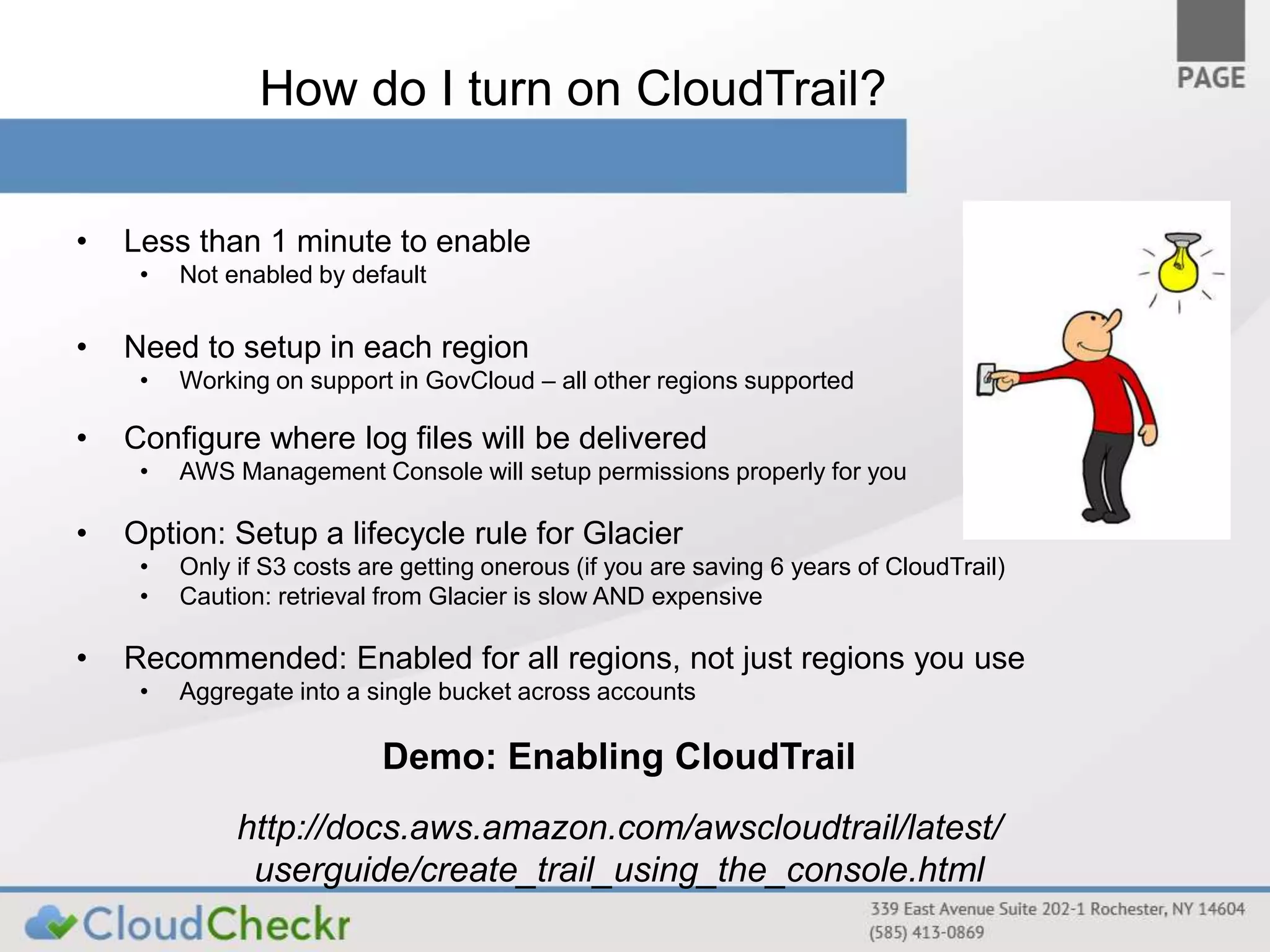
How do I turn on CloudTrail? 
• Less than 1 minute to enable 
• Not enabled by default 
• Need to setup in each region 
• Working on support in GovCloud – all other regions supported 
• Configure where log files will be delivered 
• AWS Management Console will setup permissions properly for you 
• Option: Setup a lifecycle rule for Glacier 
• Only if S3 costs are getting onerous (if you are saving 6 years of CloudTrail) 
• Caution: retrieval from Glacier is slow AND expensive 
• Recommended: Enabled for all regions, not just regions you use 
• Aggregate into a single bucket across accounts 
Demo: Enabling CloudTrail 
http://docs.aws.amazon.com/awscloudtrail/latest/ 
userguide/create_trail_using_the_console.html
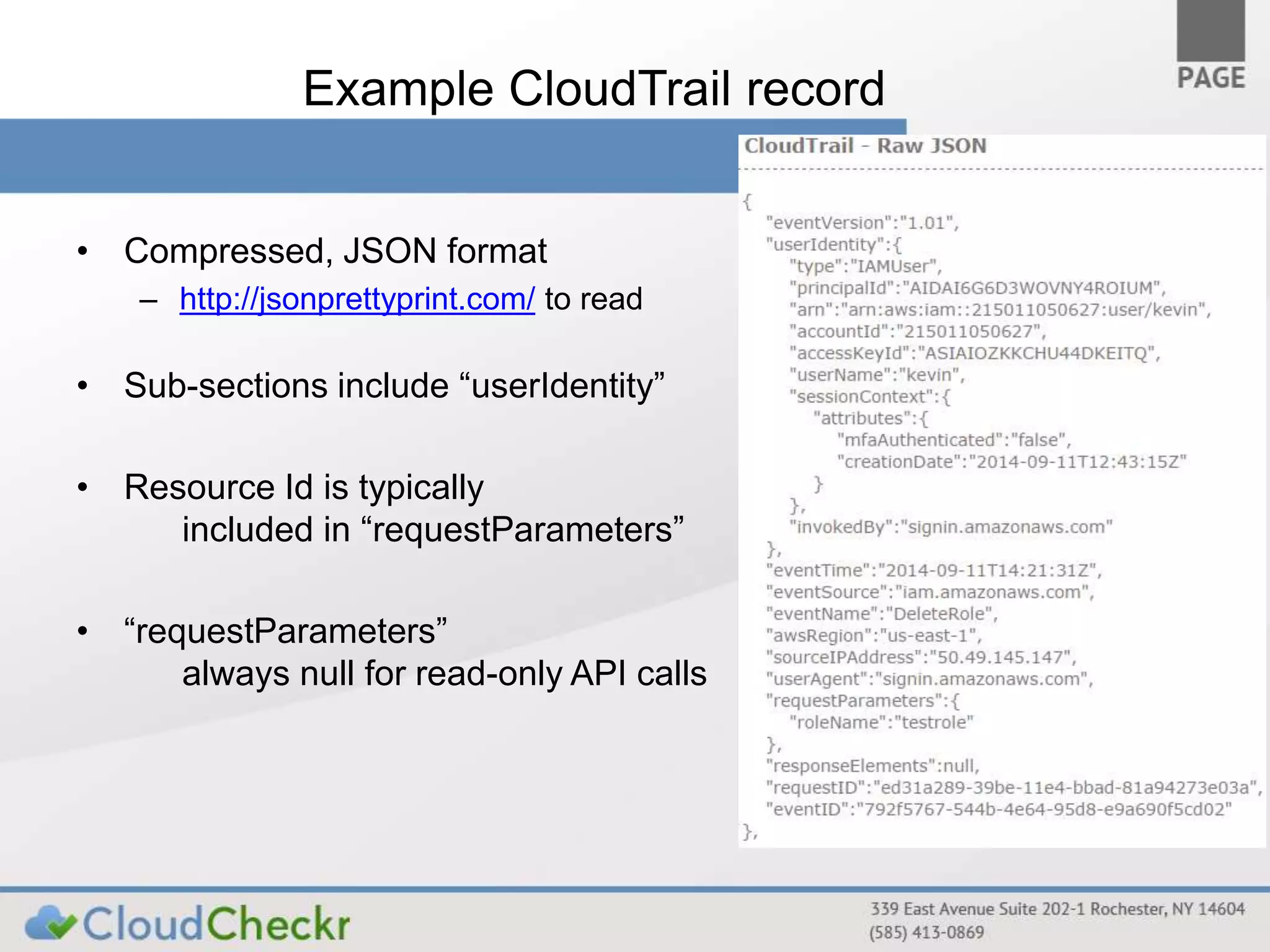
Example CloudTrail record 
• Compressed, JSON format 
– http://jsonprettyprint.com/ to read 
• Sub-sections include “userIdentity” 
• Resource Id is typically 
included in “requestParameters” 
• “requestParameters” 
always null for read-only API calls
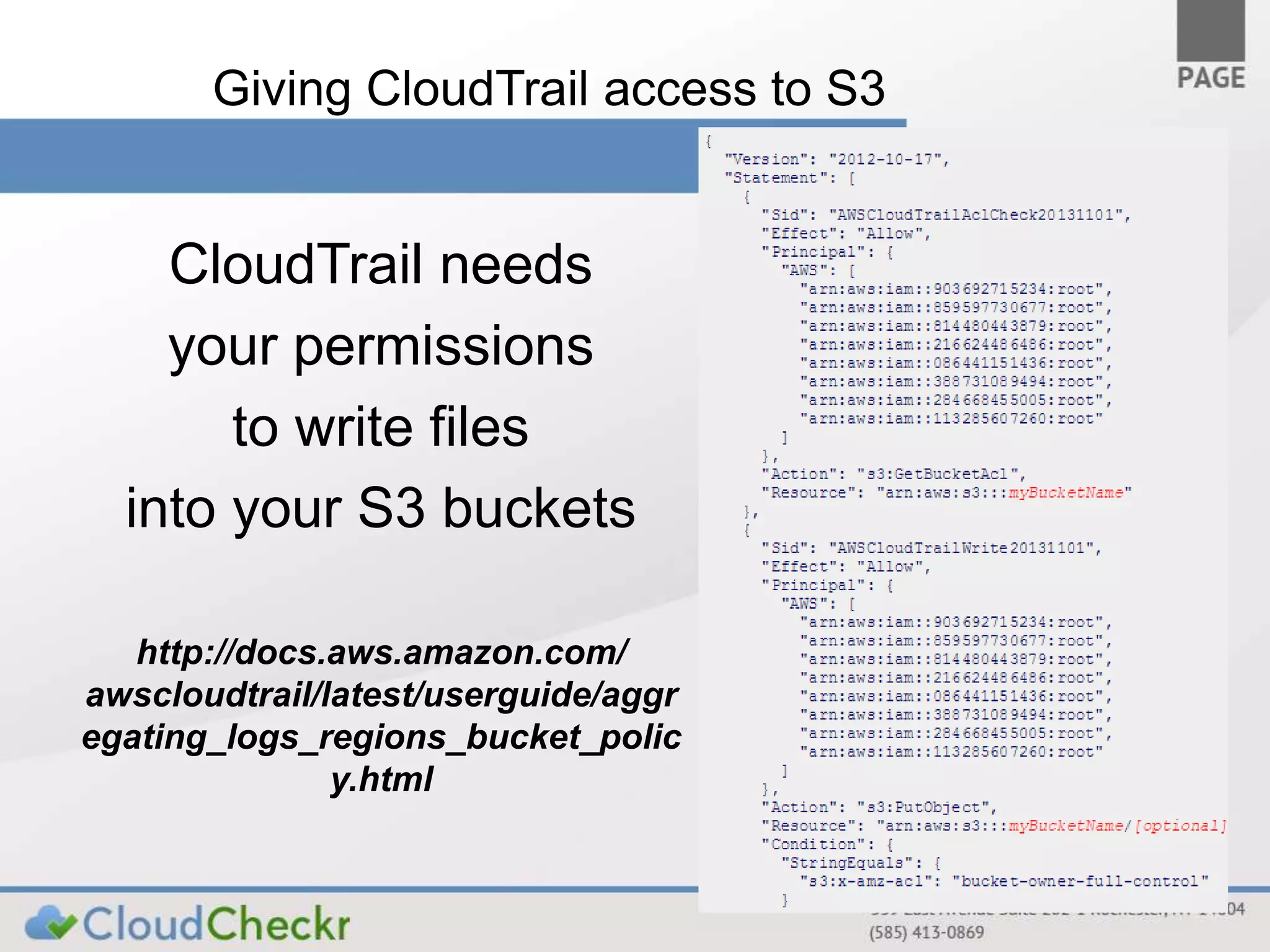
Giving CloudTrail access to S3 
CloudTrail needs 
your permissions 
to write files 
into your S3 buckets 
http://docs.aws.amazon.com/ 
awscloudtrail/latest/userguide/aggr 
egating_logs_regions_bucket_polic 
y.html
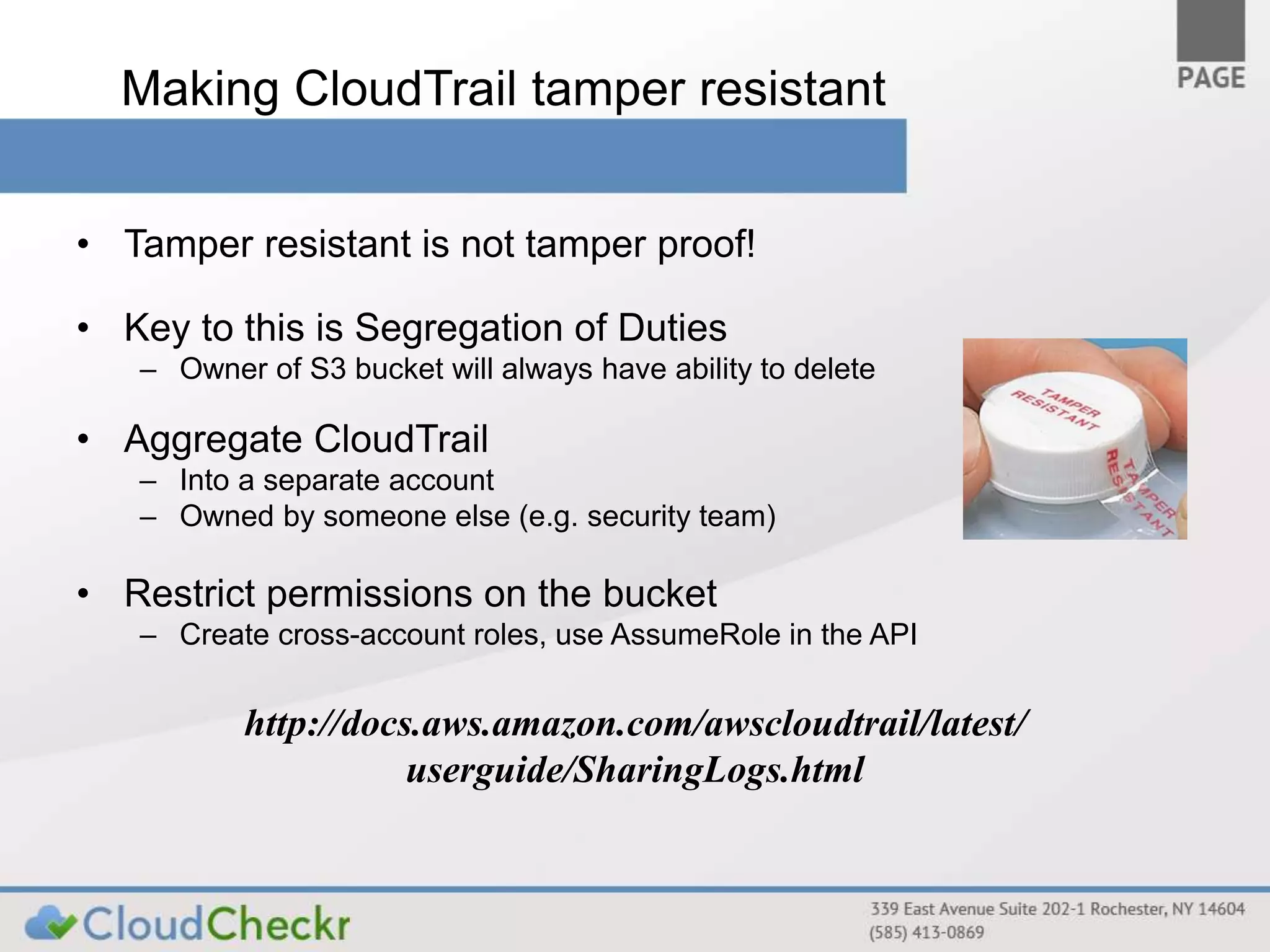
Making CloudTrail tamper resistant 
• Tamper resistant is not tamper proof! 
• Key to this is Segregation of Duties 
– Owner of S3 bucket will always have ability to delete 
• Aggregate CloudTrail 
– Into a separate account 
– Owned by someone else (e.g. security team) 
• Restrict permissions on the bucket 
– Create cross-account roles, use AssumeRole in the API 
http://docs.aws.amazon.com/awscloudtrail/latest/ 
userguide/SharingLogs.html
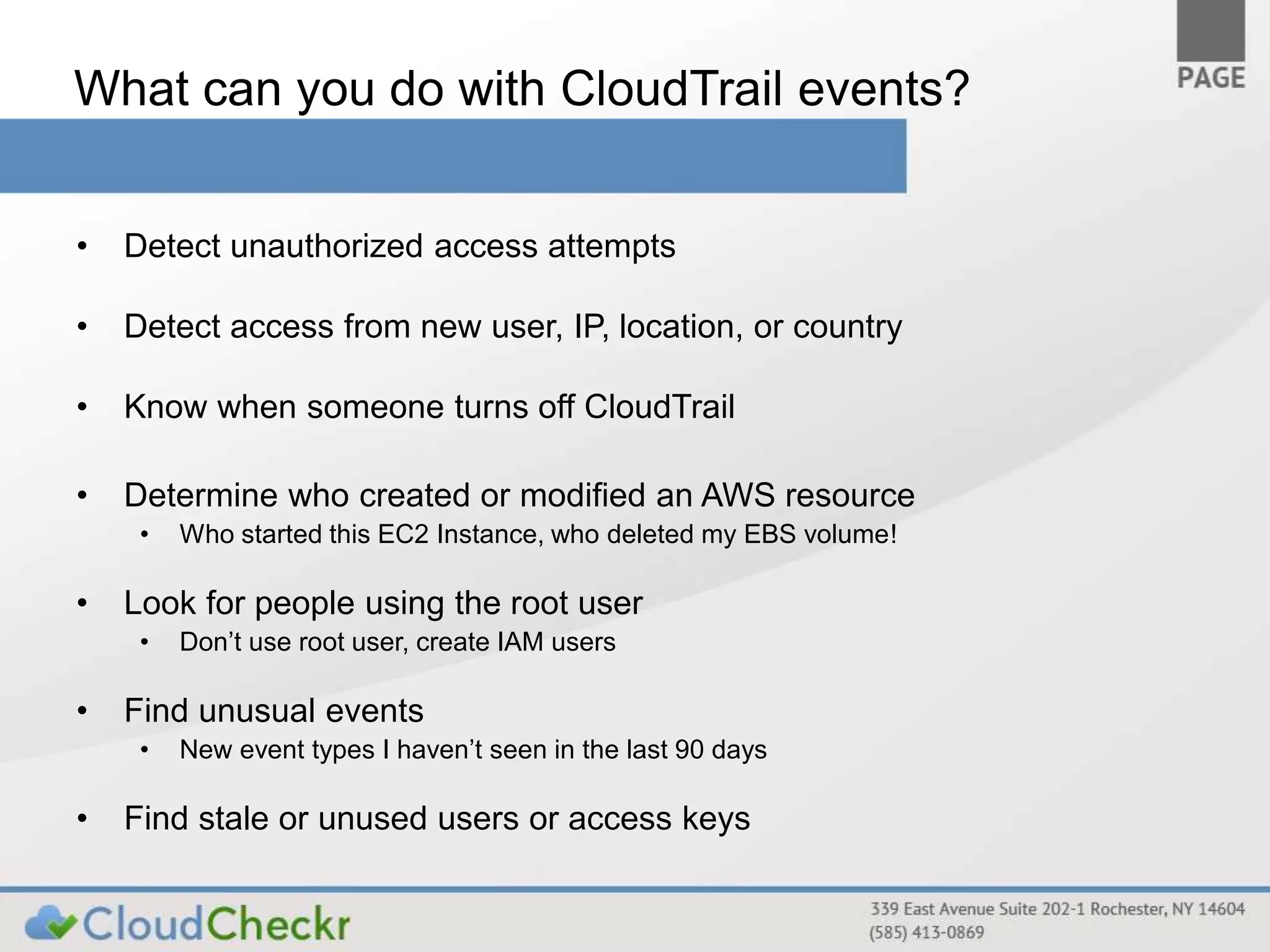
What can you do with CloudTrail events? 
• Detect unauthorized access attempts 
• Detect access from new user, IP, location, or country 
• Know when someone turns off CloudTrail 
• Determine who created or modified an AWS resource 
• Who started this EC2 Instance, who deleted my EBS volume! 
• Look for people using the root user 
• Don’t use root user, create IAM users 
• Find unusual events 
• New event types I haven’t seen in the last 90 days 
• Find stale or unused users or access keys
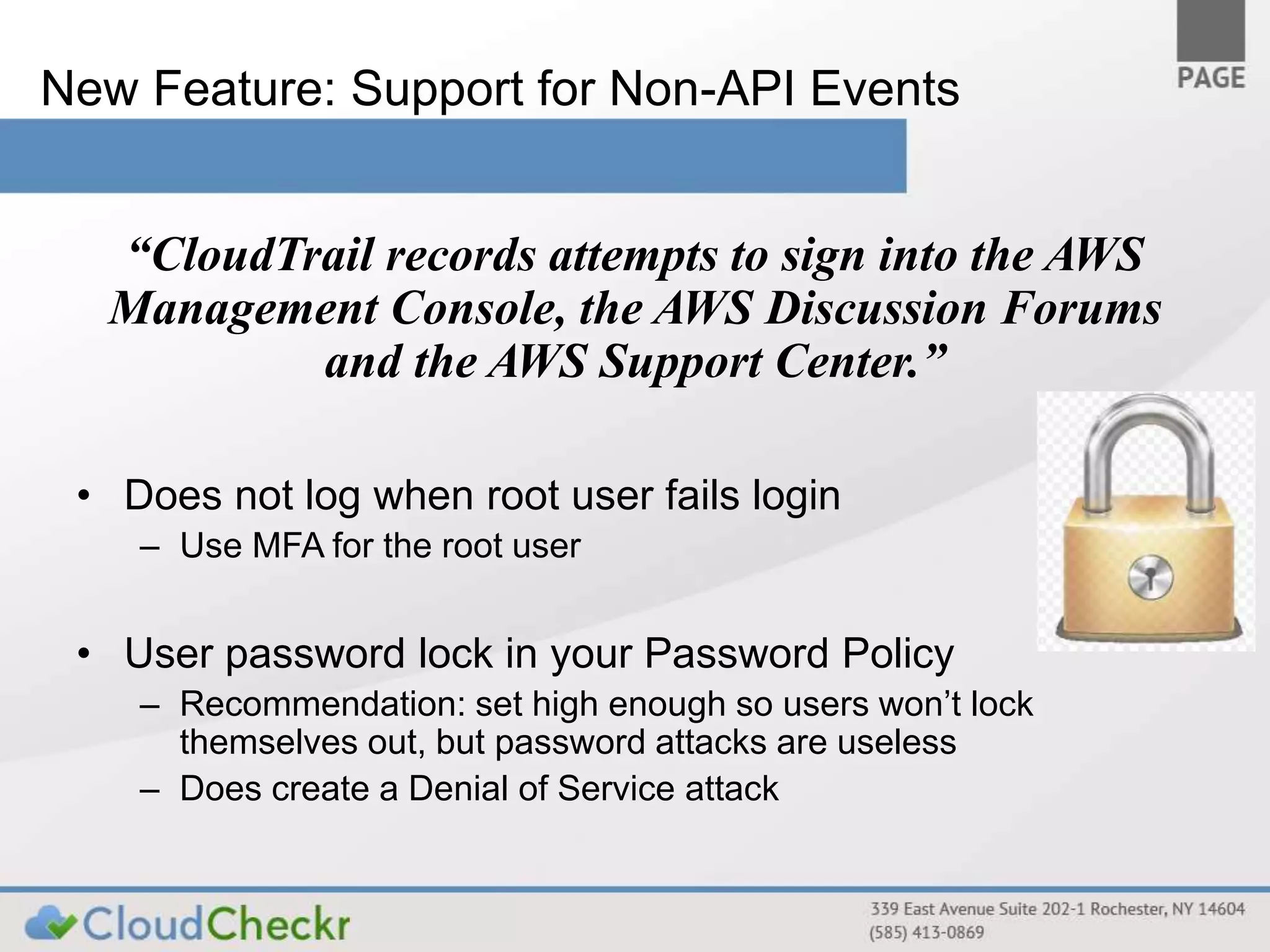
New Feature: Support for Non-API Events 
“CloudTrail records attempts to sign into the AWS 
Management Console, the AWS Discussion Forums 
and the AWS Support Center.” 
• Does not log when root user fails login 
– Use MFA for the root user 
• User password lock in your Password Policy 
– Recommendation: set high enough so users won’t lock 
themselves out, but password attacks are useless 
– Does create a Denial of Service attack
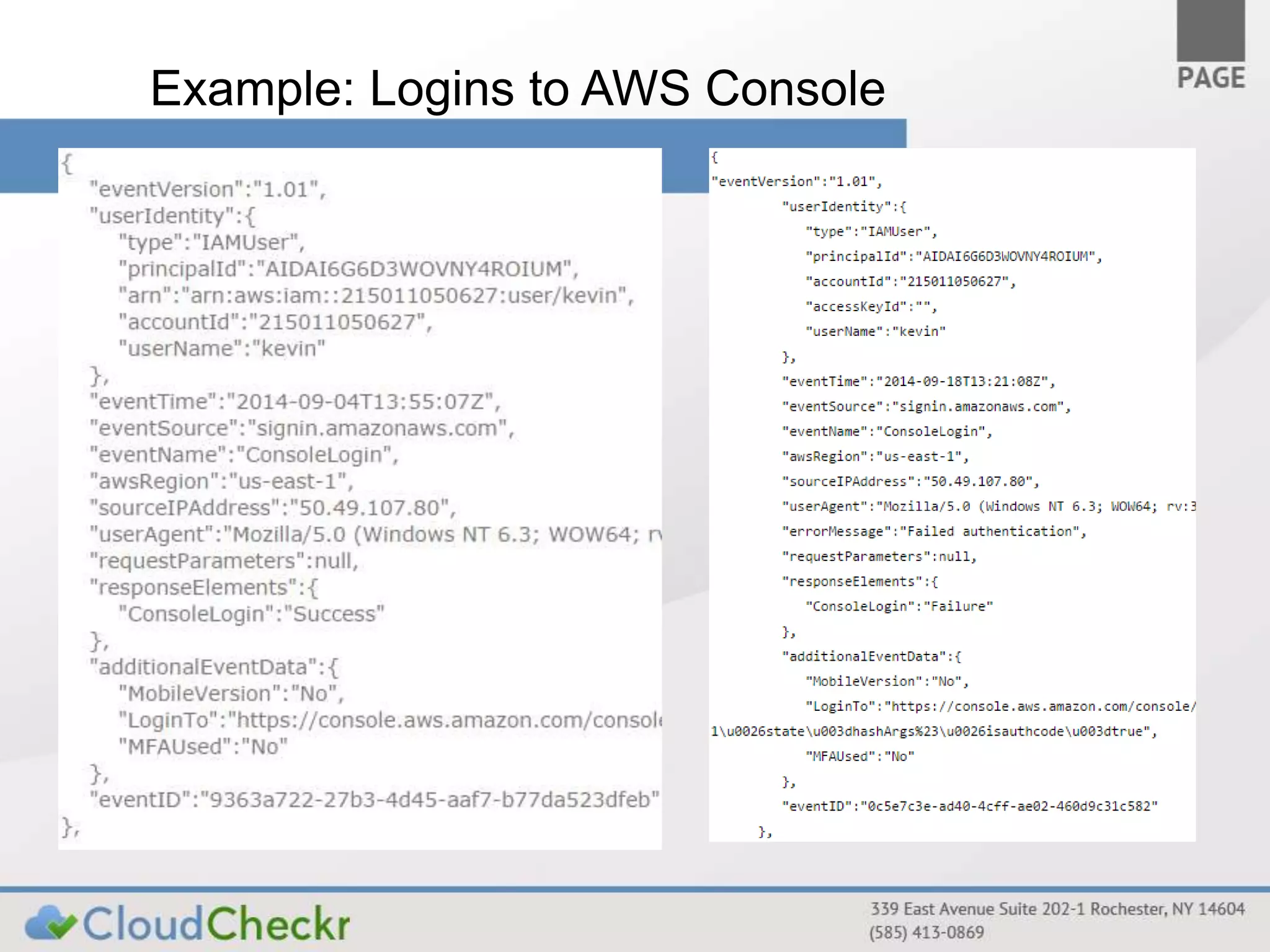
Example: Logins to AWS Console
Demo: How do I - 
• Make sure CloudTrail is enabled? 
• Make sure CloudTrail is configured securely? 
• Monitor for best practices using CloudTrail 
• Find CloudTrail events in my logs 
• Get alerts from CloudTrail 
http://aws.amazon.com/cloudtrail 
/partners/cloudcheckr/
Questions? 
Questions on: 
• Best Practices 
• CloudCheckr
Thank You for Attending 
Sign up today for free evaluation 
at http://cloudcheckr.com 
Aaron Newman is the Founder 
of CloudCheckr (www.cloudcheckr.com) 
Please contact me with additional questions at: 
aaron.newman@cloudcheckr.com

Webinar: Securely Configuring and Mining AWS CloudTrail

  • 1.
    Securely Configuring andMining CloudTrail Aaron C. Newman Founder, CloudCheckr Aaron.Newman@CloudCheckr.com
  • 2.
    What is CloudTrail? • An AWS Service that records each time the AWS API is called • Currently supports 20+ AWS services • http://docs.aws.amazon.com/awscloudtrail/latest/userguide/dochistory.html • Conveniently everything in AWS goes through the API • Even actions in the Management Console go through the API • CloudTrail writes files into an S3 bucket • Near real-time (every five minutes) • Files are in JSON format Get started at http://aws.amazon.com/cloudtrail/
  • 3.
    What CloudTrail Isn’t? • Logs at the AWS layer only • Doesn’t replace logging at the database, operating system, or network level • It is logging - not monitoring • Doesn’t tell you what the event means, when something is wrong, only records who did what. • Logs events, not results • Doesn't tell you what changed in the environment as a result of the event • Doesn’t log S3/CloudFront file accesses • Use S3/CloudFront access log files for this
  • 4.
    Why do Ineed CloudTrail? • Monitoring user activity • Monitoring administrator activity • Monitoring for misuse and attacks • Regulatory and Policy Compliance • Change management & Continuous monitoring Security at Scale: Logging in AWS http://media.amazonwebservices.com/AWS_Security_at_Scale_Logging_in_AWS.pdf
  • 5.
    How do Iturn on CloudTrail? • Less than 1 minute to enable • Not enabled by default • Need to setup in each region • Working on support in GovCloud – all other regions supported • Configure where log files will be delivered • AWS Management Console will setup permissions properly for you • Option: Setup a lifecycle rule for Glacier • Only if S3 costs are getting onerous (if you are saving 6 years of CloudTrail) • Caution: retrieval from Glacier is slow AND expensive • Recommended: Enabled for all regions, not just regions you use • Aggregate into a single bucket across accounts Demo: Enabling CloudTrail http://docs.aws.amazon.com/awscloudtrail/latest/ userguide/create_trail_using_the_console.html
  • 6.
    Example CloudTrail record • Compressed, JSON format – http://jsonprettyprint.com/ to read • Sub-sections include “userIdentity” • Resource Id is typically included in “requestParameters” • “requestParameters” always null for read-only API calls
  • 7.
    Giving CloudTrail accessto S3 CloudTrail needs your permissions to write files into your S3 buckets http://docs.aws.amazon.com/ awscloudtrail/latest/userguide/aggr egating_logs_regions_bucket_polic y.html
  • 8.
    Making CloudTrail tamperresistant • Tamper resistant is not tamper proof! • Key to this is Segregation of Duties – Owner of S3 bucket will always have ability to delete • Aggregate CloudTrail – Into a separate account – Owned by someone else (e.g. security team) • Restrict permissions on the bucket – Create cross-account roles, use AssumeRole in the API http://docs.aws.amazon.com/awscloudtrail/latest/ userguide/SharingLogs.html
  • 9.
    What can youdo with CloudTrail events? • Detect unauthorized access attempts • Detect access from new user, IP, location, or country • Know when someone turns off CloudTrail • Determine who created or modified an AWS resource • Who started this EC2 Instance, who deleted my EBS volume! • Look for people using the root user • Don’t use root user, create IAM users • Find unusual events • New event types I haven’t seen in the last 90 days • Find stale or unused users or access keys
  • 10.
    New Feature: Supportfor Non-API Events “CloudTrail records attempts to sign into the AWS Management Console, the AWS Discussion Forums and the AWS Support Center.” • Does not log when root user fails login – Use MFA for the root user • User password lock in your Password Policy – Recommendation: set high enough so users won’t lock themselves out, but password attacks are useless – Does create a Denial of Service attack
  • 11.
    Example: Logins toAWS Console
  • 12.
    Demo: How doI - • Make sure CloudTrail is enabled? • Make sure CloudTrail is configured securely? • Monitor for best practices using CloudTrail • Find CloudTrail events in my logs • Get alerts from CloudTrail http://aws.amazon.com/cloudtrail /partners/cloudcheckr/
  • 13.
    Questions? Questions on: • Best Practices • CloudCheckr
  • 14.
    Thank You forAttending Sign up today for free evaluation at http://cloudcheckr.com Aaron Newman is the Founder of CloudCheckr (www.cloudcheckr.com) Please contact me with additional questions at: aaron.newman@cloudcheckr.com

Editor's Notes

  • #13 CloudCheckr ingests both the configuration and logs from CloudTrail to provide visibility and actionable information about your resources in Amazon Web Services. Using CloudCheckr you can analyze, search, understand, and alert on changes to resources and API activity recorded by CloudTrail. Nothing to install. Create an account at CloudCheckr.com, give it read-only IAM keys with access to your CloudTrail S3 bucket. Ingests your CloudTrail files. Makes them searchable. Manages across accounts Demo the CloudTrail Summary report, List of Trails Demo the CloudTrail Best Practice checks Demo Common Searches Demo Event Search Demo CloudTrail Alerts Demo Change Monitoring