X
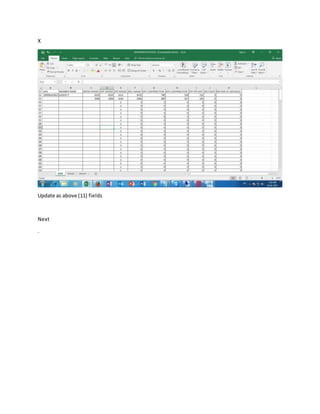
Update as above (11) fields
Next
.
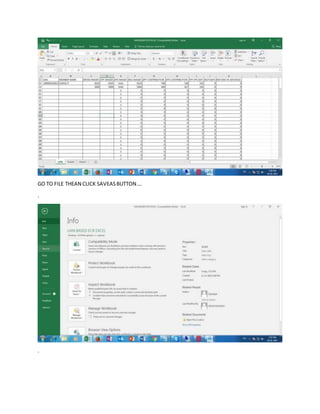
GO TO FILE THEAN CLICK SAVEASBUTTON….
.
.
.
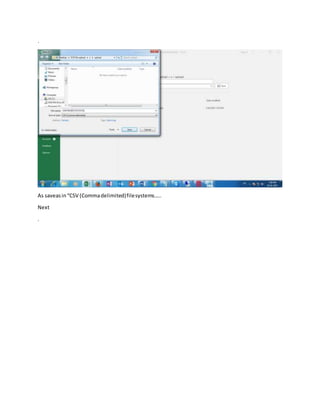
As saveasin“CSV (Commadelimited)filesystems…..
Next
.
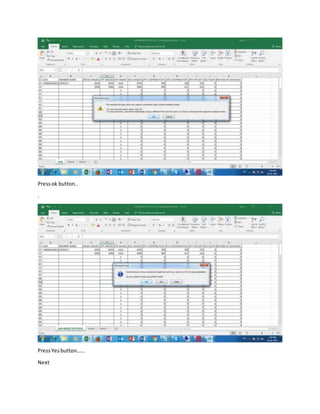
Pressok button..
.
PressYesbutton……
Next
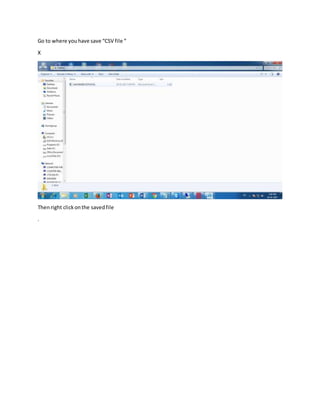
Go to where youhave save “CSV file “
X
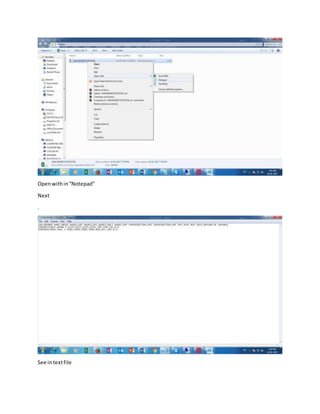
Thenright clickonthe savedfile
.
Openwithin“Notepad”
Next
.
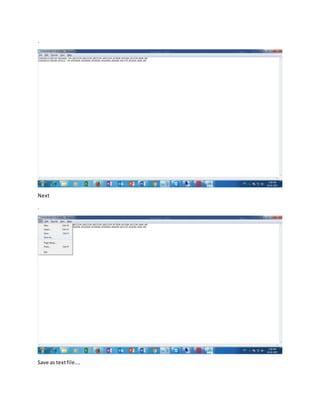
See intextfile
.
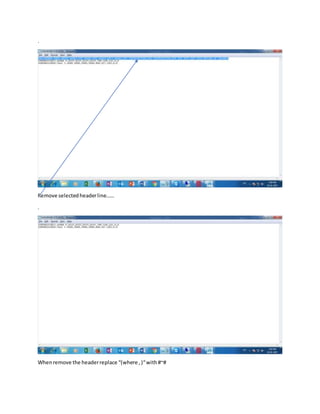
Remove selectedheaderline……
.
Whenremove the headerreplace “(where ,)“with#~#
.
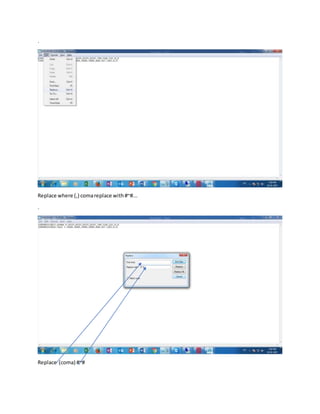
Replace where (,) comareplace with#~#...
.
Replace (coma) #~#
.
Next
.
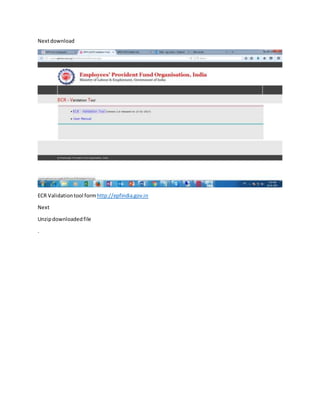
Save as textfile….
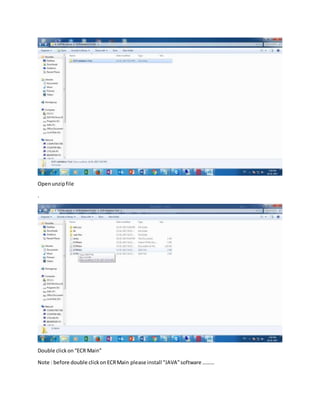
Nextdownload
ECR Validationtool form http://epfindia.gov.in
Next
Unzipdownloadedfile
.
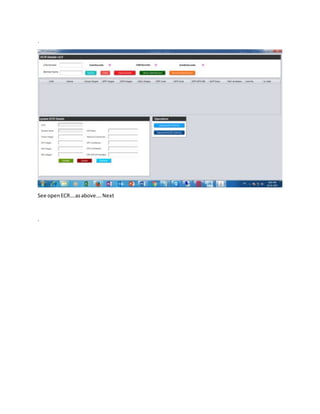
Openunzipfile
.
Double clickon“ECR Main”
Note : before double clickonECRMain please install “JAVA”software ………
.
See openECR….asabove….Next
.
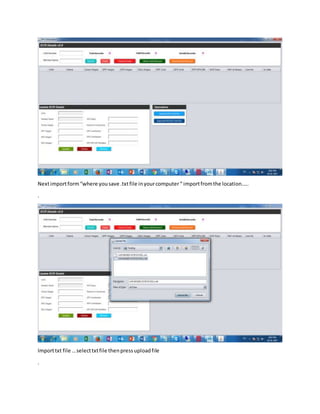
Nextimportform“where yousave .txtfile inyourcomputer“ importfromthe location…..
.
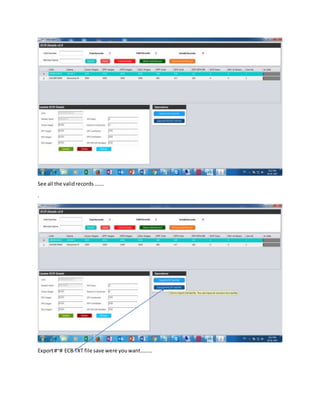
Importtxt file …selecttxtfile thenpressuploadfile
.
See all the validrecords …….
.
Export#~# ECR TXT file save were youwant………
.
Go to employers
.
Click“Online ECR/Challansubmission”
Upload“ECR file”
newecr usermanual and excel sheet
any difficultysendemail :rajusvp2010ayu@hotmail.com
New ecr user manual

New ecr user manual