MULE –Mule Agent
1
Enterprise Edition, Mule 3.7.0
The Mule agent is a plugin extension for Mule which exposes the Mule API.
Using the Mule agent, you can monitor and control your Mule ESB servers
by calling APIs from external systems, and/or have Mule publish its own
data to external systems
2
The agent has many features, including:
Controlling applications, domains and services:
List, deploy, undeploy or redeploy domains
List, deploy, undeploy, get status of, start or stop applications
Publishing Mule metrics to external monitoring systems
3
The agent supports two communication protocols: REST and WebSockets.
The agent is installed into your $MULE_HOME/plugins directory; it is
configured via a single configuration file. For installation instructions and
download links, see Installing the Agent.
4
Details for this process vary according to your selected security provider
Please refer to the documentation for your security provider for complete
instructions.
Example Setup Instructions Using RSA’s BSAFE JCE Provider
5
Additionally, MuleSoft provides several open source agent modules. These
are provided as is, and receive no support for MuleSoft. To access these
modules, check the GitHub repositories:
Agent modules (general)
JMX publisher modules
6
Assumptions
The pages listed below assume that you have the current version of Mule
Enterprise already installed. Download it from the customer portal if you
need to upgrade to this version.
Additionally, it is assumed that your enterprise license is current. Please
see Installing an Enterprise License for information on obtaining and
installing an enterprise license.
7
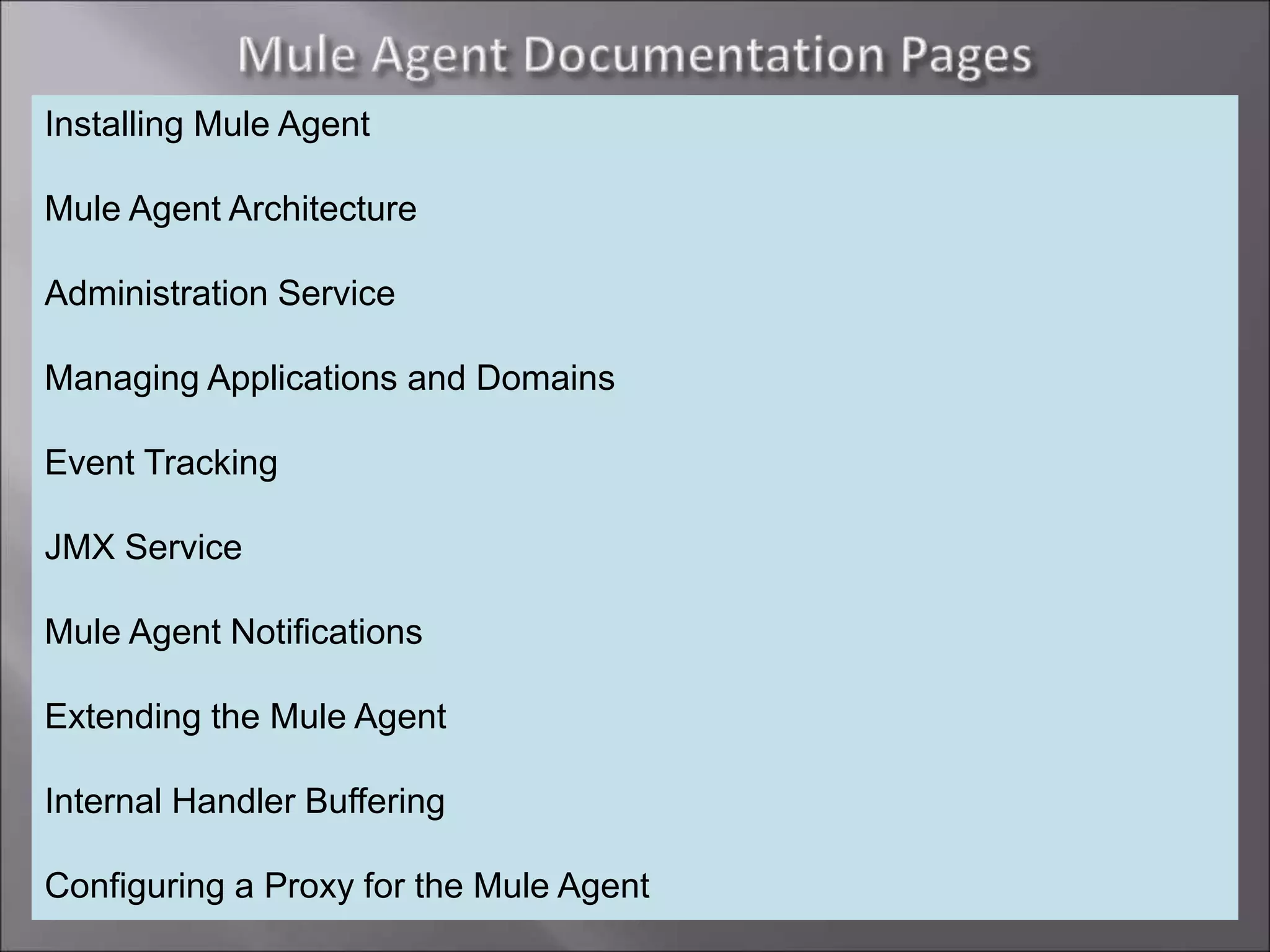
Installing Mule Agent
Mule Agent Architecture
Administration Service
Managing Applications and Domains
Event Tracking
JMX Service
Mule Agent Notifications
Extending the Mule Agent
Internal Handler Buffering
Configuring a Proxy for the Mule Agent
Mule  mule agent

Mule mule agent

  • 1.
  • 2.
    1 Enterprise Edition, Mule3.7.0 The Mule agent is a plugin extension for Mule which exposes the Mule API. Using the Mule agent, you can monitor and control your Mule ESB servers by calling APIs from external systems, and/or have Mule publish its own data to external systems
  • 3.
    2 The agent hasmany features, including: Controlling applications, domains and services: List, deploy, undeploy or redeploy domains List, deploy, undeploy, get status of, start or stop applications Publishing Mule metrics to external monitoring systems
  • 4.
    3 The agent supportstwo communication protocols: REST and WebSockets. The agent is installed into your $MULE_HOME/plugins directory; it is configured via a single configuration file. For installation instructions and download links, see Installing the Agent.
  • 5.
    4 Details for thisprocess vary according to your selected security provider Please refer to the documentation for your security provider for complete instructions. Example Setup Instructions Using RSA’s BSAFE JCE Provider
  • 6.
    5 Additionally, MuleSoft providesseveral open source agent modules. These are provided as is, and receive no support for MuleSoft. To access these modules, check the GitHub repositories: Agent modules (general) JMX publisher modules
  • 7.
    6 Assumptions The pages listedbelow assume that you have the current version of Mule Enterprise already installed. Download it from the customer portal if you need to upgrade to this version. Additionally, it is assumed that your enterprise license is current. Please see Installing an Enterprise License for information on obtaining and installing an enterprise license.
  • 8.
    7 Installing Mule Agent MuleAgent Architecture Administration Service Managing Applications and Domains Event Tracking JMX Service Mule Agent Notifications Extending the Mule Agent Internal Handler Buffering Configuring a Proxy for the Mule Agent