2019 New Software Introduction
MShot Image Analysis System V1.0
Introdcution
MShot Image Analysis System is independently designed by GuangZhou
Micro-shot Technology Co., Ltd special for basic microscope imaging
with Mshot cameras.
Fit to Windows Win7/8/10(32bit & 64bit).
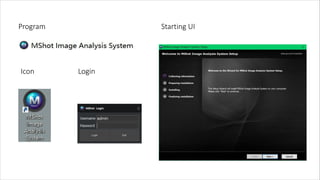
Program
Icon
Starting UI
Login
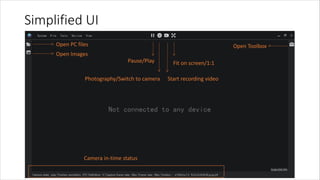
Simplified UI
Fit on screen/1:1
Start recording videoPhotography/Switch to camera
Pause/Play
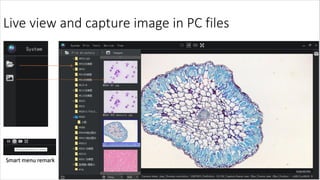
Open PC files
Open Images
Open Toolbox
Camera in-time status
Live view and capture image in PC files
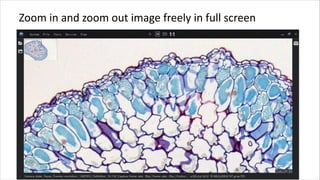
Zoom in and zoom out image freely in full screen
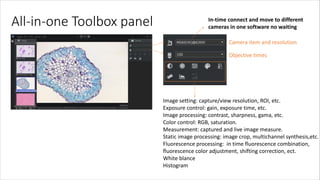
All-in-one Toolbox panel
Camera item and resolution
Objective times
Image setting: capture/view resolution, ROI, etc.
Exposure control: gain, exposure time, etc.
Image processing: contrast, sharpness, gama, etc.
Color control: RGB, saturation.
Measurement: captured and live image measure.
Static image processing: image crop, multichannel synthesis,etc.
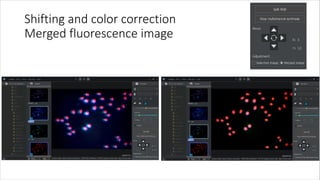
Fluorescence processing: in time fluorescence combination,
fluorescence color adjustment, shifting correction, ect.
White blance
Histogram
In-time connect and move to different
cameras in one software no waiting
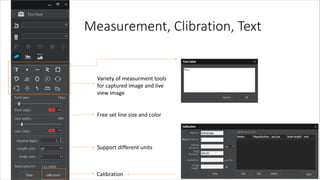
Measurement, Clibration, Text
Variety of measurment tools
for captured image and live
view image
Free set line size and color
Support different units
Calibration
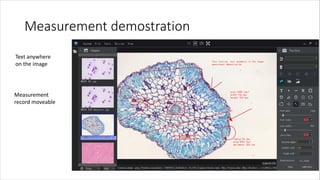
Measurement demostration
Text anywhere
on the image
Measurement
record moveable
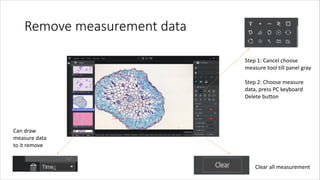
Remove measurement data
Step 1: Cancel choose
measure tool till panel gray
Step 2: Choose measure
data, press PC keyboard
Delete button
Can draw
measure data
to it remove
Clear all measurement
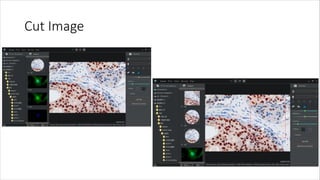
Cut Image
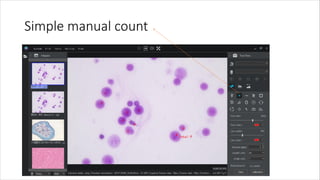
Simple manual count
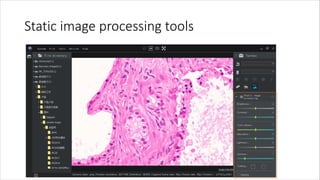
Static image processing tools
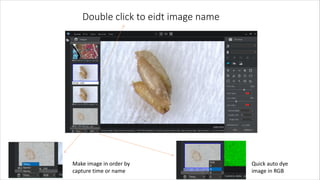
Double click to eidt image name
Make image in order by
capture time or name
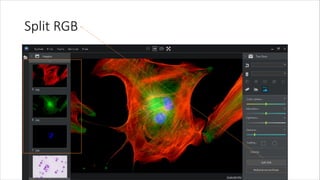
Quick auto dye
image in RGB
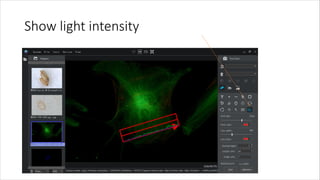
Show light intensity
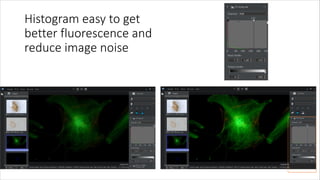
Histogram easy to get
better fluorescence and
reduce image noise
Split RGB
Shifting and color correction
Merged fluorescence image
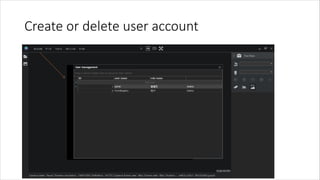
Create or delete user account
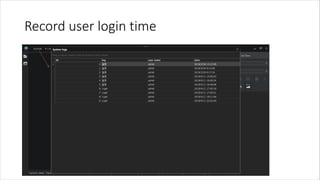
Record user login time
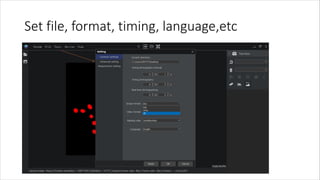
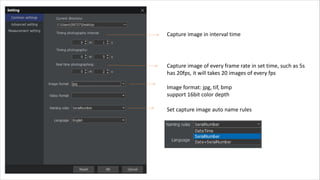
Set file, format, timing, language,etc
Capture image in interval time
Capture image of every frame rate in set time, such as 5s
has 20fps, it will takes 20 images of every fps
Image format: jpg, tif, bmp
support 16bit color depth
Set capture image auto name rules
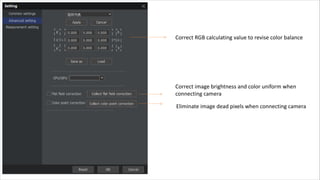
Correct RGB calculating value to revise color balance
Correct image brightness and color uniform when
connecting camera
Eliminate image dead pixels when connecting camera
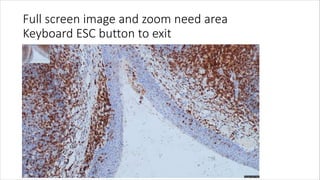
Full screen image and zoom need area
Keyboard ESC button to exit

Mshot microscope imaging analysis software introduction