Secure, Resilient, Efficient. Data centres that never, never, ever go down
Welcome to
Visitor Induction Briefing
Please view this presentation in
full before collecting your pass
This Site Induction is designed to familiarise visiting
contractors/operatives before work commences, to increase
control of health & safety risks and risks to business
operation.
This does not relinquish the user from their duty of care for
themselves, others and for the sensitive equipment & data on
this site.
Please pay attention for the next few minutes
DigiPlex provides highly secure high-powered,
energy-efficient, carrier-neutral, co-location data
centre space for our customers' information and
communication technology (ICT) equipment.
We are:
• Secure • Resilient • Efficient
DigiPlex has outstanding uptime performance levels which have evolved through a decade of
experience and growth. Based in Scandinavia and the UK, DigiPlex delivers 24/7 specialised
and quality-assessed services to many clients including
• international companies, corporates and SMEs
• public sector organisations
• government agencies
About DigiPlex
We are very proud of our Uptime Record.
Everybody in the data centre including our own staff, contractors and visitors has
a vital role to play in ensuring that our outstanding record is maintained.
About DigiPlex
Health & Safety
Health & Safety
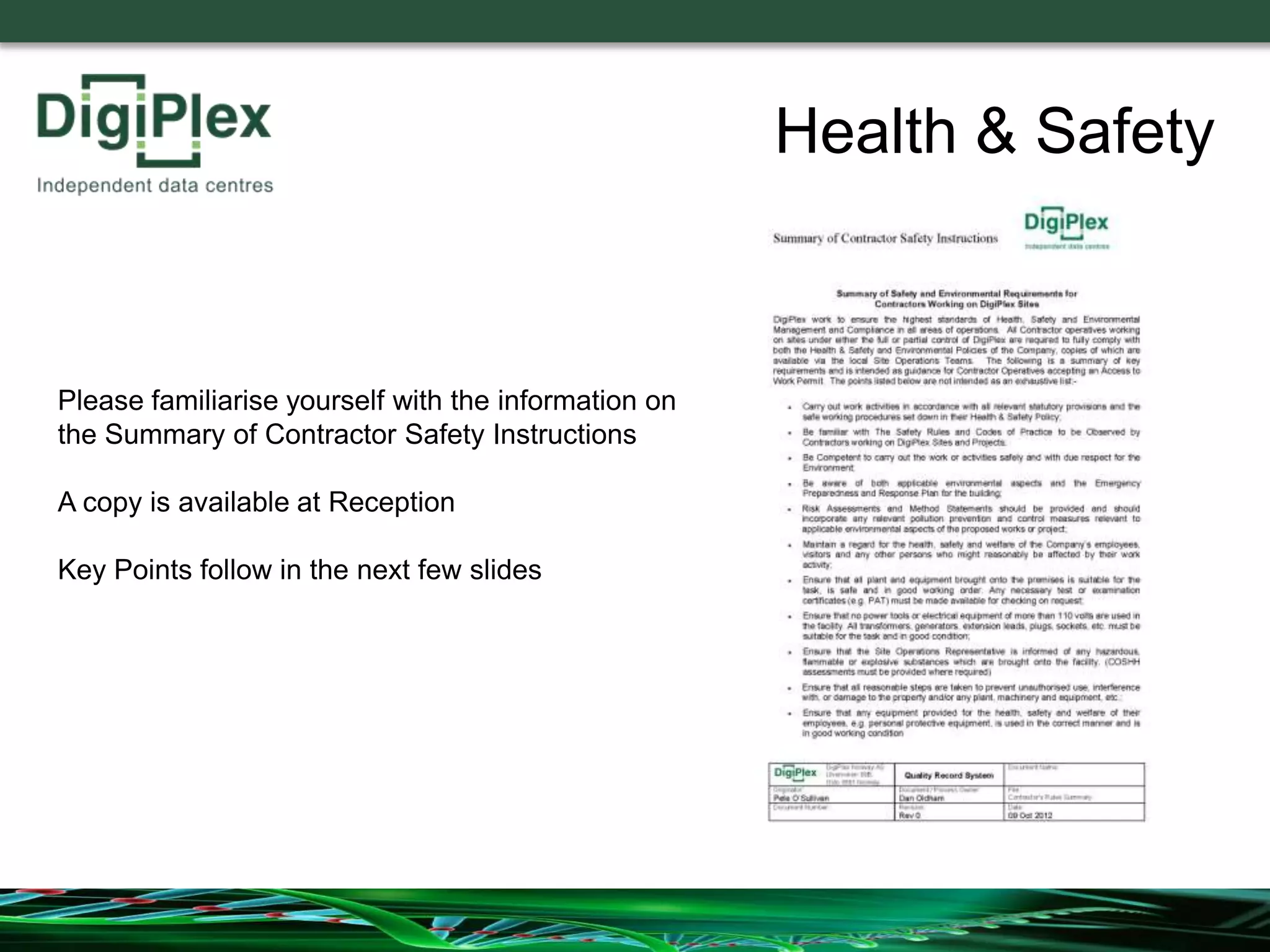
Please familiarise yourself with the information on
the Summary of Contractor Safety Instructions
A copy is available at Reception
Key Points follow in the next few slides
Carry out work activities in accordance with all relevant
statutory provisions and the safe working procedures
set down in your employer’s Health & Safety Policy;
Be familiar with The Safety Rules and Codes of
Practice to be Observed by Contractors working on
DigiPlex Sites and Projects;
Be Competent to carry out the work or activities safely
and with due respect for the Environment;
Health & Safety
You Must:-
Risk Assessments and Method Statements should be
provided for all work that you intend to do and should
incorporate any relevant pollution prevention and control
measures relevant to applicable environmental aspects
of the proposed works or project;
Maintain a regard for the health, safety and welfare of
all persons who might reasonably be affected by your
work activity;
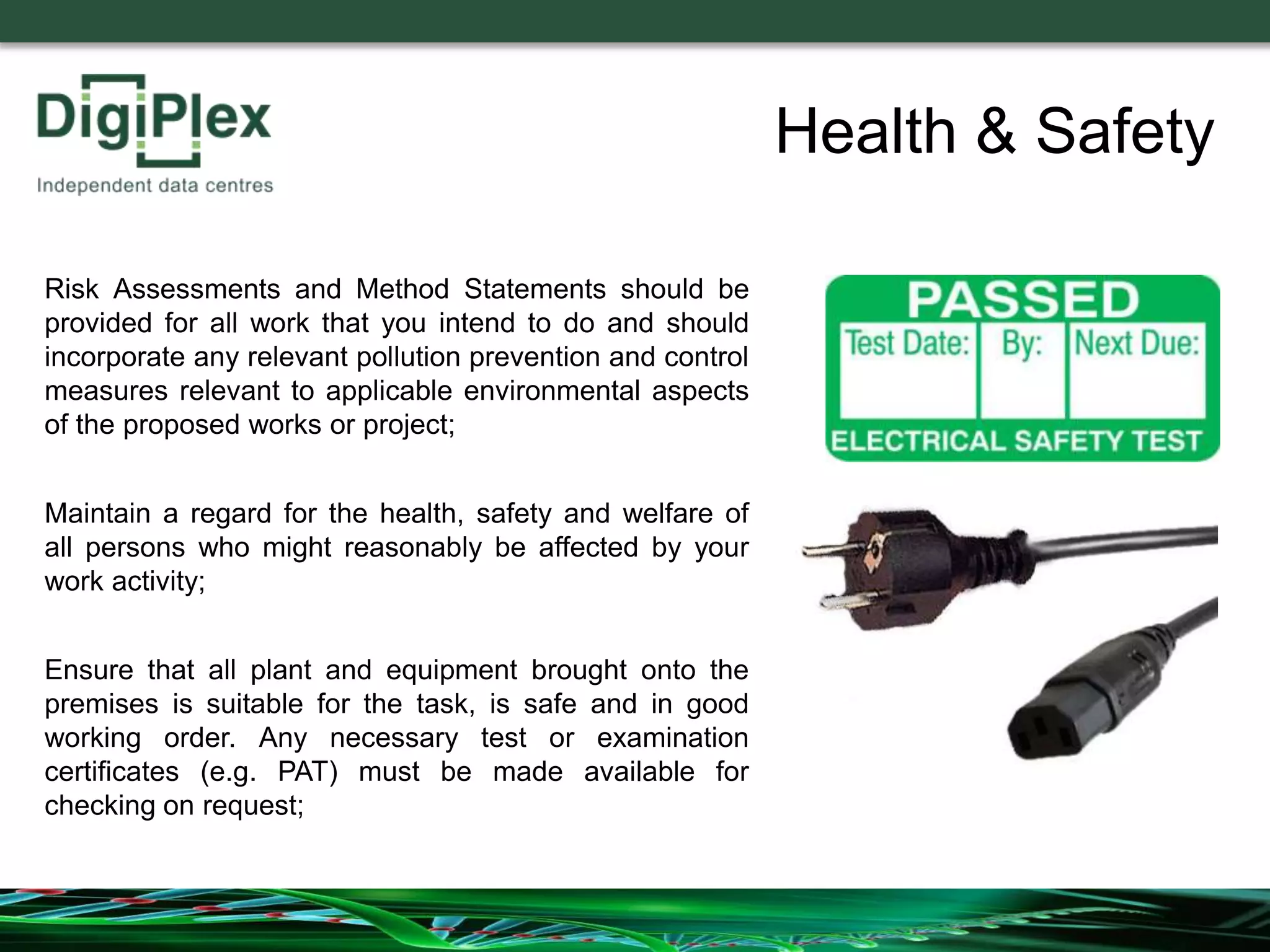
Ensure that all plant and equipment brought onto the
premises is suitable for the task, is safe and in good
working order. Any necessary test or examination
certificates (e.g. PAT) must be made available for
checking on request;
Health & Safety
Ensure that the Site Operations Representative is informed
of any hazardous, flammable or explosive substances
which are brought onto the facility.
(COSHH assessments must be provided where required)
Ensure that any equipment provided for your health, safety
and welfare, e.g. personal protective equipment, is used in
the correct manner and is in good working condition
Health & Safety
Radios, Walkmans, or similar electronic devices are not
allowed within the computer rooms.
Coffee, Tea etc must not be taken into the computer rooms
Be especially careful around any computer hardware that
has had the protective outer metal skin removed. With its
covers off, such equipment is usually more susceptible to
nearby electrical disturbances.
Do not touch any equipment unless it is specifically identified
in your Work Order or Method Statement.
Health & Safety
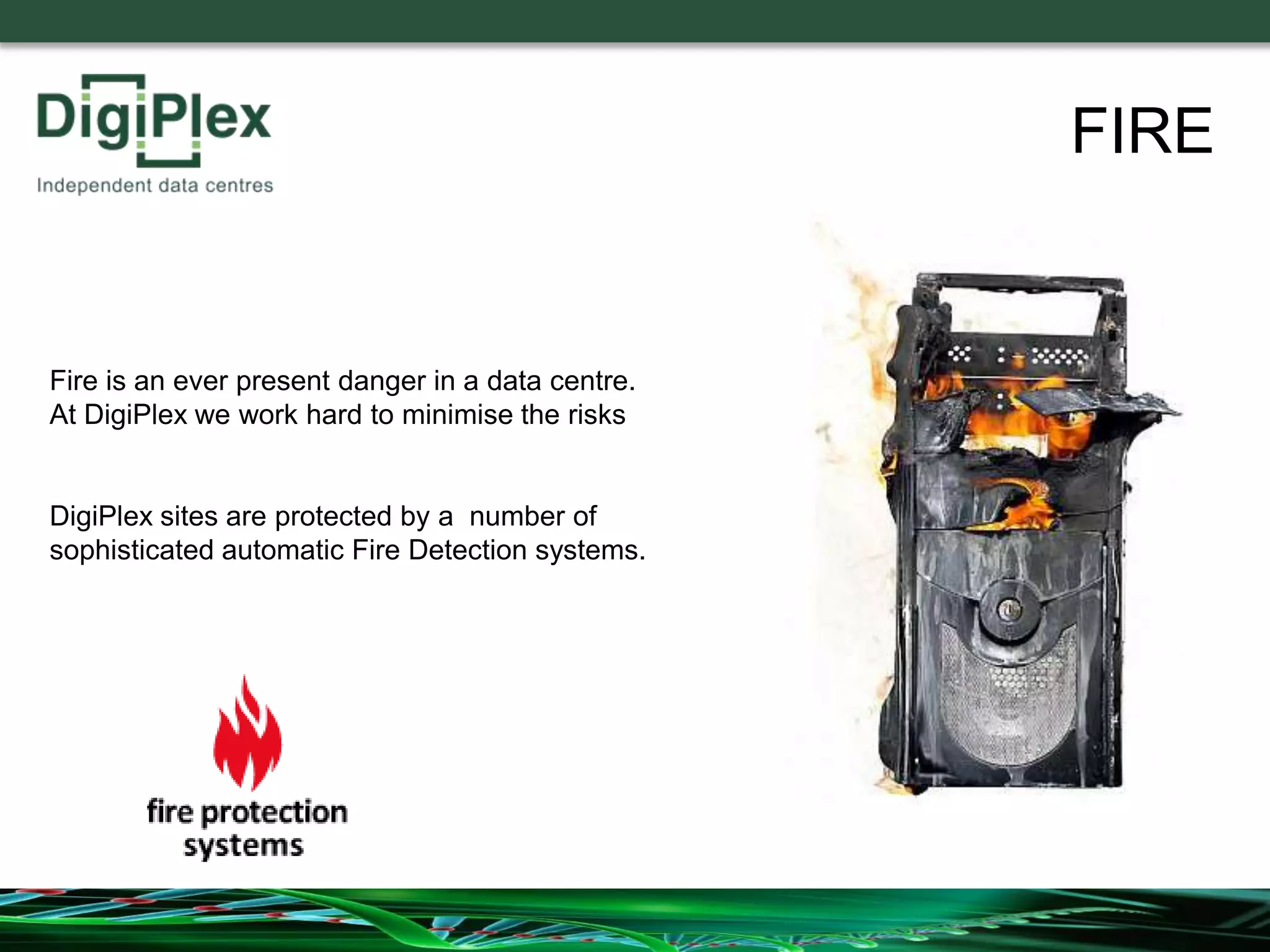
Fire is an ever present danger in a data centre.
At DigiPlex we work hard to minimise the risks
DigiPlex sites are protected by a number of
sophisticated automatic Fire Detection systems.
FIRE
In the event of the Fire Alarm sounding please take the following actions:
FIRE
If you discover a fire Raise
the Alarm by operating a Red
coloured Break Glass Unit
Fire Alarm Call Point
Try to put out the fire if you
feel confident to do so
without putting yourself at
risk
Always
Follow the instructions given by the Fire
Marshalls/Incident Controllers and the
Emergency Services Personnel immediately
FIRE
DO: Evacuate the building immediately by the
nearest Emergency Exit – Emergency Exits are
located throughout the building and are indicated by
the ‘Green Running Man’ signs
DO: Proceed to the Assembly Point
DO: Make yourself known to the Fire Marshall or
Incident Controller if you have information relevant to
the emergency
DO: Remain at the Assembly Point until directed
otherwise by a Fire Marshall, Incident Controller or a
member of the Emergency Services
FIRE
FIRE
The Assembly Point is
outside the main
Vehicle Access Gate
DO NOT: Run
DO NOT: Stop to collect personal belongings
DO NOT: Use the Lifts
DO NOT: Attempt to use the fire extinguishers unless
you have received training and you feel competent to do
so without putting yourself in danger
DO NOT: Smoke or Assemble in the smoking areas
DO NOT: Sit in your vehicle – You may be unable to act
on further safety Instructions
DO NOT: Attempt to move your vehicle – You may put
pedestrians in danger and obstruct access of
emergency vehicles
DO NOT: Attempt to re-enter the building until it has
been declared safe by the Incident Controller or the
Emergency Services
FIRE
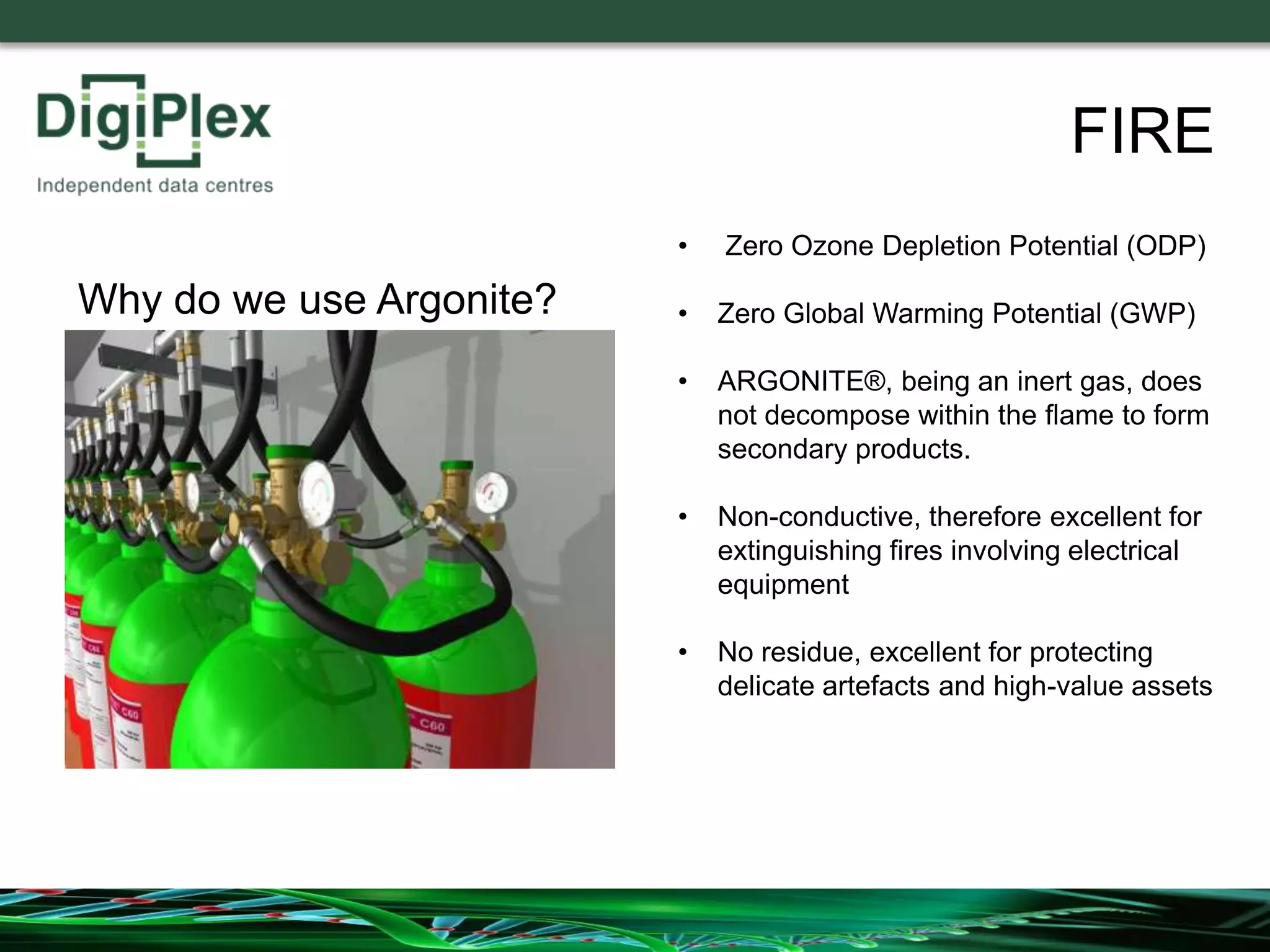
Customer Computer
Modules are also
protected by an
Argonite Gas Fire
Suppression System
FIRE
ARGONITE® is an inert gas with a 50:50 mixture of argon and nitrogen
ARGONITE®
FIRE
Argonite extinguishes by means
of reducing the oxygen content
within a room to the point at
which fire can no longer burn,
but without compromising the
safety of individuals present.
There are no toxicological
factors associated
with the use of Argonite.
ISO14520 design concentration for
ARGONITE®
Mixture of Air Before and After Discharge
FIRE
• Zero Ozone Depletion Potential (ODP)
• Zero Global Warming Potential (GWP)
• ARGONITE®, being an inert gas, does
not decompose within the flame to form
secondary products.
• Non-conductive, therefore excellent for
extinguishing fires involving electrical
equipment
• No residue, excellent for protecting
delicate artefacts and high-value assets
Why do we use Argonite?
FIRE
FIRE
System Operation
The Argonite Gas Suppression System is known as
a ‘Double Knock’ System
1st Knock – Smoke detected in 1 zone – Building
Fire Alarm is initiated
2nd Knock – Smoke detected in 2 zones – System
is initiated– a siren and strobe light is activated in
the affected module
After a short delay period, Argonite is discharged
into the module
The Module must be evacuated on hearing the Building Fire Alarm
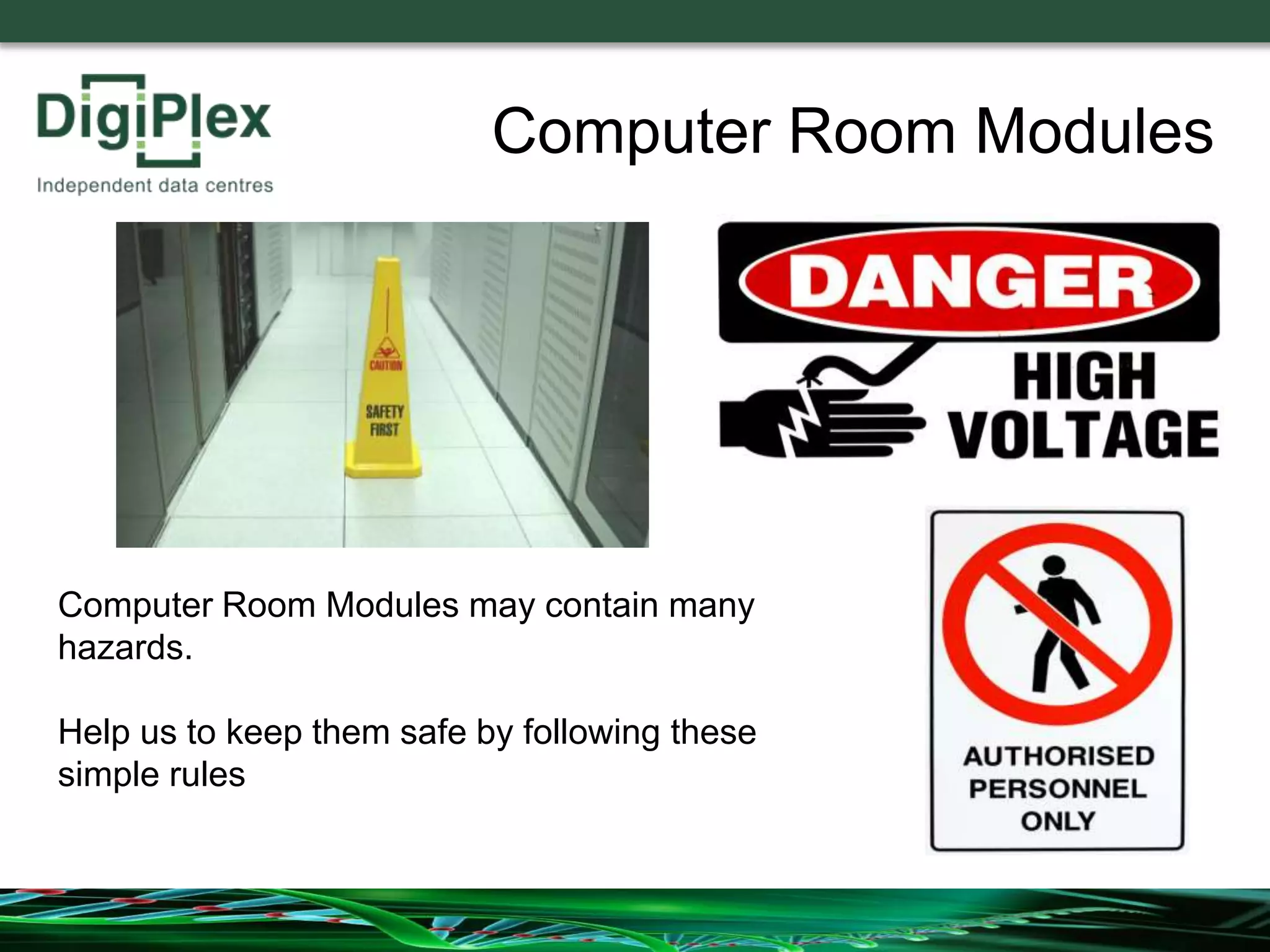
Computer Room Modules
Computer Room Modules may contain many
hazards.
Help us to keep them safe by following these
simple rules
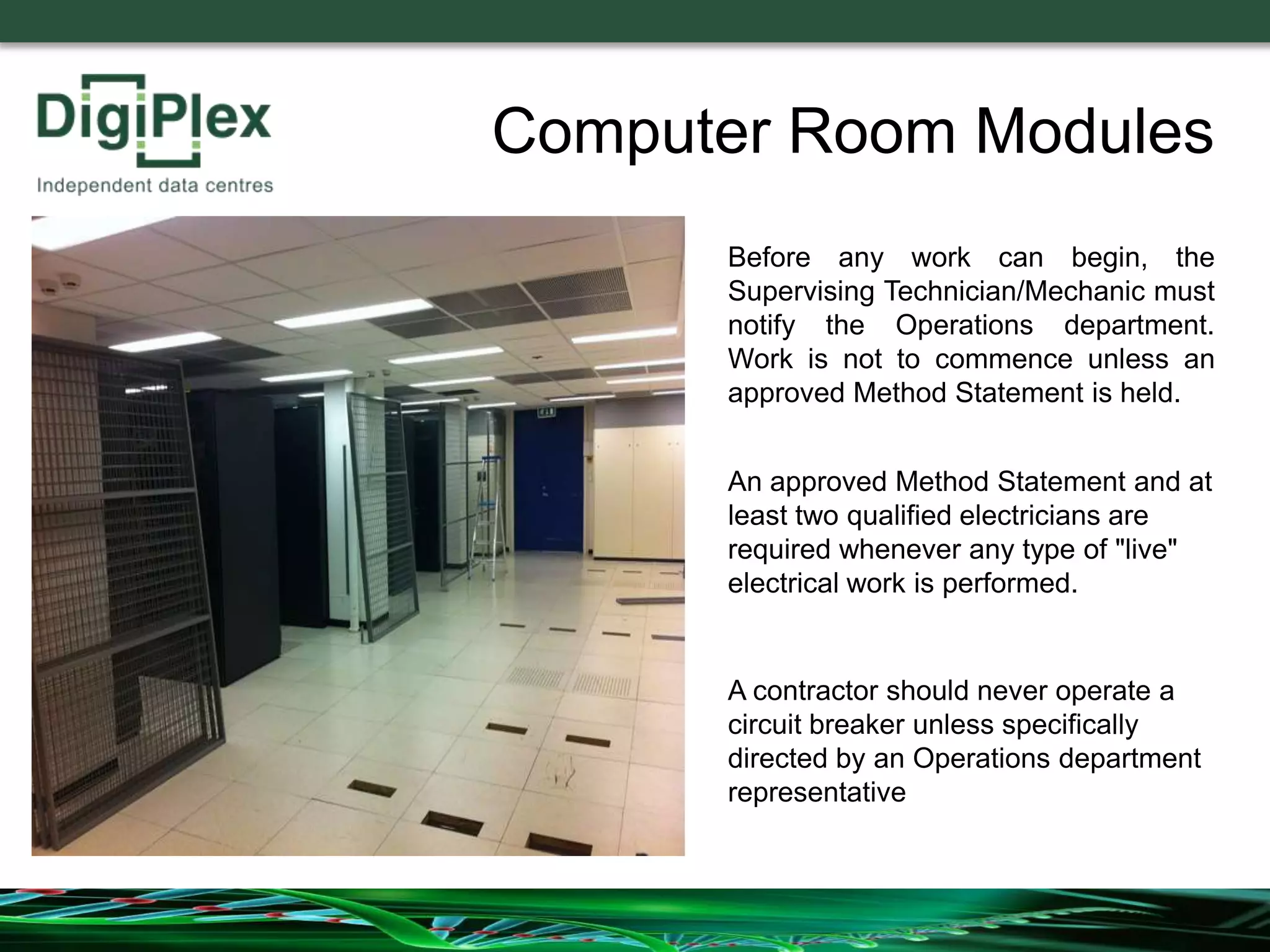
Before any work can begin, the
Supervising Technician/Mechanic must
notify the Operations department.
Work is not to commence unless an
approved Method Statement is held.
An approved Method Statement and at
least two qualified electricians are
required whenever any type of "live"
electrical work is performed.
Computer Room Modules
A contractor should never operate a
circuit breaker unless specifically
directed by an Operations department
representative
Do NOT remove more than 6 raised floor tiles
from any area. This will preserve static pressure,
prevent the raised floor from shifting or
collapsing, and minimize the risk of people or
equipment falling through. Mark all open floor
tiles with safety cones or other barriers.
Computer Room Modules
No open torches or welding equipment is
permitted unless a ‘Hot Work’ Permit has been
approved.
Do not turn any valves on or off without
permission.
Security
Security is an
important aspect of
all DigiPlex sites
Each site is protected
by a combination of
physical and electronic
security systems
Security
During your visit to DigiPlex you may become aware of information, procedures
and systems that are sensitive to DigiPlex and its clients.
To protect DigiPlex operational continuity, the rules and regulations as set out in
this Induction Slide set are mandatory.
The Rules apply to all Customers, their staff, visitors and appointed Contractors.
Security
Site Access: -
Visitors are only provided with access to
the Facility following DigiPlex security
clearance processes
It is important for Visitors and
nominated access cardholders to note
that the Access Card application form
constitutes acceptance under National
Data Protection Codes that individual's
movements around the Facility will be
monitored and reported on request to
Customers and other authorised bodies.
Security
Site Access: -
Some visitors may be asked to sign a
Contractor Confidentiality Agreement
The Site Induction Form also contains a
Confidentiality declaration for ALL visitors
Security
• All contractor personnel are to use temporary access
control cards given to them by DigiPlex Security.
• Contractors may not implement any variation in
established security procedures without prior express
approval from DigiPlex
• No hoardings, signs, notices or advertisements of
any form may be erected on any part of the Facility,
including doors and windows.
Security
• Vehicles bearing company logos or livery are not to
be parked in DigiPlex car parks – Delivery and short
stay vehicles (less than 15 mins are permitted)
• Visitors must not place any lock or locks on any door
in the Facility without prior written consent from
DigiPlex.
• The Facility goods-in entry point is intended to be
used only for goods access and must not be used
for routine personnel entry to the Facility.
Accidents
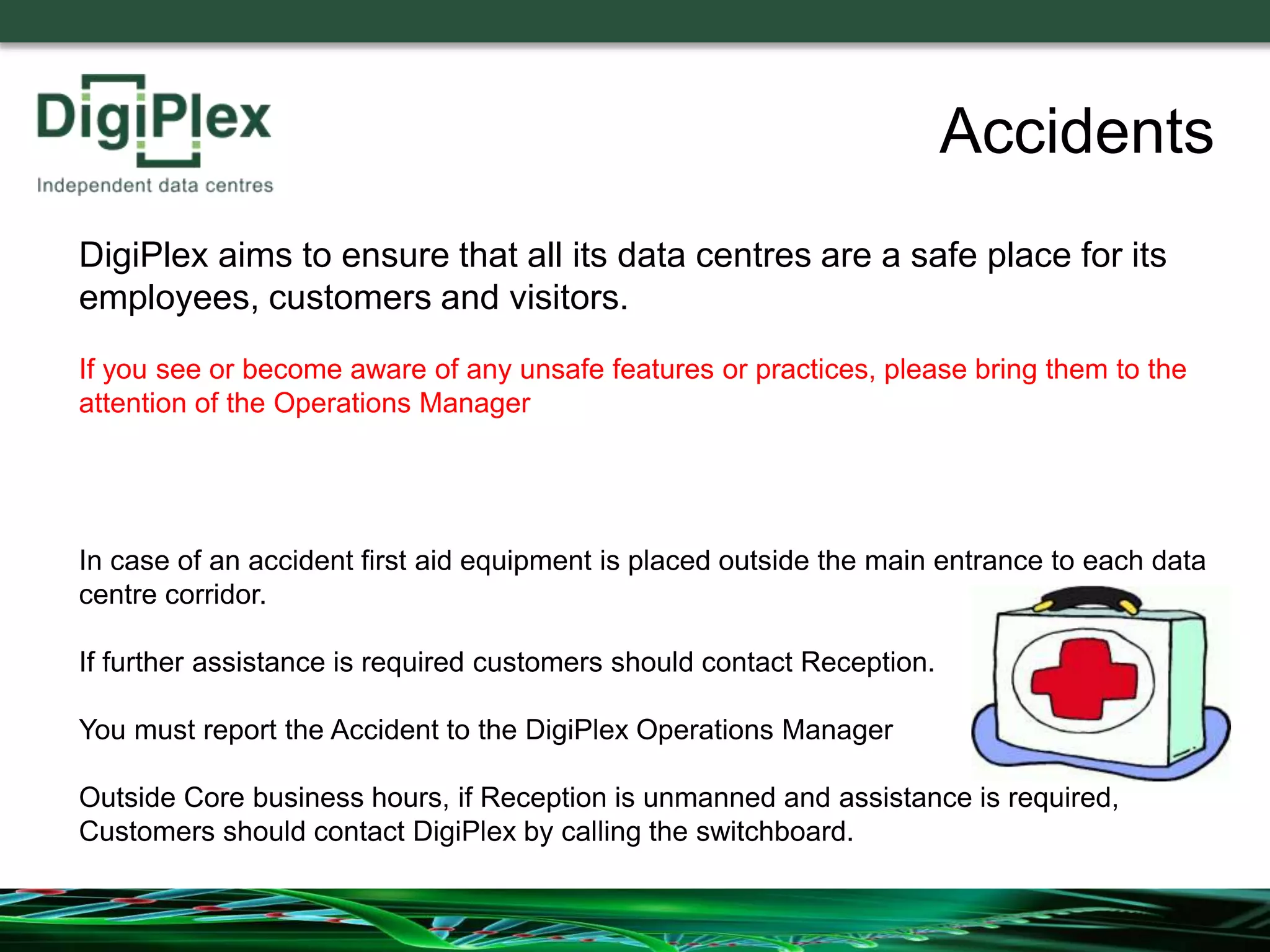
In case of an accident first aid equipment is placed outside the main entrance to each data
centre corridor.
If further assistance is required customers should contact Reception.
You must report the Accident to the DigiPlex Operations Manager
Outside Core business hours, if Reception is unmanned and assistance is required,
Customers should contact DigiPlex by calling the switchboard.
DigiPlex aims to ensure that all its data centres are a safe place for its
employees, customers and visitors.
If you see or become aware of any unsafe features or practices, please bring them to the
attention of the Operations Manager
Thank You for your attention during this Induction Briefing
If you have any questions or concerns regarding your visit
please bring them to the attention of the Operations Manager.
Please now sign the Site Induction Form before collecting
your pass.

DigiPlex induction briefing

  • 1.
    Secure, Resilient, Efficient.Data centres that never, never, ever go down Welcome to Visitor Induction Briefing Please view this presentation in full before collecting your pass
  • 2.
    This Site Inductionis designed to familiarise visiting contractors/operatives before work commences, to increase control of health & safety risks and risks to business operation. This does not relinquish the user from their duty of care for themselves, others and for the sensitive equipment & data on this site. Please pay attention for the next few minutes
  • 3.
    DigiPlex provides highlysecure high-powered, energy-efficient, carrier-neutral, co-location data centre space for our customers' information and communication technology (ICT) equipment. We are: • Secure • Resilient • Efficient DigiPlex has outstanding uptime performance levels which have evolved through a decade of experience and growth. Based in Scandinavia and the UK, DigiPlex delivers 24/7 specialised and quality-assessed services to many clients including • international companies, corporates and SMEs • public sector organisations • government agencies About DigiPlex
  • 4.
    We are veryproud of our Uptime Record. Everybody in the data centre including our own staff, contractors and visitors has a vital role to play in ensuring that our outstanding record is maintained. About DigiPlex
  • 5.
  • 6.
    Health & Safety Pleasefamiliarise yourself with the information on the Summary of Contractor Safety Instructions A copy is available at Reception Key Points follow in the next few slides
  • 7.
    Carry out workactivities in accordance with all relevant statutory provisions and the safe working procedures set down in your employer’s Health & Safety Policy; Be familiar with The Safety Rules and Codes of Practice to be Observed by Contractors working on DigiPlex Sites and Projects; Be Competent to carry out the work or activities safely and with due respect for the Environment; Health & Safety You Must:-
  • 8.
    Risk Assessments andMethod Statements should be provided for all work that you intend to do and should incorporate any relevant pollution prevention and control measures relevant to applicable environmental aspects of the proposed works or project; Maintain a regard for the health, safety and welfare of all persons who might reasonably be affected by your work activity; Ensure that all plant and equipment brought onto the premises is suitable for the task, is safe and in good working order. Any necessary test or examination certificates (e.g. PAT) must be made available for checking on request; Health & Safety
  • 9.
    Ensure that theSite Operations Representative is informed of any hazardous, flammable or explosive substances which are brought onto the facility. (COSHH assessments must be provided where required) Ensure that any equipment provided for your health, safety and welfare, e.g. personal protective equipment, is used in the correct manner and is in good working condition Health & Safety
  • 10.
    Radios, Walkmans, orsimilar electronic devices are not allowed within the computer rooms. Coffee, Tea etc must not be taken into the computer rooms Be especially careful around any computer hardware that has had the protective outer metal skin removed. With its covers off, such equipment is usually more susceptible to nearby electrical disturbances. Do not touch any equipment unless it is specifically identified in your Work Order or Method Statement. Health & Safety
  • 11.
    Fire is anever present danger in a data centre. At DigiPlex we work hard to minimise the risks DigiPlex sites are protected by a number of sophisticated automatic Fire Detection systems. FIRE
  • 12.
    In the eventof the Fire Alarm sounding please take the following actions: FIRE If you discover a fire Raise the Alarm by operating a Red coloured Break Glass Unit Fire Alarm Call Point Try to put out the fire if you feel confident to do so without putting yourself at risk
  • 13.
    Always Follow the instructionsgiven by the Fire Marshalls/Incident Controllers and the Emergency Services Personnel immediately FIRE
  • 14.
    DO: Evacuate thebuilding immediately by the nearest Emergency Exit – Emergency Exits are located throughout the building and are indicated by the ‘Green Running Man’ signs DO: Proceed to the Assembly Point DO: Make yourself known to the Fire Marshall or Incident Controller if you have information relevant to the emergency DO: Remain at the Assembly Point until directed otherwise by a Fire Marshall, Incident Controller or a member of the Emergency Services FIRE
  • 15.
    FIRE The Assembly Pointis outside the main Vehicle Access Gate
  • 16.
    DO NOT: Run DONOT: Stop to collect personal belongings DO NOT: Use the Lifts DO NOT: Attempt to use the fire extinguishers unless you have received training and you feel competent to do so without putting yourself in danger DO NOT: Smoke or Assemble in the smoking areas DO NOT: Sit in your vehicle – You may be unable to act on further safety Instructions DO NOT: Attempt to move your vehicle – You may put pedestrians in danger and obstruct access of emergency vehicles DO NOT: Attempt to re-enter the building until it has been declared safe by the Incident Controller or the Emergency Services FIRE
  • 17.
    Customer Computer Modules arealso protected by an Argonite Gas Fire Suppression System FIRE
  • 18.
    ARGONITE® is aninert gas with a 50:50 mixture of argon and nitrogen ARGONITE® FIRE
  • 19.
    Argonite extinguishes bymeans of reducing the oxygen content within a room to the point at which fire can no longer burn, but without compromising the safety of individuals present. There are no toxicological factors associated with the use of Argonite. ISO14520 design concentration for ARGONITE® Mixture of Air Before and After Discharge FIRE
  • 20.
    • Zero OzoneDepletion Potential (ODP) • Zero Global Warming Potential (GWP) • ARGONITE®, being an inert gas, does not decompose within the flame to form secondary products. • Non-conductive, therefore excellent for extinguishing fires involving electrical equipment • No residue, excellent for protecting delicate artefacts and high-value assets Why do we use Argonite? FIRE
  • 21.
    FIRE System Operation The ArgoniteGas Suppression System is known as a ‘Double Knock’ System 1st Knock – Smoke detected in 1 zone – Building Fire Alarm is initiated 2nd Knock – Smoke detected in 2 zones – System is initiated– a siren and strobe light is activated in the affected module After a short delay period, Argonite is discharged into the module The Module must be evacuated on hearing the Building Fire Alarm
  • 22.
    Computer Room Modules ComputerRoom Modules may contain many hazards. Help us to keep them safe by following these simple rules
  • 23.
    Before any workcan begin, the Supervising Technician/Mechanic must notify the Operations department. Work is not to commence unless an approved Method Statement is held. An approved Method Statement and at least two qualified electricians are required whenever any type of "live" electrical work is performed. Computer Room Modules A contractor should never operate a circuit breaker unless specifically directed by an Operations department representative
  • 24.
    Do NOT removemore than 6 raised floor tiles from any area. This will preserve static pressure, prevent the raised floor from shifting or collapsing, and minimize the risk of people or equipment falling through. Mark all open floor tiles with safety cones or other barriers. Computer Room Modules No open torches or welding equipment is permitted unless a ‘Hot Work’ Permit has been approved. Do not turn any valves on or off without permission.
  • 25.
    Security Security is an importantaspect of all DigiPlex sites Each site is protected by a combination of physical and electronic security systems
  • 26.
    Security During your visitto DigiPlex you may become aware of information, procedures and systems that are sensitive to DigiPlex and its clients. To protect DigiPlex operational continuity, the rules and regulations as set out in this Induction Slide set are mandatory. The Rules apply to all Customers, their staff, visitors and appointed Contractors.
  • 27.
    Security Site Access: - Visitorsare only provided with access to the Facility following DigiPlex security clearance processes It is important for Visitors and nominated access cardholders to note that the Access Card application form constitutes acceptance under National Data Protection Codes that individual's movements around the Facility will be monitored and reported on request to Customers and other authorised bodies.
  • 28.
    Security Site Access: - Somevisitors may be asked to sign a Contractor Confidentiality Agreement The Site Induction Form also contains a Confidentiality declaration for ALL visitors
  • 29.
    Security • All contractorpersonnel are to use temporary access control cards given to them by DigiPlex Security. • Contractors may not implement any variation in established security procedures without prior express approval from DigiPlex • No hoardings, signs, notices or advertisements of any form may be erected on any part of the Facility, including doors and windows.
  • 30.
    Security • Vehicles bearingcompany logos or livery are not to be parked in DigiPlex car parks – Delivery and short stay vehicles (less than 15 mins are permitted) • Visitors must not place any lock or locks on any door in the Facility without prior written consent from DigiPlex. • The Facility goods-in entry point is intended to be used only for goods access and must not be used for routine personnel entry to the Facility.
  • 31.
    Accidents In case ofan accident first aid equipment is placed outside the main entrance to each data centre corridor. If further assistance is required customers should contact Reception. You must report the Accident to the DigiPlex Operations Manager Outside Core business hours, if Reception is unmanned and assistance is required, Customers should contact DigiPlex by calling the switchboard. DigiPlex aims to ensure that all its data centres are a safe place for its employees, customers and visitors. If you see or become aware of any unsafe features or practices, please bring them to the attention of the Operations Manager
  • 32.
    Thank You foryour attention during this Induction Briefing If you have any questions or concerns regarding your visit please bring them to the attention of the Operations Manager. Please now sign the Site Induction Form before collecting your pass.