Mastering the Shell — MongoPhilly

                                    Richard M Kreuter
                                         10gen Inc.
                                    richard@10gen.com


                                      April 26, 2011


Mastering the Shell — MongoPhilly
The Mongo Shell


  What is the shell?
  The mongo shell is a JavaScript interpreter with built-in support for
  MongoDB connectivity.


  Mastering the Shell — MongoPhilly
What’s the shell good for?


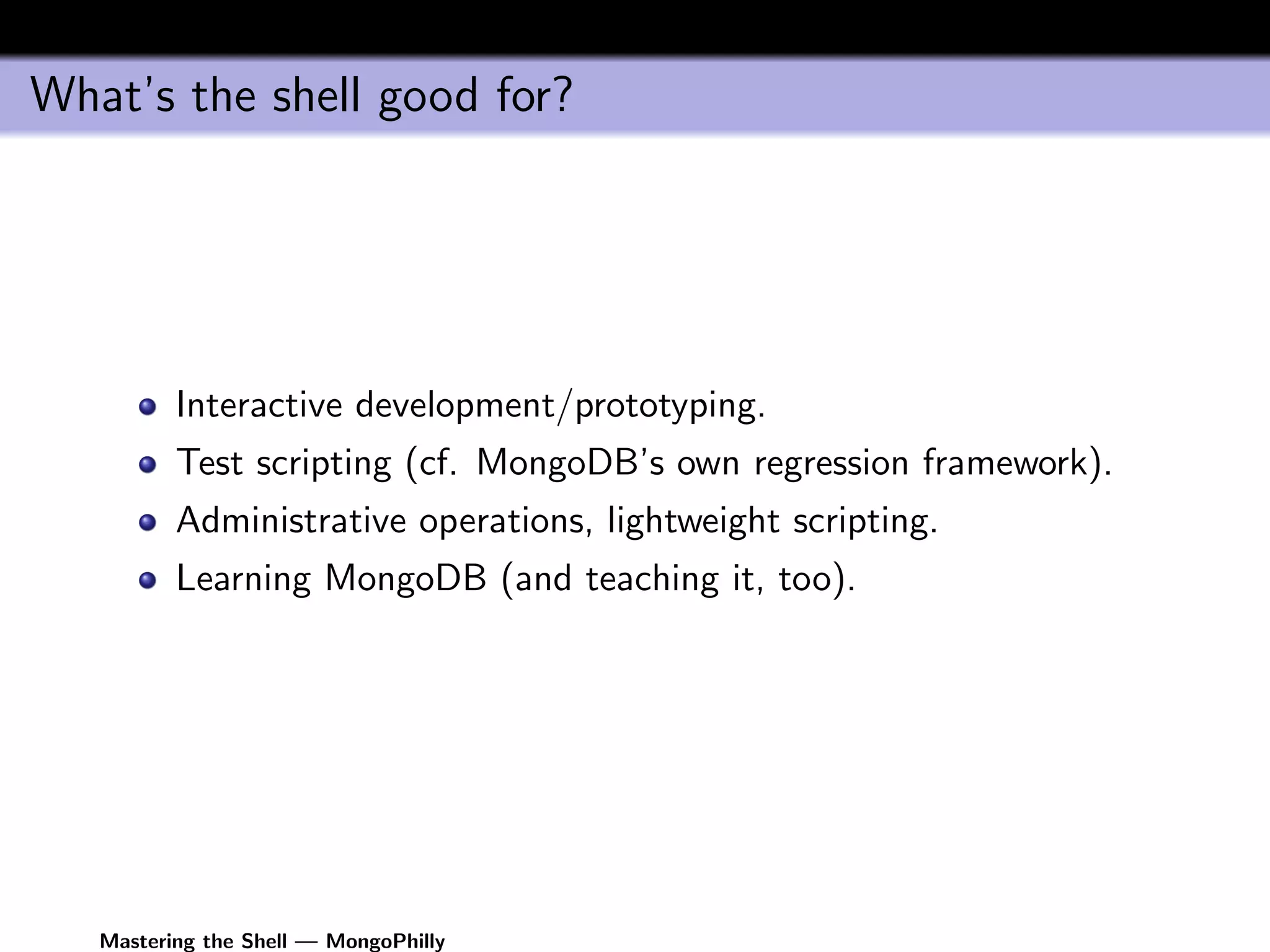
          Interactive development/prototyping.
          Test scripting (cf. MongoDB’s own regression framework).
          Administrative operations, lightweight scripting.
          Learning MongoDB (and teaching it, too).


   Mastering the Shell — MongoPhilly
Running the Shell


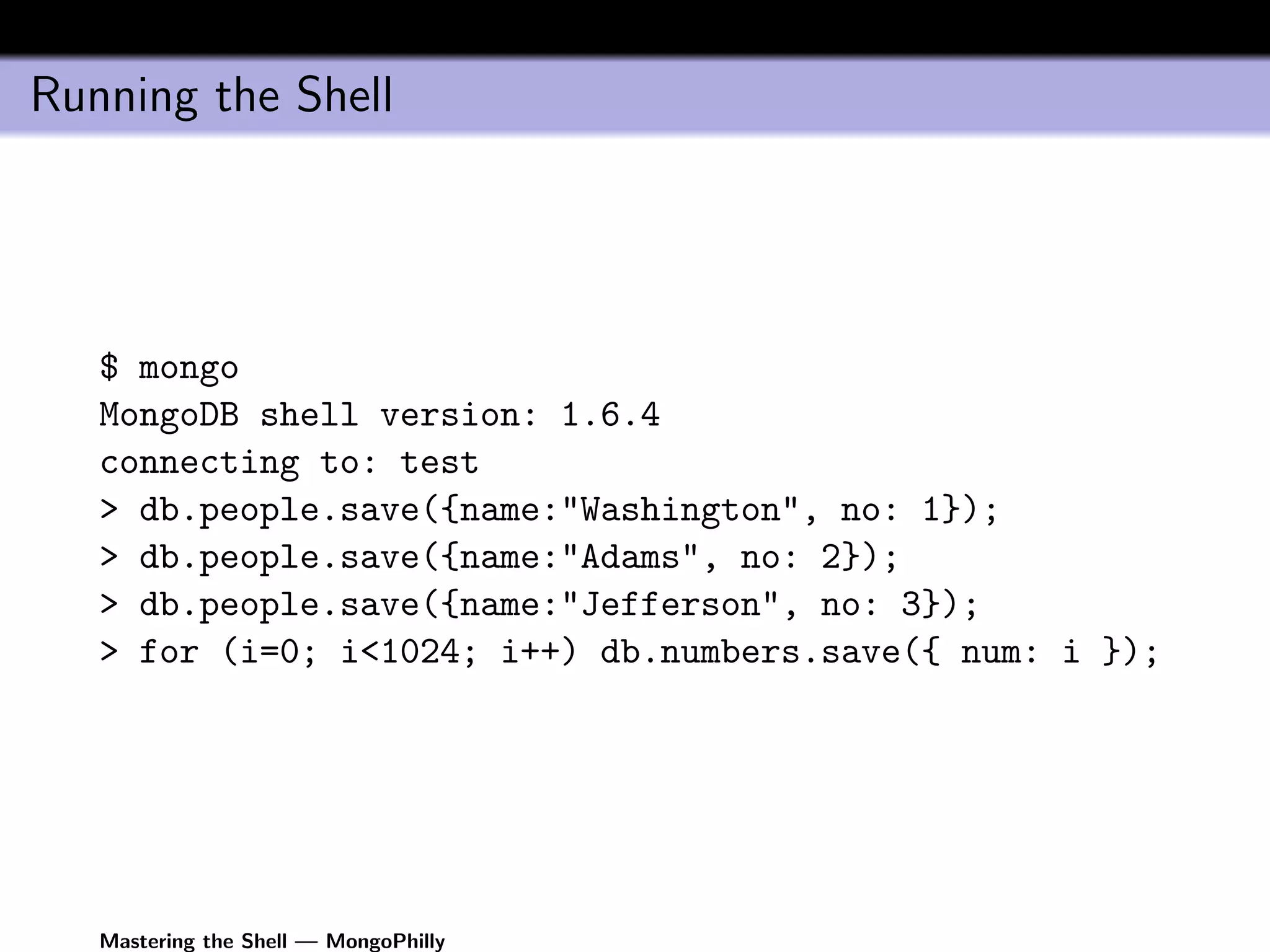
   $ mongo
   MongoDB shell version: 1.6.4
   connecting to: test
   > db.people.save({name:"Washington", no: 1});
   > db.people.save({name:"Adams", no: 2});
   > db.people.save({name:"Jefferson", no: 3});
   > for (i=0; i<1024; i++) db.numbers.save({ num: i });


   Mastering the Shell — MongoPhilly
Running the shell (continued)


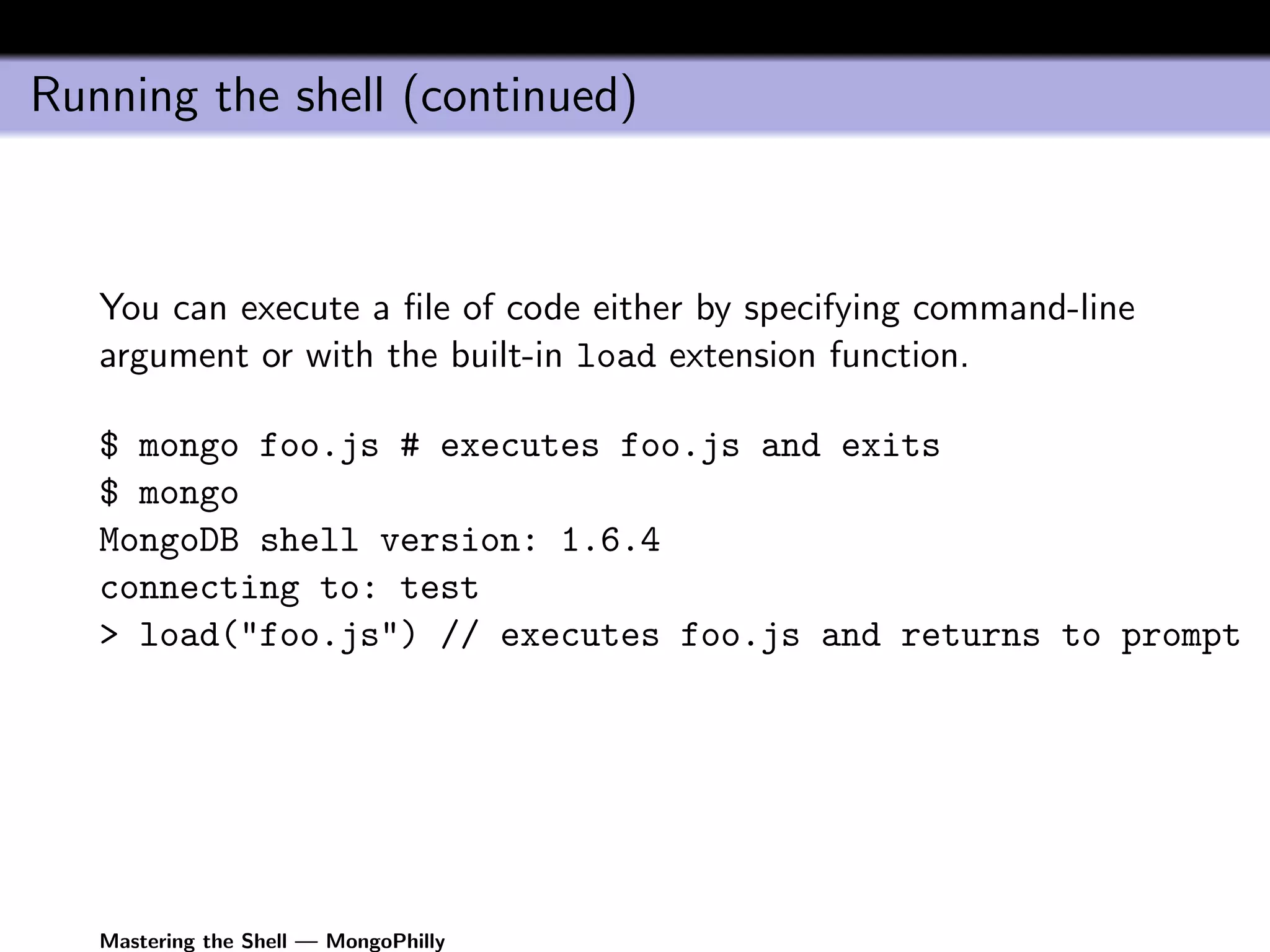
   You can execute a file of code either by specifying command-line
   argument or with the built-in load extension function.

   $ mongo foo.js # executes foo.js and exits
   $ mongo
   MongoDB shell version: 1.6.4
   connecting to: test
   > load("foo.js") // executes foo.js and returns to prompt


   Mastering the Shell — MongoPhilly
Running the shell (continued continued)


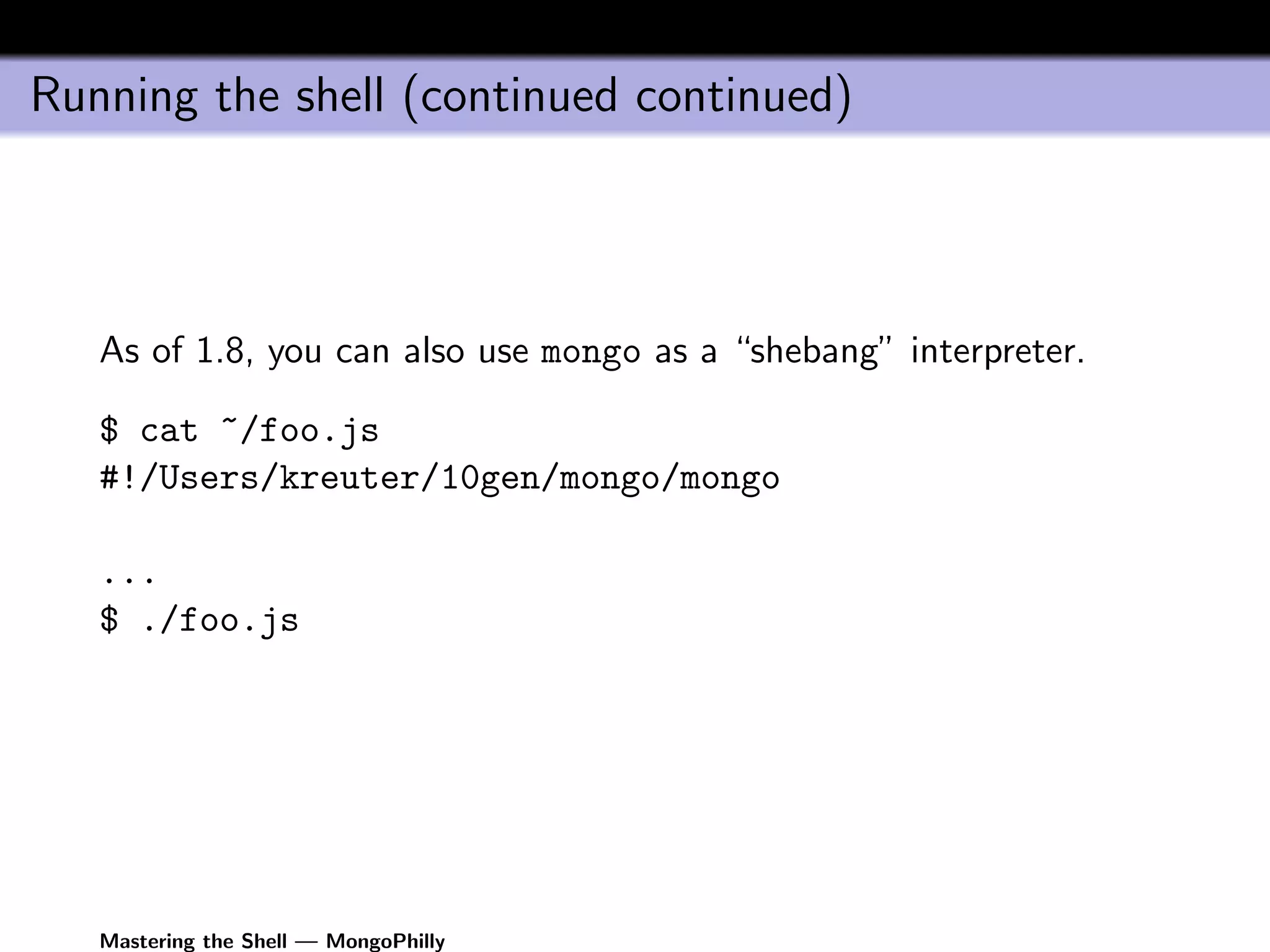
   As of 1.8, you can also use mongo as a “shebang” interpreter.

   $ cat ~/foo.js
   #!/Users/kreuter/10gen/mongo/mongo

   ...
   $ ./foo.js


   Mastering the Shell — MongoPhilly
Shell helpers


   The shell has some built-in helpers that resemble the MySQL
   shell’s.

   // Change database to "foo"
   use foo
   // List the collections in "foo"
   show collections

   Note that these helpers aren’t strictly JavaScript; they’re sort of
   preprocessors available only when the shell is run interactively.
   There are proper JavaScript methods for doing these things
   programmatically (e.g., db=db.getSisterDB("foo")).


   Mastering the Shell — MongoPhilly
Completion in interactive mode


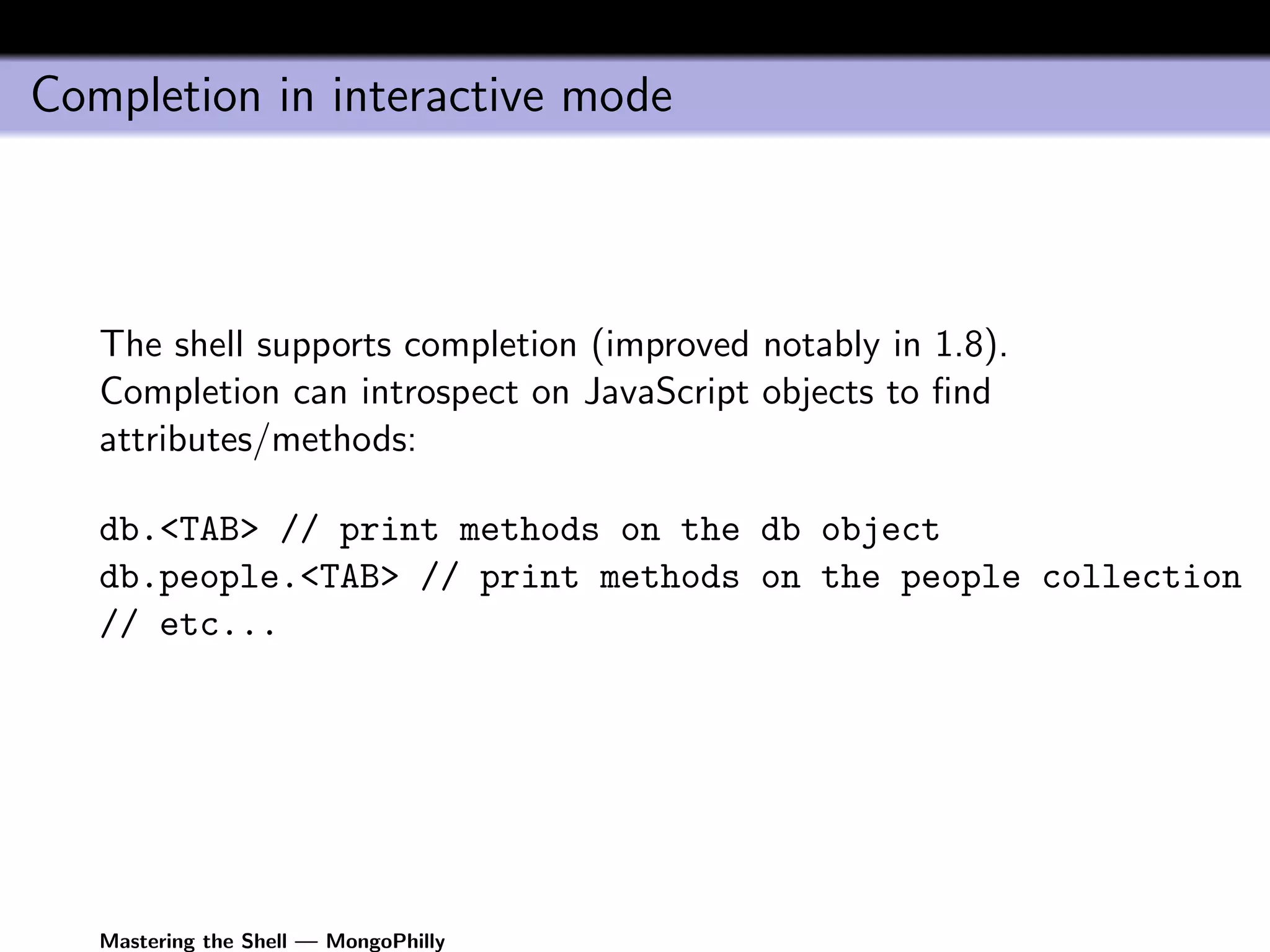
   The shell supports completion (improved notably in 1.8).
   Completion can introspect on JavaScript objects to find
   attributes/methods:

   db.<TAB> // print methods on the db object
   db.people.<TAB> // print methods on the people collection
   // etc...


   Mastering the Shell — MongoPhilly
Command-line editing


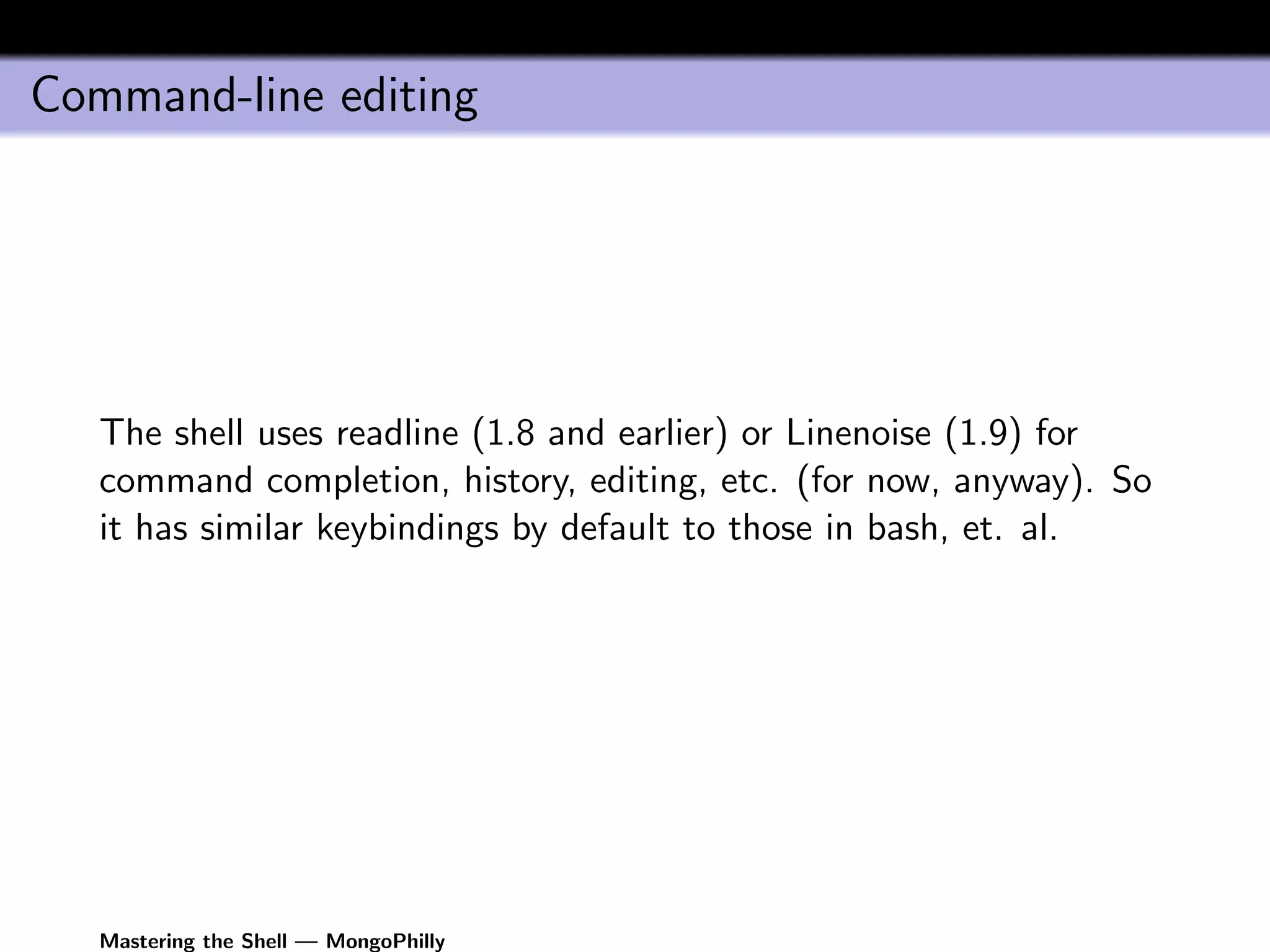
   The shell uses readline (1.8 and earlier) or Linenoise (1.9) for
   command completion, history, editing, etc. (for now, anyway). So
   it has similar keybindings by default to those in bash, et. al.


   Mastering the Shell — MongoPhilly
Getting help


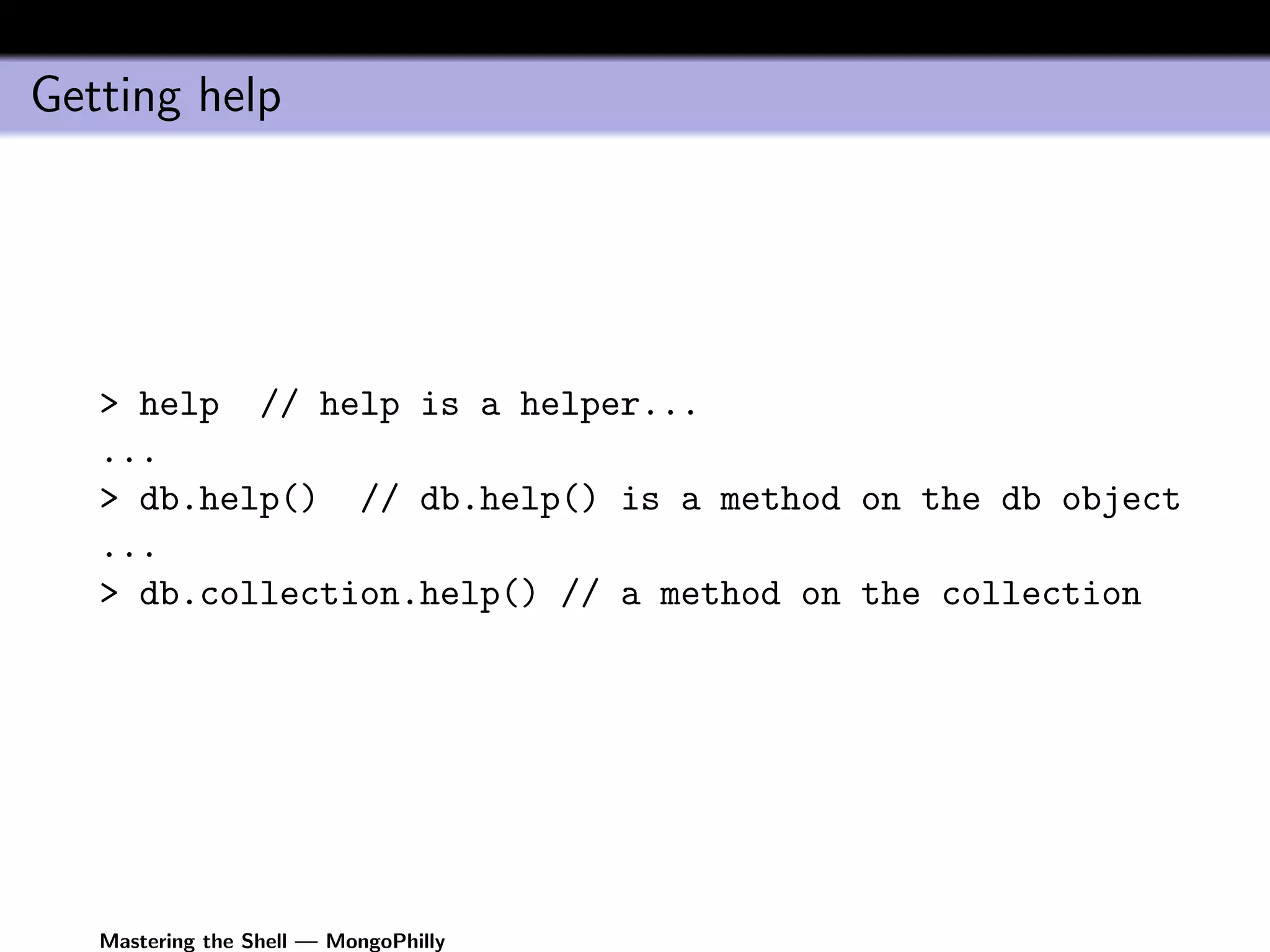
   > help // help is a helper...
   ...
   > db.help() // db.help() is a method on the db object
   ...
   > db.collection.help() // a method on the collection


   Mastering the Shell — MongoPhilly
Working with the shell


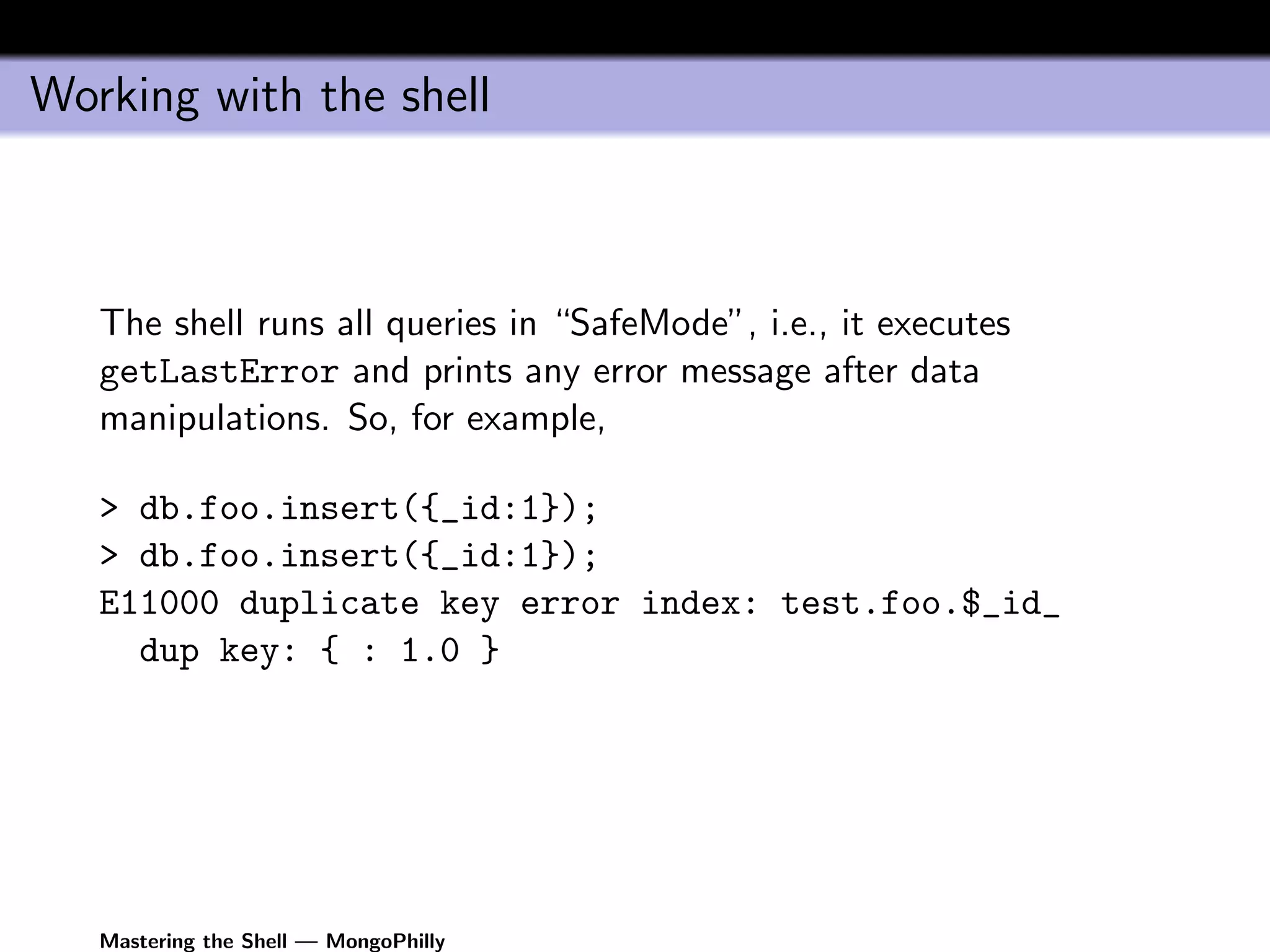
   The shell runs all queries in “SafeMode”, i.e., it executes
   getLastError and prints any error message after data
   manipulations. So, for example,

   > db.foo.insert({_id:1});
   > db.foo.insert({_id:1});
   E11000 duplicate key error index: test.foo.$_id_
     dup key: { : 1.0 }


   Mastering the Shell — MongoPhilly
Working with the shell (continued)


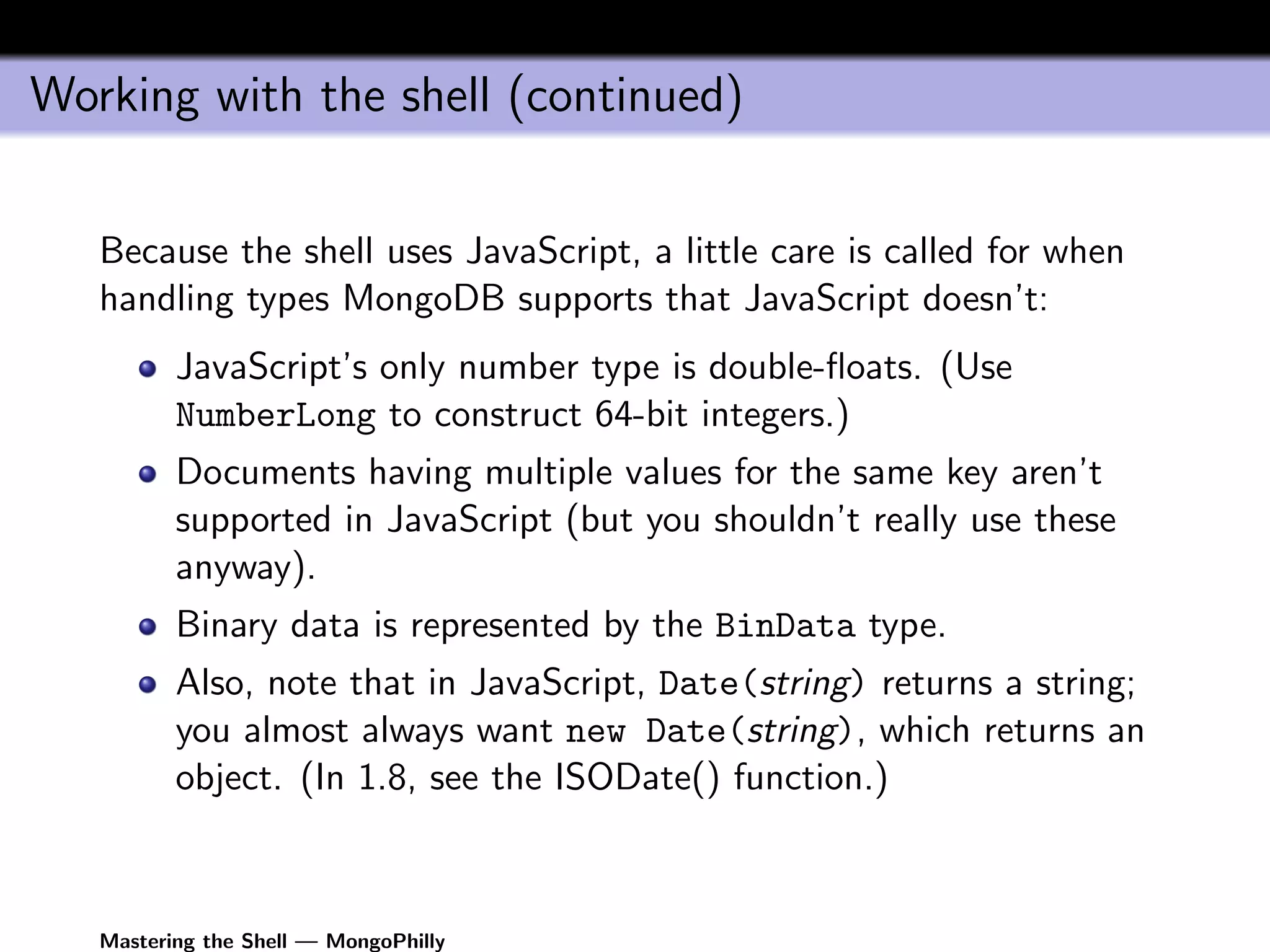
   Because the shell uses JavaScript, a little care is called for when
   handling types MongoDB supports that JavaScript doesn’t:
          JavaScript’s only number type is double-floats. (Use
          NumberLong to construct 64-bit integers.)
          Documents having multiple values for the same key aren’t
          supported in JavaScript (but you shouldn’t really use these
          anyway).
          Binary data is represented by the BinData type.
          Also, note that in JavaScript, Date(string) returns a string;
          you almost always want new Date(string), which returns an
          object. (In 1.8, see the ISODate() function.)


   Mastering the Shell — MongoPhilly
Cursors in the shell


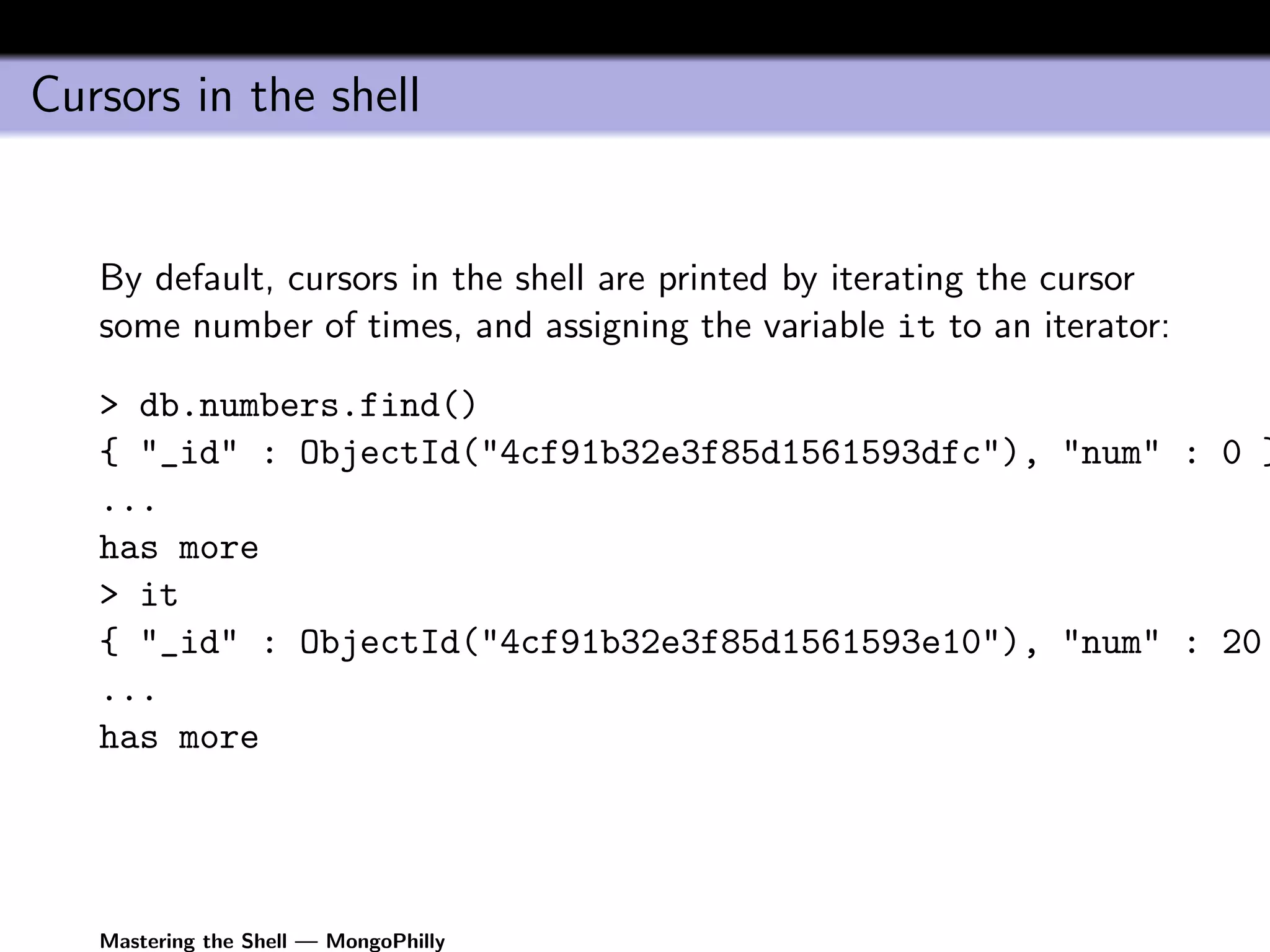
   By default, cursors in the shell are printed by iterating the cursor
   some number of times, and assigning the variable it to an iterator:

   > db.numbers.find()
   { "_id" : ObjectId("4cf91b32e3f85d1561593dfc"), "num" : 0 }
   ...
   has more
   > it
   { "_id" : ObjectId("4cf91b32e3f85d1561593e10"), "num" : 20
   ...
   has more


   Mastering the Shell — MongoPhilly
Cursors in the shell (continued)

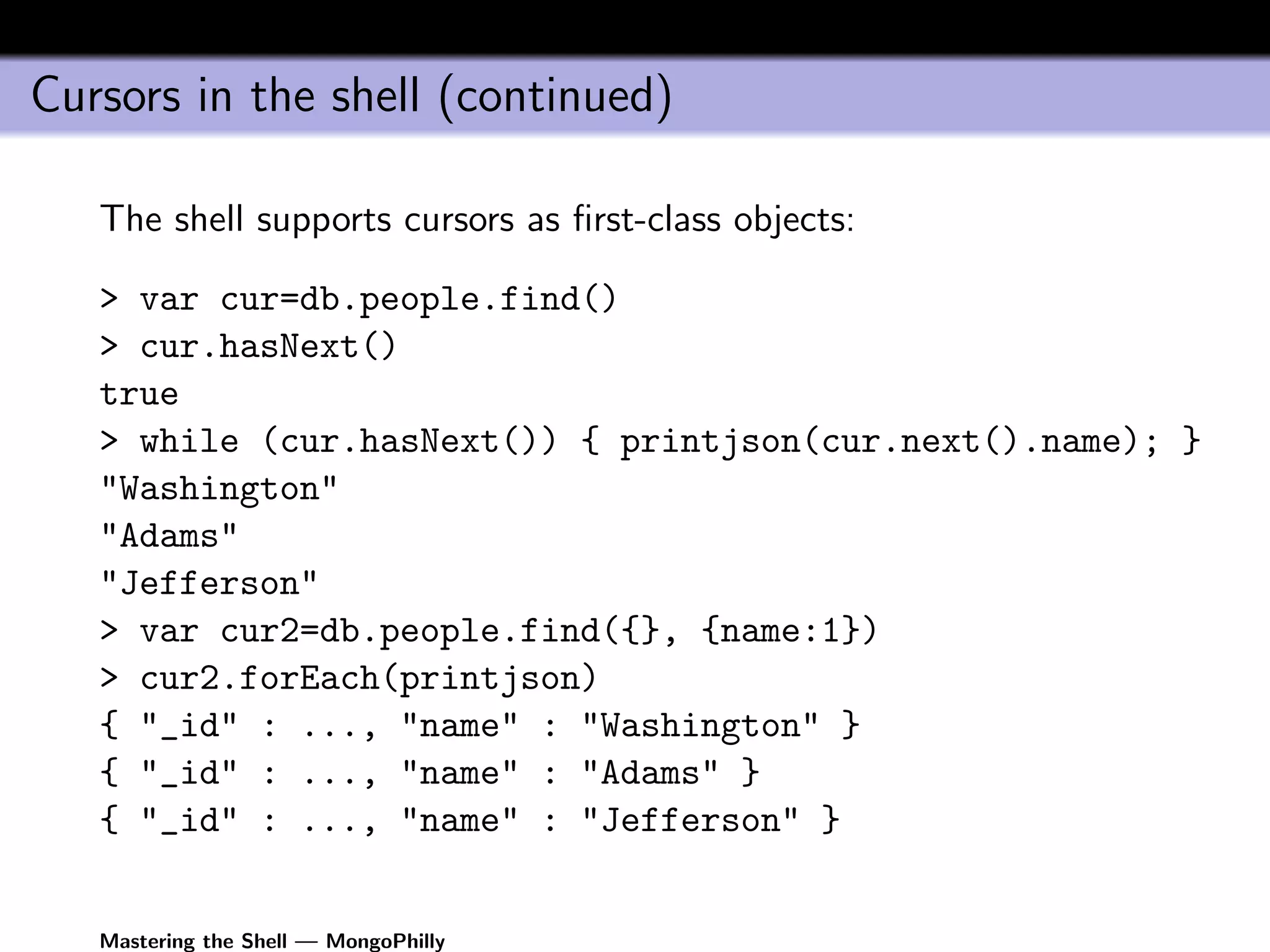
   The shell supports cursors as first-class objects:

   > var cur=db.people.find()
   > cur.hasNext()
   true
   > while (cur.hasNext()) { printjson(cur.next().name); }
   "Washington"
   "Adams"
   "Jefferson"
   > var cur2=db.people.find({}, {name:1})
   > cur2.forEach(printjson)
   { "_id" : ..., "name" : "Washington" }
   { "_id" : ..., "name" : "Adams" }
   { "_id" : ..., "name" : "Jefferson" }


   Mastering the Shell — MongoPhilly
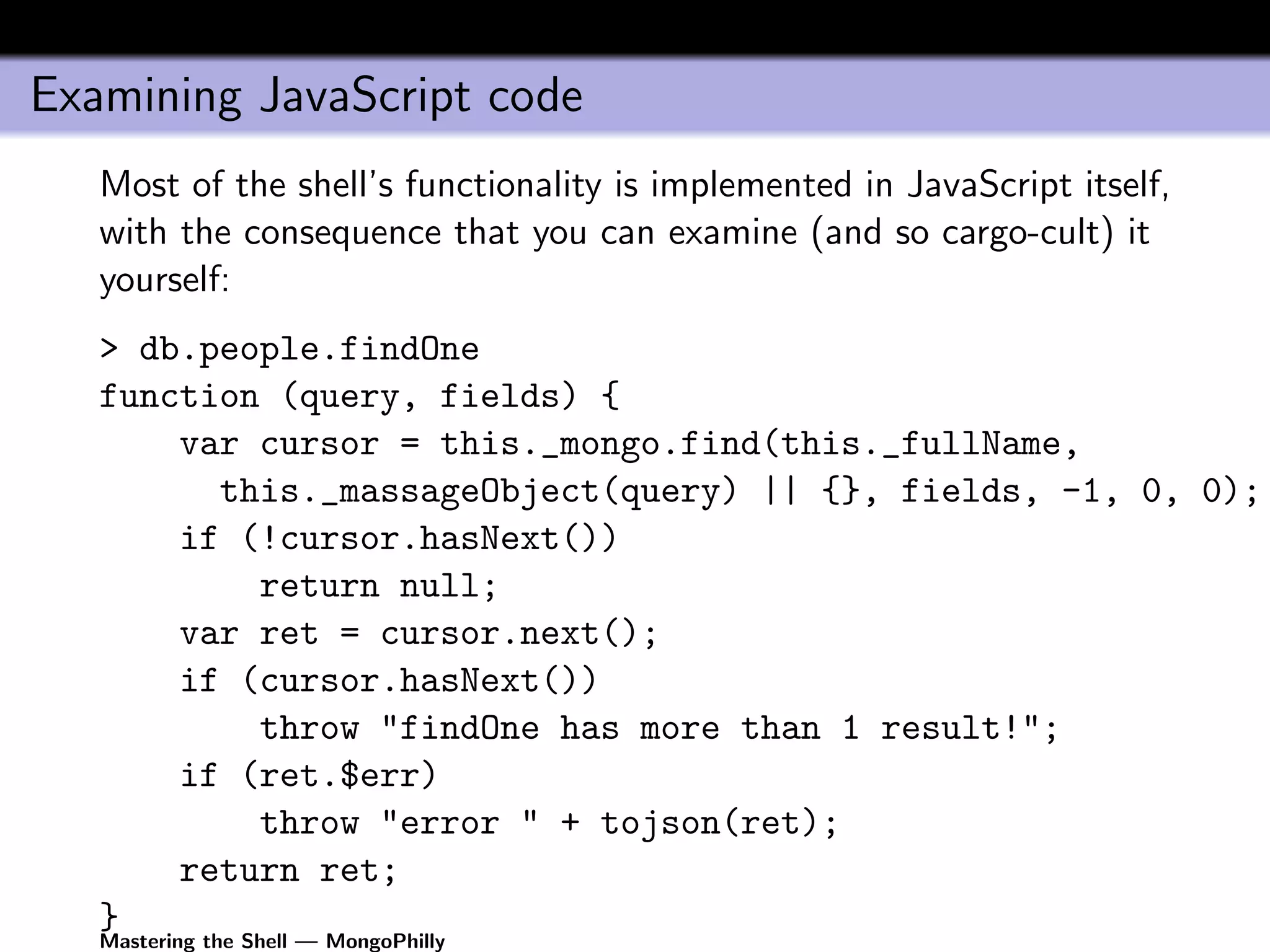
Examining JavaScript code
   Most of the shell’s functionality is implemented in JavaScript itself,
   with the consequence that you can examine (and so cargo-cult) it
   yourself:
   > db.people.findOne
   function (query, fields) {
       var cursor = this._mongo.find(this._fullName,
         this._massageObject(query) || {}, fields, -1, 0, 0);
       if (!cursor.hasNext())
           return null;
       var ret = cursor.next();
       if (cursor.hasNext())
           throw "findOne has more than 1 result!";
       if (ret.$err)
           throw "error " + tojson(ret);
       return ret;
   }
   Mastering the Shell — MongoPhilly
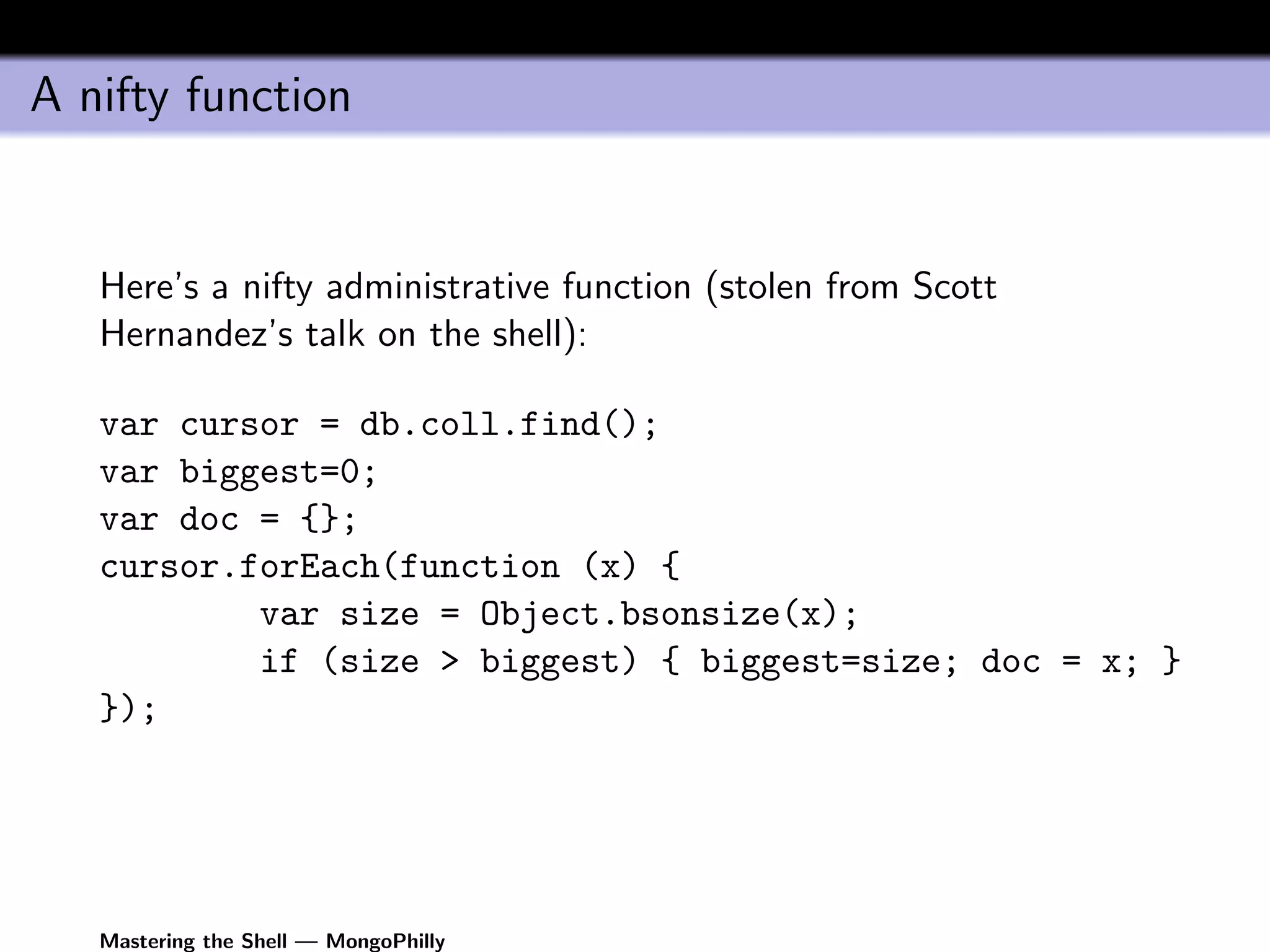
A nifty function


   Here’s a nifty administrative function (stolen from Scott
   Hernandez’s talk on the shell):

   var cursor = db.coll.find();
   var biggest=0;
   var doc = {};
   cursor.forEach(function (x) {
           var size = Object.bsonsize(x);
           if (size > biggest) { biggest=size; doc = x; }
   });


   Mastering the Shell — MongoPhilly
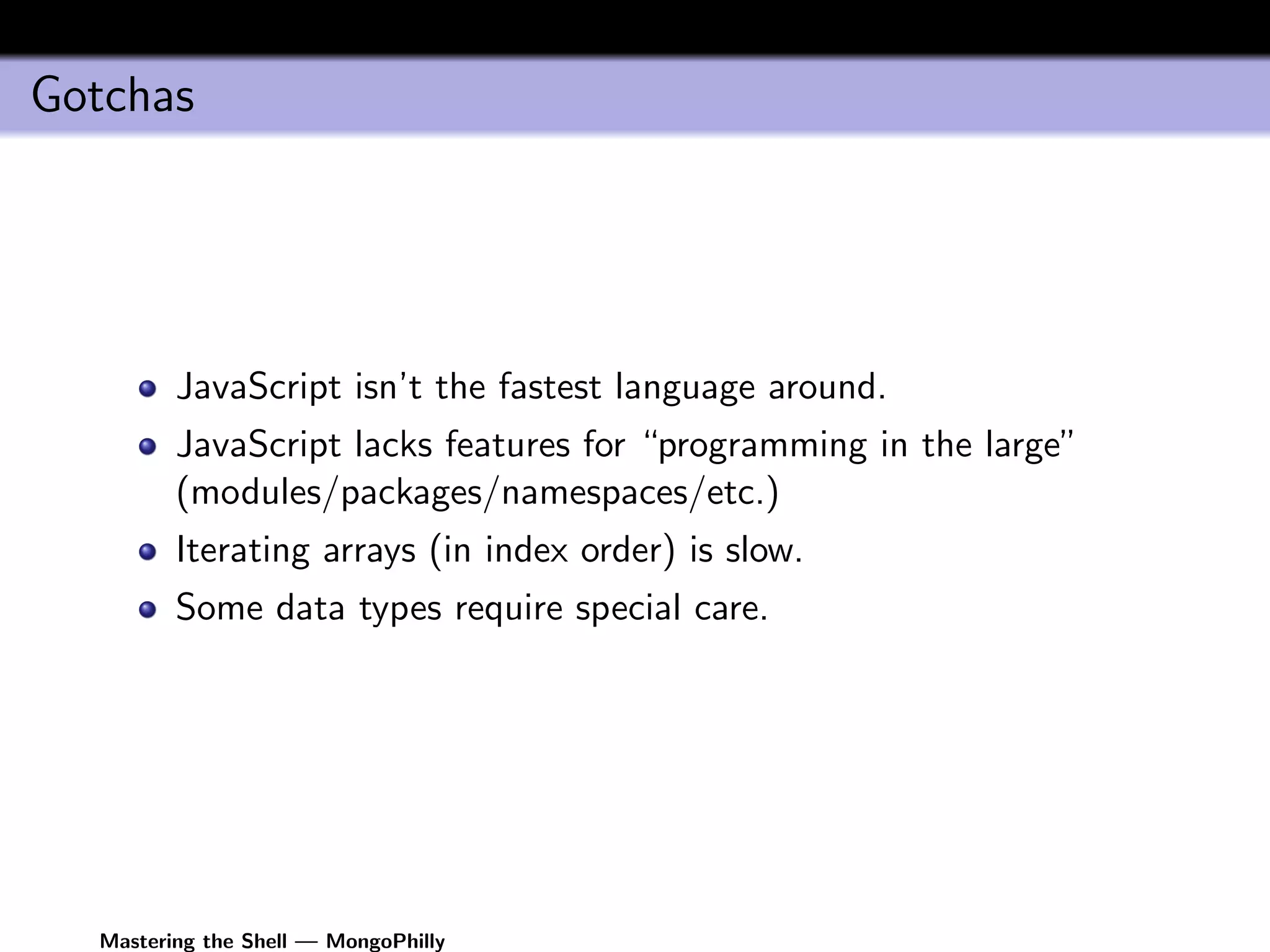
Gotchas


         JavaScript isn’t the fastest language around.
         JavaScript lacks features for “programming in the large”
         (modules/packages/namespaces/etc.)
         Iterating arrays (in index order) is slow.
         Some data types require special care.


  Mastering the Shell — MongoPhilly
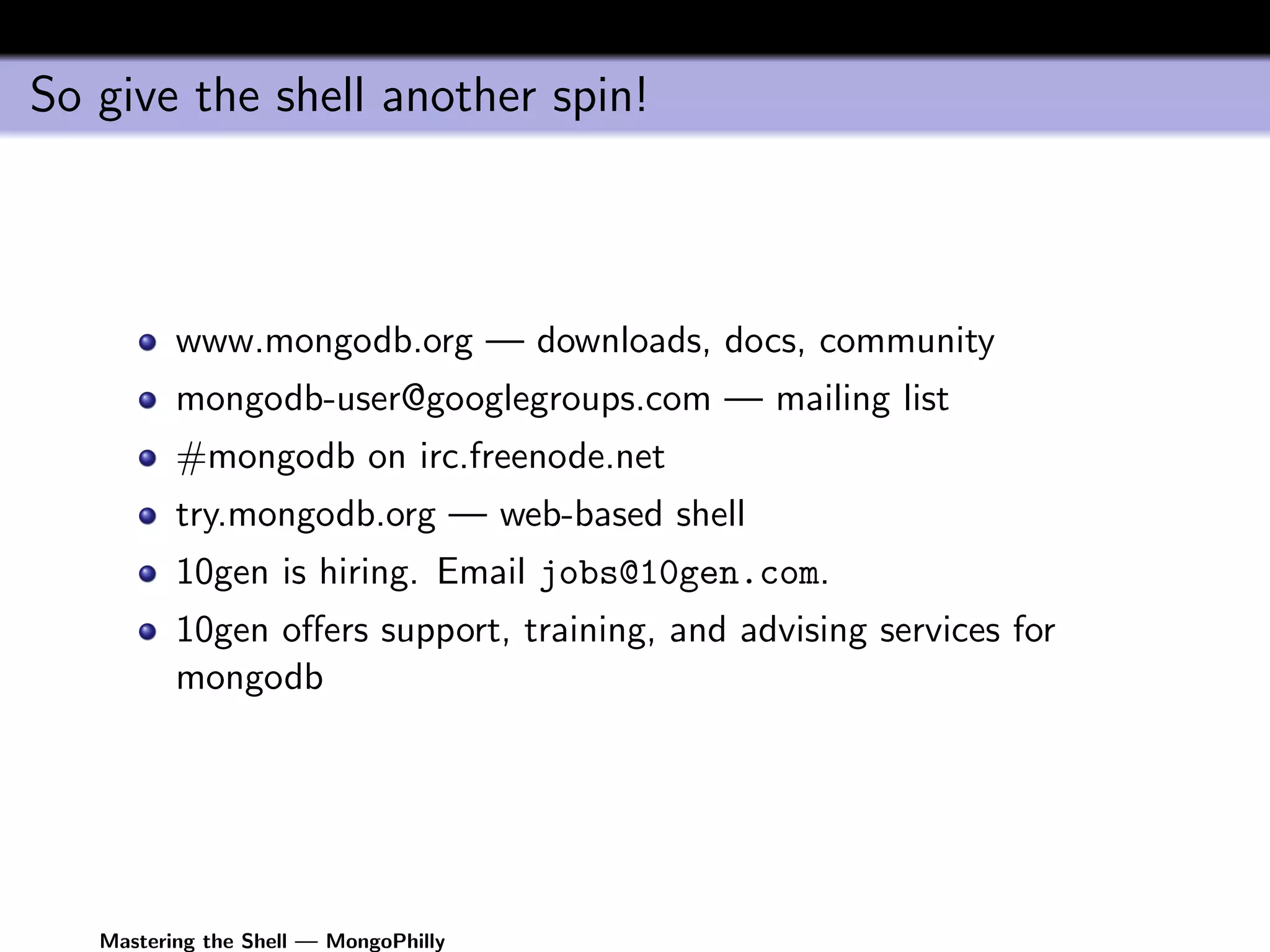
So give the shell another spin!


          www.mongodb.org — downloads, docs, community
          mongodb-user@googlegroups.com — mailing list
          #mongodb on irc.freenode.net
          try.mongodb.org — web-based shell
          10gen is hiring. Email jobs@10gen.com.
          10gen offers support, training, and advising services for
          mongodb


   Mastering the Shell — MongoPhilly

Mongophilly shell-2011-04-26

  • 1.
    Mastering the Shell— MongoPhilly Richard M Kreuter 10gen Inc. richard@10gen.com April 26, 2011 Mastering the Shell — MongoPhilly
  • 2.
    The Mongo Shell What is the shell? The mongo shell is a JavaScript interpreter with built-in support for MongoDB connectivity. Mastering the Shell — MongoPhilly
  • 3.
    What’s the shellgood for? Interactive development/prototyping. Test scripting (cf. MongoDB’s own regression framework). Administrative operations, lightweight scripting. Learning MongoDB (and teaching it, too). Mastering the Shell — MongoPhilly
  • 4.
    Running the Shell $ mongo MongoDB shell version: 1.6.4 connecting to: test > db.people.save({name:"Washington", no: 1}); > db.people.save({name:"Adams", no: 2}); > db.people.save({name:"Jefferson", no: 3}); > for (i=0; i<1024; i++) db.numbers.save({ num: i }); Mastering the Shell — MongoPhilly
  • 5.
    Running the shell(continued) You can execute a file of code either by specifying command-line argument or with the built-in load extension function. $ mongo foo.js # executes foo.js and exits $ mongo MongoDB shell version: 1.6.4 connecting to: test > load("foo.js") // executes foo.js and returns to prompt Mastering the Shell — MongoPhilly
  • 6.
    Running the shell(continued continued) As of 1.8, you can also use mongo as a “shebang” interpreter. $ cat ~/foo.js #!/Users/kreuter/10gen/mongo/mongo ... $ ./foo.js Mastering the Shell — MongoPhilly
  • 7.
    Shell helpers The shell has some built-in helpers that resemble the MySQL shell’s. // Change database to "foo" use foo // List the collections in "foo" show collections Note that these helpers aren’t strictly JavaScript; they’re sort of preprocessors available only when the shell is run interactively. There are proper JavaScript methods for doing these things programmatically (e.g., db=db.getSisterDB("foo")). Mastering the Shell — MongoPhilly
  • 8.
    Completion in interactivemode The shell supports completion (improved notably in 1.8). Completion can introspect on JavaScript objects to find attributes/methods: db.<TAB> // print methods on the db object db.people.<TAB> // print methods on the people collection // etc... Mastering the Shell — MongoPhilly
  • 9.
    Command-line editing The shell uses readline (1.8 and earlier) or Linenoise (1.9) for command completion, history, editing, etc. (for now, anyway). So it has similar keybindings by default to those in bash, et. al. Mastering the Shell — MongoPhilly
  • 10.
    Getting help > help // help is a helper... ... > db.help() // db.help() is a method on the db object ... > db.collection.help() // a method on the collection Mastering the Shell — MongoPhilly
  • 11.
    Working with theshell The shell runs all queries in “SafeMode”, i.e., it executes getLastError and prints any error message after data manipulations. So, for example, > db.foo.insert({_id:1}); > db.foo.insert({_id:1}); E11000 duplicate key error index: test.foo.$_id_ dup key: { : 1.0 } Mastering the Shell — MongoPhilly
  • 12.
    Working with theshell (continued) Because the shell uses JavaScript, a little care is called for when handling types MongoDB supports that JavaScript doesn’t: JavaScript’s only number type is double-floats. (Use NumberLong to construct 64-bit integers.) Documents having multiple values for the same key aren’t supported in JavaScript (but you shouldn’t really use these anyway). Binary data is represented by the BinData type. Also, note that in JavaScript, Date(string) returns a string; you almost always want new Date(string), which returns an object. (In 1.8, see the ISODate() function.) Mastering the Shell — MongoPhilly
  • 13.
    Cursors in theshell By default, cursors in the shell are printed by iterating the cursor some number of times, and assigning the variable it to an iterator: > db.numbers.find() { "_id" : ObjectId("4cf91b32e3f85d1561593dfc"), "num" : 0 } ... has more > it { "_id" : ObjectId("4cf91b32e3f85d1561593e10"), "num" : 20 ... has more Mastering the Shell — MongoPhilly
  • 14.
    Cursors in theshell (continued) The shell supports cursors as first-class objects: > var cur=db.people.find() > cur.hasNext() true > while (cur.hasNext()) { printjson(cur.next().name); } "Washington" "Adams" "Jefferson" > var cur2=db.people.find({}, {name:1}) > cur2.forEach(printjson) { "_id" : ..., "name" : "Washington" } { "_id" : ..., "name" : "Adams" } { "_id" : ..., "name" : "Jefferson" } Mastering the Shell — MongoPhilly
  • 15.
    Examining JavaScript code Most of the shell’s functionality is implemented in JavaScript itself, with the consequence that you can examine (and so cargo-cult) it yourself: > db.people.findOne function (query, fields) { var cursor = this._mongo.find(this._fullName, this._massageObject(query) || {}, fields, -1, 0, 0); if (!cursor.hasNext()) return null; var ret = cursor.next(); if (cursor.hasNext()) throw "findOne has more than 1 result!"; if (ret.$err) throw "error " + tojson(ret); return ret; } Mastering the Shell — MongoPhilly
  • 16.
    A nifty function Here’s a nifty administrative function (stolen from Scott Hernandez’s talk on the shell): var cursor = db.coll.find(); var biggest=0; var doc = {}; cursor.forEach(function (x) { var size = Object.bsonsize(x); if (size > biggest) { biggest=size; doc = x; } }); Mastering the Shell — MongoPhilly
  • 17.
    Gotchas JavaScript isn’t the fastest language around. JavaScript lacks features for “programming in the large” (modules/packages/namespaces/etc.) Iterating arrays (in index order) is slow. Some data types require special care. Mastering the Shell — MongoPhilly
  • 18.
    So give theshell another spin! www.mongodb.org — downloads, docs, community mongodb-user@googlegroups.com — mailing list #mongodb on irc.freenode.net try.mongodb.org — web-based shell 10gen is hiring. Email jobs@10gen.com. 10gen offers support, training, and advising services for mongodb Mastering the Shell — MongoPhilly