MRS. DIVYA M.PATEL (TMESICS) 2
AGENDA
• Introduction to NoSQL databases
• MongoDB system overview
• Basic querying with MongoDB shell
• Request body parsing in Express
• NodeJS MongoDB connection
• Adding and retrieving data to MongoDB from NodeJS
• Handling SQL databases from NodeJS
• Handling Cookies in NodeJS
• Handling User Authentication with NodeJS
MRS. DIVYA M.PATEL (TMESICS) 4
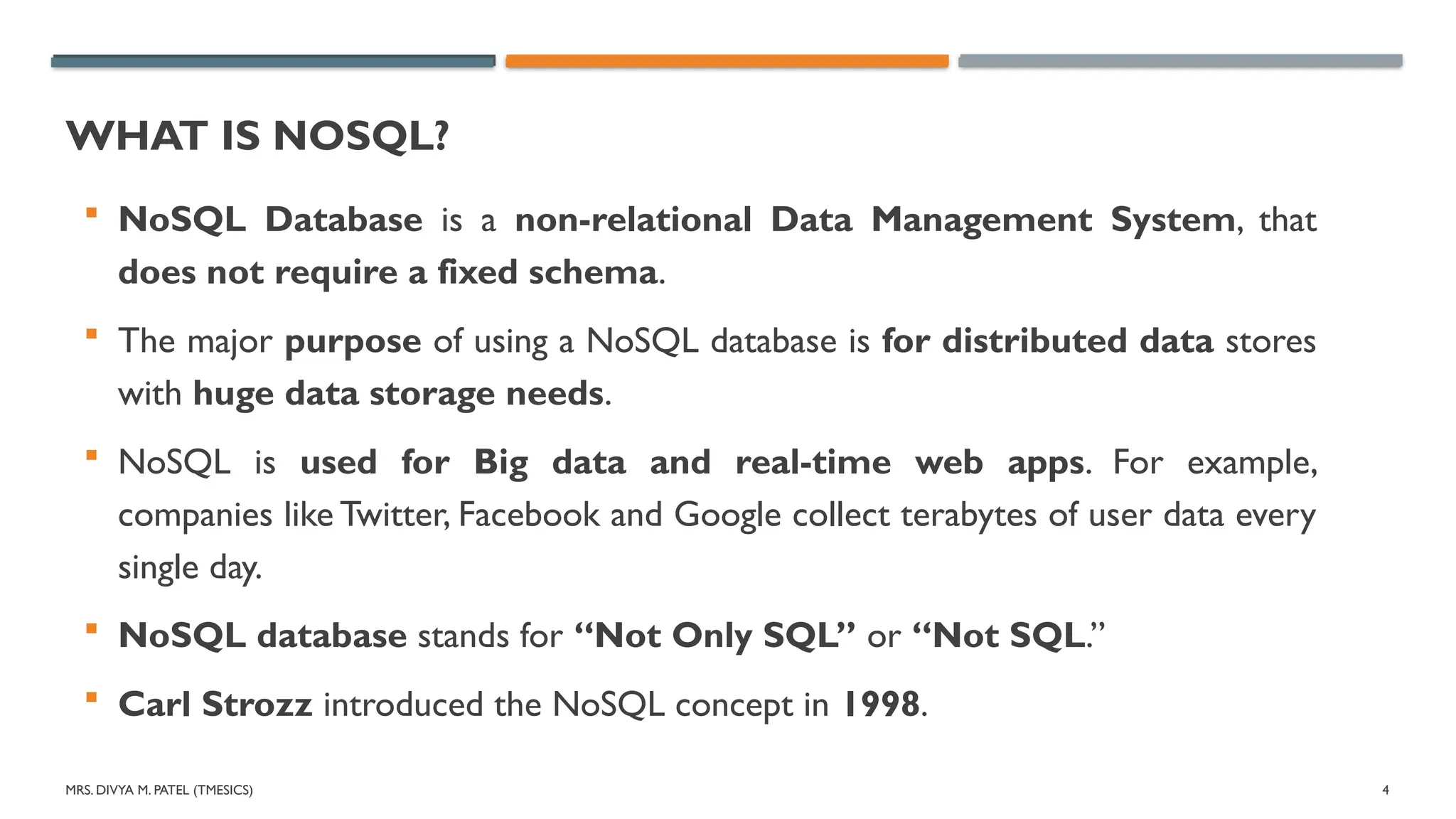
WHAT IS NOSQL?
NoSQL Database is a non-relational Data Management System, that
does not require a fixed schema.
The major purpose of using a NoSQL database is for distributed data stores
with huge data storage needs.
NoSQL is used for Big data and real-time web apps. For example,
companies like Twitter, Facebook and Google collect terabytes of user data every
single day.
NoSQL database stands for “Not Only SQL” or “Not SQL.”
Carl Strozz introduced the NoSQL concept in 1998.
5.
MRS. DIVYA M.PATEL (TMESICS) 5
WHAT IS NOSQL?
Traditional RDBMS uses SQL syntax to store and retrieve data for
further insights.
Instead, a NoSQL database system encompasses a wide range of database
technologies that can store structured, semi-structured, unstructured
and polymorphic data.
MRS. DIVYA M.PATEL (TMESICS) 7
WHY NOSQL?
The concept of NoSQL databases became popular with Internet giants
like Google, Facebook, Amazon, etc. who deal with huge volumes of
data.
The system response time becomes slow when you use RDBMS for
massive volumes of data.
To resolve this problem, we could “scale up” our systems by upgrading
our existing hardware.This process is expensive.
8.
MRS. DIVYA M.PATEL (TMESICS) 8
WHENTO GO FOR NOSQL
When you would want to choose NoSQL over relational database:
1.When you want to store and retrieve huge amount of data.
2.The relationship between the data you store is not that important
3.The data is not structured and changing over time
4. Constraints and Joins support is not required at database level
5.The data is growing continuously and you need to scale the database
regular to handle the data.
9.
MRS. DIVYA M.PATEL (TMESICS) 9
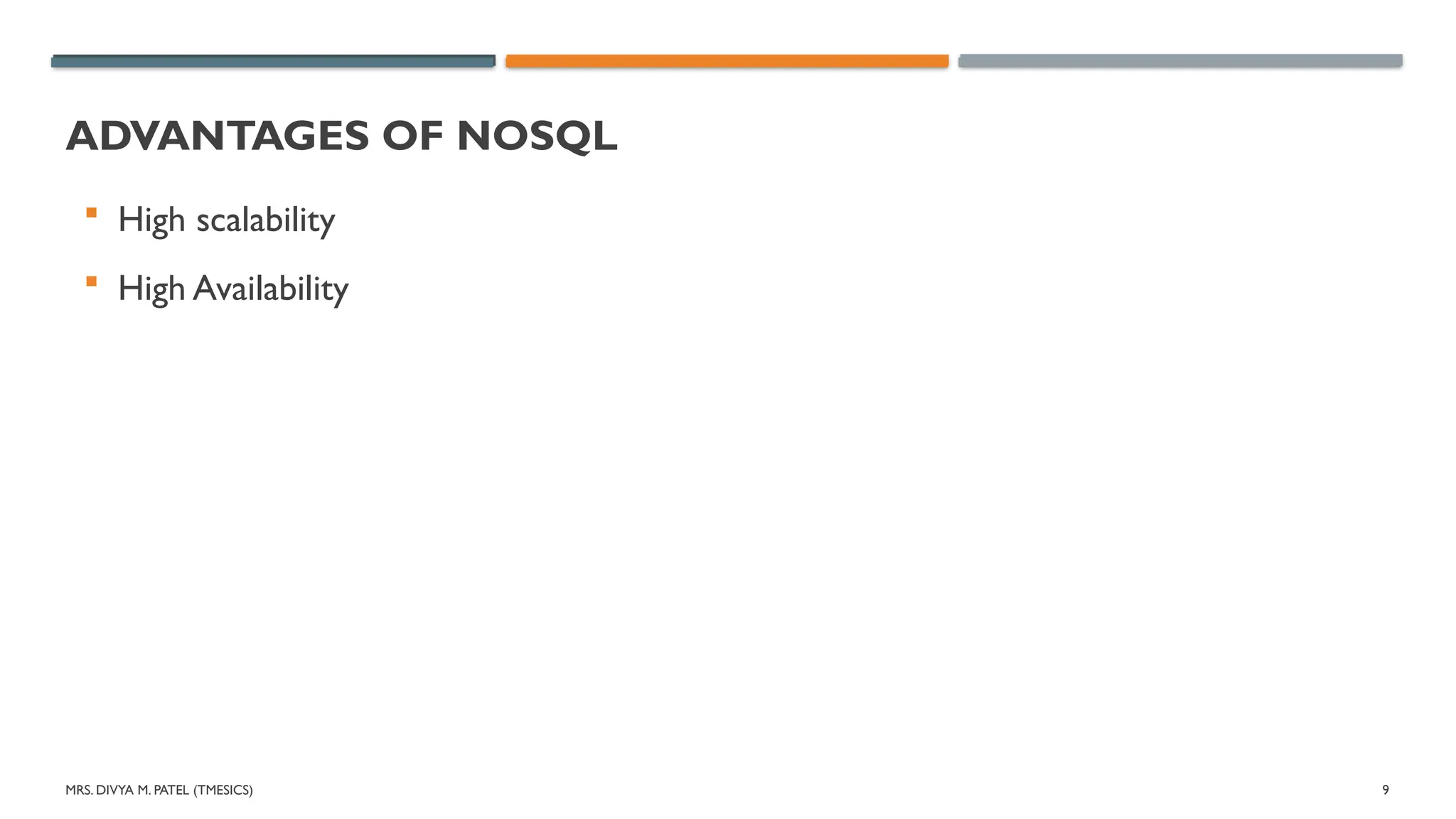
ADVANTAGES OF NOSQL
High scalability
High Availability
10.
MRS. DIVYA M.PATEL (TMESICS) 10
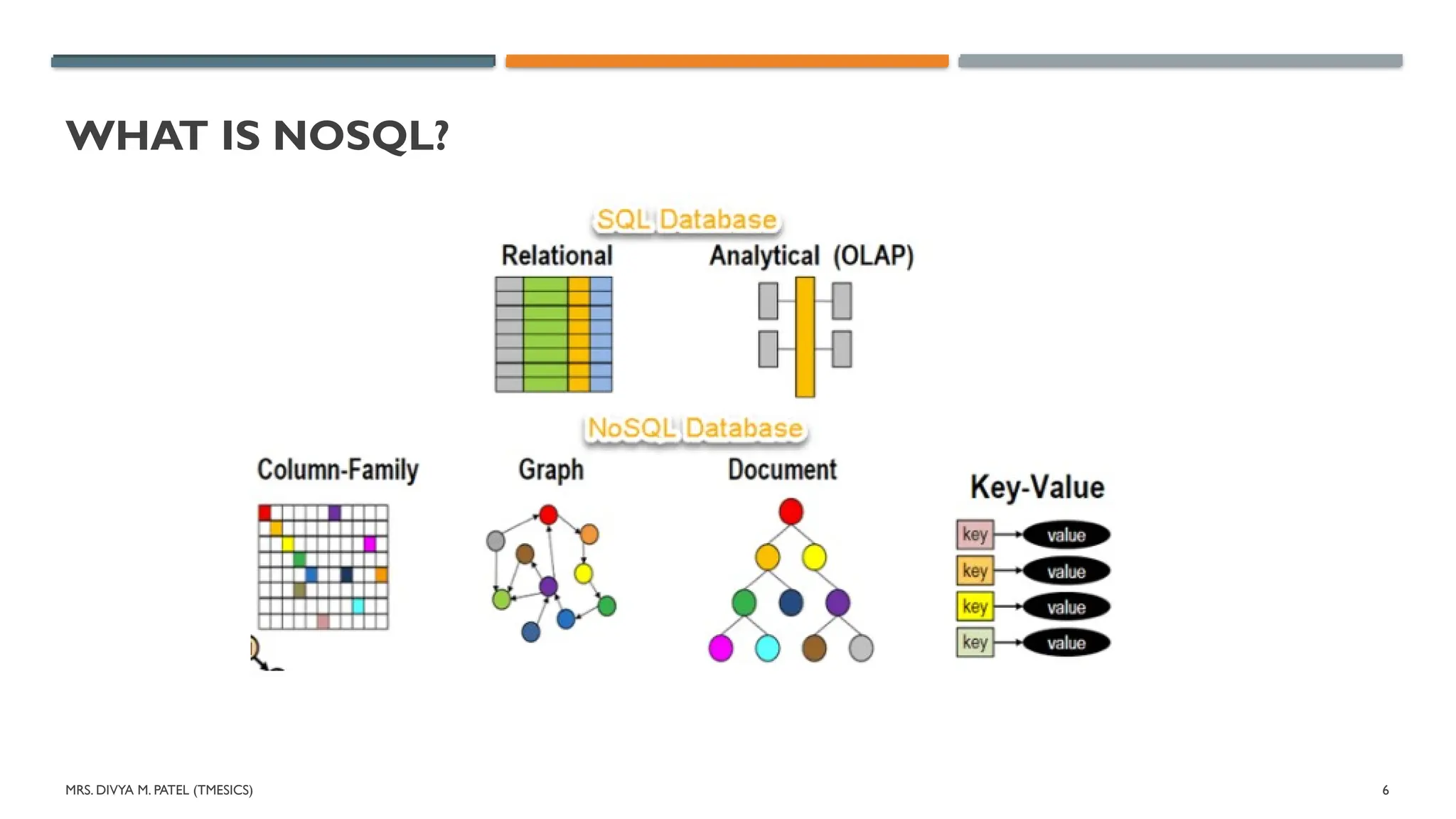
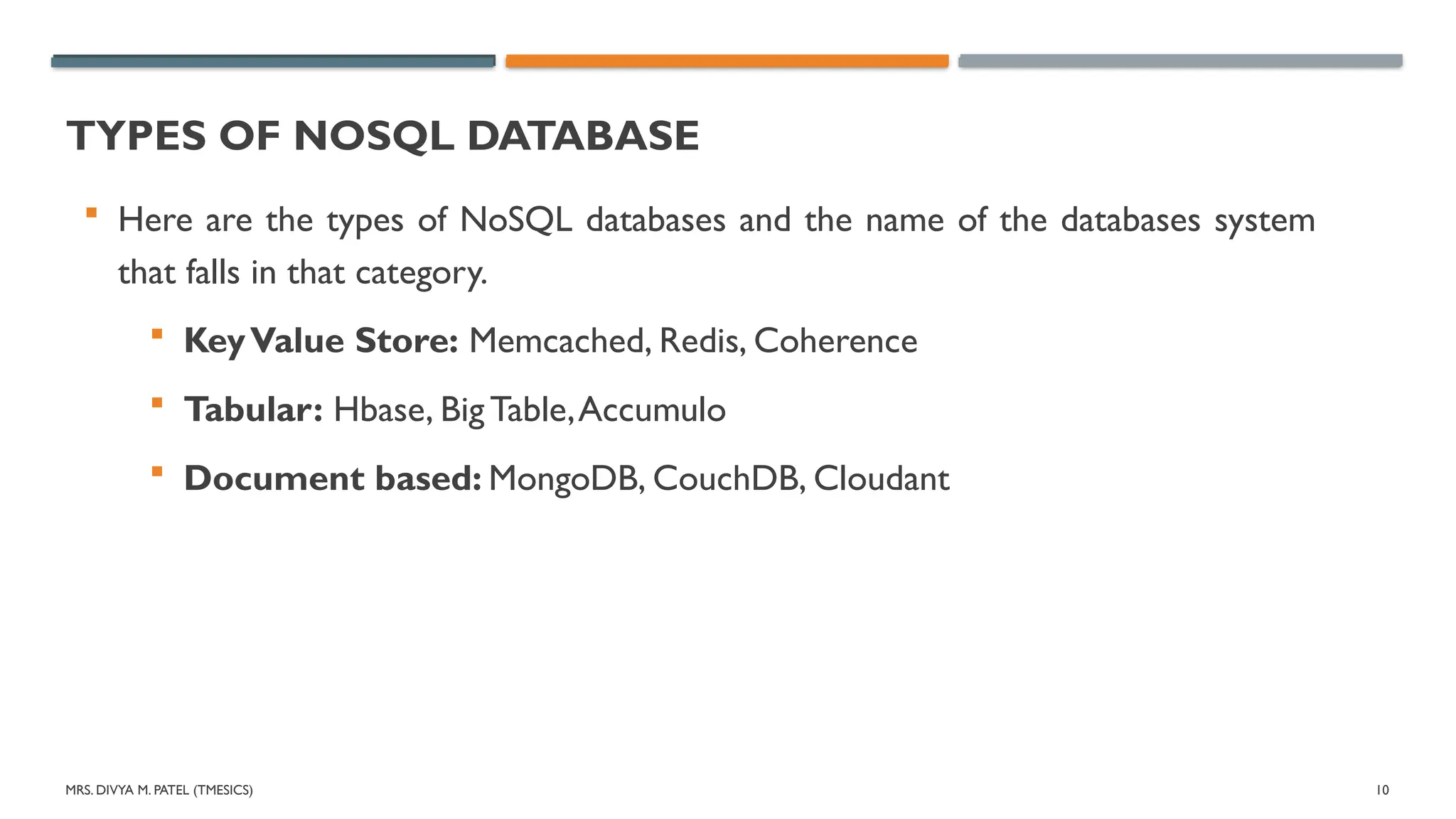
TYPES OF NOSQL DATABASE
Here are the types of NoSQL databases and the name of the databases system
that falls in that category.
KeyValue Store: Memcached, Redis, Coherence
Tabular: Hbase, Big Table,Accumulo
Document based: MongoDB, CouchDB, Cloudant
MRS. DIVYA M.PATEL (TMESICS) 12
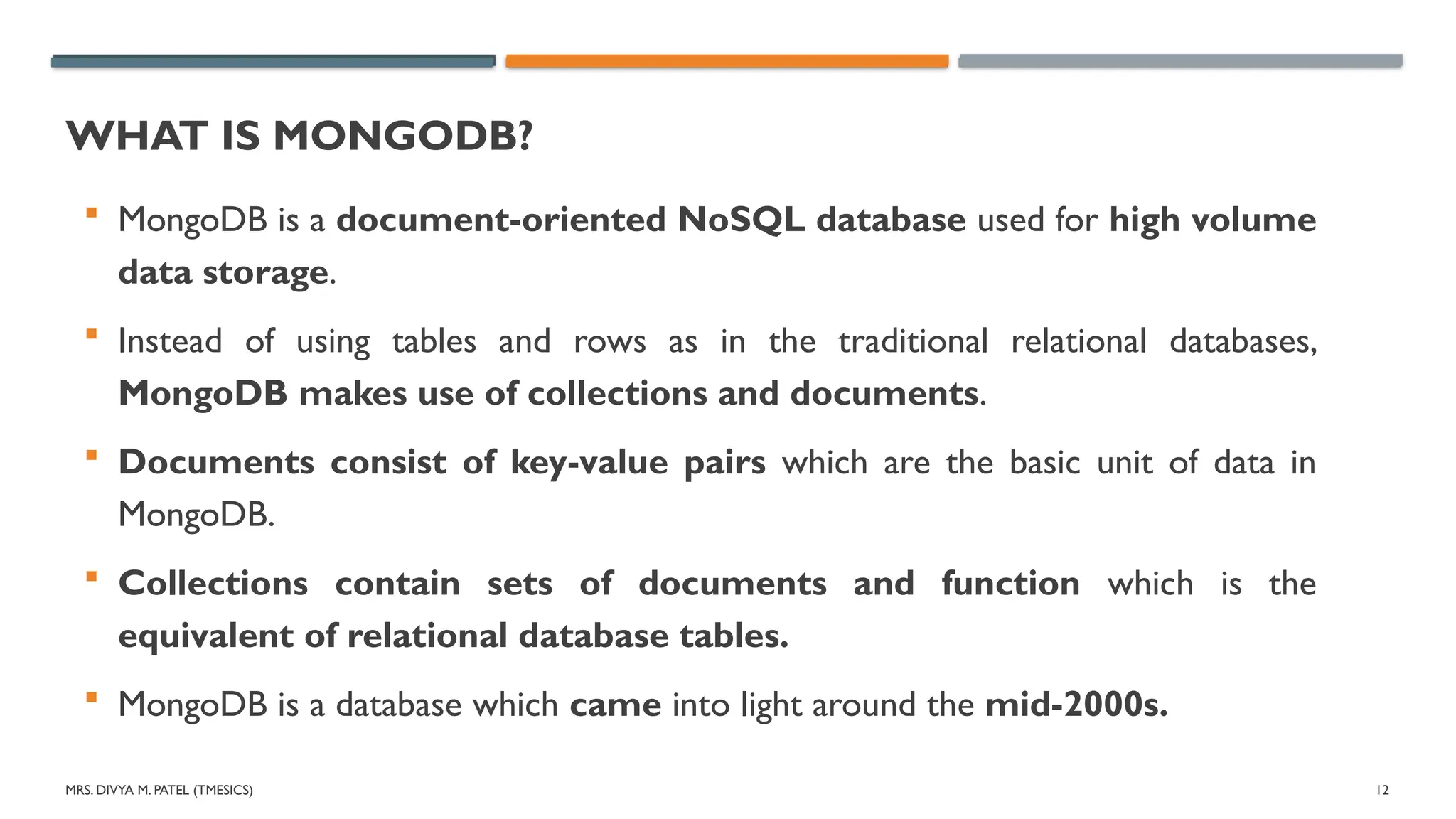
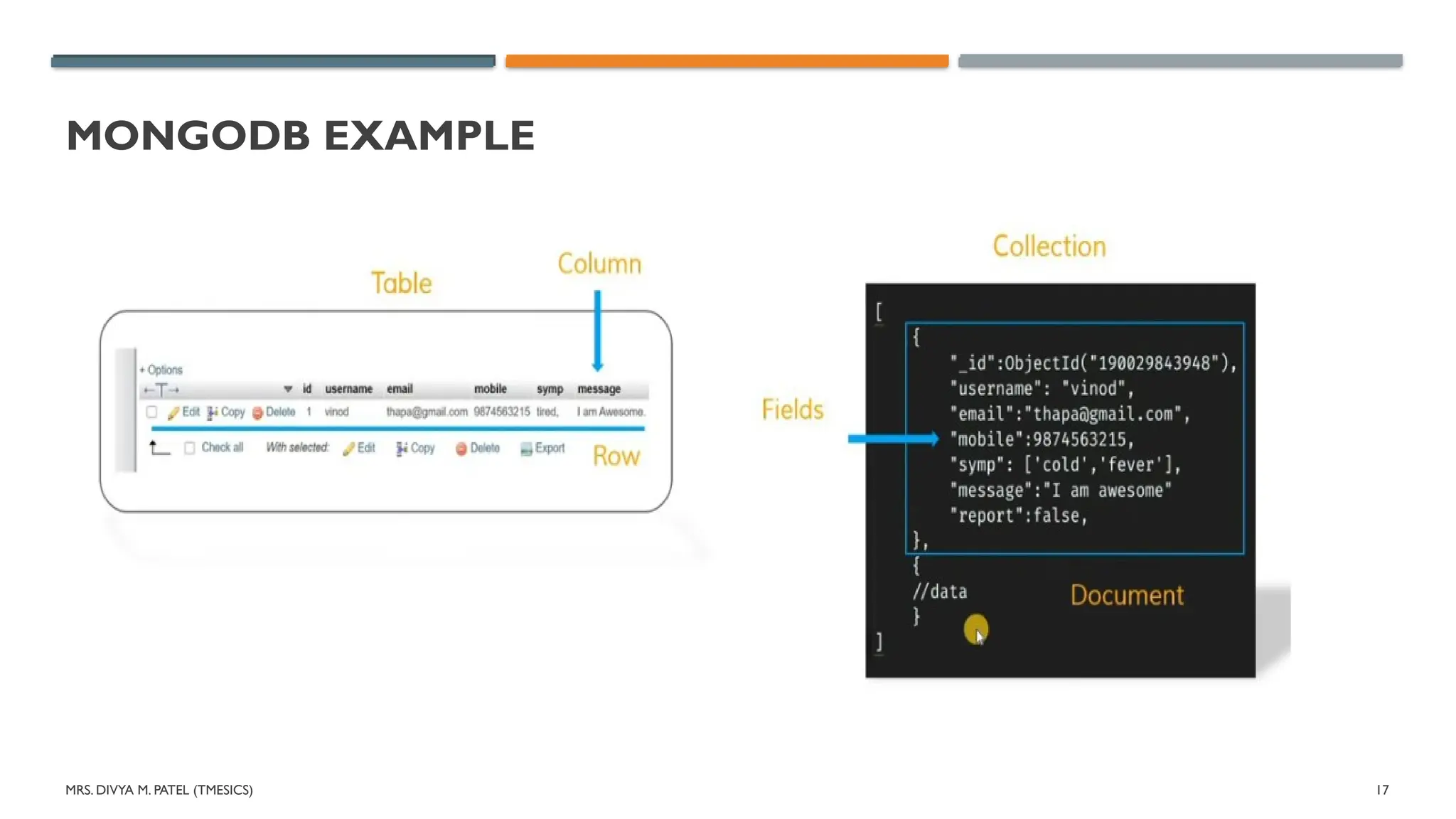
WHAT IS MONGODB?
MongoDB is a document-oriented NoSQL database used for high volume
data storage.
Instead of using tables and rows as in the traditional relational databases,
MongoDB makes use of collections and documents.
Documents consist of key-value pairs which are the basic unit of data in
MongoDB.
Collections contain sets of documents and function which is the
equivalent of relational database tables.
MongoDB is a database which came into light around the mid-2000s.
13.
MRS. DIVYA M.PATEL (TMESICS) 13
MONGODB FEATURES
MongoDB is a document-oriented, schema-less database that stores data in
JSON-like BSON documents. It has many features, including:
1. Sharding
2. Horizontal scalability
3. High availability
4. Aggregation framework
5. Fast read/write operations
6. Time series collections
7. Data validation
14.
MRS. DIVYA M.PATEL (TMESICS) 14
KEY COMPONENTS OF MONGODB ARCHITECTURE
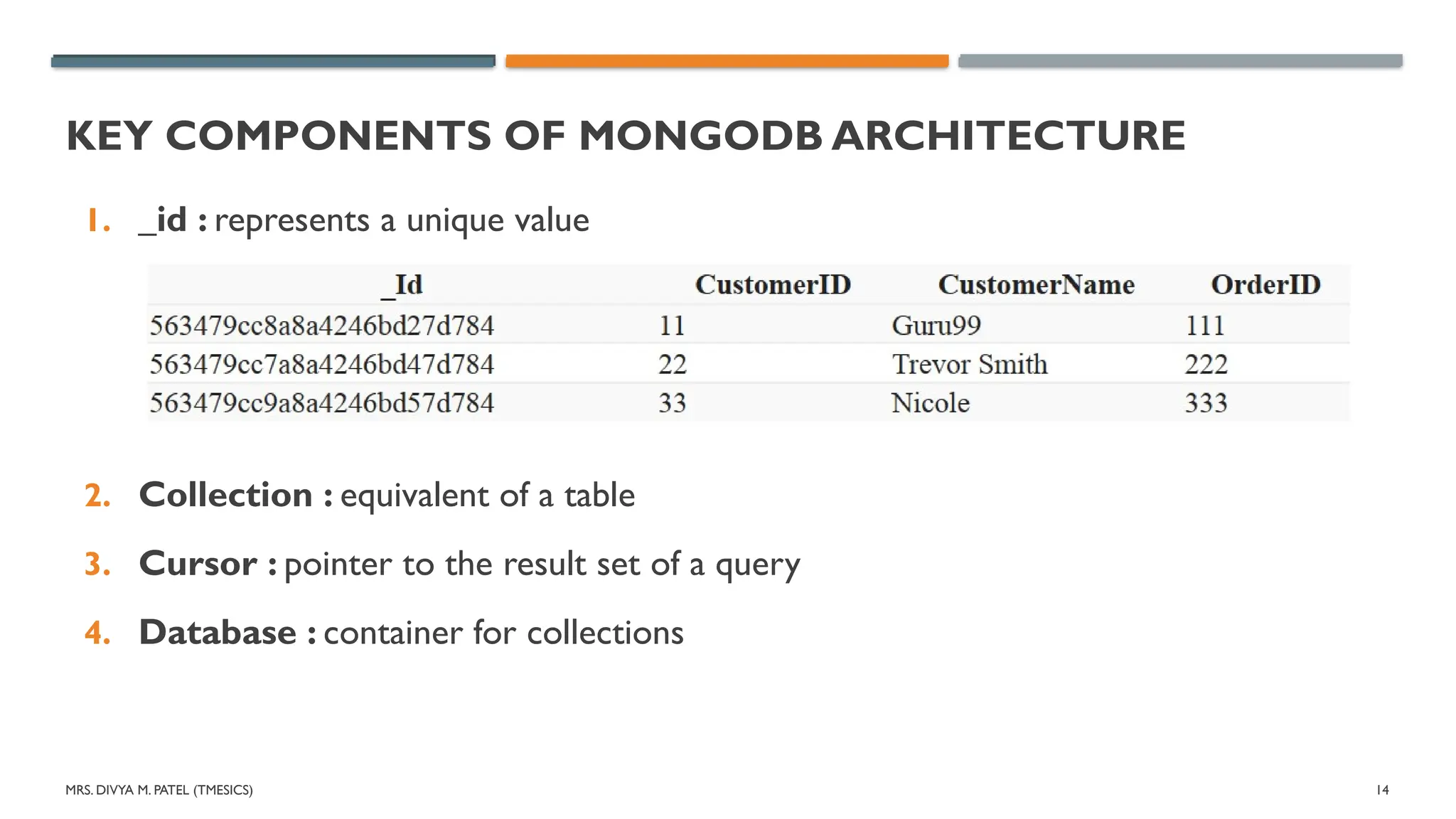
1. _id : represents a unique value
2. Collection : equivalent of a table
3. Cursor : pointer to the result set of a query
4. Database : container for collections
15.
MRS. DIVYA M.PATEL (TMESICS) 15
KEY COMPONENTS OF MONGODB ARCHITECTURE
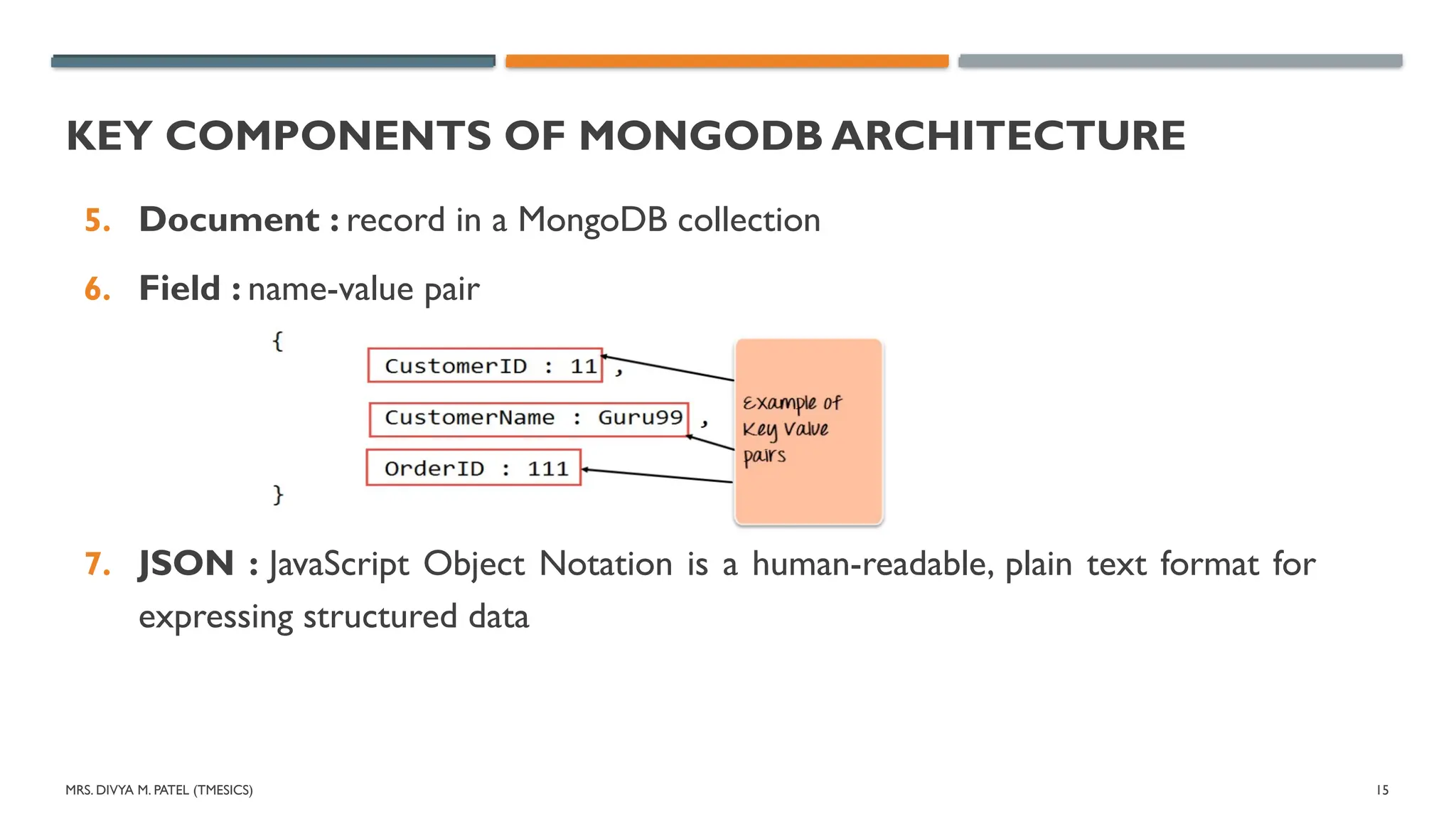
5. Document : record in a MongoDB collection
6. Field : name-value pair
7. JSON : JavaScript Object Notation is a human-readable, plain text format for
expressing structured data
16.
MRS. DIVYA M.PATEL (TMESICS) 16
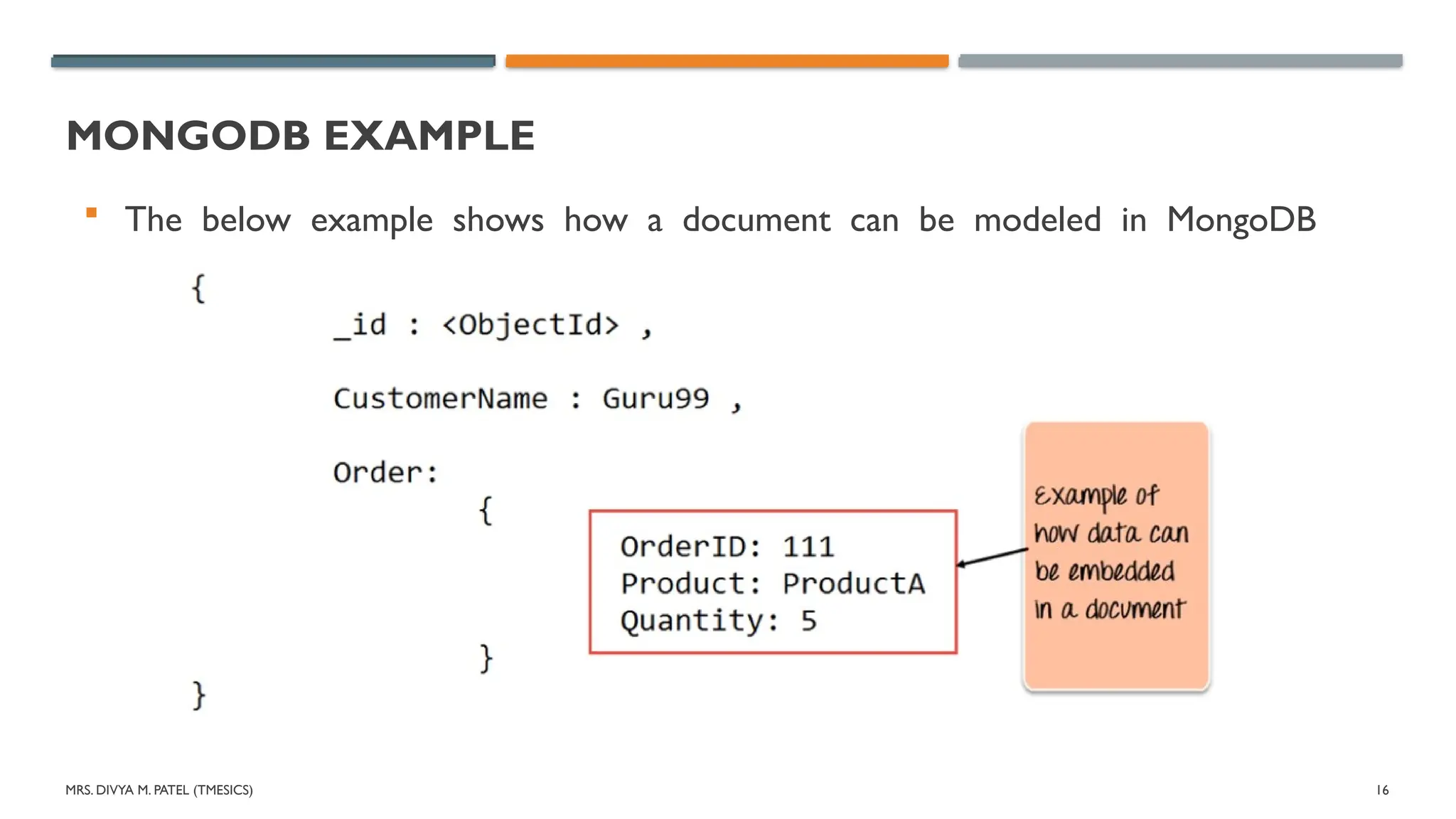
MONGODB EXAMPLE
The below example shows how a document can be modeled in MongoDB
MRS. DIVYA M.PATEL (TMESICS) 18
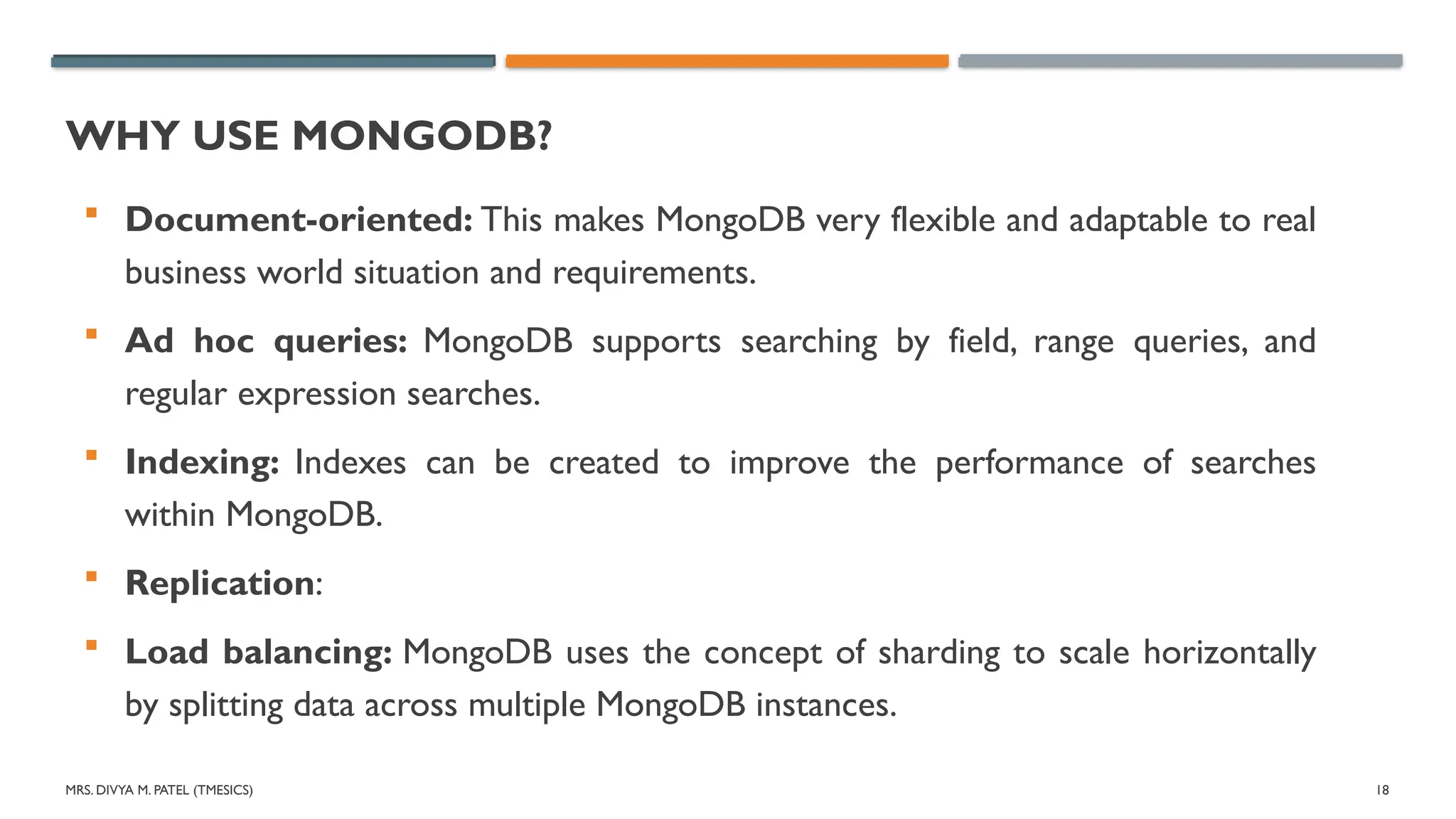
WHY USE MONGODB?
Document-oriented: This makes MongoDB very flexible and adaptable to real
business world situation and requirements.
Ad hoc queries: MongoDB supports searching by field, range queries, and
regular expression searches.
Indexing: Indexes can be created to improve the performance of searches
within MongoDB.
Replication:
Load balancing: MongoDB uses the concept of sharding to scale horizontally
by splitting data across multiple MongoDB instances.
19.
MRS. DIVYA M.PATEL (TMESICS) 19
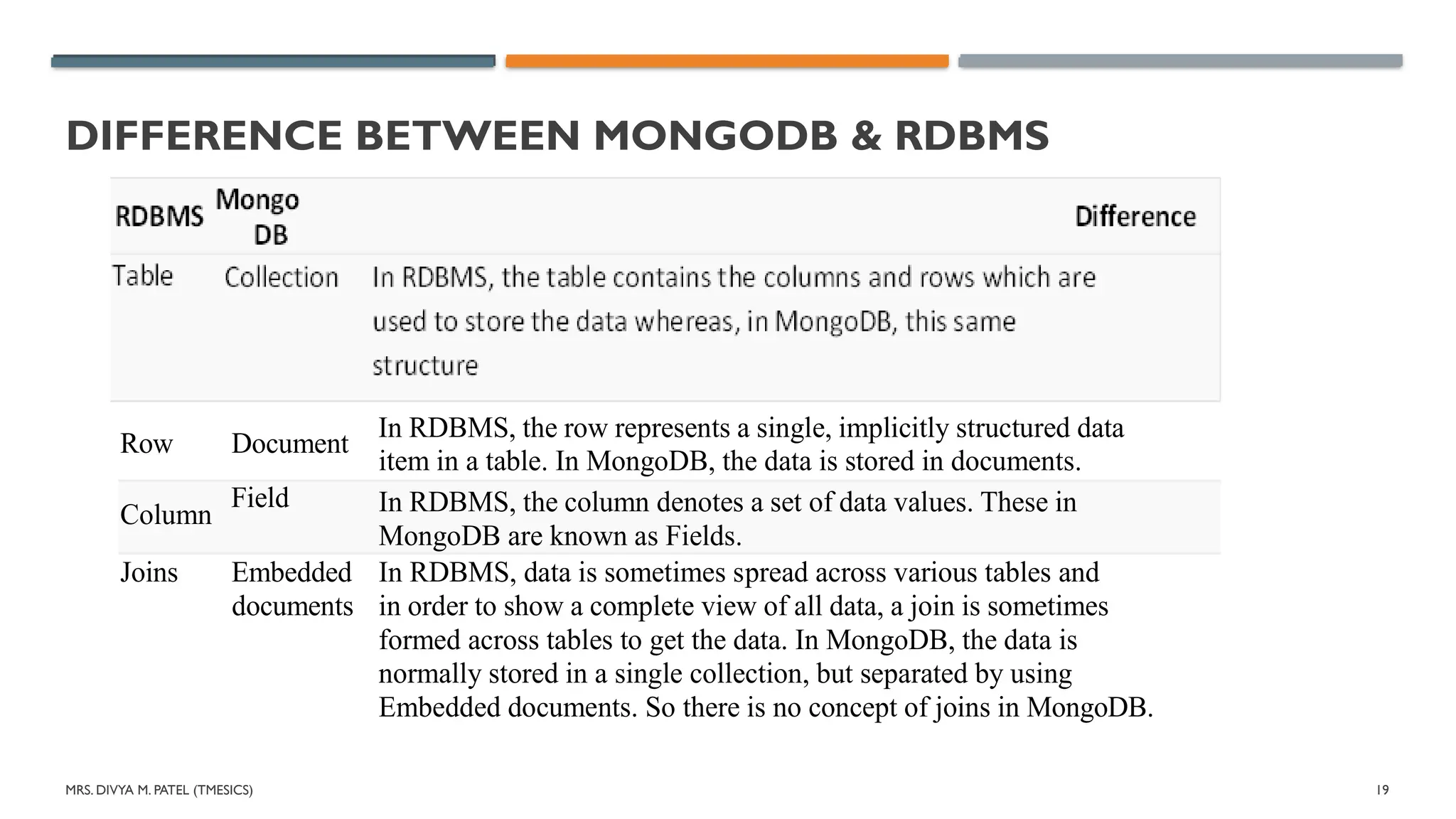
DIFFERENCE BETWEEN MONGODB & RDBMS
Row Document
In RDBMS, the row represents a single, implicitly structured data
item in a table. In MongoDB, the data is stored in documents.
Joins Embedded
documents
In RDBMS, data is sometimes spread across various tables and
in order to show a complete view of all data, a join is sometimes
formed across tables to get the data. In MongoDB, the data is
normally stored in a single collection, but separated by using
Embedded documents. So there is no concept of joins in MongoDB.
Column
Field In RDBMS, the column denotes a set of data values. These in
MongoDB are known as Fields.
MRS. DIVYA M.PATEL (TMESICS) 21
WHAT ISTHE MONGODB MONGO SHELL?
MongoDB Mongo shell is an interactive JavaScript interface that allows
you to interact with MongoDB instances through the command line.
The shell can be used for:
Data manipulation
Administrative operations such as maintenance of database instances
22.
MRS. DIVYA M.PATEL (TMESICS) 22
MONGODB MONGO SHELL FEATURES
MongoDB Mongo shell is the default client for the MongoDB database
server.
It’s a command-line interface (CLI), where the input and output are all
console-based.
The Mongo shell is a good tool to manipulate small sets of data.
Here are the top features that Mongo shell offers:
Run all MongoDB queries from the Mongo shell.
Manipulate data and perform administration operations.
Mongo shell uses JavaScript and a related API to issue commands.
23.
MRS. DIVYA M.PATEL (TMESICS) 23
MONGODB MONGO SHELL FEATURES
See previous commands in the mongo shell with up and down arrow
keys.
View possible command completions using the tab button after
partially entering a command.
Print error messages, so you know what went wrong with your
commands.
24.
MRS. DIVYA M.PATEL (TMESICS) 24
INSTALLINGTHE MONGO SHELL
The mongo shell gets installed when you install the MongoDB server.
It is installed in the same location as the MongoDB server binary.
25.
MRS. DIVYA M.PATEL (TMESICS) 25
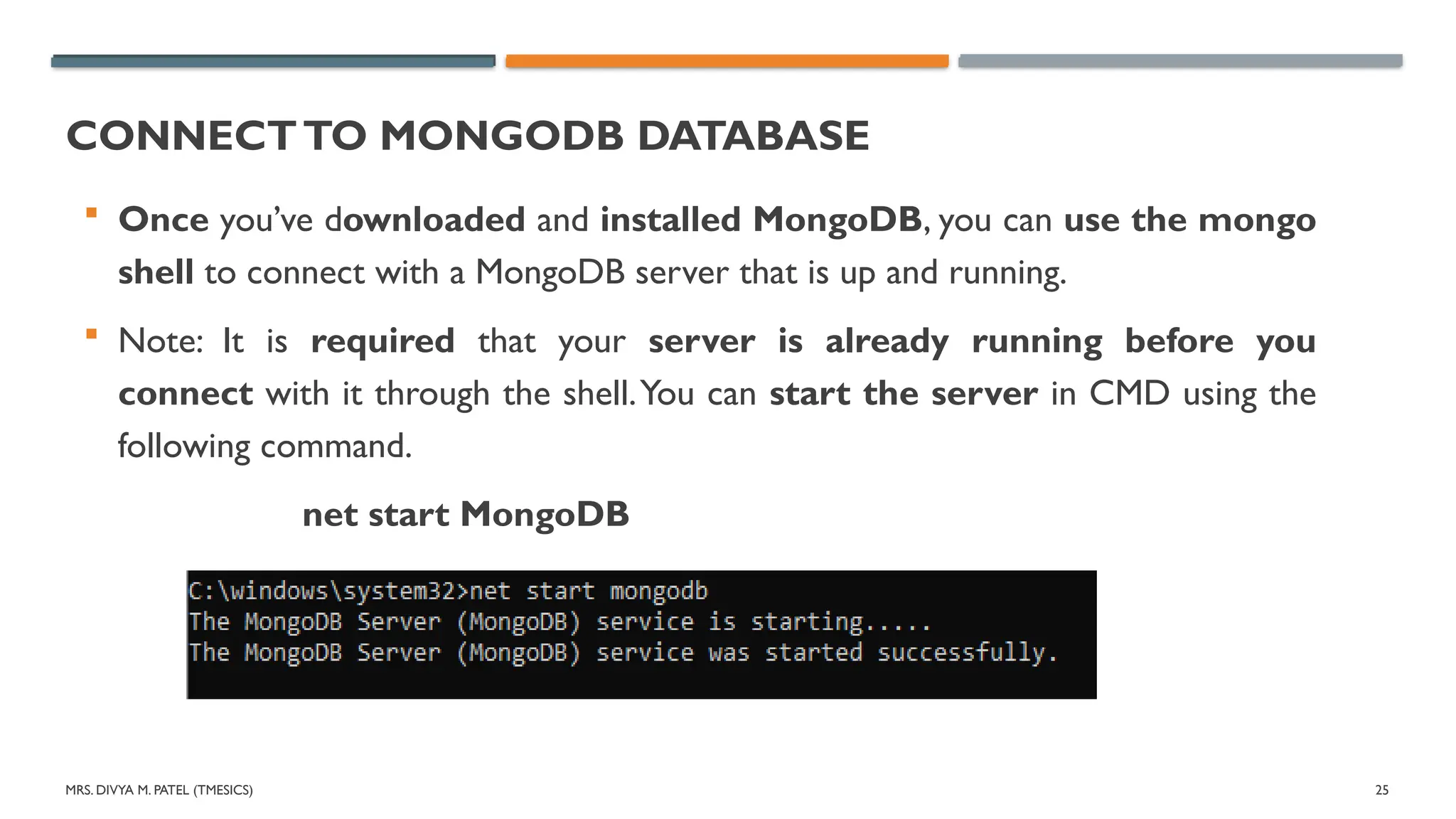
CONNECTTO MONGODB DATABASE
Once you’ve downloaded and installed MongoDB, you can use the mongo
shell to connect with a MongoDB server that is up and running.
Note: It is required that your server is already running before you
connect with it through the shell.You can start the server in CMD using the
following command.
net start MongoDB
26.
MRS. DIVYA M.PATEL (TMESICS) 26
CONNECTTO MONGODB DATABASE
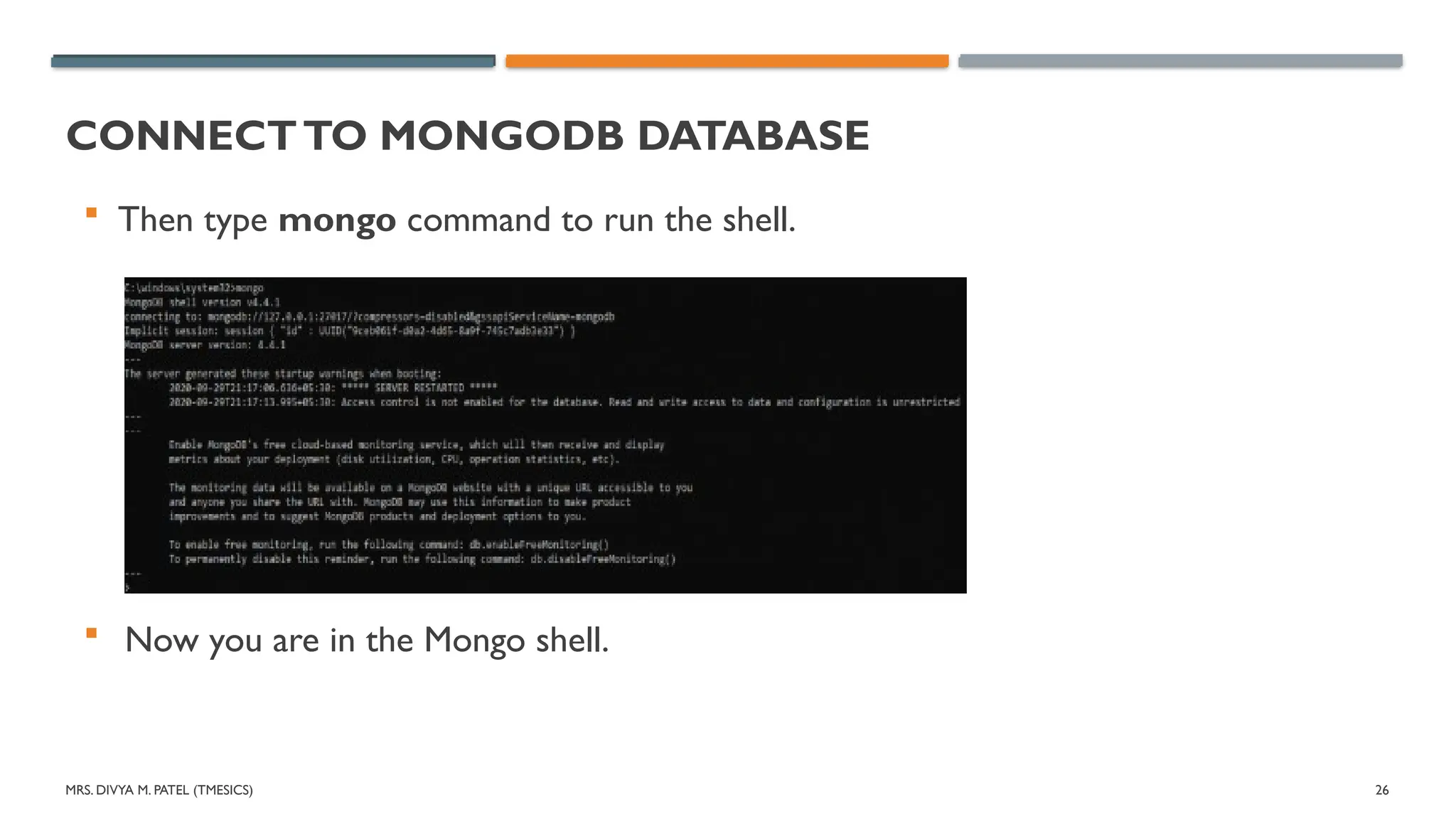
Then type mongo command to run the shell.
Now you are in the Mongo shell.
27.
MRS. DIVYA M.PATEL (TMESICS) 27
CONNECTTO MONGODB DATABASE
If you want, you can run the mongo and mongod without the command
prompt. To do this, go to the installation location and double click on the
mongod and mongo applications.
You will get the same result as the above.
Different port
The above mongo command only works if your MongoDB server runs on the
default port, which is 27017.
If your MongoDB server runs on a different port, you have to explicitly specify it
in the command, as shown below:
mongo --port 28010
28.
MRS. DIVYA M.PATEL (TMESICS) 28
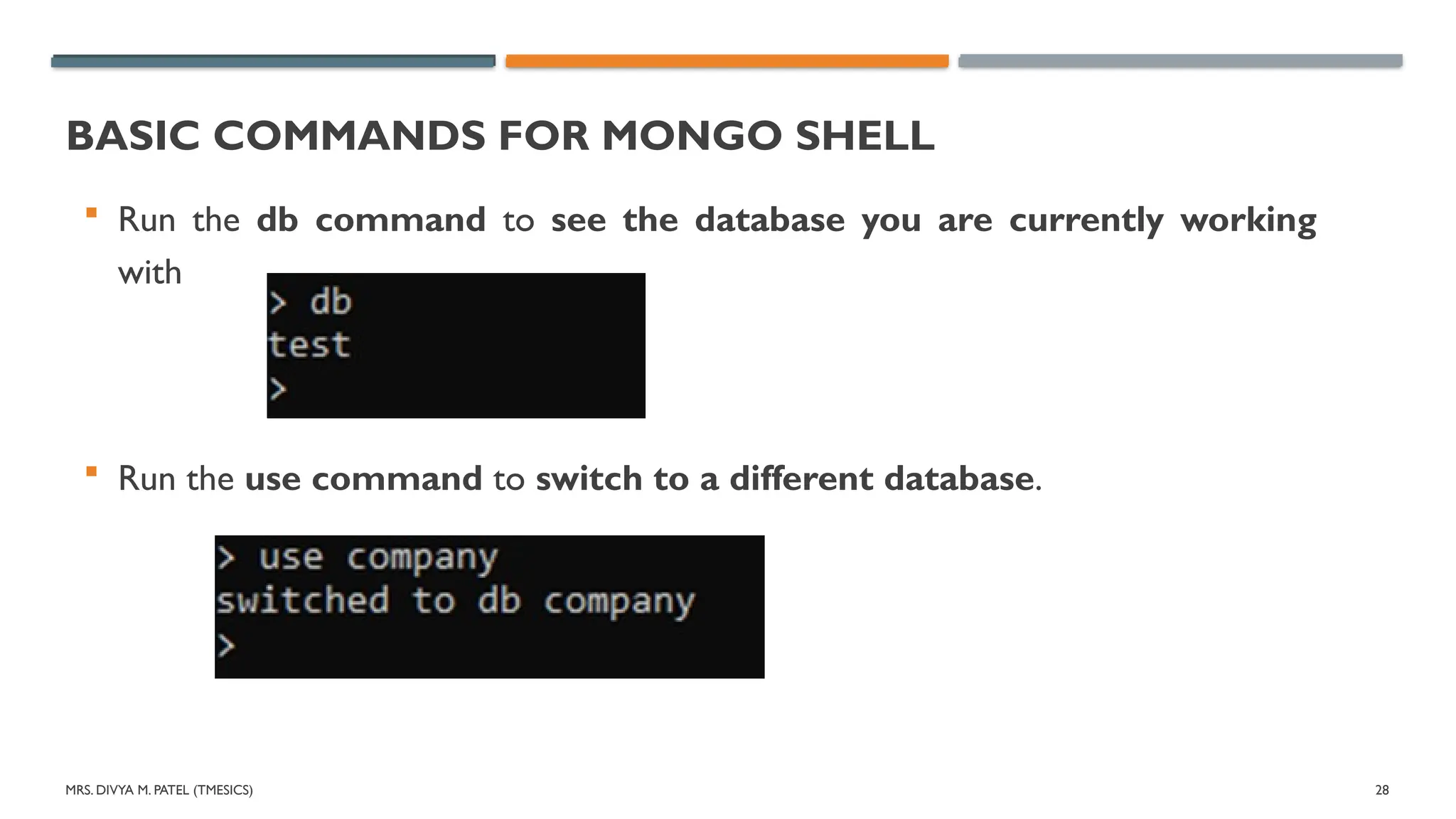
BASIC COMMANDS FOR MONGO SHELL
Run the db command to see the database you are currently working
with
Run the use command to switch to a different database.
29.
MRS. DIVYA M.PATEL (TMESICS) 29
BASIC COMMANDS FOR MONGO SHELL
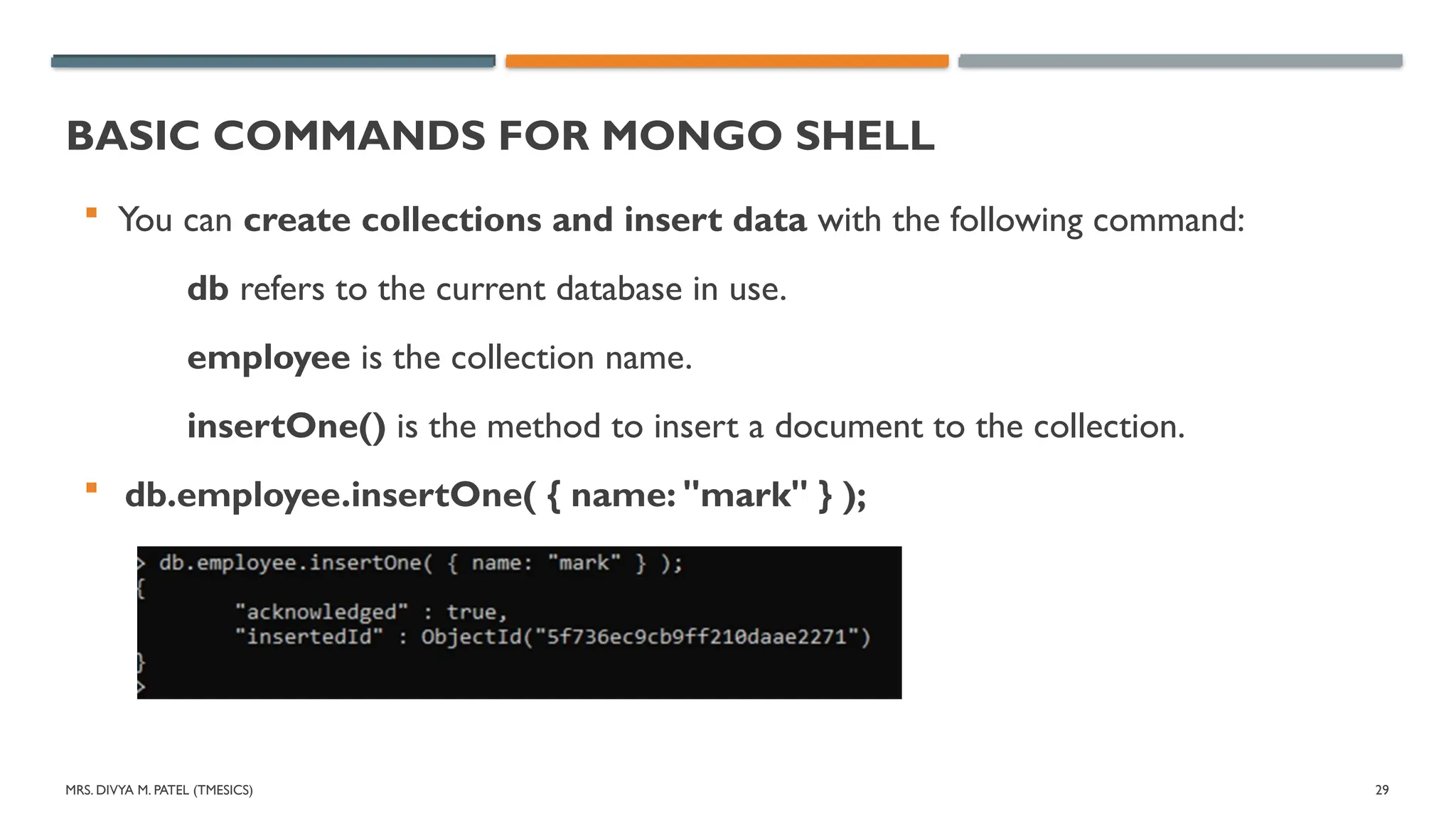
You can create collections and insert data with the following command:
db refers to the current database in use.
employee is the collection name.
insertOne() is the method to insert a document to the collection.
db.employee.insertOne( { name: "mark" } );
30.
MRS. DIVYA M.PATEL (TMESICS) 30
BASIC COMMANDS FOR MONGO SHELL
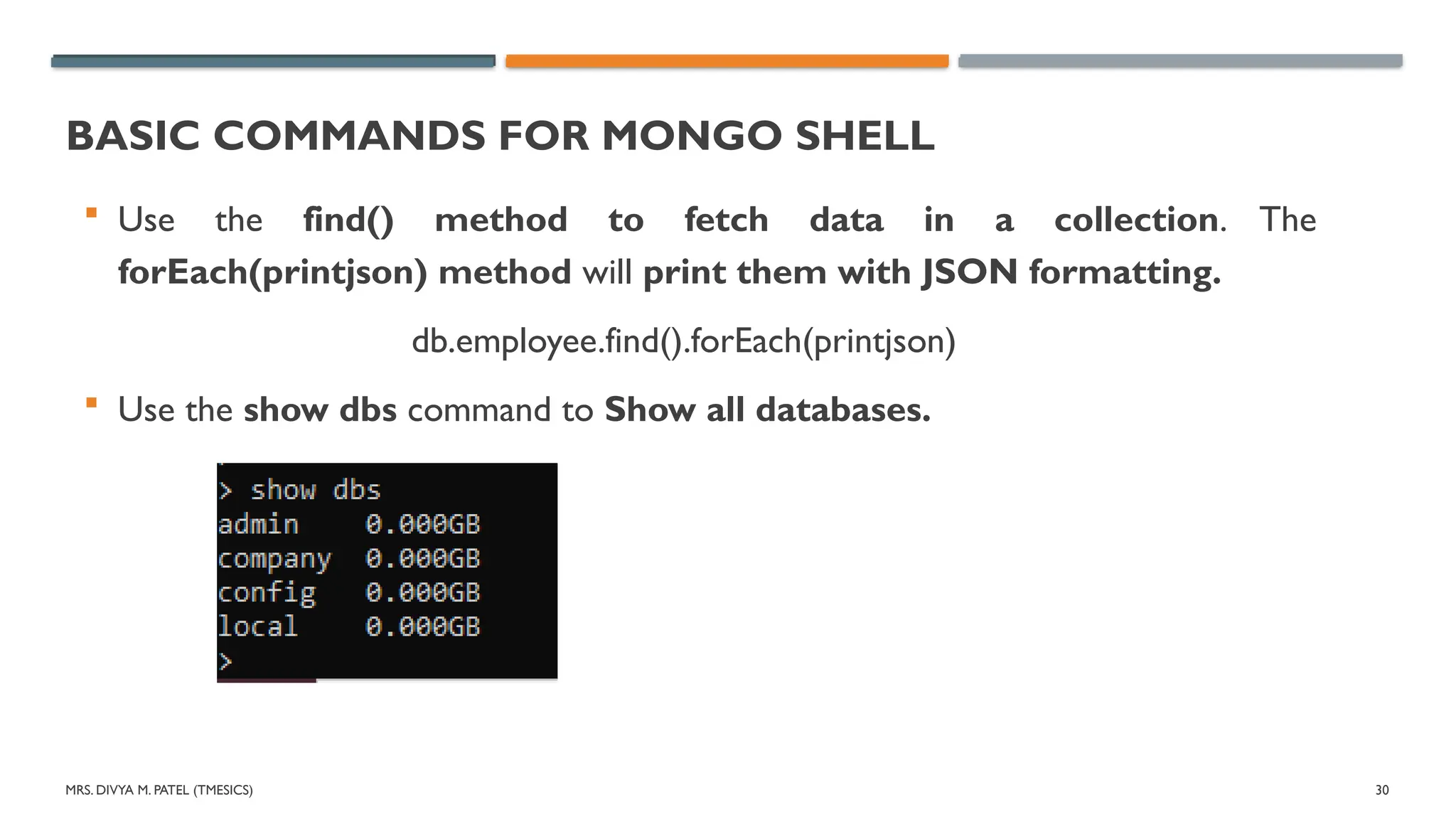
Use the find() method to fetch data in a collection. The
forEach(printjson) method will print them with JSON formatting.
db.employee.find().forEach(printjson)
Use the show dbs command to Show all databases.
31.
MRS. DIVYA M.PATEL (TMESICS) 31
BASIC COMMANDS FOR MONGO SHELL
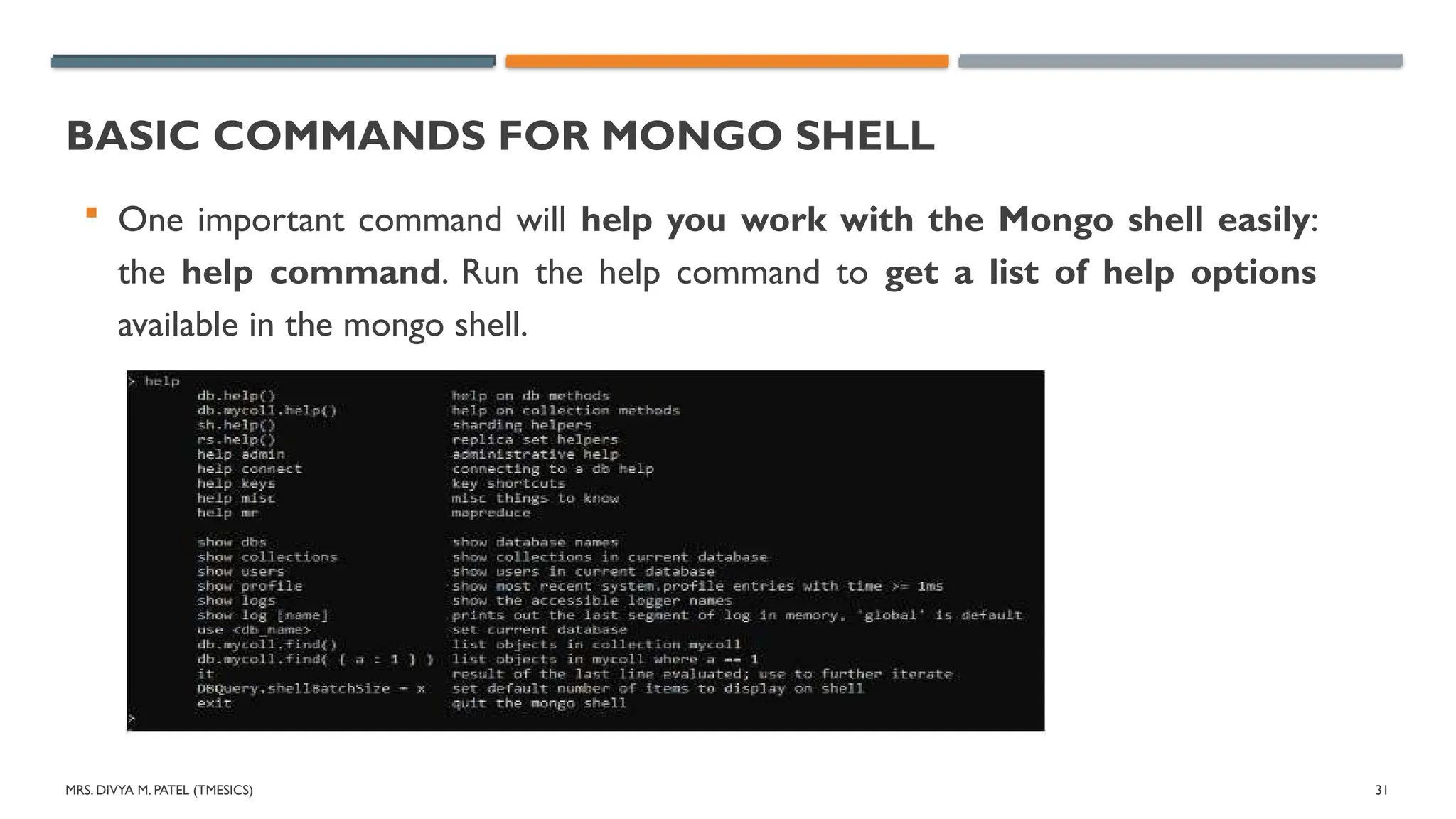
One important command will help you work with the Mongo shell easily:
the help command. Run the help command to get a list of help options
available in the mongo shell.
32.
MRS. DIVYA M.PATEL (TMESICS) 32
BASIC COMMANDS FOR MONGO SHELL
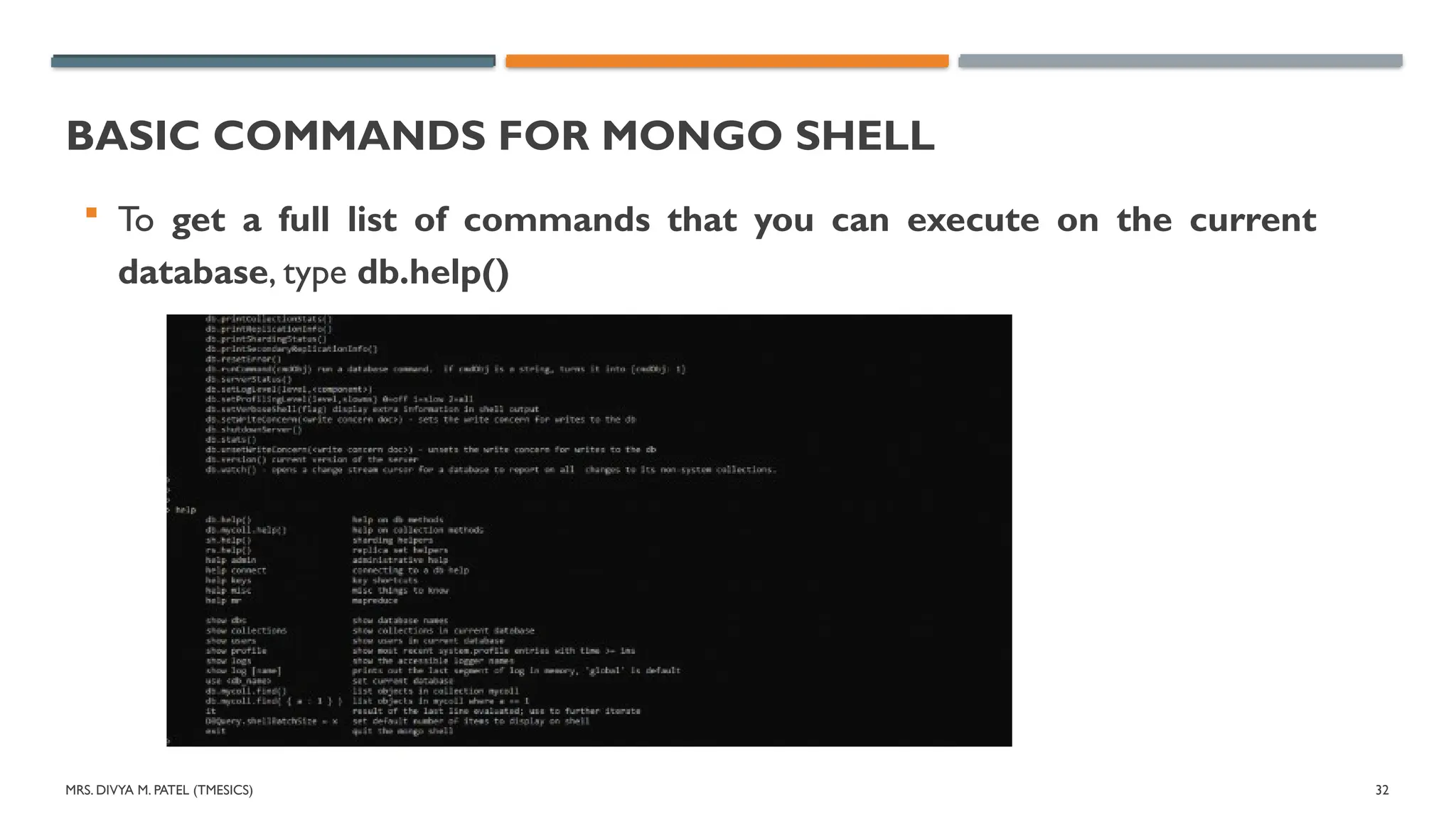
To get a full list of commands that you can execute on the current
database, type db.help()
33.
MRS. DIVYA M.PATEL (TMESICS) 33
MONGO SHELL KEYBOARD SHORTCUTS
There are two important keyboard shortcuts that you should know:
1. Use up and down arrows to go back and forth in the commands history.
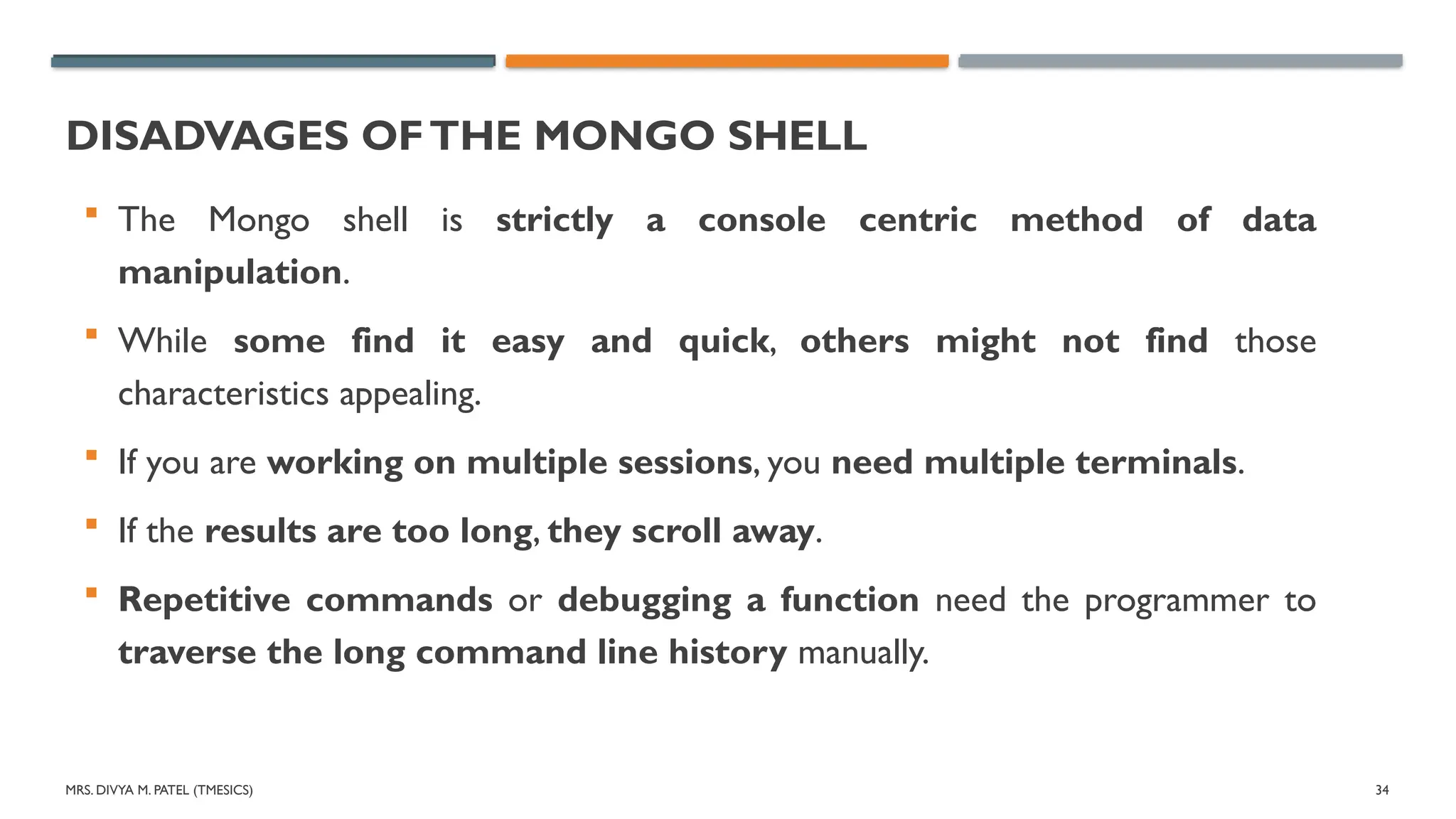
2. Press the tab key to get a full list of possible commands. For example, type
d and press tab twice.You will get the following output.
34.
MRS. DIVYA M.PATEL (TMESICS) 34
DISADVAGES OFTHE MONGO SHELL
The Mongo shell is strictly a console centric method of data
manipulation.
While some find it easy and quick, others might not find those
characteristics appealing.
If you are working on multiple sessions, you need multiple terminals.
If the results are too long, they scroll away.
Repetitive commands or debugging a function need the programmer to
traverse the long command line history manually.
35.
MRS. DIVYA M.PATEL (TMESICS) 35
ALTERNATIVESTO MONGODB MONGO SHELL
Many people prefer to use GUIs to work with databases nowadays.
One of the best GUI tools for MongoDB is the MongoDB Compass.
Some other useful GUI tools are:
NoSQLBooster
Mongo Management Studio
Robo 3T
MongoDB Compass is the go-to option if you need to avoid the
command line completely. Robo 3T is simple and well supported by the
community, while NoSQLBooster is shell centric smart GUI tool.
MRS. DIVYA M.PATEL (TMESICS) 37
WHAT IS EXPRESS BODY-PARSER?
Express body-parser is an npm library used to process data sent through
an HTTP request body.
It exposes four express middlewares for parsing text, JSON, urlencoded
and raw data set through an HTTP request body.
These middlewares are functions that process incoming requests before
they reach the target controller.
38.
MRS. DIVYA M.PATEL (TMESICS) 38
WHAT IS EXPRESS BODY-PARSER?
Body-parser parses is an HTTP request body that usually helps when you
need to know more than just the URL being hit.
Specifically in the context of a POST, PATCH, or PUT HTTP request where
the information you want is contained in the body.
Using body-parser allows you to access req.body from within routes and
use that data.
For example:To create a user in a database.
39.
MRS. DIVYA M.PATEL (TMESICS) 39
INSTALLATION
To install the body-parser first, you must create a project and the first
command you will write here is npm init -y.
This is used to create a JSON file, and in that you can add all the dependencies.
Step 1: npm init -y.
Step 2: Now, you have to install express for that, you will write a command
npm i express.
Step 3: After that, go ahead and install body-parser. For that write command
on your terminal.
npm i body-parser
40.
MRS. DIVYA M.PATEL (TMESICS) 40
INSTALLATION
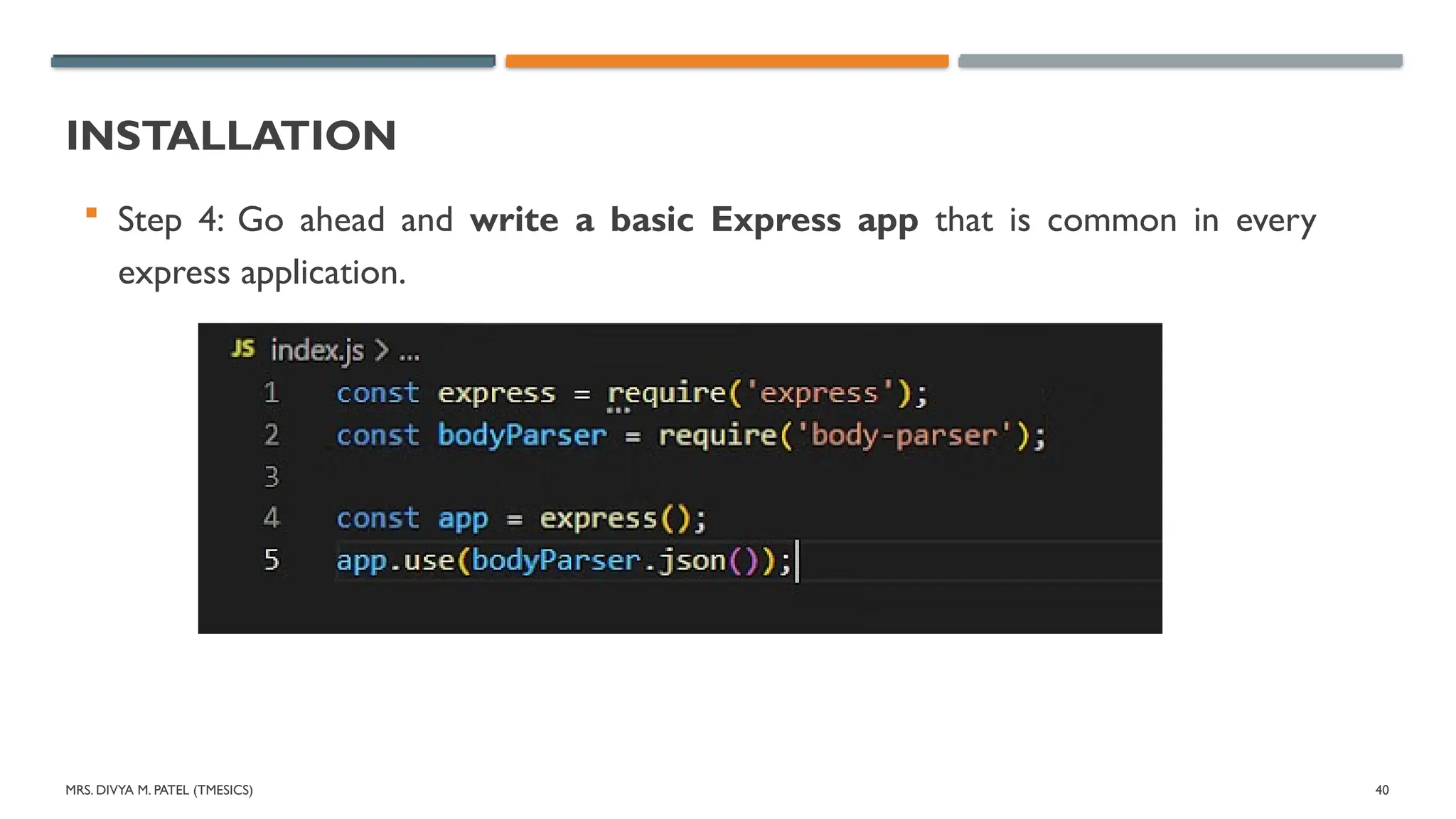
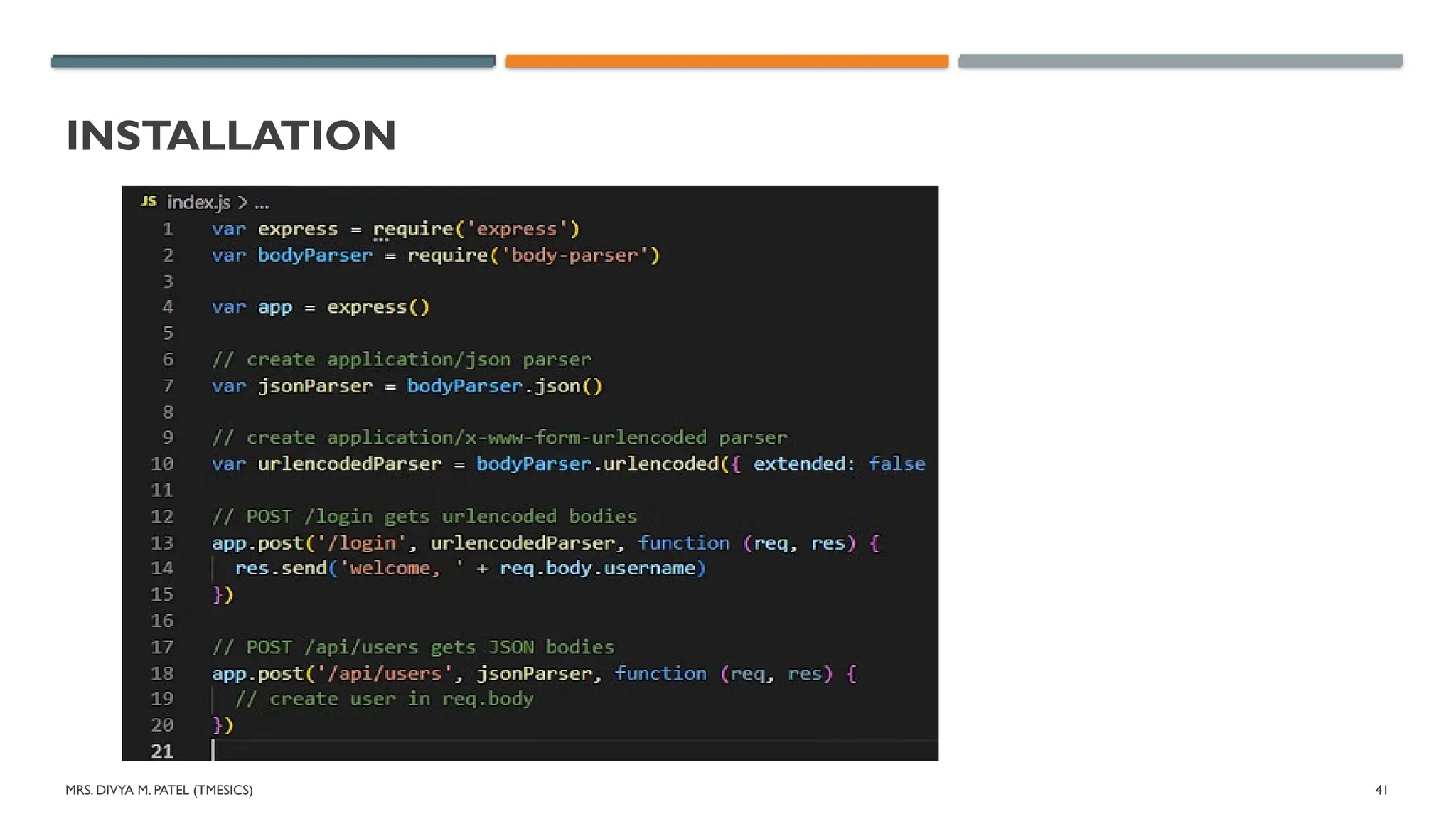
Step 4: Go ahead and write a basic Express app that is common in every
express application.
MRS. DIVYA M.PATEL (TMESICS) 43
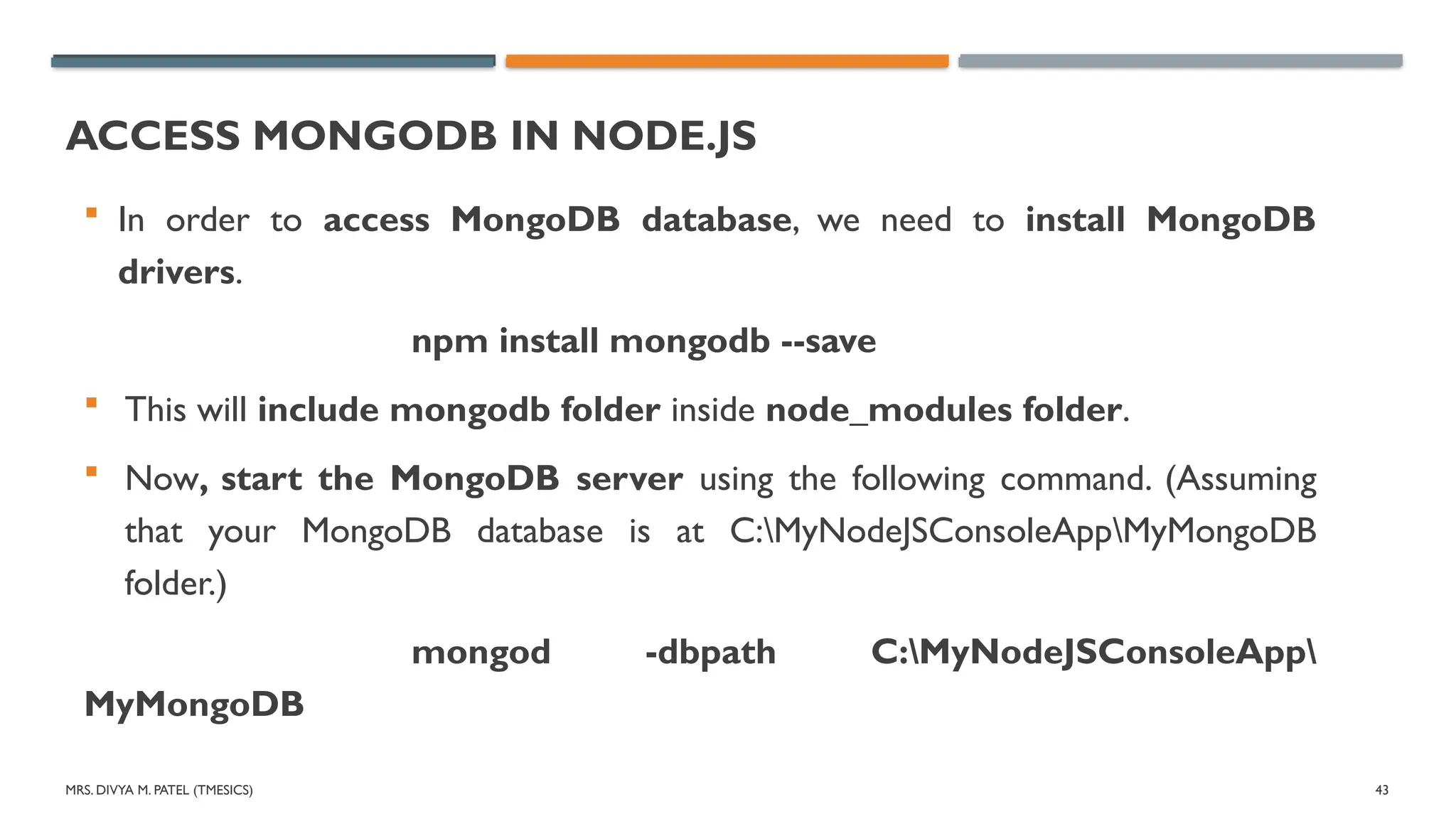
ACCESS MONGODB IN NODE.JS
In order to access MongoDB database, we need to install MongoDB
drivers.
npm install mongodb --save
This will include mongodb folder inside node_modules folder.
Now, start the MongoDB server using the following command. (Assuming
that your MongoDB database is at C:MyNodeJSConsoleAppMyMongoDB
folder.)
mongod -dbpath C:MyNodeJSConsoleApp
MyMongoDB
44.
MRS. DIVYA M.PATEL (TMESICS) 44
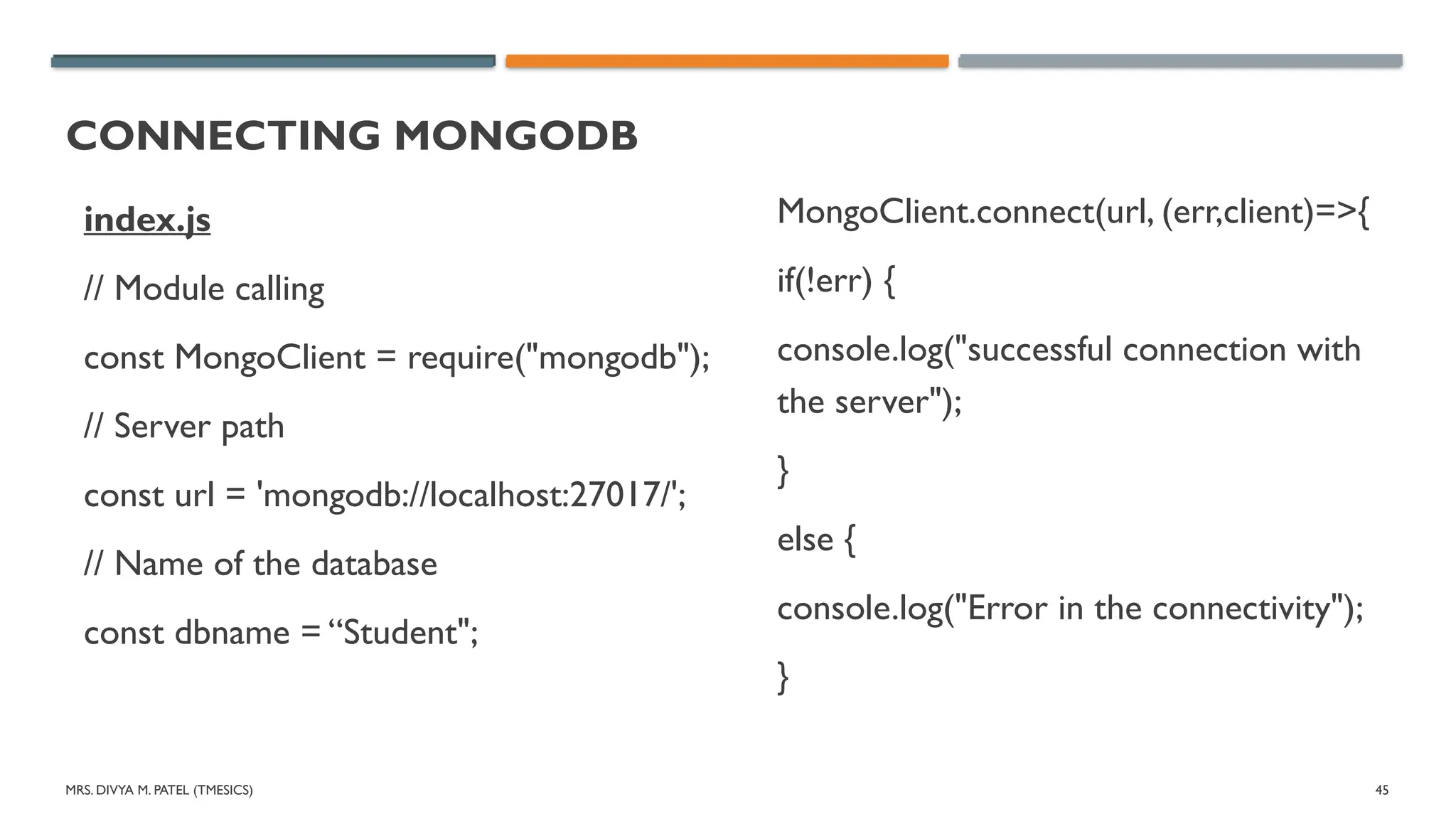
CONNECTING MONGODB
mongodb.connect() method is the method of the MongoDB module of
the Node.js which is used to connect the database with our Node.js
Application.This is an asynchronous method of the MongoDB module.
Syntax: mongodb.connect(path, callbackfunction)
Parameters: This method accept two parameters
Path/URL: The Path of the server of the MongoDB server which is
running on a particular port number.
callbackfunction: It returns the err or the instance of the mongodb
database for further operation if connection successful.
45.
MRS. DIVYA M.PATEL (TMESICS) 45
CONNECTING MONGODB
index.js
// Module calling
const MongoClient = require("mongodb");
// Server path
const url = 'mongodb://localhost:27017/';
// Name of the database
const dbname = “Student";
MongoClient.connect(url, (err,client)=>{
if(!err) {
console.log("successful connection with
the server");
}
else {
console.log("Error in the connectivity");
}
MRS. DIVYA M.PATEL (TMESICS) 47
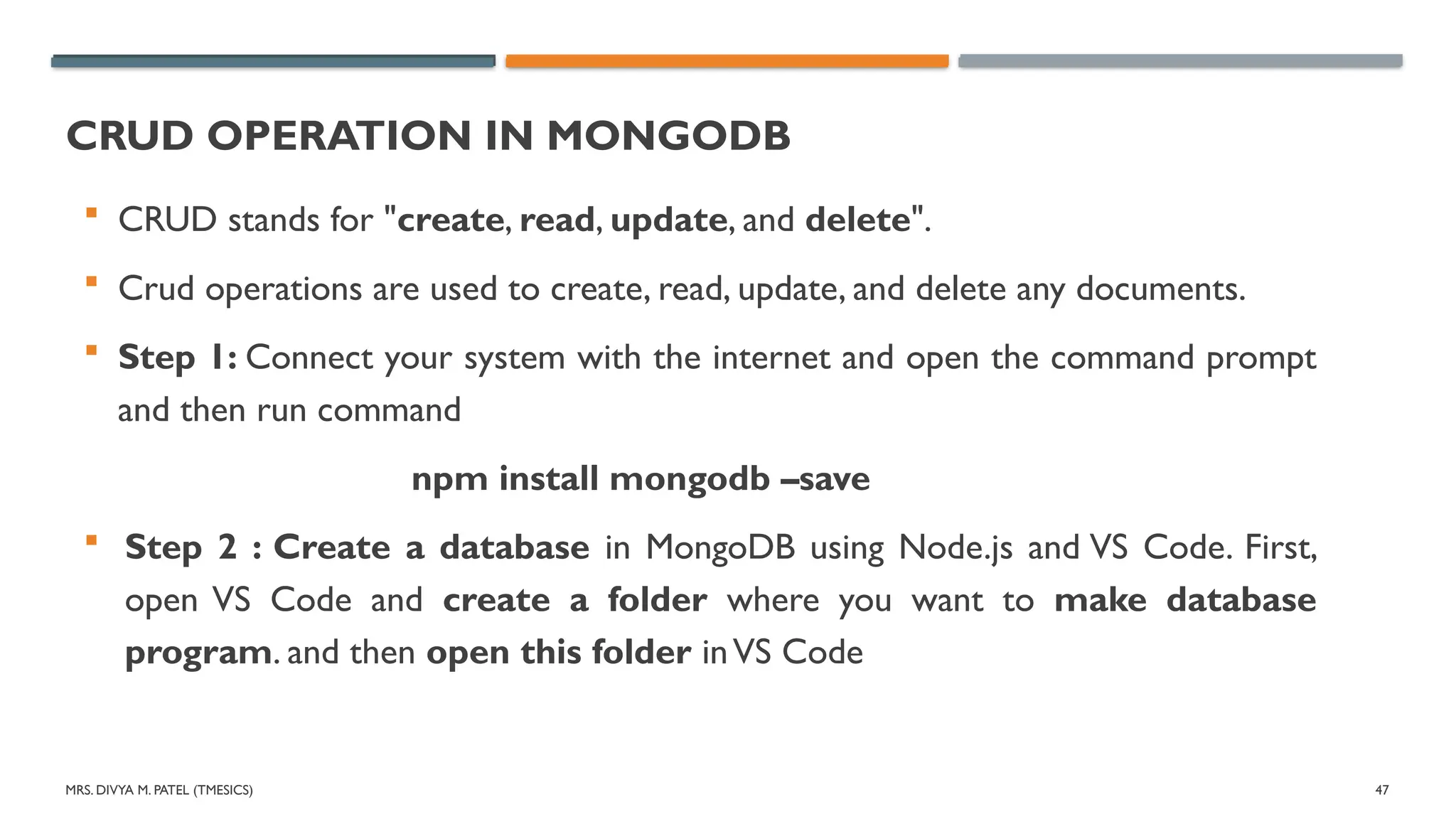
CRUD OPERATION IN MONGODB
CRUD stands for "create, read, update, and delete".
Crud operations are used to create, read, update, and delete any documents.
Step 1: Connect your system with the internet and open the command prompt
and then run command
npm install mongodb –save
Step 2 : Create a database in MongoDB using Node.js and VS Code. First,
open VS Code and create a folder where you want to make database
program. and then open this folder inVS Code
48.
MRS. DIVYA M.PATEL (TMESICS) 48
CRUD OPERATION IN MONGODB
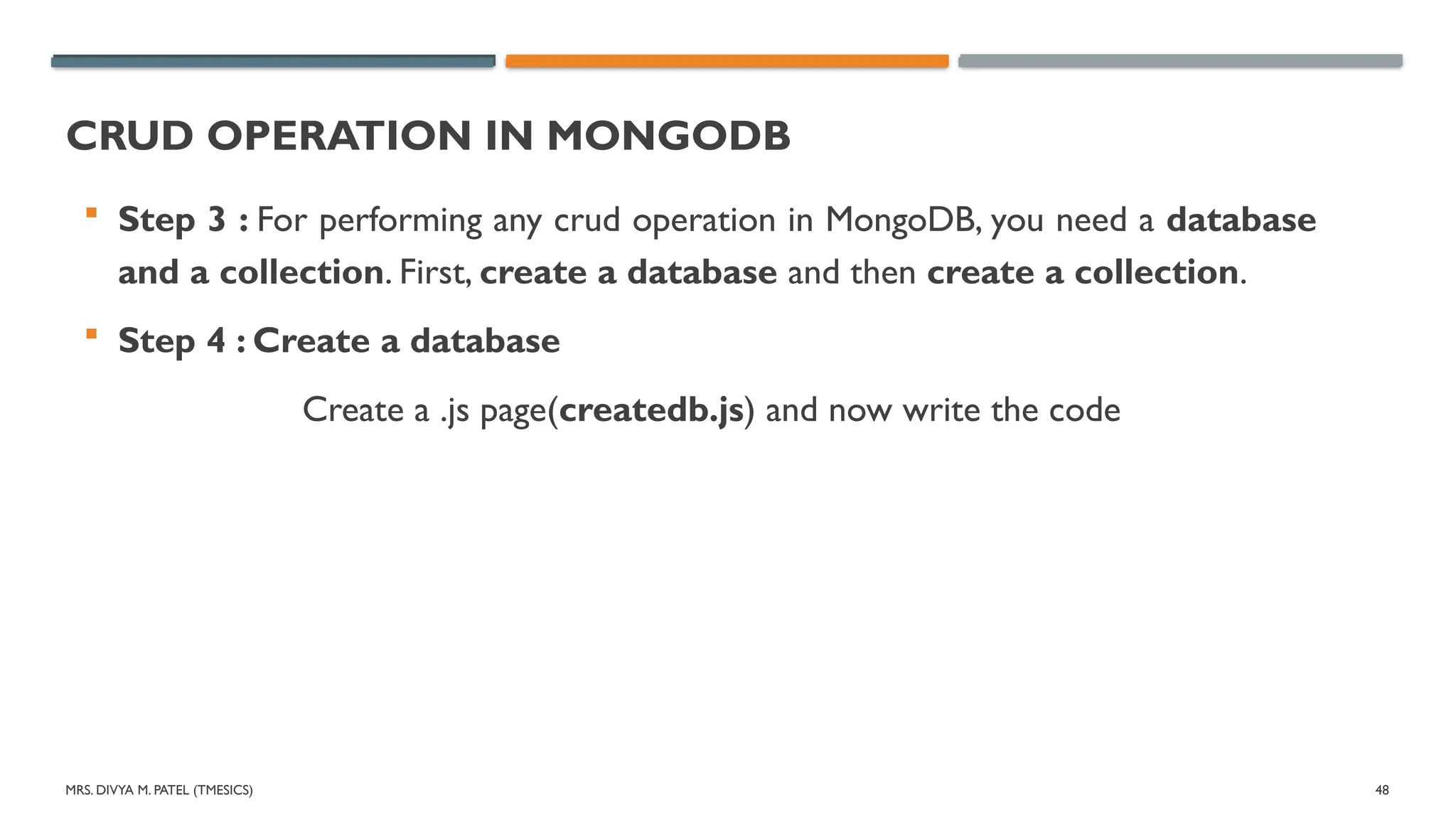
Step 3 : For performing any crud operation in MongoDB, you need a database
and a collection. First, create a database and then create a collection.
Step 4 : Create a database
Create a .js page(createdb.js) and now write the code
49.
MRS. DIVYA M.PATEL (TMESICS) 49
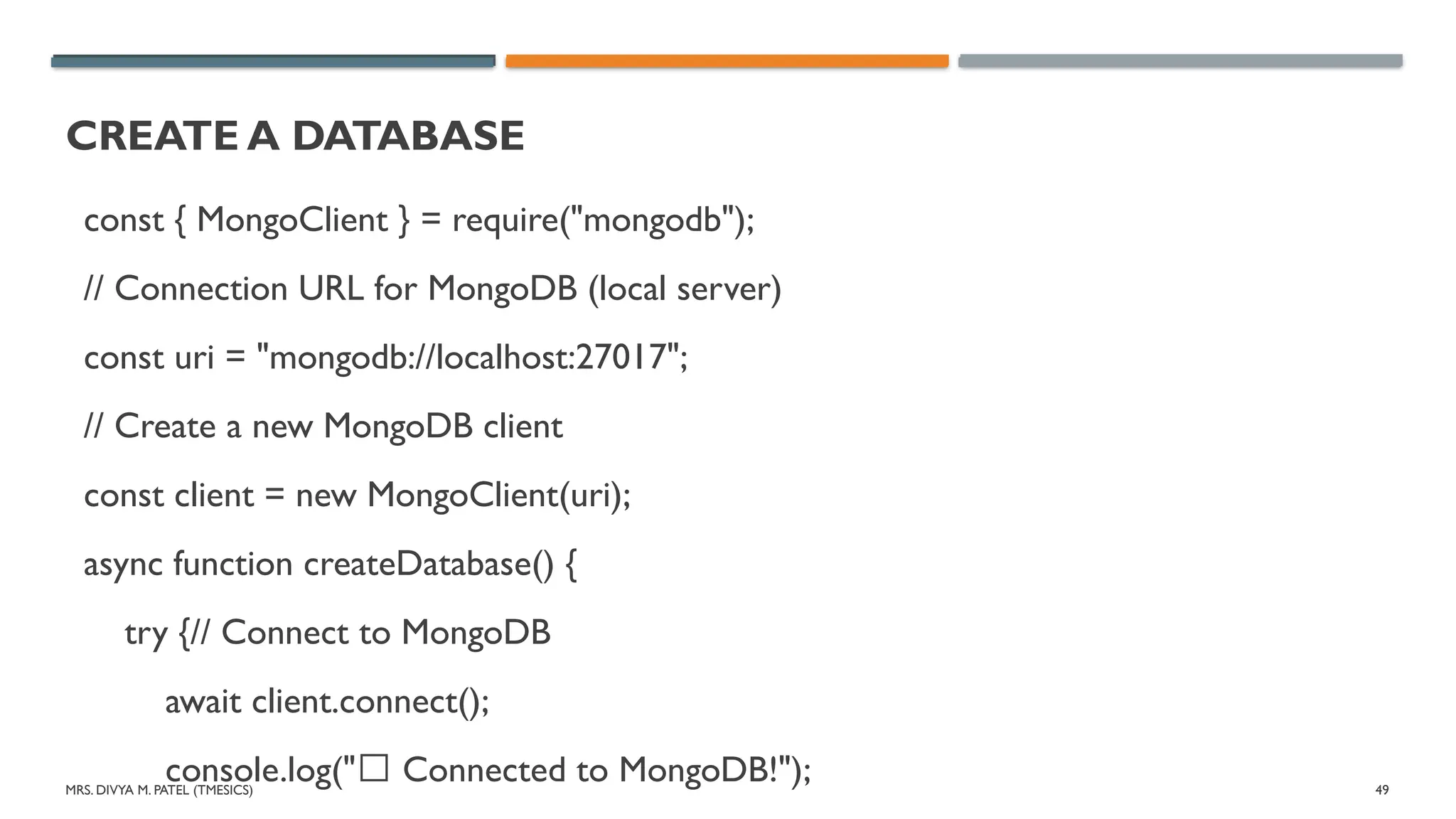
CREATE A DATABASE
const { MongoClient } = require("mongodb");
// Connection URL for MongoDB (local server)
const uri = "mongodb://localhost:27017";
// Create a new MongoDB client
const client = new MongoClient(uri);
async function createDatabase() {
try {// Connect to MongoDB
await client.connect();
console.log("✅ Connected to MongoDB!");
50.
MRS. DIVYA M.PATEL (TMESICS) 50
CREATE A DATABASE
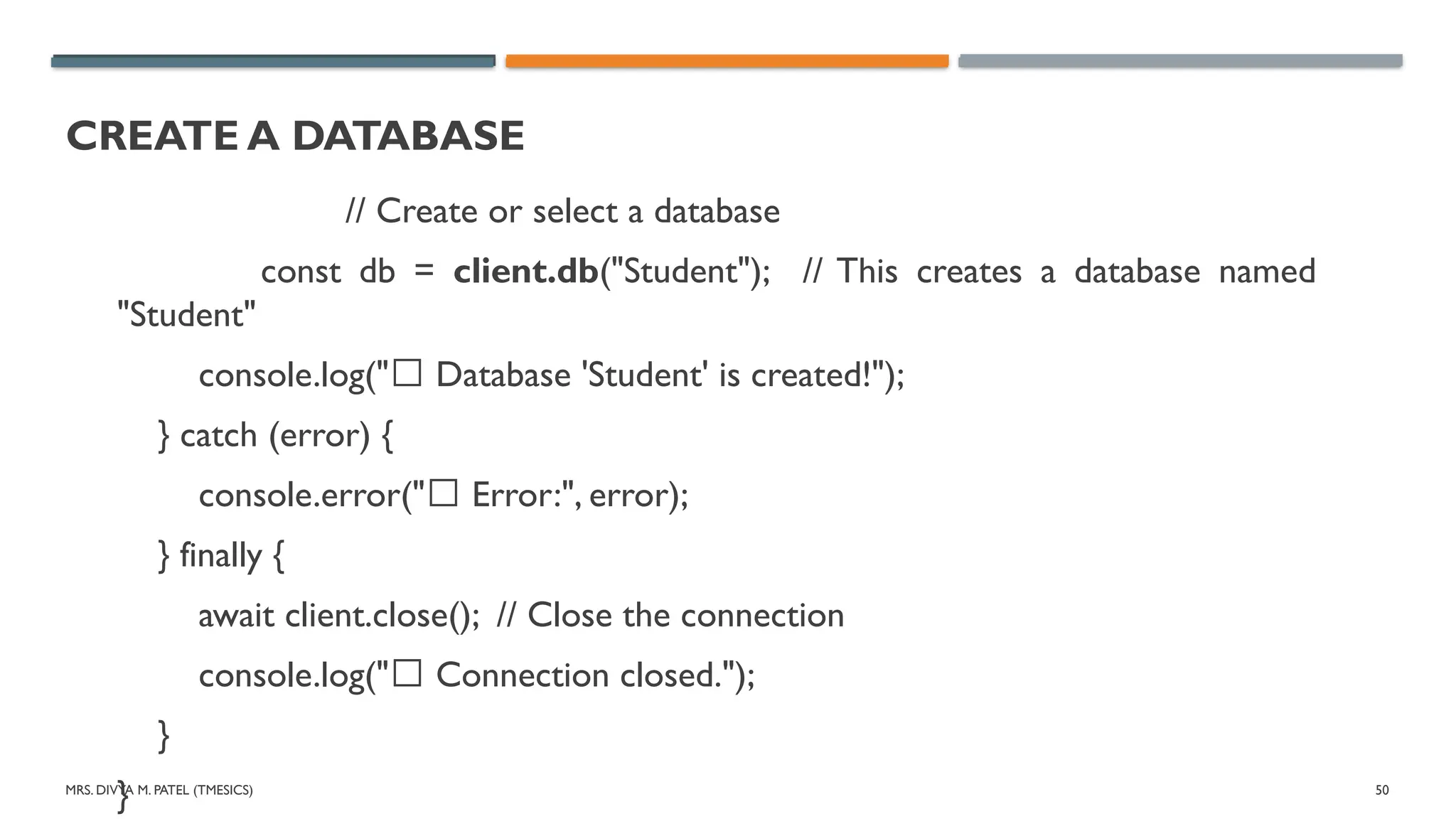
// Create or select a database
const db = client.db("Student"); // This creates a database named
"Student"
console.log("✅ Database 'Student' is created!");
} catch (error) {
console.error("❌ Error:", error);
} finally {
await client.close(); // Close the connection
console.log("✅ Connection closed.");
}
}
51.
MRS. DIVYA M.PATEL (TMESICS) 51
CREATE COLLECTION IN DATABASE
Create collection in database
Create a .js file ("createcollection.js") and write code.
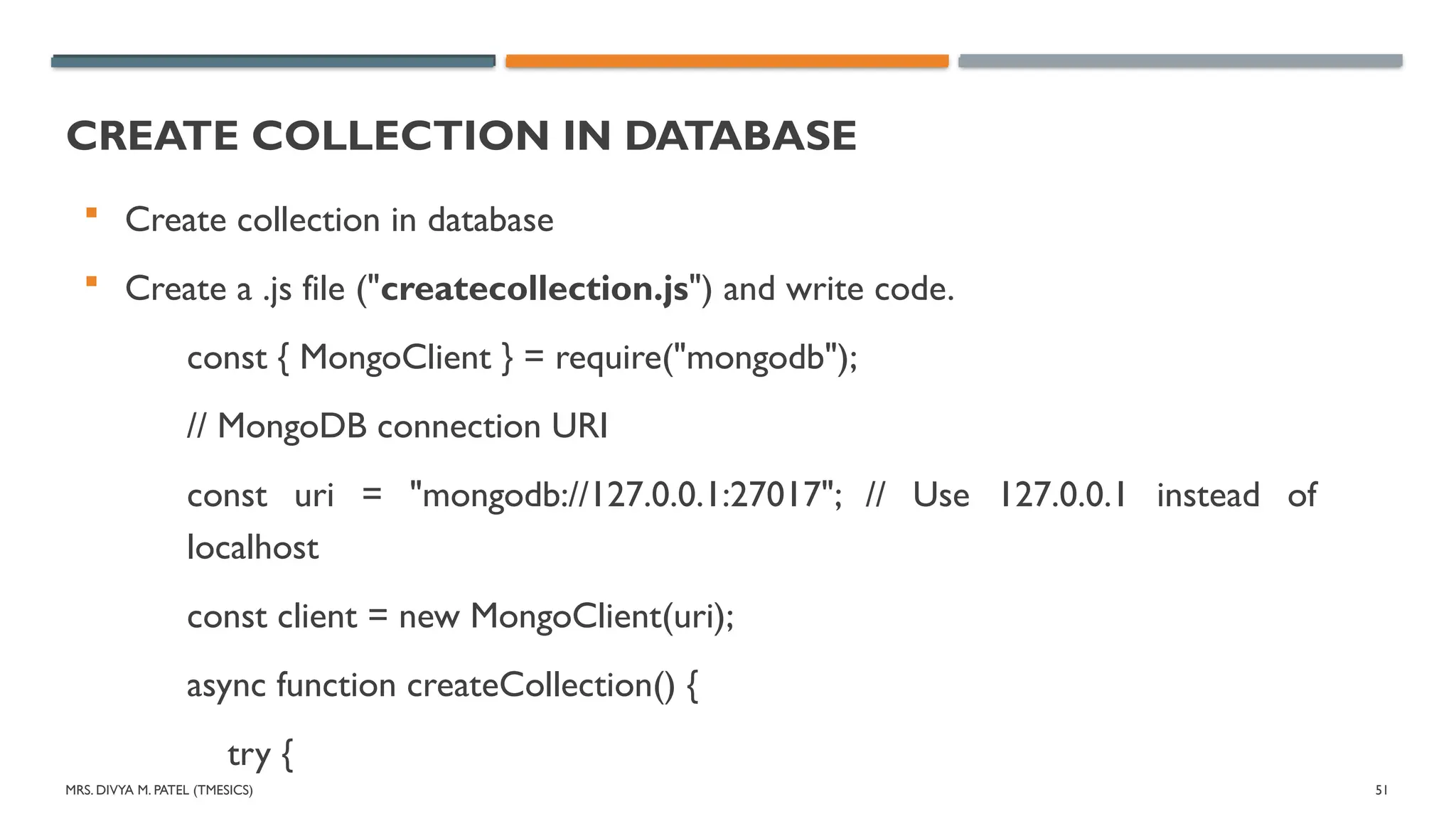
const { MongoClient } = require("mongodb");
// MongoDB connection URI
const uri = "mongodb://127.0.0.1:27017"; // Use 127.0.0.1 instead of
localhost
const client = new MongoClient(uri);
async function createCollection() {
try {
52.
MRS. DIVYA M.PATEL (TMESICS) 52
CREATE COLLECTION IN DATABASE
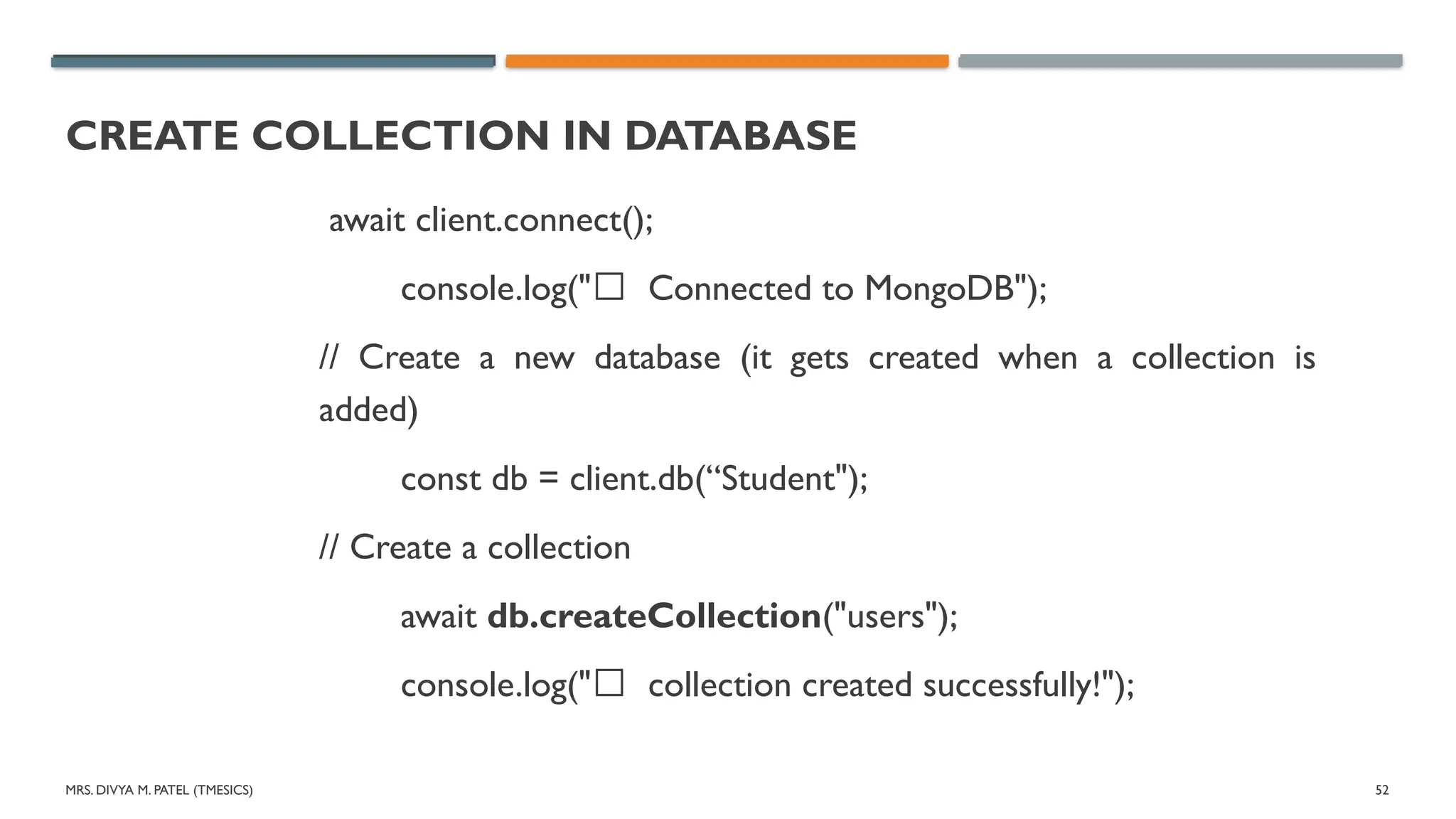
await client.connect();
console.log("✅ Connected to MongoDB");
// Create a new database (it gets created when a collection is
added)
const db = client.db(“Student");
// Create a collection
await db.createCollection("users");
console.log("✅ collection created successfully!");
53.
MRS. DIVYA M.PATEL (TMESICS) 53
CREATE COLLECTION IN DATABASE
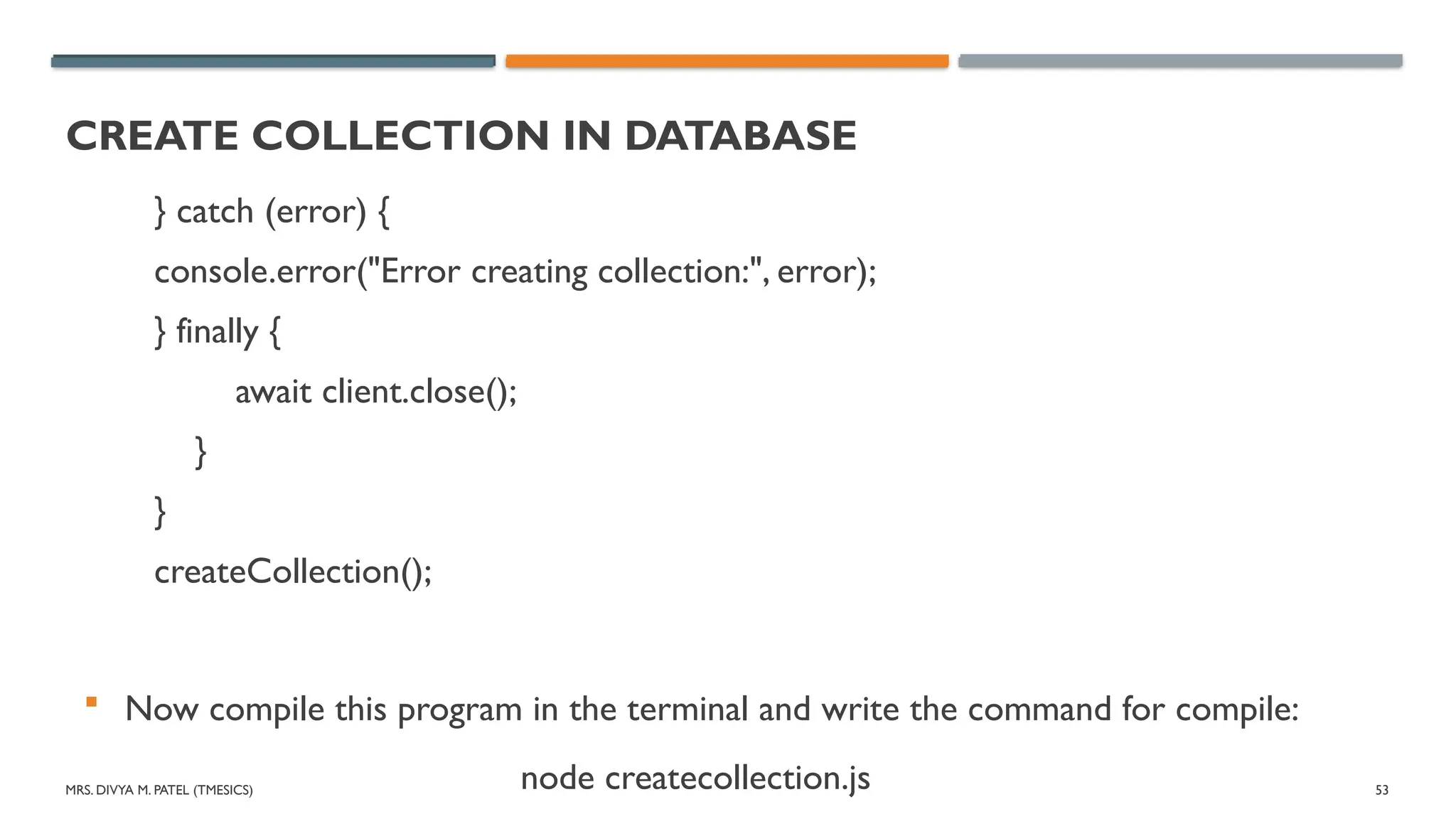
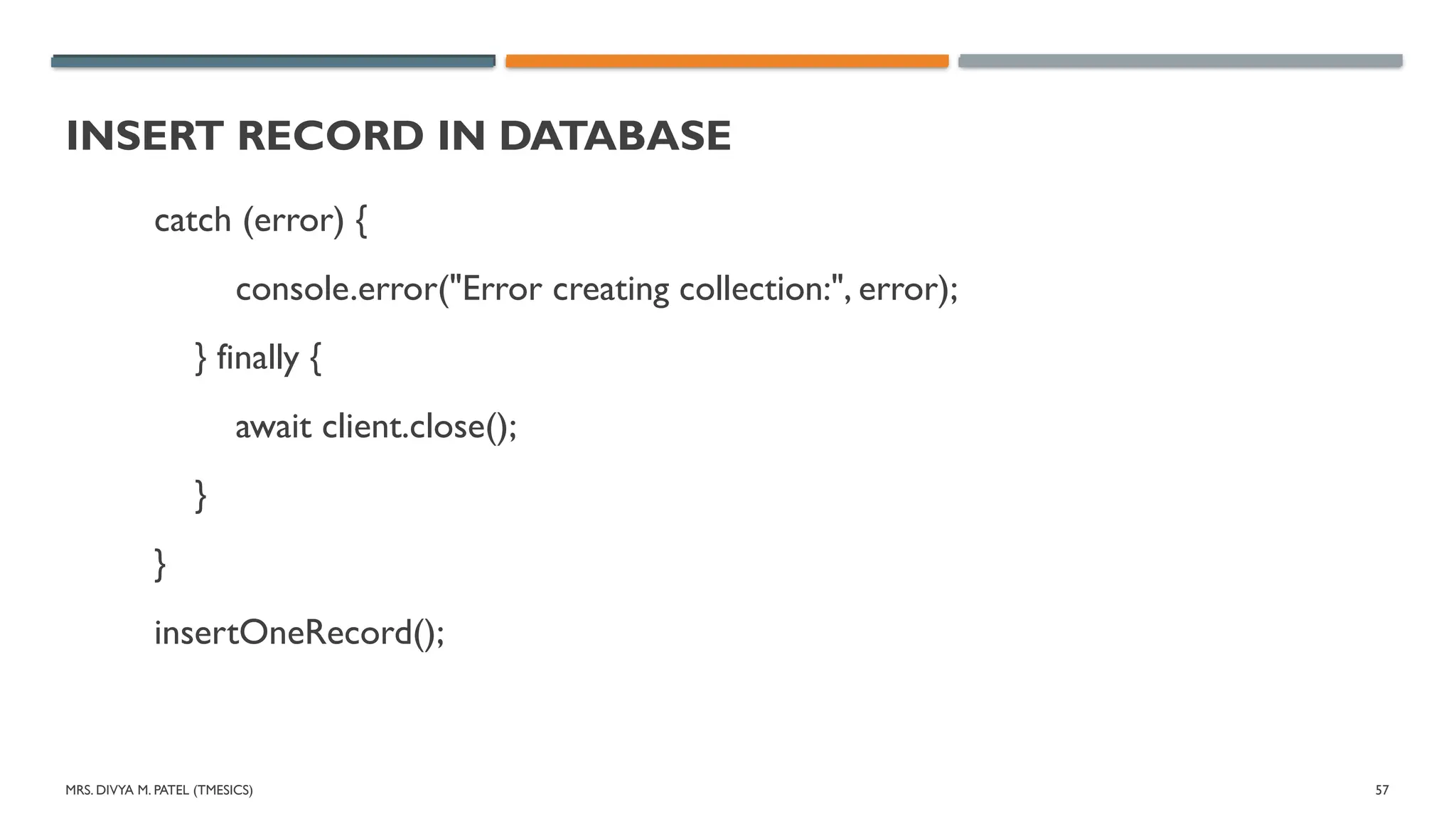
} catch (error) {
console.error("Error creating collection:", error);
} finally {
await client.close();
}
}
createCollection();
Now compile this program in the terminal and write the command for compile:
node createcollection.js
54.
MRS. DIVYA M.PATEL (TMESICS) 54
INSERT RECORD IN DATABASE
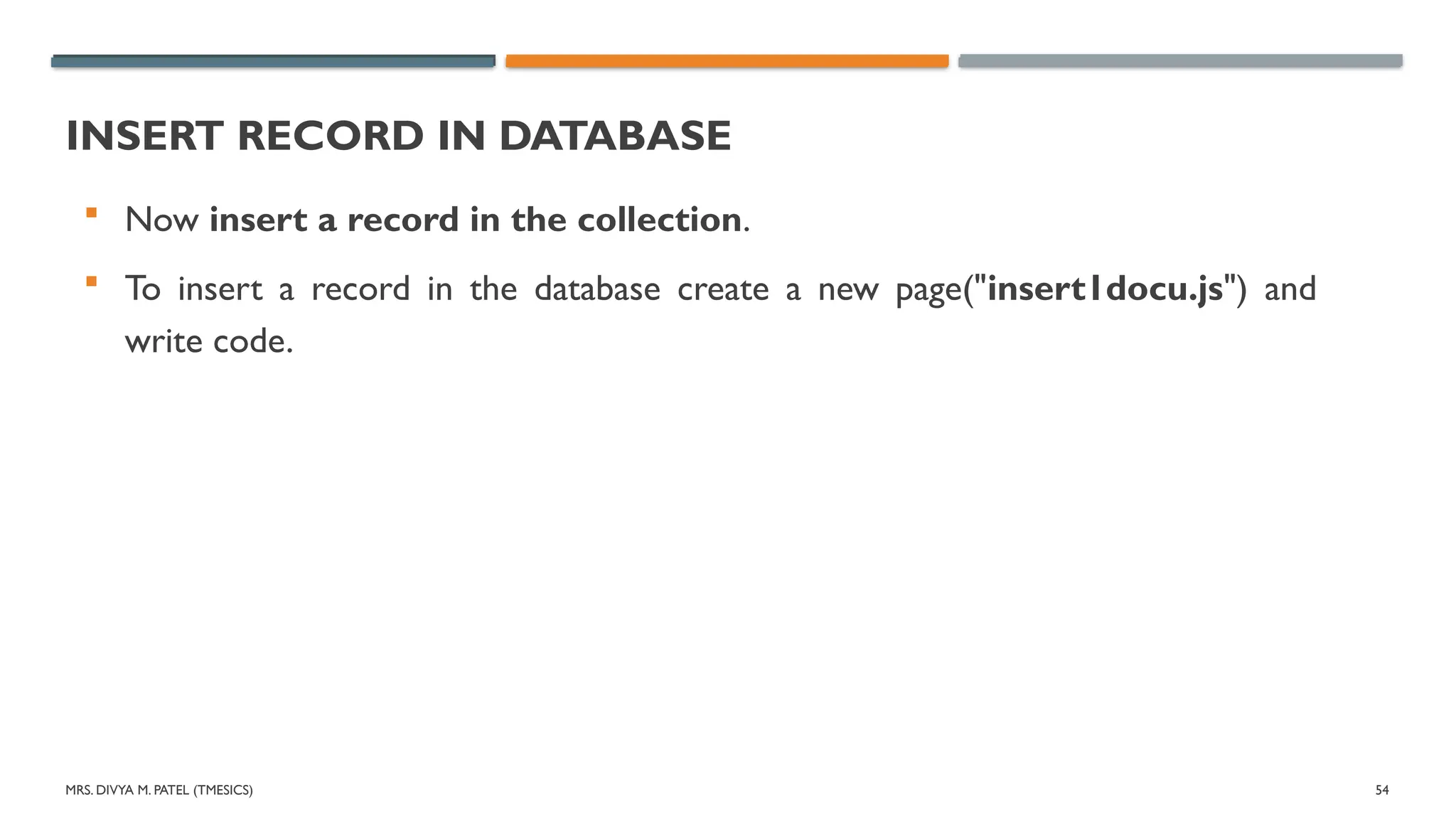
Now insert a record in the collection.
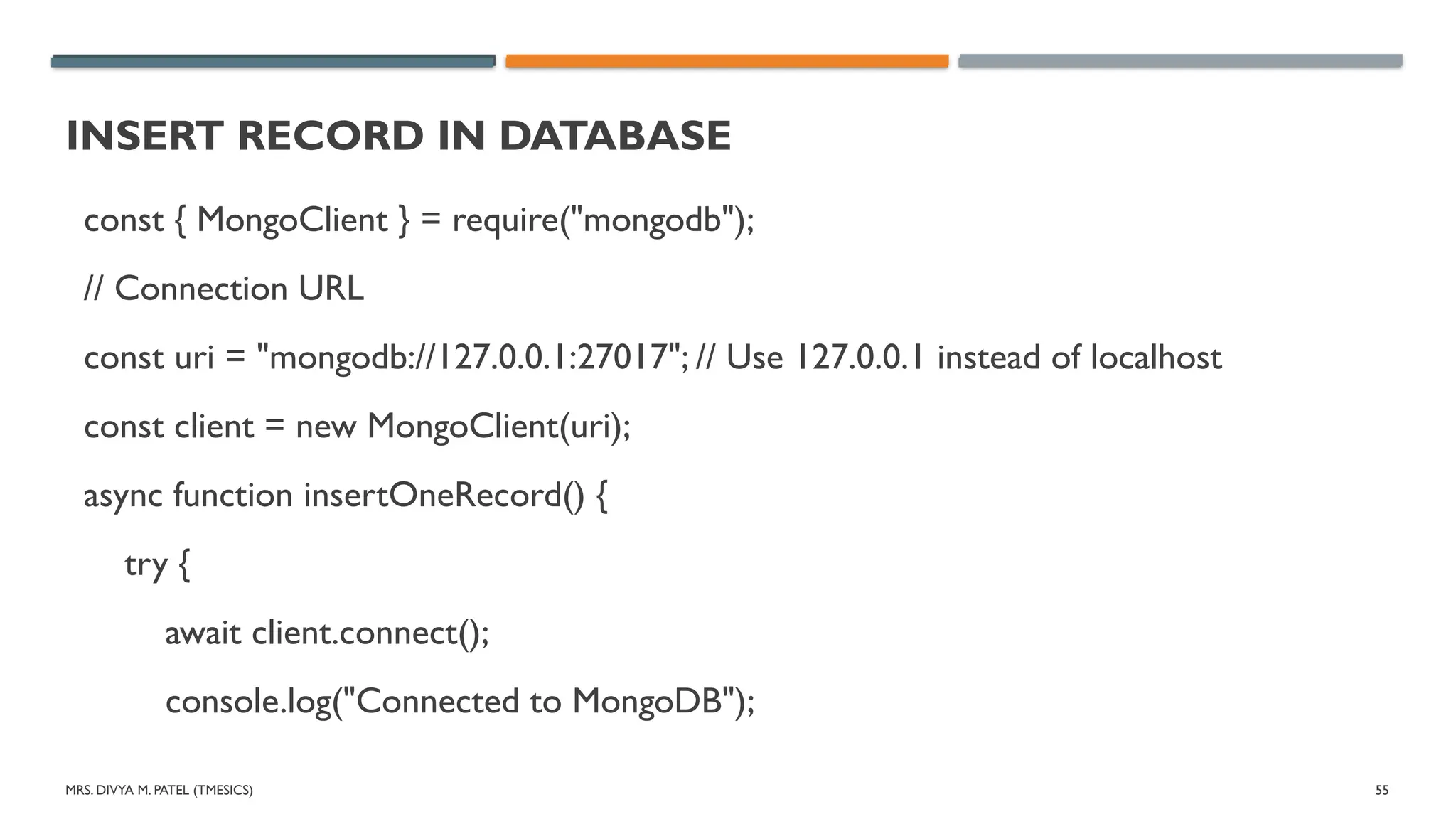
To insert a record in the database create a new page("insert1docu.js") and
write code.
55.
MRS. DIVYA M.PATEL (TMESICS) 55
INSERT RECORD IN DATABASE
const { MongoClient } = require("mongodb");
// Connection URL
const uri = "mongodb://127.0.0.1:27017"; // Use 127.0.0.1 instead of localhost
const client = new MongoClient(uri);
async function insertOneRecord() {
try {
await client.connect();
console.log("Connected to MongoDB");
56.
MRS. DIVYA M.PATEL (TMESICS) 56
INSERT RECORD IN DATABASE
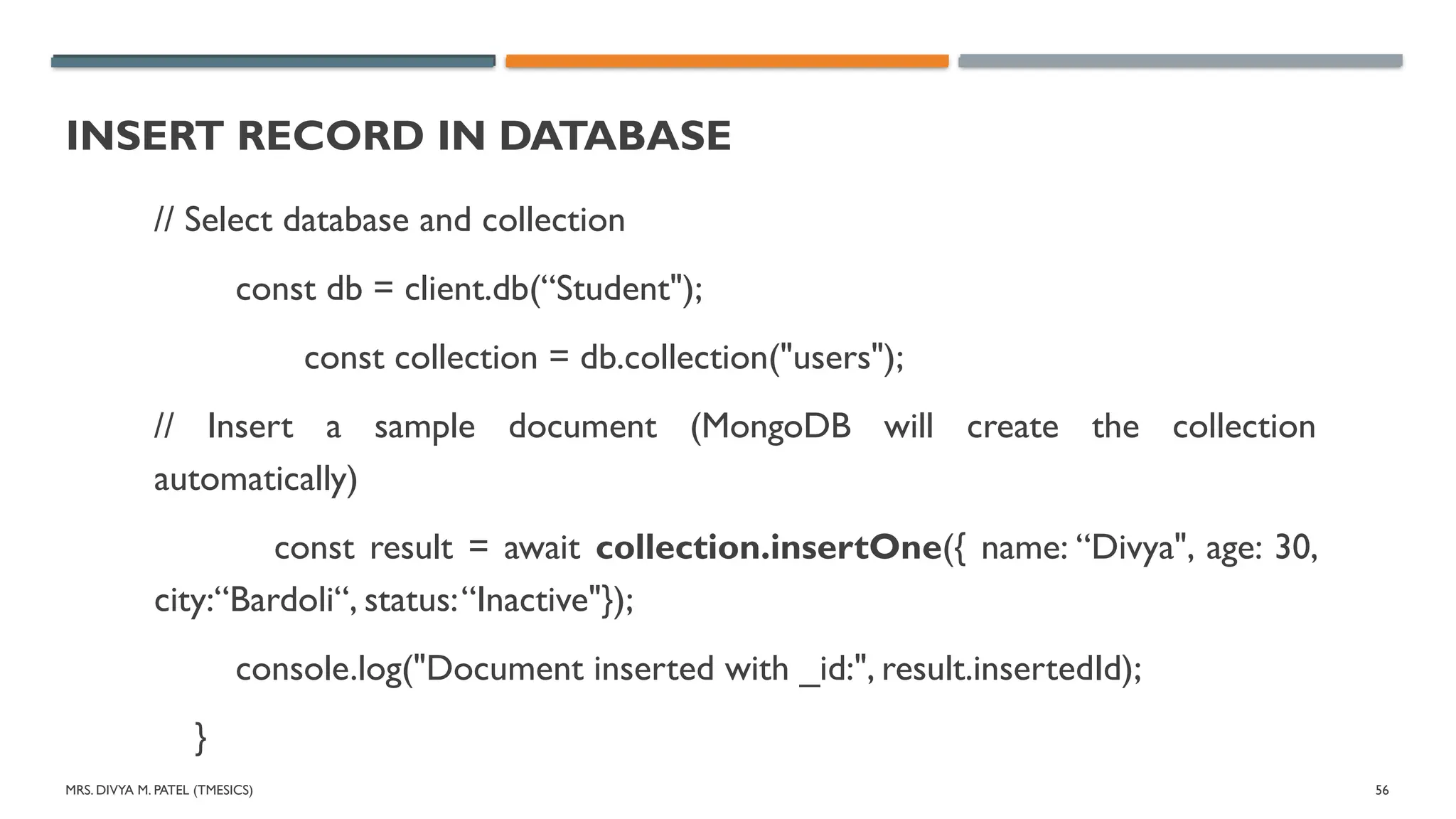
// Select database and collection
const db = client.db(“Student");
const collection = db.collection("users");
// Insert a sample document (MongoDB will create the collection
automatically)
const result = await collection.insertOne({ name: “Divya", age: 30,
city:“Bardoli“, status:“Inactive"});
console.log("Document inserted with _id:", result.insertedId);
}
MRS. DIVYA M.PATEL (TMESICS) 58
INSERT RECORD IN DATABASE
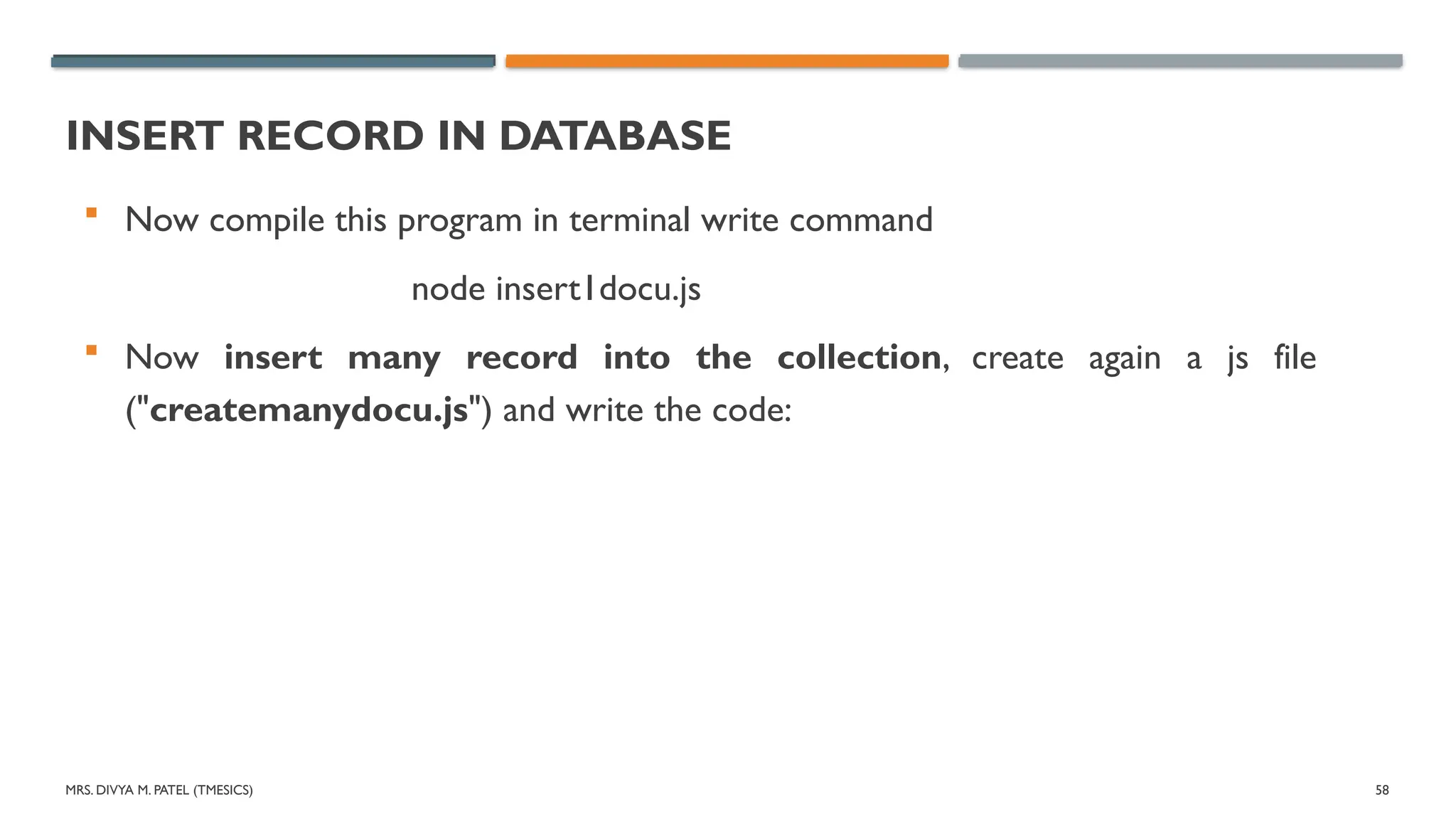
Now compile this program in terminal write command
node insert1docu.js
Now insert many record into the collection, create again a js file
("createmanydocu.js") and write the code:
59.
MRS. DIVYA M.PATEL (TMESICS) 59
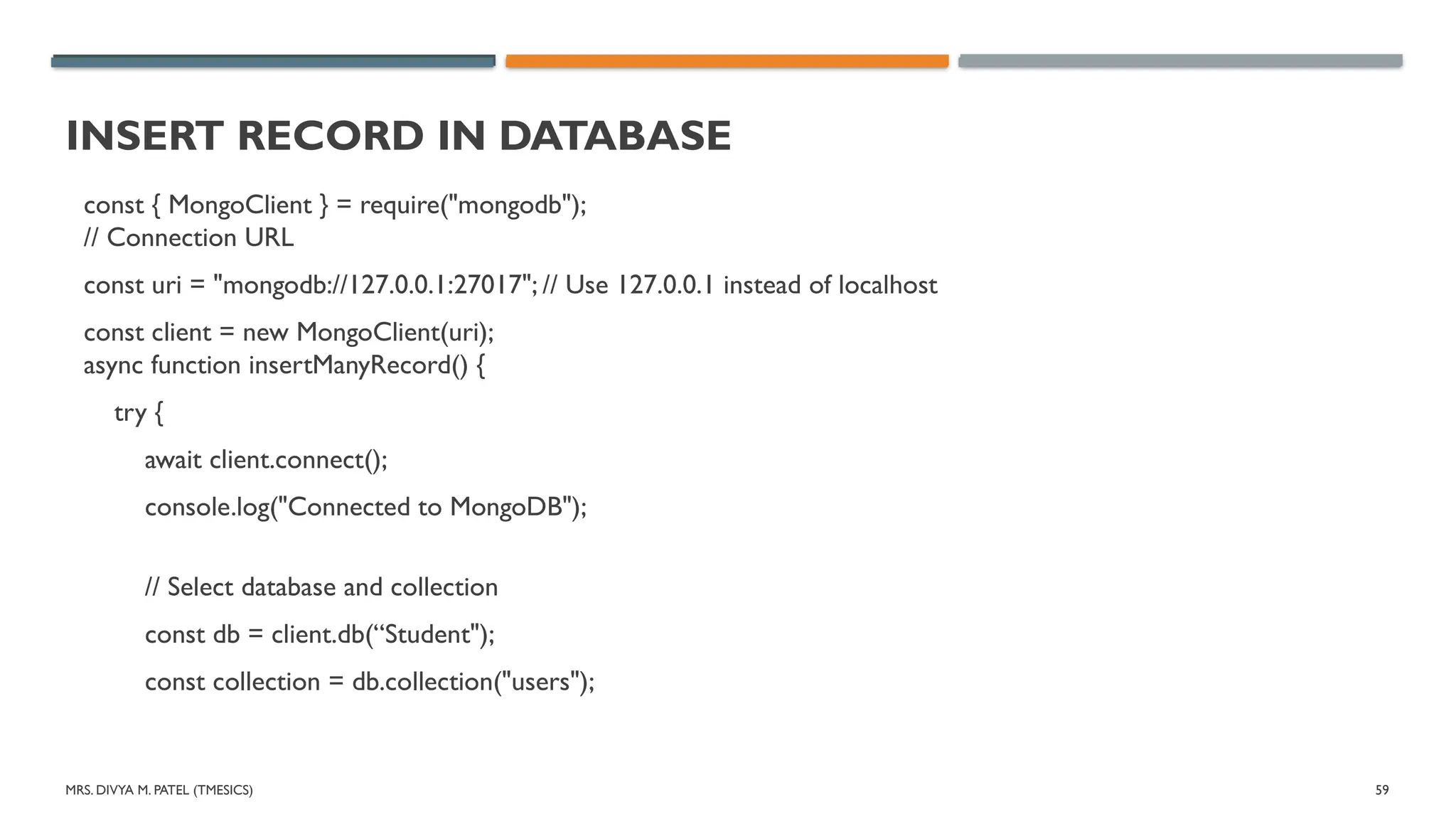
INSERT RECORD IN DATABASE
const { MongoClient } = require("mongodb");
// Connection URL
const uri = "mongodb://127.0.0.1:27017"; // Use 127.0.0.1 instead of localhost
const client = new MongoClient(uri);
async function insertManyRecord() {
try {
await client.connect();
console.log("Connected to MongoDB");
// Select database and collection
const db = client.db(“Student");
const collection = db.collection("users");
MRS. DIVYA M.PATEL (TMESICS) 61
INSERT RECORD IN DATABASE
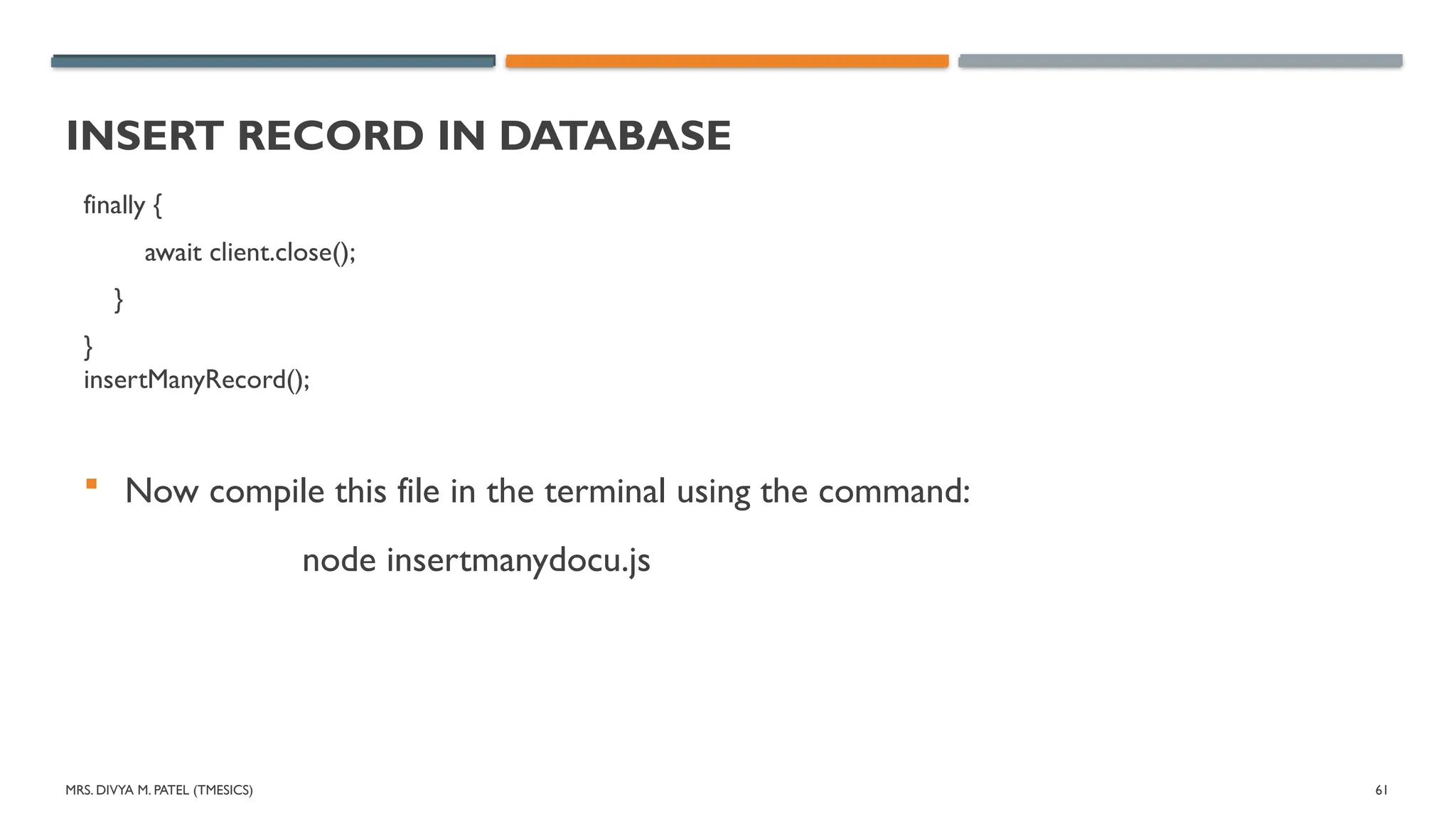
finally {
await client.close();
}
}
insertManyRecord();
Now compile this file in the terminal using the command:
node insertmanydocu.js
62.
MRS. DIVYA M.PATEL (TMESICS) 62
FIND RECORD FROM DATABASE
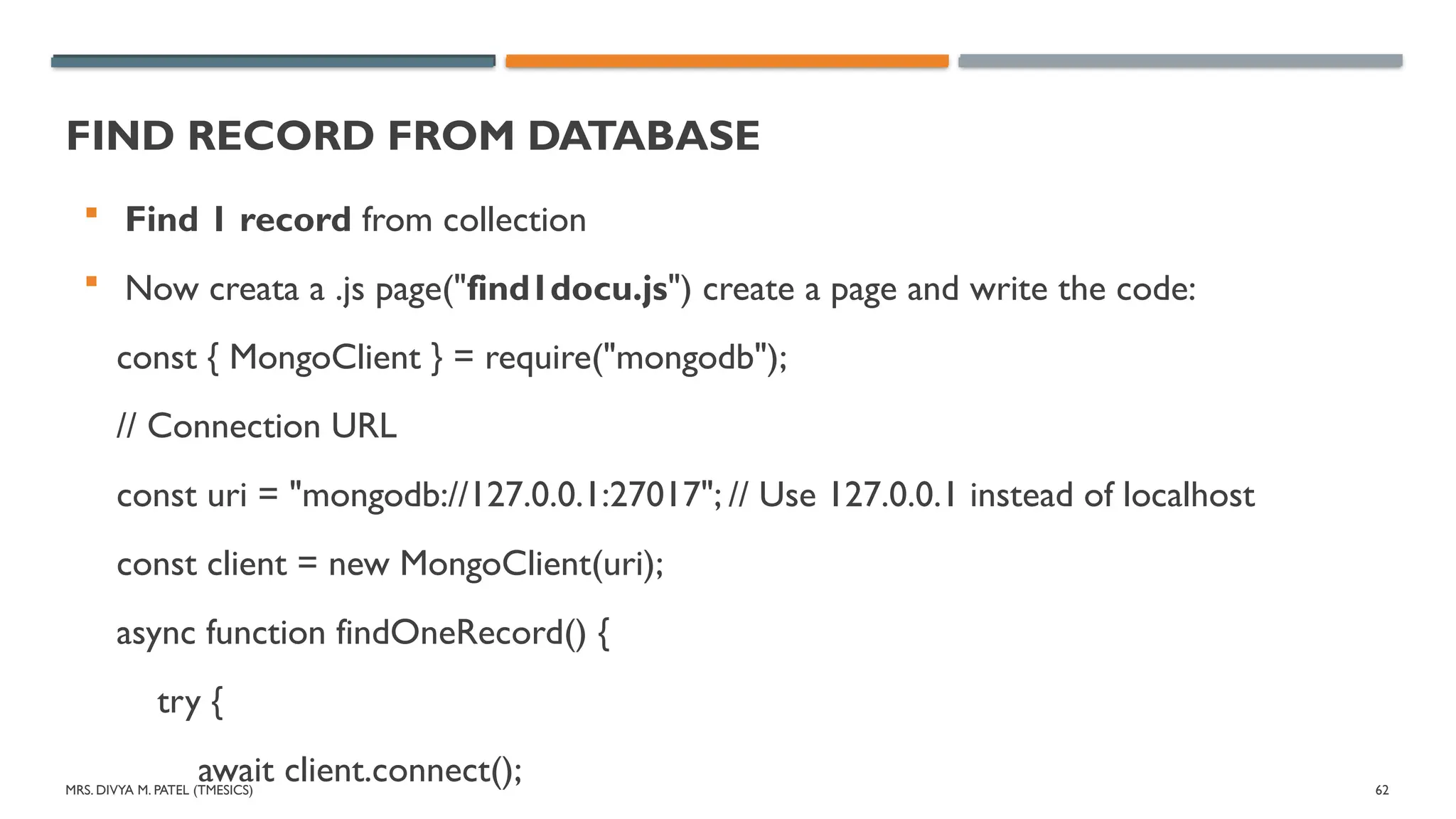
Find 1 record from collection
Now creata a .js page("find1docu.js") create a page and write the code:
const { MongoClient } = require("mongodb");
// Connection URL
const uri = "mongodb://127.0.0.1:27017"; // Use 127.0.0.1 instead of localhost
const client = new MongoClient(uri);
async function findOneRecord() {
try {
await client.connect();
63.
MRS. DIVYA M.PATEL (TMESICS) 63
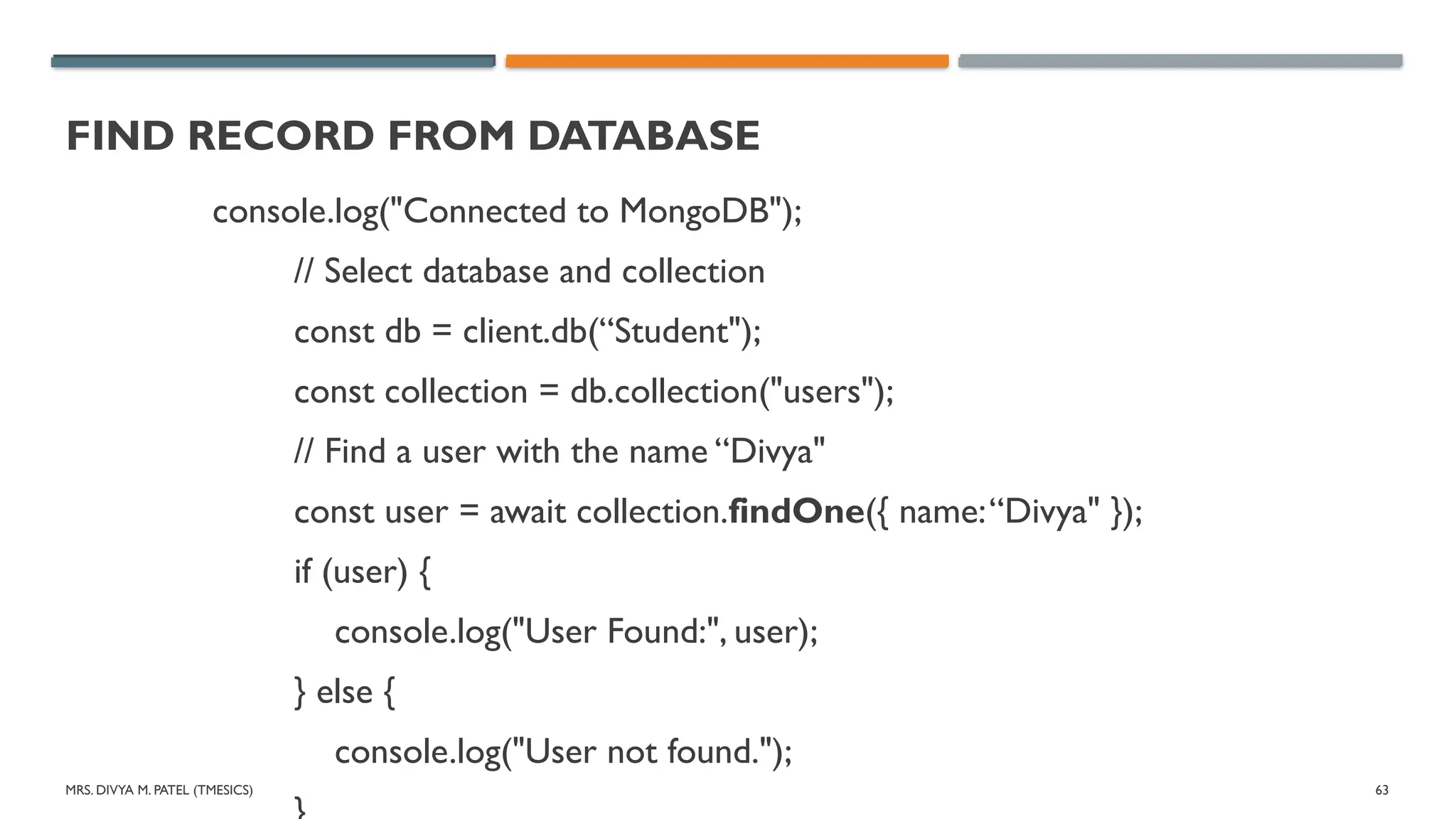
FIND RECORD FROM DATABASE
console.log("Connected to MongoDB");
// Select database and collection
const db = client.db(“Student");
const collection = db.collection("users");
// Find a user with the name “Divya"
const user = await collection.findOne({ name:“Divya" });
if (user) {
console.log("User Found:", user);
} else {
console.log("User not found.");
64.
MRS. DIVYA M.PATEL (TMESICS) 64
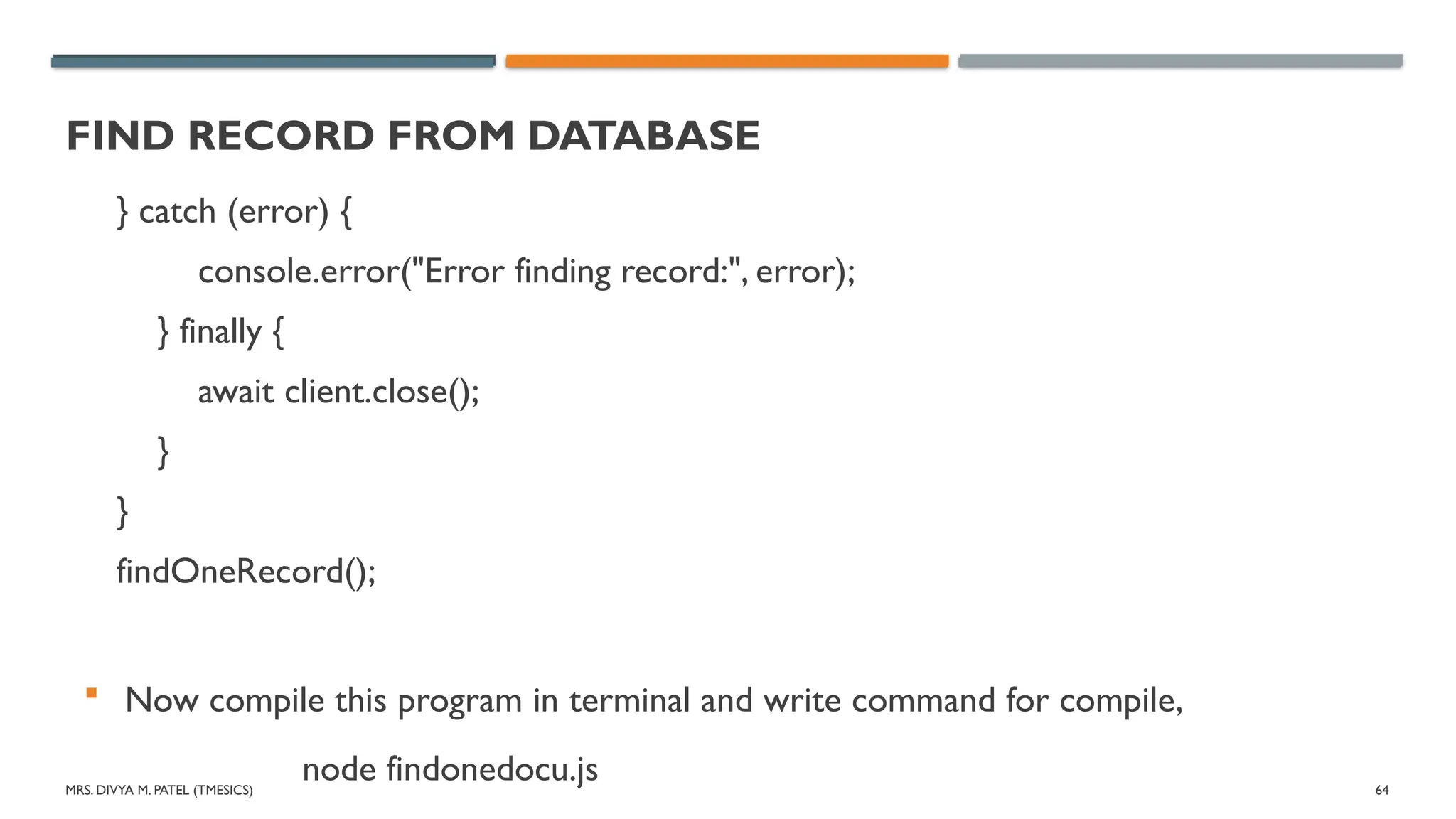
FIND RECORD FROM DATABASE
} catch (error) {
console.error("Error finding record:", error);
} finally {
await client.close();
}
}
findOneRecord();
Now compile this program in terminal and write command for compile,
node findonedocu.js
65.
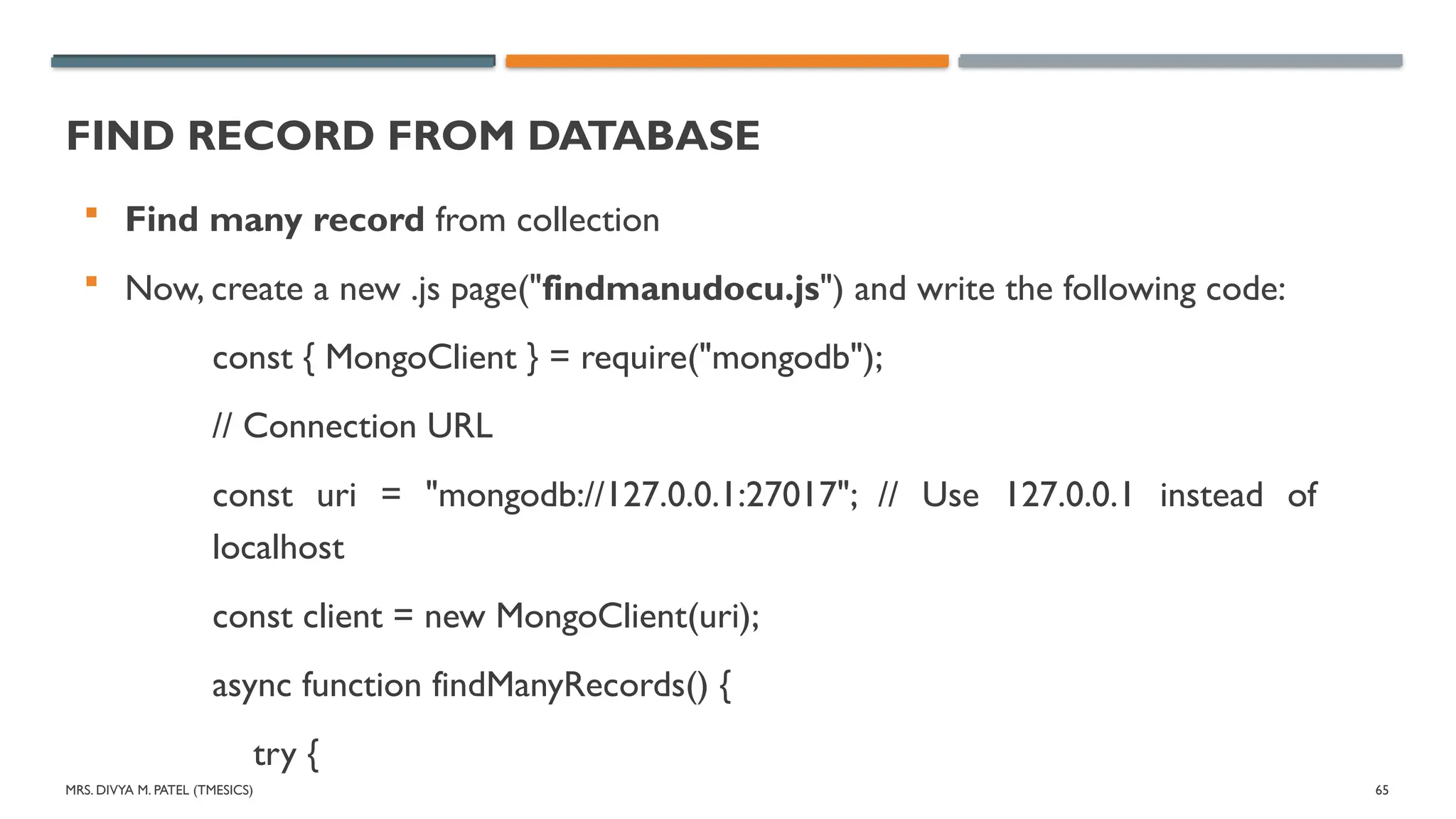
MRS. DIVYA M.PATEL (TMESICS) 65
FIND RECORD FROM DATABASE
Find many record from collection
Now, create a new .js page("findmanudocu.js") and write the following code:
const { MongoClient } = require("mongodb");
// Connection URL
const uri = "mongodb://127.0.0.1:27017"; // Use 127.0.0.1 instead of
localhost
const client = new MongoClient(uri);
async function findManyRecords() {
try {
66.
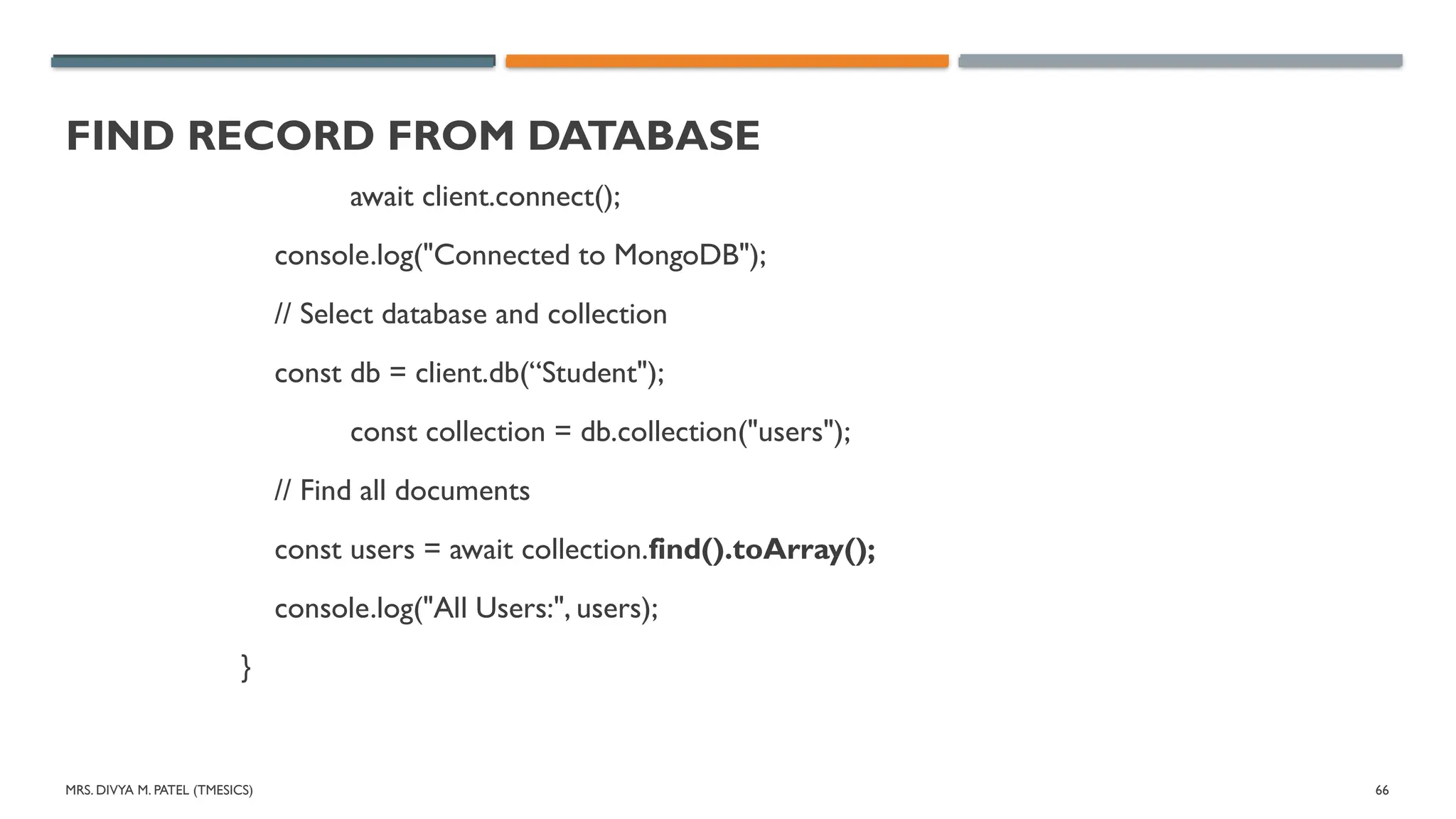
MRS. DIVYA M.PATEL (TMESICS) 66
FIND RECORD FROM DATABASE
await client.connect();
console.log("Connected to MongoDB");
// Select database and collection
const db = client.db(“Student");
const collection = db.collection("users");
// Find all documents
const users = await collection.find().toArray();
console.log("All Users:", users);
}
67.
MRS. DIVYA M.PATEL (TMESICS) 67
FIND RECORD FROM DATABASE
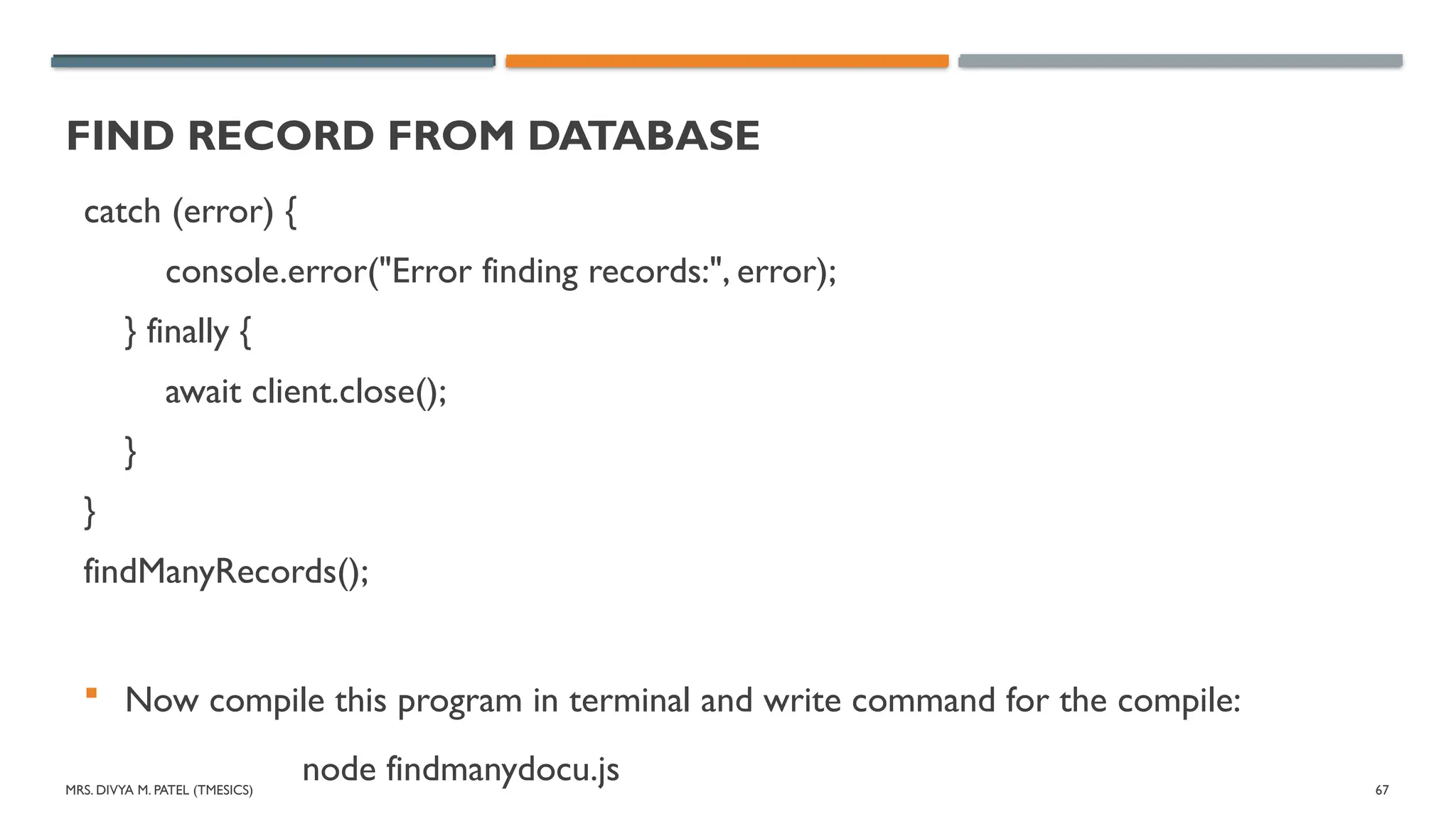
catch (error) {
console.error("Error finding records:", error);
} finally {
await client.close();
}
}
findManyRecords();
Now compile this program in terminal and write command for the compile:
node findmanydocu.js
68.
MRS. DIVYA M.PATEL (TMESICS) 68
UPDATE RECORD IN COLLECTION
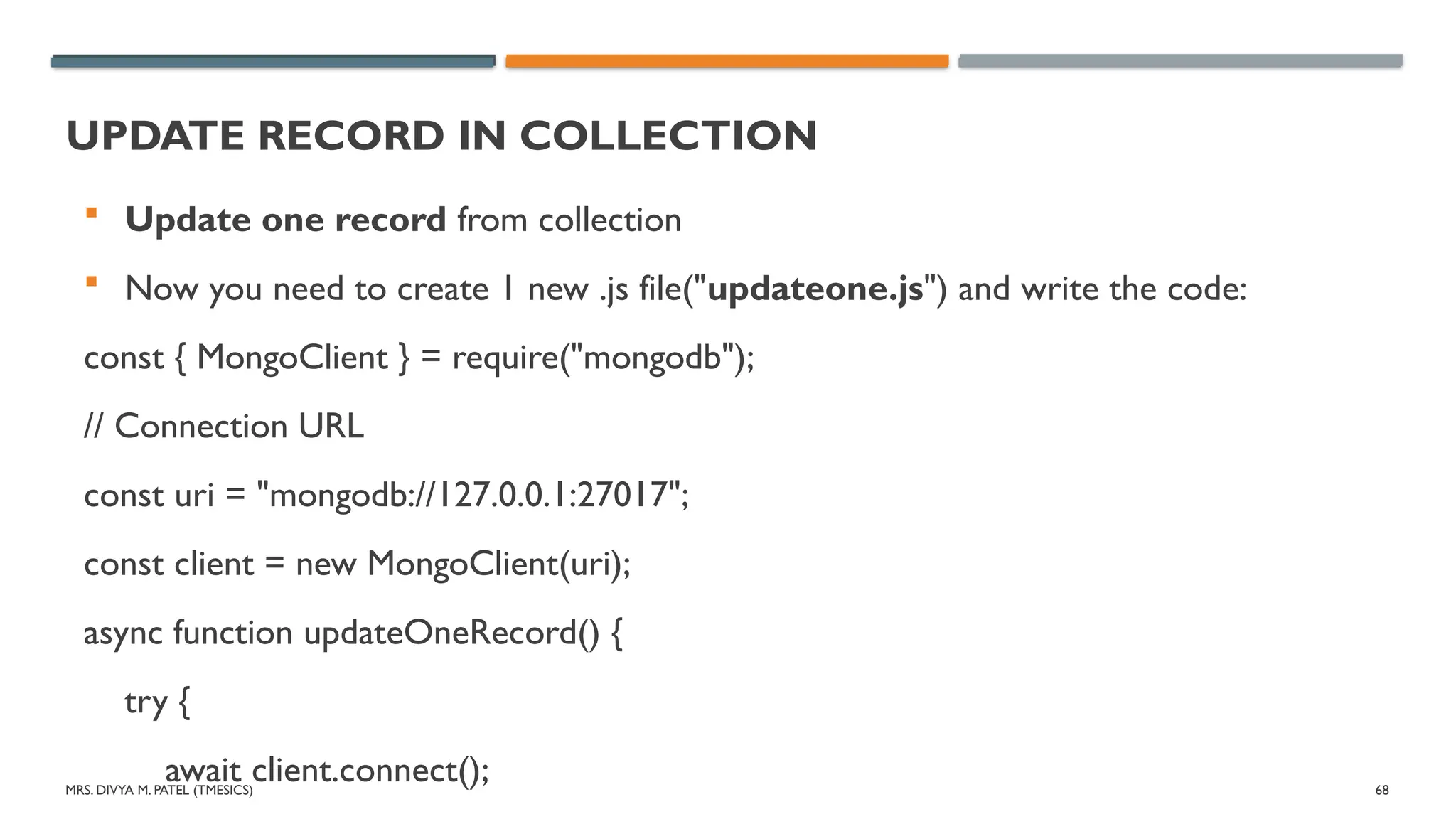
Update one record from collection
Now you need to create 1 new .js file("updateone.js") and write the code:
const { MongoClient } = require("mongodb");
// Connection URL
const uri = "mongodb://127.0.0.1:27017";
const client = new MongoClient(uri);
async function updateOneRecord() {
try {
await client.connect();
69.
MRS. DIVYA M.PATEL (TMESICS) 69
UPDATE RECORD IN COLLECTION
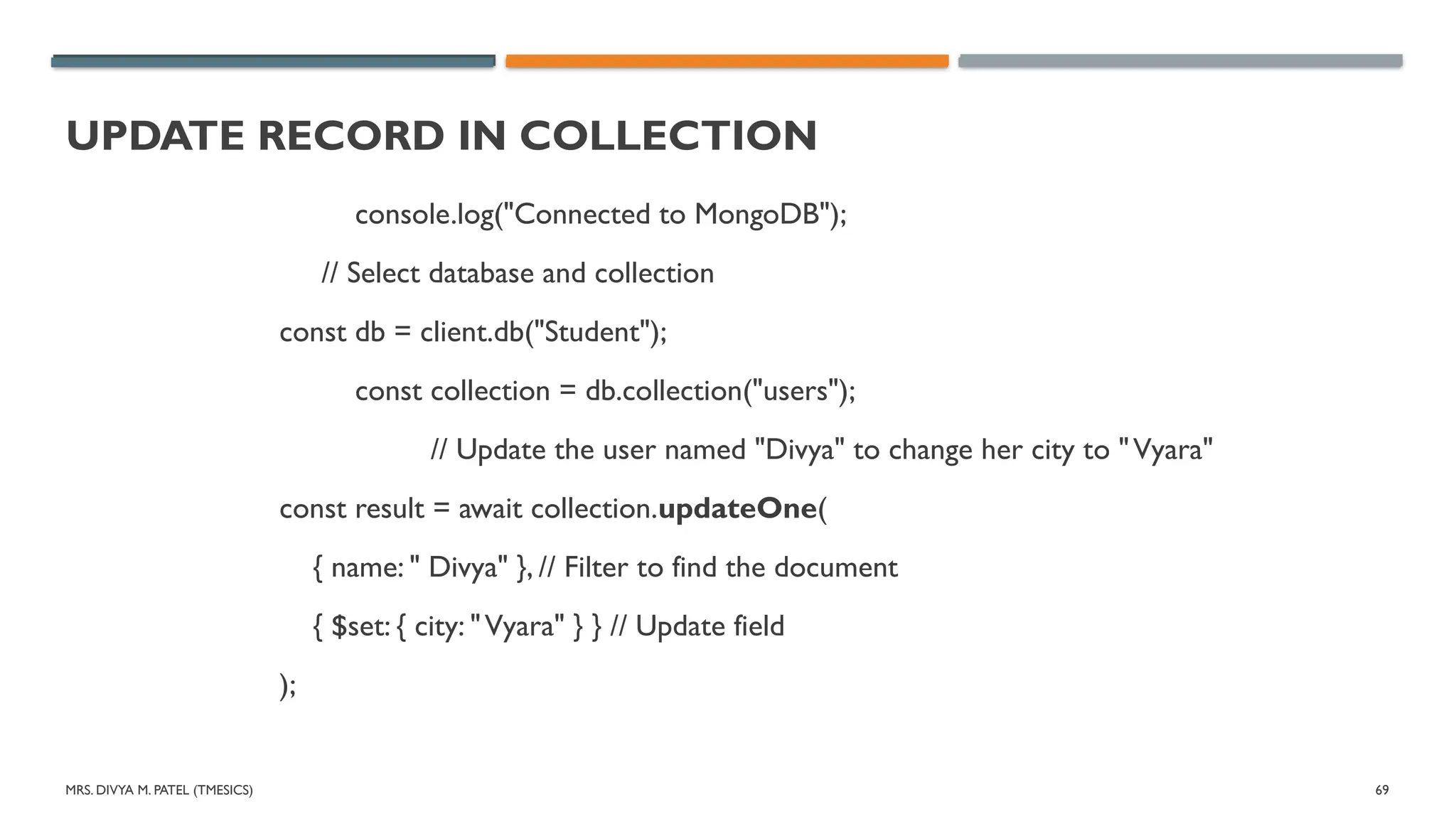
console.log("Connected to MongoDB");
// Select database and collection
const db = client.db("Student");
const collection = db.collection("users");
// Update the user named "Divya" to change her city to "Vyara"
const result = await collection.updateOne(
{ name: " Divya" }, // Filter to find the document
{ $set: { city: "Vyara" } } // Update field
);
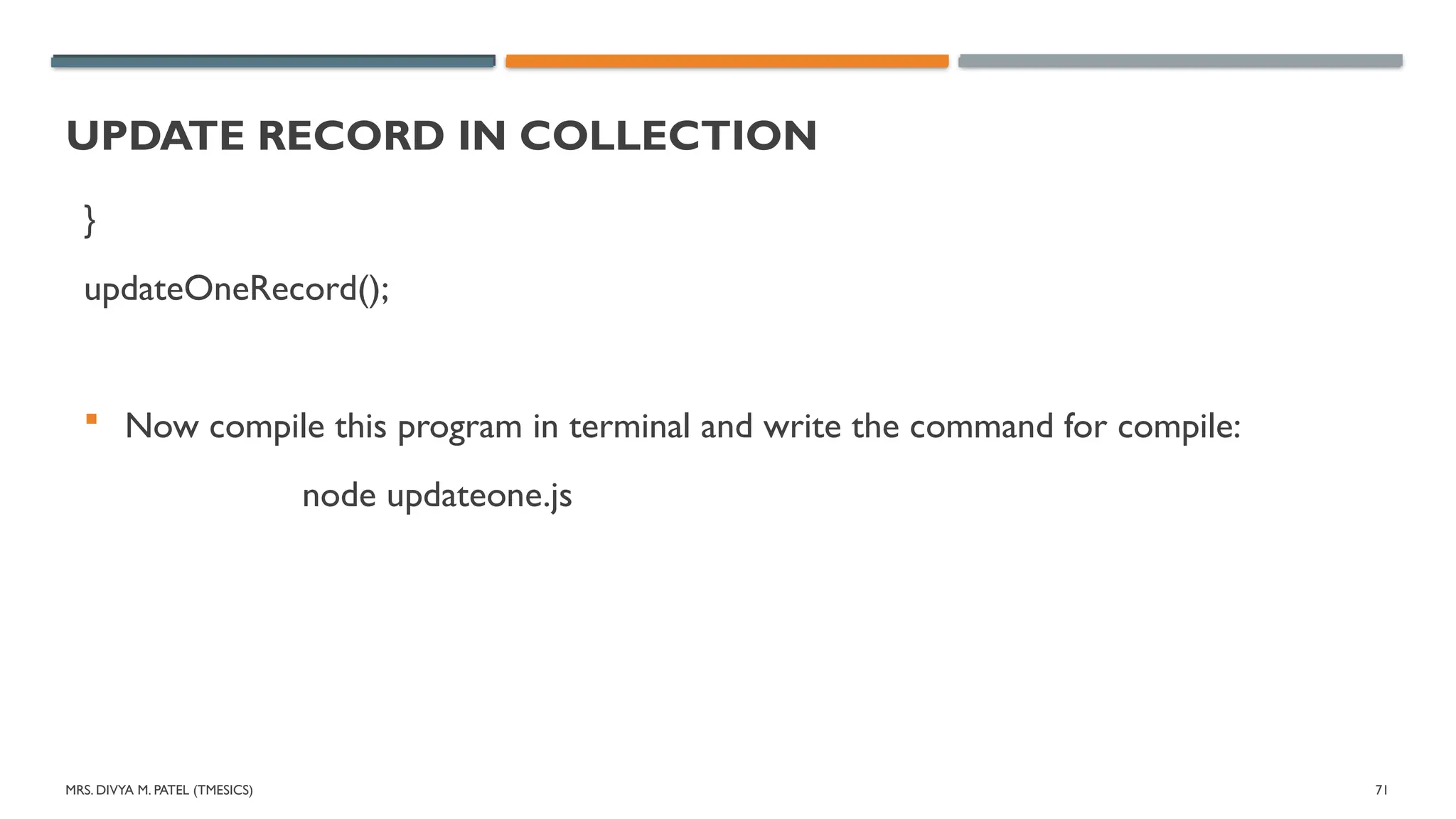
MRS. DIVYA M.PATEL (TMESICS) 71
UPDATE RECORD IN COLLECTION
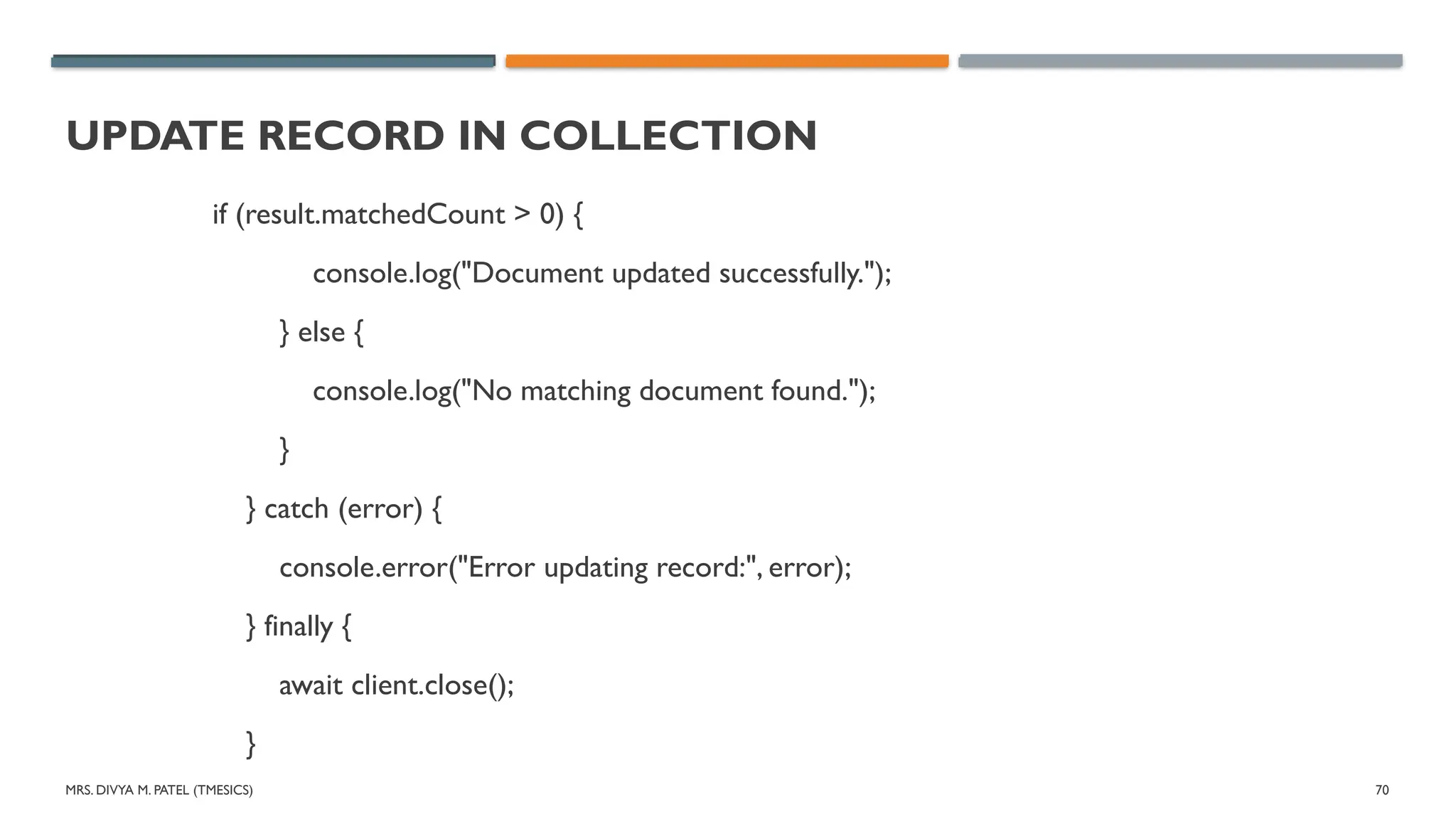
}
updateOneRecord();
Now compile this program in terminal and write the command for compile:
node updateone.js
72.
MRS. DIVYA M.PATEL (TMESICS) 72
UPDATE RECORD IN COLLECTION
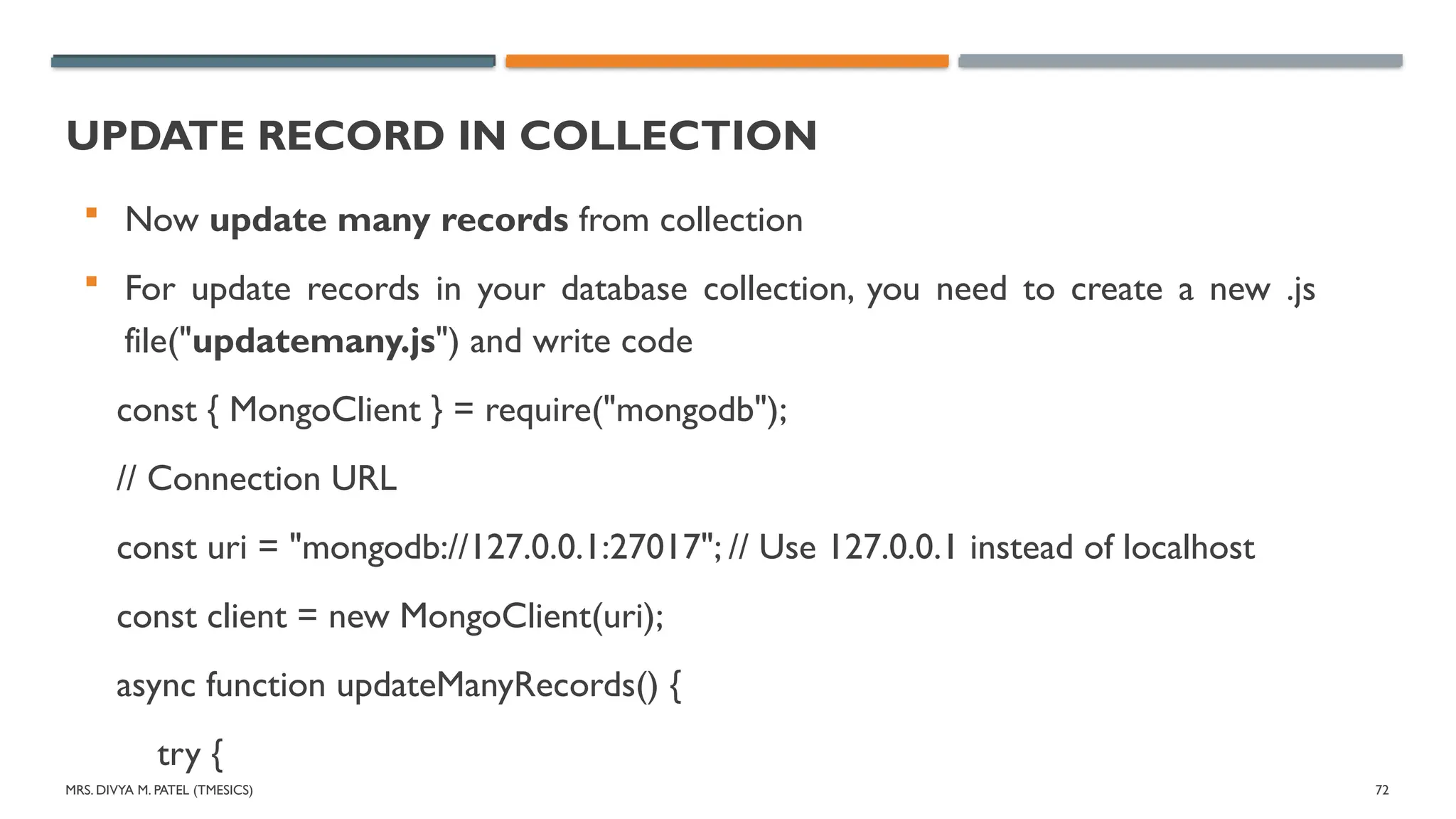
Now update many records from collection
For update records in your database collection, you need to create a new .js
file("updatemany.js") and write code
const { MongoClient } = require("mongodb");
// Connection URL
const uri = "mongodb://127.0.0.1:27017"; // Use 127.0.0.1 instead of localhost
const client = new MongoClient(uri);
async function updateManyRecords() {
try {
73.
MRS. DIVYA M.PATEL (TMESICS) 73
UPDATE RECORD IN COLLECTION
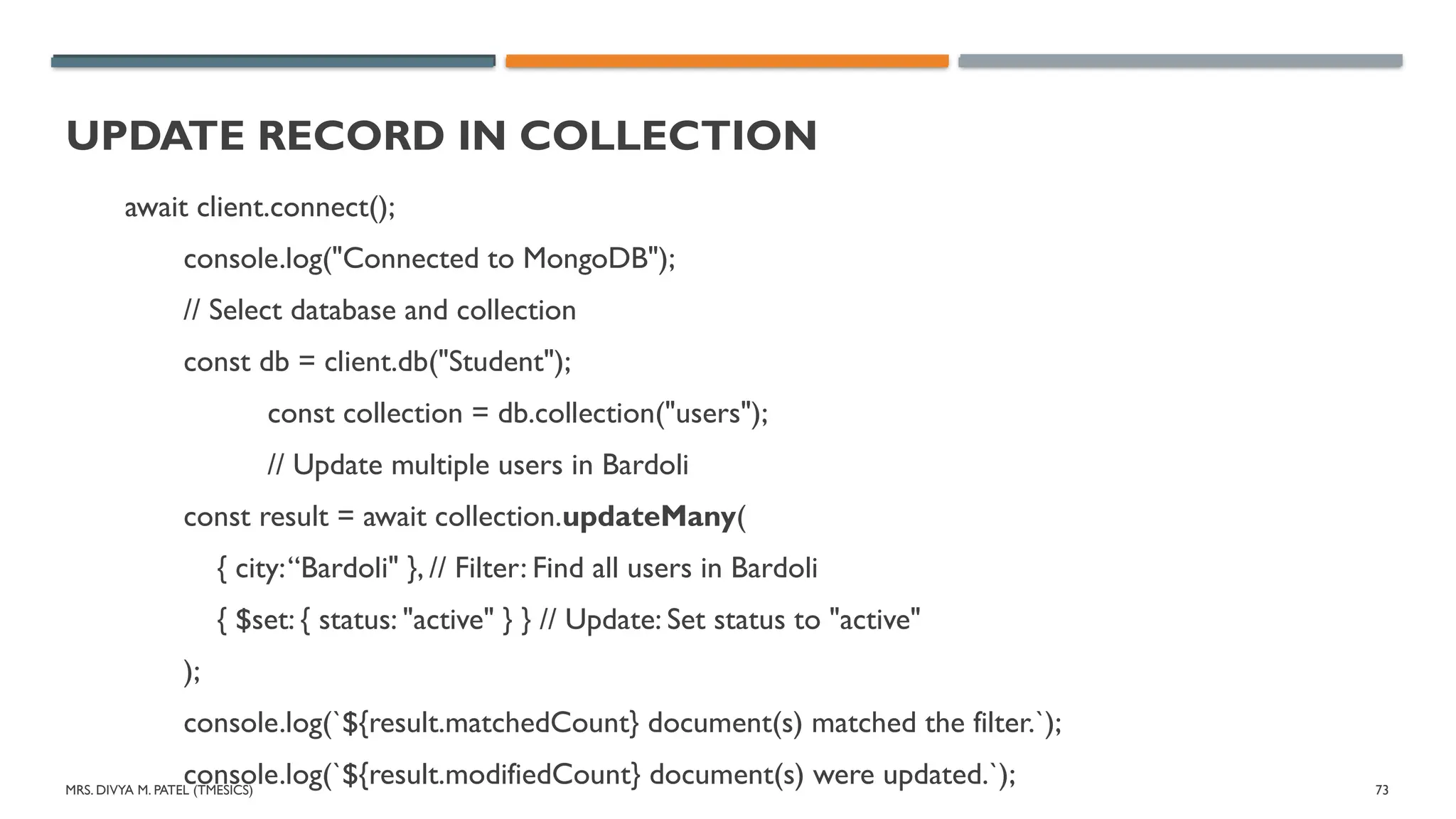
await client.connect();
console.log("Connected to MongoDB");
// Select database and collection
const db = client.db("Student");
const collection = db.collection("users");
// Update multiple users in Bardoli
const result = await collection.updateMany(
{ city:“Bardoli" }, // Filter: Find all users in Bardoli
{ $set: { status: "active" } } // Update: Set status to "active"
);
console.log(`${result.matchedCount} document(s) matched the filter.`);
console.log(`${result.modifiedCount} document(s) were updated.`);
74.
MRS. DIVYA M.PATEL (TMESICS) 74
UPDATE RECORD IN COLLECTION
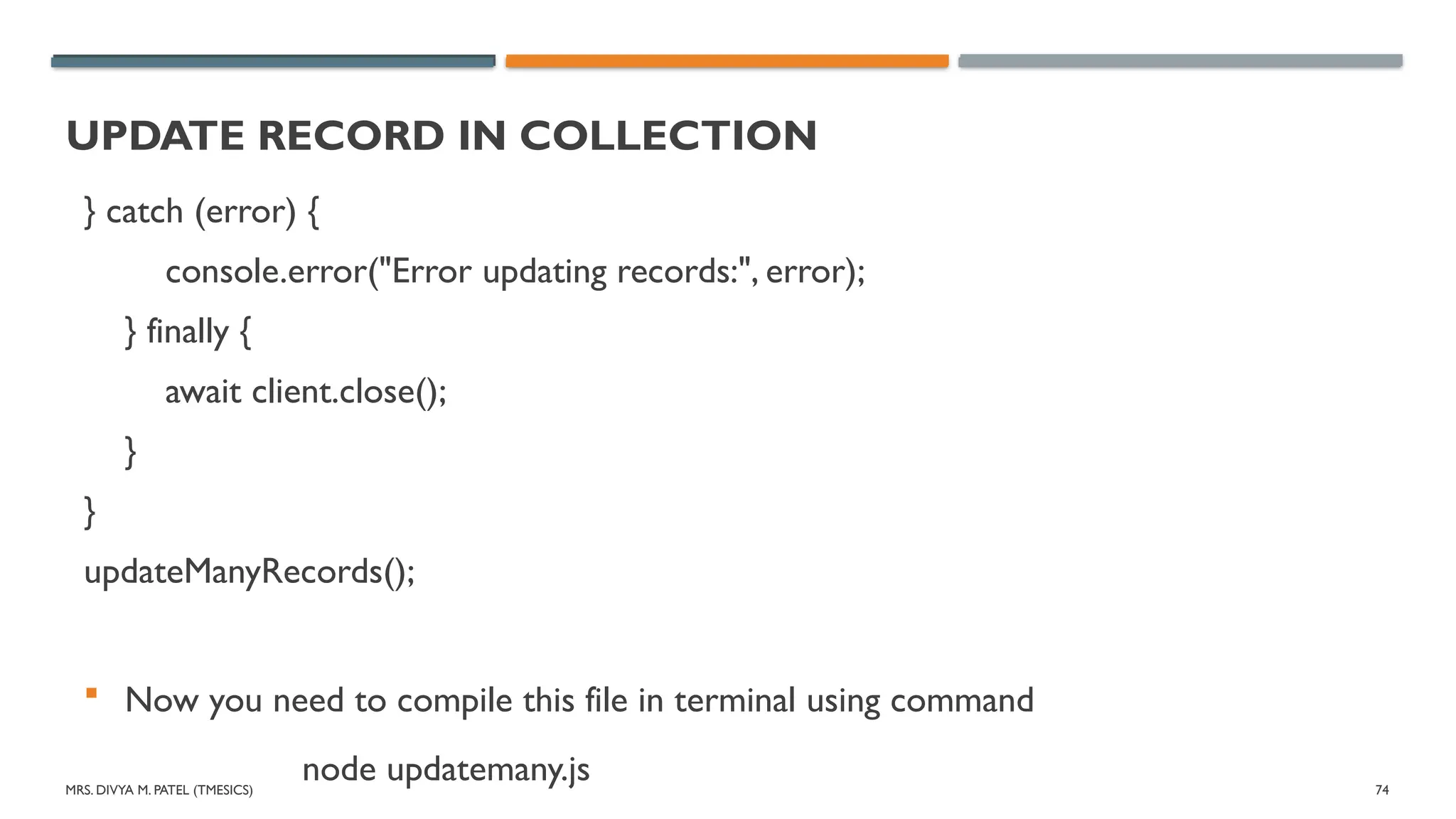
} catch (error) {
console.error("Error updating records:", error);
} finally {
await client.close();
}
}
updateManyRecords();
Now you need to compile this file in terminal using command
node updatemany.js
75.
MRS. DIVYA M.PATEL (TMESICS) 75
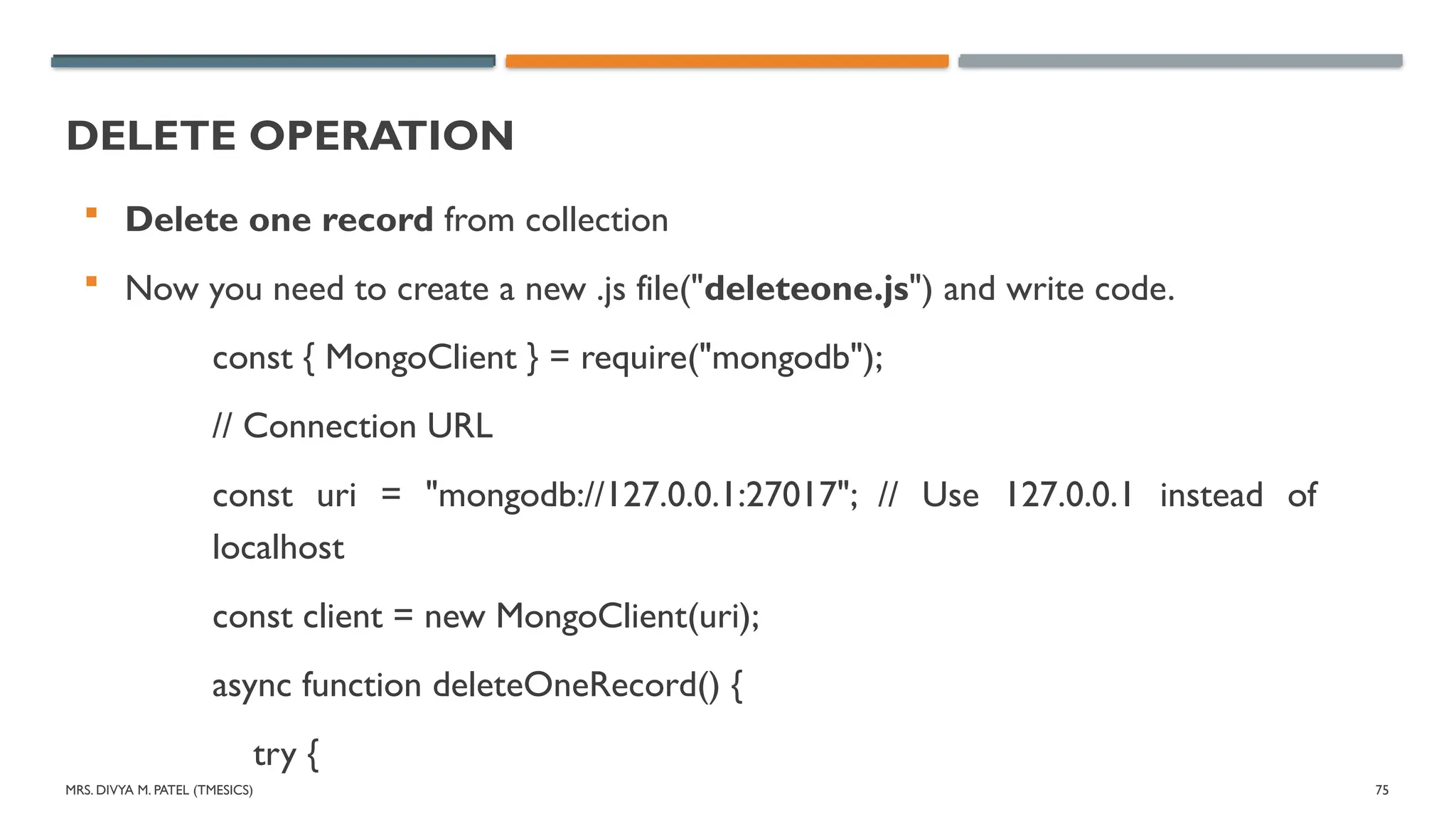
DELETE OPERATION
Delete one record from collection
Now you need to create a new .js file("deleteone.js") and write code.
const { MongoClient } = require("mongodb");
// Connection URL
const uri = "mongodb://127.0.0.1:27017"; // Use 127.0.0.1 instead of
localhost
const client = new MongoClient(uri);
async function deleteOneRecord() {
try {
76.
MRS. DIVYA M.PATEL (TMESICS) 76
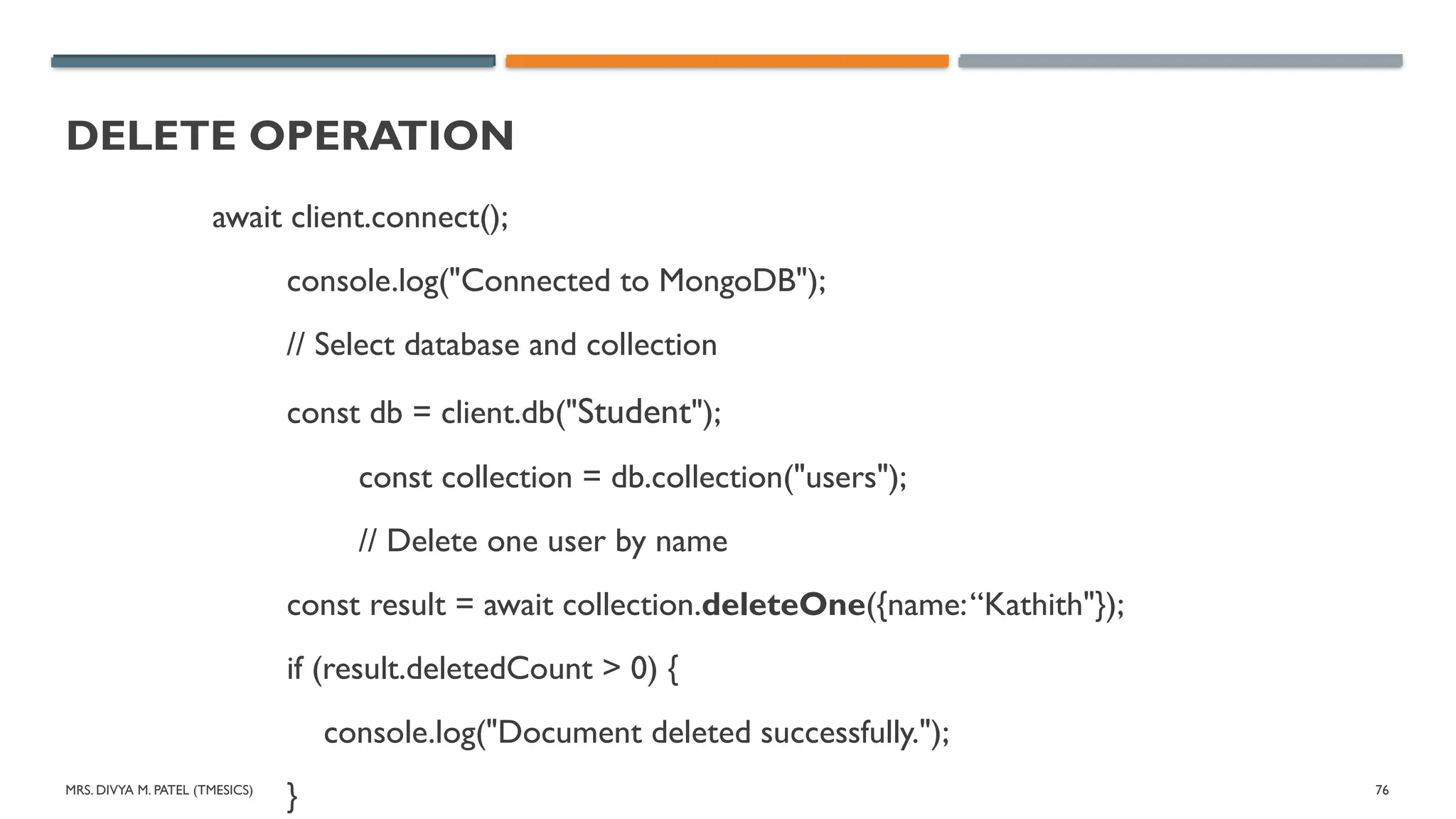
DELETE OPERATION
await client.connect();
console.log("Connected to MongoDB");
// Select database and collection
const db = client.db("Student");
const collection = db.collection("users");
// Delete one user by name
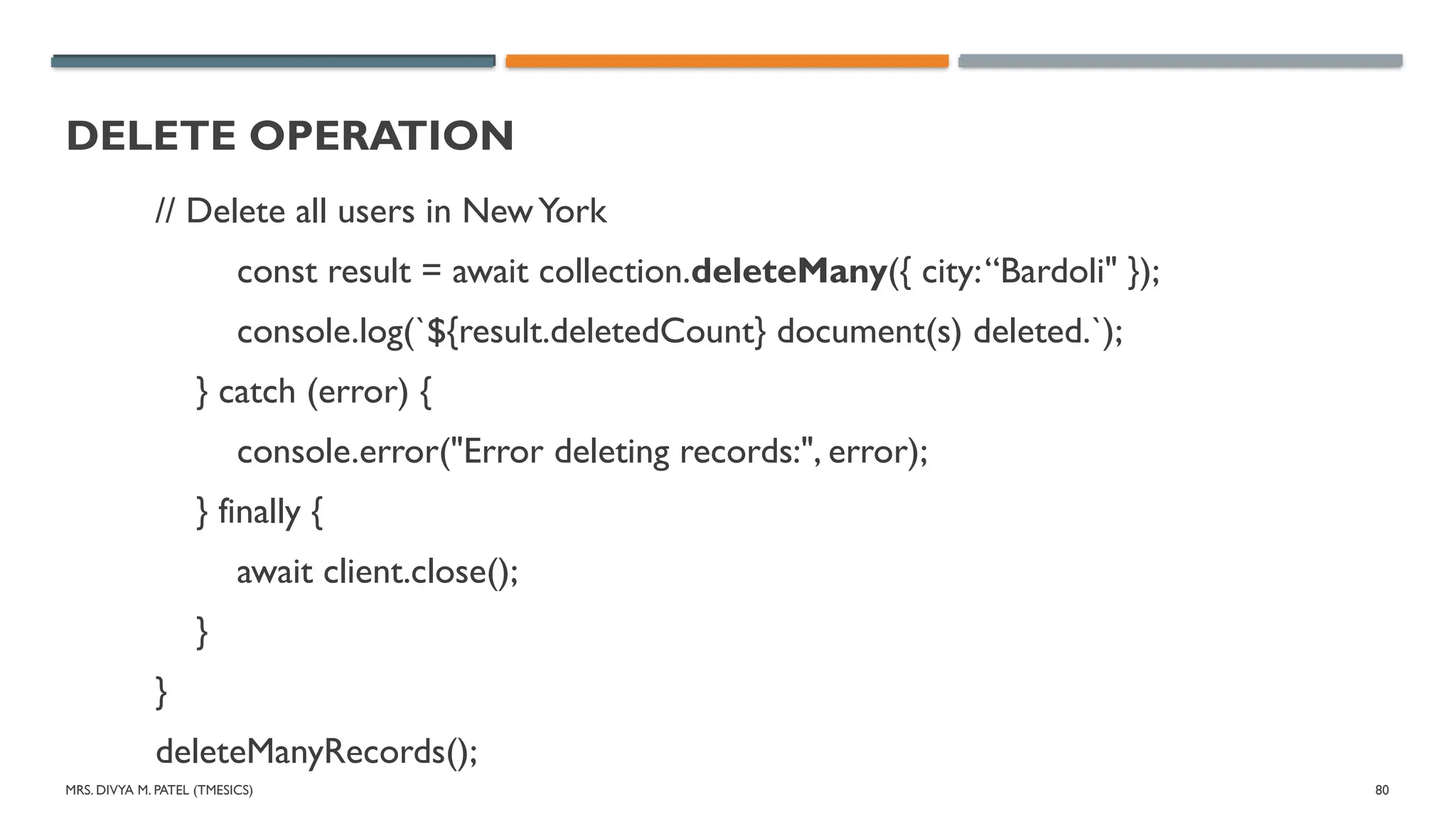
const result = await collection.deleteOne({name:“Kathith"});
if (result.deletedCount > 0) {
console.log("Document deleted successfully.");
}
MRS. DIVYA M.PATEL (TMESICS) 78
DELETE OPERATION
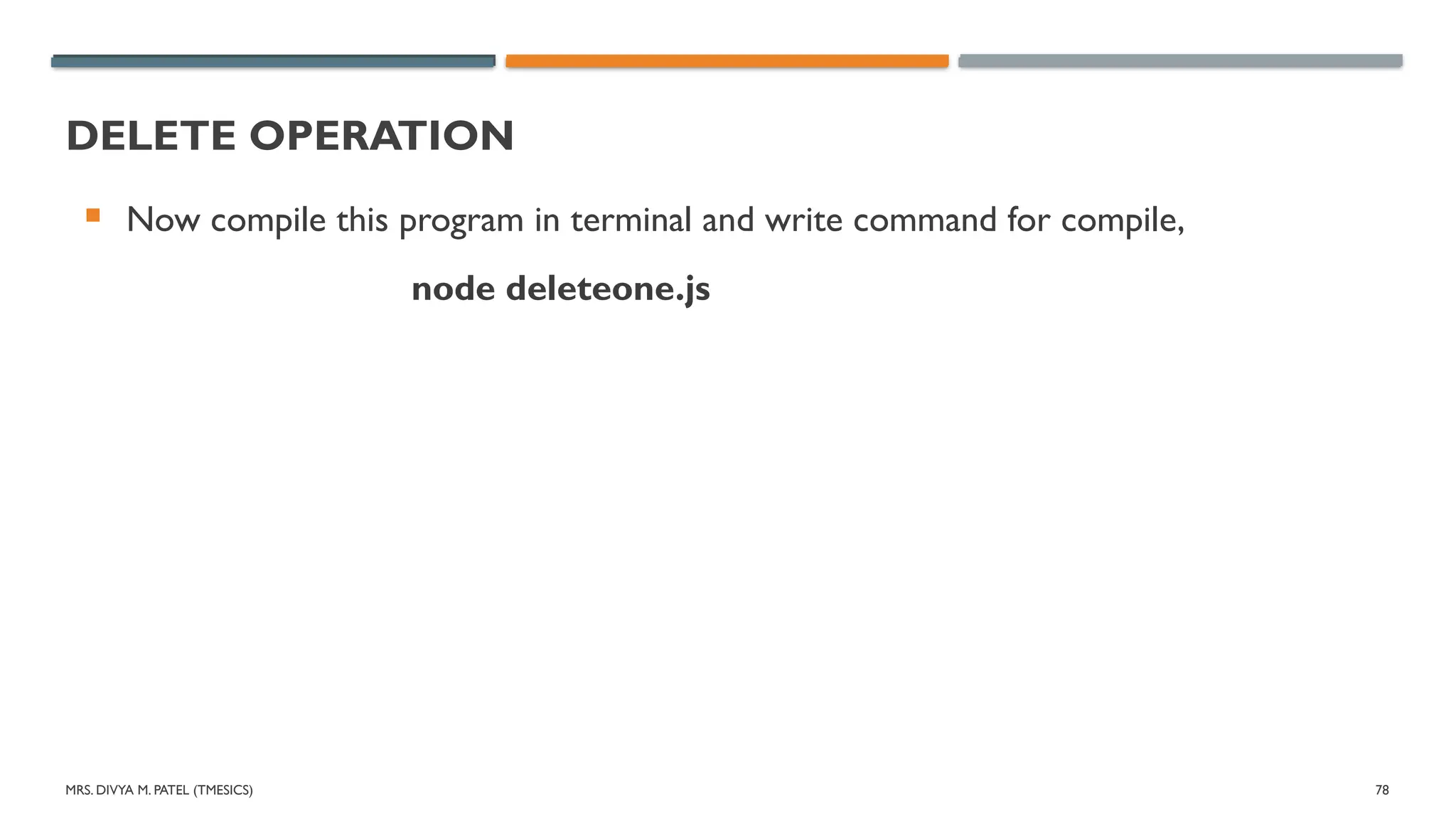
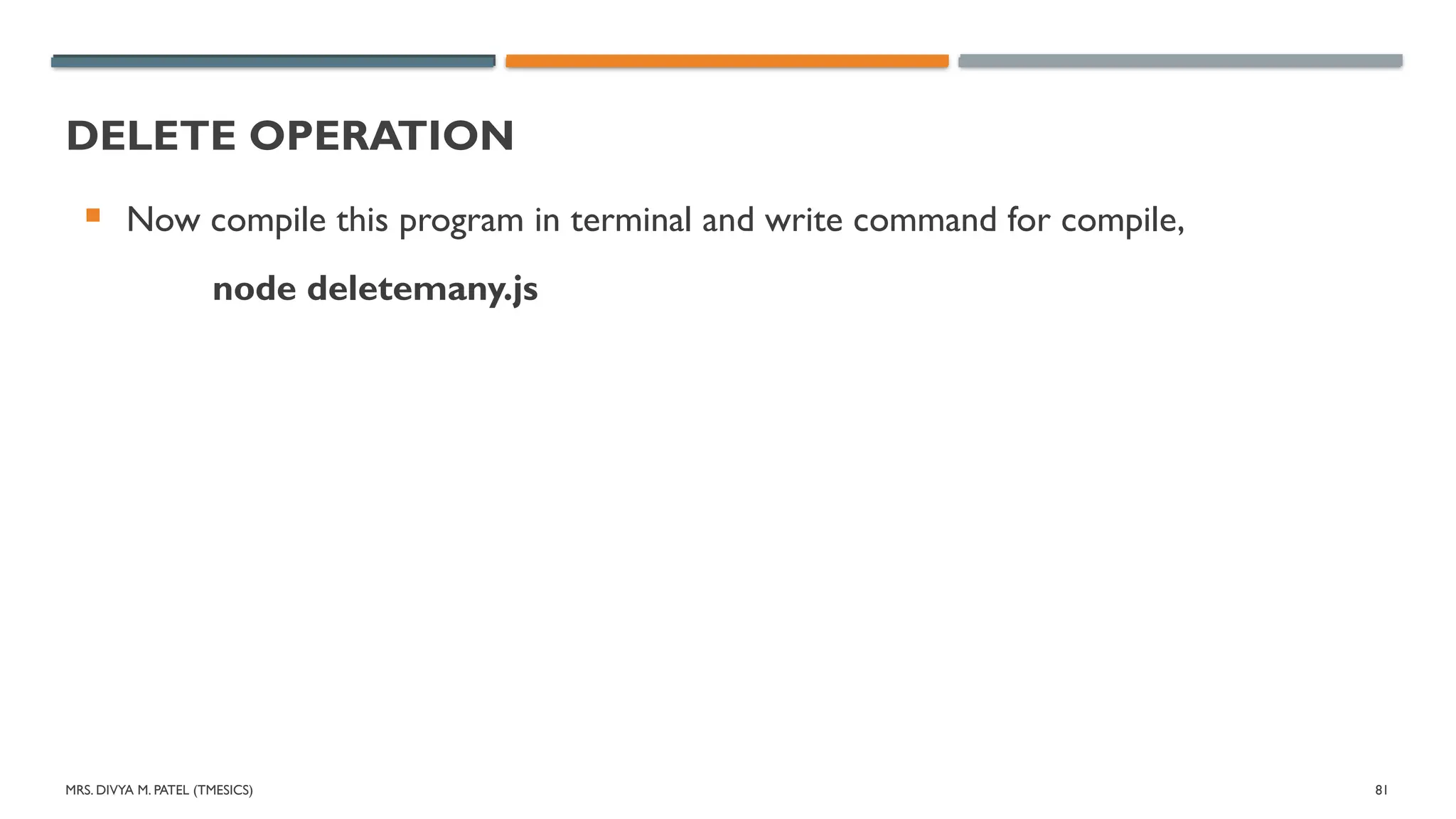
Now compile this program in terminal and write command for compile,
node deleteone.js
79.
MRS. DIVYA M.PATEL (TMESICS) 79
DELETE OPERATION
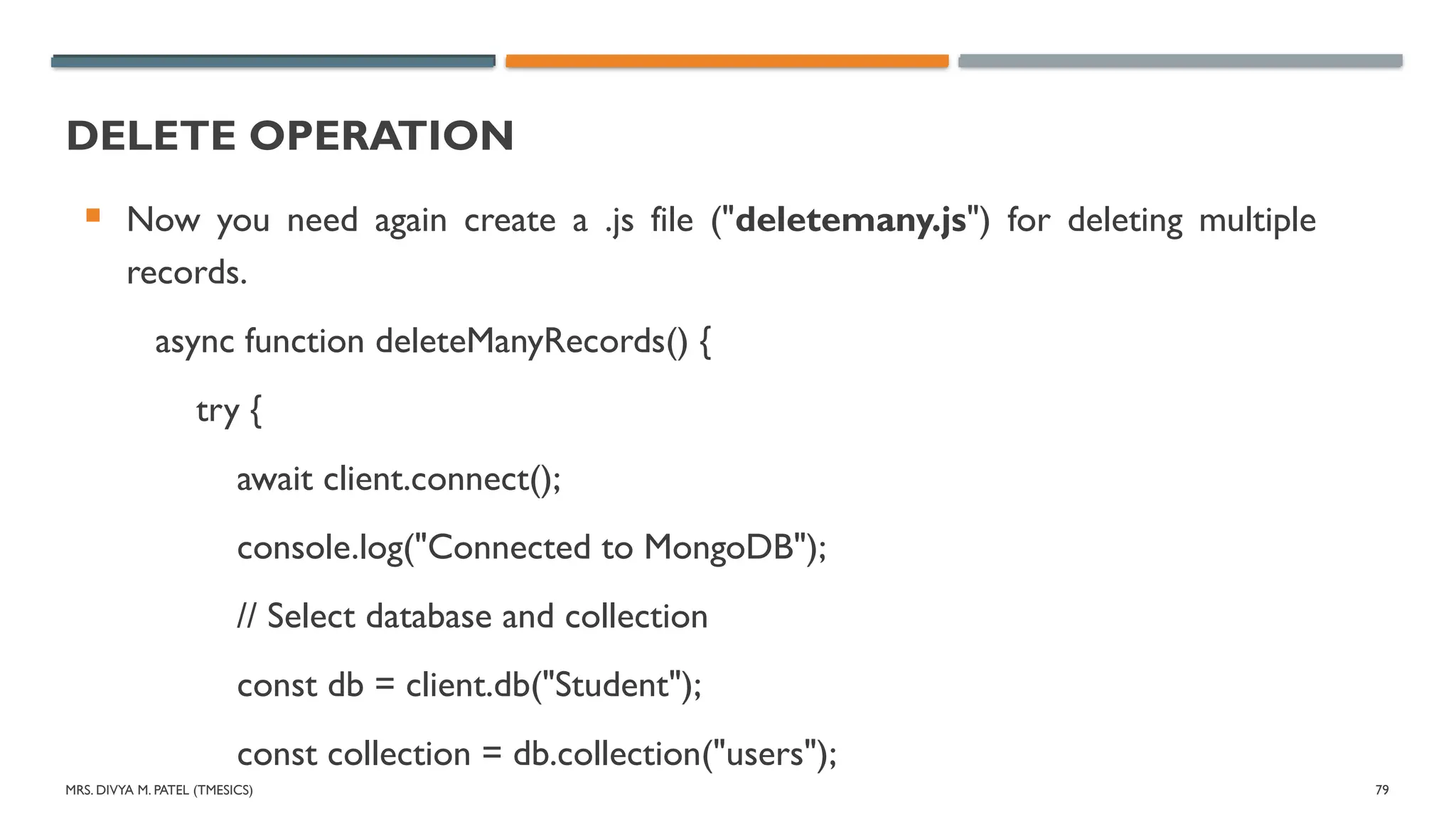
Now you need again create a .js file ("deletemany.js") for deleting multiple
records.
async function deleteManyRecords() {
try {
await client.connect();
console.log("Connected to MongoDB");
// Select database and collection
const db = client.db("Student");
const collection = db.collection("users");
MRS. DIVYA M.PATEL (TMESICS) 83
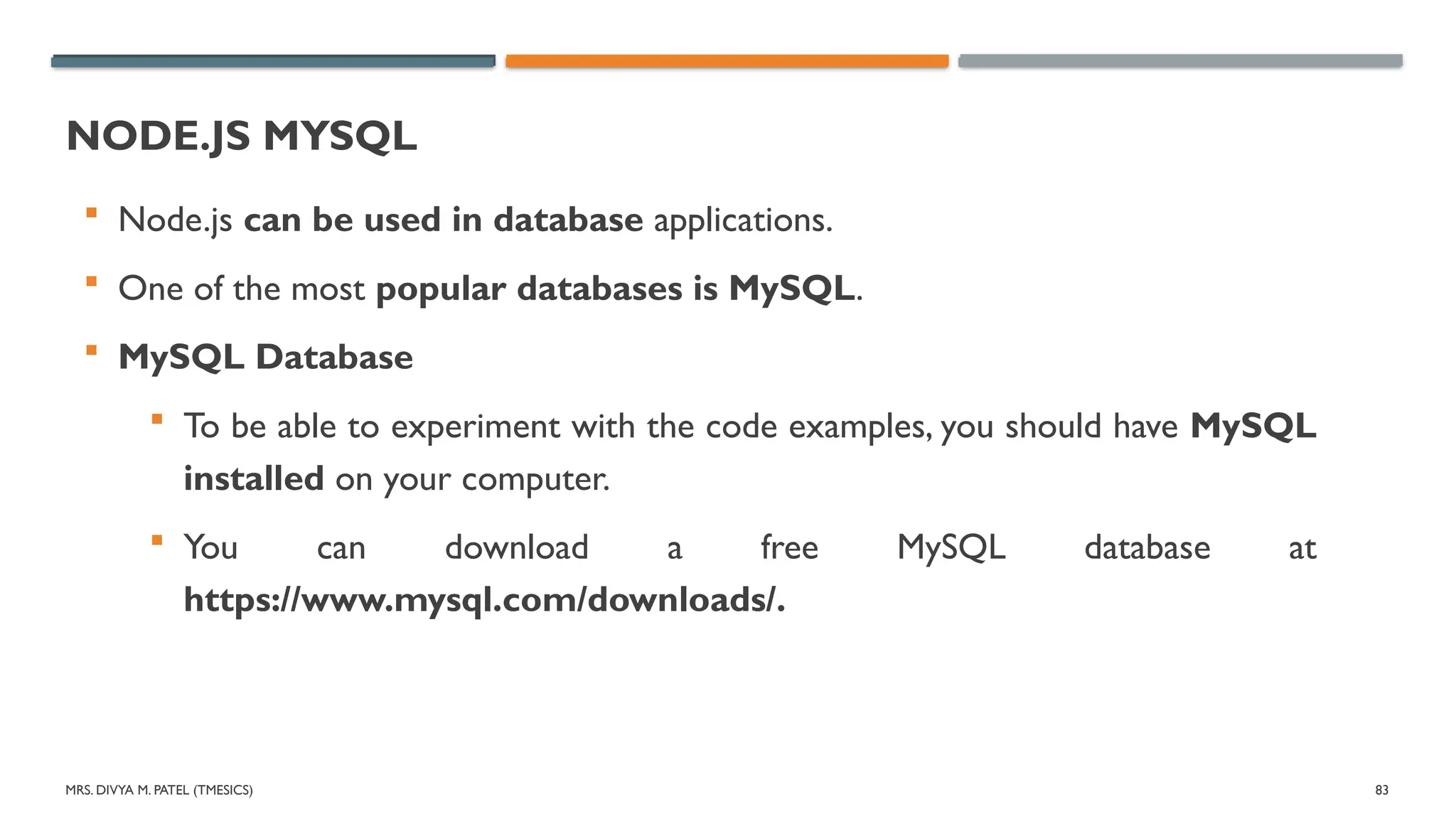
NODE.JS MYSQL
Node.js can be used in database applications.
One of the most popular databases is MySQL.
MySQL Database
To be able to experiment with the code examples, you should have MySQL
installed on your computer.
You can download a free MySQL database at
https://www.mysql.com/downloads/.
84.
MRS. DIVYA M.PATEL (TMESICS) 84
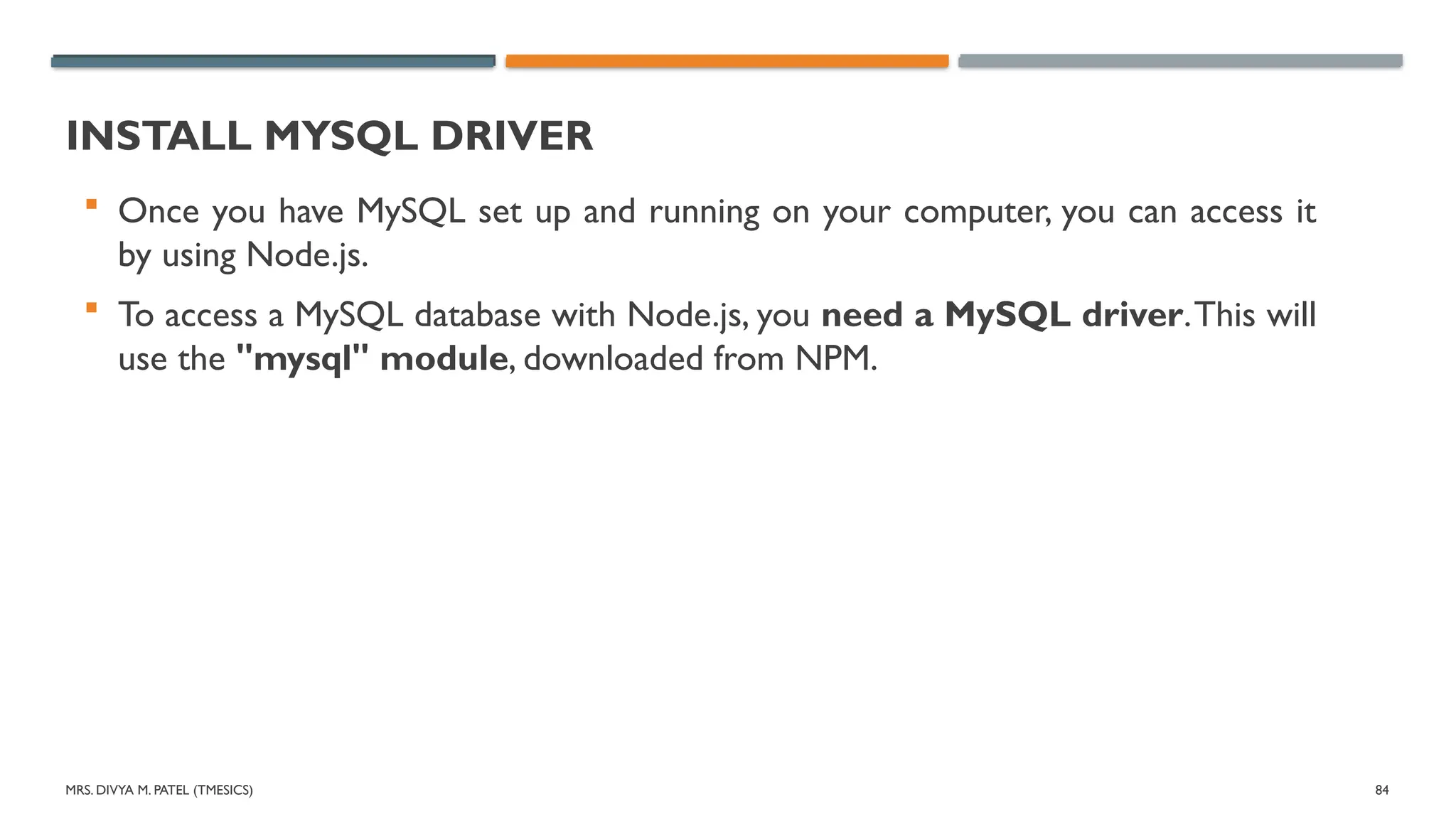
INSTALL MYSQL DRIVER
Once you have MySQL set up and running on your computer, you can access it
by using Node.js.
To access a MySQL database with Node.js, you need a MySQL driver.This will
use the "mysql" module, downloaded from NPM.
MRS. DIVYA M.PATEL (TMESICS) 86
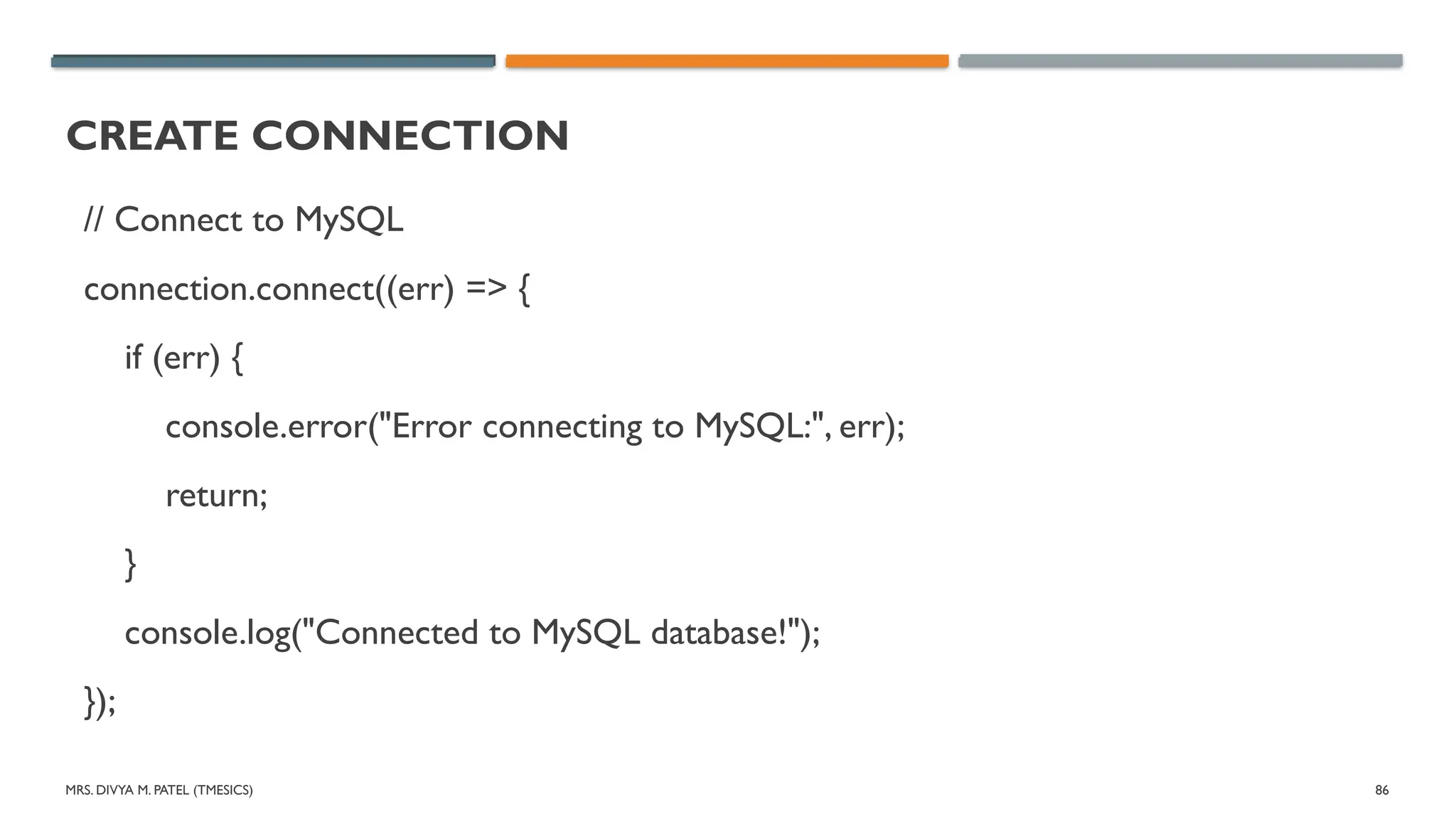
CREATE CONNECTION
// Connect to MySQL
connection.connect((err) => {
if (err) {
console.error("Error connecting to MySQL:", err);
return;
}
console.log("Connected to MySQL database!");
});
MRS. DIVYA M.PATEL (TMESICS) 90
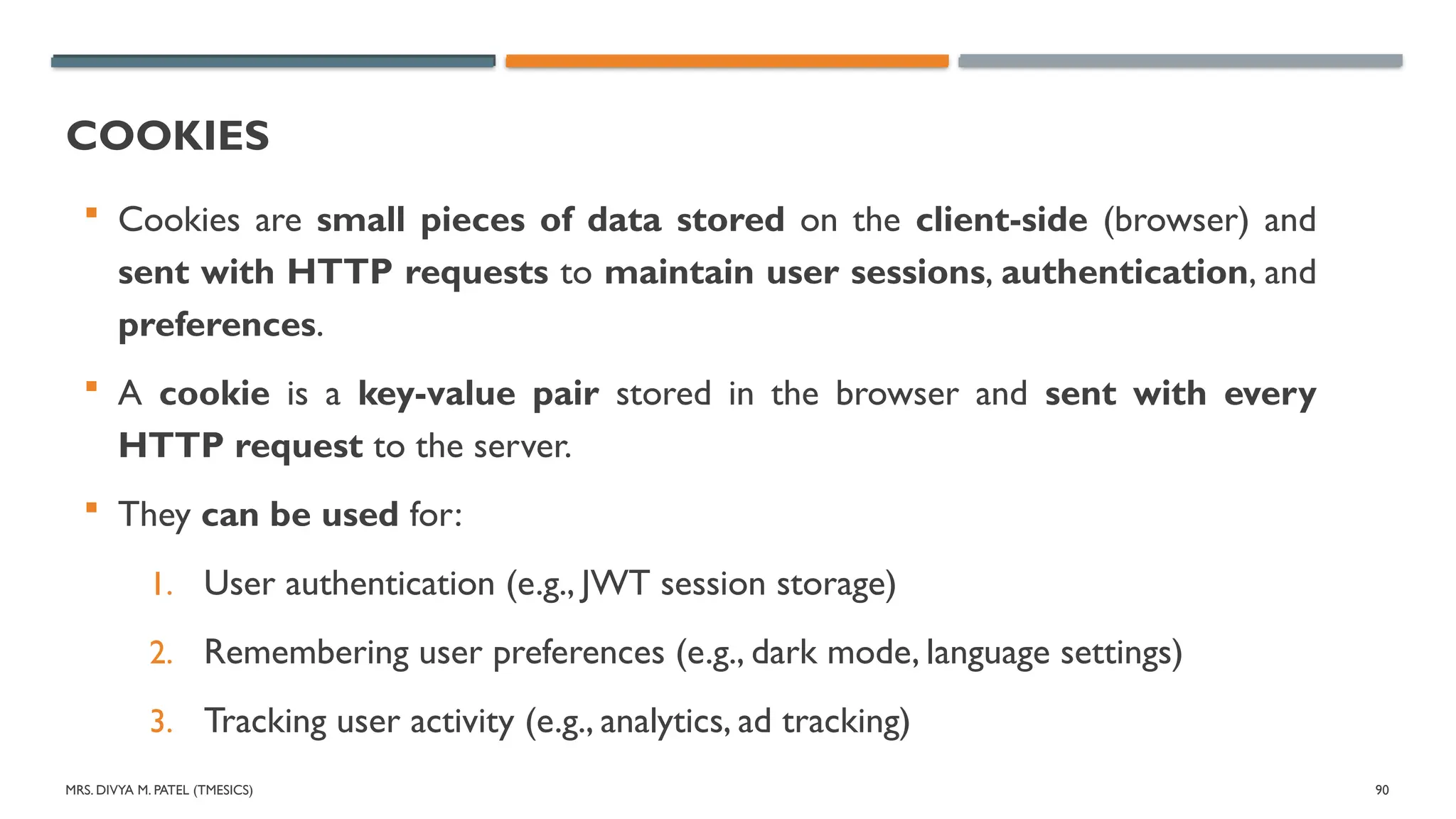
COOKIES
Cookies are small pieces of data stored on the client-side (browser) and
sent with HTTP requests to maintain user sessions, authentication, and
preferences.
A cookie is a key-value pair stored in the browser and sent with every
HTTP request to the server.
They can be used for:
1. User authentication (e.g., JWT session storage)
2. Remembering user preferences (e.g., dark mode, language settings)
3. Tracking user activity (e.g., analytics, ad tracking)
91.
MRS. DIVYA M.PATEL (TMESICS) 91
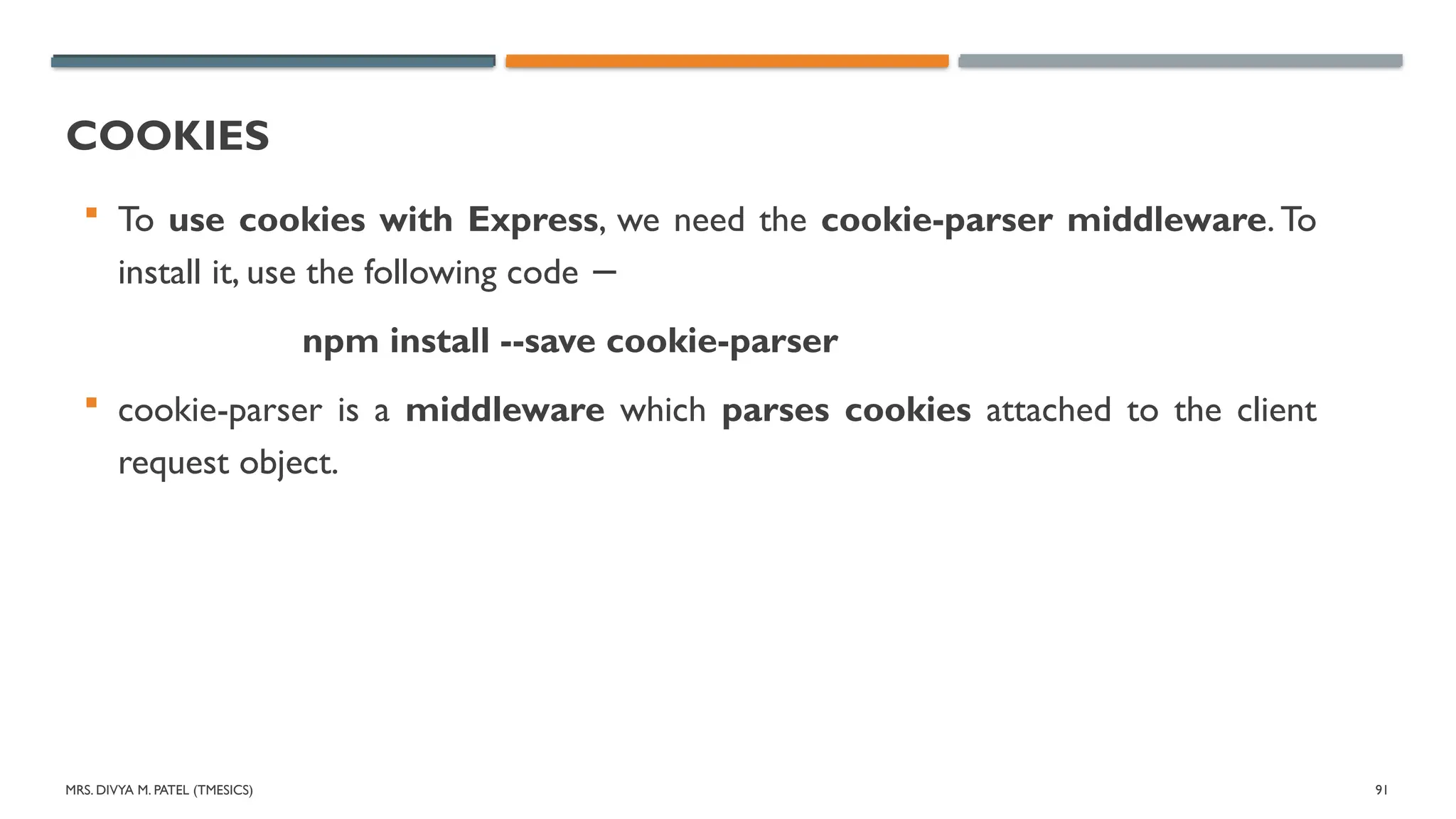
COOKIES
To use cookies with Express, we need the cookie-parser middleware. To
install it, use the following code −
npm install --save cookie-parser
cookie-parser is a middleware which parses cookies attached to the client
request object.
92.
MRS. DIVYA M.PATEL (TMESICS) 92
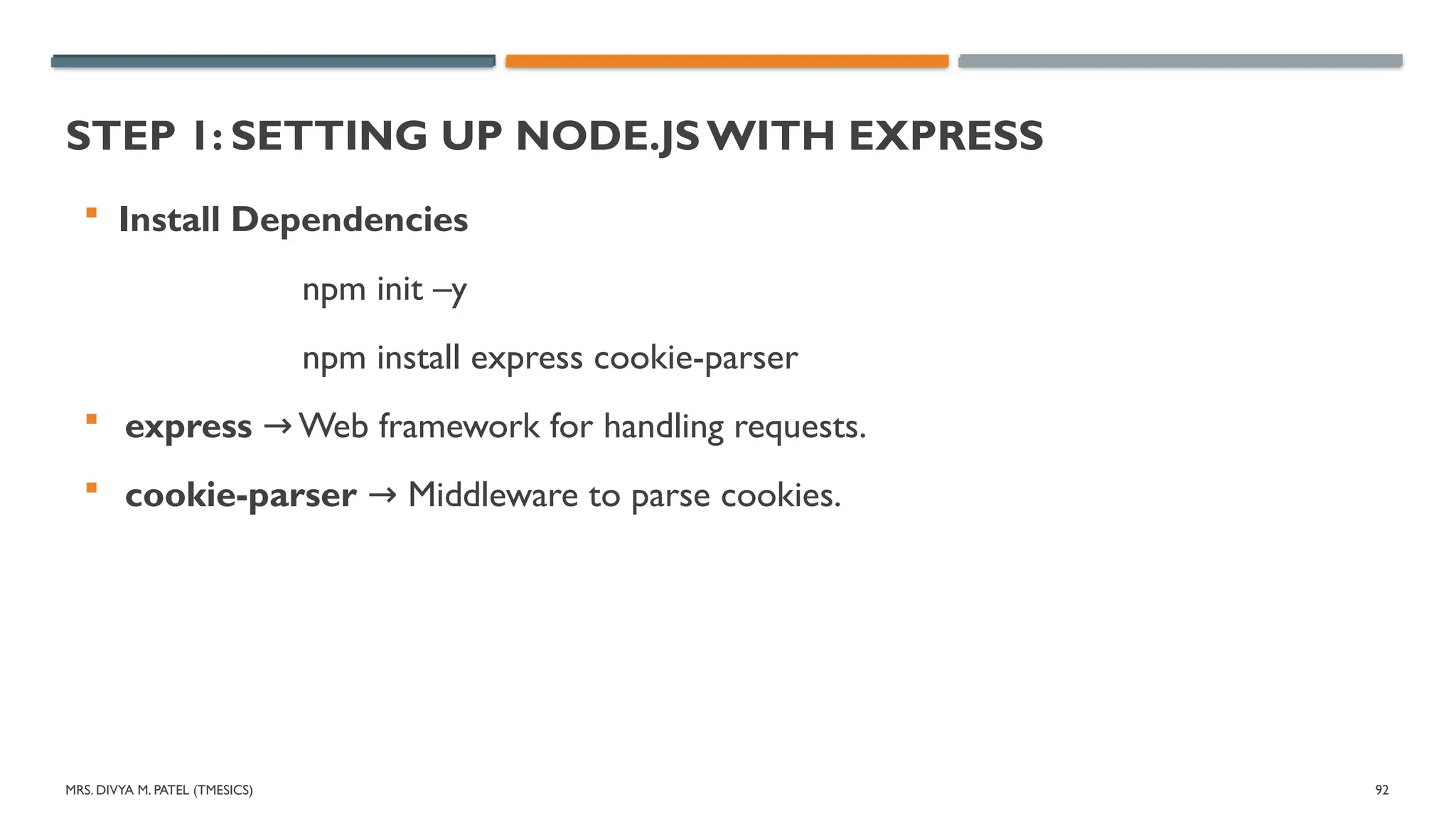
STEP 1: SETTING UP NODE.JS WITH EXPRESS
Install Dependencies
npm init –y
npm install express cookie-parser
express Web framework for handling requests.
→
cookie-parser Middleware to parse cookies.
→
93.
MRS. DIVYA M.PATEL (TMESICS) 93
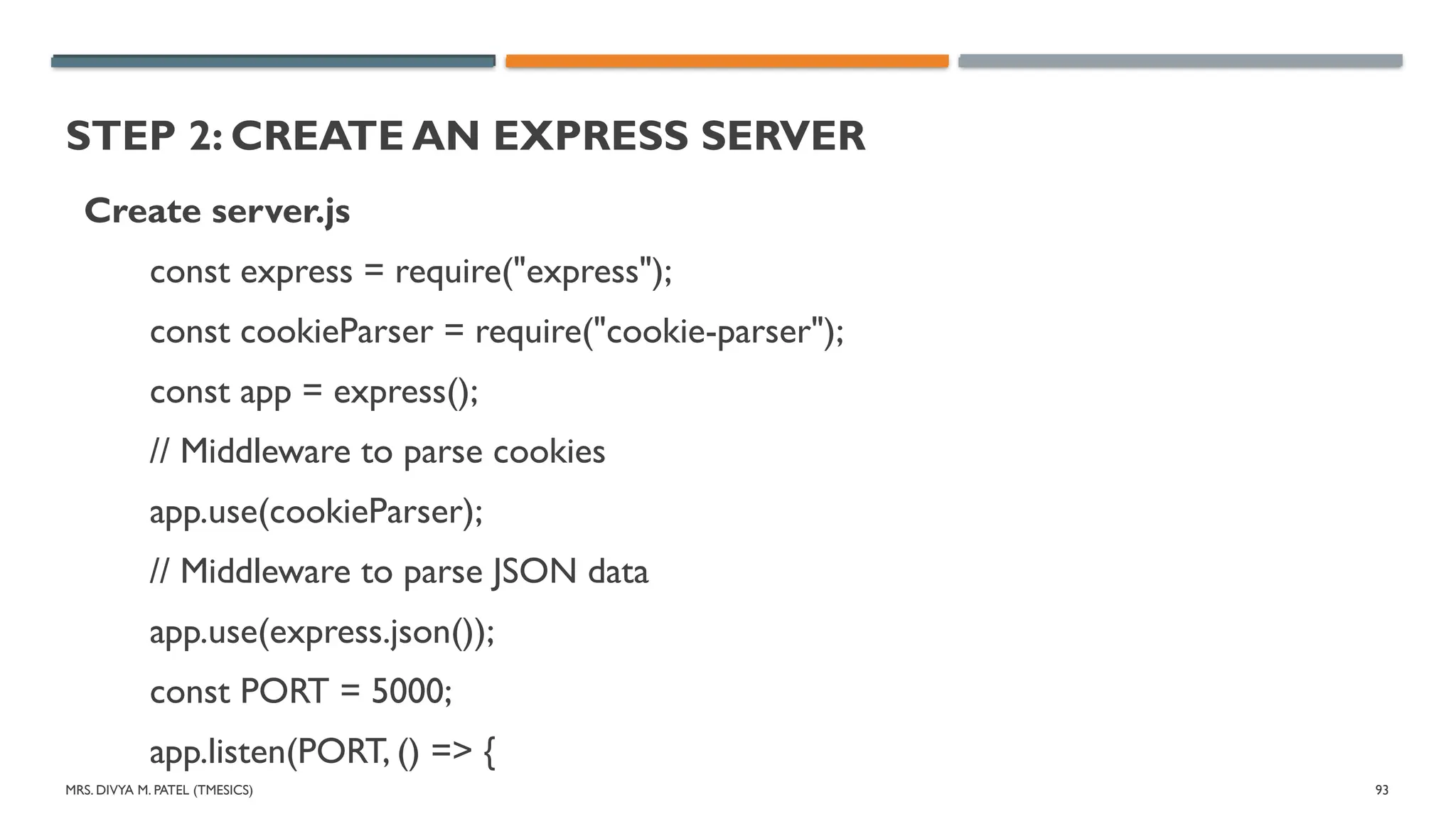
STEP 2: CREATE AN EXPRESS SERVER
Create server.js
const express = require("express");
const cookieParser = require("cookie-parser");
const app = express();
// Middleware to parse cookies
app.use(cookieParser);
// Middleware to parse JSON data
app.use(express.json());
const PORT = 5000;
app.listen(PORT, () => {
94.
MRS. DIVYA M.PATEL (TMESICS) 94
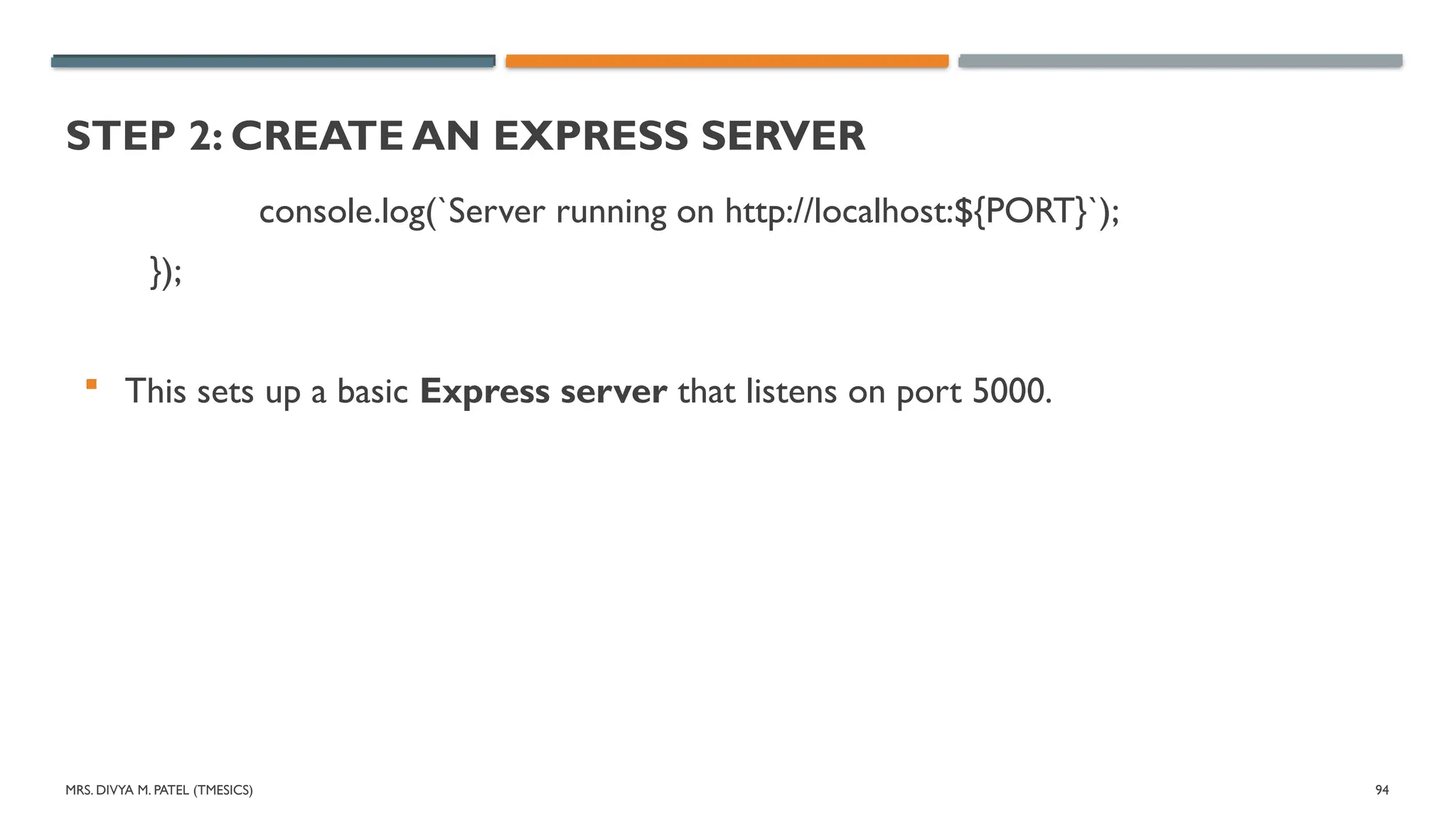
STEP 2: CREATE AN EXPRESS SERVER
console.log(`Server running on http://localhost:${PORT}`);
});
This sets up a basic Express server that listens on port 5000.
95.
MRS. DIVYA M.PATEL (TMESICS) 95
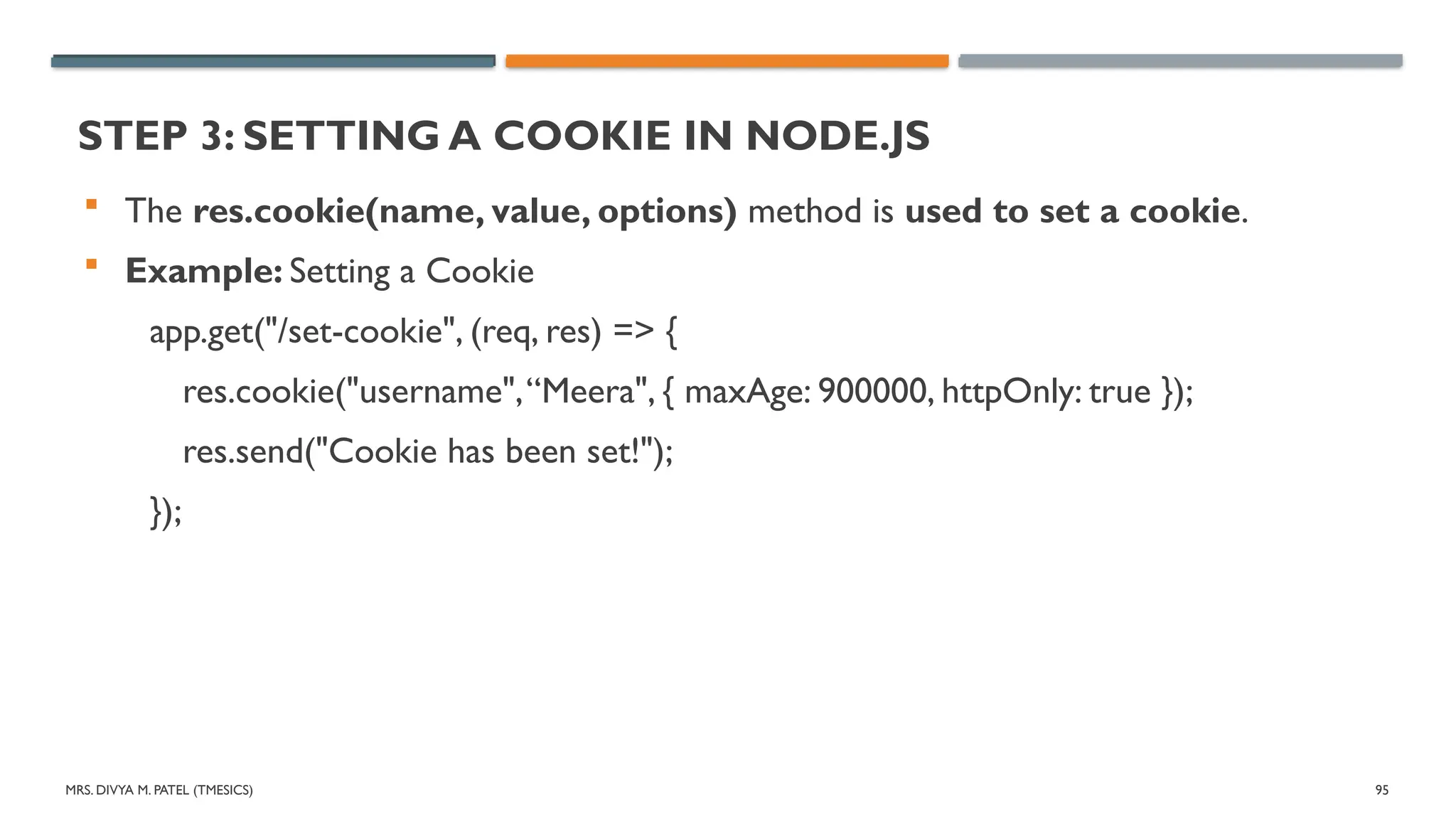
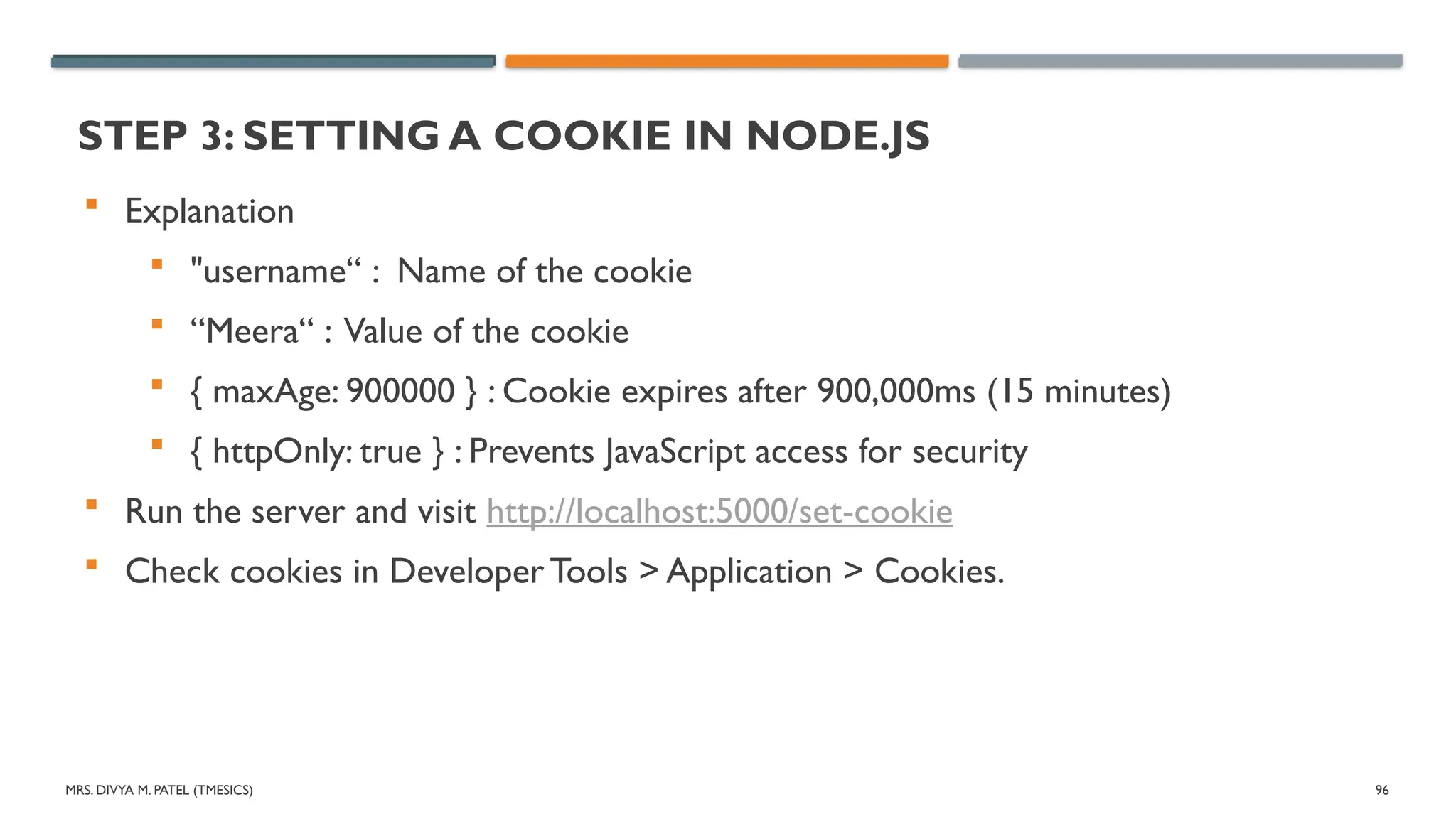
STEP 3: SETTING A COOKIE IN NODE.JS
The res.cookie(name, value, options) method is used to set a cookie.
Example: Setting a Cookie
app.get("/set-cookie", (req, res) => {
res.cookie("username",“Meera", { maxAge: 900000, httpOnly: true });
res.send("Cookie has been set!");
});
96.
MRS. DIVYA M.PATEL (TMESICS) 96
STEP 3: SETTING A COOKIE IN NODE.JS
Explanation
"username“ : Name of the cookie
“Meera“ : Value of the cookie
{ maxAge: 900000 } : Cookie expires after 900,000ms (15 minutes)
{ httpOnly: true } : Prevents JavaScript access for security
Run the server and visit http://localhost:5000/set-cookie
Check cookies in Developer Tools > Application > Cookies.
97.
MRS. DIVYA M.PATEL (TMESICS) 97
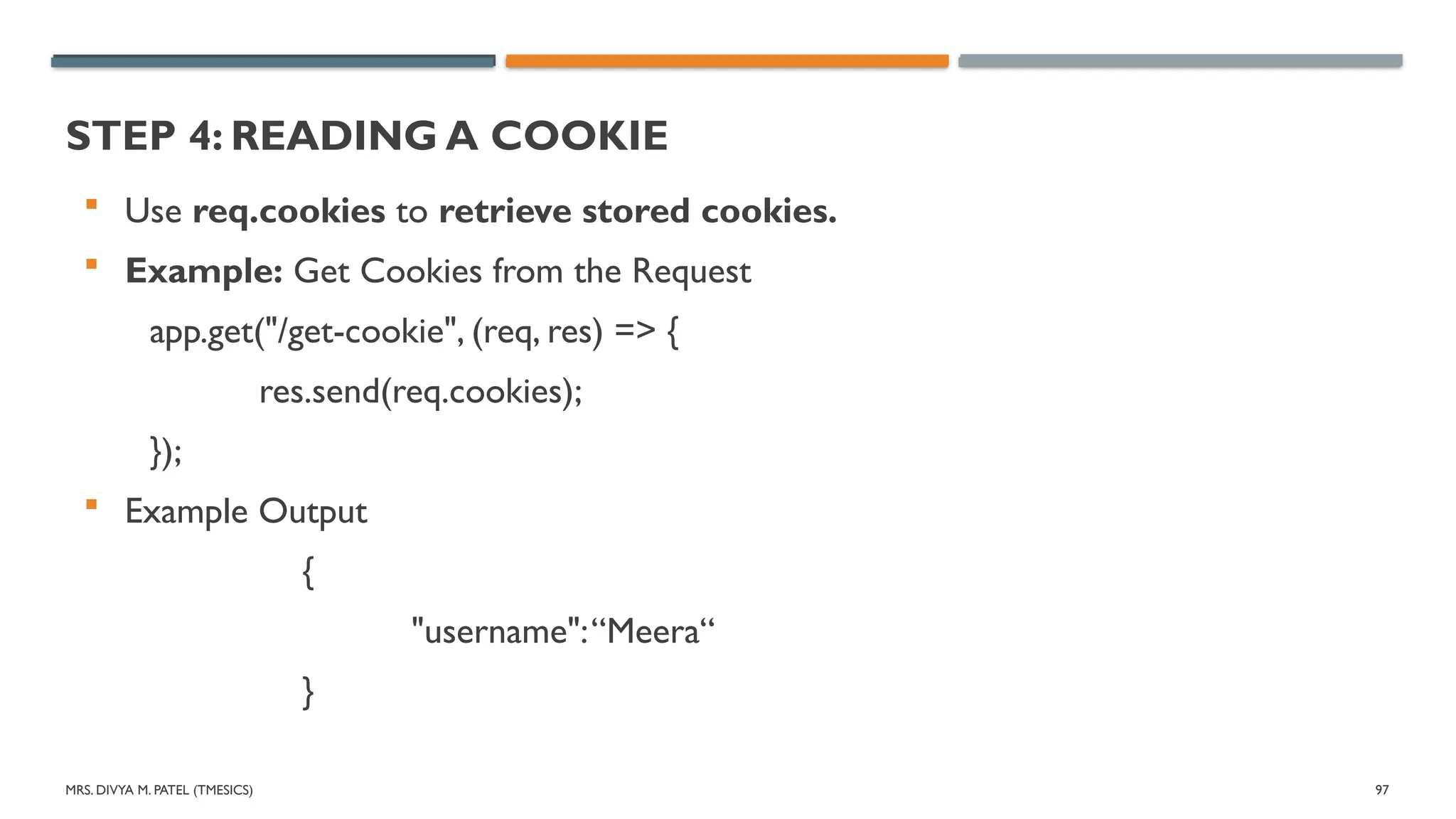
STEP 4: READING A COOKIE
Use req.cookies to retrieve stored cookies.
Example: Get Cookies from the Request
app.get("/get-cookie", (req, res) => {
res.send(req.cookies);
});
Example Output
{
"username":“Meera“
}
98.
MRS. DIVYA M.PATEL (TMESICS) 98
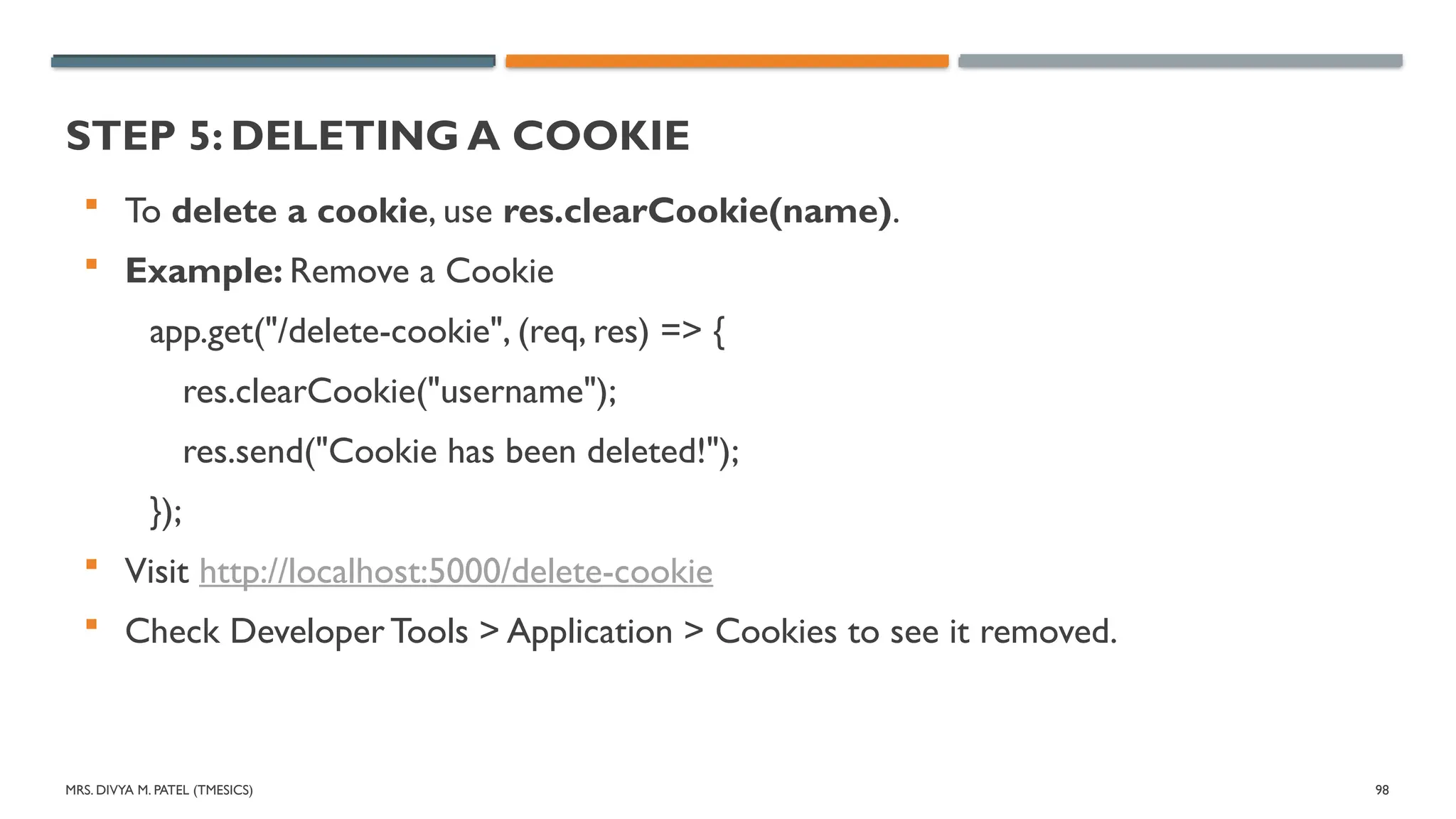
STEP 5: DELETING A COOKIE
To delete a cookie, use res.clearCookie(name).
Example: Remove a Cookie
app.get("/delete-cookie", (req, res) => {
res.clearCookie("username");
res.send("Cookie has been deleted!");
});
Visit http://localhost:5000/delete-cookie
Check Developer Tools > Application > Cookies to see it removed.
MRS. DIVYA M.PATEL (TMESICS) 100
HANDLING USER AUTHENTICATION WITH NODE.JS
User authentication is essential for securing applications.
In Node.js, authentication can be implemented using JWT (JSON Web
Tokens), session-based authentication, or OAuth (Google, Facebook, etc.).
Methods of Authentication:
1. JWT-based authentication (Token-based)
2. Session & Cookies-based authentication (Stateful authentication)
3. OAuth authentication (Google, Facebook, GitHub login)
101.
MRS. DIVYA M.PATEL (TMESICS) 101
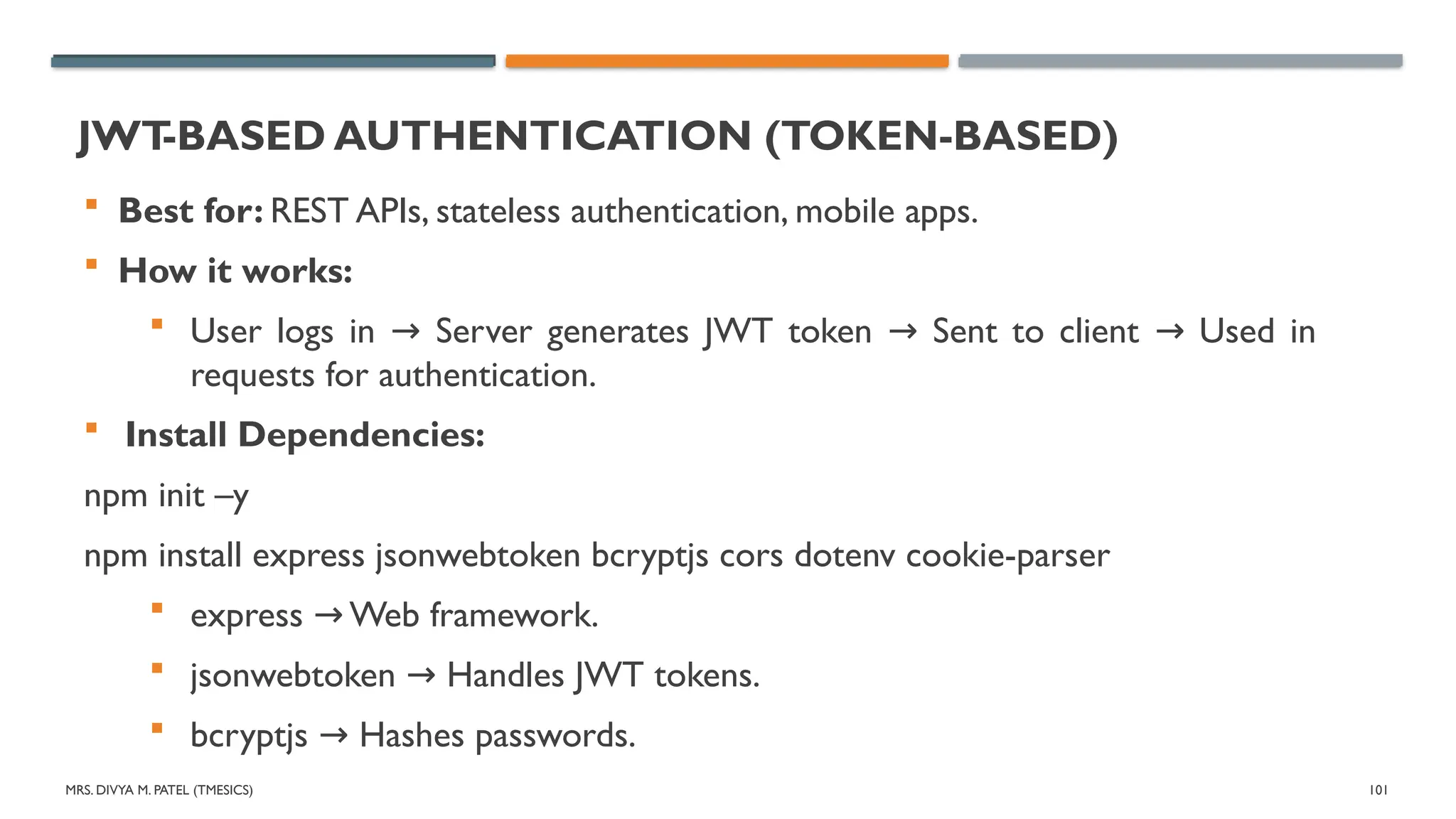
JWT
-BASED AUTHENTICATION (TOKEN-BASED)
Best for: REST APIs, stateless authentication, mobile apps.
How it works:
User logs in Server generates JWT token Sent to client Used in
→ → →
requests for authentication.
Install Dependencies:
npm init –y
npm install express jsonwebtoken bcryptjs cors dotenv cookie-parser
express Web framework.
→
jsonwebtoken Handles JWT tokens.
→
bcryptjs Hashes passwords.
→
MRS. DIVYA M.PATEL (TMESICS) 103
SESSION & COOKIE-BASED AUTHENTICATION
Best for: Web applications that require stateful authentication.
How it works:
User logs in Server stores session Sends session ID as a cookie
→ → →
Validates user for requests.
Install Dependencies
npm install express-session connect-mongo mongoose
104.
MRS. DIVYA M.PATEL (TMESICS) 104
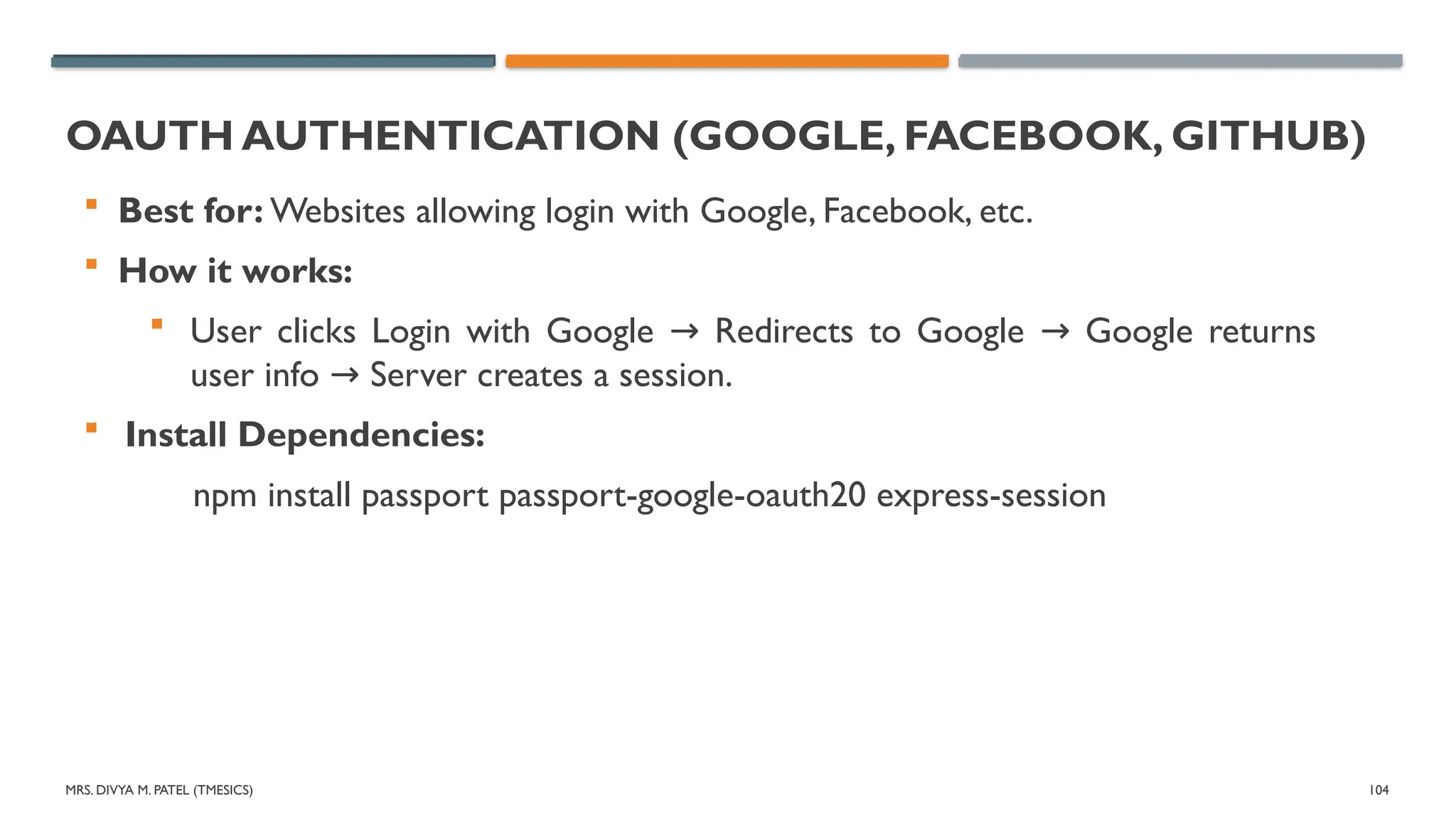
OAUTH AUTHENTICATION (GOOGLE, FACEBOOK, GITHUB)
Best for: Websites allowing login with Google, Facebook, etc.
How it works:
User clicks Login with Google Redirects to Google Google returns
→ →
user info Server creates a session.
→
Install Dependencies:
npm install passport passport-google-oauth20 express-session
105.
MRS. DIVYA M.PATEL (TMESICS) 105
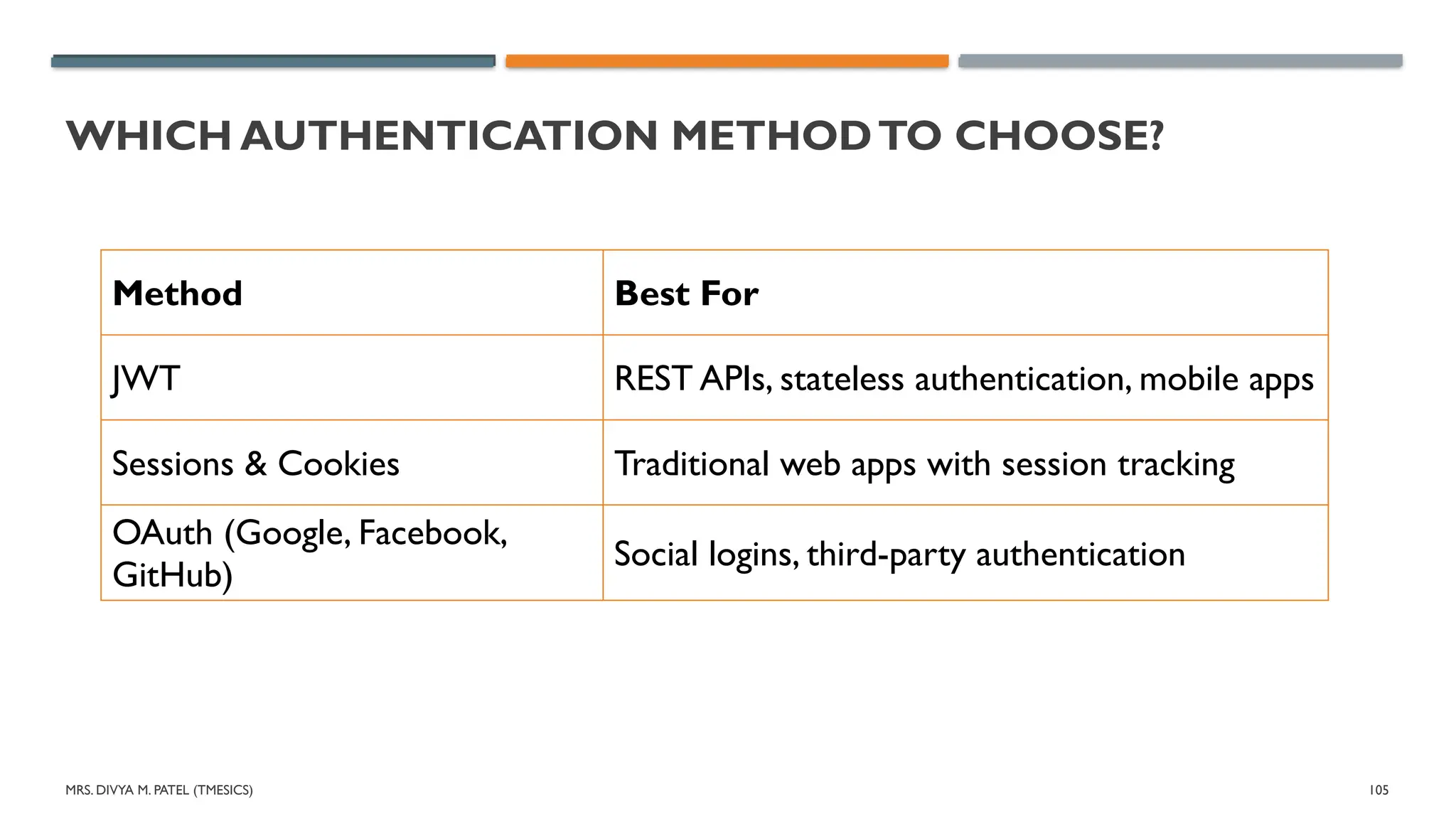
WHICH AUTHENTICATION METHODTO CHOOSE?
Method Best For
JWT REST APIs, stateless authentication, mobile apps
Sessions & Cookies Traditional web apps with session tracking
OAuth (Google, Facebook,
GitHub)
Social logins, third-party authentication

![MRS. DIVYA M. PATEL (TMESICS) 60
INSERT RECORD IN DATABASE
// Insert a sample document (MongoDB will create the collection automatically)
const users=[{ name: "Mitul", age: 32, city:“Vyara“, status: "active" },
{ name: "Meera", age: 4, city:“Surat“, status: "active" },
{ name: "Manan", age: 20, city:“Bardoli“, status:“Inactive" },
{ name: "Kathith", age: 10, city:“Vyara“, status:“Inactive" },
];
const result = await collection.insertMany(users);
console.log(`${result.insertedCount} documents inserted.`);
} catch (error) {
console.error("Error creating collection:", error);
}](https://image.slidesharecdn.com/unit3fsd-250627053748-469b54c5/75/Full-Stack-Development-Unit-3-GTU-MCA-pptx-60-2048.jpg)
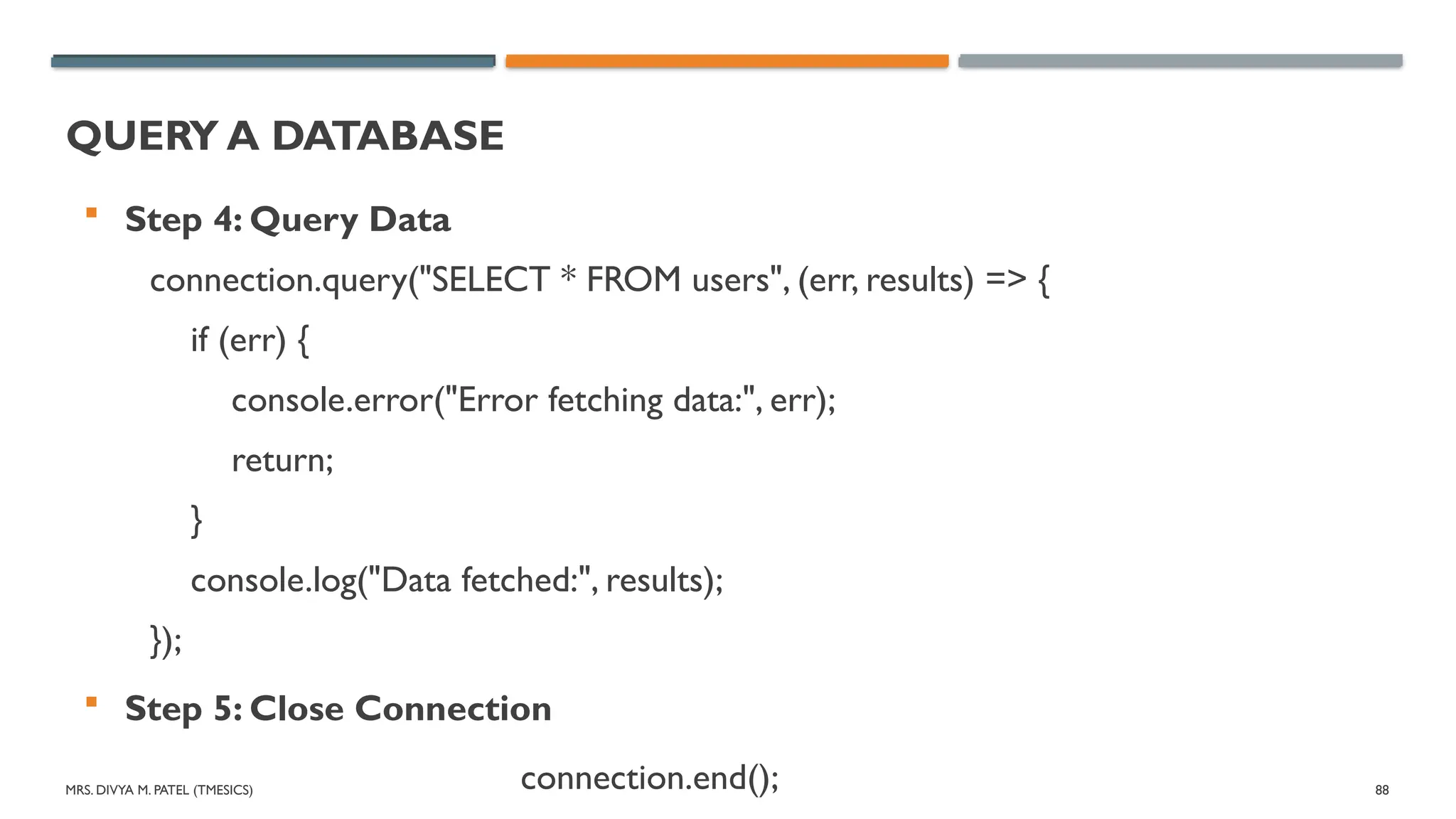
![MRS. DIVYA M. PATEL (TMESICS) 87
INSERT DATA
Step 3: Insert Data
const sql = "INSERT INTO users (name, email)VALUES (?, ?)";
const values = ["Meera", "meera@gmail.com"];
connection.query(sql, values, (err, result) => {
if (err) {
console.error("Error inserting data:", err);
return;
}
console.log("Data inserted successfully!", result.insertId);
});](https://image.slidesharecdn.com/unit3fsd-250627053748-469b54c5/75/Full-Stack-Development-Unit-3-GTU-MCA-pptx-87-2048.jpg)


![nosql [Autosaved].pptx](https://cdn.slidesharecdn.com/ss_thumbnails/nosqlautosaved-230721181148-0ee7f758-thumbnail.jpg?width=640&height=640&fit=bounds)


