Download to read offline

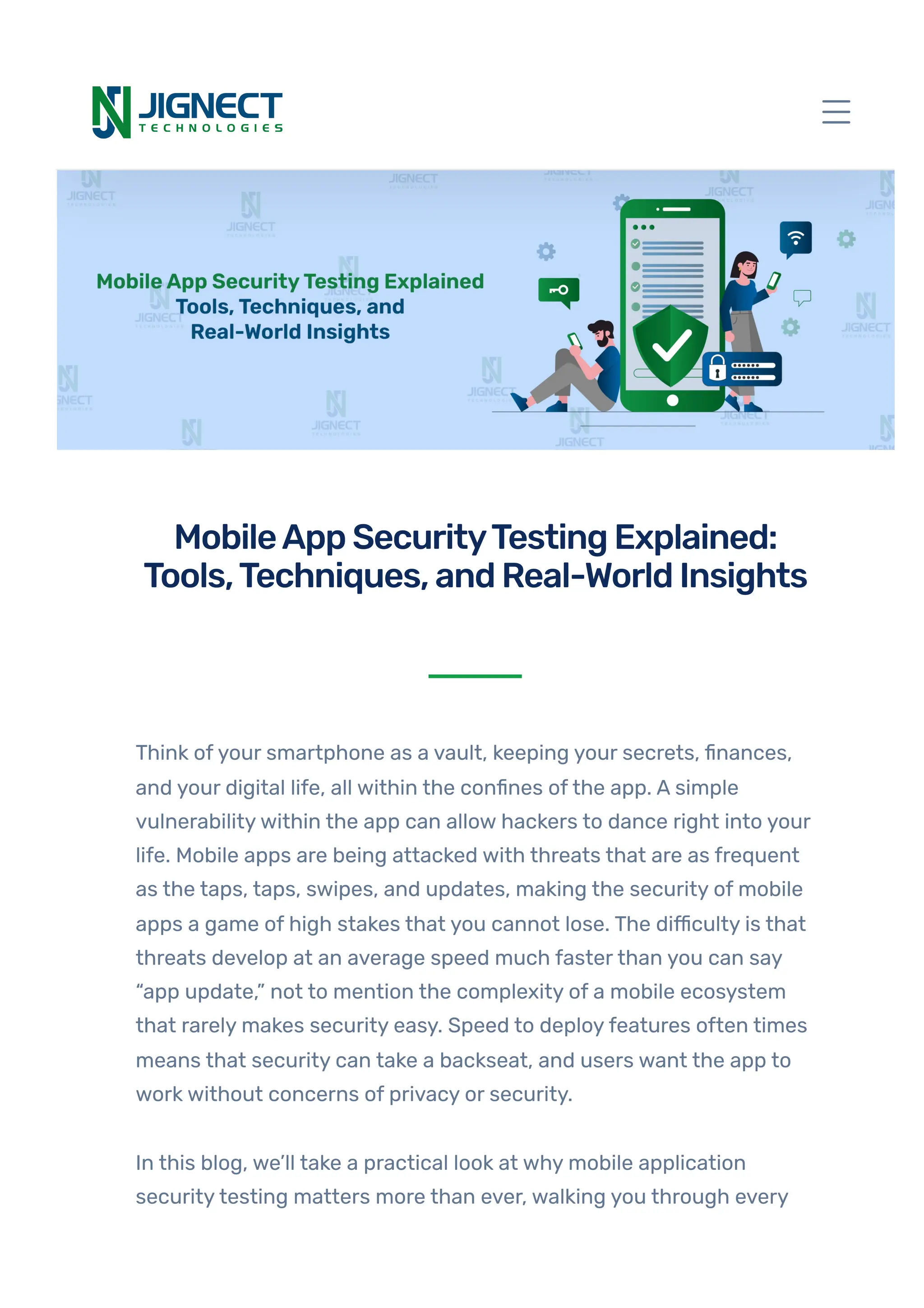


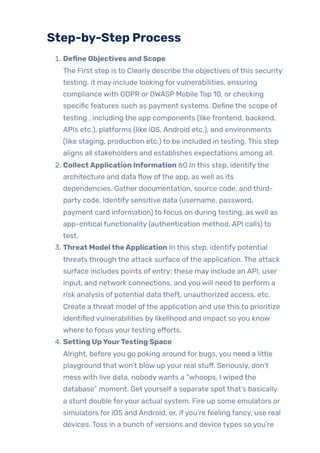
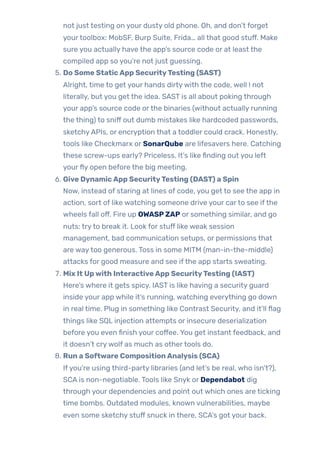
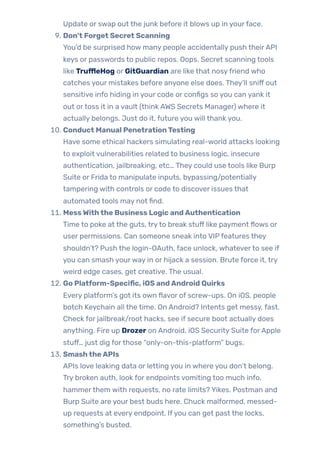
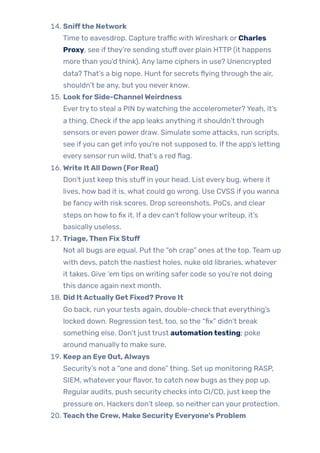
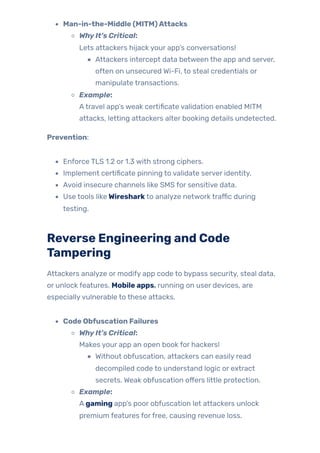
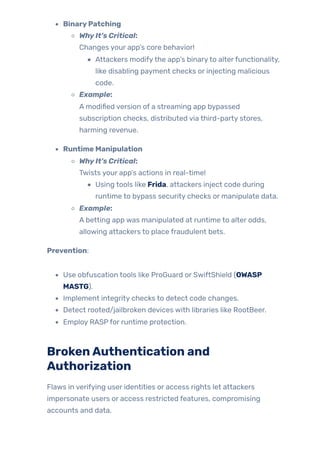
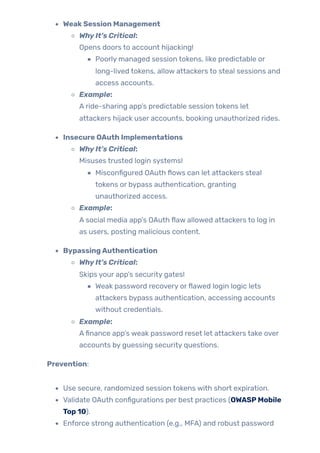
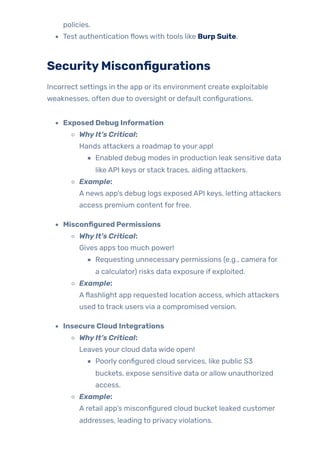


Think of your smartphone as a vault, keeping your secrets, finances, and your digital life, all within the confines of the app. A simple vulnerability within the app can allow hackers to dance right into your life. Mobile apps are being attacked with threats that are as frequent as the taps, taps, swipes, and updates, making the security of mobile apps a game of high stakes that you cannot lose. The difficulty is that threats develop at an average speed much faster than you can say “app update,” not to mention the complexity of a mobile ecosystem that rarely makes security easy. Speed to deploy features often times means that security can take a backseat, and users want the app to work without concerns of privacy or security. In this blog, we’ll take a practical look at why mobile application security testing matters more than ever, walking you through every phase, from identifying attack vectors like insecure storage, communication flaws, and code tampering. We will address the types of the most common attacks, who should be testing, and the critical steps to making security a critical pillar of trust and adoption in your app. There is no question, if you are building, testing or managing mobile apps, you have a role in understanding these threats and testing for them. Hopefully you will be able to recognize, and test for, problems specific to mobile, be aware of platform specific issues like rooting or jail breaking, understand how to turn on hardware-backed security, and are aware of best practice in reporting and remediation. Once you finish this guide, you will be in a much better position to protect users data, understand and follow industry best practices, and have security checkpoints at every step in your development life cycle turning mobile security from an afterthought into a feature. Let’s get started!


![Getting Started with Apache Spark: Big Data Made Simple [Free Meetup]](https://cdn.slidesharecdn.com/ss_thumbnails/apachesparkgettingstarted-260203175547-8361bcc3-thumbnail.jpg?width=640&height=640&fit=bounds)


